How do I use the Dark Fantasy Orc Battle template?
Edit the prompt in the box under the preview — the template's model and format are already selected — and press Generate. Your version appears right on this page.
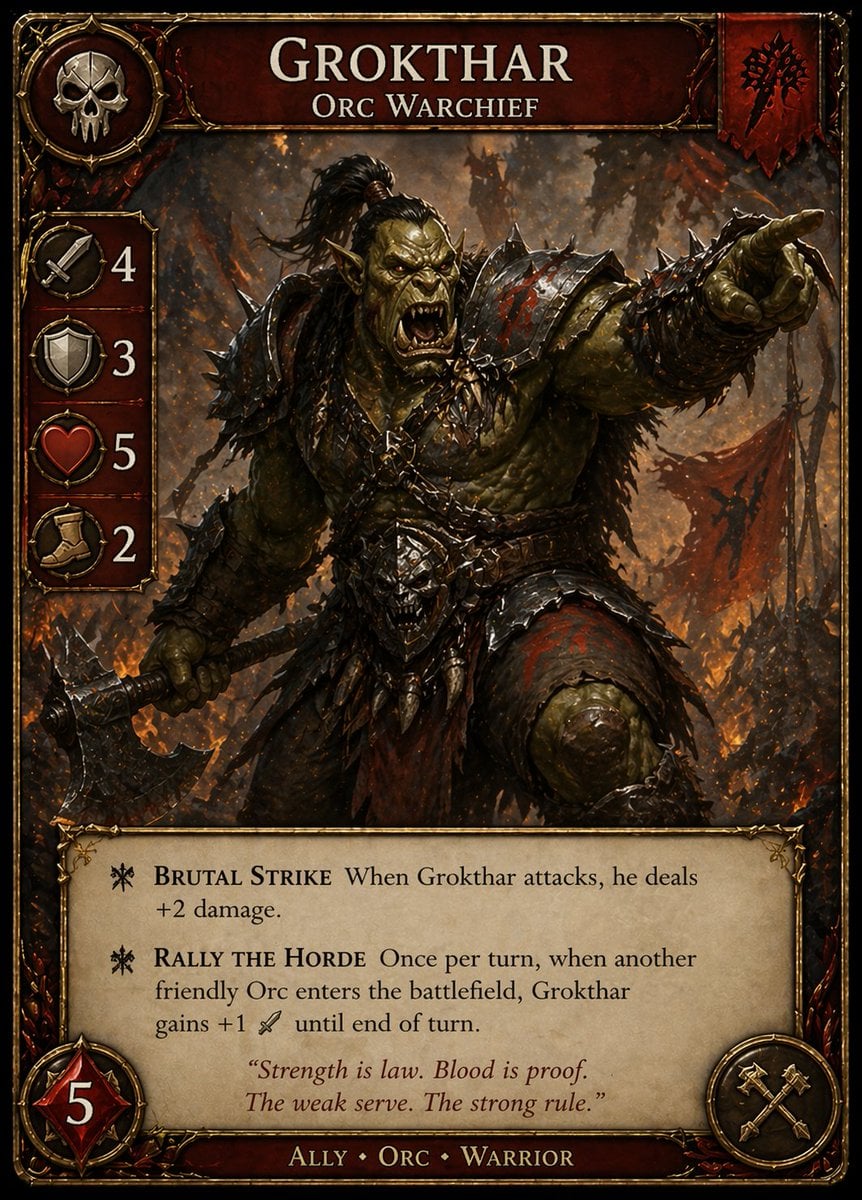
Generates a cinematic medieval fantasy battle scene with an orc warlord, a human knight, and a dwarf observer for dramatic game or novel artwork.

This template uses your photo — add one with the + button.
Create a dark cinematic fantasy battle illustration in a gritty semi-realistic painterly style. The scene is set in a ruined stone corridor at night, with broken masonry, black shadows, and a narrow cobblestone floor. In the foreground, show the back of a large dwarf warrior with long reddish-brown braided hair, heavy engraved metal shoulder armor, leather straps, and a hammer or axe handle gripped at the right edge; keep this foreground figure intentionally out of focus to create depth. In the midground, depict exactly two combatants locked in a dramatic clash: one enormous green-skinned orc warlord with tusks, pointed ears, scarred muscular arms, spiked dark armor, and a massive chipped battle axe raised in his left hand; and one agile young human knight with {argument name="hero hair color" default="windblown blond hair"}, sharp determined expression, ornate dark armor, a torn black cape streaming behind him, and a sword braced against the orc at chest level. Add a bright orange-white spark burst where the sword strikes the orc armor, with flying embers and metal fragments radiating through the darkness. Use high contrast chiaroscuro lighting, warm sparks against cold green-black shadows, intricate armor detail, dynamic motion, dramatic perspective from behind the dwarf observer, shallow depth of field, no modern objects. Include a small elegant signature and date in the bottom-right corner reading {argument name="date text" default="June 8, 2026"} and {argument name="signature text" default="Oyagi"}.
Create a dark cinematic fantasy battle illustration in a gritty semi-realistic painterly style. The scene is set in a ruined stone corridor at night, with broken masonry, black shadows, and a narrow cobblestone floor. In the foreground, show the back of a large dwarf warrior with long reddish-brown braided hair, heavy engraved metal shoulder armor, leather straps, and a hammer or axe handle gripped at the right edge; keep this foreground figure intentionally out of focus to create depth. In the midground, depict exactly two combatants locked in a dramatic clash: one enormous green-skinned orc warlord with tusks, pointed ears, scarred muscular arms, spiked dark armor, and a massive chipped battle axe raised in his left hand; and one agile young human knight with {argument name="hero hair color" default="windblown blond hair"}, sharp determined expression, ornate dark armor, a torn black cape streaming behind him, and a sword braced against the orc at chest level. Add a bright orange-white spark burst where the sword strikes the orc armor, with flying embers and metal fragments radiating through the darkness. Use high contrast chiaroscuro lighting, warm sparks against cold green-black shadows, intricate armor detail, dynamic motion, dramatic perspective from behind the dwarf observer, shallow depth of field, no modern objects. Include a small elegant signature and date in the bottom-right corner reading {argument name="date text" default="June 8, 2026"} and {argument name="signature text" default="Oyagi"}.
Edit the prompt in the box under the preview — the template's model and format are already selected — and press Generate. Your version appears right on this page.
Yes. You can change the subject, setting, lighting, mood, format, and available model controls before creating your image.
Opening and editing this template is free. Generating uses credits, shown on the Generate button when you are signed in.
Start with GPT Image 2, which is the model associated with this template. You can compare another compatible model for a different finish.
Follow a topic to a crawlable collection of related PicX Studio templates.