
Dark Fantasy Fish-Headed Mermaid
Generates a vertical gothic underwater fine-art portrait of a pale fish-headed mermaid surrounded by gold-leaf cracks.
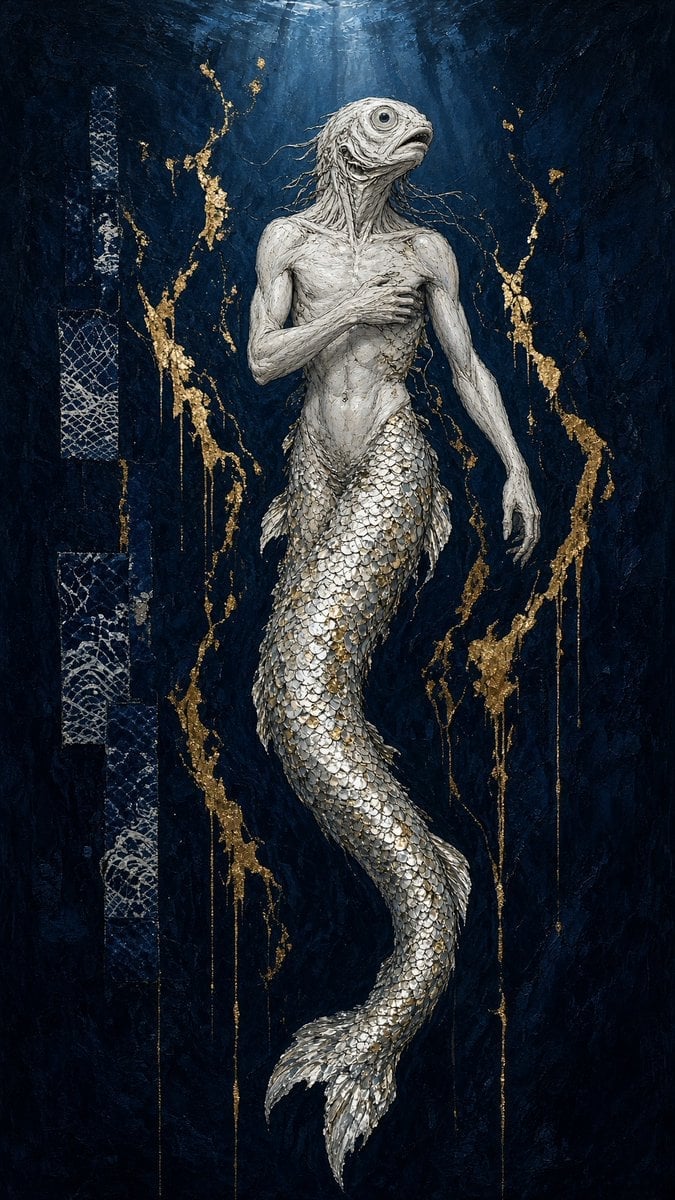
- Prompt included
- Model and format preset
- Free template
The prompt behind this image
Copy the exact prompt behind Dark Fantasy Fish-Headed Mermaid, or open it in the studio and make it yours.
Create a tall vertical dark-fantasy fine art illustration of a lone {argument name="mythic creature" default="fish-headed mermaid"} suspended upright in deep water, centered on the canvas. The creature has a pale corpse-white humanoid upper torso with gaunt anatomy, long thin arms, one hand pressed across the chest and the other hanging downward, stringy wet hair-like tendrils, and a large realistic fish head with one prominent round eye and a slightly open mouth. Its lower body is a long serpentine mermaid tail covered in countless overlapping metallic silver scales, tapering into a split fin near the bottom. The background is an abyssal navy-black textured wall or underwater void, with faint shafts of cold light descending from the top center. Add exactly two main vertical decorative areas: one narrow column of cracked white net-like geometric texture along the left edge, and one loose aura of irregular {argument name="metal accent color" default="gold"} leaf cracks and dripping lines surrounding the creature on both sides. Use an oil-painting mixed-media look with heavy impasto texture, scratched surfaces, tarnished metallic highlights, dramatic chiaroscuro, muted blue-black palette, eerie sacred-icon composition, and highly detailed scales and skin. No text, no border, no watermark.
How to use Dark Fantasy Fish-Headed Mermaid in 3 steps
- 1Upload ImagePNG, JPG or paste
Add your photo
Upload the photo the template builds on. The prompt, model and format are already set.
- 2…a portrait of your subject in softgolden-hour light, 85mm…
Personalize
Edit the subject and creative details for your destination.
- 3Generate
Generate
Press Generate — your image is created in PicX Studio, so you can compare it with the original and refine one variable at a time.
More like this
Templates with the same subject, style or setup. Open one to see its prompt.

Dark Fantasy Sorceress Storyboard

Dark Fantasy Smoke Monster Transformation

Anime Fantasy Celestial Movie Poster
Anime Fantasy Celestial Movie Poster

Selective Color Monochrome Football Poster

Minecraft Fantasy Kingdom Voxel Landscape

Unfinished Sketch Comes Alive Portrait

Open Travel Journal Overhead Still Life

Tiny Woman Miniature Fantasy Macro Scene
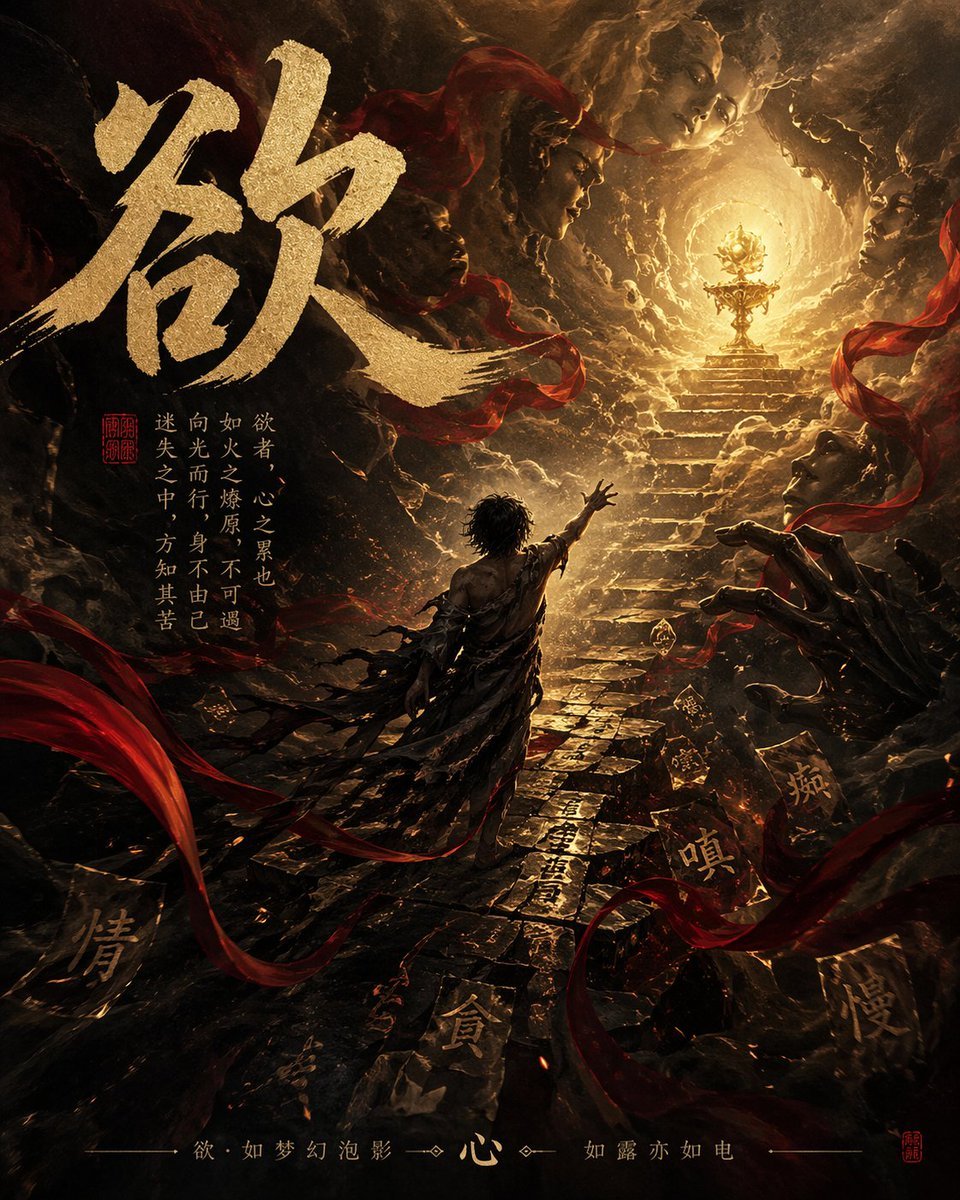
Dark Chinese Fantasy Desire Poster
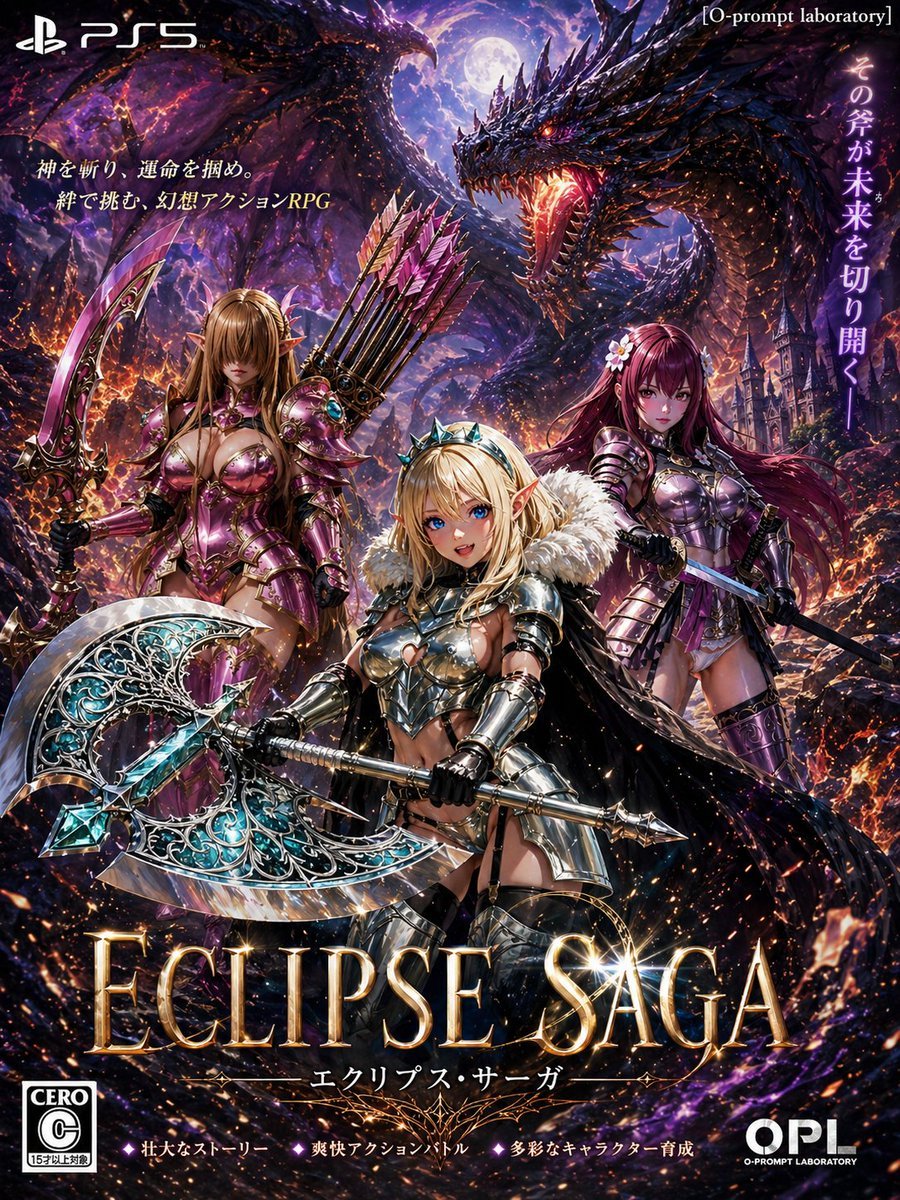
Dark Fantasy PS5 RPG Cover Art
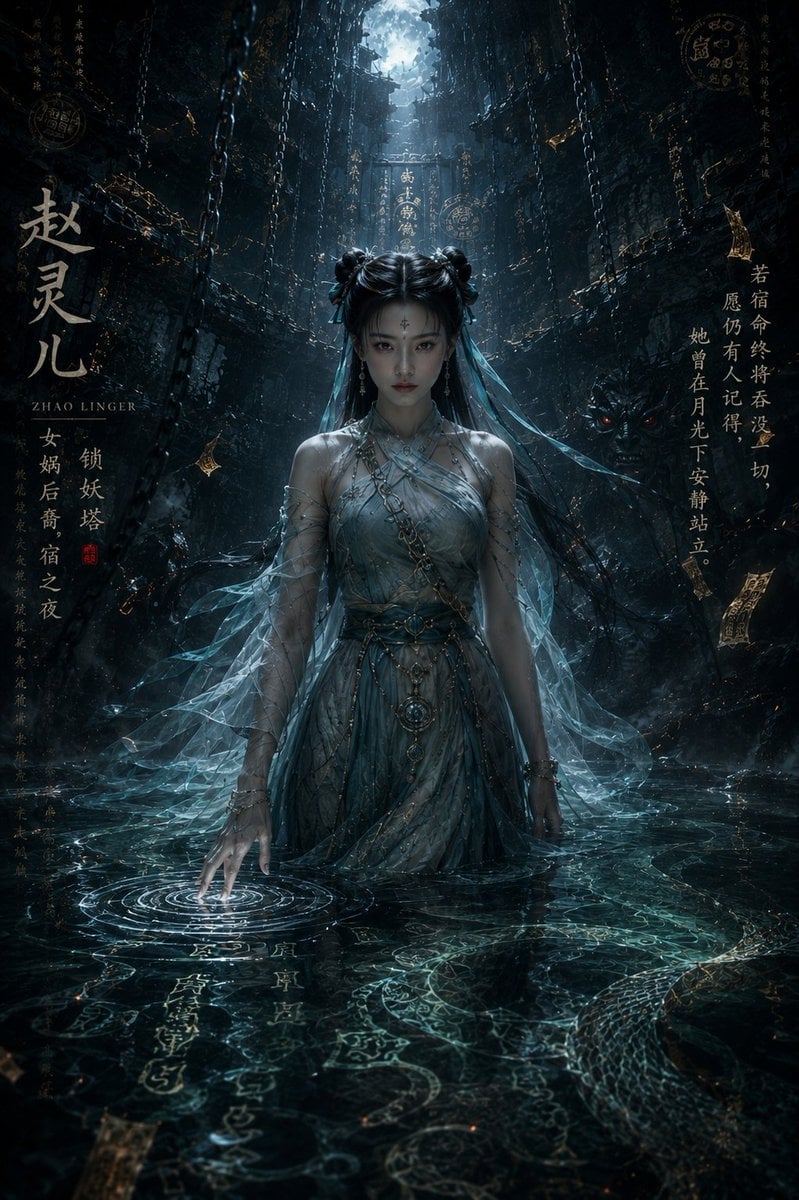
Dark Eastern Fantasy Zhao Ling'er Poster
Make it yours
Dark Fantasy Fish-Headed Mermaid works as-is. These are the safest ways to change it without losing the look.
Change one field
Copy a single group, rewrite it, and generate again so you can see what that field is doing.
Keep the frame, change the subject
Hold the composition and light of Dark Fantasy Fish-Headed Mermaid, then swap wardrobe, props or the person for a new take.
| If the result… | Why | Fix |
|---|---|---|
| The result drifts from the preview | Too many fields changed at once. | Reuse Dark Fantasy Fish-Headed Mermaid as-is first, then change one group — subject, light, or setting. |
| The model over-stylizes the scene | The prose prompt leaves finish and camera underspecified. | Add one camera or lighting sentence and stay on GPT Image 2. |
More GPT Image 2 templates
Other prompts made for GPT Image 2.

Six VTuber Japanese Logo Sheet

Realistic Portrait of Woman and Deer

The Vista Modular Condo Poster

AI Model Routing Comparison Infographic

2.5D Anime Art Board

Isometric Productivity Desk Scene

New York Double Exposure Poster

Four-Panel AI Landscape Comparison

Japanese Tatami Lifestyle Magazine Cover

NESCAFÉ Coffee Map Poster
More image prompts
Fresh picks from across the catalog.
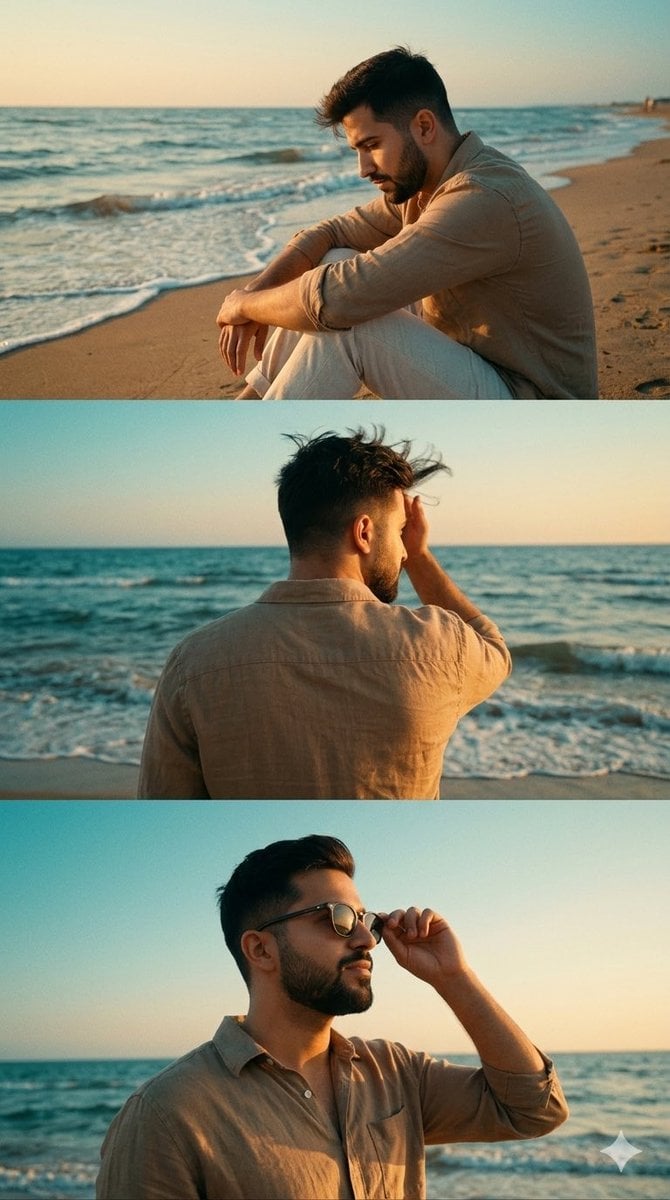
Cinematic Vertical Collage of a Stylish Man at the Beach
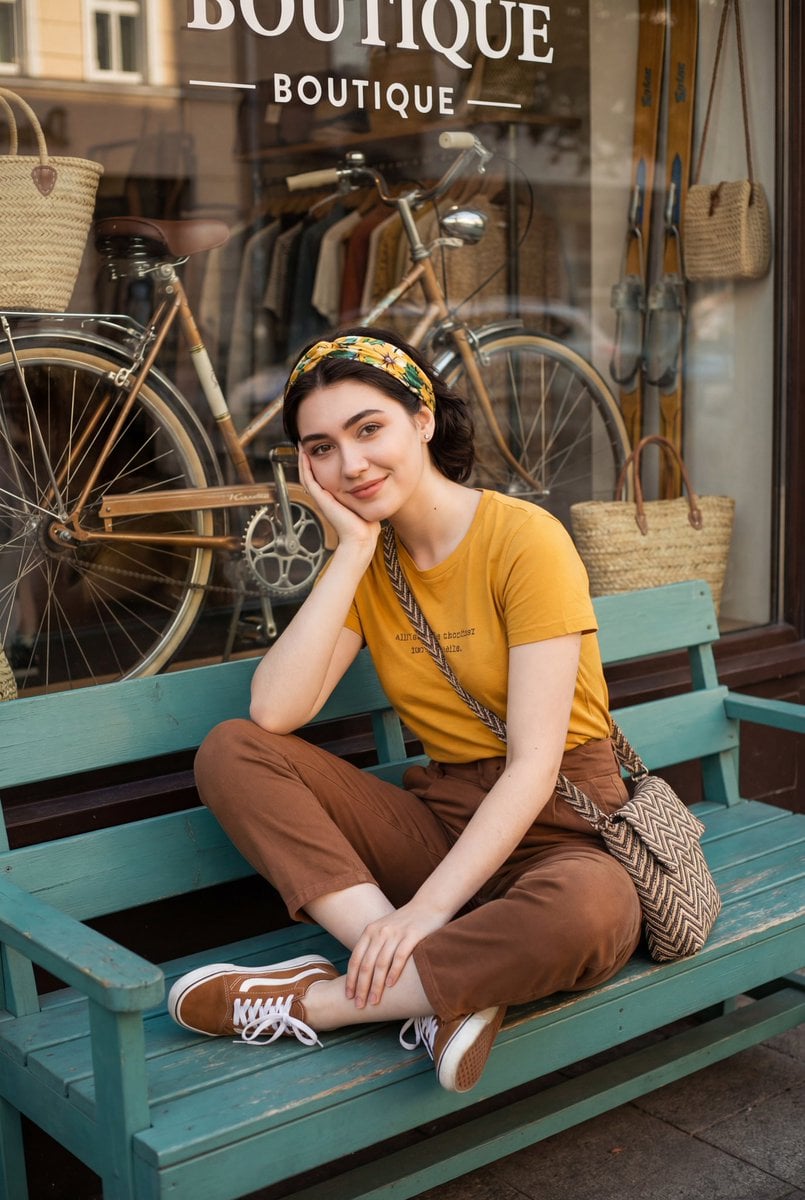
Retro Street Fashion Portrait
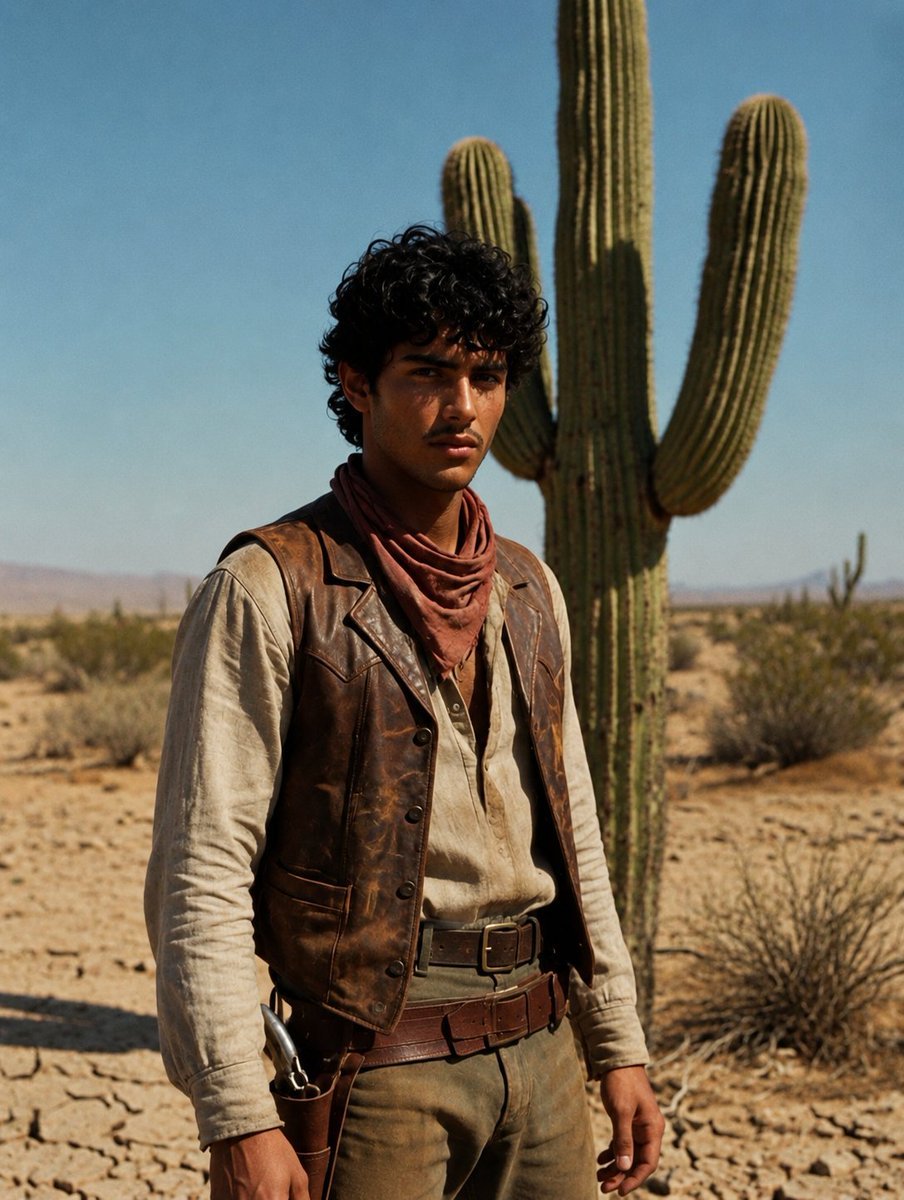
Desert Luxury Western Fashion Portrait
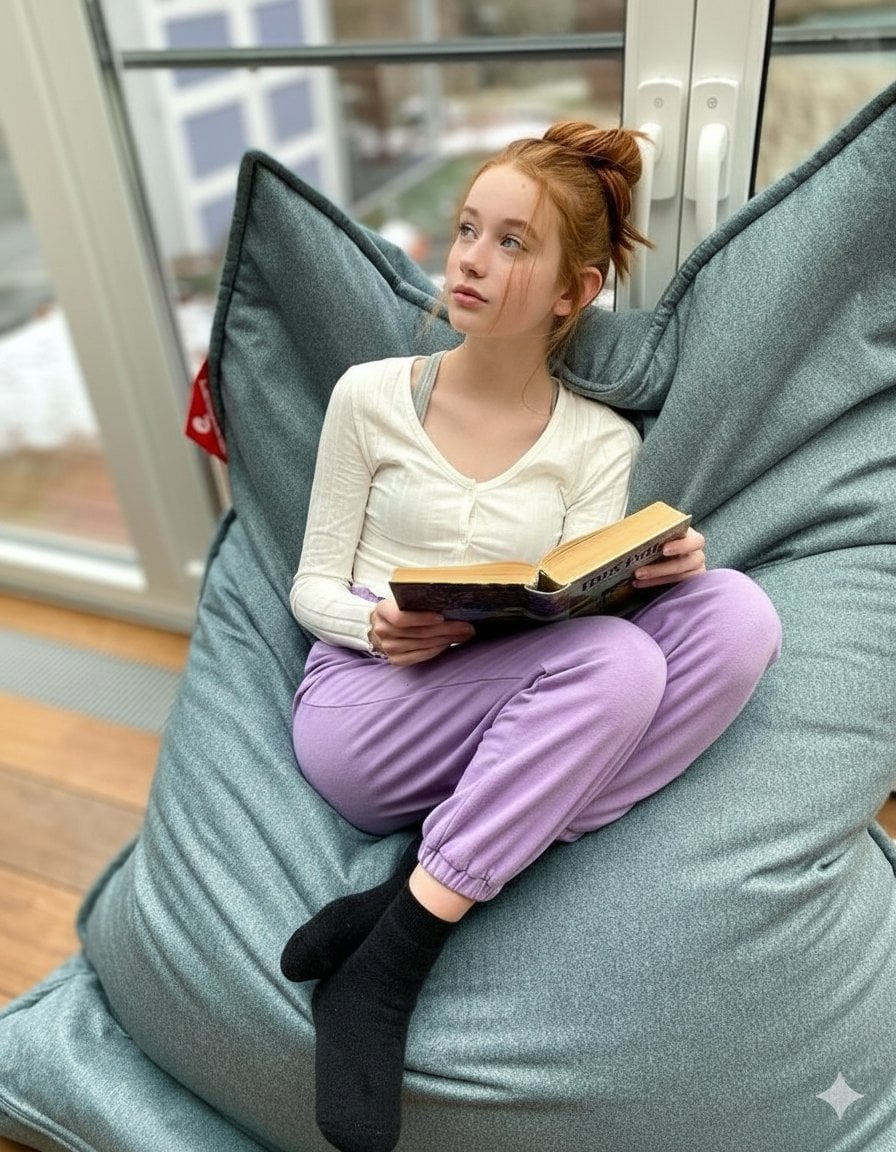
Cozy Teenage Girl Reading Portrait Prompt
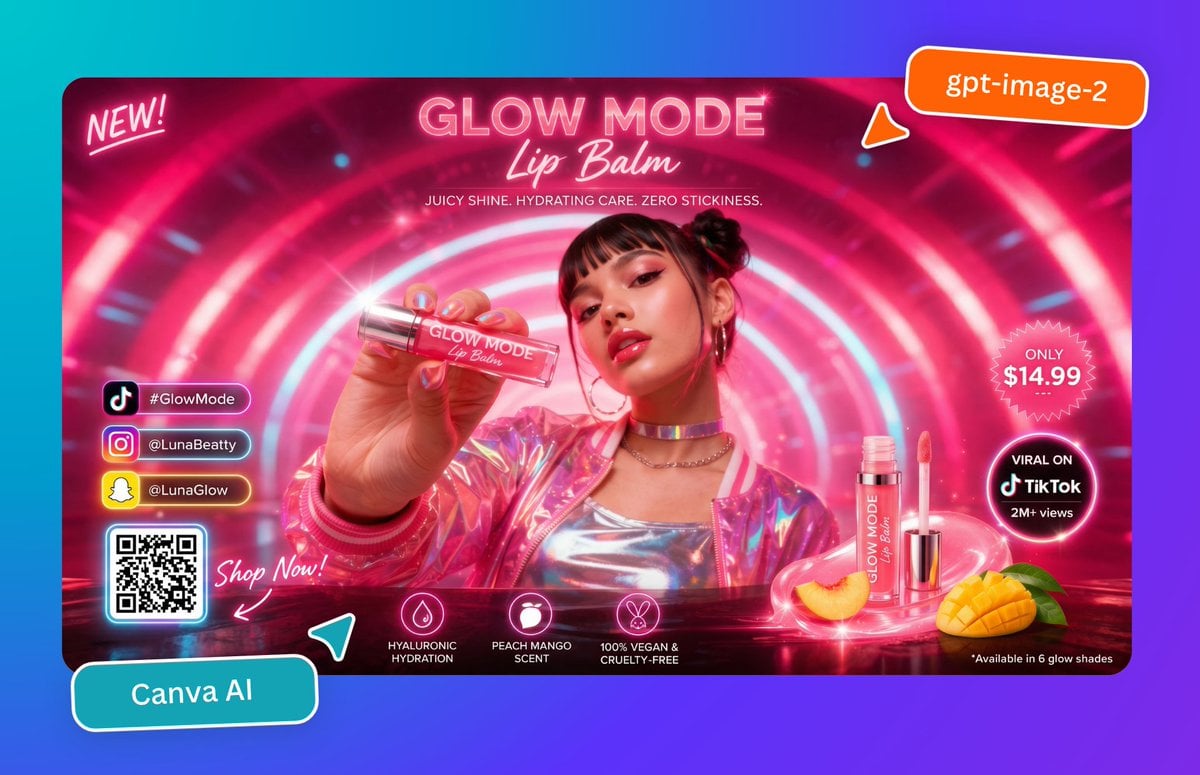
Neon Lip Balm Launch Ad
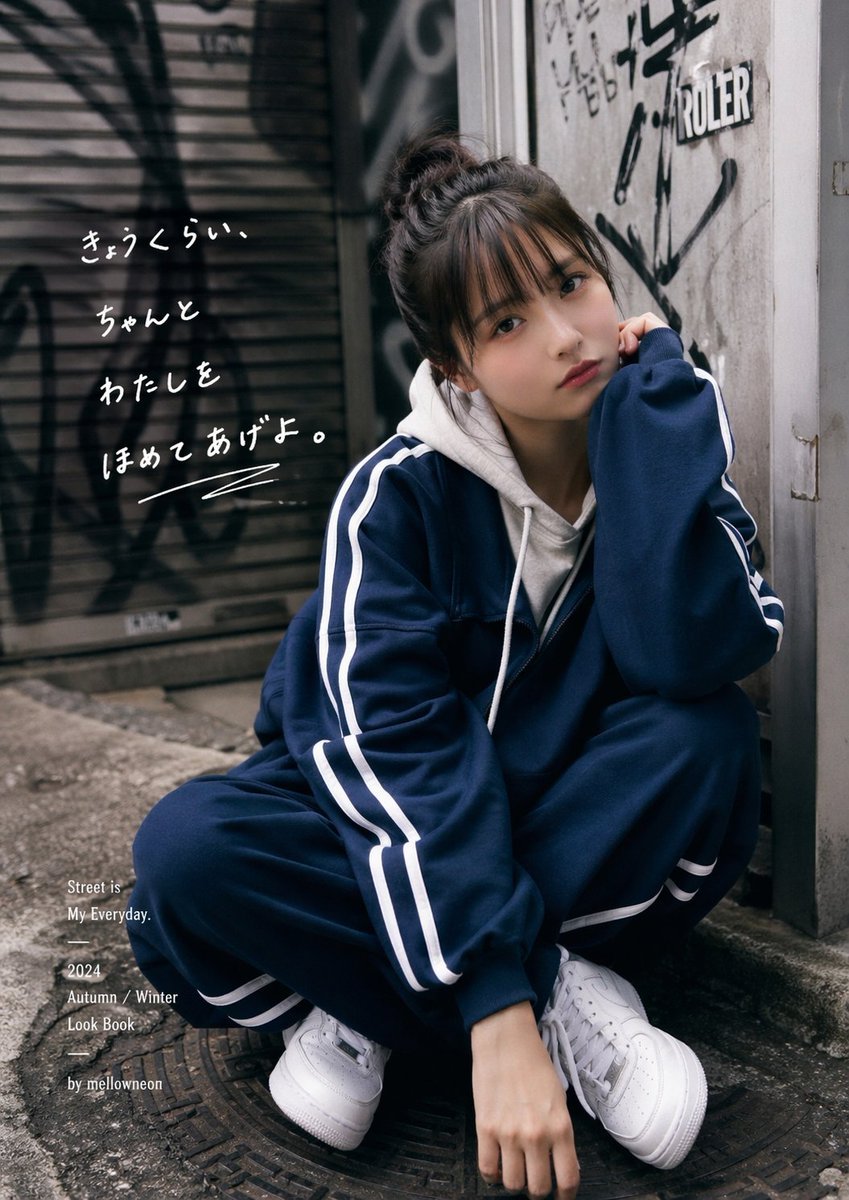
Urban Japanese Streetwear Lookbook Portrait

Cinematic Football Sports Poster

Cinematic Portrait of Old Turkic Noblewoman on Black Horse (Image-to-Image)
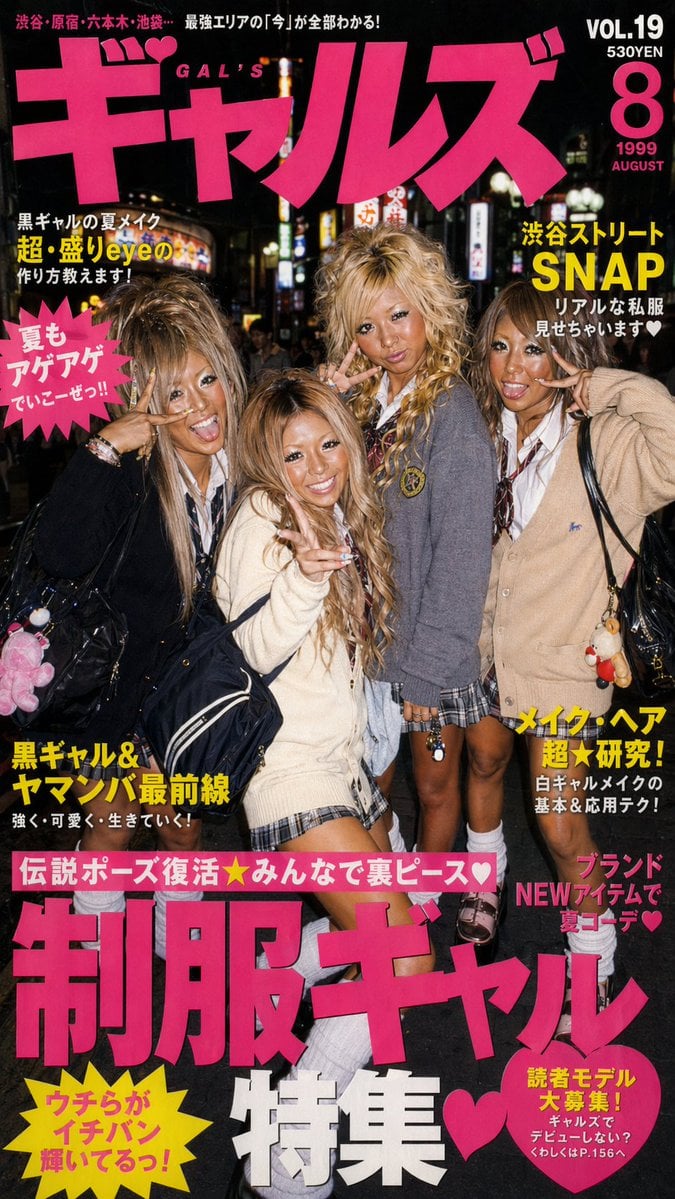
90s Gyaru Magazine Cover
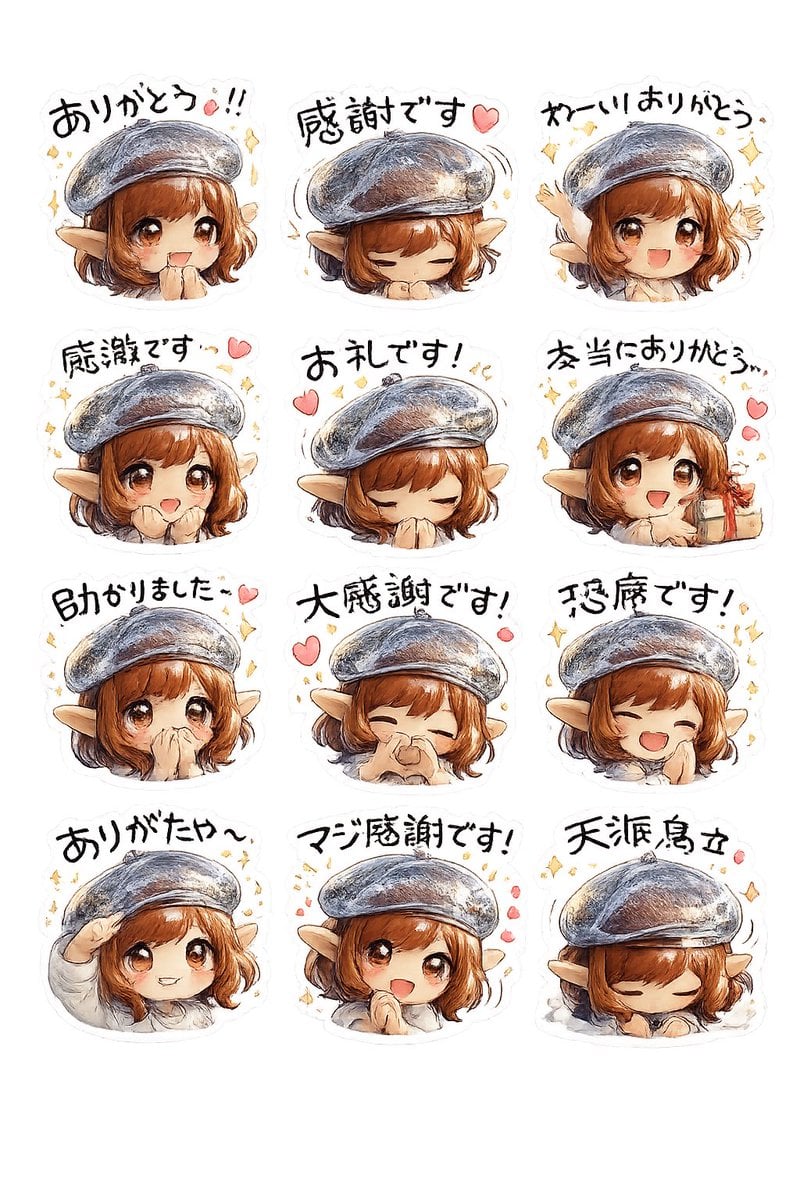
Elf Girl Thank-You Sticker Sheet
Browse template categories
Dark Fantasy Fish-Headed Mermaid questions
How do I use the Dark Fantasy Fish-Headed Mermaid template?
Add your photo if the template asks for one, edit the prompt if you like — the template's model and format are already selected — and press Generate. Your version opens in PicX Studio.
Can I customize the Dark Fantasy Fish-Headed Mermaid template?
Yes. You can change the subject, setting, lighting, mood, format, and available model controls before creating your image.
Is the Dark Fantasy Fish-Headed Mermaid template free?
Opening and editing this template is free. Generating uses credits, shown on the Generate button when you are signed in.
Which AI model should I use?
Start with GPT Image 2, which is the model associated with this template. You can compare another compatible model for a different finish.
Looking for something else? Browse all templates.

Your photo, any look
Thousands of ready templates for every top image and video model, from one credit balance.