
Elf Girl Thank-You Sticker Sheet
A 12-sticker anime watercolor sheet of a chibi elf girl with handwritten Japanese gratitude phrases, suitable for messaging stickers and social media reaction packs.
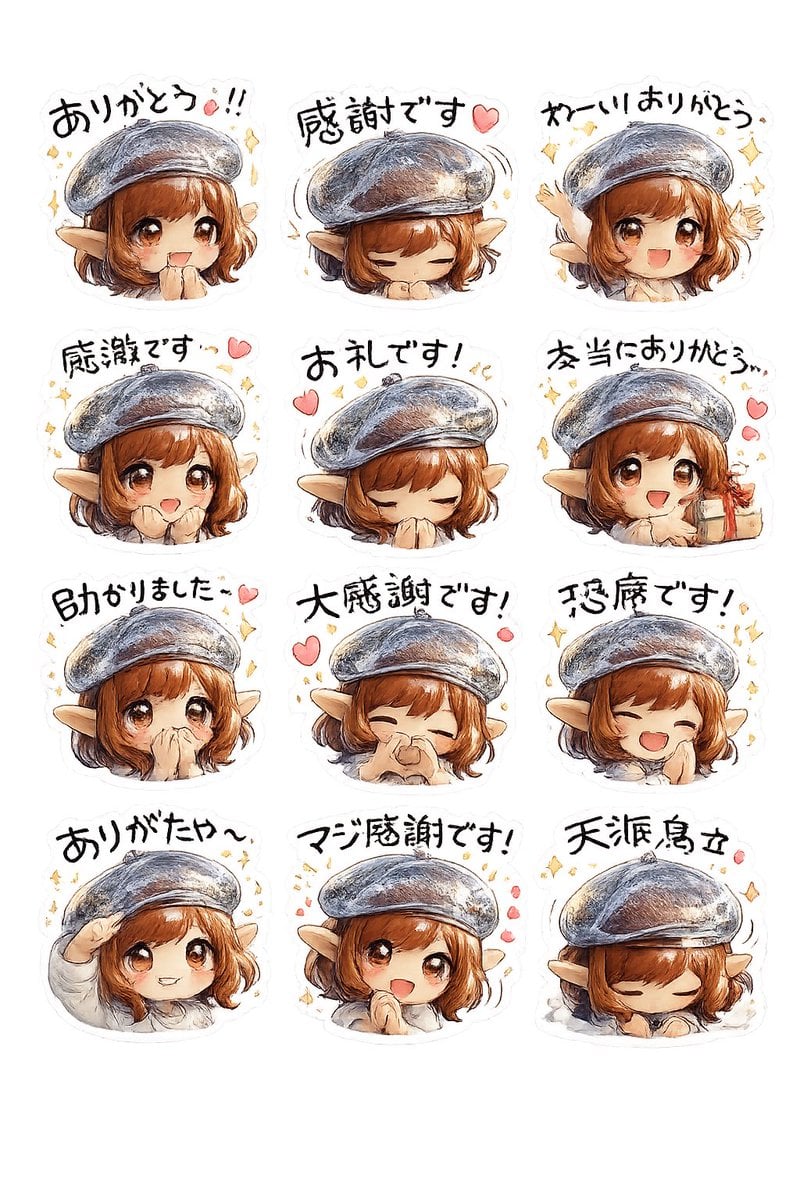
- Prompt included
- Model and format preset
- Free template
The prompt behind this image
Copy the exact prompt behind Elf Girl Thank-You Sticker Sheet, or open it in the studio and make it yours.
- Type
- sticker sheet
- Style
- hand-painted watercolor anime chibi stickers with soft pencil outlines, warm textured brushwork, subtle paper grain, white die-cut sticker borders, transparent background look
- Subject › Character
- cute fantasy elf girl
- Subject › Age Appearance
- young adult chibi
- Subject › Hair › Color
- {argument name="hair color" default="auburn brown"}
- Subject › Hair › Style
- short bob with bangs and slight curls at the sides
- Subject › Ears
- large pointed elf ears
- Subject › Hat
- oversized gray-blue beret with painterly highlights
- Subject › Clothing
- light cream top visible at the shoulders and sleeves
- Subject › Expression Style
- grateful, cheerful, shy, emotional
- Layout › Grid › Columns
- 3
- Layout › Grid › Rows
- 4
- Layout › Grid › Count
- 12
- Layout › Sections › 0 › Position
- row 1 col 1
- Layout › Sections › 0 › Text
- ありがとう!!
- Layout › Sections › 0 › Pose
- front-facing head-and-shoulders, eyes gently closed, grateful expression, confetti sparkles around head
- Layout › Sections › 1 › Position
- row 1 col 2
- Layout › Sections › 1 › Text
- 感謝です♡
- Layout › Sections › 1 › Pose
- head bowed with hands tucked under chin, eyes closed, small motion lines around beret, one pink heart
- Layout › Sections › 2 › Position
- row 1 col 3
- Layout › Sections › 2 › Text
- わー!! ありがとう
- Layout › Sections › 2 › Pose
- excited side-facing chibi, one arm raised in celebration, sparkles around head
- Layout › Sections › 3 › Position
- row 2 col 1
- Layout › Sections › 3 › Text
- 感謝です…♡
Raw JSON
{"type":"sticker sheet","style":"hand-painted watercolor anime chibi stickers with soft pencil outlines, warm textured brushwork, subtle paper grain, white die-cut sticker borders, transparent background look","subject":{"character":"cute fantasy elf girl","age_appearance":"young adult chibi","hair":{"color":"{argument name=\"hair color\" default=\"auburn brown\"}","style":"short bob with bangs and slight curls at the sides"},"ears":"large pointed elf ears","hat":"oversized gray-blue beret with painterly highlights","clothing":"light cream top visible at the shoulders and sleeves","expression_style":"grateful, cheerful, shy, emotional"},"layout":{"grid":{"columns":3,"rows":4,"count":12},"sections":[{"position":"row 1 col 1","text":"ありがとう!!","pose":"front-facing head-and-shoulders, eyes gently closed, grateful expression, confetti sparkles around head"},{"position":"row 1 col 2","text":"感謝です♡","pose":"head bowed with hands tucked under chin, eyes closed, small motion lines around beret, one pink heart"},{"position":"row 1 col 3","text":"わー!! ありがとう","pose":"excited side-facing chibi, one arm raised in celebration, sparkles around head"},{"position":"row 2 col 1","text":"感謝です…♡","pose":"slight side angle, calm thankful smile, pink heart and small sparkles"},{"position":"row 2 col 2","text":"お礼です!","pose":"deep polite bow with both hands covering mouth, eyes closed, two pink hearts and tiny yellow marks"},{"position":"row 2 col 3","text":"本当にありがとう…","pose":"turned to the side, emotional thankful pose with hands near chest, pink hearts floating on the right"},{"position":"row 3 col 1","text":"助かりました…♡","pose":"small shy grateful pose, facing forward with soft expression, one pink heart and sparkles"},{"position":"row 3 col 2","text":"大感謝です!","pose":"laughing with eyes closed, one hand pinching near nose or cheek, joyful grateful smile, pink hearts around"},{"position":"row 3 col 3","text":"恐縮です!","pose":"big open-mouth smile, eyes closed, one hand at cheek, sparkles around head"},{"position":"row 4 col 1","text":"ありがたや〜","pose":"playful salute with one hand at forehead, soft smile"},{"position":"row 4 col 2","text":"マジ感謝です!","pose":"centered happy grateful pose with cheeks lifted, surrounded by pink hearts and sparkles"},{"position":"row 4 col 3","text":"天涙烏立","pose":"sleepy or deeply bowed pose with eyes closed and head lowered, small motion line by beret"}]},"decorations":{"count":12,"items":["yellow sparkles scattered around multiple stickers","pink hearts beside grateful phrases","subtle motion lines around the beret on some stickers","soft white sticker cutline around each design","clean empty background","loose handwritten brush lettering above each character","pastel watercolor shading","gentle rosy skin tones","text integrated as sticker caption","slight variation in character angle across stickers","consistent hat and hairstyle across all 12 stickers","cute emotive manga sticker aesthetic"]},"text_style":"bold hand-drawn Japanese brush lettering in black, slightly irregular and playful, one caption per sticker","quality":"high legibility, clean composition, evenly spaced 3x4 arrangement"}How to use Elf Girl Thank-You Sticker Sheet in 3 steps
- 1Upload ImagePNG, JPG or paste
Add your photo
Upload the photo the template builds on. The prompt, model and format are already set.
- 2…a portrait of your subject in softgolden-hour light, 85mm…
Personalize
Edit the subject and creative details for your destination.
- 3Generate
Generate
Press Generate — your image is created in PicX Studio, so you can compare it with the original and refine one variable at a time.
More like this
Templates with the same subject, style or setup. Open one to see its prompt.
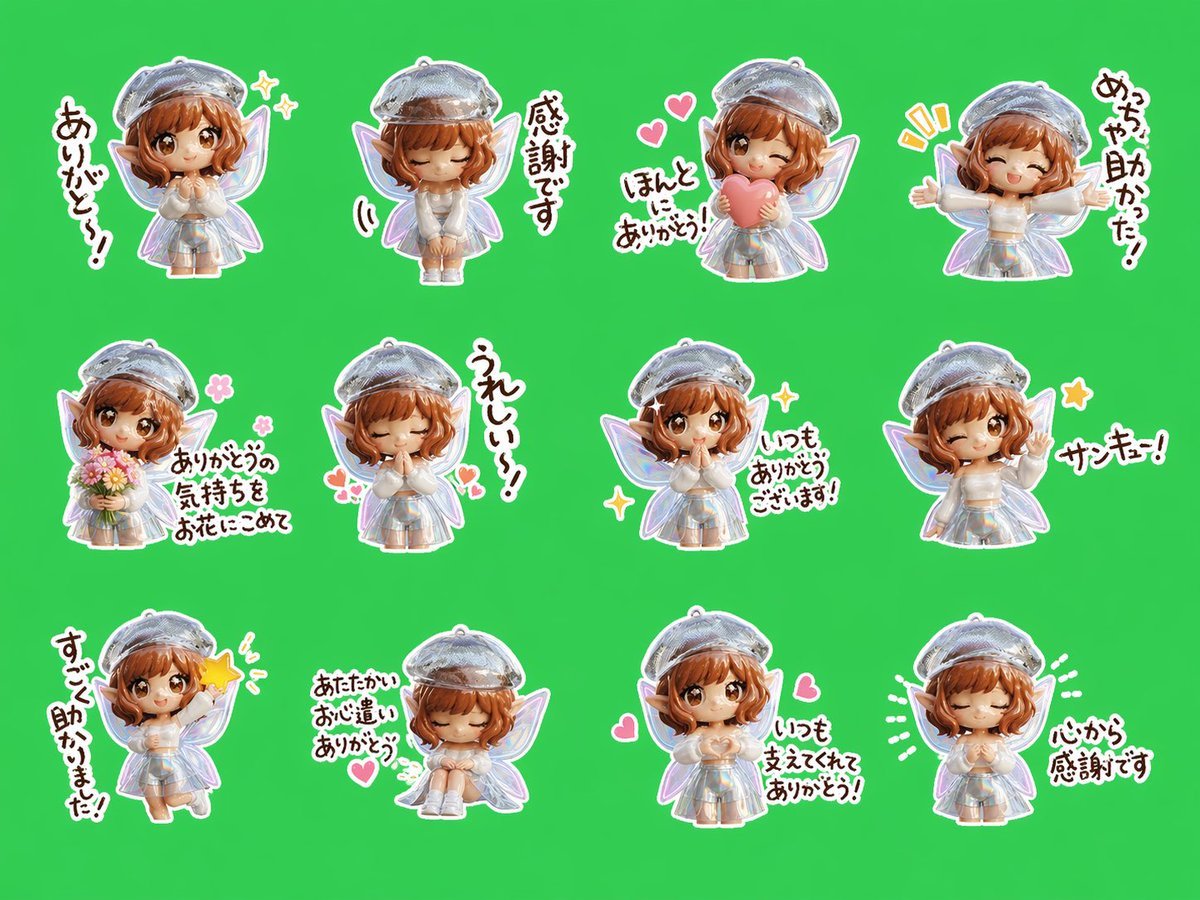
Chibi Fairy Thank-You Sticker Sheet
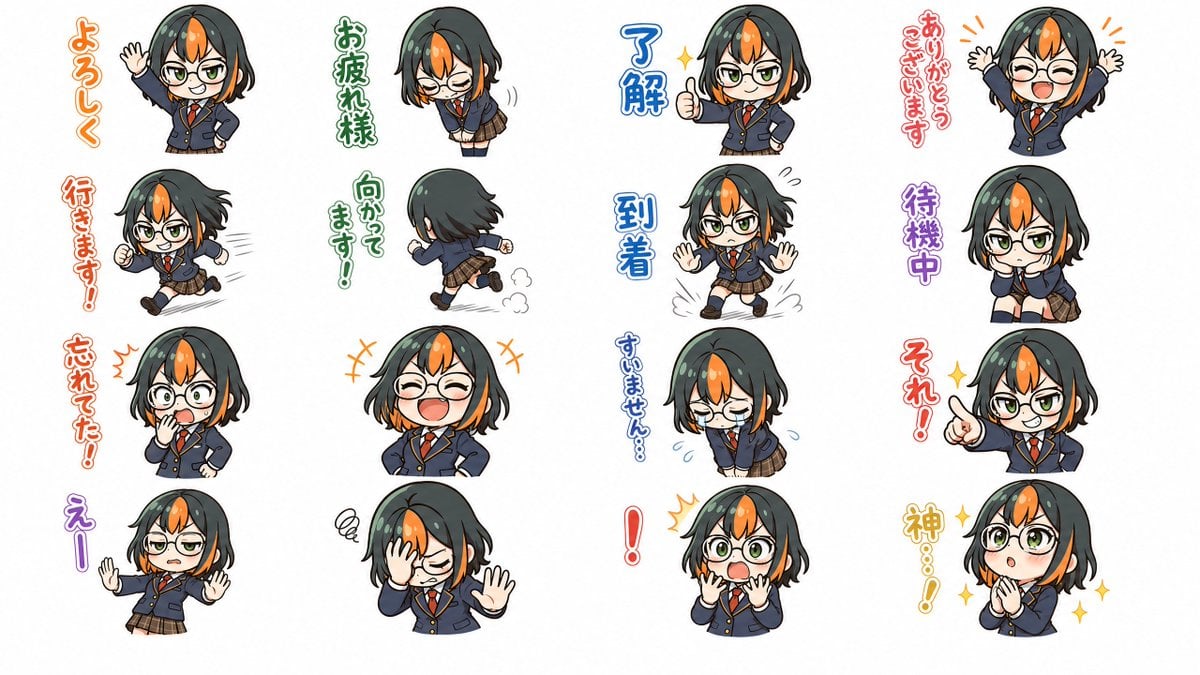
Chibi Japanese Schoolgirl Sticker Sheet
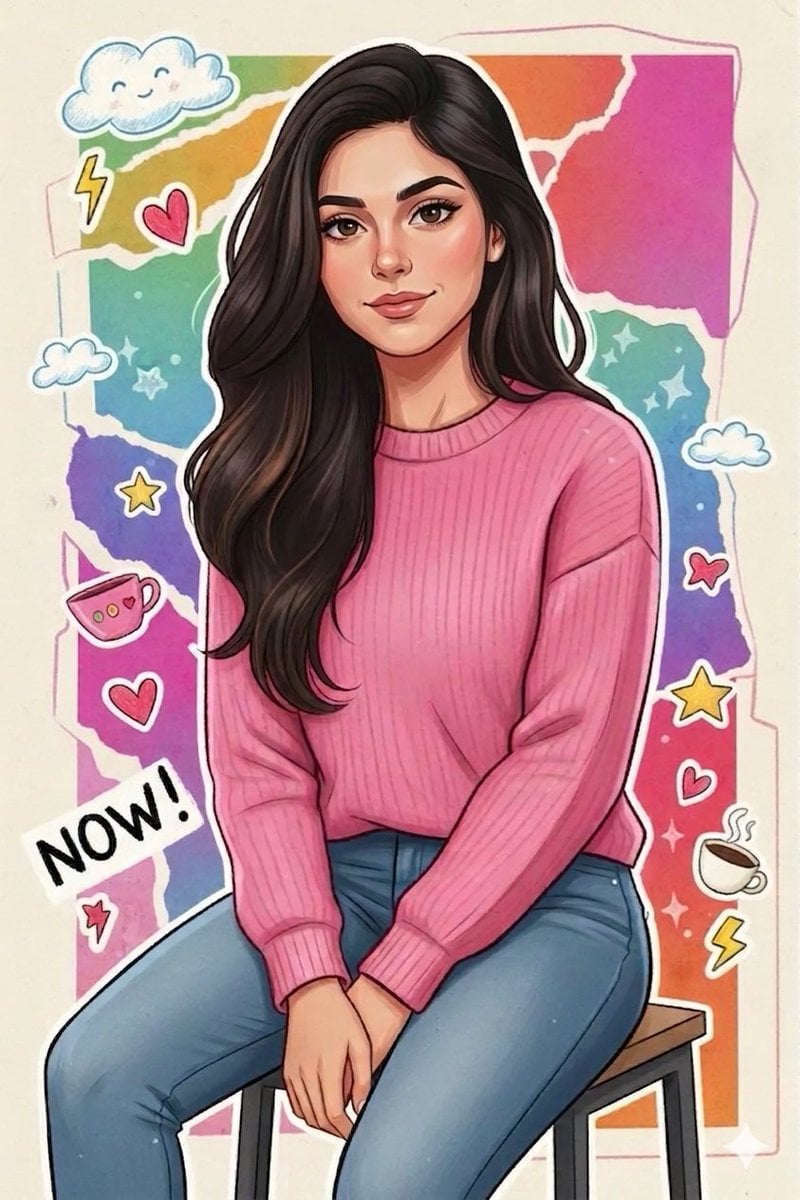
Sticker Art Style - Rainbow Girl

Sticker Art Style - Rainbow Girl v2
Sticker Art Style - Rainbow Girl

Anime Elf Maid Turnaround Sheet

Chibi Anime Ninja Sticker Sheet

Brand Sticker Sheet Monoline Vector

Teen Girl Alpine Lake Mountain View

A trendy, high-end Sticker Sheet set
Ethereal Angel Thank You Illustration
Gray Kitten Sticker Pack Sheet
Make it yours
Elf Girl Thank-You Sticker Sheet works as-is. These are the safest ways to change it without losing the look.
Change one field
Copy a single group, rewrite it, and generate again so you can see what that field is doing.
Keep the frame, change the subject
Hold the composition and light of Elf Girl Thank-You Sticker Sheet, then swap wardrobe, props or the person for a new take.
| If the result… | Why | Fix |
|---|---|---|
| The result drifts from the preview | Too many fields changed at once. | Reuse Elf Girl Thank-You Sticker Sheet as-is first, then change one group — subject, light, or setting. |
| GPT Image 2 ignores part of the JSON | Some models flatten or skip nested keys. | Keep the same values and paste them as a short paragraph instead. |
More GPT Image 2 templates
Other prompts made for GPT Image 2.

Six VTuber Japanese Logo Sheet

Realistic Portrait of Woman and Deer

The Vista Modular Condo Poster

AI Model Routing Comparison Infographic

2.5D Anime Art Board

Isometric Productivity Desk Scene

New York Double Exposure Poster

Four-Panel AI Landscape Comparison

Japanese Tatami Lifestyle Magazine Cover

NESCAFÉ Coffee Map Poster
More image prompts
Fresh picks from across the catalog.
3D Stylized Doll Character Prompt
Image Conversion to Berry Tart Dress Style
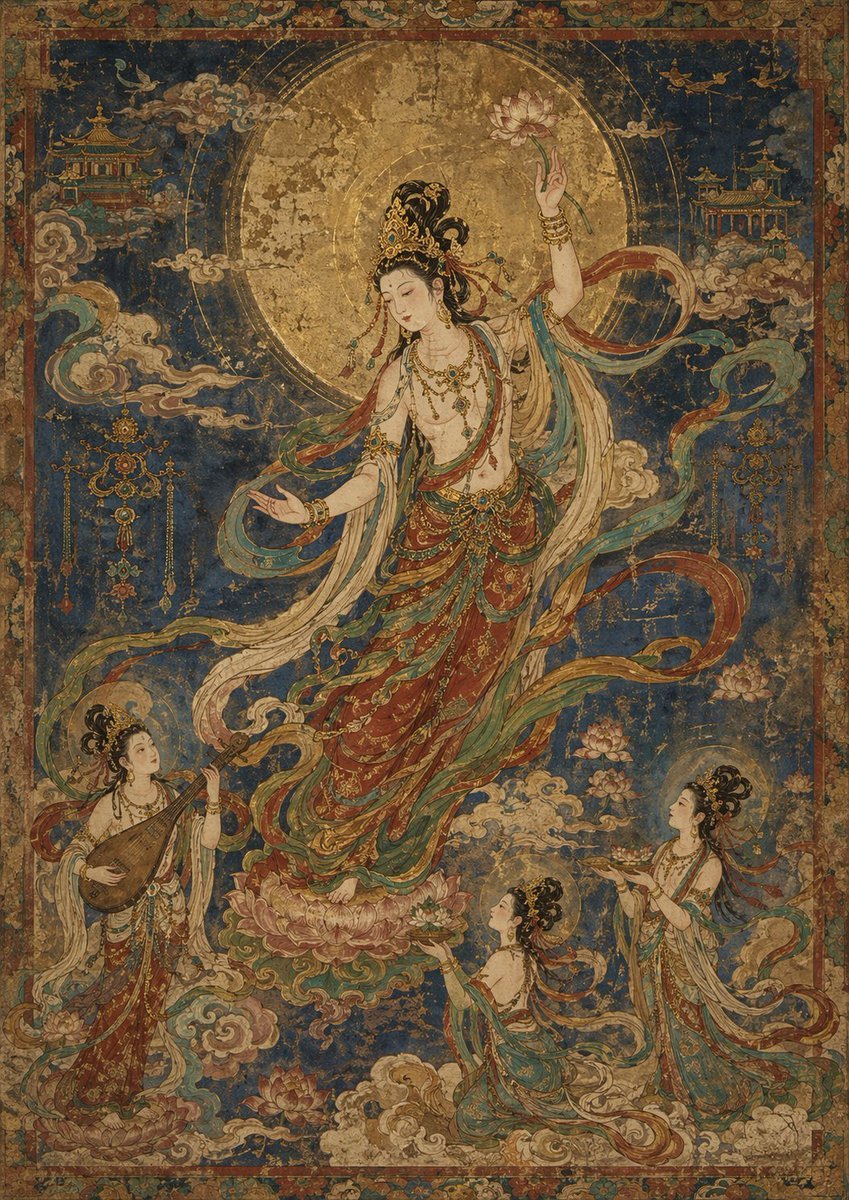
Antique Celestial Goddess Mural

Parametrized Movie Poster Generation Prompt
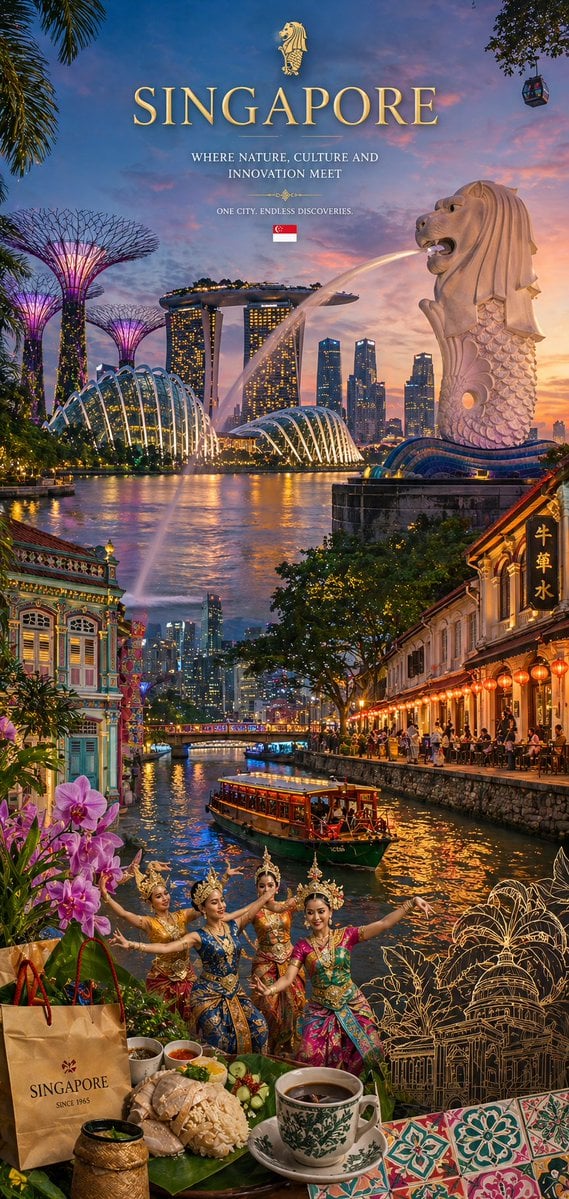
Country Heritage Wallpaper Prompt

Cinematic Portrait of Middle-Aged Man in Suit
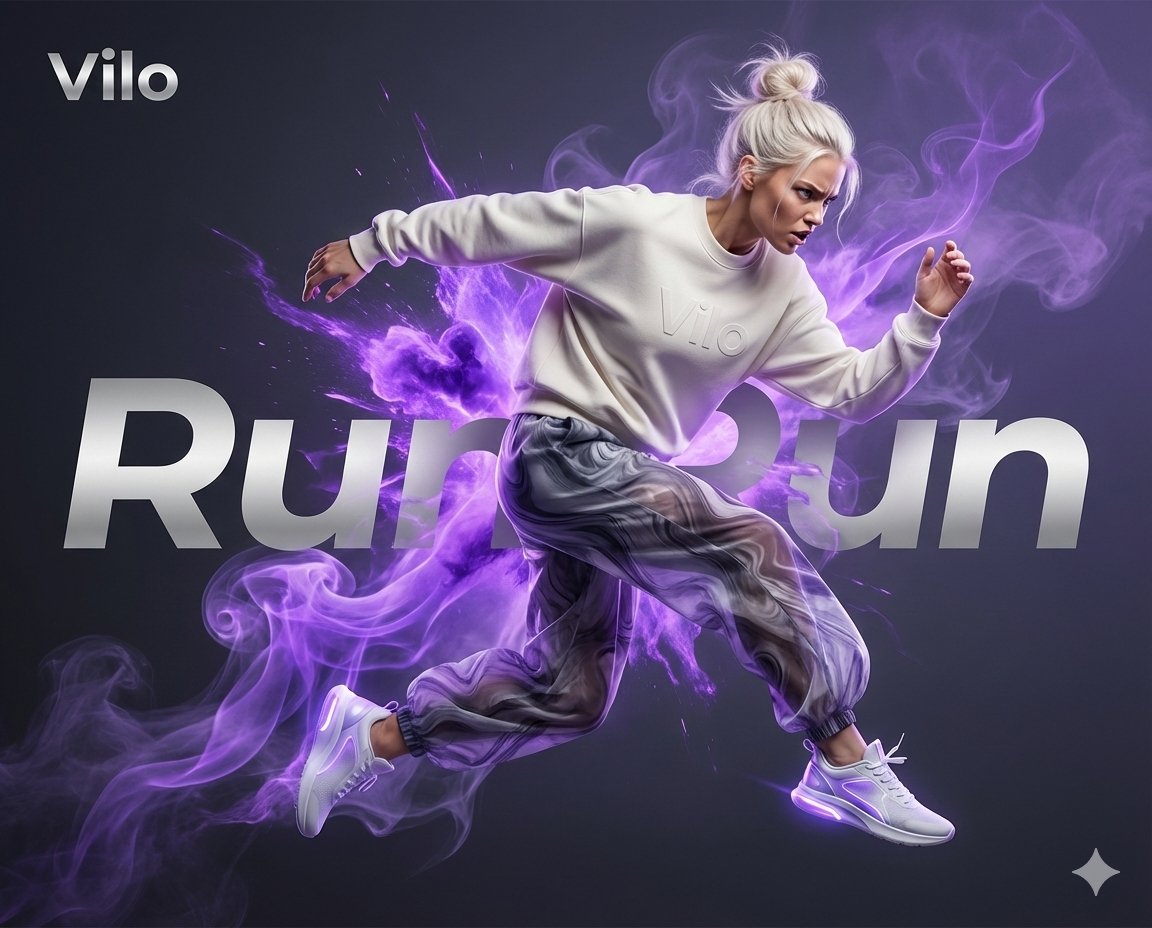
Surreal Athletic Advertising Art
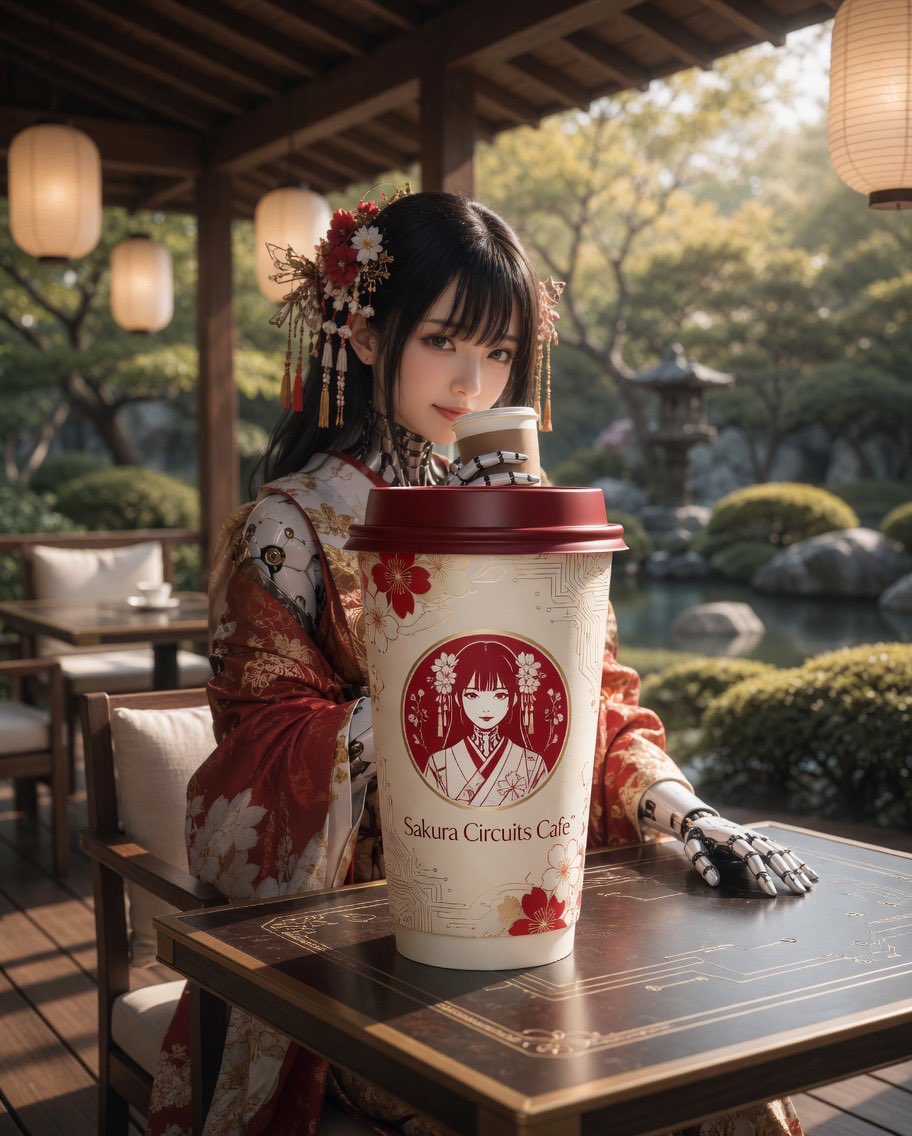
Cyber Kimono Café Portrait
Drone Art Character Illustration
Business Character Sheet Gallery
Browse template categories
Elf Girl Thank-You Sticker Sheet questions
How do I use the Elf Girl Thank-You Sticker Sheet template?
Add your photo if the template asks for one, edit the prompt if you like — the template's model and format are already selected — and press Generate. Your version opens in PicX Studio.
Can I customize the Elf Girl Thank-You Sticker Sheet template?
Yes. You can change the subject, setting, lighting, mood, format, and available model controls before creating your image.
Is the Elf Girl Thank-You Sticker Sheet template free?
Opening and editing this template is free. Generating uses credits, shown on the Generate button when you are signed in.
Which AI model should I use?
Start with GPT Image 2, which is the model associated with this template. You can compare another compatible model for a different finish.
Looking for something else? Browse all templates.

Your photo, any look
Thousands of ready templates for every top image and video model, from one credit balance.