
Antique Celestial Goddess Mural
This prompt generates a weathered blue-and-gold East Asian devotional mural featuring a central lotus-bearing celestial goddess with three attendants, ideal for sacred fantasy art or antique wall-scroll imagery.
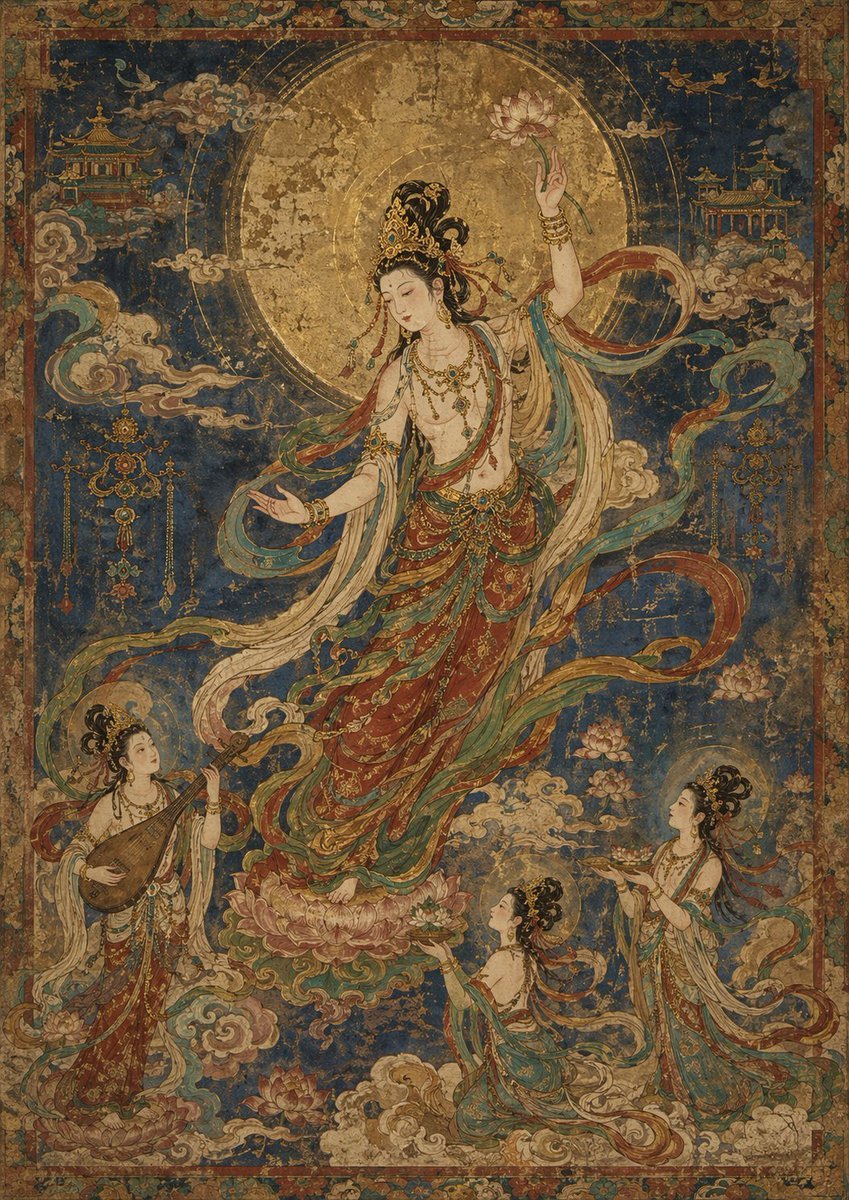
- Prompt included
- Model and format preset
- Free template
The prompt behind this image
Copy the exact prompt behind Antique Celestial Goddess Mural, or open it in the studio and make it yours.
A richly detailed vertical mural in the style of an aged East Asian religious wall painting on weathered silk or plaster, with visible cracks, abrasions, faded pigment, and distressed gold leaf. At the center, a celestial bodhisattva-like goddess floats gracefully above a large pink lotus pedestal, framed by a huge circular golden halo filling the upper middle of the composition. She wears an elaborate jeweled headdress, layered necklaces, armlets, and flowing robes in muted cinnabar red, cream, teal, and soft green, with long ribbon-like scarves swirling around her body in elegant arcs. Her right arm is raised, delicately holding a pink lotus flower, while her left hand extends outward in a gentle offering gesture. Surrounding her are exactly 3 smaller attendant maidens: one at lower left standing on clouds and playing a pipa, one at lower center kneeling or floating while presenting a tray of lotus blossoms, and one at lower right standing lightly on clouds with both hands raised in reverence. The background is a deep lapis-blue celestial sky filled with stylized cream and jade clouds, faint flying birds, lotus blooms, and 2 ornate temple pavilions in the upper left and upper right corners. Add hanging ornamental motifs near the mid-left and mid-right edges, and enclose the whole image in a decorative floral border. The overall mood is sacred, elegant, and antique, with intricate linework, delicate textile patterns, muted earthy tones, and a dominant blue-and-gold palette, resembling a treasured museum fresco or devotional hanging scroll.
How to use Antique Celestial Goddess Mural in 3 steps
- 1Upload ImagePNG, JPG or paste
Add your photo
Upload the photo the template builds on. The prompt, model and format are already set.
- 2…a portrait of your subject in softgolden-hour light, 85mm…
Personalize
Edit the subject and creative details for your destination.
- 3Generate
Generate
Press Generate — your image is created in PicX Studio, so you can compare it with the original and refine one variable at a time.
More like this
Templates with the same subject, style or setup. Open one to see its prompt.
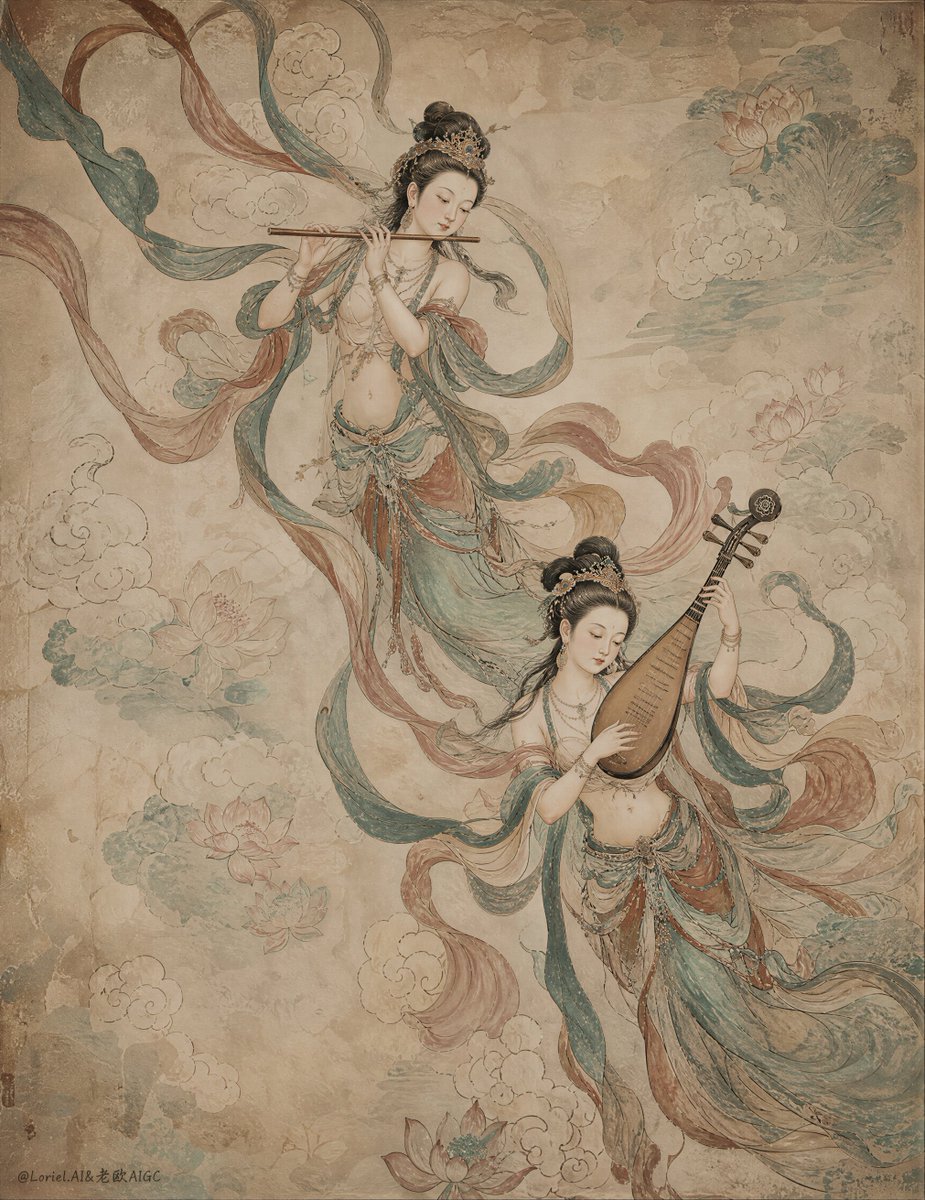
Ancient Chinese Mural of Celestial Musicians

Anime Fantasy Celestial Movie Poster
Anime Fantasy Celestial Movie Poster

Moonlit Celestial Goddess Portrait

Celestial Goddess Archer
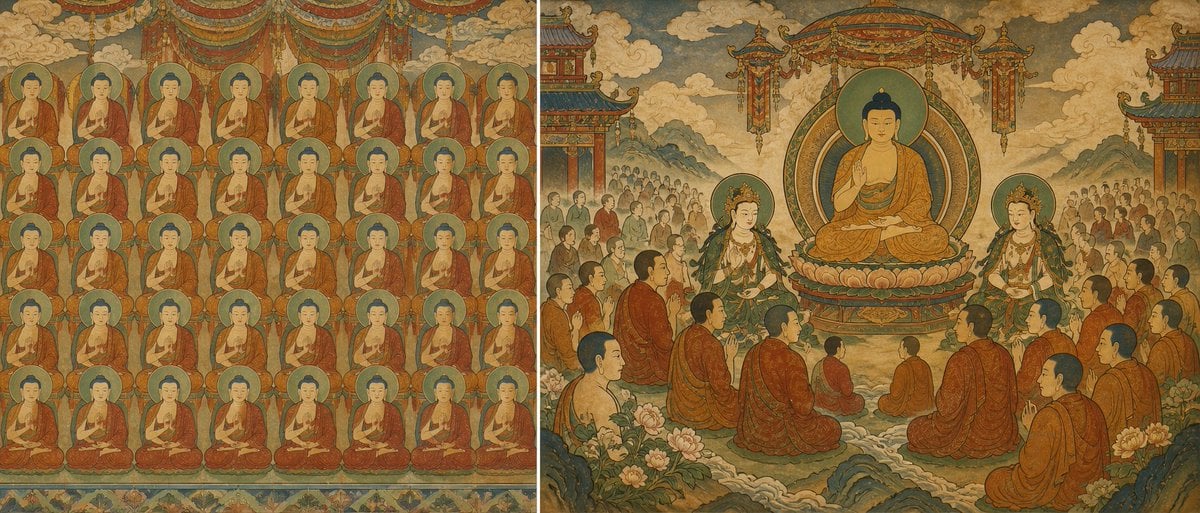
Buddhist Mural Composition Diptych
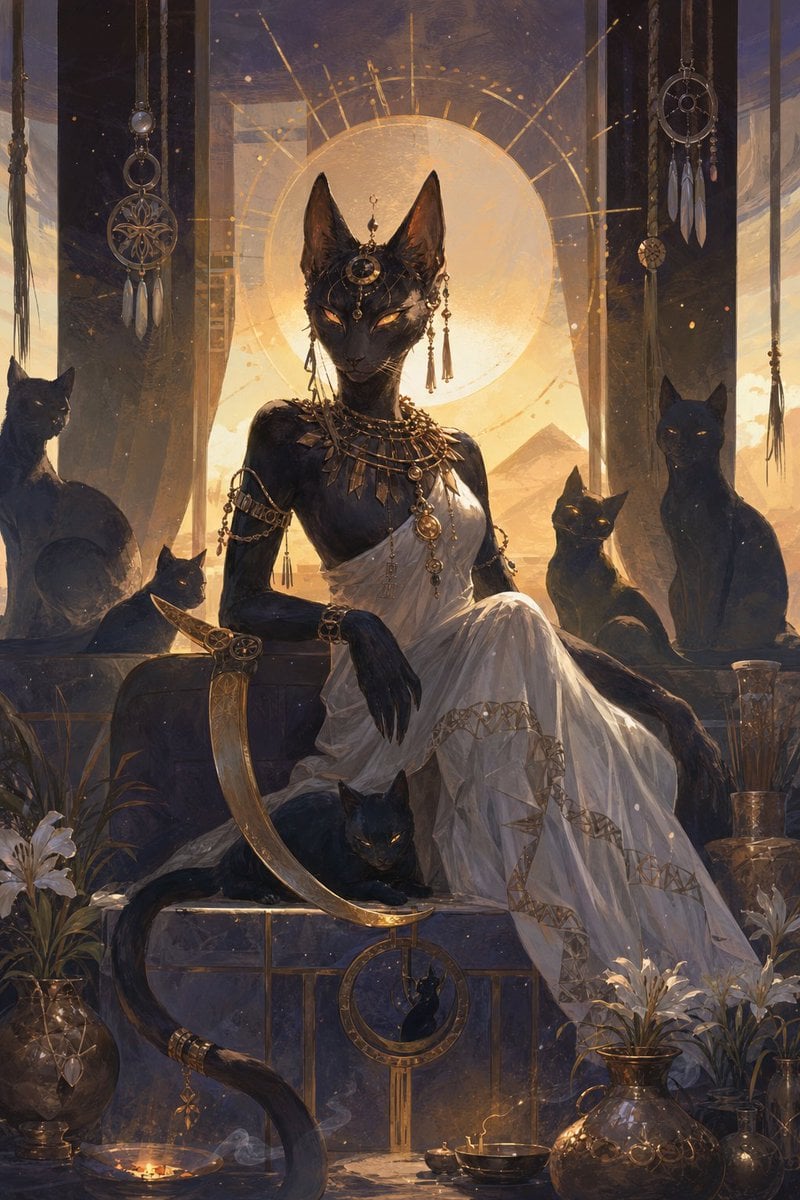
Egyptian Black Cat Goddess
Antique Cabinet Ball-Jointed Doll
Antique Camera Forgotten Memories Cinematic Scene
Celestial Inverted Oriental Palace

Celestial Sakura Kimono Maiden

Oriental Fantasy Celestial Realm
Make it yours
Antique Celestial Goddess Mural works as-is. These are the safest ways to change it without losing the look.
Change one field
Copy a single group, rewrite it, and generate again so you can see what that field is doing.
Keep the frame, change the subject
Hold the composition and light of Antique Celestial Goddess Mural, then swap wardrobe, props or the person for a new take.
| If the result… | Why | Fix |
|---|---|---|
| The result drifts from the preview | Too many fields changed at once. | Reuse Antique Celestial Goddess Mural as-is first, then change one group — subject, light, or setting. |
| The model over-stylizes the scene | The prose prompt leaves finish and camera underspecified. | Add one camera or lighting sentence and stay on GPT Image 2. |
More GPT Image 2 templates
Other prompts made for GPT Image 2.

Six VTuber Japanese Logo Sheet

Realistic Portrait of Woman and Deer

The Vista Modular Condo Poster

AI Model Routing Comparison Infographic

2.5D Anime Art Board

Isometric Productivity Desk Scene

New York Double Exposure Poster

Four-Panel AI Landscape Comparison

Japanese Tatami Lifestyle Magazine Cover

NESCAFÉ Coffee Map Poster
More image prompts
Fresh picks from across the catalog.

Surreal deep sea storage illusion prompt

Funny Character-Based Appliance Advertisement
Subtle Brand Texture Visual Prompt

Cinematic Running Shoe Ad Poster

Raw Chaotic Ink Poster Prompt
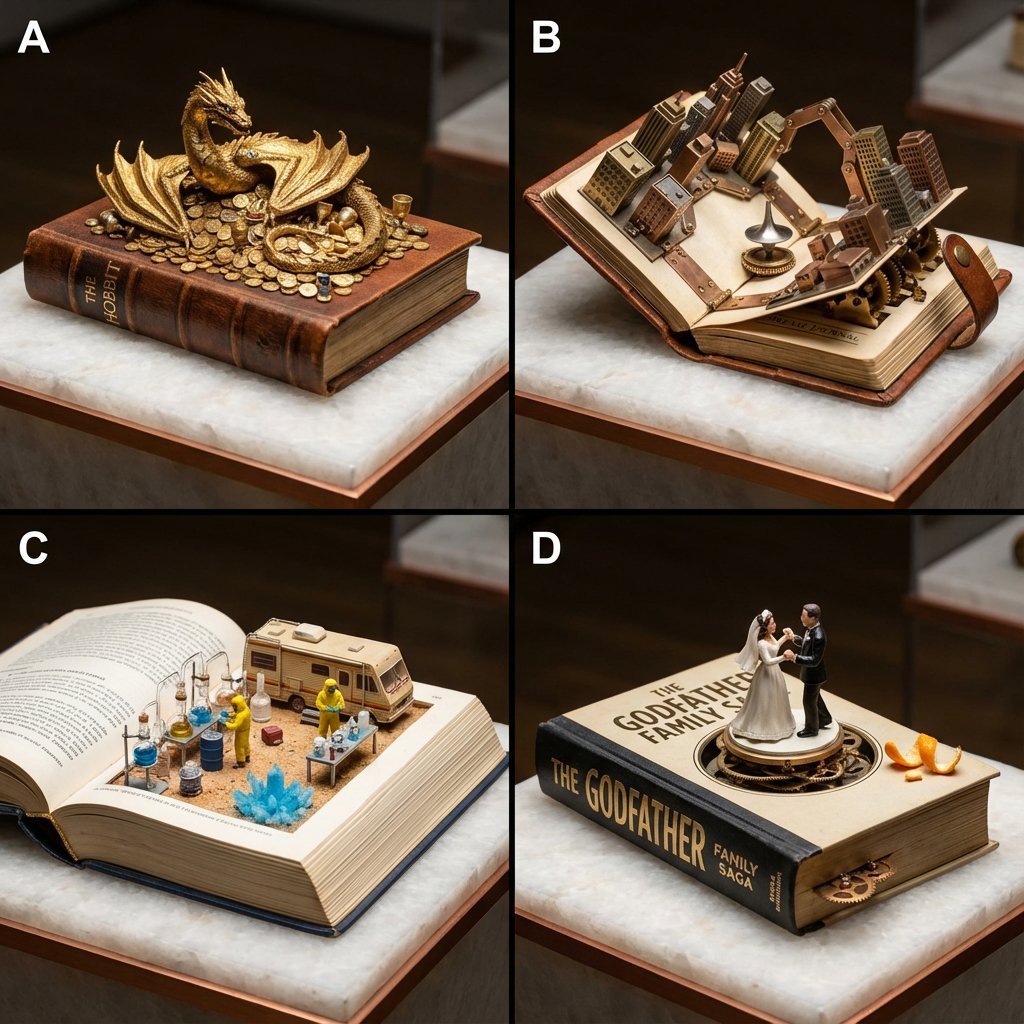
Book-Themed Diorama Grid Prompt

Fashion Magazine Consistency Prompt
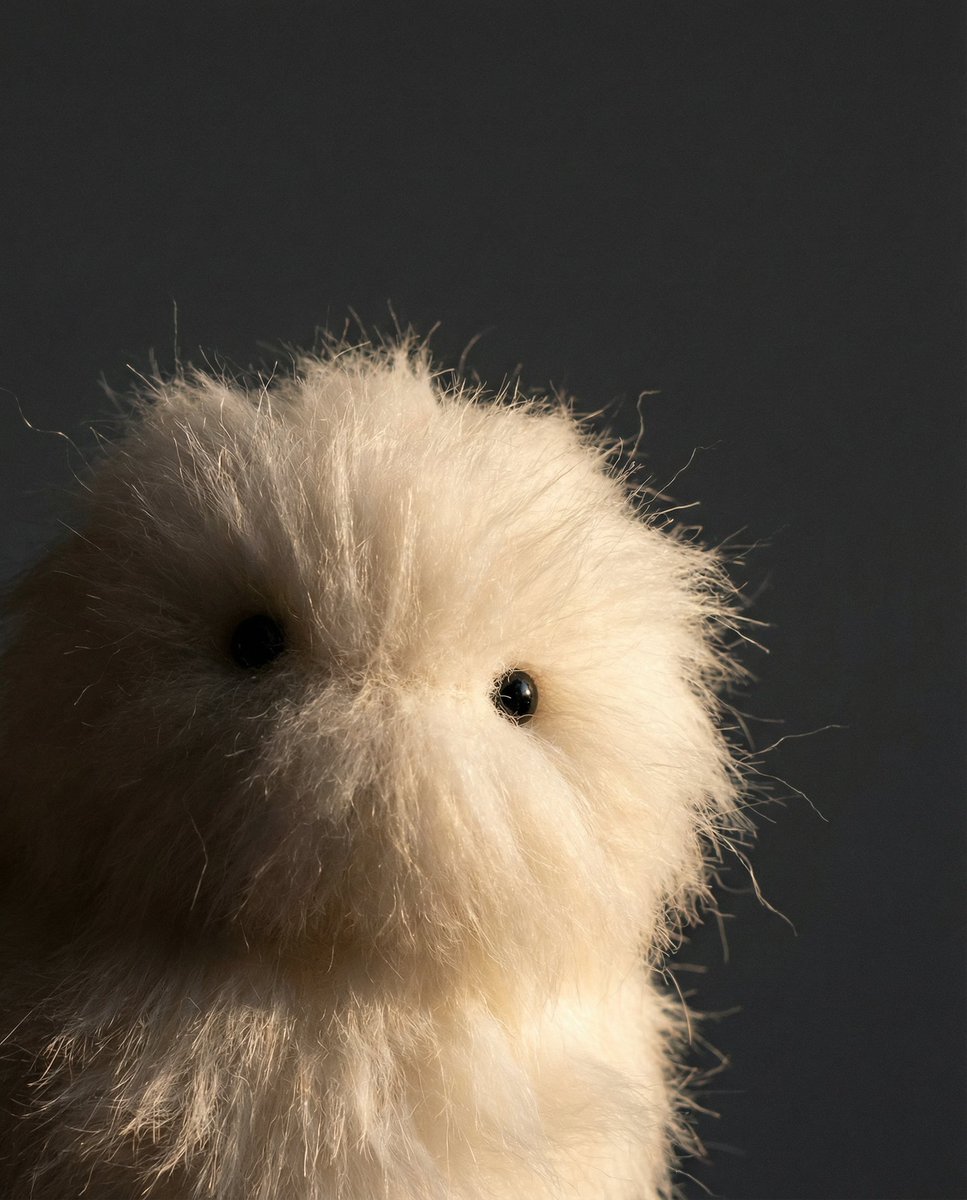
Prompt Share for Nano Banana Pro
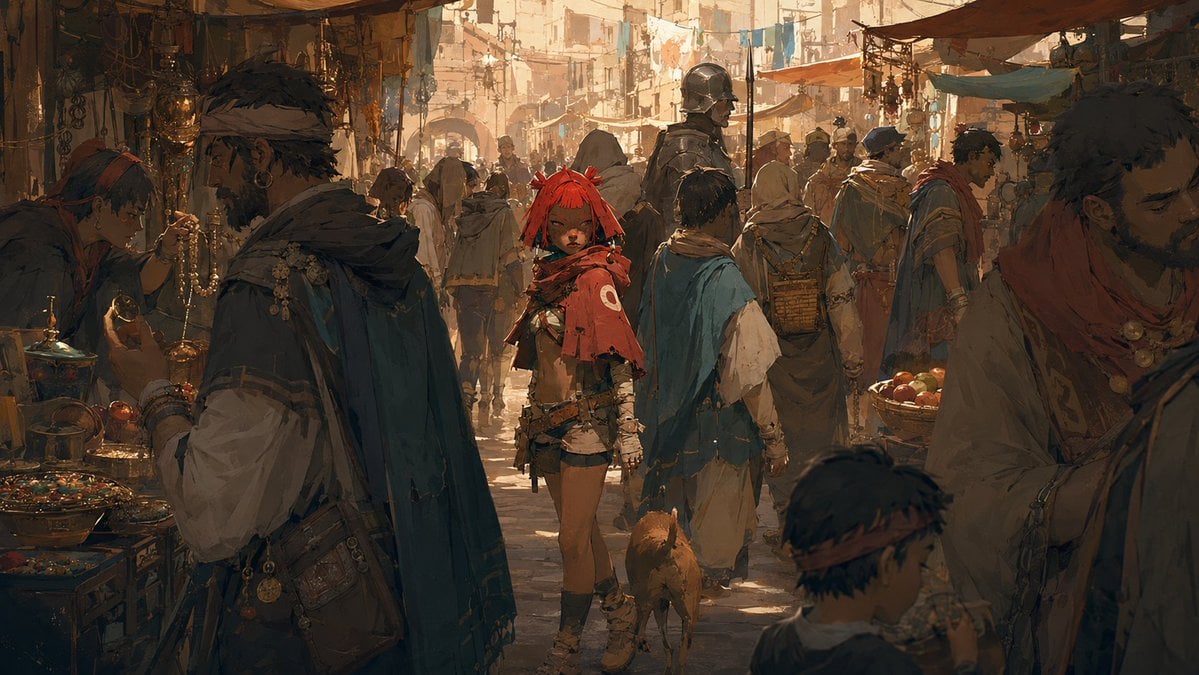
Cinematic Bustling Market Scene Sketch

Retro-Futuristic Product Photography Prompt
Browse template categories
Antique Celestial Goddess Mural questions
How do I use the Antique Celestial Goddess Mural template?
Add your photo if the template asks for one, edit the prompt if you like — the template's model and format are already selected — and press Generate. Your version opens in PicX Studio.
Can I customize the Antique Celestial Goddess Mural template?
Yes. You can change the subject, setting, lighting, mood, format, and available model controls before creating your image.
Is the Antique Celestial Goddess Mural template free?
Opening and editing this template is free. Generating uses credits, shown on the Generate button when you are signed in.
Which AI model should I use?
Start with GPT Image 2, which is the model associated with this template. You can compare another compatible model for a different finish.
Looking for something else? Browse all templates.

Your photo, any look
Thousands of ready templates for every top image and video model, from one credit balance.