Vintage Evening Flash Portrait Transformation Prompt
{
"meta":{
"quality":"High-Definition",
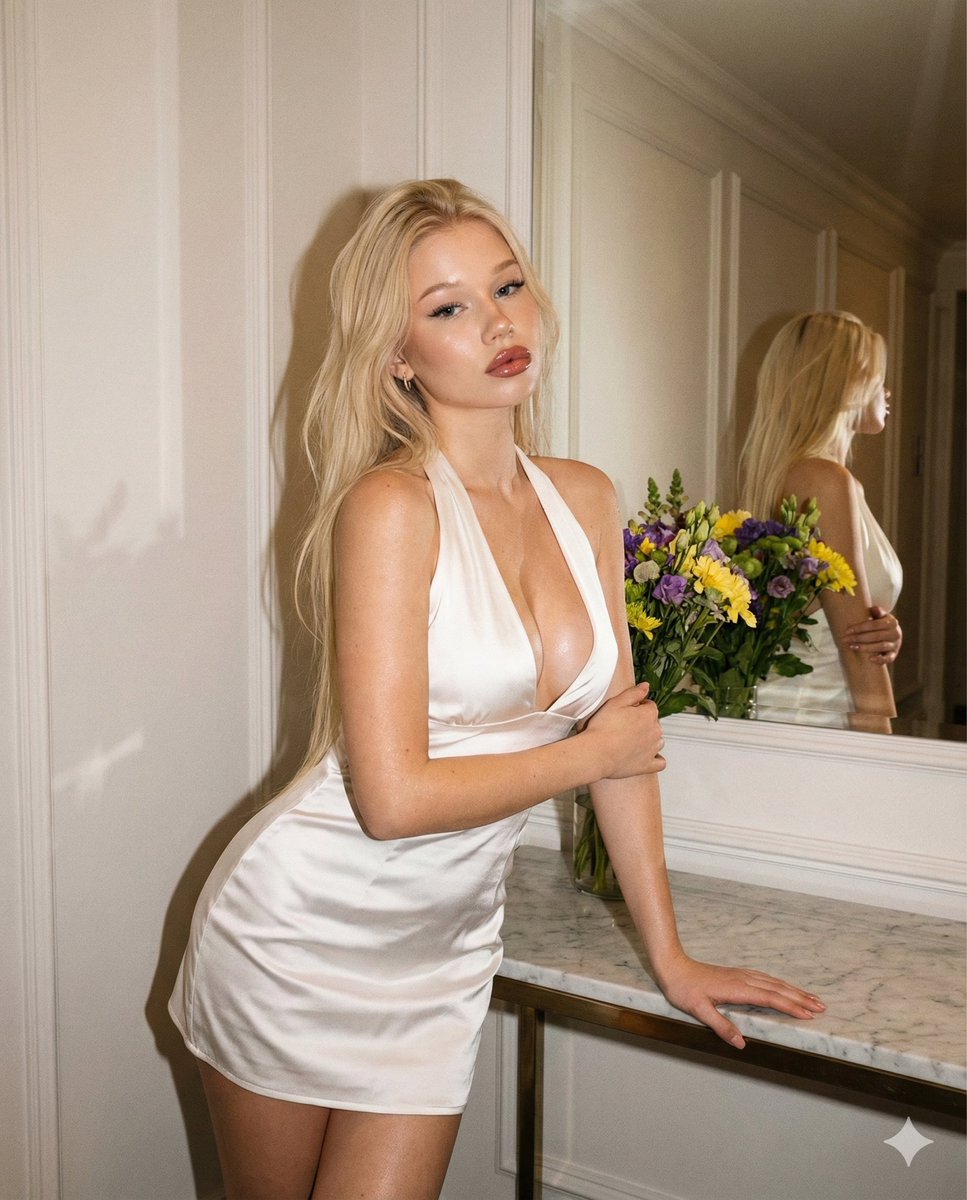
"type":"Evening indoor flash portrait",
"ratio":"4:5 vertical",
"device":"iPhone 16 Pro",
"style_reference":"Transform the INPUT PHOTO into this exact aesthetic.",
"look":"Evening flash, warm-toned vintage, real grain, realistic skin texture (NO smoothing)."
},
"identity_lock":{
"preserve_face": true,
"strict": true,
"rules":[
"The face MUST remain IDENTICAL to the input photo.",
"No changes to facial structure, proportions, expression, or identity.",
"No smoothing, no beautify, no retouch, no AI facial alterations."
]
},
"skin_texture_rules":{
"keep_texture": true,
"no_smoothing": true,
"no_blur": true,
"realistic_details": "natural texture preserved.",
"flash_behavior":"Flash highlights should reveal texture, not hide it."
},
"vintage_effect":{
"warmth":"{argument name="warmth" default="+18"}",
"contrast":"{argument name="contrast" default="+22"}",
"highlights":"{argument name="highlights" default="-5"}",
"shadows":"{argument name="shadows" default="+12"}",
"grain":"{argument name="grain" default="Medium (film-like)"}",
"vignette":"{argument name="vignette" default="Soft"}",
"color_grade":"{argument name="color grade" default="Warm beige vintage tint"}",
"sharpness":"{argument name="sharpness" default="Slightly reduced to mimic old camera softness"}"
},
"global_context":{
"scene_description":"{argument name="scene description" default="Indoor hallway with wall decor, mirror reflection, white walls and warm flash lighting."}",
"time_of_day":"{argument name="time of day" default="Evening"}",
"lighting":"{argument name="lighting" default="Direct warm flash illuminating the subject with strong falloff into the background."}",
"environment_details":[
"{argument name="environment detail 1" default="Mirror behind the subject with reflection visible."}",
"{argument name="environment detail 2" default="White paneled walls."}",
"{argument name="environment detail 3" default="Marble/stone console table with a floral arrangement."}",
"{argument name="environment detail 4" default="Soft shadows created by harsh flash."}"
]
},
"composition":{
"camera_angle":"{argument name="camera angle" default="Eye-level, straight-on portrait"}",
"framing":"{argument name="framing" default="Knees-up full portrait"}",
"pose":"{argument name="pose" default="Body leaning slightly forward with one hand on console table and the other arm across the torso."}",
"expression":"{argument name="expression" default="Confident, pouty, soft glamorous gaze."}",
"flash_effect":"{argument name="flash effect" default="Glossy highlights on skin and dress."}"
},
"subject":{
"makeup":{
"style":"{argument name="makeup style" default="Soft glam."}",
"lips":"{argument name="lips" default="Pink-brown gloss with warm undertone."}",
"eyes":"{argument name="eyes" default="Eyeliner + lashes."}",
"blush":"{argument name="blush" default="Warm peach."}"
},
"skin":"{argument name="skin" default="Natural undertone, realistic texture, NOT smoothed."}",
"outfit":{
"dress":"{argument name="dress" default="White mini halter dress with deep neckline and satin-like shine."}",
"fabric_behavior":"{argument name="fabric behavior" default="Flash creates bright reflections and visible folds."}"
}
},
"background_objects":[
{
"id":"mirror",
"description":"{argument name="mirror description" default="Large wall mirror reflecting the subject's pose."}",
"lighting":"{argument name="mirror lighting" default="Flash reflection visible but subdued."}"
},
{
"id":"flowers",
"description":"{argument name="flowers description" default="Vibrant bouquet on the table (yellow, purple, green)."}"
},
{
"id":"wall",
"description":"{argument name="wall description" default="White paneled wall with framed signage."}"
}
],
"rules":{
"identity_constant": true,
"no_face_change": true,
"no_ai_artifacts": true,
"realism":"{argument name="realism" default="Ultra realistic evening flash aesthetic with vintage tones."}"
}
}
Use the uploaded photo as the input image. Generate the image.






![This image into a 64K DSLR shot resolution of A stylish urban fashion — Transform this image [Upload Your Image] into a 64K DSLR shot resolution of A stylish ur](https://images.meigen.ai/tweets/2008470156146860416/0.jpg)




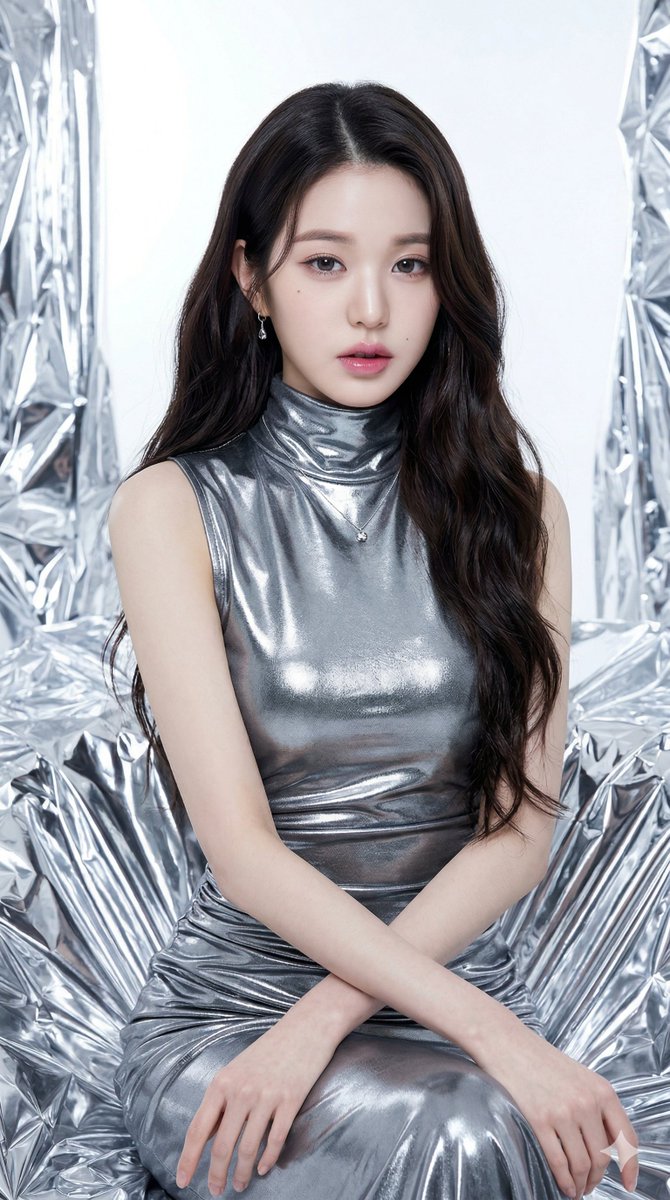
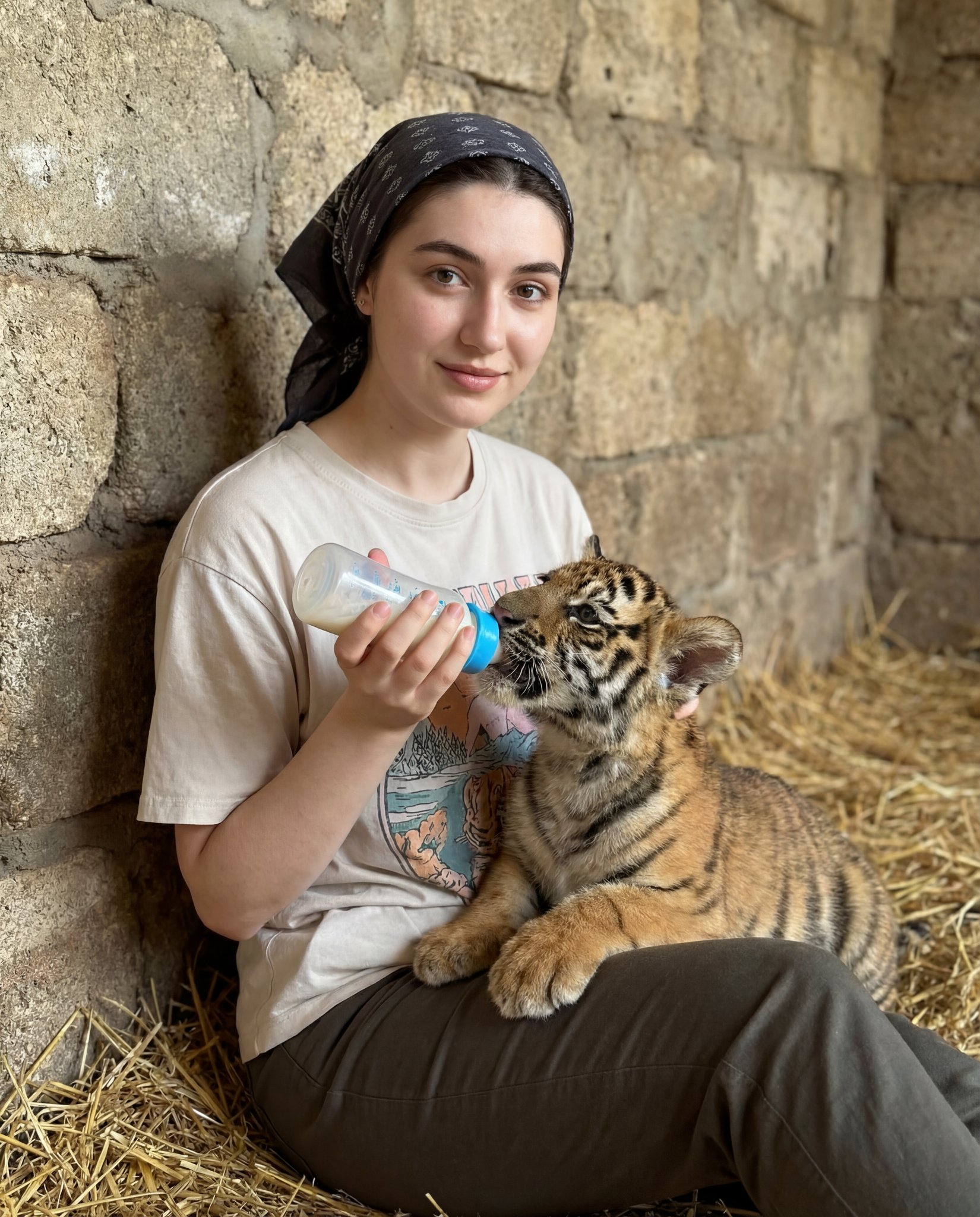

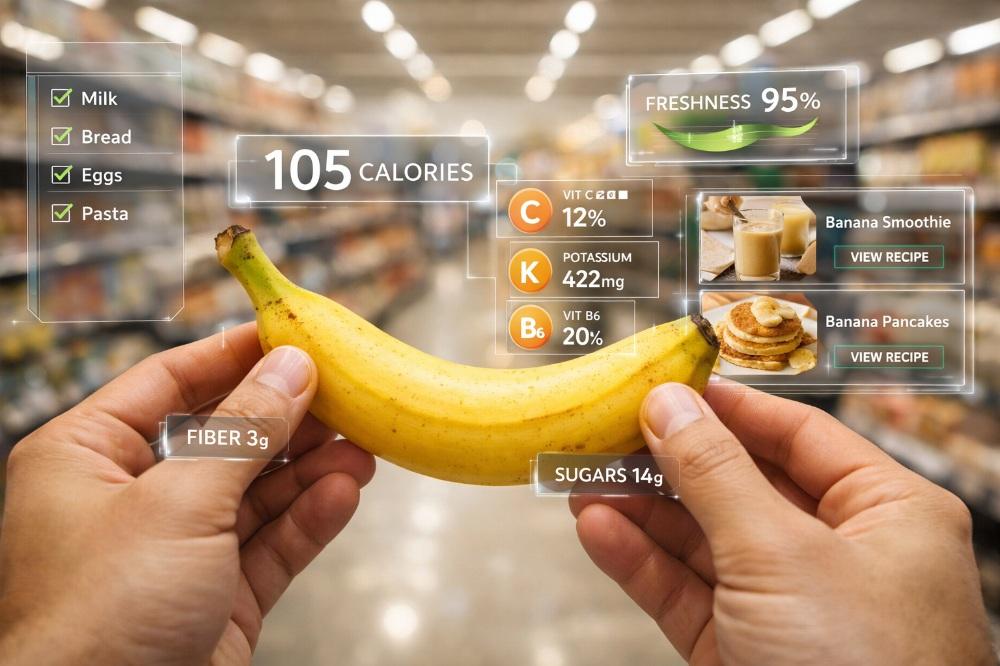



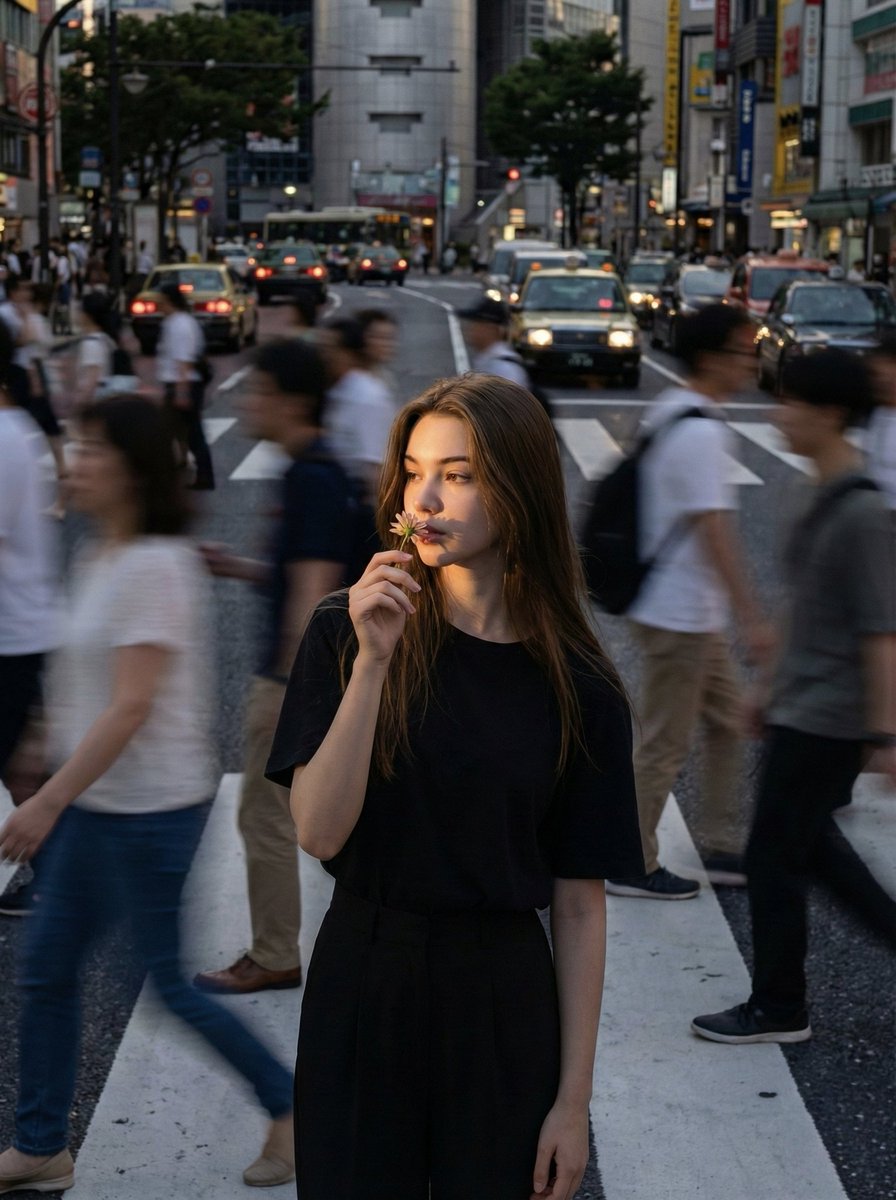
![Naive doodle-style subject illustration — A doodle-style {argument name="subject" default="[subject]"}, naive lines, humorous shape exaggeration](https://pbs.twimg.com/media/G6Wl2YxbsAARB2b.jpg)















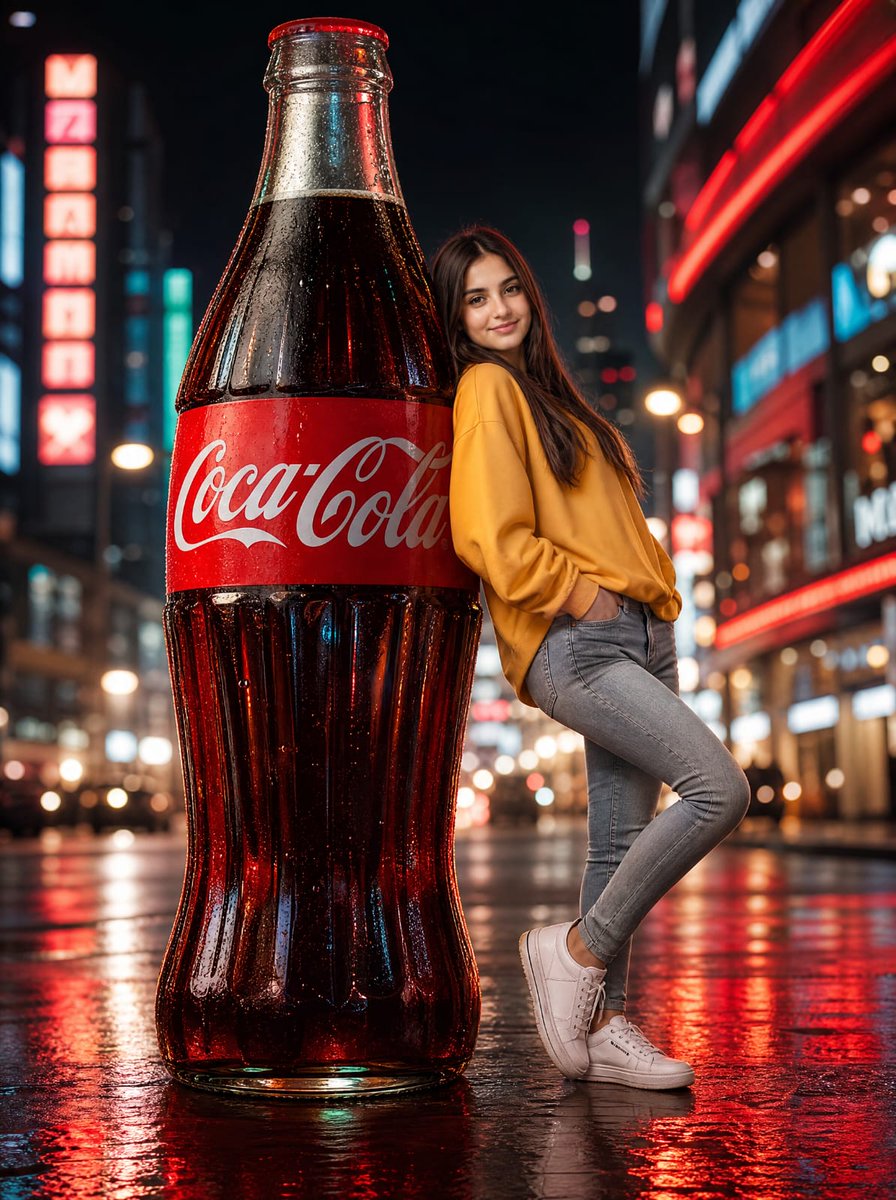


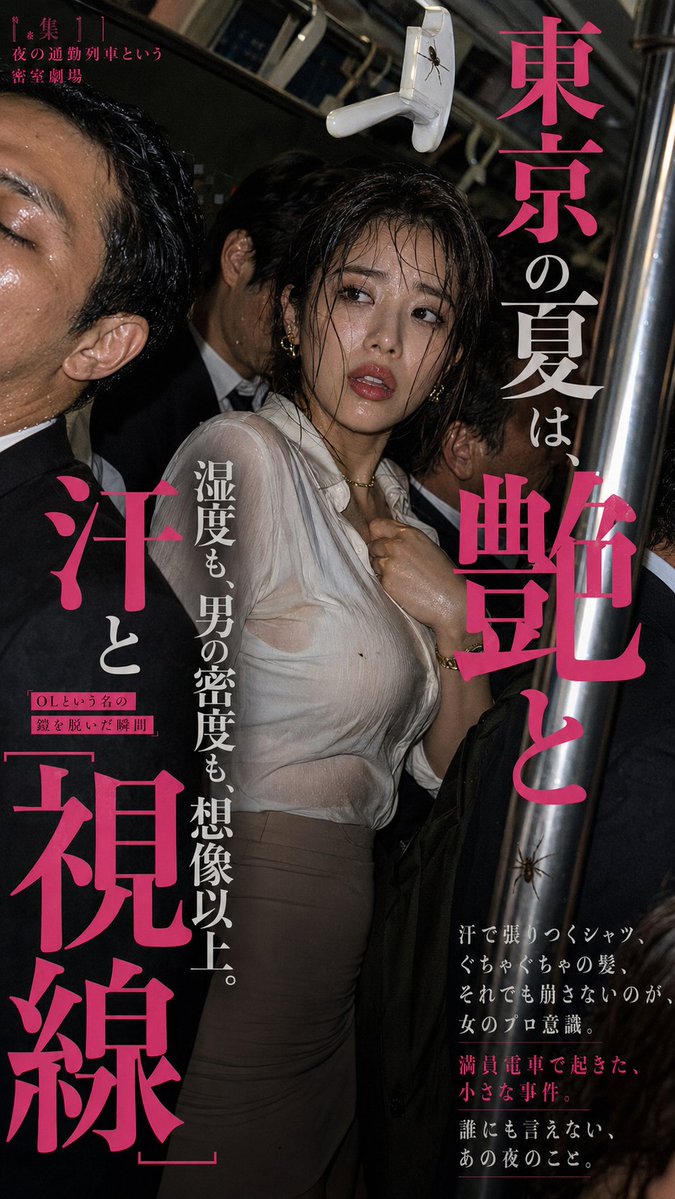

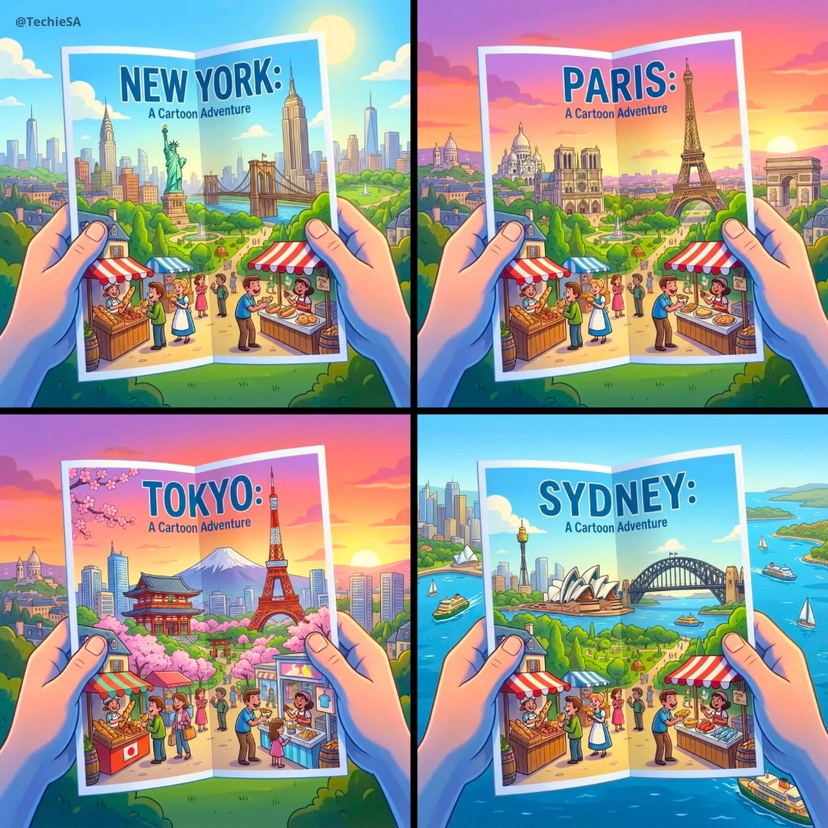


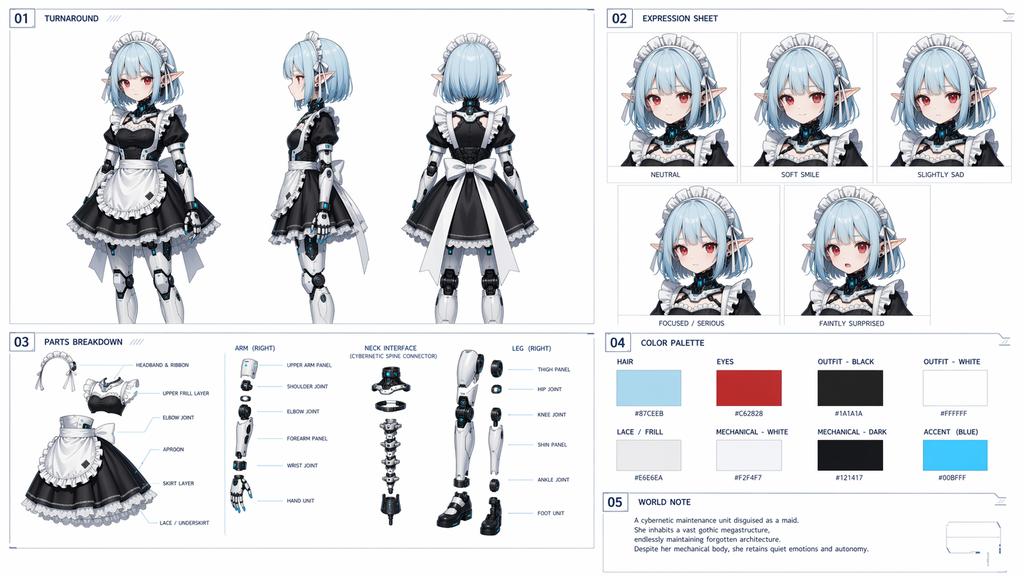



![Tactical Simulation RPG Scene Prompt — 戦術シミュレーションRPG風
────────────────
キャラクター名指定:[{argument name="キャラクター名" default="(★任意)"}]
表示テキスト指定:[{argument name="表示テキスト" d](https://cms-assets.youmind.com/media/1779182073687_7kuw5q_HIpf3ejbUAAP0Z5.jpg)