
Panel Anime Romance Comic Strip
Generates a 4-panel anime-style comic strip featuring a couple walking and talking in a scenic setting, ideal for short storytelling.
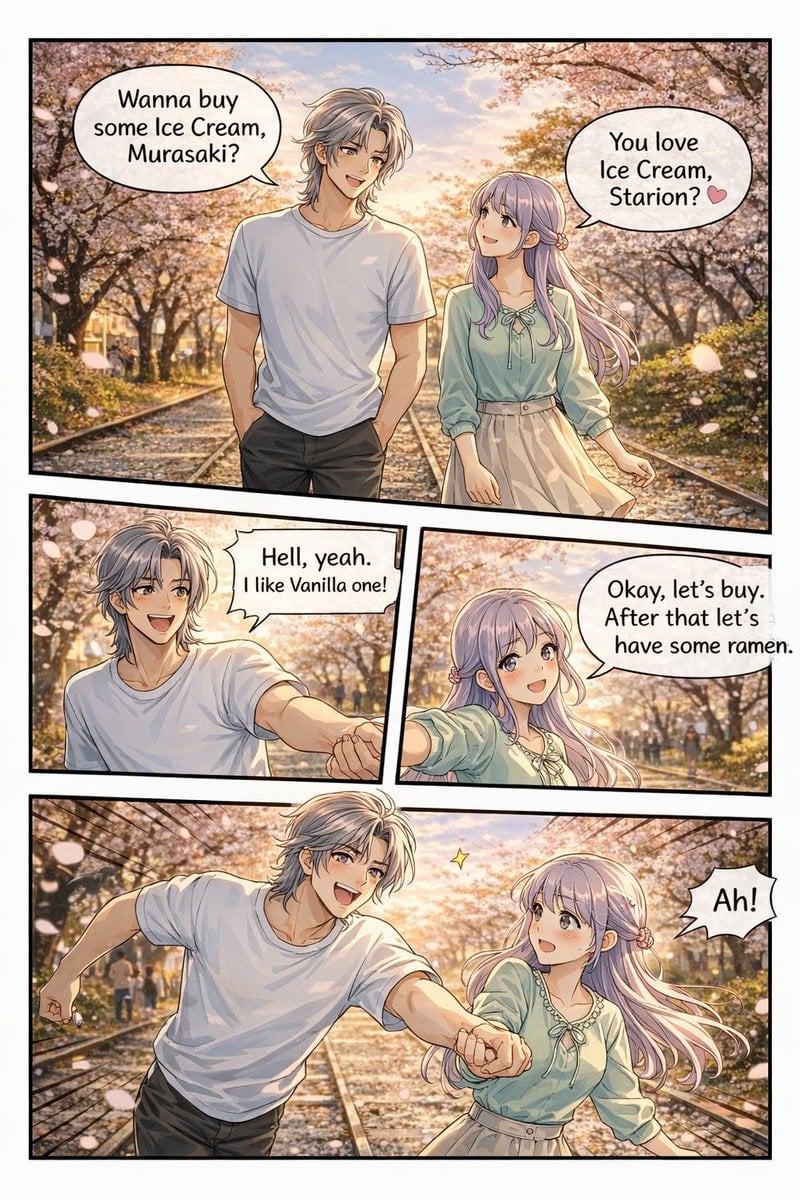
- Prompt included
- Model and format preset
- Free template
The prompt behind this image
Copy the exact prompt behind Panel Anime Romance Comic Strip, or open it in the studio and make it yours.
- Type
- 4-panel anime comic strip
- Art Style
- detailed anime illustration, warm sunset lighting, visual novel CG quality
- Setting
- {argument name="setting" default="cherry blossom lined path with train tracks at sunset"}
- Characters › Male › Name
- {argument name="male character name" default="Starion"}
- Characters › Male › Appearance
- silver messy hair, white t-shirt, dark pants
- Characters › Female › Name
- {argument name="female character name" default="Murasaki"}
- Characters › Female › Appearance
- long light purple hair, light green blouse with bow, beige skirt
- Layout › Total Panels
- 4
- Layout › Total Speech Bubbles
- 5
- Layout › Panels › 0 › Position
- top, full width
- Layout › Panels › 0 › Action
- walking together on the tracks
- Layout › Panels › 0 › Bubbles
- Wanna buy some Ice Cream, Murasaki?, You love Ice Cream, Starion? 🩷
- Layout › Panels › 1 › Position
- middle left
- Layout › Panels › 1 › Action
- male smiling enthusiastically, reaching hand out
- Layout › Panels › 1 › Bubbles
- {argument name="male dialogue" default="Hell, yeah. I like Vanilla one!"}
- Layout › Panels › 2 › Position
- middle right
- Layout › Panels › 2 › Action
- female smiling, holding his hand
- Layout › Panels › 2 › Bubbles
- {argument name="female dialogue" default="Okay, let's buy. After that let's have some ramen."}
- Layout › Panels › 3 › Position
- bottom, full width
- Layout › Panels › 3 › Action
- running forward on the tracks, holding hands, male excited, female surprised
- Layout › Panels › 3 › Bubbles
- Ah!
Raw JSON
{
  "type": "4-panel anime comic strip",
  "art_style": "detailed anime illustration, warm sunset lighting, visual novel CG quality",
  "setting": "{argument name=\"setting\" default=\"cherry blossom lined path with train tracks at sunset\"}",
  "characters": {
    "male": {
      "name": "{argument name=\"male character name\" default=\"Starion\"}",
      "appearance": "silver messy hair, white t-shirt, dark pants"
    },
    "female": {
      "name": "{argument name=\"female character name\" default=\"Murasaki\"}",
      "appearance": "long light purple hair, light green blouse with bow, beige skirt"
    }
  },
  "layout": {
    "total_panels": 4,
    "total_speech_bubbles": 5,
    "panels": [
      {
        "position": "top, full width",
        "action": "walking together on the tracks",
        "bubbles": [
          "Wanna buy some Ice Cream, Murasaki?",
          "You love Ice Cream, Starion? 🩷"
        ]
      },
      {
        "position": "middle left",
        "action": "male smiling enthusiastically, reaching hand out",
        "bubbles": [
          "{argument name=\"male dialogue\" default=\"Hell, yeah. I like Vanilla one!\"}"
        ]
      },
      {
        "position": "middle right",
        "action": "female smiling, holding his hand",
        "bubbles": [
          "{argument name=\"female dialogue\" default=\"Okay, let's buy. After that let's have some ramen.\"}"
        ]
      },
      {
        "position": "bottom, full width",
        "action": "running forward on the tracks, holding hands, male excited, female surprised",
        "bubbles": [
          "Ah!"
        ]
      }
    ]
  }
}Reference images included
Panel Anime Romance Comic Strip needs input media to work. They load alongside the prompt when you open it in the studio.
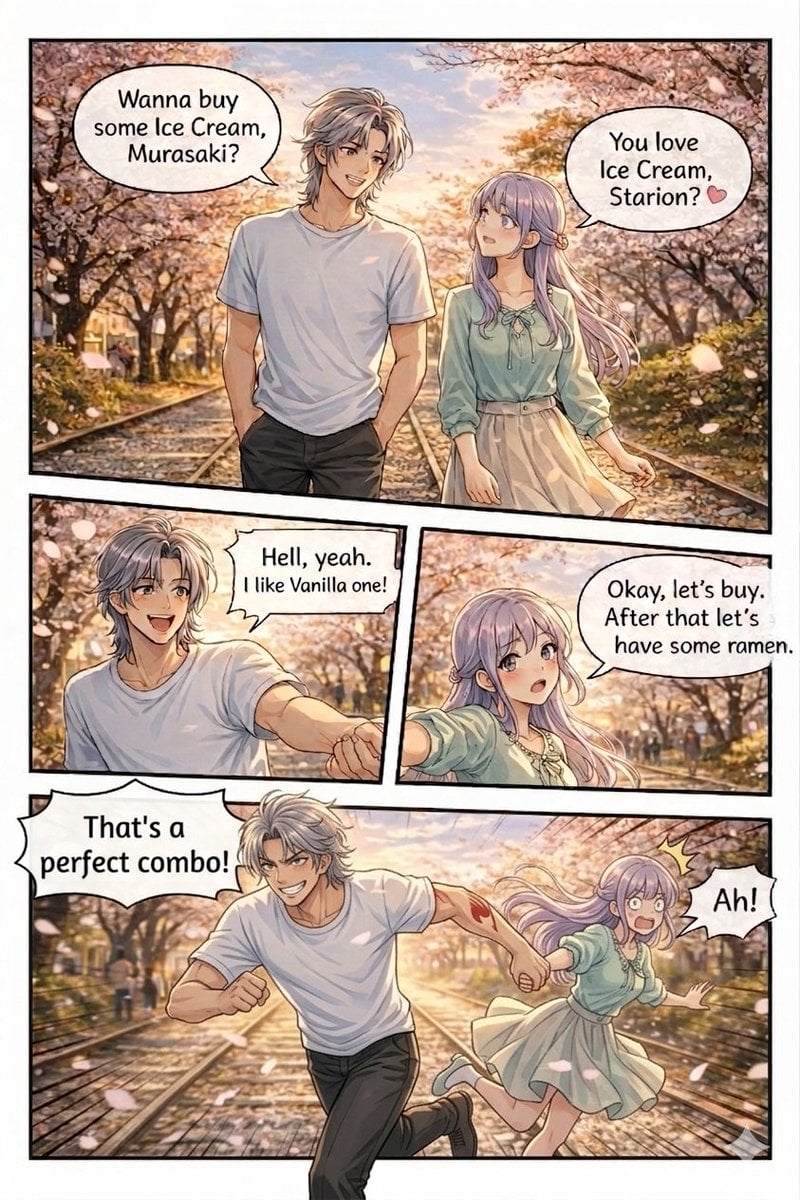
How to use Panel Anime Romance Comic Strip in 3 steps
- 1Upload ImagePNG, JPG or paste
Add your photo
Upload the photo the template builds on. The prompt, model and format are already set.
- 2…a portrait of your subject in softgolden-hour light, 85mm…
Personalize
Edit the subject and creative details for your destination.
- 3Generate
Generate
Press Generate — your image is created in PicX Studio, so you can compare it with the original and refine one variable at a time.
More like this
Templates with the same subject, style or setup. Open one to see its prompt.
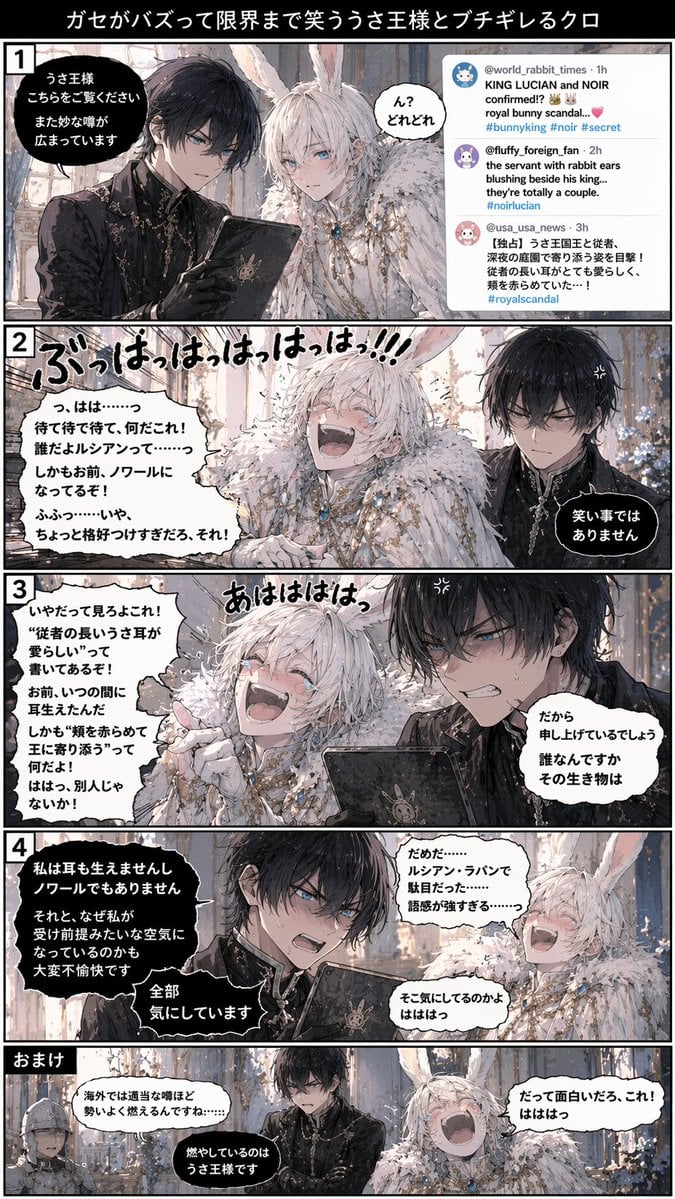
Vertical 5-Panel Anime Comic Strip
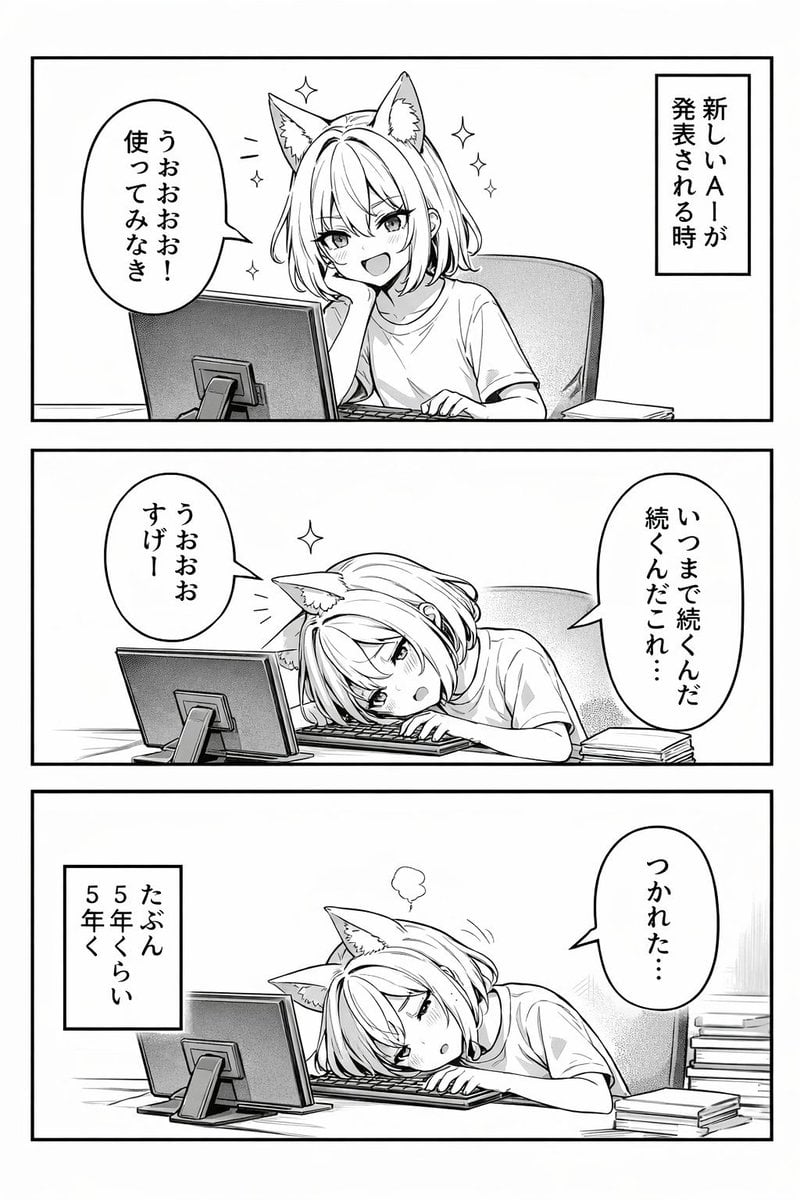
Panel Anime Comic Strip
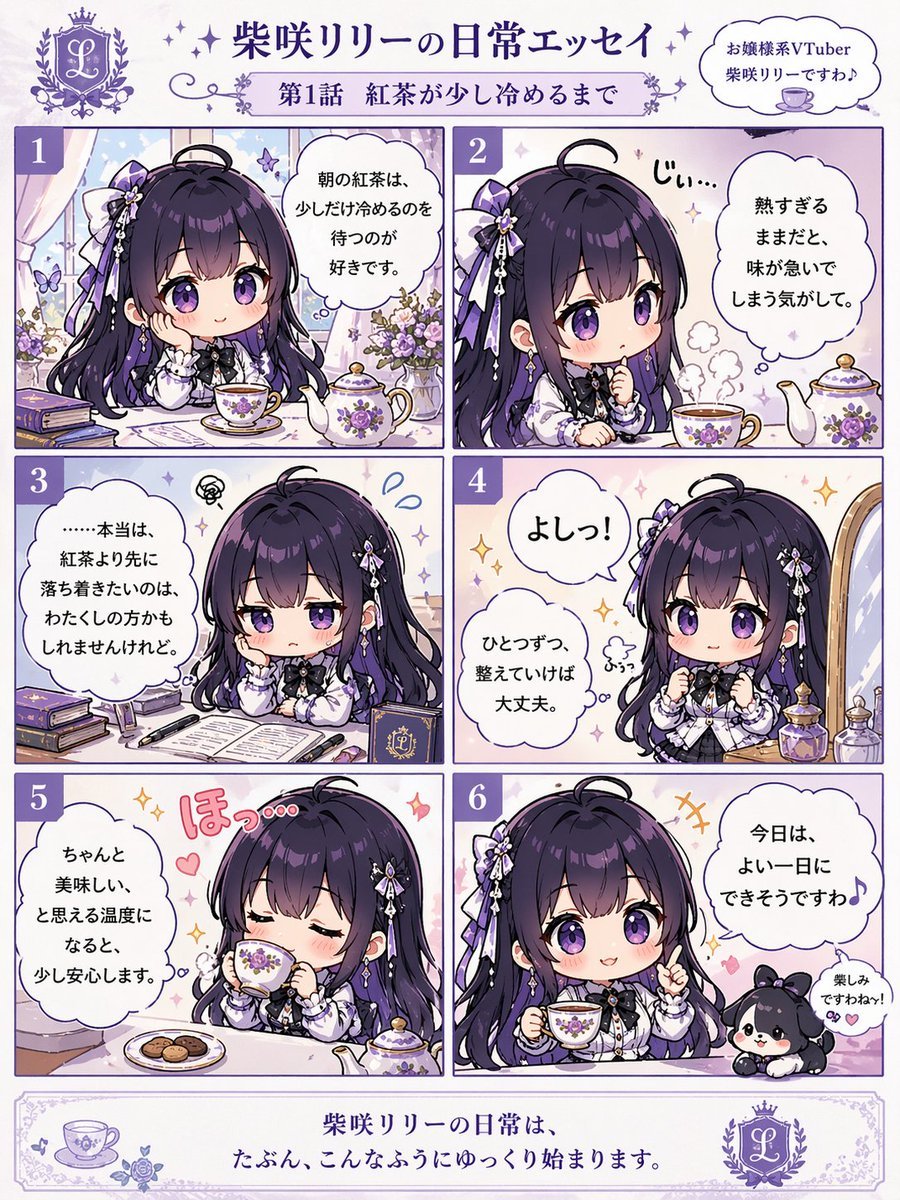
Panel Chibi VTuber Comic Strip
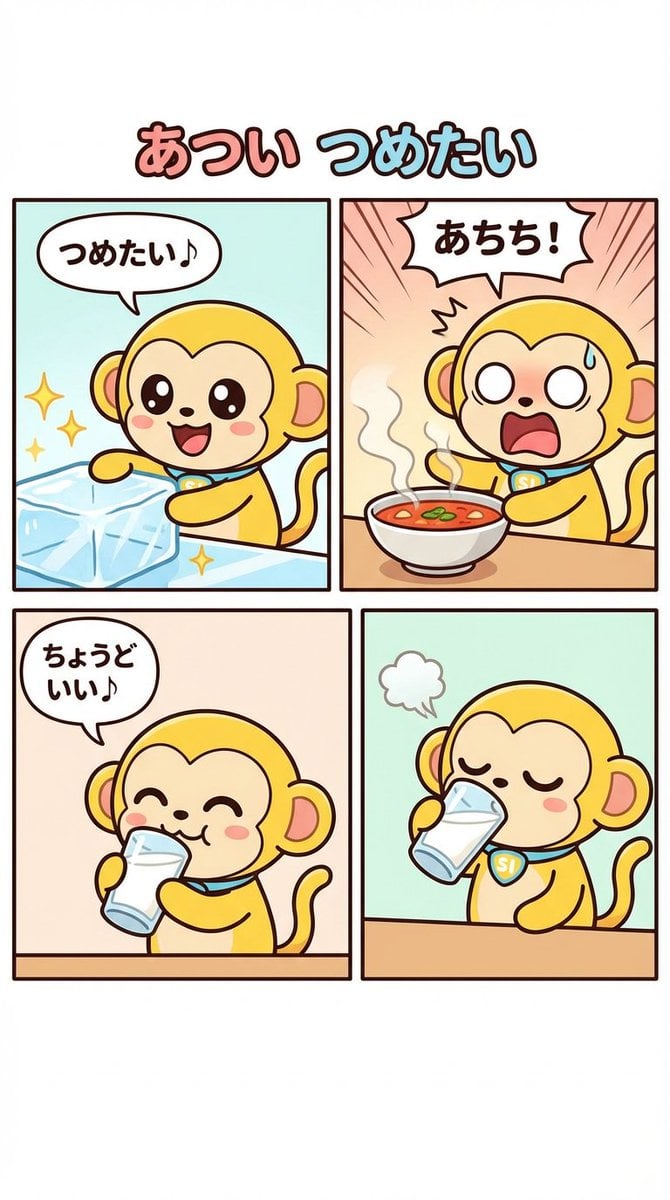
Four-Panel Comic Strip Generation
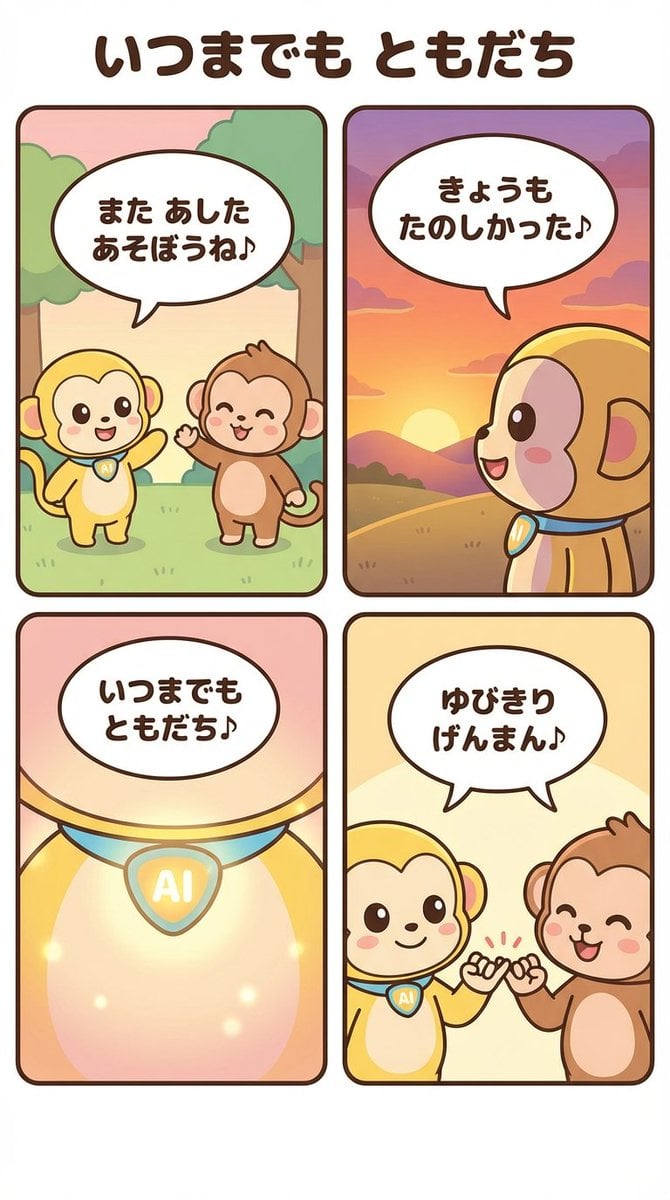
Generating a 4-Panel Comic Strip: 'Friends Forever'

Gpt2 E Commerce Main Image 9 Panel Product Tvc Storyboard

Two Tickets, One Night

If We Met in 1985

Before We said Goodbye

Our Song was on a Cassette

Meet Me When It Rains

The Date After College
Make it yours
Panel Anime Romance Comic Strip works as-is. These are the safest ways to change it without losing the look.
Swap the setting
Keep the rest of the prompt and replace the location block. The current setting is “{argument name="setting" default="cherry blossom lined path with train tracks at”.
Change one field
Copy a single group, rewrite it, and generate again so you can see what that field is doing.
Keep the frame, change the subject
Hold the composition and light of 4-Panel Anime Romance Comic Strip, then swap wardrobe, props or the person for a new take.
| If the result… | Why | Fix |
|---|---|---|
| The result drifts from the preview | Too many fields changed at once. | Reuse 4-Panel Anime Romance Comic Strip as-is first, then change one group — subject, light, or setting. |
| GPT Image 2 ignores part of the JSON | Some models flatten or skip nested keys. | Keep the same values and paste them as a short paragraph instead. |
More GPT Image 2 templates
Other prompts made for GPT Image 2.

Six VTuber Japanese Logo Sheet

Realistic Portrait of Woman and Deer

The Vista Modular Condo Poster

AI Model Routing Comparison Infographic

2.5D Anime Art Board

Isometric Productivity Desk Scene

New York Double Exposure Poster

Four-Panel AI Landscape Comparison

Japanese Tatami Lifestyle Magazine Cover

NESCAFÉ Coffee Map Poster
More image prompts
Fresh picks from across the catalog.
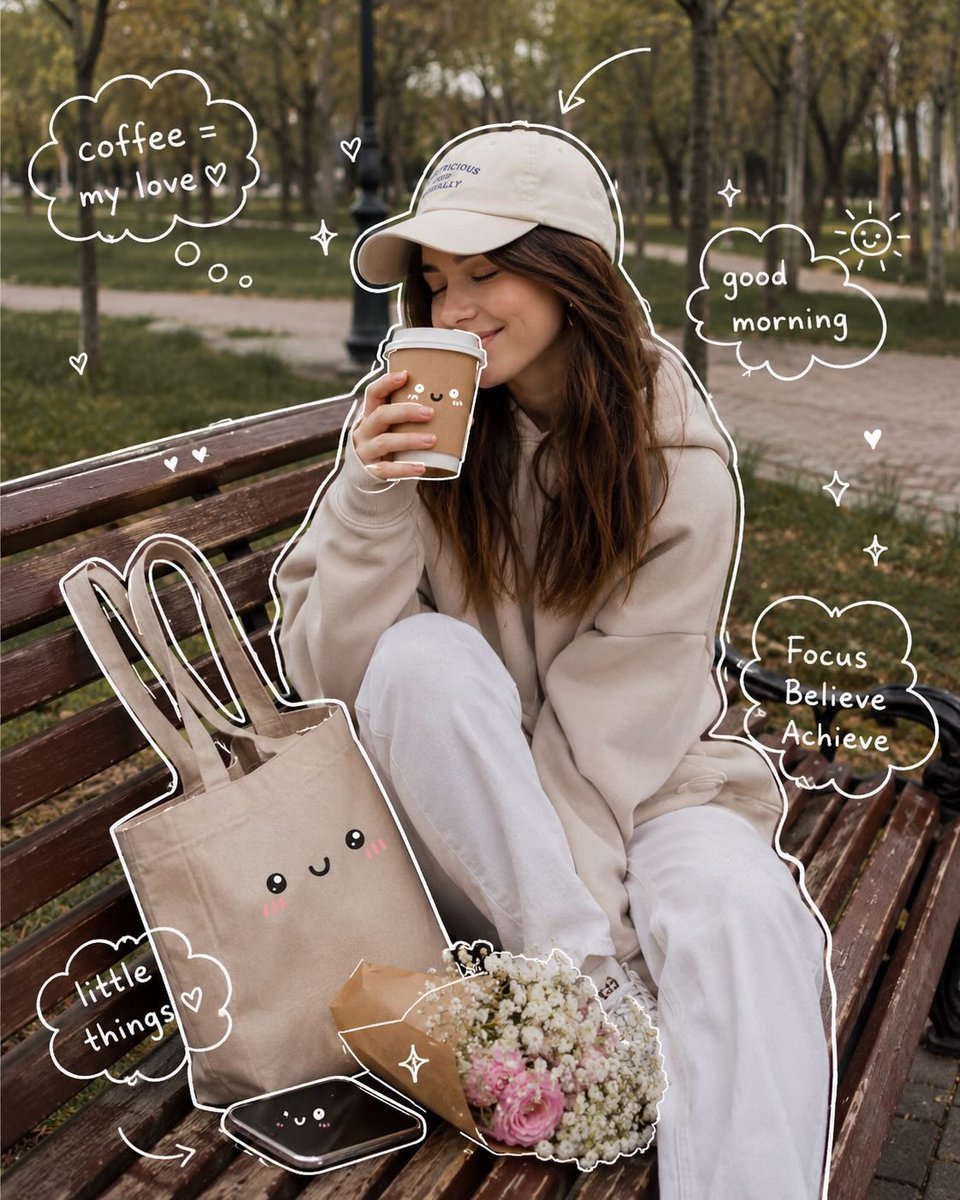
Cozy Aesthetic Park Photography
Anime Catgirls at Lakeside Statue
Dreamy Meadow Portrait at Golden Hour
Cinematic Embroidery Scene Video
Living Dragon Mural in Sunset Alley
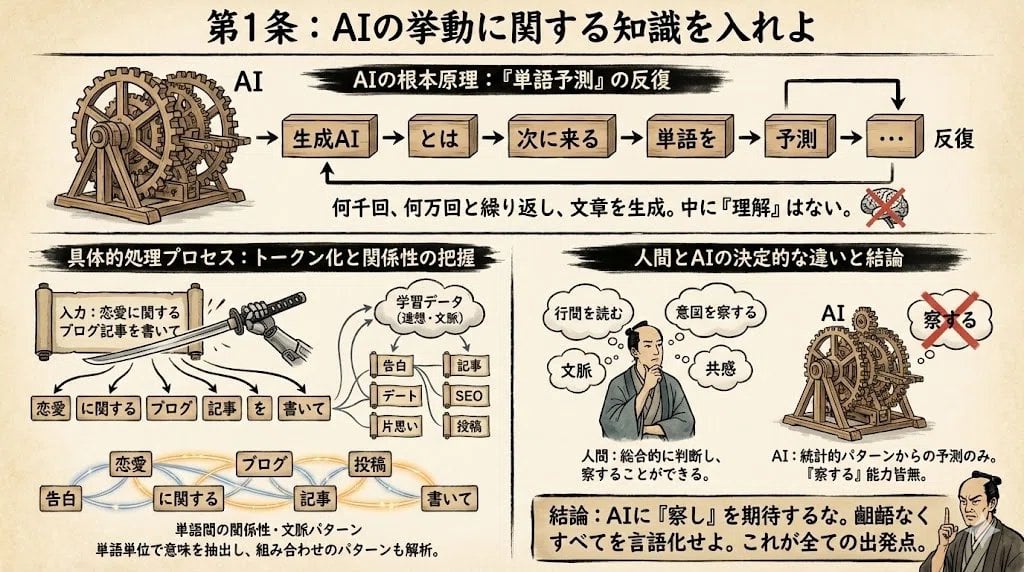
Infographic from reference info with classic Japanese font
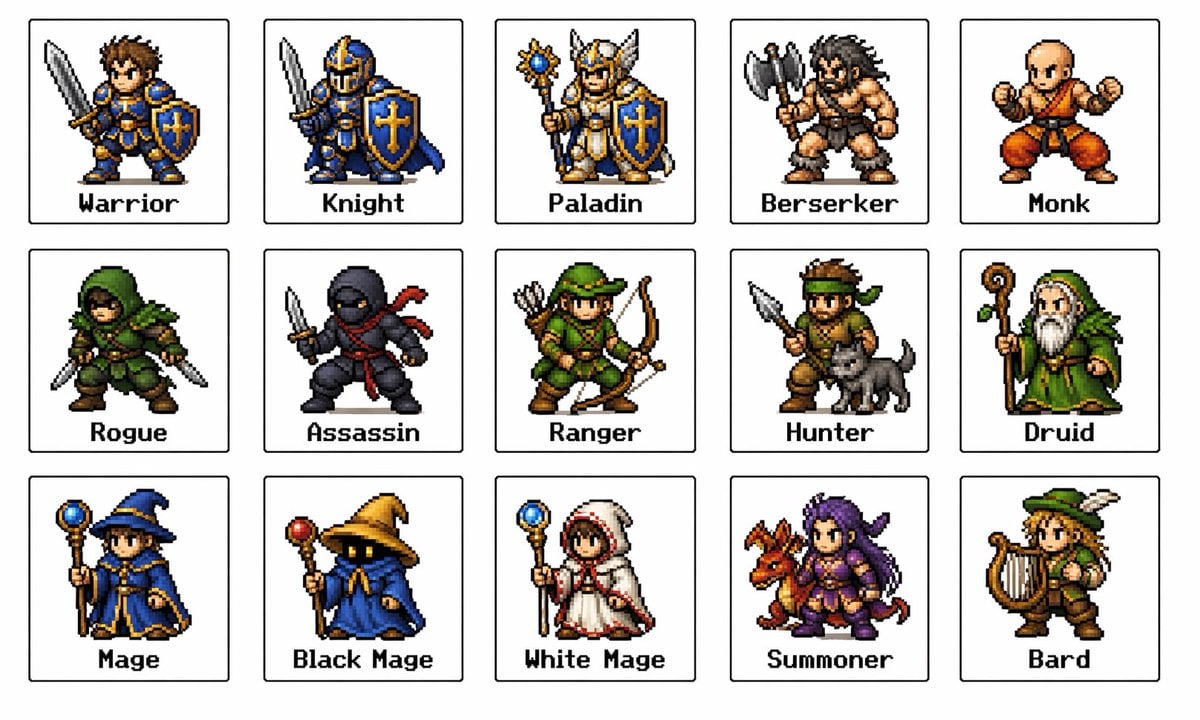
Retro Fantasy Class Sprite Grid

Cinematic Wasteland Survivor Portrait (Mad Max Style)
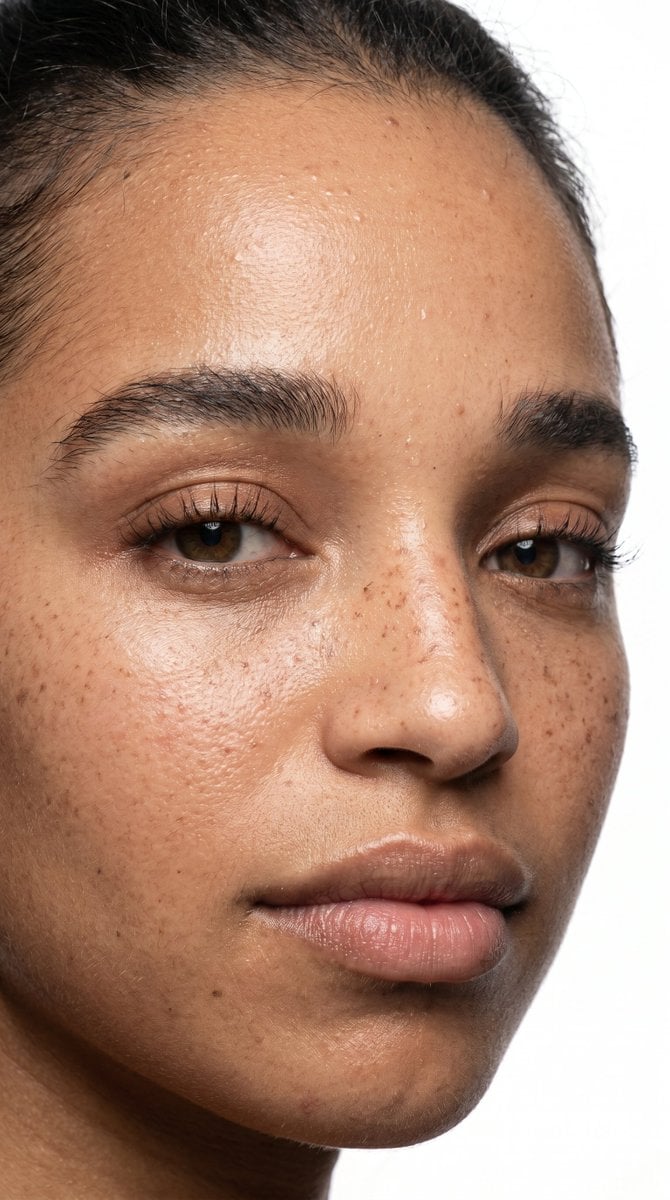
Ultra-Realistic Beauty Close-Up
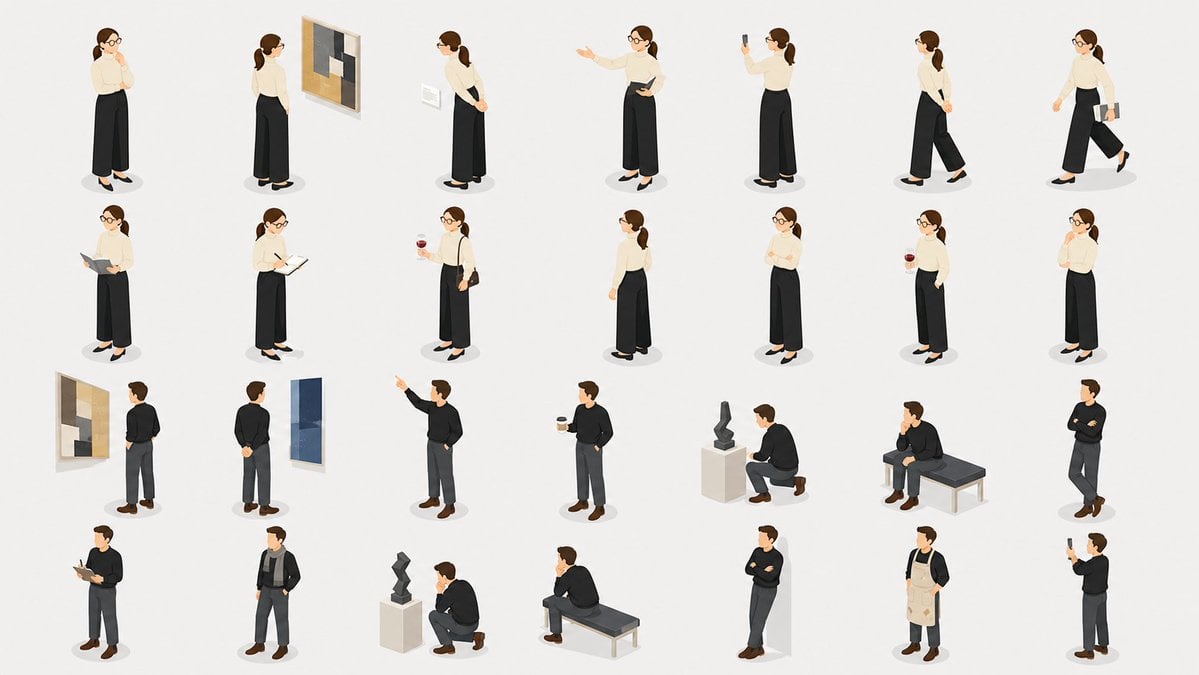
Isometric Gallery People Set
Browse template categories
Panel Anime Romance Comic Strip questions
How do I use the 4-Panel Anime Romance Comic Strip template?
Add your photo if the template asks for one, edit the prompt if you like — the template's model and format are already selected — and press Generate. Your version opens in PicX Studio.
Can I customize the 4-Panel Anime Romance Comic Strip template?
Yes. You can change the subject, setting, lighting, mood, format, and available model controls before creating your image.
Is the 4-Panel Anime Romance Comic Strip template free?
Opening and editing this template is free. Generating uses credits, shown on the Generate button when you are signed in.
Which AI model should I use?
Start with GPT Image 2, which is the model associated with this template. You can compare another compatible model for a different finish.
Looking for something else? Browse all templates.

Your photo, any look
Thousands of ready templates for every top image and video model, from one credit balance.