
Vertical 5-Panel Anime Comic Strip
Generates a vertical 5-panel anime-style comic strip featuring two characters reacting to a viral social media post.
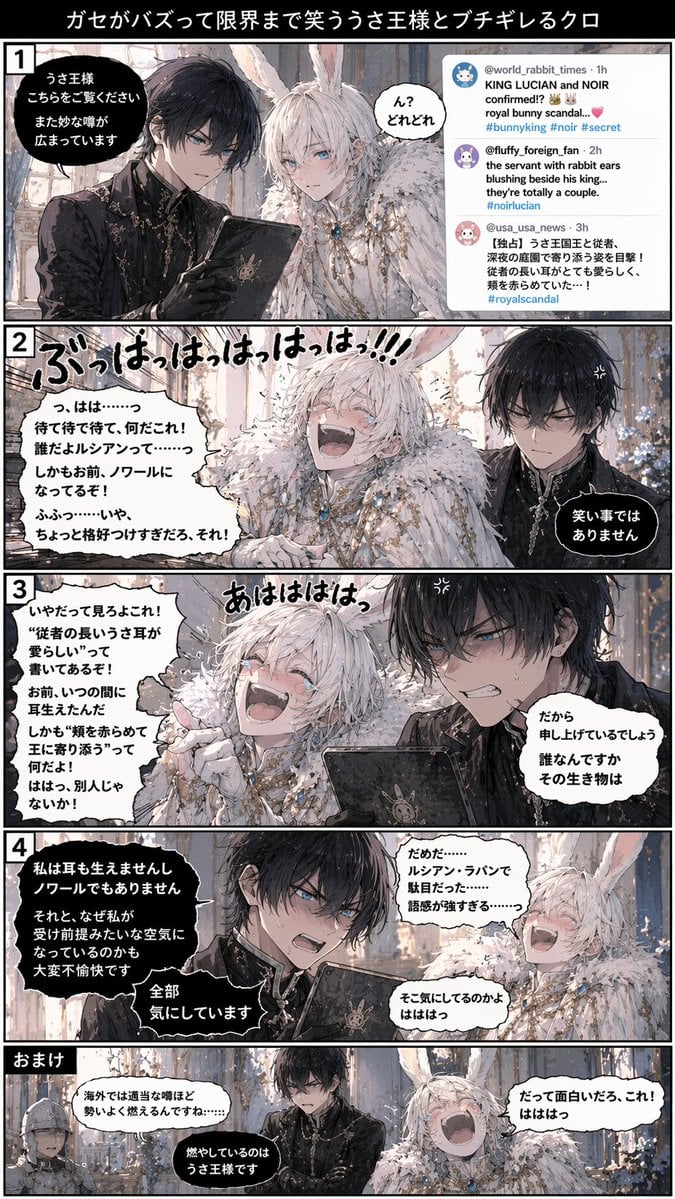
- Prompt included
- Model and format preset
- Free template
The prompt behind this image
Copy the exact prompt behind Vertical 5-Panel Anime Comic Strip, or open it in the studio and make it yours.
- Type
- vertical comic strip
- Header
- {argument name="comic title" default="ガセがバズって限界まで笑ううさ王様とブチギレるクロ"}
- Characters › 0 › Name
- {argument name="character 1 name" default="クロ"}
- Characters › 0 › Appearance
- black hair, blue eyes, dark gothic military uniform, silver accents
- Characters › 0 › Role
- straight man, easily angered
- Characters › 1 › Name
- {argument name="character 2 name" default="うさ王様"}
- Characters › 1 › Appearance
- white hair, white rabbit ears, blue eyes, ornate white royal outfit, fur collar
- Characters › 1 › Role
- laughing hysterically
- Layout › Panel Count
- 5
- Layout › Panels › 0 › Number
- 1
- Layout › Panels › 0 › Scene
- Character 1 shows a tablet to Character 2. Right side displays a social media feed with 3 distinct posts discussing a {argument name="social media topic" default="royal bunny scandal"}.
- Layout › Panels › 0 › Dialogue Bubbles
- 3
- Layout › Panels › 1 › Number
- 2
- Layout › Panels › 1 › Scene
- Character 2 laughing hysterically with large floating text effects. Character 1 looks annoyed with an anger vein symbol.
- Layout › Panels › 1 › Dialogue Bubbles
- 3
- Layout › Panels › 2 › Number
- 3
- Layout › Panels › 2 › Scene
- Character 2 pointing and laughing. Character 1 looks furious, holding the tablet.
- Layout › Panels › 2 › Dialogue Bubbles
- 3
- Layout › Panels › 3 › Number
- 4
- Layout › Panels › 3 › Scene
- Character 1 speaking angrily with intense expression. Character 2 laughing with head thrown back.
- Layout › Panels › 3 › Dialogue Bubbles
- 4
- Layout › Panels › 4 › Label
- {argument name="bonus panel title" default="おまけ"}
- Layout › Panels › 4 › Scene
- Character 1 looks exhausted. Character 2 still laughing. A helmeted guard is partially visible on the far left.
- Layout › Panels › 4 › Dialogue Bubbles
- 3
Raw JSON
{
  "type": "vertical comic strip",
  "header": "{argument name=\"comic title\" default=\"ガセがバズって限界まで笑ううさ王様とブチギレるクロ\"}",
  "characters": [
    {
      "name": "{argument name=\"character 1 name\" default=\"クロ\"}",
      "appearance": "black hair, blue eyes, dark gothic military uniform, silver accents",
      "role": "straight man, easily angered"
    },
    {
      "name": "{argument name=\"character 2 name\" default=\"うさ王様\"}",
      "appearance": "white hair, white rabbit ears, blue eyes, ornate white royal outfit, fur collar",
      "role": "laughing hysterically"
    }
  ],
  "layout": {
    "panel_count": 5,
    "panels": [
      {
        "number": "1",
        "scene": "Character 1 shows a tablet to Character 2. Right side displays a social media feed with 3 distinct posts discussing a {argument name=\"social media topic\" default=\"royal bunny scandal\"}.",
        "dialogue_bubbles": 3
      },
      {
        "number": "2",
        "scene": "Character 2 laughing hysterically with large floating text effects. Character 1 looks annoyed with an anger vein symbol.",
        "dialogue_bubbles": 3
      },
      {
        "number": "3",
        "scene": "Character 2 pointing and laughing. Character 1 looks furious, holding the tablet.",
        "dialogue_bubbles": 3
      },
      {
        "number": "4",
        "scene": "Character 1 speaking angrily with intense expression. Character 2 laughing with head thrown back.",
        "dialogue_bubbles": 4
      },
      {
        "label": "{argument name=\"bonus panel title\" default=\"おまけ\"}",
        "scene": "Character 1 looks exhausted. Character 2 still laughing. A helmeted guard is partially visible on the far left.",
        "dialogue_bubbles": 3
      }
    ]
  },
  "style": "high-quality anime illustration, detailed character designs, expressive emotions, manga-style speech bubbles and sound effects"
}How to use Vertical 5-Panel Anime Comic Strip in 3 steps
- 1Upload ImagePNG, JPG or paste
Add your photo
Upload the photo the template builds on. The prompt, model and format are already set.
- 2…a portrait of your subject in softgolden-hour light, 85mm…
Personalize
Edit the subject and creative details for your destination.
- 3Generate
Generate
Press Generate — your image is created in PicX Studio, so you can compare it with the original and refine one variable at a time.
More like this
Templates with the same subject, style or setup. Open one to see its prompt.
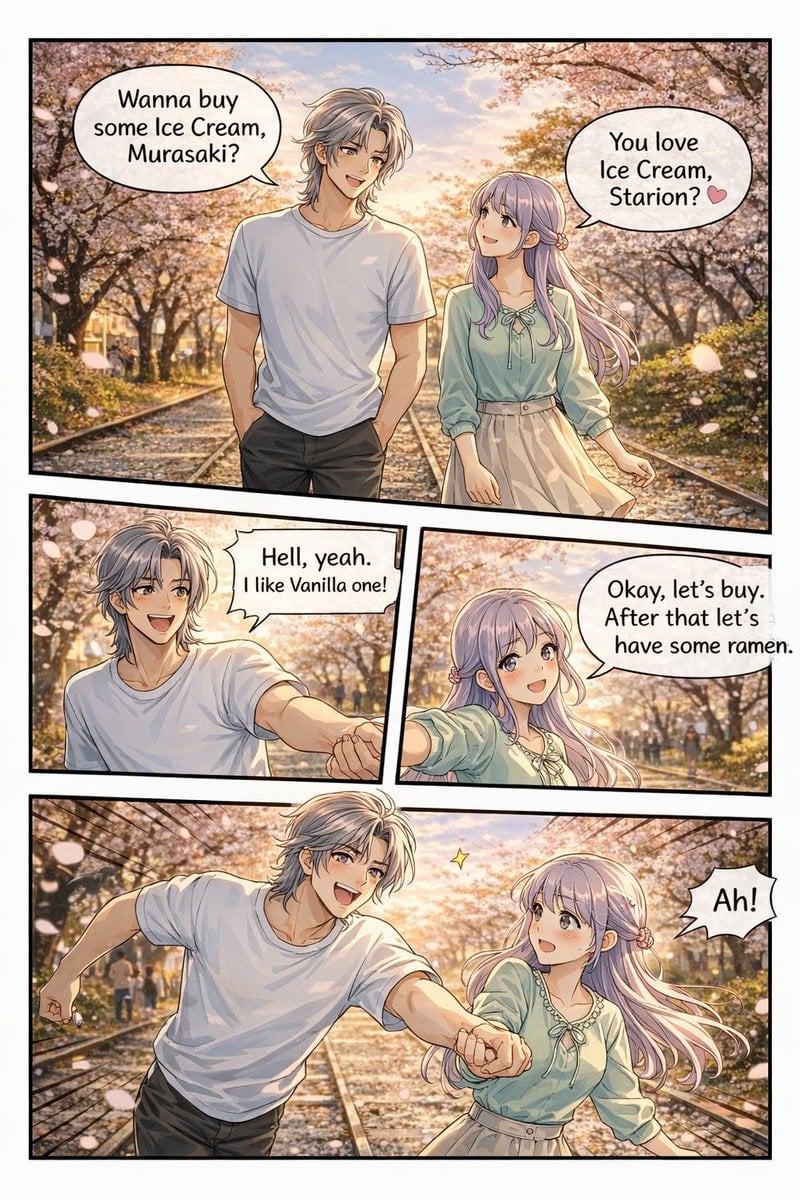
Panel Anime Romance Comic Strip
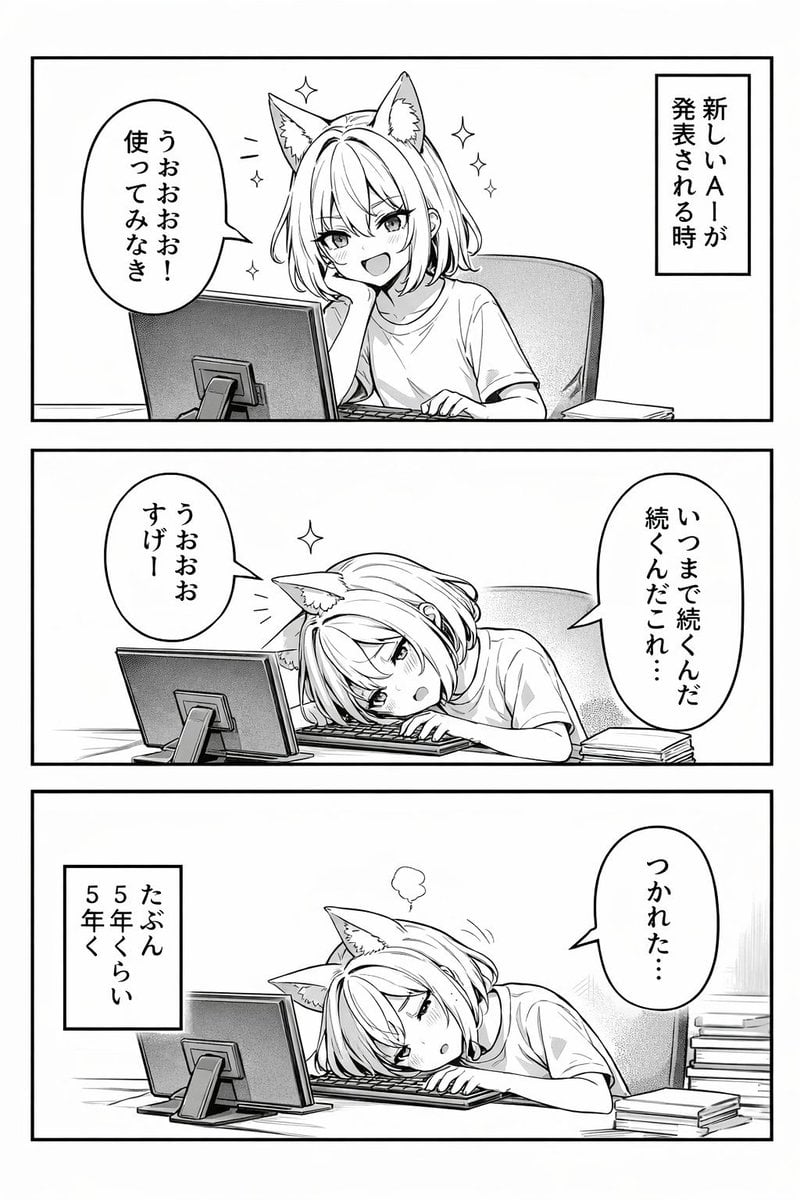
Panel Anime Comic Strip
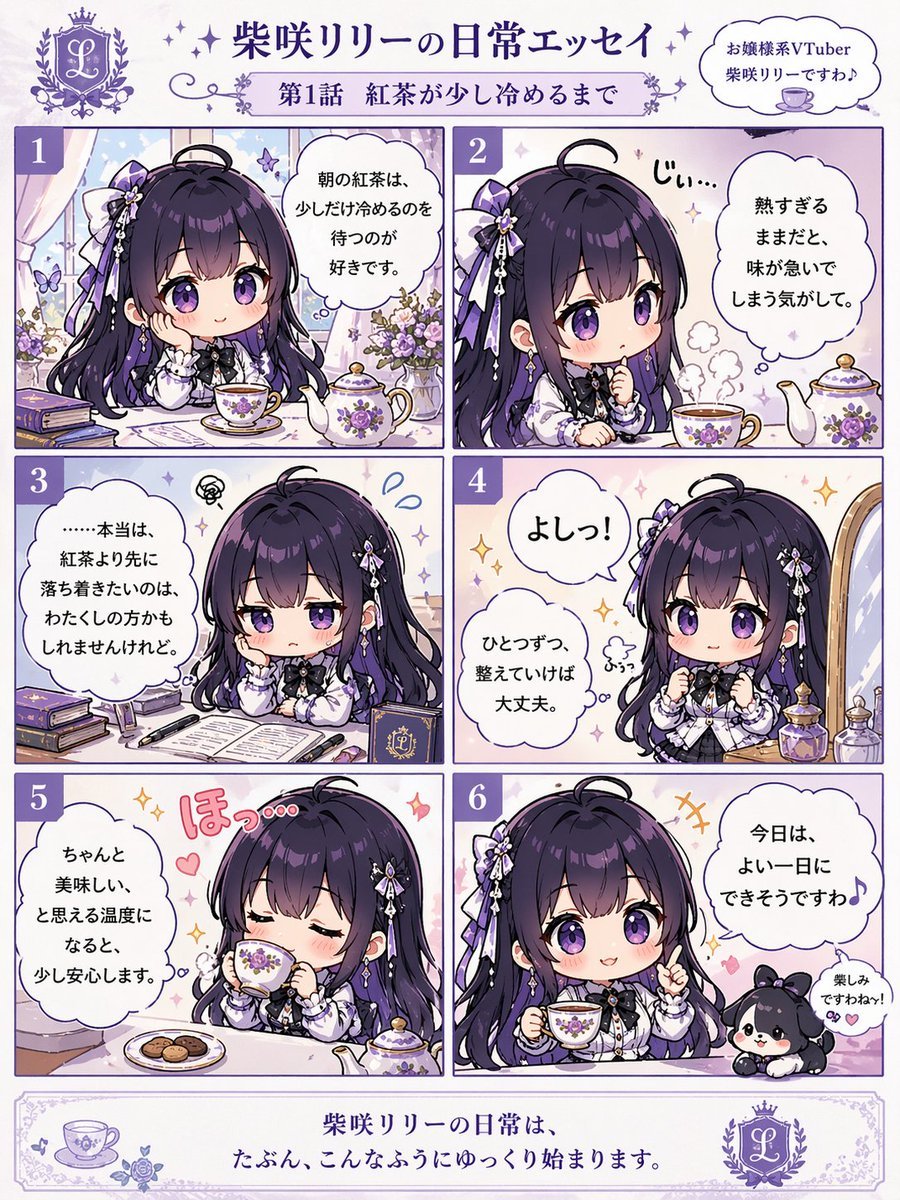
Panel Chibi VTuber Comic Strip
Four-Panel Comic Strip Generation
Generating a 4-Panel Comic Strip: 'Friends Forever'

Gpt2 E Commerce Main Image 9 Panel Product Tvc Storyboard

Four-Panel Anime Face Comparison
Multi-Panel Comic Illustration

Cel 2D Finale Fireworks

Cel 2D Garden Maze

Cel 2D Rooftop Concert

Cel 2D Bicycle Coast
Make it yours
Vertical 5-Panel Anime Comic Strip works as-is. These are the safest ways to change it without losing the look.
Change one field
Copy a single group, rewrite it, and generate again so you can see what that field is doing.
Keep the frame, change the subject
Hold the composition and light of Vertical 5-Panel Anime Comic Strip, then swap wardrobe, props or the person for a new take.
| If the result… | Why | Fix |
|---|---|---|
| The result drifts from the preview | Too many fields changed at once. | Reuse Vertical 5-Panel Anime Comic Strip as-is first, then change one group — subject, light, or setting. |
| GPT Image 2 ignores part of the JSON | Some models flatten or skip nested keys. | Keep the same values and paste them as a short paragraph instead. |
More GPT Image 2 templates
Other prompts made for GPT Image 2.

Six VTuber Japanese Logo Sheet

Realistic Portrait of Woman and Deer

The Vista Modular Condo Poster

AI Model Routing Comparison Infographic

2.5D Anime Art Board

Isometric Productivity Desk Scene

New York Double Exposure Poster

Four-Panel AI Landscape Comparison

Japanese Tatami Lifestyle Magazine Cover

NESCAFÉ Coffee Map Poster
More image prompts
Fresh picks from across the catalog.
X Chryzleenprompt Create Image a Hyper Photorealistic Polaroid
Abstract Expressionist Portrait with Chaotic Color Fields
Cinematic Samurai Agency Landing Page
Isometric Circular Museum Architecture
Tech Security Brand Advertising
Website Homepage Screenshot Generation
Snowy Locations Views Winter Special
Pixar Style 3D Emoji Sticker Pack
Premium Sports Infographic
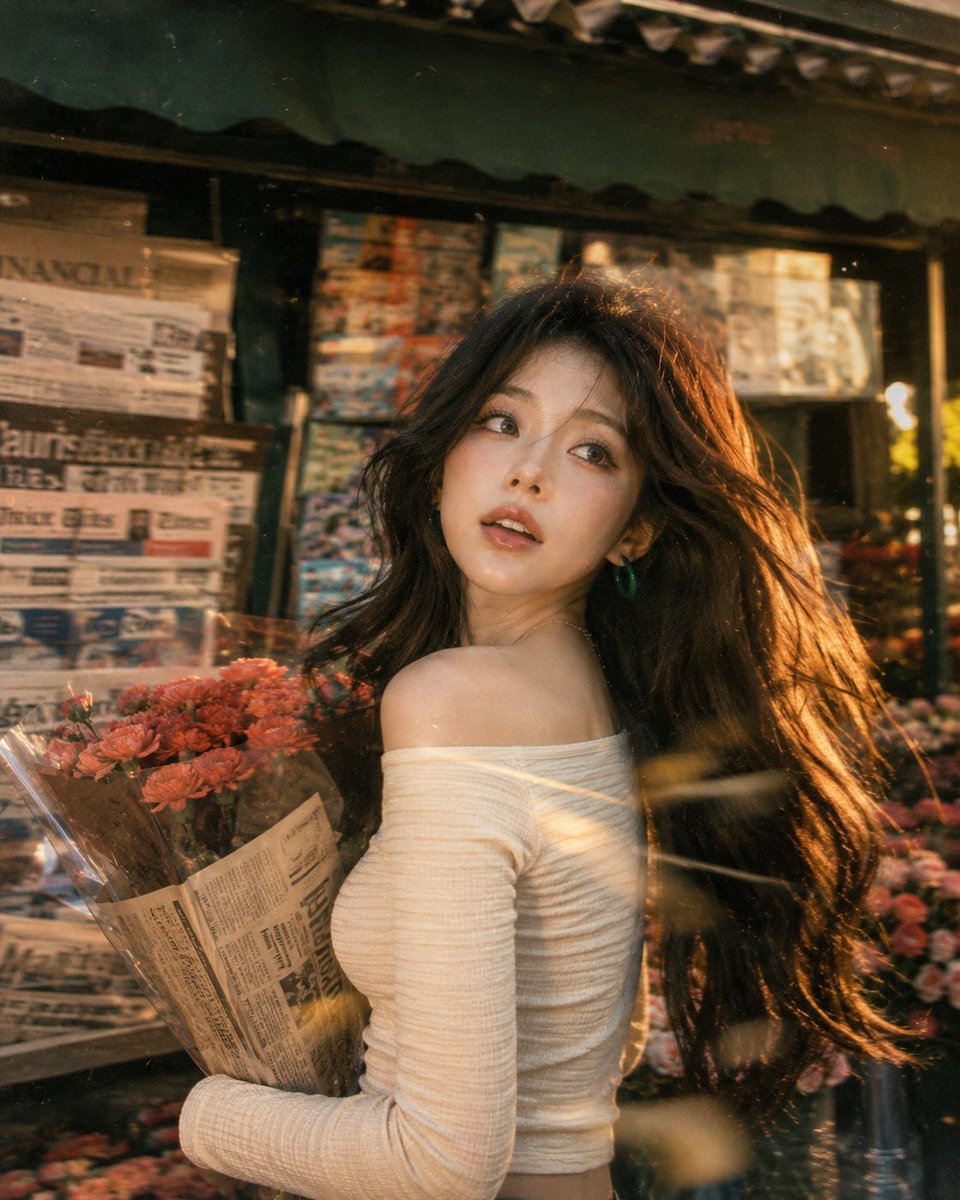
Vintage Fujifilm Film Portrait
Browse template categories
Vertical 5-Panel Anime Comic Strip questions
How do I use the Vertical 5-Panel Anime Comic Strip template?
Add your photo if the template asks for one, edit the prompt if you like — the template's model and format are already selected — and press Generate. Your version opens in PicX Studio.
Can I customize the Vertical 5-Panel Anime Comic Strip template?
Yes. You can change the subject, setting, lighting, mood, format, and available model controls before creating your image.
Is the Vertical 5-Panel Anime Comic Strip template free?
Opening and editing this template is free. Generating uses credits, shown on the Generate button when you are signed in.
Which AI model should I use?
Start with GPT Image 2, which is the model associated with this template. You can compare another compatible model for a different finish.
Looking for something else? Browse all templates.

Your photo, any look
Thousands of ready templates for every top image and video model, from one credit balance.