
Tech Security Brand Advertising
A cinematic and high-end advertising prompt for a security brand featuring a cybernetic owl and bold typography.
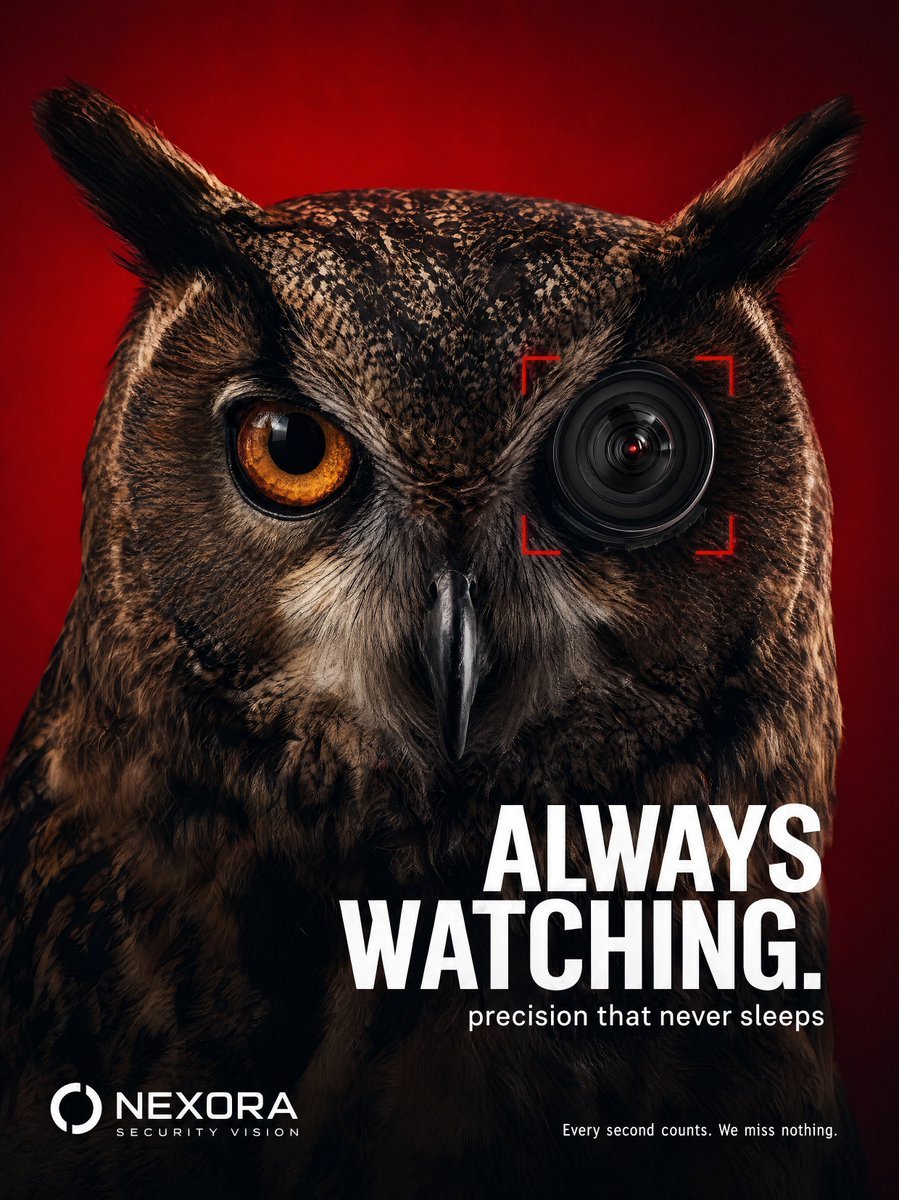
- Prompt included
- Model and format preset
- Free template
The prompt behind this image
Copy the exact prompt behind Tech Security Brand Advertising, or open it in the studio and make it yours.
Create a bold, cinematic advertising poster for a premium surveillance/security camera brand in a luxury editorial style. Feature an extreme close-up of a {argument name="subject" default="majestic owl"} facing forward against a rich {argument name="color" default="deep crimson/red"} seamless background. The owl should fill most of the frame, with one natural glowing amber eye and the other eye replaced by a sleek modern camera lens, integrated realistically into the face like a cybernetic enhancement. Add subtle red focus brackets around the lens to emphasize precision targeting. The owl’s feathers should be hyper-detailed, sharp, and dramatic with moody studio lighting and high contrast shadows. The composition should feel intense, minimal, and premium, similar to a high-end tech campaign. Typography should be clean, modern, and bold in white sans-serif font. Place the main headline in the lower-middle/right area: “{argument name="headline" default="ALWAYS WATCHING."}" Smaller subheadline beneath it: “precision that never sleeps” Add a subtle tagline in the bottom-right corner: “Every second counts. We miss nothing.” Place the brand logo in the bottom-left corner in clean white minimalist typography. Style references: luxury advertising campaign, cyberpunk wildlife concept, premium Sony/Canon /Blackmagic design aesthetic, ultra-realistic, sharp focus, dramatic editorial composition, photorealistic, 4k.
How to use Tech Security Brand Advertising in 3 steps
- 1Upload ImagePNG, JPG or paste
Add your photo
Upload the photo the template builds on. The prompt, model and format are already set.
- 2…a portrait of your subject in softgolden-hour light, 85mm…
Personalize
Edit the subject and creative details for your destination.
- 3Generate
Generate
Press Generate — your image is created in PicX Studio, so you can compare it with the original and refine one variable at a time.
More like this
Templates with the same subject, style or setup. Open one to see its prompt.
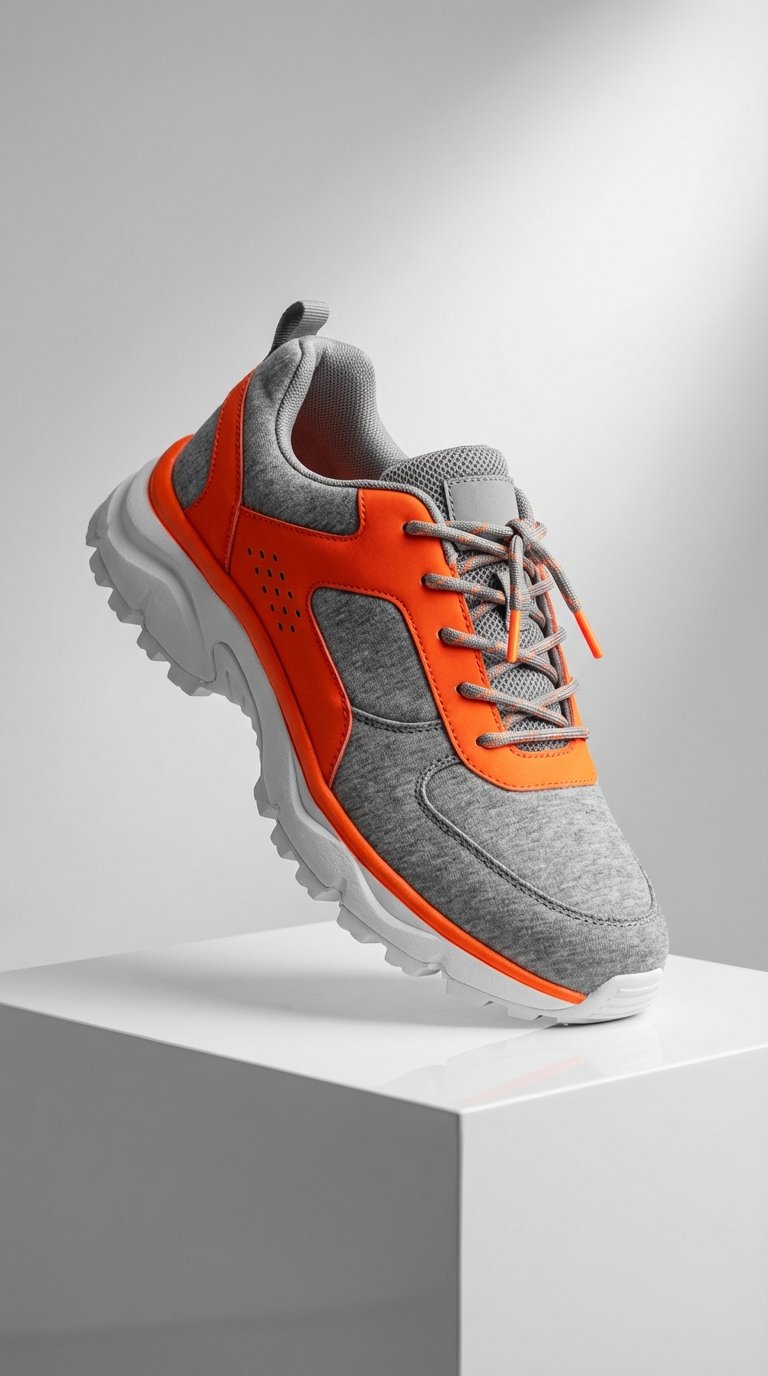
Modern Techwear Footwear Showcase

Luxury Fashion Campaign Typography Poster System

Premium Fashion Editorial Campaign Poster System

Botanical Skincare Minimal Product Advertising

Isometric Brand Store Diorama

Moss Logo Minimalist Brand Flat Lay
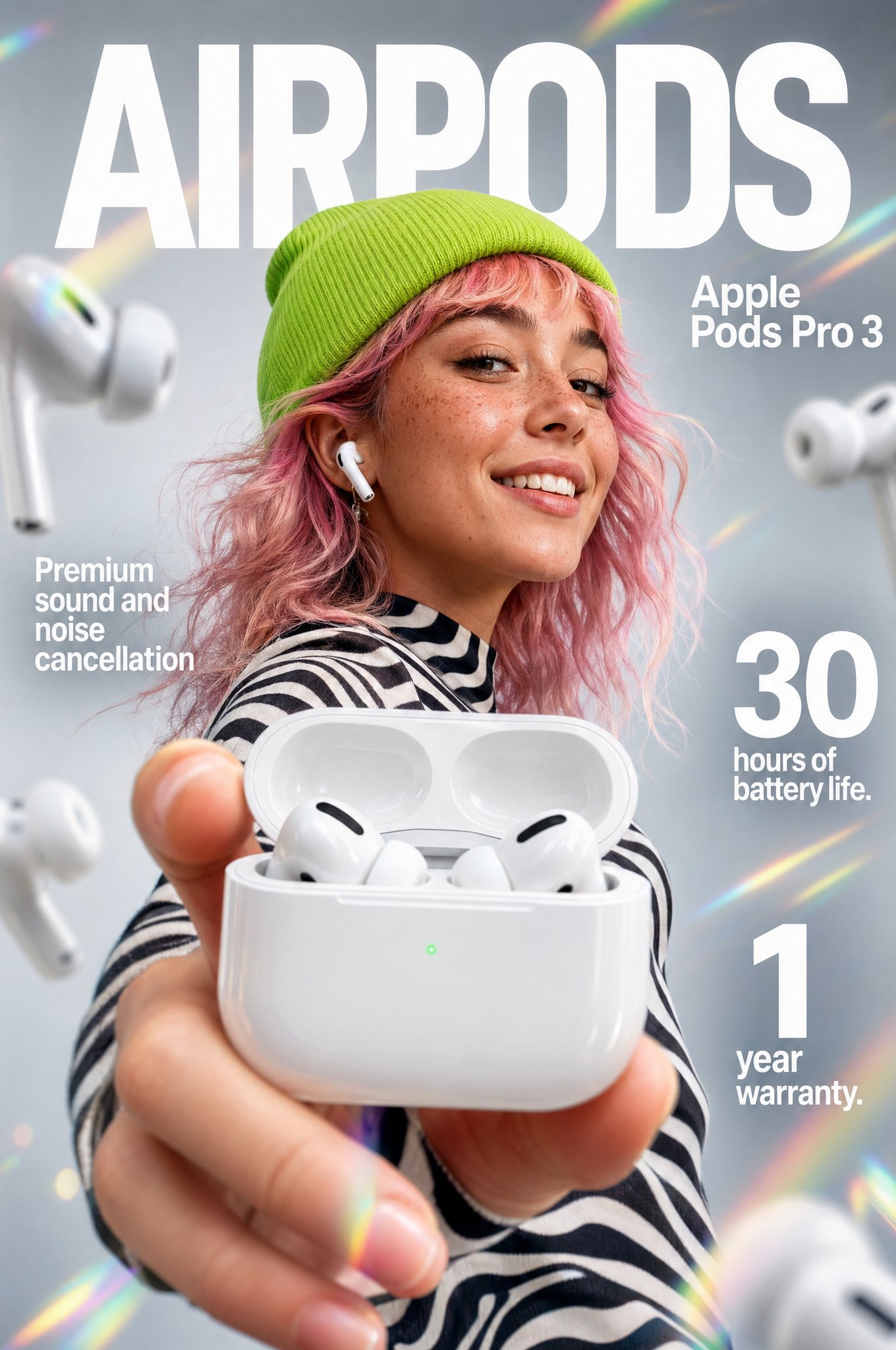
Gpt2 Apple Pods Pro 3 Infographic
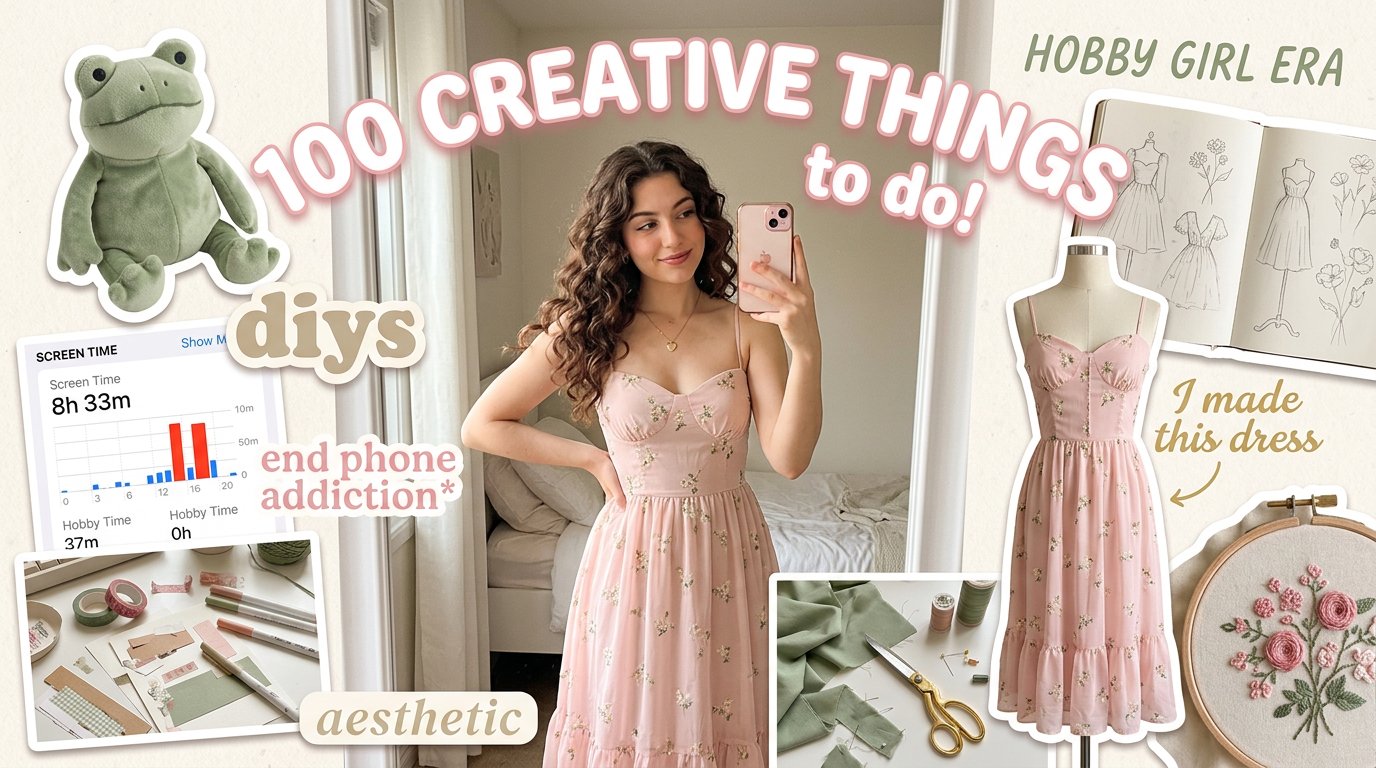
Aesthetic Hobby Girl Collage Youtube Thumbnail
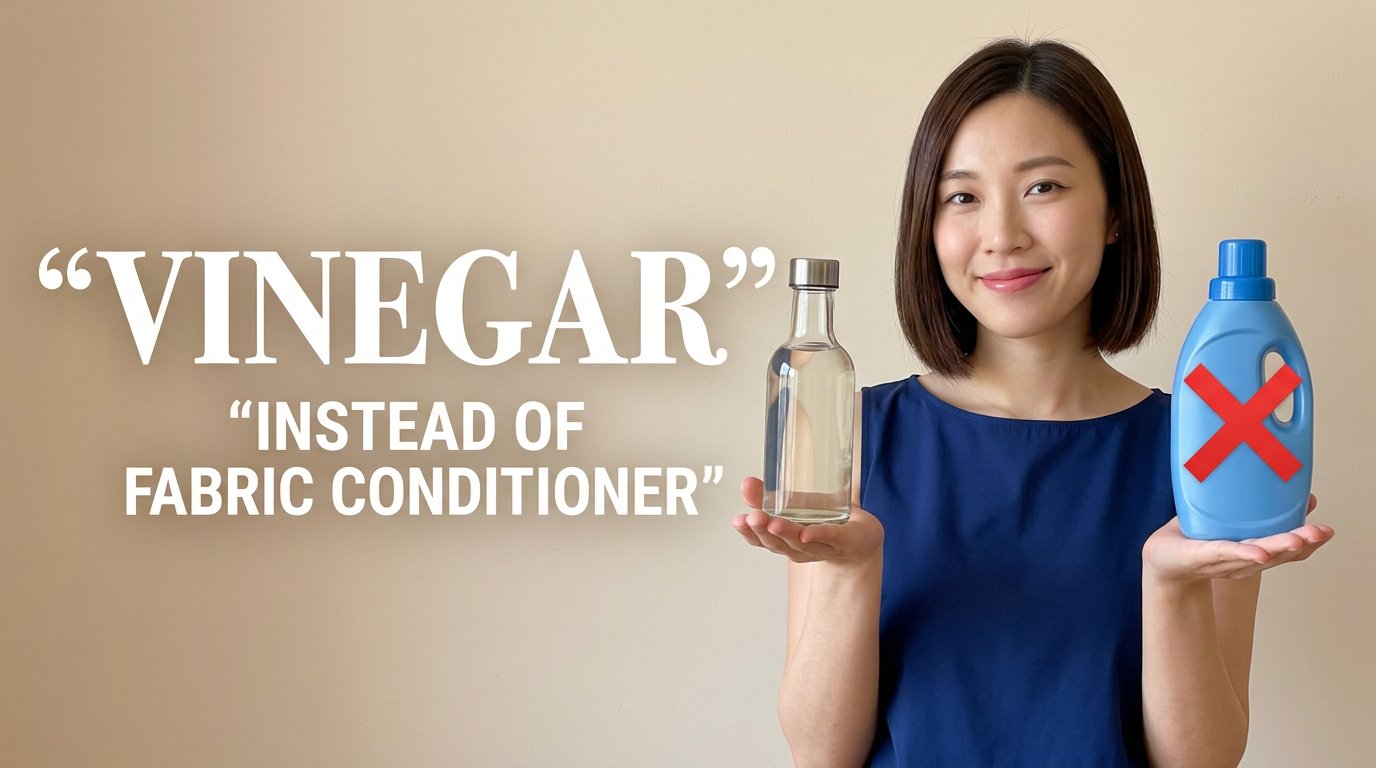
Eco Laundry Hack Youtube Thumbnail
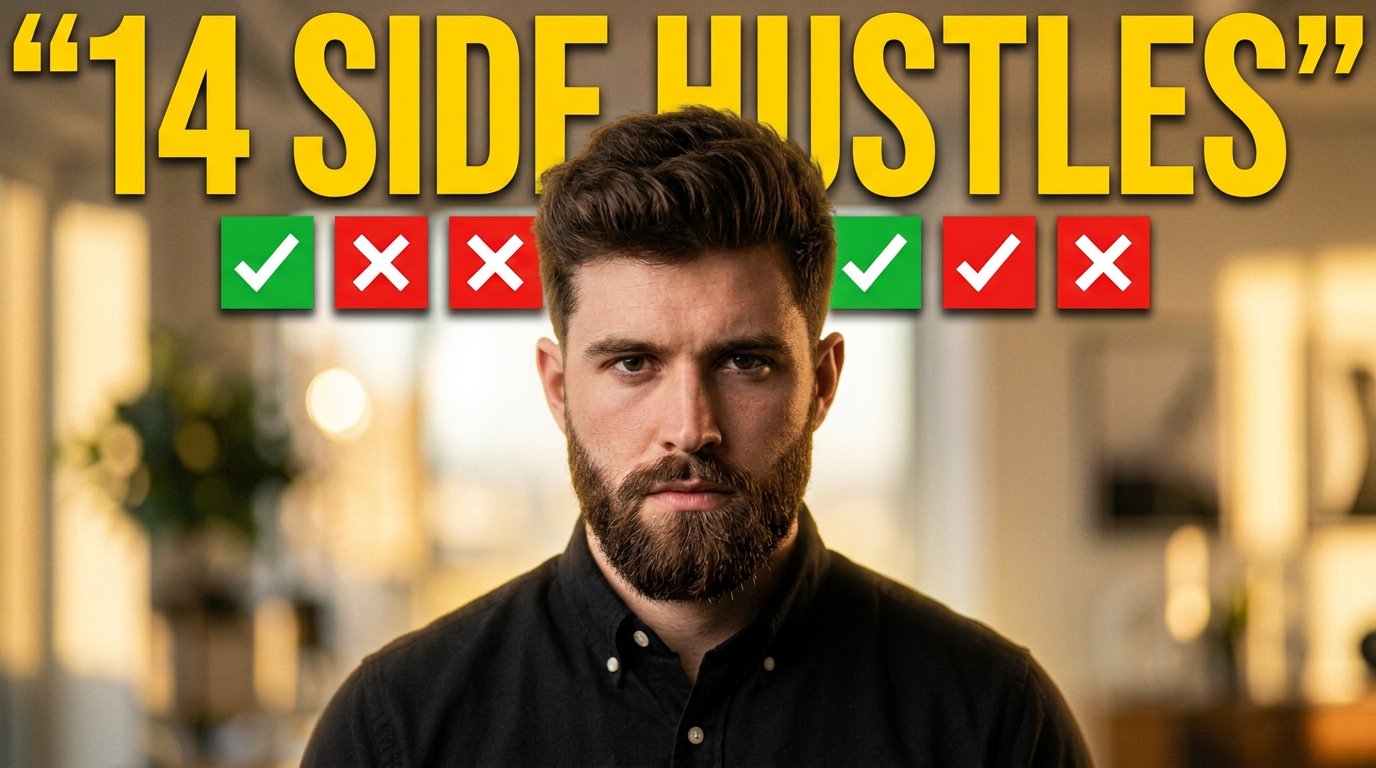
Youtube Thumbnail Template
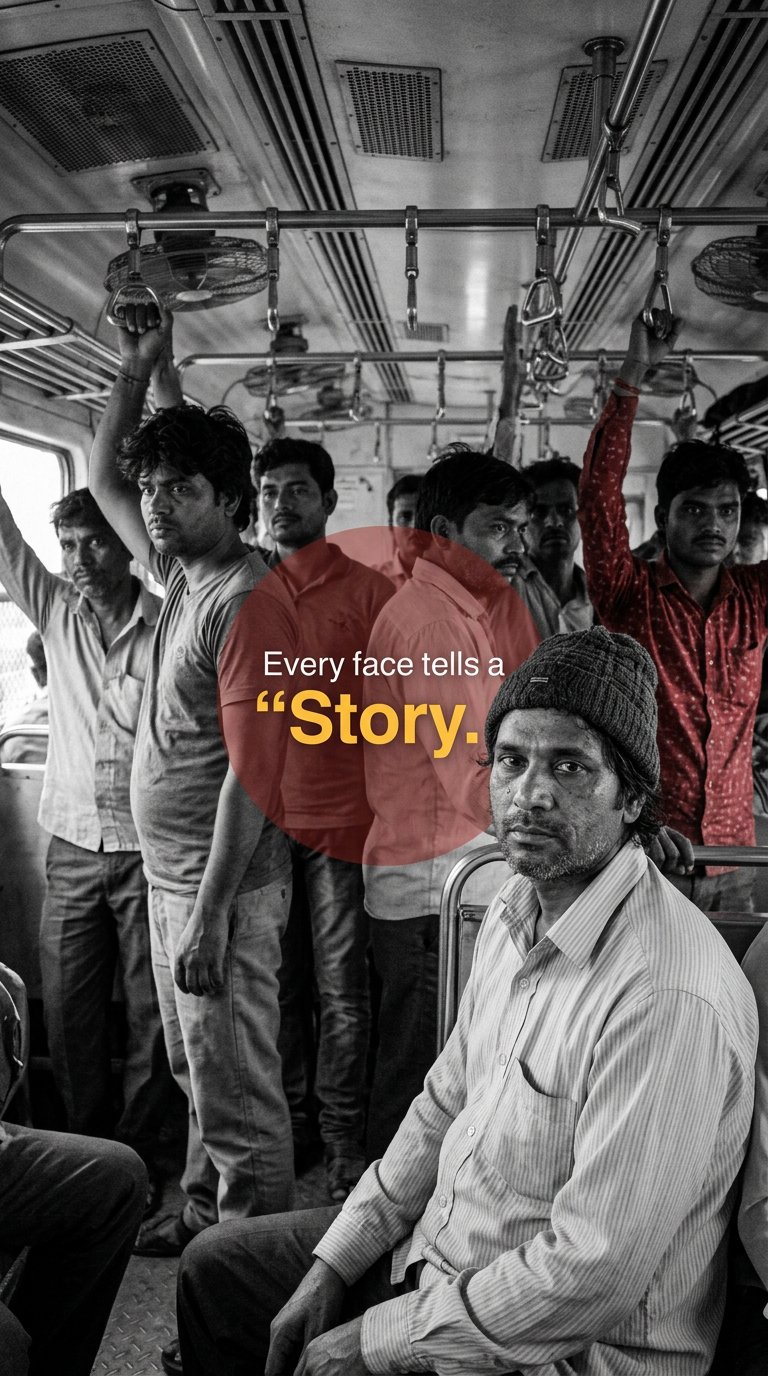
Urban Commuter Portrait Documentary
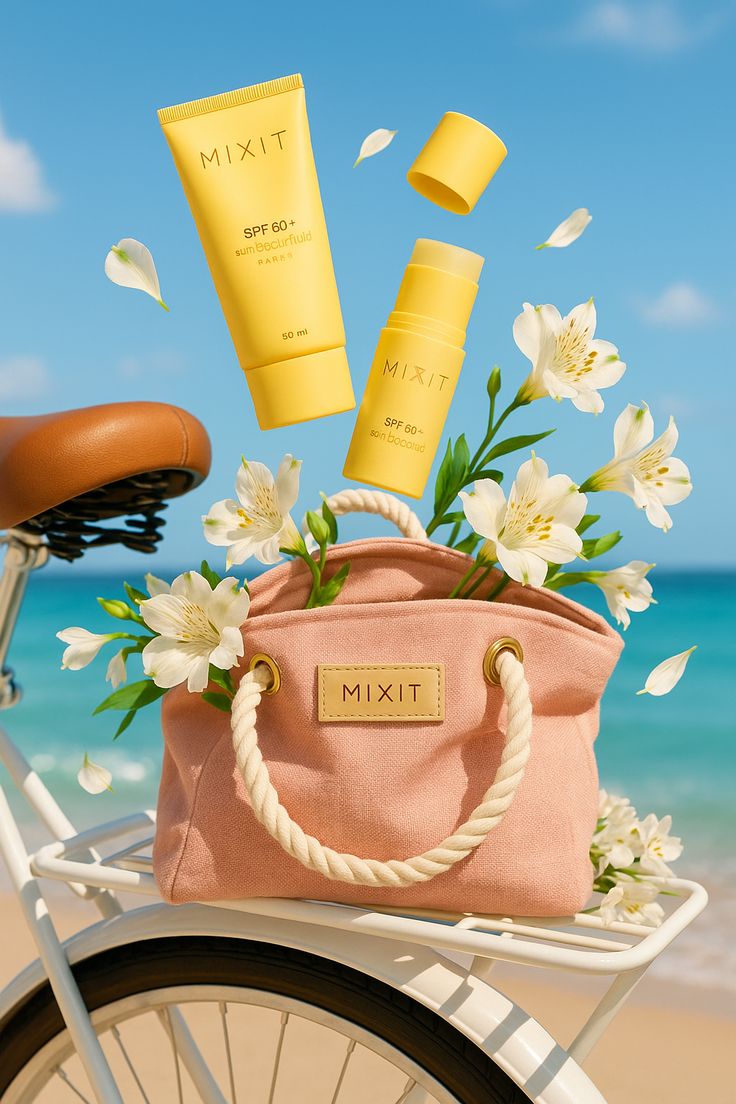
Sun-Kissed Summer Skincare Beachfront
Make it yours
Tech Security Brand Advertising works as-is. These are the safest ways to change it without losing the look.
Change one field
Copy a single group, rewrite it, and generate again so you can see what that field is doing.
Keep the frame, change the subject
Hold the composition and light of Tech Security Brand Advertising, then swap wardrobe, props or the person for a new take.
| If the result… | Why | Fix |
|---|---|---|
| The result drifts from the preview | Too many fields changed at once. | Reuse Tech Security Brand Advertising as-is first, then change one group — subject, light, or setting. |
| The model over-stylizes the scene | The prose prompt leaves finish and camera underspecified. | Add one camera or lighting sentence and stay on GPT Image 2. |
More GPT Image 2 templates
Other prompts made for GPT Image 2.

Six VTuber Japanese Logo Sheet

Realistic Portrait of Woman and Deer

The Vista Modular Condo Poster

AI Model Routing Comparison Infographic

2.5D Anime Art Board

Isometric Productivity Desk Scene

New York Double Exposure Poster

Four-Panel AI Landscape Comparison

Japanese Tatami Lifestyle Magazine Cover

NESCAFÉ Coffee Map Poster
More image prompts
Fresh picks from across the catalog.
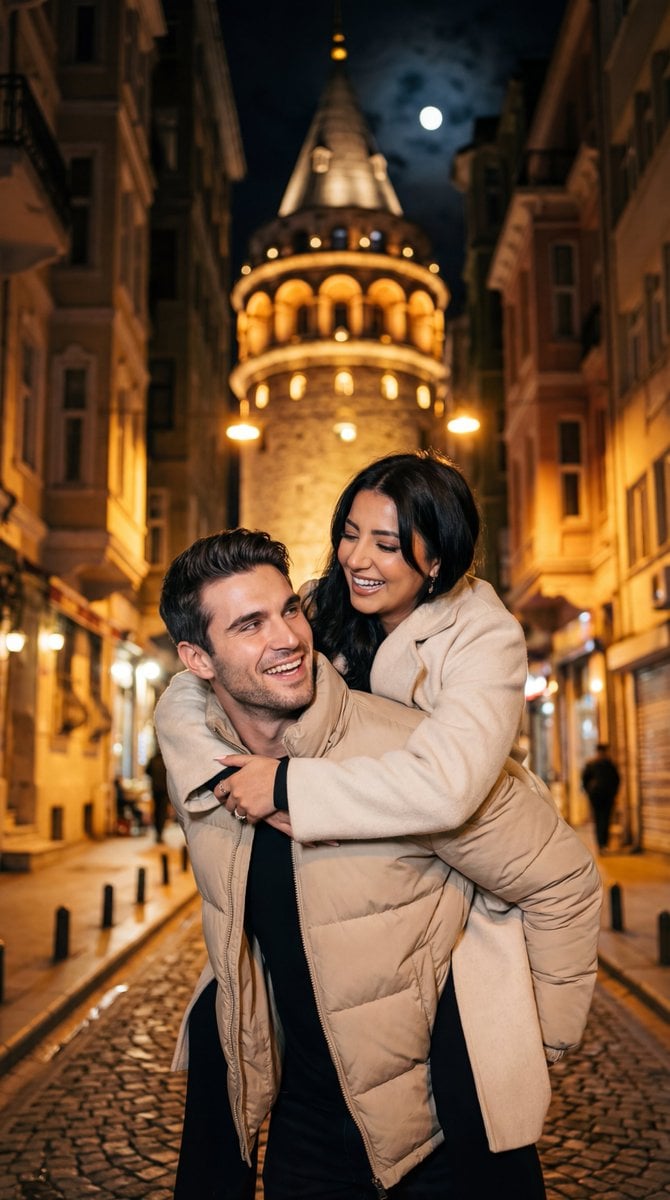
Romantic Nighttime Piggyback in front of Galata Tower
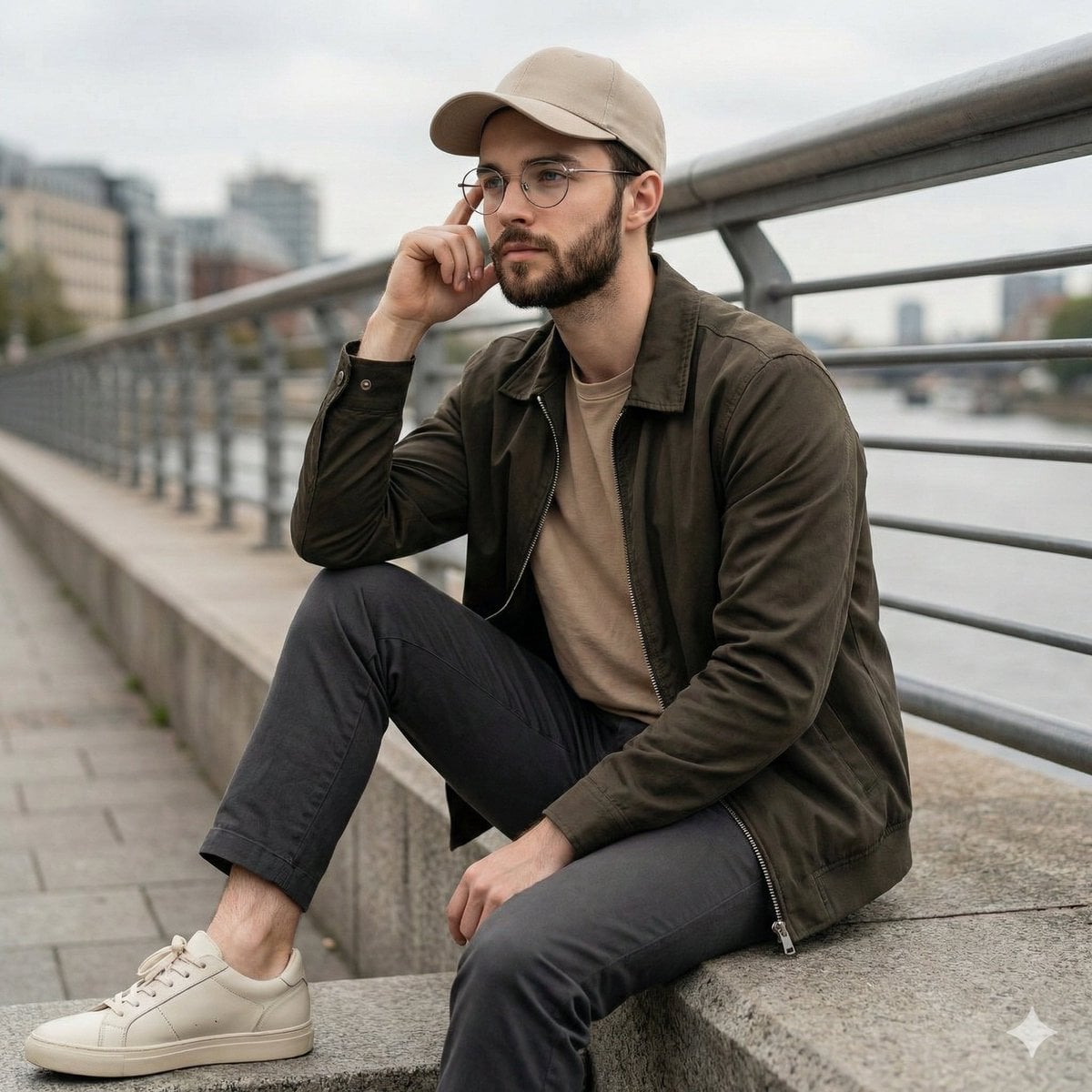
Cinematic Lifestyle Portrait on Urban Promenade
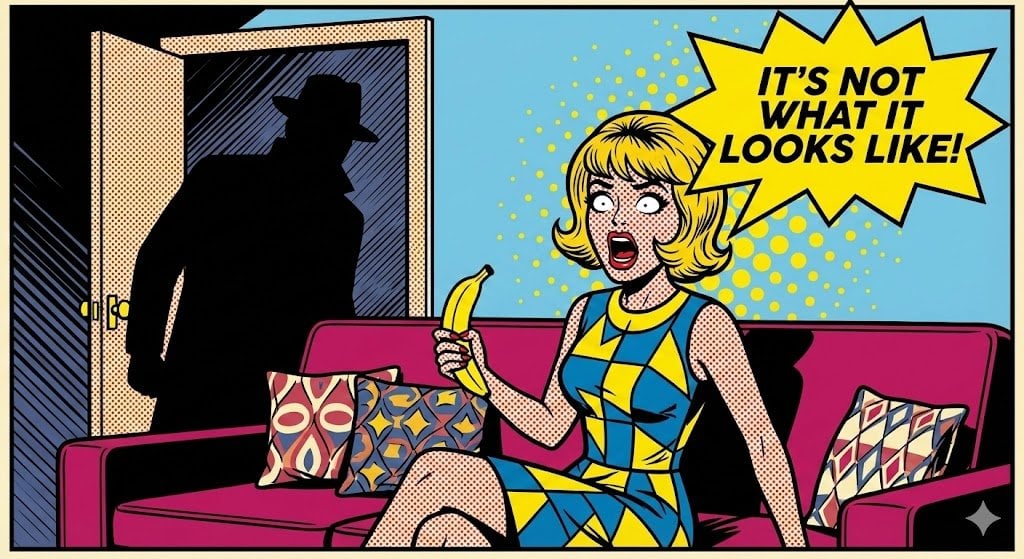
Pop Art comic book illustration prompt for Nano Banana Pro
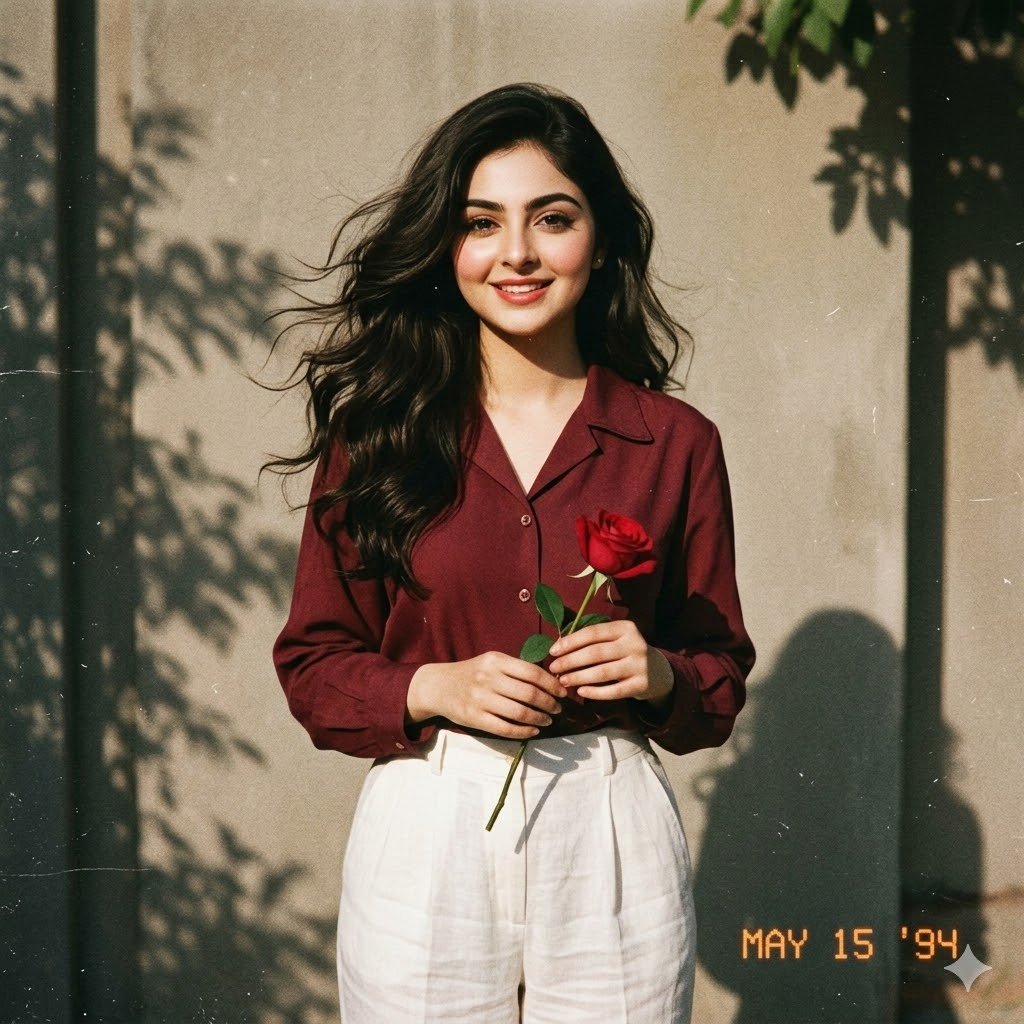
Retro 90s Movie Fashion Portrait
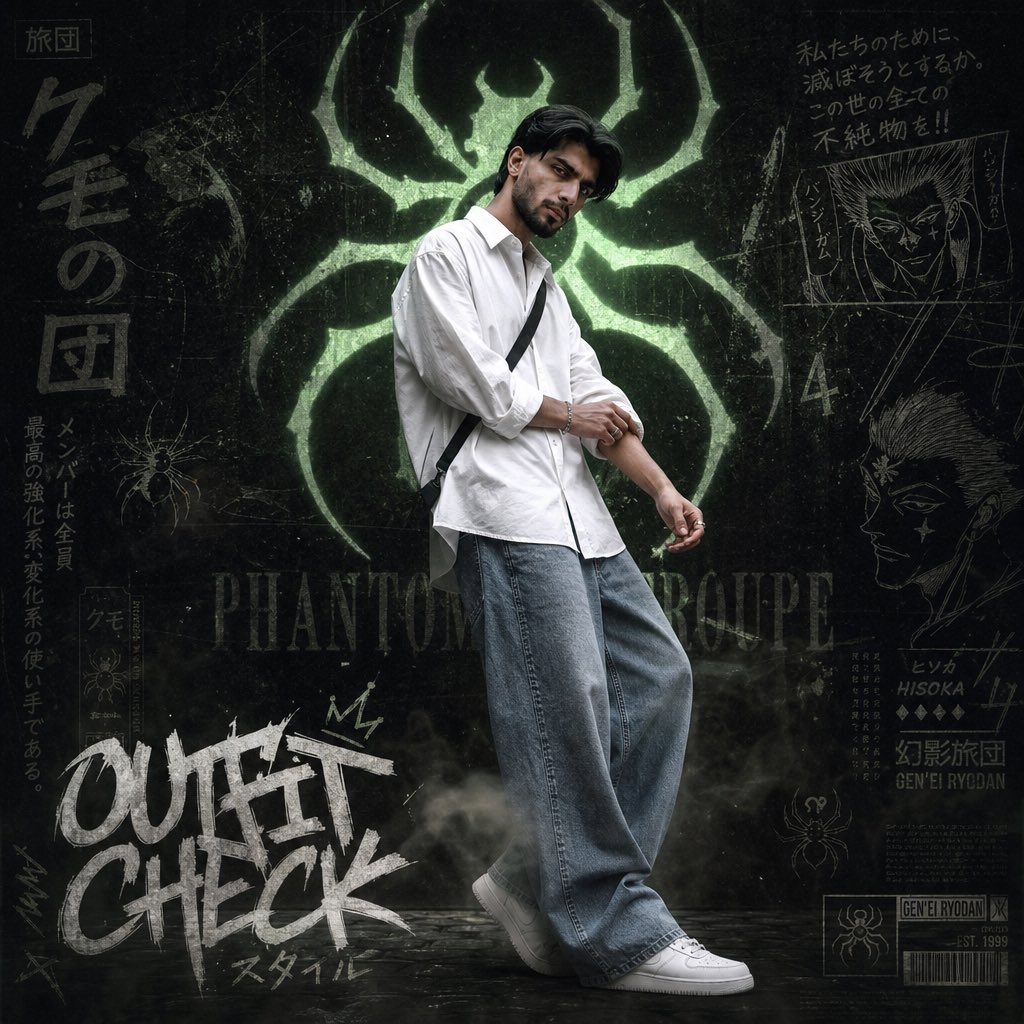
Anime Streetwear Poster
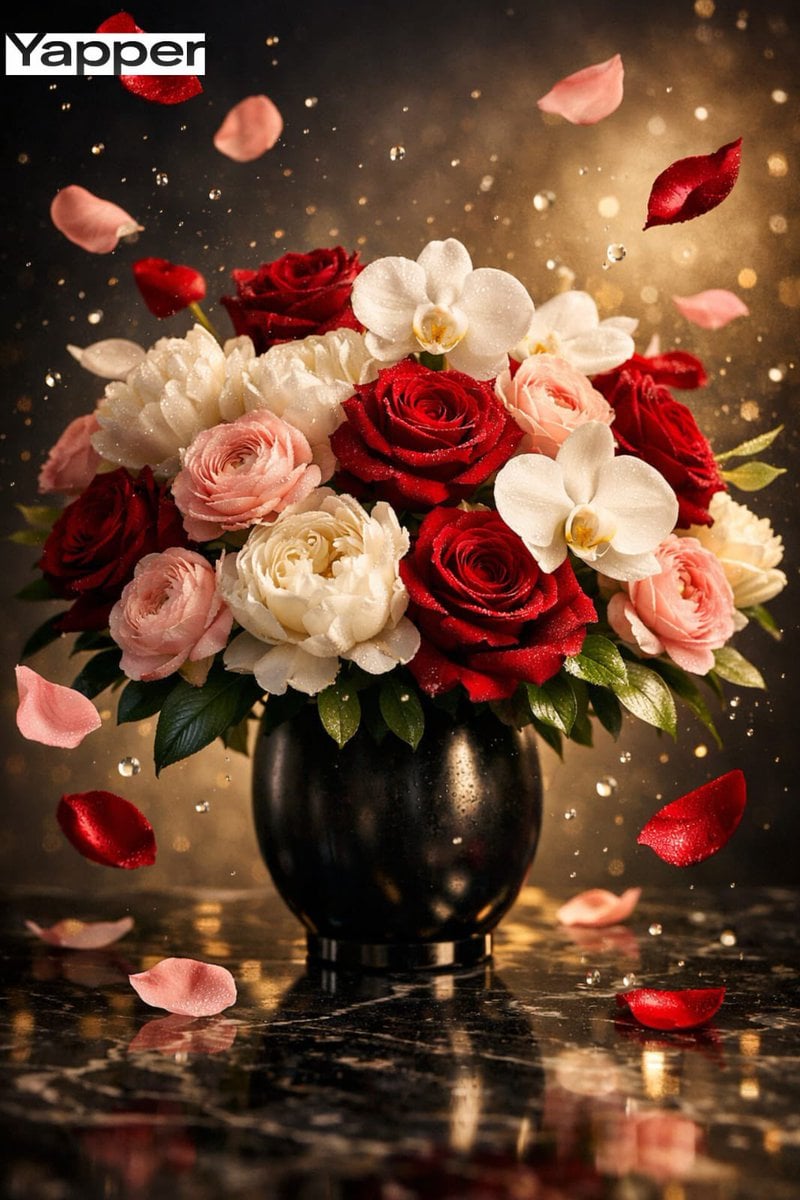
Ultra-Luxury Cinematic Floral Photography Prompt (JSON Format)
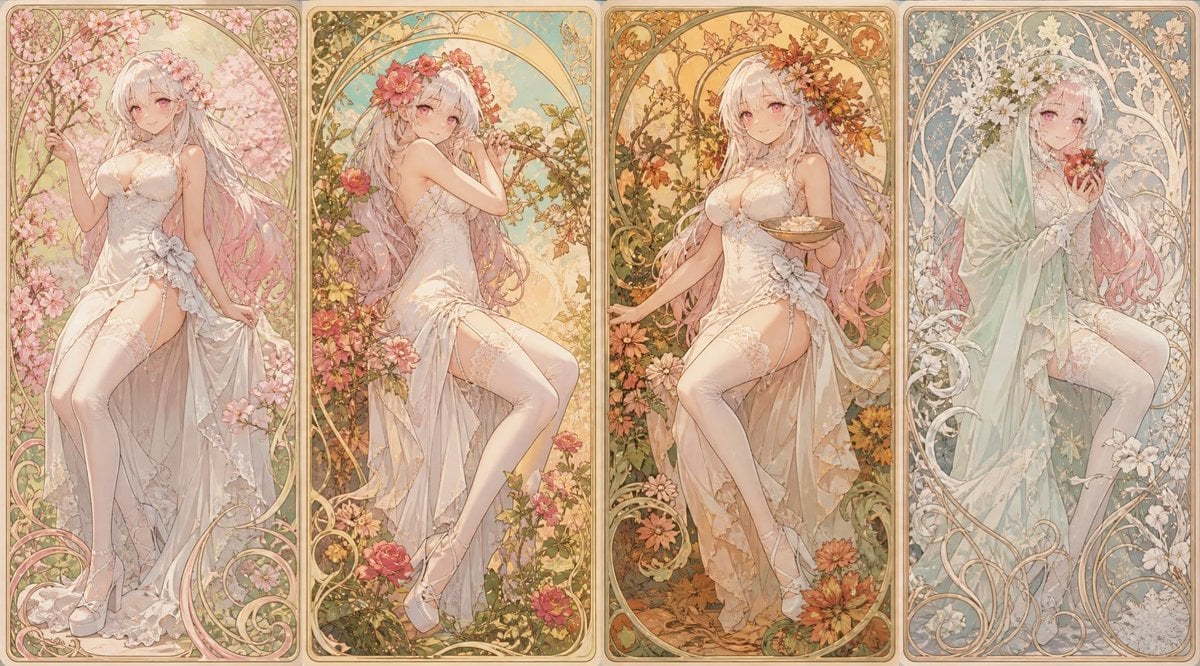
Mucha Style Seasonal Art Nouveau
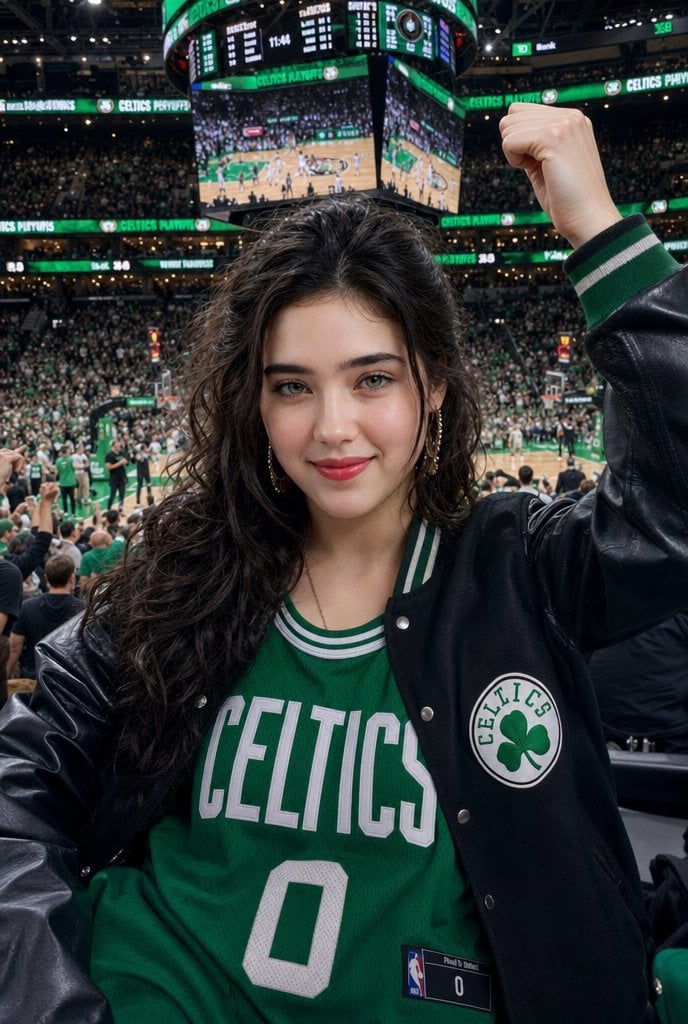
Celtics Fan Cheering in NBA Arena
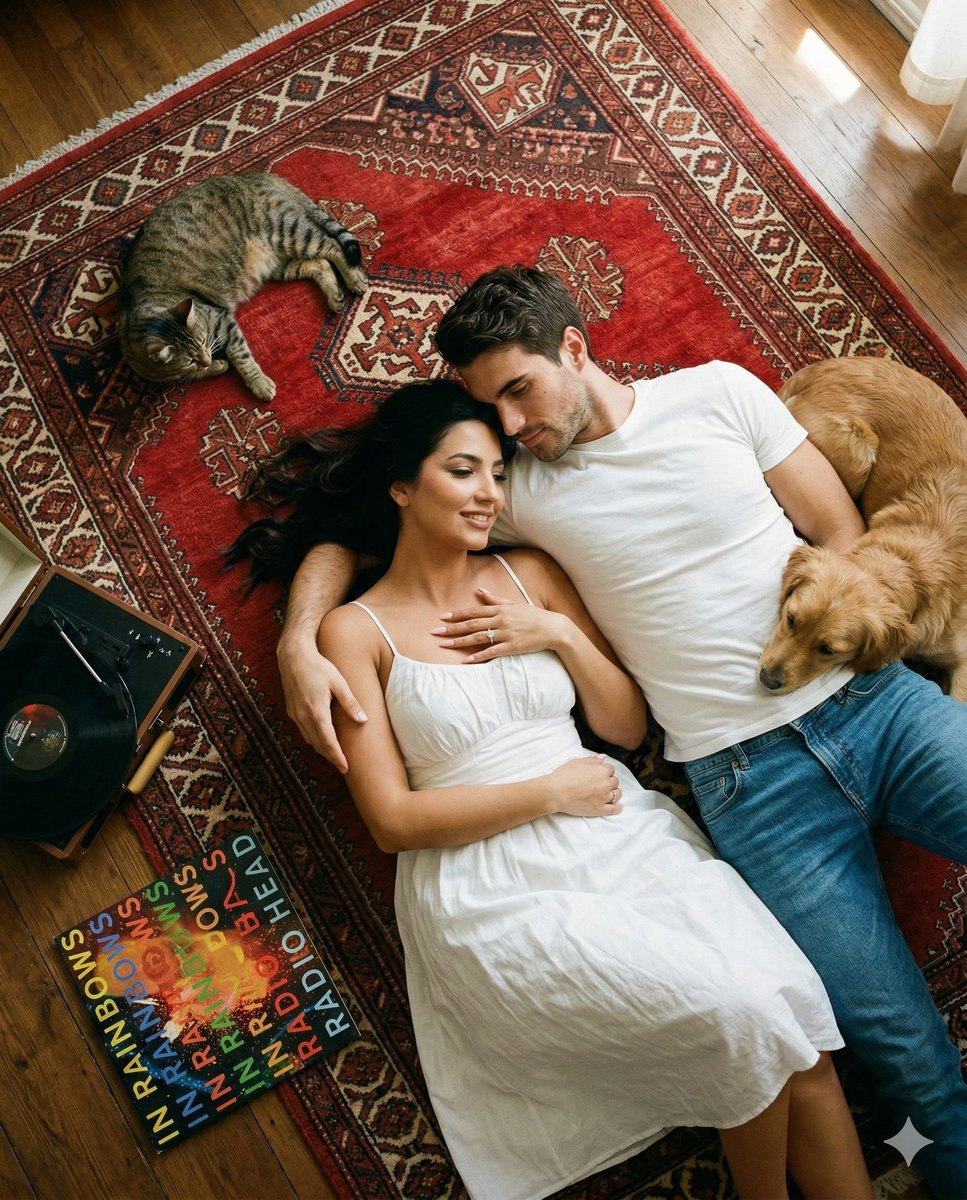
Top-Down Cinematic Couple Portrait on a Turkish Rug (Image-to-Image)
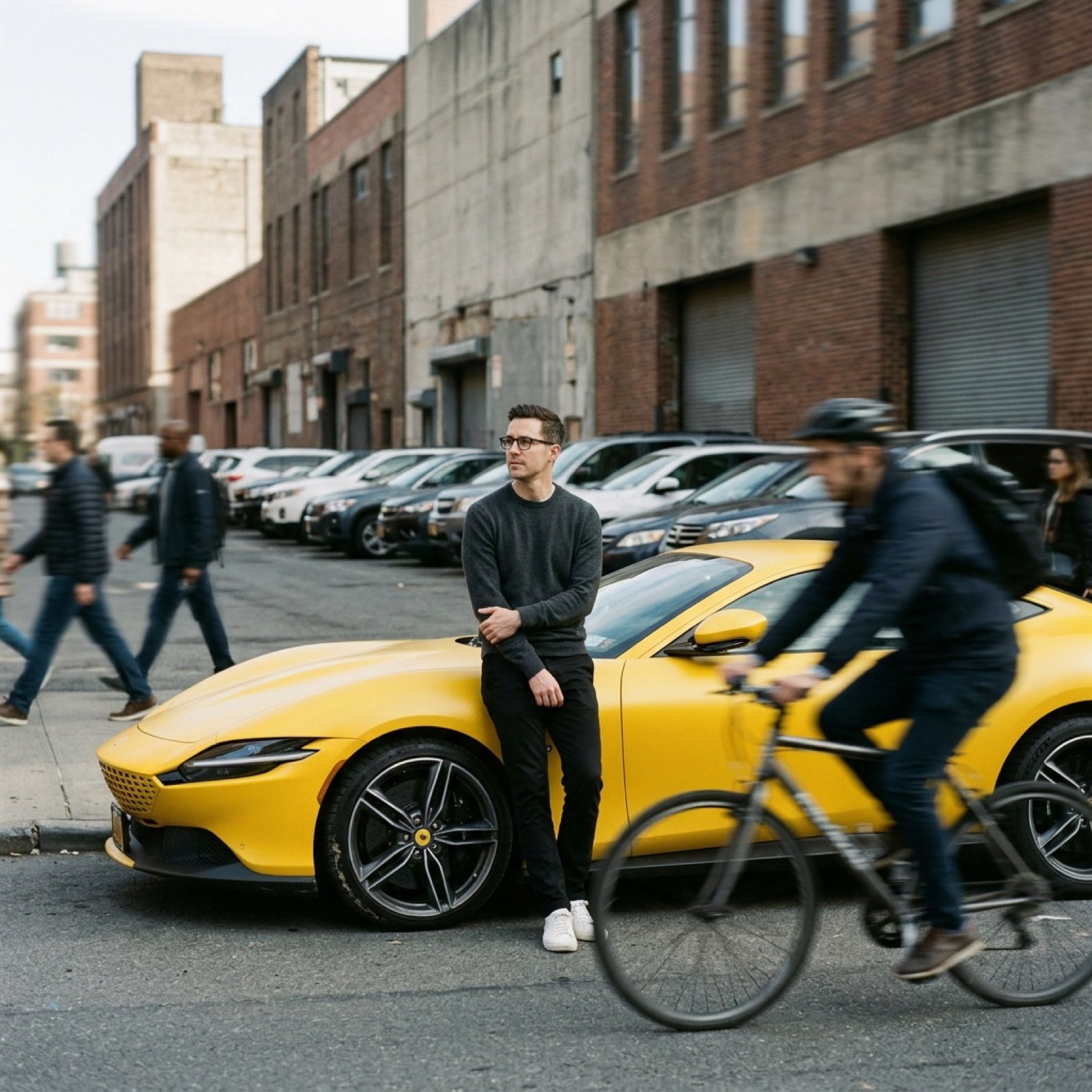
Cinematic Tracking Shot Video Prompt
Browse template categories
Tech Security Brand Advertising questions
How do I use the Tech Security Brand Advertising template?
Add your photo if the template asks for one, edit the prompt if you like — the template's model and format are already selected — and press Generate. Your version opens in PicX Studio.
Can I customize the Tech Security Brand Advertising template?
Yes. You can change the subject, setting, lighting, mood, format, and available model controls before creating your image.
Is the Tech Security Brand Advertising template free?
Opening and editing this template is free. Generating uses credits, shown on the Generate button when you are signed in.
Which AI model should I use?
Start with GPT Image 2, which is the model associated with this template. You can compare another compatible model for a different finish.
Looking for something else? Browse all templates.

Your photo, any look
Thousands of ready templates for every top image and video model, from one credit balance.