
Panel Chibi VTuber Comic Strip
Generates a 6-panel chibi-style manga comic with a header, footer, and customizable character and dialogue, ideal for VTuber everyday essays or short stories.
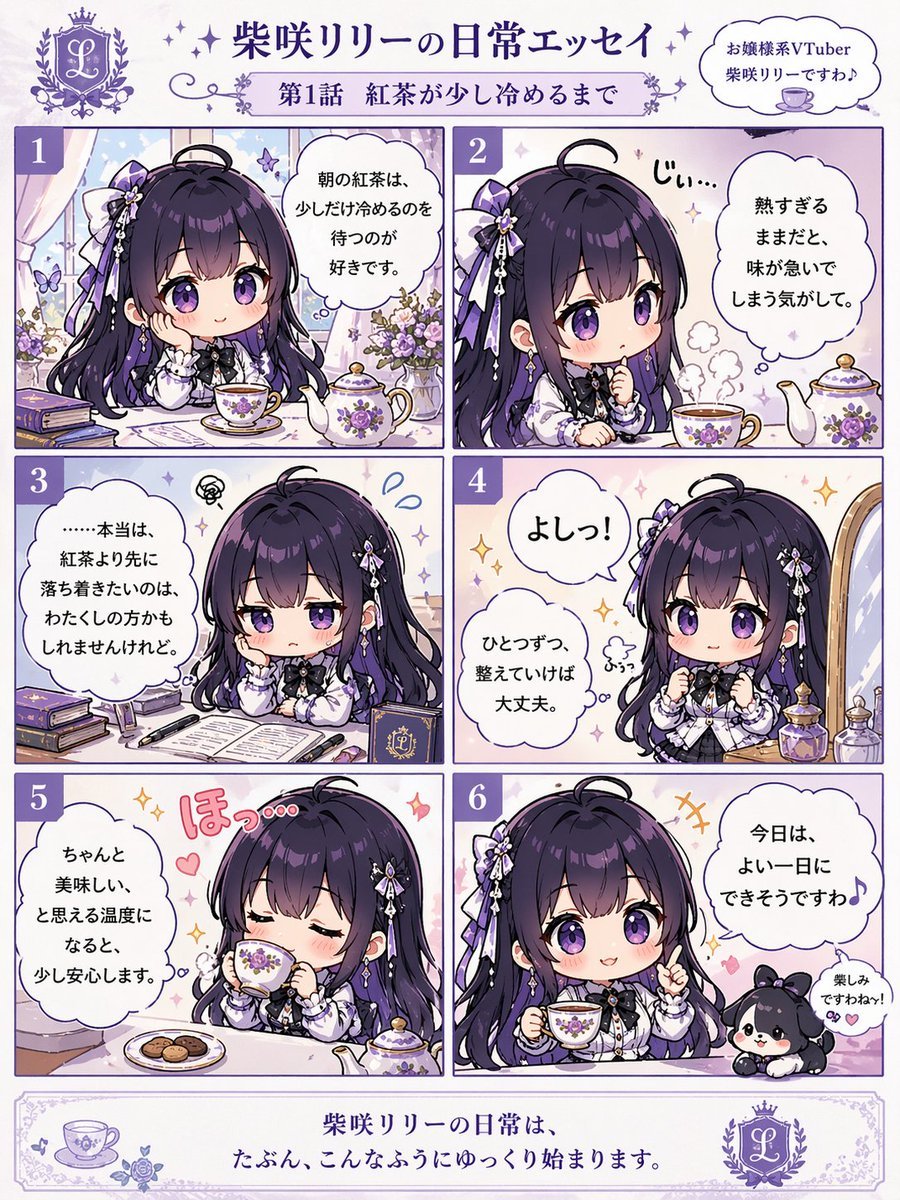
- Prompt included
- Model and format preset
- Free template
The prompt behind this image
Copy the exact prompt behind Panel Chibi VTuber Comic Strip, or open it in the studio and make it yours.
- Type
- 6-panel chibi comic strip
- Header › Logo
- L crest
- Header › Main Title
- {argument name="main title" default="柴咲リリーの日常エッセイ"}
- Header › Subtitle
- {argument name="subtitle" default="第1話 紅茶が少し冷めるまで"}
- Header › Top Right Bubble
- お嬢様系VTuber {argument name="character name" default="柴咲リリー"}ですわ♪
- Character › Style
- chibi anime girl
- Character › Hair
- {argument name="hair color" default="dark purple"}, long, hair ribbons
- Character › Eyes
- purple
- Character › Outfit
- {argument name="outfit" default="white and purple gothic lolita dress with black bow"}
- Layout › Grid
- 2 columns, 3 rows
- Layout › Panels › 0 › Number
- 1
- Layout › Panels › 0 › Pose
- resting chin on hand, looking at teacup
- Layout › Panels › 0 › Dialogue
- 朝の紅茶は、少しだけ冷めるのを待つのが好きです。
- Layout › Panels › 1 › Number
- 2
- Layout › Panels › 1 › Pose
- staring intently at tea
- Layout › Panels › 1 › Sound Effect
- じぃ...
- Layout › Panels › 1 › Dialogue
- 熱すぎるままだと、味が急いでしまう気がして。
- Layout › Panels › 2 › Number
- 3
- Layout › Panels › 2 › Pose
- pensive, resting head on hand, open book on desk
- Layout › Panels › 2 › Dialogue
- ……本当は、紅茶より先に落ち着きたいのは、わたくしの方かもしれませんけれど。
- Layout › Panels › 3 › Number
- 4
- Layout › Panels › 3 › Pose
- determined, clenching fists
- Layout › Panels › 3 › Sound Effect
- よしっ!
- Layout › Panels › 3 › Dialogue
- ひとつずつ、整えていけば大丈夫。
Raw JSON
{
  "type": "6-panel chibi comic strip",
  "header": {
    "logo": "L crest",
    "main_title": "{argument name=\"main title\" default=\"柴咲リリーの日常エッセイ\"}",
    "subtitle": "{argument name=\"subtitle\" default=\"第1話 紅茶が少し冷めるまで\"}",
    "top_right_bubble": "お嬢様系VTuber {argument name=\"character name\" default=\"柴咲リリー\"}ですわ♪"
  },
  "character": {
    "style": "chibi anime girl",
    "hair": "{argument name=\"hair color\" default=\"dark purple\"}, long, hair ribbons",
    "eyes": "purple",
    "outfit": "{argument name=\"outfit\" default=\"white and purple gothic lolita dress with black bow\"}"
  },
  "layout": {
    "grid": "2 columns, 3 rows",
    "panels": [
      {
        "number": 1,
        "pose": "resting chin on hand, looking at teacup",
        "dialogue": "朝の紅茶は、少しだけ冷めるのを待つのが好きです。"
      },
      {
        "number": 2,
        "pose": "staring intently at tea",
        "sound_effect": "じぃ...",
        "dialogue": "熱すぎるままだと、味が急いでしまう気がして。"
      },
      {
        "number": 3,
        "pose": "pensive, resting head on hand, open book on desk",
        "dialogue": "……本当は、紅茶より先に落ち着きたいのは、わたくしの方かもしれませんけれど。"
      },
      {
        "number": 4,
        "pose": "determined, clenching fists",
        "sound_effect": "よしっ!",
        "dialogue": "ひとつずつ、整えていけば大丈夫。"
      },
      {
        "number": 5,
        "pose": "drinking tea with eyes closed, relieved",
        "sound_effect": "ほっ…",
        "dialogue": "ちゃんと美味しい、と思える温度になると、少し安心します。"
      },
      {
        "number": 6,
        "pose": "smiling, holding teacup, pointing finger up, small black and white dog mascot beside her",
        "mascot_dialogue": "楽しみですわね〜!",
        "dialogue": "今日は、よい一日にできそうですわ♪"
      }
    ]
  },
  "footer": {
    "text": "柴咲リリーの日常は、たぶん、こんなふうにゆっくり始まります。",
    "decorations": "teacup icon left, L crest right"
  }
}How to use Panel Chibi VTuber Comic Strip in 3 steps
- 1Upload ImagePNG, JPG or paste
Add your photo
Upload the photo the template builds on. The prompt, model and format are already set.
- 2…a portrait of your subject in softgolden-hour light, 85mm…
Personalize
Edit the subject and creative details for your destination.
- 3Generate
Generate
Press Generate — your image is created in PicX Studio, so you can compare it with the original and refine one variable at a time.
More like this
Templates with the same subject, style or setup. Open one to see its prompt.

Hero Portrait Comic Multi-Panel Poster
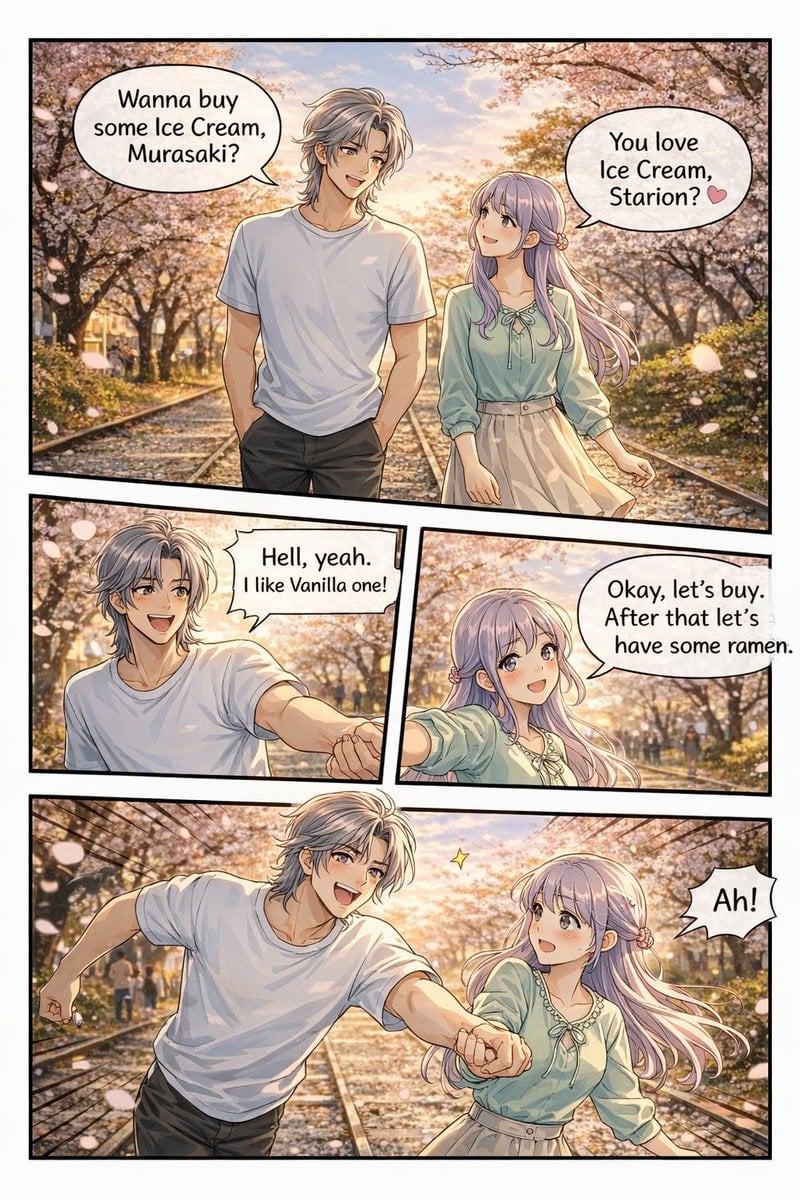
Panel Anime Romance Comic Strip
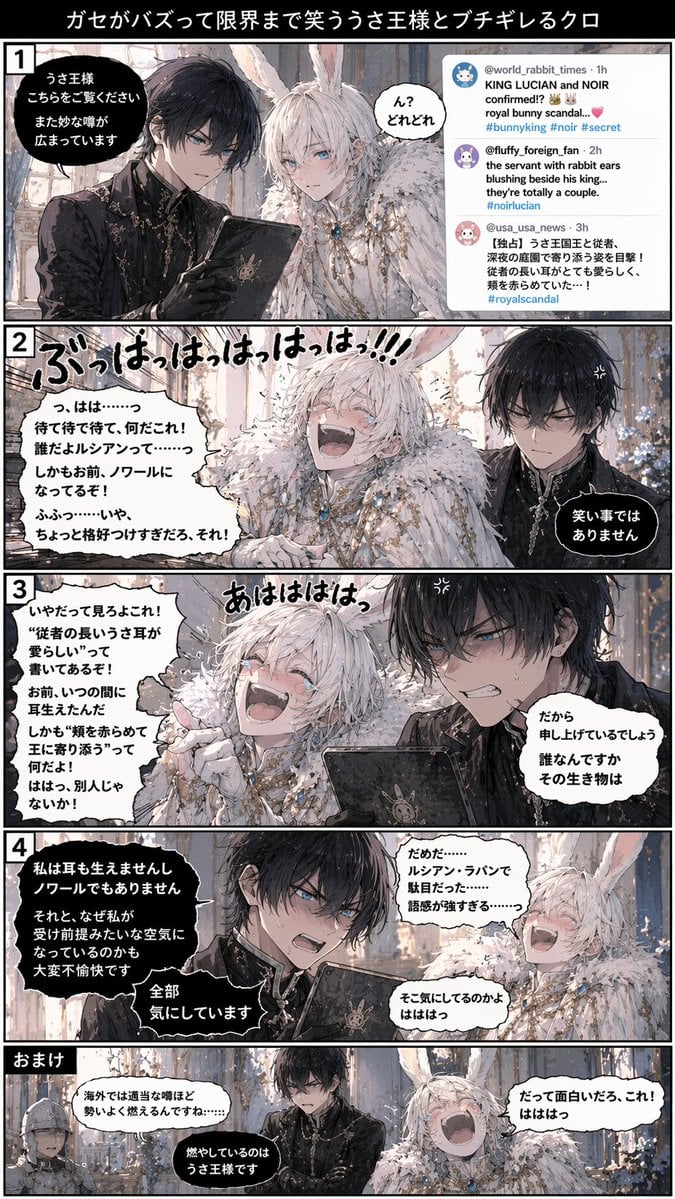
Vertical 5-Panel Anime Comic Strip
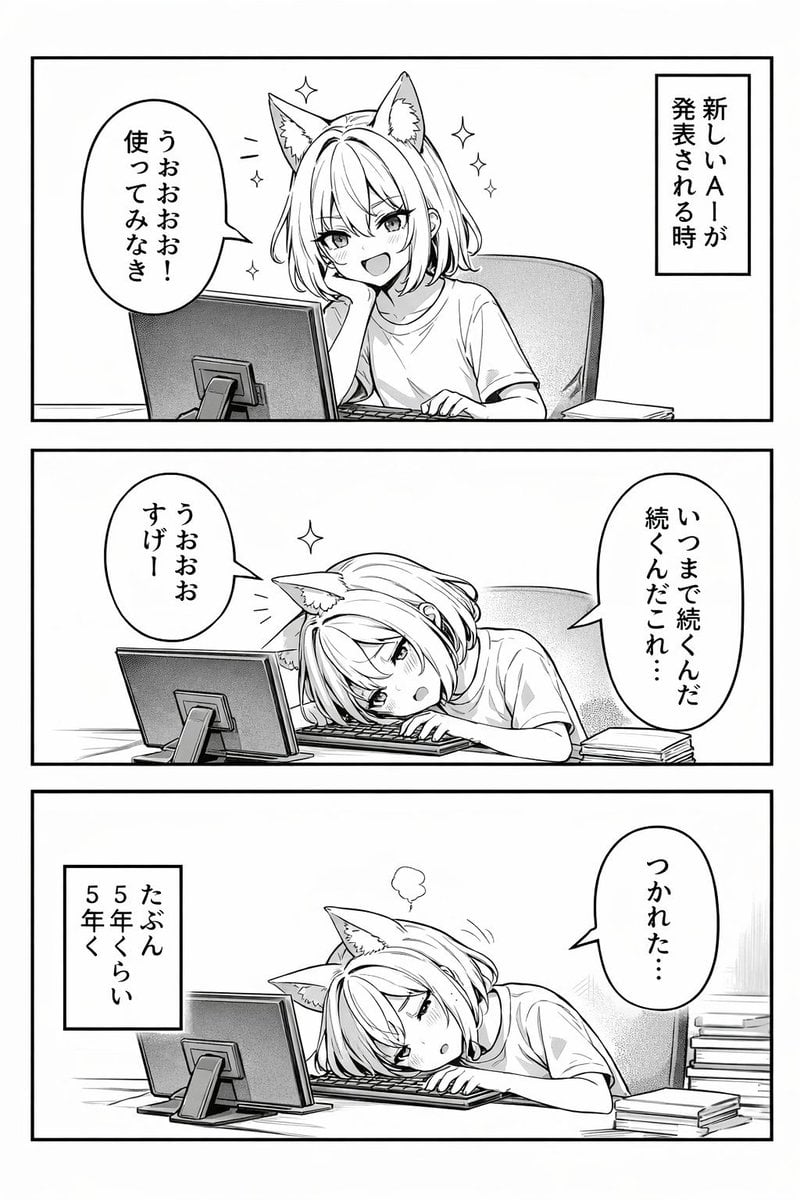
Panel Anime Comic Strip
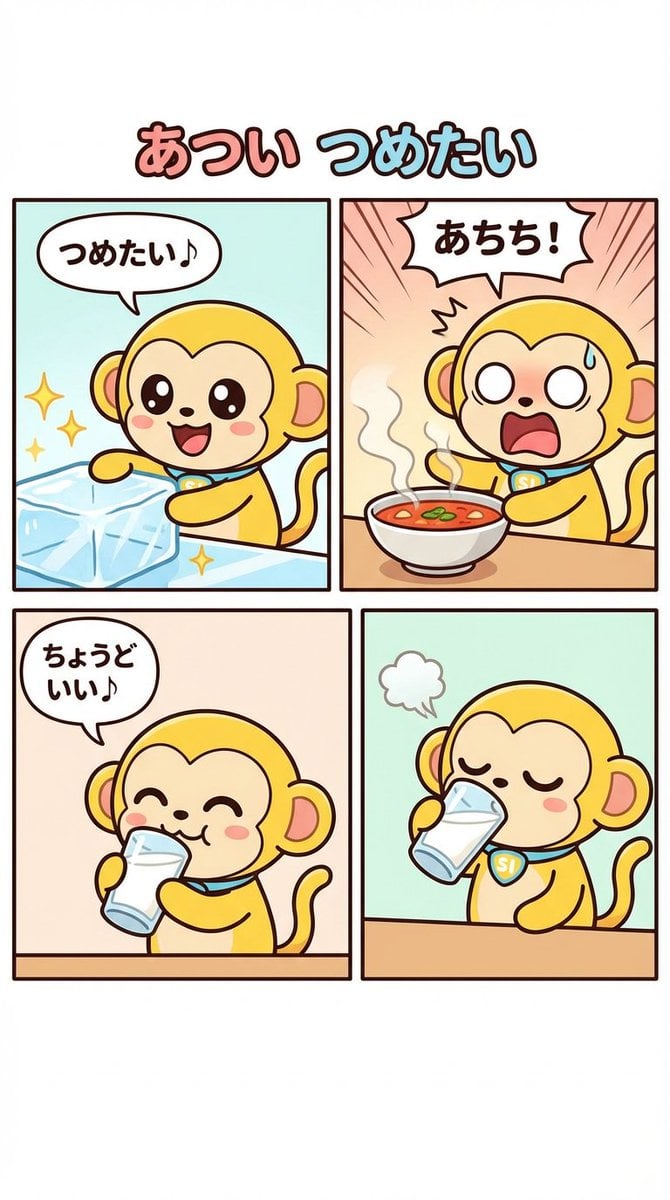
Four-Panel Comic Strip Generation
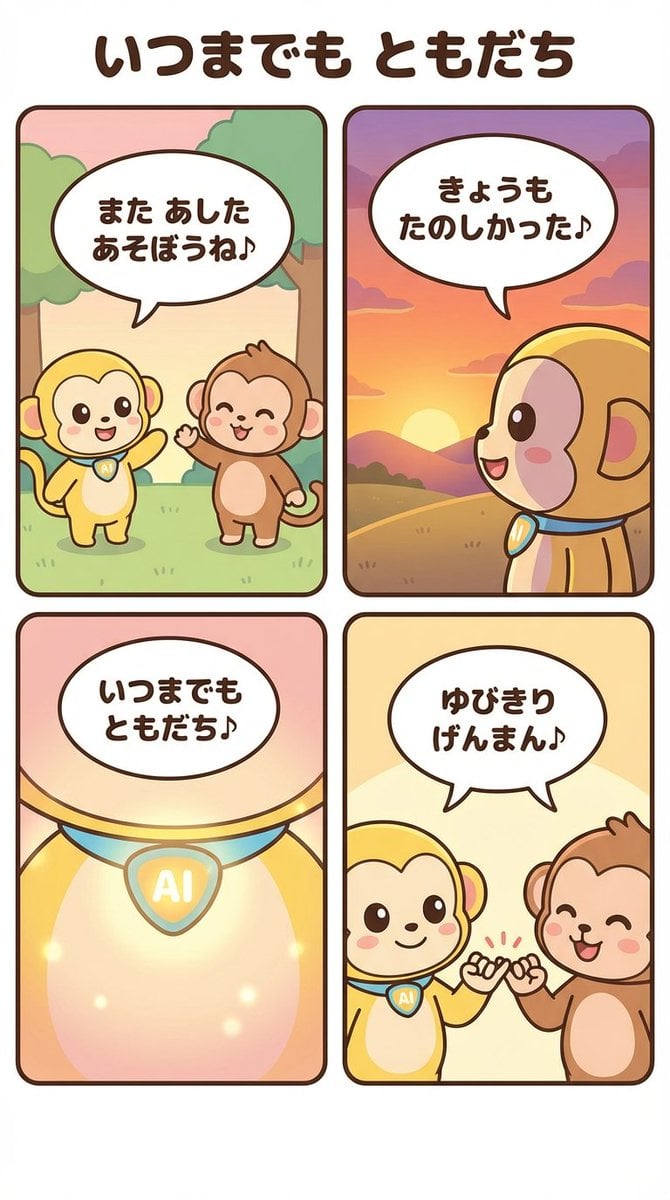
Generating a 4-Panel Comic Strip: 'Friends Forever'

Gpt2 E Commerce Main Image 9 Panel Product Tvc Storyboard
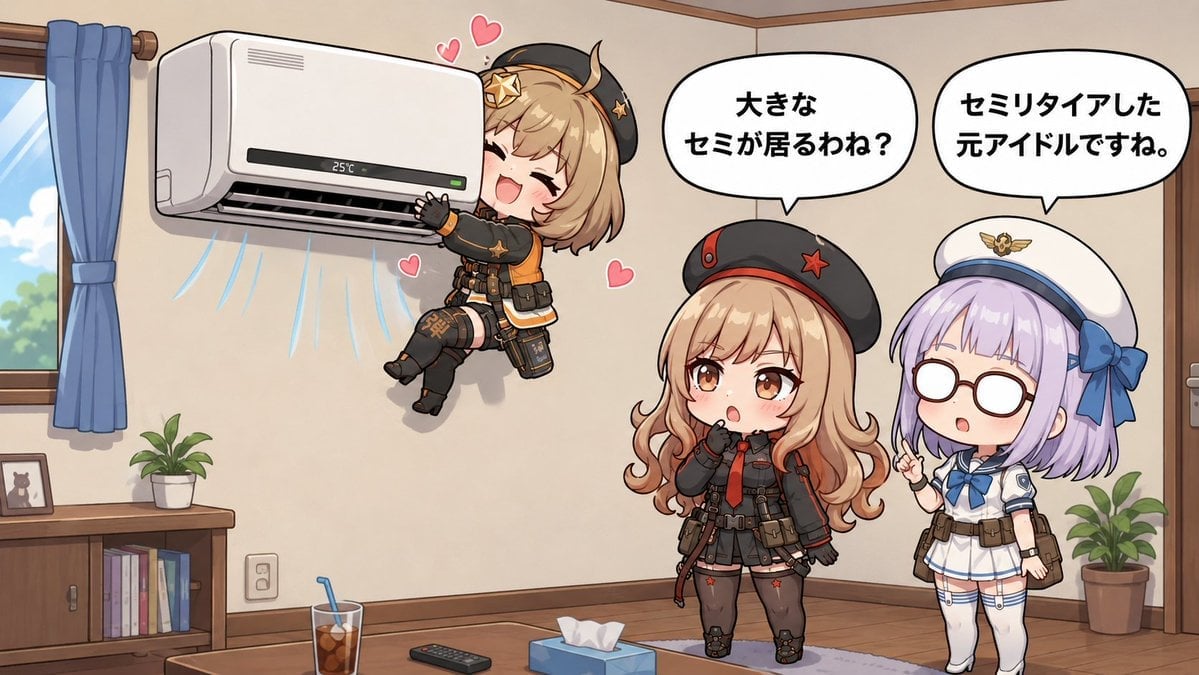
Chibi Girls Hugging Air Conditioner Comic
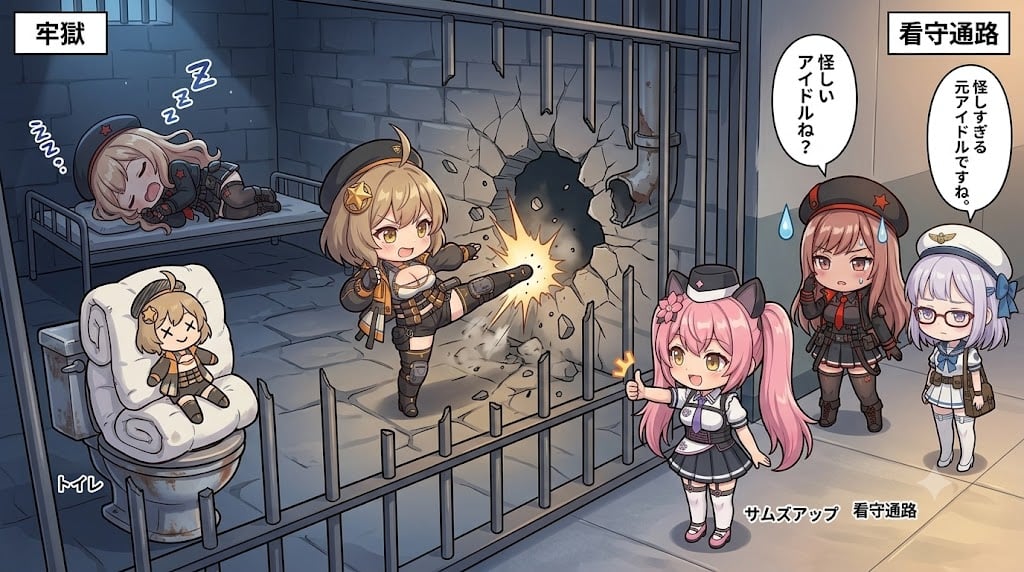
Chibi Prison Break Comic Scene

Cute Layered Paper Cut Chibi Girl
Multi-Panel Comic Illustration

Pixar-Style Chibi Café Morning Scene
Make it yours
Panel Chibi VTuber Comic Strip works as-is. These are the safest ways to change it without losing the look.
Change one field
Copy a single group, rewrite it, and generate again so you can see what that field is doing.
Keep the frame, change the subject
Hold the composition and light of 6-Panel Chibi VTuber Comic Strip, then swap wardrobe, props or the person for a new take.
| If the result… | Why | Fix |
|---|---|---|
| The result drifts from the preview | Too many fields changed at once. | Reuse 6-Panel Chibi VTuber Comic Strip as-is first, then change one group — subject, light, or setting. |
| GPT Image 2 ignores part of the JSON | Some models flatten or skip nested keys. | Keep the same values and paste them as a short paragraph instead. |
More GPT Image 2 templates
Other prompts made for GPT Image 2.

Six VTuber Japanese Logo Sheet

Realistic Portrait of Woman and Deer

The Vista Modular Condo Poster

AI Model Routing Comparison Infographic

2.5D Anime Art Board

Isometric Productivity Desk Scene

New York Double Exposure Poster

Four-Panel AI Landscape Comparison

Japanese Tatami Lifestyle Magazine Cover

NESCAFÉ Coffee Map Poster
More image prompts
Fresh picks from across the catalog.
Nine Chibi Kitten Costume Variants

Epic Anime Worldview with Guardian Beast
Hyper-Realistic Studio Portrait with Floating Ring Prop Prompt
Sci-Fi Encounter with Giant Floating Cookie

Slow-Motion Cosmetic Ad Animation Prompt
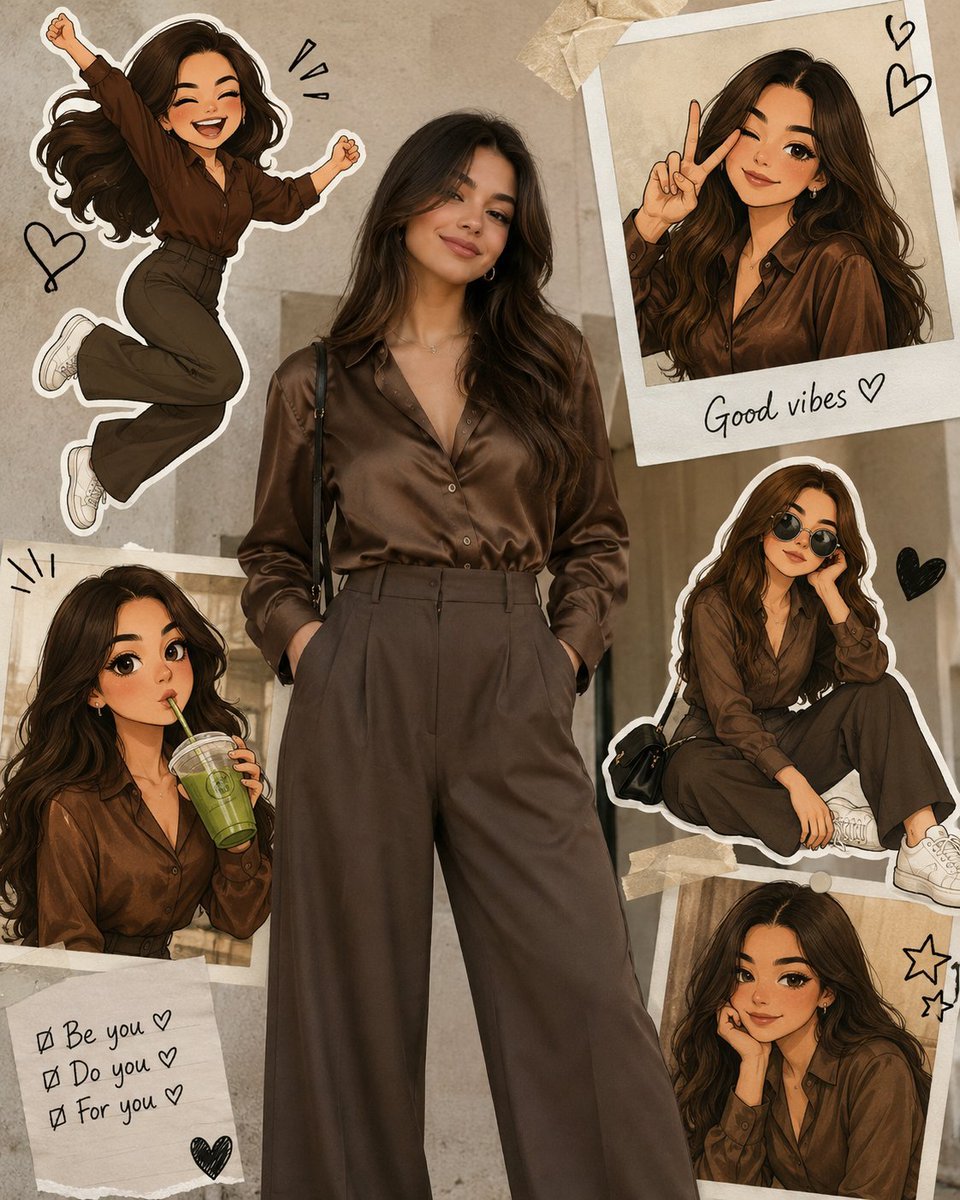
Collage Style Cartoon Portrait
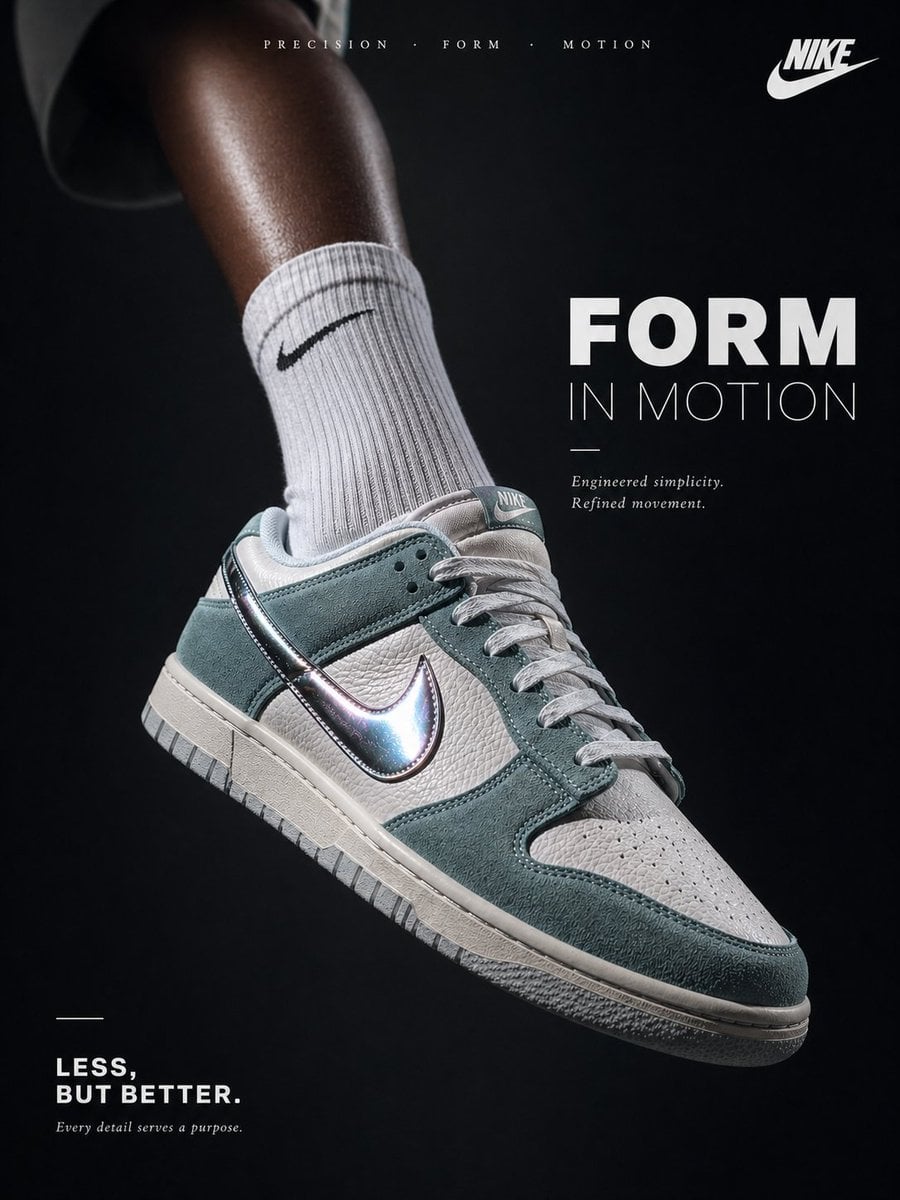
Luxury Minimalist Footwear Ad

Luxury Perfume Splash Ad
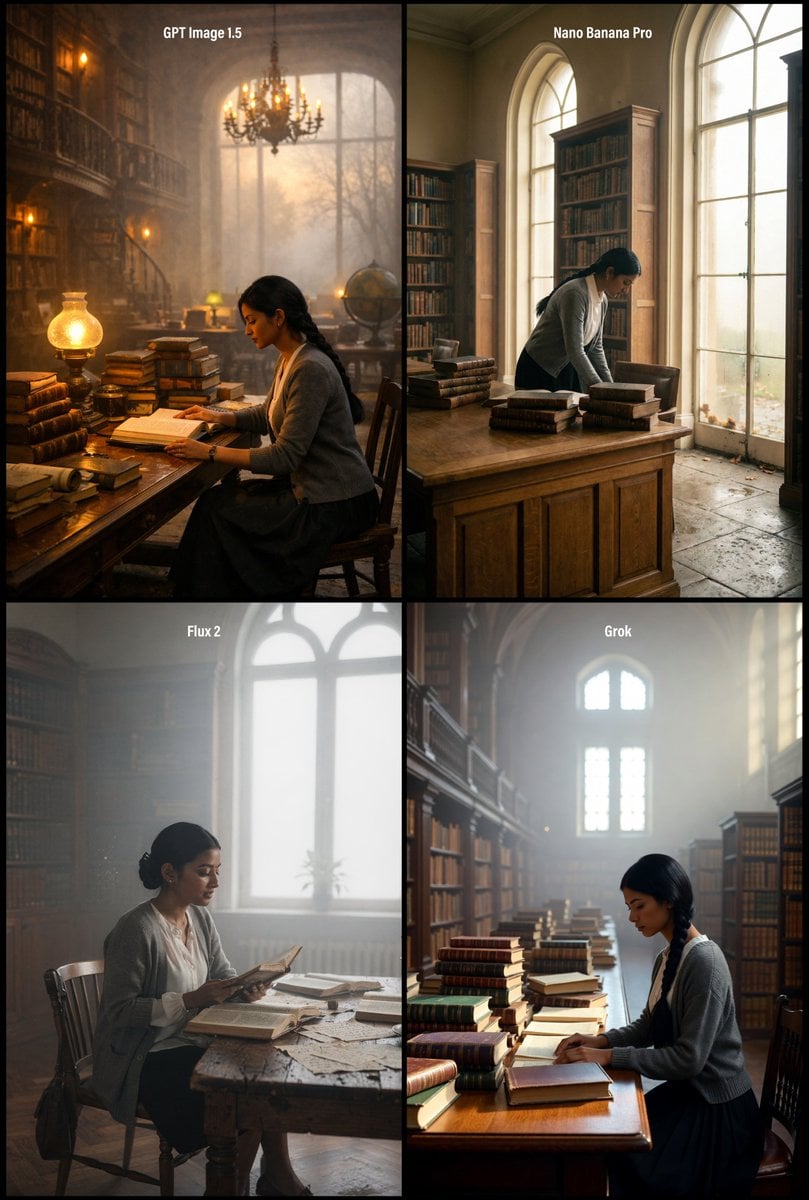
Realistic Library Scene at Foggy Autumn Dawn
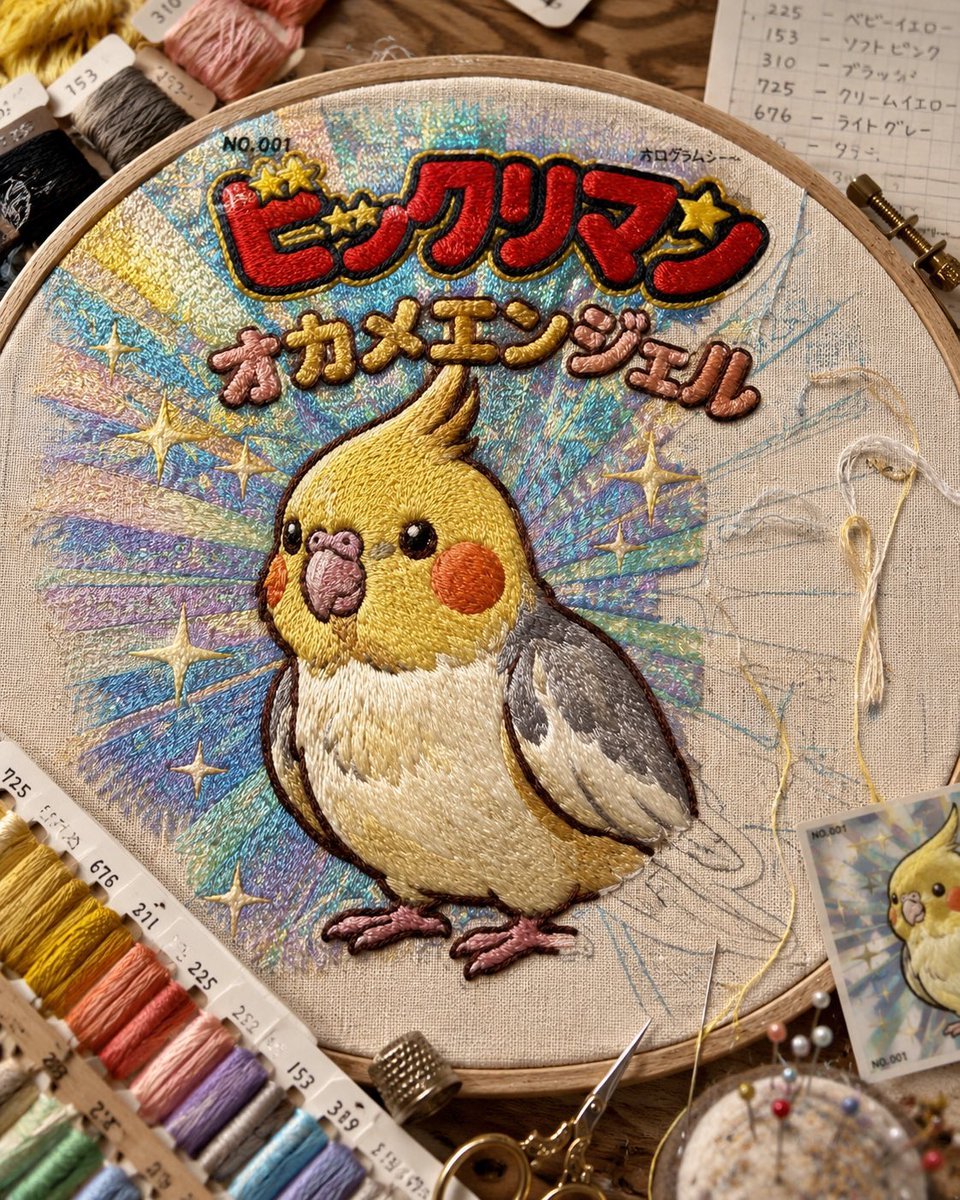
Holographic Cockatiel Embroidery Hoop
Browse template categories
Panel Chibi VTuber Comic Strip questions
How do I use the 6-Panel Chibi VTuber Comic Strip template?
Add your photo if the template asks for one, edit the prompt if you like — the template's model and format are already selected — and press Generate. Your version opens in PicX Studio.
Can I customize the 6-Panel Chibi VTuber Comic Strip template?
Yes. You can change the subject, setting, lighting, mood, format, and available model controls before creating your image.
Is the 6-Panel Chibi VTuber Comic Strip template free?
Opening and editing this template is free. Generating uses credits, shown on the Generate button when you are signed in.
Which AI model should I use?
Start with GPT Image 2, which is the model associated with this template. You can compare another compatible model for a different finish.
Looking for something else? Browse all templates.

Your photo, any look
Thousands of ready templates for every top image and video model, from one credit balance.