
Epic Anime Worldview with Guardian Beast
A complex prompt for creating a fully developed anime worldview and character design with a massive guardian spirit beast.
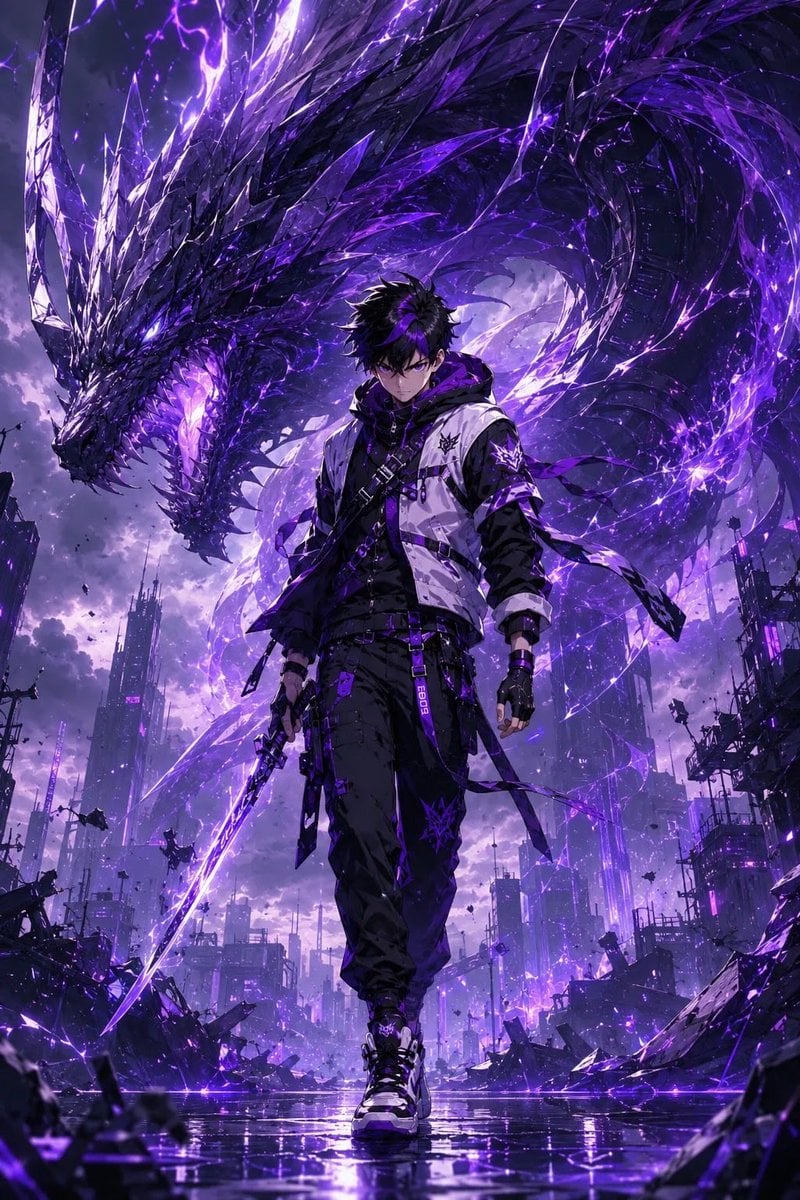
- Prompt included
- Model and format preset
- Free template
The prompt behind this image
Copy the exact prompt behind Epic Anime Worldview with Guardian Beast, or open it in the studio and make it yours.
Based on the understanding of the "{argument name="character name" default="character name"}" generate a unique and fully developed worldview, including scene style, cultural background, and spatial design. The composition should have an epic scale and cinematic framing. Feature the "{argument name="defend-type character" default="defend-type character"}" as the main protagonist in a high-quality anime art style, with clear facial features and natural body proportions (not chibi). The character should be shown in a full-body composition, standing slightly forward at the center of the frame, with a confident runway-like presence and posture. The character’s outfit style, materials, and overall color palette should be automatically derived from the generated worldview, featuring a premium design aesthetic with cohesive color layering. Position an exclusive "{argument name="guardian spirit beast" default="guardian spirit beast"}" behind the character on the left side. The AI should automatically generate the beast so it fully aligns with both the character and the worldview. The beast must be enormous, far larger than the character, with a structurally believable design. It should appear as a hybrid of physical form and energy, with intricate textures and layered lighting effects. The guardian occupies the upper portion of the composition, creating an overwhelming sense of pressure while advancing alongside the character. The character, guardian beast, and environment must share a unified artistic style while maintaining clear color contrast to avoid visual blending. Lighting should adapt naturally to the worldview while remaining bright, clean, and cinematic with high-end animated film quality. The overall aesthetic should resemble epic anime art combined with premium AAA game key visuals, featuring ultra-high detail, high resolution, and a clean composition. Negative requirements: no additional characters, no multiple spirit beasts, no chibi or low-quality cartoon styles, no text or watermarks, no blurry faces, and no deformed anatomy or structures.
How to use Epic Anime Worldview with Guardian Beast in 3 steps
- 1
Open
The prompt is already in the box next to the preview, with the template's model and format selected.
- 2…a portrait of your subject in softgolden-hour light, 85mm…
Personalize
Edit the subject and creative details for your destination.
- 3Generate
Generate
Press Generate — your image is created in PicX Studio, so you can compare it with the original and refine one variable at a time.
More like this
Templates with the same subject, style or setup. Open one to see its prompt.












Make it yours
Epic Anime Worldview with Guardian Beast works as-is. These are the safest ways to change it without losing the look.
Change one field
Copy a single group, rewrite it, and generate again so you can see what that field is doing.
Keep the frame, change the subject
Hold the composition and light of Epic Anime Worldview with Guardian Beast, then swap wardrobe, props or the person for a new take.
| If the result… | Why | Fix |
|---|---|---|
| The result drifts from the preview | Too many fields changed at once. | Reuse Epic Anime Worldview with Guardian Beast as-is first, then change one group — subject, light, or setting. |
| The model over-stylizes the scene | The prose prompt leaves finish and camera underspecified. | Add one camera or lighting sentence and stay on GPT Image 2. |
More GPT Image 2 templates
Other prompts made for GPT Image 2.

Six VTuber Japanese Logo Sheet

Realistic Portrait of Woman and Deer

The Vista Modular Condo Poster

AI Model Routing Comparison Infographic

2.5D Anime Art Board

Isometric Productivity Desk Scene

New York Double Exposure Poster

Four-Panel AI Landscape Comparison

Japanese Tatami Lifestyle Magazine Cover

NESCAFÉ Coffee Map Poster
More image prompts
Fresh picks from across the catalog.
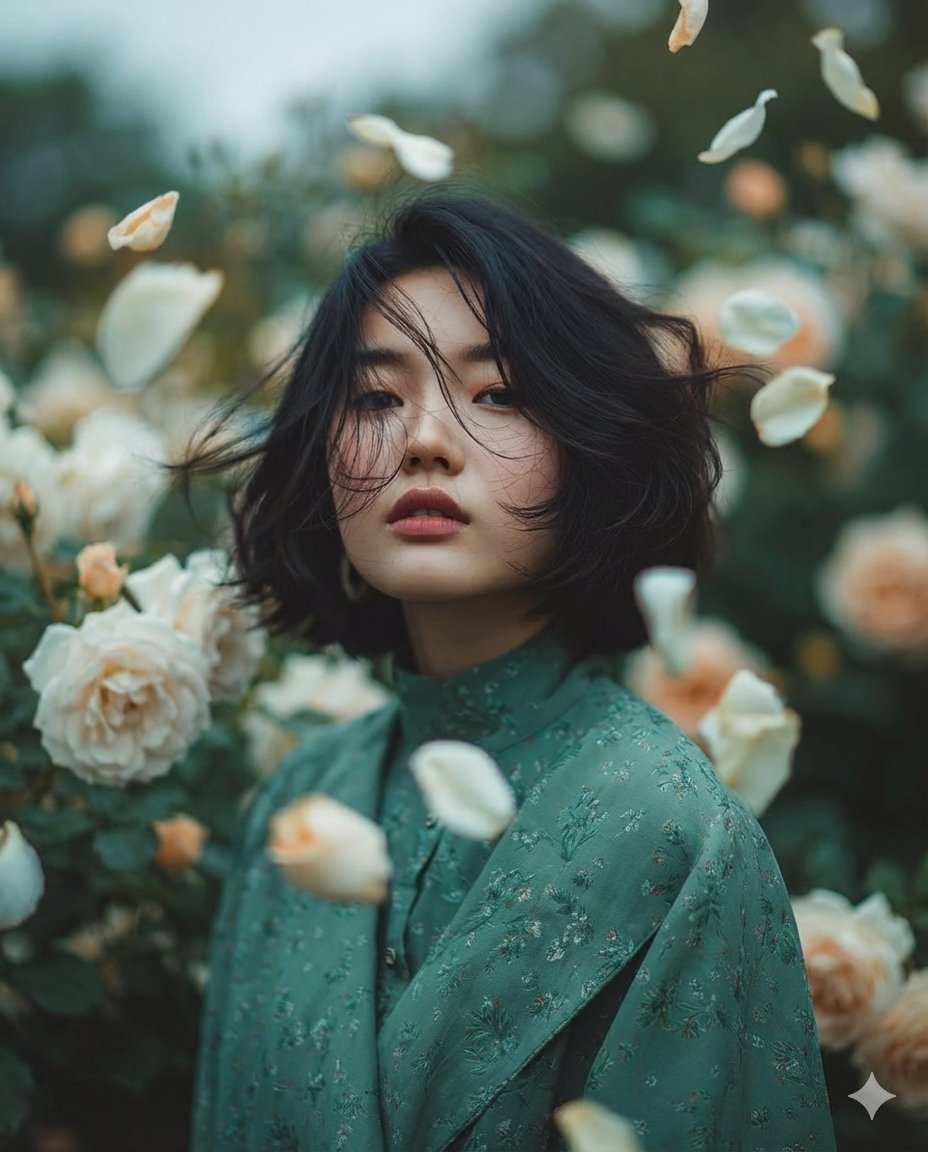
Dreamy Fine-Art Portrait in Ethereal Garden
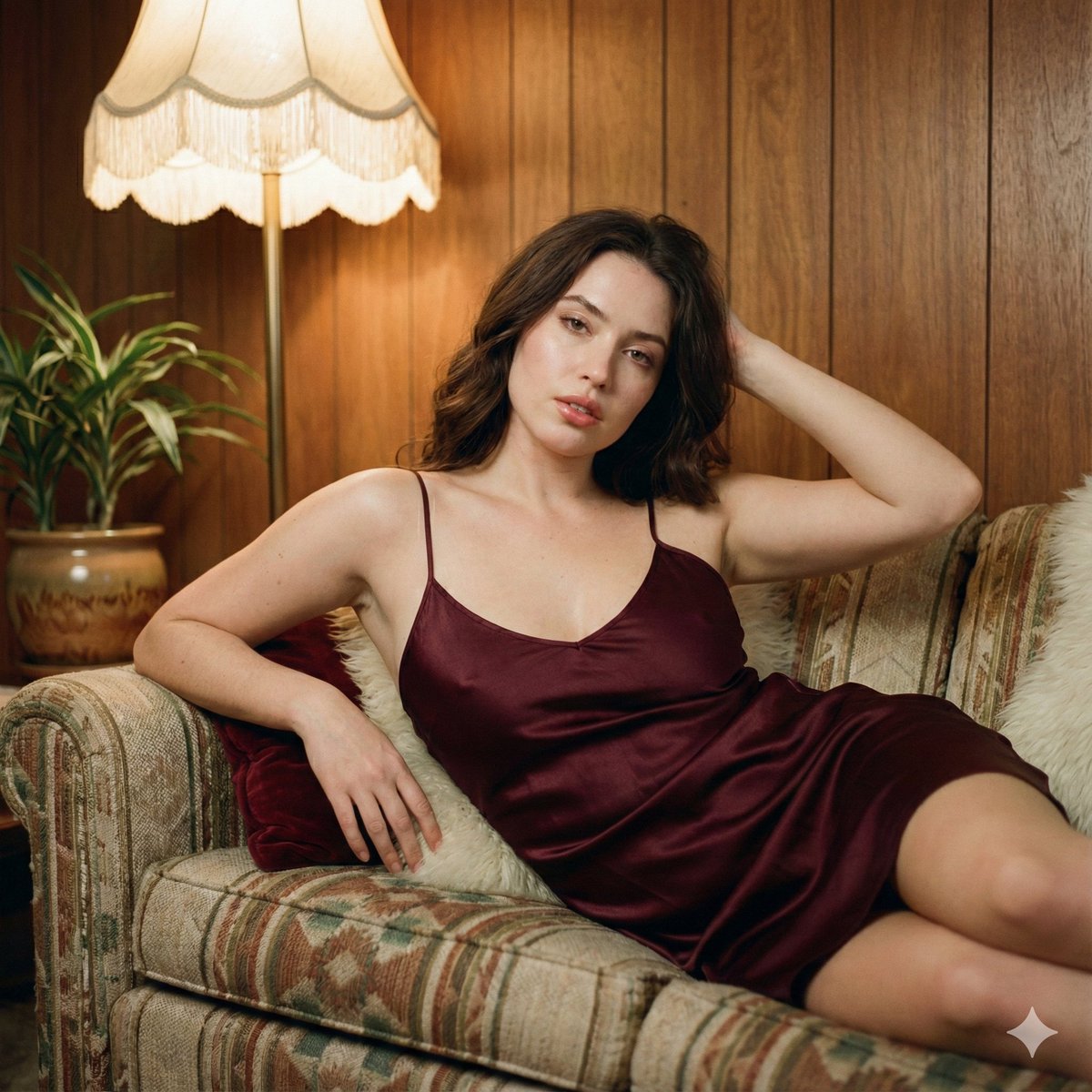
1970s Vintage Portrait Series Continuation
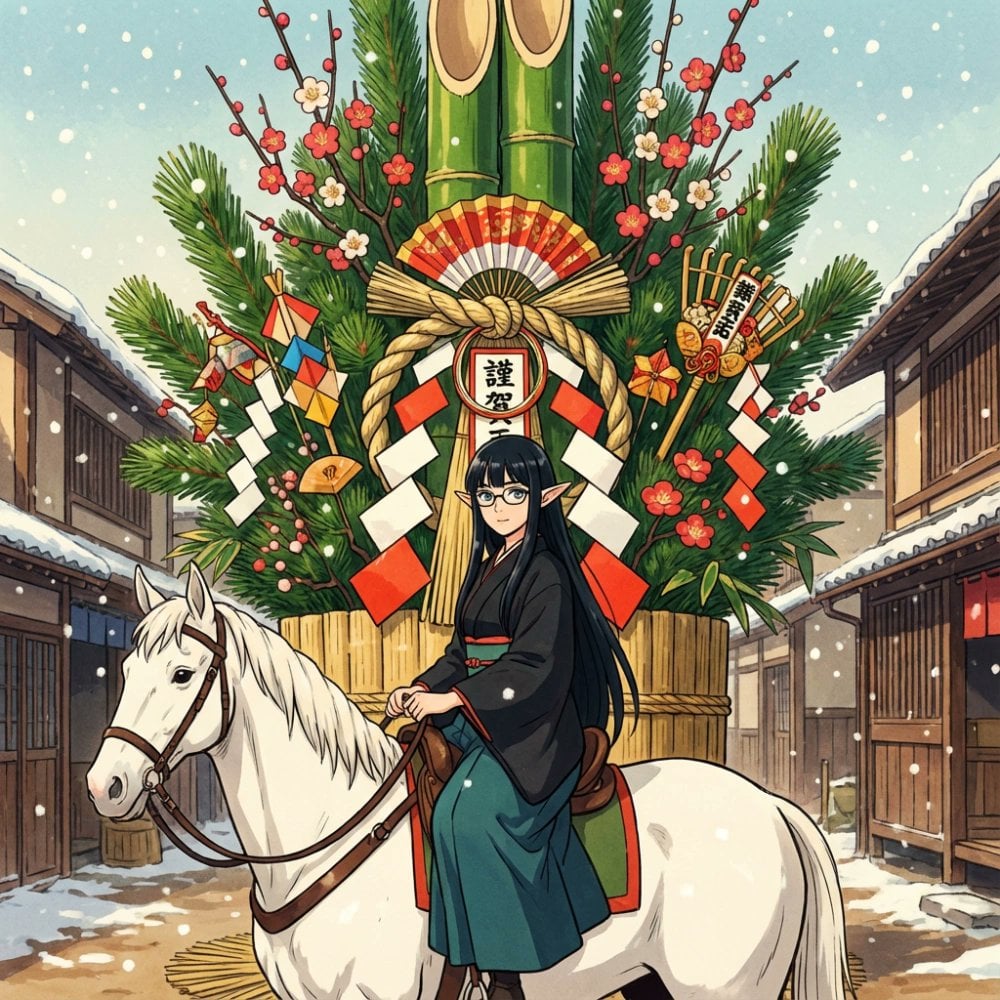
New Year's Postcard Prompt for Nano Banana Pro
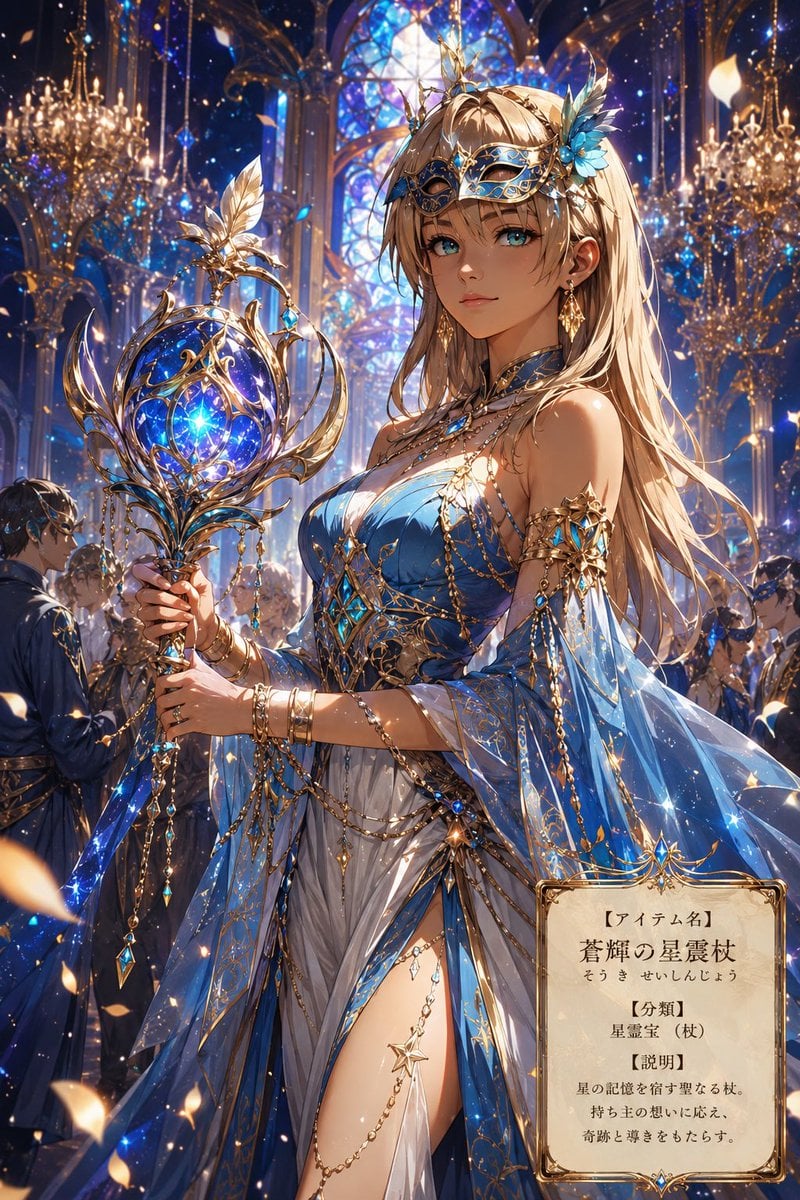
Fantasy Masquerade Ball Treasure Item
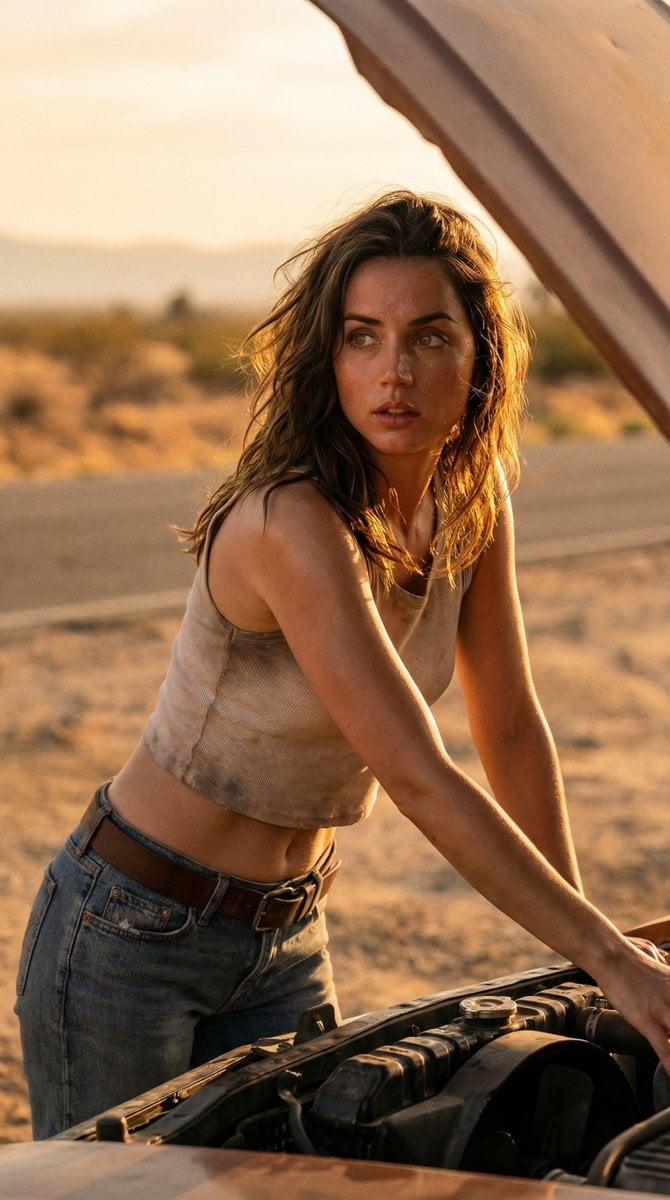
Cinematic Desert Portrait Leaning on Car Hood
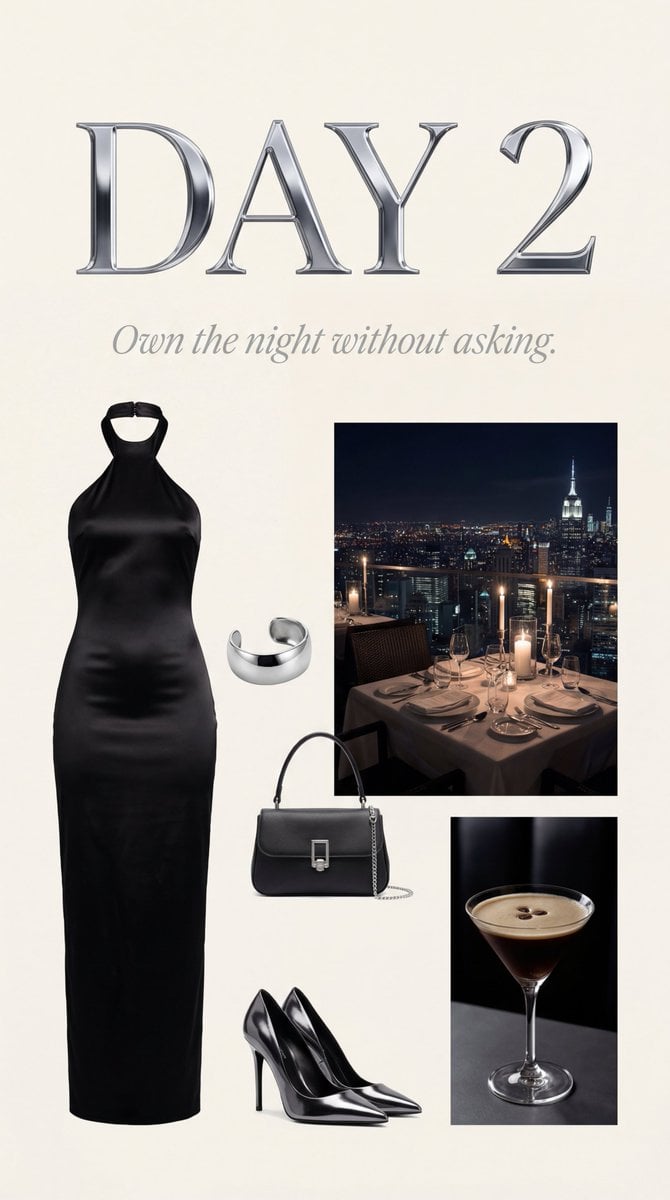
Luxury Night Fashion Moodboard (Day 2)
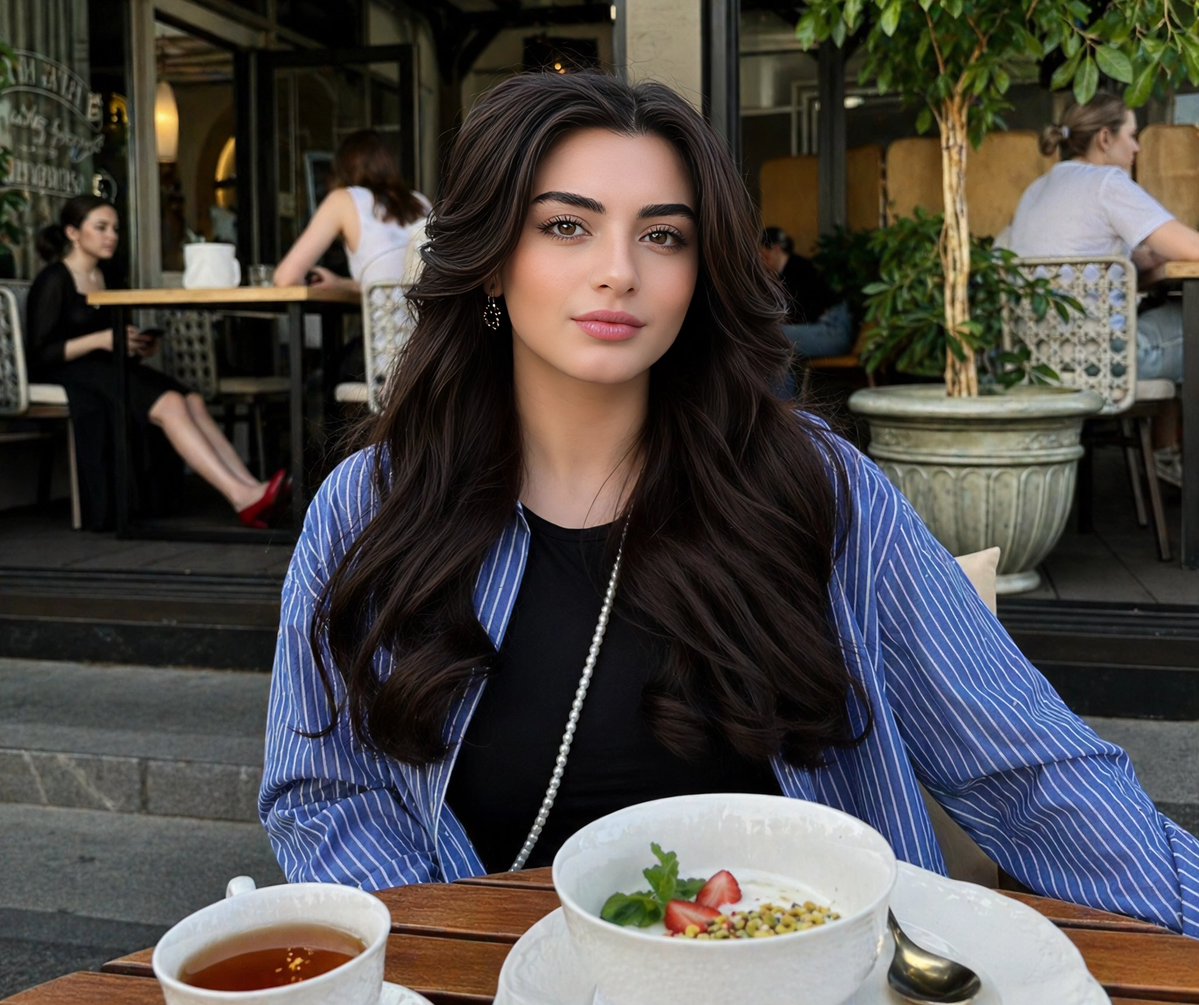
Lifestyle Portrait at Outdoor Café
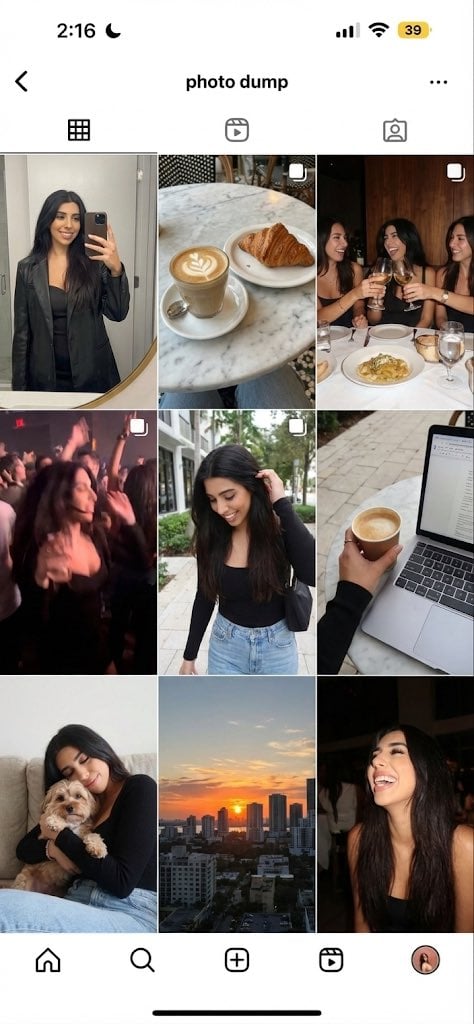
image Instagram-style weekend photo dump
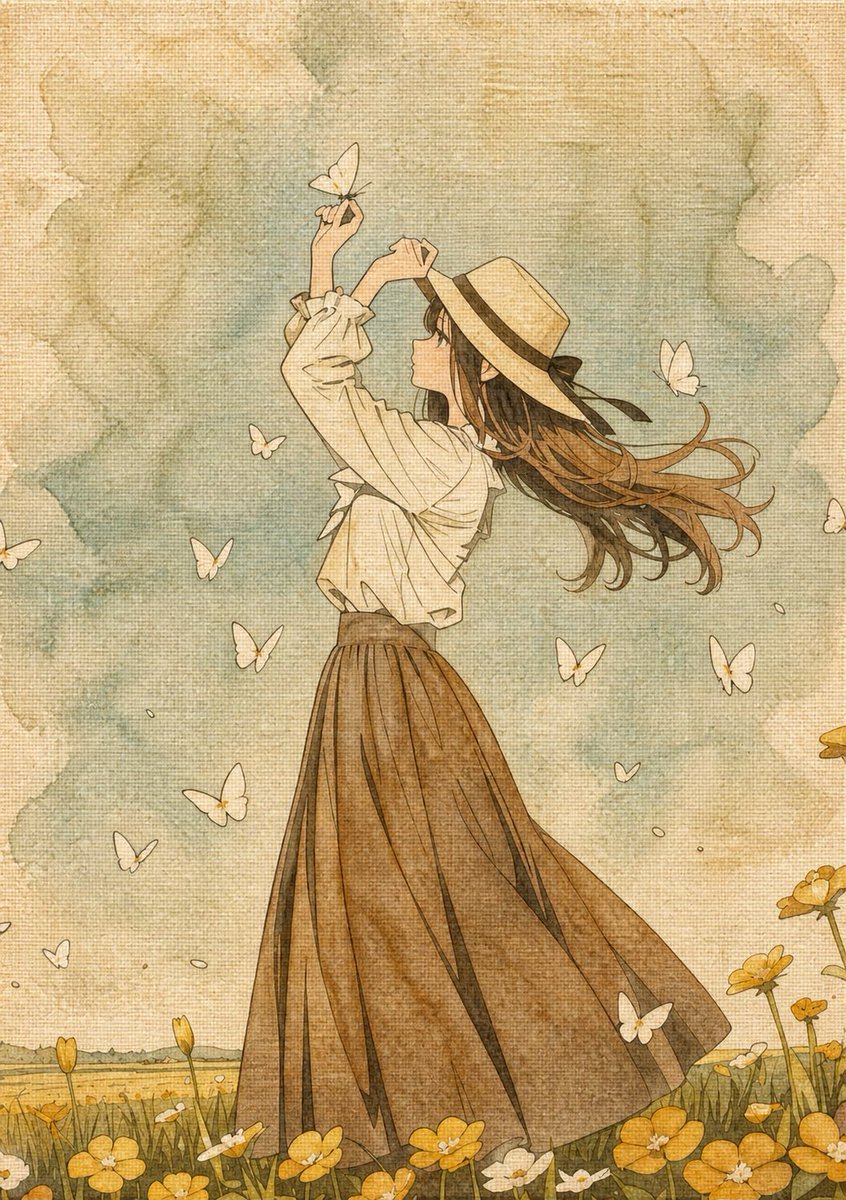
Botanical Plant Dye Canvas Painting
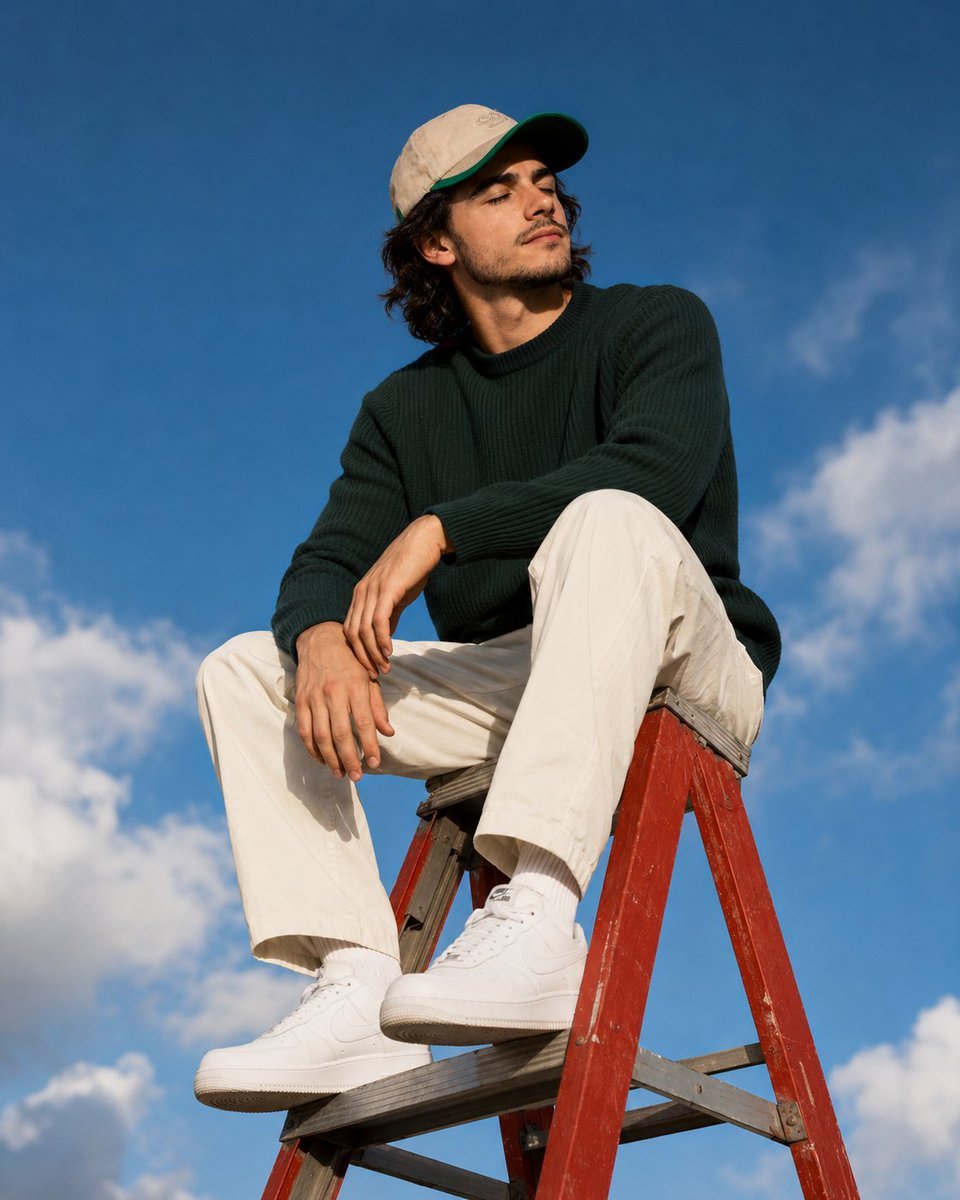
Outdoor Lifestyle Portrait on Ladder
Browse template categories
Epic Anime Worldview with Guardian Beast questions
How do I use the Epic Anime Worldview with Guardian Beast template?
Add your photo if the template asks for one, edit the prompt if you like — the template's model and format are already selected — and press Generate. Your version opens in PicX Studio.
Can I customize the Epic Anime Worldview with Guardian Beast template?
Yes. You can change the subject, setting, lighting, mood, format, and available model controls before creating your image.
Is the Epic Anime Worldview with Guardian Beast template free?
Opening and editing this template is free. Generating uses credits, shown on the Generate button when you are signed in.
Which AI model should I use?
Start with GPT Image 2, which is the model associated with this template. You can compare another compatible model for a different finish.
Looking for something else? Browse all templates.

Your photo, any look
Thousands of ready templates for every top image and video model, from one credit balance.