
Cinematic Samurai Agency Landing Page
This generates a high-end dark web landing page hero for a creative studio, ideal for showcasing bold branding, web design, or agency concept work.
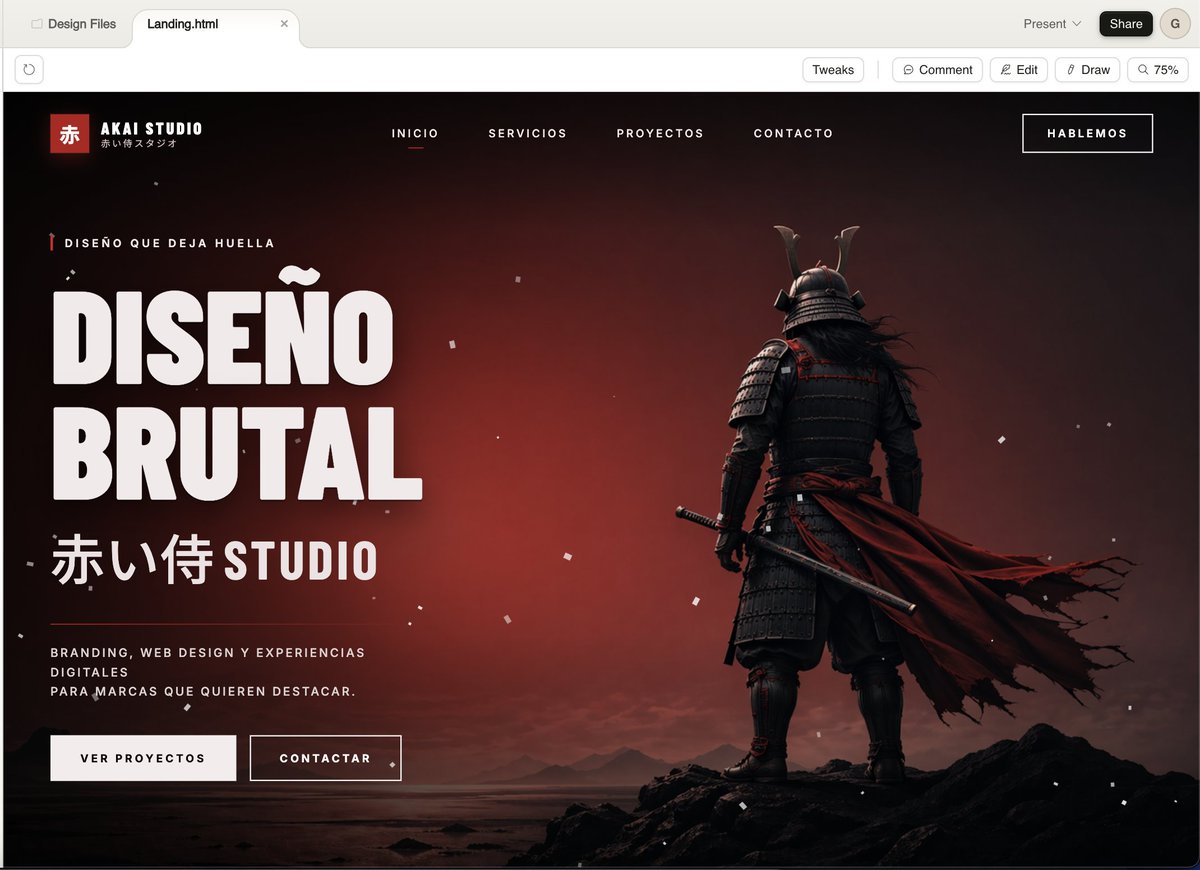
- Prompt included
- Model and format preset
- Free template
The prompt behind this image
Copy the exact prompt behind Cinematic Samurai Agency Landing Page, or open it in the studio and make it yours.
A cinematic dark landing page mockup for a Japanese-inspired creative agency called {argument name="studio name" default="AKAI STUDIO"}, shown inside a modern desktop browser window. The page uses a dramatic black-to-deep-red gradient background with a moody sunset glow, scattered small white dust or ash particles, and a widescreen hero layout. On the right side, place a full-body samurai seen from behind, standing on jagged black rocks near a calm shoreline, wearing dark layered armor and a horned helmet, holding a katana at his side, with a long torn crimson cape blowing strongly to the right. On the left side, create bold oversized white condensed sans-serif headline text in Spanish reading {argument name="headline text" default="DISEÑO BRUTAL"}, split across two stacked lines. Above it, add a small eyebrow line with a tiny red vertical accent: {argument name="eyebrow text" default="DISEÑO QUE DEJA HUELLA"}. Below the headline, add large Japanese characters followed by STUDIO: {argument name="subheadline text" default="赤い侍 STUDIO"}. Beneath that, place a short supporting paragraph in small uppercase white text: {argument name="body text" default="BRANDING, WEB DESIGN Y EXPERIENCIAS DIGITALES PARA MARCAS QUE QUIEREN DESTACAR."}. Add two call-to-action buttons below the copy: a filled light button labeled "VER PROYECTOS" and an outlined dark button labeled "CONTACTAR". Across the top navigation bar, include exactly 4 centered menu items in uppercase: "INICIO", "SERVICIOS", "PROYECTOS", "CONTACTO", with "INICIO" marked as active using a small red underline. Put a boxed top-right button labeled {argument name="top button text" default="HABLEMOS"}. In the top-left of the site header, add a logo block with a small red square containing the kanji "赤", the brand name "AKAI STUDIO", and a tiny Japanese subtitle beneath it. The overall style should feel like high-end brutalist web design meets cinematic game key art: ultra-polished UI mockup, sharp typography, strong contrast, luxury agency aesthetic, minimal but powerful composition, black, white, and crimson palette, subtle grain, realistic lighting, premium presentation.
How to use Cinematic Samurai Agency Landing Page in 3 steps
- 1Upload ImagePNG, JPG or paste
Add your photo
Upload the photo the template builds on. The prompt, model and format are already set.
- 2…a portrait of your subject in softgolden-hour light, 85mm…
Personalize
Edit the subject and creative details for your destination.
- 3Generate
Generate
Press Generate — your image is created in PicX Studio, so you can compare it with the original and refine one variable at a time.
More like this
Templates with the same subject, style or setup. Open one to see its prompt.
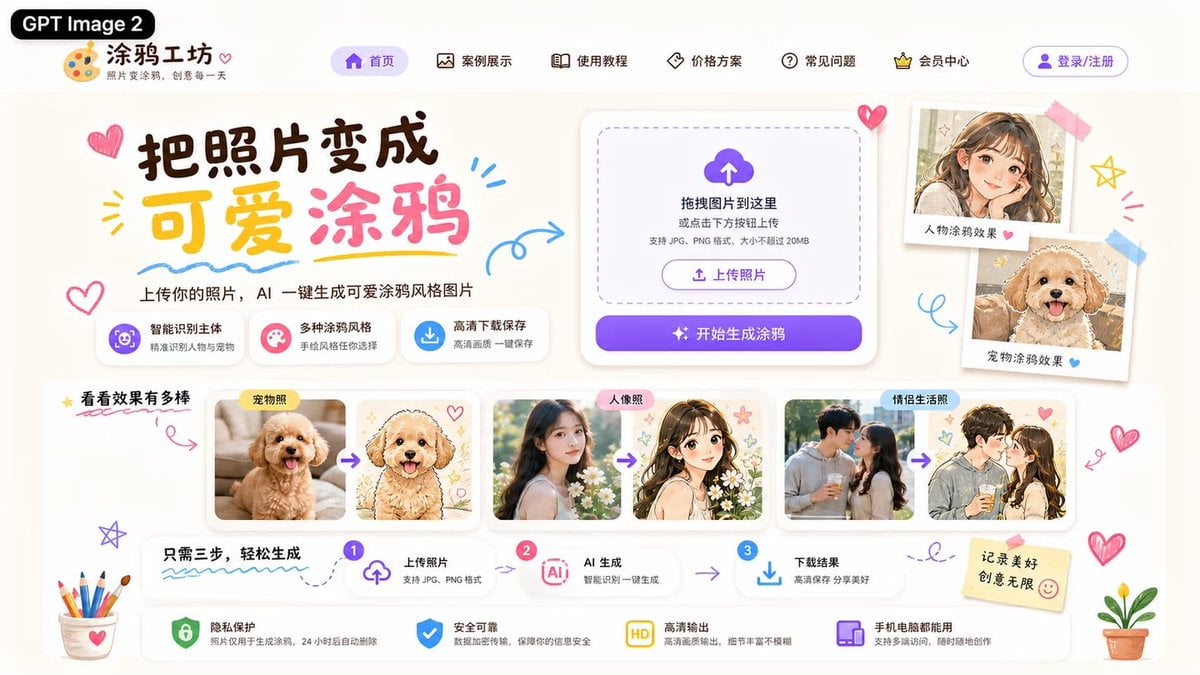
Cute AI Doodle Generator Landing Page
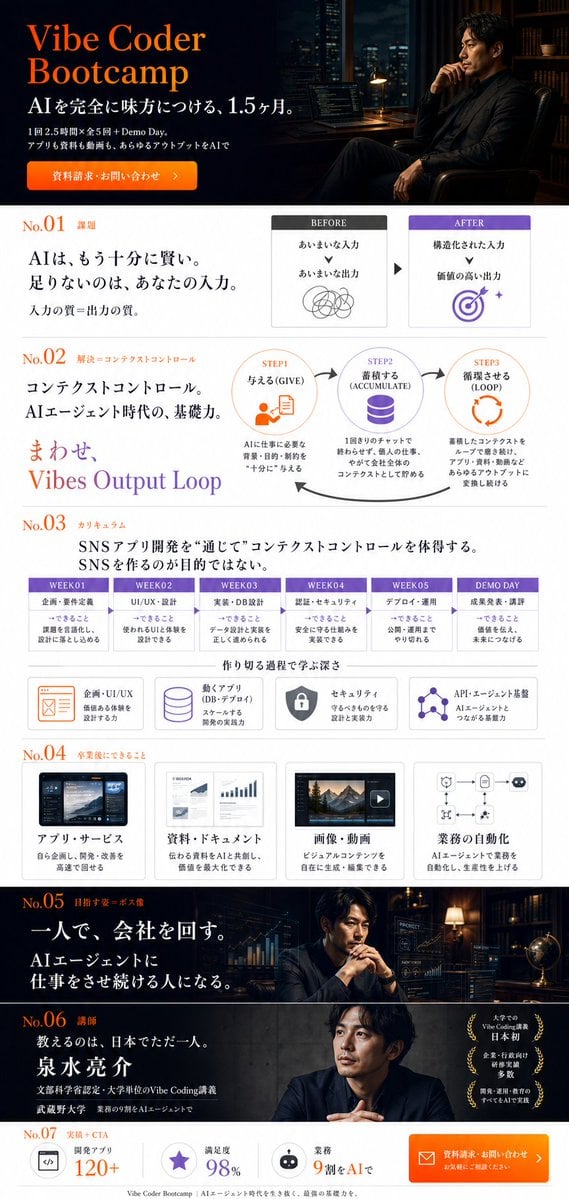
Vibe Coder Bootcamp Landing Page
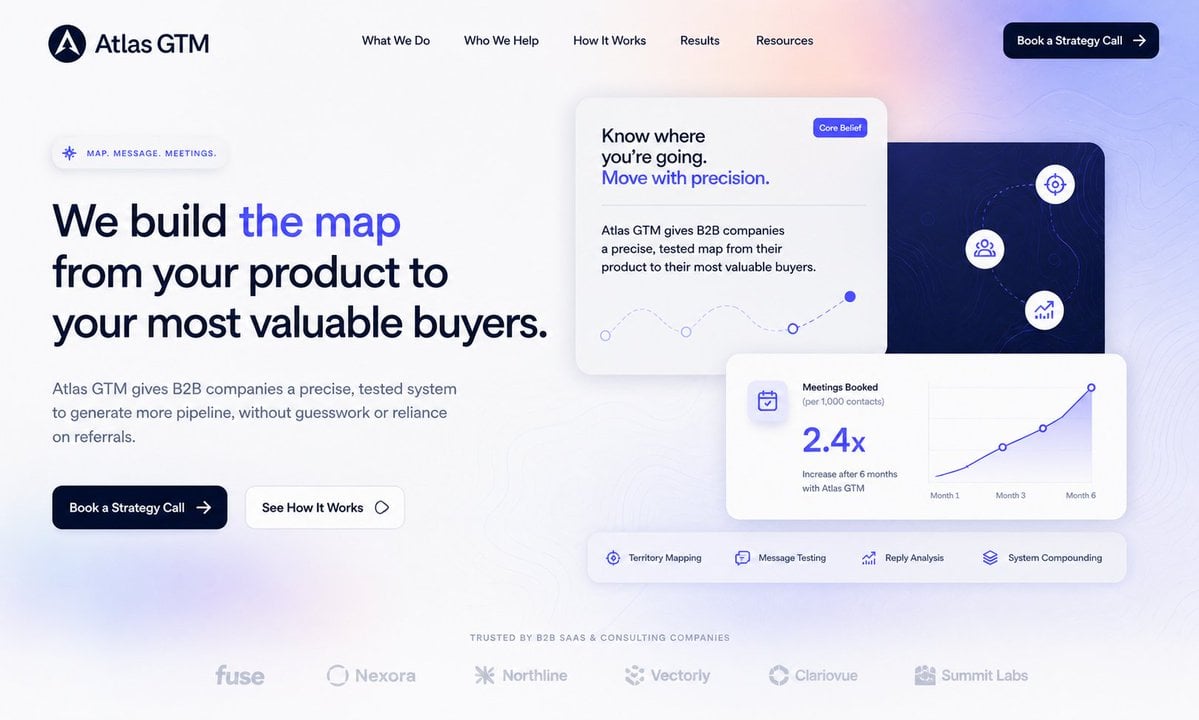
Atlas GTM SaaS Hero Landing Page
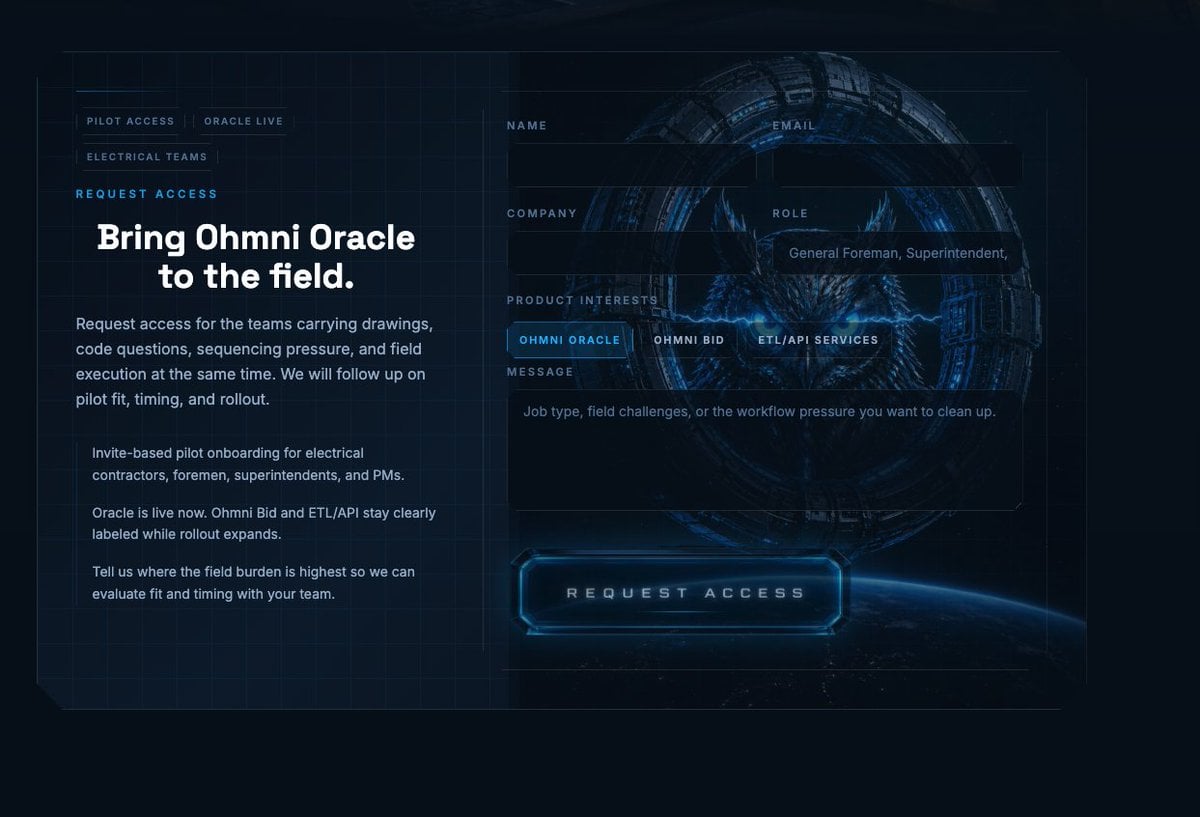
Futuristic Ohmni Access Landing Page

Luxury E-Commerce Landing Page Mockup
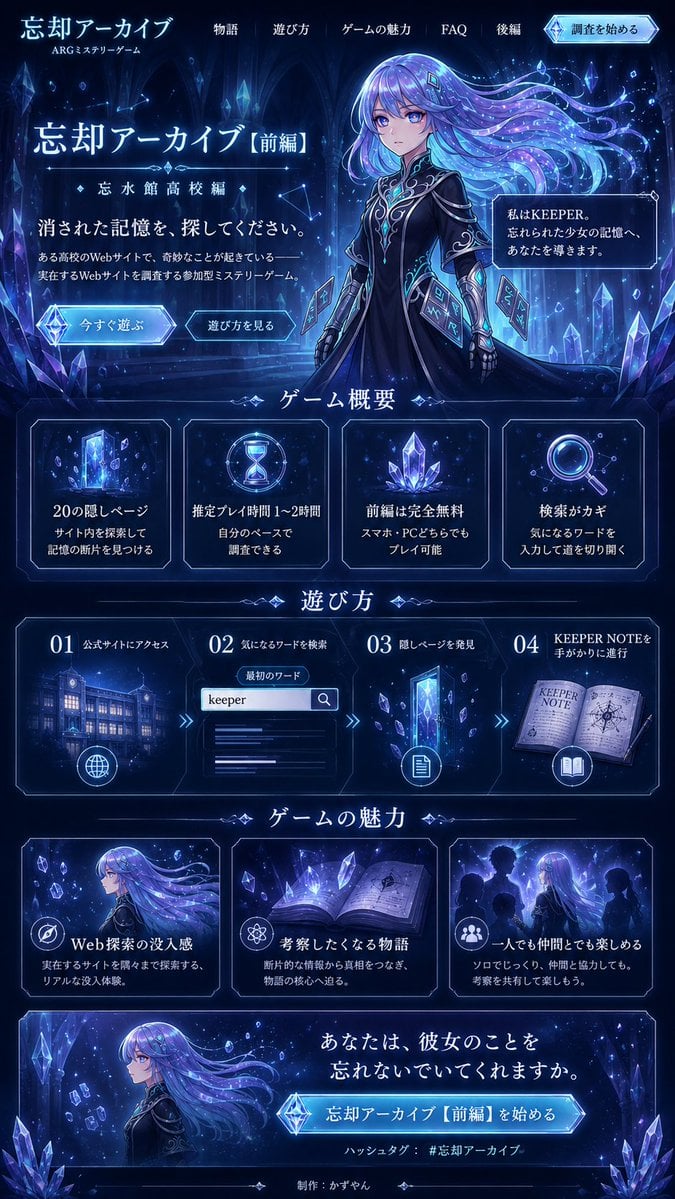
Forgotten Archive ARG Landing Page
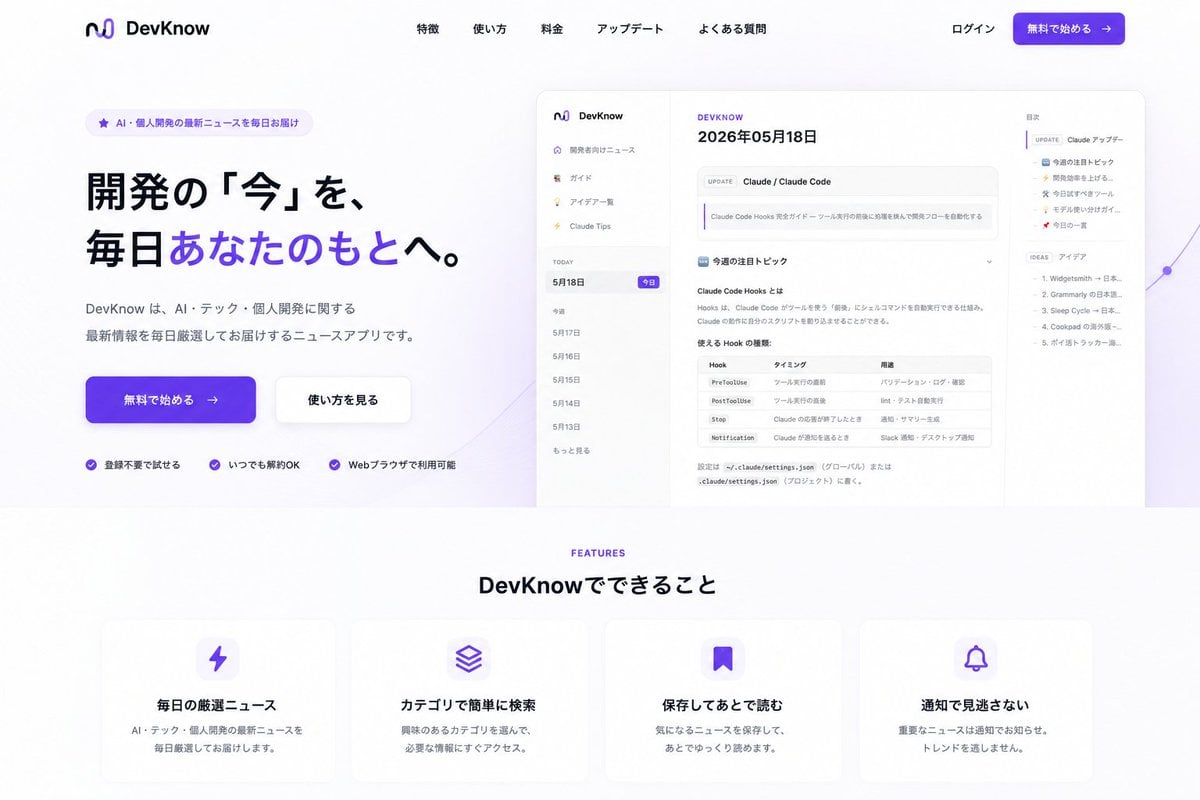
NOVALITH SaaS Landing Page Hero
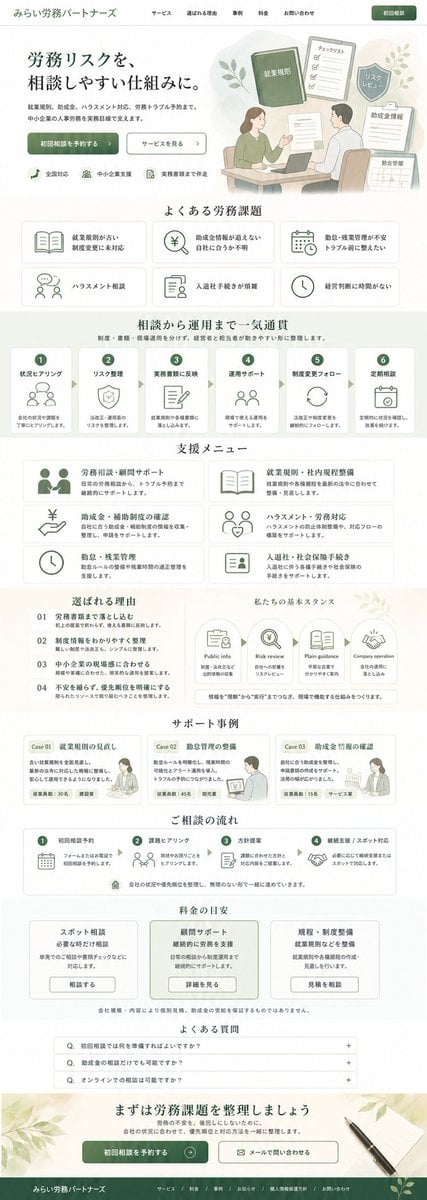
ASCII Layout Landing Page Generator

SaaS AI Dashboard Landing Page
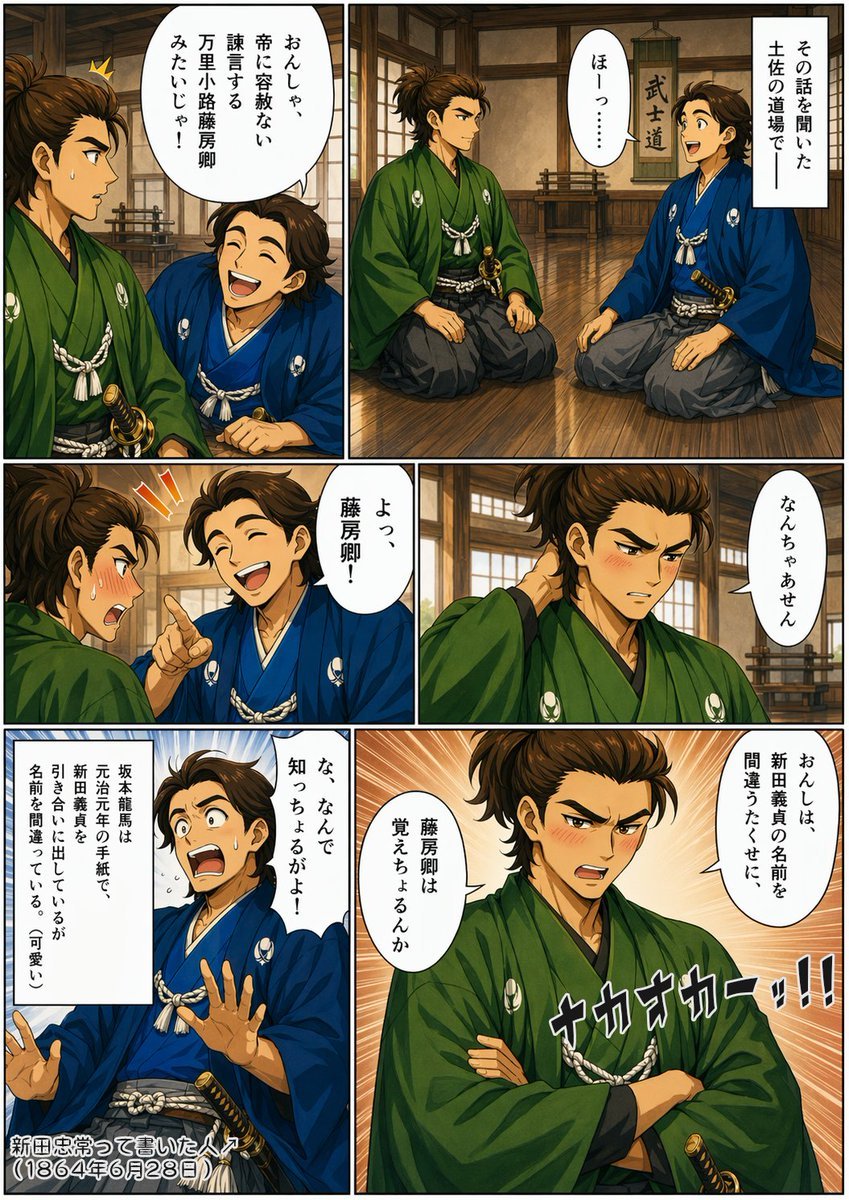
Bakumatsu Samurai Dojo Manga Page

Mintpage AI Landing Page Hero
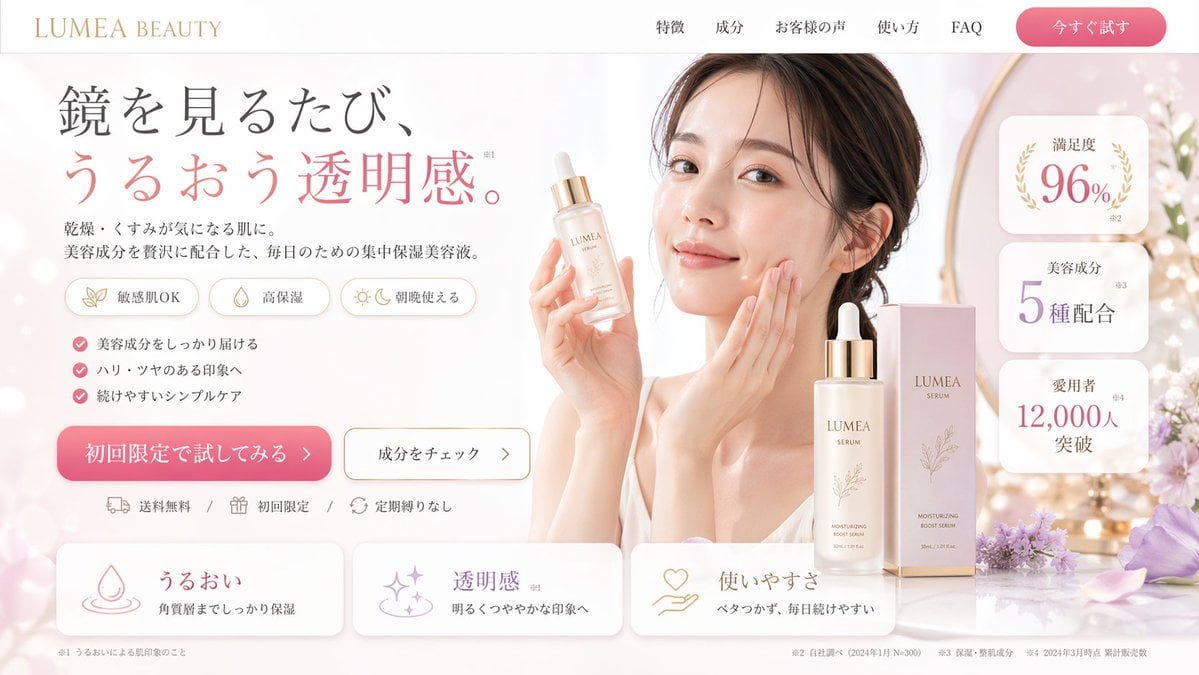
Beauty Product Landing Page Mockup
Make it yours
Cinematic Samurai Agency Landing Page works as-is. These are the safest ways to change it without losing the look.
Change one field
Copy a single group, rewrite it, and generate again so you can see what that field is doing.
Keep the frame, change the subject
Hold the composition and light of Cinematic Samurai Agency Landing Page, then swap wardrobe, props or the person for a new take.
| If the result… | Why | Fix |
|---|---|---|
| The result drifts from the preview | Too many fields changed at once. | Reuse Cinematic Samurai Agency Landing Page as-is first, then change one group — subject, light, or setting. |
| The model over-stylizes the scene | The prose prompt leaves finish and camera underspecified. | Add one camera or lighting sentence and stay on GPT Image 2. |
More GPT Image 2 templates
Other prompts made for GPT Image 2.

Six VTuber Japanese Logo Sheet

Realistic Portrait of Woman and Deer

The Vista Modular Condo Poster

AI Model Routing Comparison Infographic

2.5D Anime Art Board

Isometric Productivity Desk Scene

New York Double Exposure Poster

Four-Panel AI Landscape Comparison

Japanese Tatami Lifestyle Magazine Cover

NESCAFÉ Coffee Map Poster
More image prompts
Fresh picks from across the catalog.
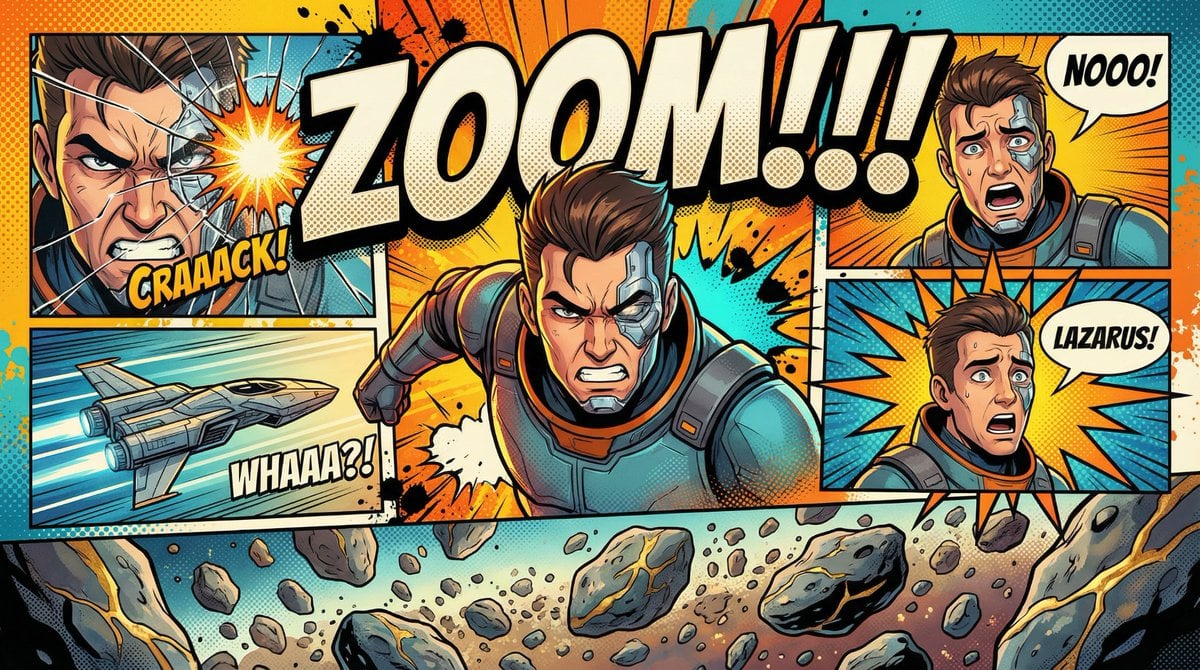
Comic Book Poster Illustration Template
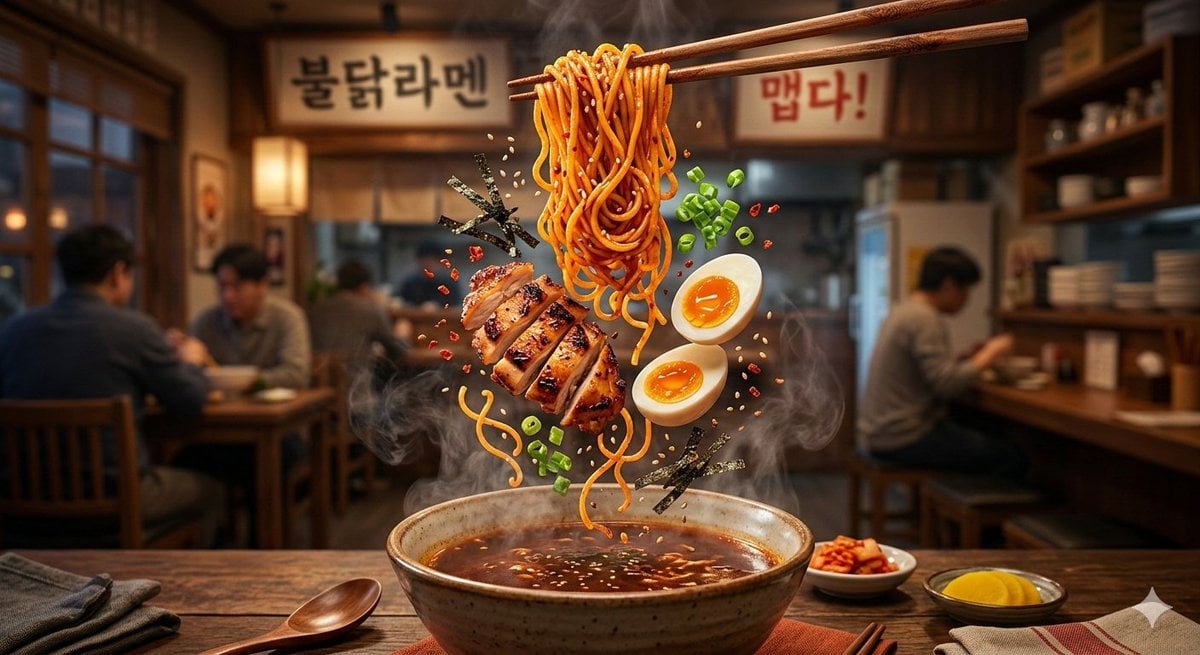
Cinematic Food Commercial Shot of Deconstructed Buldak Ramen
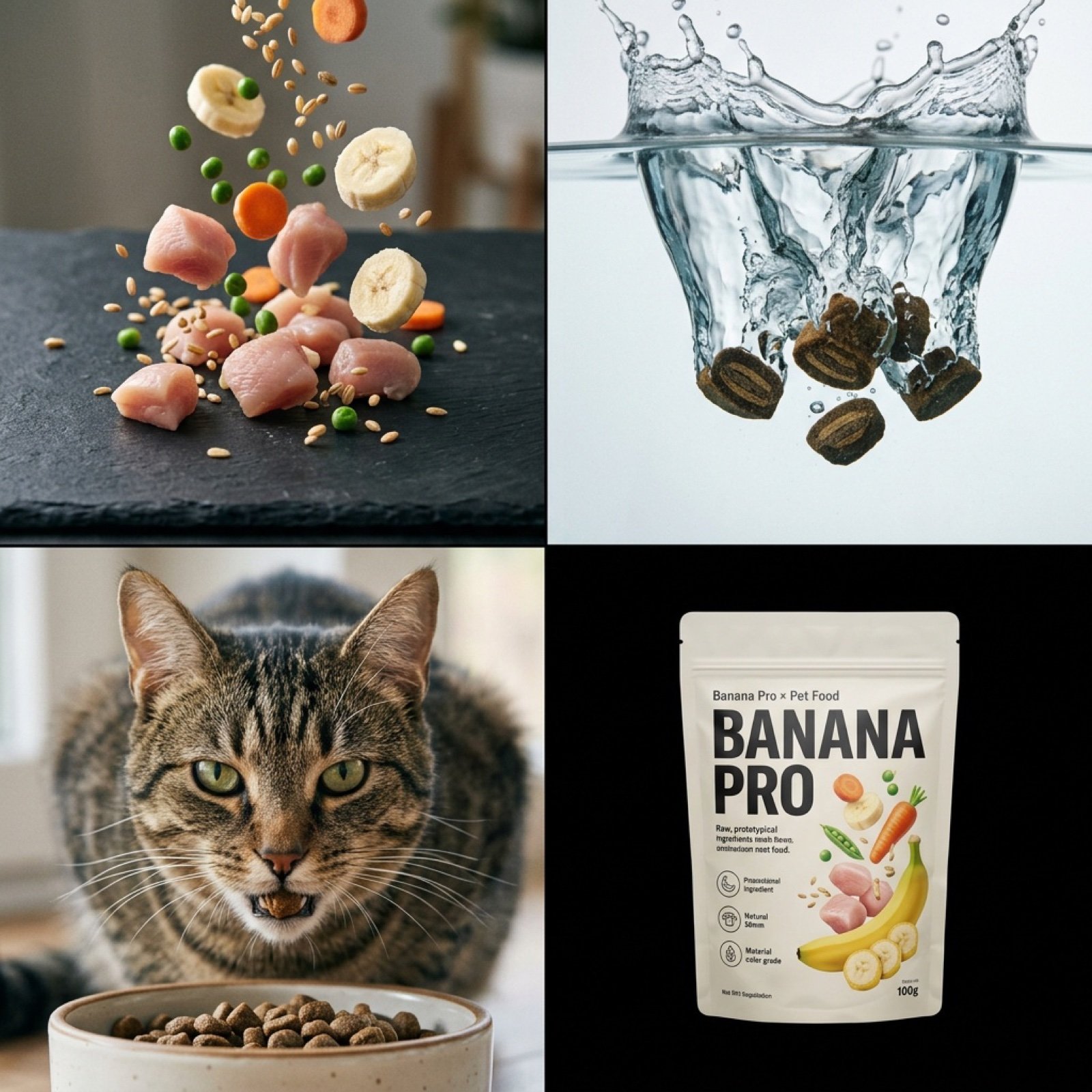
Hyper-Realistic Pet Food Ad Series Prompt

High-Contrast Black and White Editorial Portrait Prompt for Nano Banana 2
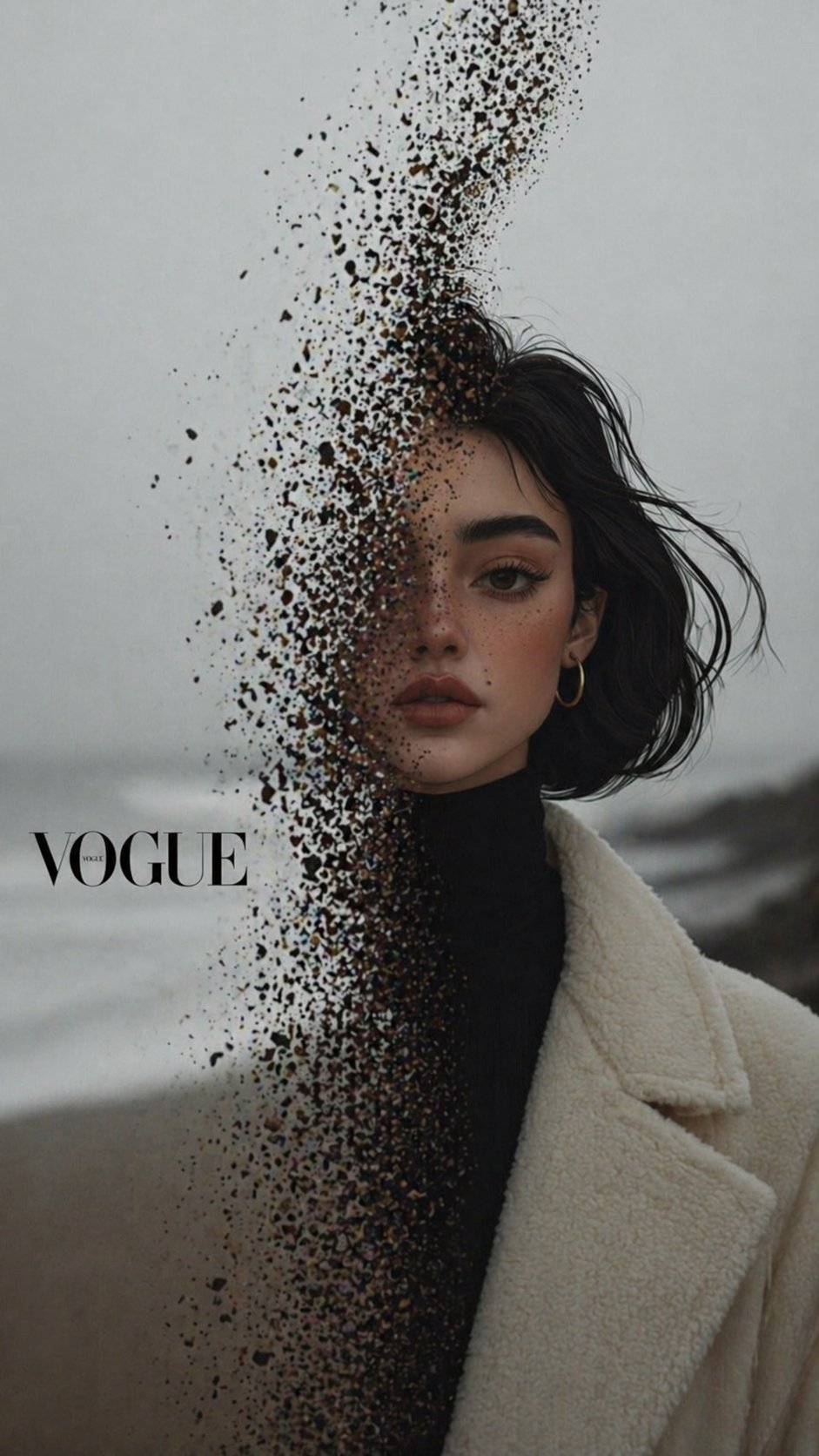
X Noor Ul Ain43 Hard Truth Your Expensive Setup Isnt Special Anymore Prompts Chatgpt Images
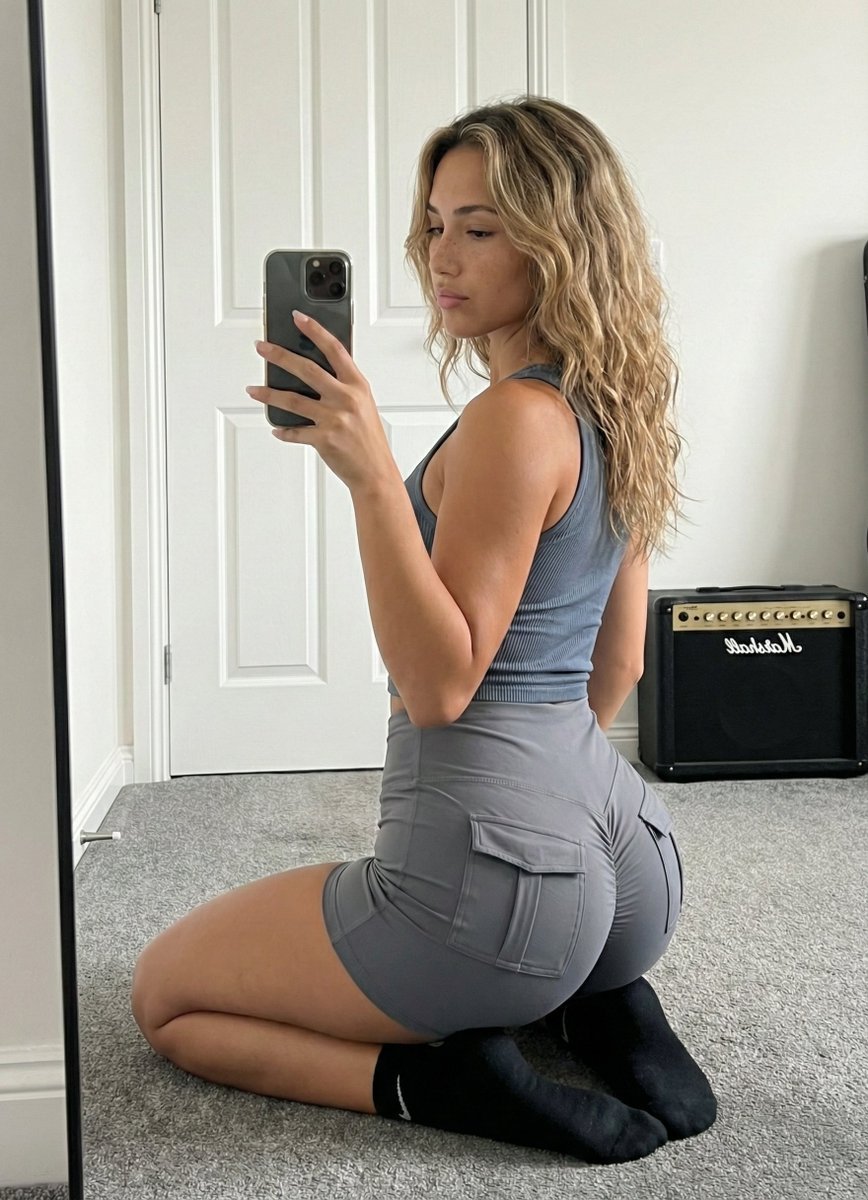
Mirror Selfie Athleisure Look with Detailed Anatomy
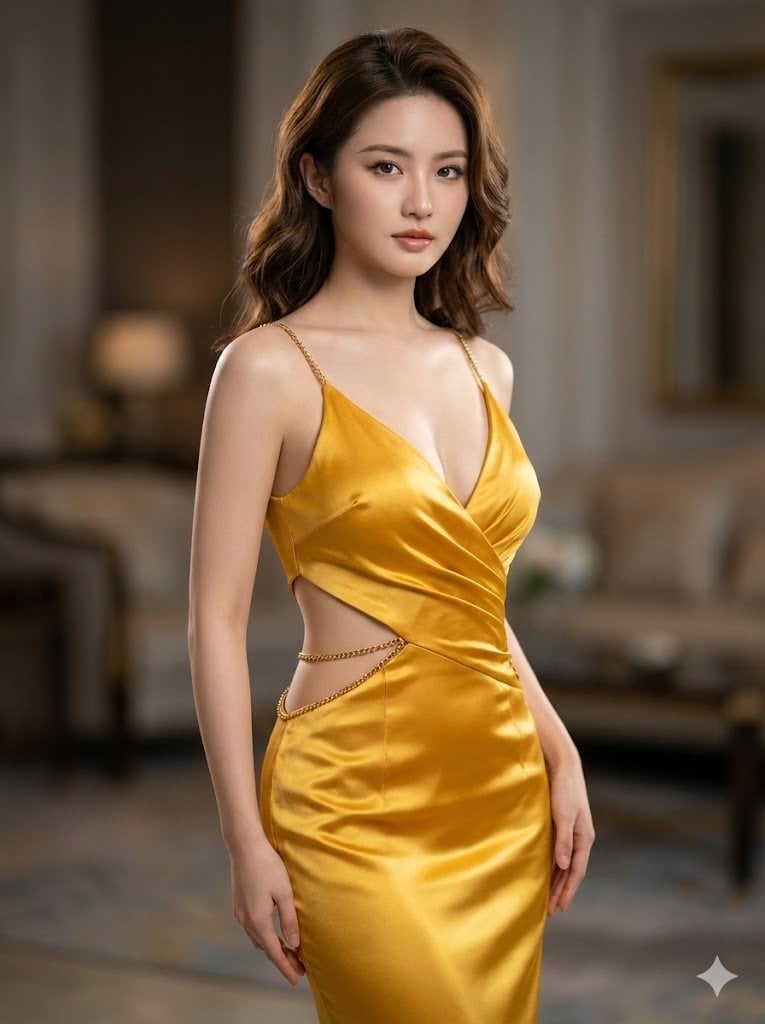
Ultra-Realistic Cinematic Portrait in Golden Silk Satin Gown
Gothic Angel Studio Portrait
Blade Runner Opening Style Image
Scrapbook Photo Collage Portrait
Browse template categories
Cinematic Samurai Agency Landing Page questions
How do I use the Cinematic Samurai Agency Landing Page template?
Add your photo if the template asks for one, edit the prompt if you like — the template's model and format are already selected — and press Generate. Your version opens in PicX Studio.
Can I customize the Cinematic Samurai Agency Landing Page template?
Yes. You can change the subject, setting, lighting, mood, format, and available model controls before creating your image.
Is the Cinematic Samurai Agency Landing Page template free?
Opening and editing this template is free. Generating uses credits, shown on the Generate button when you are signed in.
Which AI model should I use?
Start with GPT Image 2, which is the model associated with this template. You can compare another compatible model for a different finish.
Looking for something else? Browse all templates.

Your photo, any look
Thousands of ready templates for every top image and video model, from one credit balance.