
Gothic Angel Studio Portrait
A cinematic prompt for creating high-end studio-style photos of a 'Gothic Angel' with giant white wings in an European castle setting.
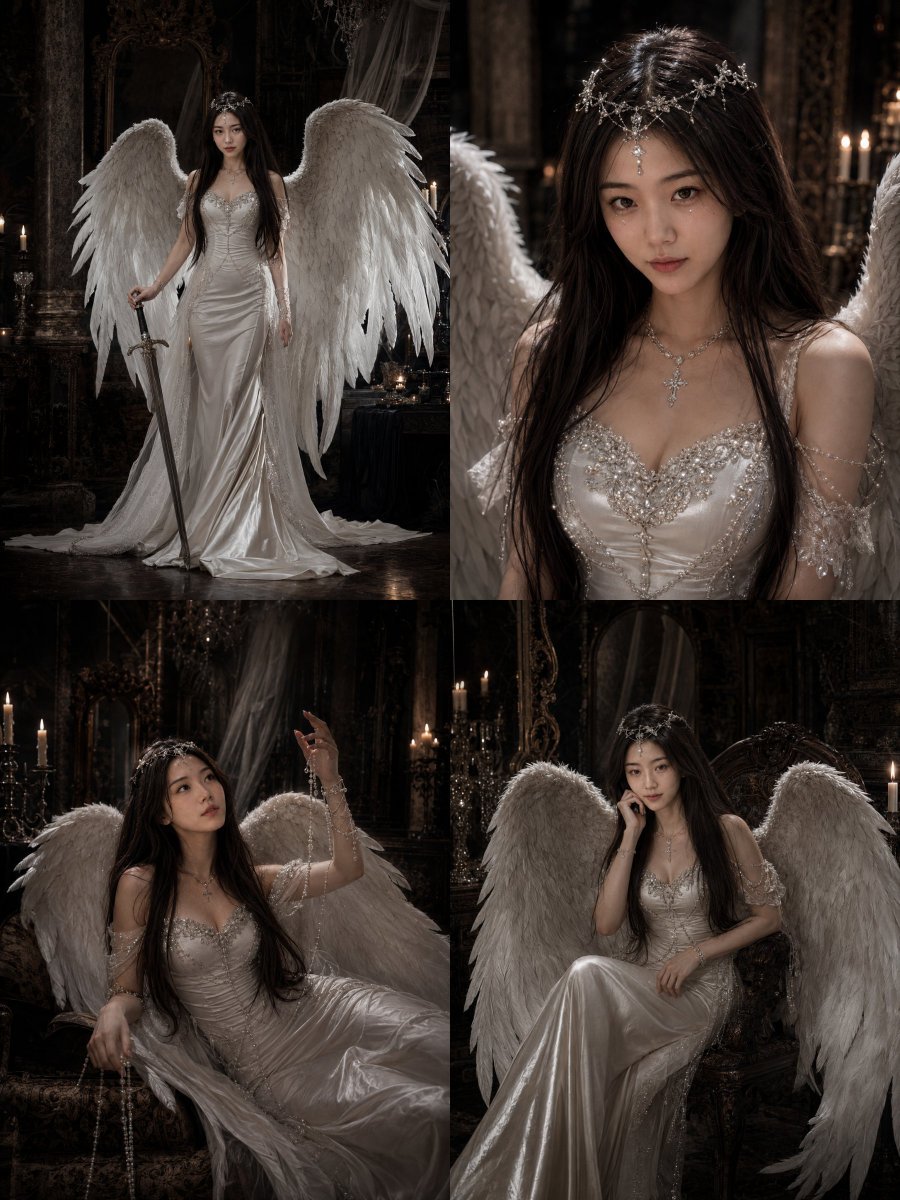
- Prompt included
- Model and format preset
- Premium template
The prompt behind this image
Copy the exact prompt behind Gothic Angel Studio Portrait, or open it in the studio and make it yours.
Please, based on the clear photo of myself that I uploaded, generate a set of 9 individually finished portrait photos, all in a uniform 3:4 portrait composition. Do not make a collage, do not make a 3x3 grid. The person must retain my real, recognizable appearance, including face shape, facial feature proportions, eyes, nose, lips, skin tone, sense of age, base hairstyle, and overall temperament. All 9 photos must clearly be the same real girl — she must not turn into a stranger, must not be overly Westernized, and must not show an obvious AI fake face. Theme: {argument name="theme" default="dark holy angel portraits / gothic castle angel epic / high-end commercial portrait shoot"} Overall style reference: White angel gown + huge white wings + silver jeweled headpiece + pearl chains + long straight black hair + European-style castle interior setting. The mood should be coolly glamorous, mysterious, holy, fragile yet with a touch of oppressive intensity, like the angelic heroine of a dark-night castle, with the image having a clear sense of narrative and cinematic quality. Costume and styling: A white fitted long gown or a satin-textured long gown, which may have lace or jeweled decoration on the chest; paired with oversized white wings; wearing silver or crystal-like headpieces, forehead ornaments, pearl chains, cross necklaces, bracelets, and other accessories. Shoes may be white lace-up heels or feather-textured footwear. The overall styling should be unified, complete, expensive-looking, and have a haute-couture feel. Makeup and hair: Extremely long, straight black hair, smooth and glossy, with a few strands allowed to fall loosely; delicate makeup, with fine shimmer or teardrop-crystal decoration under the eyes possible, the overall feel leaning cool, ethereal, and darkly fairy-like. Setting: A European vintage castle interior, with a dark wooden background, classical stone columns, candles, vintage picture frames, crystal pendant ornaments, white drapery, and a hint of cobweb elements. The image should lean dark, with a mysterious and gorgeous atmosphere; no modern clutter. Lighting: High-end commercial portrait lighting, with strong light-dark contrast; localized highlights illuminate the person, the white dress, and the wings, with the overall illumination kept low, carrying a cinematic, oil-painting-like, and dramatic feel. Image requirements: All 9 images must be individually complete finished shots, with clean composition and different poses, including full-body, medium, half-body, and close-up shots — a unified style but clearly varied framing. Each should look like a high-budget photography studio sample. No text, no watermark, no logo. The 9 shots are as follows: 1) Standing full-body pose, holding a long sword, leaning against a classical stone column, wings spread 2) Sitting on a vintage chair, wings drooping, one hand resting under her chin, a cold gaze 3) A half-reclining pose, a pearl chain hanging from her hand, her raised hand looking up into the air, like a cinematic still frame 4) Standing sideways pose, looking down at the blade of the sword, a coolly glamorous and mysterious air 5) Leaning forward toward the camera, wings spread wide, a strong sense of pressure 6) Close-up half-body shot, emphasizing the headpiece, the teardrop-crystal makeup, and the long straight black hair, with a fragile, ethereal expression 7) Medium shot of the side profile, standing between candlelight and drapery, like a goddess of the castle 8) A seated, curled-up pose on the chair, wings wrapped around the body, a strong atmospheric feel 9) A commanding, cover-shot-style full-body standing pose, with the white dress, wings, long sword, and castle background all in frame together, like the closing image of a fashion editorial The final result should look like a set of high-end commercial portrait epic images that are darkly holy, with a castle oil-painting feel and a strong sense of narrative.
How to use Gothic Angel Studio Portrait in 3 steps
- 1Upload ImagePNG, JPG or paste
Add your photo
Upload the photo the template builds on. The prompt, model and format are already set.
- 2…a portrait of your subject in softgolden-hour light, 85mm…
Personalize
Edit the subject and creative details for your destination.
- 3Generate
Generate
Press Generate — your image is created in PicX Studio, so you can compare it with the original and refine one variable at a time.
More like this
Templates with the same subject, style or setup. Open one to see its prompt.

80s Couple Studio Portrait

1985 Studio Portrait

Gpt Image 2 Fashion Portrait

Found Photograph: Us, 1970

80s Bollywood Star

80s Golden Hour Cinema

Me in 1985

Hyper-Realistic Minecraft POV Portrait

Minimalist Studio Fashion Portrait Grid
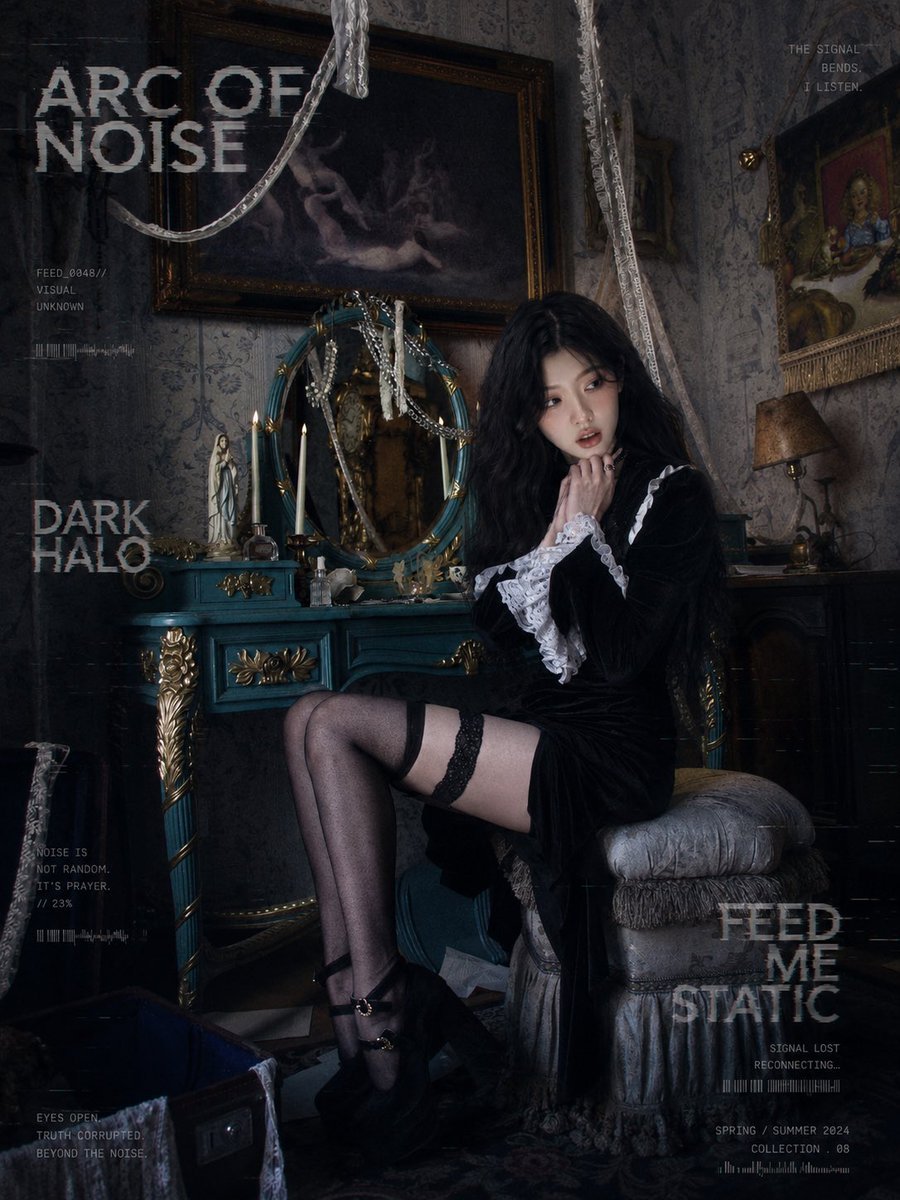
Dark Gothic Lolita Static Portrait
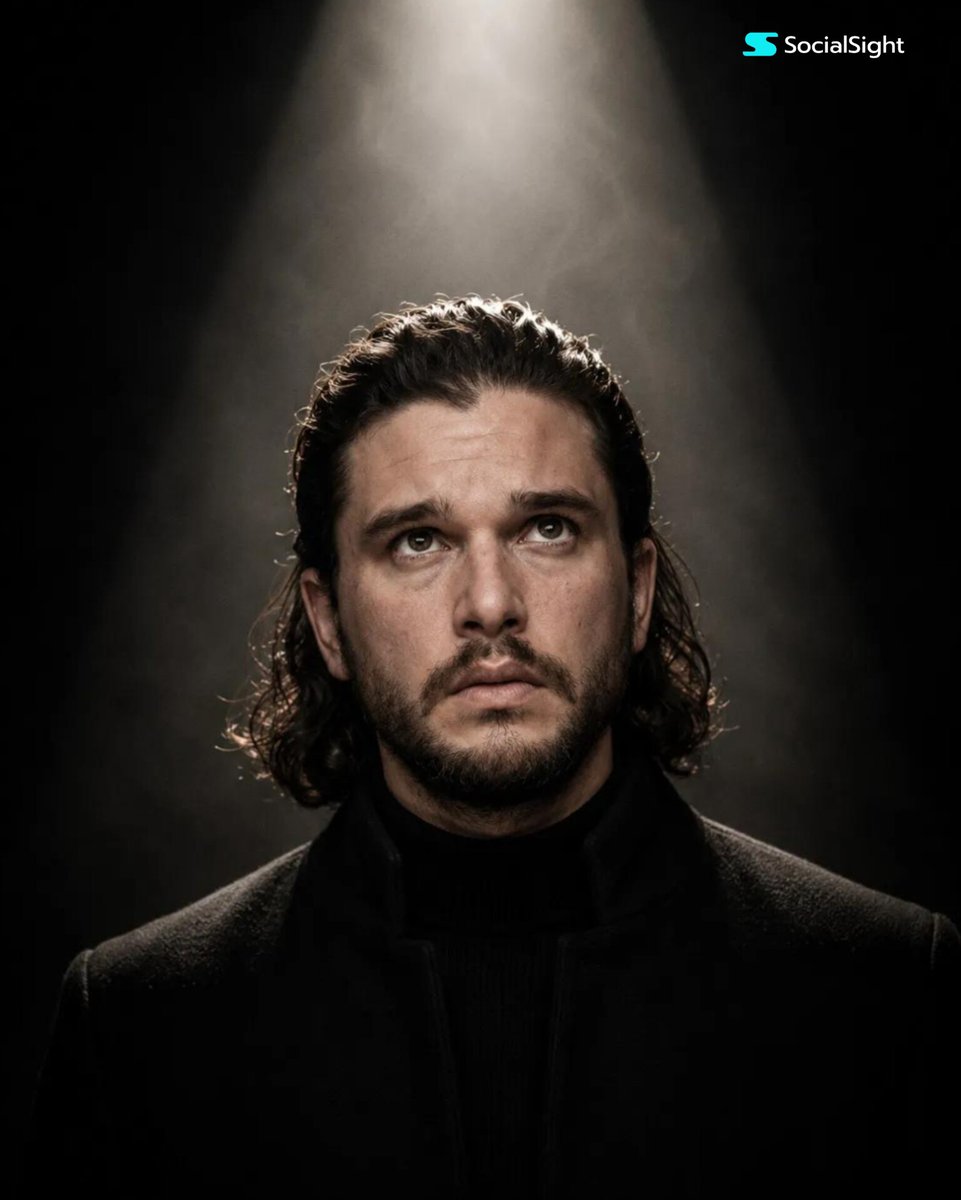
Cinematic Spotlight Studio Portrait

Rooftop Fisheye — Cat-Ear Balaclava at Golden Hour
Make it yours
Gothic Angel Studio Portrait works as-is. These are the safest ways to change it without losing the look.
Change one field
Copy a single group, rewrite it, and generate again so you can see what that field is doing.
Keep the frame, change the subject
Hold the composition and light of Gothic Angel Studio Portrait, then swap wardrobe, props or the person for a new take.
| If the result… | Why | Fix |
|---|---|---|
| The result drifts from the preview | Too many fields changed at once. | Reuse Gothic Angel Studio Portrait as-is first, then change one group — subject, light, or setting. |
| The model over-stylizes the scene | The prose prompt leaves finish and camera underspecified. | Add one camera or lighting sentence and stay on GPT Image 2. |
More GPT Image 2 templates
Other prompts made for GPT Image 2.

Six VTuber Japanese Logo Sheet

Realistic Portrait of Woman and Deer

The Vista Modular Condo Poster

AI Model Routing Comparison Infographic

2.5D Anime Art Board

Isometric Productivity Desk Scene

New York Double Exposure Poster

Four-Panel AI Landscape Comparison

Japanese Tatami Lifestyle Magazine Cover

NESCAFÉ Coffee Map Poster
More image prompts
Fresh picks from across the catalog.
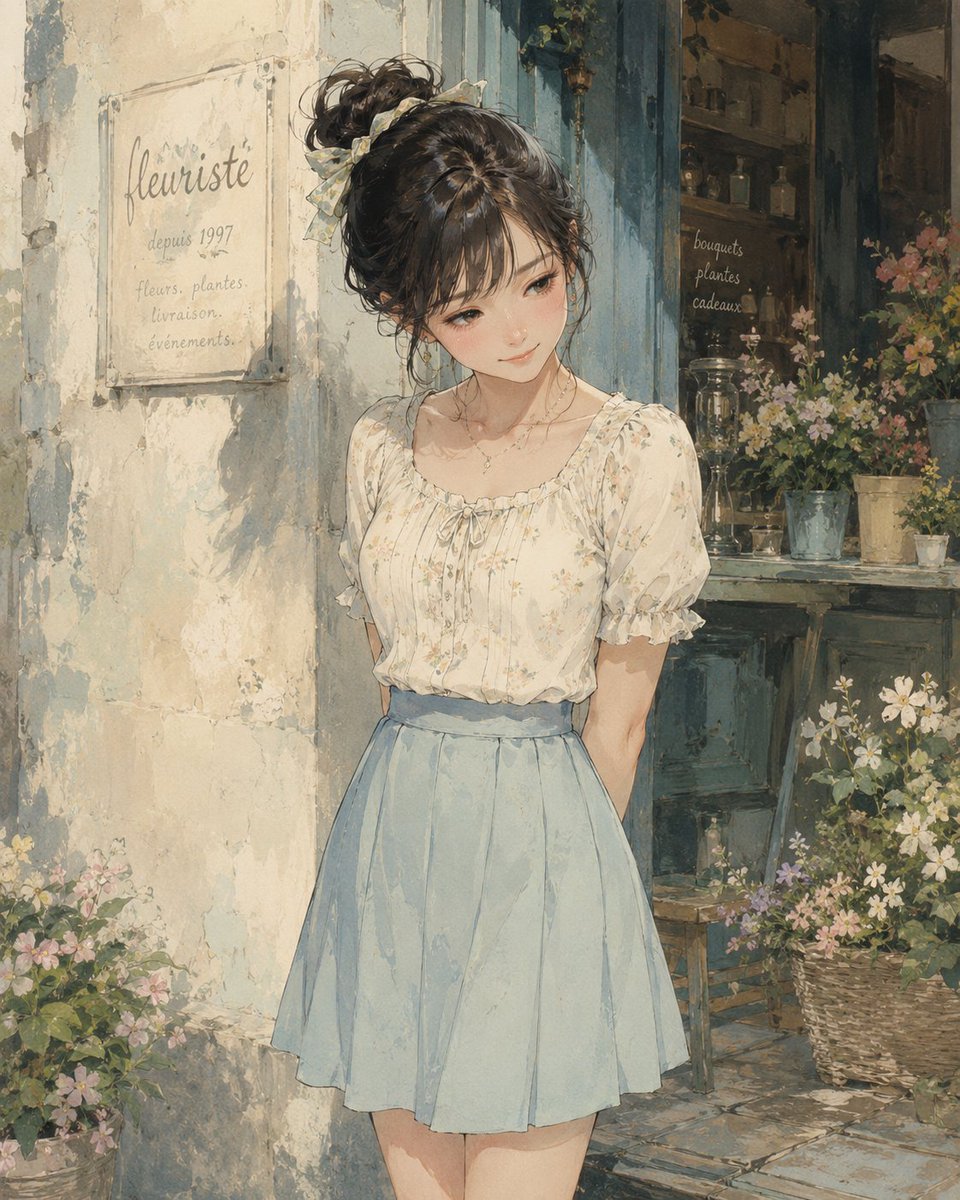
Watercolor Flower Shop Portrait
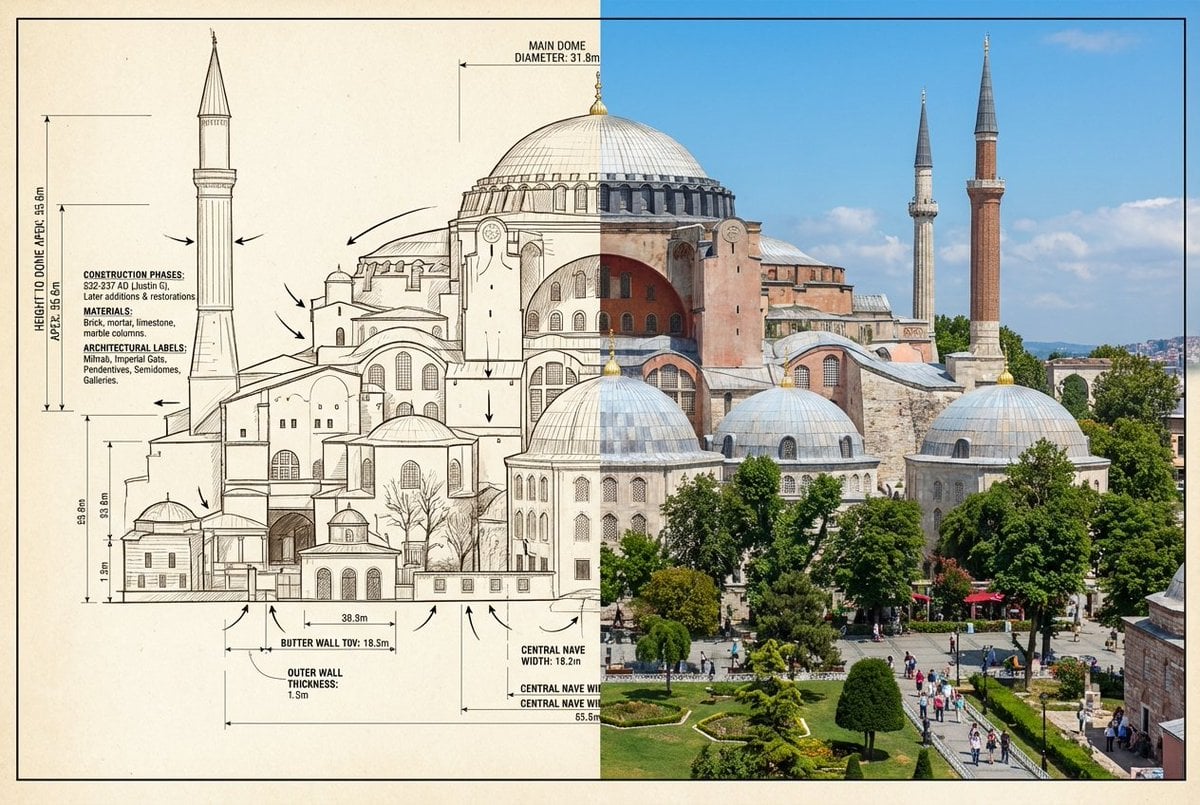
Side-by-Side Architectural Comparison of Hagia Sophia
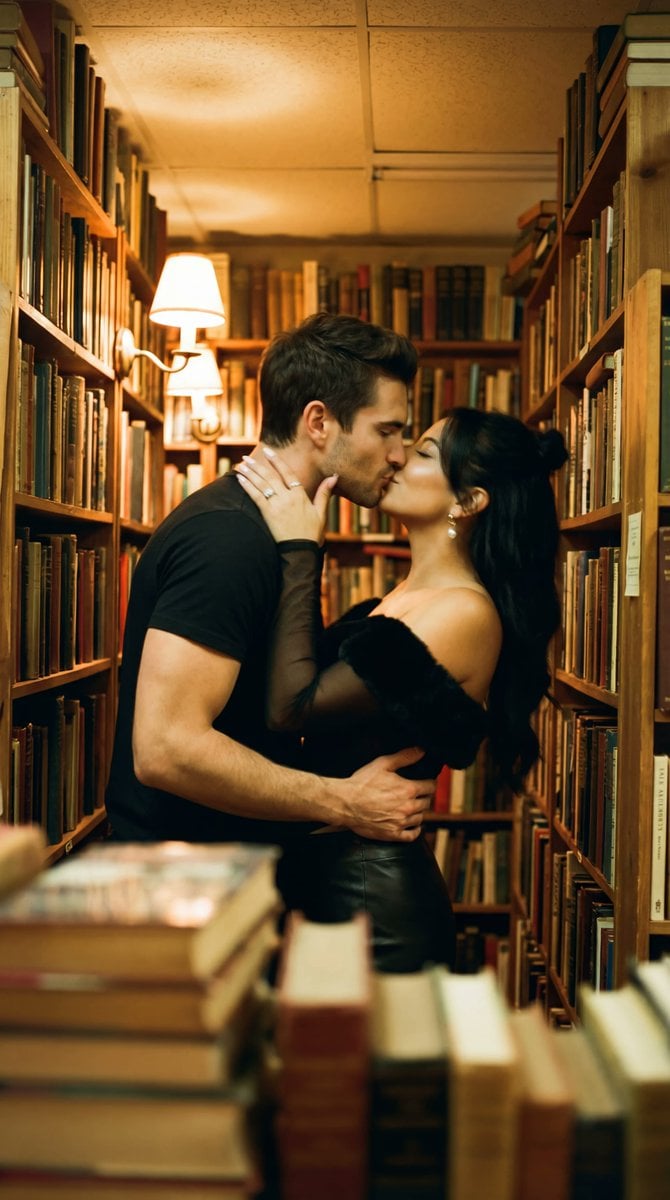
Photorealistic Cinematic Kiss in a Cozy Bookstore Aisle
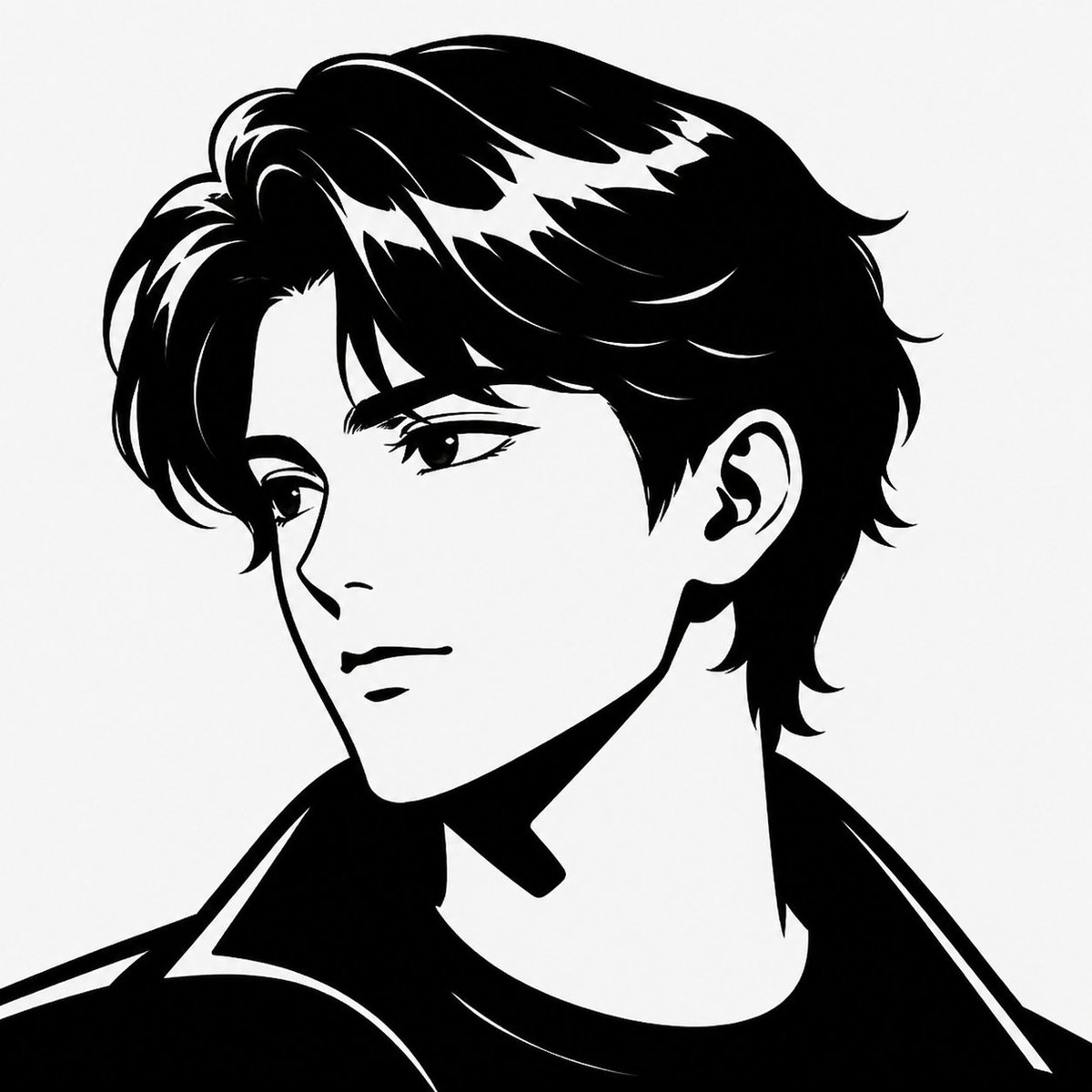
Minimalist Black White Male Silhouette
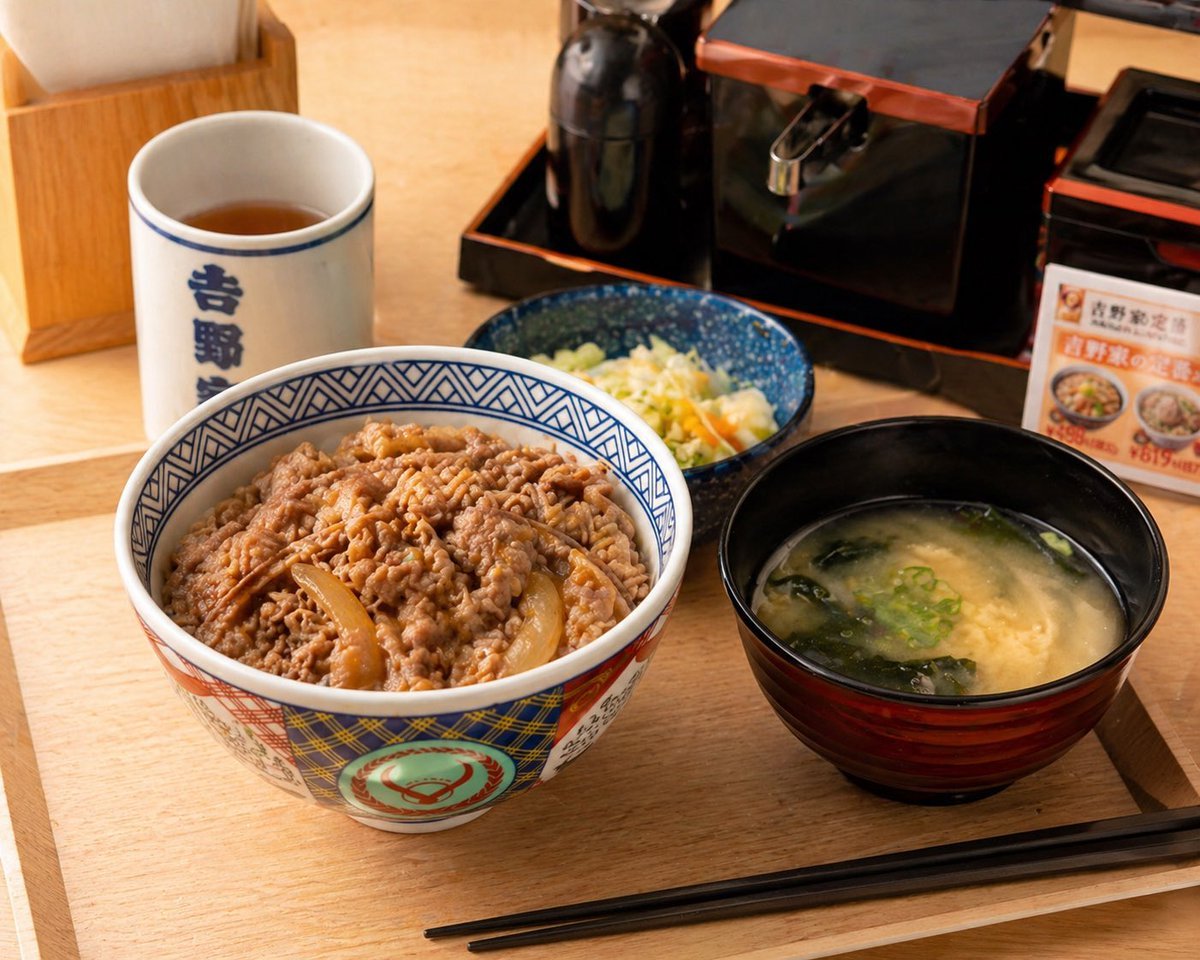
Food Image Professional Retouching Prompt
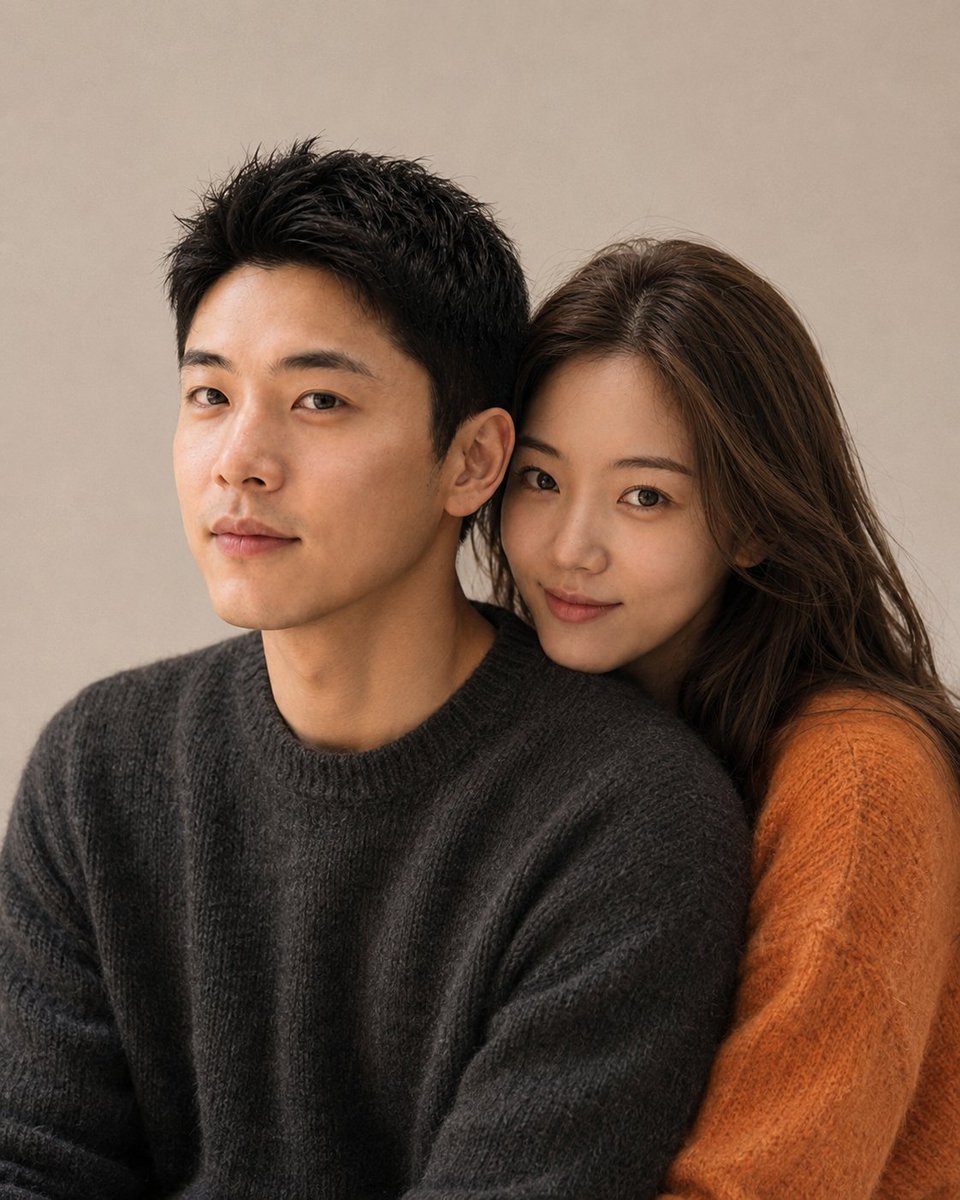
Korean Magazine Style Couple Portrait
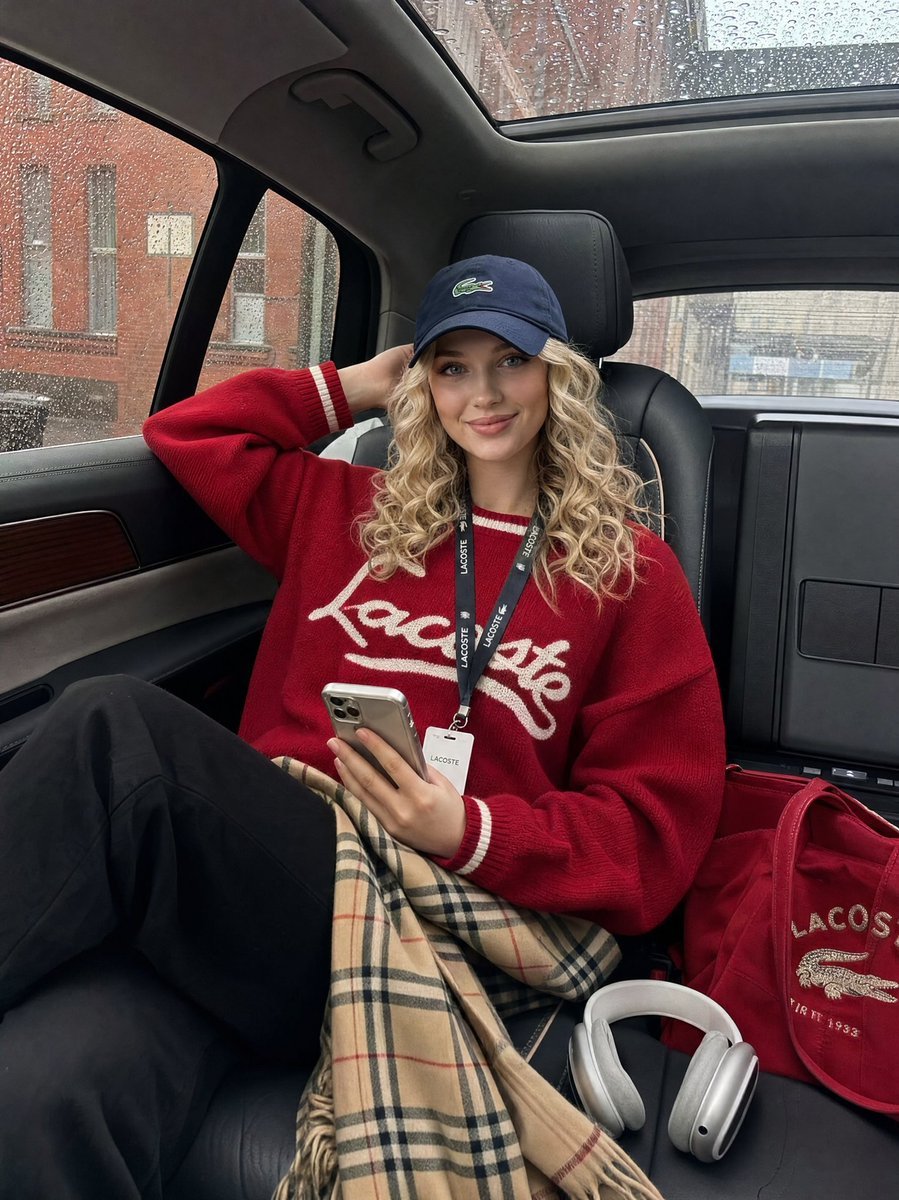
Luxury SUV Interior Lifestyle Snapshot
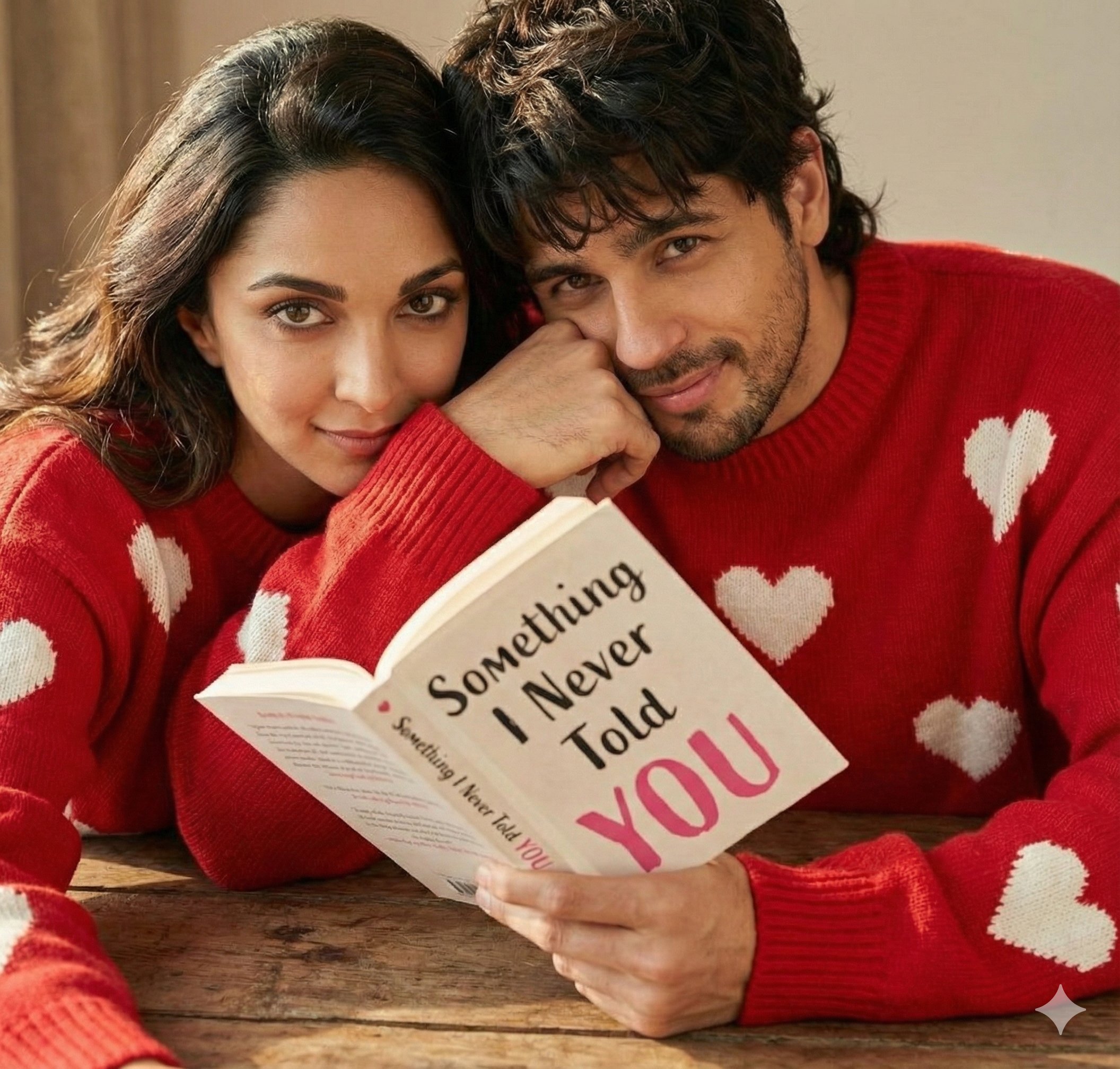
Hyper Realistic Romantic Couple Portrait
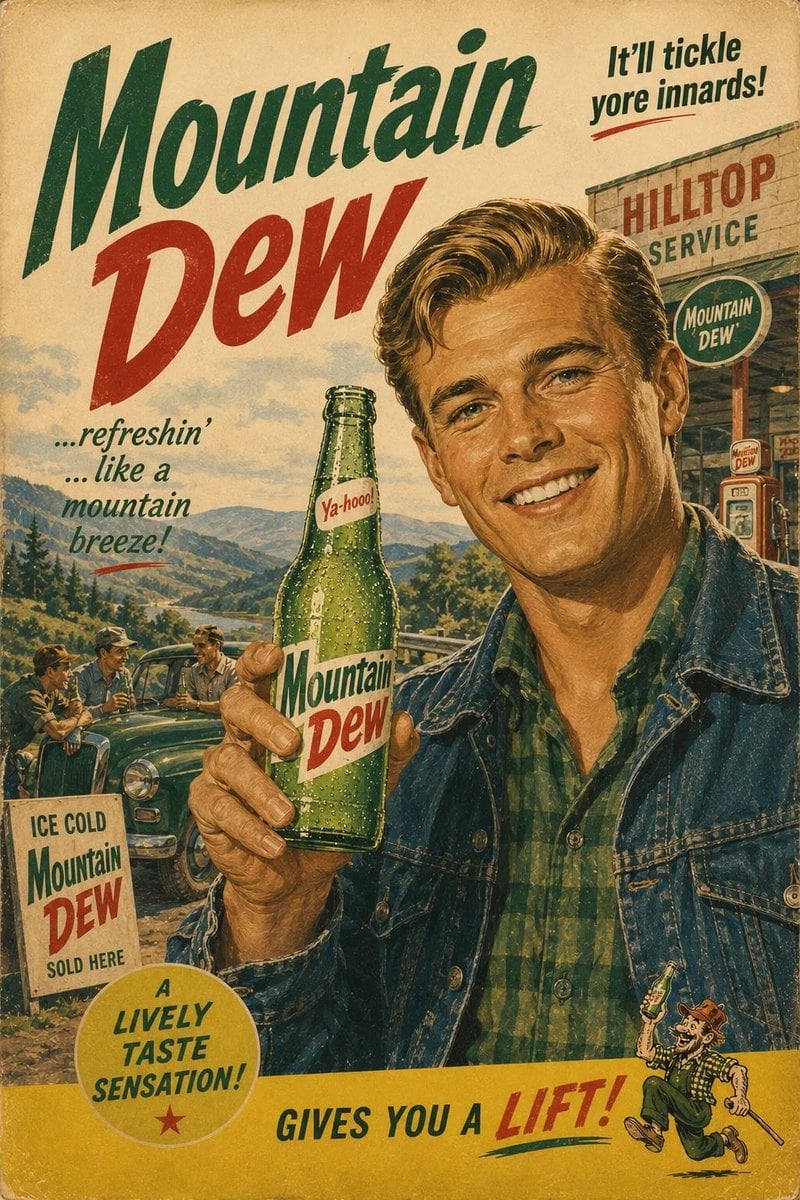
1960s Retro Advertising Poster
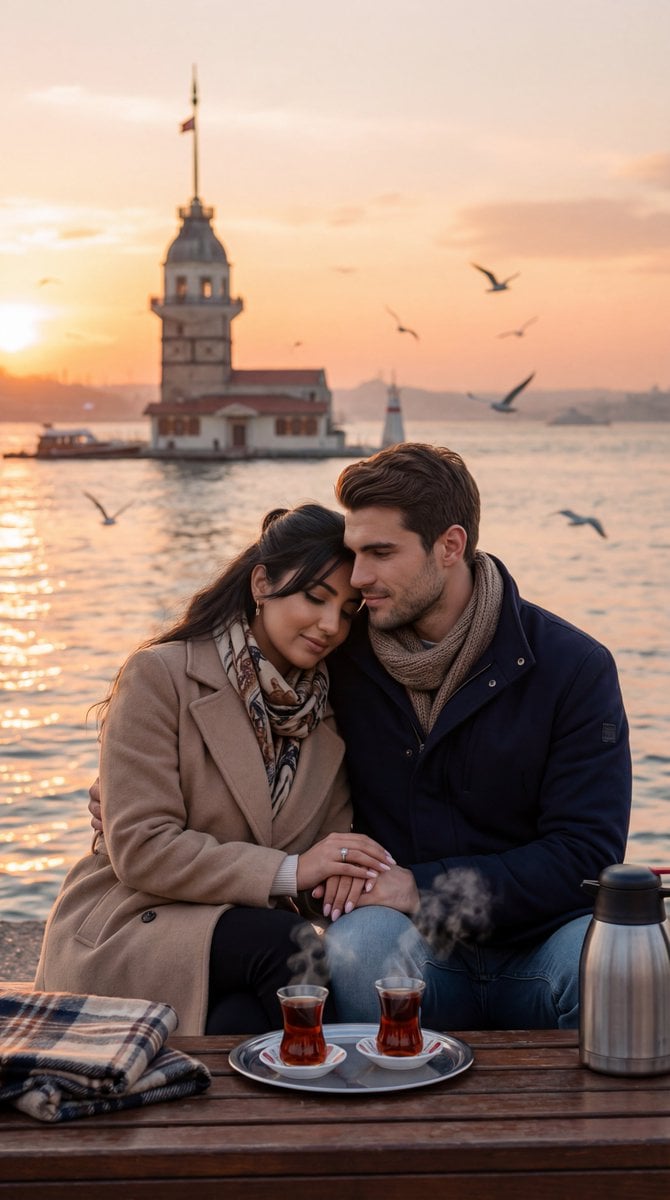
Ultra-Photorealistic Romantic Film Still (Uskudar Sunset)
Browse template categories
Gothic Angel Studio Portrait questions
How do I use the Gothic Angel Studio Portrait template?
Add your photo if the template asks for one, edit the prompt if you like — the template's model and format are already selected — and press Generate. Your version opens in PicX Studio.
Can I customize the Gothic Angel Studio Portrait template?
Yes. You can change the subject, setting, lighting, mood, format, and available model controls before creating your image.
Is the Gothic Angel Studio Portrait template free?
Opening and editing this template is free. Generating uses credits, shown on the Generate button when you are signed in.
Which AI model should I use?
Start with GPT Image 2, which is the model associated with this template. You can compare another compatible model for a different finish.
Looking for something else? Browse all templates.

Your photo, any look
Thousands of ready templates for every top image and video model, from one credit balance.