
Cinematic Spotlight Studio Portrait
Dramatic editorial portrait prompt utilizing a single spotlight for intense contrast and emotional depth, designed for identity enhancement.
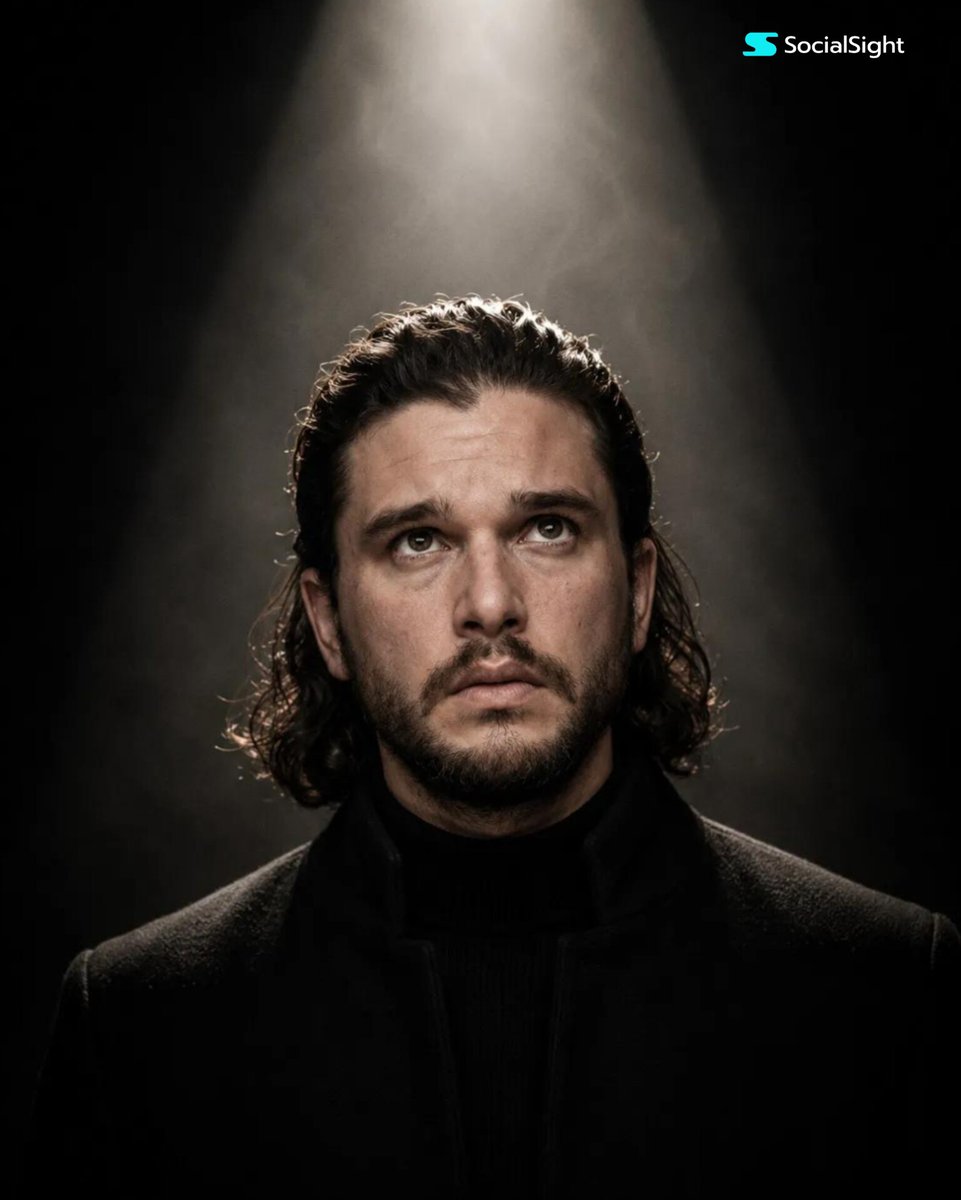
- Prompt included
- Model and format preset
- Premium template
The prompt behind this image
Copy the exact prompt behind Cinematic Spotlight Studio Portrait, or open it in the studio and make it yours.
Create an ultra-realistic, cinematic close-up portrait of the person standing directly beneath a single overhead spotlight in a completely dark studio. The composition is perfectly centered in a vertical portrait (4:5 aspect ratio). The camera is positioned slightly below eye level, capturing the subject from the upper chest upward while they gently tilt their head upward, looking toward the light with a calm, hopeful, confident, and introspective expression.The lighting is dramatic and minimalistic. A single intense circular spotlight directly above the subject creates a beautiful cone of soft white light that gradually fades into the surrounding darkness. The light naturally illuminates the forehead, eyes, nose, lips, jawline, and neck while the sides of the face and clothing smoothly disappear into deep black shadows.Add subtle volumetric light rays and a faint atmospheric haze so the beam of light is visible, creating a premium cinematic atmosphere. The person's hair should retain the style from the uploaded image (or receive a subtle natural enhancement while preserving identity), with realistic strands, volume, and texture. Their skin should appear highly realistic with visible pores, natural texture, soft imperfections, and lifelike tones.The eyes should contain bright natural catchlights reflecting the overhead spotlight and should gaze slightly upward without making direct eye contact with the camera. The lips should remain relaxed and naturally closed. The subject wears a simple matte black high-collar jacket, black turtleneck, or minimal black outfit with no logos, graphics, or distracting accessories.The clothing should blend naturally into the dark background while remaining subtly visible where illuminated by the spotlight. The background is completely black with no visible objects, walls, or distractions. The overhead spotlight is the only visible light source, creating deep contrast, soft shadow transitions, and a dramatic editorial mood. Photography Style:Luxury editorial portrait, cinematic studio photography, dramatic lighting, premium fashion campaign, minimalist composition, emotional storytelling, photorealistic, ultra-detailed, timeless aesthetic. Camera Settings: Full-frame professional DSLR or mirrorless camera, 85mm prime lens, f/1.8, ISO 100, 1/200s shutter speed, shallow depth of field, HDR, RAW image quality, razor-sharp facial focus, realistic skin tones, cinematic color grading, soft background falloff. Quality Tags:masterpiece, best quality, ultra realistic, hyper detailed, photorealistic, 8K, HDR, RAW photo, professional photography, cinematic lighting, volumetric lighting, dramatic shadows, realistic skin texture, editorial portrait, premium fashion photography, award-winning photography, natural color grading, high dynamic range.
How to use Cinematic Spotlight Studio Portrait in 3 steps
- 1Upload ImagePNG, JPG or paste
Add your photo
Upload the photo the template builds on. The prompt, model and format are already set.
- 2…a portrait of your subject in softgolden-hour light, 85mm…
Personalize
Edit the subject and creative details for your destination.
- 3Generate
Generate
Press Generate — your image is created in PicX Studio, so you can compare it with the original and refine one variable at a time.
More like this
Templates with the same subject, style or setup. Open one to see its prompt.

80s Couple Studio Portrait

1985 Studio Portrait

Gpt Image 2 Fashion Portrait
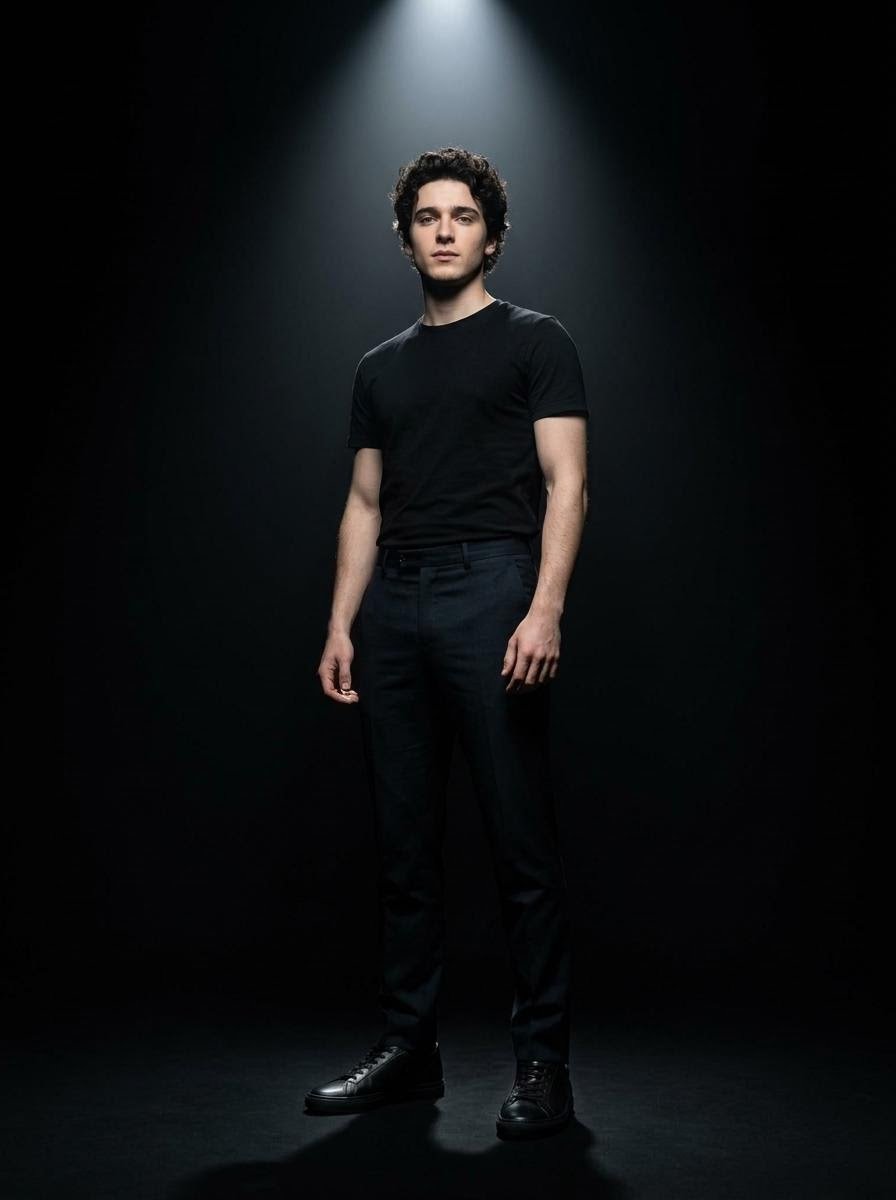
Dramatic Spotlight Studio Portrait

Found Photograph: Us, 1970

80s Bollywood Star

80s Golden Hour Cinema

Me in 1985

Hyper-Realistic Minecraft POV Portrait

Rooftop Fisheye — Cat-Ear Balaclava at Golden Hour

Rainy Café Window Moody Portrait

untitled
Make it yours
Cinematic Spotlight Studio Portrait works as-is. These are the safest ways to change it without losing the look.
Change one field
Copy a single group, rewrite it, and generate again so you can see what that field is doing.
Keep the frame, change the subject
Hold the composition and light of Cinematic Spotlight Studio Portrait, then swap wardrobe, props or the person for a new take.
| If the result… | Why | Fix |
|---|---|---|
| The result drifts from the preview | Too many fields changed at once. | Reuse Cinematic Spotlight Studio Portrait as-is first, then change one group — subject, light, or setting. |
| The model over-stylizes the scene | The prose prompt leaves finish and camera underspecified. | Add one camera or lighting sentence and stay on GPT Image 2. |
More GPT Image 2 templates
Other prompts made for GPT Image 2.

Six VTuber Japanese Logo Sheet

Realistic Portrait of Woman and Deer

The Vista Modular Condo Poster

AI Model Routing Comparison Infographic

2.5D Anime Art Board

Isometric Productivity Desk Scene

New York Double Exposure Poster

Four-Panel AI Landscape Comparison

Japanese Tatami Lifestyle Magazine Cover

NESCAFÉ Coffee Map Poster
More image prompts
Fresh picks from across the catalog.
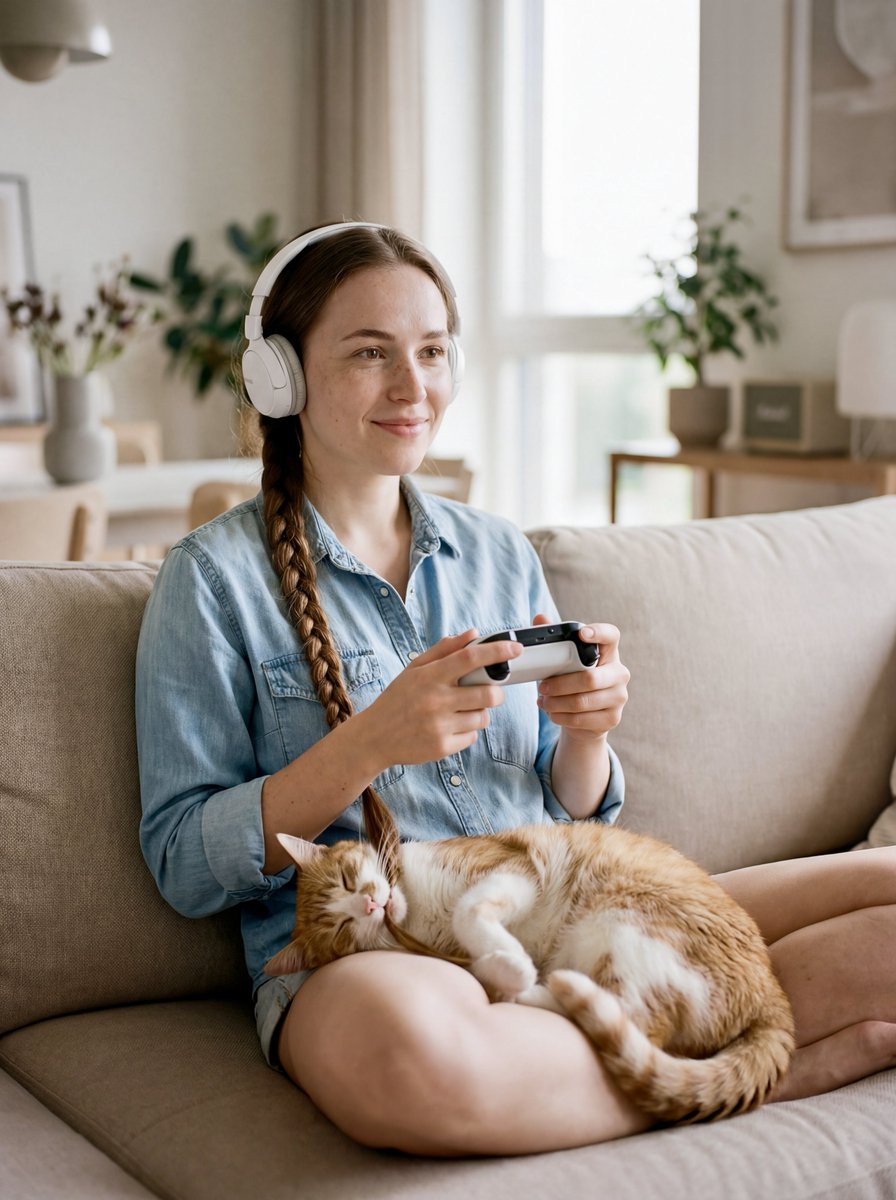
Editorial Portrait of Woman and Cat with Braid Interaction
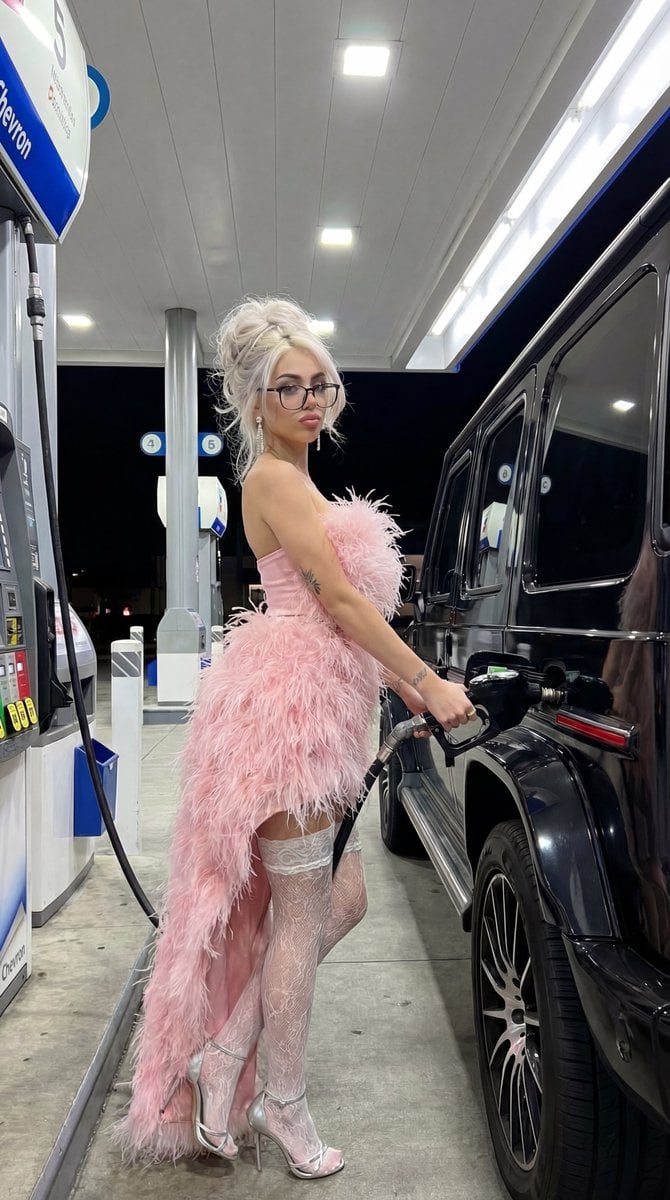
Campy High-Fashion Editorial at a Gas Station
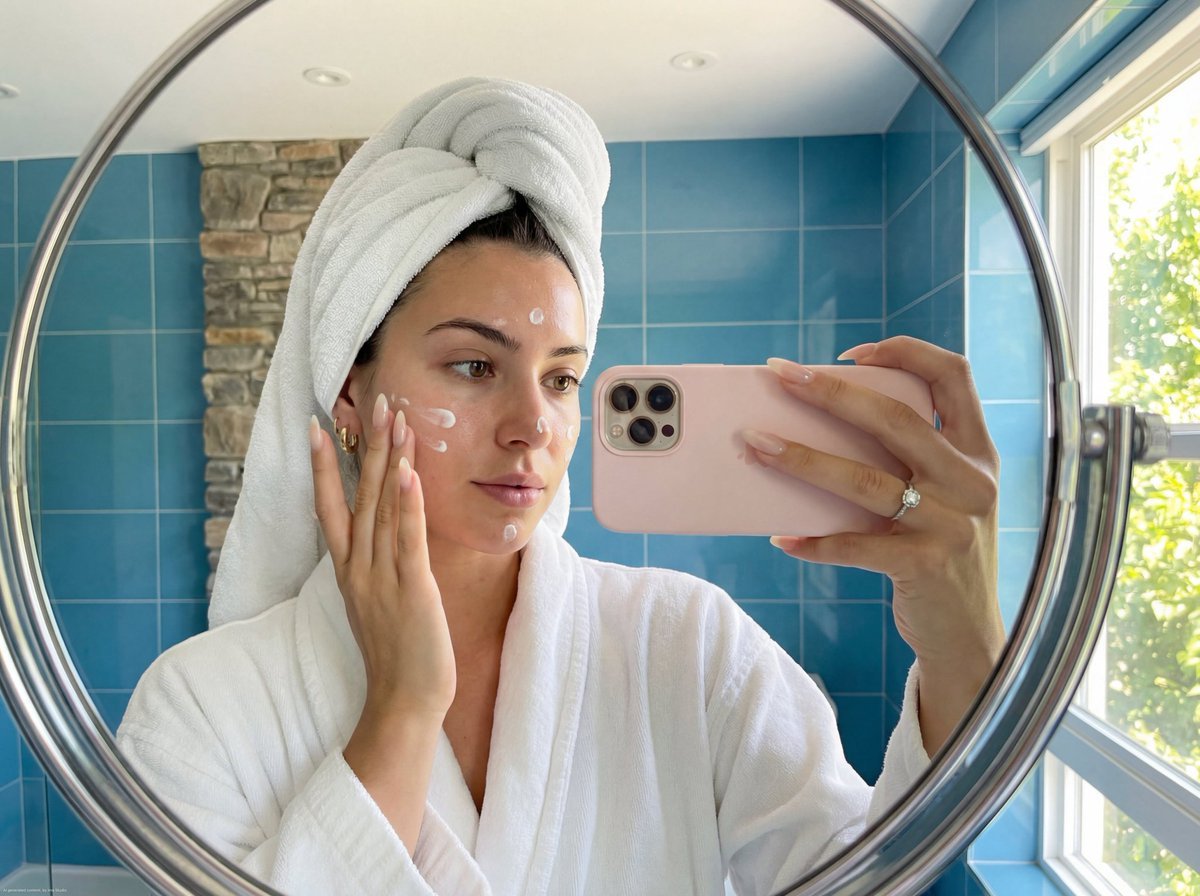
Skincare Mirror Selfie in a Modern Bathroom
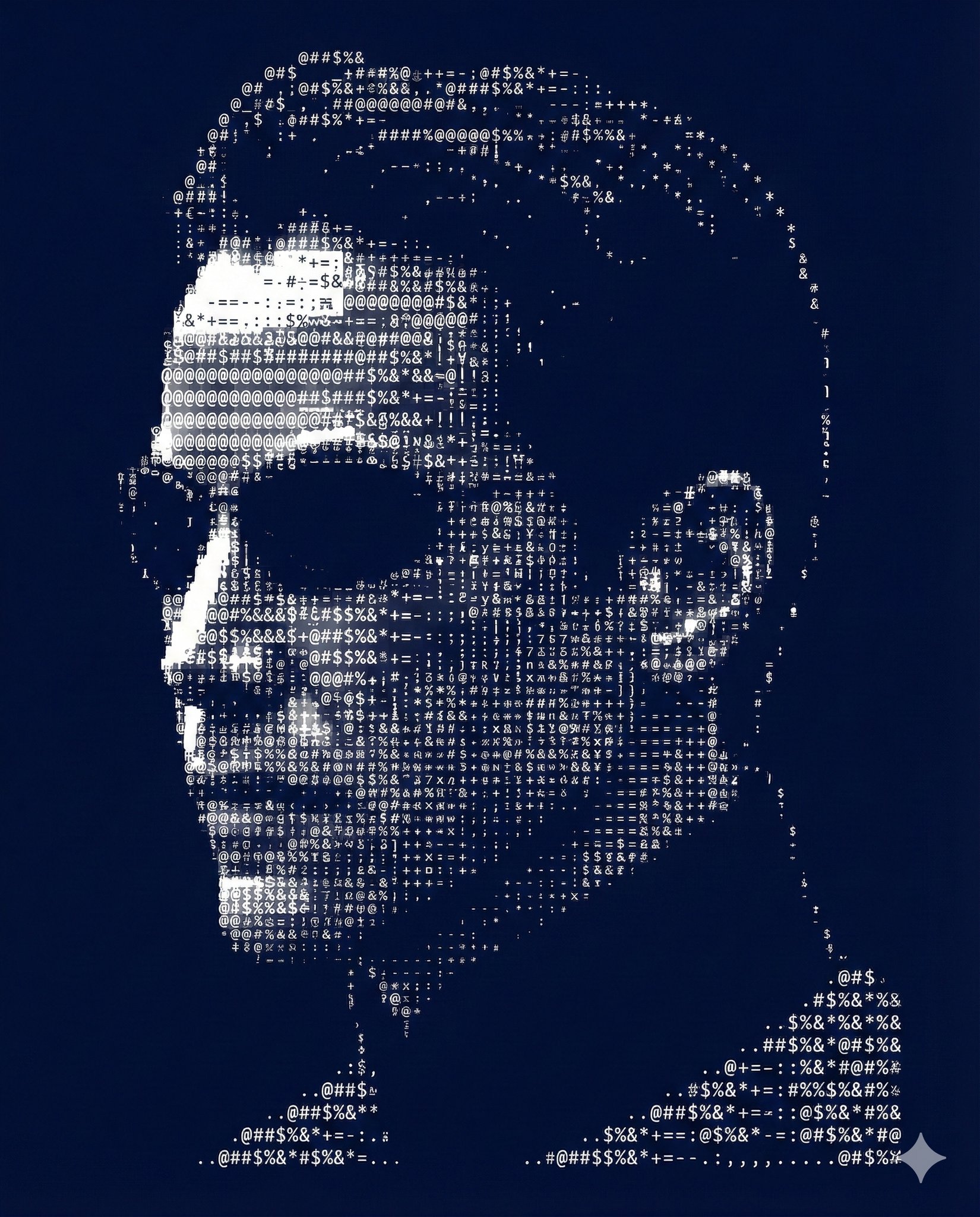
Nano Banana Pro Ascii Art Portrait
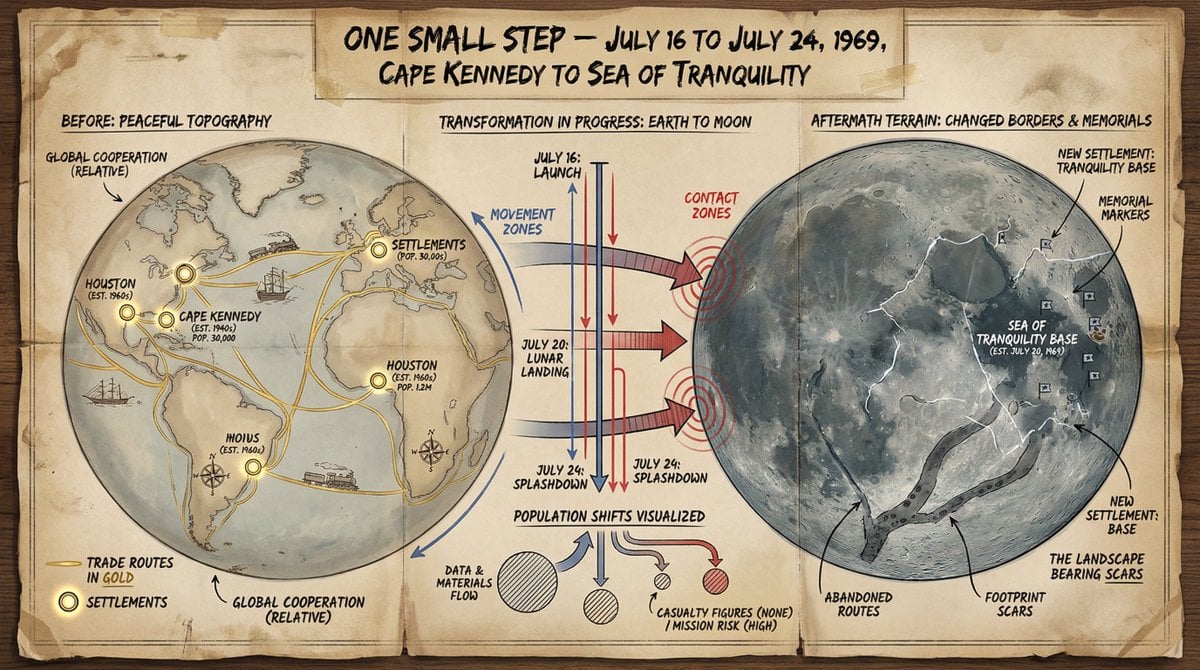
Cartographer's Crisis Board Visualization
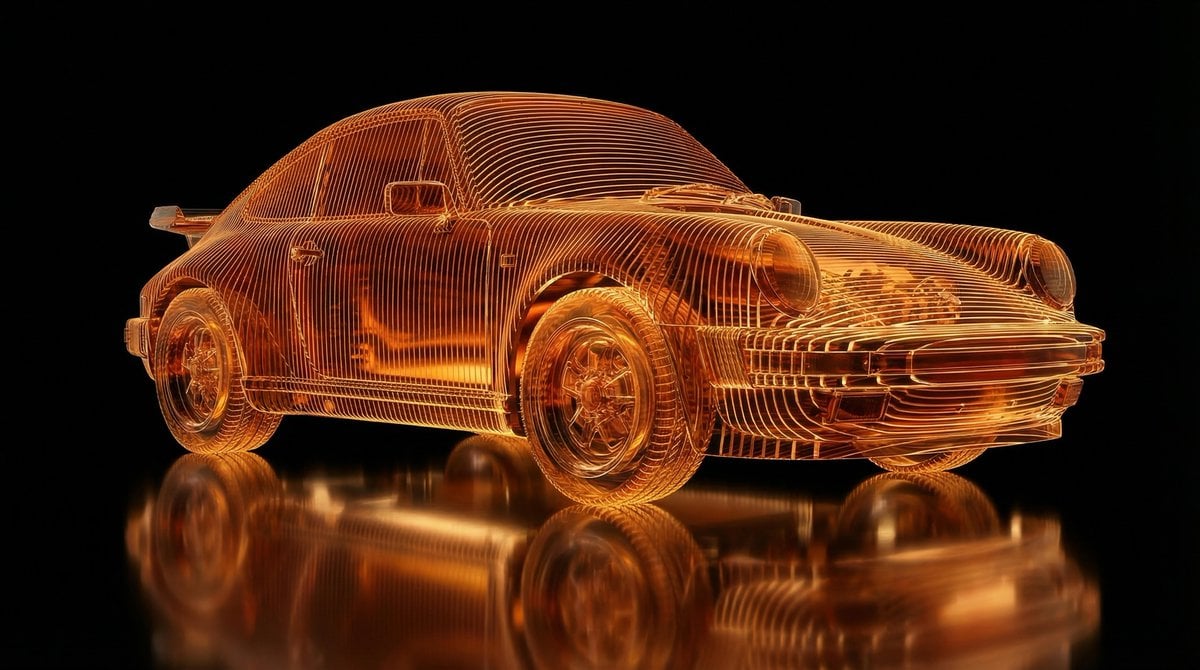
Transparent Layered Glass Supercar Sculpture Prompt
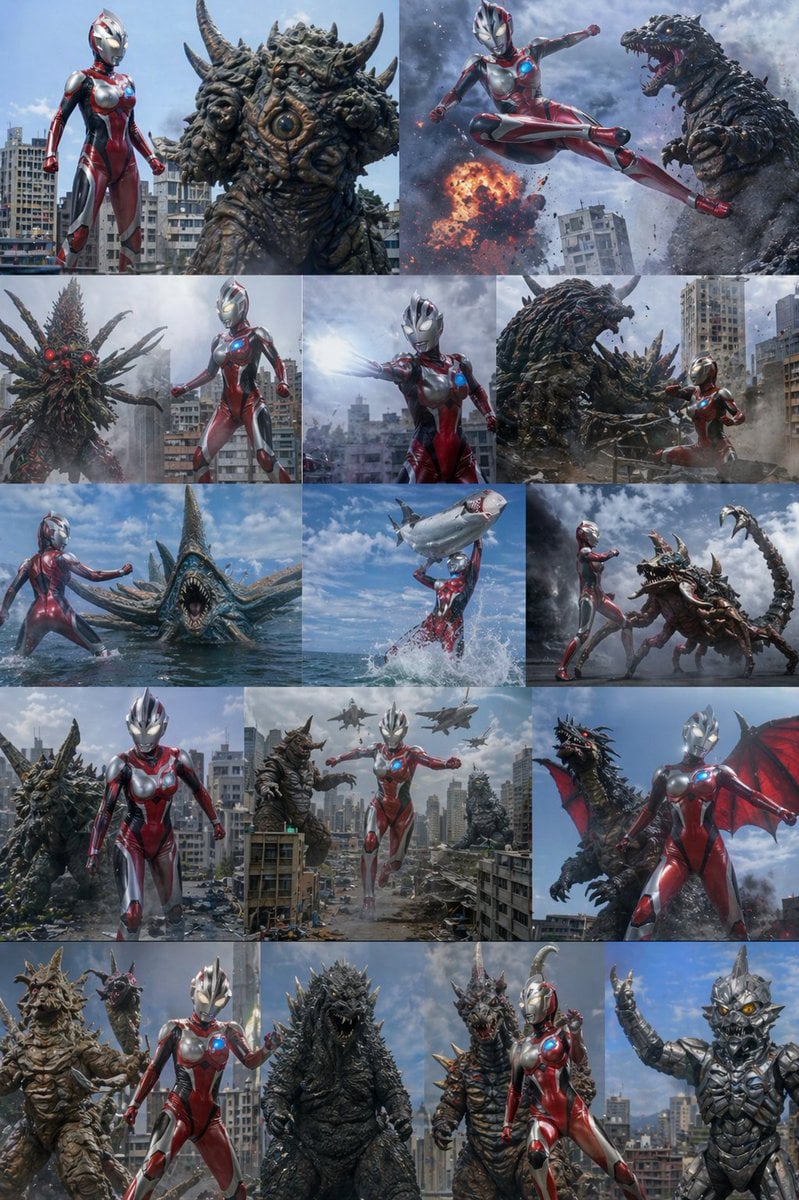
Ultra Woman Kaiju Battle Variations

3D Clay Style Year-End Summary Poster Generator
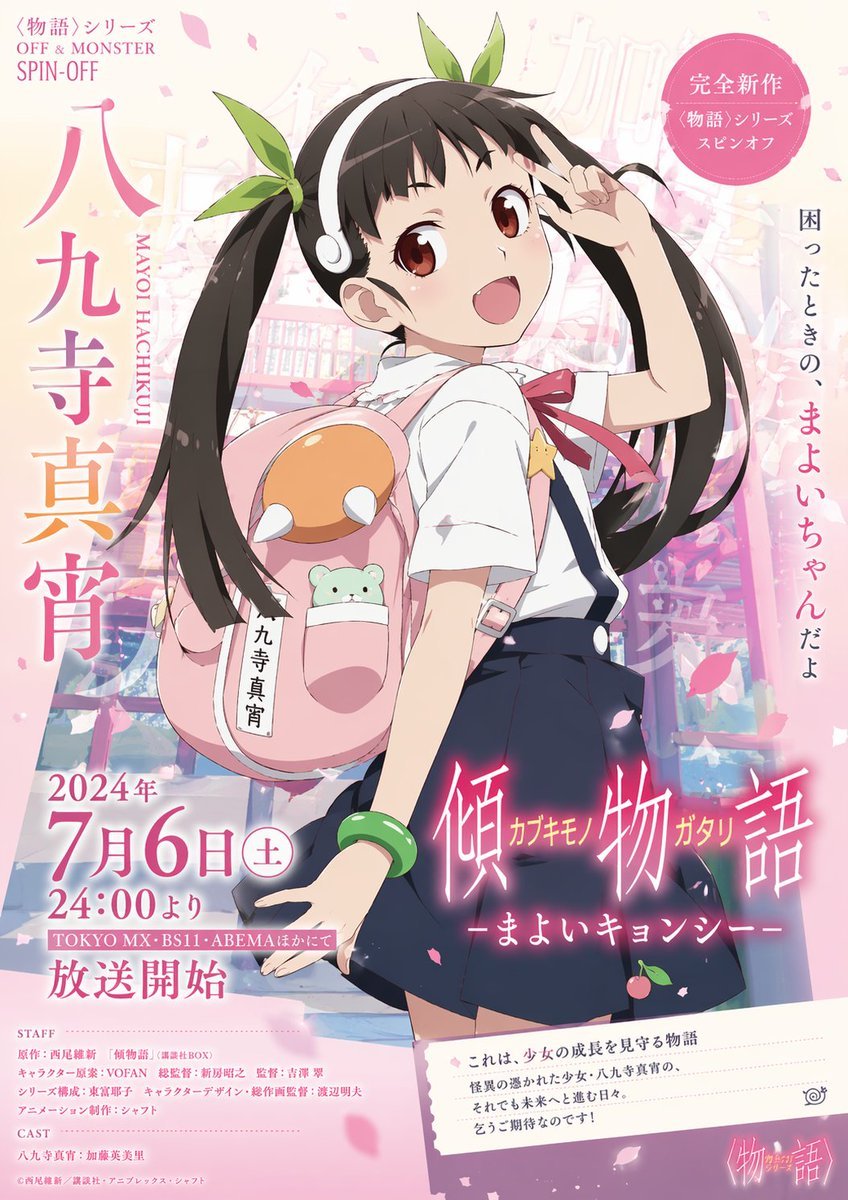
Anime Promotional Poster
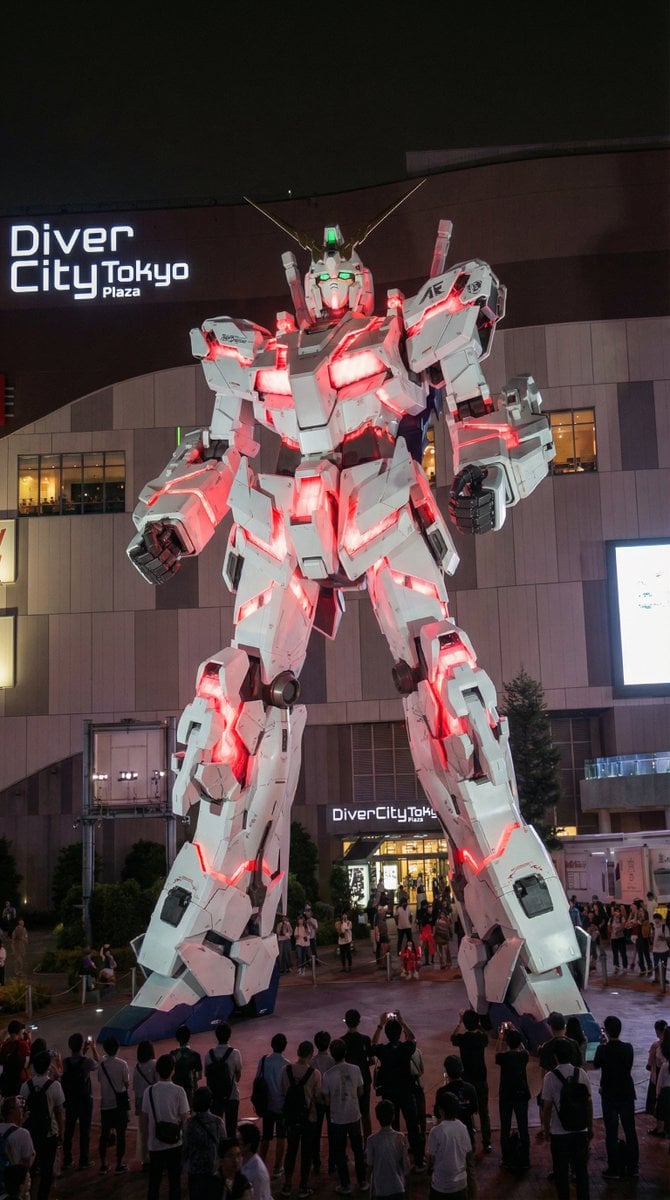
Odaiba Gundam Construction Process Visualization
Browse template categories
Cinematic Spotlight Studio Portrait questions
How do I use the Cinematic Spotlight Studio Portrait template?
Add your photo if the template asks for one, edit the prompt if you like — the template's model and format are already selected — and press Generate. Your version opens in PicX Studio.
Can I customize the Cinematic Spotlight Studio Portrait template?
Yes. You can change the subject, setting, lighting, mood, format, and available model controls before creating your image.
Is the Cinematic Spotlight Studio Portrait template free?
Opening and editing this template is free. Generating uses credits, shown on the Generate button when you are signed in.
Which AI model should I use?
Start with GPT Image 2, which is the model associated with this template. You can compare another compatible model for a different finish.
Looking for something else? Browse all templates.

Your photo, any look
Thousands of ready templates for every top image and video model, from one credit balance.