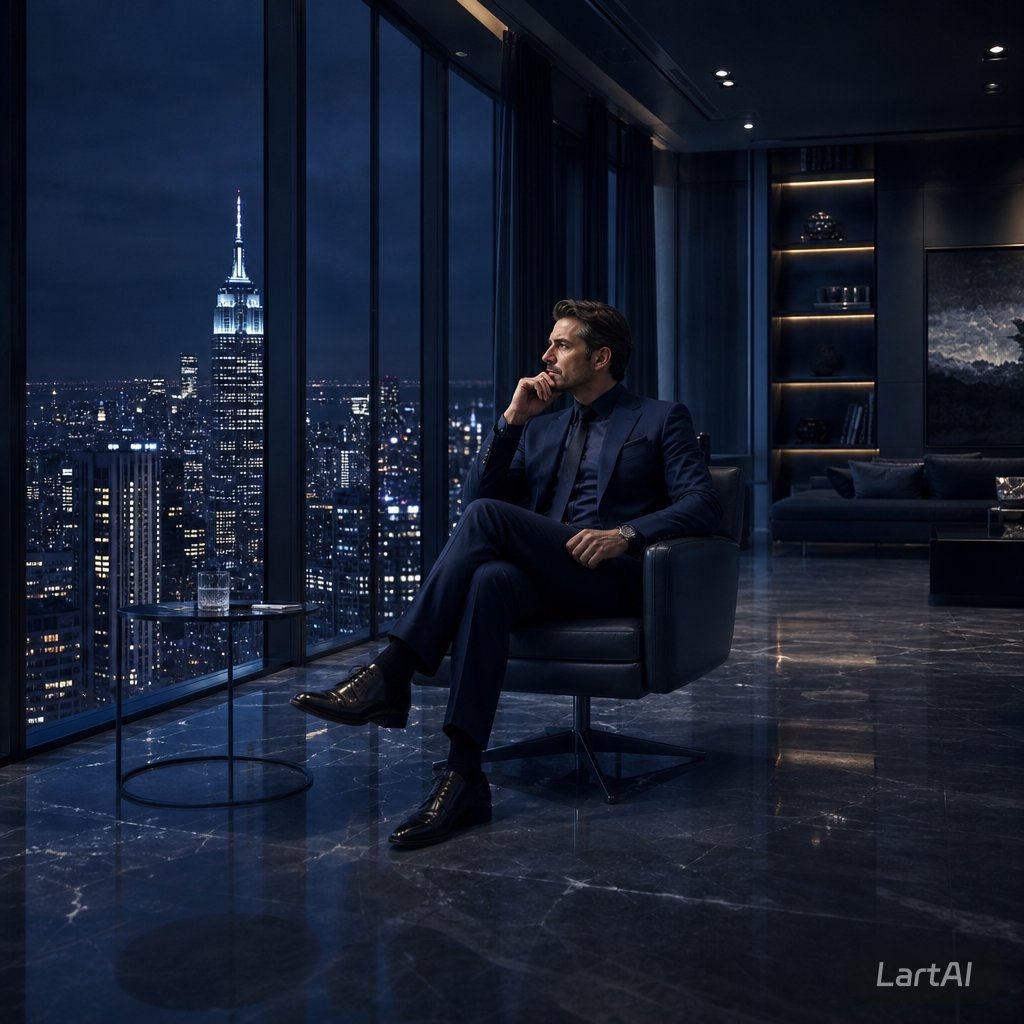
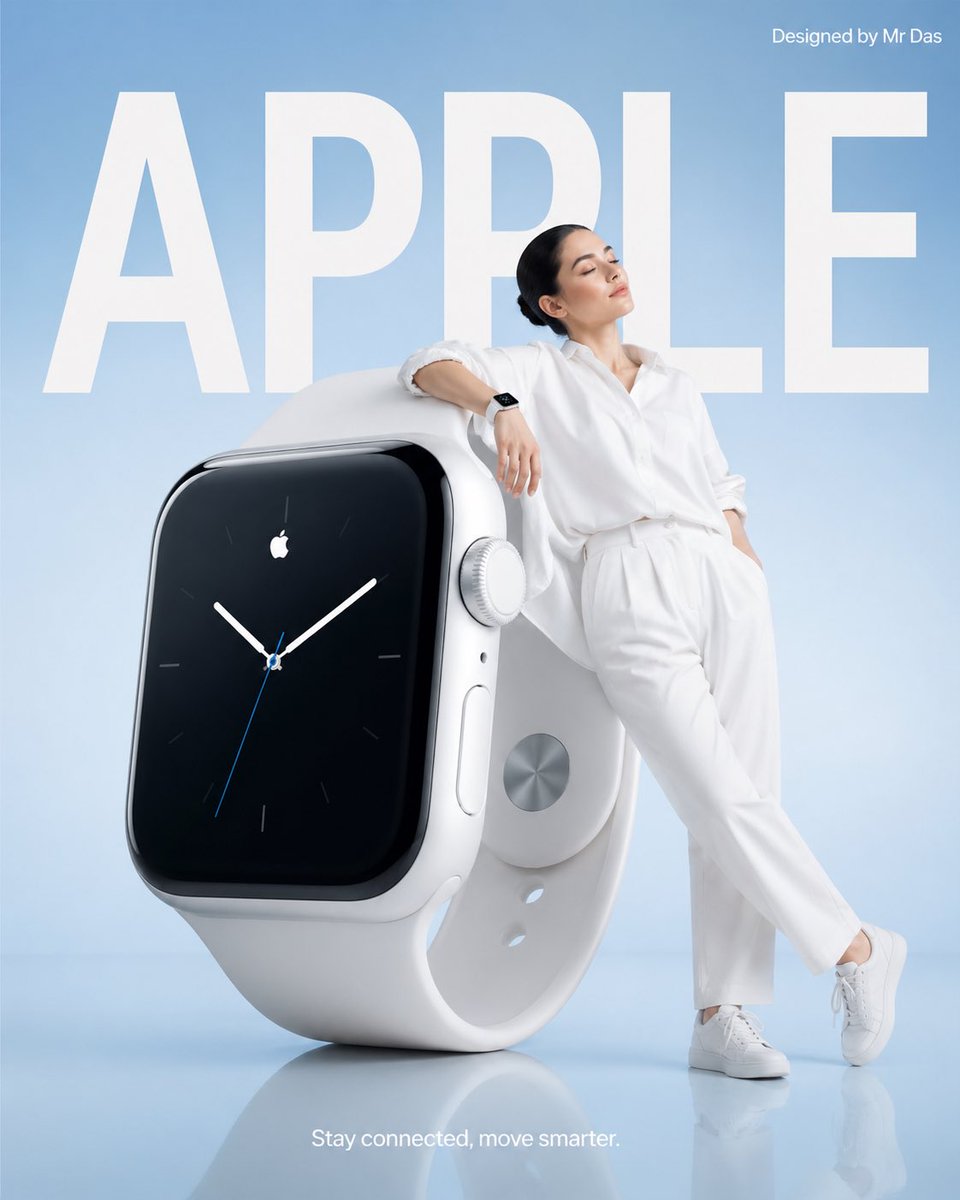
How do I use the Campy High-Fashion Editorial at a Gas Station template?
Choose the primary action to open PicX Studio with the available template settings. Review the model and format, personalize the creative direction, and generate when ready.
A detailed prompt for generating a high-fashion, glamorous, and campy editorial image. Change the subject, setting, or lighting one variable at a time.

{ "prompt_description": { "subject_details": { "gender": "Female", "color": "Platinum blonde", "style": "Messy high ponytail or updo", "expression": "Model-like pout, looking directly at the camera", "skin_features": "light skin tone with freckles", "pose": "Standing profile-forward, leaning slightly towards the vehicle, holding a gas nozzle" }, "outfit": { "dress": "Strapless, voluminous baby {argument name="dress color" default="pink"} gown entirely covered in feathers (ostrich style), high-low hemline (mini in front, floor-length train in back)", "legwear": "White, sheer floral lace patterned tights/stockings", "footwear": "Metallic silver pointed-toe stiletto heels", "accessories": "Large diamond drop earrings, delicate bracelets on both wrists" }, "action": { "primary_activity": "Refueling a vehicle", "interaction": "Hand gripping the black handle of a gas pump nozzle inserted into the fuel tank" }, "setting": { "location": "Gas station under a canopy", "time_of_day": "Night", "vehicle": "Black luxury SUV (resembling a Mercedes-Benz G-Wagon), glossy paint, chrome running boards/exhaust tips", "equipment": "Gas pump with blue and white branding (Chevron logo visible), digital price displays, green and black nozzle handles", "background": "Convenience store with illuminated interior visible through glass windows in the distance, dark night sky" }, "aesthetic": { "style": "High-fashion editorial, glamorous, campy", "lighting": "Bright, cool-toned overhead artificial lights from the gas station canopy, creating highlights on the car and subject", "atmosphere": "Juxtaposition of high-end luxury fashion with a mundane everyday activity" } } }
Choose the primary action to open PicX Studio with the available template settings. Review the model and format, personalize the creative direction, and generate when ready.
Yes. You can change the subject, setting, lighting, mood, format, and available model controls before creating your image.
This template is free to open and customize. Generation usage is shown in PicX Studio before you create.
Start with Nano Banana 2, which is the model associated with this template. You can compare another compatible model for a different finish.
© 2026 PicX Studio. All rights reserved.

Follow a topic to a crawlable collection of related PicX Studio templates.
43,474 public templates available. Verified via the PicX Studio public templates API; refreshed hourly.






![Naive doodle-style subject illustration — A doodle-style {argument name="subject" default="[subject]"}, naive lines, humorous shape exaggeration](https://pbs.twimg.com/media/G6Wl2YxbsAARB2b.jpg)











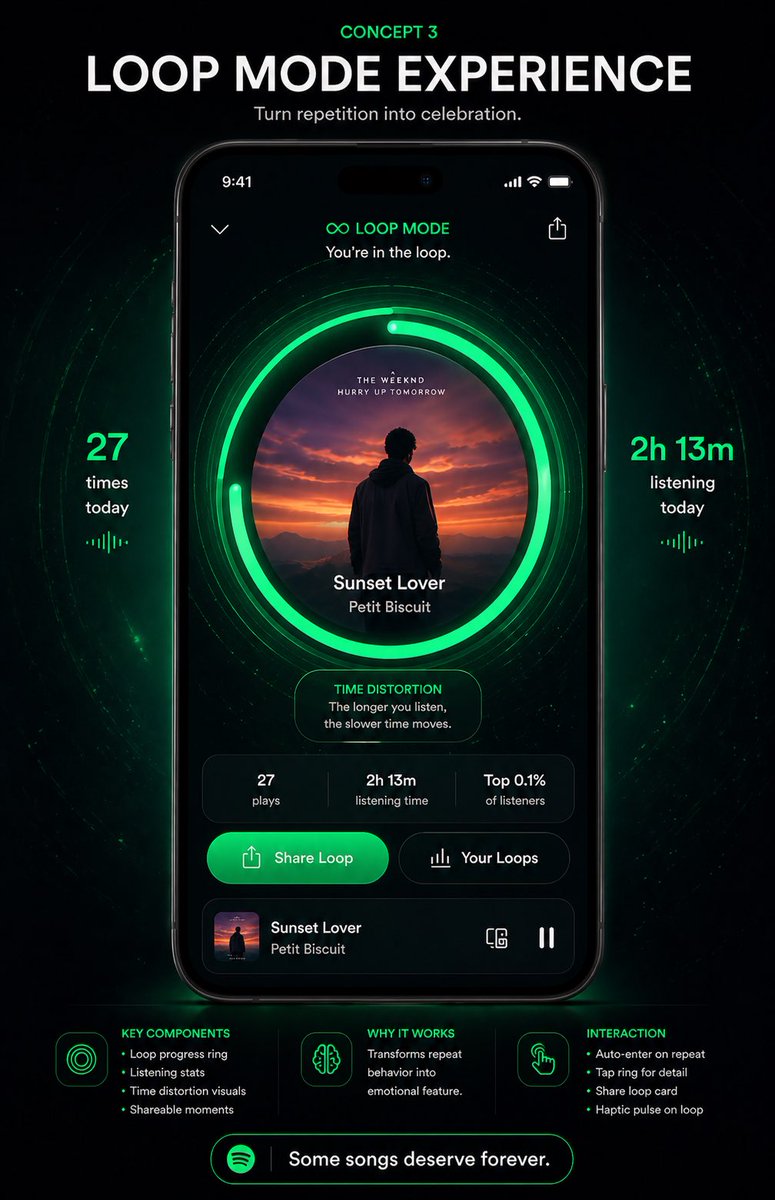
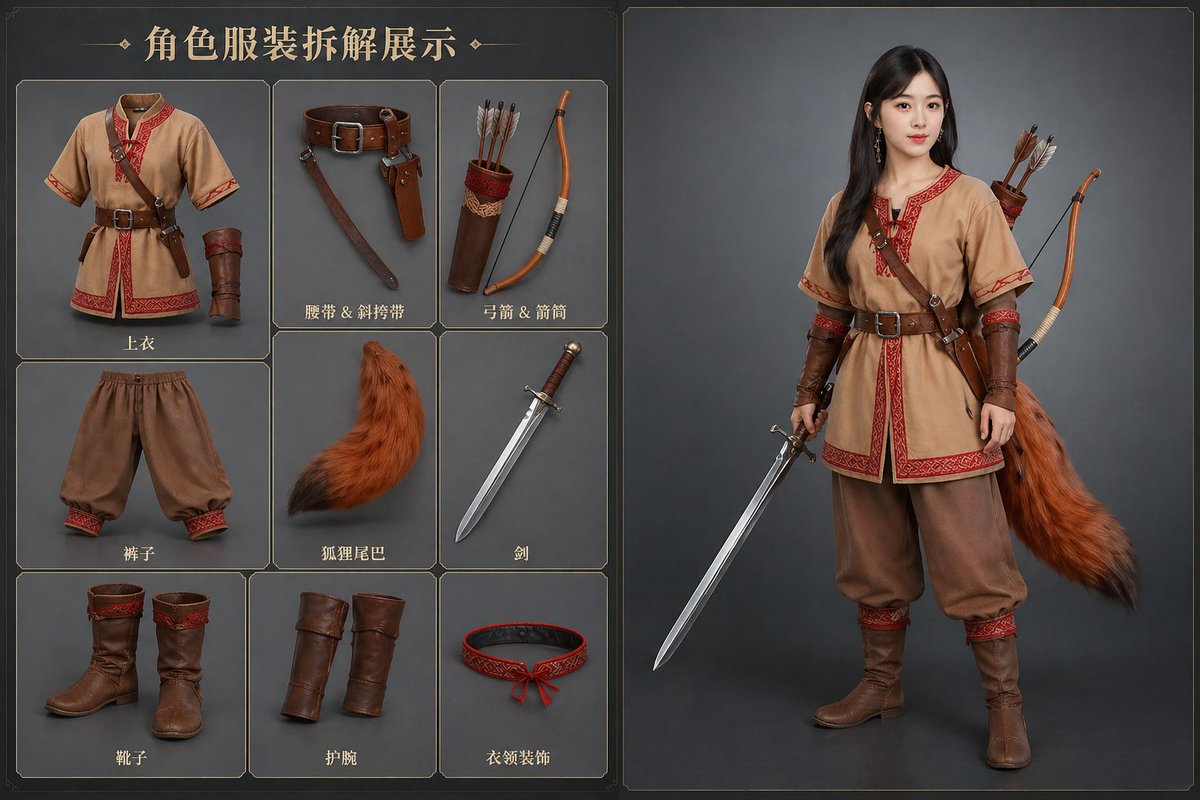


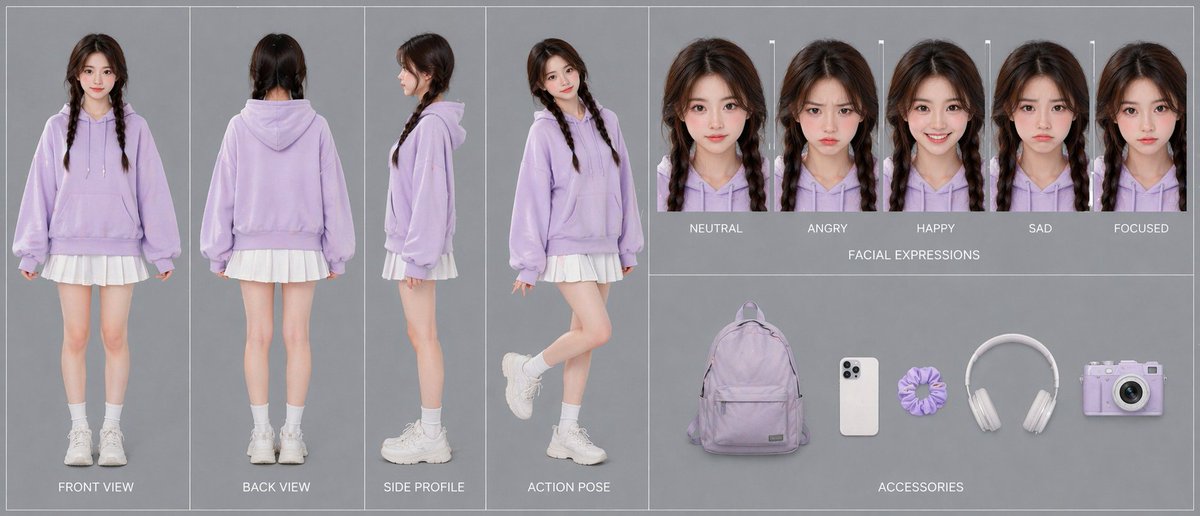
![Professional Character Portrait with Graphic Branding Prompt — Ultra-realistic 8K full body portrait of \[PERSON’S FULL NAME\], wearing a clean and pressed whit](https://pbs.twimg.com/media/G_VkbbLbAAELFIS.jpg)