
Pastel Illustration Style Transfer (Reference Required)
A JSON prompt for generating a hand-drawn pastel pencil illustration based on an uploaded image (for identity/likeness only), changing the pose and placing the subject in an open pastel park setting with a fresh…
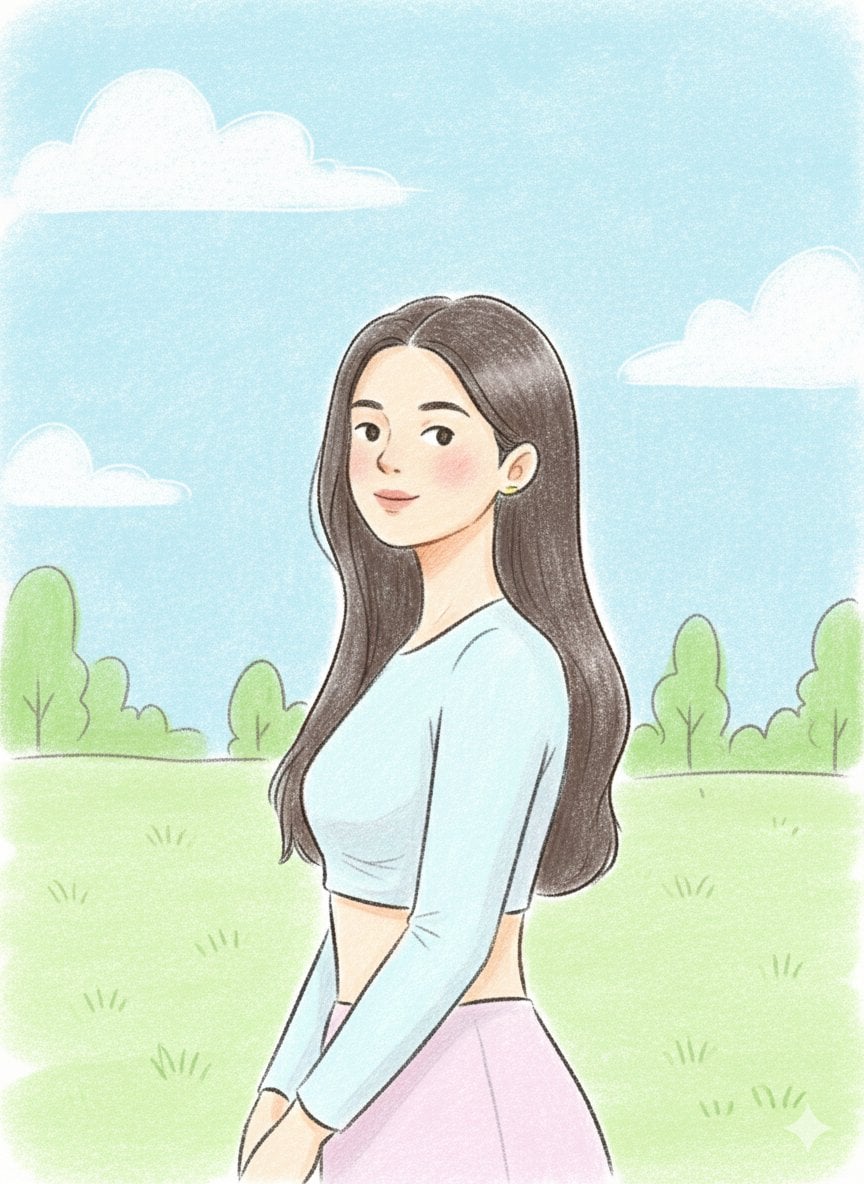
- Prompt included
- Model and format preset
- Free template
The prompt behind this image
Copy the exact prompt behind Pastel Illustration Style Transfer (Reference Required), or open it in the studio and make it yours.
- Prompt
- Use the uploaded image strictly as an identity reference (face and likeness only). Change the pose to a relaxed side-profile stance with the subject slightly turned, one shoulder forward and head gently tilted, giving a candid feel. Place the subject in a new background: an open pastel park setting with soft clouds, light greenery, and simple abstract shapes. Render the scene in a hand-drawn pastel illustration style with clean but slightly rough pencil outlines, visible strokes, and gentle shading. Use bright yet natural pastel colors with warm tones. Facial features remain simple and cute with dot eyes and a small calm smile. Keep the overall mood light, friendly, and fresh.
- Style
- hand-drawn pastel pencil illustration
- Lighting
- soft daylight
- Color Palette
- bright natural pastels
- Texture
- visible pencil strokes, soft shading
- Face Style
- simple features, dot eyes, small smile
- Proportions
- semi-cartoon realistic
- Mood
- fresh, relaxed, cheerful
- Background
- pastel park scene with minimal clouds and greenery
Raw JSON
{
  "prompt": "Use the uploaded image strictly as an identity reference (face and likeness only). Change the pose to a relaxed side-profile stance with the subject slightly turned, one shoulder forward and head gently tilted, giving a candid feel. Place the subject in a new background: an open pastel park setting with soft clouds, light greenery, and simple abstract shapes. Render the scene in a hand-drawn pastel illustration style with clean but slightly rough pencil outlines, visible strokes, and gentle shading. Use bright yet natural pastel colors with warm tones. Facial features remain simple and cute with dot eyes and a small calm smile. Keep the overall mood light, friendly, and fresh.",
  "style": "hand-drawn pastel pencil illustration",
  "lighting": "soft daylight",
  "color_palette": "bright natural pastels",
  "texture": "visible pencil strokes, soft shading",
  "face_style": "simple features, dot eyes, small smile",
  "proportions": "semi-cartoon realistic",
  "mood": "fresh, relaxed, cheerful",
  "background": "pastel park scene with minimal clouds and greenery"
}How to use Pastel Illustration Style Transfer (Reference Required) in 3 steps
- 1Upload ImagePNG, JPG or paste
Add your photo
Upload the photo the template builds on. The prompt, model and format are already set.
- 2…a portrait of your subject in softgolden-hour light, 85mm…
Personalize
Edit the subject and creative details for your destination.
- 3Generate
Generate
Press Generate — your image is created in PicX Studio, so you can compare it with the original and refine one variable at a time.
More like this
Templates with the same subject, style or setup. Open one to see its prompt.

Quiet Minimalist Anime Style Guide

Layered Paper Cut Illustration Template
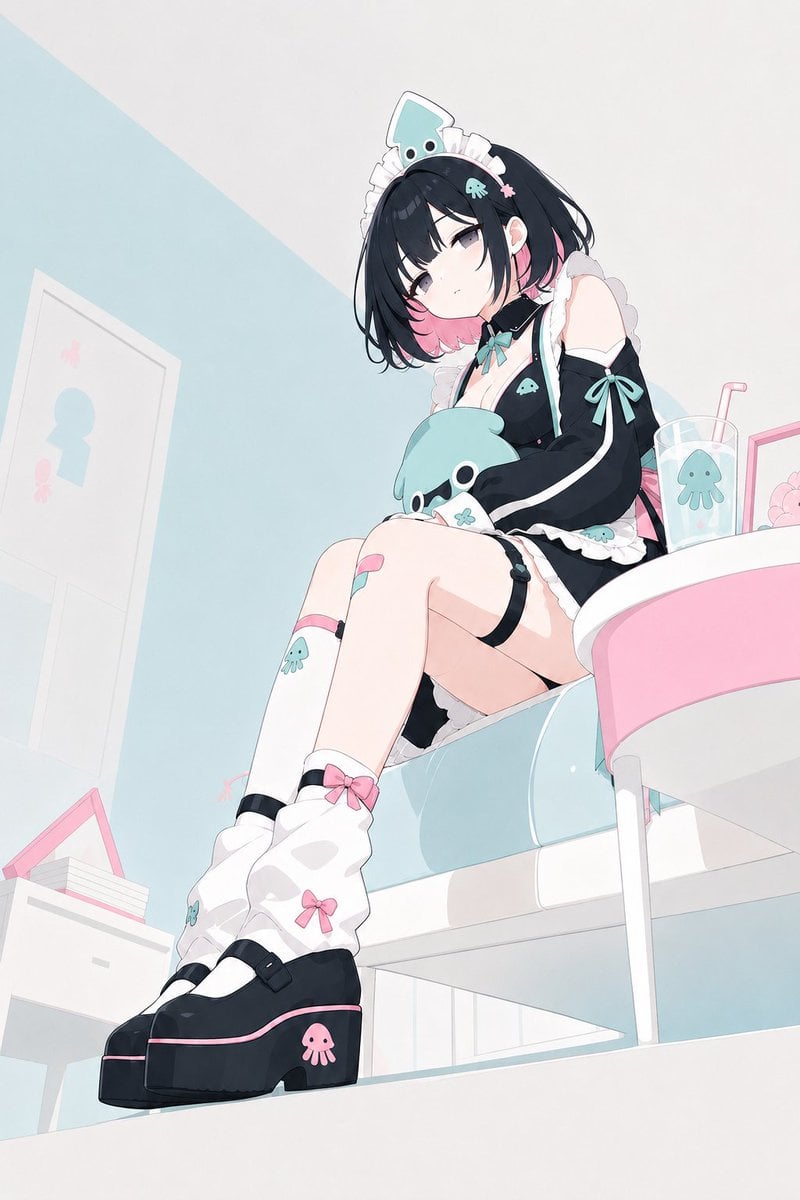
Pastel Squid Maid Bedroom Illustration

Eid al-Adha Cute Chaos — Fisheye Selfie with Farm Selfie, Mosque & Animals

Cute Layered Paper Cut Chibi Girl
Quiet Minimalist Anime Style Guide

Premium Vintage Travel Poster Landscape

Real Illustration Split Portrait Transition
Premium Vintage Travel Poster Landscape

Pastel Fantasy Pagoda Mountain Landscape

Watercolor Café Cheesecake Editorial Illustration
Real Illustration Split Portrait Transition
Make it yours
Pastel Illustration Style Transfer (Reference Required) works as-is. These are the safest ways to change it without losing the look.
Swap the setting
Keep the rest of the prompt and replace the location block. The current setting is “pastel park scene with minimal clouds and greenery”.
Swap the light
One lighting change is enough to compare takes. Current light: “soft daylight”.
Change one field
Copy a single group, rewrite it, and generate again so you can see what that field is doing.
| If the result… | Why | Fix |
|---|---|---|
| The result drifts from the preview | Too many fields changed at once. | Reuse Pastel Illustration Style Transfer (Reference Required) as-is first, then change one group — subject, light, or setting. |
| Nano Banana 2 ignores part of the JSON | Some models flatten or skip nested keys. | Keep the same values and paste them as a short paragraph instead. |
More Nano Banana 2 templates
Other prompts made for Nano Banana 2.

Photorealistic Leaf Shaped Like a Dragon

K-Pop Idol Portrait Grid for Rapid Selection

Poetic Rain Forest Portrait During Golden Hour

Urban Street Portrait with Cartoon Inner Self Duo

Candid Nighttime Photo with Cat Prompt

High-Concept 3D Diorama Generation Prompt

Cinematic Futuristic Studio Portrait Template

Skincare Editorial Photography Collage Prompt

Hyper-Realistic Commercial Product Photography (Splash Effect)

Hyper-Realistic Nightclub Portrait Prompt
More image prompts
Fresh picks from across the catalog.
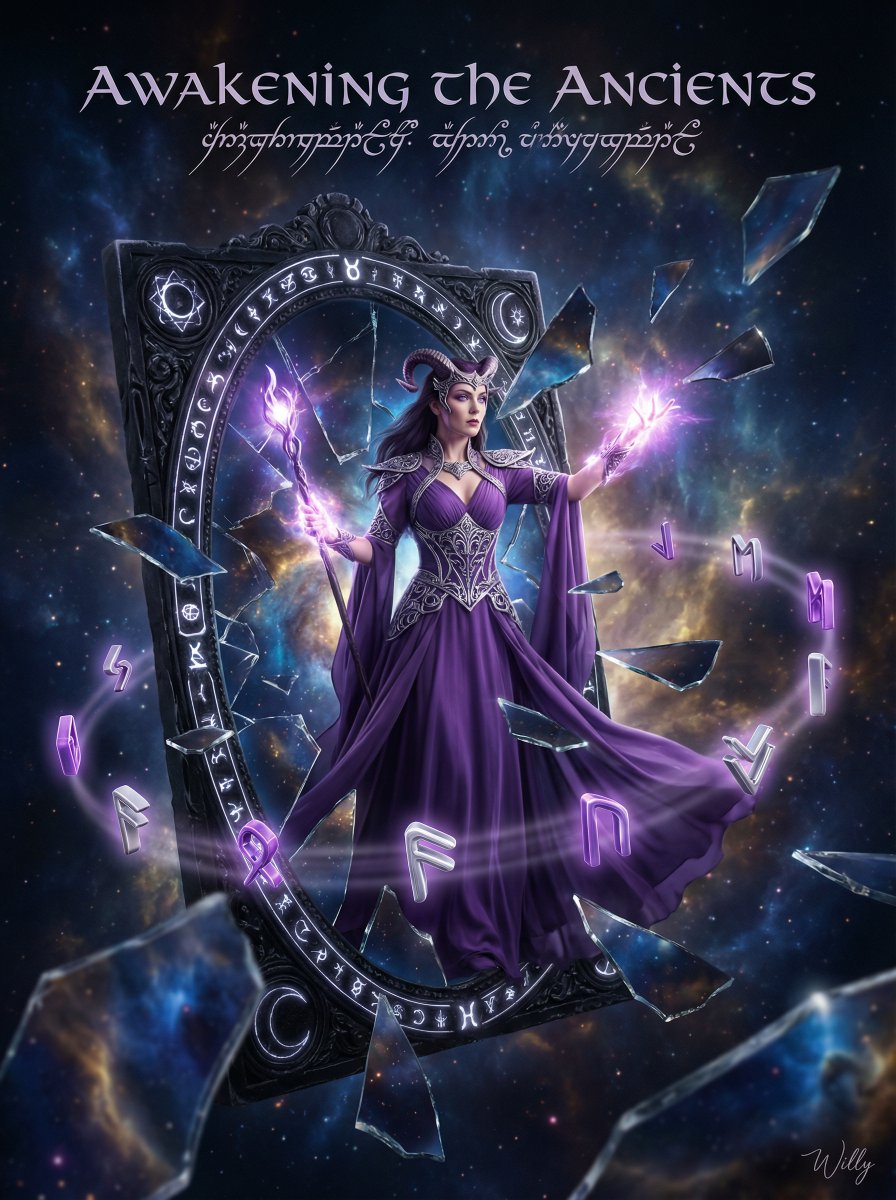
Sorceress Emerging from Obsidian Mirror
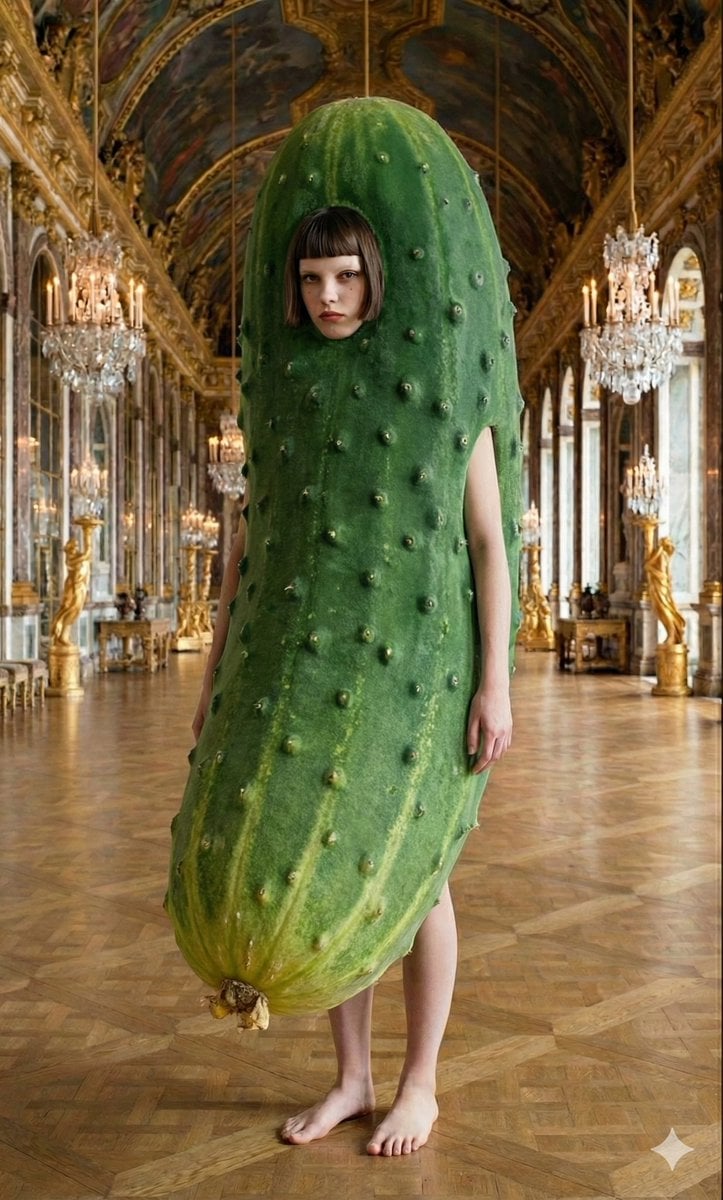
Corporate Elite Self-Reflection Portrait Prompt

Pixar-Style Chibi Character Prompt
Industrial Packaging Design Sheet Prompt
Action Samurai Fruit Slicing
Authentic vintage MySpace page for a person
Luxury Floating Macarons Ad
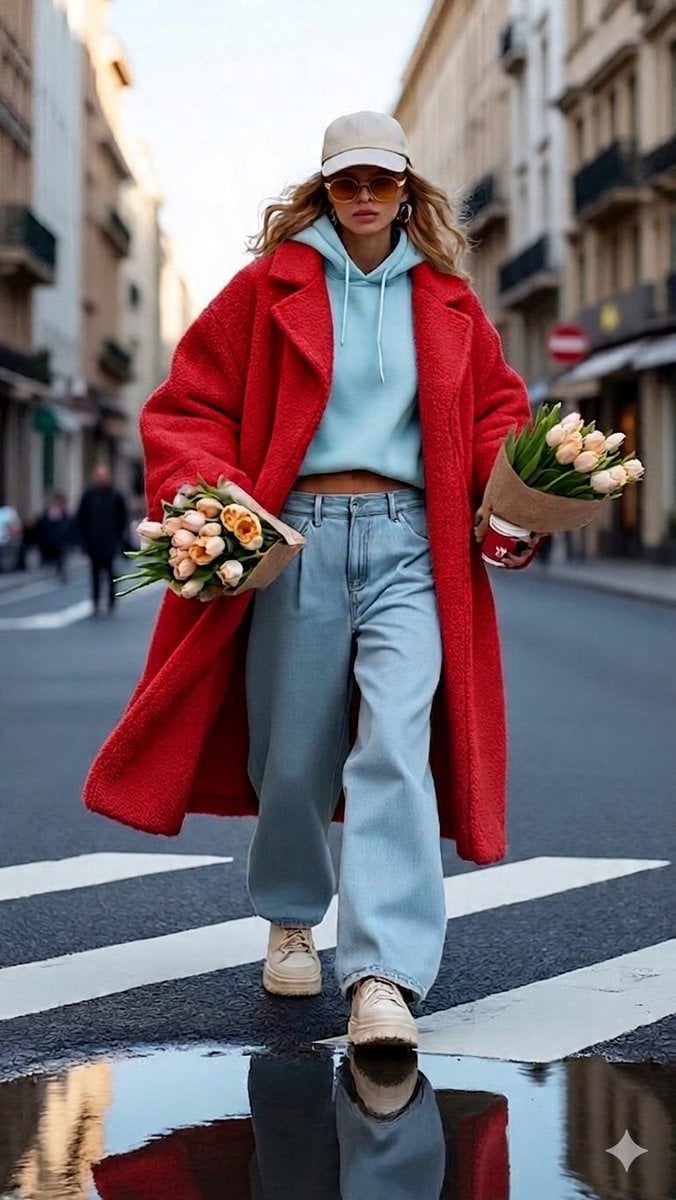
Urban Chic Street Photography Prompt
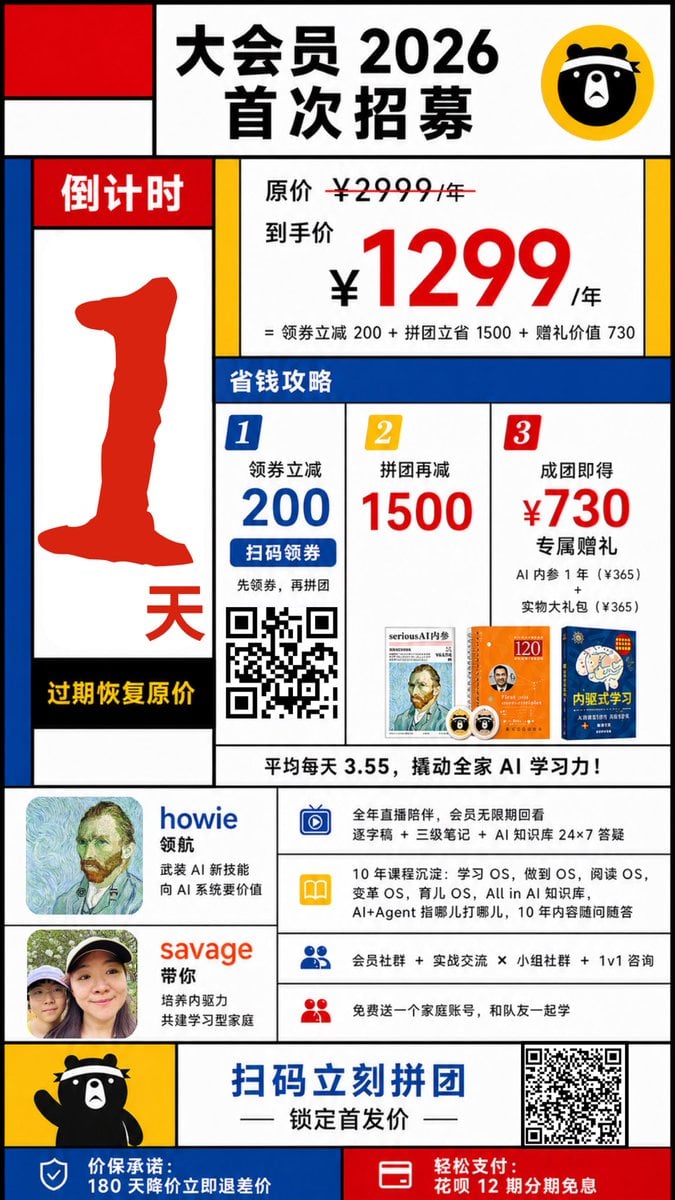
Mondrian-Style Chinese Promo Poster
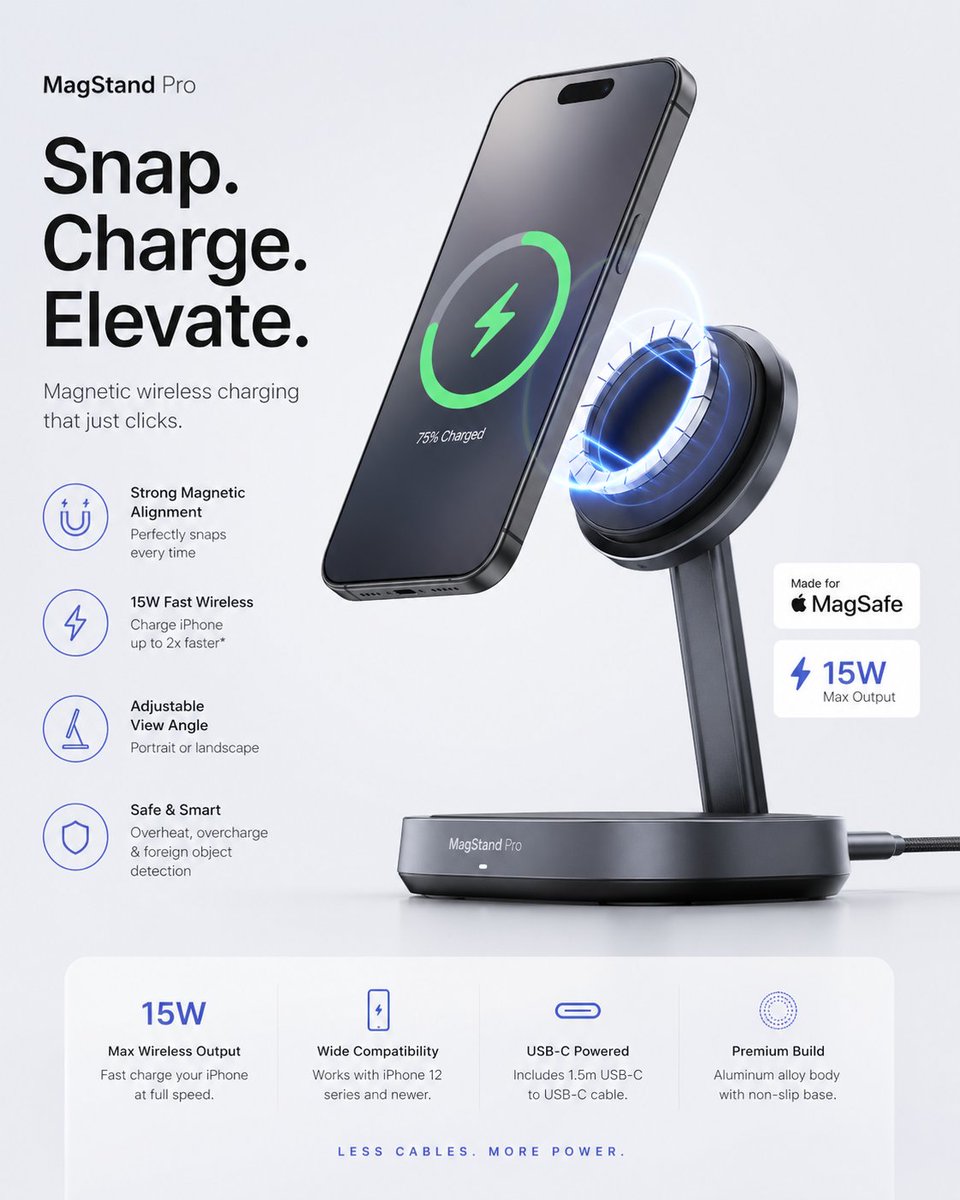
Minimalist Tech Accessory Advertisement
Browse template categories
Pastel Illustration Style Transfer (Reference Required) questions
How do I use the Pastel Illustration Style Transfer (Reference Required) template?
Add your photo if the template asks for one, edit the prompt if you like — the template's model and format are already selected — and press Generate. Your version opens in PicX Studio.
Can I customize the Pastel Illustration Style Transfer (Reference Required) template?
Yes. You can change the subject, setting, lighting, mood, format, and available model controls before creating your image.
Is the Pastel Illustration Style Transfer (Reference Required) template free?
Opening and editing this template is free. Generating uses credits, shown on the Generate button when you are signed in.
Which AI model should I use?
Start with Nano Banana 2, which is the model associated with this template. You can compare another compatible model for a different finish.
Looking for something else? Browse all templates.

Your photo, any look
Thousands of ready templates for every top image and video model, from one credit balance.