
Urban Chic Street Photography Prompt
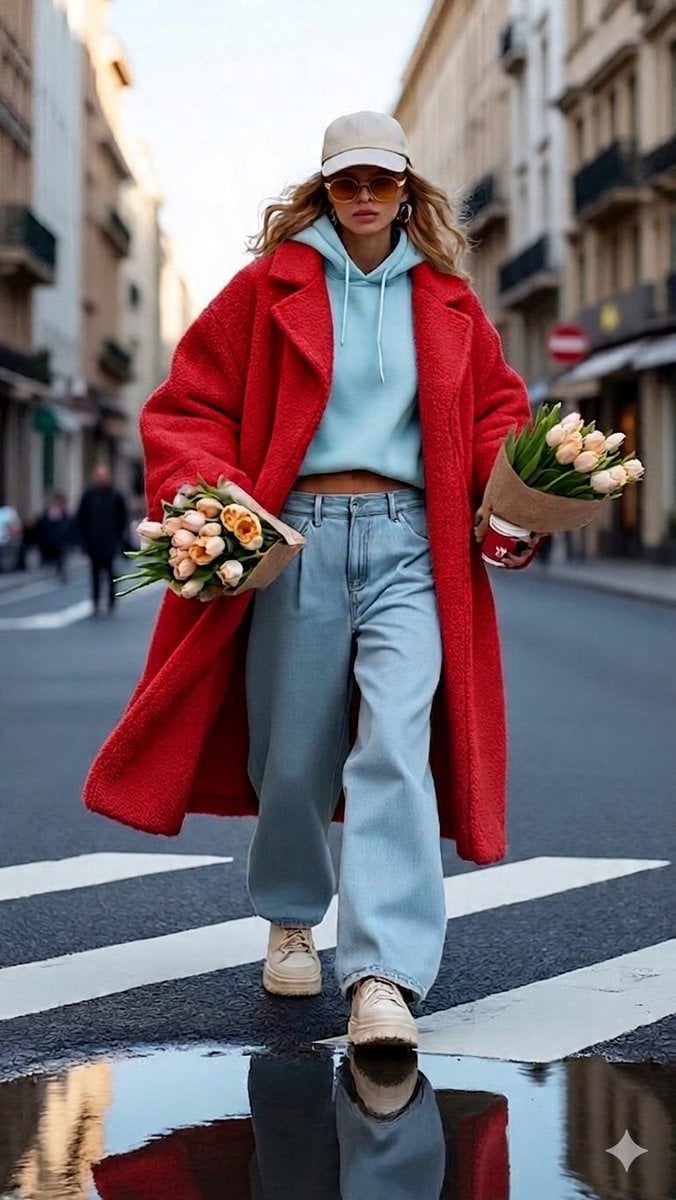
A prompt for a high-fashion street photography shot featuring a woman in a red teddy coat walking across a city crosswalk with flowers.
- Prompt included
- Model and format preset
- Free template
The prompt behind this image
Copy the exact prompt behind Urban Chic Street Photography Prompt, or open it in the studio and make it yours.
A high-fashion, cinematic street photography shot of a woman confidently walking across a city crosswalk. She is wearing a {argument name="coat color" default="vibrant red"} oversized {argument name="coat texture" default="textured teddy"} coat layered over a light blue cropped hoodie and baggy light-wash denim jeans. The woman is accessorized with a beige baseball cap, orange-tinted sunglasses, and chunky cream sneakers. She is carrying two large bouquets of {argument name="flower type" default="peach and white tulips"} in brown paper wrap, along with a red coffee cup. The setting is a European-style city street with blurred buildings in the background, a slight puddle on the asphalt reflecting her outfit, and soft, natural daylight. The overall vibe is "urban chic" and effortlessly stylish.
How to use Urban Chic Street Photography Prompt in 3 steps
- 1
Open
The prompt is already in the box next to the preview, with the template's model and format selected.
- 2…a portrait of your subject in softgolden-hour light, 85mm…
Personalize
Edit the subject and creative details for your destination.
- 3Generate
Generate
Press Generate — your image is created in PicX Studio, so you can compare it with the original and refine one variable at a time.
More like this
Templates with the same subject, style or setup. Open one to see its prompt.

Cinematic Street Fashion Portrait Motion Blur Crowd
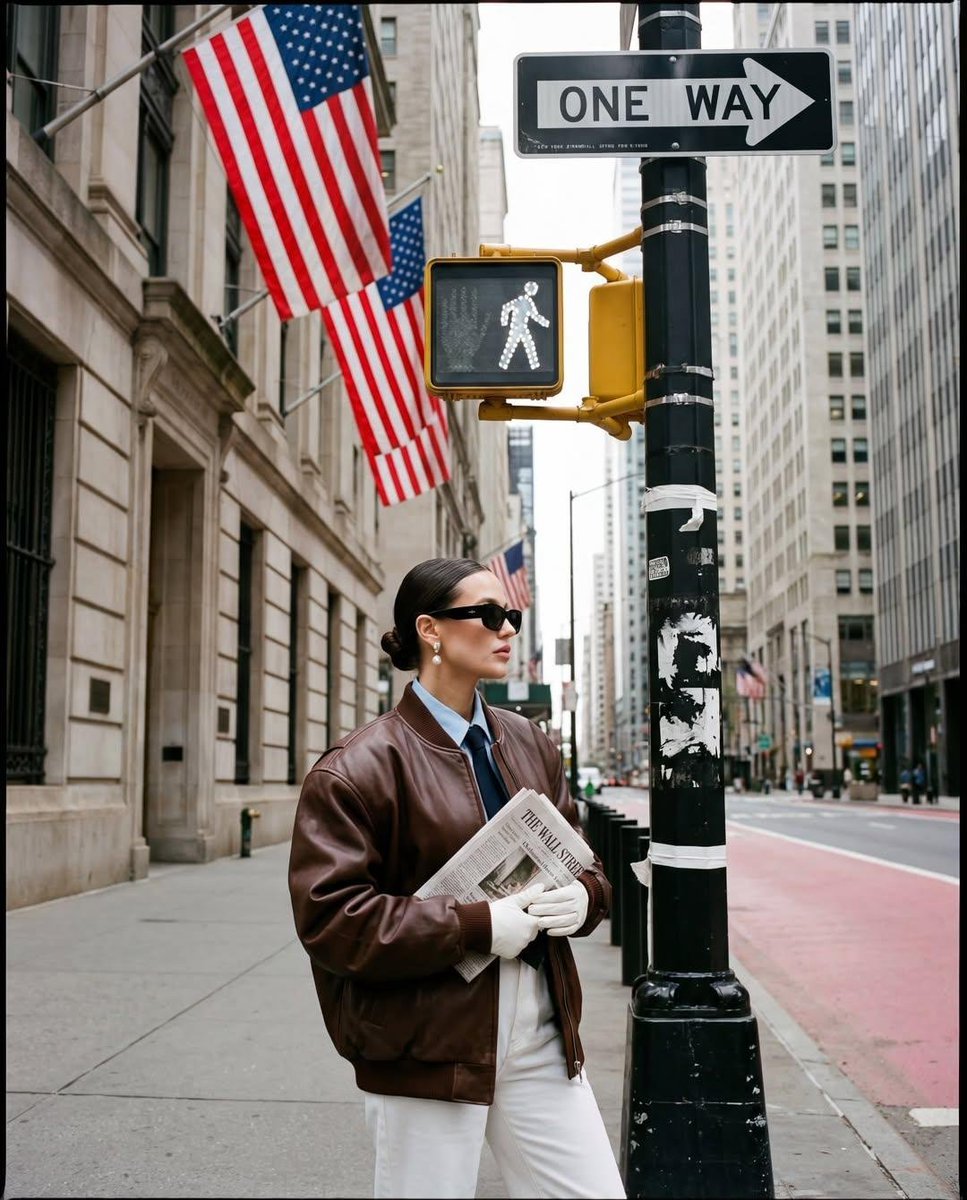
Ultra-realistic street fashion editorial photograph in New York City
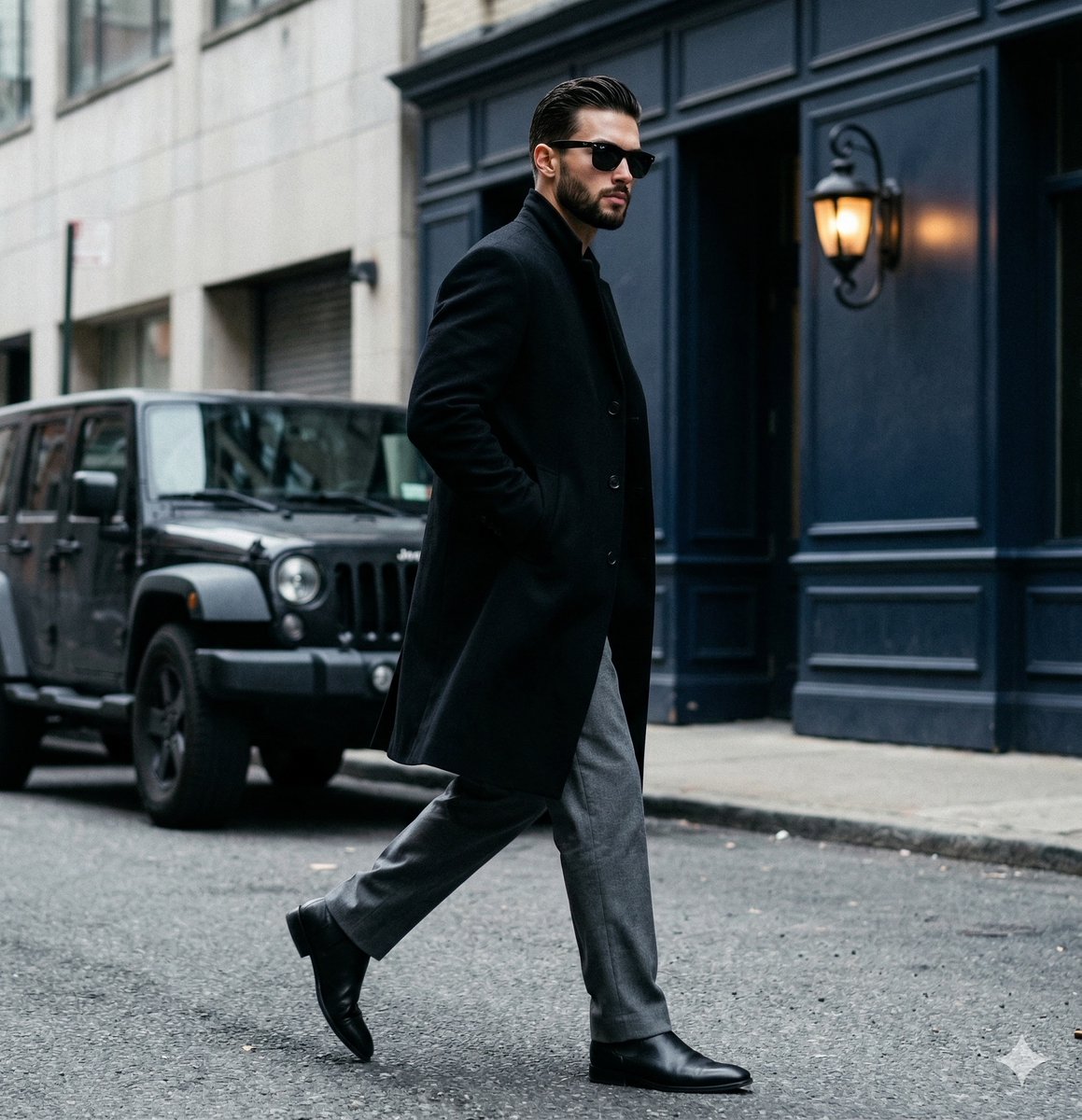
A candid paparazzi-style street photography shot of a handsome man

Urban Fashion Editorial Collage Streetwear Poster

Korean Streetwear Minimalist Campaign Portrait

Cinematic Korean Streetwear Street Portrait

Frozen Street Luxe Graffiti Fashion Campaign

Giant Forced Perspective Street Product Selfie
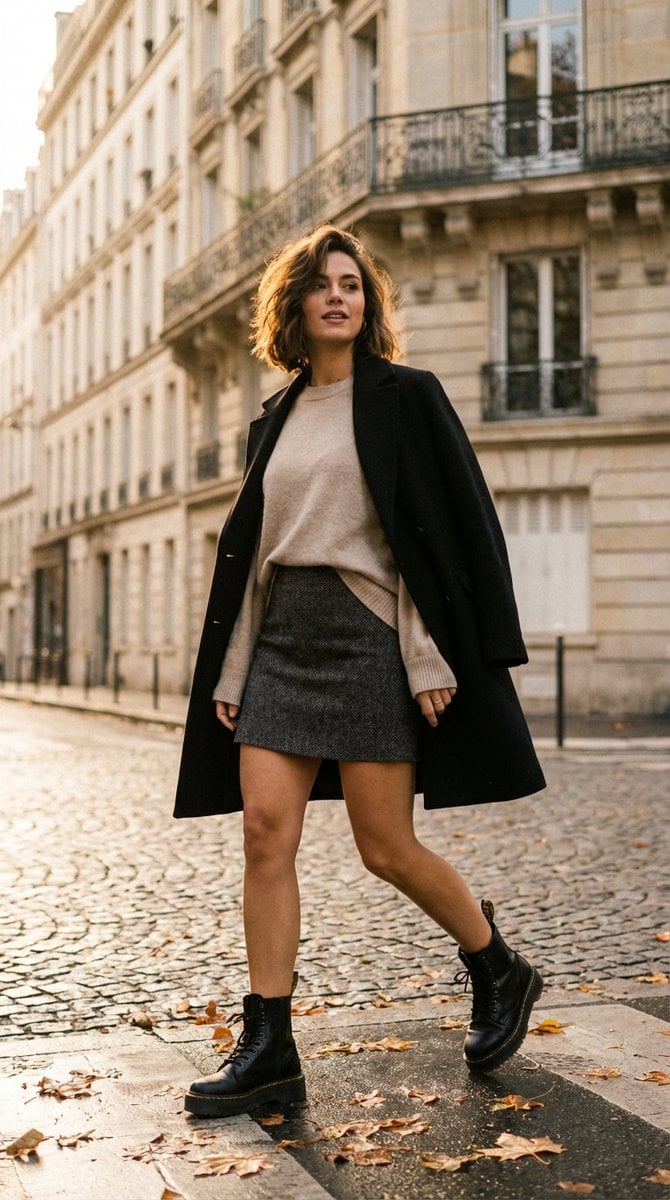
French-Chic Street Photography in Paris Golden Hour

Two Tickets, One Night

Meet Me When It Rains

Two Hearts. One Scooter.
Make it yours
Urban Chic Street Photography Prompt works as-is. These are the safest ways to change it without losing the look.
Change one field
Copy a single group, rewrite it, and generate again so you can see what that field is doing.
Keep the frame, change the subject
Hold the composition and light of Urban Chic Street Photography Prompt, then swap wardrobe, props or the person for a new take.
| If the result… | Why | Fix |
|---|---|---|
| The result drifts from the preview | Too many fields changed at once. | Reuse Urban Chic Street Photography Prompt as-is first, then change one group — subject, light, or setting. |
| The model over-stylizes the scene | The prose prompt leaves finish and camera underspecified. | Add one camera or lighting sentence and stay on Nano Banana 2. |
More Nano Banana 2 templates
Other prompts made for Nano Banana 2.

Photorealistic Leaf Shaped Like a Dragon

K-Pop Idol Portrait Grid for Rapid Selection

Poetic Rain Forest Portrait During Golden Hour

Urban Street Portrait with Cartoon Inner Self Duo

Candid Nighttime Photo with Cat Prompt

High-Concept 3D Diorama Generation Prompt

Cinematic Futuristic Studio Portrait Template

Skincare Editorial Photography Collage Prompt

Hyper-Realistic Commercial Product Photography (Splash Effect)

Hyper-Realistic Nightclub Portrait Prompt
More image prompts
Fresh picks from across the catalog.
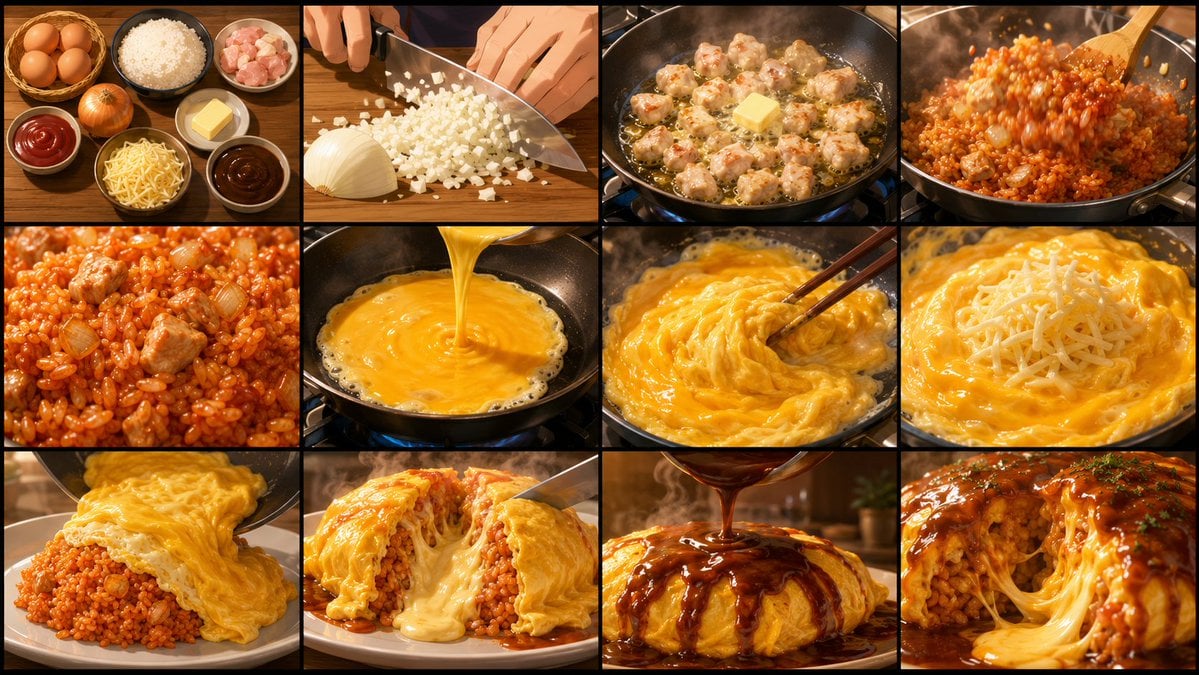
Anime Cooking Storyboard Grid Generator
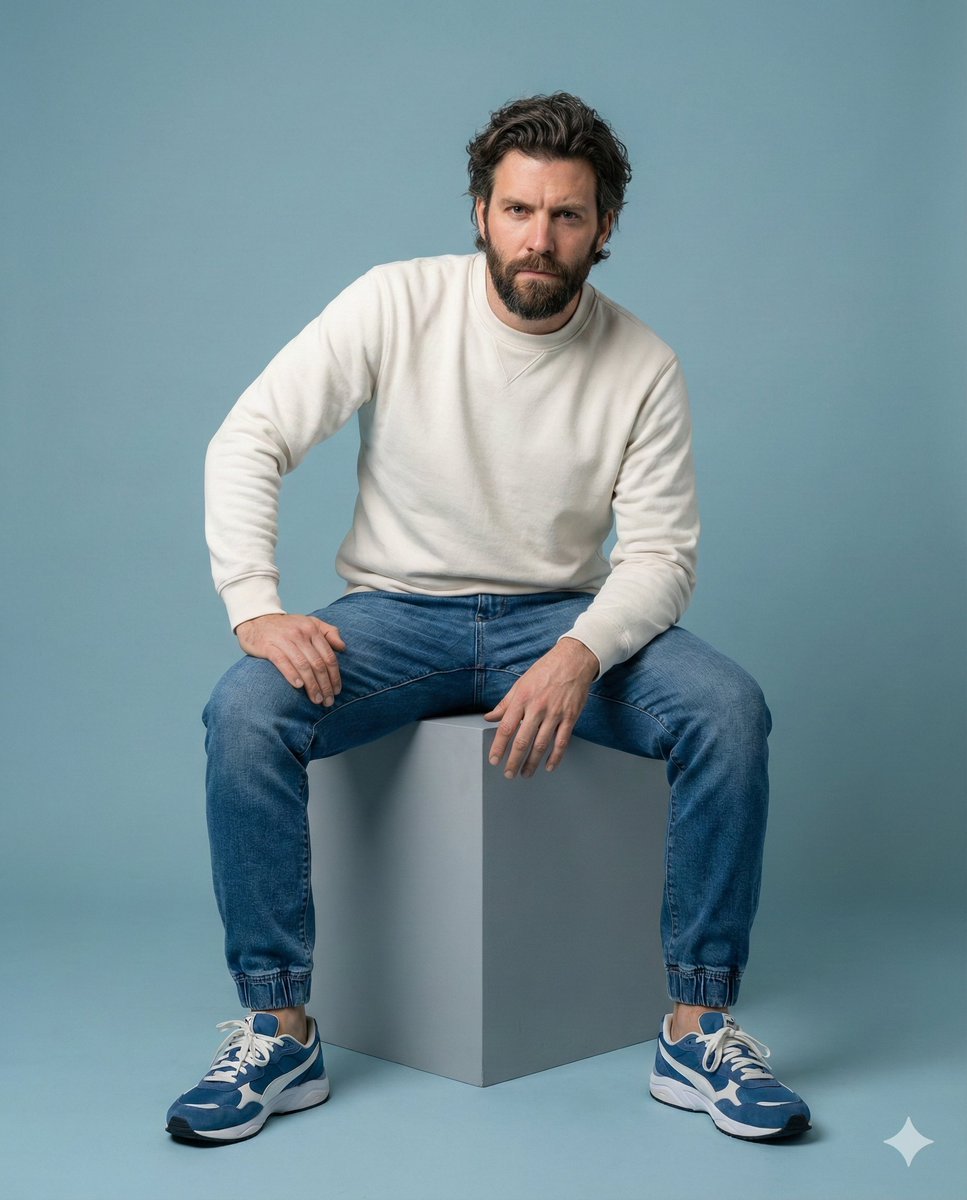
Minimalist Studio Portrait of a Man
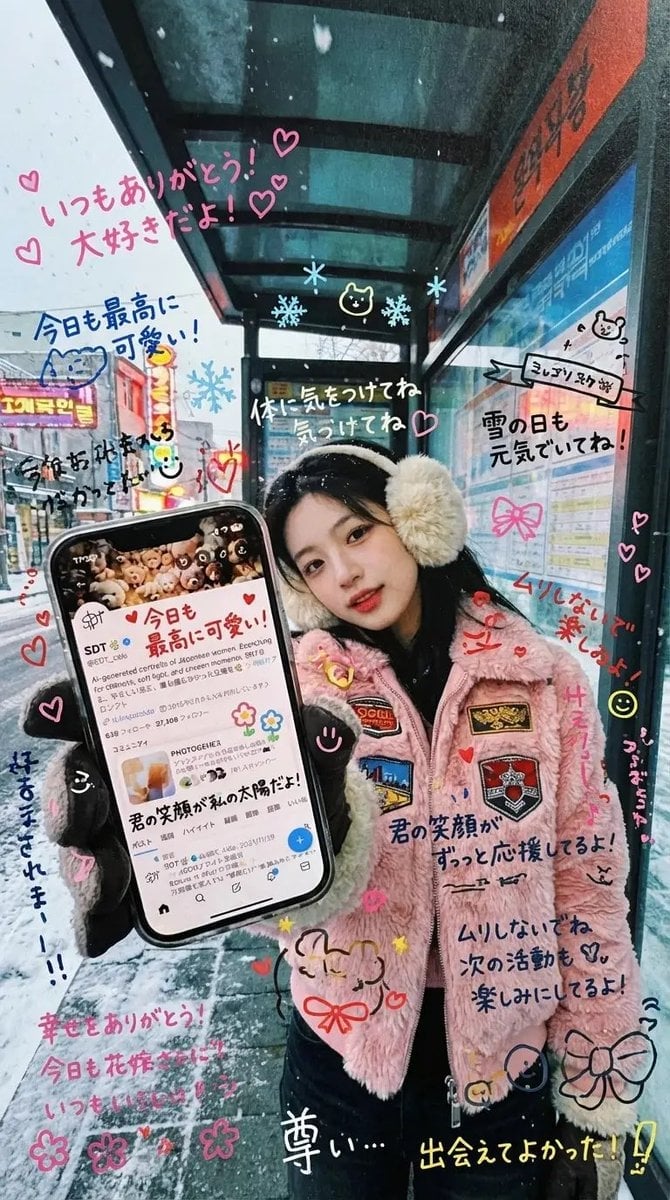
Handwritten Graffiti Message for Favorite Idol
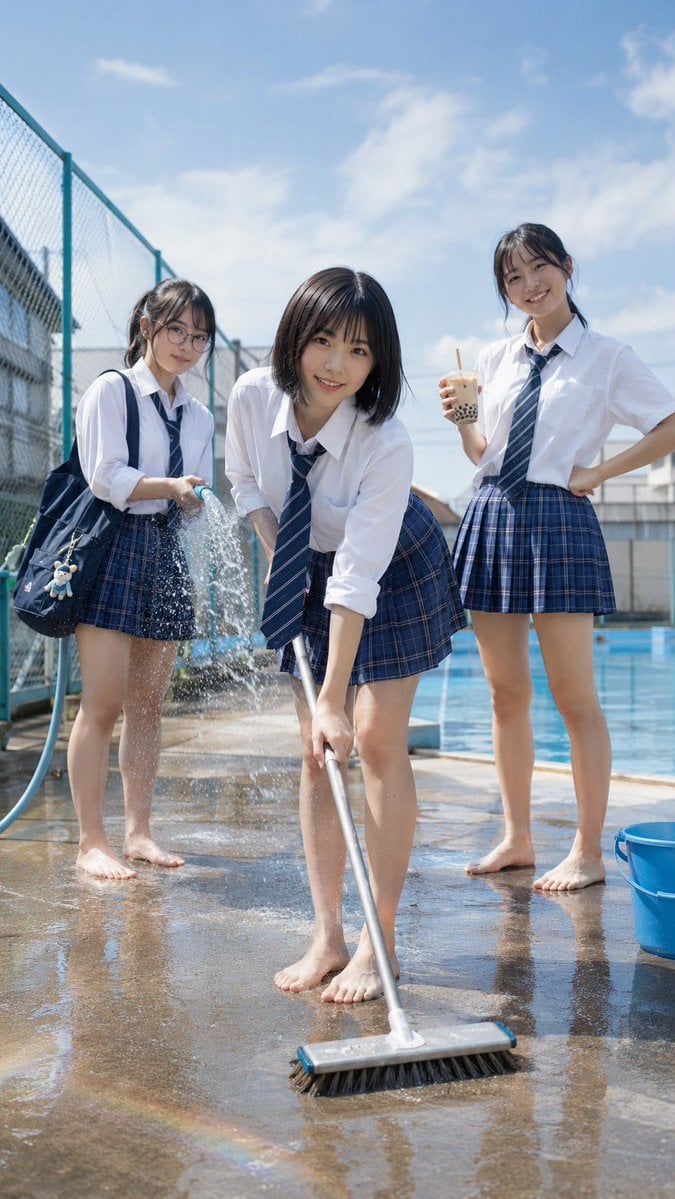
Japanese School Pool Cleaning Scene

Six Japanese Train Logo Variations
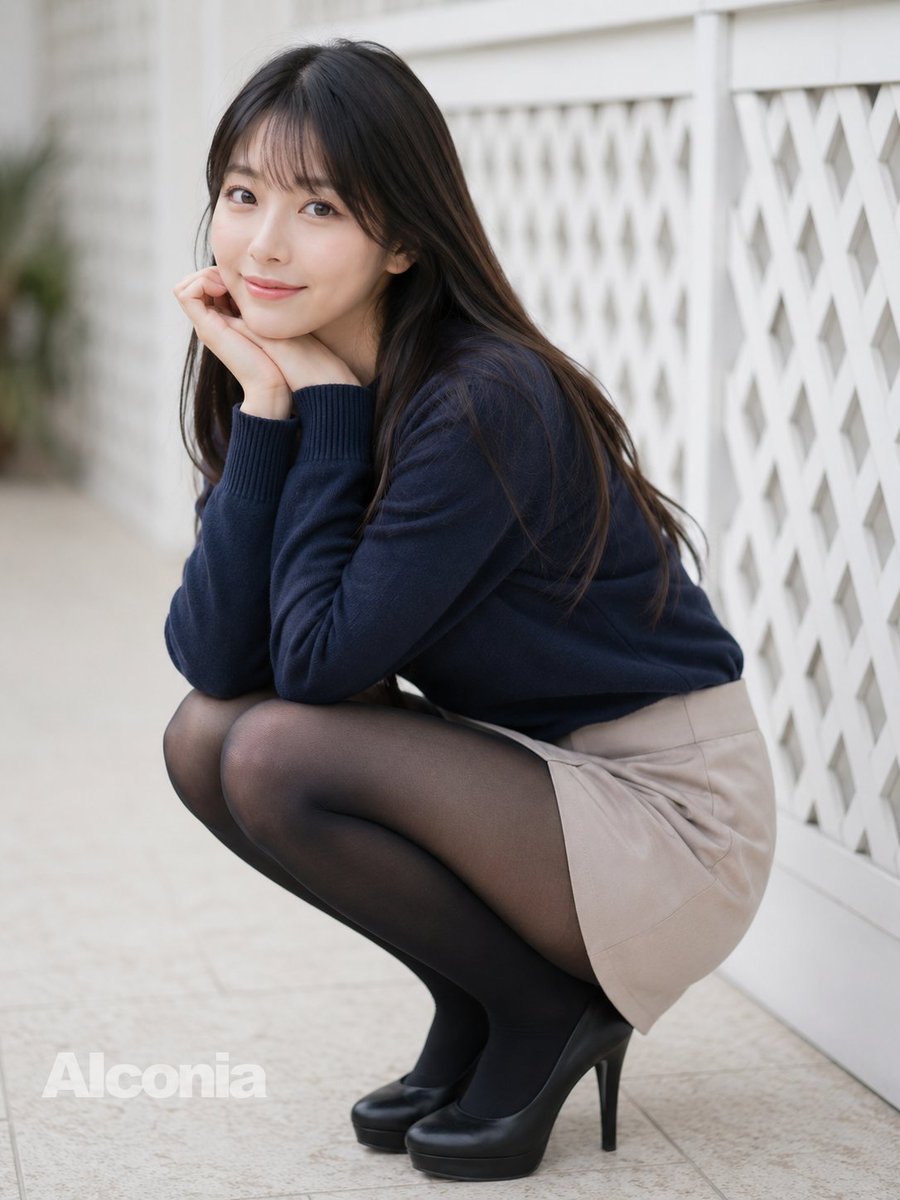
Crouching Outdoor Fashion Portrait
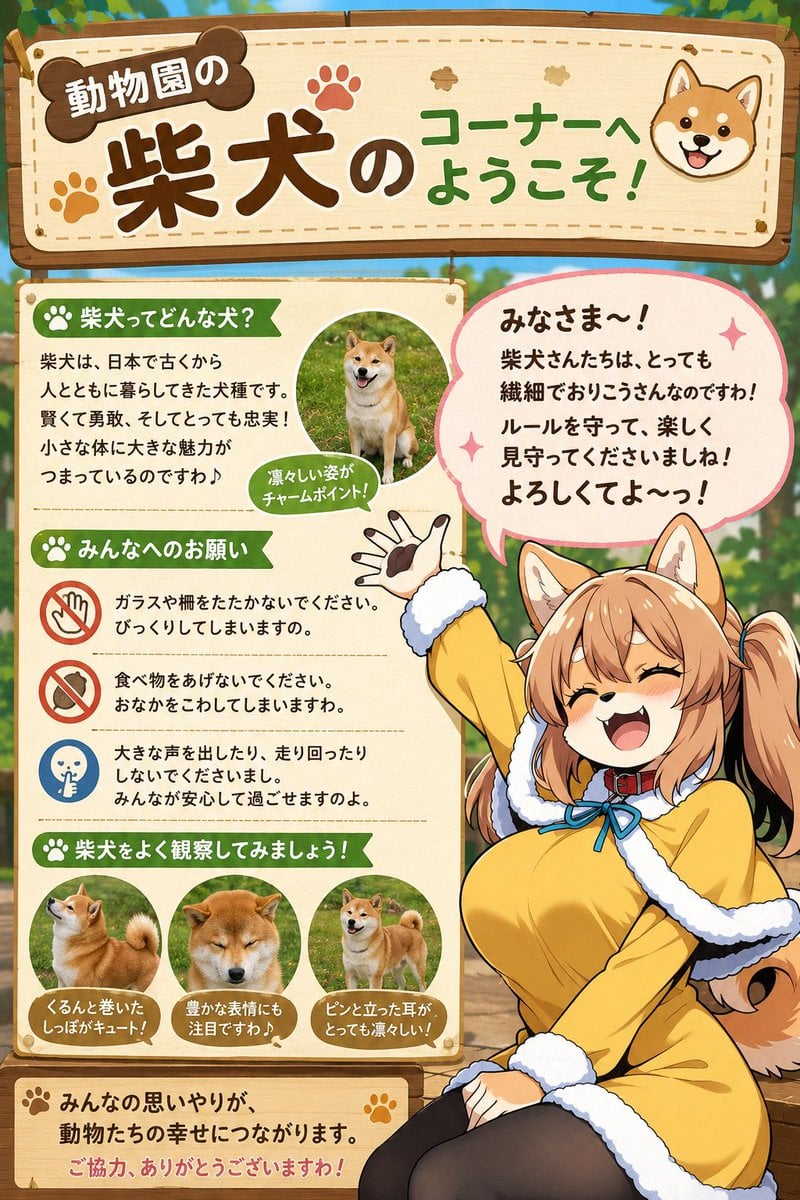
Shiba Inu Zoo Corner Poster
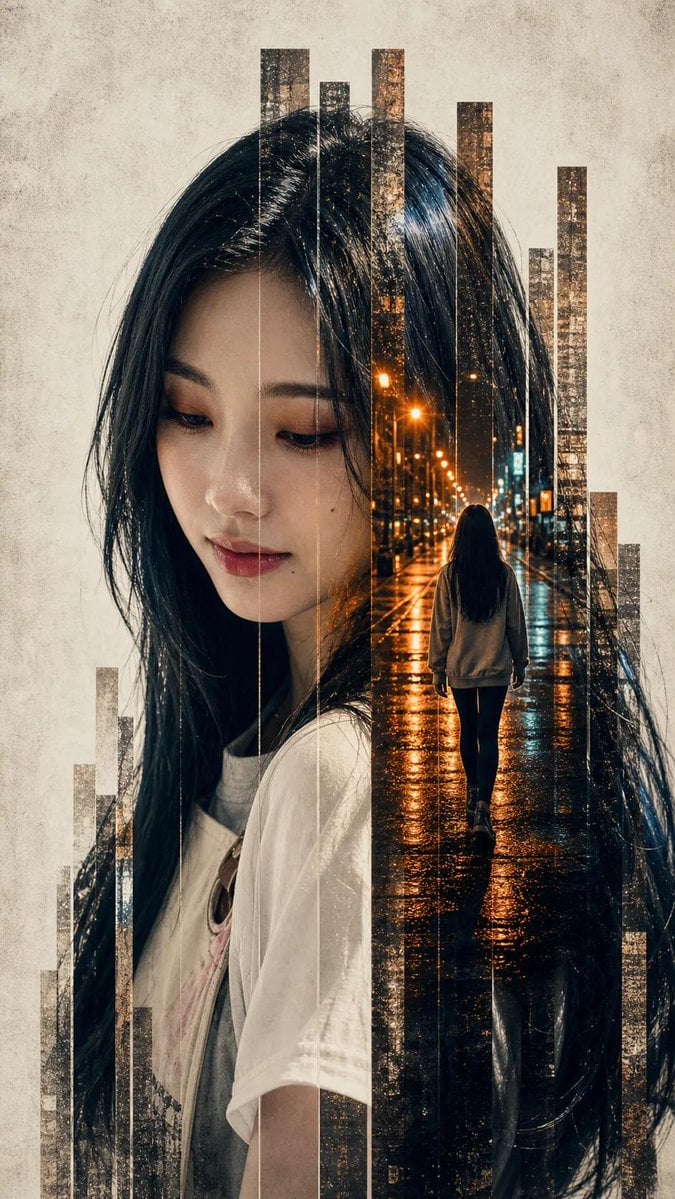
Vertical Slice Double Exposure Woman
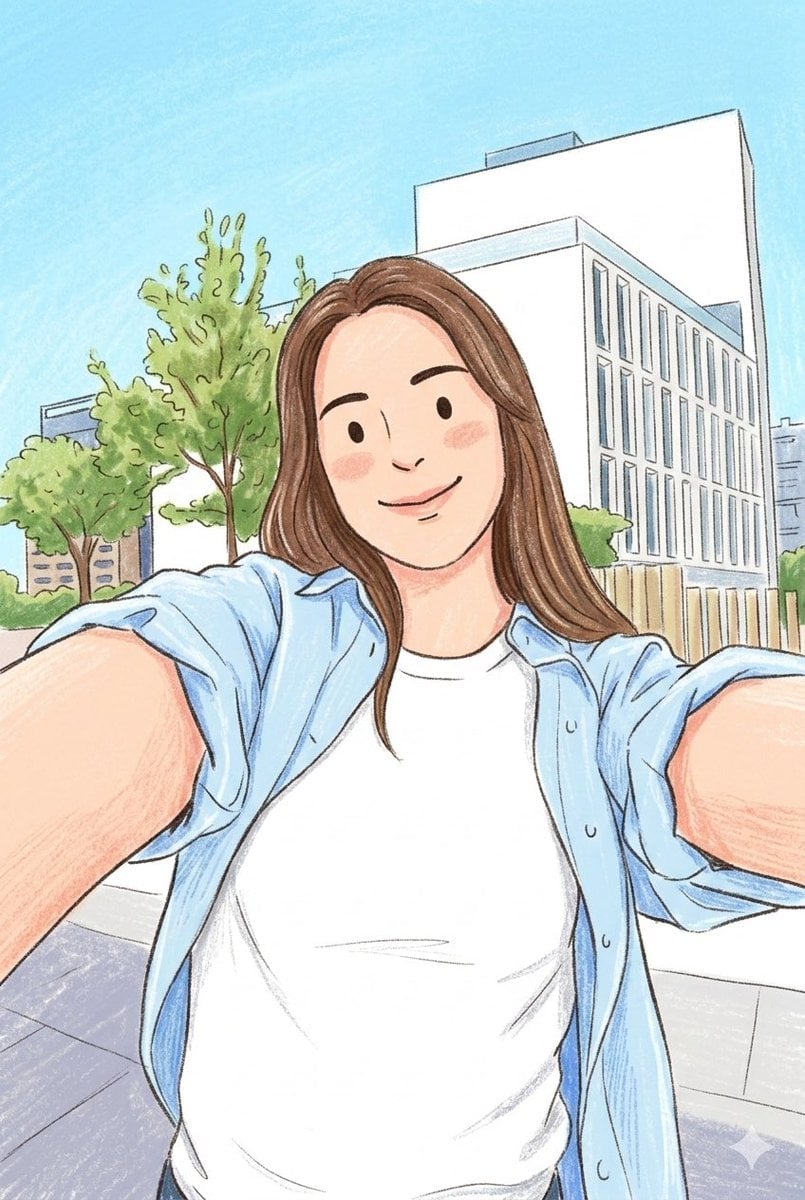
Children's Book Style Colored Pencil and Watercolor Illustration
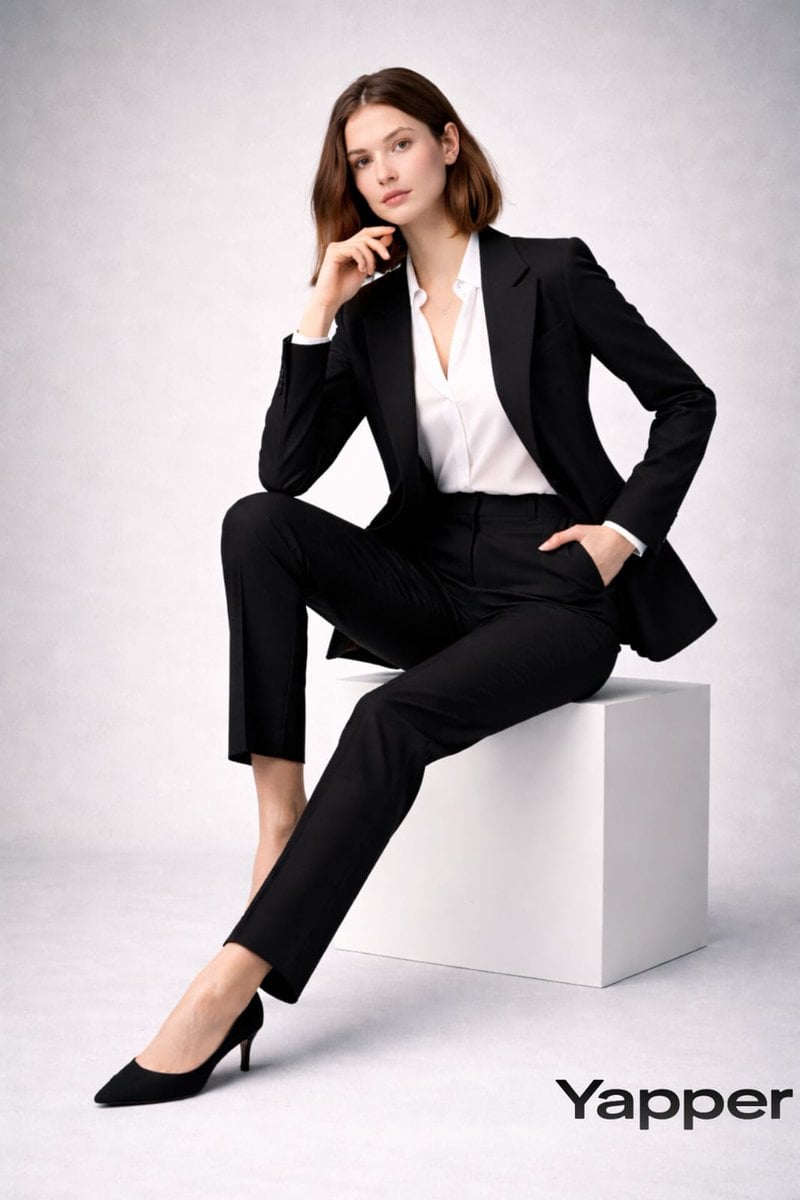
Full-body fashion magazine editorial portrait
Browse template categories
Urban Chic Street Photography Prompt questions
How do I use the Urban Chic Street Photography Prompt template?
Add your photo if the template asks for one, edit the prompt if you like — the template's model and format are already selected — and press Generate. Your version opens in PicX Studio.
Can I customize the Urban Chic Street Photography Prompt template?
Yes. You can change the subject, setting, lighting, mood, format, and available model controls before creating your image.
Is the Urban Chic Street Photography Prompt template free?
Opening and editing this template is free. Generating uses credits, shown on the Generate button when you are signed in.
Which AI model should I use?
Start with Nano Banana 2, which is the model associated with this template. You can compare another compatible model for a different finish.
Looking for something else? Browse all templates.

Your photo, any look
Thousands of ready templates for every top image and video model, from one credit balance.