
Shiba Inu Zoo Corner Poster
Generates a cute Japanese zoo rules poster for a Shiba Inu exhibit with an anime dog-girl mascot and educational rule panels.
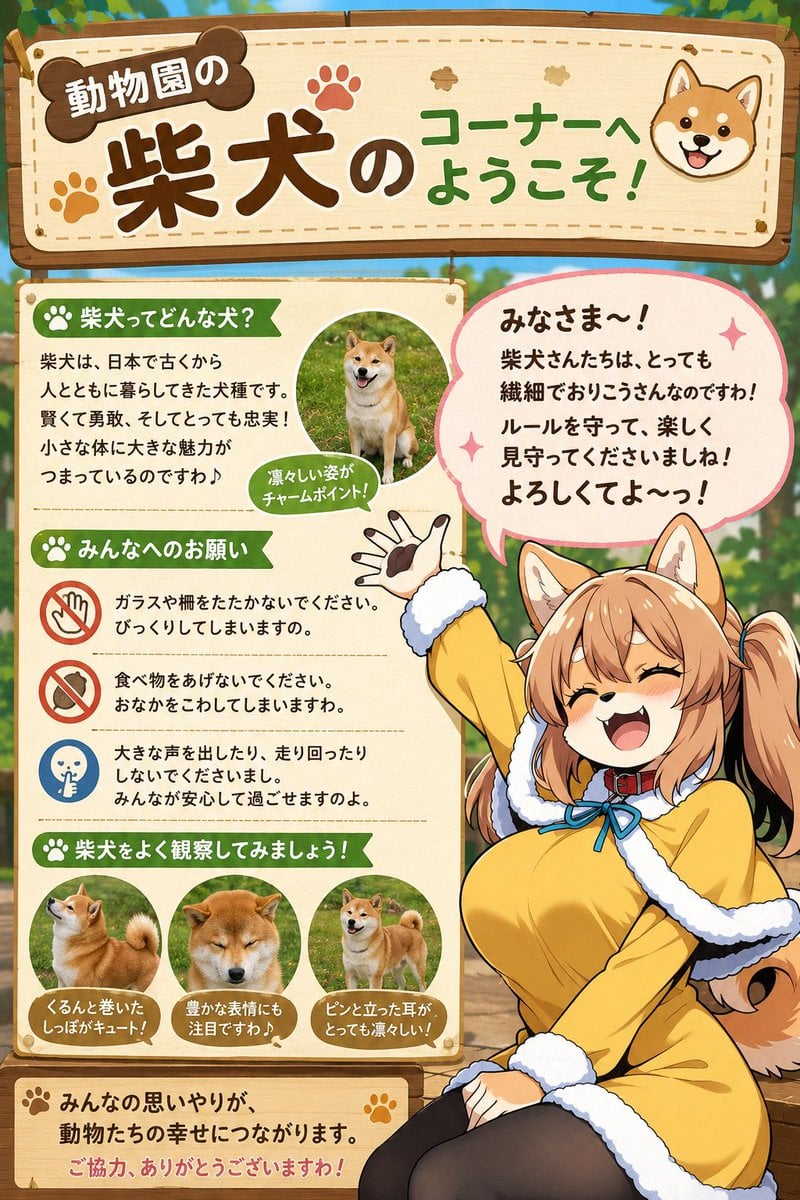
- Prompt included
- Model and format preset
- Free template
The prompt behind this image
Copy the exact prompt behind Shiba Inu Zoo Corner Poster, or open it in the studio and make it yours.
Goal: Create a cheerful vertical Japanese zoo information sign for a Shiba Inu corner, combining a cute educational infographic with an anime dog-girl mascot. Canvas: Vertical 2:3 poster, warm daylight outdoor zoo setting with softly blurred greenery and wooden fence in the background. Use a polished gpt-image-2 anime illustration style with clean line art, bright colors, soft shading, and a friendly family-attraction atmosphere. Main header: A large hanging wooden signboard spans the top, cream-colored center with rounded brown wooden frame, stitch-like dashed border, paw-print decorations, and a small smiling Shiba Inu face icon on the right. The headline text should be large and playful in Japanese: {argument name="headline text" default="動物園の 柴犬のコーナーへ ようこそ!"}. Make 「柴犬」 the biggest dark-brown text, with green text for the welcome phrase. Layout: Below the header, divide the poster into two main zones. The left side is a cream educational board with green ribbon section headers and small icon bullets. The right side is dominated by a large anime mascot sitting and waving, with a big pink speech bubble above her. Keep the left board readable and the mascot overlapping slightly in front of it for depth. Left information board content: Include exactly 4 green ribbon sections. Section 1 title: 「柴犬ってどんな犬?」 with a paw icon. Add a short Japanese paragraph explaining Shiba dogs are an ancient Japanese breed, smart, brave, loyal, and charming despite their small bodies. Add exactly 1 circular Shiba Inu photo-style illustration showing a sitting Shiba in grass, with a small green callout reading 「凛々しい姿がチャームポイント!」. Section 2 title: 「みんなへのお願い」 with a paw icon. Include exactly 3 rule rows separated by dotted lines: rule 1 has a red no-touch/no-glass icon and says not to tap glass or fences because it startles them; rule 2 has a red no-feeding icon and says not to give food because it can upset their stomach; rule 3 has a blue quiet icon and says not to shout or run because everyone should feel safe. Section 3 title: 「柴犬をよく観察してみましょう!」 with a paw icon. Include exactly 3 circular Shiba observation images with brown caption plaques: left shows a curled fluffy tail, caption 「くるんと巻いたしっぽがキュート!」; center shows a calm expressive face, caption 「豊かな表情にも注目ですわ♪」; right shows upright pointed ears, caption 「ピンと立った耳がとっても凛々しい!」. Section 4 is a bottom thank-you panel with paw icons, reading 「みんなの思いやりが、動物たちの幸せにつながります。」 and a red thank-you line 「ご協力、ありがとうございますわ!」. Mascot character: Draw {argument name="character name" default="a cheerful Shiba Inu dog-girl zookeeper mascot"} as a cute adult anime woman with Shiba ears, fluffy Shiba tail, warm tan hair in twin ponytails, amber-brown eyes closed in a happy smile, open laughing mouth with small fang, and energetic waving pose. She wears a yellow coat or dress with thick white fluffy trim, black tights, a red collar around the neck, and a blue bow at the chest. One hand is raised high with visible paw-pad-like glove details, the other rests near her lap. Her expression is lively, welcoming, and slightly mischievous. Speech bubble: Place a large rounded pink speech bubble above the mascot with sparkles. Use bold friendly Japanese text: {argument name="speech bubble text" default="みなさま〜!\n柴犬さんたちは、とっても繊細でおりこうさんなのですわ!\nルールを守って、楽しく見守ってくださいましね!\nよろしくてよ〜っ!"}. Visual style: Cute zoo poster, kawaii educational signage, warm wood textures, paw-print motifs, soft cream paper panels, green section labels, brown typography, orange and red accents, glossy anime character rendering, crisp readable text, no watermark, no extra sections, no additional animals beyond the Shiba dogs shown in the specified images.
How to use Shiba Inu Zoo Corner Poster in 3 steps
- 1Upload ImagePNG, JPG or paste
Add your photo
Upload the photo the template builds on. The prompt, model and format are already set.
- 2…a portrait of your subject in softgolden-hour light, 85mm…
Personalize
Edit the subject and creative details for your destination.
- 3Generate
Generate
Press Generate — your image is created in PicX Studio, so you can compare it with the original and refine one variable at a time.
More like this
Templates with the same subject, style or setup. Open one to see its prompt.

Shiba Inu Space Dream Poster

Japan Travel Brochure Poster
Shiba Inu Japanese Mansion Diorama

Cartoon TV Show Poster Pack

Trendy Cafe Drink Promo Poster

Urban Fashion Editorial Collage Streetwear Poster

Premium Fashion Editorial Cover Layout System

Polo Ralph Lauren Luxury American Heritage Fashion Campaign

Monochrome Halftone Editorial Fashion Poster

Retro Mirror Luxury Fashion Campaign Poster

Luxury Fashion Campaign Typography Poster System

Premium Fashion Editorial Campaign Poster System
Make it yours
Shiba Inu Zoo Corner Poster works as-is. These are the safest ways to change it without losing the look.
Change one field
Copy a single group, rewrite it, and generate again so you can see what that field is doing.
Keep the frame, change the subject
Hold the composition and light of Shiba Inu Zoo Corner Poster, then swap wardrobe, props or the person for a new take.
| If the result… | Why | Fix |
|---|---|---|
| The result drifts from the preview | Too many fields changed at once. | Reuse Shiba Inu Zoo Corner Poster as-is first, then change one group — subject, light, or setting. |
| The model over-stylizes the scene | The prose prompt leaves finish and camera underspecified. | Add one camera or lighting sentence and stay on GPT Image 2. |
More GPT Image 2 templates
Other prompts made for GPT Image 2.

Six VTuber Japanese Logo Sheet

Realistic Portrait of Woman and Deer

The Vista Modular Condo Poster

AI Model Routing Comparison Infographic

2.5D Anime Art Board

Isometric Productivity Desk Scene

New York Double Exposure Poster

Four-Panel AI Landscape Comparison

Japanese Tatami Lifestyle Magazine Cover

NESCAFÉ Coffee Map Poster
More image prompts
Fresh picks from across the catalog.

Futuristic Point Cloud Portrait
Night Photography Prompt: Clearing Snow with Mercedes G 63 AMG

Ultra-Realistic Portrait with Tribal Markings and Painterly Realism
Pastel Retro Seaside Car
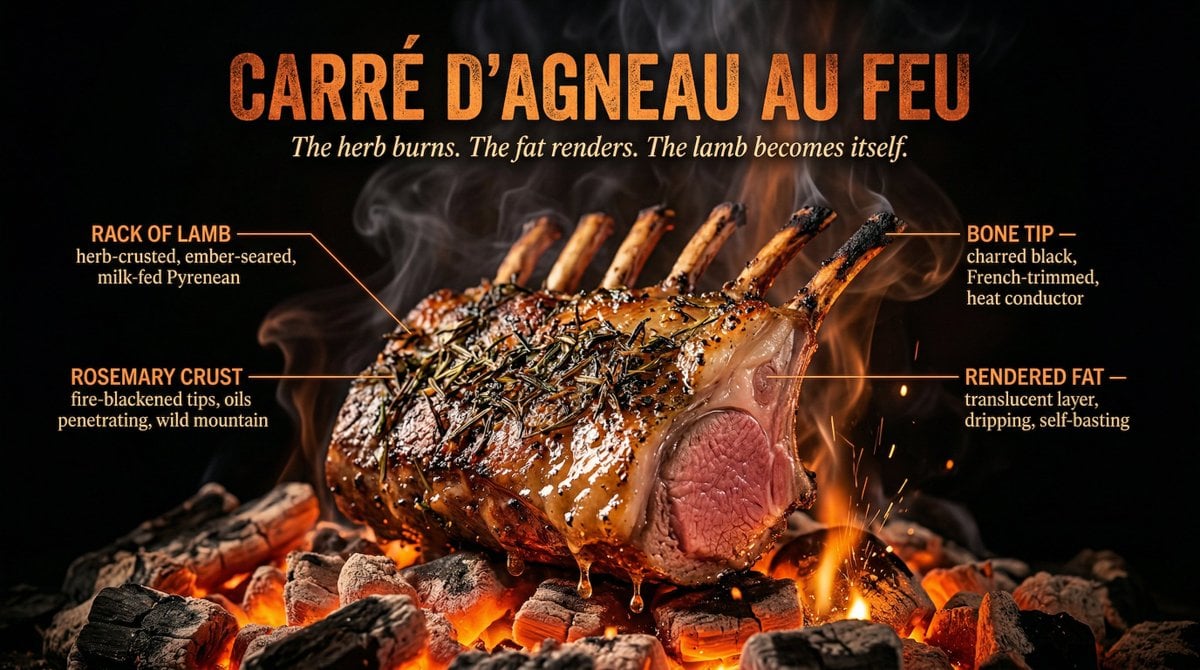
Fire Cooking Photography with Ember and Smoke
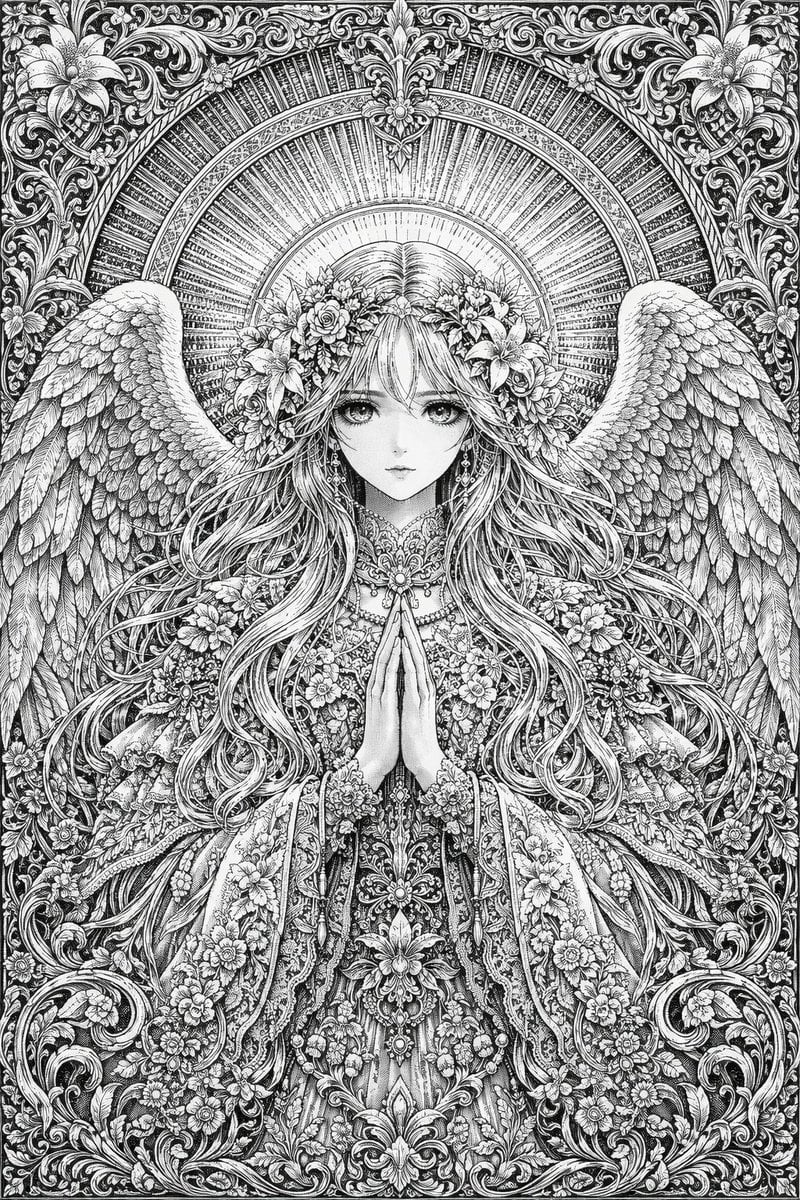
Intricate Monochrome Angel Line Art
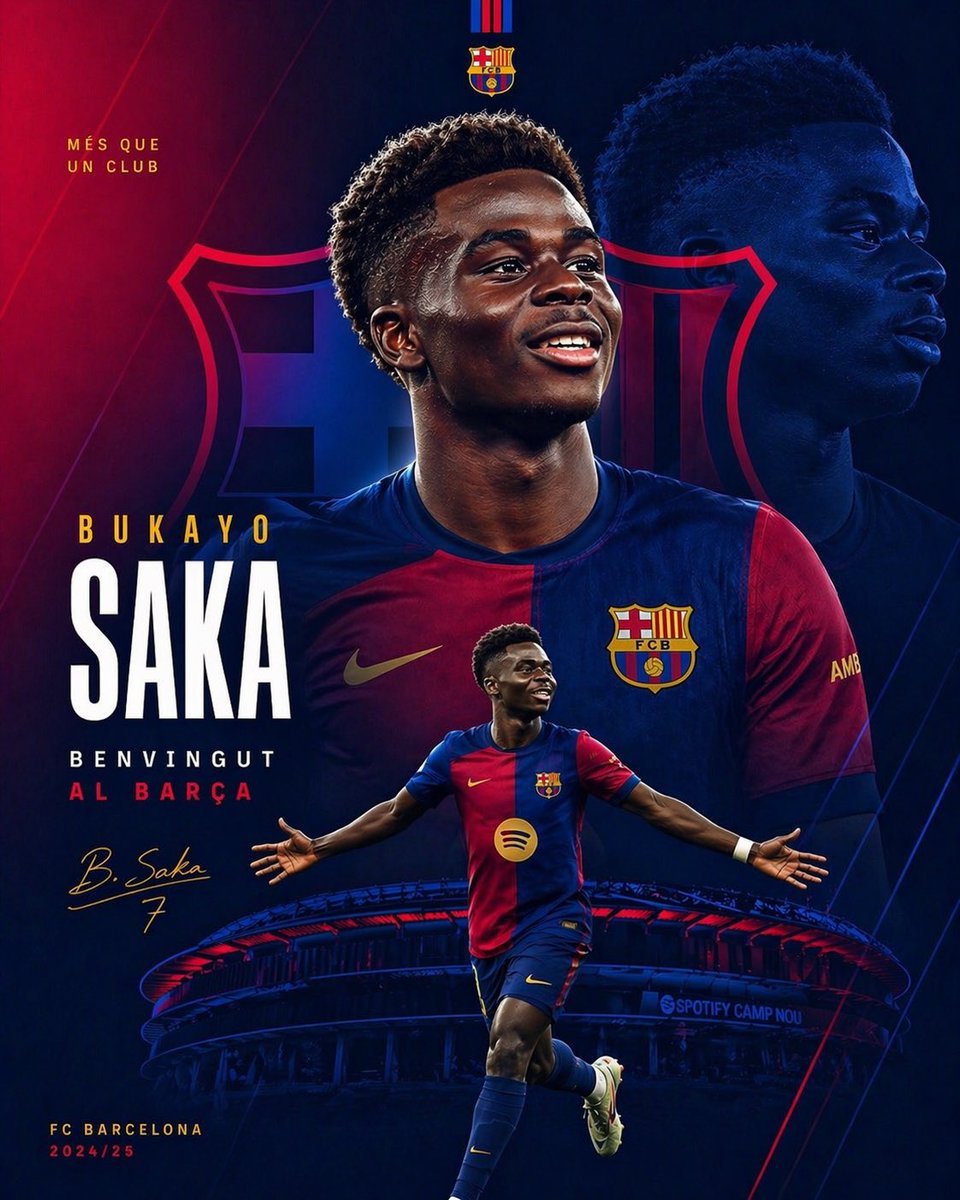
Barcelona Transfer Poster for Saka
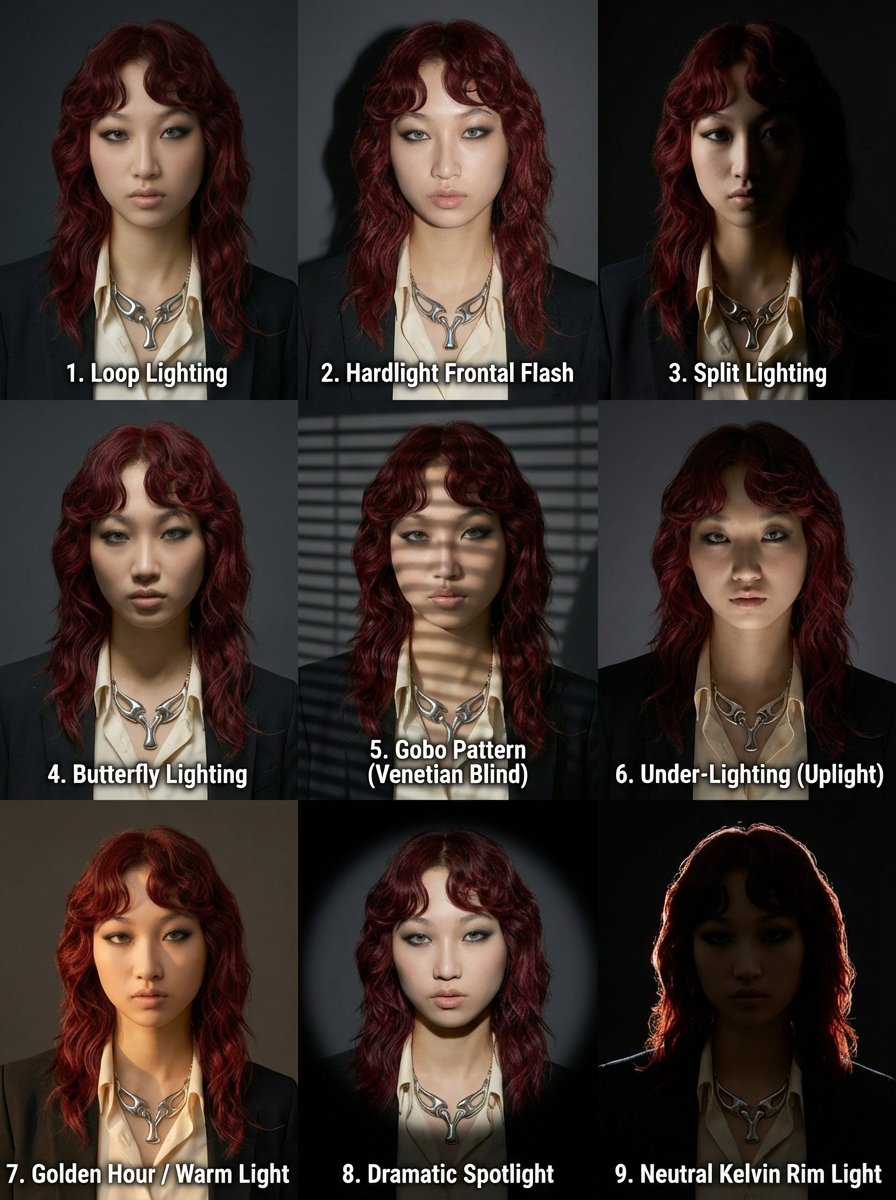
3x3 Grid Prompt for Lighting Cheatsheet
Snow Forest Tree Girl
Three-Panel South Asian Bride in Snowy Landscape
Browse template categories
Shiba Inu Zoo Corner Poster questions
How do I use the Shiba Inu Zoo Corner Poster template?
Add your photo if the template asks for one, edit the prompt if you like — the template's model and format are already selected — and press Generate. Your version opens in PicX Studio.
Can I customize the Shiba Inu Zoo Corner Poster template?
Yes. You can change the subject, setting, lighting, mood, format, and available model controls before creating your image.
Is the Shiba Inu Zoo Corner Poster template free?
Opening and editing this template is free. Generating uses credits, shown on the Generate button when you are signed in.
Which AI model should I use?
Start with GPT Image 2, which is the model associated with this template. You can compare another compatible model for a different finish.
Looking for something else? Browse all templates.

Your photo, any look
Thousands of ready templates for every top image and video model, from one credit balance.