
Shiba Inu Japanese Mansion Diorama
Generates a photorealistic miniature Japanese estate diorama filled with Shiba Inu dogs, ideal for whimsical architectural or collectible model imagery.
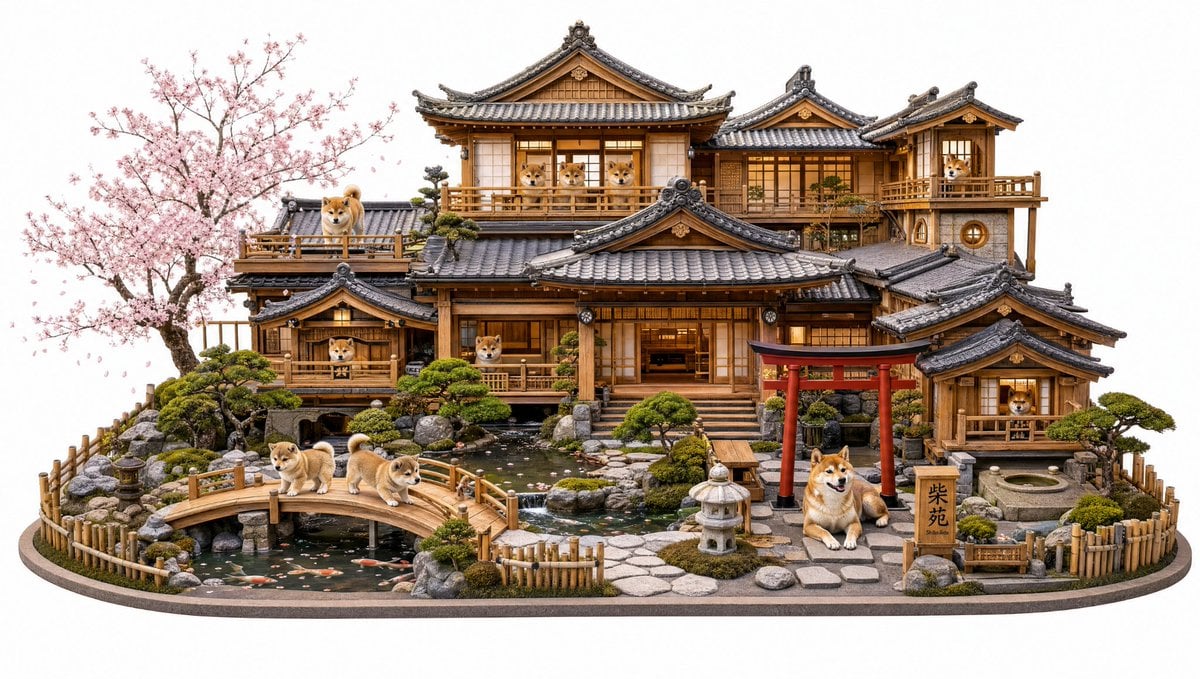
- Prompt included
- Model and format preset
- Premium template
The prompt behind this image
Copy the exact prompt behind Shiba Inu Japanese Mansion Diorama, or open it in the studio and make it yours.
Goal: Create an ultra-detailed miniature diorama of a traditional Japanese wooden mansion designed as a luxurious Shiba Inu estate, viewed straight-on in a wide product-photography composition on a clean white background. Canvas: Wide horizontal image, about 16:9, centered object with the full diorama base visible, no cropped edges. Use crisp studio lighting, photorealistic miniature craftsmanship, high-resolution details, shallow but readable depth, and a clean isolated white backdrop. Main subject: A multi-level traditional Japanese ryokan-style house made of warm cedar wood, shoji screens, glowing interior windows, carved beams, railings, gray ceramic kawara tile roofs with ornate ridge caps, and several connected balconies and annexes. The house should feel like a handcrafted architectural model, combining realism with whimsical dog-themed charm. Layout: Place the large mansion across the back and middle of the diorama, with the tallest central roof near the top center. Add smaller attached buildings on the left and right. In the foreground, create a landscaped Japanese garden with a pond, arched wooden bridge, stepping-stone path, stone lantern, red torii gate, bamboo fencing, rounded rocks, trimmed bonsai shrubs, moss, and a small stone basin. Add a blooming cherry blossom tree on the far left with pale pink flowers extending above the roofline. Dogs: Include exactly 12 Shiba Inu dogs, all tan-and-cream with curled tails and cute alert expressions. Distribute them as follows: 3 Shibas looking out from the large upper-center window/balcony, 1 Shiba standing on the upper-left terrace, 1 Shiba looking out from the upper-right tower balcony, 1 Shiba in a lower-left balcony room, 1 Shiba visible at the central lower balcony/window, 1 Shiba looking out from the lower-right small house window, 3 Shibas walking or standing on the arched wooden bridge in the foreground, and 1 large seated Shiba beside the red torii gate at the front right. Garden details: The pond should sit in the lower-left and center foreground, with dark reflective water, scattered pink petals, smooth stones, and exactly 6 visible koi fish in orange, white, and black. The bridge crosses the pond from left-center toward the middle. Add carefully arranged miniature rocks, mossy islands, low shrubs, and bamboo fences around the oval display base. Text content: Place one small vertical wooden sign near the seated Shiba at front right with the Japanese text {argument name="estate sign text" default="柴苑"}. Keep the text dark and legible, carved or painted on the sign. Style: Photorealistic premium collectible diorama, extremely detailed Japanese architecture, warm natural wood tones, soft golden window glow, realistic dog fur, delicate cherry blossoms, museum-quality miniature model, clean commercial product shot, no people, no watermark, no extra text. Customizable details: Make the estate a {argument name="building type" default="traditional Japanese Shiba Inu mansion"}; use {argument name="dog breed" default="Shiba Inu"} dogs; set the season to {argument name="season" default="spring cherry blossom season"}; use a {argument name="background" default="pure white studio background"}.
How to use Shiba Inu Japanese Mansion Diorama in 3 steps
- 1Upload ImagePNG, JPG or paste
Add your photo
Upload the photo the template builds on. The prompt, model and format are already set.
- 2…a portrait of your subject in softgolden-hour light, 85mm…
Personalize
Edit the subject and creative details for your destination.
- 3Generate
Generate
Press Generate — your image is created in PicX Studio, so you can compare it with the original and refine one variable at a time.
More like this
Templates with the same subject, style or setup. Open one to see its prompt.

Minecraft Japanese Research Lab Exploration

Layered Paper Cut Forest Diorama

Soft Handcrafted Paper-Cut Layered Illustration
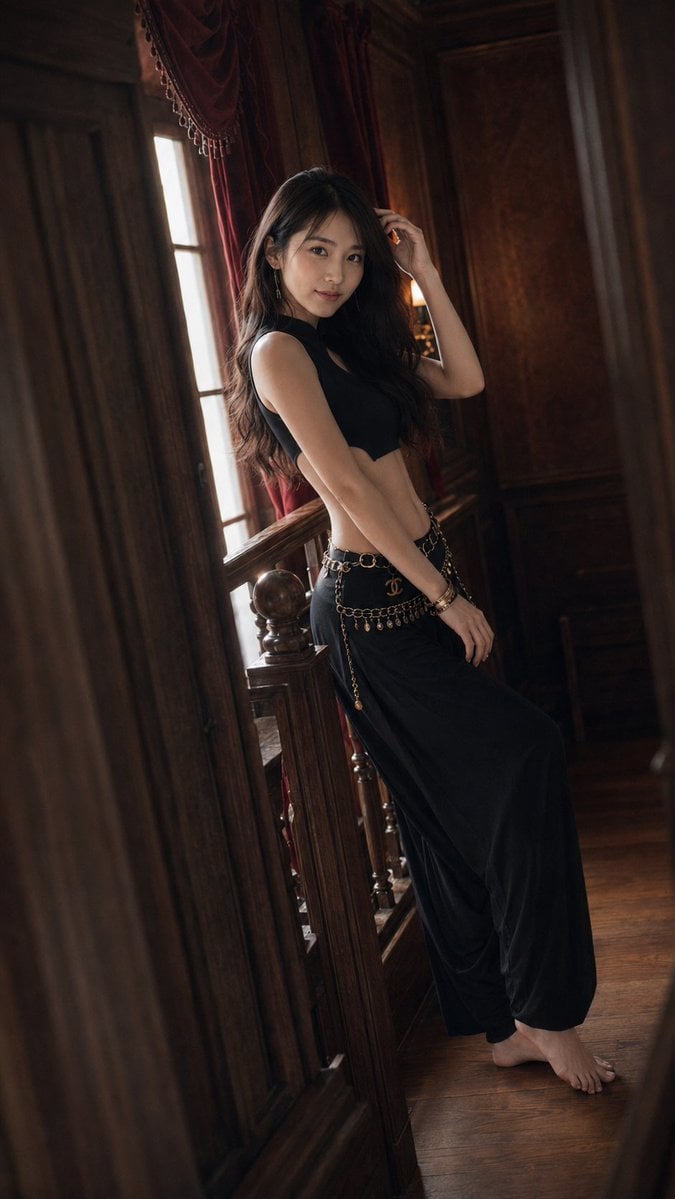
Warm Vintage Manor Bohemian Fashion Editorial

Japanese Architectural Concrete Studio Fashion Campaign

Japanese Minimalist Concrete Studio Fashion Editorial

Blue Backdrop Luxury Fashion Portrait Campaign

Isometric Process Educational Diorama

Isometric Brand Store Diorama

FIFA World Cup — Brazil National Pass Diorama
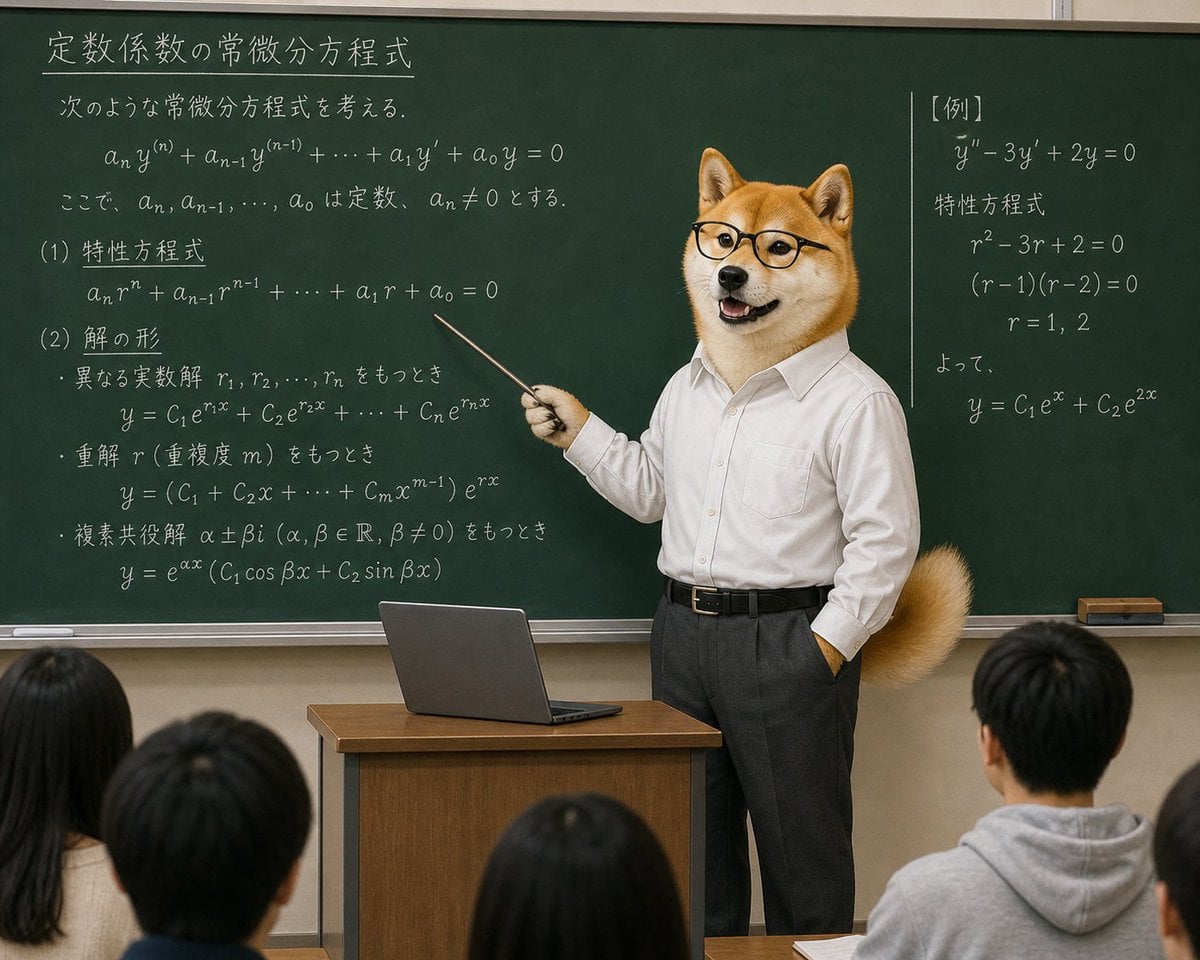
Censored Shiba Inu Math Teacher

Shiba Inu Space Dream Poster
Make it yours
Shiba Inu Japanese Mansion Diorama works as-is. These are the safest ways to change it without losing the look.
Change one field
Copy a single group, rewrite it, and generate again so you can see what that field is doing.
Keep the frame, change the subject
Hold the composition and light of Shiba Inu Japanese Mansion Diorama, then swap wardrobe, props or the person for a new take.
| If the result… | Why | Fix |
|---|---|---|
| The result drifts from the preview | Too many fields changed at once. | Reuse Shiba Inu Japanese Mansion Diorama as-is first, then change one group — subject, light, or setting. |
| The model over-stylizes the scene | The prose prompt leaves finish and camera underspecified. | Add one camera or lighting sentence and stay on GPT Image 2. |
More GPT Image 2 templates
Other prompts made for GPT Image 2.

Realistic Portrait of Woman and Deer

The Vista Modular Condo Poster

AI Model Routing Comparison Infographic

2.5D Anime Art Board

Isometric Productivity Desk Scene

New York Double Exposure Poster

Four-Panel AI Landscape Comparison

Japanese Tatami Lifestyle Magazine Cover

NESCAFÉ Coffee Map Poster

Brutalist Cogito Chinese Typography Poster
More image prompts
Fresh picks from across the catalog.
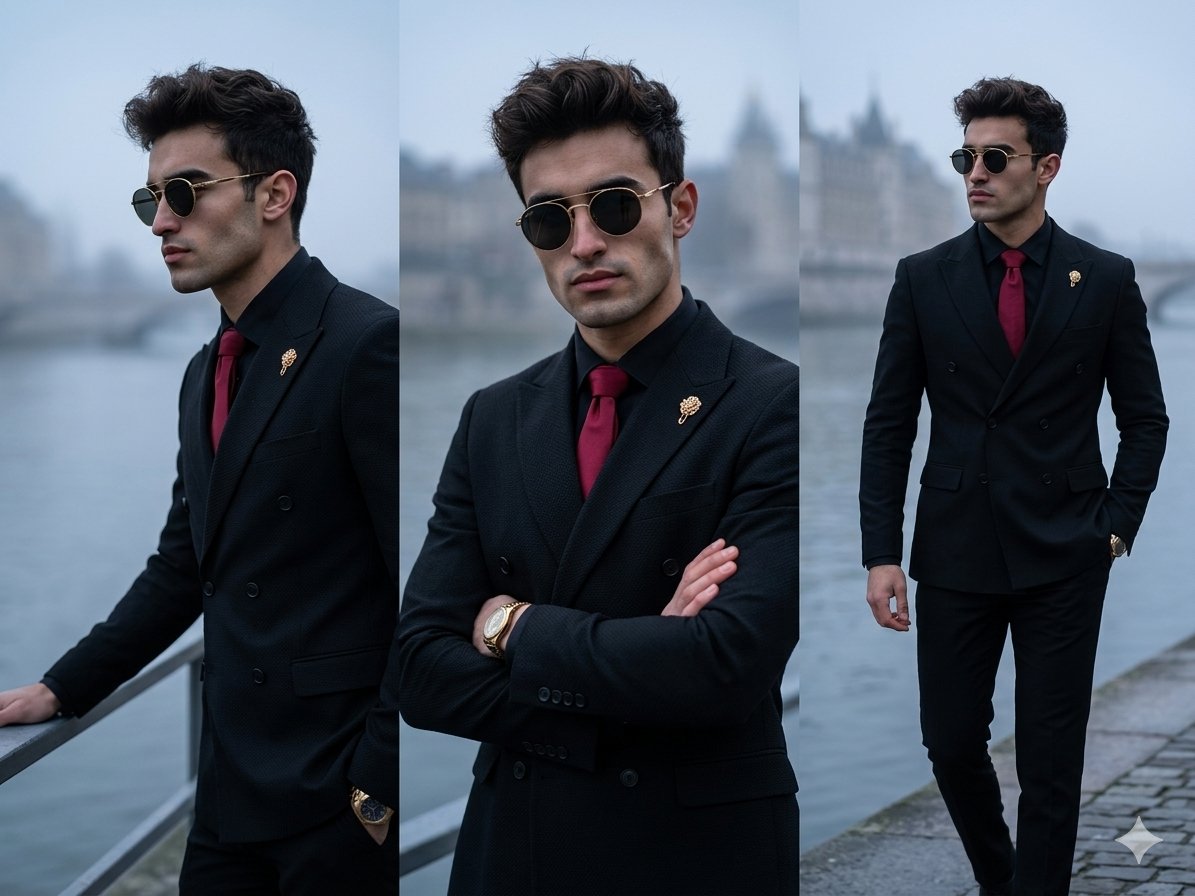
Vertical Panel Menswear Editorial
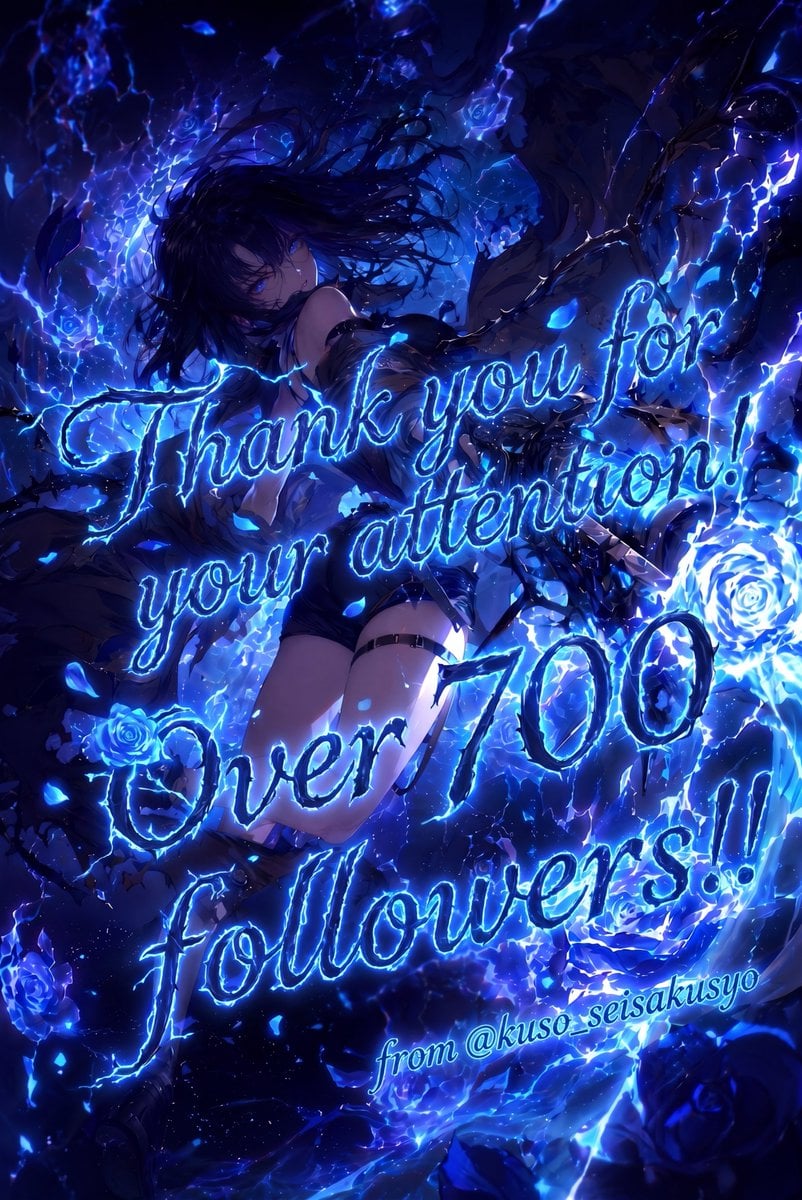
Electric Blue 700 Followers Anime Poster
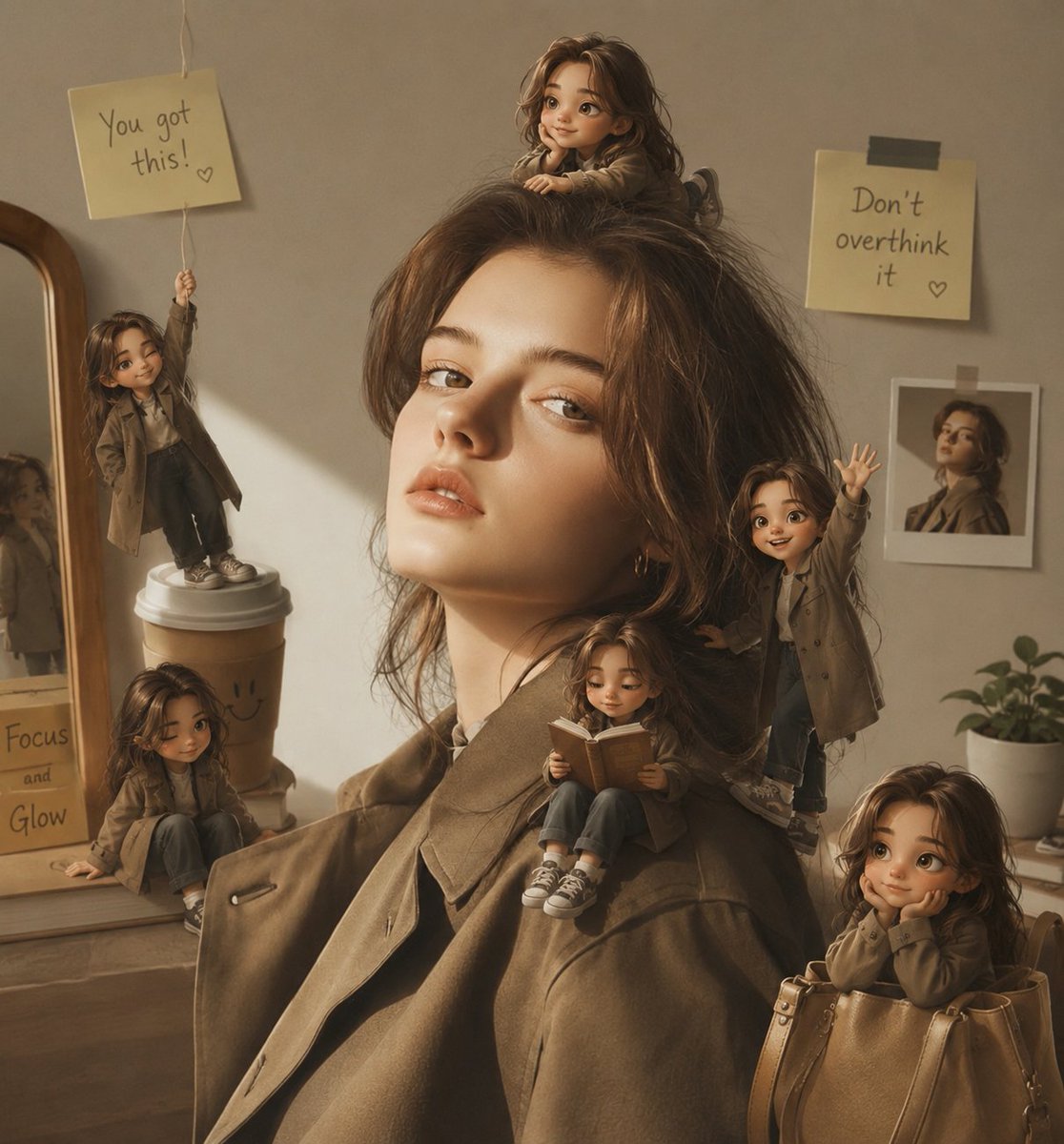
Magical Mini Me Portrait

2x2 Japanese Web Banner Ad Grid

How to Generate Realistic Ai Photos with
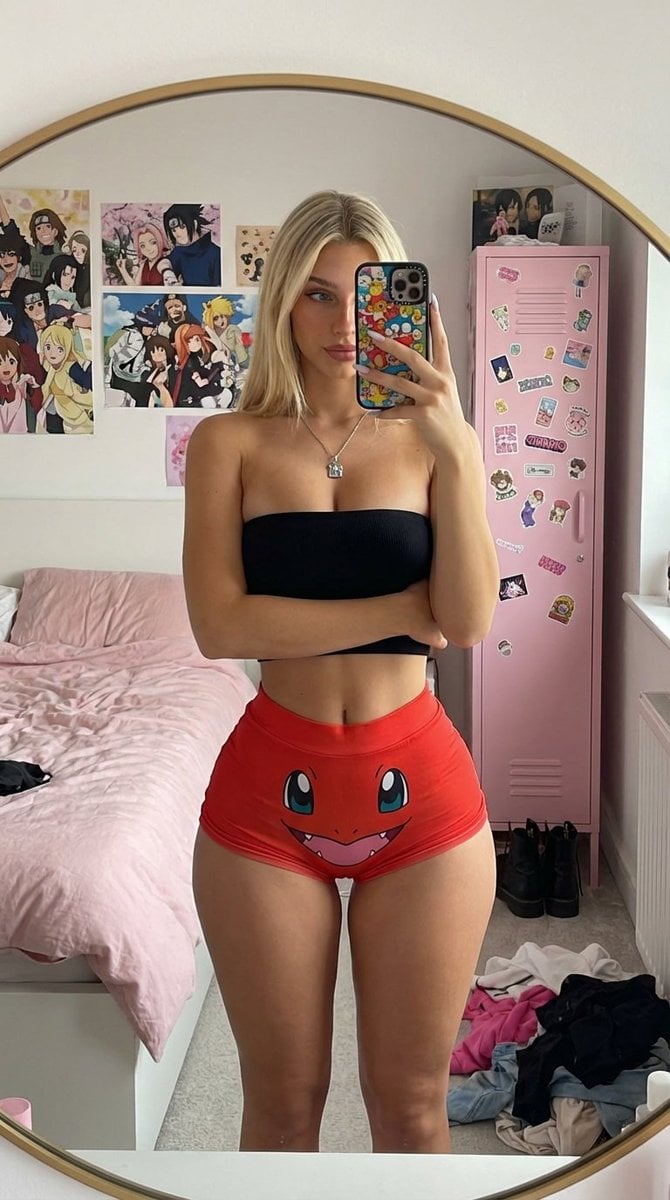
Mirror Selfie with Exaggerated Hourglass Figure and Charmander Shorts
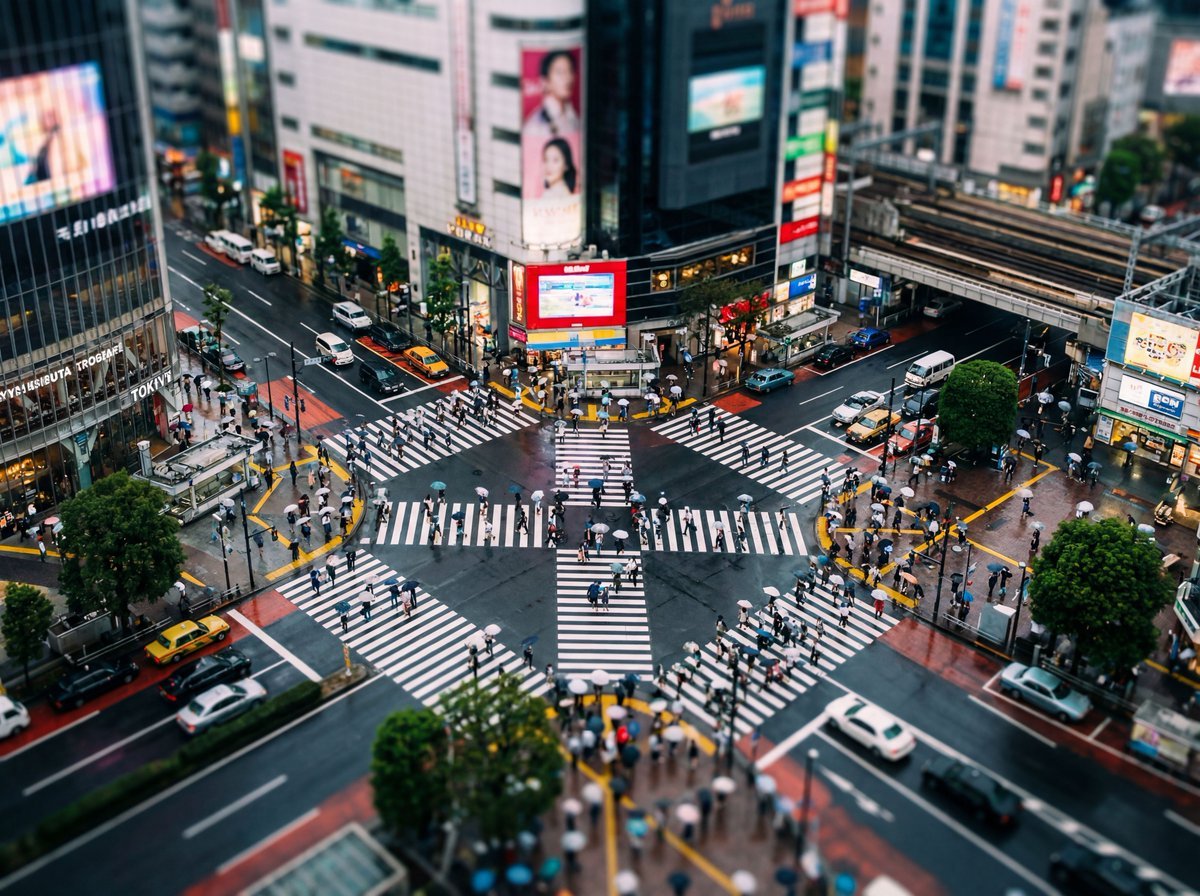
Isometric Photo Generation Prompt

Realistic Action Selfie with Shopping Cart
Image-to-Image: Place a Person on a Soap Land
Cinematic Falling Girl Shot Prompt
Browse template categories
Shiba Inu Japanese Mansion Diorama questions
How do I use the Shiba Inu Japanese Mansion Diorama template?
Add your photo if the template asks for one, edit the prompt if you like — the template's model and format are already selected — and press Generate. Your version opens in PicX Studio.
Can I customize the Shiba Inu Japanese Mansion Diorama template?
Yes. You can change the subject, setting, lighting, mood, format, and available model controls before creating your image.
Is the Shiba Inu Japanese Mansion Diorama template free?
Opening and editing this template is free. Generating uses credits, shown on the Generate button when you are signed in.
Which AI model should I use?
Start with GPT Image 2, which is the model associated with this template. You can compare another compatible model for a different finish.
Looking for something else? Browse all templates.

Your photo, any look
Thousands of ready templates for every top image and video model, from one credit balance.