
Censored Shiba Inu Math Teacher
Generates a photorealistic meme-like classroom lecture scene with a Shiba Inu teacher explaining Japanese differential equations on a chalkboard.
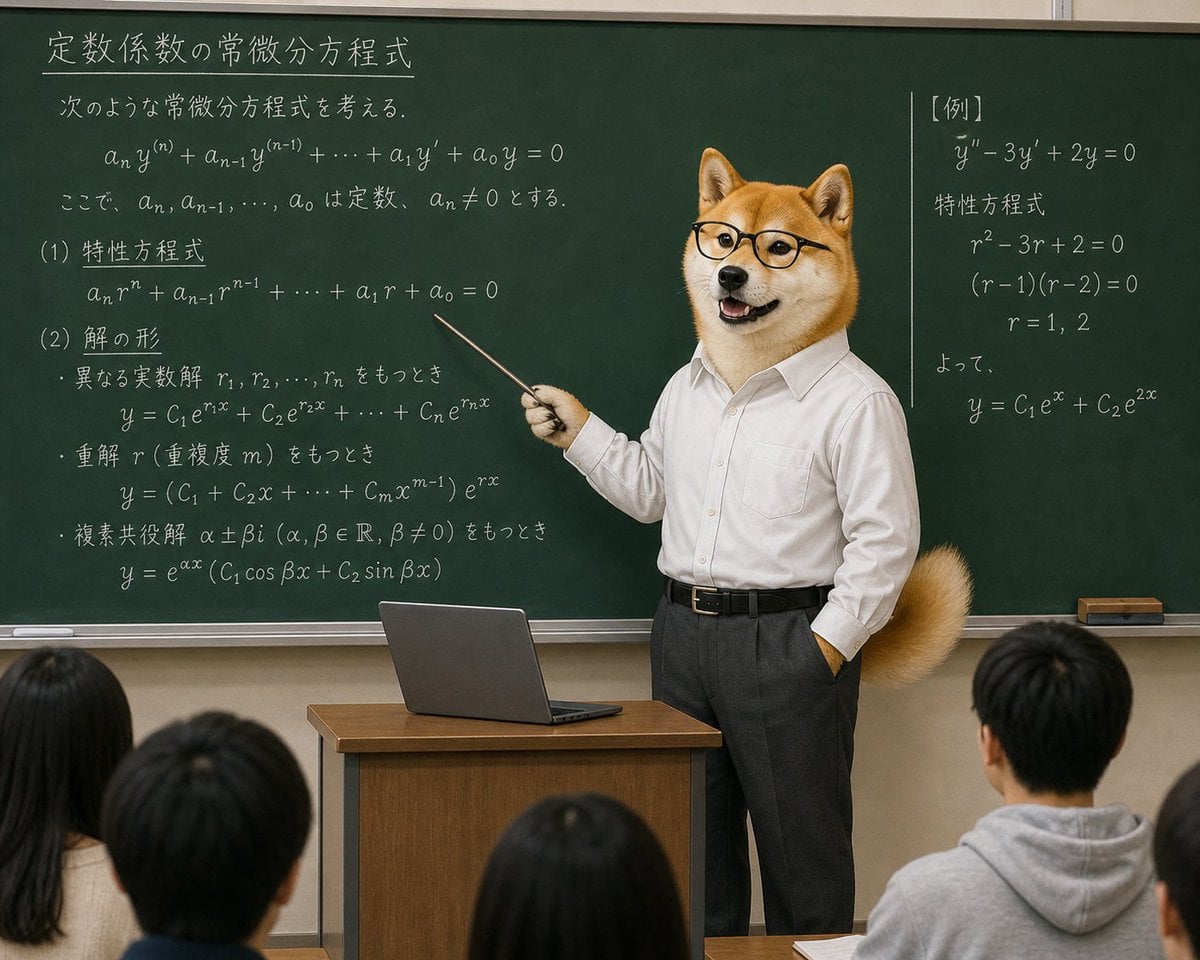
- Prompt included
- Model and format preset
- Free template
The prompt behind this image
Copy the exact prompt behind Censored Shiba Inu Math Teacher, or open it in the studio and make it yours.
- Type
- surreal photorealistic classroom scene with detailed chalkboard math lesson
- Style
- high-resolution realistic photo, slightly absurd internet meme tone, natural indoor classroom lighting, sharp chalk writing, 4:3 composition
- Main Subject › Description
- a humanoid Shiba Inu dog teacher standing at the front of a classroom, wearing a white button-down dress shirt tucked into dark gray slacks with a black belt, one hand in pocket, holding a thin metal pointer in the other hand and pointing toward equations on the chalkboard
- Main Subject › Head
- orange-and-white Shiba Inu head with upright ears; the central face area is covered by a flat opaque square censor block in tan beige, creating a comically overdone moderation effect
- Main Subject › Customizable Subject
- {argument name="teacher animal" default="Shiba Inu dog"}
- Main Subject › Clothing
- {argument name="teacher outfit" default="white dress shirt, dark gray slacks, black belt"}
- Main Subject › Pose
- confident lecturer pose, facing the students while pointing to the board
- Setting › Location
- Japanese classroom lecture room
- Setting › Foreground
- backs of 5 seated students visible at the bottom edge, mostly dark hair, one student in a gray hoodie on the right, all looking toward the teacher
- Setting › Furniture
- small wooden teacher podium centered near the bottom with an open gray laptop on top
- Setting › Background
- large dark green chalkboard spanning the wall, metal chalk tray along the bottom, chalk eraser on the far right
- Chalkboard › Overall Text Style
- white chalk handwriting in Japanese with mathematical notation, clean but hand-drawn, dense lecture notes
- Chalkboard › Main Title › Position
- upper left
- Chalkboard › Main Title › Text
- {argument name="chalkboard title" default="定数係数の常微分方程式"}
- Chalkboard › Topic Intro › Position
- upper left below title
- Chalkboard › Topic Intro › Text
- 次のような常微分方程式を考える。
- Chalkboard › Central Equation › Position
- upper left to center
- Chalkboard › Central Equation › Text
- a_n y^(n) + a_{n-1} y^(n-1) + … + a_1 y' + a_0 y = 0
- Chalkboard › Note › Position
- below central equation
- Chalkboard › Note › Text
- ここで、a_n, a_{n-1}, …, a_0 は定数、a_n ≠ 0 とする。
- Chalkboard › Sections Count
- 4
- Chalkboard › Sections › 0 › Label
- (1) 特性方程式
- Chalkboard › Sections › 0 › Position
- left middle
- Chalkboard › Sections › 0 › Content
- a_n r^n + a_{n-1} r^{n-1} + … + a_1 r + a_0 = 0
Raw JSON
{"type":"surreal photorealistic classroom scene with detailed chalkboard math lesson","style":"high-resolution realistic photo, slightly absurd internet meme tone, natural indoor classroom lighting, sharp chalk writing, 4:3 composition","main_subject":{"description":"a humanoid Shiba Inu dog teacher standing at the front of a classroom, wearing a white button-down dress shirt tucked into dark gray slacks with a black belt, one hand in pocket, holding a thin metal pointer in the other hand and pointing toward equations on the chalkboard","head":"orange-and-white Shiba Inu head with upright ears; the central face area is covered by a flat opaque square censor block in tan beige, creating a comically overdone moderation effect","customizable_subject":"{argument name=\"teacher animal\" default=\"Shiba Inu dog\"}","clothing":"{argument name=\"teacher outfit\" default=\"white dress shirt, dark gray slacks, black belt\"}","pose":"confident lecturer pose, facing the students while pointing to the board"},"setting":{"location":"Japanese classroom lecture room","foreground":"backs of 5 seated students visible at the bottom edge, mostly dark hair, one student in a gray hoodie on the right, all looking toward the teacher","furniture":"small wooden teacher podium centered near the bottom with an open gray laptop on top","background":"large dark green chalkboard spanning the wall, metal chalk tray along the bottom, chalk eraser on the far right"},"chalkboard":{"overall_text_style":"white chalk handwriting in Japanese with mathematical notation, clean but hand-drawn, dense lecture notes","main_title":{"position":"upper left","text":"{argument name=\"chalkboard title\" default=\"定数係数の常微分方程式\"}"},"topic_intro":{"position":"upper left below title","text":"次のような常微分方程式を考える。"},"central_equation":{"position":"upper left to center","text":"a_n y^(n) + a_{n-1} y^(n-1) + … + a_1 y' + a_0 y = 0"},"note":{"position":"below central equation","text":"ここで、a_n, a_{n-1}, …, a_0 は定数、a_n ≠ 0 とする。"},"sections_count":4,"sections":[{"label":"(1) 特性方程式","position":"left middle","content":"a_n r^n + a_{n-1} r^{n-1} + … + a_1 r + a_0 = 0"},{"label":"(2) 解の形","position":"left lower","content":"three bullet cases: distinct real roots r1, r2, …, rn; repeated root r of multiplicity m; complex conjugate roots α ± βi"},{"label":"example panel","position":"right side separated by a vertical chalk line","title":"【例】","content":"y'' − 3y' + 2y = 0; characteristic equation r^2 − 3r + 2 = 0; (r − 1)(r − 2) = 0; r = 1, 2; therefore y = C1 e^x + C2 e^{2x}"},{"label":"solution formulas","position":"left lower continuation","content":"y = C1 e^{r1 x} + C2 e^{r2 x} + … + Cn e^{rn x}; y = (C1 + C2 x + … + Cm x^{m−1}) e^{rx}; y = e^{αx}(C1 cos βx + C2 sin βx)"}]},"composition":{"camera":"student-eye-level view from the back of the classroom, medium-wide shot","framing":"teacher slightly right of center, pointer angled diagonally left toward the characteristic equation, chalkboard fills most of the image","mood":"serious academic lecture made absurd by the dog-headed teacher and censor square","quality":"photorealistic, coherent perspective, realistic fabric, fur, chalk dust texture, classroom depth of field"},"customizable_text":"{argument name=\"lesson topic\" default=\"constant-coefficient ordinary differential equations\"}"}How to use Censored Shiba Inu Math Teacher in 3 steps
- 1Upload ImagePNG, JPG or paste
Add your photo
Upload the photo the template builds on. The prompt, model and format are already set.
- 2…a portrait of your subject in softgolden-hour light, 85mm…
Personalize
Edit the subject and creative details for your destination.
- 3Generate
Generate
Press Generate — your image is created in PicX Studio, so you can compare it with the original and refine one variable at a time.
More like this
Templates with the same subject, style or setup. Open one to see its prompt.
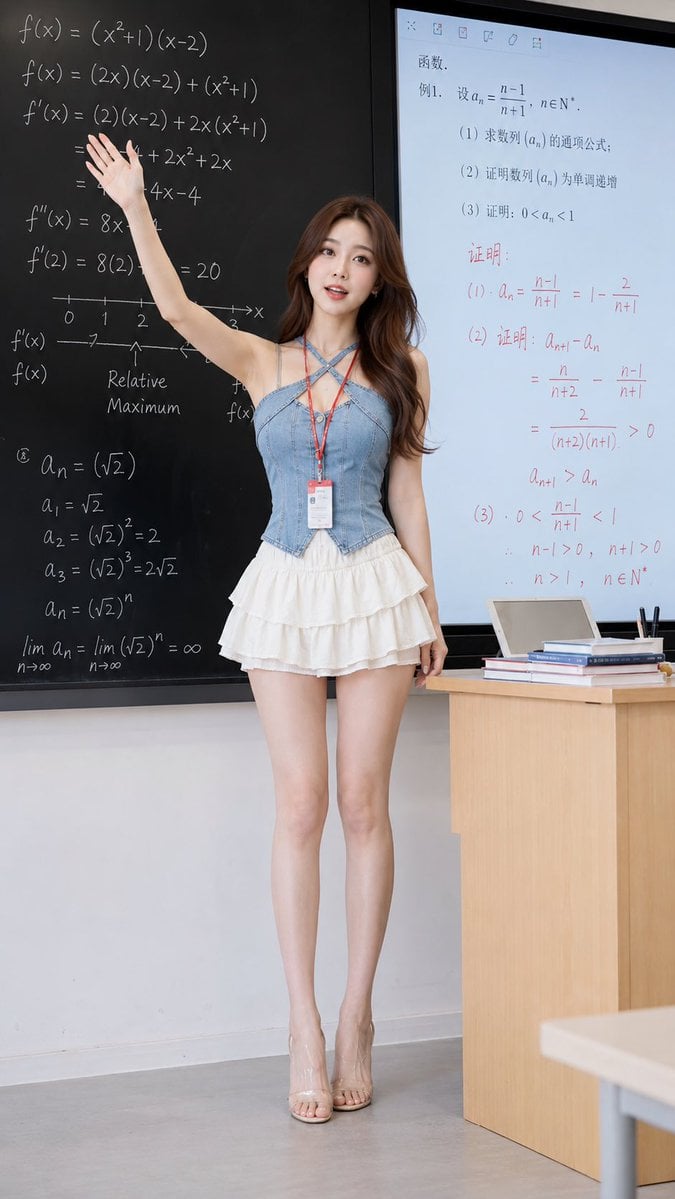
Realistic Teacher in Math Classroom
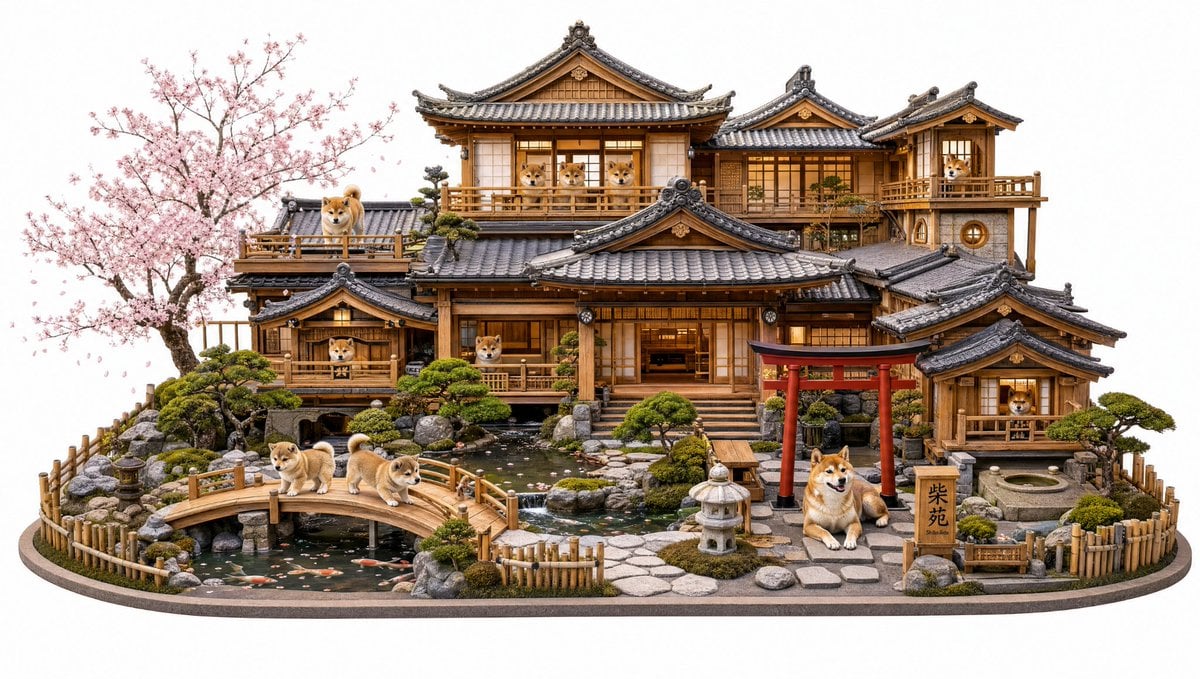
Shiba Inu Japanese Mansion Diorama
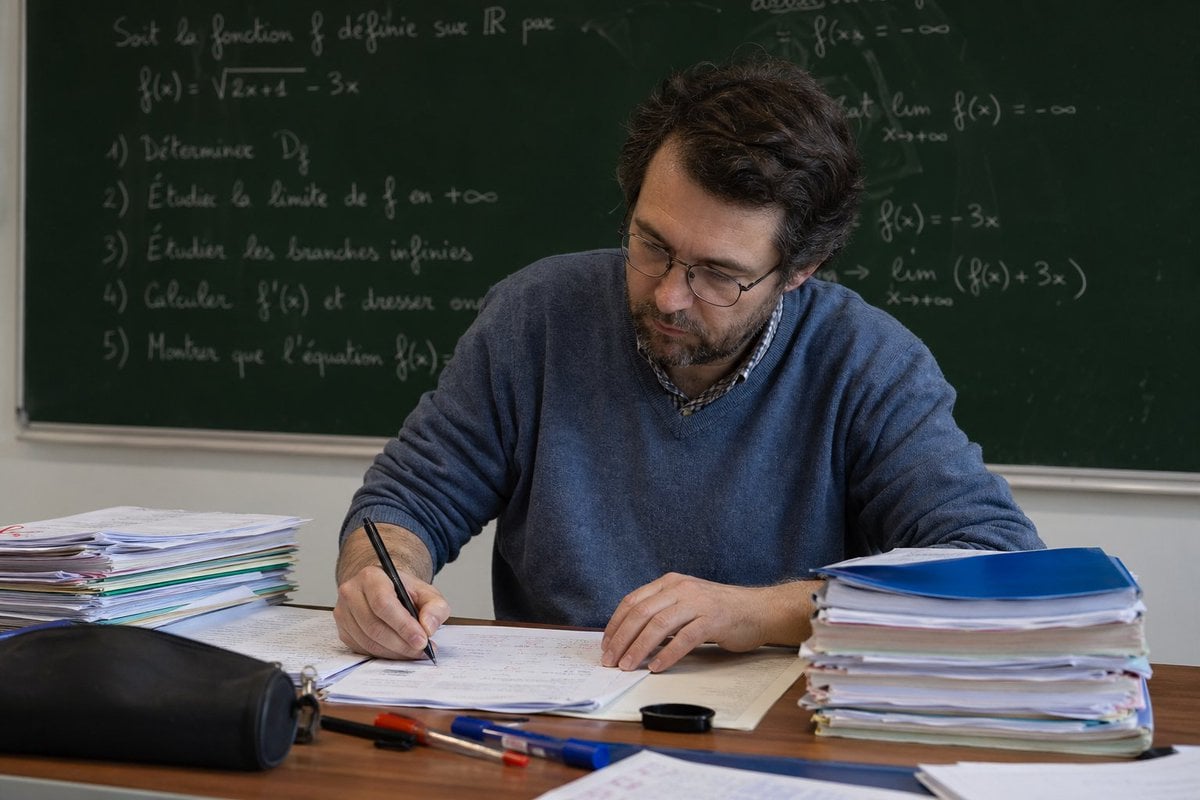
Math Teacher Grading Papers in Classroom

Shiba Inu Space Dream Poster
Shiba Inu Zoo Corner Poster
Transparent Chibi Shiba Duo
Teacher Appreciation Mid-Autumn Poster
Three-Scene Anime Teacher Portrait
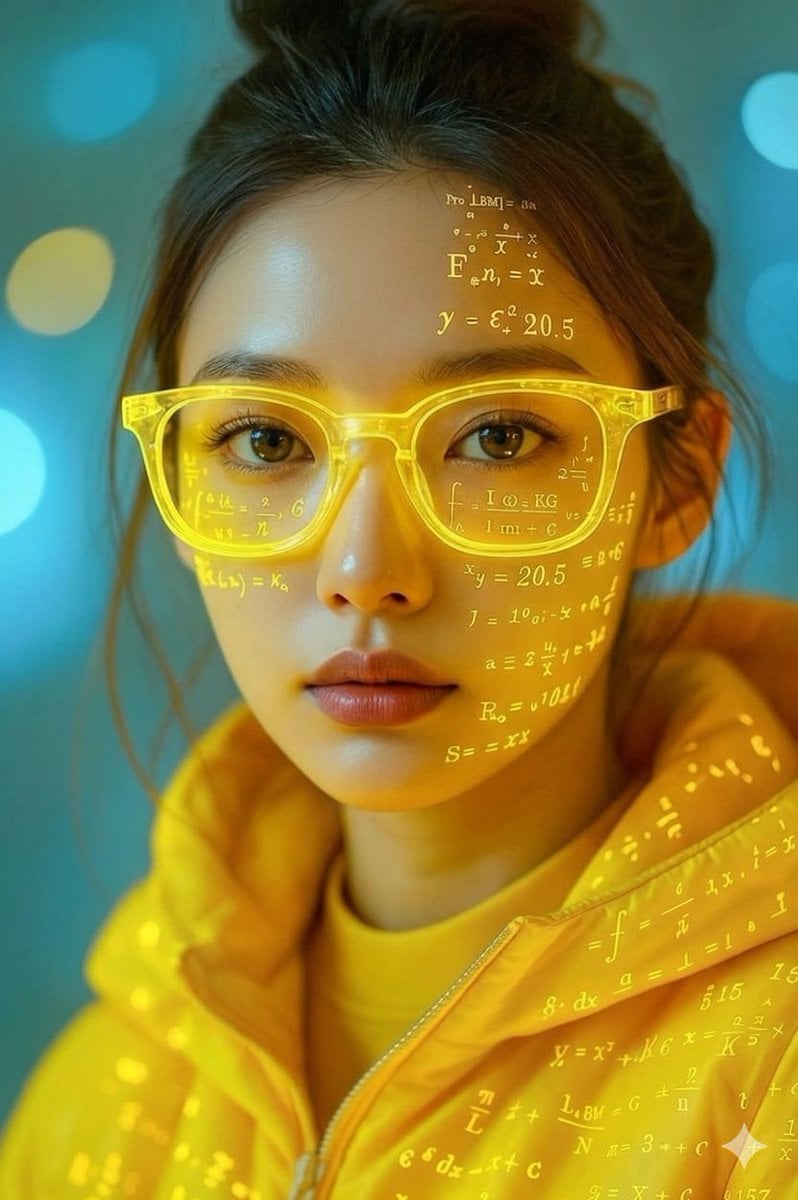
Math Projection Portrait in Neon Yellow

Cinematic Shiba Squat Hero Poster
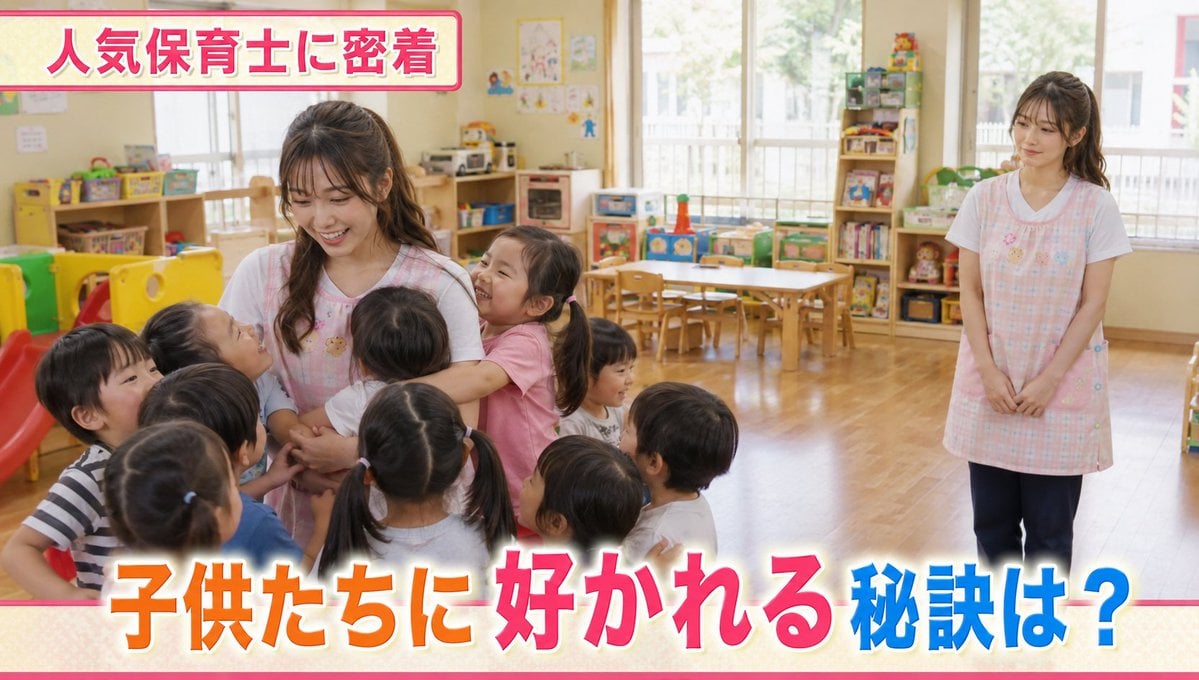
Contrast in Popularity Twin Teachers

Blonde Teacher Classroom Scene
Make it yours
Censored Shiba Inu Math Teacher works as-is. These are the safest ways to change it without losing the look.
Swap the setting
Keep the rest of the prompt and replace the location block. The current setting is “Japanese classroom lecture room”.
Change one field
Copy a single group, rewrite it, and generate again so you can see what that field is doing.
Keep the frame, change the subject
Hold the composition and light of Censored Shiba Inu Math Teacher, then swap wardrobe, props or the person for a new take.
| If the result… | Why | Fix |
|---|---|---|
| The result drifts from the preview | Too many fields changed at once. | Reuse Censored Shiba Inu Math Teacher as-is first, then change one group — subject, light, or setting. |
| GPT Image 2 ignores part of the JSON | Some models flatten or skip nested keys. | Keep the same values and paste them as a short paragraph instead. |
More GPT Image 2 templates
Other prompts made for GPT Image 2.

Six VTuber Japanese Logo Sheet

Realistic Portrait of Woman and Deer

The Vista Modular Condo Poster

AI Model Routing Comparison Infographic

2.5D Anime Art Board

Isometric Productivity Desk Scene

New York Double Exposure Poster

Four-Panel AI Landscape Comparison

Japanese Tatami Lifestyle Magazine Cover

NESCAFÉ Coffee Map Poster
More image prompts
Fresh picks from across the catalog.

OOTD Fashion Infographic
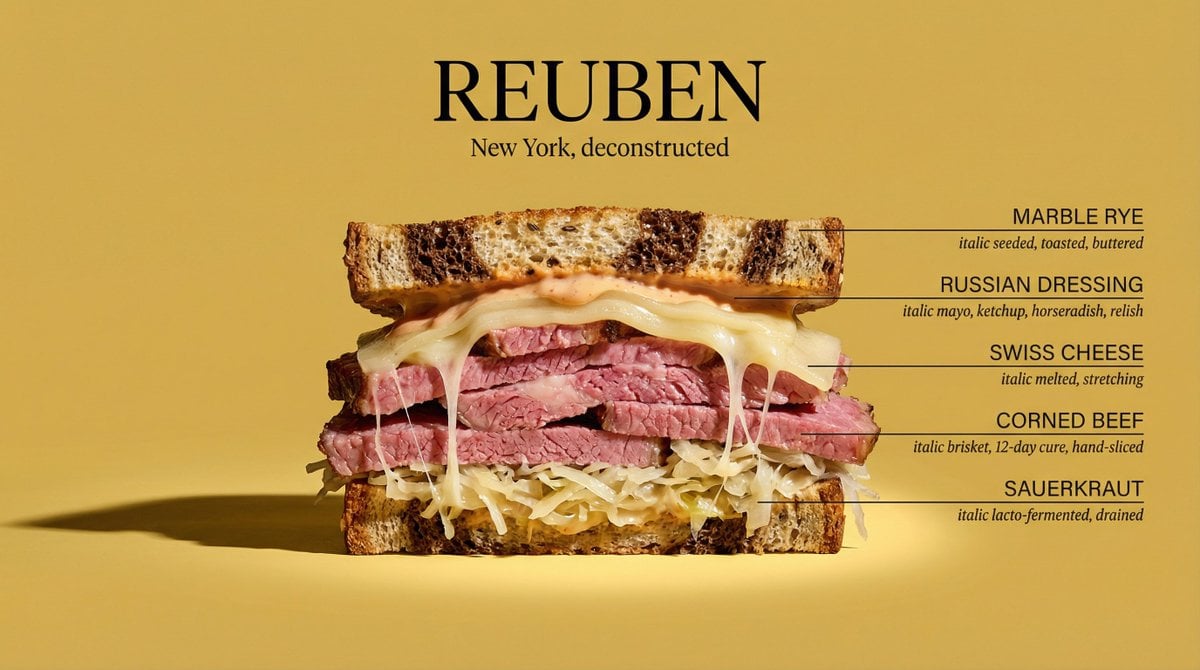
Architectural Food Photography Cross-Section Prompt

Mystical Kitsune Shrine Portrait
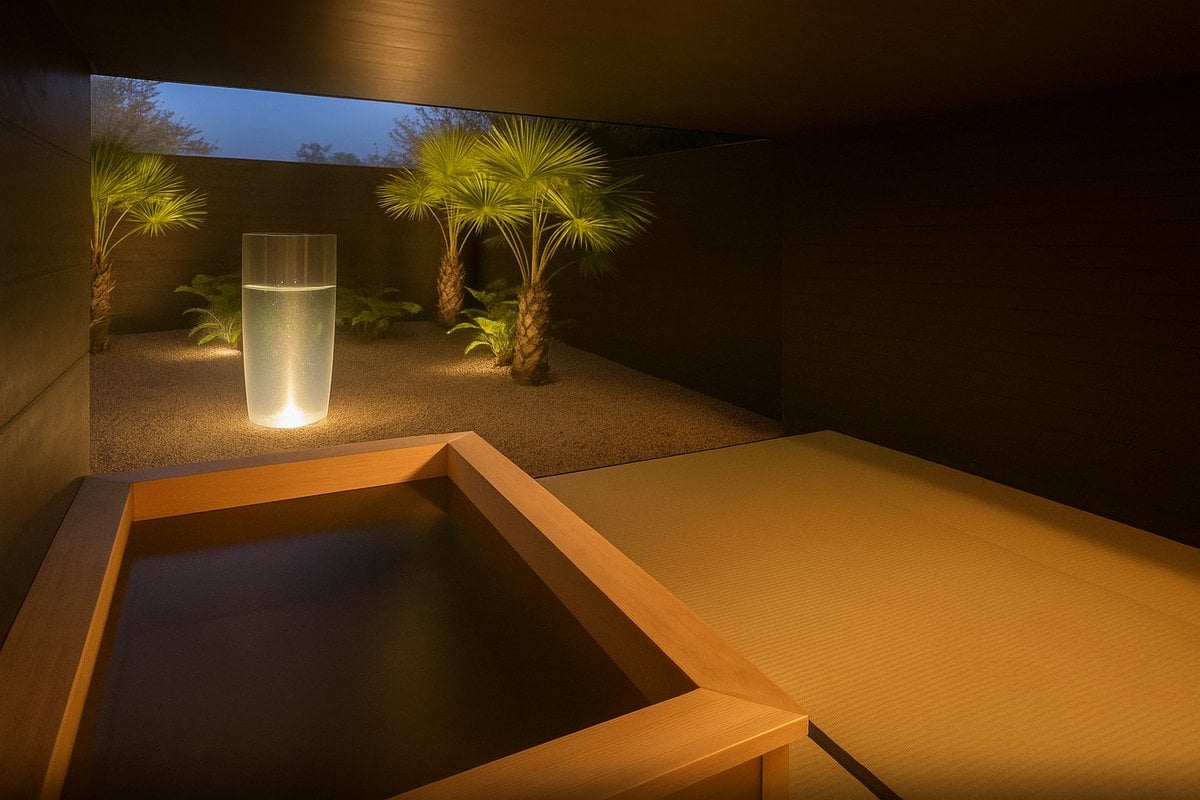
Photorealistic render from illustration
Photorealistic Historical Turkish Woman with Black Horse
Cinematic Dance Video Prompt (Image and Video Generation)
Image-to-Image Instruction for Clothing Swap
Cozy Rainy Day Café Portrait (Film Aesthetic)

High-Contrast Black and White Editorial Portrait Prompt for Nano Banana 2

Cinematic Urban Portrait with Neon Lighting
Browse template categories
Censored Shiba Inu Math Teacher questions
How do I use the Censored Shiba Inu Math Teacher template?
Add your photo if the template asks for one, edit the prompt if you like — the template's model and format are already selected — and press Generate. Your version opens in PicX Studio.
Can I customize the Censored Shiba Inu Math Teacher template?
Yes. You can change the subject, setting, lighting, mood, format, and available model controls before creating your image.
Is the Censored Shiba Inu Math Teacher template free?
Opening and editing this template is free. Generating uses credits, shown on the Generate button when you are signed in.
Which AI model should I use?
Start with GPT Image 2, which is the model associated with this template. You can compare another compatible model for a different finish.
Looking for something else? Browse all templates.

Your photo, any look
Thousands of ready templates for every top image and video model, from one credit balance.