
Blonde Teacher Classroom Scene
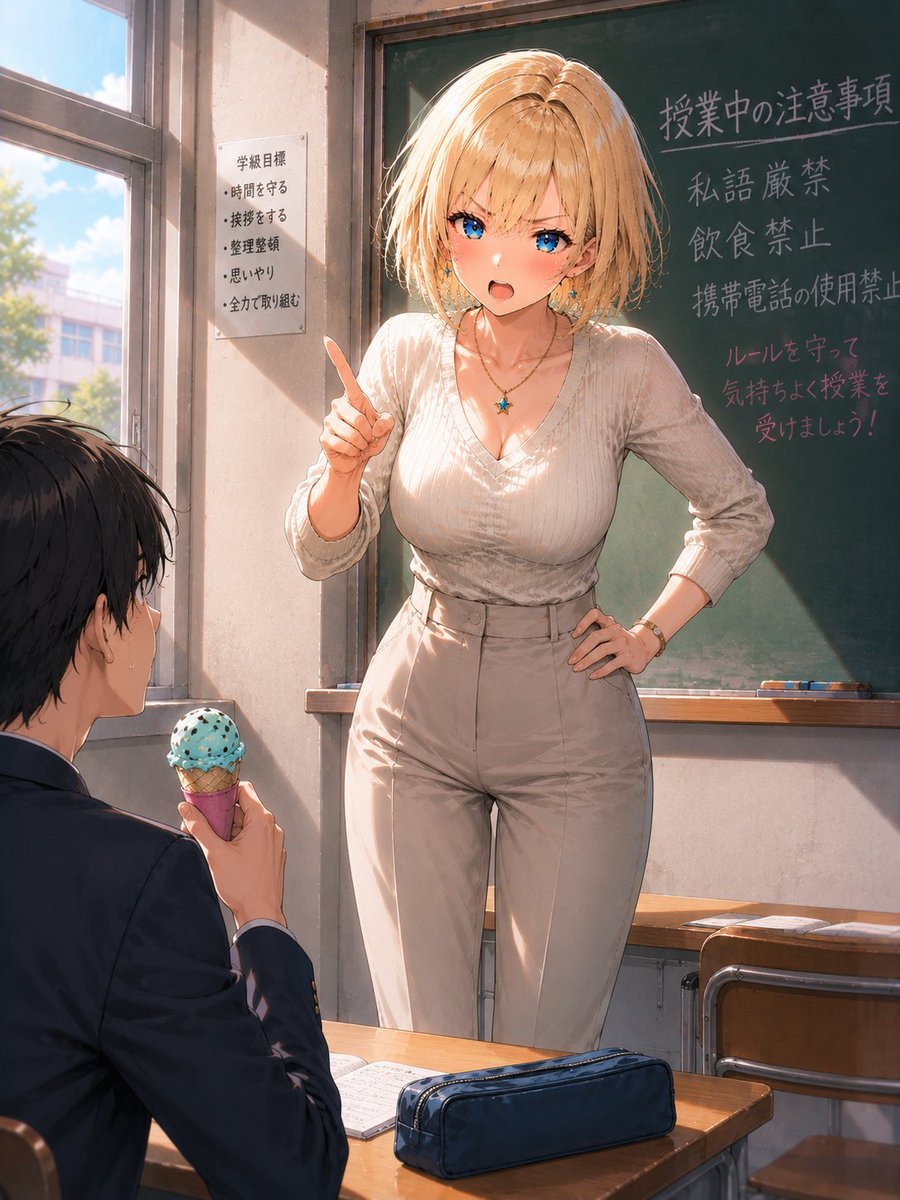
Generates a detailed anime-style classroom illustration of a blonde teacher confronting a student with ice cream.
- Prompt included
- Model and format preset
- Free template
The prompt behind this image
Copy the exact prompt behind Blonde Teacher Classroom Scene, or open it in the studio and make it yours.
Create a polished semi-realistic anime illustration in a sunlit Japanese high school classroom. The main subject is {argument name="character name" default="Riona"}, a curvy adult female teacher with a short tousled {argument name="hair color" default="golden blonde"} bob haircut, standing confidently in front of a green chalkboard; her face is intentionally covered by a plain peach-colored rectangular censor block with no facial features. She wears a fitted ribbed cream V-neck knit top with three-quarter sleeves, high-waisted beige slacks with a belt, a small turquoise star pendant necklace, a bracelet, and a ring; pose her with one hand on her hip and the other hand raised with the index finger pointing upward as if scolding or explaining classroom rules. In the foreground at lower left, show exactly 1 seated male student in a dark school uniform, seen from behind and in profile with messy black hair, holding exactly 1 mint-chocolate-chip ice cream cone in a pink cone wrapper while looking up at the teacher. The classroom contains wooden desks and chairs, an open notebook on the student's desk, and exactly 1 navy pencil case centered on the front desk. On the chalkboard, include the Japanese classroom-rule writing {argument name="chalkboard text" default="授業中の注意事項\n私語厳禁\n飲食禁止\n携帯電話の使用禁止\nルールを守って\n気持ちよく授業を\n受けましょう!"}; on the wall by the window, include exactly 1 white paper notice titled 学級目標 with exactly 5 bullet points: 時間を守る, 挨拶をする, 整理整頓, 思いやり, 全力で取り組む. Use warm late-afternoon sunlight streaming through tall classroom windows on the left, soft dust motes, strong rim light on the blonde hair, realistic fabric folds, detailed chalk texture, cinematic composition, vertical portrait framing, high-detail anime rendering, gentle pastel colors, and a nostalgic summer classroom atmosphere.
How to use Blonde Teacher Classroom Scene in 3 steps
- 1Upload ImagePNG, JPG or paste
Add your photo
Upload the photo the template builds on. The prompt, model and format are already set.
- 2…a portrait of your subject in softgolden-hour light, 85mm…
Personalize
Edit the subject and creative details for your destination.
- 3Generate
Generate
Press Generate — your image is created in PicX Studio, so you can compare it with the original and refine one variable at a time.
More like this
Templates with the same subject, style or setup. Open one to see its prompt.
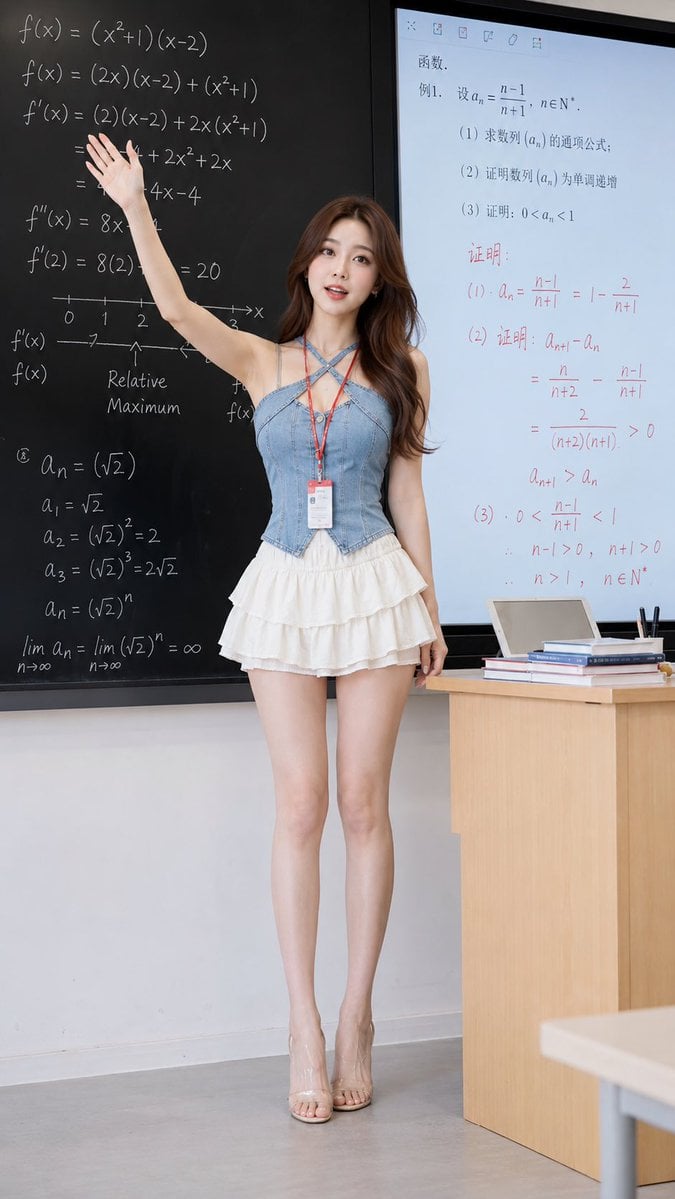
Realistic Teacher in Math Classroom
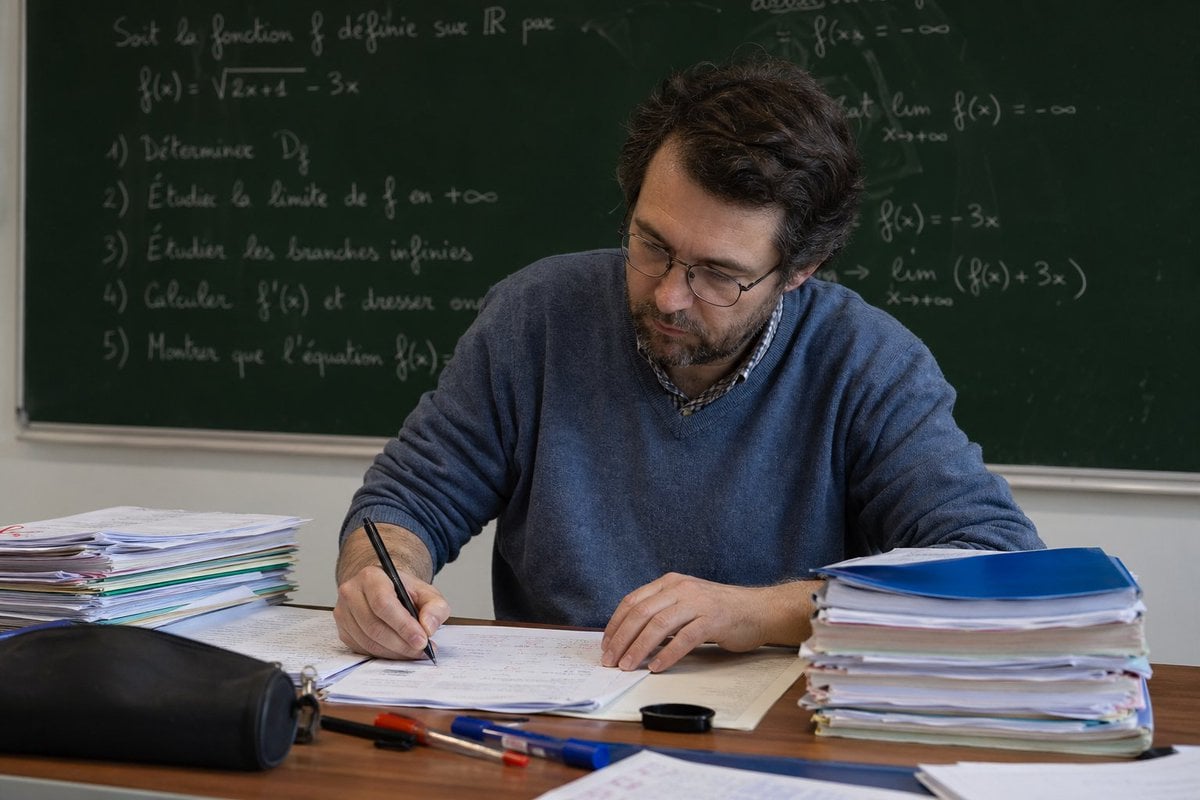
Math Teacher Grading Papers in Classroom
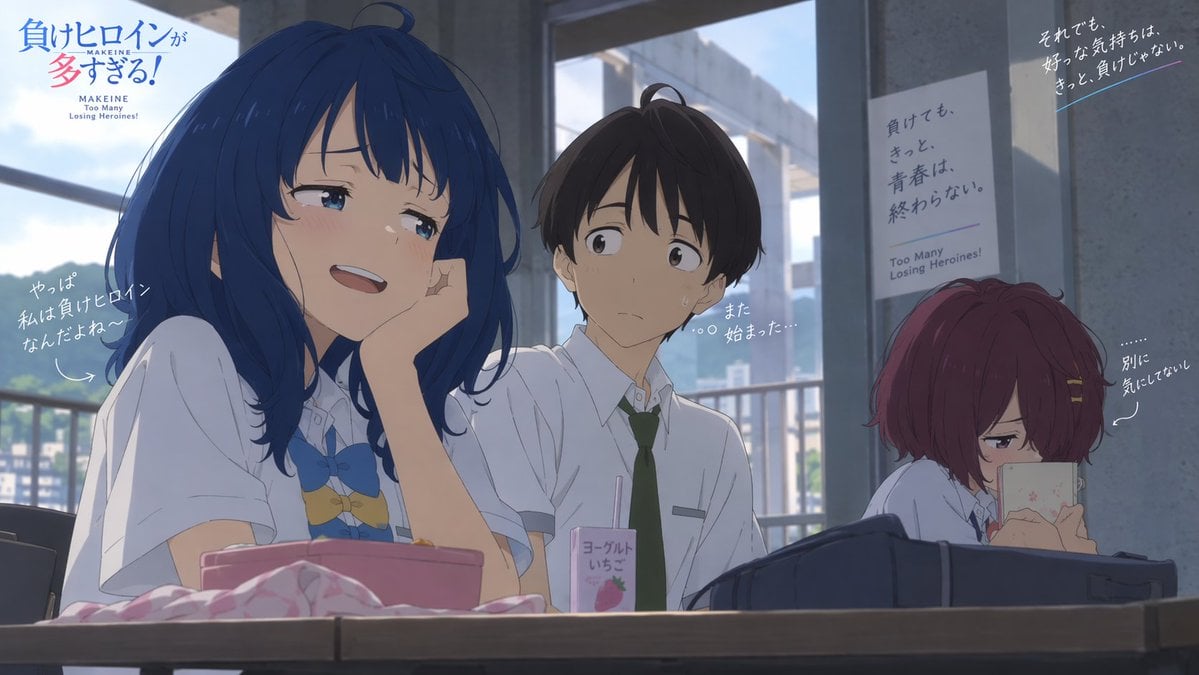
Anime Losing Heroines Classroom Still

Anime Classroom Losing Heroines Key Visual

Anime Losing Heroines Classroom Key Visual
Teacher Appreciation Mid-Autumn Poster
Athletic Blonde Curly Hair Portrait
Classroom Balloon Photo Upscale
Three-Scene Anime Teacher Portrait
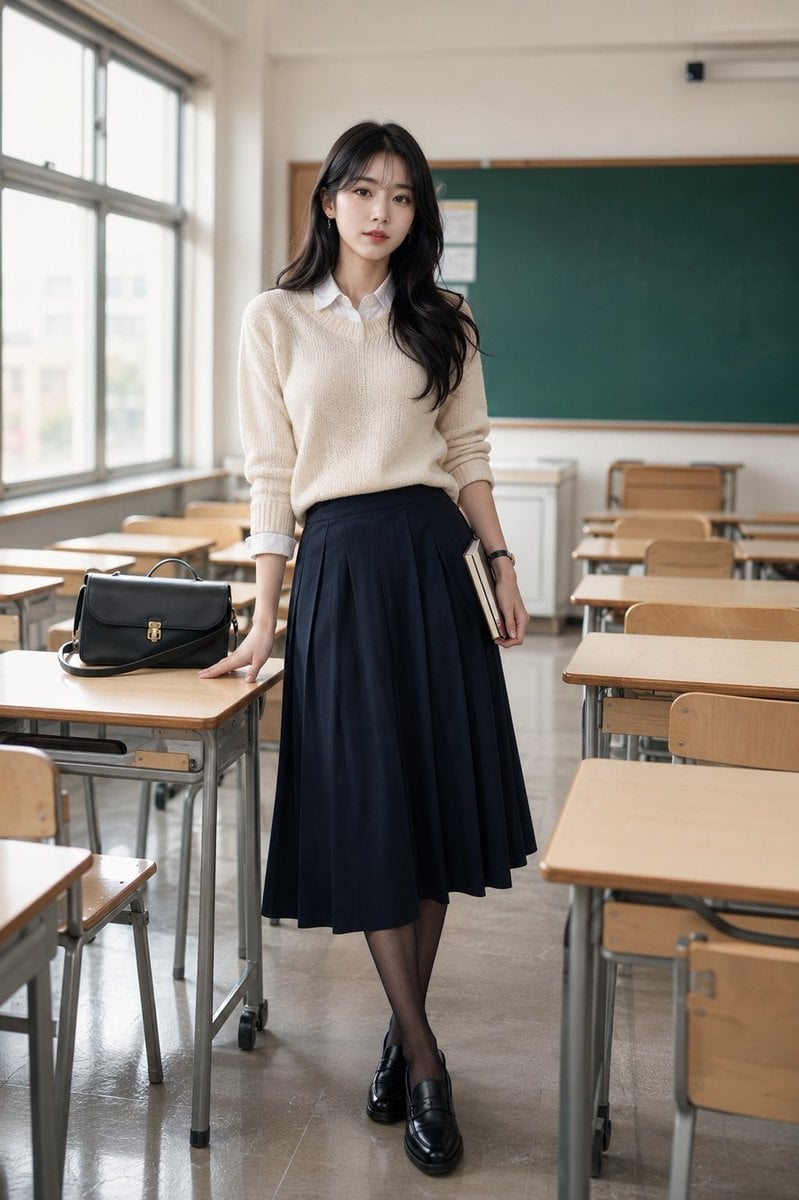
Korean Model Classroom Editorial
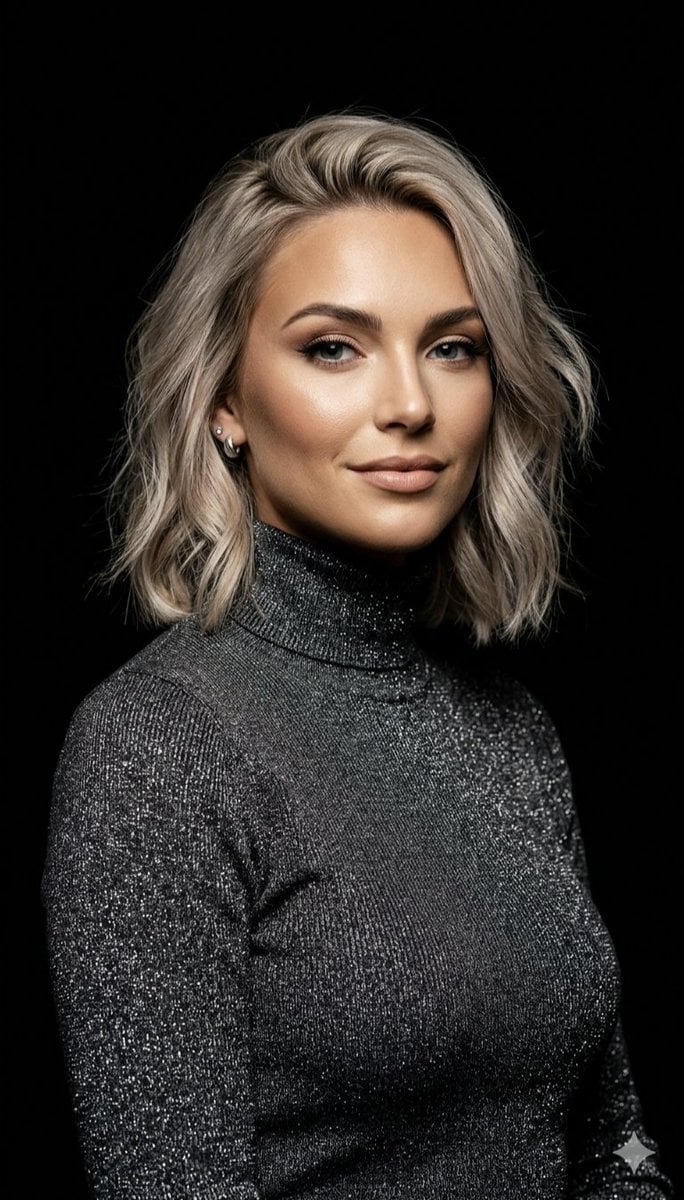
Professional Ash-Blonde Bob Portrait
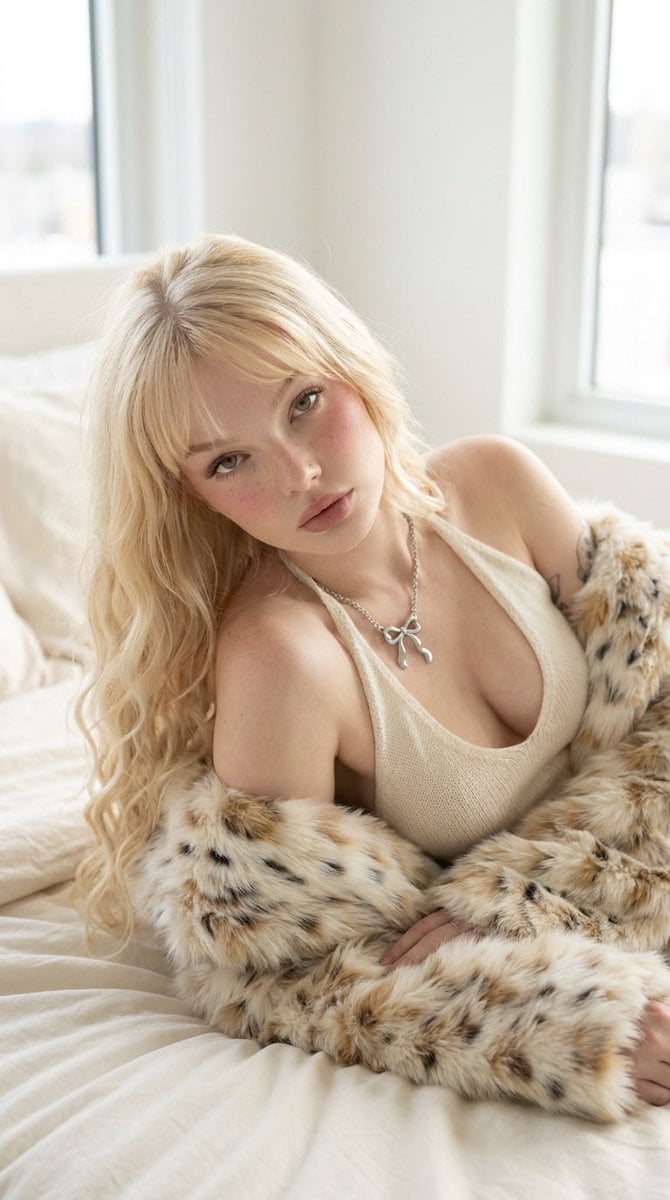
Platinum Blonde Fur Coat Editorial
Make it yours
Blonde Teacher Classroom Scene works as-is. These are the safest ways to change it without losing the look.
Change one field
Copy a single group, rewrite it, and generate again so you can see what that field is doing.
Keep the frame, change the subject
Hold the composition and light of Blonde Teacher Classroom Scene, then swap wardrobe, props or the person for a new take.
| If the result… | Why | Fix |
|---|---|---|
| The result drifts from the preview | Too many fields changed at once. | Reuse Blonde Teacher Classroom Scene as-is first, then change one group — subject, light, or setting. |
| The model over-stylizes the scene | The prose prompt leaves finish and camera underspecified. | Add one camera or lighting sentence and stay on GPT Image 2. |
More GPT Image 2 templates
Other prompts made for GPT Image 2.

Six VTuber Japanese Logo Sheet

Realistic Portrait of Woman and Deer

The Vista Modular Condo Poster

AI Model Routing Comparison Infographic

2.5D Anime Art Board

Isometric Productivity Desk Scene

New York Double Exposure Poster

Four-Panel AI Landscape Comparison

Japanese Tatami Lifestyle Magazine Cover

NESCAFÉ Coffee Map Poster
More image prompts
Fresh picks from across the catalog.
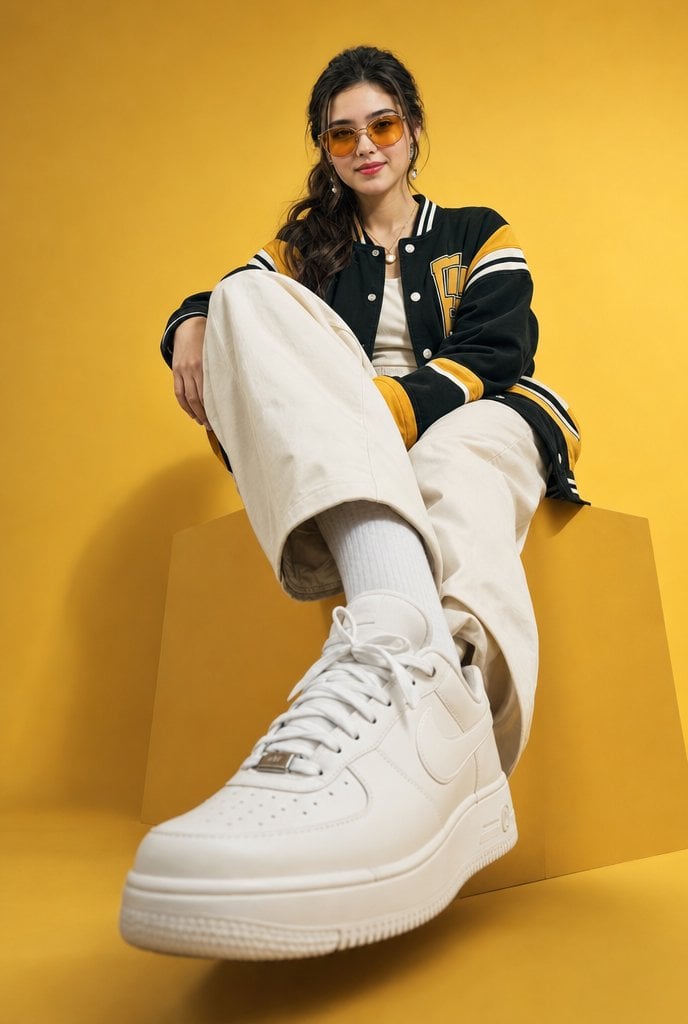
Low-Angle Varsity Fashion Portrait

Dark Mocha Scorpio Action Poster

Gen-Z Anti-Aesthetic Diner Selfie
Forced Perspective Idol Portrait

3D Cartoon Character Render
Structured Lifestyle Photo of Woman at a Bar
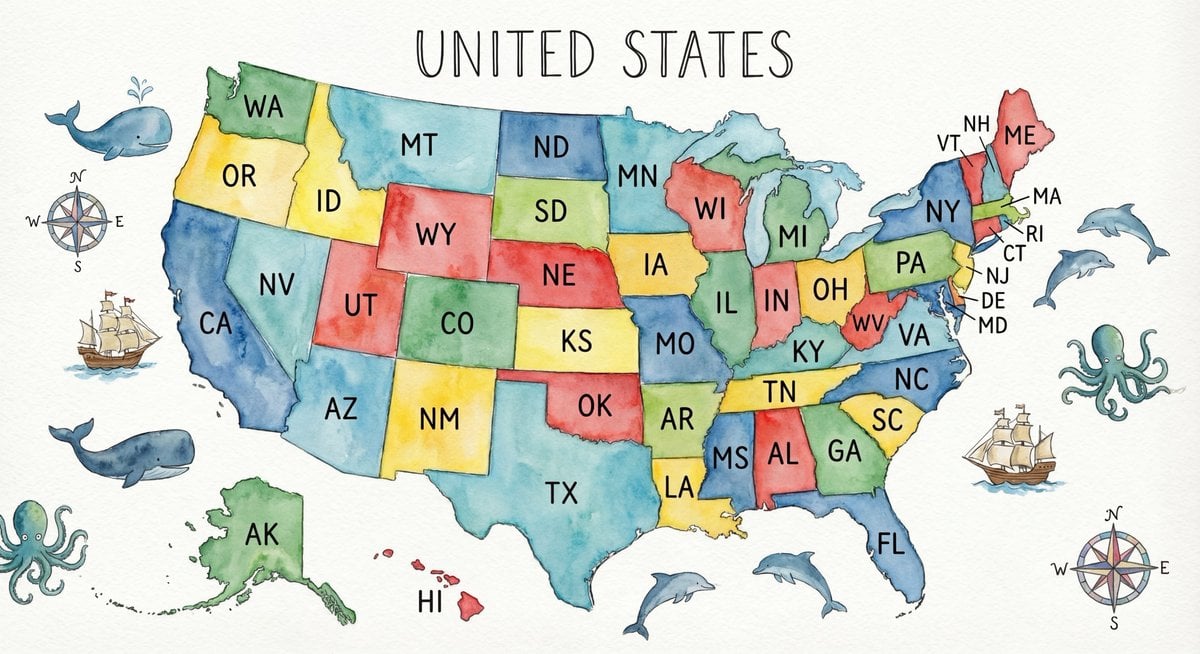
Watercolor US map with state abbreviations
Ivory Garment Goddess
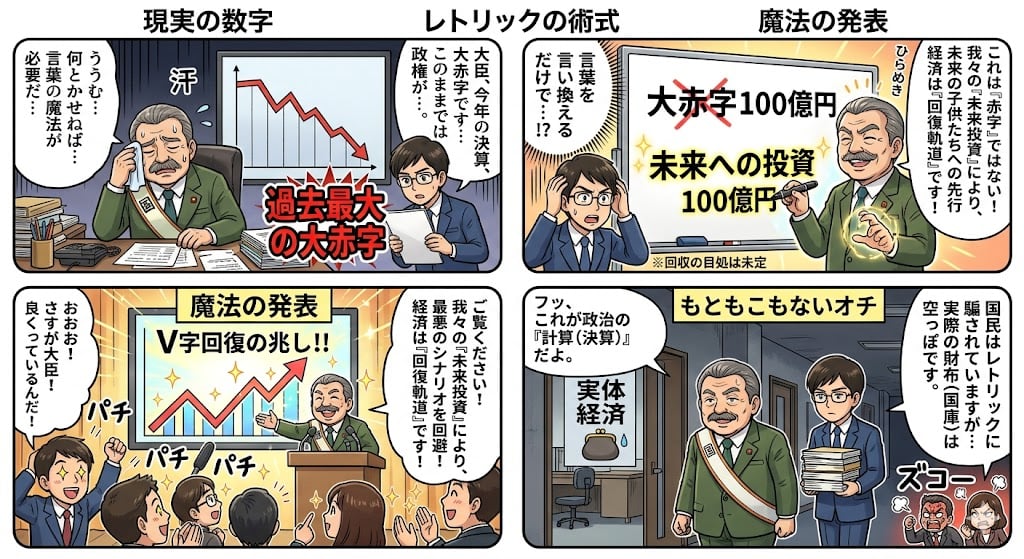
Four-Panel Manga: The Magic of Numbers
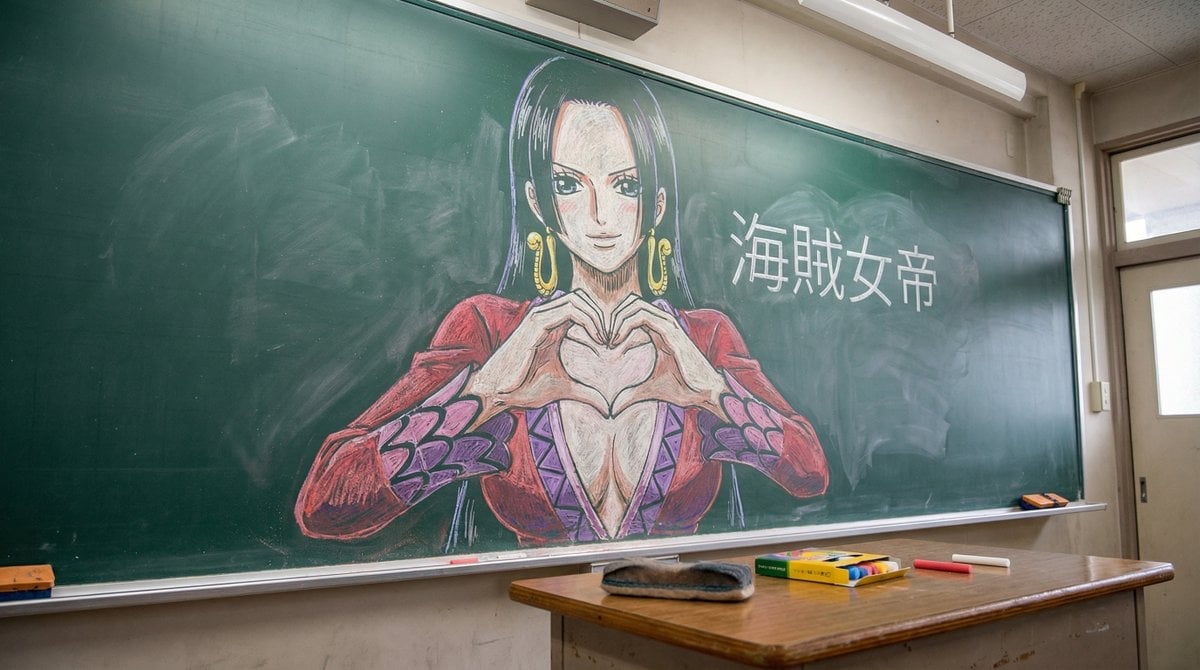
Nano Banana Pro Chalk Art Generation
Browse template categories
Blonde Teacher Classroom Scene questions
How do I use the Blonde Teacher Classroom Scene template?
Add your photo if the template asks for one, edit the prompt if you like — the template's model and format are already selected — and press Generate. Your version opens in PicX Studio.
Can I customize the Blonde Teacher Classroom Scene template?
Yes. You can change the subject, setting, lighting, mood, format, and available model controls before creating your image.
Is the Blonde Teacher Classroom Scene template free?
Opening and editing this template is free. Generating uses credits, shown on the Generate button when you are signed in.
Which AI model should I use?
Start with GPT Image 2, which is the model associated with this template. You can compare another compatible model for a different finish.
Looking for something else? Browse all templates.

Your photo, any look
Thousands of ready templates for every top image and video model, from one credit balance.