How do I use the Professional Ash-Blonde Bob Portrait template?
Choose the primary action to open PicX Studio with the available template settings. Review the model and format, personalize the creative direction, and generate when ready.
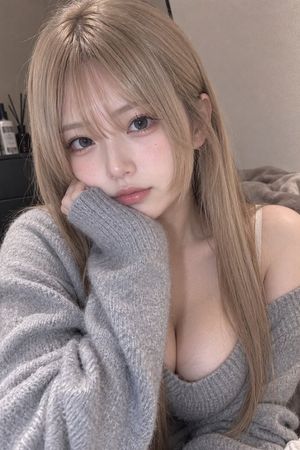
An elegant studio portrait prompt featuring a woman with an ash-blonde bob and metallic turtleneck using Rembrandt lighting.
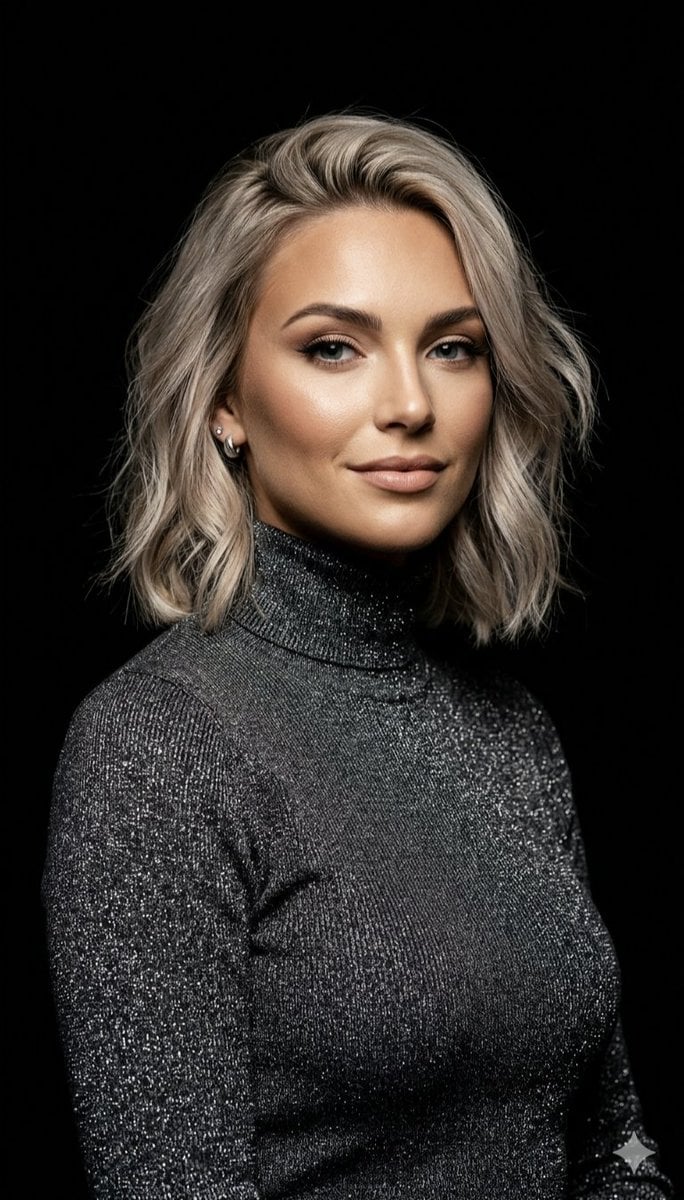
A professional studio portrait of a woman with a {argument name="hair style" default="textured, ash-blonde bob"}, featuring a sophisticated and confident expression. She wears a {argument name="clothing" default="high-neck, shimmering charcoal metallic turtleneck"} that creates a distinct sparkle against a deep, seamless black background. The image is defined by dramatic "{argument name="lighting" default="Rembrandt"}" lighting, highlighting the contours of her face and the intricate, tinsel-like texture of her clothing for a high-contrast, elegant aesthetic.
Choose the primary action to open PicX Studio with the available template settings. Review the model and format, personalize the creative direction, and generate when ready.
Yes. You can change the subject, setting, lighting, mood, format, and available model controls before creating your image.
This template is free to open and customize. Generation usage is shown in PicX Studio before you create.
Start with Nano Banana 2, which is the model associated with this template. You can compare another compatible model for a different finish.
Follow a topic to a crawlable collection of related PicX Studio templates.