
Full-Body Portrait with Frontal Flash at Blue Hour Sunset
A prompt for generating a photorealistic, full-body vertical shot of a man standing on a rock during blue hour.
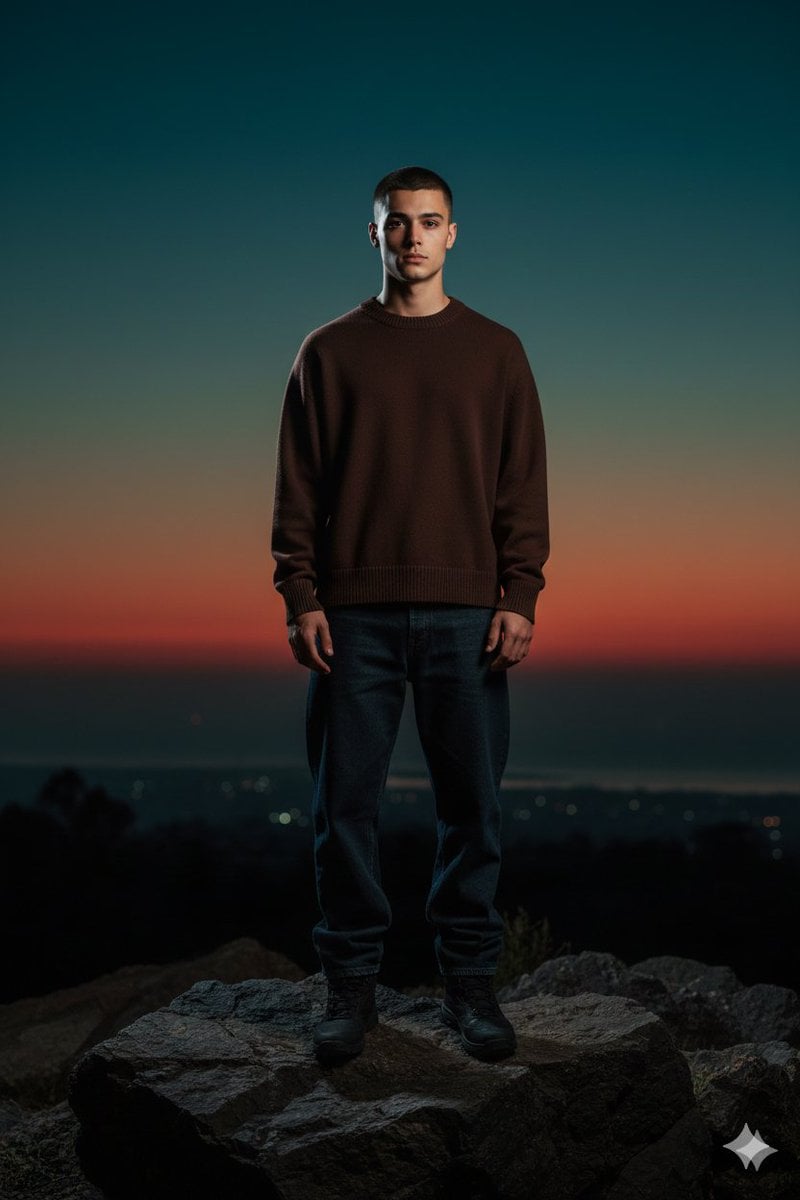
- Prompt included
- Model and format preset
- Free template
The prompt behind this image
Copy the exact prompt behind Full-Body Portrait with Frontal Flash at Blue Hour Sunset, or open it in the studio and make it yours.
Full-body vertical shot of a young man a refrence image standing centered on a rock at blue-hour sunset, calm neutral expression, realistic face with subtle imperfections, warm undertones, and natural skin texture, very short dark buzz-cut hair. He wears a solid dark-chocolate brown crewneck sweater smooth non-textured surface, medium-heavy structured fabric, relaxed boxy fit with slightly dropped shoulders, thick ribbed collar, cuffs, and hem paired with loose dark denim jeans and black boots; no hat or head accessories. Lighting: dramatie on-camera frontal flash with crisp highlights and hard falloff, illuminating the subject against a darker background; balanced exposure preserves ambient sky color. Environment: deep dark rocky foreground and subtly silhouetted terrain; an expansive twilight sky with a warm orange and crimson band along the horizon fading into teal and deep blue above; a distant faint city or coastline barely visible in the haze.
How to use Full-Body Portrait with Frontal Flash at Blue Hour Sunset in 3 steps
- 1
Open
The prompt is already in the box next to the preview, with the template's model and format selected.
- 2…a portrait of your subject in softgolden-hour light, 85mm…
Personalize
Edit the subject and creative details for your destination.
- 3Generate
Generate
Press Generate — your image is created in PicX Studio, so you can compare it with the original and refine one variable at a time.
More like this
Templates with the same subject, style or setup. Open one to see its prompt.

80s Golden Hour Cinema

Rooftop Fisheye — Cat-Ear Balaclava at Golden Hour
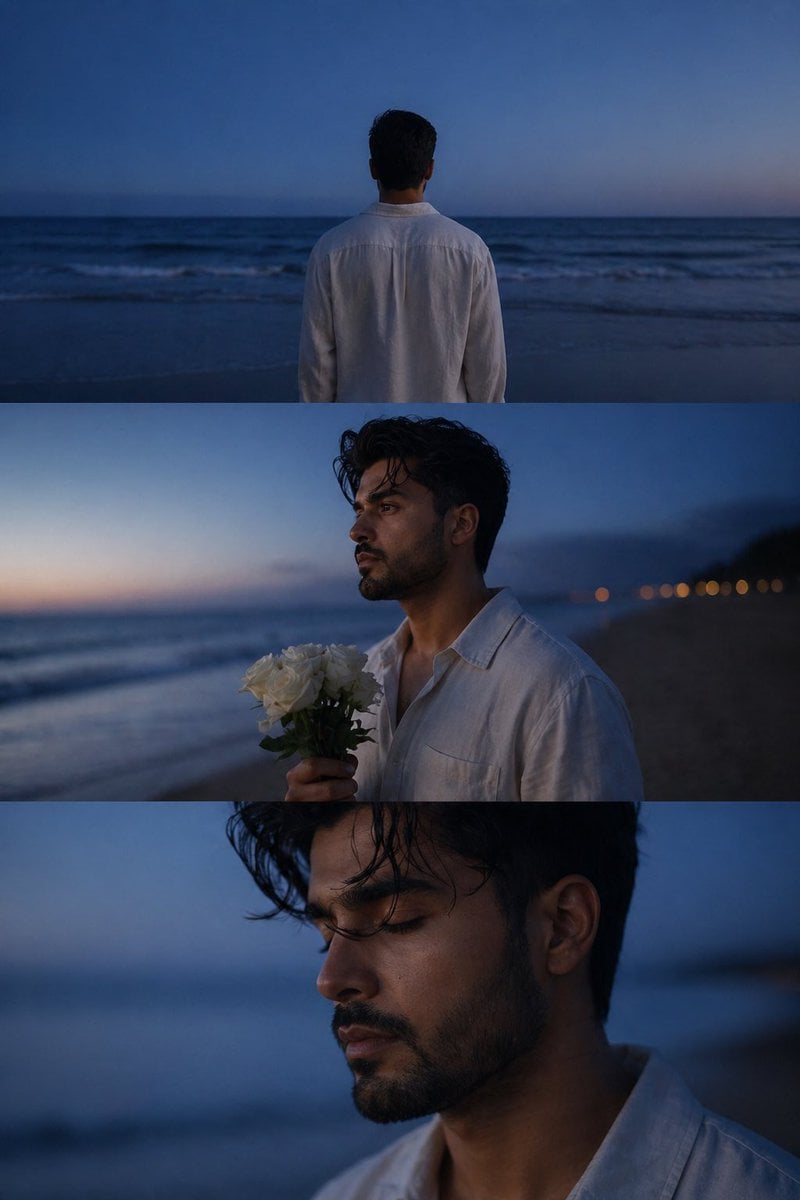
Melancholic blue hour portrait
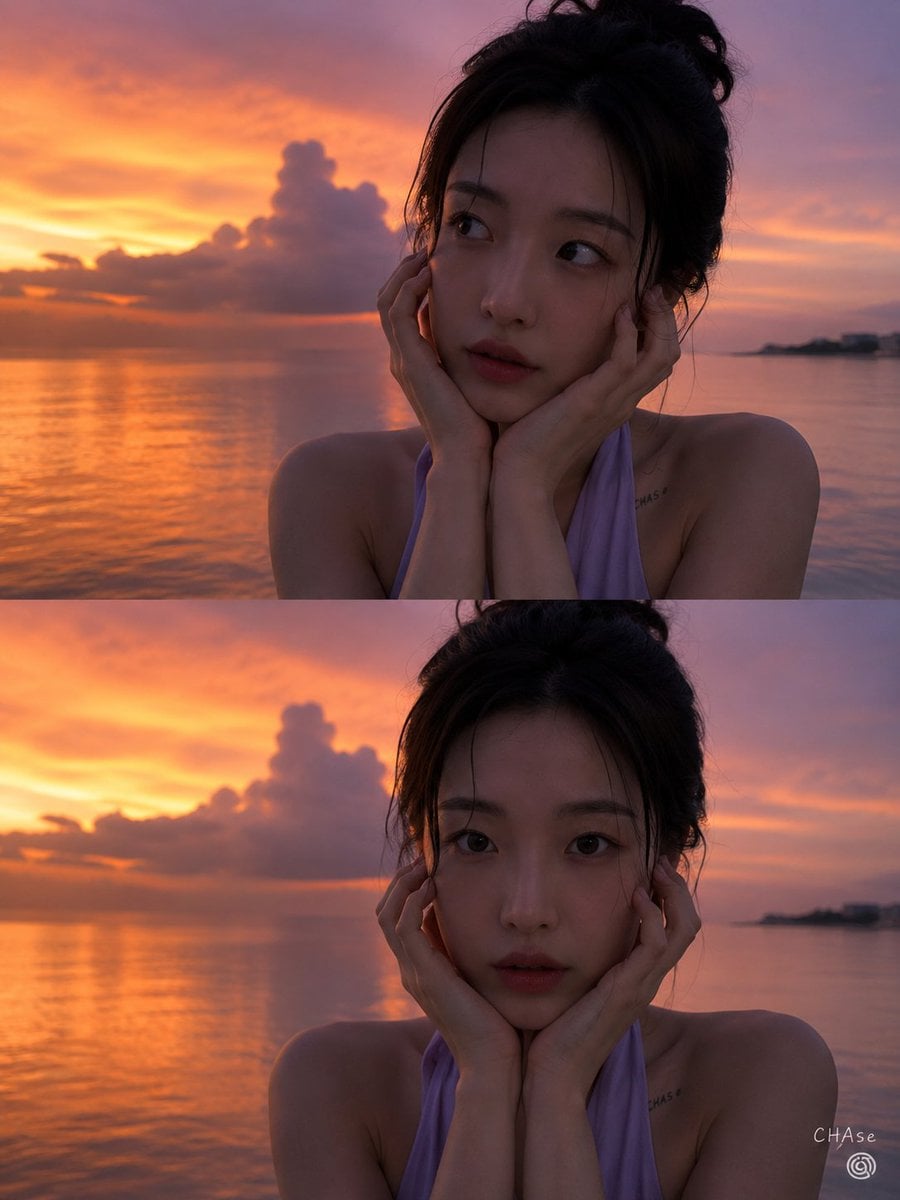
Magic Hour Sunset Portrait
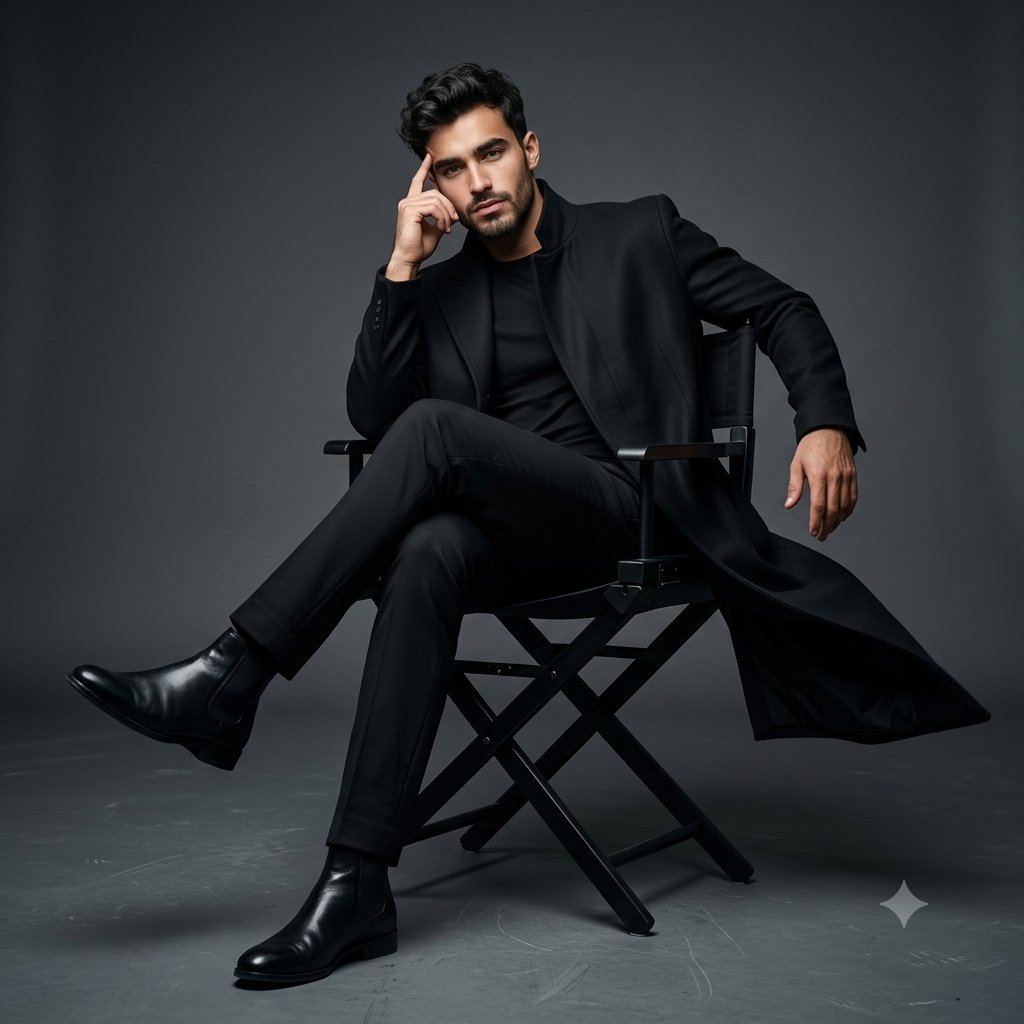
Full Body Cinematic Studio Portrait
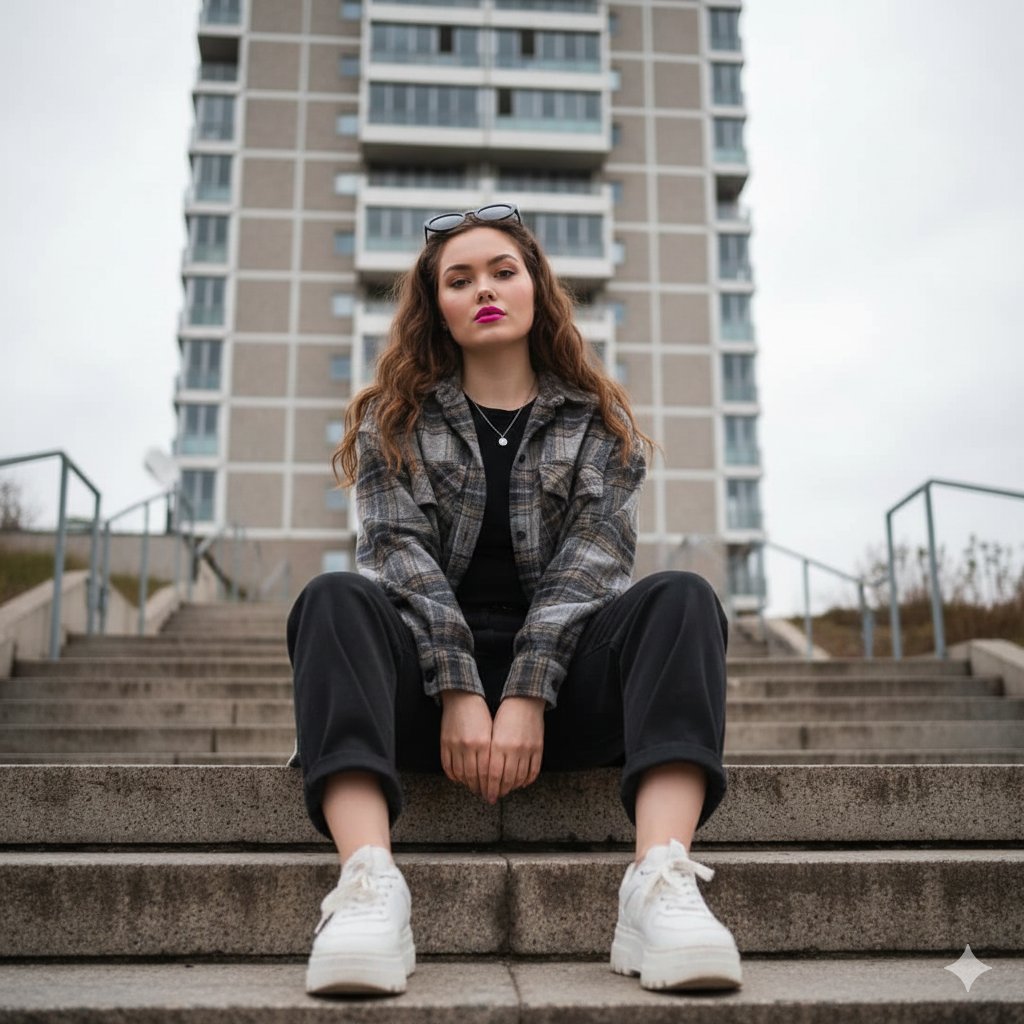
Low-Angle Full-Body Portrait on Concrete Steps
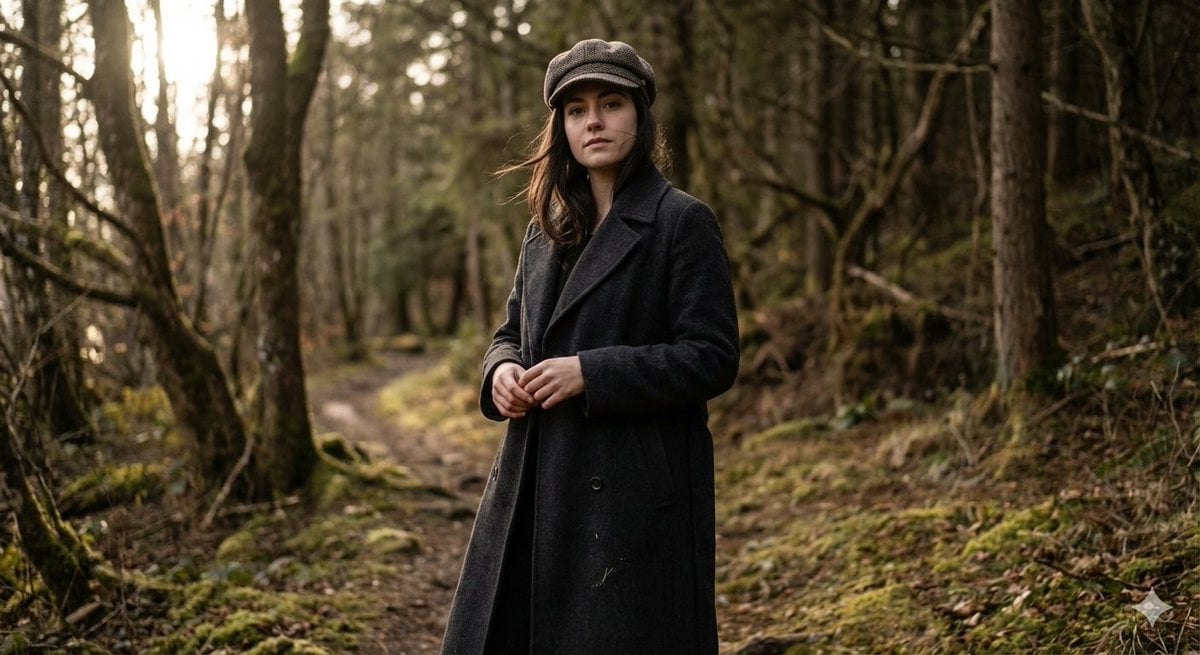
Realistic Full-Body Portrait in Forest Prompt
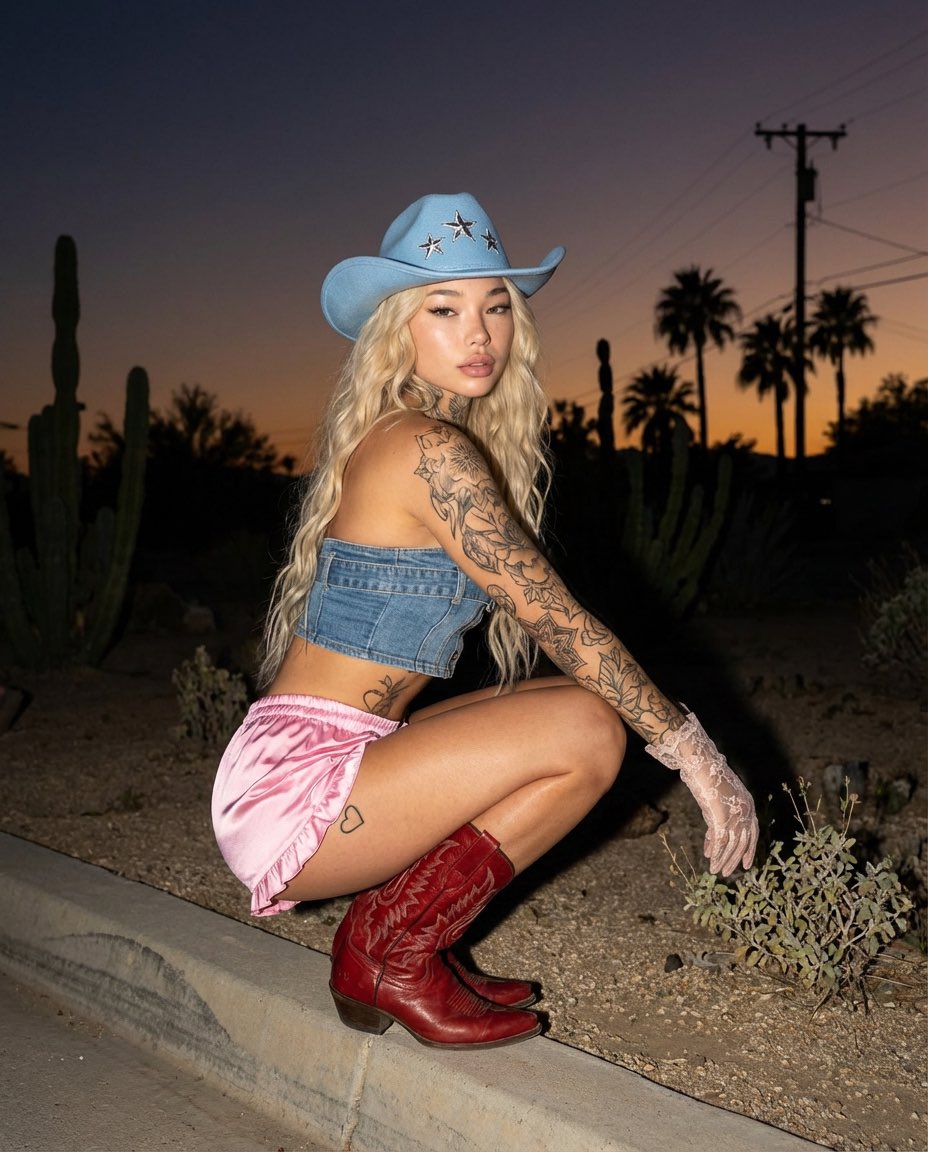
Desert Doll Golden Hour Portrait with Flash
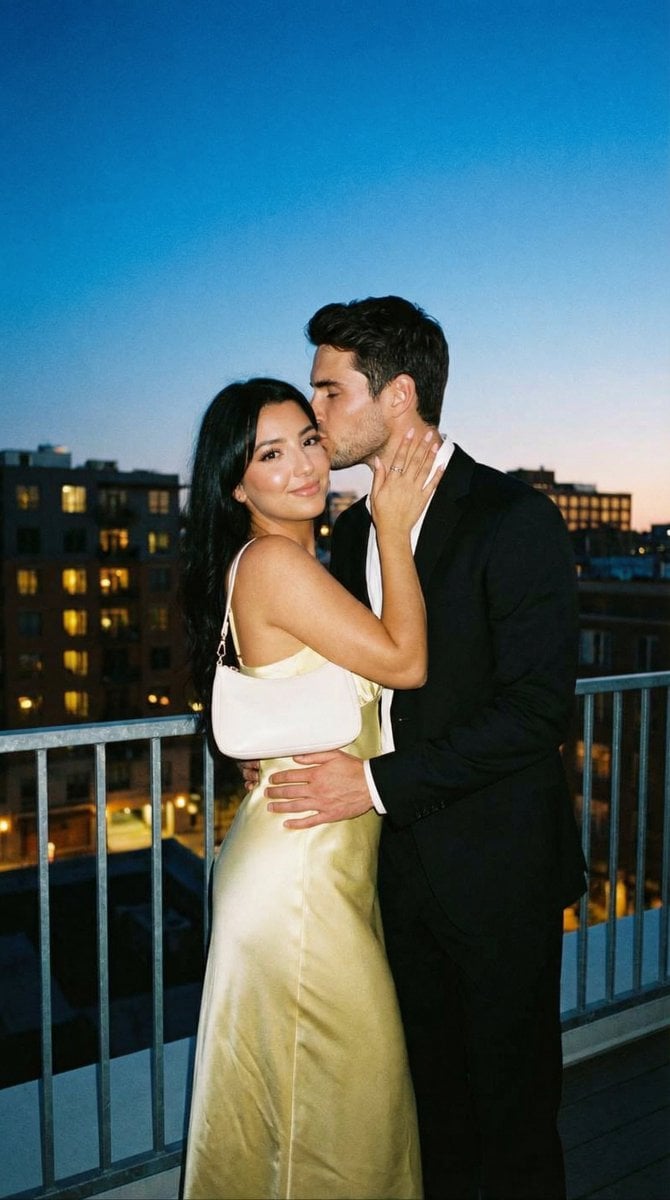
Candid Rooftop Kiss with Direct Flash at Blue Hour
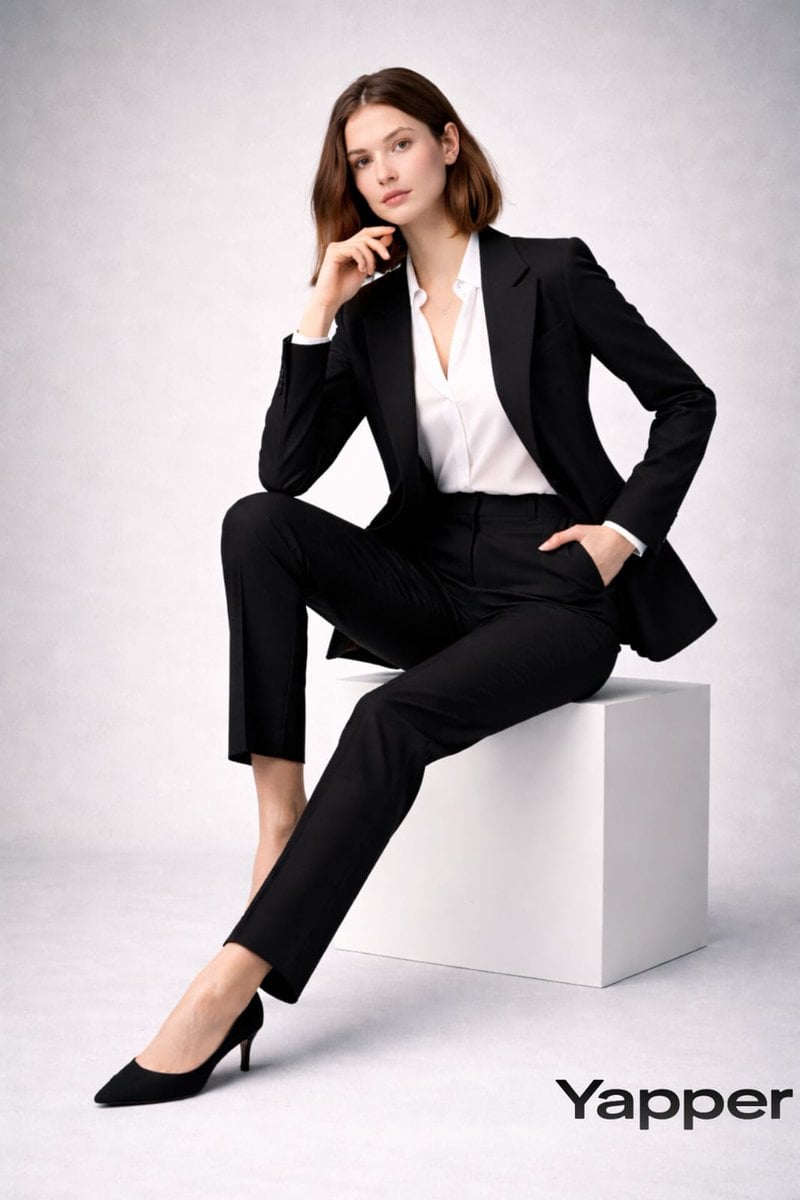
Full-body fashion magazine editorial portrait

Full Body Portrait with Identity Reference
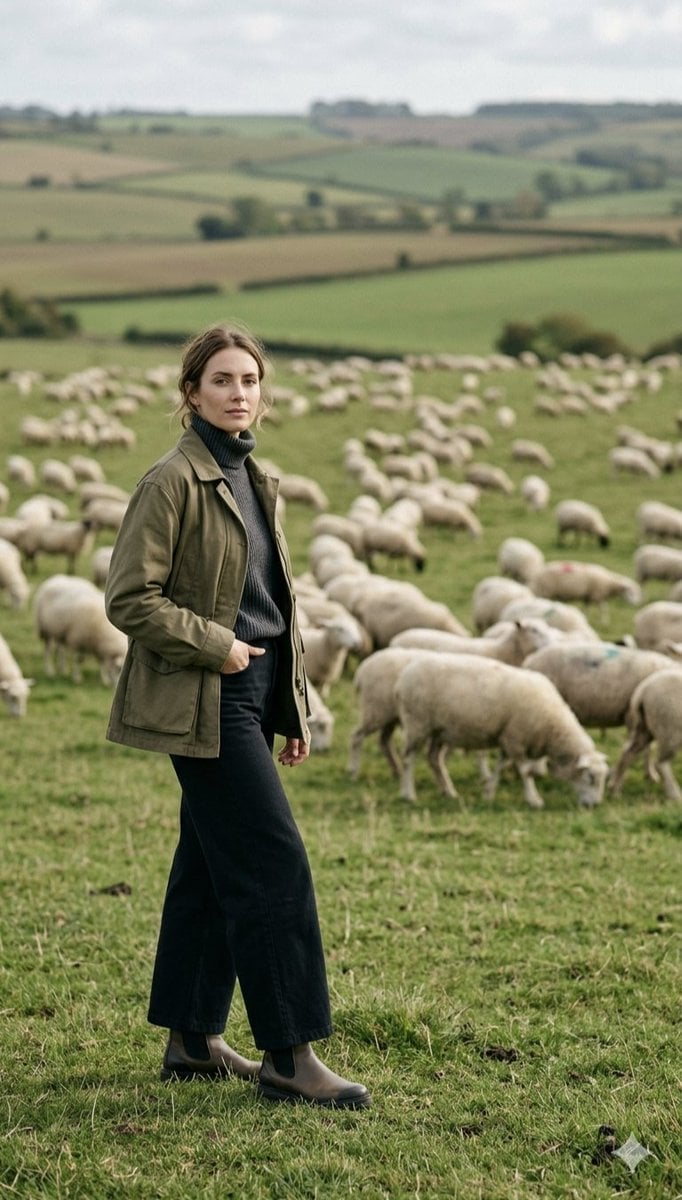
Pastoral Full-Body Portrait in Sheep Pasture
Make it yours
Full-Body Portrait with Frontal Flash at Blue Hour Sunset works as-is. These are the safest ways to change it without losing the look.
Change one field
Copy a single group, rewrite it, and generate again so you can see what that field is doing.
Keep the frame, change the subject
Hold the composition and light of Full-Body Portrait with Frontal Flash at Blue Hour Sunset, then swap wardrobe, props or the person for a new take.
| If the result… | Why | Fix |
|---|---|---|
| The result drifts from the preview | Too many fields changed at once. | Reuse Full-Body Portrait with Frontal Flash at Blue Hour Sunset as-is first, then change one group — subject, light, or setting. |
| The model over-stylizes the scene | The prose prompt leaves finish and camera underspecified. | Add one camera or lighting sentence and stay on Nano Banana 2. |
More Nano Banana 2 templates
Other prompts made for Nano Banana 2.

Photorealistic Leaf Shaped Like a Dragon

K-Pop Idol Portrait Grid for Rapid Selection

Poetic Rain Forest Portrait During Golden Hour

Urban Street Portrait with Cartoon Inner Self Duo

Candid Nighttime Photo with Cat Prompt

High-Concept 3D Diorama Generation Prompt

Cinematic Futuristic Studio Portrait Template

Skincare Editorial Photography Collage Prompt

Hyper-Realistic Commercial Product Photography (Splash Effect)

Hyper-Realistic Nightclub Portrait Prompt
More image prompts
Fresh picks from across the catalog.
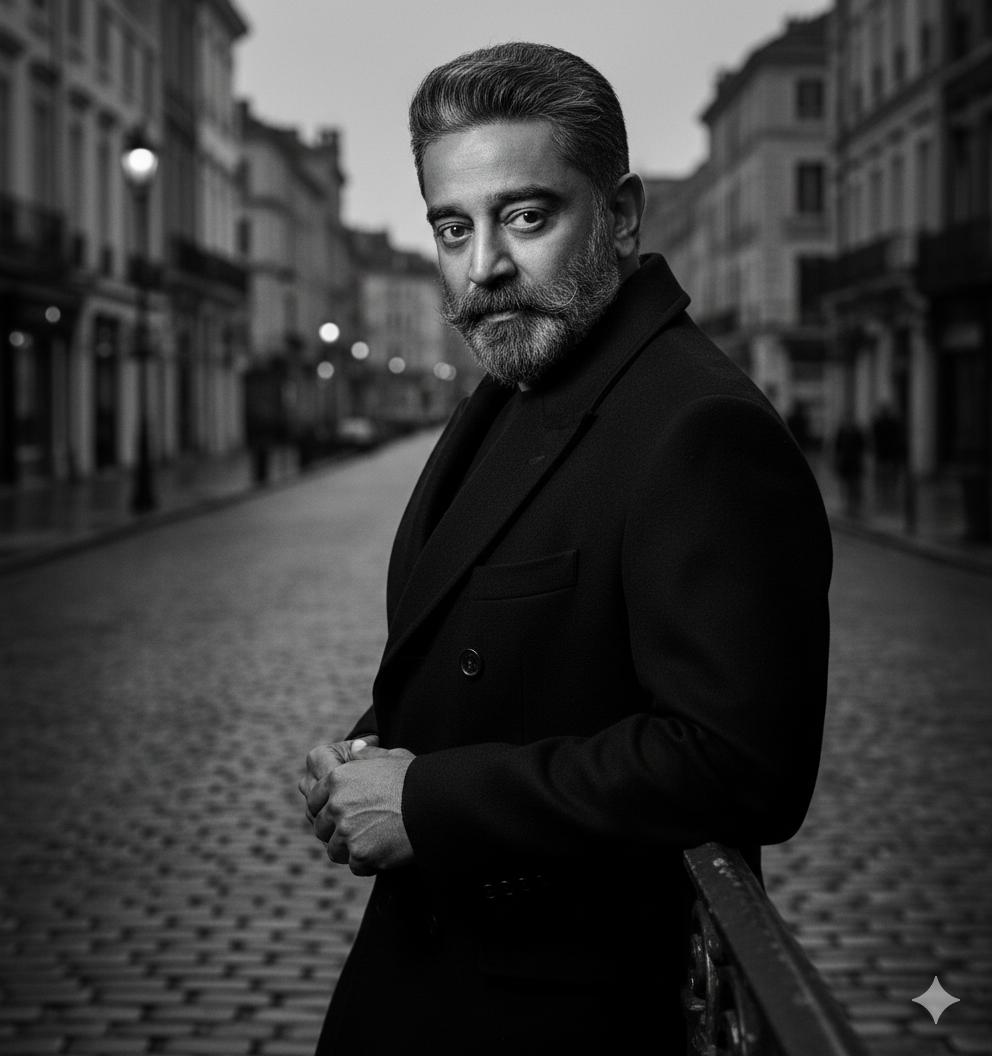
Black and White Noir Fashion Editorial Portrait
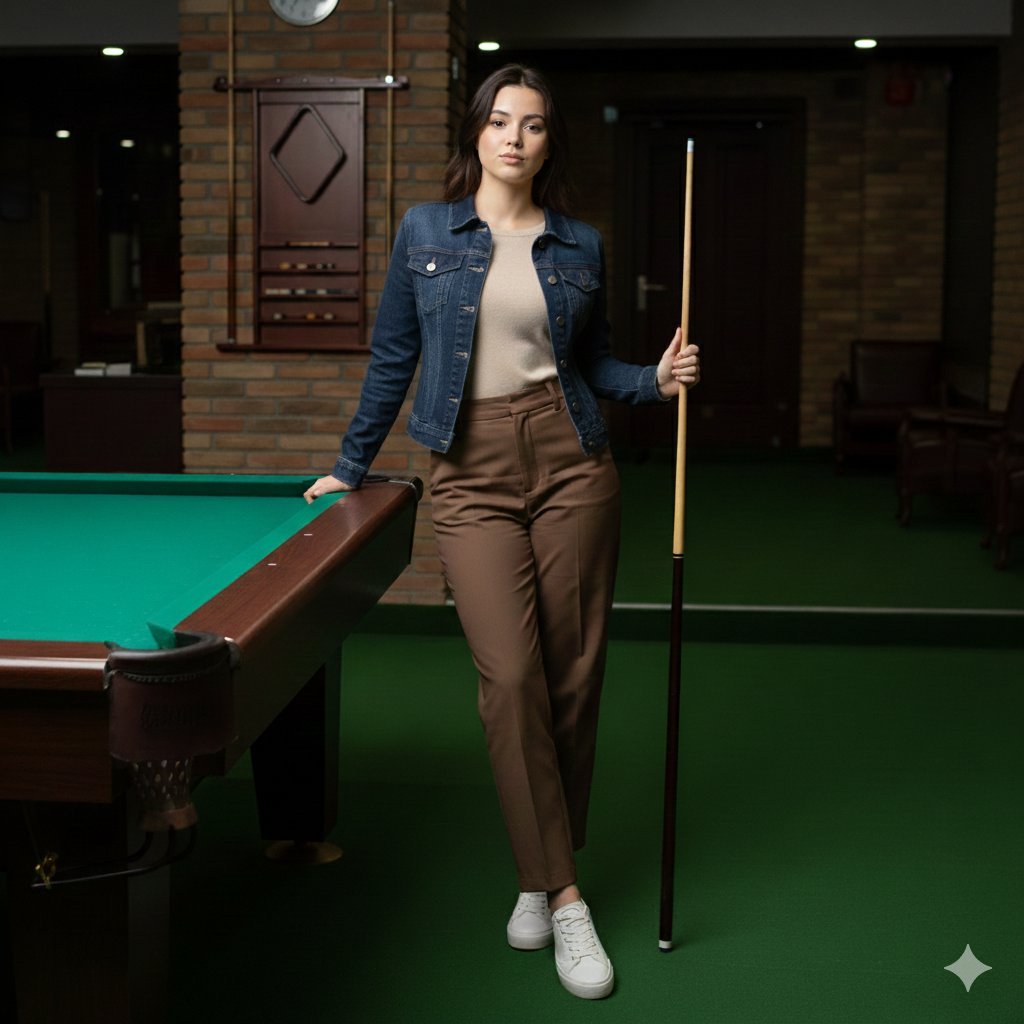
Casual Lifestyle Portrait in a Billiards Lounge (Brown Trousers)
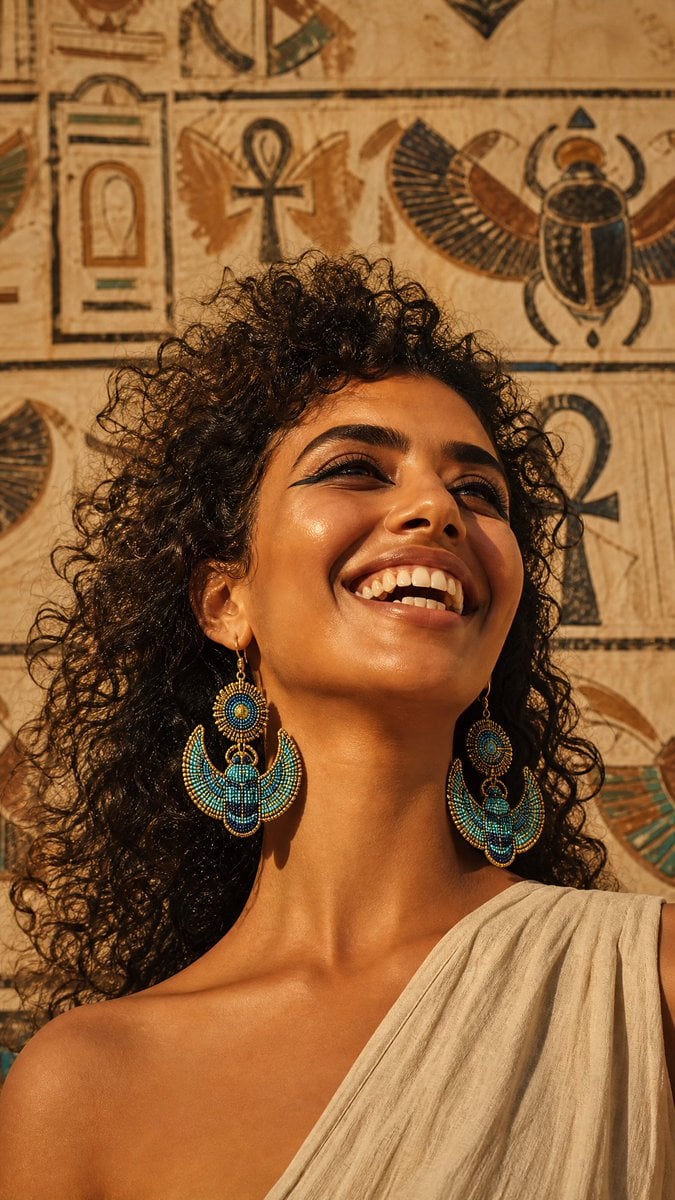
Egyptian Scarab Earring Portrait
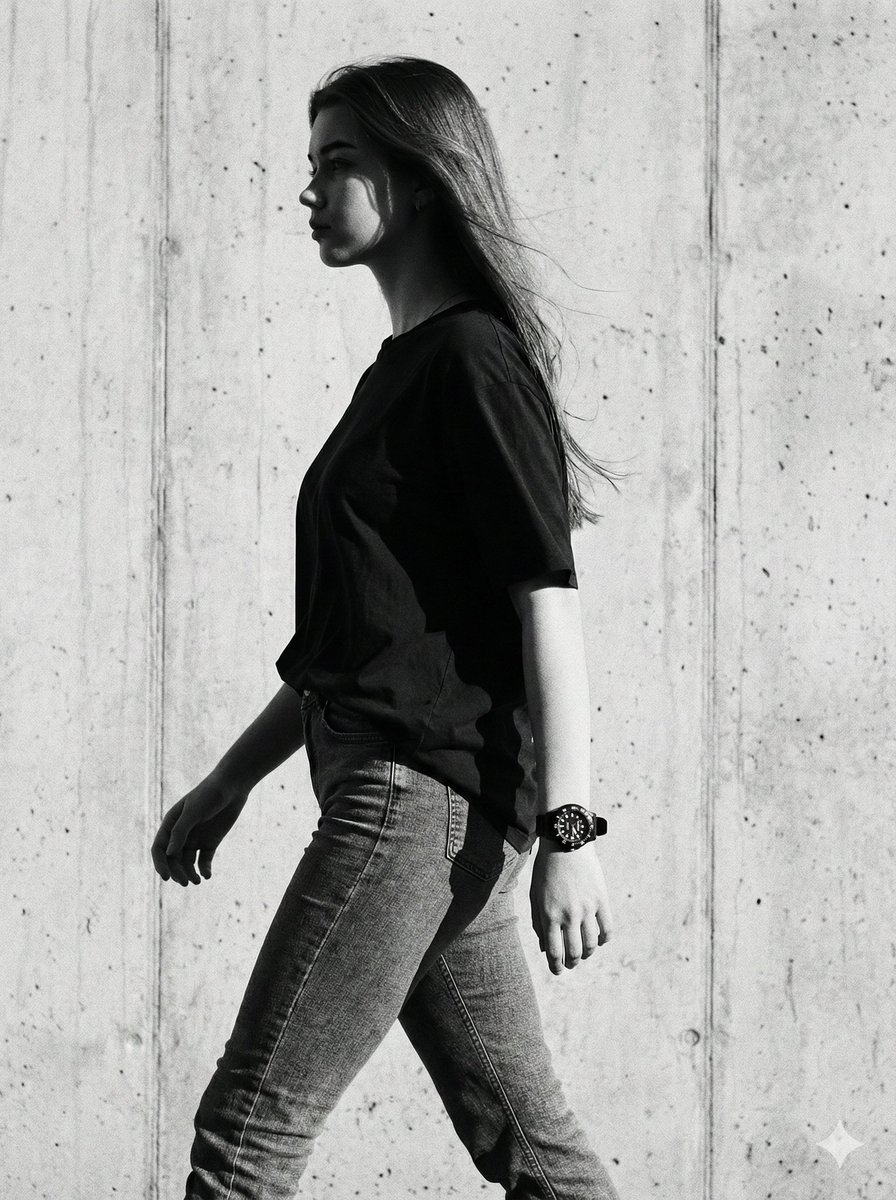
Cinematic Black-and-White High-Fashion Portrait
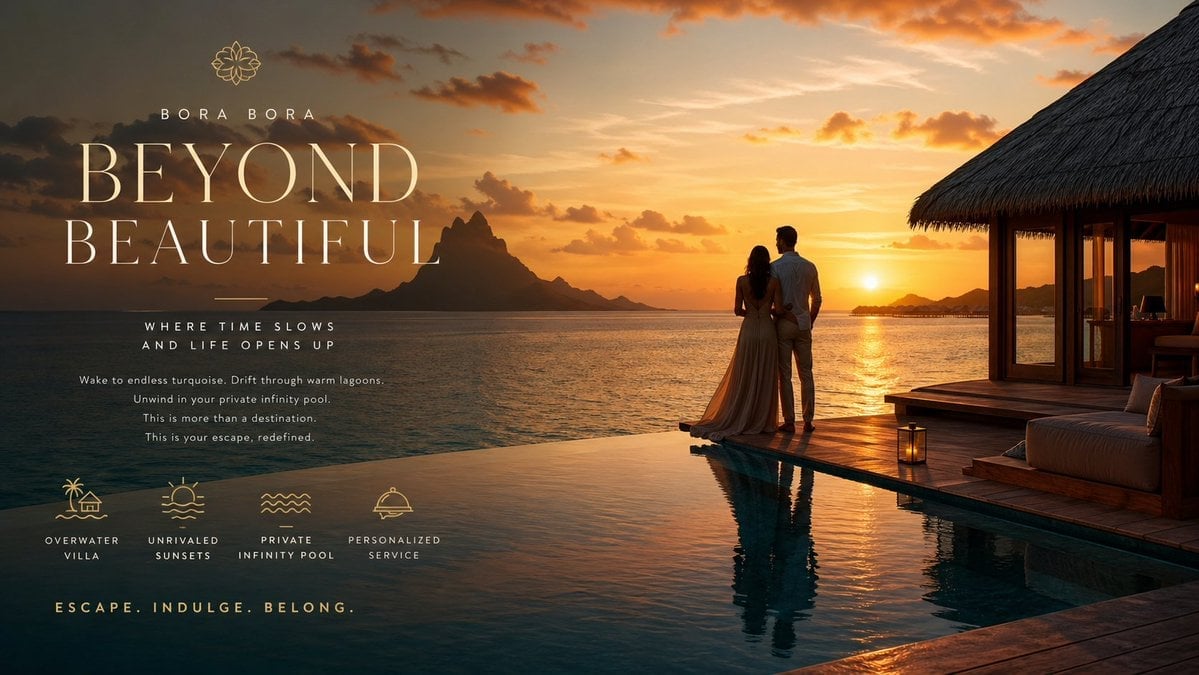
Luxury Resort Paradise Advertisement
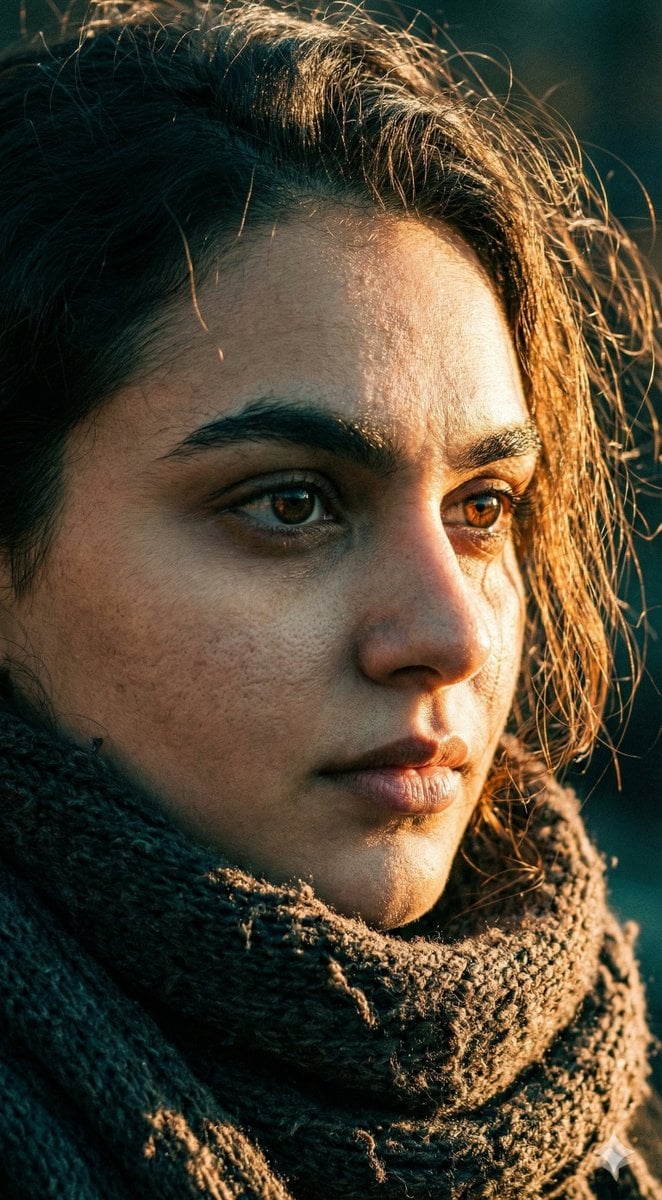
Cinematic Close-up Portrait with Dramatic Lighting
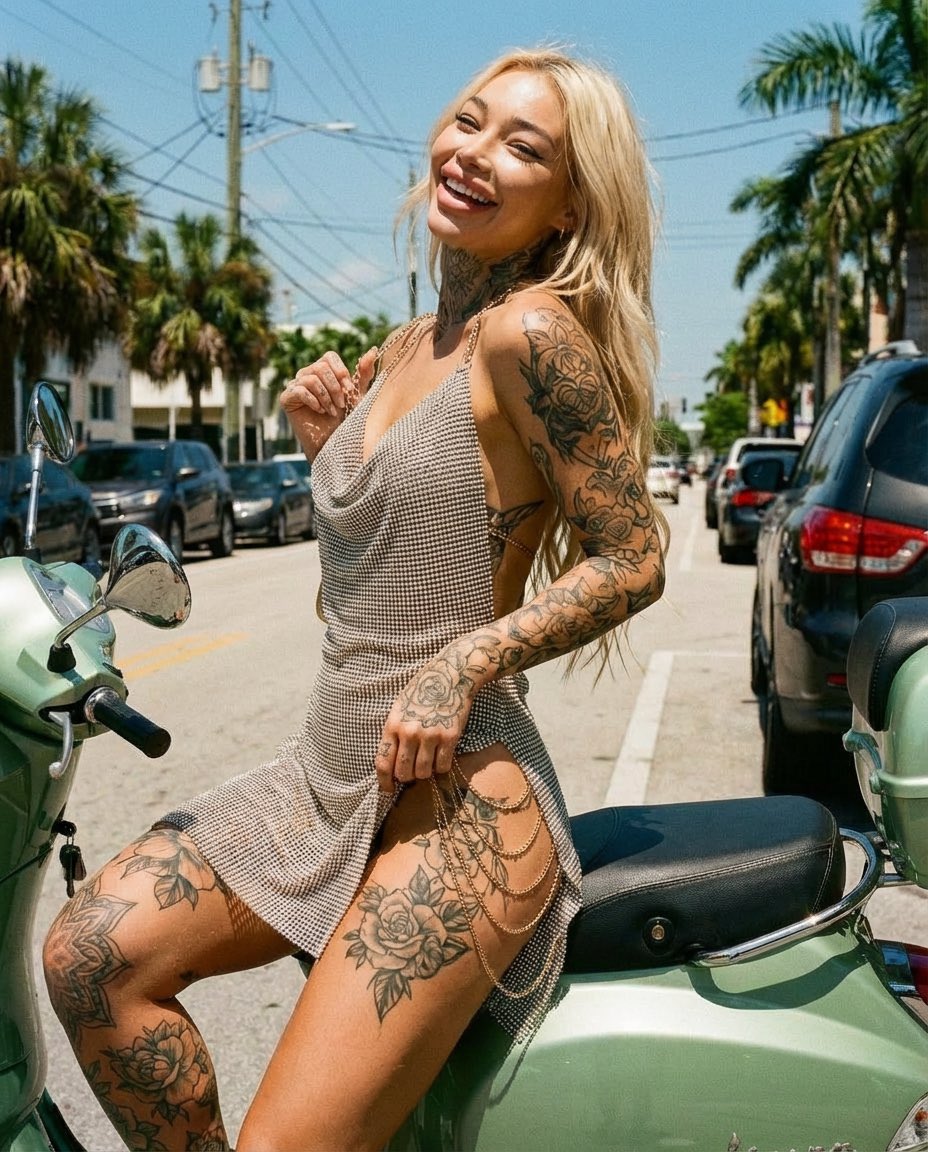
Sunlit Street Scene with Tattooed Woman on Scooter (JSON Format)
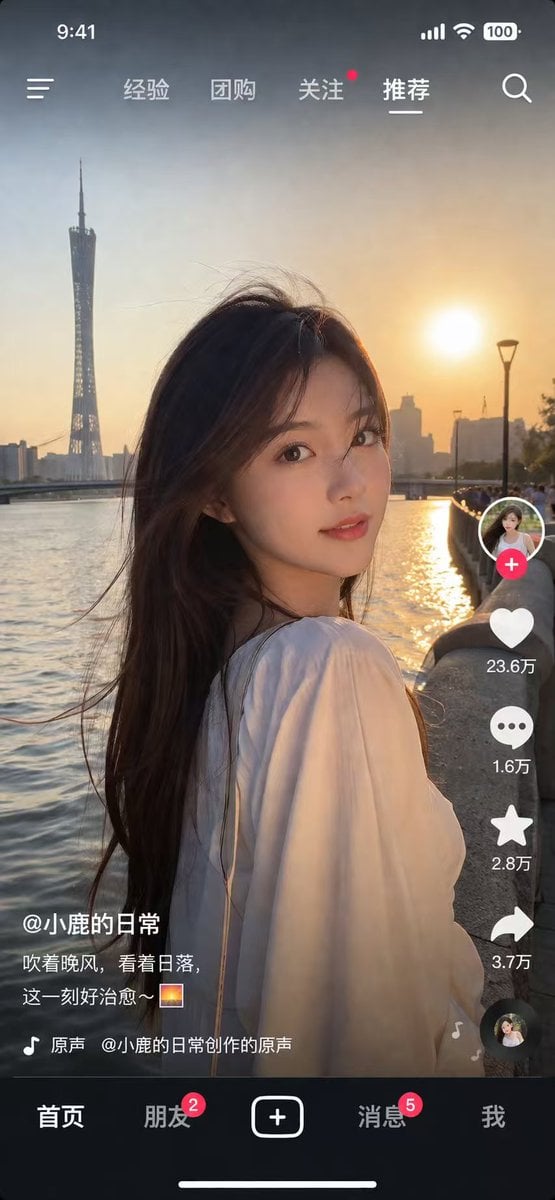
Social Media App Interface Mockup

3D Social Media Profile Break-Out

Nan Goldin Style Morning Café Portrait
Browse template categories
Full-Body Portrait with Frontal Flash at Blue Hour Sunset questions
How do I use the Full-Body Portrait with Frontal Flash at Blue Hour Sunset template?
Add your photo if the template asks for one, edit the prompt if you like — the template's model and format are already selected — and press Generate. Your version opens in PicX Studio.
Can I customize the Full-Body Portrait with Frontal Flash at Blue Hour Sunset template?
Yes. You can change the subject, setting, lighting, mood, format, and available model controls before creating your image.
Is the Full-Body Portrait with Frontal Flash at Blue Hour Sunset template free?
Opening and editing this template is free. Generating uses credits, shown on the Generate button when you are signed in.
Which AI model should I use?
Start with Nano Banana 2, which is the model associated with this template. You can compare another compatible model for a different finish.
Looking for something else? Browse all templates.

Your photo, any look
Thousands of ready templates for every top image and video model, from one credit balance.