
Candid Rooftop Kiss with Direct Flash at Blue Hour
A JSON prompt for generating a photorealistic, candid snapshot of a couple kissing on a rooftop balcony during blue hour, utilizing direct on-camera flash to create a filmic, high-contrast look against the warm city…
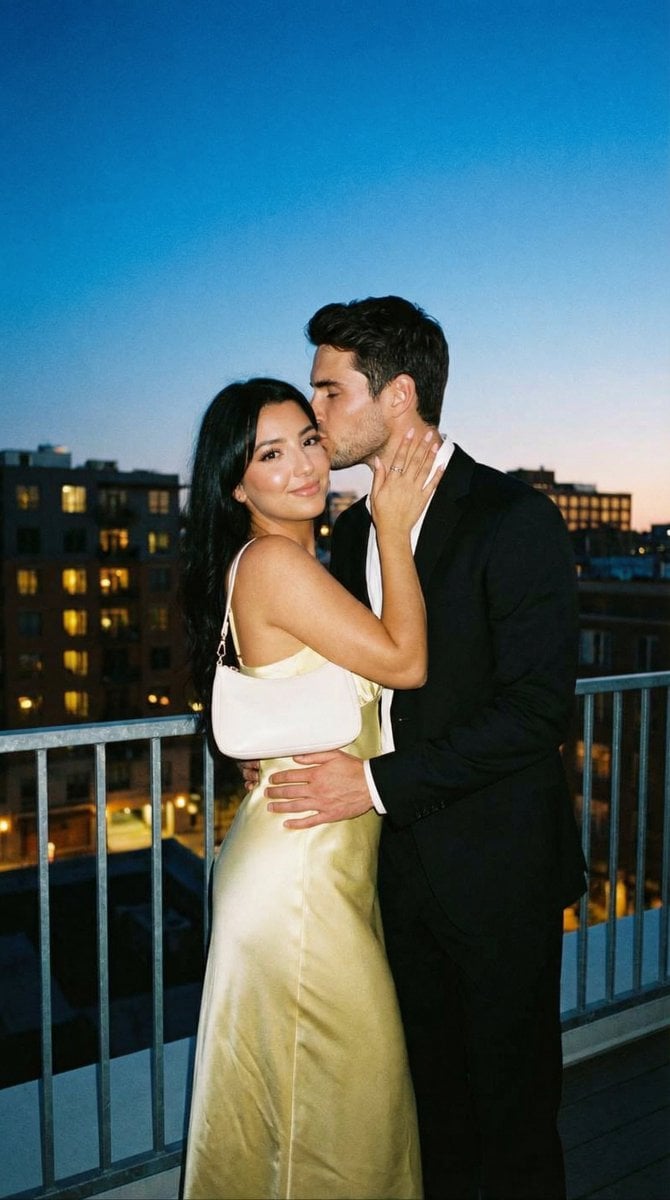
- Prompt included
- Model and format preset
- Free template
The prompt behind this image
Copy the exact prompt behind Candid Rooftop Kiss with Direct Flash at Blue Hour, or open it in the studio and make it yours.
- Generation Request › Meta Data › Task Type
- photoreal_candid_rooftop_flash_romance
- Generation Request › Meta Data › Language
- en
- Generation Request › Meta Data › Priority
- highest
- Generation Request › Meta Data › Version
- v1.0_BLUEHOUR_ROOFTOP_FLASH_KISS
- Generation Request › Output › Aspect Ratio
- 4:5
- Generation Request › Output › Resolution
- high
- Generation Request › Output › Num Images
- 4
- Generation Request › Scene › Concept
- a dreamy rooftop romantic snapshot with direct flash at blue hour
- Generation Request › Scene › Environment
- apartment rooftop balcony with metal railing, city buildings behind with warm window lights, dusk sky with faint sunset gradient
- Generation Request › Scene › Composition
- full-body or 3/4 body portrait, couple centered, railing visible, background softly blurred
- Generation Request › Subject › Couple
- adult woman and adult man
- Generation Request › Subject › Wardrobe › Woman
- pale yellow satin slip dress with a glossy sheen, small white shoulder bag, minimal jewelry
- Generation Request › Subject › Wardrobe › Man
- black suit with white shirt
- Generation Request › Subject › Pose
- woman faces camera with soft smile; man kisses her temple/cheek while holding her at the waist; woman's hand on his neck/cheek
- Generation Request › Subject › Expression
- intimate, calm, romantic
- Generation Request › Subject › Details
- hands and jewelry clean and natural; no awkward finger placement
- Generation Request › Camera › Shot
- candid portrait, 3/4 body
- Generation Request › Camera › Lens Mm
- 35
- Generation Request › Camera › Aperture
- 2
- Generation Request › Camera › Focus
- sharp on faces and hands; background bokeh of windows
- Generation Request › Camera › Quality Tags
- ultra-photoreal, realistic skin texture, subtle film grain, clean edges with soft highlight glow
- Generation Request › Lighting › Style
- on-camera flash + dusk ambient
- Generation Request › Lighting › Key Light
- direct flash from camera position with natural falloff
- Generation Request › Lighting › Ambient
- blue-hour sky fill and warm window light bokeh
Raw JSON
{
  "generation_request": {
    "meta_data": {
      "task_type": "photoreal_candid_rooftop_flash_romance",
      "language": "en",
      "priority": "highest",
      "version": "v1.0_BLUEHOUR_ROOFTOP_FLASH_KISS"
    },
    "output": {
      "aspect_ratio": "4:5",
      "resolution": "high",
      "num_images": 4
    },
    "scene": {
      "concept": "a dreamy rooftop romantic snapshot with direct flash at blue hour",
      "environment": "apartment rooftop balcony with metal railing, city buildings behind with warm window lights, dusk sky with faint sunset gradient",
      "composition": "full-body or 3/4 body portrait, couple centered, railing visible, background softly blurred"
    },
    "subject": {
      "couple": "adult woman and adult man",
      "wardrobe": {
        "woman": "pale yellow satin slip dress with a glossy sheen, small white shoulder bag, minimal jewelry",
        "man": "black suit with white shirt"
      },
      "pose": "woman faces camera with soft smile; man kisses her temple/cheek while holding her at the waist; woman's hand on his neck/cheek",
      "expression": "intimate, calm, romantic",
      "details": "hands and jewelry clean and natural; no awkward finger placement"
    },
    "camera": {
      "shot": "candid portrait, 3/4 body",
      "lens_mm": 35,
      "aperture": 2.0,
      "focus": "sharp on faces and hands; background bokeh of windows",
      "quality_tags": "ultra-photoreal, realistic skin texture, subtle film grain, clean edges with soft highlight glow"
    },
    "lighting": {
      "style": "on-camera flash + dusk ambient",
      "key_light": "direct flash from camera position with natural falloff",
      "ambient": "blue-hour sky fill and warm window light bokeh",
      "notes": "avoid overexposure on satin; keep glow/halation subtle, not blurry"
    },
    "color_grade": {
      "palette": "cool dusk blues + warm window lights + pale yellow satin",
      "contrast": "filmic flash contrast with smooth highlight rolloff",
      "tone": "dreamy but realistic"
    },
    "negative_prompt": "text, logo, watermark, blurry faces, double face, deformed hands, extra fingers, plastic skin, CGI, cartoon, harsh blown flash, heavy blur, oversharpen halos, lowres, noise artifacts"
  }
}How to use Candid Rooftop Kiss with Direct Flash at Blue Hour in 3 steps
- 1
Open
The prompt is already in the box next to the preview, with the template's model and format selected.
- 2…a portrait of your subject in softgolden-hour light, 85mm…
Personalize
Edit the subject and creative details for your destination.
- 3Generate
Generate
Press Generate — your image is created in PicX Studio, so you can compare it with the original and refine one variable at a time.
More like this
Templates with the same subject, style or setup. Open one to see its prompt.

Nostalgic Digicam Café Afternoon Portrait

Rooftop Fisheye — Cat-Ear Balaclava at Golden Hour

Spider-Man Rooftop Golden Hour Cinematic Photo

Sunday Afternoon, 1988

If We Met in 1985

Our Song was on a Cassette

The Date After College

80s College Gate

Teen Girl Alpine Lake Mountain View

Cat Photobomb Selfie — 0.5x Wide Angle Café Chaos
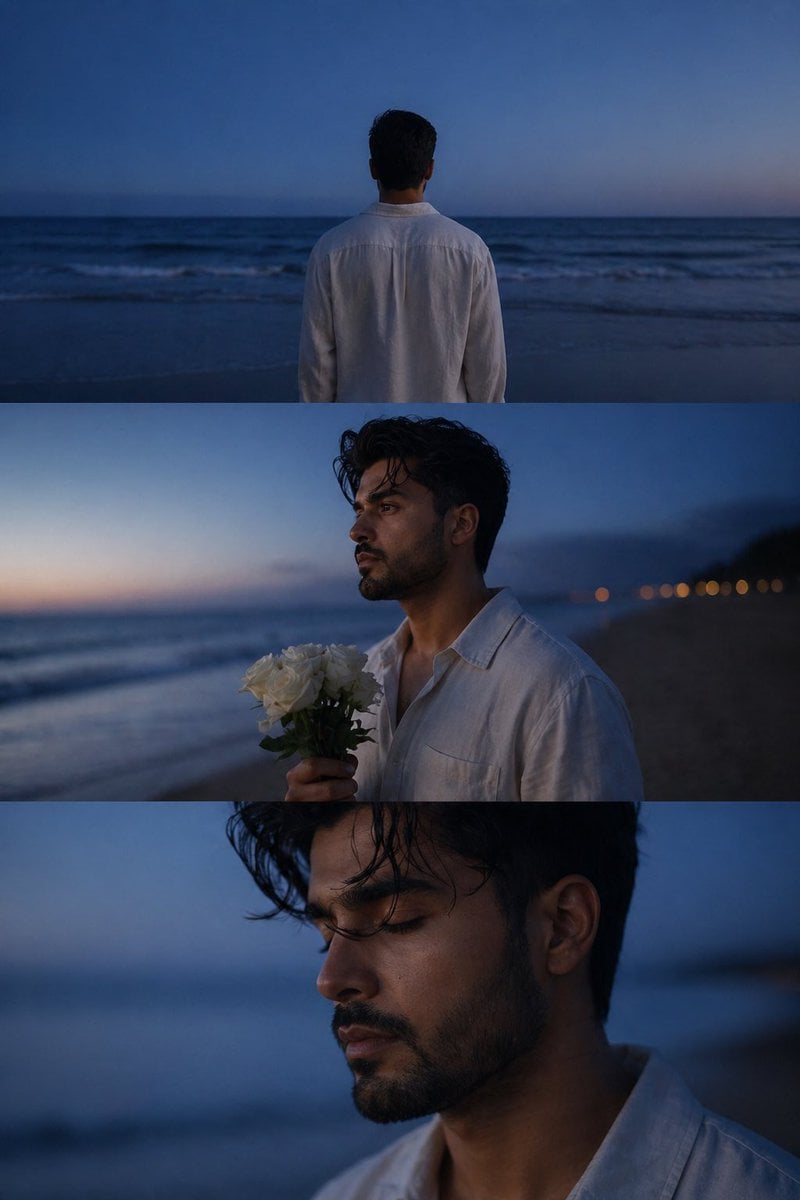
Melancholic blue hour portrait
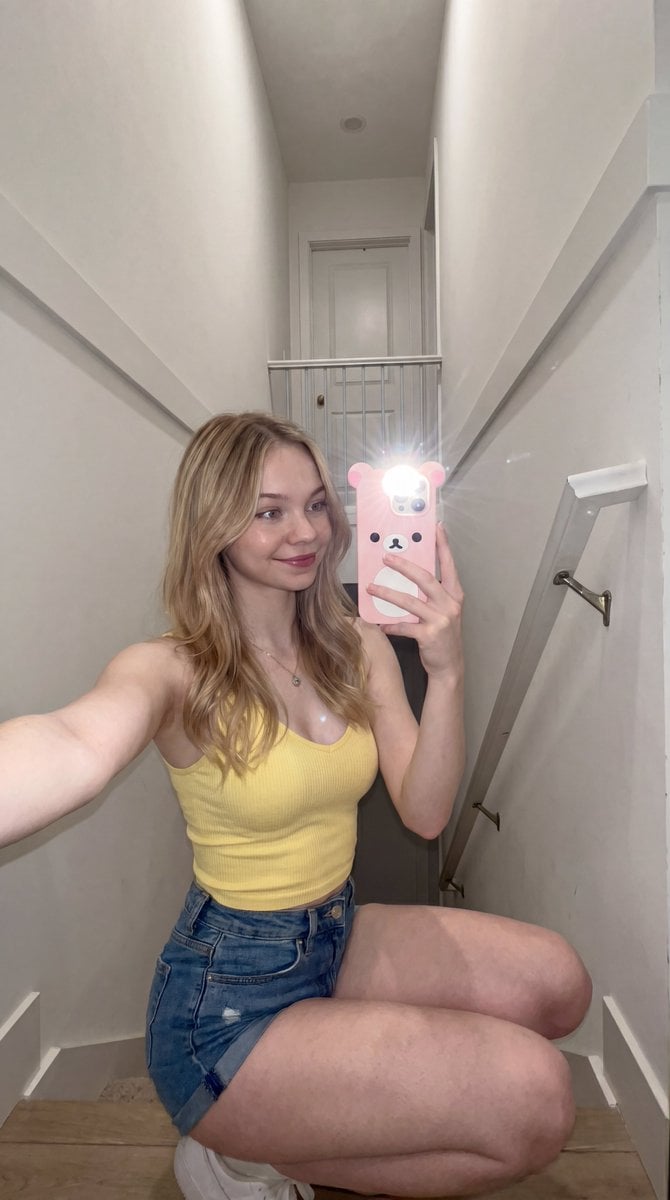
Candid stairwell flash selfie
Make it yours
Candid Rooftop Kiss with Direct Flash at Blue Hour works as-is. These are the safest ways to change it without losing the look.
Swap the setting
Keep the rest of the prompt and replace the location block. The current setting is “apartment rooftop balcony with metal railing, city buildings behind with warm wi”.
Swap the light
One lighting change is enough to compare takes. Current light: “on-camera flash + dusk ambient”.
Change one field
Copy a single group, rewrite it, and generate again so you can see what that field is doing.
| If the result… | Why | Fix |
|---|---|---|
| The result drifts from the preview | Too many fields changed at once. | Reuse Candid Rooftop Kiss with Direct Flash at Blue Hour as-is first, then change one group — subject, light, or setting. |
| Nano Banana 2 ignores part of the JSON | Some models flatten or skip nested keys. | Keep the same values and paste them as a short paragraph instead. |
More Nano Banana 2 templates
Other prompts made for Nano Banana 2.

Photorealistic Leaf Shaped Like a Dragon

K-Pop Idol Portrait Grid for Rapid Selection

Poetic Rain Forest Portrait During Golden Hour

Urban Street Portrait with Cartoon Inner Self Duo

Candid Nighttime Photo with Cat Prompt

High-Concept 3D Diorama Generation Prompt

Cinematic Futuristic Studio Portrait Template

Skincare Editorial Photography Collage Prompt

Hyper-Realistic Commercial Product Photography (Splash Effect)

Hyper-Realistic Nightclub Portrait Prompt
More image prompts
Fresh picks from across the catalog.
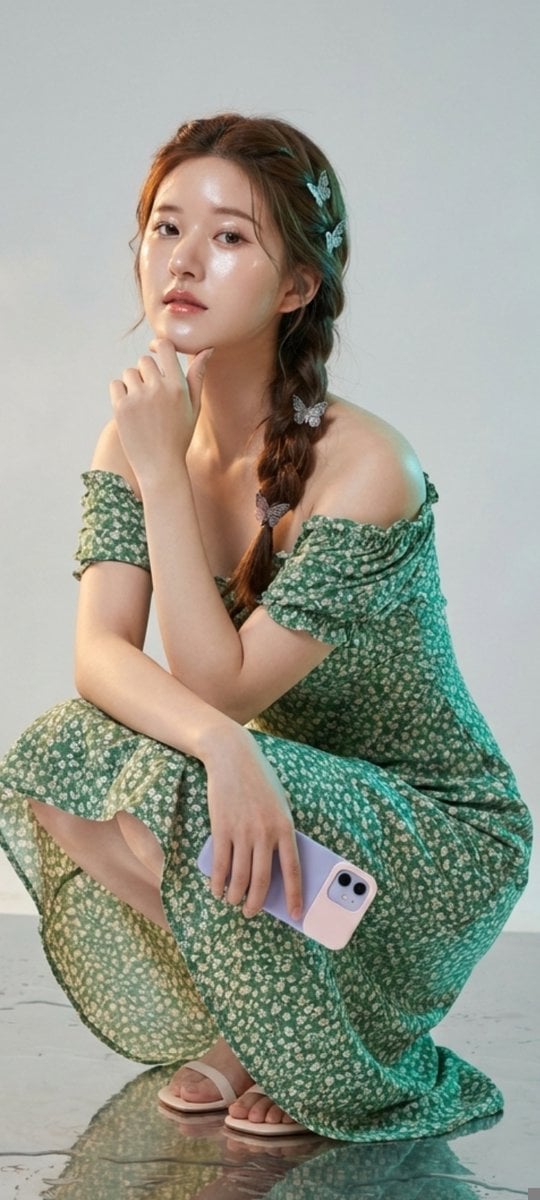
Photorealistic Portrait of Zhao Lusi (Rosy Zhao) with Cottagecore Vibe
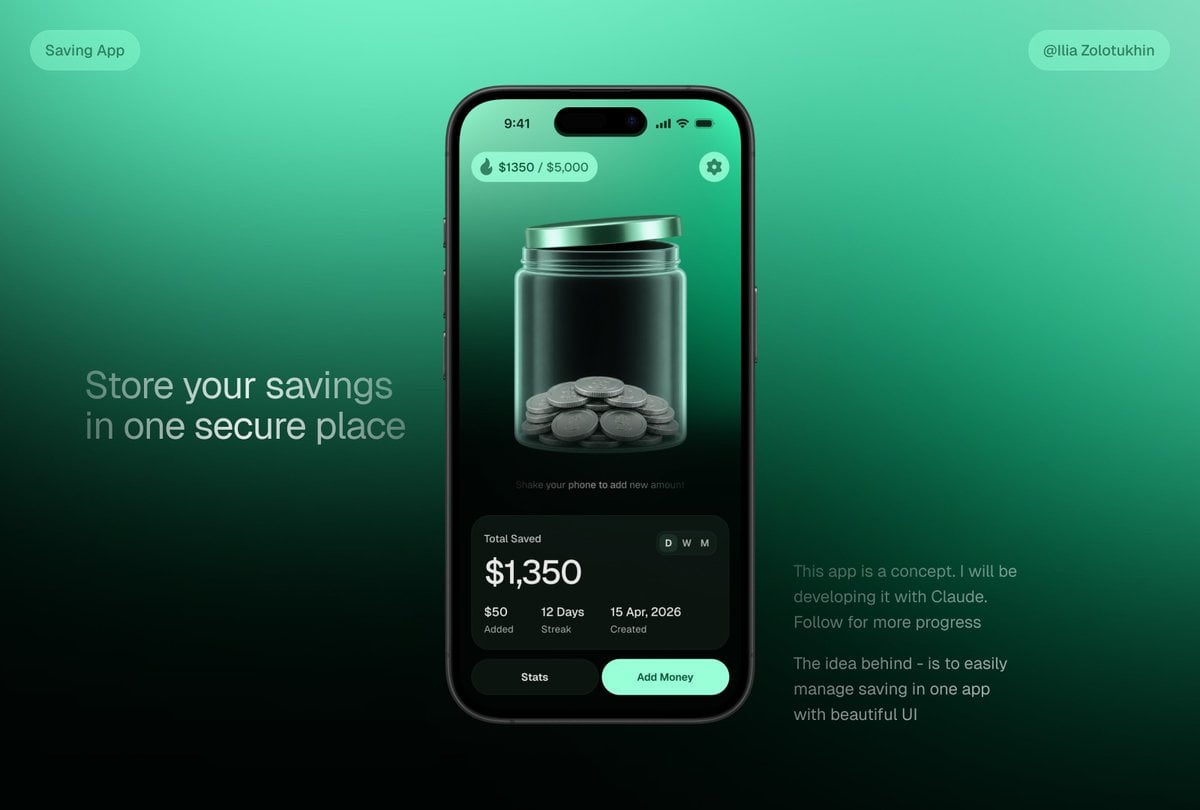
3D Savings App Jar UI Mockup
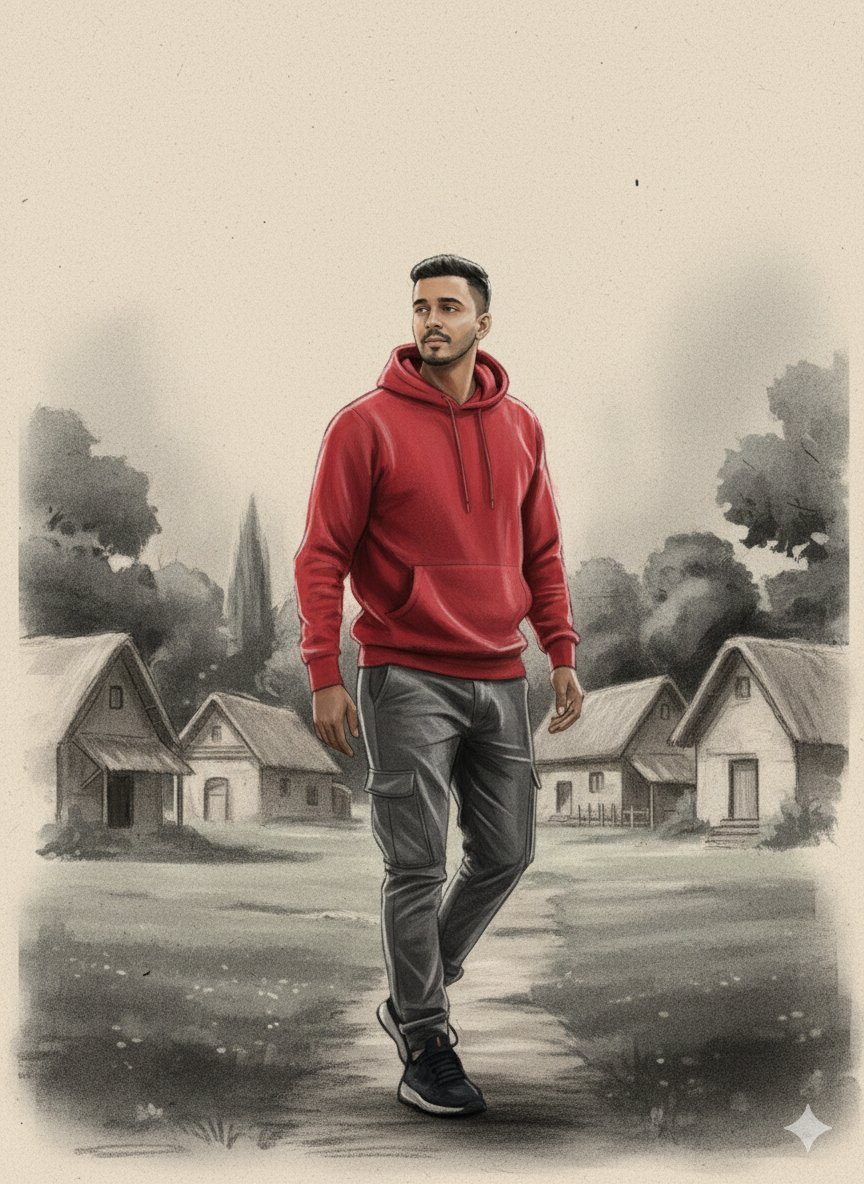
Charcoal and Chalk Fashion Editorial Prompt (Identity Preserve)

Layered Acrylic Catmaid Postcard Display
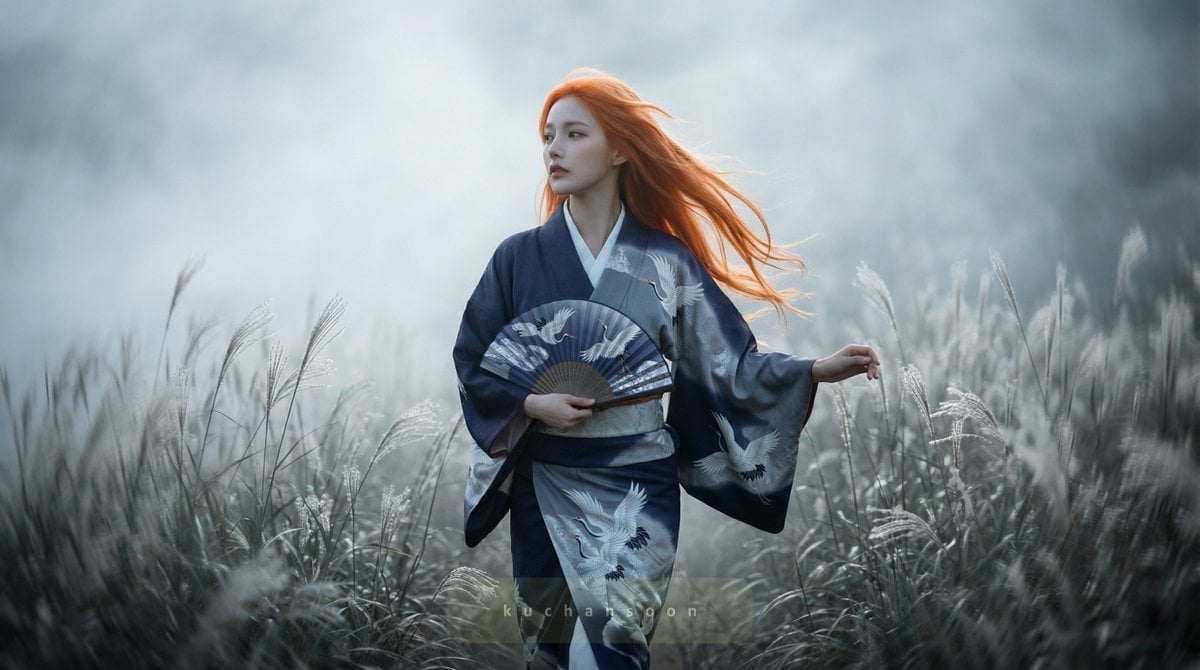
Cinematic frame of silver silence

Macro Food Photography of Martabak Telur Prompt
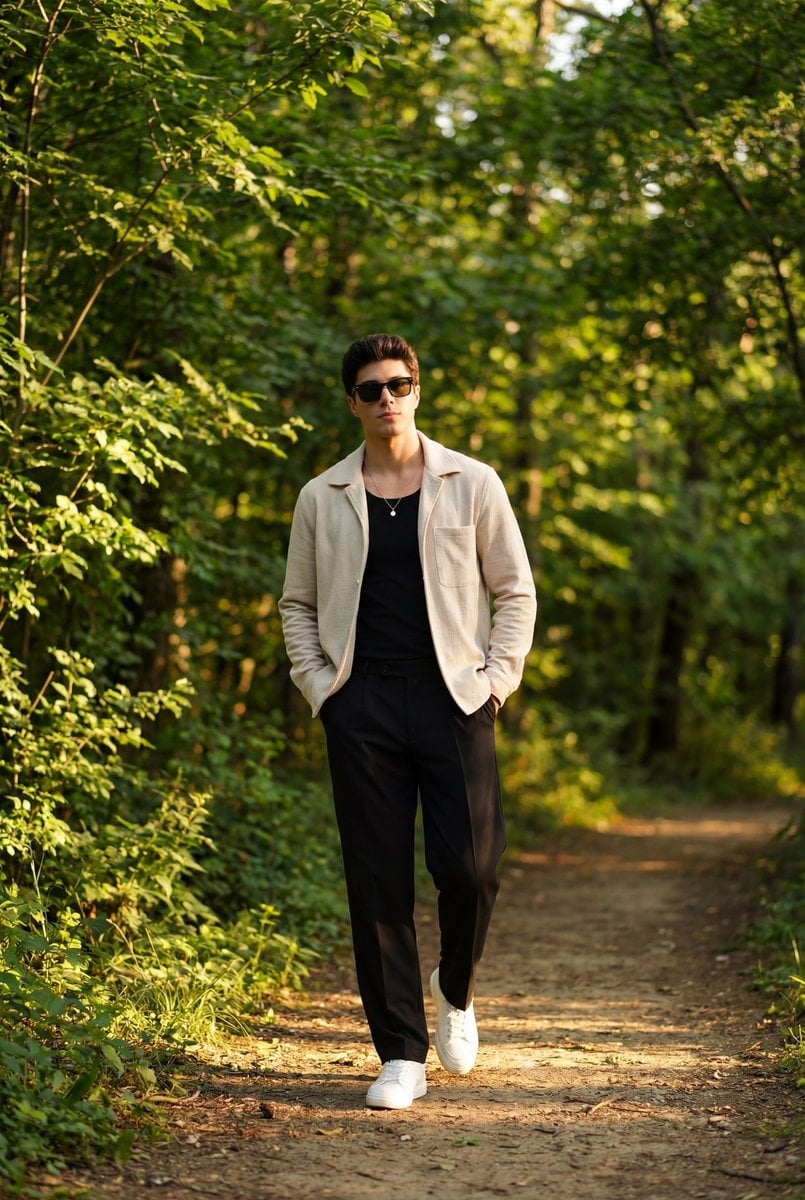
Golden Hour Outdoor Portrait of a Stylish Man
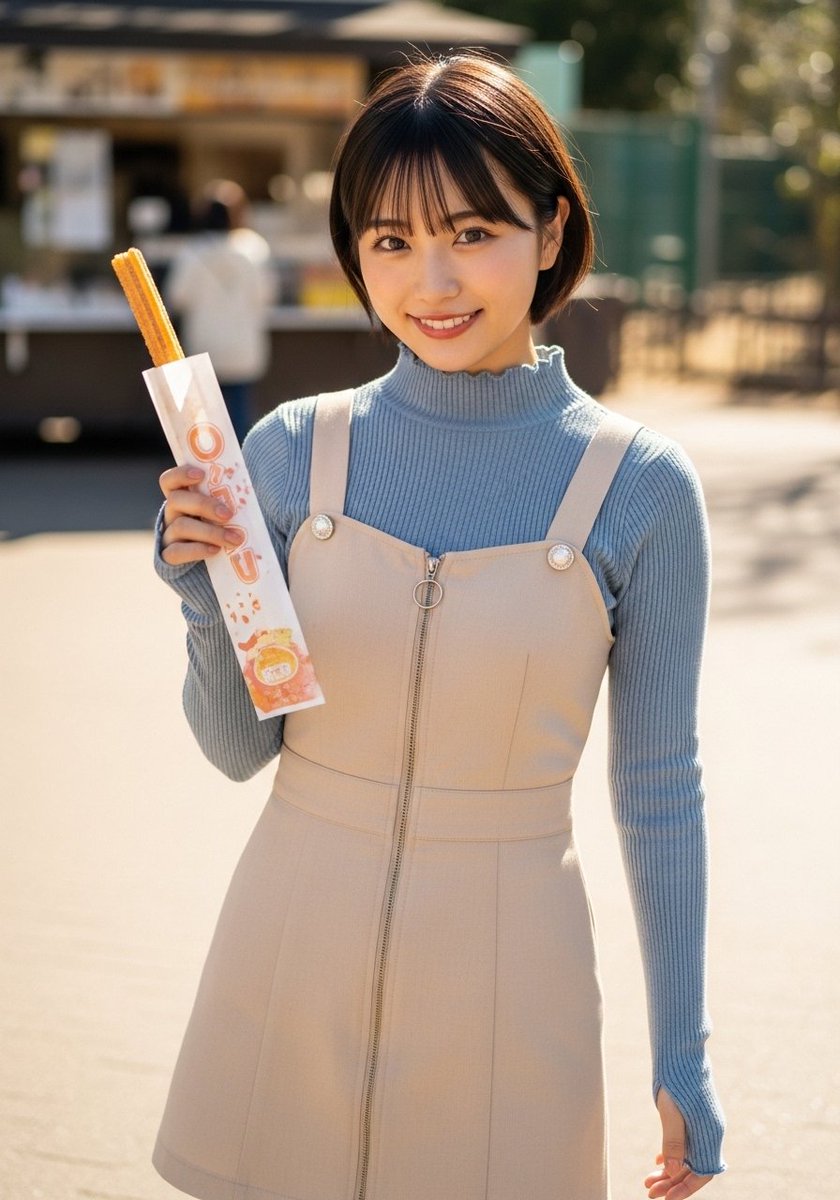
Street Portrait with Churro
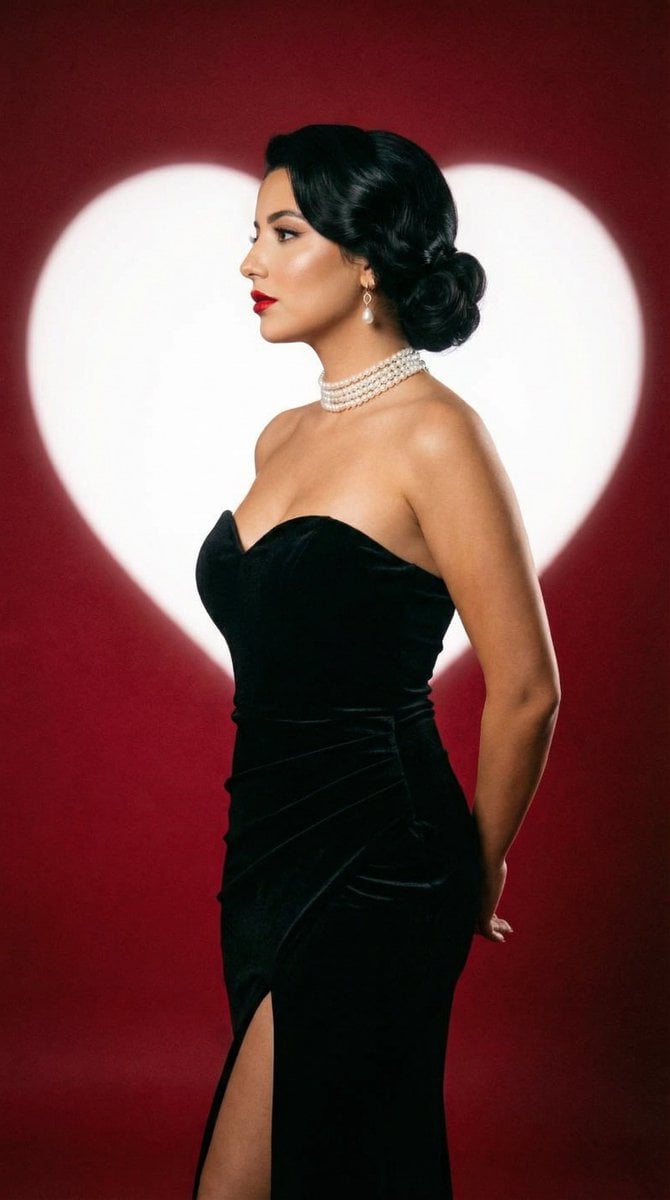
Classic Hollywood Studio Portrait with Heart Backdrop
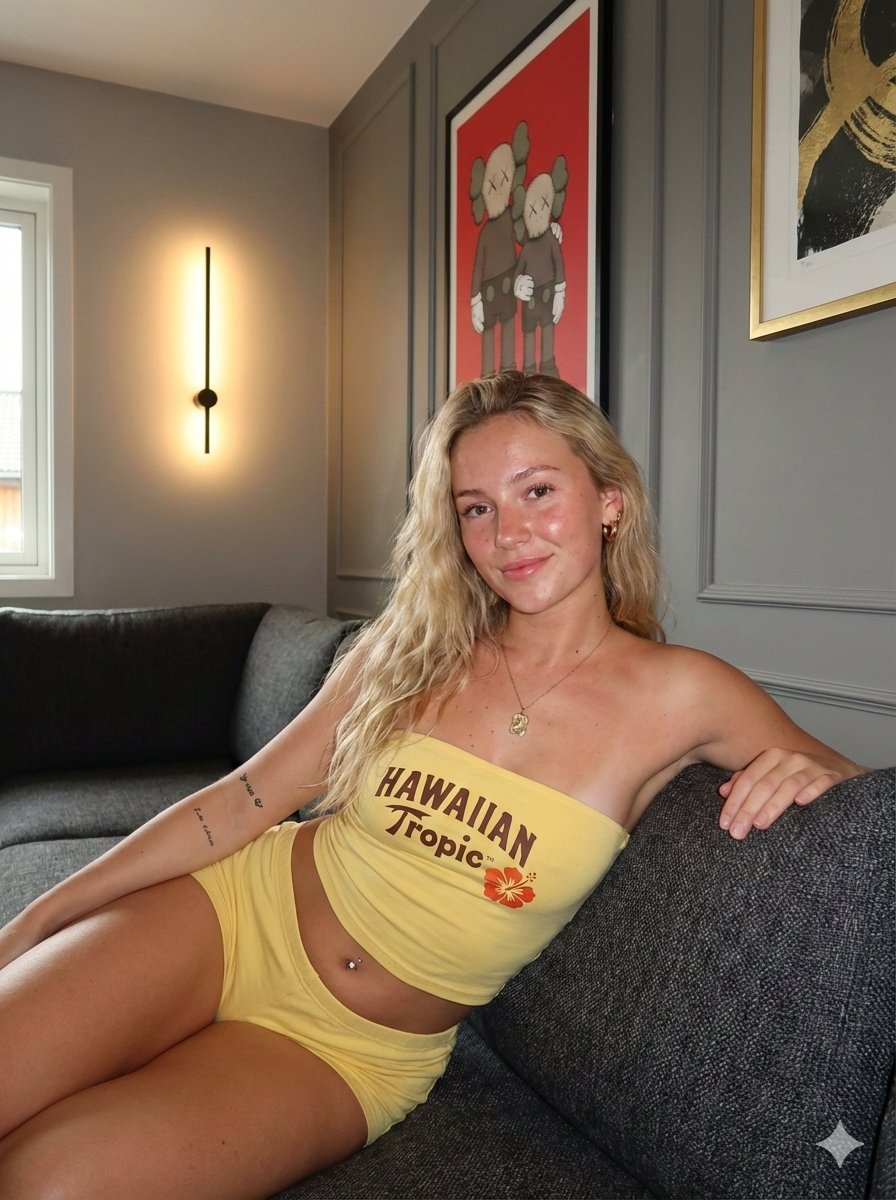
Influencer Lifestyle Loungewear Portrait
Browse template categories
Candid Rooftop Kiss with Direct Flash at Blue Hour questions
How do I use the Candid Rooftop Kiss with Direct Flash at Blue Hour template?
Add your photo if the template asks for one, edit the prompt if you like — the template's model and format are already selected — and press Generate. Your version opens in PicX Studio.
Can I customize the Candid Rooftop Kiss with Direct Flash at Blue Hour template?
Yes. You can change the subject, setting, lighting, mood, format, and available model controls before creating your image.
Is the Candid Rooftop Kiss with Direct Flash at Blue Hour template free?
Opening and editing this template is free. Generating uses credits, shown on the Generate button when you are signed in.
Which AI model should I use?
Start with Nano Banana 2, which is the model associated with this template. You can compare another compatible model for a different finish.
Looking for something else? Browse all templates.

Your photo, any look
Thousands of ready templates for every top image and video model, from one credit balance.