How do I use the Melancholic blue hour portrait template?
Choose the primary action to open PicX Studio with the available template settings. Review the model and format, personalize the creative direction, and generate when ready.
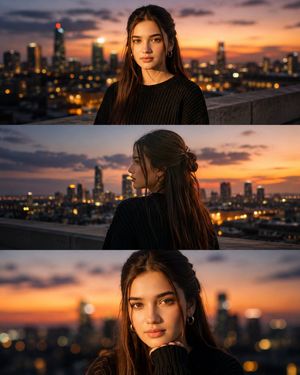
A prompt for a series of emotional, cinematic portraits of a young man at a beach during twilight, focusing on mood and artistic framing.
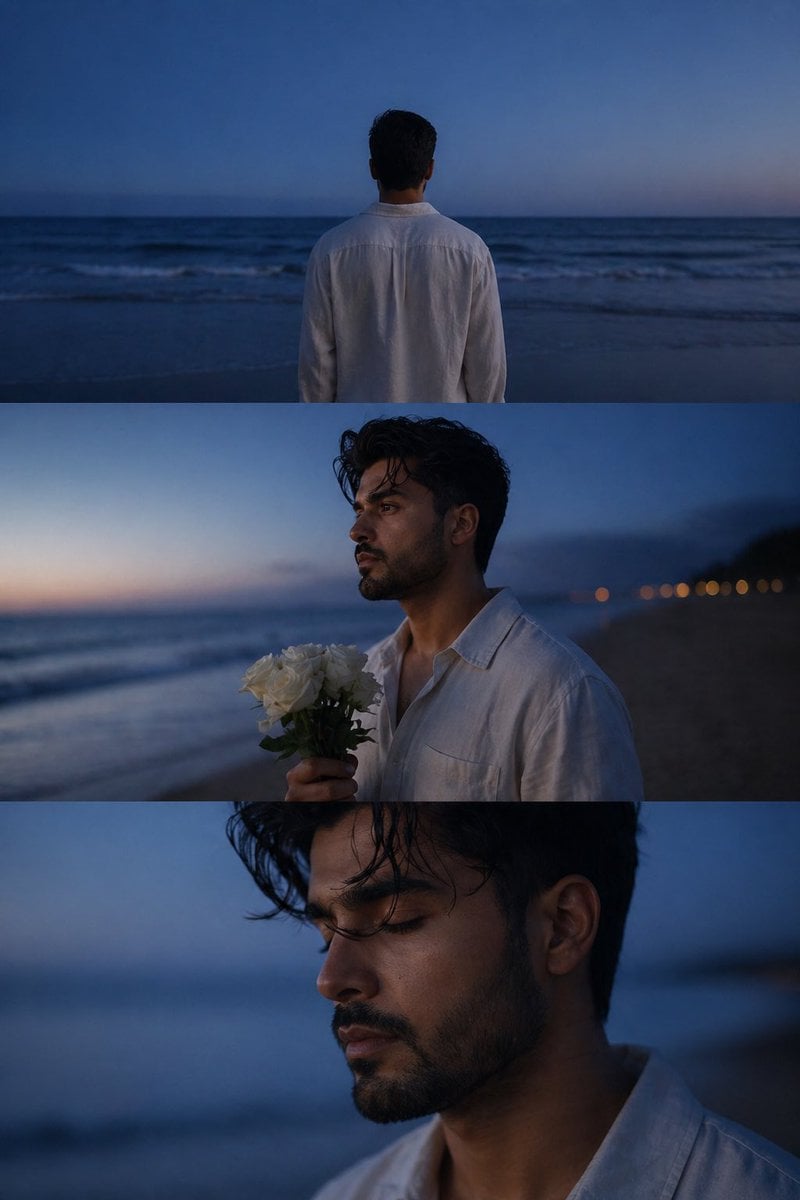
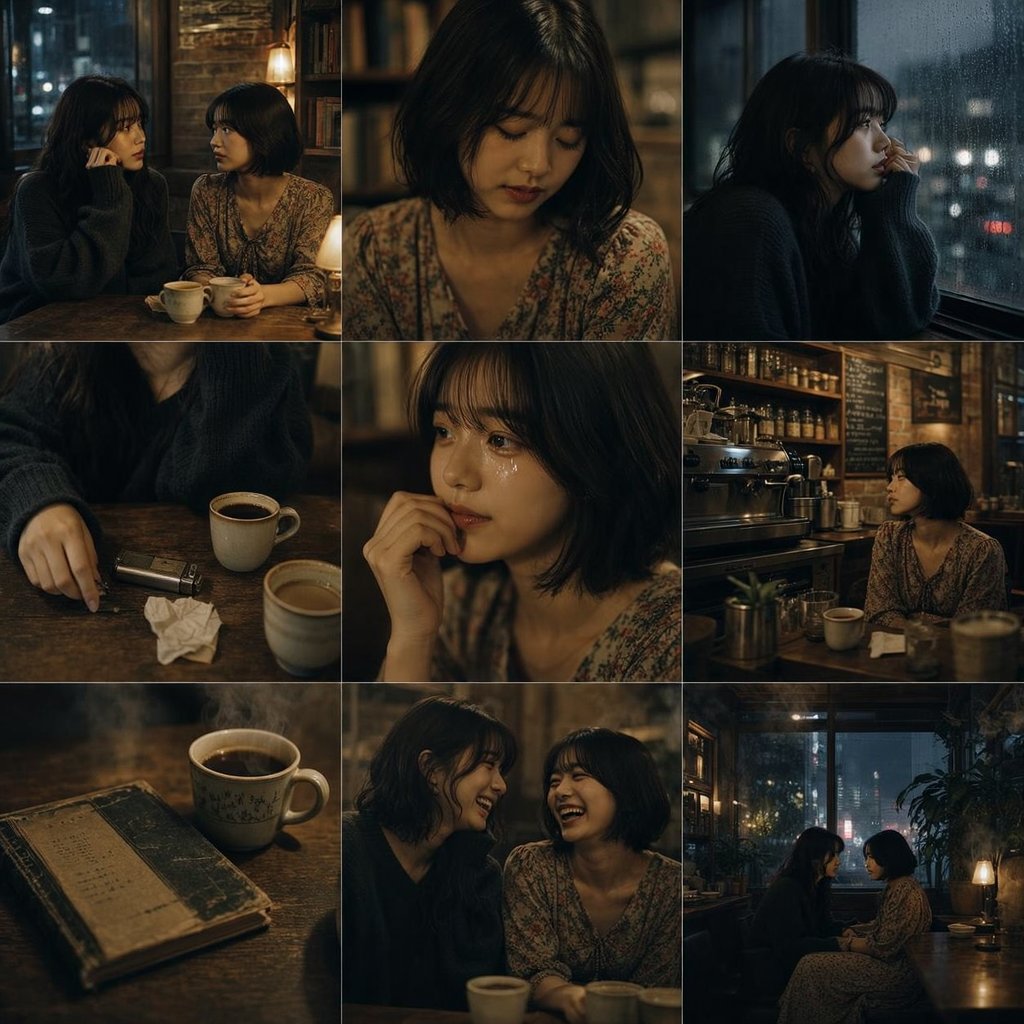
A cinematic, melancholic portrait series of a {argument name="subject" default="young man"} standing alone on a {argument name="location" default="quiet beach"} during blue hour twilight, soft ocean waves in the background, deep blue sky fading into dusk, peaceful and emotional atmosphere. He wears a loose white linen shirt, slightly open collar, natural wind-blown dark wavy hair, light stubble beard, sharp jawline, calm introspective expression. Scene 1: back view of him facing the endless sea, standing still near the shoreline, minimal composition, dreamy and poetic mood. Scene 2: side profile portrait holding a {argument name="flowers" default="bouquet of white roses"}, soft ocean breeze, distant city lights blurred in the background, cinematic shallow depth of field, emotional storytelling aesthetic. Scene 3: close-up portrait with eyes closed, peaceful expression, soft skin texture, detailed facial features, moody blue tones, intimate and artistic framing. Ultra-realistic, cinematic lighting, soft natural shadows, editorial photography style, romantic solitude, film still aesthetic, muted tones, high detail, 4K, masterpiece, atmospheric, emotional depth. Generate image using uploaded image as reference
Choose the primary action to open PicX Studio with the available template settings. Review the model and format, personalize the creative direction, and generate when ready.
Yes. You can change the subject, setting, lighting, mood, format, and available model controls before creating your image.
This template is free to open and customize. Generation usage is shown in PicX Studio before you create.
Start with Nano Banana 2, which is the model associated with this template. You can compare another compatible model for a different finish.
Follow a topic to a crawlable collection of related PicX Studio templates.