
High-Quality Flat Design Slide Generation Prompt
A detailed prompt for Nano Banana Pro (used here in Manus Slide feature) to generate high-quality slides instantly.
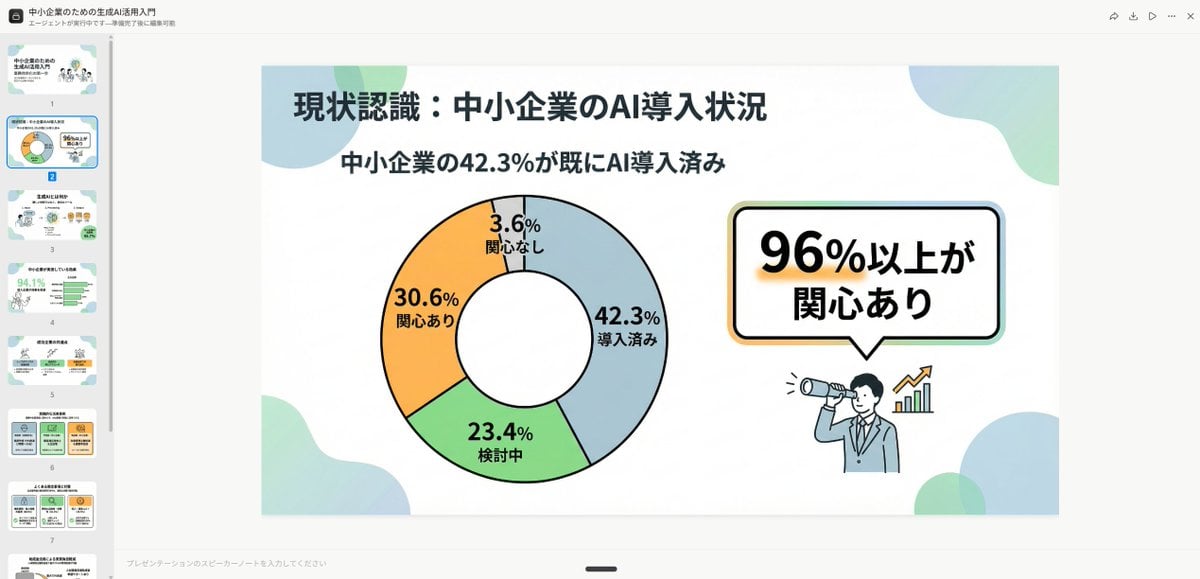
- Prompt included
- Model and format preset
- Free template
The prompt behind this image
Copy the exact prompt behind High-Quality Flat Design Slide Generation Prompt, or open it in the studio and make it yours.
シンプルかつ清潔感のあるフラットデザイン。 均一な黒のアウトライン線で描かれた人物やアイコンを配置し、 パステル調のアクセントカラーを部分的に使用。線の太さはできるだけ統一し、モダンな印象に。 丸みを帯びた形状と柔らかい印象を重視。 図解中心の構成(例:ベン図、棒グラフ、吹き出しなど)で、学生や若年層が見る資料やSNS向けの親しみやすいトーン。 余白を多く取り、視認性とバランスを意識したデザイン。
How to use High-Quality Flat Design Slide Generation Prompt in 3 steps
- 1
Open
The prompt is already in the box next to the preview, with the template's model and format selected.
- 2…a portrait of your subject in softgolden-hour light, 85mm…
Personalize
Edit the subject and creative details for your destination.
- 3Generate
Generate
Press Generate — your image is created in PicX Studio, so you can compare it with the original and refine one variable at a time.
More like this
Templates with the same subject, style or setup. Open one to see its prompt.
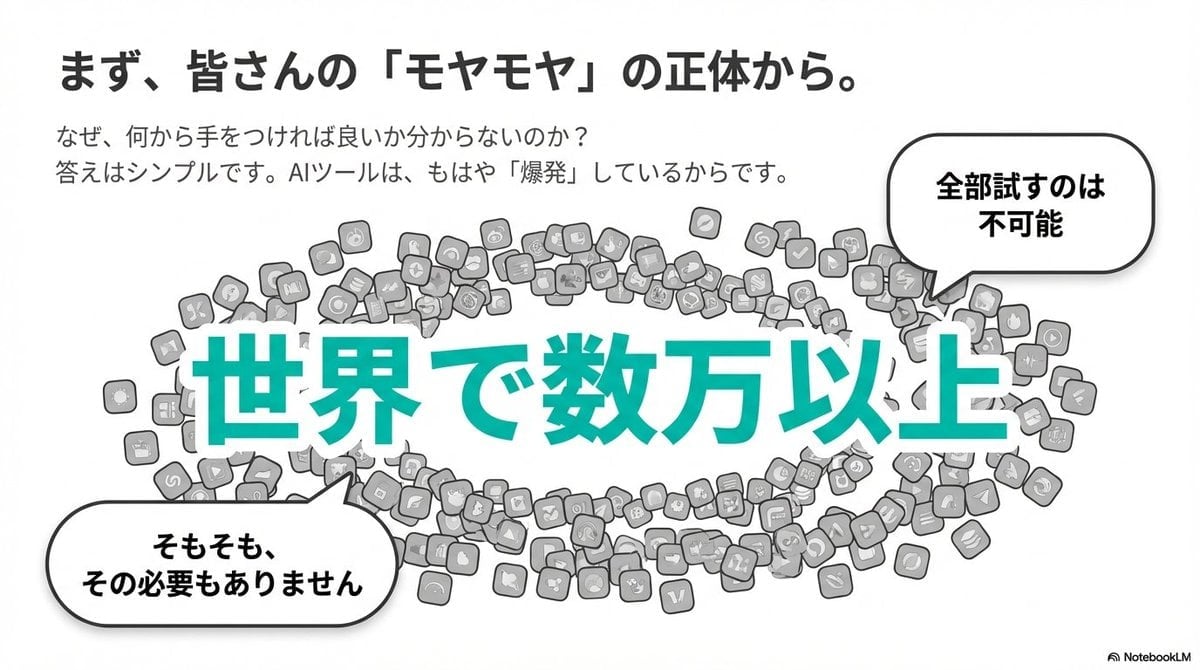
Clean flat slide design style guide for NotebookLM
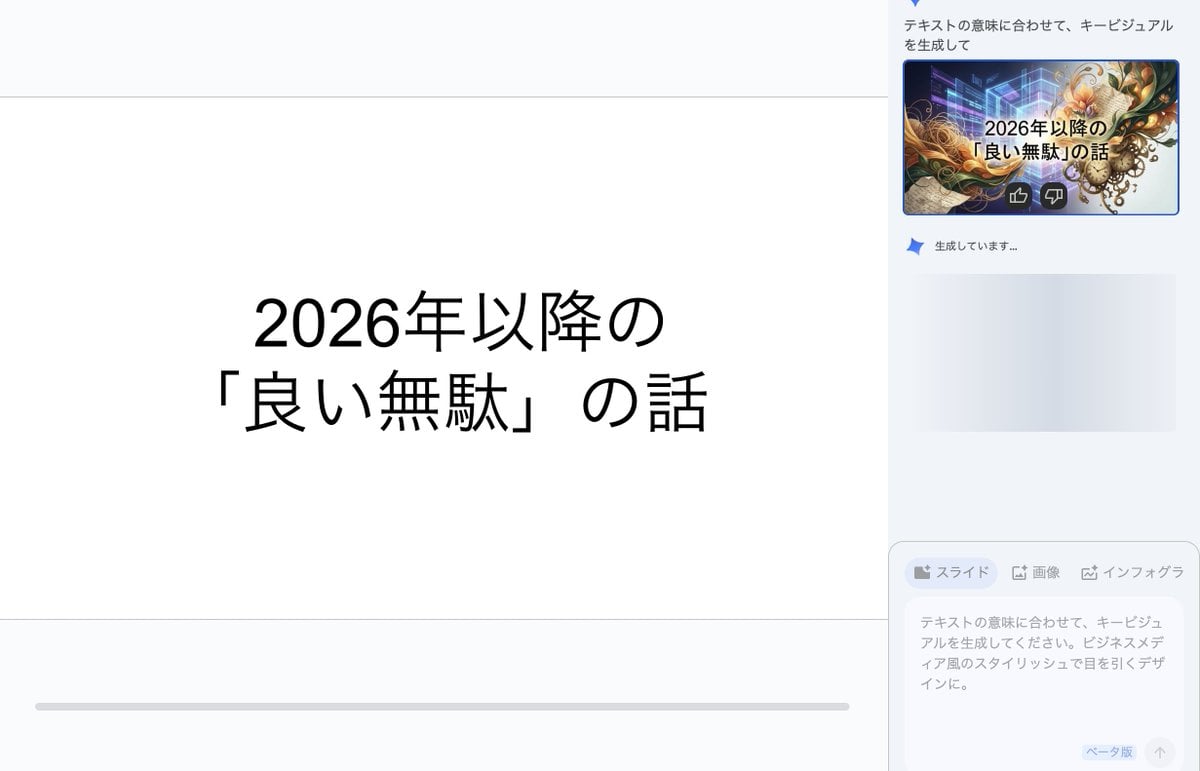
Key Visual Generation for Slides (Nano Banana Pro)

Character Generation from Google Slides Shapes
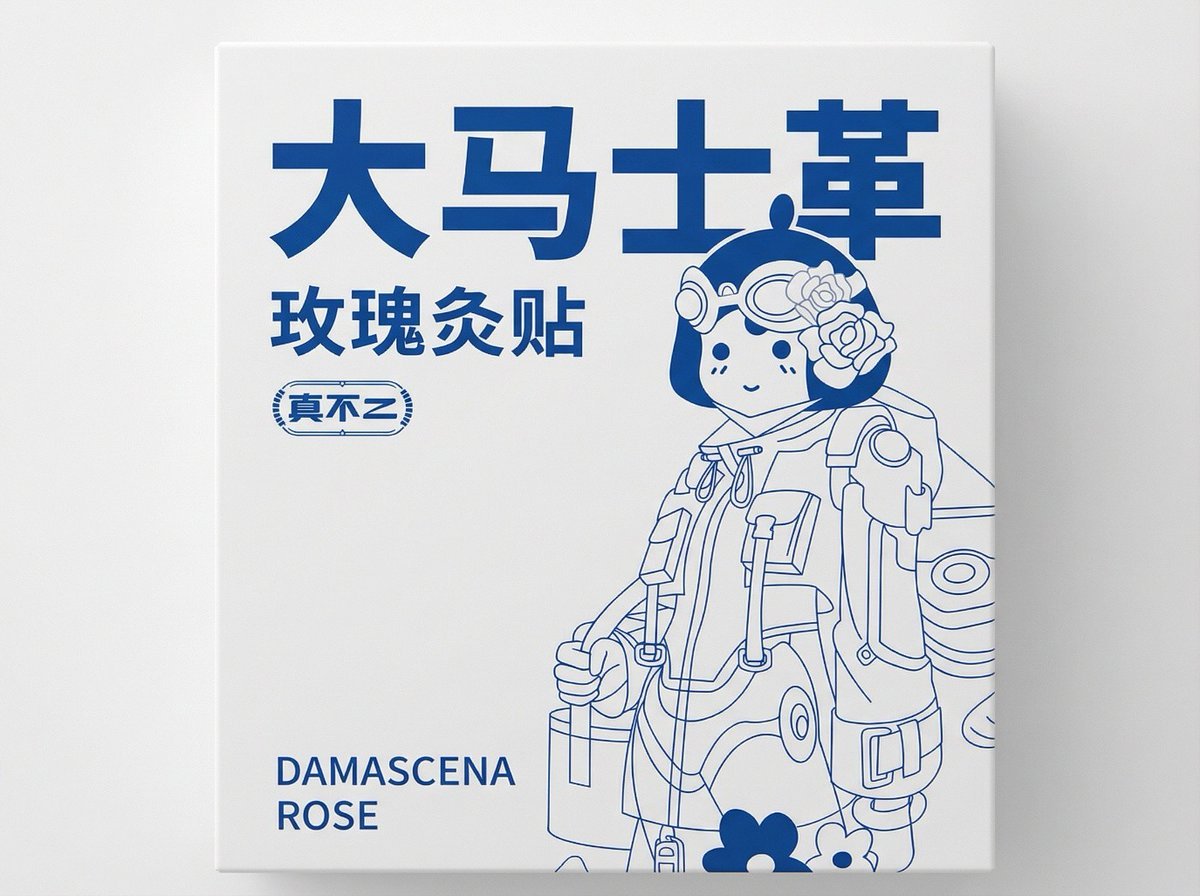
2D Flat Packaging Generation

Premium 4 3 presentation cover slide introducing Chronicle
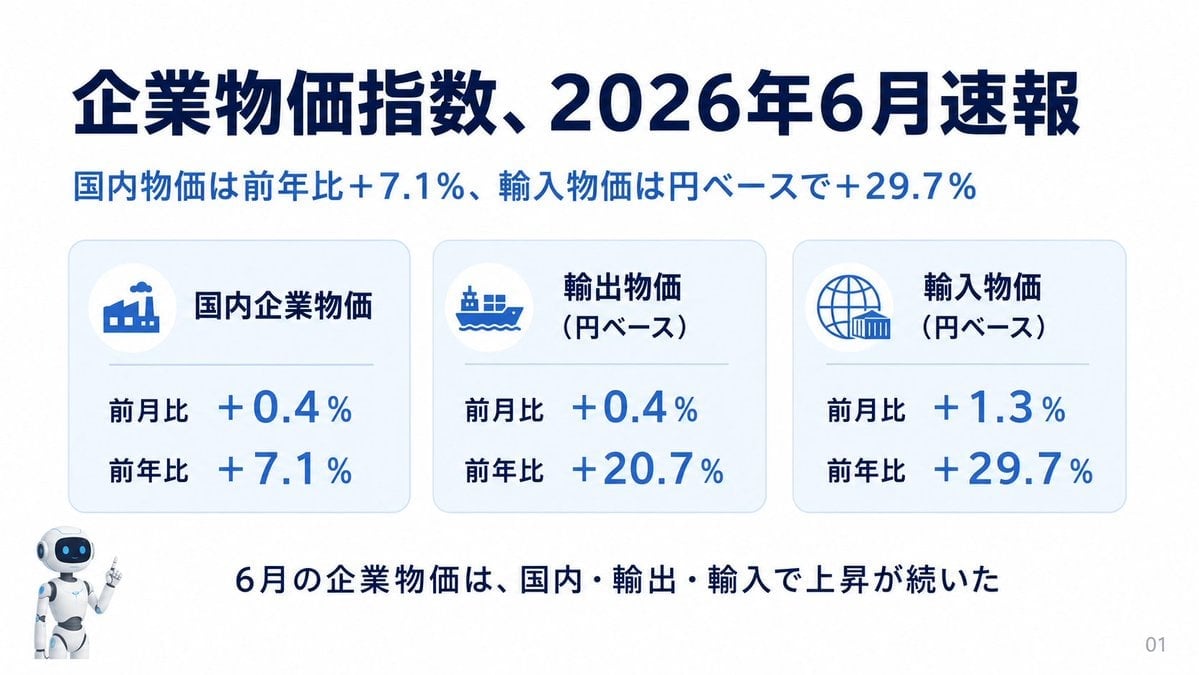
Japanese Corporate Price Index Slide
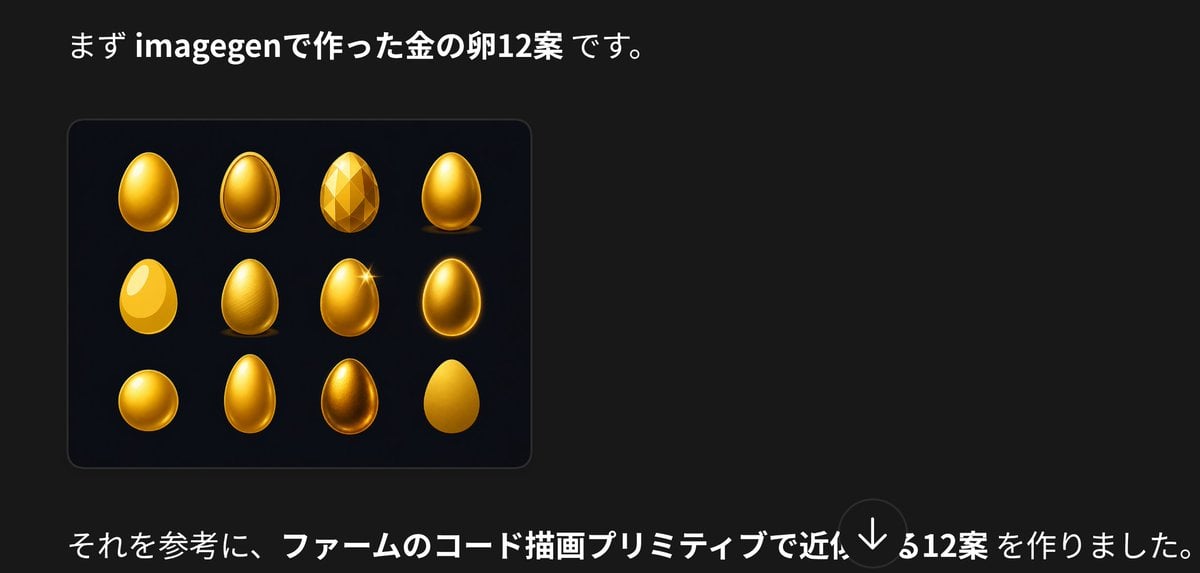
Japanese Golden Egg Design Slide

Couple Lock Screen iPhone Flat Lay

Z-Seven AI Product Matrix Slide

AI Chat Image Generation Screenshot
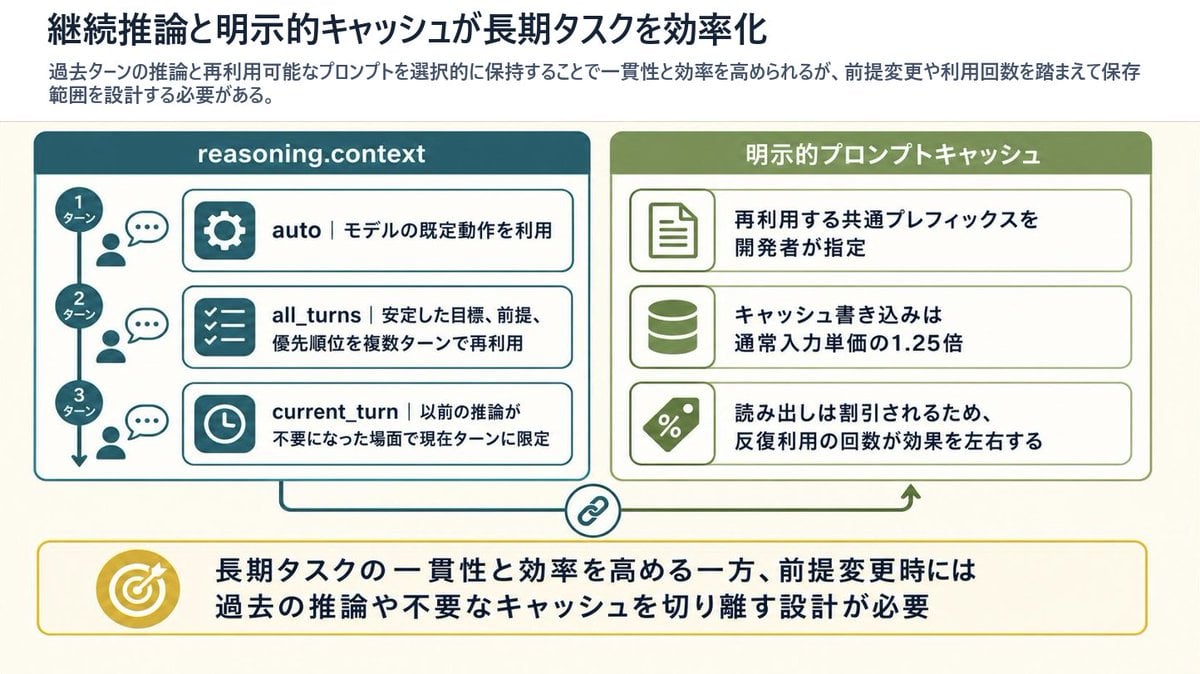
Reasoning Context and Prompt Cache Slide

Anime Girl Generation Grid
Make it yours
High-Quality Flat Design Slide Generation Prompt works as-is. These are the safest ways to change it without losing the look.
Change one field
Copy a single group, rewrite it, and generate again so you can see what that field is doing.
Keep the frame, change the subject
Hold the composition and light of High-Quality Flat Design Slide Generation Prompt, then swap wardrobe, props or the person for a new take.
| If the result… | Why | Fix |
|---|---|---|
| The result drifts from the preview | Too many fields changed at once. | Reuse High-Quality Flat Design Slide Generation Prompt as-is first, then change one group — subject, light, or setting. |
| The model over-stylizes the scene | The prose prompt leaves finish and camera underspecified. | Add one camera or lighting sentence and stay on Nano Banana 2. |
More Nano Banana 2 templates
Other prompts made for Nano Banana 2.

Photorealistic Leaf Shaped Like a Dragon

K-Pop Idol Portrait Grid for Rapid Selection

Poetic Rain Forest Portrait During Golden Hour

Urban Street Portrait with Cartoon Inner Self Duo

Candid Nighttime Photo with Cat Prompt

High-Concept 3D Diorama Generation Prompt

Cinematic Futuristic Studio Portrait Template

Skincare Editorial Photography Collage Prompt

Hyper-Realistic Commercial Product Photography (Splash Effect)

Hyper-Realistic Nightclub Portrait Prompt
More image prompts
Fresh picks from across the catalog.
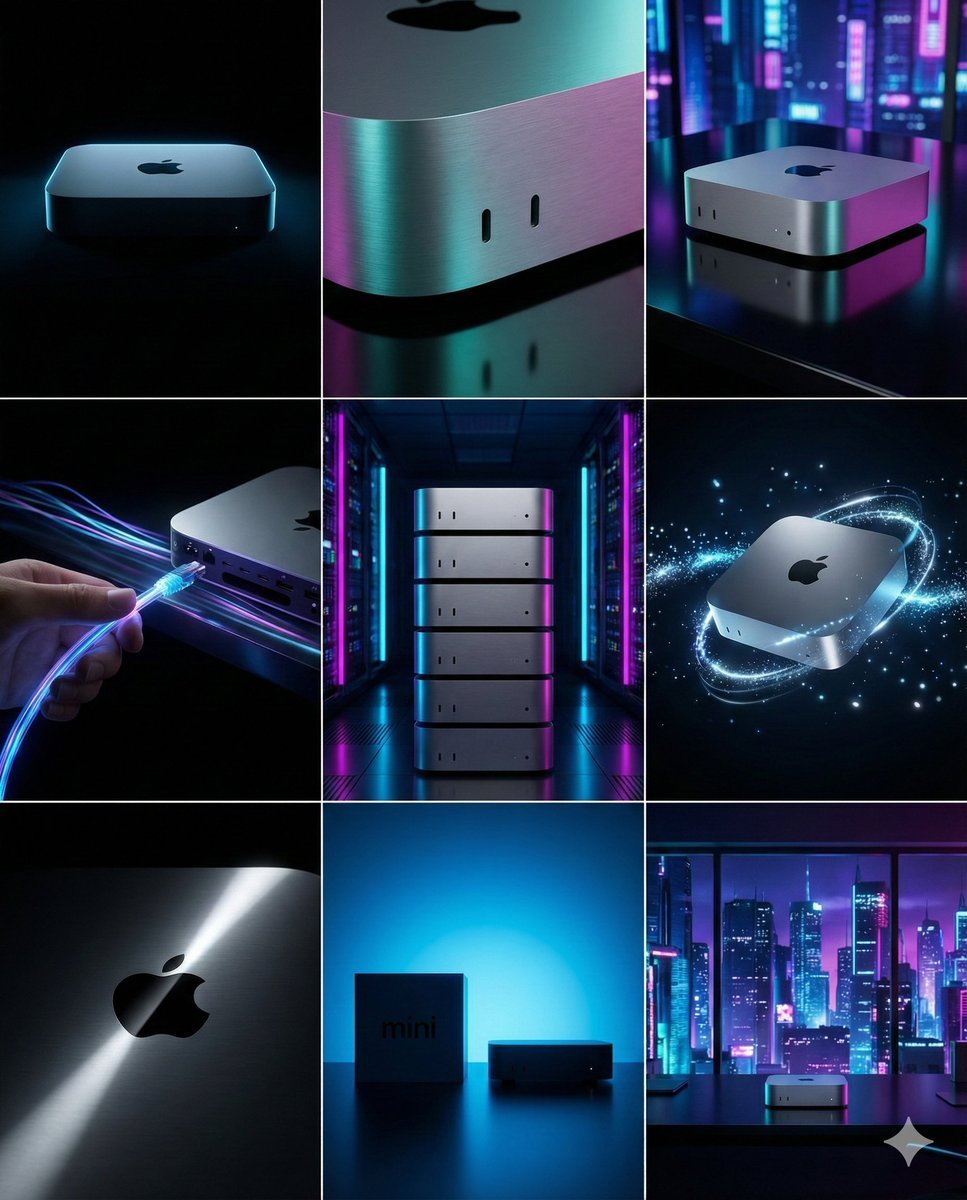
Cyberpunk Tech Visual Storyboard for Mac Mini Branding
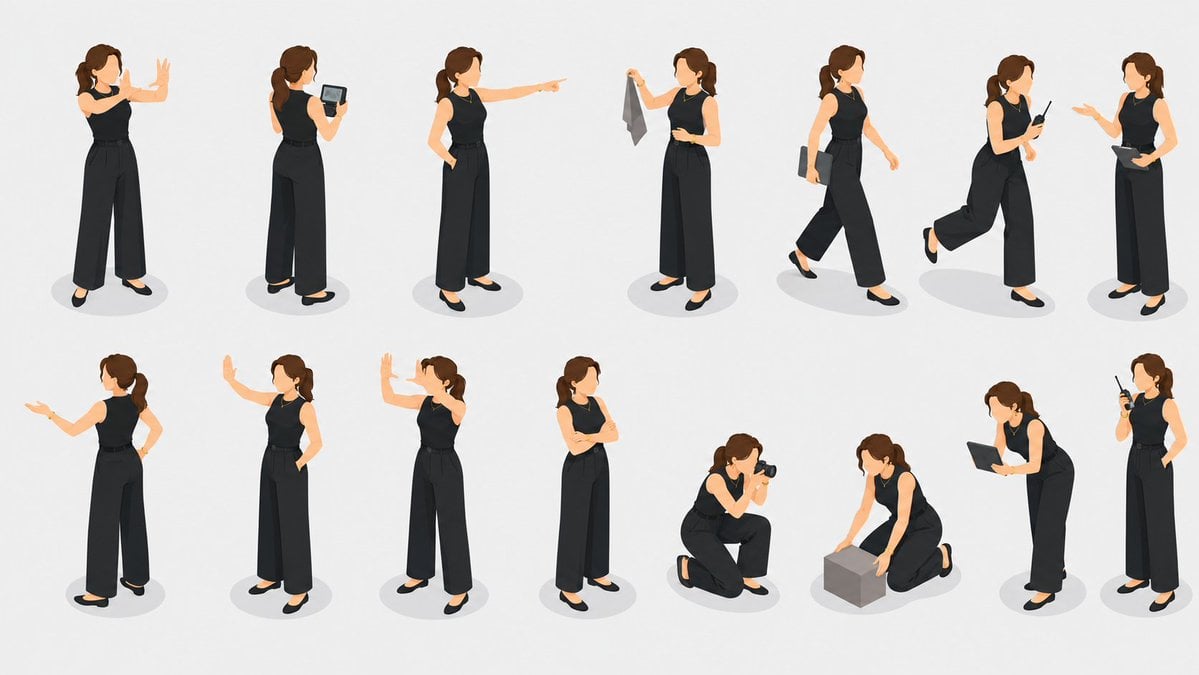
Isometric Businesswoman Pose Sheet
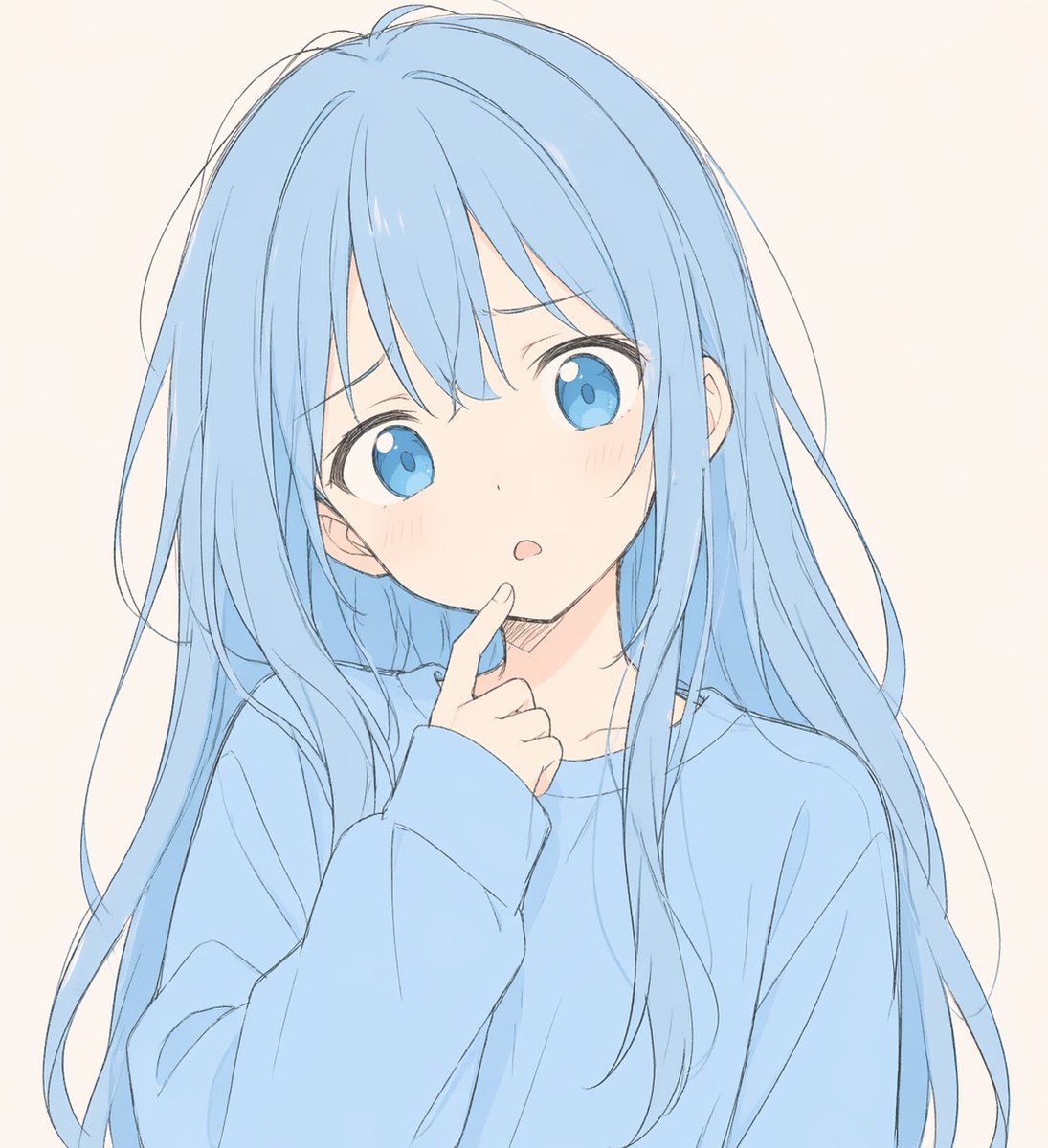
Soft Blue Anime Girl Portrait
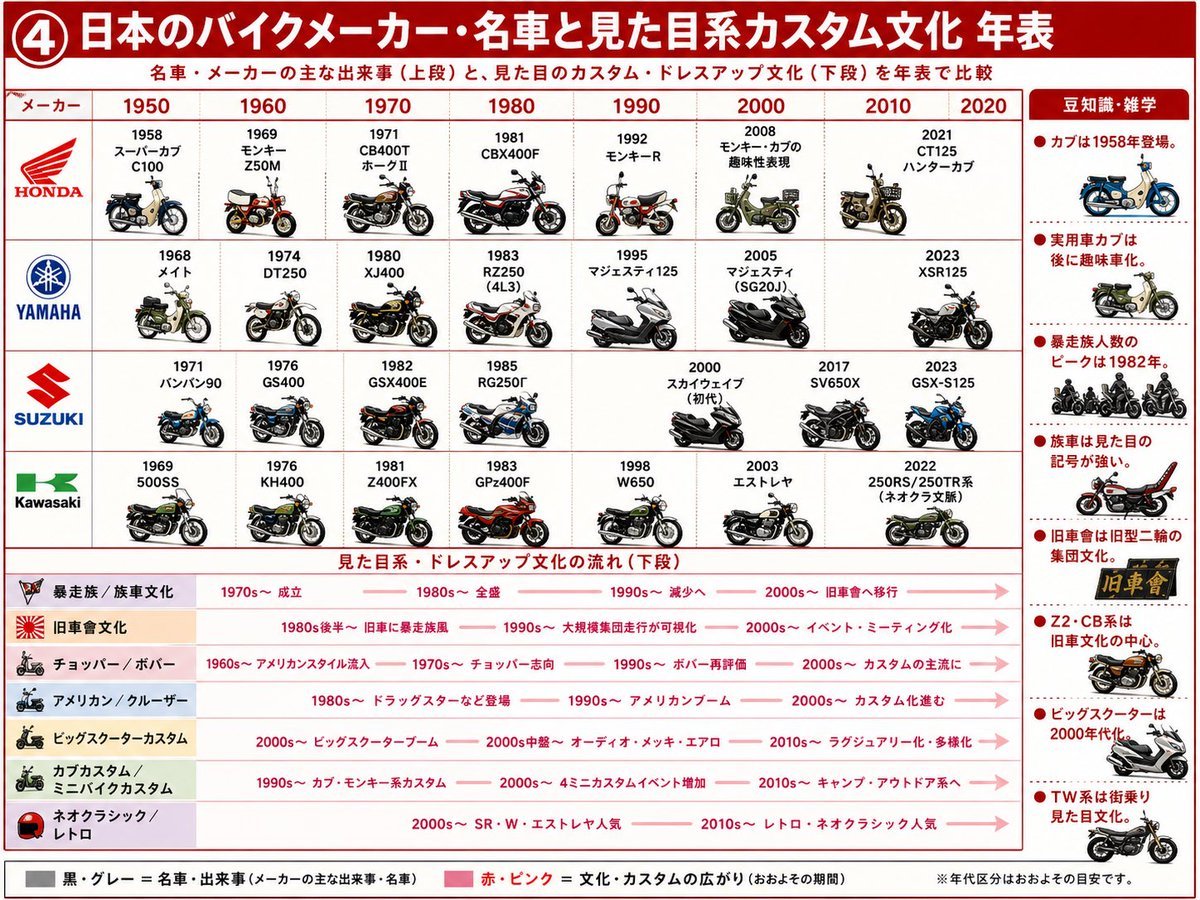
Japanese Motorcycle Culture Timeline
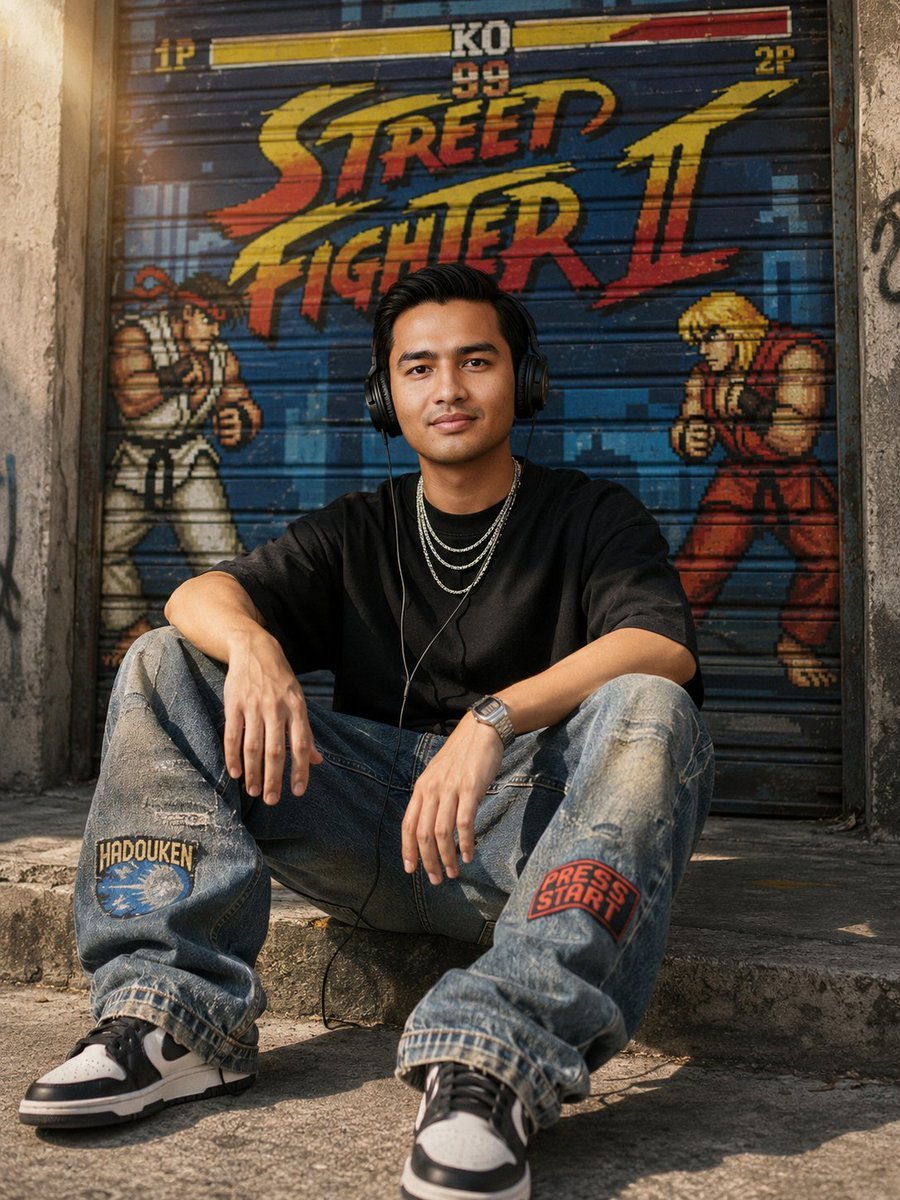
Urban Streetwear Sidewalk Portrait
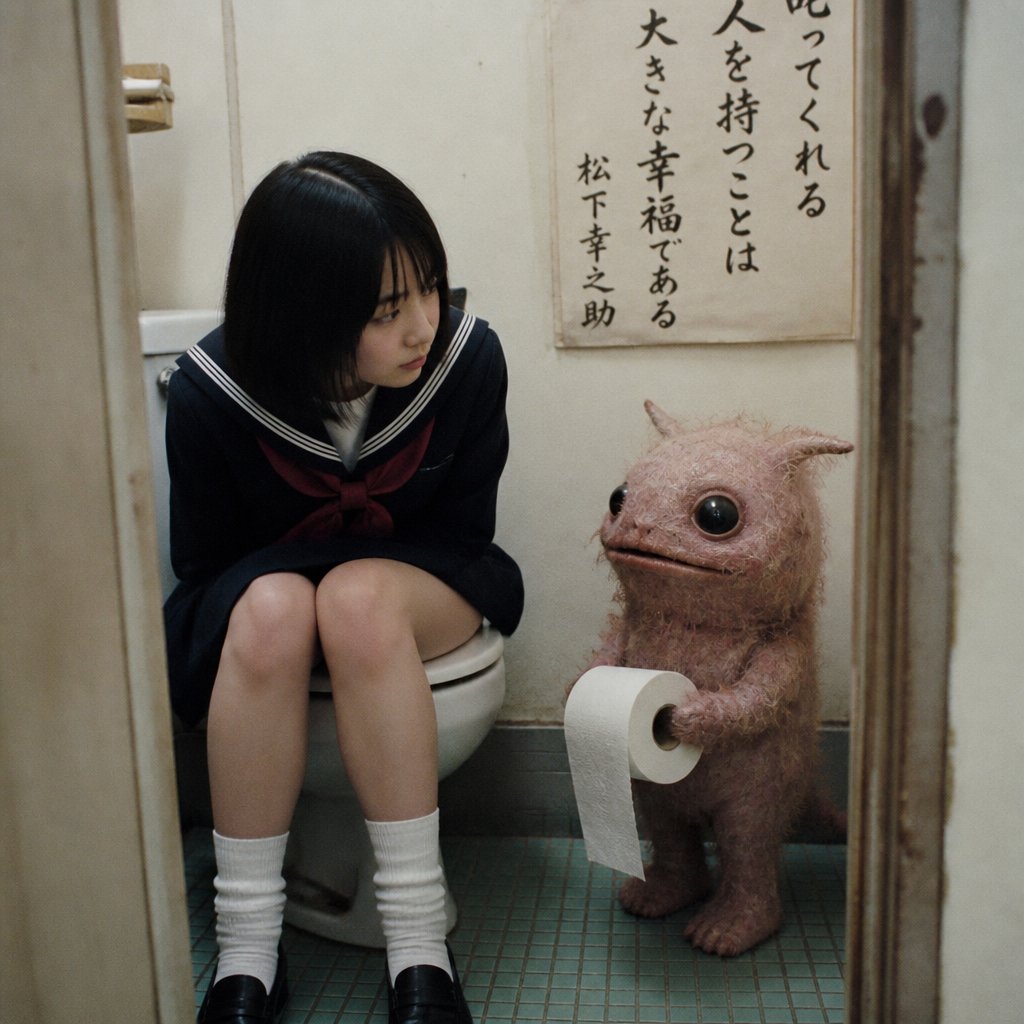
Schoolgirl and Toilet Paper Creature
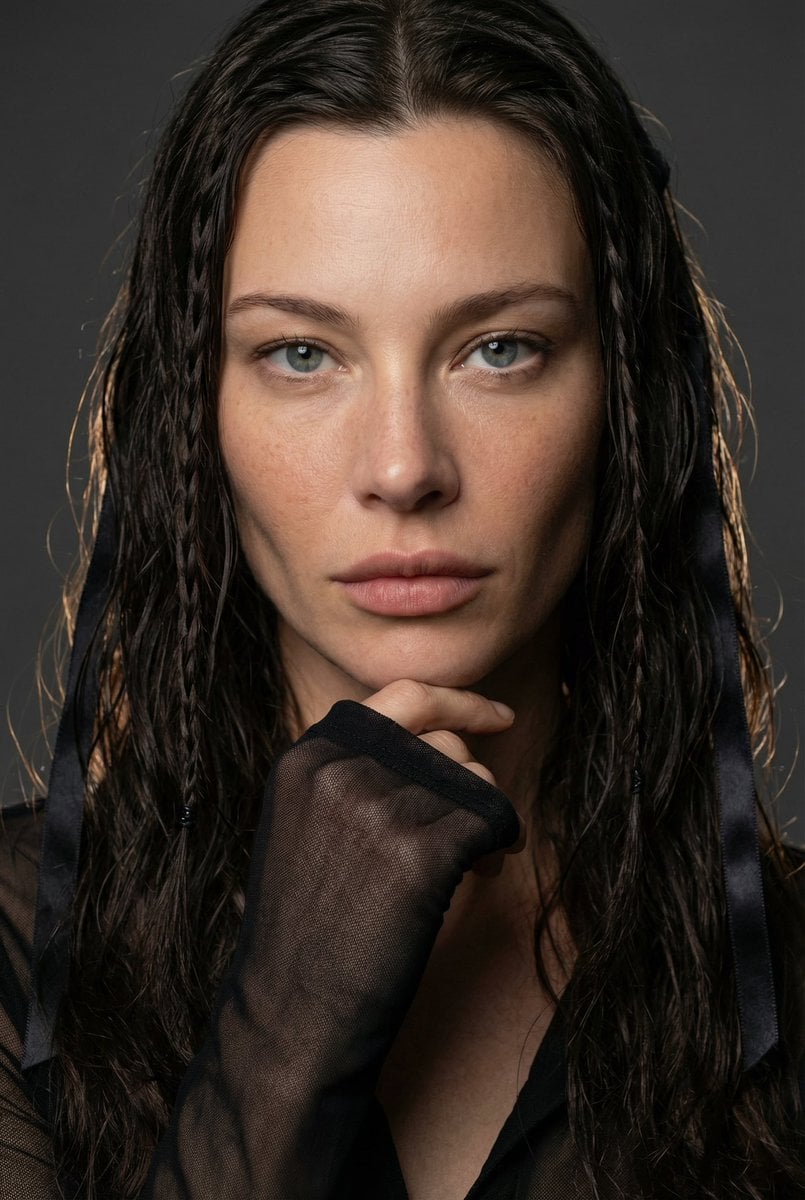
High-End Editorial Beauty Portrait
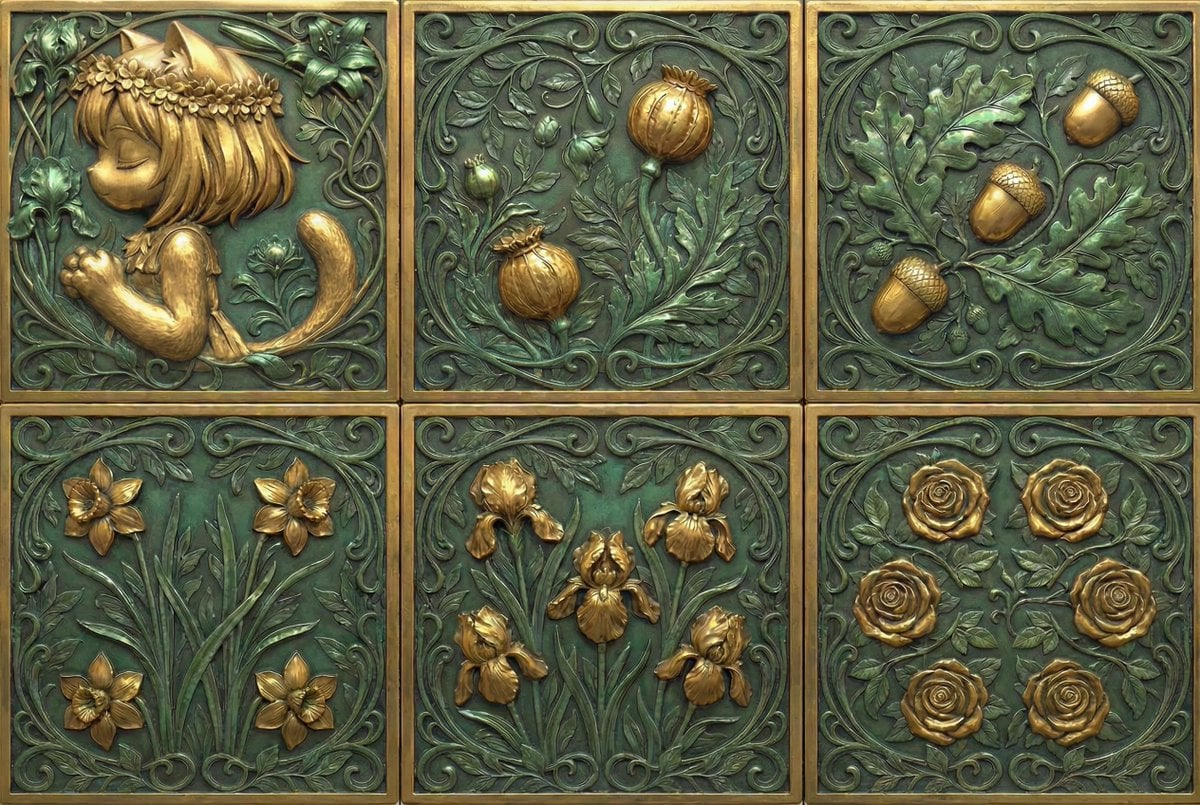
Generate Dice Faces with Specific Object Placement
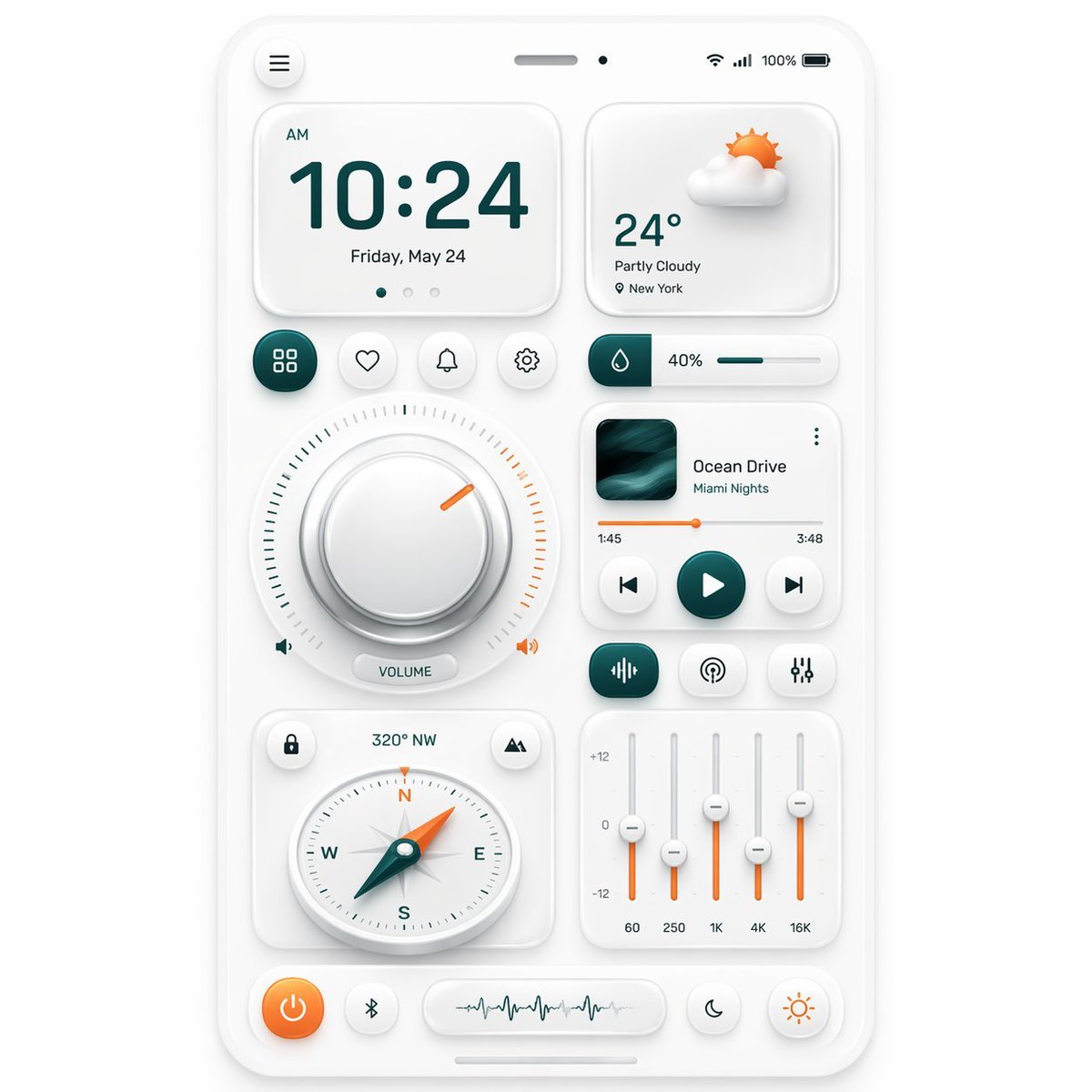
Neumorphic Smart Dashboard UI
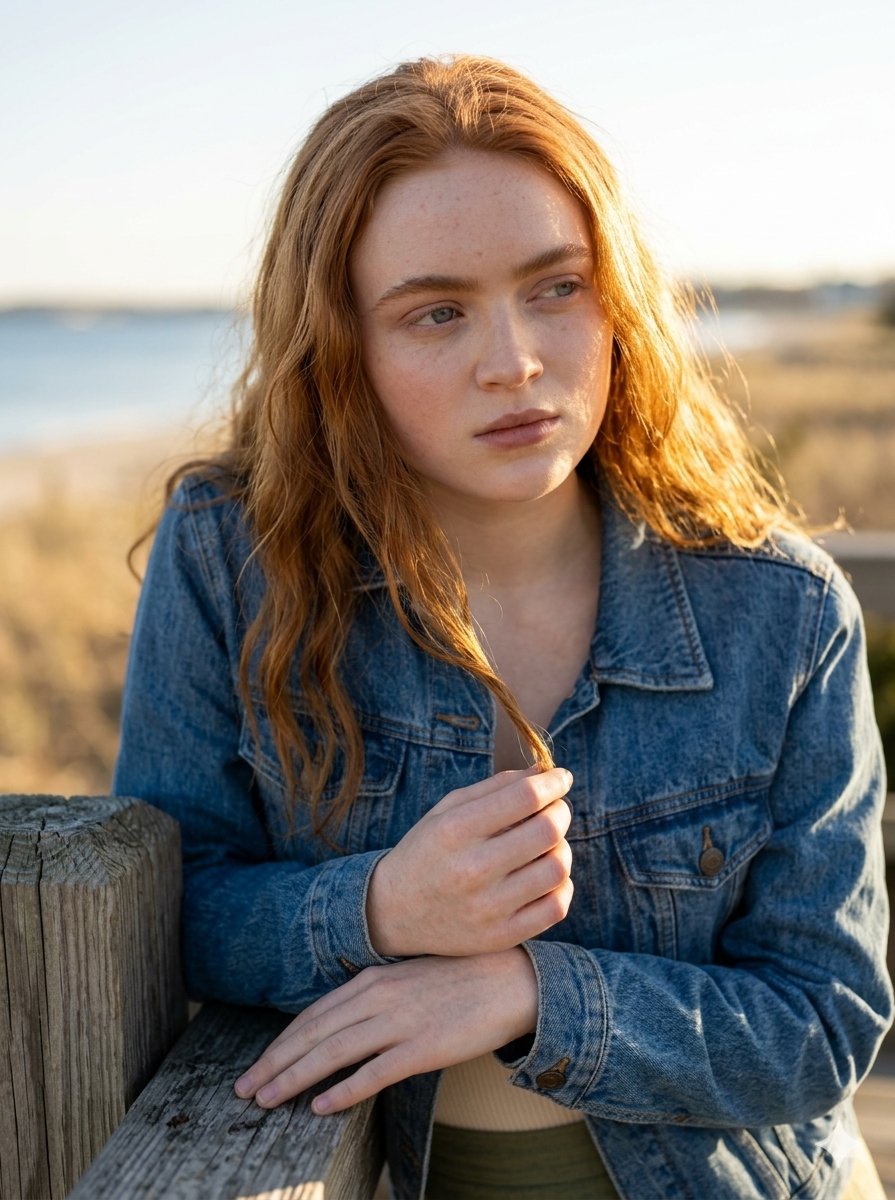
Golden Hour Portrait on a Boardwalk
Browse template categories
High-Quality Flat Design Slide Generation Prompt questions
How do I use the High-Quality Flat Design Slide Generation Prompt template?
Add your photo if the template asks for one, edit the prompt if you like — the template's model and format are already selected — and press Generate. Your version opens in PicX Studio.
Can I customize the High-Quality Flat Design Slide Generation Prompt template?
Yes. You can change the subject, setting, lighting, mood, format, and available model controls before creating your image.
Is the High-Quality Flat Design Slide Generation Prompt template free?
Opening and editing this template is free. Generating uses credits, shown on the Generate button when you are signed in.
Which AI model should I use?
Start with Nano Banana 2, which is the model associated with this template. You can compare another compatible model for a different finish.
Looking for something else? Browse all templates.

Your photo, any look
Thousands of ready templates for every top image and video model, from one credit balance.