How do I use the Couple Lock Screen iPhone Flat Lay template?
Choose the primary action to open PicX Studio with the available template settings. Review the model and format, personalize the creative direction, and generate when ready.
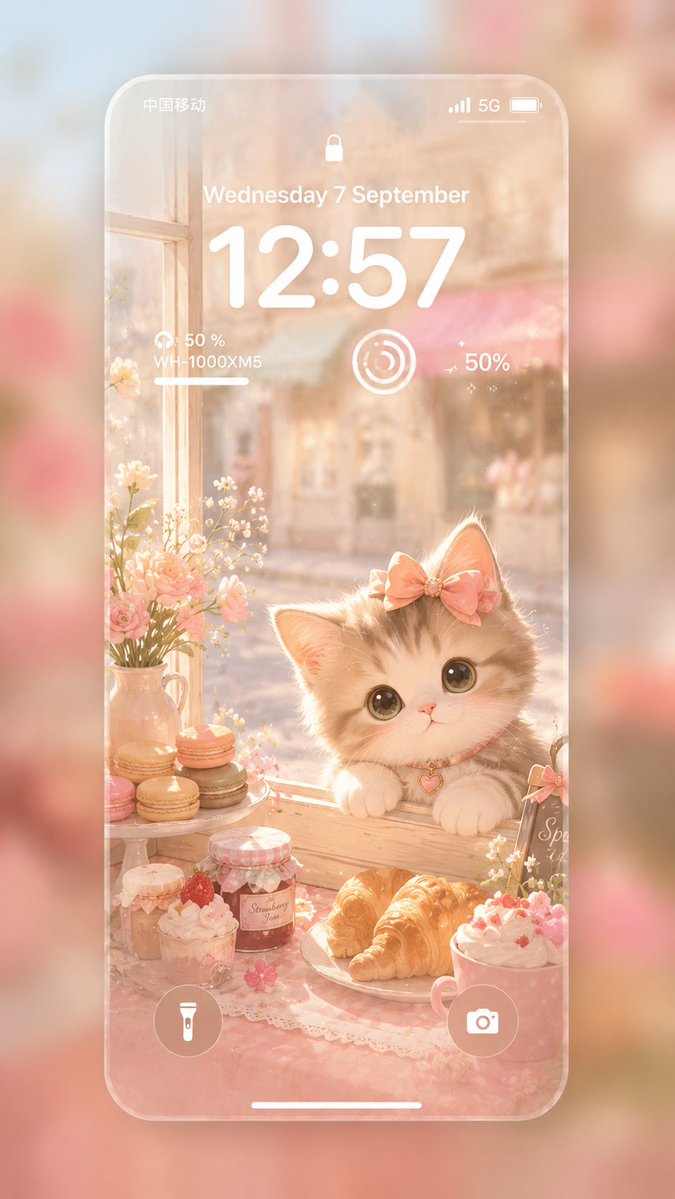
An ultra-realistic flat lay of two iPhones with matching couple wallpapers interacting across both lock screens.
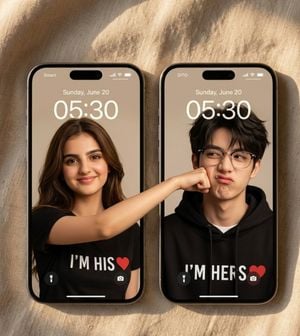
Create an ultra-realistic luxury Apple-style flat lay photograph of exactly two iPhone 15 Pro devices placed side by side on warm beige linen fabric in golden-hour sunlight, with soft diagonal window shadows and realistic phone reflections. The left phone is slightly left of center and the right phone is slightly right of center, both upright in portrait orientation with black rounded bezels, titanium edges, Dynamic Island cutouts, lock-screen status icons, flashlight and camera buttons at the bottom, and the white home indicator bar. Both lock screens show the date “Sunday, June 20” and the large time “05:30”; the left carrier label reads {argument name="left carrier label" default="Smart"} and the right carrier label reads {argument name="right carrier label" default="DITO"}. The lock-screen wallpapers form a seamless couple interaction across the two separate screens: on the left screen, a young woman with long brown hair wears a black T-shirt with bold white text {argument name="left shirt text" default="I’M HIS"} followed by a red heart; her arm extends horizontally out of the left phone wallpaper and continues visually across into the right phone, playfully punching or pressing against the young man’s cheek. On the right screen, a young man with tousled dark hair wears a black hoodie with bold white text {argument name="right shirt text" default="I’M HERS"} followed by a red heart, reacting subtly to her playful punch. Include exactly two visible people, exactly two phones, exactly two red heart icons on the shirts, and make the pose align perfectly across the gap between screens so the arm feels like one continuous image. Faces should appear anonymized or softly obscured while preserving realistic skin tones, hair, clothing, and lighting. Use shallow depth of field, crisp 8K photoreal detail, premium smartphone product photography, warm beige and black color palette, no extra devices, no extra text beyond the lock screen and shirt text, no watermark.
Choose the primary action to open PicX Studio with the available template settings. Review the model and format, personalize the creative direction, and generate when ready.
Yes. You can change the subject, setting, lighting, mood, format, and available model controls before creating your image.
This template is free to open and customize. Generation usage is shown in PicX Studio before you create.
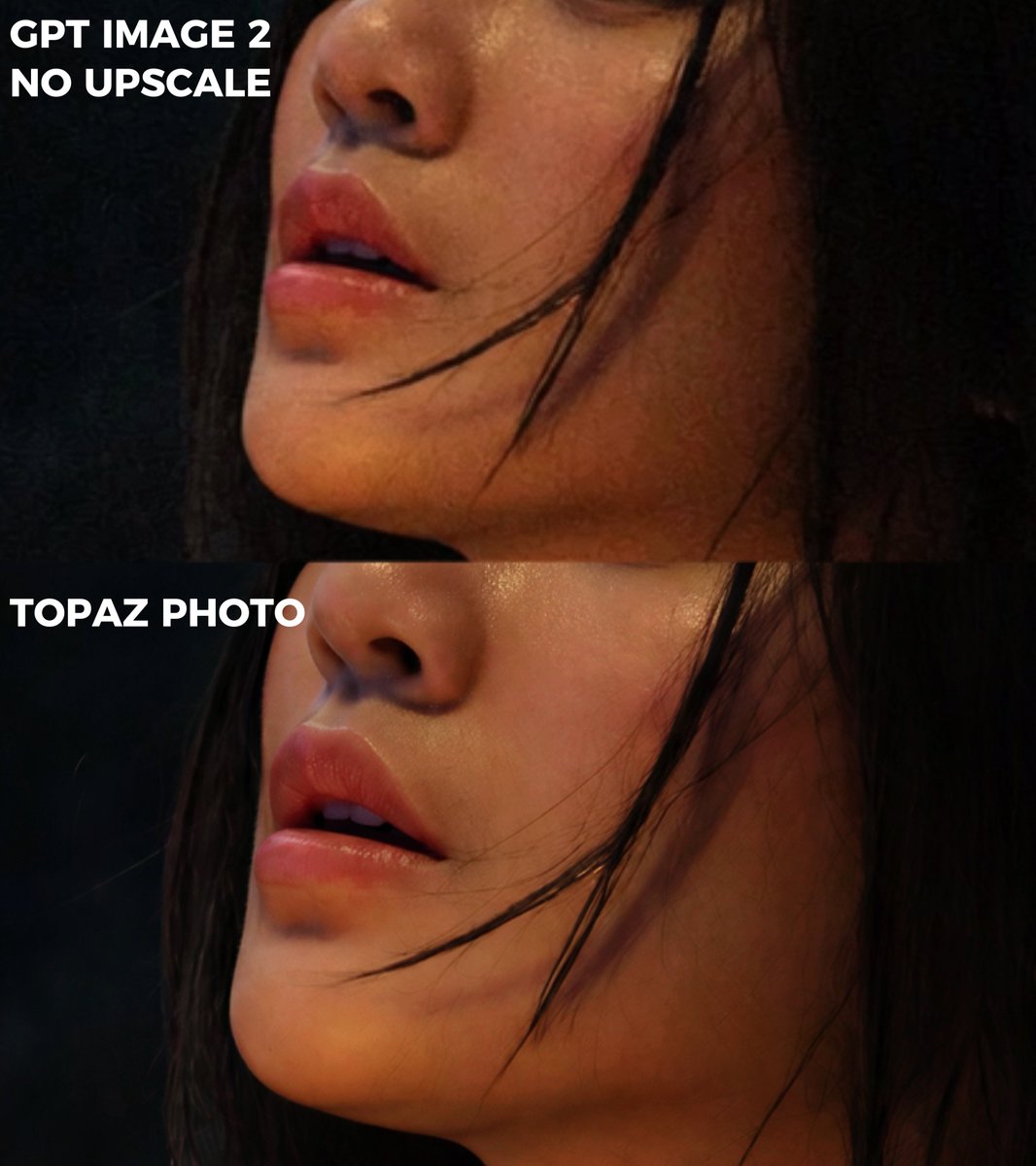
Start with GPT Image 2, which is the model associated with this template. You can compare another compatible model for a different finish.
Follow a topic to a crawlable collection of related PicX Studio templates.