
Cyberpunk POV Motorcycle Ride at Hyper-Velocity
A cinematic, hyper-realistic prompt for generating a First-Person View (POV) image of riding a red futuristic sport motorcycle.
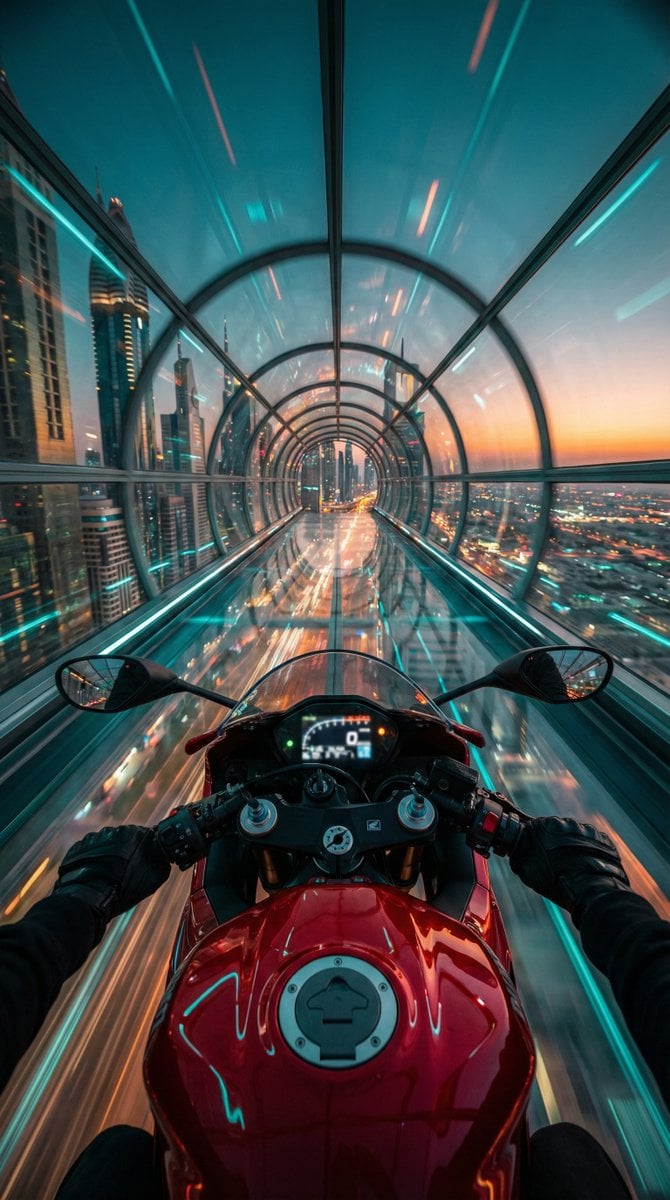
- Prompt included
- Model and format preset
- Premium template
The prompt behind this image
Copy the exact prompt behind Cyberpunk POV Motorcycle Ride at Hyper-Velocity, or open it in the studio and make it yours.
"Red futuristic sport motorcycle (POV perspective)", "visible_elements": "Glossy red fuel tank with fuel cap, clip-on handlebars, black gloved hands gripping the grips, illuminated digital dashboard (slightly blurred)", "action": "Speeding at hyper-velocity through a suspended structure", "pose": "First-Person View (POV) / Rider's eye perspective looking slightly downward at the bike and forward into the horizon" }, "environment": { "setting": "Transparent glass hyperloop tunnel / skyway", "location": "High altitude above a futuristic cyberpunk metropolis", "background_details": "Sprawling city grid with infinite street lights below, skyscrapers, motion-blurred light trails", "horizon": "Dusk/Twilight sky with a gradient of deep teal fading into a warm sunset orange strip" }, "lighting_and_color": { "color_palette": "Cinematic Teal and Orange (Complementary colors)", "primary_tones": "Cyan/Turquoise glass reflections, Deep Red motorcycle paint, Golden/Orange horizon glow", "lighting_style": "High contrast, neon ambient lighting, specular highlights on the metal and glass surfaces" }, "camera_technical": { "camera_angle": "Wide-angle POV (14mm to 16mm equivalent)", "focus": "Sharp focus on the motorcycle tank and handlebars, radial motion blur on the tunnel walls and city", "aperture": "f/2.8 (to capture low light details)", "shutter_speed": "1/30s (simulated drag shutter to create heavy motion blur effects on the surroundings)", "iso": "ISO 800", "composition": "Central symmetry, leading lines created by the tunnel structure converging at the center vanishing point" }, "style_descriptors": [ "Cyberpunk", "Synthwave aesthetic", "Hyper-realistic", "High velocity", "Futuristic", "Cinematic", "8k resolution", "Unreal Engine 5 render style" }
How to use Cyberpunk POV Motorcycle Ride at Hyper-Velocity in 3 steps
- 1
Open
The prompt is already in the box next to the preview, with the template's model and format selected.
- 2…a portrait of your subject in softgolden-hour light, 85mm…
Personalize
Edit the subject and creative details for your destination.
- 3Generate
Generate
Press Generate — your image is created in PicX Studio, so you can compare it with the original and refine one variable at a time.
More like this
Templates with the same subject, style or setup. Open one to see its prompt.

Red Futuristic Sport Motorcycle POV

Hyper-Realistic Minecraft POV Portrait

Rainy Night Android Cyberpunk Portrait

Korean Idol Partial Shadow Editorial Portrait

Cinematic Sci-Fi Interface Side Profile

Cyberpunk Neon Profile Fashion Portrait

Cinematic Neon Light Strip Studio Portrait

Futuristic Studio Neon Ring Minimalist Portrait

Neon Violet Streetwear Fashion Portrait

Neon Night Crosswalk Candid Portrait
Rainy Night Android Cyberpunk Portrait
Cinematic Sci-Fi Commander Side Profile Portrait
Make it yours
Cyberpunk POV Motorcycle Ride at Hyper-Velocity works as-is. These are the safest ways to change it without losing the look.
Change one field
Copy a single group, rewrite it, and generate again so you can see what that field is doing.
Keep the frame, change the subject
Hold the composition and light of Cyberpunk POV Motorcycle Ride at Hyper-Velocity, then swap wardrobe, props or the person for a new take.
| If the result… | Why | Fix |
|---|---|---|
| The result drifts from the preview | Too many fields changed at once. | Reuse Cyberpunk POV Motorcycle Ride at Hyper-Velocity as-is first, then change one group — subject, light, or setting. |
| The model over-stylizes the scene | The prose prompt leaves finish and camera underspecified. | Add one camera or lighting sentence and stay on Nano Banana 2. |
More Nano Banana 2 templates
Other prompts made for Nano Banana 2.

Photorealistic Leaf Shaped Like a Dragon

K-Pop Idol Portrait Grid for Rapid Selection

Poetic Rain Forest Portrait During Golden Hour

Urban Street Portrait with Cartoon Inner Self Duo

Candid Nighttime Photo with Cat Prompt

High-Concept 3D Diorama Generation Prompt

Cinematic Futuristic Studio Portrait Template

Skincare Editorial Photography Collage Prompt

Hyper-Realistic Commercial Product Photography (Splash Effect)

Hyper-Realistic Nightclub Portrait Prompt
More image prompts
Fresh picks from across the catalog.
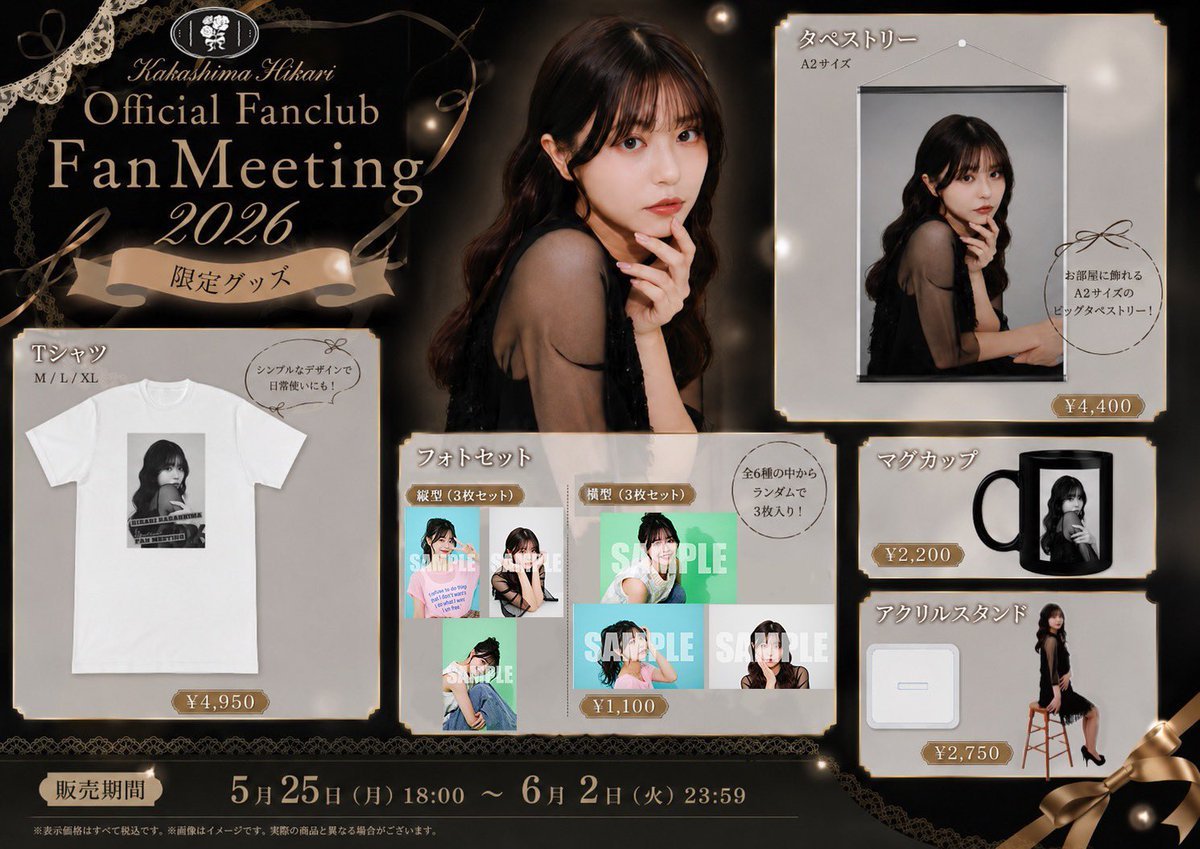
Elegant Fan Meeting Goods Flyer
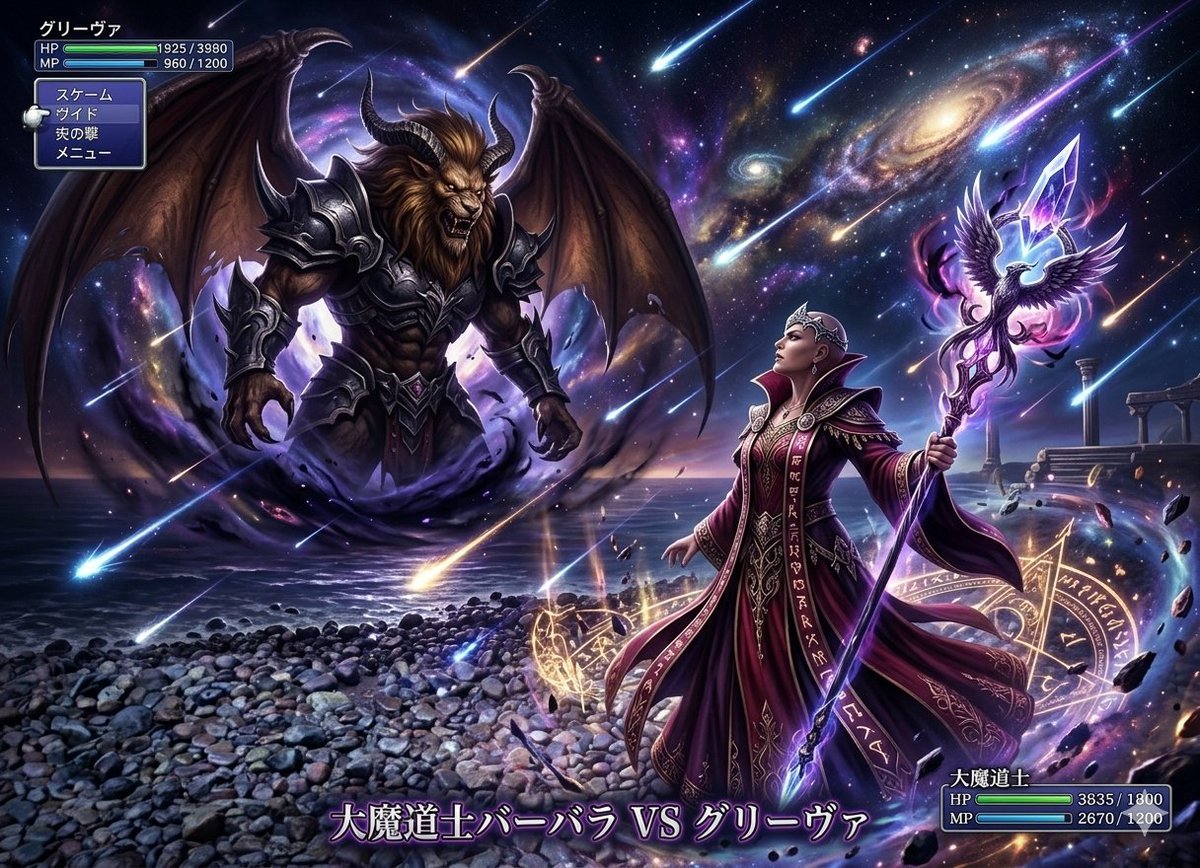
Final Fantasy transformation prompt (Nano Banana Pro)
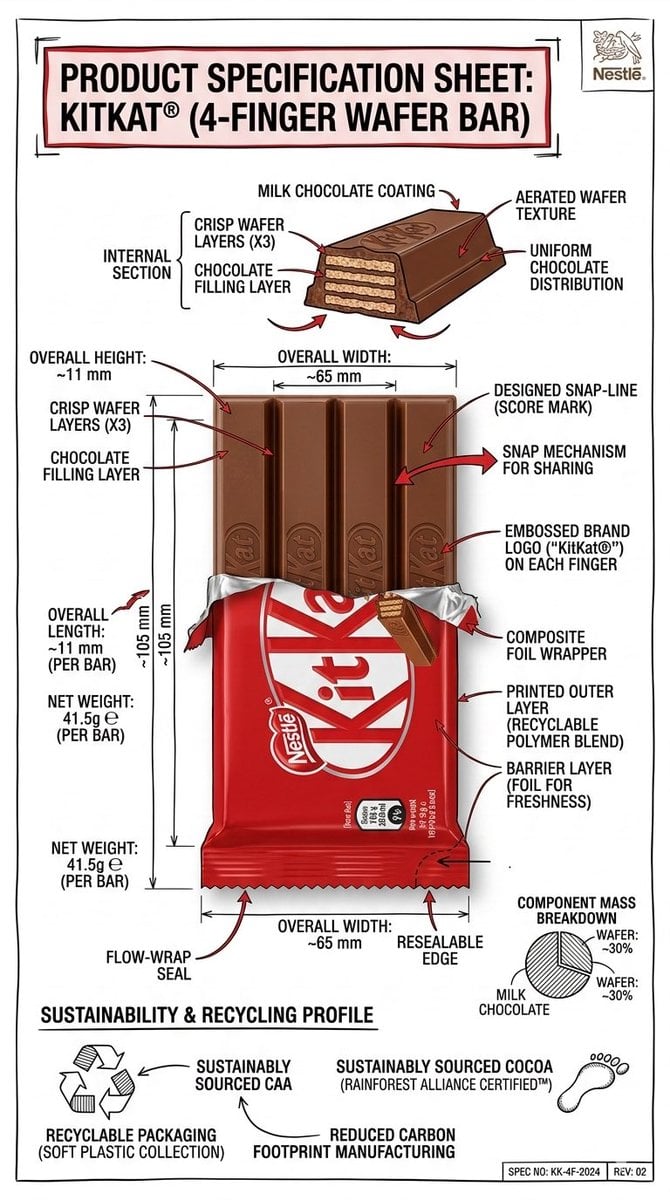
Technical Infographic Sheet Product Specification Template
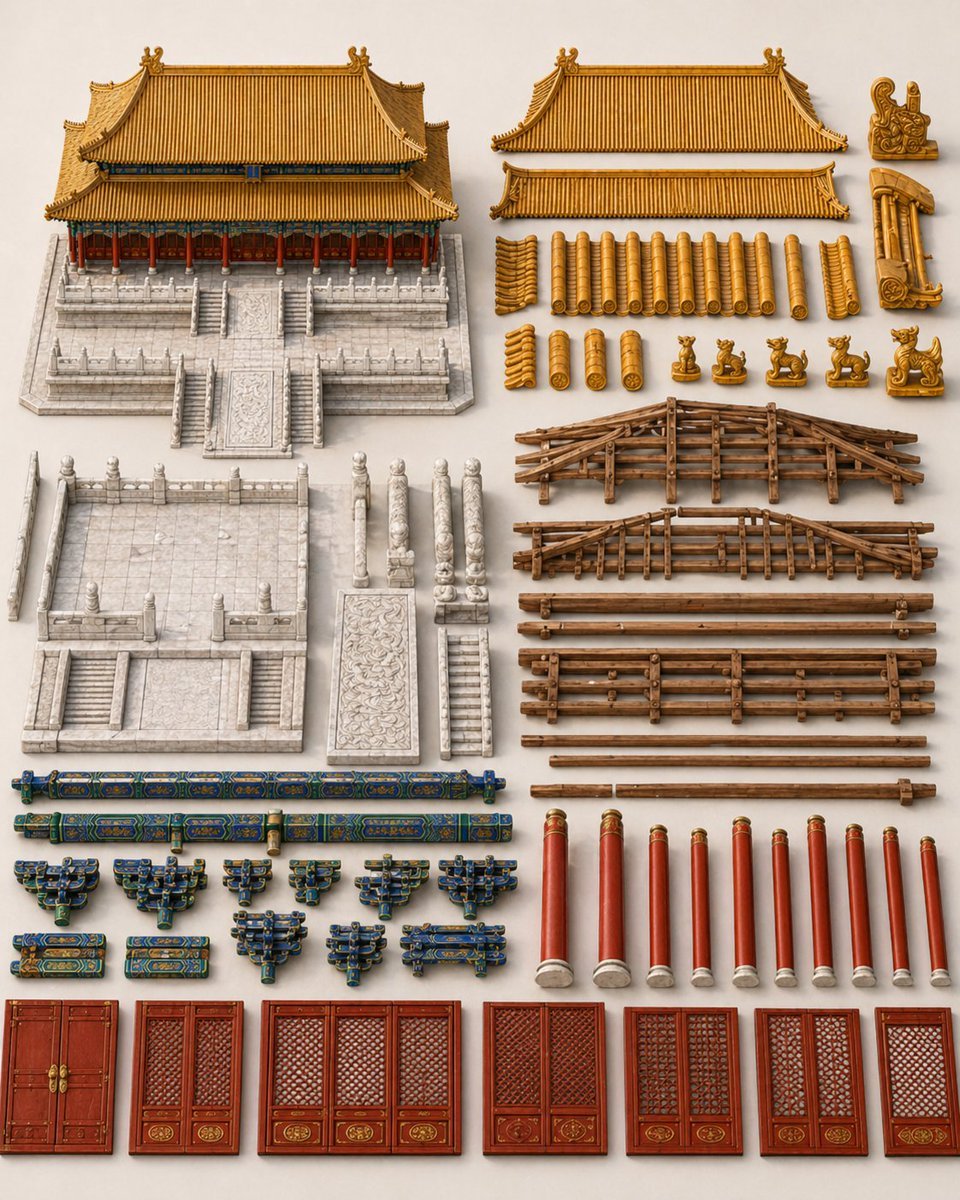
Chinese Palace Components Board
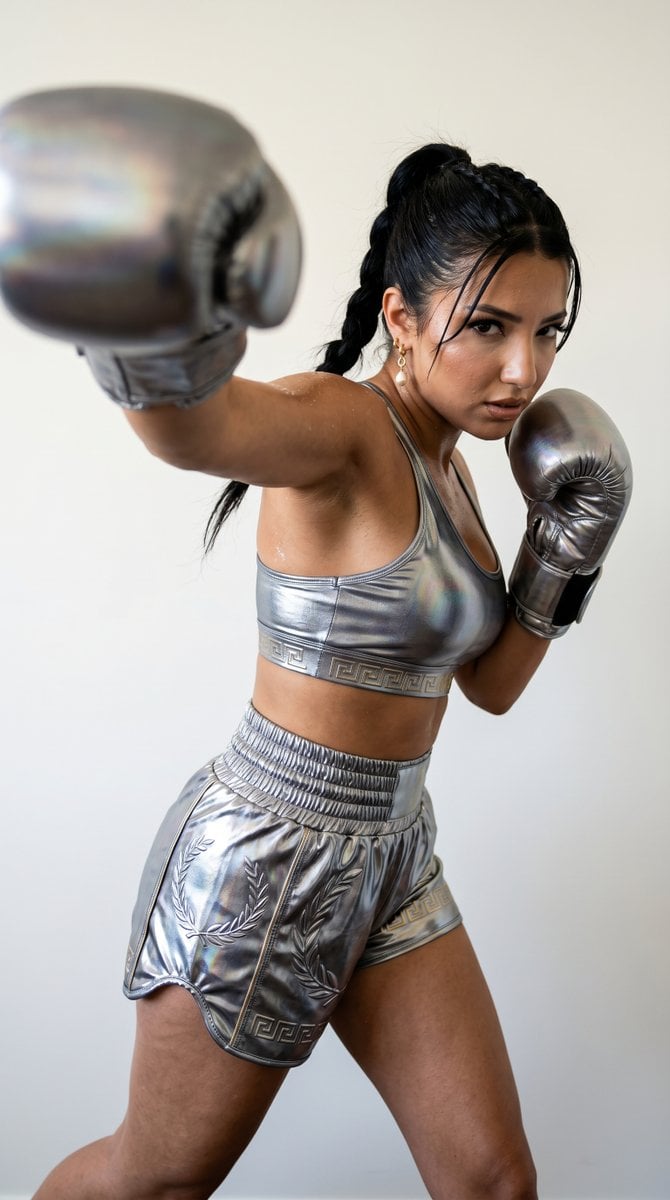
Mythological Warrior-Athlete Campaign
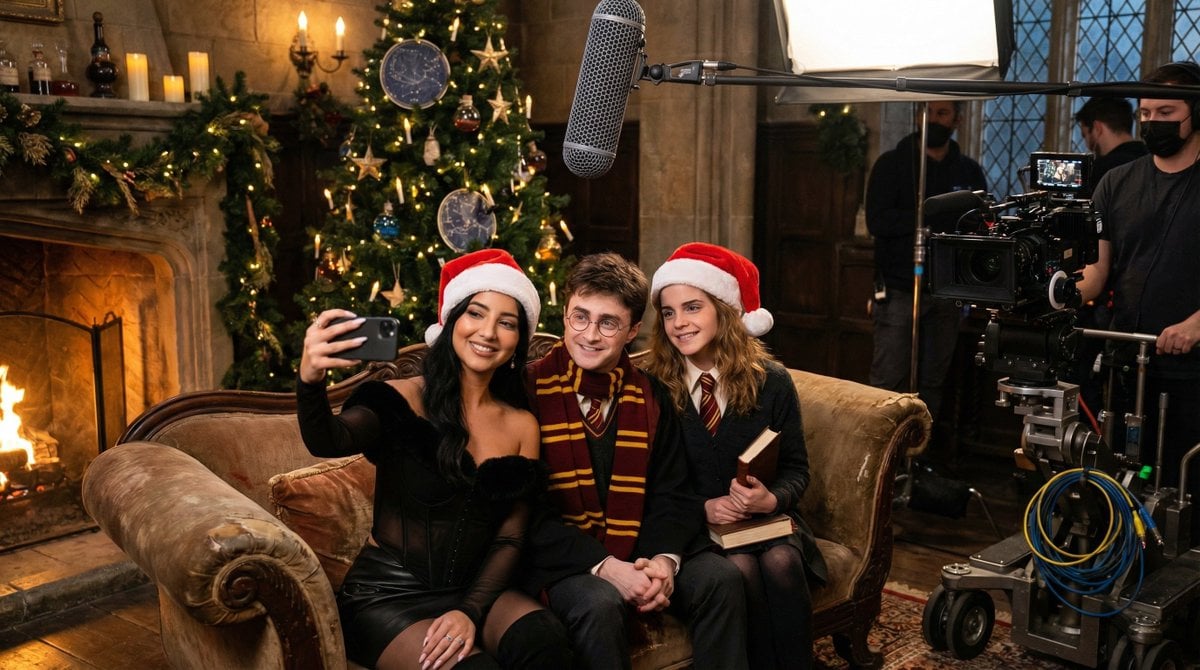
Ultra-Photorealistic BTS Selfie with Harry Potter Characters and Identity Lock
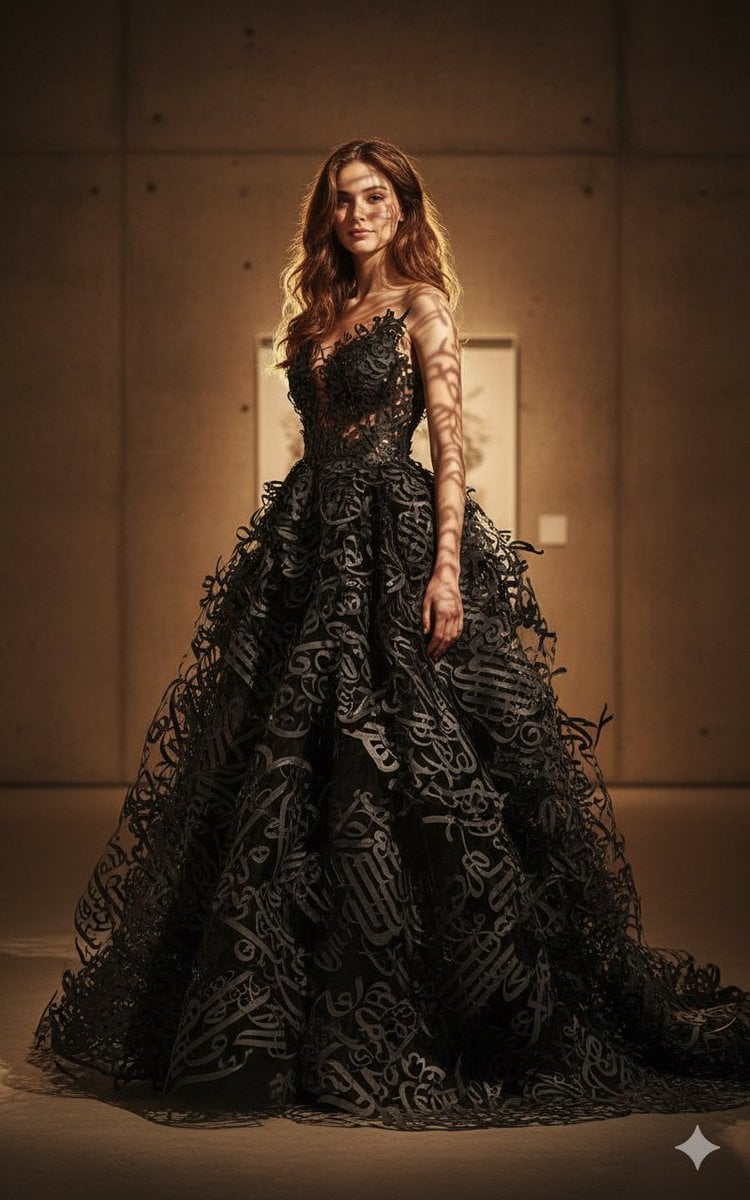
Art-Couture Portrait with Calligraphy Fabric

WhatsApp Group Profile Avatar
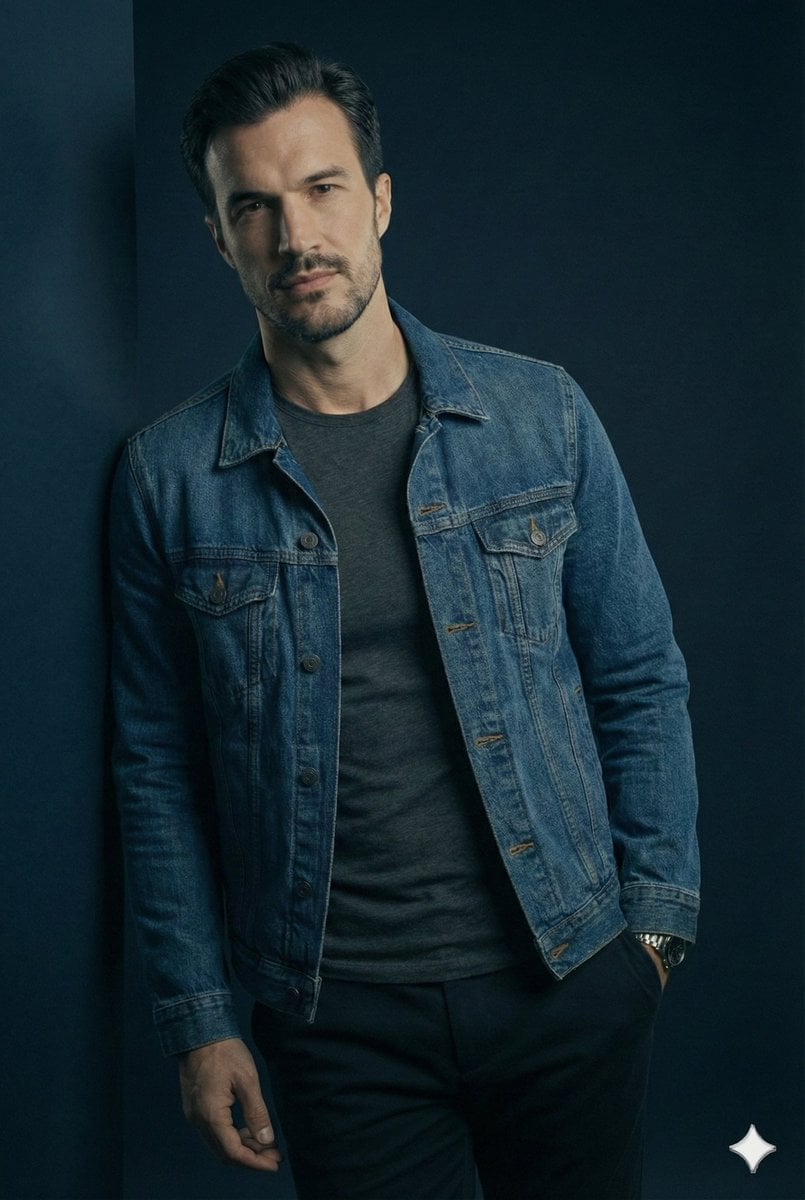
JSON Prompt for Cinematic Male Studio Portrait

Handwritten New Year's Greeting Sign Prompt
Browse template categories
Cyberpunk POV Motorcycle Ride at Hyper-Velocity questions
How do I use the Cyberpunk POV Motorcycle Ride at Hyper-Velocity template?
Add your photo if the template asks for one, edit the prompt if you like — the template's model and format are already selected — and press Generate. Your version opens in PicX Studio.
Can I customize the Cyberpunk POV Motorcycle Ride at Hyper-Velocity template?
Yes. You can change the subject, setting, lighting, mood, format, and available model controls before creating your image.
Is the Cyberpunk POV Motorcycle Ride at Hyper-Velocity template free?
Opening and editing this template is free. Generating uses credits, shown on the Generate button when you are signed in.
Which AI model should I use?
Start with Nano Banana 2, which is the model associated with this template. You can compare another compatible model for a different finish.
Looking for something else? Browse all templates.

Your photo, any look
Thousands of ready templates for every top image and video model, from one credit balance.