
Seedance 2.0 - Zombie Girl Escapes
Seedance 2.0 - Zombie Girl Escapes is a ready photo look.
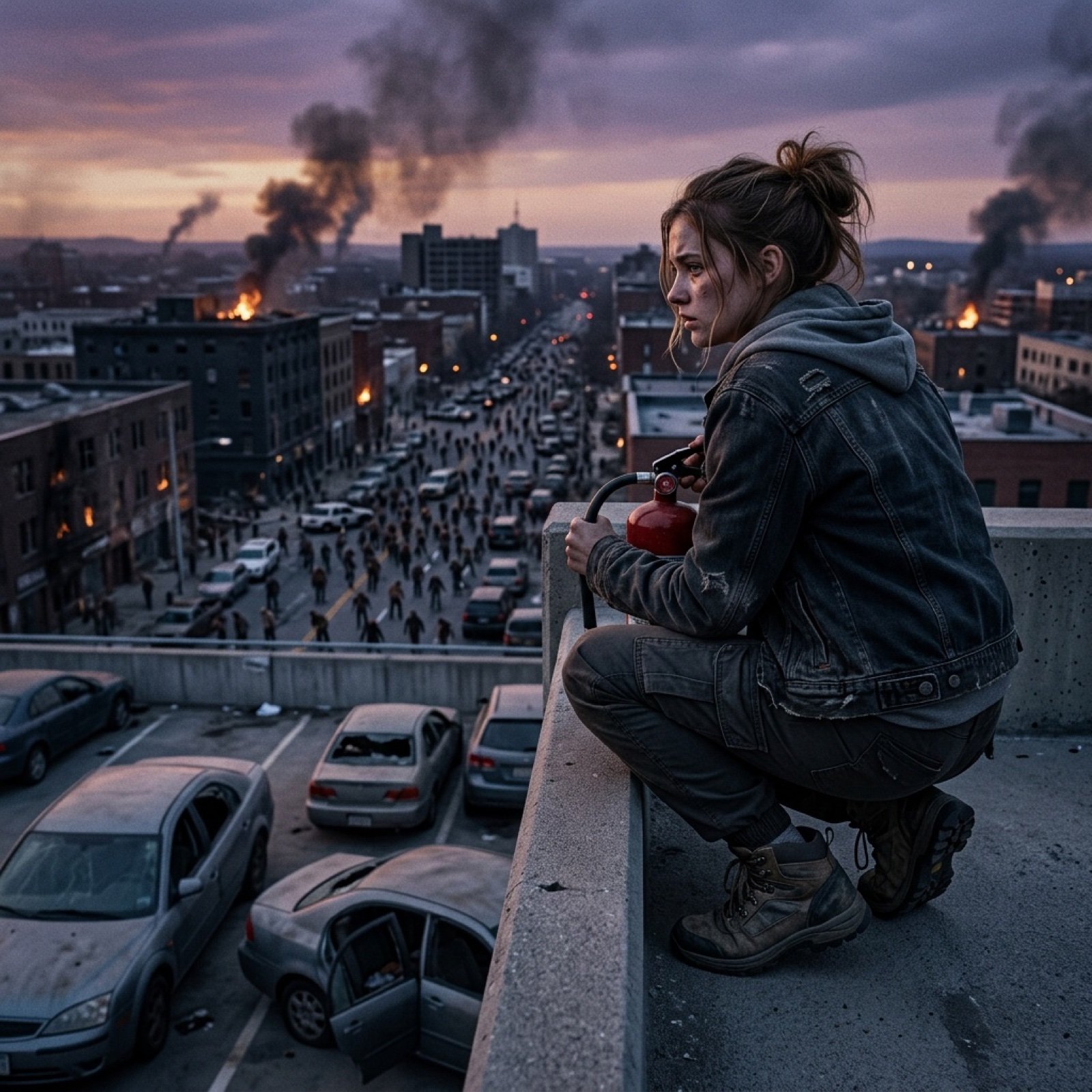
- Prompt included
- Model and format preset
- Free template
The prompt behind this image
Copy the exact prompt behind Seedance 2.0 - Zombie Girl Escapes, or open it in the studio and make it yours.
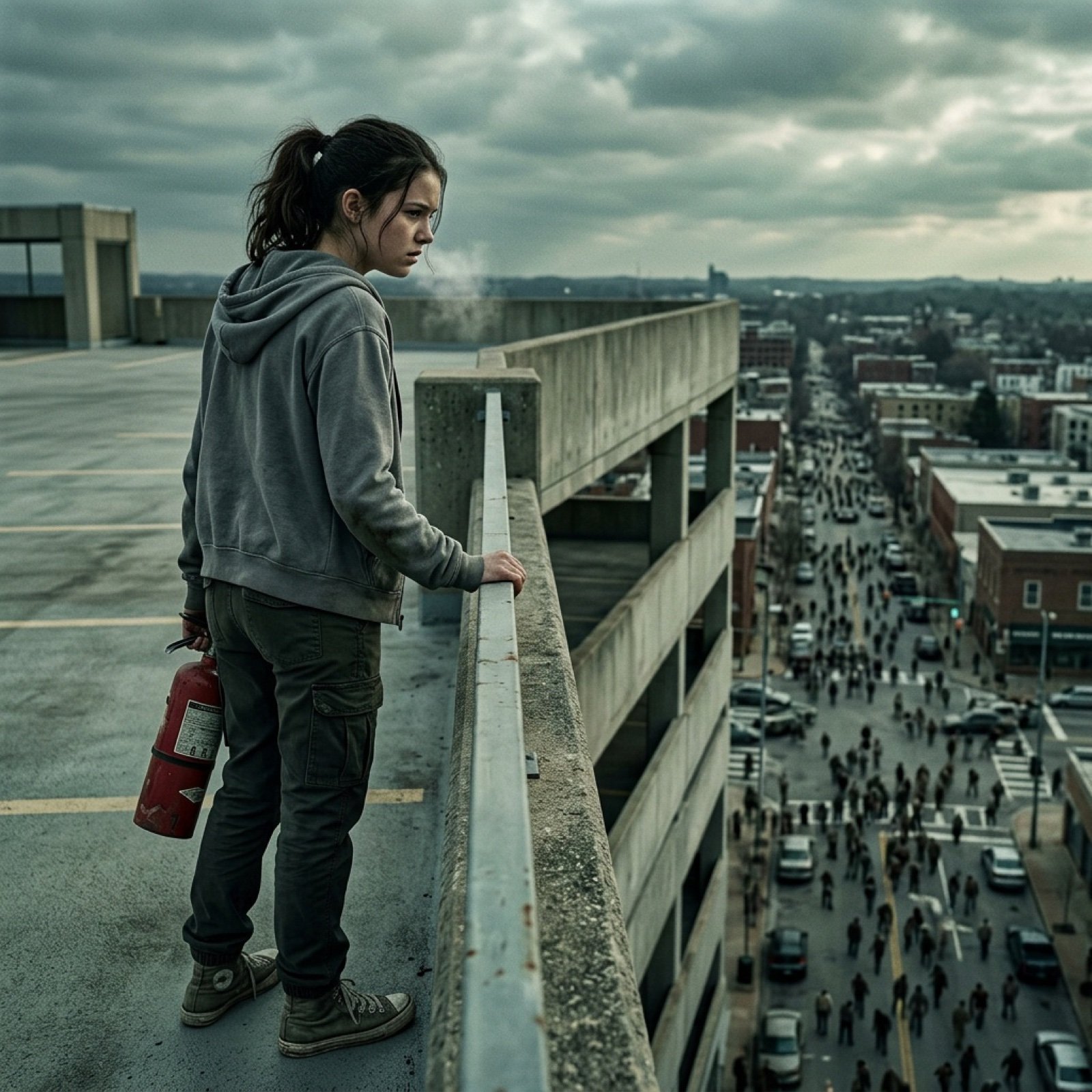
Zombie apocalypse thriller, 45 seconds, first-person zombie POV. A teenage girl wakes up alone in a ransacked hospital basement. She hears footsteps upstairs. She grabs a fire extinguisher and slowly climbs the stairs. She peeks into the hallway. She sees a zombie in a doctor's coat shambling toward her. She smashes the fire extinguisher into the zombie's head. She sprints through the hospital lobby. Dead bodies everywhere. She bursts out of the front doors. She is in a parking structure. Cars are abandoned. She climbs to the top level. She looks out over the city. The streets are filled with zombies. She is the last survivor. Cinematic lighting, tense atmosphere, horror thriller aesthetic, IMAX quality.
How to use Seedance 2.0 - Zombie Girl Escapes in 3 steps
- 1
Open
The prompt is already in the box next to the preview, with the template's model and format selected.
- 2…a portrait of your subject in softgolden-hour light, 85mm…
Personalize
Edit the subject and creative details for your destination.
- 3Generate
Generate
Press Generate — your image is created in PicX Studio, so you can compare it with the original and refine one variable at a time.
More like this
Templates with the same subject, style or setup. Open one to see its prompt.
Seedance 2.0 - Zombie Girl Escapes
J-Horror Shibuya Station - Seedance 2.0
Grimy Survival Horror FPS Encounter

Teen Girl Alpine Lake Mountain View
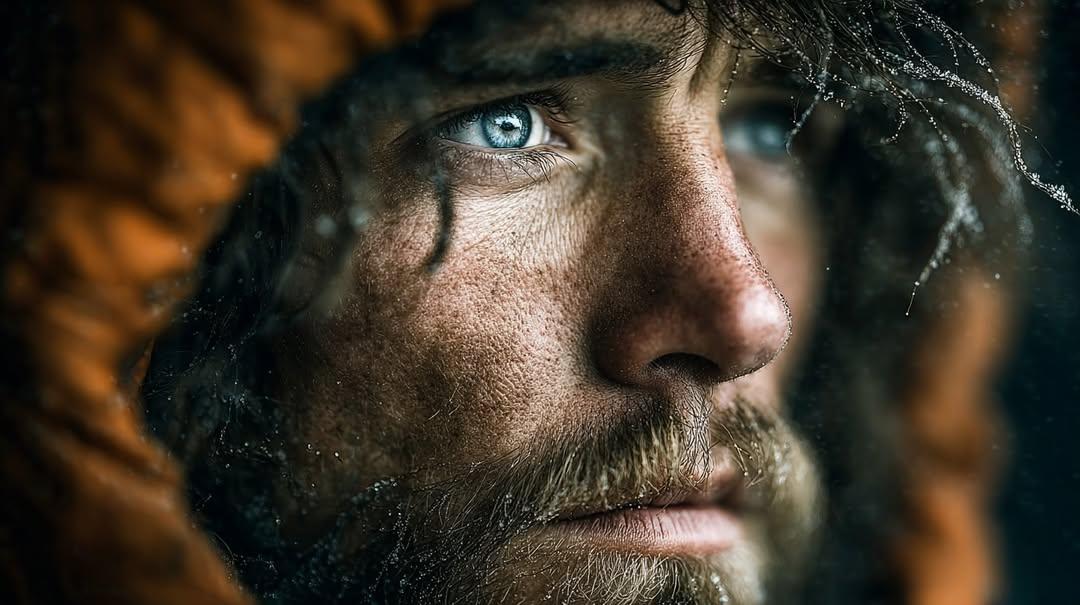
Intense cinematic close-up portrait conveying survival, resilience

Hell's Canyon Survival Thriller Poster
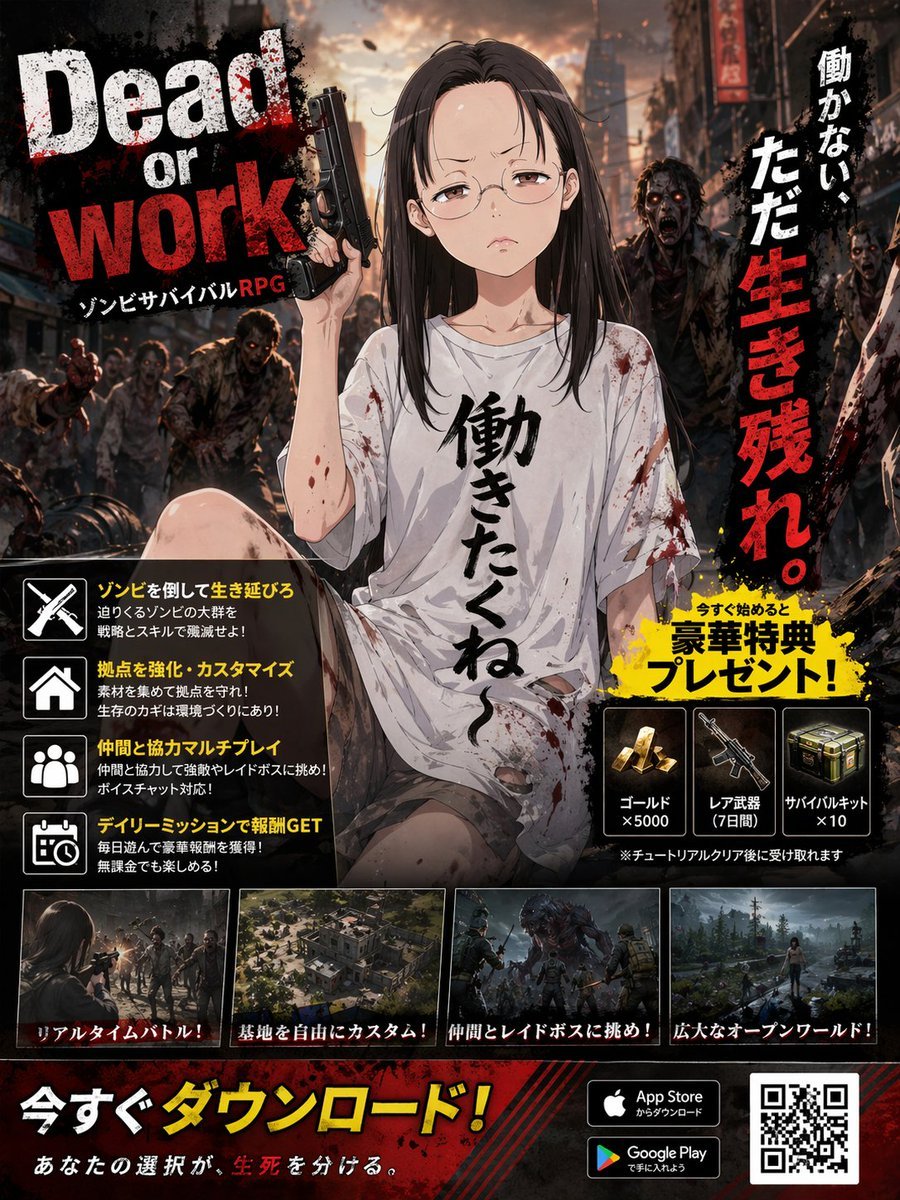
Zombie Survival RPG Anime Ad Poster

Cinematic Street Racing Sequence Seedanc
80 Year Old Rapper Mv Seedance 2 0 Stree

Water Vs Thunder Breathing Anime Battle

Hollywood Haute Couture Fantasy Seedance

Japanese Romance Short Film Seedance 2 0
Make it yours
Seedance 2.0 - Zombie Girl Escapes works as-is. These are the safest ways to change it without losing the look.
Change one field
Copy a single group, rewrite it, and generate again so you can see what that field is doing.
Keep the frame, change the subject
Hold the composition and light of Seedance 2.0 - Zombie Girl Escapes, then swap wardrobe, props or the person for a new take.
| If the result… | Why | Fix |
|---|---|---|
| The result drifts from the preview | Too many fields changed at once. | Reuse Seedance 2.0 - Zombie Girl Escapes as-is first, then change one group — subject, light, or setting. |
| The model over-stylizes the scene | The prose prompt leaves finish and camera underspecified. | Add one camera or lighting sentence and stay on PicX Studio. |
More image prompts
Fresh picks from across the catalog.
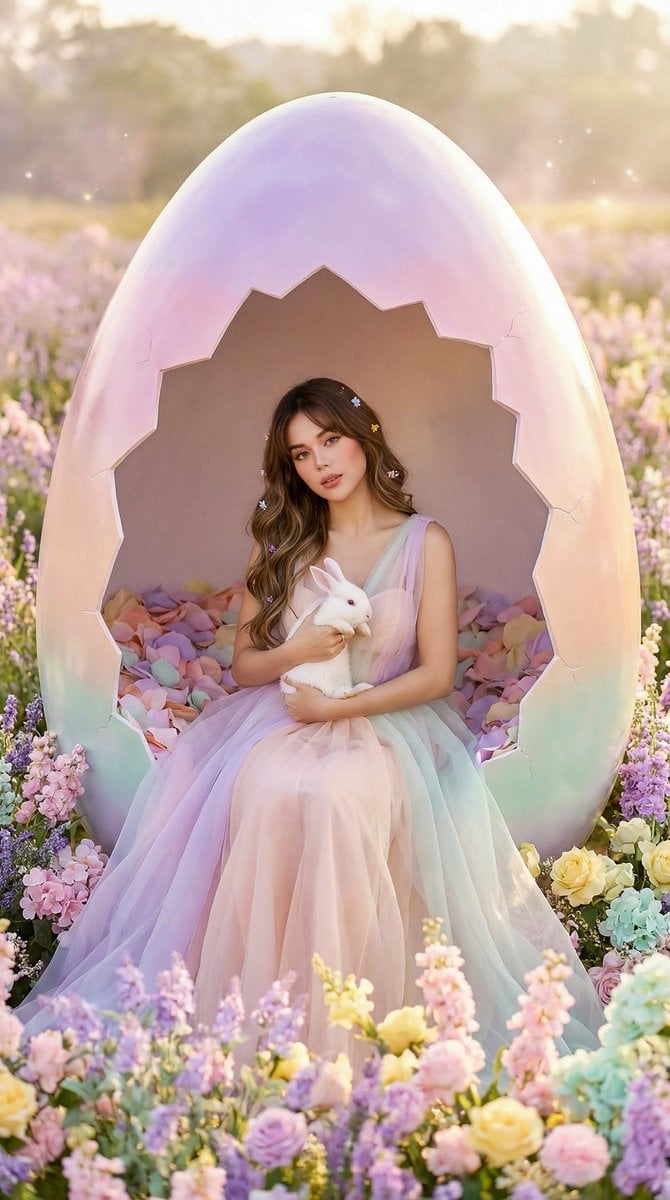
Easter Egg Edition: Monumental Egg with Seated Subject
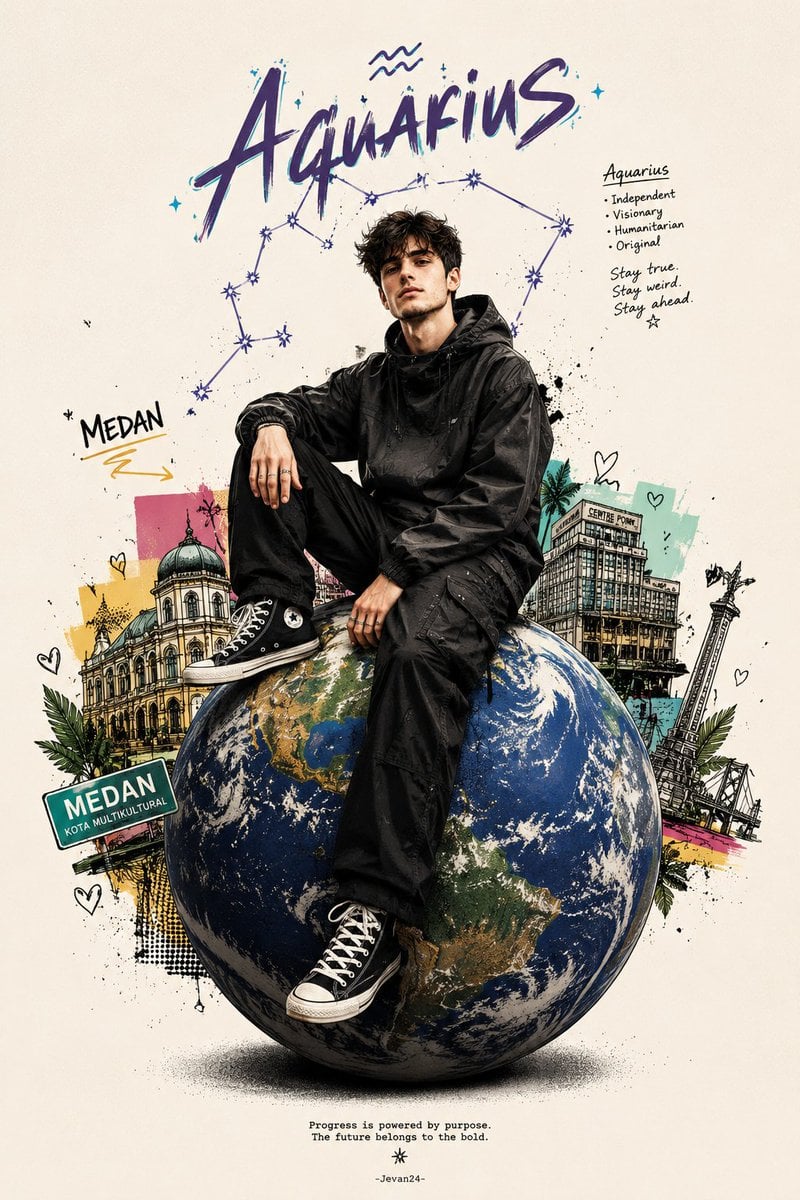
Zodiac Globe and City Doodles Poster

Futuristic Samurai Glitch Art Portrait

Indian Republic Day Patriotic Portrait Prompts (3 Variations)
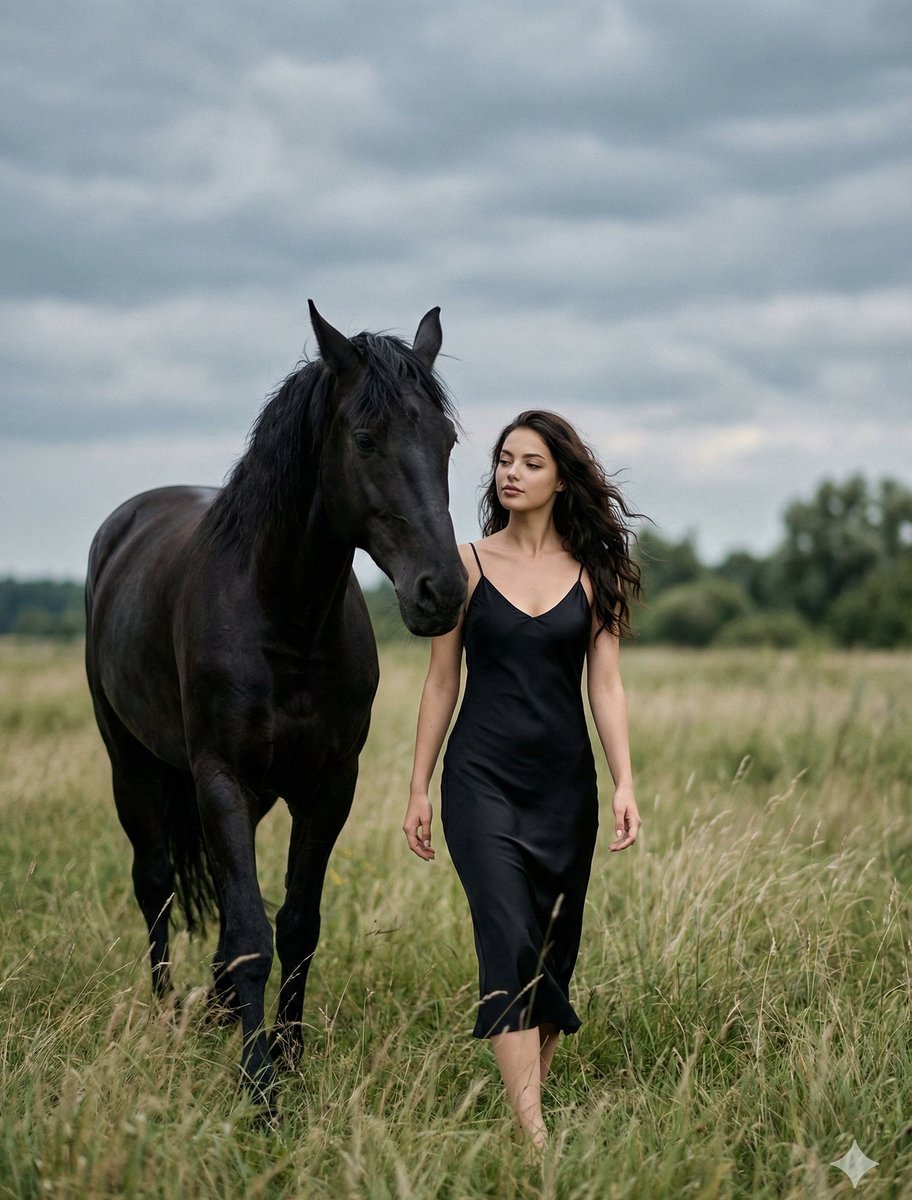
Cinematic Photorealistic Scene of Woman and Black Horse
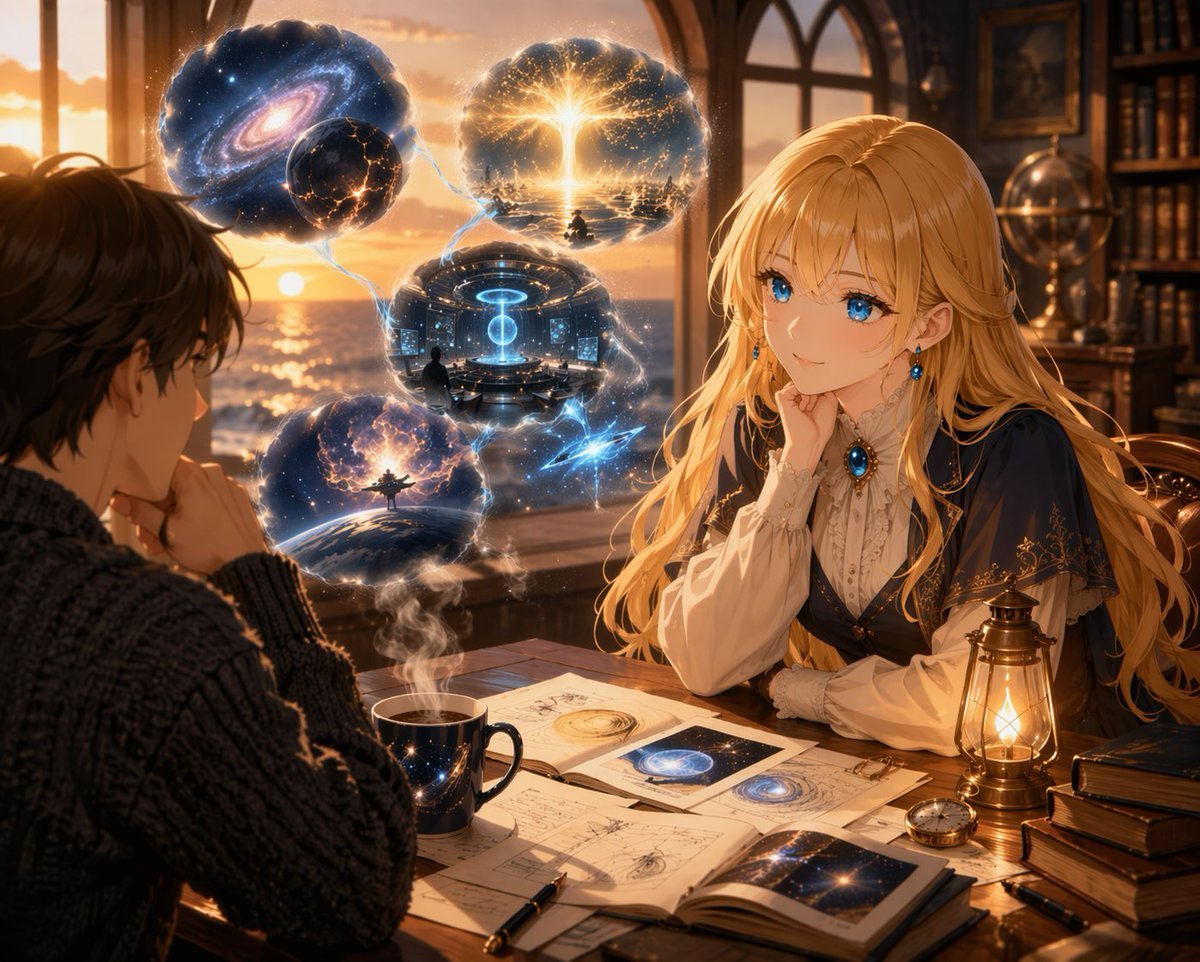
Anime Scholars with Cosmic Holograms
Image Inpainting/Filling Missing White Space
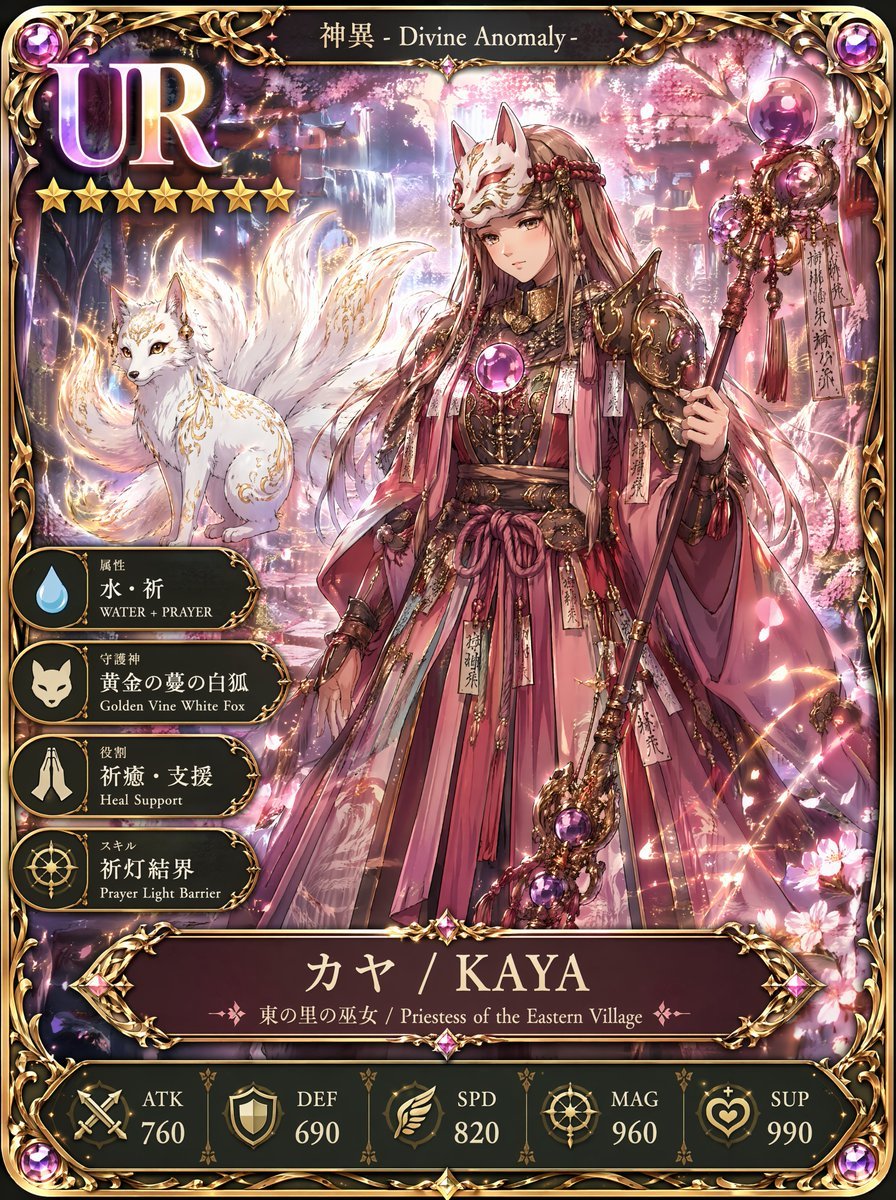
UR Fox Priestess Fantasy Card
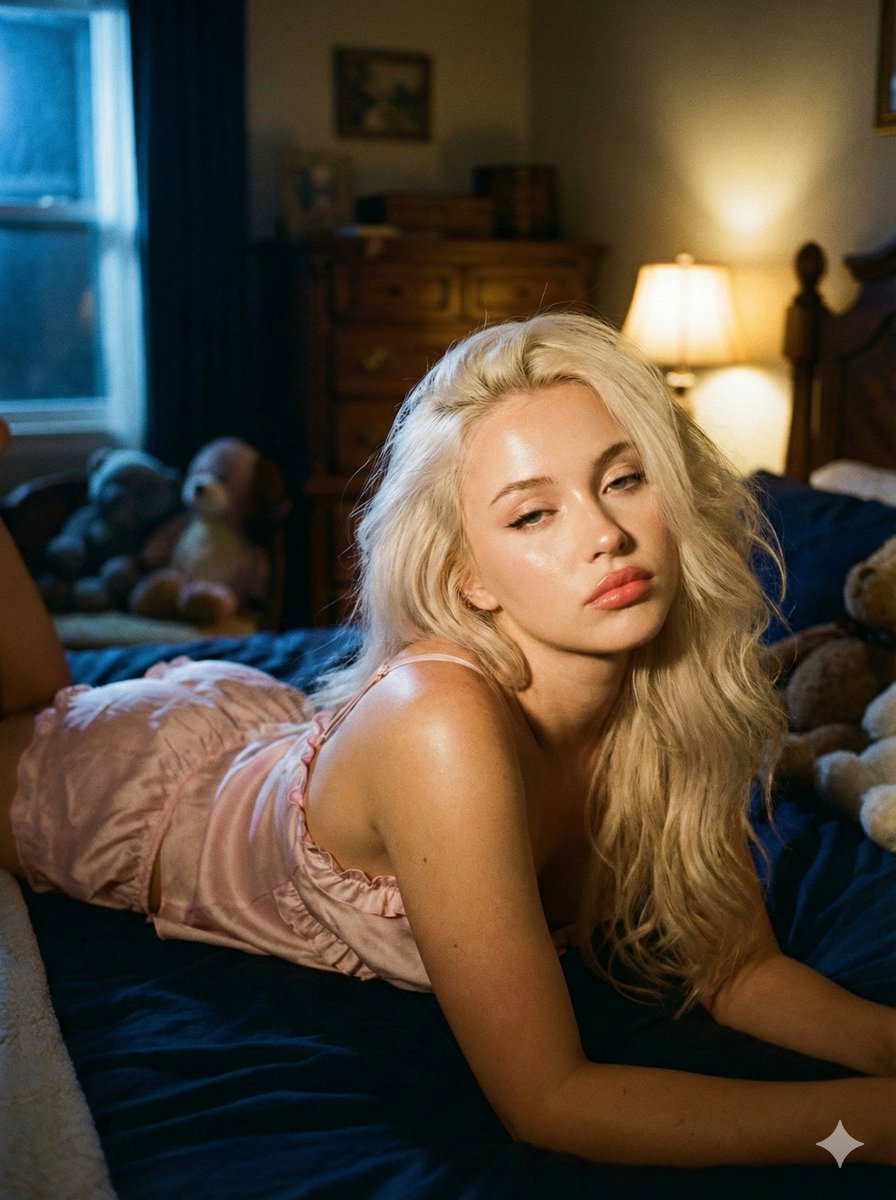
Intimate Low-Light Bedroom Portrait with Vintage Film Aesthetic
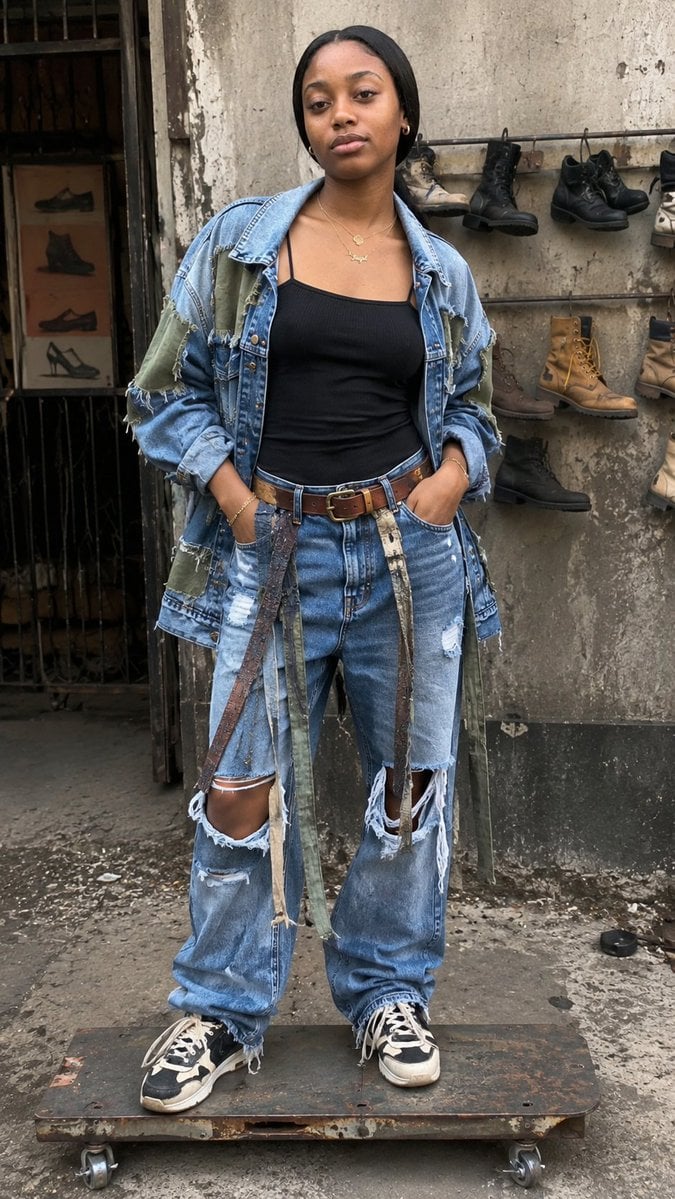
Luxury Minimalist Fashion Reel
Featured in prompt roundups
Hand-picked collections that include this template.
Browse template categories
Seedance 2.0 - Zombie Girl Escapes questions
How do I use the Seedance 2.0 - Zombie Girl Escapes template?
Add your photo if the template asks for one, edit the prompt if you like — the template's model and format are already selected — and press Generate. Your version opens in PicX Studio.
Can I customize the Seedance 2.0 - Zombie Girl Escapes template?
Yes. You can change the subject, setting, lighting, mood, format, and available model controls before creating your image.
Is the Seedance 2.0 - Zombie Girl Escapes template free?
Opening and editing this template is free. Generating uses credits, shown on the Generate button when you are signed in.
Which AI model should I use?
Choose a compatible model in PicX Studio based on the style, speed, and output controls your project needs.
Looking for something else? Browse all templates.

Your photo, any look
Thousands of ready templates for every top image and video model, from one credit balance.