
Anime Scholars with Cosmic Holograms
Generates an anime-style scene of two characters studying magical, floating holographic spheres in a cozy, sunset-lit room.
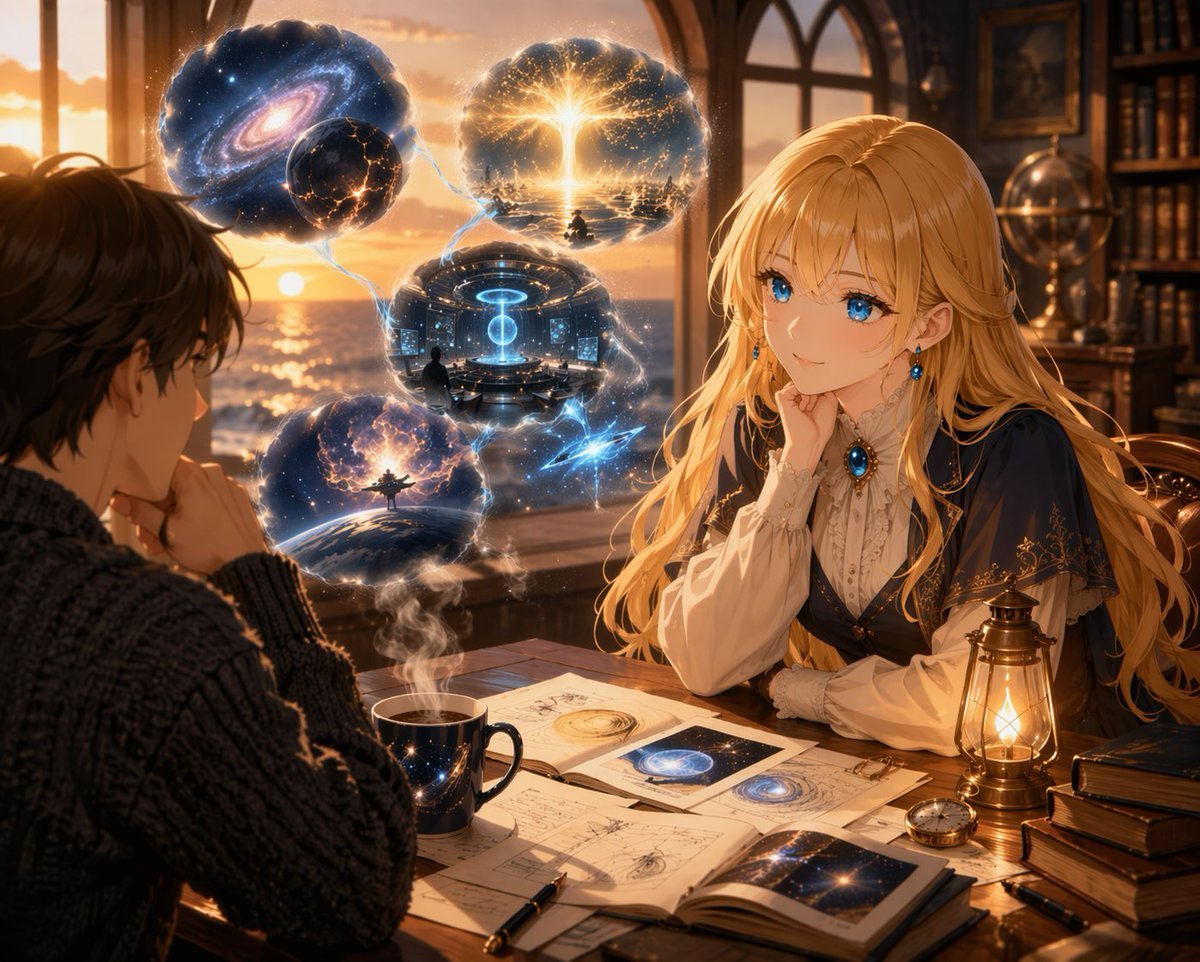
- Prompt included
- Model and format preset
- Free template
The prompt behind this image
Copy the exact prompt behind Anime Scholars with Cosmic Holograms, or open it in the studio and make it yours.
An anime illustration of two characters at a desk in a {argument name="setting" default="cozy study overlooking the ocean at sunset"}. In the foreground, a young man in a dark knit sweater sits with his back to the viewer. Facing him is a young woman with {argument name="female character hair" default="long blonde hair"} and {argument name="female character eyes" default="striking, glowing blue eyes"}, wearing an elegant navy and white Victorian dress with a sapphire brooch. Floating between them are exactly 4 glowing holographic spheres connected by faint lines, showing {argument name="hologram theme" default="cosmic and futuristic scenes"}: a swirling galaxy, a golden energy tree, a futuristic control room, and a planet with an energy burst. The desk holds open astronomical journals, a starry mug with steam, a glowing brass lamp, a pocket watch, and a pen. Warm sunset lighting contrasts with the magical blue and gold holograms.
How to use Anime Scholars with Cosmic Holograms in 3 steps
- 1Upload ImagePNG, JPG or paste
Add your photo
Upload the photo the template builds on. The prompt, model and format are already set.
- 2…a portrait of your subject in softgolden-hour light, 85mm…
Personalize
Edit the subject and creative details for your destination.
- 3Generate
Generate
Press Generate — your image is created in PicX Studio, so you can compare it with the original and refine one variable at a time.
More like this
Templates with the same subject, style or setup. Open one to see its prompt.












Make it yours
Anime Scholars with Cosmic Holograms works as-is. These are the safest ways to change it without losing the look.
Change one field
Copy a single group, rewrite it, and generate again so you can see what that field is doing.
Keep the frame, change the subject
Hold the composition and light of Anime Scholars with Cosmic Holograms, then swap wardrobe, props or the person for a new take.
| If the result… | Why | Fix |
|---|---|---|
| The result drifts from the preview | Too many fields changed at once. | Reuse Anime Scholars with Cosmic Holograms as-is first, then change one group — subject, light, or setting. |
| The model over-stylizes the scene | The prose prompt leaves finish and camera underspecified. | Add one camera or lighting sentence and stay on GPT Image 2. |
More GPT Image 2 templates
Other prompts made for GPT Image 2.

Six VTuber Japanese Logo Sheet

Realistic Portrait of Woman and Deer

The Vista Modular Condo Poster

AI Model Routing Comparison Infographic

2.5D Anime Art Board

Isometric Productivity Desk Scene

New York Double Exposure Poster

Four-Panel AI Landscape Comparison

Japanese Tatami Lifestyle Magazine Cover

NESCAFÉ Coffee Map Poster
More image prompts
Fresh picks from across the catalog.
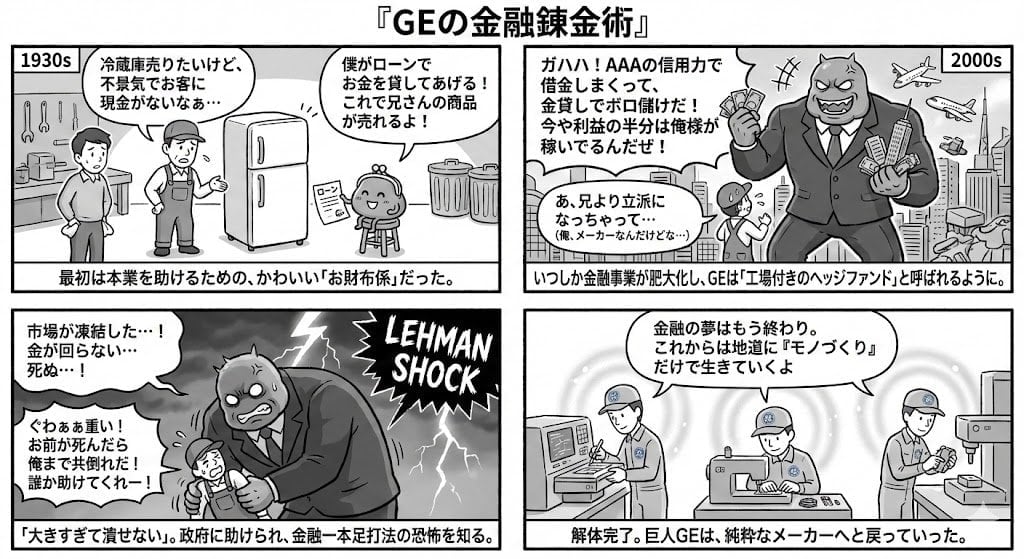
Generating 4-Panel Manga on GE's Financial History
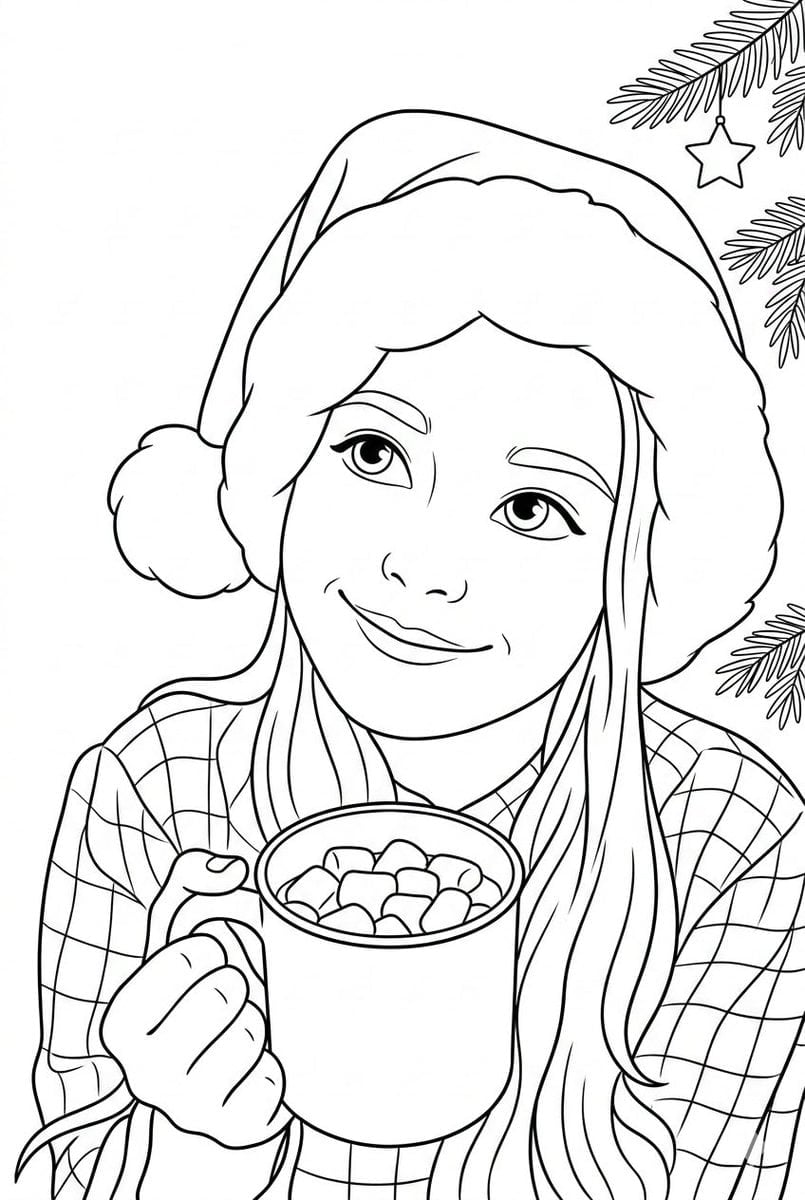
Convert Photo to Black and White Coloring Page
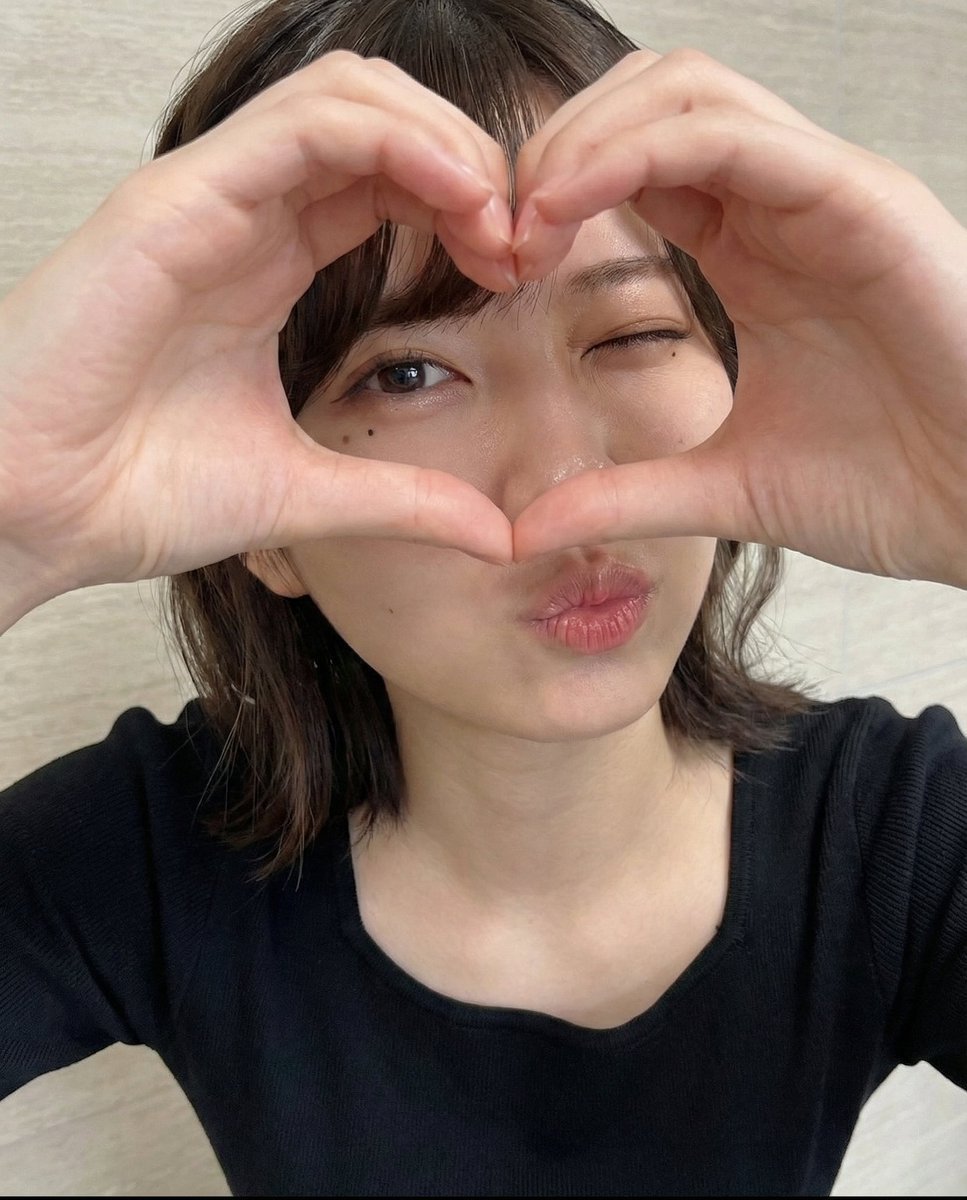
Vertical ultra high detail image setup for Nano Banana Pro
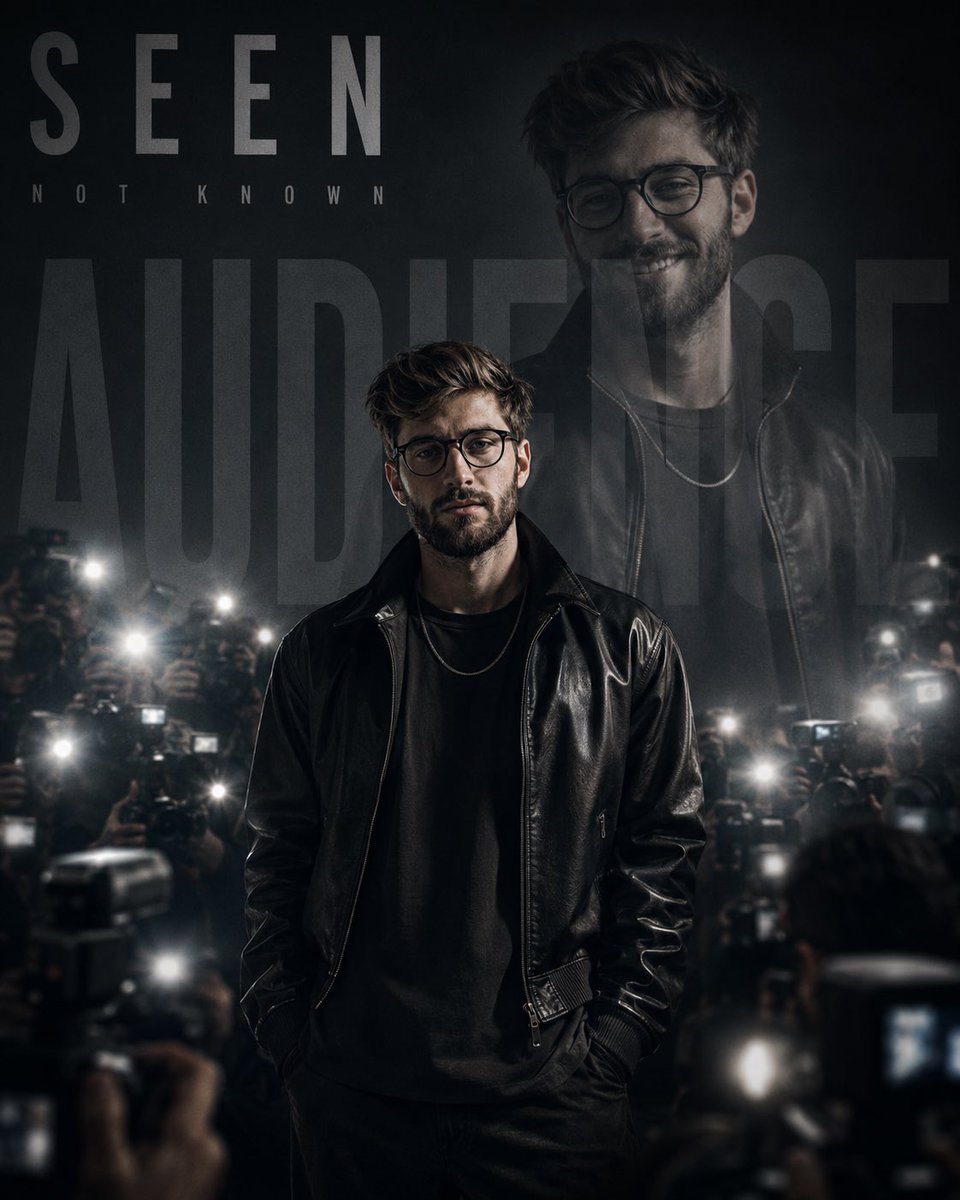
Monochrome Paparazzi Fashion Poster
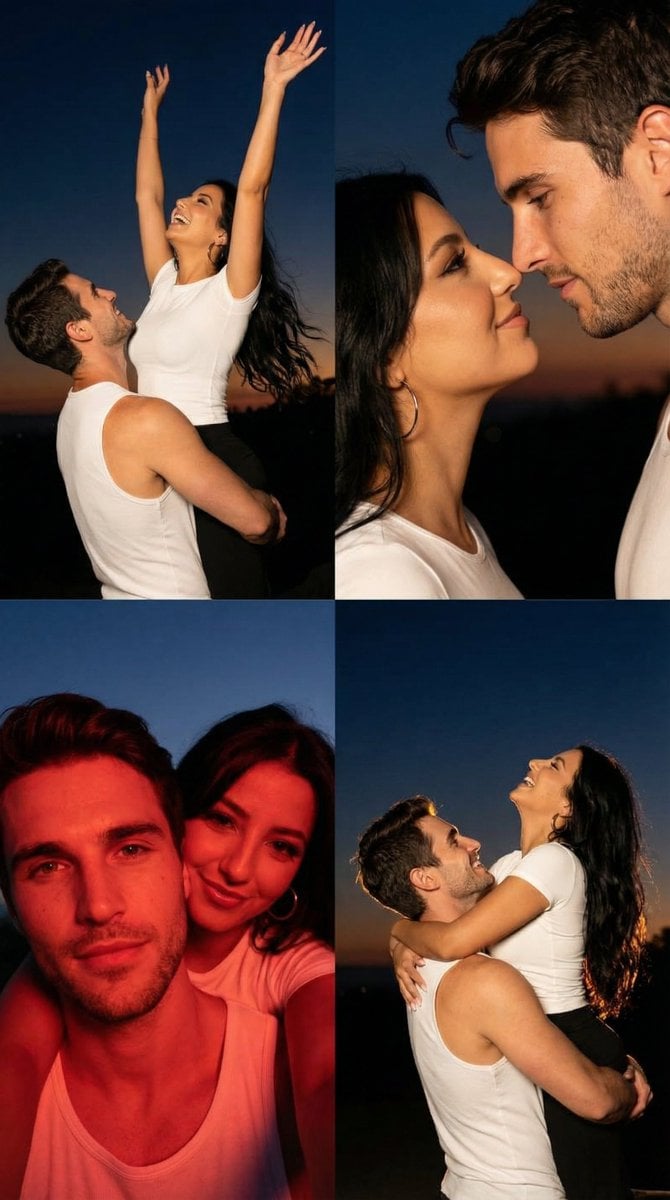
2x2 Grid Cinematic Night Couple Portrait with Identity Lock
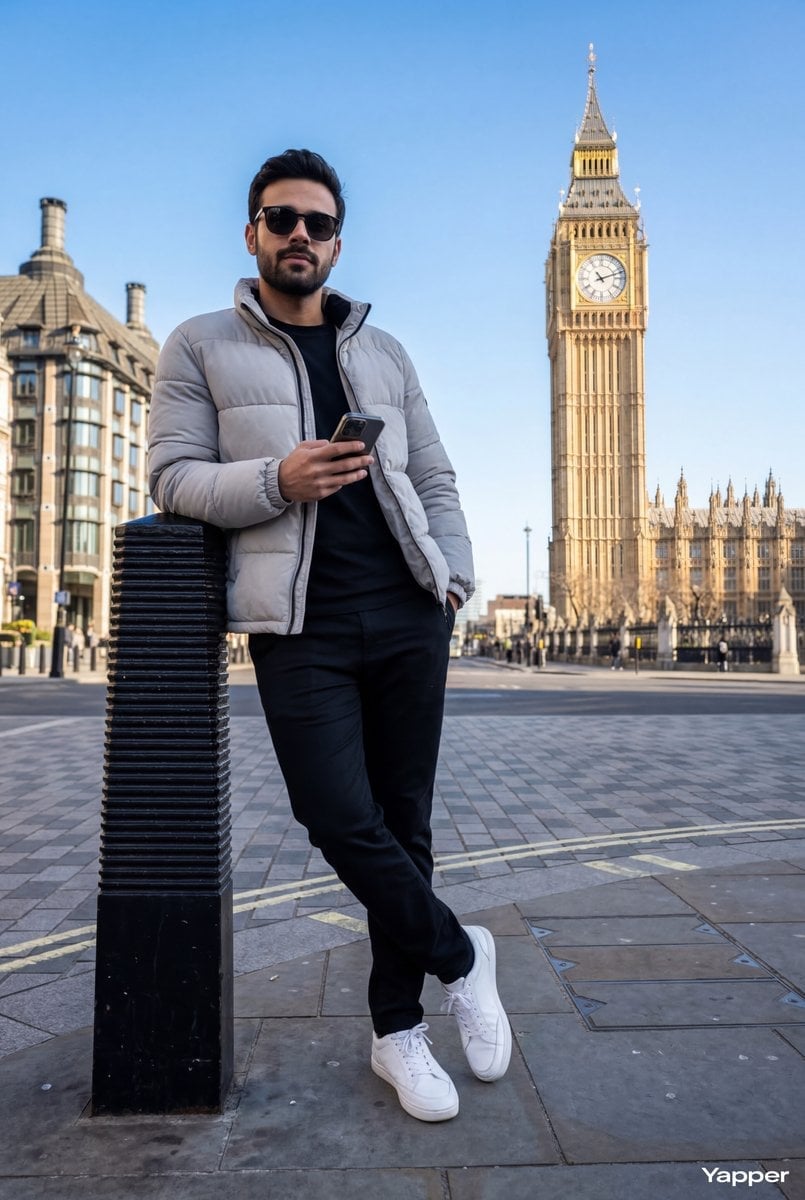
Hyper-Realistic Street Shot with Big Ben
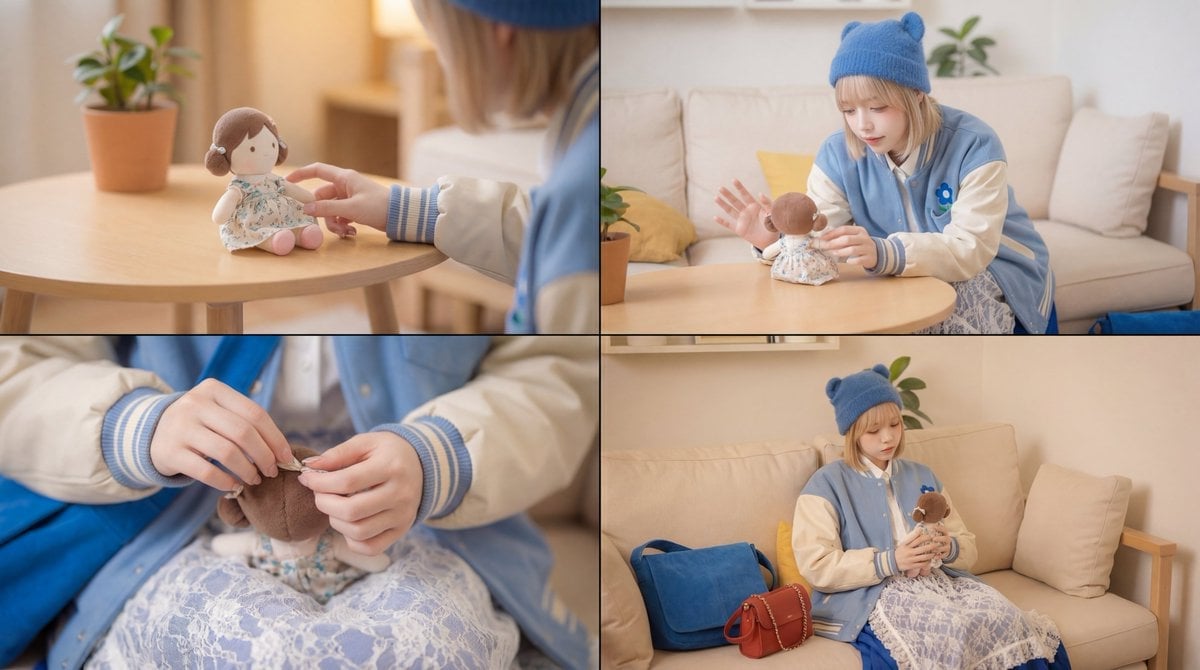
Cinematic Video Prompt for Girl Playing with Doll
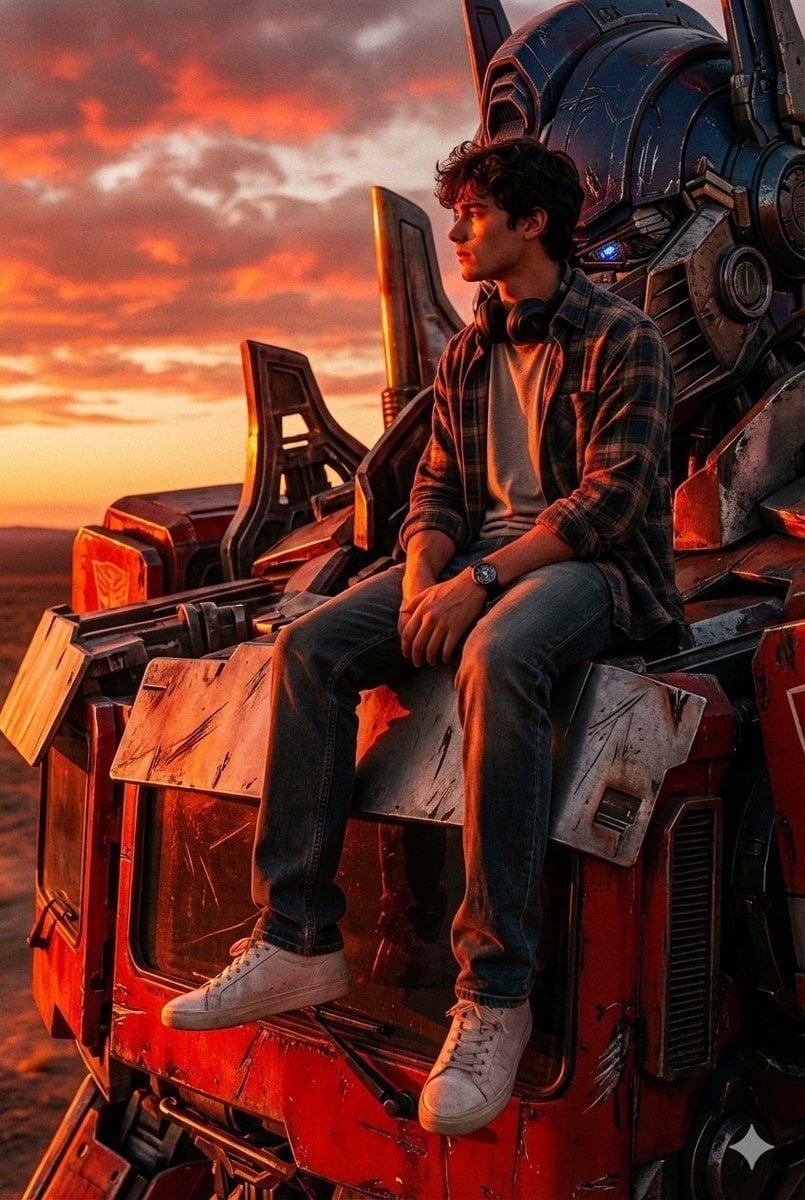
Colossal Optimus Prime and Human Cinematic Photo Prompt
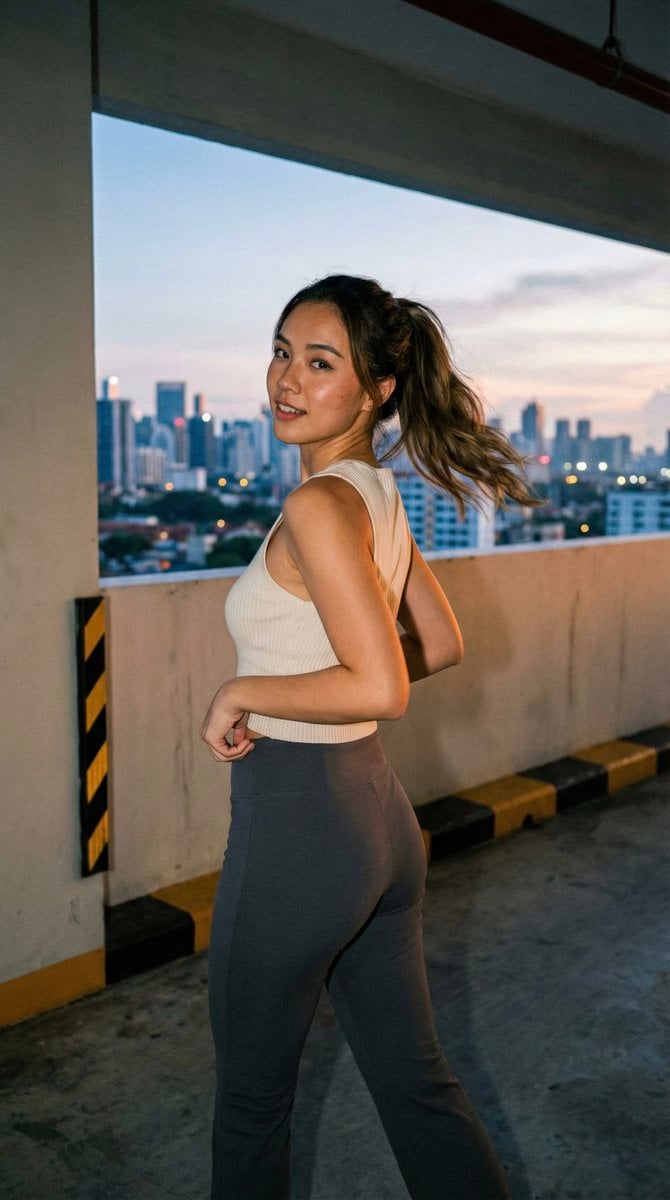
Candid Urban Portrait (Paparazzi Feel)
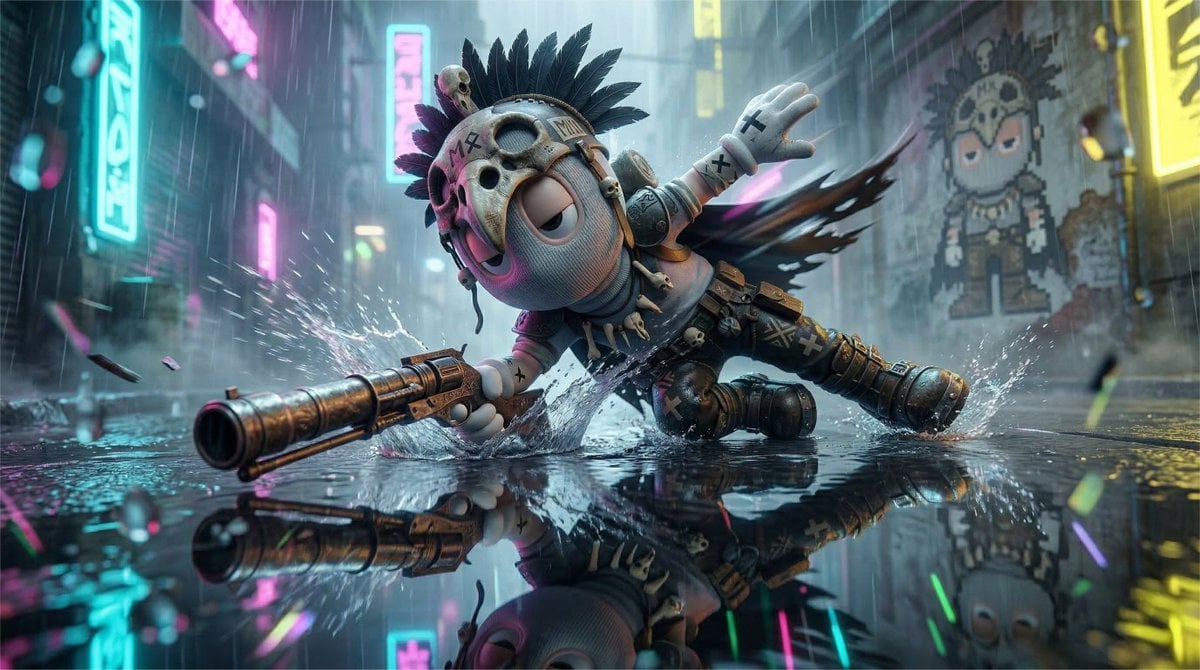
High-Speed Cinematic Cyberpunk Scene Prompt
Browse template categories
Anime Scholars with Cosmic Holograms questions
How do I use the Anime Scholars with Cosmic Holograms template?
Add your photo if the template asks for one, edit the prompt if you like — the template's model and format are already selected — and press Generate. Your version opens in PicX Studio.
Can I customize the Anime Scholars with Cosmic Holograms template?
Yes. You can change the subject, setting, lighting, mood, format, and available model controls before creating your image.
Is the Anime Scholars with Cosmic Holograms template free?
Opening and editing this template is free. Generating uses credits, shown on the Generate button when you are signed in.
Which AI model should I use?
Start with GPT Image 2, which is the model associated with this template. You can compare another compatible model for a different finish.
Looking for something else? Browse all templates.

Your photo, any look
Thousands of ready templates for every top image and video model, from one credit balance.