
High-Speed Cinematic Cyberpunk Scene Prompt
A highly detailed, multi-section prompt designed to turn an uploaded character reference into a photorealistic, high-speed cinematic scene on a rain-slicked cyberpunk street, emphasizing strict identity preservation…
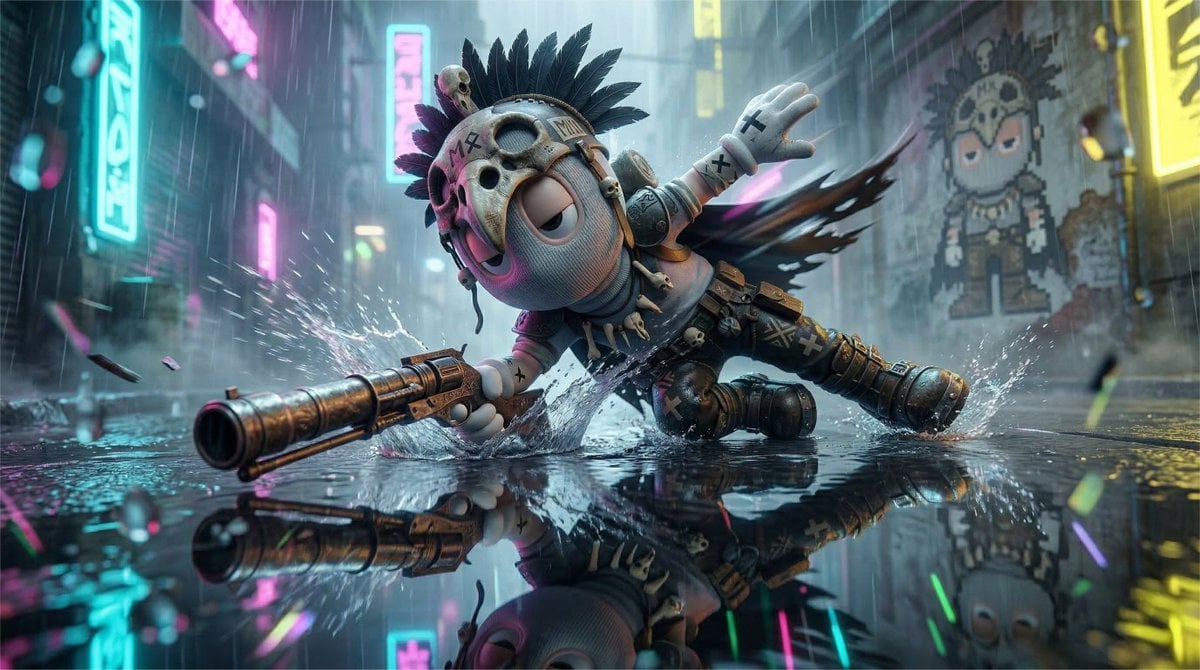
- Prompt included
- Model and format preset
- Premium template
The prompt behind this image
Copy the exact prompt behind High-Speed Cinematic Cyberpunk Scene Prompt, or open it in the studio and make it yours.
A cinematic speed-motion shot of the uploaded reference character captured mid-slide on a rain-slicked, neon-drenched cyberpunk street. The focus is equally on the reflection and the character, forming a dual-layer composition. Likeness Preservation (CRITICAL): Maintain exact proportions, eye shape, spacing, stylization, silhouette, and material identity from the reference. Do not humanize. Do not reinterpret anatomy. Do not modify facial structure. Identity must remain perfectly intact and instantly recognizable. 2D to 3D Translation (ONLY if input is 2D artwork): If the uploaded reference is 2D (illustration, anime, flat graphic, cel-shaded), convert it into a fully realized 3D cinematic form while preserving exact identity fidelity. Maintain exact head shape, eye design, spacing, and proportions. Preserve original stylization, do NOT add realism that alters design language. Translate linework into subtle surface geometry or shading transitions. Keep original colors, expressed through physically believable materials. Convert flat shading into controlled cinematic light falloff. The result must feel physically real, not redesigned. Camera & Perspective: Ultra-low angle, camera positioned just centimeters above the wet pavement. Lens: 18–20mm ultra-wide. Slight Dutch tilt (5–10 degrees) to destabilize the frame. Front three-quarter perspective. One limb or body part must be closer to the lens, creating perspective pressure. Composition (Reflection Dominance): The character slices diagonally across the upper half of the frame. The lower half is dominated by a sharp but slightly distorted reflection. Vertical neon signs in the background must mirror into the wet ground, forming strong graphic lines. The composition must feel off-balance and tension-driven, not centered or stable. Pose Enforcement (CRITICAL — OVERRIDE ALL DEFAULT STANCES): The character must NOT be upright, balanced, or casually sliding. The pose must represent loss of balance under high speed. The torso is pitched aggressively forward, close to the ground. One limb forcefully contacts the wet surface, creating splash and friction. The opposite limb extends outward or backward, fully stretched for counterbalance. Legs are asymmetrical: one trailing, one collapsing or stepping incorrectly. Spine forms a diagonal or curved line, never vertical. Head leads the motion slightly ahead of the torso. Weight Distribution: Weight is NOT centered. It collapses toward the contacting limb and forward motion. Ground Interaction (MANDATORY): Water splashes outward from impact points. Friction streaks beneath sliding limb. Surface tension visibly disturbed. Energy Read: The pose must feel like mid-fall recovery, evasive maneuver at high speed, barely controlled momentum. NOT clean skating, surfing, balanced glide, or upright slide. Perspective Amplification: At least one limb must appear larger due to proximity to the lens, enhancing speed and aggression. Motion & Blur: Directional motion blur trailing from the lowest moving limbs. Sharp focal plane on the face or upper torso. Background and trailing limbs fall into controlled blur. Lighting & Color (Cyberpunk Neon): Hard directional neon lighting from off-screen vertical sources. Color palette: deep cyan, magenta, electric yellow. Lighting behavior: sharp highlights on wet surfaces, strong rim light separating silhouette, deep shadow pockets. No flat lighting. Surface Detail (Hyper-Reflective): Wet pavement must feel physically real: mirror-like reflections with ripple distortion, micro scratches and pooling water, subtle rain impact patterns. Character materials slightly darkened from moisture. Atmosphere: Heavy rain and mist in the background. Volumetric light beams cutting through haze. Dense air perspective. Foreground may include subtle water droplets or mist near lens for depth. Emotion: Urgency. Instability. High-stakes motion. The character is either escaping or chasing. Negative Constraints: No centered composition. No upright balanced pose. No clean symmetrical stance. No dry surfaces. No flat reflections. No studio lighting. No evenly sharp full-frame clarity. No static posture. Background Pixel Wall Art (Depth-Controlled): Replace the LED sign with a weathered wall-mounted pixel-art mural or printed panel of the character. The pixel version must preserve silhouette and identity but appear faded, worn, and partially damaged. Printed or painted on a rough wall surface, not glowing like a screen. Subtle grime, scratches, peeling, or moisture distortion. Colors desaturated and affected by environment. Depth Control (CRITICAL): Must sit clearly in the background plane. Slightly obscured by haze, rain, or foreground motion. Edges softened, not crisp. Reduced contrast compared to main subject. Lighting Integration: Does NOT emit light. Only receives ambient neon spill. Partially falls into shadow. Pixel Art Identity Lock (CRITICAL): The pixel-art version must be a direct downscaled translation of the original character, not a reinterpretation. Preserve exact silhouette, head shape, and proportions. Preserve exact eye shape and spacing in simplified pixel form. Use the same facial structure logic — do NOT invent or add features. STRICT PROHIBITIONS: No added nose. No added mouth. No added facial features that do not exist in the original. No stylization drift toward generic pixel characters. If the original character has a minimal or abstract face, the pixel version must remain equally minimal. Foreground Chaos Layer (CRITICAL – DEPTH & IMMERSION): Introduce aggressive near-lens elements that partially obstruct the frame and enhance depth. Near-Lens Elements: Water droplets, splashes, or streaks crossing very close to the camera. Out-of-focus rain particles catching neon light. Small debris or mist fragments passing across the lens plane. These elements must feel physically between the viewer and the character, not part of the background. Depth Behavior (MANDATORY): Foreground elements are heavily out of focus due to proximity. Large soft bokeh shapes or streaks may partially cover edges of the frame. Some elements may briefly occlude parts of the character or reflection. The frame must feel layered: foreground chaos, main subject, background environment. Lens Interaction (IMPORTANT): Subtle water streaks or droplets may appear on the lens surface. Slight distortion or refraction through droplets is allowed. Effects must remain minimal and believable, never covering the focal subject completely. Lighting Interaction: Foreground particles catch neon light (cyan, magenta, yellow). Creates glowing streaks or soft colored flares. Adds dimensional separation between planes. Composition Impact: Frame edges may feel dirty or partially blocked. The image should NOT feel clean or perfectly framed. Slight visual interference is intentional. Emotion: The viewer feels inside the scene, not watching it. ar 16:9
How to use High-Speed Cinematic Cyberpunk Scene Prompt in 3 steps
- 1Upload ImagePNG, JPG or paste
Add your photo
Upload the photo the template builds on. The prompt, model and format are already set.
- 2…a portrait of your subject in softgolden-hour light, 85mm…
Personalize
Edit the subject and creative details for your destination.
- 3Generate
Generate
Press Generate — your image is created in PicX Studio, so you can compare it with the original and refine one variable at a time.
More like this
Templates with the same subject, style or setup. Open one to see its prompt.

Rainy Night Android Cyberpunk Portrait

Korean Idol Partial Shadow Editorial Portrait

Cinematic Sci-Fi Interface Side Profile

Cyberpunk Neon Profile Fashion Portrait

Cinematic Neon Light Strip Studio Portrait

Futuristic Studio Neon Ring Minimalist Portrait

Neon Violet Streetwear Fashion Portrait

Neon Night Crosswalk Candid Portrait

Red Futuristic Sport Motorcycle POV
Rainy Night Android Cyberpunk Portrait
Cinematic Sci-Fi Commander Side Profile Portrait
Low-Angle Cyberpunk Neon Profile Portrait
Make it yours
High-Speed Cinematic Cyberpunk Scene Prompt works as-is. These are the safest ways to change it without losing the look.
Change one field
Copy a single group, rewrite it, and generate again so you can see what that field is doing.
Keep the frame, change the subject
Hold the composition and light of High-Speed Cinematic Cyberpunk Scene Prompt, then swap wardrobe, props or the person for a new take.
| If the result… | Why | Fix |
|---|---|---|
| The result drifts from the preview | Too many fields changed at once. | Reuse High-Speed Cinematic Cyberpunk Scene Prompt as-is first, then change one group — subject, light, or setting. |
| The model over-stylizes the scene | The prose prompt leaves finish and camera underspecified. | Add one camera or lighting sentence and stay on Nano Banana 2. |
More Nano Banana 2 templates
Other prompts made for Nano Banana 2.

Photorealistic Leaf Shaped Like a Dragon

K-Pop Idol Portrait Grid for Rapid Selection

Poetic Rain Forest Portrait During Golden Hour

Urban Street Portrait with Cartoon Inner Self Duo

Candid Nighttime Photo with Cat Prompt

High-Concept 3D Diorama Generation Prompt

Cinematic Futuristic Studio Portrait Template

Skincare Editorial Photography Collage Prompt

Hyper-Realistic Commercial Product Photography (Splash Effect)

Hyper-Realistic Nightclub Portrait Prompt
More image prompts
Fresh picks from across the catalog.
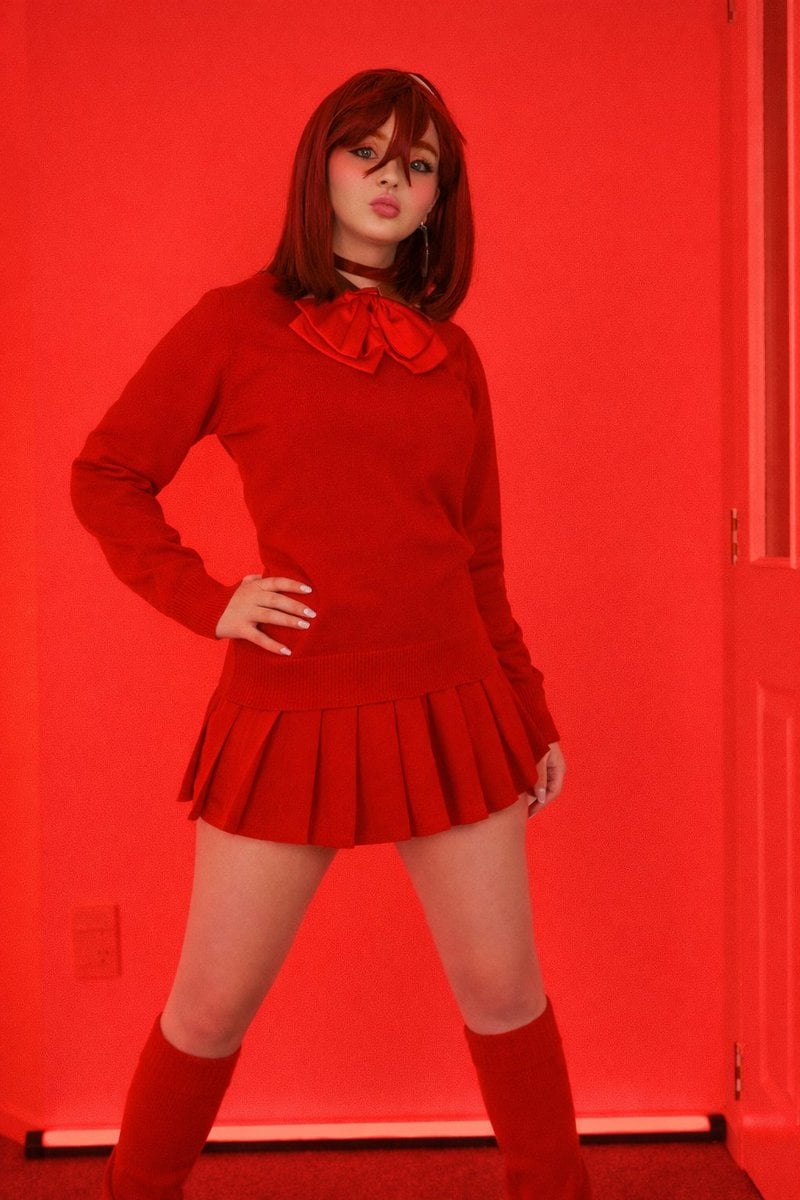
Bold Red Fashion Portrait

Pixar-Style Miniature Interaction Studio Portrait
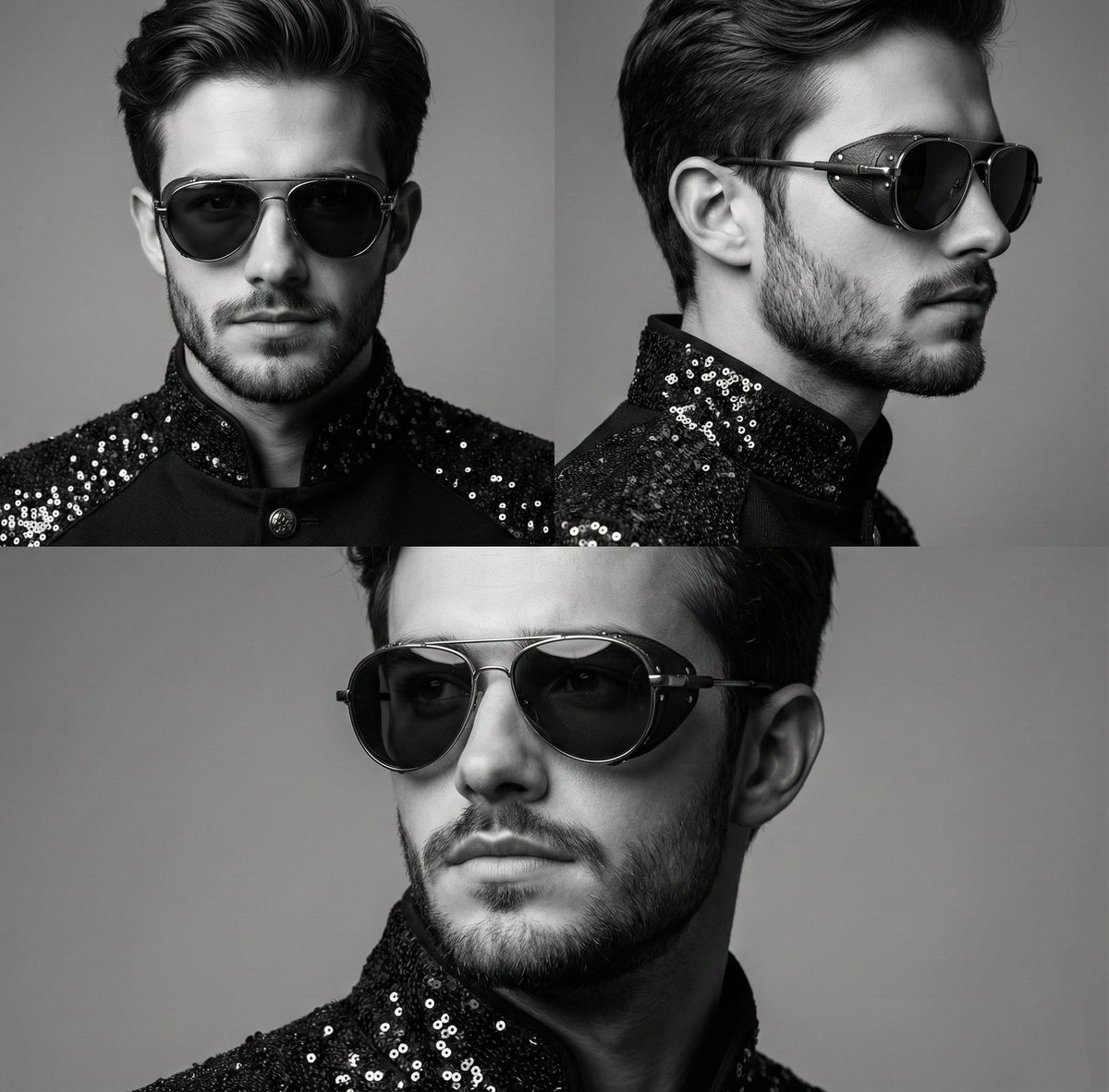
High-Contrast Monochrome Triptych Portrait with Steampunk Sunglasses
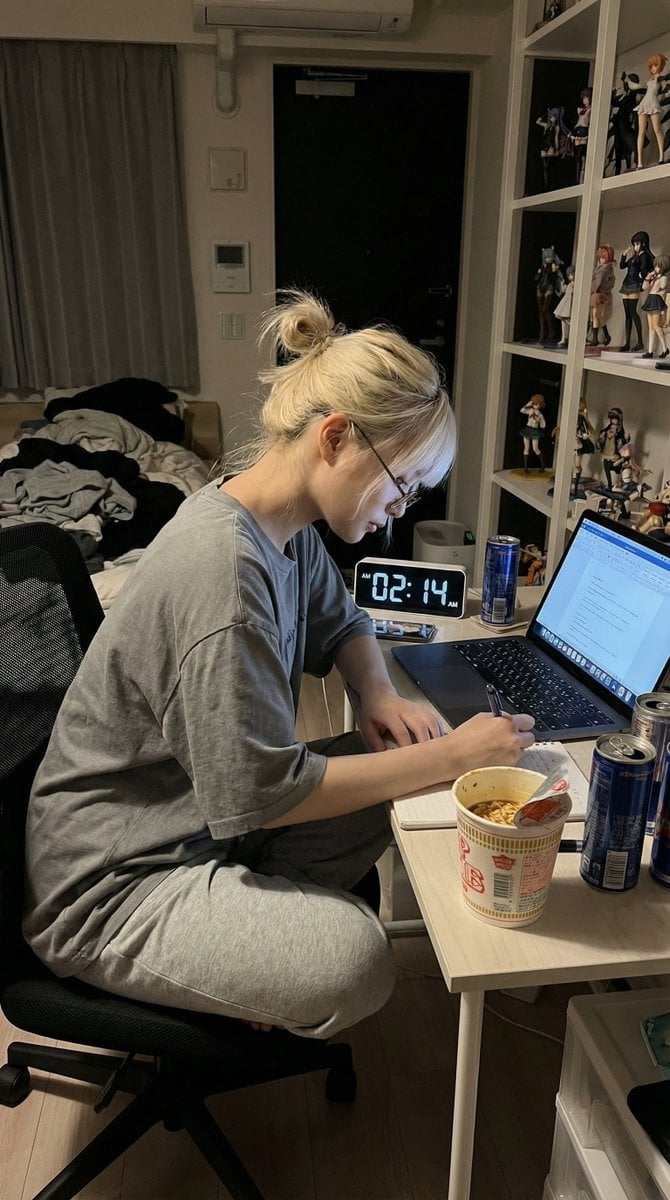
Nano Banana Pro Prompt for Hidden Effort

Beauty Commercial Portrait on Reflective Surface
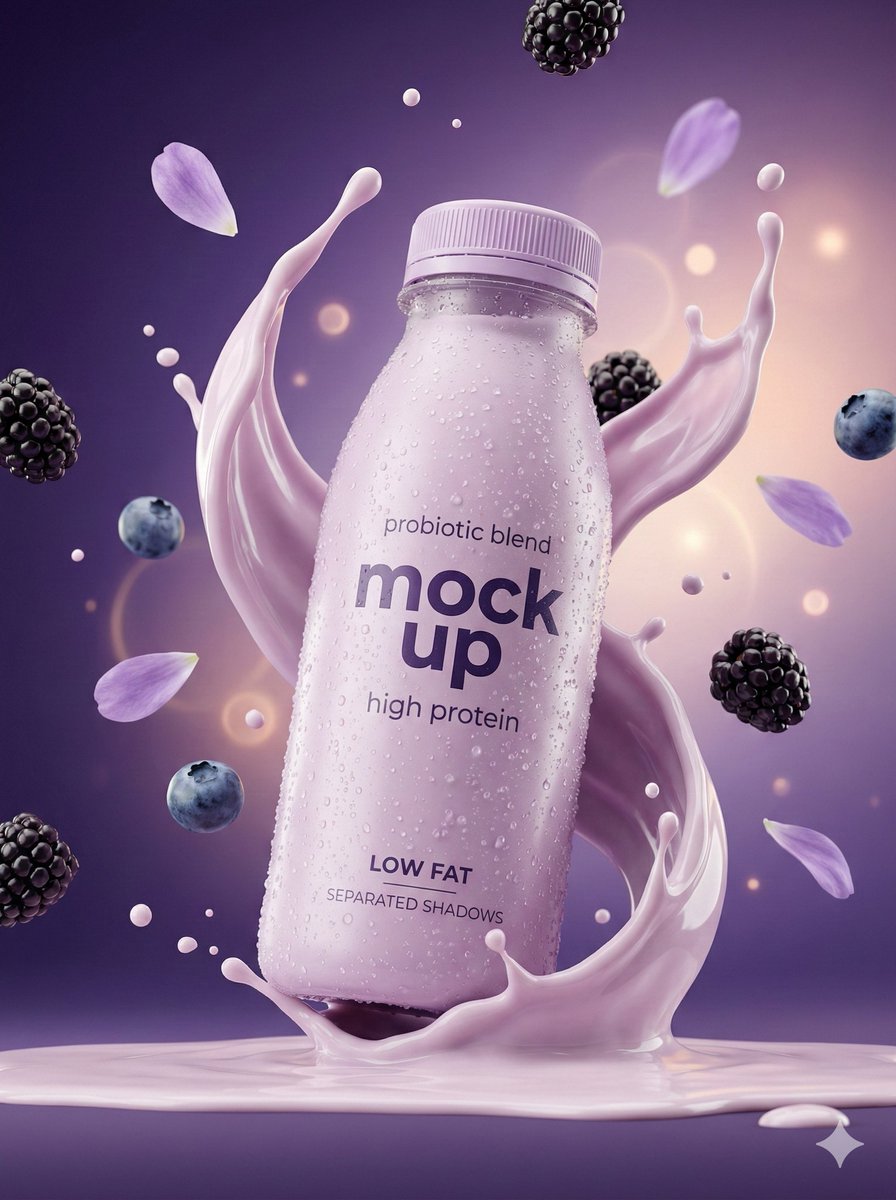
Hyper-Realistic Commercial Product Photography Showcase (Yogurt & Electrolyte)
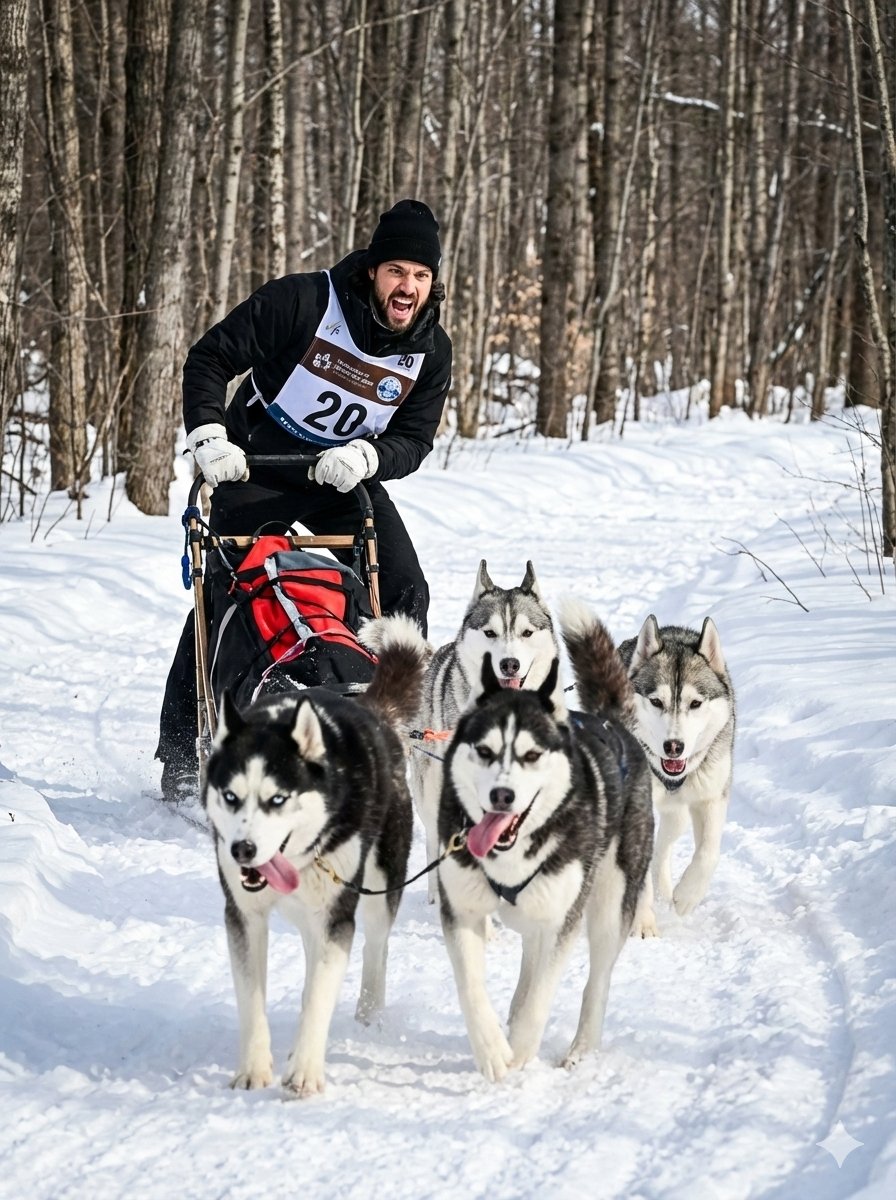
untitled
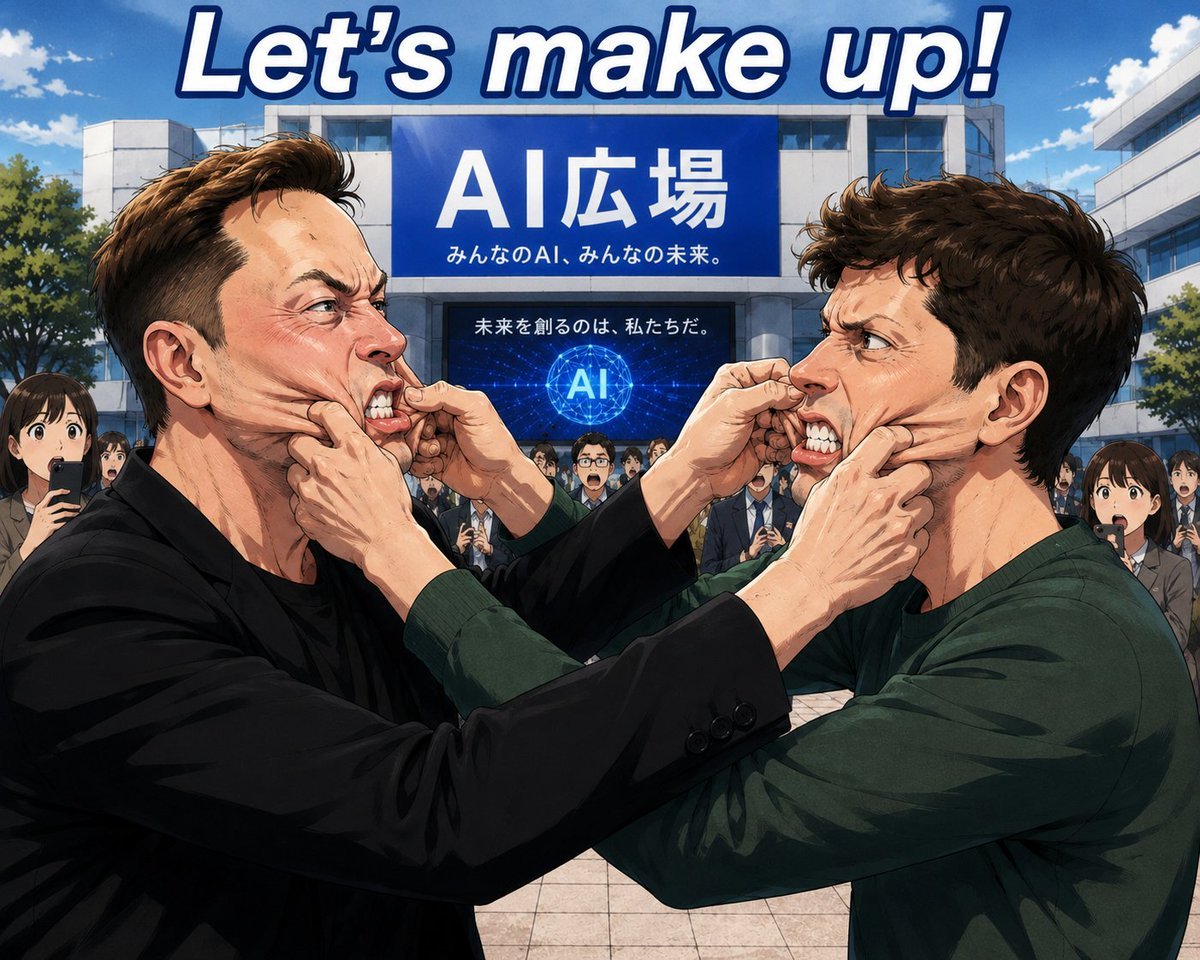
Anime AI Plaza Make-Up Scene

Add Santa Hat to Profile Picture (Image-to-Image)
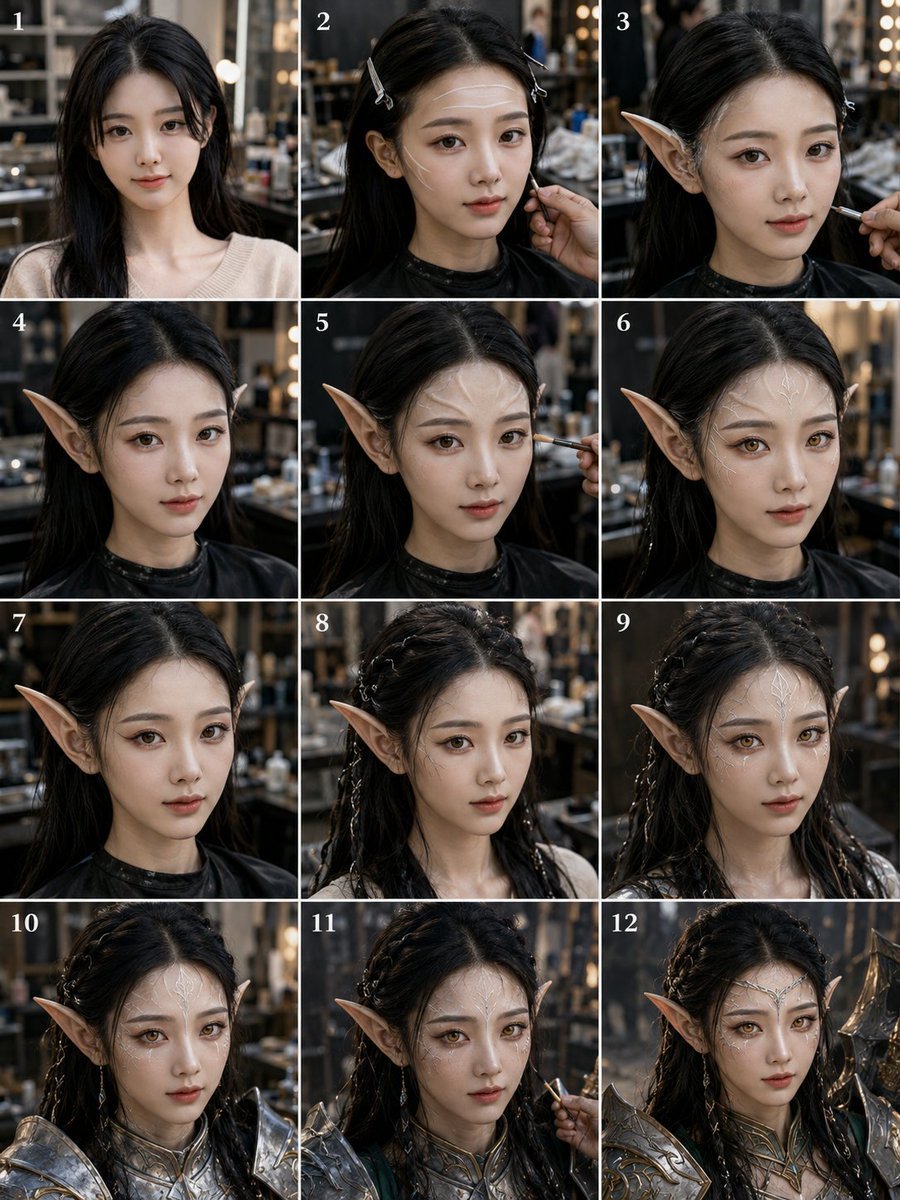
Elf Warrior Transformation Collage
Browse template categories
High-Speed Cinematic Cyberpunk Scene Prompt questions
How do I use the High-Speed Cinematic Cyberpunk Scene Prompt template?
Add your photo if the template asks for one, edit the prompt if you like — the template's model and format are already selected — and press Generate. Your version opens in PicX Studio.
Can I customize the High-Speed Cinematic Cyberpunk Scene Prompt template?
Yes. You can change the subject, setting, lighting, mood, format, and available model controls before creating your image.
Is the High-Speed Cinematic Cyberpunk Scene Prompt template free?
Opening and editing this template is free. Generating uses credits, shown on the Generate button when you are signed in.
Which AI model should I use?
Start with Nano Banana 2, which is the model associated with this template. You can compare another compatible model for a different finish.
Looking for something else? Browse all templates.

Your photo, any look
Thousands of ready templates for every top image and video model, from one credit balance.