
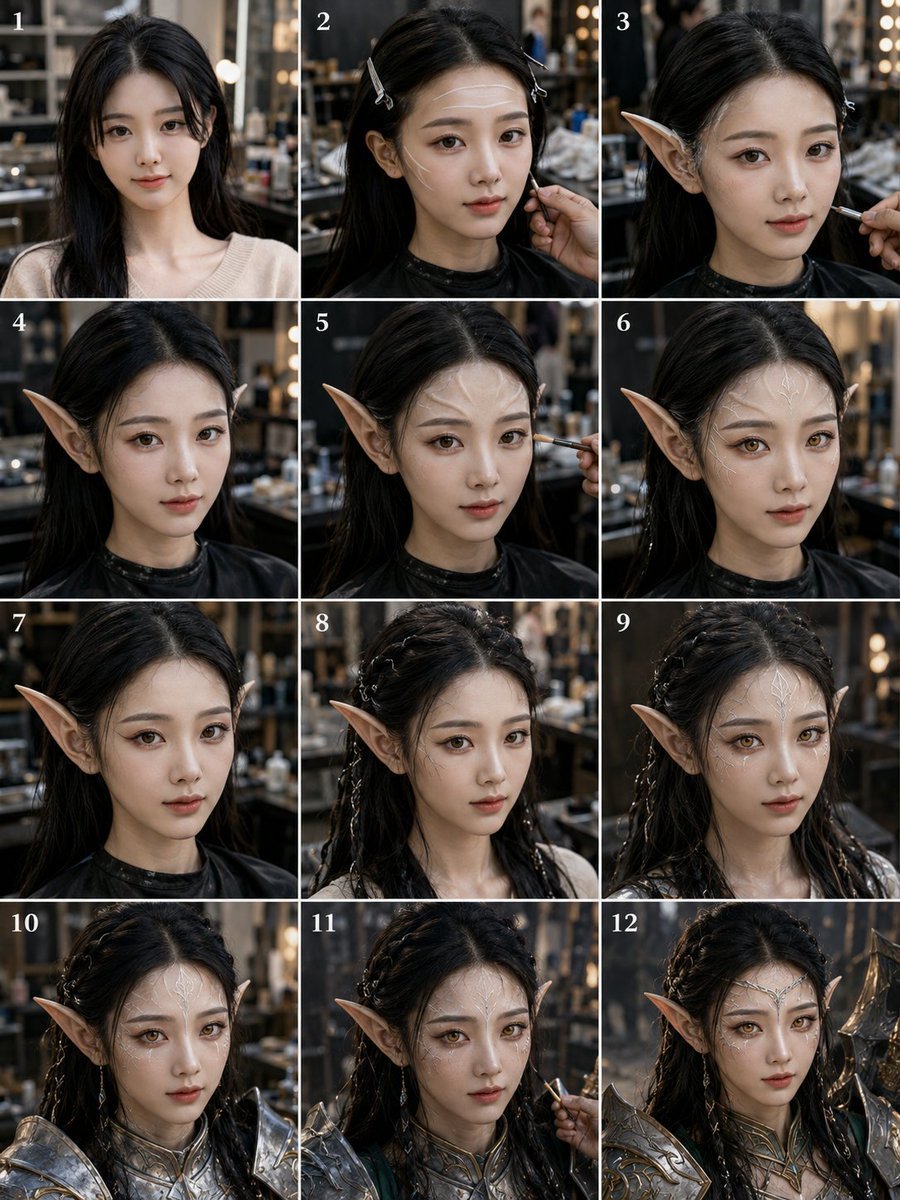
Elf Warrior Transformation Collage
A 12-step photorealistic studio collage showing a person transformed with elf ears, braided hair, makeup, and fantasy armor.
- Prompt included
- Model and format preset
- Free template
The prompt behind this image
Copy the exact prompt behind Elf Warrior Transformation Collage, or open it in the studio and make it yours.
Goal: Create a realistic 12-panel transformation progress collage showing a young woman being styled into a fantasy elf warrior, photographed in a dim professional makeup studio. The face must be intentionally obscured in every panel by a soft rectangular blur/mosaic privacy block centered over the face. Canvas: Vertical 3:4 collage, approximately 768x1024, arranged as a clean 3-column by 4-row grid with thin white dividers between panels. Add small white serif numbers in the upper-left corner of each panel, labeled exactly 1 through 12. Subject: A young adult {argument name="character gender" default="woman"} with {argument name="hair color" default="long black hair"}, pale skin, and a slim neck/shoulders. She begins in a simple cream knit top, then wears a black salon cape during the makeup and prosthetic stages, and ends in ornate silver fantasy armor. Keep the person in a centered bust portrait composition in every panel, facing mostly forward with slight head turns. Setting and style: Hyper-realistic cinematic photography, shallow depth of field, warm studio lights and bokeh bulbs, blurred shelves of makeup tools and bottles in the background, muted dark brown and charcoal tones, natural skin texture, high detail, documentary behind-the-scenes feeling. Panel-by-panel layout: Use exactly 12 discrete panels. Panel 1: plain before shot, long loose black hair, cream sweater, no elf features. Panel 2: hair clipped back with small silver clips, black salon cape, a makeup artist hand touches the jaw/cheek with a brush or applicator. Panel 3: first pointed elf ear prosthetic attached on one side, makeup brush applying detail near the cheek, black cape. Panel 4: both long pointed elf ears visible, hair tucked behind ears, black cape, no armor yet. Panel 5: makeup brush applies contour or color near the cheek, pointed ears visible, black cape. Panel 6: refined elf-ear look, centered portrait, ears sharp and symmetrical, black cape. Panel 7: closer finished prosthetic stage with both pointed ears clearly visible and loose dark hair around shoulders. Panel 8: hair partially braided with multiple small braids and decorative strands, one pointed ear visible, cream clothing returning at shoulders. Panel 9: more elaborate braided fantasy hairstyle with wet or glossy curls and small silver hair ornaments, pointed ears visible. Panel 10: ornate silver shoulder armor and high fantasy chest collar added, braided hair, pointed ears, studio background. Panel 11: makeup artist hand returns with a brush near the cheek while the subject wears silver armor and pointed ears, showing final touch-up. Panel 12: final completed {argument name="fantasy character type" default="elf warrior princess"} portrait in ornate silver armor with sculpted pauldrons, braided dark hair, long pointed ears, and dramatic heroic styling. Text content: Only include the panel numbers 1, 2, 3, 4, 5, 6, 7, 8, 9, 10, 11, and 12. Do not add captions, logos, watermarks, or extra typography. Constraints: Keep the same person, same studio, same camera distance, and same lighting across all panels. Maintain a realistic makeup transformation sequence rather than an illustration. Ensure every visible face is covered by a rectangular soft blur block, while ears, hair, hands, armor, and clothing remain sharp.
How to use Elf Warrior Transformation Collage in 3 steps
- 1Upload ImagePNG, JPG or paste
Add your photo
Upload the photo the template builds on. The prompt, model and format are already set.
- 2…a portrait of your subject in softgolden-hour light, 85mm…
Personalize
Edit the subject and creative details for your destination.
- 3Generate
Generate
Press Generate — your image is created in PicX Studio, so you can compare it with the original and refine one variable at a time.
More like this
Templates with the same subject, style or setup. Open one to see its prompt.
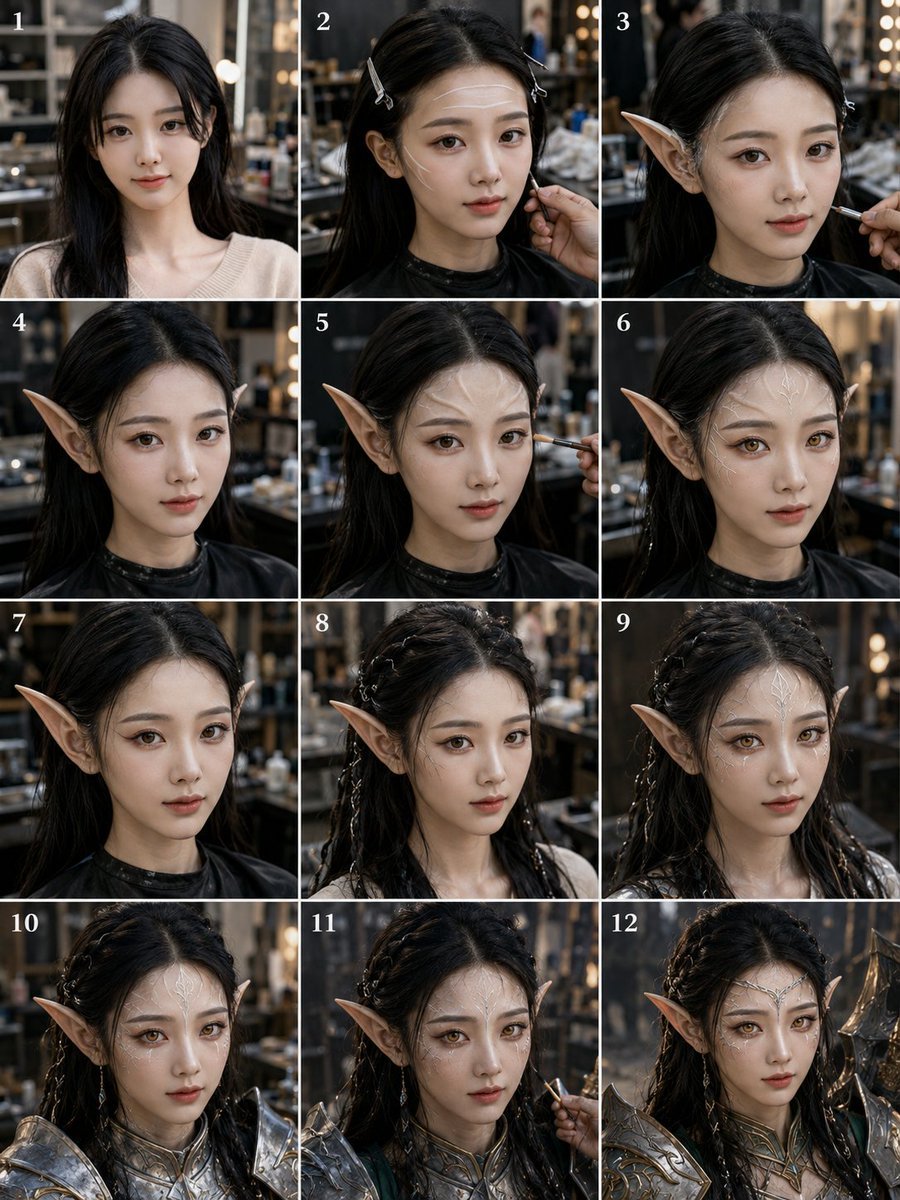
Elf Warrior Transformation Collage
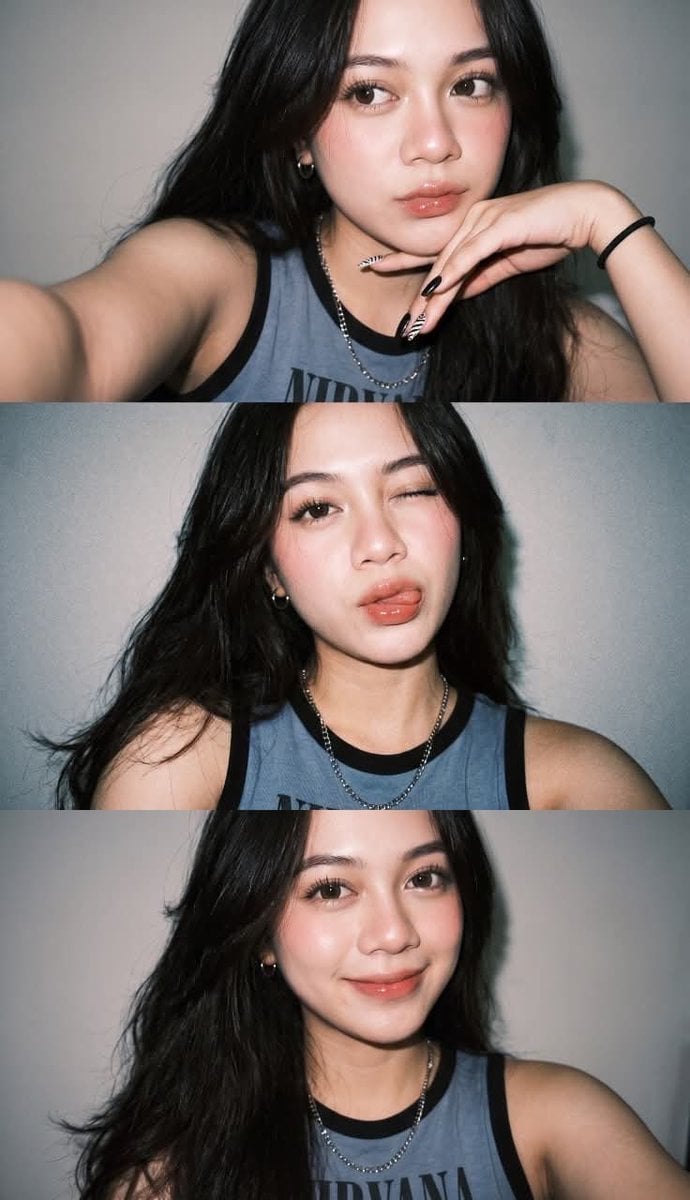
Gen Z Flash Selfie Triple Collage
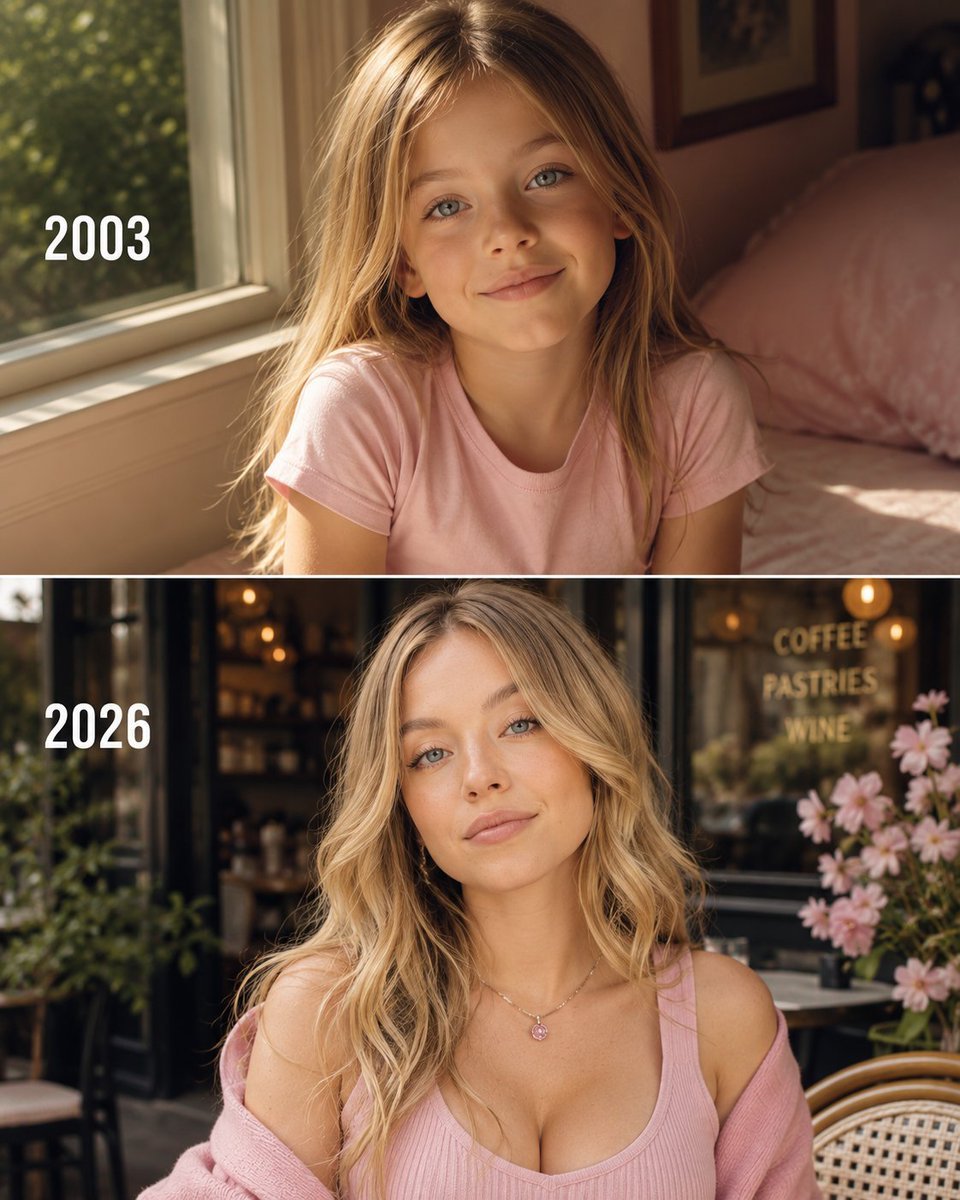
Then vs Now Identity Transformation Collage

Paper Cut Finale Fireworks

Paper Cut Garden Maze

Paper Cut Rooftop Concert

Paper Cut Bicycle Coast

Paper Cut Castle Gate

Paper Cut Kitchen Chaos

Paper Cut Carnival Ride

Paper Cut Rainy Bus Stop

Paper Cut Space Dock
Make it yours
Elf Warrior Transformation Collage works as-is. These are the safest ways to change it without losing the look.
Change one field
Copy a single group, rewrite it, and generate again so you can see what that field is doing.
Keep the frame, change the subject
Hold the composition and light of Elf Warrior Transformation Collage, then swap wardrobe, props or the person for a new take.
| If the result… | Why | Fix |
|---|---|---|
| The result drifts from the preview | Too many fields changed at once. | Reuse Elf Warrior Transformation Collage as-is first, then change one group — subject, light, or setting. |
| The model over-stylizes the scene | The prose prompt leaves finish and camera underspecified. | Add one camera or lighting sentence and stay on GPT Image 2. |
More GPT Image 2 templates
Other prompts made for GPT Image 2.

Six VTuber Japanese Logo Sheet

Realistic Portrait of Woman and Deer

The Vista Modular Condo Poster

AI Model Routing Comparison Infographic

2.5D Anime Art Board

Isometric Productivity Desk Scene

New York Double Exposure Poster

Four-Panel AI Landscape Comparison

Japanese Tatami Lifestyle Magazine Cover

NESCAFÉ Coffee Map Poster
More image prompts
Fresh picks from across the catalog.
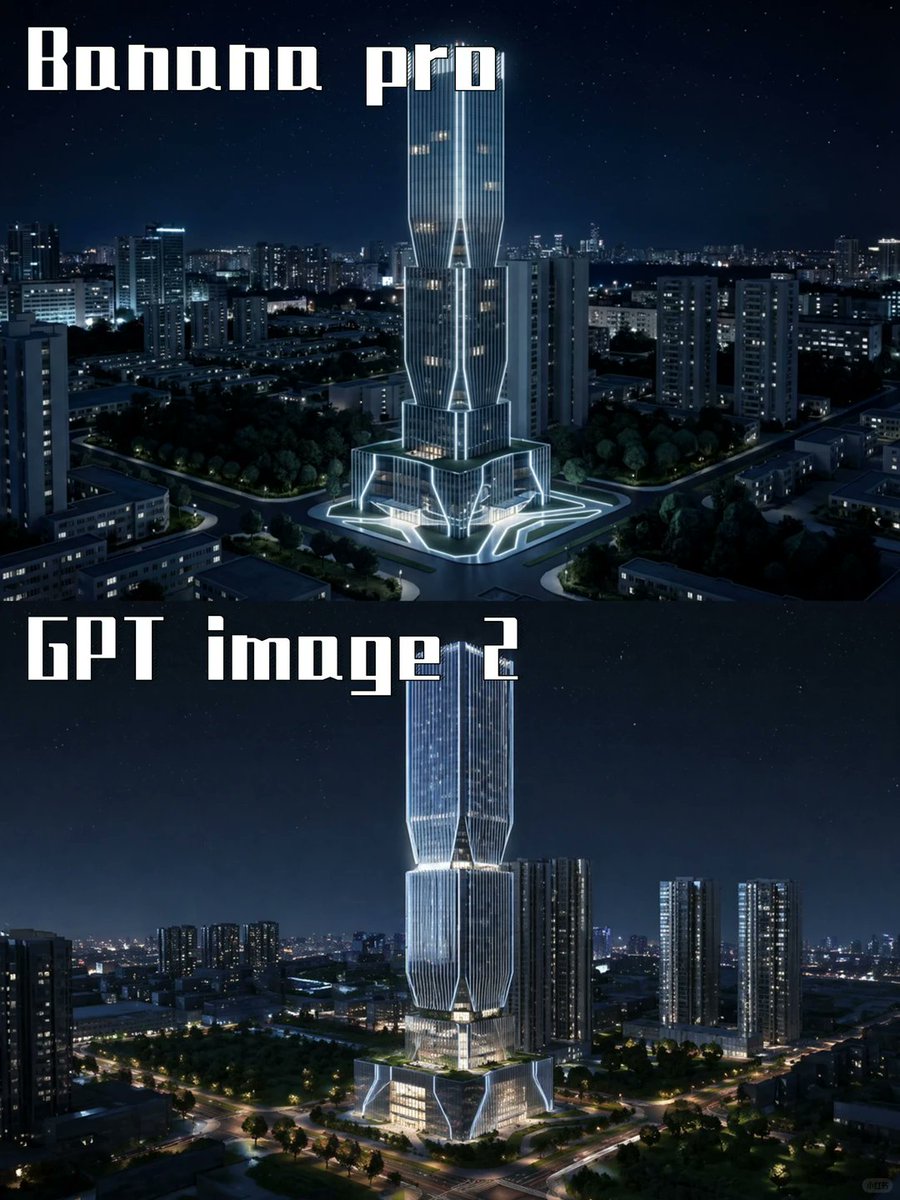
Night Skyscraper AI Model Comparison
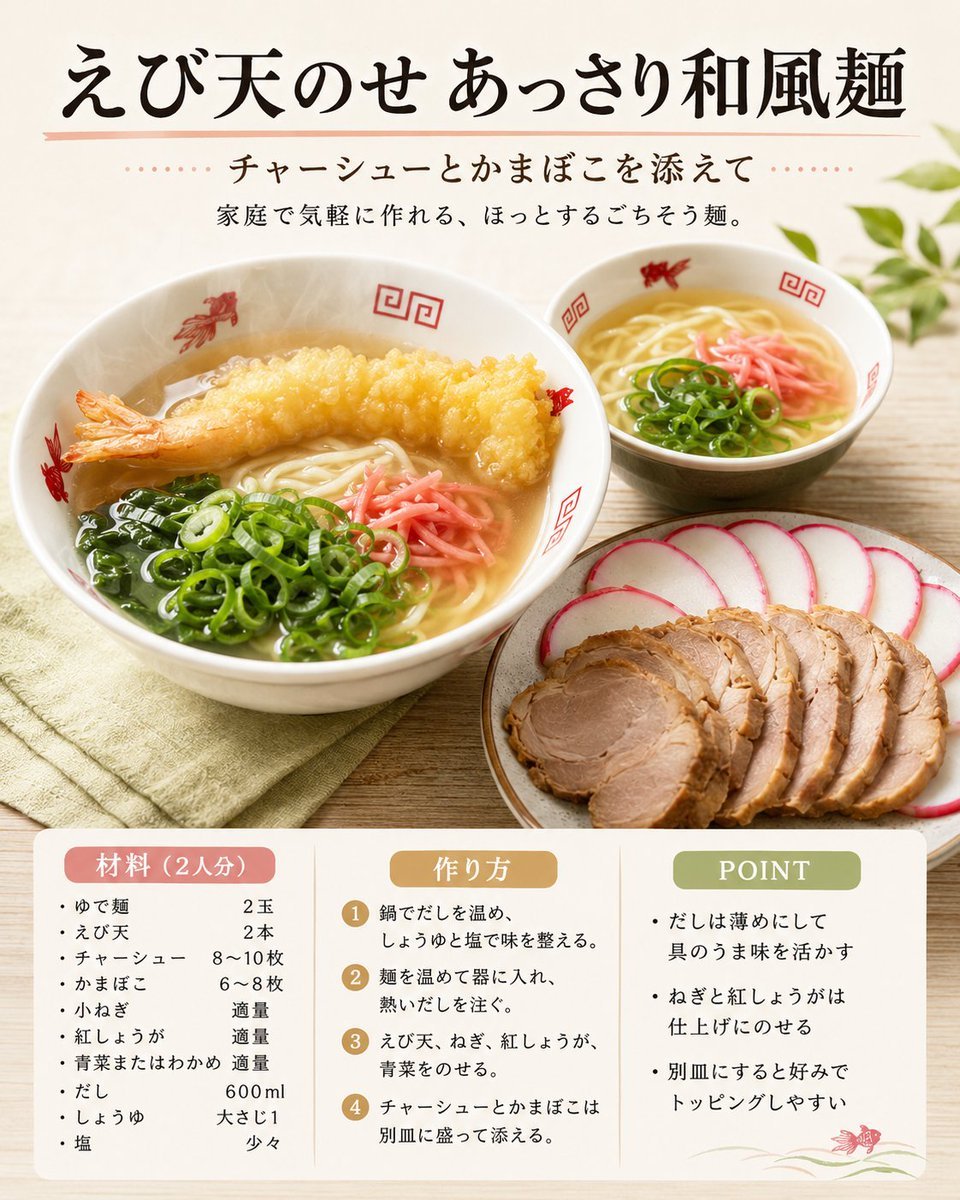
Japanese Tempura Noodle Recipe Card

Cute Blonde Girl Mirror Selfie in Argyle Vest
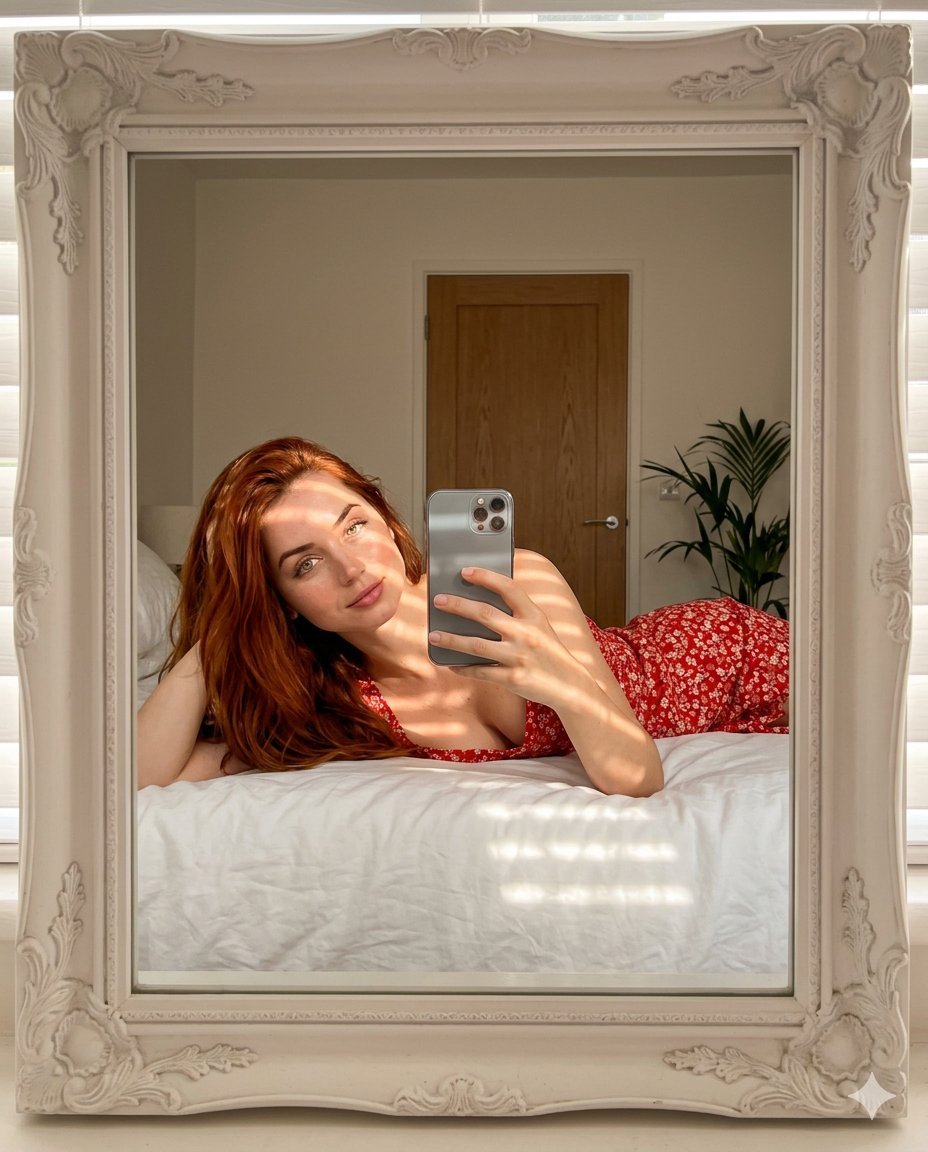
Aesthetic Mirror Selfie Prompt for Gemini Nano Banana Pro
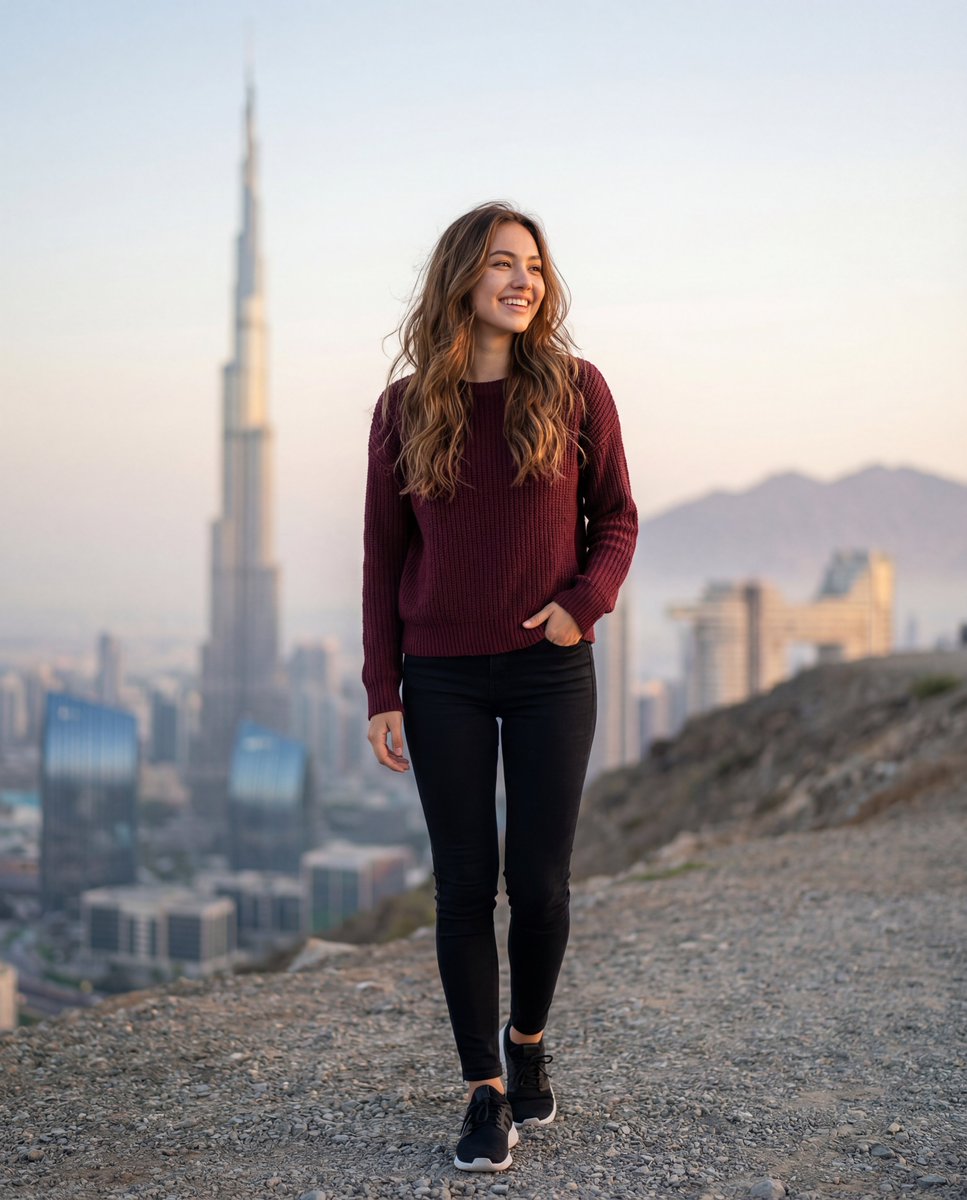
Cinematic Lifestyle Portrait in Dubai with Bokeh
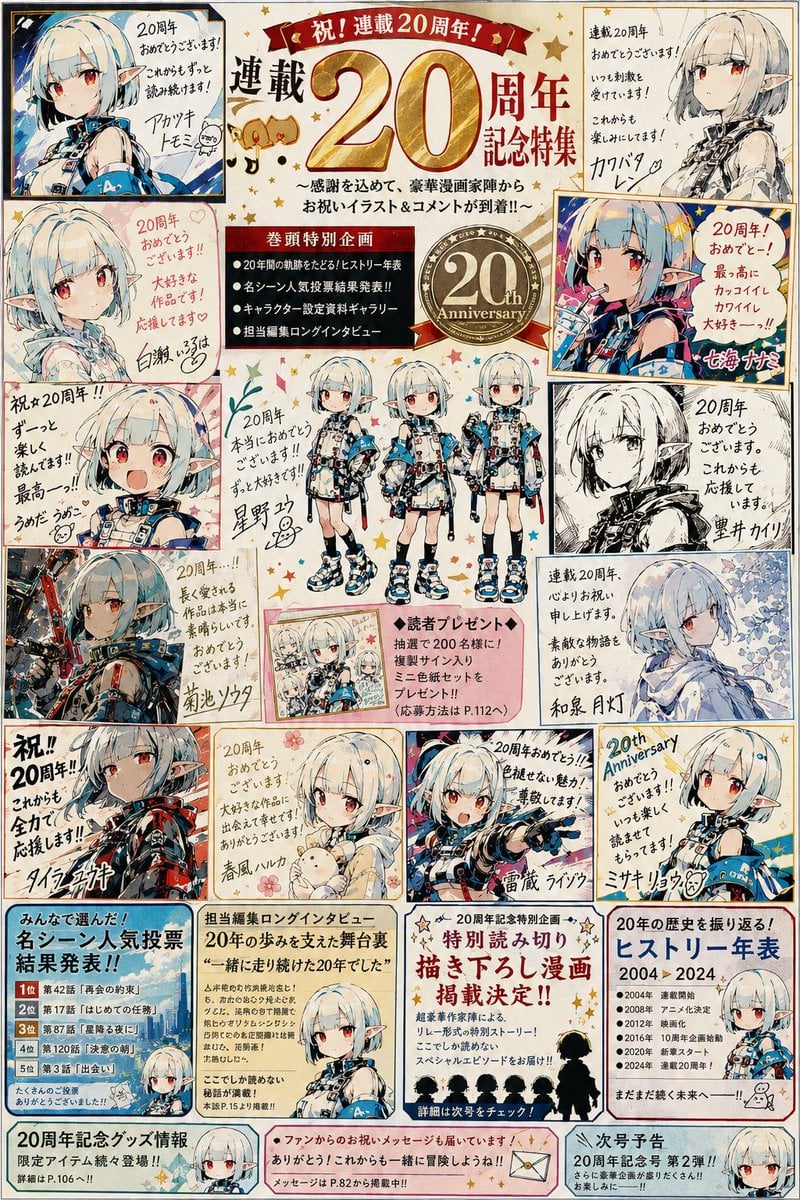
Manga Magazine 20th Anniversary Special Page
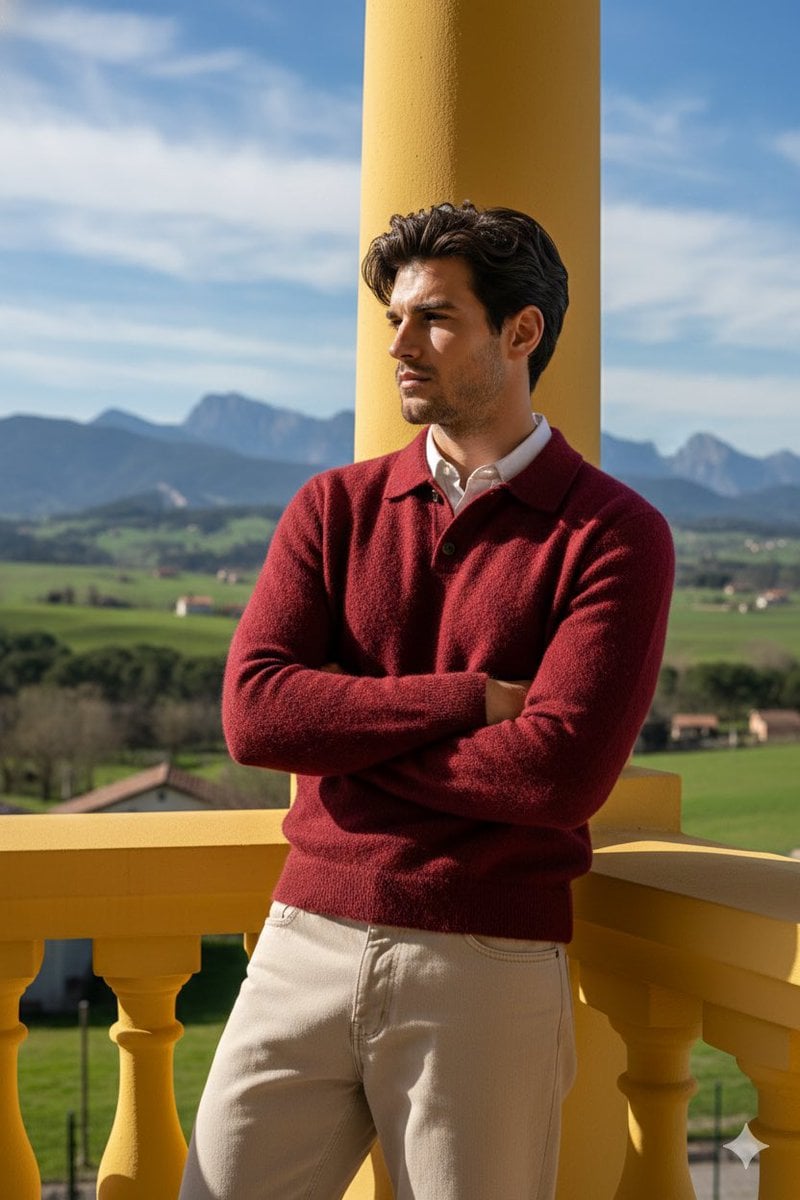
Stylish Man on Balcony with Identity Lock
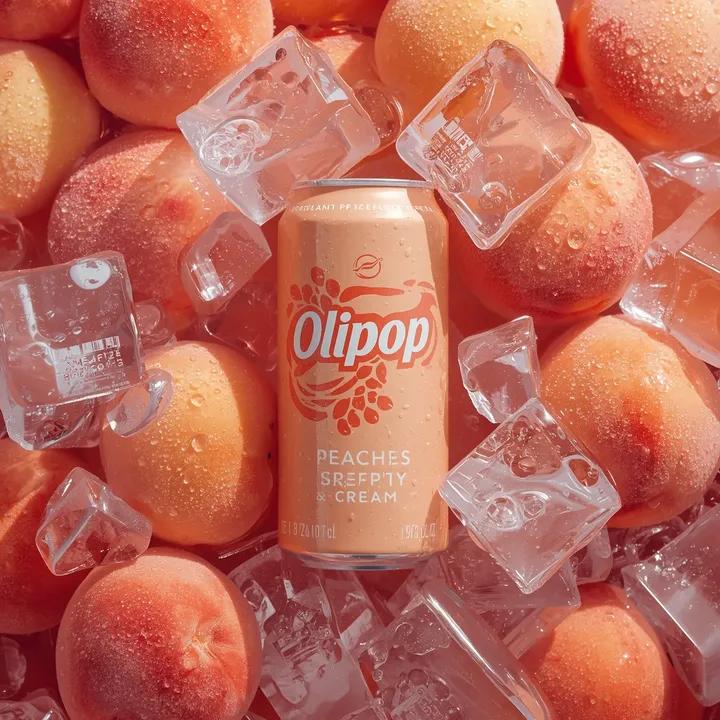
Ultra-Realistic Product Photography of OLIPOP Soda Can
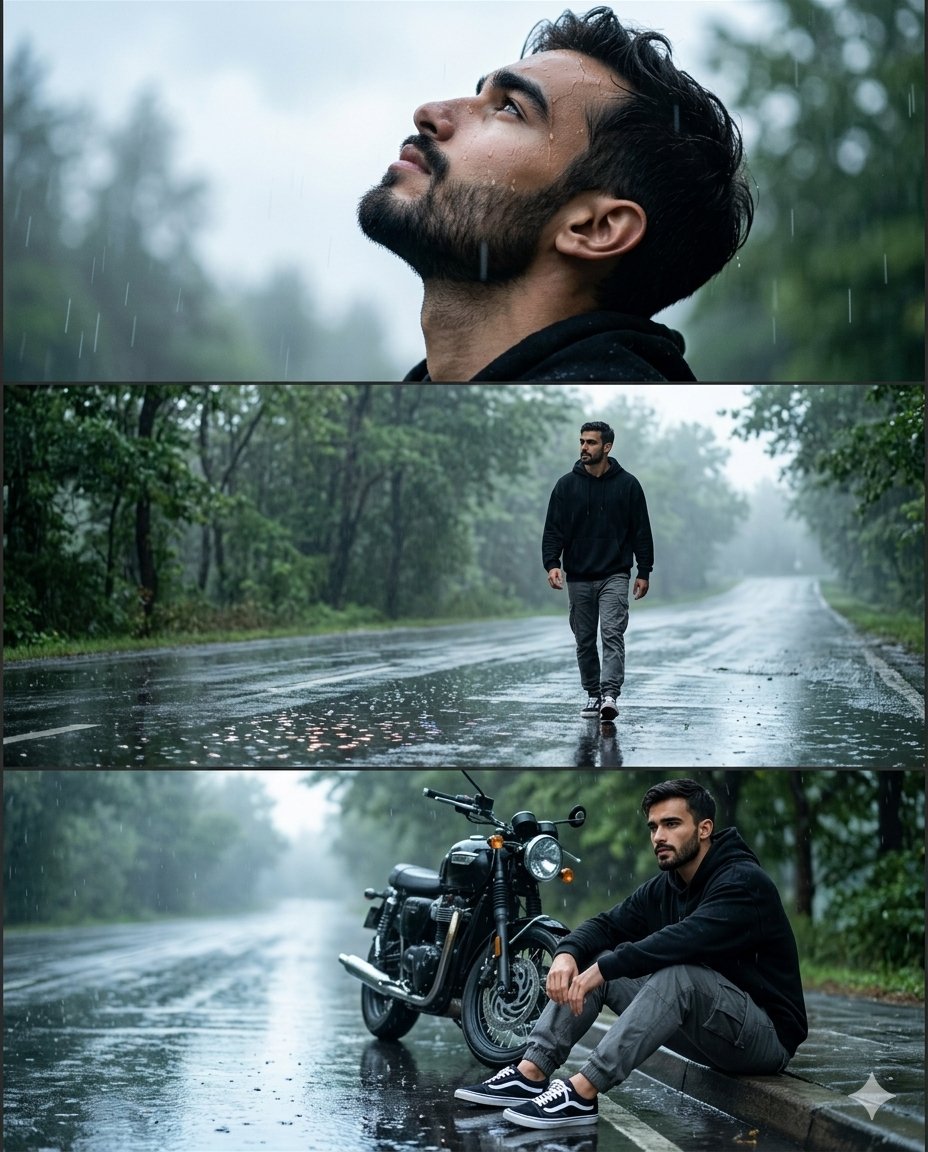
Rainy Road Cinematic Collage

Hyper-realistic commercial food photography of chocolate chip cookies
Browse template categories
Elf Warrior Transformation Collage questions
How do I use the Elf Warrior Transformation Collage template?
Add your photo if the template asks for one, edit the prompt if you like — the template's model and format are already selected — and press Generate. Your version opens in PicX Studio.
Can I customize the Elf Warrior Transformation Collage template?
Yes. You can change the subject, setting, lighting, mood, format, and available model controls before creating your image.
Is the Elf Warrior Transformation Collage template free?
Opening and editing this template is free. Generating uses credits, shown on the Generate button when you are signed in.
Which AI model should I use?
Start with GPT Image 2, which is the model associated with this template. You can compare another compatible model for a different finish.
Looking for something else? Browse all templates.

Your photo, any look
Thousands of ready templates for every top image and video model, from one credit balance.