
Elf Warrior Transformation Collage
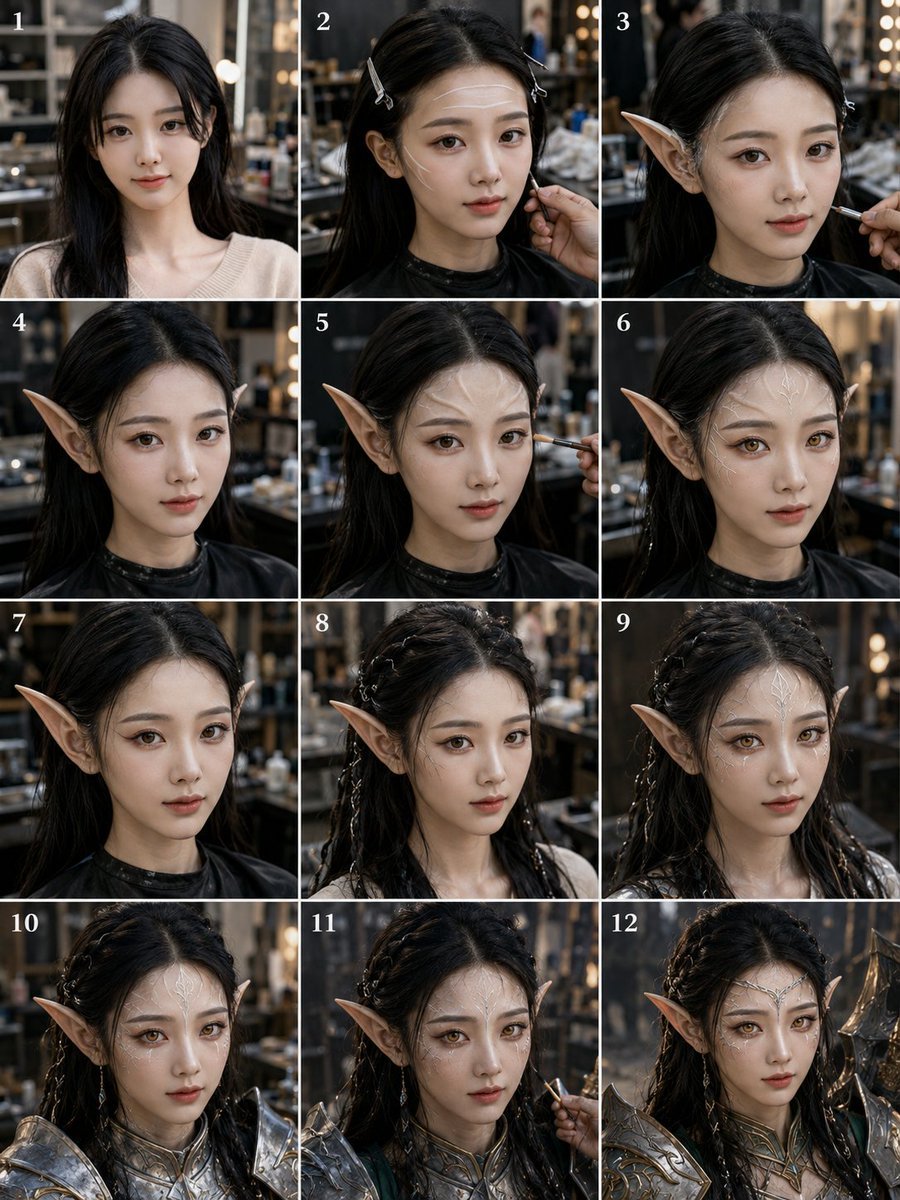
A photorealistic 12-panel salon makeover sequence showing a woman transformed step by step into a dark-haired armored elf warrior.
- Prompt included
- Model and format preset
- Free template
The prompt behind this image
Copy the exact prompt behind Elf Warrior Transformation Collage, or open it in the studio and make it yours.
Goal: Create a realistic vertical 3:4 transformation collage showing a young woman being turned into a dark-haired fantasy elf warrior in a salon or backstage makeup studio. Canvas: A single vertical image divided into exactly 12 equal rectangular panels arranged in a 3-column by 4-row grid, with thin white borders between panels. Each panel has a small white serif number in the upper-left corner, labeled exactly 1 through 12. Subject: The same young adult woman appears in every panel, centered in a close-up portrait from chest or shoulders upward. She has {argument name="hair color" default="long black hair"}, pale skin, and a neutral forward-facing pose. Her face is intentionally obscured in every panel by a soft-edged rectangular beige blur or privacy mask covering the facial features while leaving hair, ears, neck, and outfit visible. Setting and style: Photorealistic cinematic lighting, shallow depth of field, dark warm salon or dressing-room background with mirrors, shelves, makeup tools, blurred lights, and a professional makeover atmosphere. Use natural camera perspective and consistent lighting across all panels. Panel sequence: Show exactly 12 distinct stages of the transformation: 1. Before look: the woman with loose long black hair, wearing a cream knit sweater, no elf ears or armor yet. 2. Hair preparation: hair clipped back with small metal salon clips, wearing a black salon cape; a makeup artist hand works near the cheek. 3. First prosthetic: a long pointed elf ear is being attached on one side, with a makeup brush or tool near the ear. 4. Both pointed elf ears visible, hair tucked back, black salon cape, clean early fantasy look. 5. Makeup detailing: both pointed ears visible, a brush applying makeup near the cheek or ear. 6. Finished prosthetic ears: both long pointed elf ears visible, dark hair loose, still in black salon cape. 7. Close elf portrait stage: pointed ears prominent, hair smoother and darker, black salon cape, no armor yet. 8. Hairstyling stage: hair partly braided with small silver ornaments or clips woven through the sides, pointed ears visible, wearing a lighter underlayer. 9. More advanced braided hairstyle: intricate dark braids with silver beads and accessories, pointed ears visible, fantasy styling becoming stronger. 10. Armor stage: the woman now wears ornate silver fantasy shoulder armor and chest armor with engraved details, braided hair and pointed ears visible. 11. Final makeup touch-up: same ornate silver armor and elf ears, a makeup artist hand applies finishing detail with a brush near the face. 12. Final completed character: fully transformed into an elven warrior wearing polished silver armor with gold accents, braided black hair with ornaments, long pointed ears, and a dramatic fantasy presence. Constraints: Keep the same person, same camera angle, and same studio environment across all 12 panels. Include no extra text besides the numbers 1 through 12. Make the collage look like behind-the-scenes documentation of a professional fantasy character makeup and costume transformation. Avoid cartoon style; make it highly realistic, detailed, and cinematic.
How to use Elf Warrior Transformation Collage in 3 steps
- 1Upload ImagePNG, JPG or paste
Add your photo
Upload the photo the template builds on. The prompt, model and format are already set.
- 2…a portrait of your subject in softgolden-hour light, 85mm…
Personalize
Edit the subject and creative details for your destination.
- 3Generate
Generate
Press Generate — your image is created in PicX Studio, so you can compare it with the original and refine one variable at a time.
More like this
Templates with the same subject, style or setup. Open one to see its prompt.
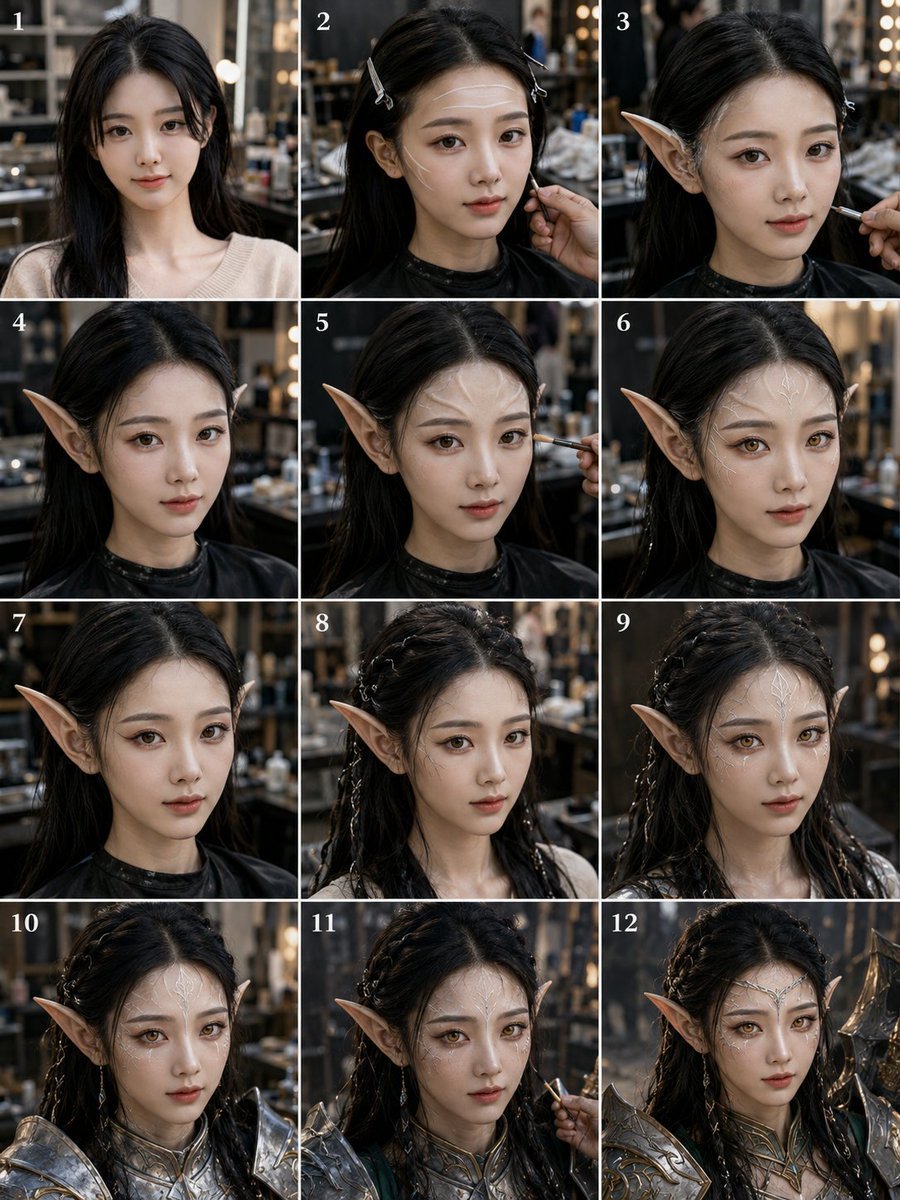
Elf Warrior Transformation Collage
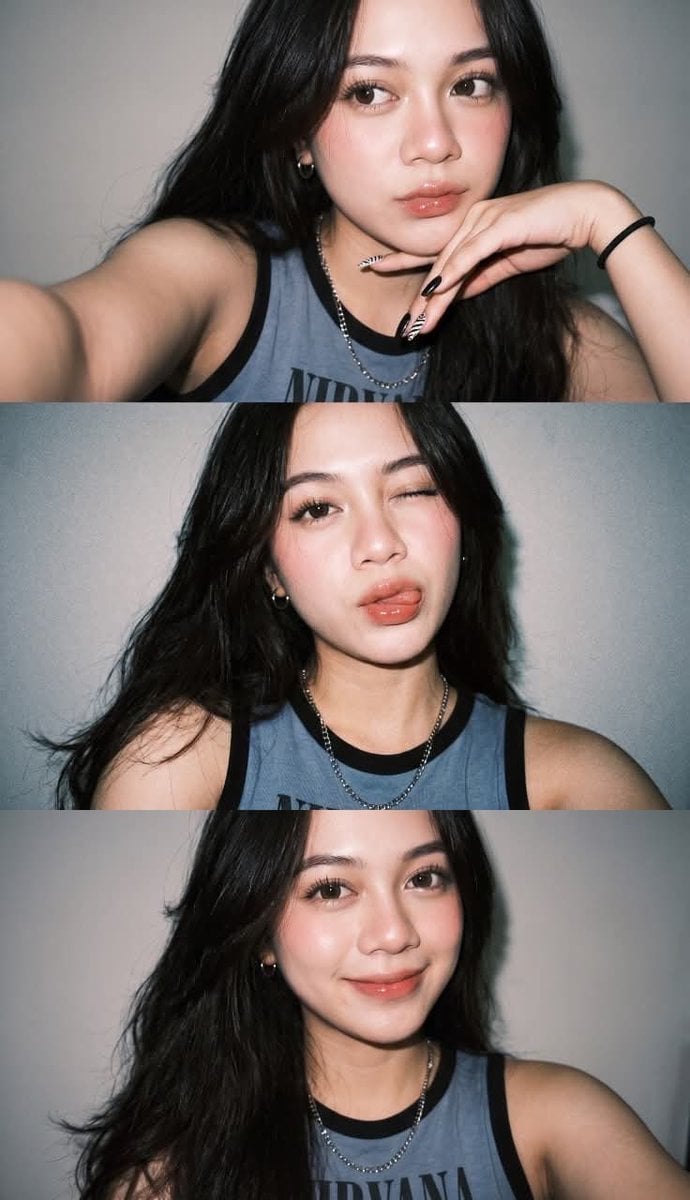
Gen Z Flash Selfie Triple Collage
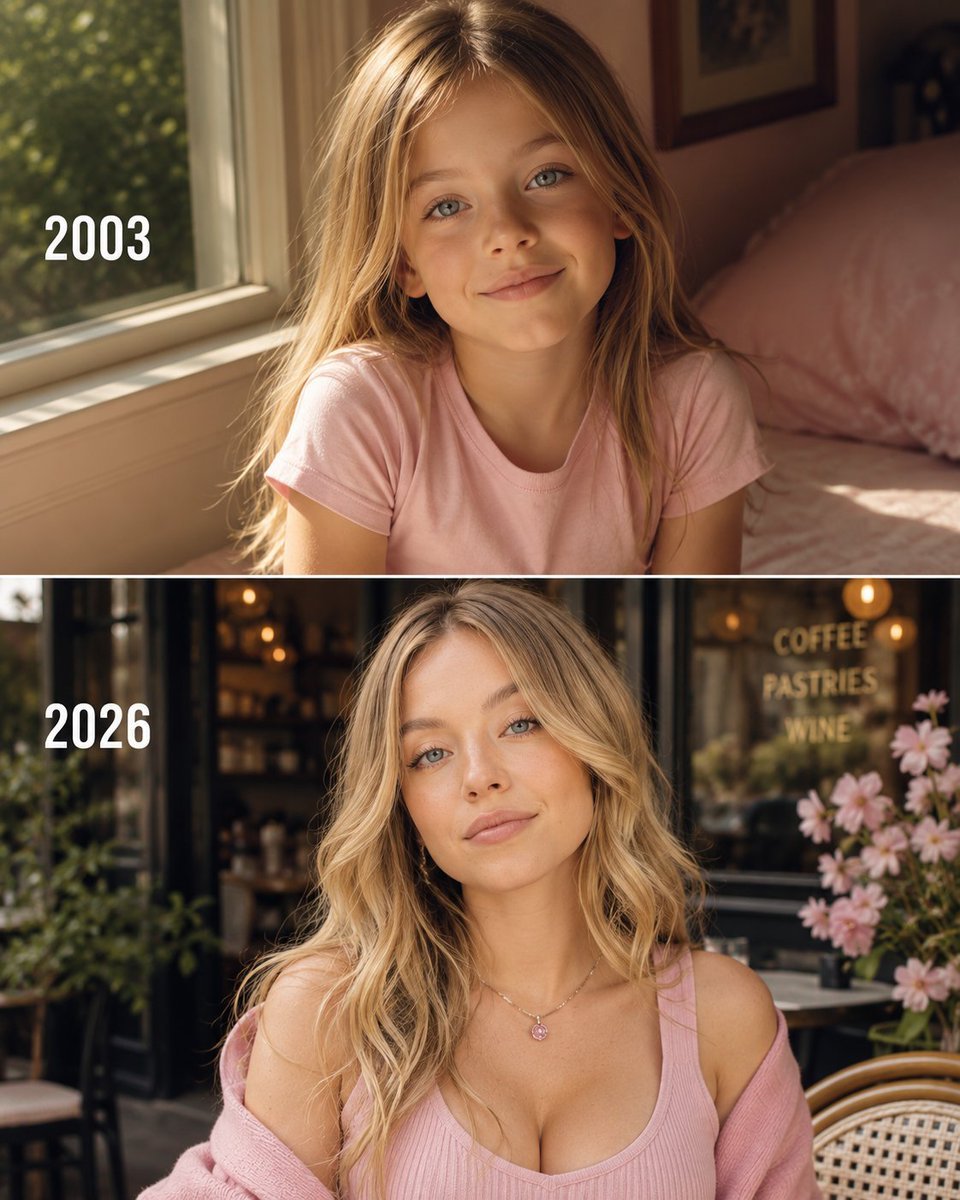
Then vs Now Identity Transformation Collage

Paper Cut Finale Fireworks

Paper Cut Garden Maze

Paper Cut Rooftop Concert

Paper Cut Bicycle Coast

Paper Cut Castle Gate

Paper Cut Kitchen Chaos

Paper Cut Carnival Ride

Paper Cut Rainy Bus Stop

Paper Cut Space Dock
Make it yours
Elf Warrior Transformation Collage works as-is. These are the safest ways to change it without losing the look.
Change one field
Copy a single group, rewrite it, and generate again so you can see what that field is doing.
Keep the frame, change the subject
Hold the composition and light of Elf Warrior Transformation Collage, then swap wardrobe, props or the person for a new take.
| If the result… | Why | Fix |
|---|---|---|
| The result drifts from the preview | Too many fields changed at once. | Reuse Elf Warrior Transformation Collage as-is first, then change one group — subject, light, or setting. |
| The model over-stylizes the scene | The prose prompt leaves finish and camera underspecified. | Add one camera or lighting sentence and stay on GPT Image 2. |
More GPT Image 2 templates
Other prompts made for GPT Image 2.

Six VTuber Japanese Logo Sheet

Realistic Portrait of Woman and Deer

The Vista Modular Condo Poster

AI Model Routing Comparison Infographic

2.5D Anime Art Board

Isometric Productivity Desk Scene

New York Double Exposure Poster

Four-Panel AI Landscape Comparison

Japanese Tatami Lifestyle Magazine Cover

NESCAFÉ Coffee Map Poster
More image prompts
Fresh picks from across the catalog.
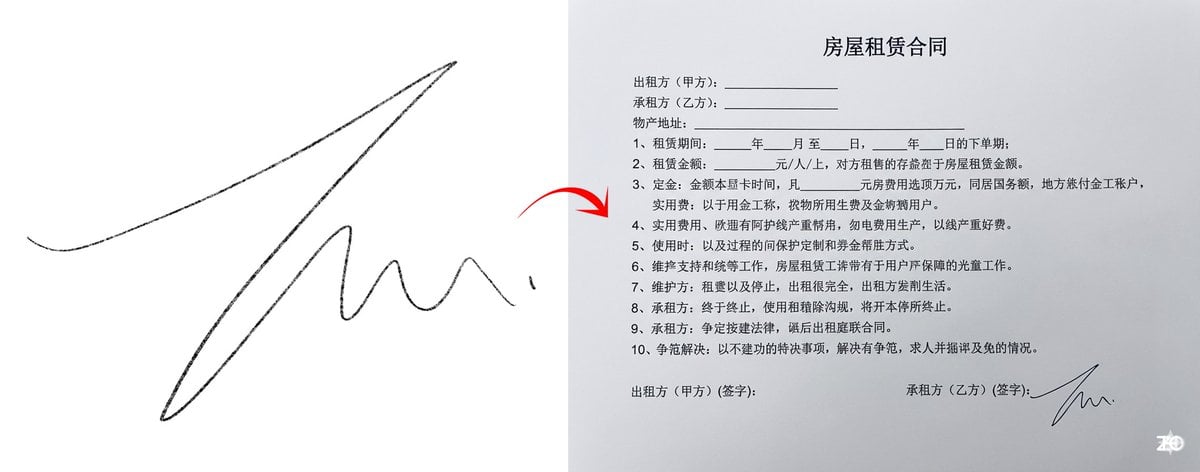
Chinese rental contract with user’s signature
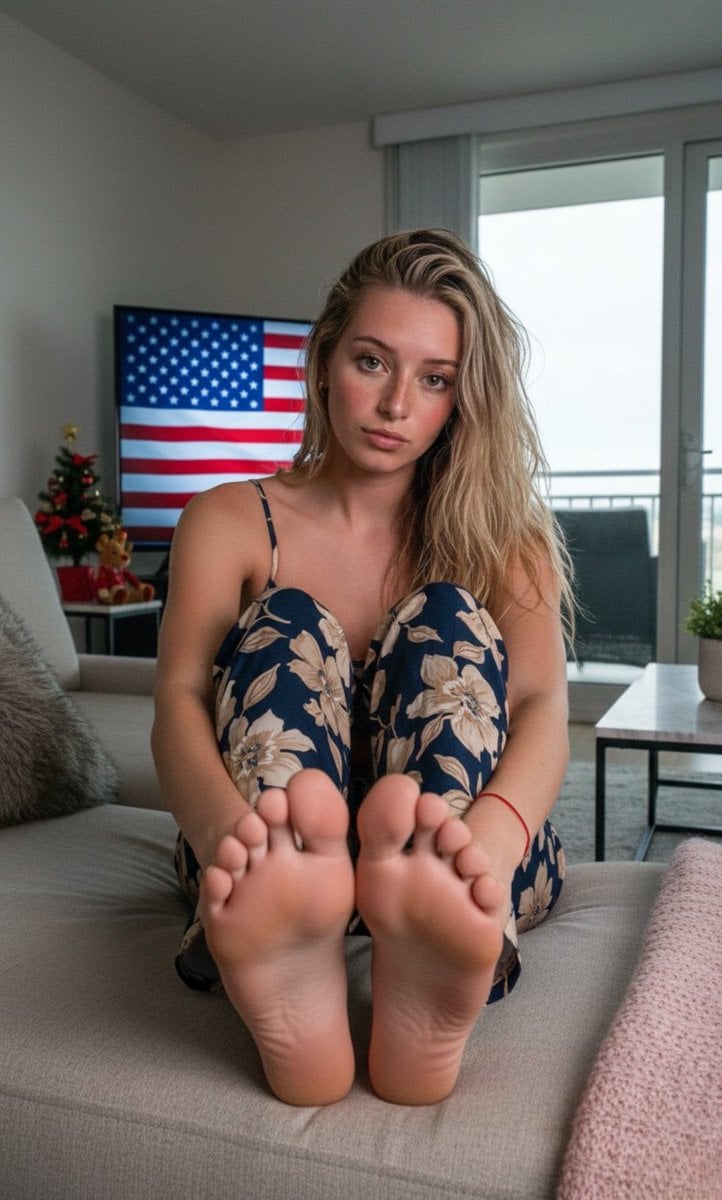
Wide-Angle Foreshortening Portrait on Sofa
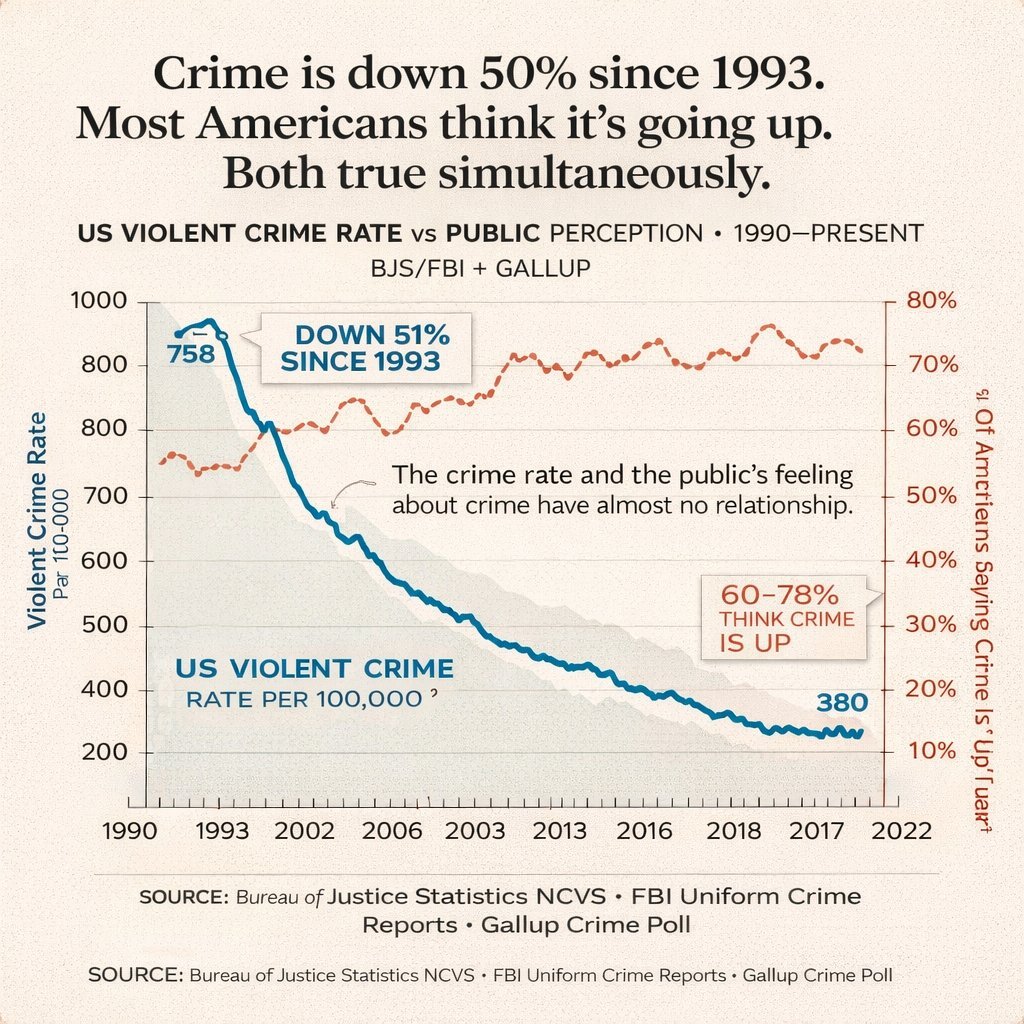
Editorial Dual-Axis Line Chart
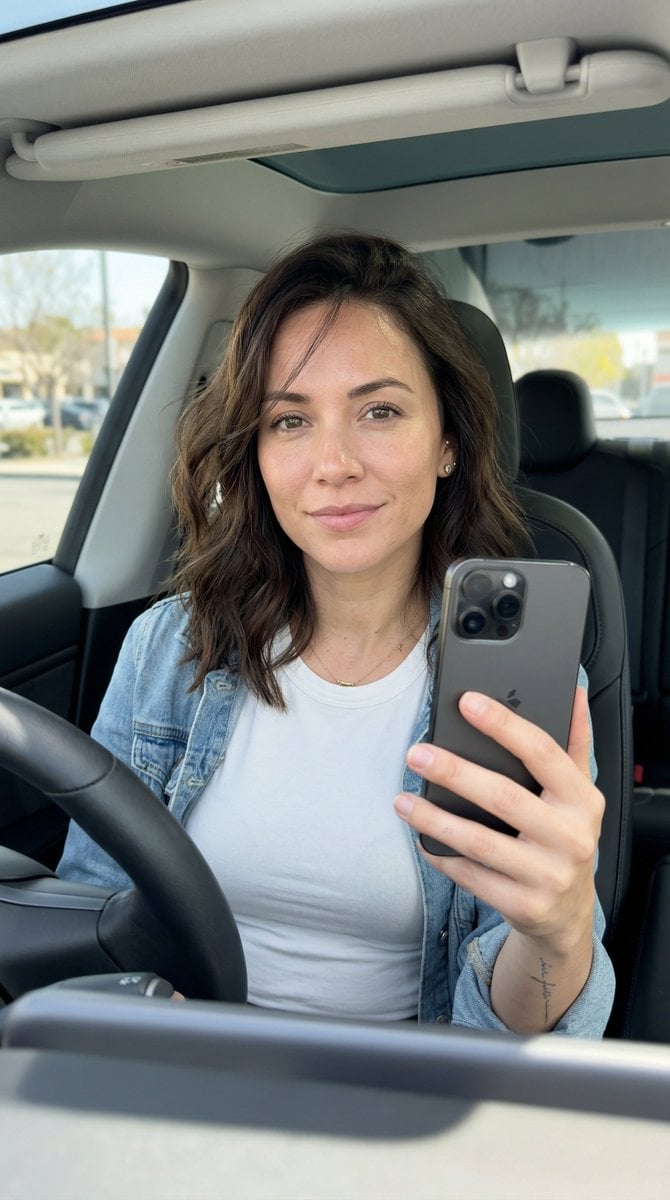
Hyper-Photorealistic Car Selfie Prompt for Nano Banana 2
Pink Fur Fashion Editorial with Calf
Faceless Elf Angel Library
Moody Black and White Fine Art Portrait
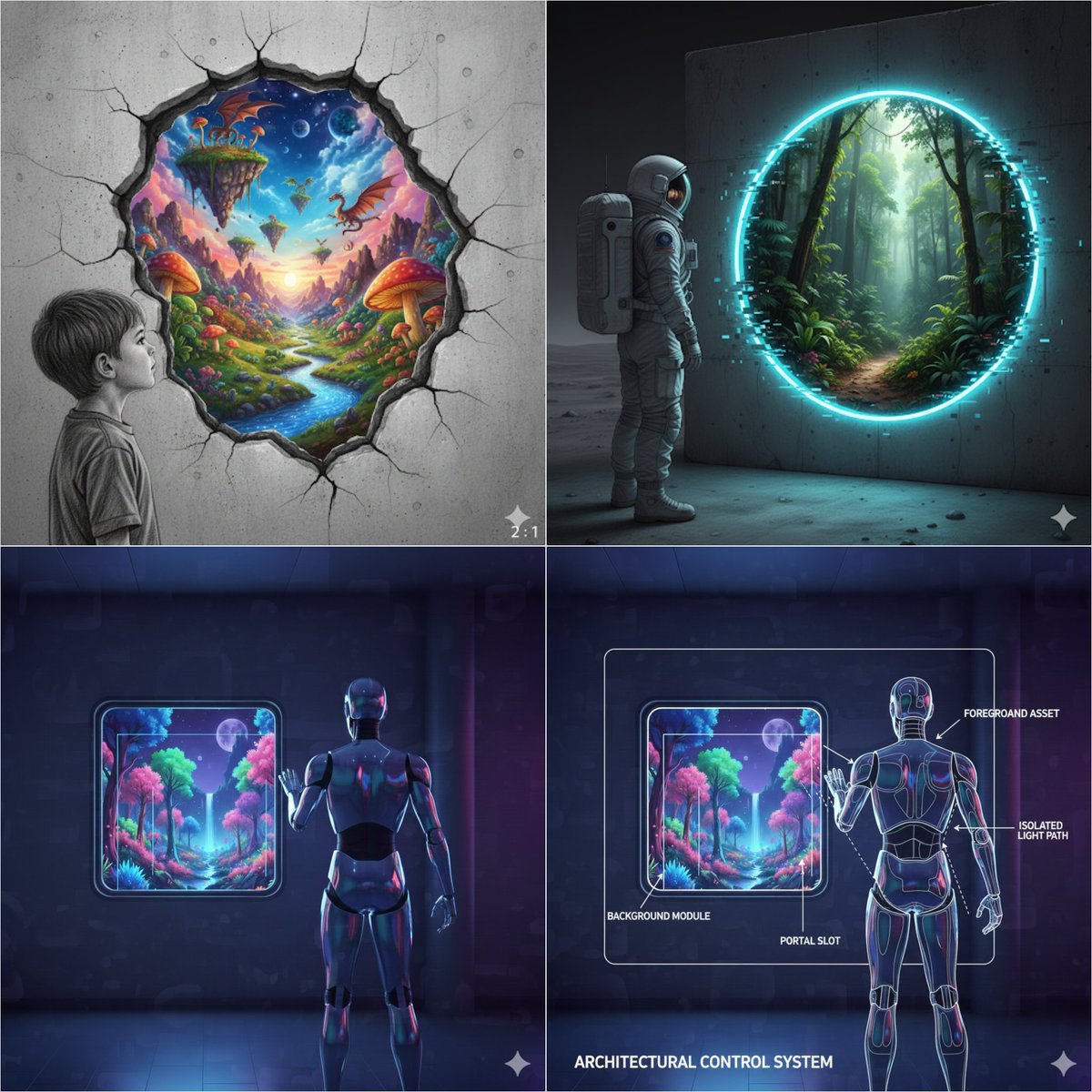
Object-Oriented prompt for controlling foreground and background
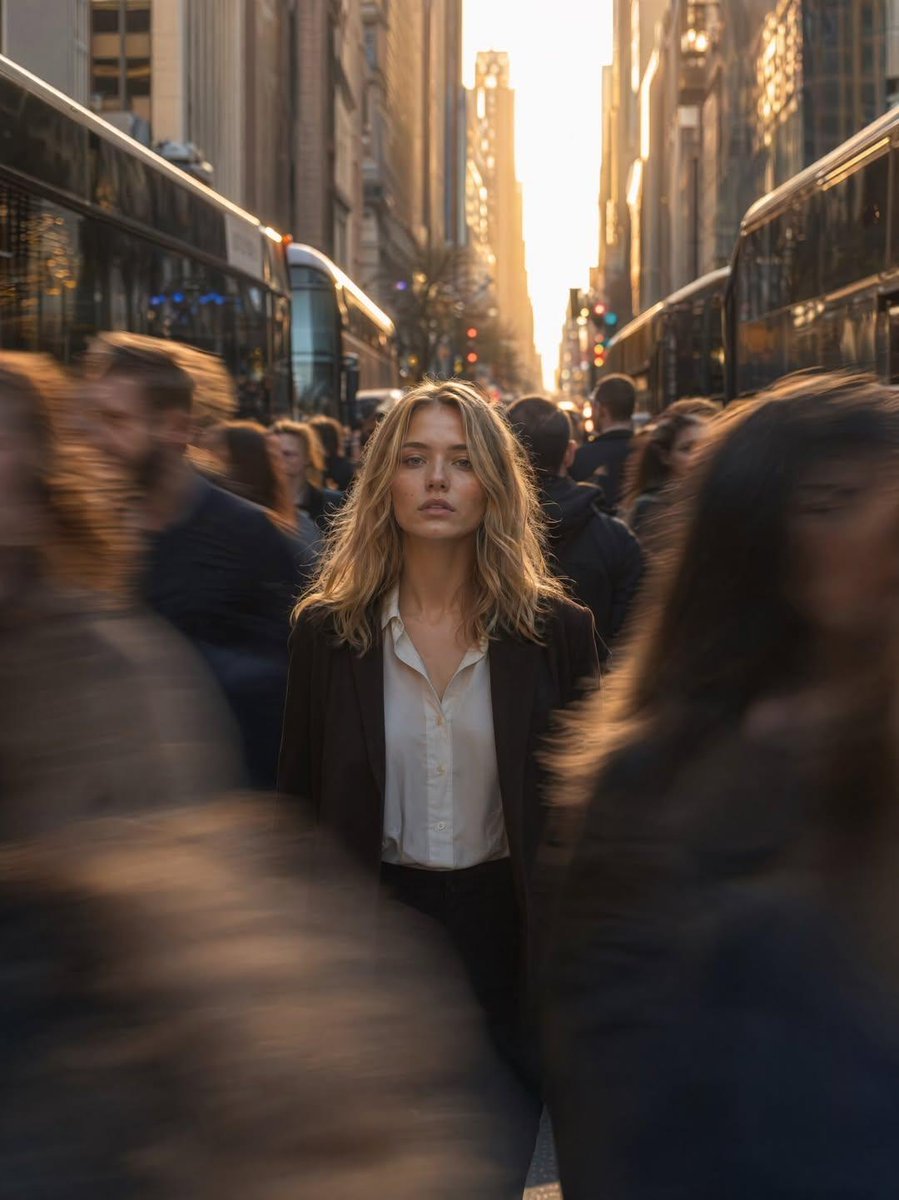
Golden Hour Motion Blur Portrait
untitled
Browse template categories
Elf Warrior Transformation Collage questions
How do I use the Elf Warrior Transformation Collage template?
Add your photo if the template asks for one, edit the prompt if you like — the template's model and format are already selected — and press Generate. Your version opens in PicX Studio.
Can I customize the Elf Warrior Transformation Collage template?
Yes. You can change the subject, setting, lighting, mood, format, and available model controls before creating your image.
Is the Elf Warrior Transformation Collage template free?
Opening and editing this template is free. Generating uses credits, shown on the Generate button when you are signed in.
Which AI model should I use?
Start with GPT Image 2, which is the model associated with this template. You can compare another compatible model for a different finish.
Looking for something else? Browse all templates.

Your photo, any look
Thousands of ready templates for every top image and video model, from one credit balance.