
Editorial Dual-Axis Line Chart
Generates a journalistic data visualization comparing two contrasting trends over time with callout boxes and editorial headlines.
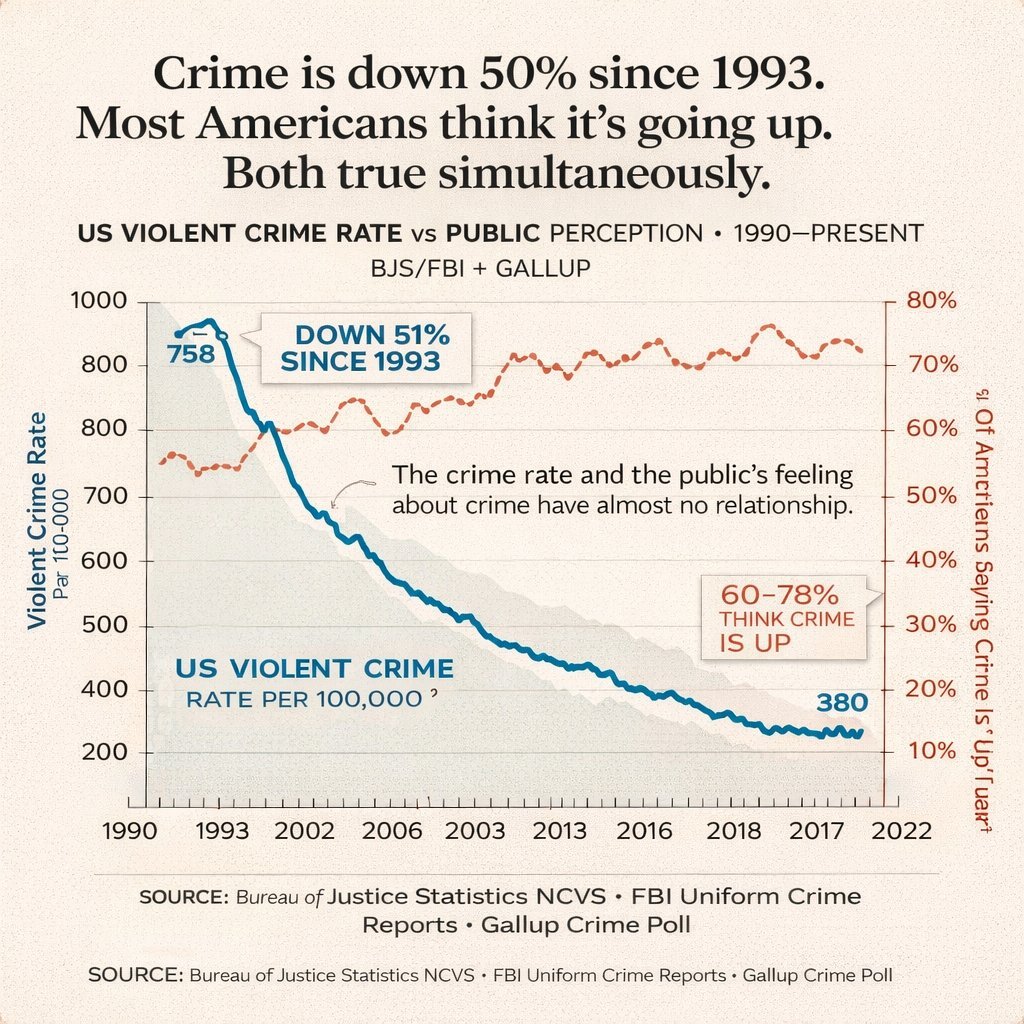
- Prompt included
- Model and format preset
- Free template
The prompt behind this image
Copy the exact prompt behind Editorial Dual-Axis Line Chart, or open it in the studio and make it yours.
- Type
- dual-axis line chart infographic
- Style
- editorial data visualization, matte paper texture background, clean journalistic design
- Typography › Headline
- serif font, bold, centered
- Typography › Labels
- sans-serif, clean, uppercase and sentence case mix
- Layout › Header › Main Title
- {argument name="main headline" default="Crime is down 50% since 1993. Most Americans think it's going up. Both true simultaneously."}
- Layout › Header › Subtitle
- US VIOLENT CRIME RATE vs PUBLIC PERCEPTION • 1990–PRESENT BJS/FBI + GALLUP
- Layout › Chart Area › Background
- light beige with faint horizontal grid lines
- Layout › Chart Area › Axes › X Axis › Label
- Years
- Layout › Chart Area › Axes › X Axis › Ticks
- 1990, 1993, 2002, 2006, 2003, 2013, 2016, 2018, 2017, 2022
- Layout › Chart Area › Axes › Y Axis Left › Label
- {argument name="left axis label" default="Violent Crime Rate Par 100-000"}
- Layout › Chart Area › Axes › Y Axis Left › Scale
- 200, 400, 500, 600, 700, 800, 800, 1000
- Layout › Chart Area › Axes › Y Axis Left › Color
- black
- Layout › Chart Area › Axes › Y Axis Right › Label
- {argument name="right axis label" default="% Of Americans Saying Crime Is 'Up'"}
- Layout › Chart Area › Axes › Y Axis Right › Scale
- 10%, 20%, 30%, 40%, 50%, 60%, 70%, 80%
- Layout › Chart Area › Axes › Y Axis Right › Color
- dark red
- Layout › Chart Area › Data Series › 0 › Name
- Violent Crime Rate
- Layout › Chart Area › Data Series › 0 › Style
- thick solid blue line with light grey shading underneath
- Layout › Chart Area › Data Series › 0 › Trend
- starts high, drops sharply, then steadily declines
- Layout › Chart Area › Data Series › 0 › Data Labels
- 758, 380
- Layout › Chart Area › Data Series › 1 › Name
- Public Perception
- Layout › Chart Area › Data Series › 1 › Style
- dashed dark red/orange line with small circle markers
- Layout › Chart Area › Data Series › 1 › Trend
- fluctuates but generally trends upwards, staying high
- Layout › Chart Area › Annotations › 0 › Text
- {argument name="blue line annotation" default="DOWN 51% SINCE 1993"}
- Layout › Chart Area › Annotations › 0 › Style
- callout box with pointer, blue text
Raw JSON
{
  "type": "dual-axis line chart infographic",
  "style": "editorial data visualization, matte paper texture background, clean journalistic design",
  "typography": {
    "headline": "serif font, bold, centered",
    "labels": "sans-serif, clean, uppercase and sentence case mix"
  },
  "layout": {
    "header": {
      "main_title": "{argument name=\"main headline\" default=\"Crime is down 50% since 1993. Most Americans think it's going up. Both true simultaneously.\"}",
      "subtitle": "US VIOLENT CRIME RATE vs PUBLIC PERCEPTION • 1990–PRESENT BJS/FBI + GALLUP"
    },
    "chart_area": {
      "background": "light beige with faint horizontal grid lines",
      "axes": {
        "x_axis": {
          "label": "Years",
          "ticks": ["1990", "1993", "2002", "2006", "2003", "2013", "2016", "2018", "2017", "2022"]
        },
        "y_axis_left": {
          "label": "{argument name=\"left axis label\" default=\"Violent Crime Rate Par 100-000\"}",
          "scale": ["200", "400", "500", "600", "700", "800", "800", "1000"],
          "color": "black"
        },
        "y_axis_right": {
          "label": "{argument name=\"right axis label\" default=\"% Of Americans Saying Crime Is 'Up'\"}",
          "scale": ["10%", "20%", "30%", "40%", "50%", "60%", "70%", "80%"],
          "color": "dark red"
        }
      },
      "data_series": [
        {
          "name": "Violent Crime Rate",
          "style": "thick solid blue line with light grey shading underneath",
          "trend": "starts high, drops sharply, then steadily declines",
          "data_labels": ["758", "380"]
        },
        {
          "name": "Public Perception",
          "style": "dashed dark red/orange line with small circle markers",
          "trend": "fluctuates but generally trends upwards, staying high"
        }
      ],
      "annotations": [
        {
          "text": "{argument name=\"blue line annotation\" default=\"DOWN 51% SINCE 1993\"}",
          "style": "callout box with pointer, blue text",
          "position": "top left, pointing to the blue line drop"
        },
        {
          "text": "60-78% THINK CRIME IS UP",
          "style": "callout box with pointer, red text",
          "position": "mid right, pointing to the dashed red line"
        },
        {
          "text": "{argument name=\"center insight text\" default=\"The crime rate and the public's feeling about crime have almost no relationship.\"}",
          "style": "floating text with a small squiggly arrow",
          "position": "center, between the two lines"
        }
      ]
    },
    "footer": {
      "source_text": "SOURCE: Bureau of Justice Statistics NCVS • FBI Uniform Crime Reports • Gallup Crime Poll",
      "repetition": "text is repeated twice at the bottom"
    }
  }
}Reference images included
Editorial Dual-Axis Line Chart needs input media to work. They load alongside the prompt when you open it in the studio.
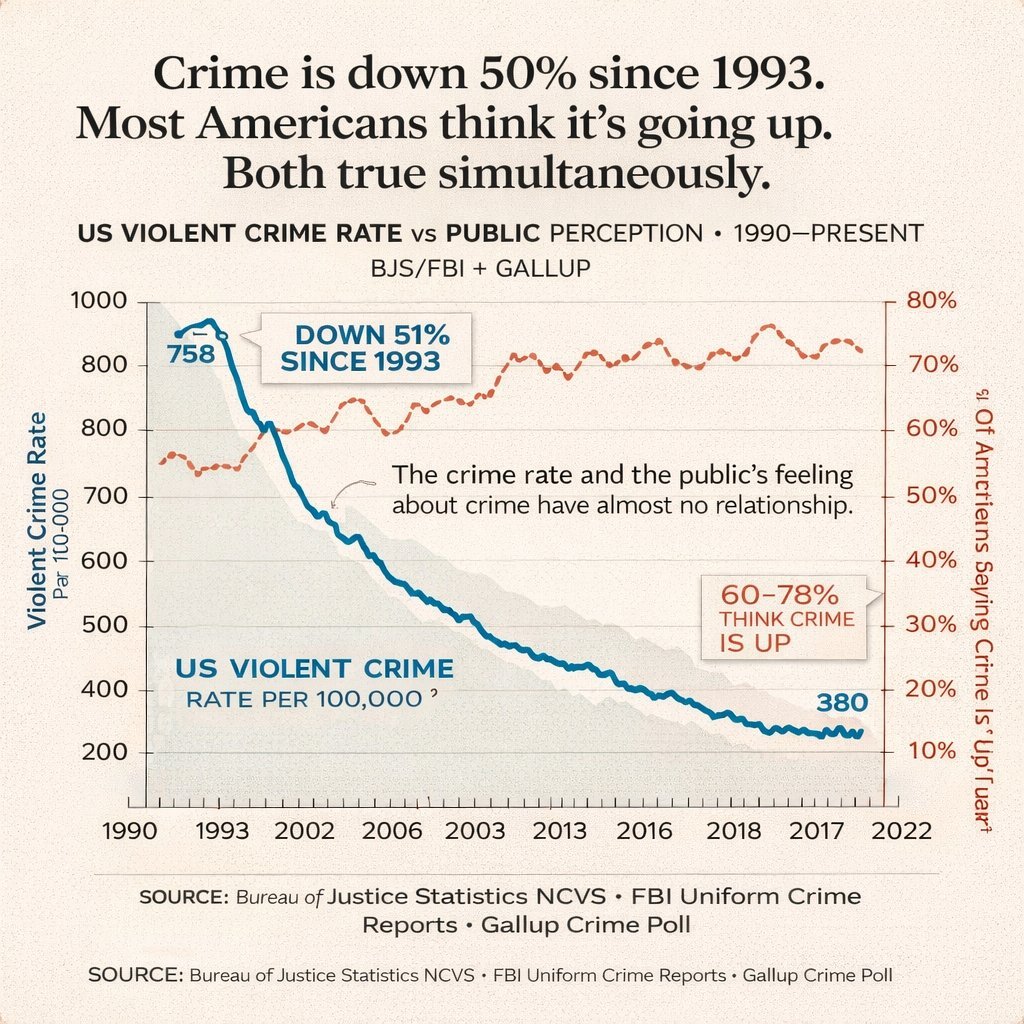
How to use Editorial Dual-Axis Line Chart in 3 steps
- 1Upload ImagePNG, JPG or paste
Add your photo
Upload the photo the template builds on. The prompt, model and format are already set.
- 2…a portrait of your subject in softgolden-hour light, 85mm…
Personalize
Edit the subject and creative details for your destination.
- 3Generate
Generate
Press Generate — your image is created in PicX Studio, so you can compare it with the original and refine one variable at a time.
More like this
Templates with the same subject, style or setup. Open one to see its prompt.
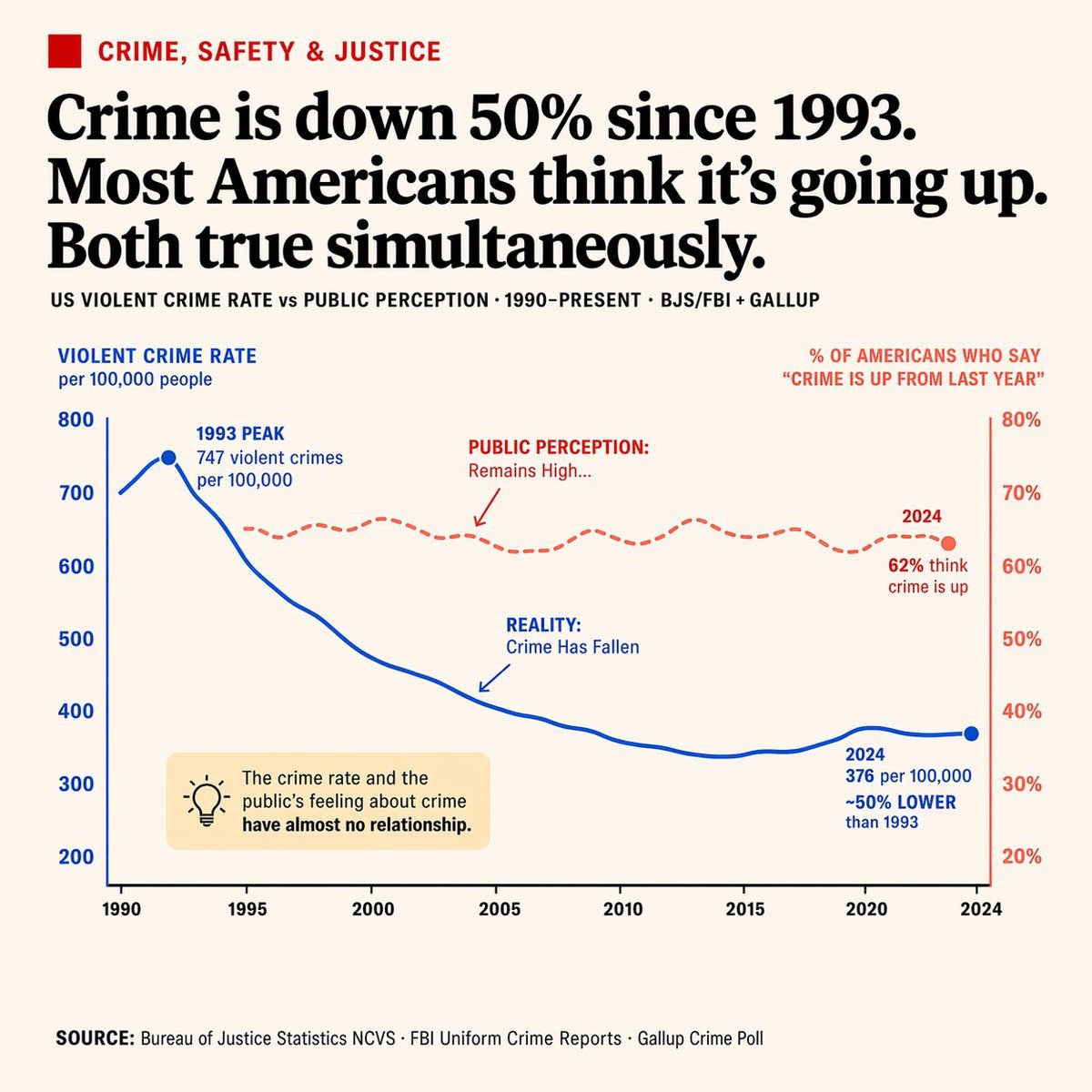
Editorial Dual-Axis Data Infographic
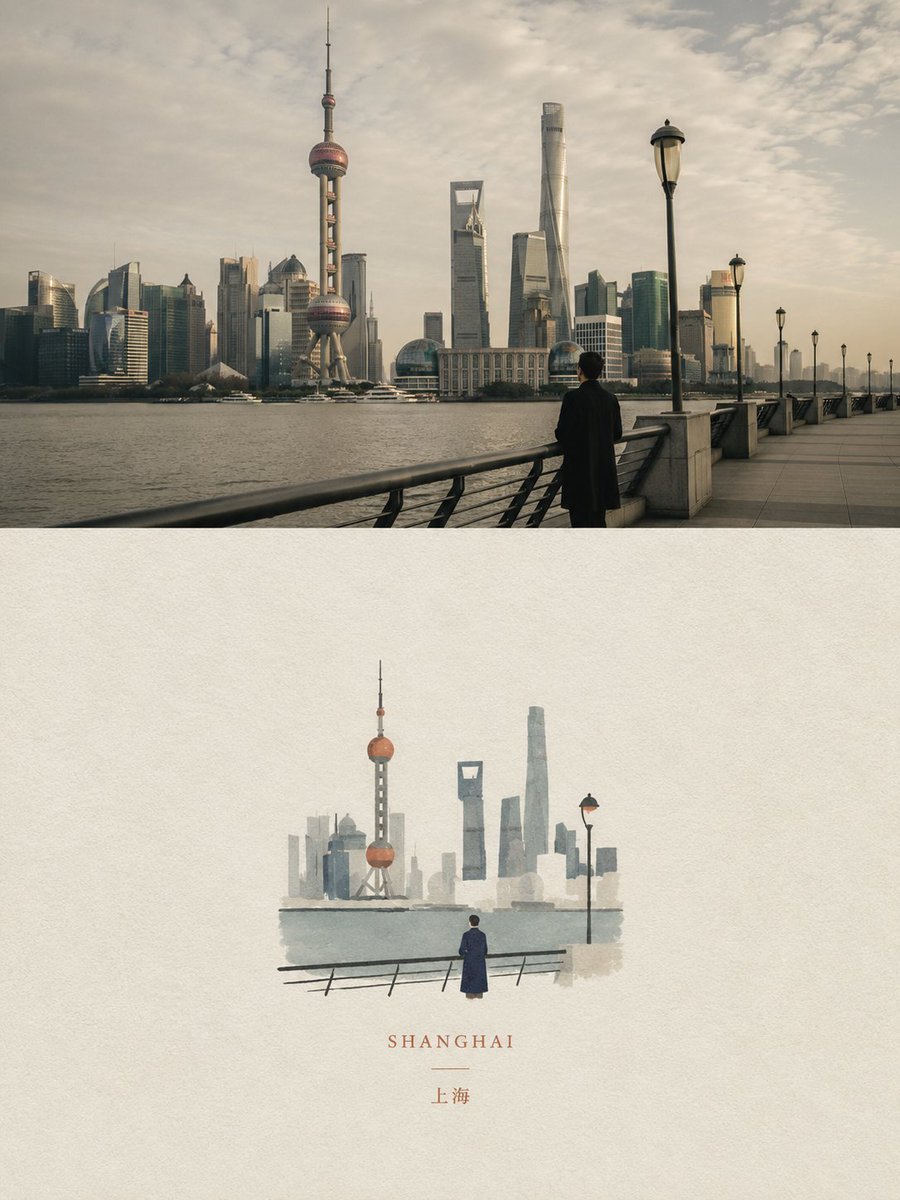
Dual Editorial Poster Layout

Urban Fashion Editorial Collage Streetwear Poster

Monochrome Hypebeast Street Fashion Editorial Motion

Elegant Green Evening Gown Studio Fashion Portrait

Artistic Patchwork Fashion Portrait Spring Festival

Japanese Architectural Concrete Studio Fashion Campaign

Monroe and Ash Mediterranean Luxury Fashion Campaign

Premium Fashion Editorial Cover Layout System

Korean Luxury Fashion Editorial 2x2 Grid Series

Monochrome Halftone Editorial Fashion Poster

Retro Mirror Luxury Fashion Campaign Poster
Make it yours
Editorial Dual-Axis Line Chart works as-is. These are the safest ways to change it without losing the look.
Swap the setting
Keep the rest of the prompt and replace the location block. The current setting is “light beige with faint horizontal grid lines”.
Change one field
Copy a single group, rewrite it, and generate again so you can see what that field is doing.
Keep the frame, change the subject
Hold the composition and light of Editorial Dual-Axis Line Chart, then swap wardrobe, props or the person for a new take.
| If the result… | Why | Fix |
|---|---|---|
| The result drifts from the preview | Too many fields changed at once. | Reuse Editorial Dual-Axis Line Chart as-is first, then change one group — subject, light, or setting. |
| GPT Image 2 ignores part of the JSON | Some models flatten or skip nested keys. | Keep the same values and paste them as a short paragraph instead. |
More GPT Image 2 templates
Other prompts made for GPT Image 2.

Six VTuber Japanese Logo Sheet

Realistic Portrait of Woman and Deer

The Vista Modular Condo Poster

AI Model Routing Comparison Infographic

2.5D Anime Art Board

Isometric Productivity Desk Scene

New York Double Exposure Poster

Four-Panel AI Landscape Comparison

Japanese Tatami Lifestyle Magazine Cover

NESCAFÉ Coffee Map Poster
More image prompts
Fresh picks from across the catalog.

Overhead Flash Money Bed Editorial
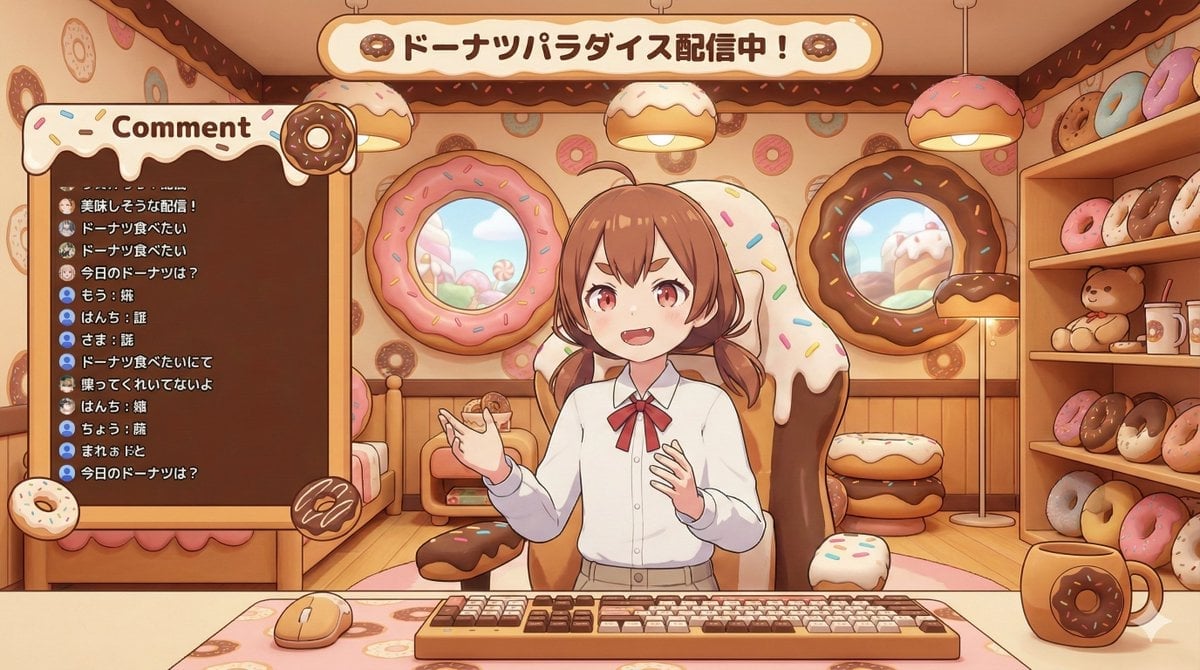
VTuber Streaming Screen Generation with Customizable Character and Theme

Interactive Hand-Drawn Doodle Overlay

Convex Mirror Night Street Selfie
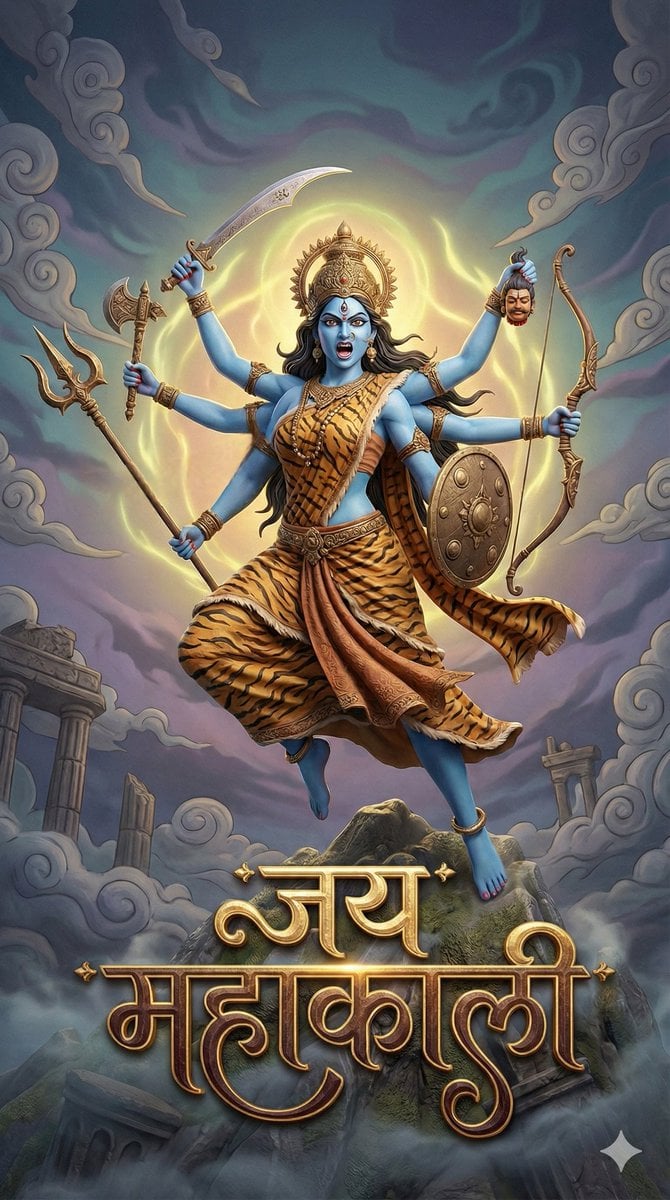
3D Fantasy Image of Goddess Mahakali
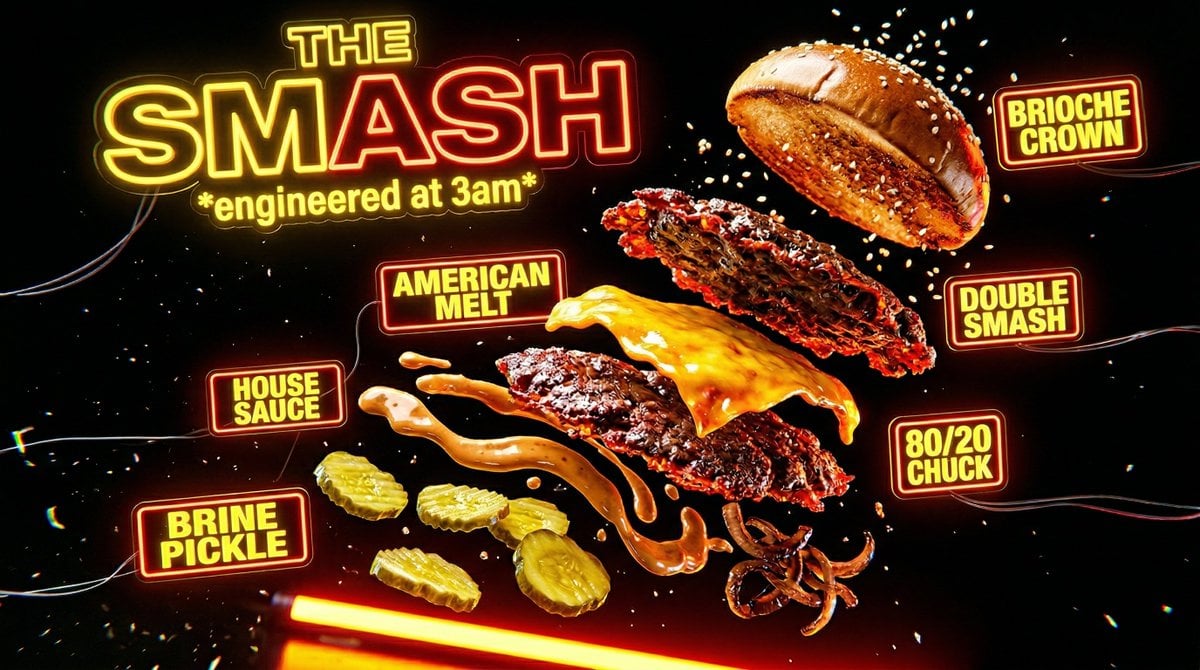
Neon Explosion Smash Burger
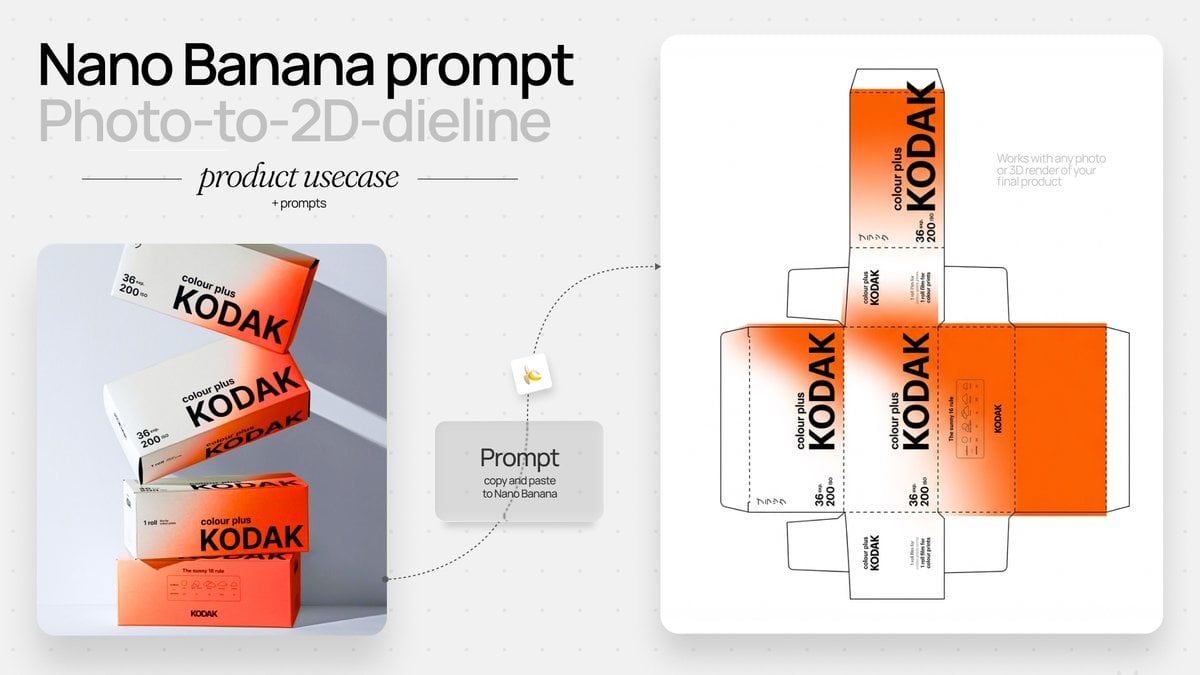
Photo to Product Packaging Dieline Prompt
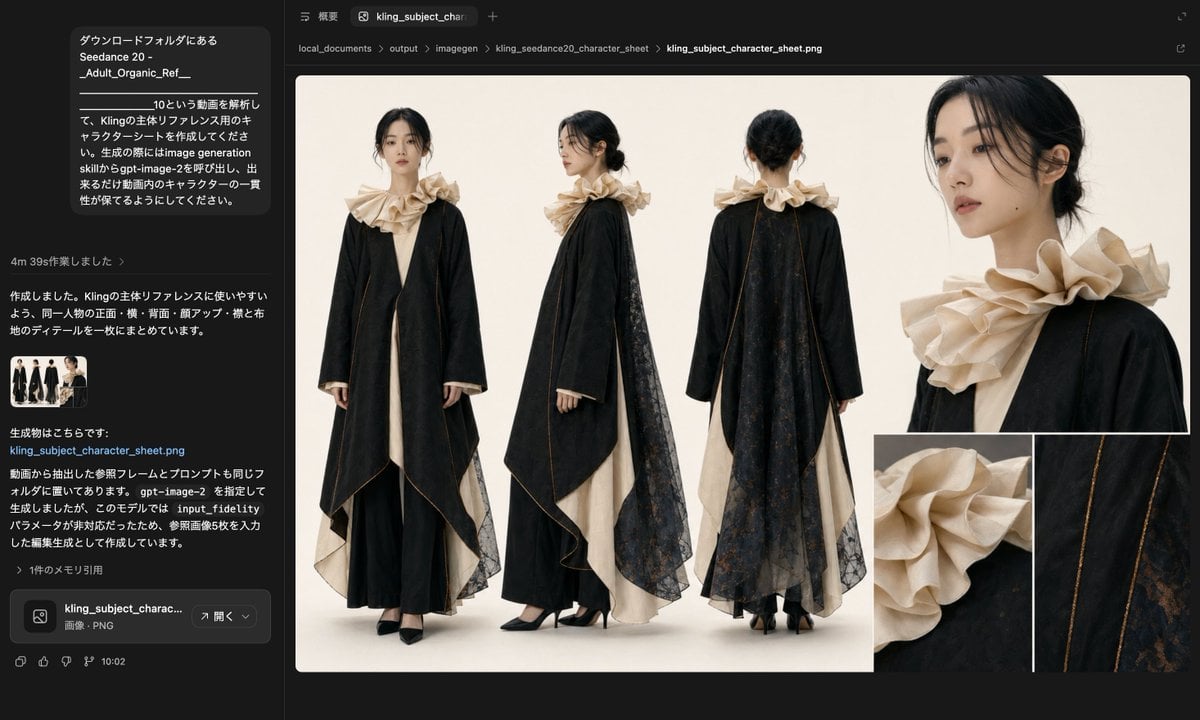
Avant-Garde Black and Cream Fashion Sheet
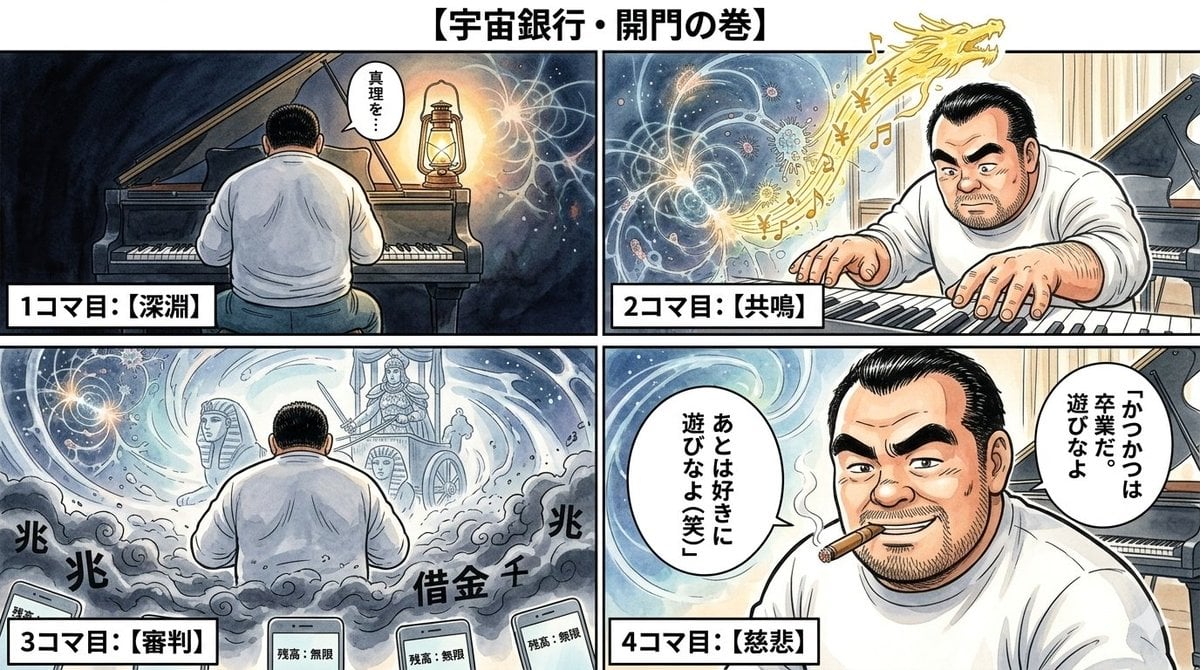
Nano Banana Pro Image Generation Prompt: Currency Issuance and Infinite Balance
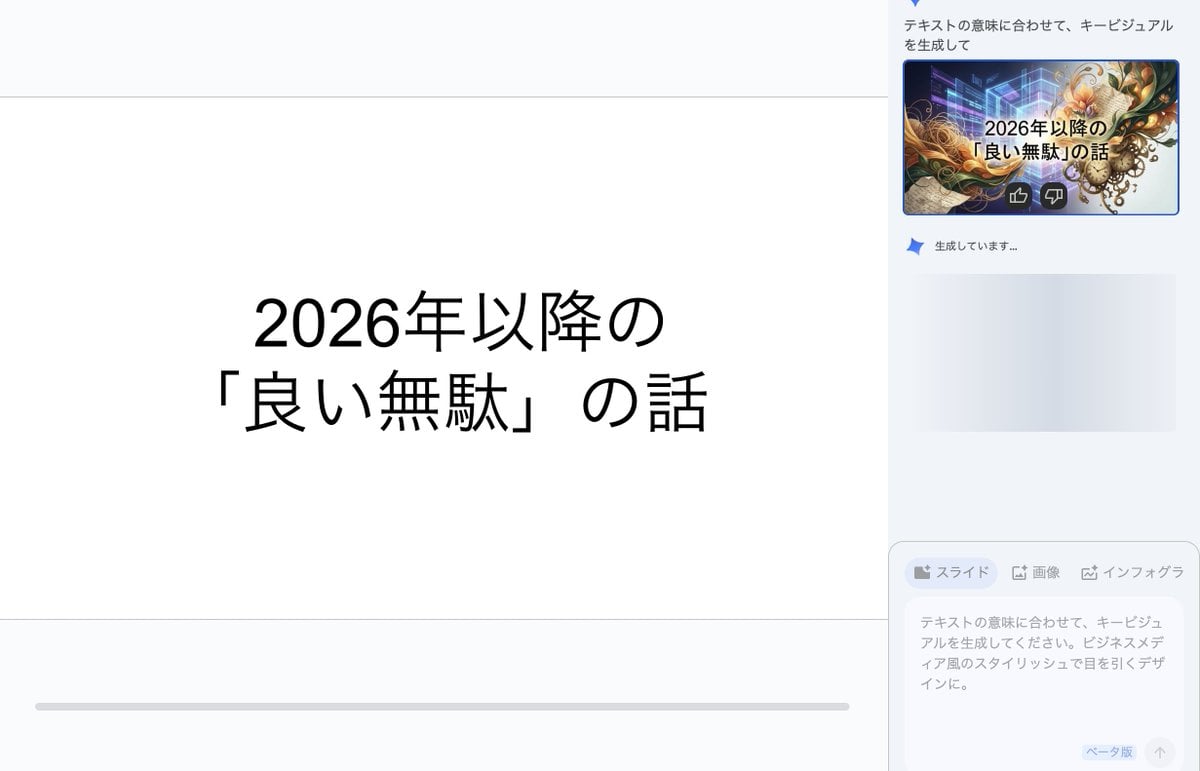
Key Visual Generation for Slides (Nano Banana Pro)
Browse template categories
Editorial Dual-Axis Line Chart questions
How do I use the Editorial Dual-Axis Line Chart template?
Add your photo if the template asks for one, edit the prompt if you like — the template's model and format are already selected — and press Generate. Your version opens in PicX Studio.
Can I customize the Editorial Dual-Axis Line Chart template?
Yes. You can change the subject, setting, lighting, mood, format, and available model controls before creating your image.
Is the Editorial Dual-Axis Line Chart template free?
Opening and editing this template is free. Generating uses credits, shown on the Generate button when you are signed in.
Which AI model should I use?
Start with GPT Image 2, which is the model associated with this template. You can compare another compatible model for a different finish.
Looking for something else? Browse all templates.

Your photo, any look
Thousands of ready templates for every top image and video model, from one credit balance.