
Dual Editorial Poster Layout
A comprehensive prompt for creating a 3:4 vertical editorial poster divided into a photorealistic top half and a minimalist hand-drawn paper illustration bottom half.
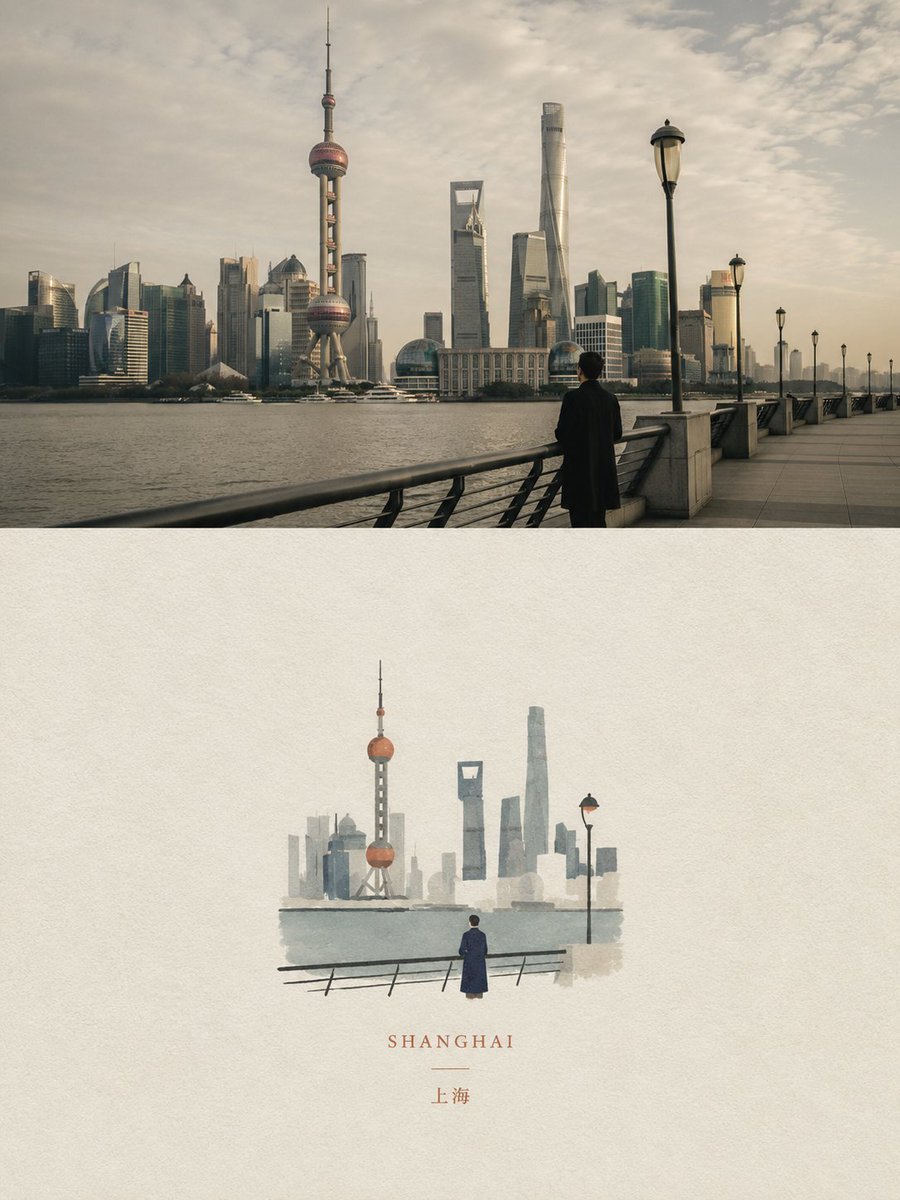
- Prompt included
- Model and format preset
- Free template
The prompt behind this image
Copy the exact prompt behind Dual Editorial Poster Layout, or open it in the studio and make it yours.
Create a high-end independent editorial poster in a strict 3:4 vertical aspect ratio. Divide the canvas horizontally into two exactly equal 50/50 sections, designed as one cohesive art-publication cover.\n\nTOP HALF - EDITORIAL PHOTOGRAPH\n\nCreate an original photorealistic editorial photograph based on the {argument name="subject" default="chosen subject or scene"}. Establish a strong, recognizable composition with authentic lighting, natural shadows, realistic textures, atmospheric depth, and sophisticated magazine-style color grading.\n\nKeep the photography natural, cinematic, and understated — like a premium independent magazine or contemporary art book. Avoid excessive retouching or artificial styling.\n\nBOTTOM HALF — HAND-DRAWN PAPER ILLUSTRATION\n\nReinterpret the same subject and visual story as a small minimalist handmade paper illustration.\n\nPreserve the key silhouette, recognizable features, essential objects, pose or gesture, and core narrative. Simplify the scene heavily, using delicate imperfect hand-drawn lines, a few bold acrylic-style flat color shapes, visible brush marks, rough paper grain, and slightly irregular organic edges.\n\nKeep the illustration small and centered, occupying approximately 10–20% of the bottom half, with generous negative space.\n\nUse a rough white, warm off-white, or pale natural paper background, with only a few minimal shapes or lines suggesting the surrounding environment.\n\nCOLOR & TYPOGRAPHY\n\nDerive a restrained palette of no more than 4 harmonious colors from the overall scene. Use controlled flat color blocks with subtle handmade texture.\n\nOptional minimal {argument name="typography" default="editorial typography"} may include a short title, keyword, location, year, number, or brief phrase. Keep it understated and naturally integrated into the negative space.\n\nFINAL ART DIRECTION\n\nQuiet, poetic, refined, minimal, innocent, relaxed, artistic, thoughtful, and premium.\n\nThe visual concept is: “A small subject surrounded by a large amount of empty space.”\n\nCreate a strong contrast between the photographic realism of the top half and the minimal handmade visual poem of the bottom half, while making both clearly belong to the same visual story.\n\nAvoid: collage layouts, generic templates, commercial advertising aesthetics, excessive decoration, busy compositions, excessive typography, 3D rendering, glossy textures, cartoon styling, crayon, colored-pencil, watercolor bleeding, heavy oil painting, pure line art, or polished digital illustration.\n\nPrioritize recognition, restraint, negative space, material texture, subtle imperfection, editorial sophistication, and storytelling.
How to use Dual Editorial Poster Layout in 3 steps
- 1
Open
The prompt is already in the box next to the preview, with the template's model and format selected.
- 2…a portrait of your subject in softgolden-hour light, 85mm…
Personalize
Edit the subject and creative details for your destination.
- 3Generate
Generate
Press Generate — your image is created in PicX Studio, so you can compare it with the original and refine one variable at a time.
More like this
Templates with the same subject, style or setup. Open one to see its prompt.

Urban Fashion Editorial Collage Poster

Typography Mask Editorial Fashion Poster

Luxury Sliced Wordmark Player Poster

Premium Editorial Branding Poster Charcoal Green

Premium Vintage Travel Poster Landscape
Premium Vintage Travel Poster Landscape
Artistic Magazine Design Poster Layout
Dual Car Typography Poster Series

Japan Travel Brochure Poster
Roman Empire Dual-World Poster

Minimalist Olive Green Editorial Poster
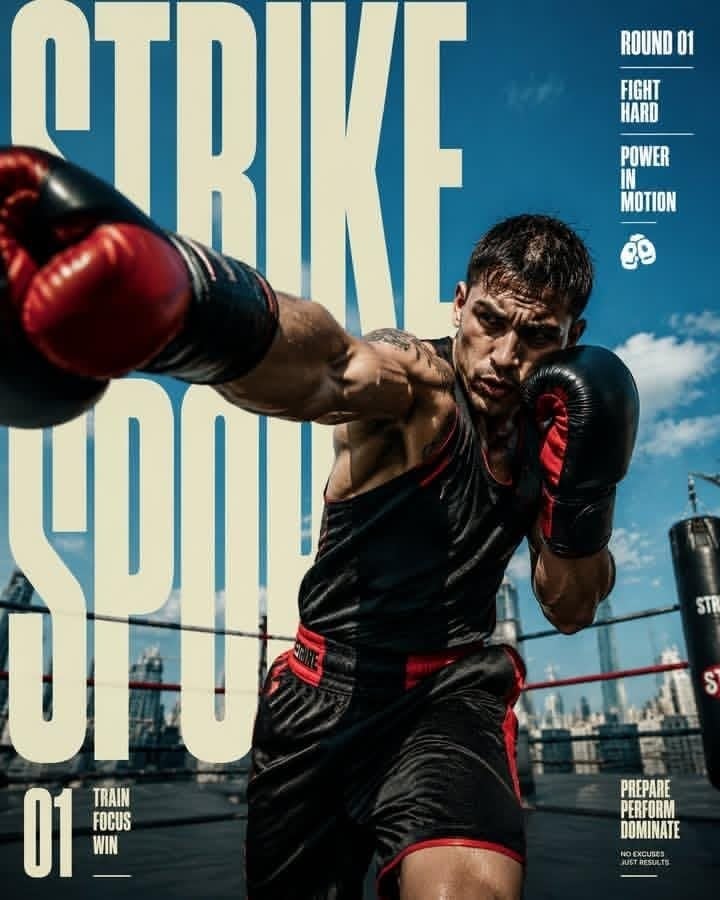
Strike Sport Boxer Editorial Poster
Make it yours
Dual Editorial Poster Layout works as-is. These are the safest ways to change it without losing the look.
Change one field
Copy a single group, rewrite it, and generate again so you can see what that field is doing.
Keep the frame, change the subject
Hold the composition and light of Dual Editorial Poster Layout, then swap wardrobe, props or the person for a new take.
| If the result… | Why | Fix |
|---|---|---|
| The result drifts from the preview | Too many fields changed at once. | Reuse Dual Editorial Poster Layout as-is first, then change one group — subject, light, or setting. |
| The model over-stylizes the scene | The prose prompt leaves finish and camera underspecified. | Add one camera or lighting sentence and stay on GPT Image 2. |
More GPT Image 2 templates
Other prompts made for GPT Image 2.

Six VTuber Japanese Logo Sheet

Realistic Portrait of Woman and Deer

The Vista Modular Condo Poster

AI Model Routing Comparison Infographic

2.5D Anime Art Board

Isometric Productivity Desk Scene

New York Double Exposure Poster

Four-Panel AI Landscape Comparison

Japanese Tatami Lifestyle Magazine Cover

NESCAFÉ Coffee Map Poster
More image prompts
Fresh picks from across the catalog.
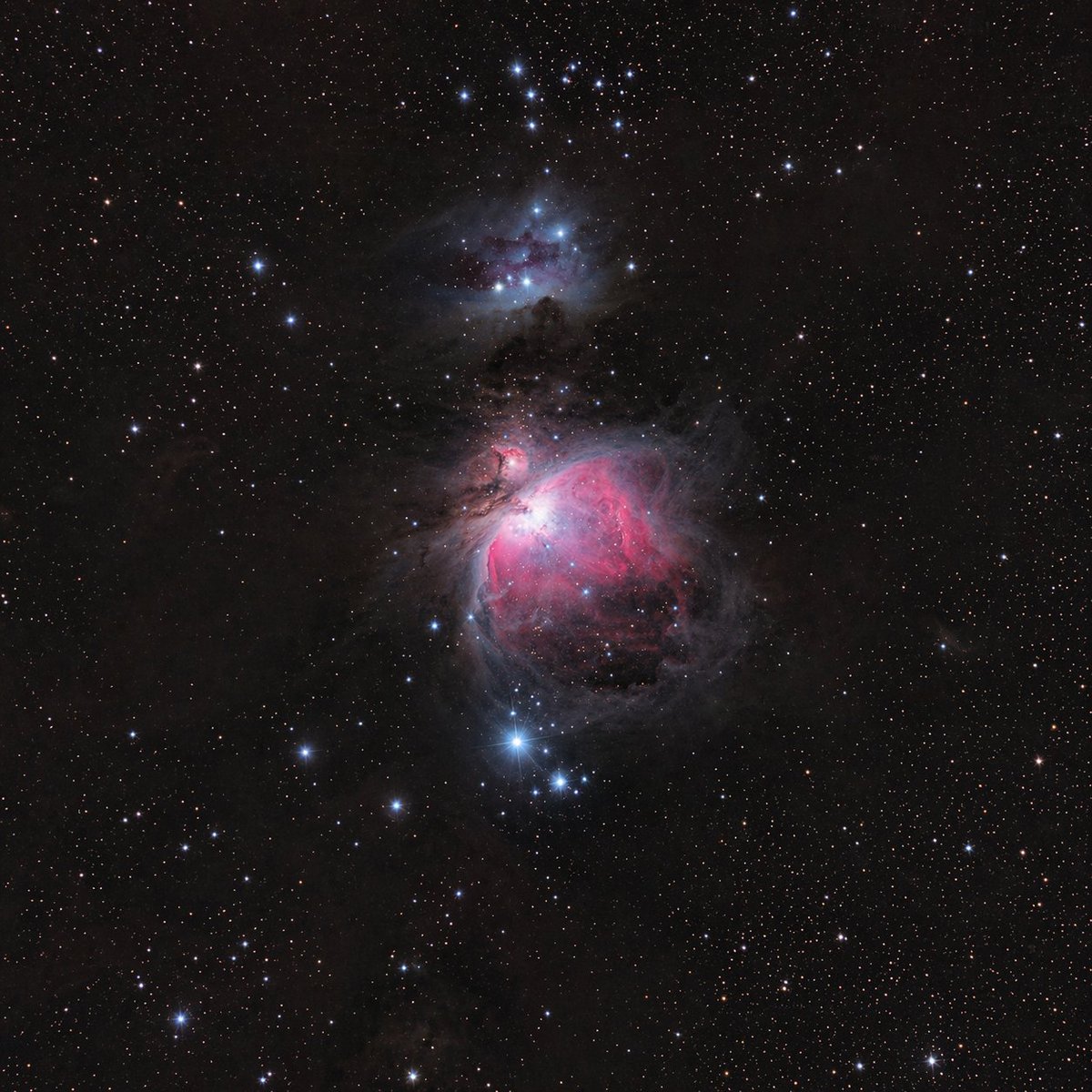
Astronomical Orion Nebula Generation

Urban Lifestyle Portrait on Vintage Muscle Car Prompt
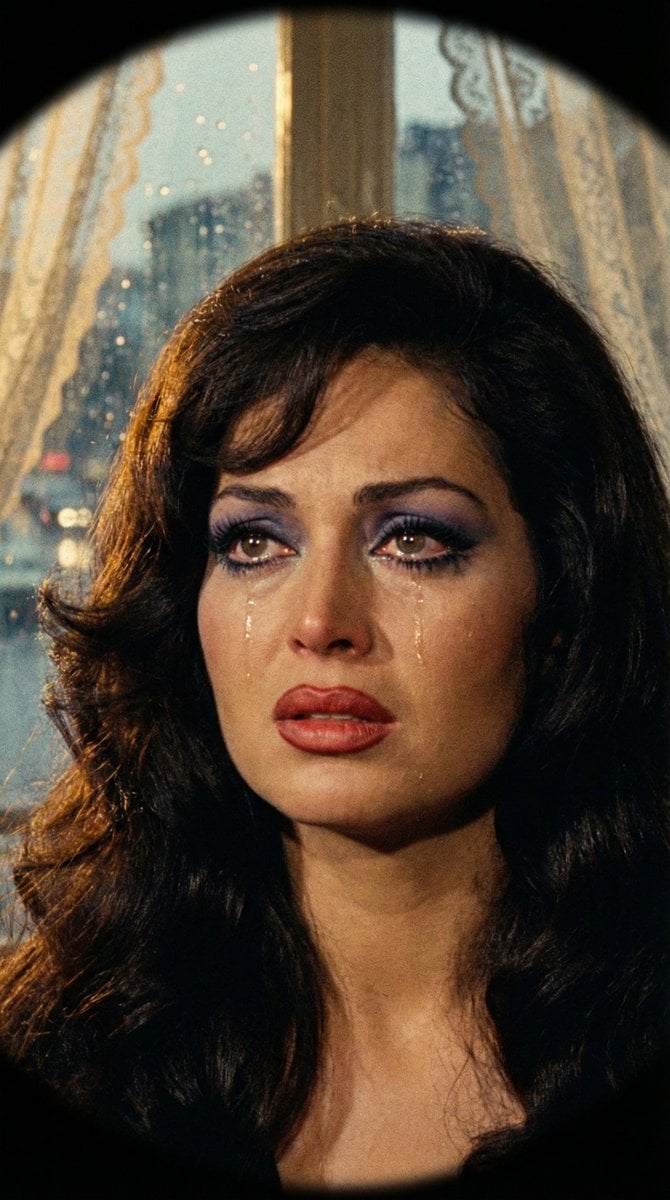
JSON Prompt for 1971 Yeşilçam Cinematic Portrait of Türkan Şoray Crying
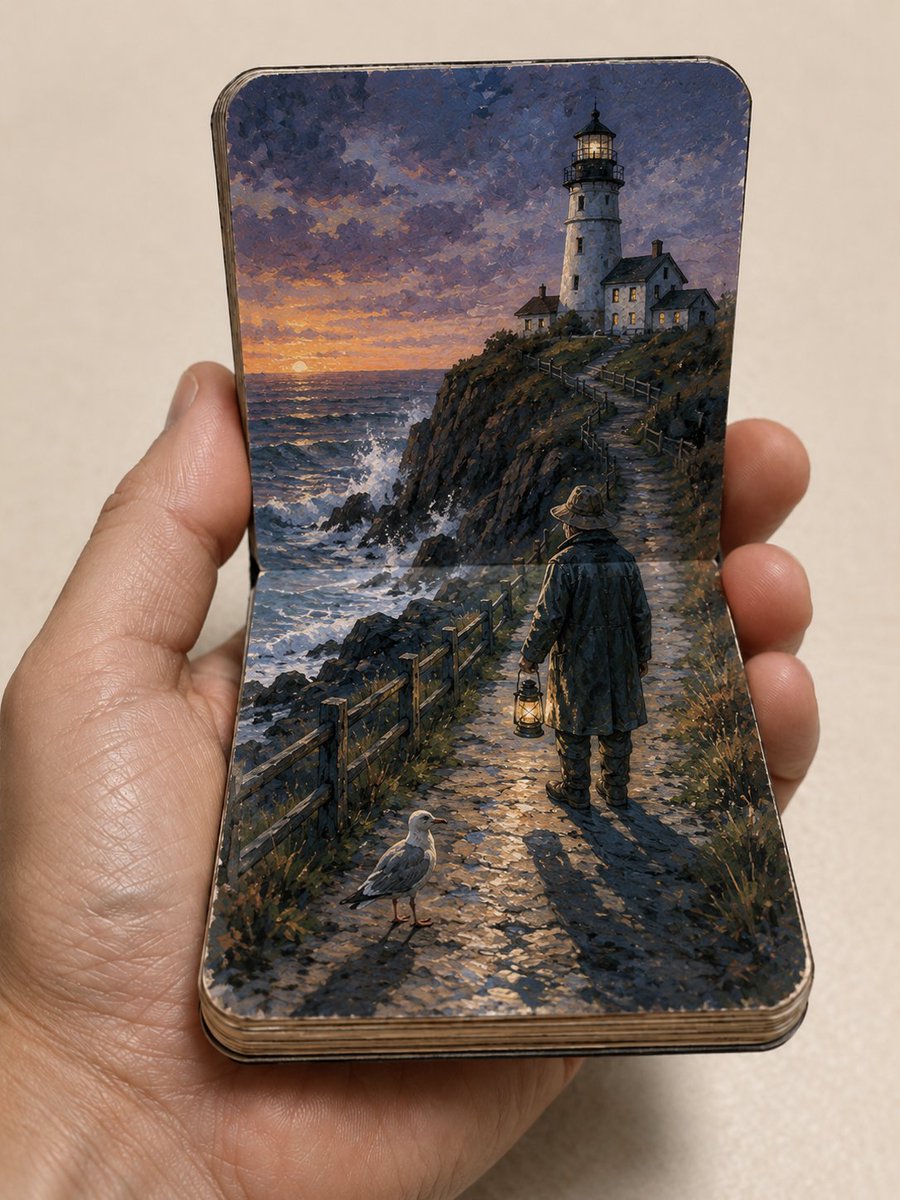
Miniature Paper Theater Sketchbook
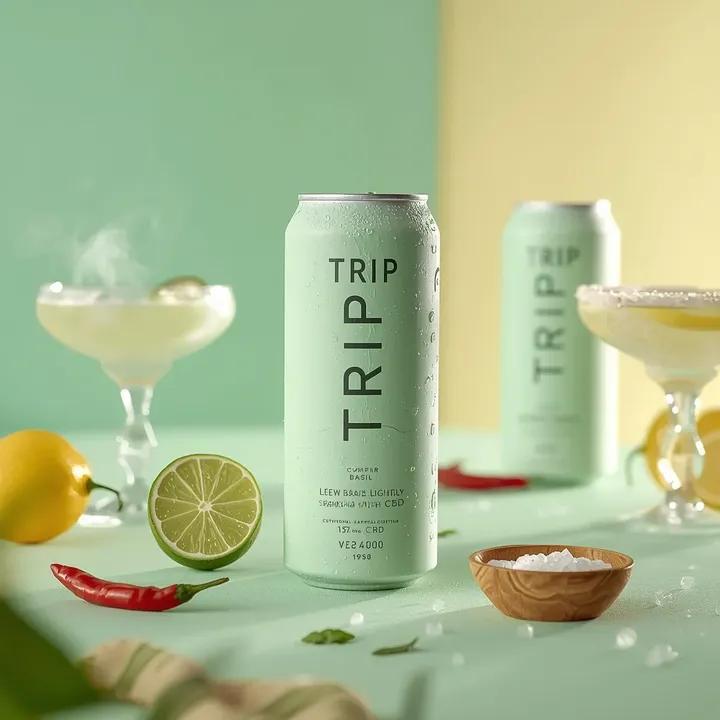
Ultra-Realistic Beverage Advertising Photography
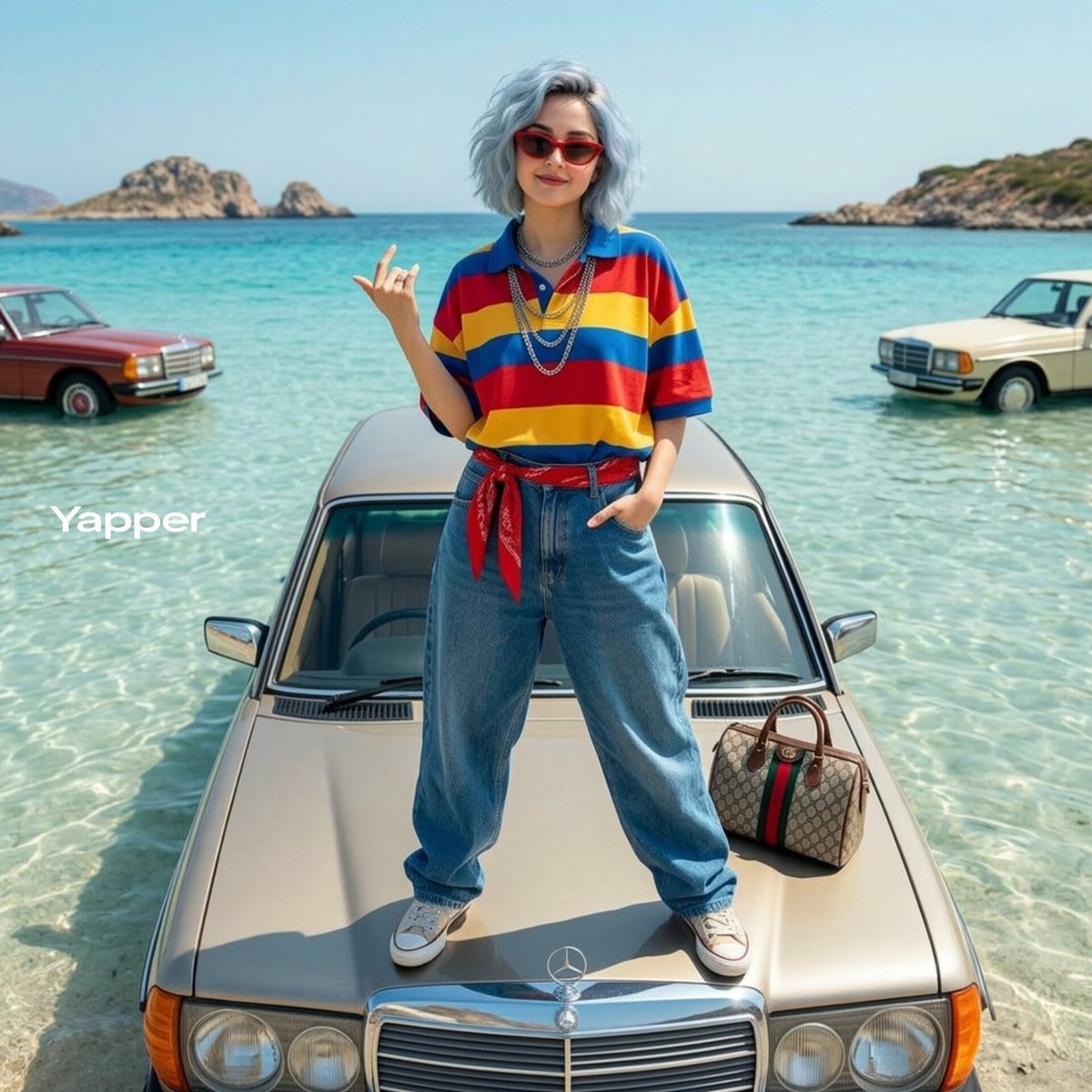
Stylish Woman on Submerged Vintage Car
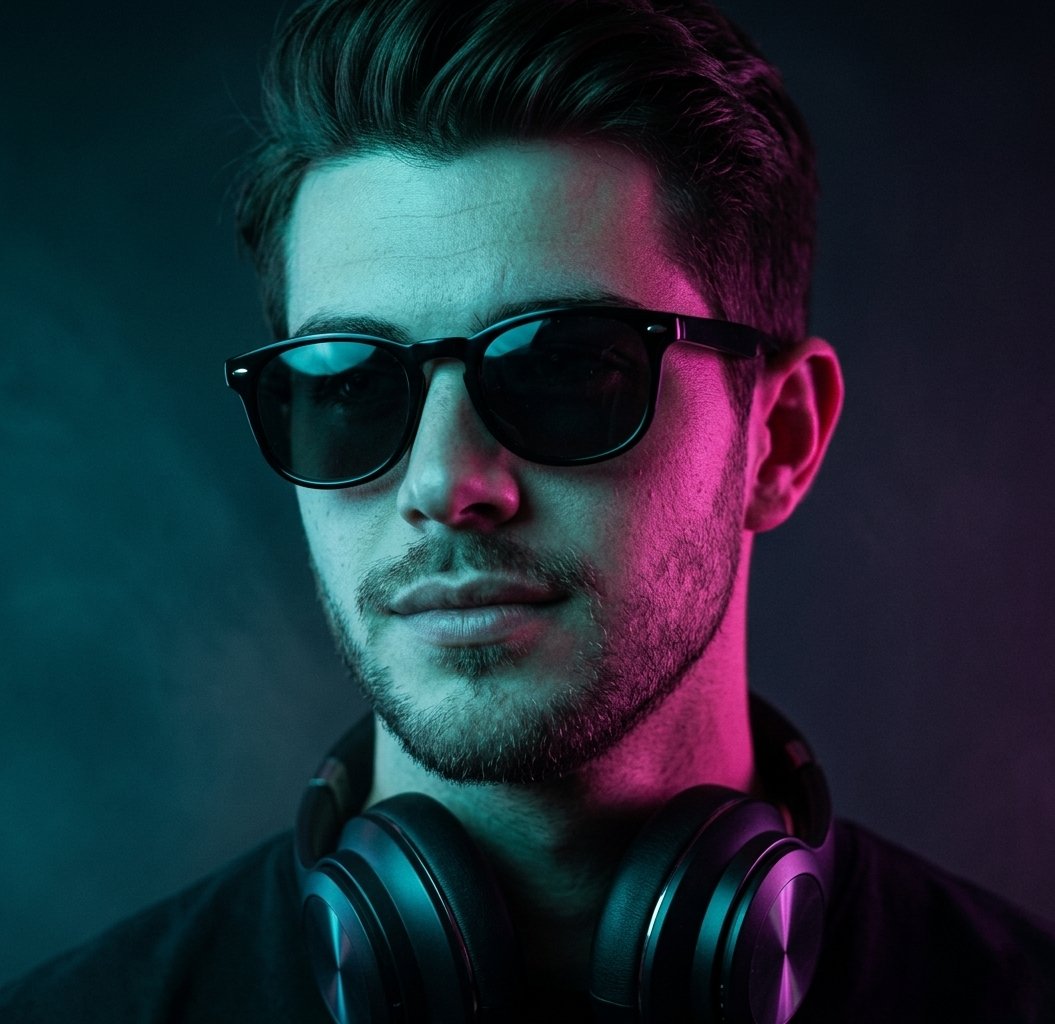
Neon Cyberpunk Portrait
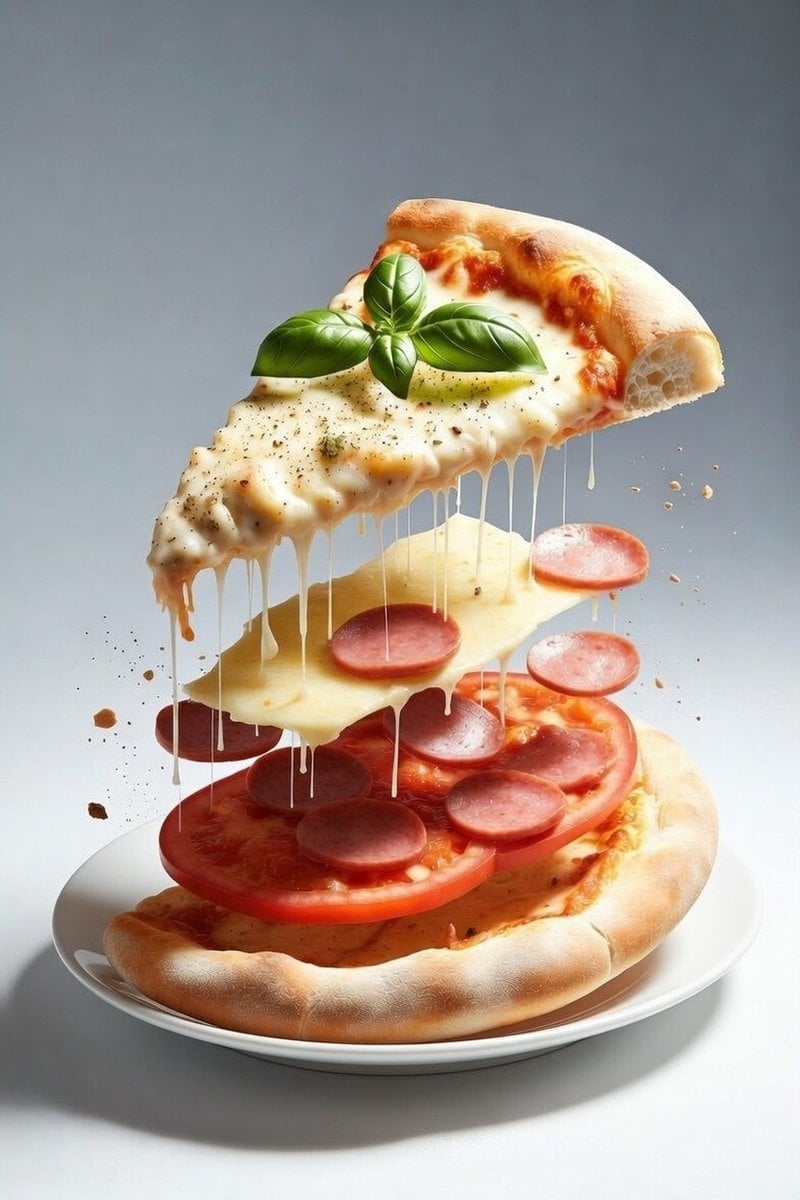
Deconstructed Floating Pizza Still Life Prompt
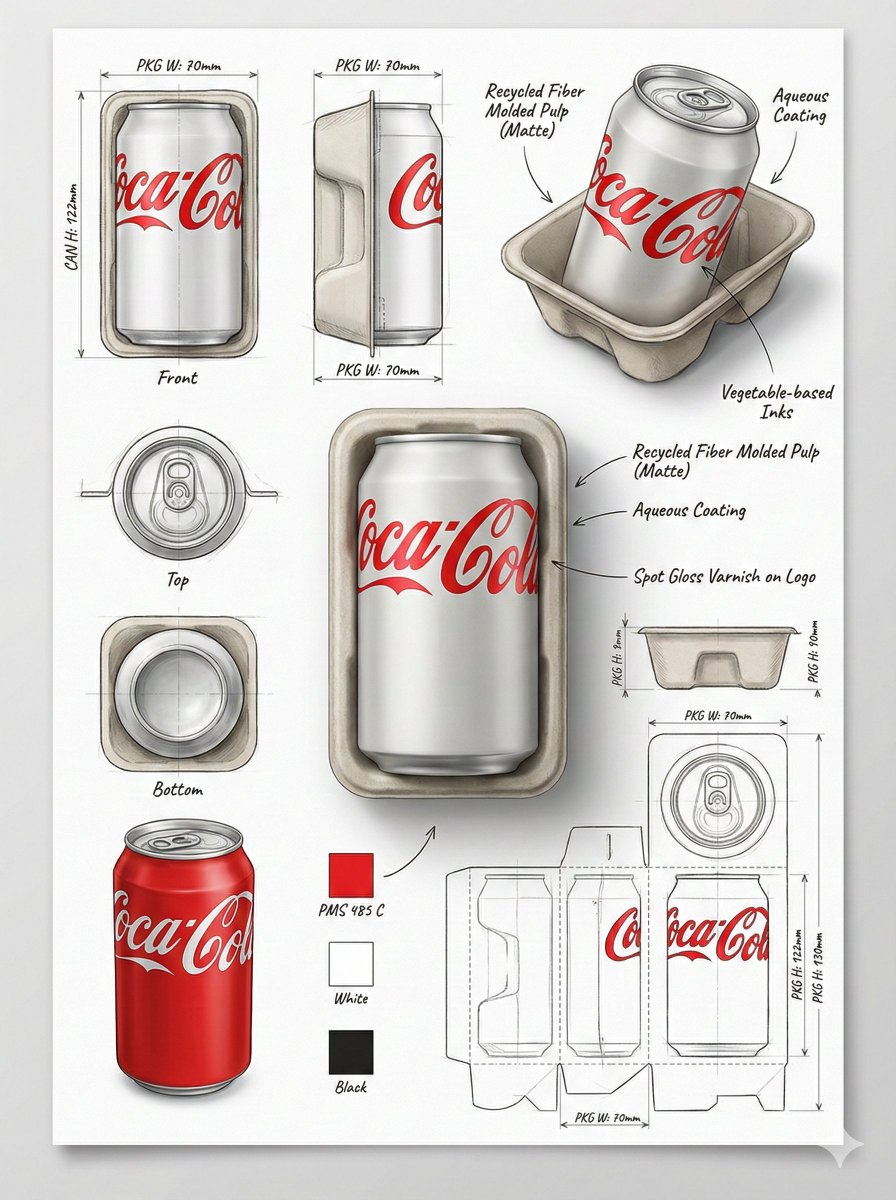
Industrial Packaging Design Illustration Sheet
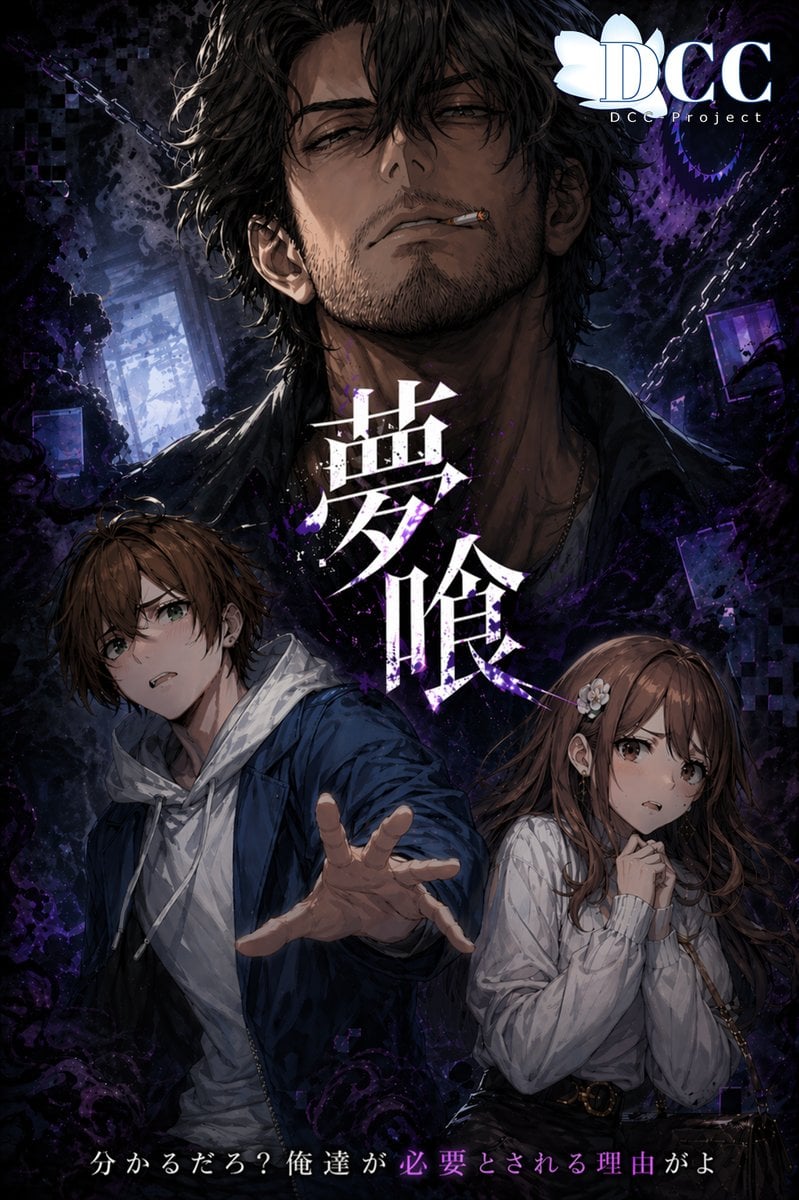
Dark Fantasy RPG Key Visual Poster
Browse template categories
Dual Editorial Poster Layout questions
How do I use the Dual Editorial Poster Layout template?
Add your photo if the template asks for one, edit the prompt if you like — the template's model and format are already selected — and press Generate. Your version opens in PicX Studio.
Can I customize the Dual Editorial Poster Layout template?
Yes. You can change the subject, setting, lighting, mood, format, and available model controls before creating your image.
Is the Dual Editorial Poster Layout template free?
Opening and editing this template is free. Generating uses credits, shown on the Generate button when you are signed in.
Which AI model should I use?
Start with GPT Image 2, which is the model associated with this template. You can compare another compatible model for a different finish.
Looking for something else? Browse all templates.

Your photo, any look
Thousands of ready templates for every top image and video model, from one credit balance.