
VTuber Streaming Screen Generation with Customizable Character and Theme
A comprehensive prompt designed to generate a high-quality, immersive VTuber streaming screen layout.
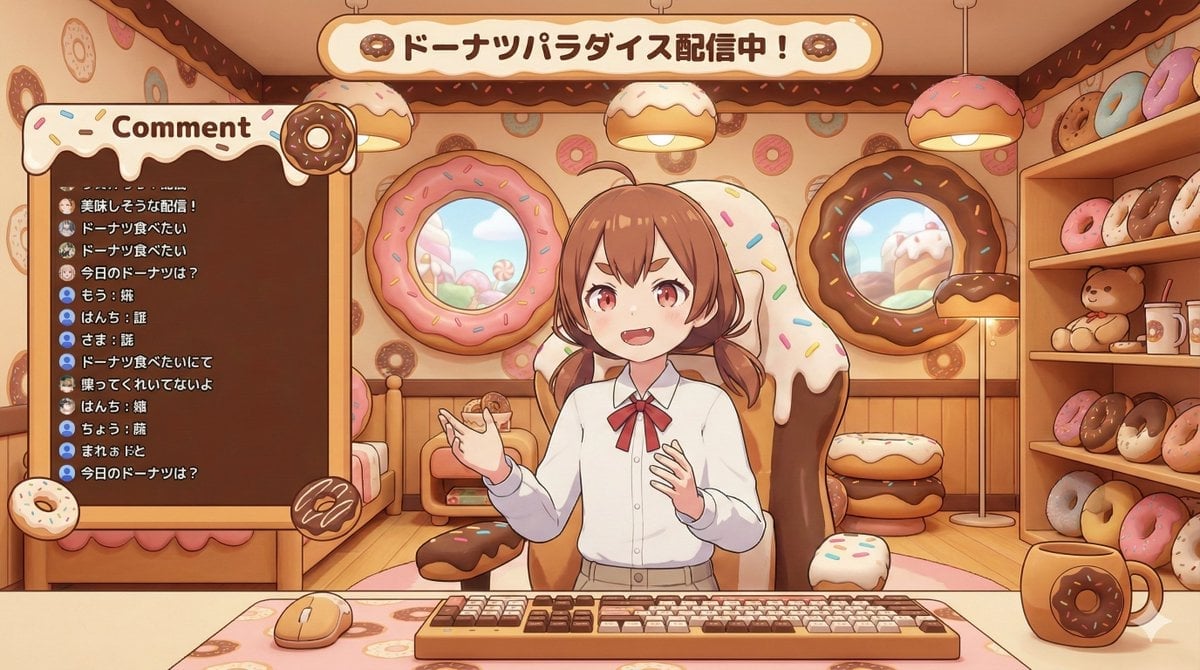
- Prompt included
- Model and format preset
- Premium template
The prompt behind this image
Copy the exact prompt behind VTuber Streaming Screen Generation with Customizable Character and Theme, or open it in the studio and make it yours.
[キャラクター設定部分] ・キャラクターの外見: {argument name="キャラクターの外見" default="茶色の髪、短いツインテール、赤い瞳、少し尖った歯(ギザ歯)"}。 ・スタイル設定: {argument name="スタイル設定" default="ドーナツモチーフがいっぱいの部屋"} [固定部分] VTuberの配信画面のレイアウトを描いた高品質な画像。画像比率は横長(16:9)。 画風は**「UnityやUnreal Engineでレンダリングされたようなセルシェーディングされたアニメ調の3D CGレンダリング(3Dモデル)」**スタイルで出力すること。 メインビジュアル: [キャラクター設定部分]で描写されたキャラクターが、3Dアバターとして描かれ、画面中央の[スタイル設定]に合わせたデザインのゲーミングチェアに座っている。キャラクターは立体的で、アニメ調のシェーディングが施されており、正面に向かって手ぶりを交えて話しかけている。 デザインの統一: 部屋のインテリア、ゲーミングチェアのデザイン、および画面上に配置された「コメント欄(チャットウィンドウ)の枠」は、すべて[スタイル設定]のテーマに合わせた3D空間として描写すること。 構図と要素: 背景: [スタイル設定]に基づいた奥行きのある3D背景(窓、壁の装飾、家具など)。 前景: 机の上にキーボード、マウス、マグカップが配置されており、配信中の雰囲気、手元が見える構図。 UI要素(コメント欄): 画面の左側または右側の空いたスペースに、[スタイル設定]のデザインに合わせた「コメント表示用の枠(ウィンドウ)」を配置する。 画面上部に「テーマ表示用の枠」を配置し、適切なテーマを記述する。 コメントの内容: コメント枠の中には、視聴者からの日本語のテーマに沿ったテキストコメントが縦に並んで表示されている様子を描く。文字は手書き風ではなく、デジタルフォントのように見せ、配信のチャット画面らしさを表現する。 全体的に、3Dアバターを使用しているプロのVTuberが使用するような、統一感があり魅力的で没入感のある配信画面にしてください。
How to use VTuber Streaming Screen Generation with Customizable Character and Theme in 3 steps
- 1
Open
The prompt is already in the box next to the preview, with the template's model and format selected.
- 2…a portrait of your subject in softgolden-hour light, 85mm…
Personalize
Edit the subject and creative details for your destination.
- 3Generate
Generate
Press Generate — your image is created in PicX Studio, so you can compare it with the original and refine one variable at a time.
More like this
Templates with the same subject, style or setup. Open one to see its prompt.
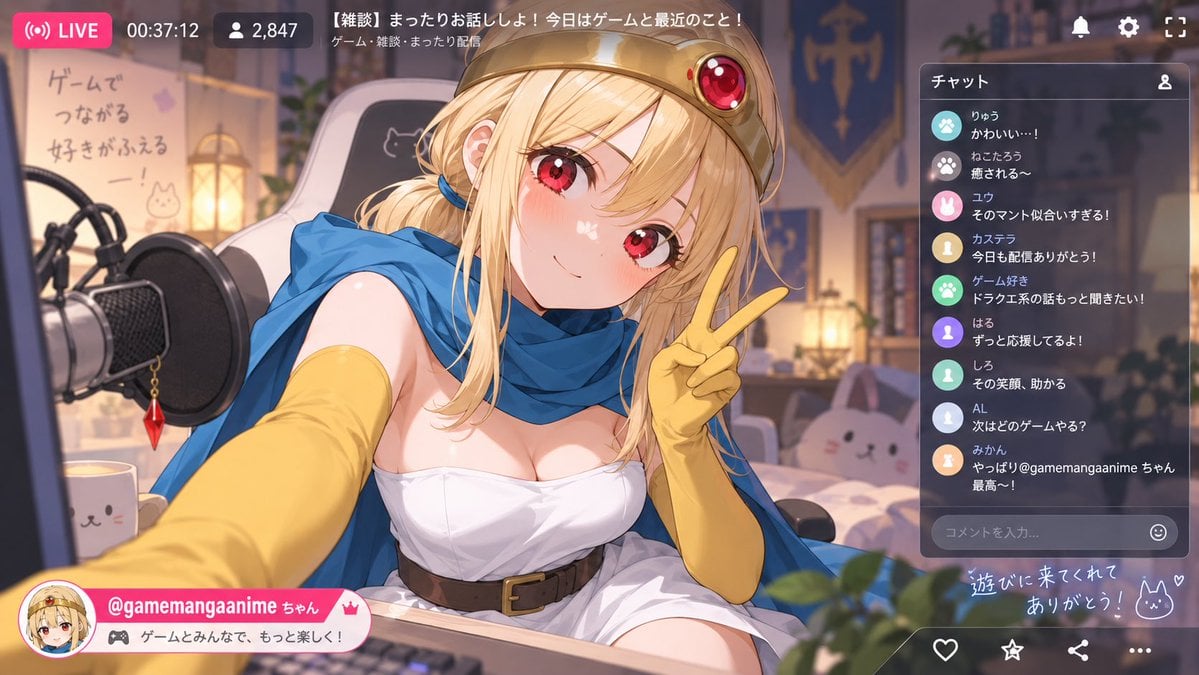
Anime VTuber Livestream Screenshot

AI Chat Image Generation Screenshot

Blueprint Split Reality Archetype Prompt
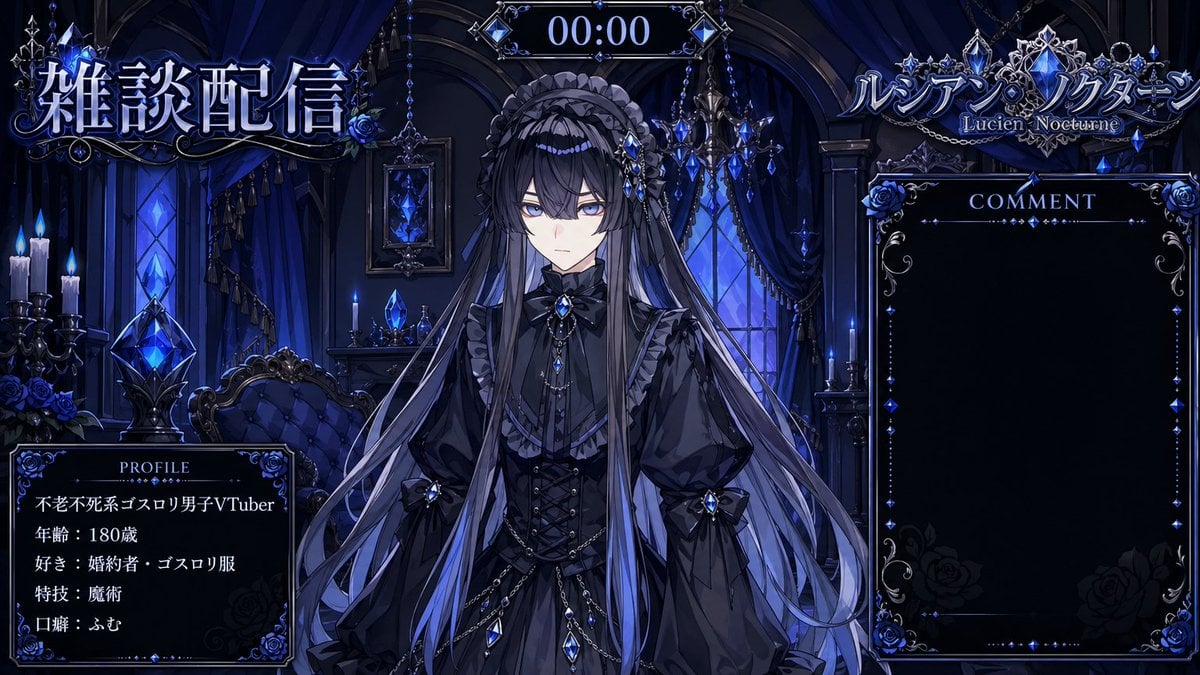
VTuber Streaming Overlay Layout
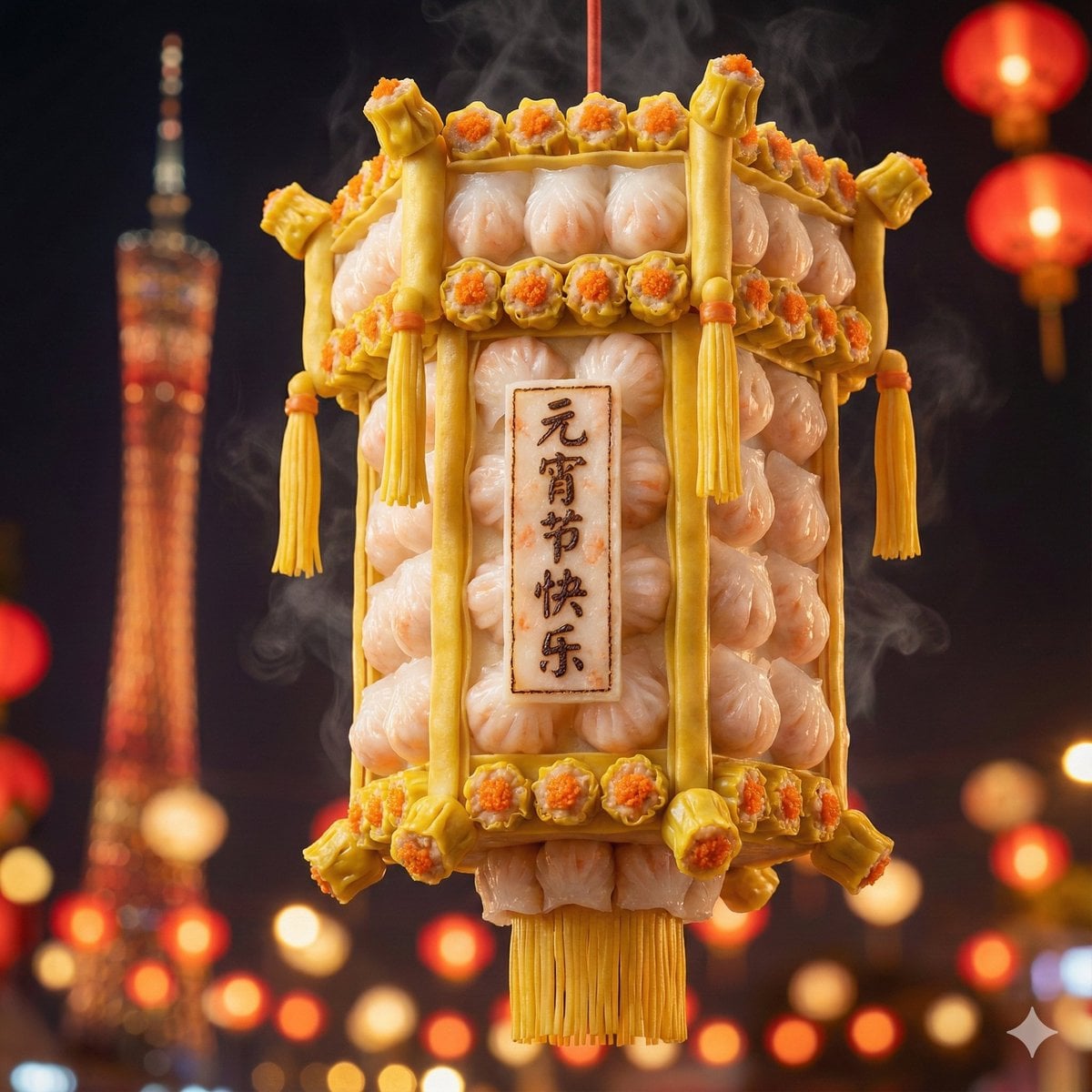
Food-Themed Festival Scene Generation Prompt (Iterative)
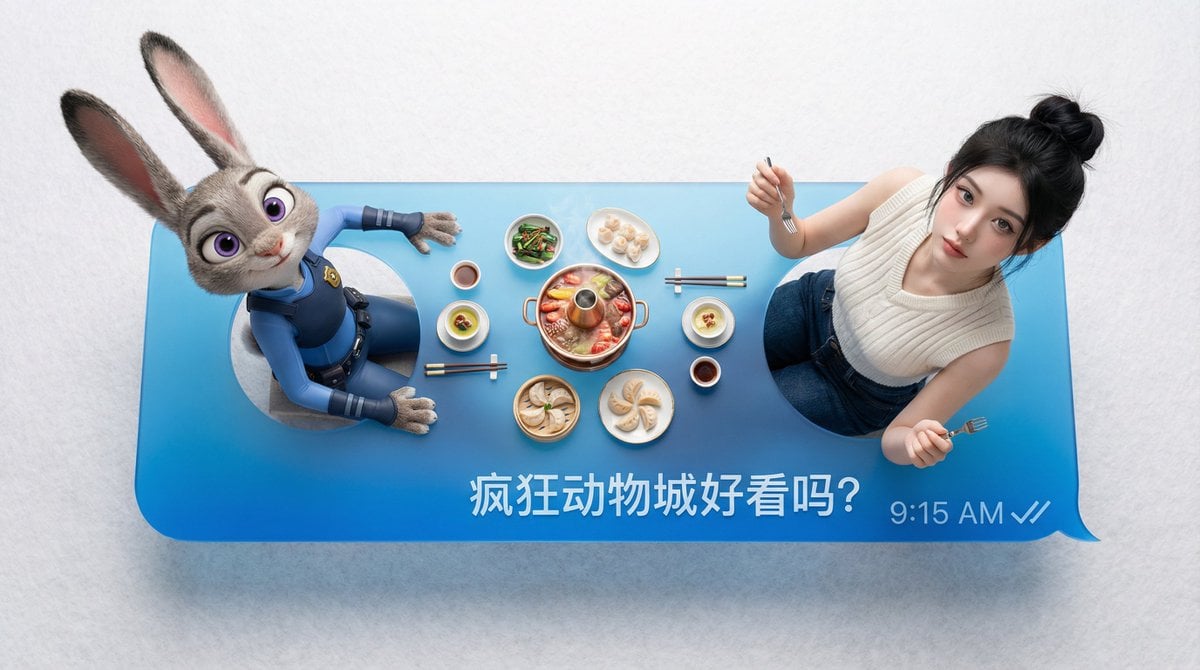
Customizable Chat Interface Image Generation Prompt
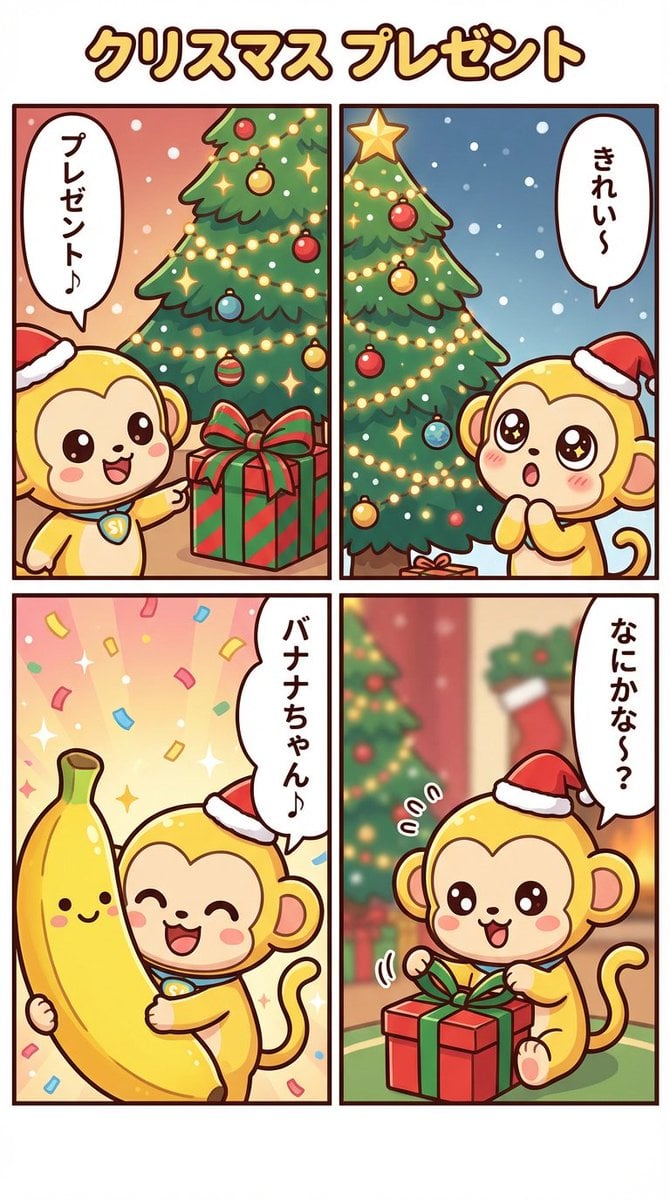
Nano Banana Pro Manga Generation - Christmas Present Theme
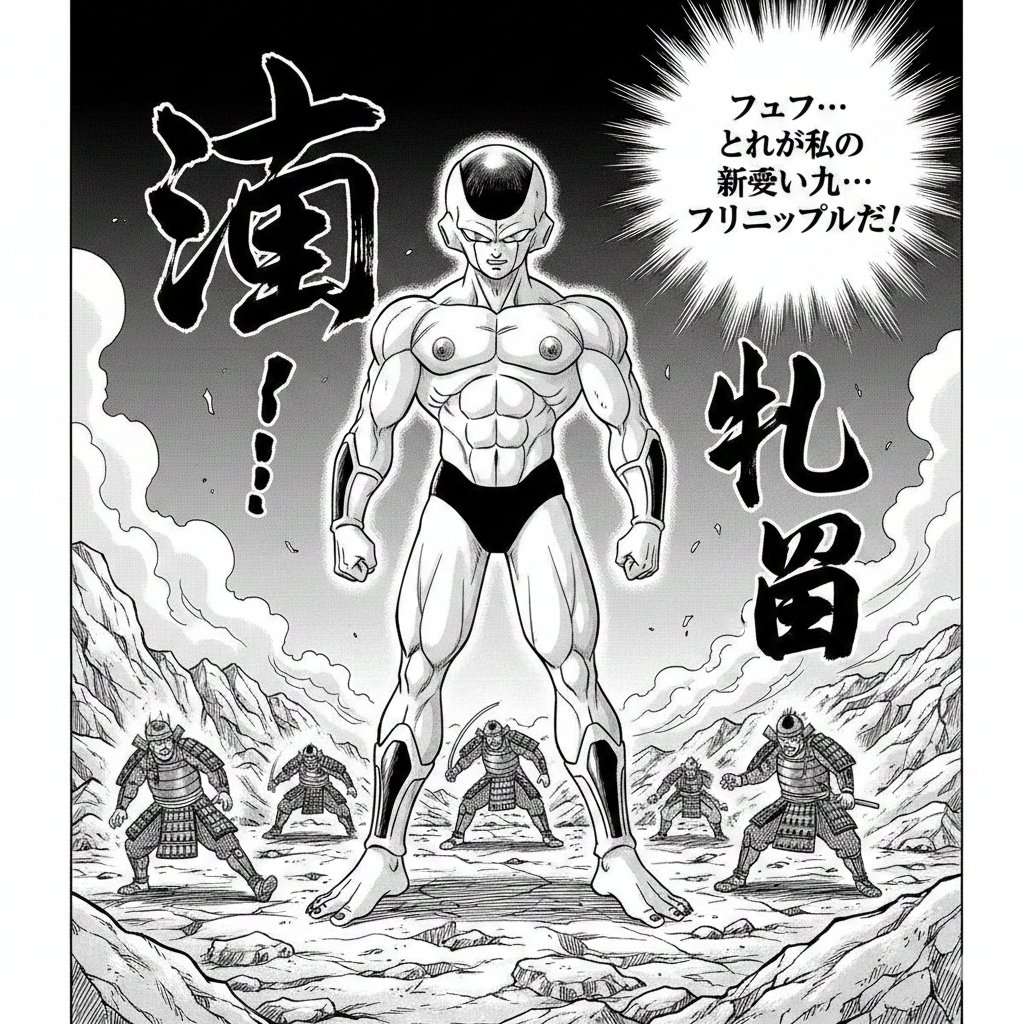
Illustration Generation: Free the Nipple Theme
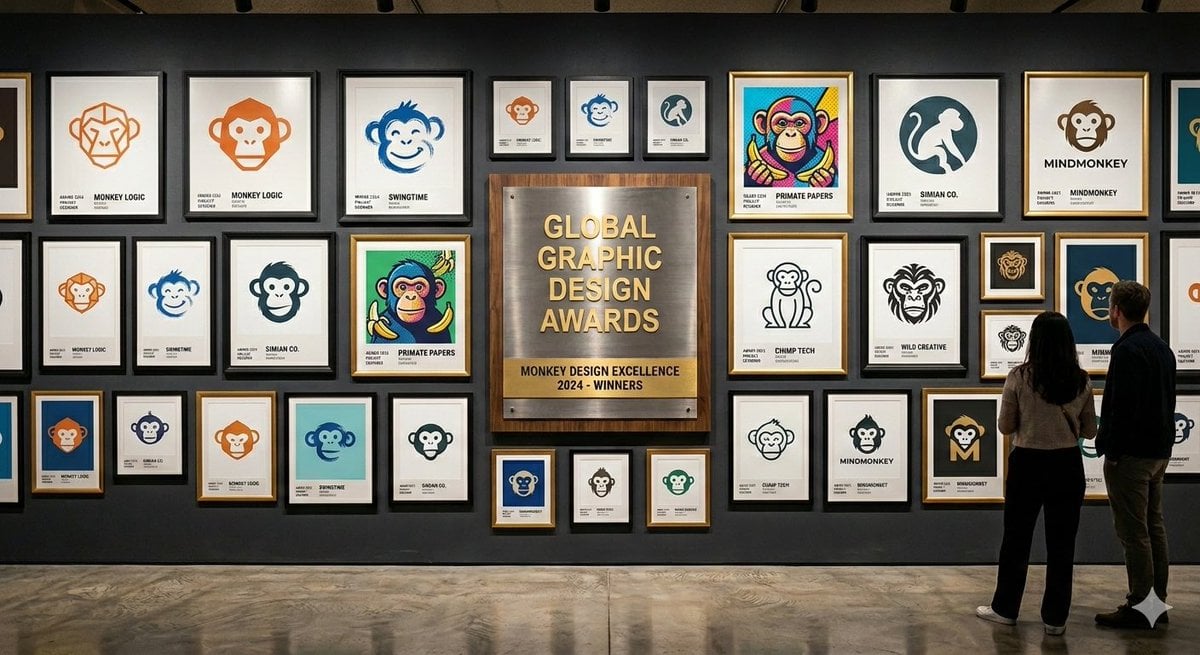
Logo Design Wall Generation Prompt for Monkey Theme
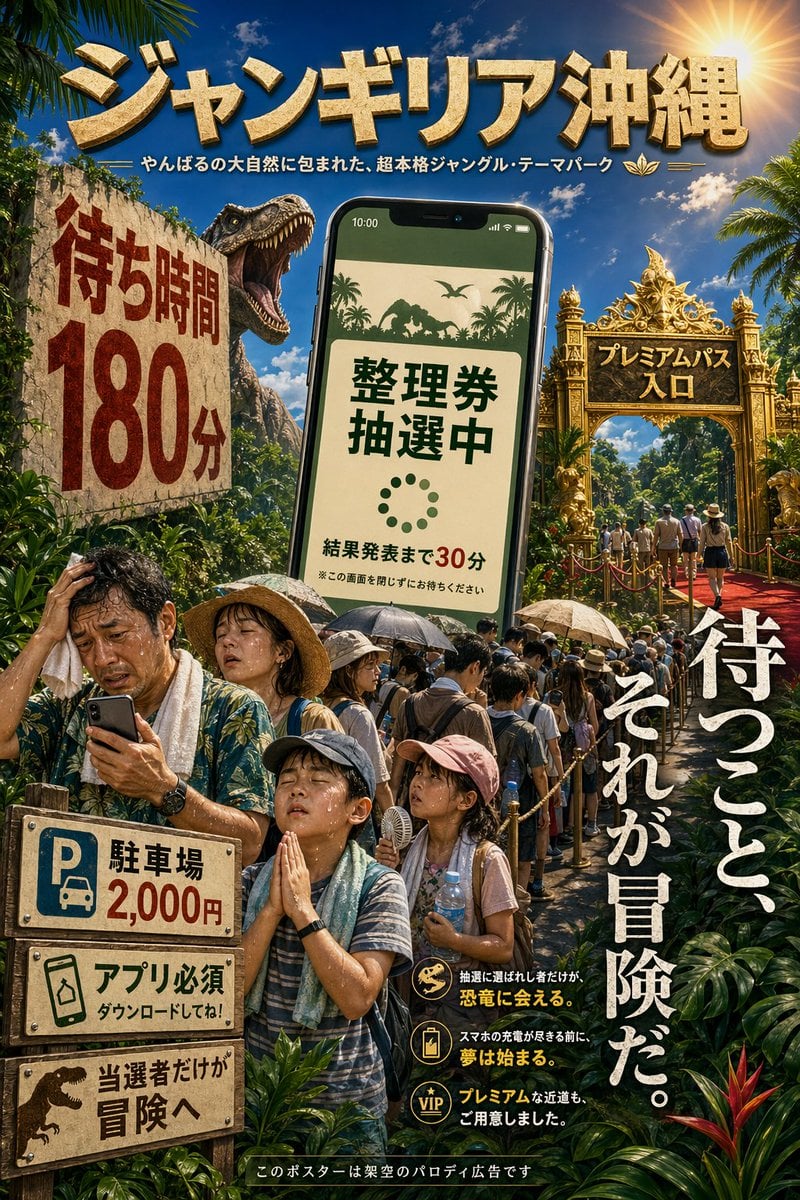
Japanese Jungle Theme Park Parody Poster
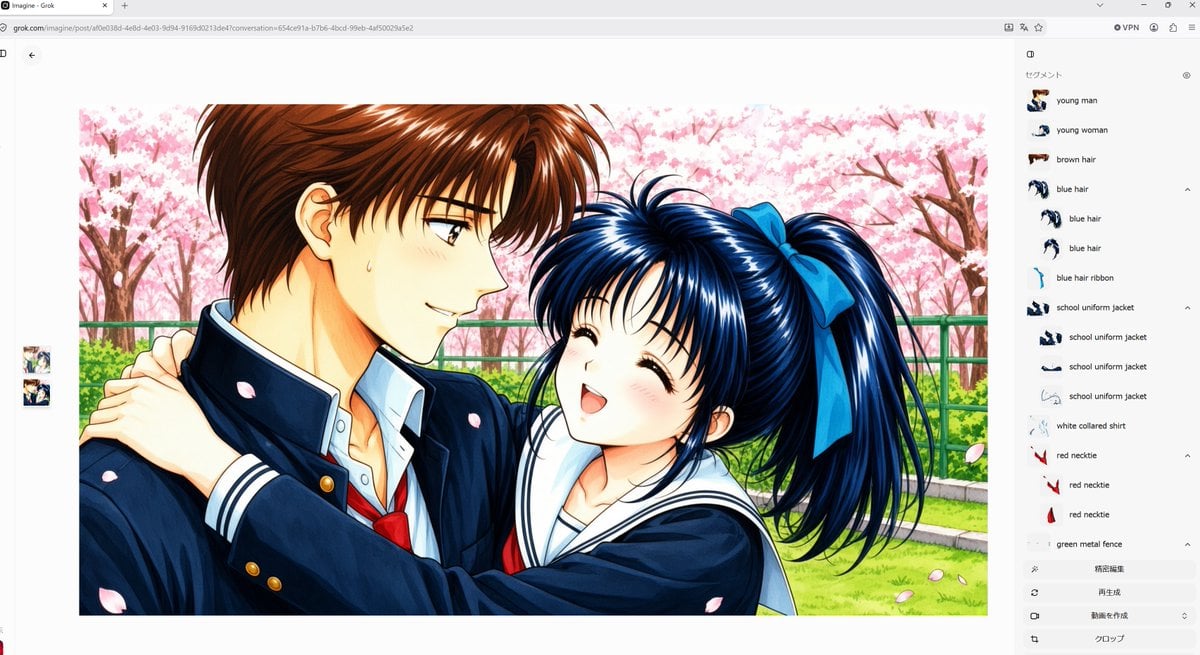
Anime Couple Segmentation UI Screenshot
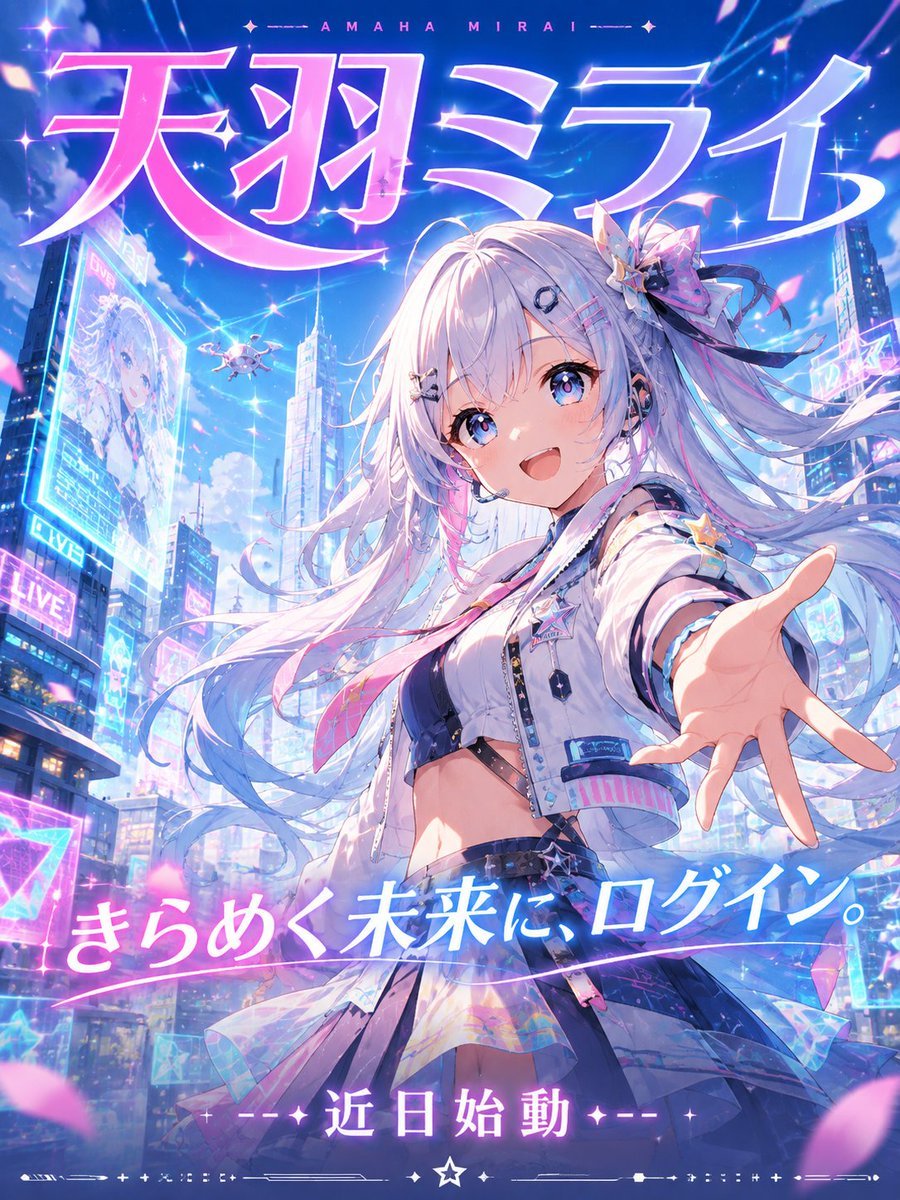
Futuristic VTuber Debut Poster
Make it yours
VTuber Streaming Screen Generation with Customizable Character and Theme works as-is. These are the safest ways to change it without losing the look.
Change one field
Copy a single group, rewrite it, and generate again so you can see what that field is doing.
Keep the frame, change the subject
Hold the composition and light of VTuber Streaming Screen Generation with Customizable Character and Theme, then swap wardrobe, props or the person for a new take.
| If the result… | Why | Fix |
|---|---|---|
| The result drifts from the preview | Too many fields changed at once. | Reuse VTuber Streaming Screen Generation with Customizable Character and Theme as-is first, then change one group — subject, light, or setting. |
| The model over-stylizes the scene | The prose prompt leaves finish and camera underspecified. | Add one camera or lighting sentence and stay on Nano Banana 2. |
More Nano Banana 2 templates
Other prompts made for Nano Banana 2.

Photorealistic Leaf Shaped Like a Dragon

K-Pop Idol Portrait Grid for Rapid Selection

Poetic Rain Forest Portrait During Golden Hour

Urban Street Portrait with Cartoon Inner Self Duo

Candid Nighttime Photo with Cat Prompt

High-Concept 3D Diorama Generation Prompt

Cinematic Futuristic Studio Portrait Template

Skincare Editorial Photography Collage Prompt

Hyper-Realistic Commercial Product Photography (Splash Effect)

Hyper-Realistic Nightclub Portrait Prompt
More image prompts
Fresh picks from across the catalog.
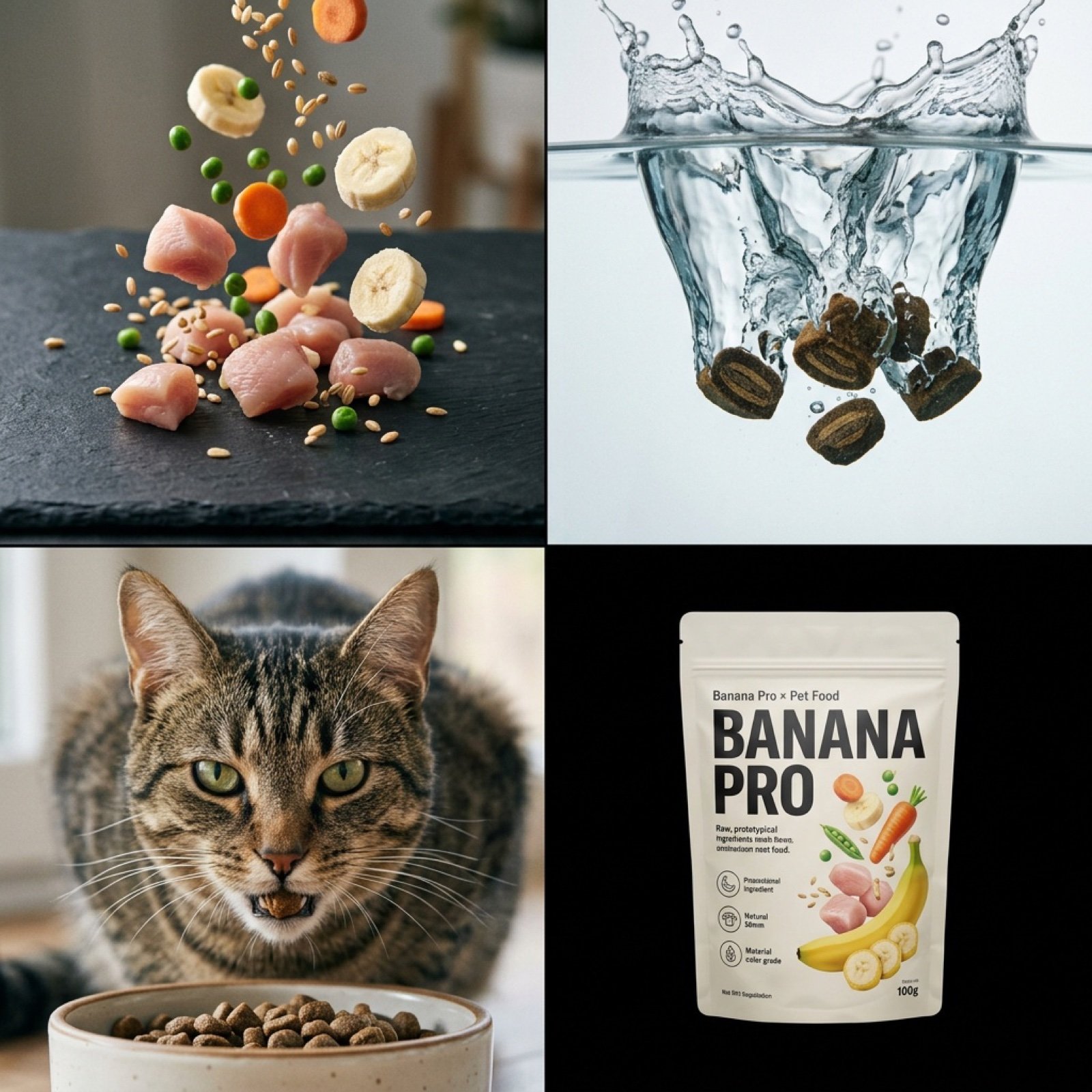
Hyper-Realistic Pet Food Ad Series Prompt
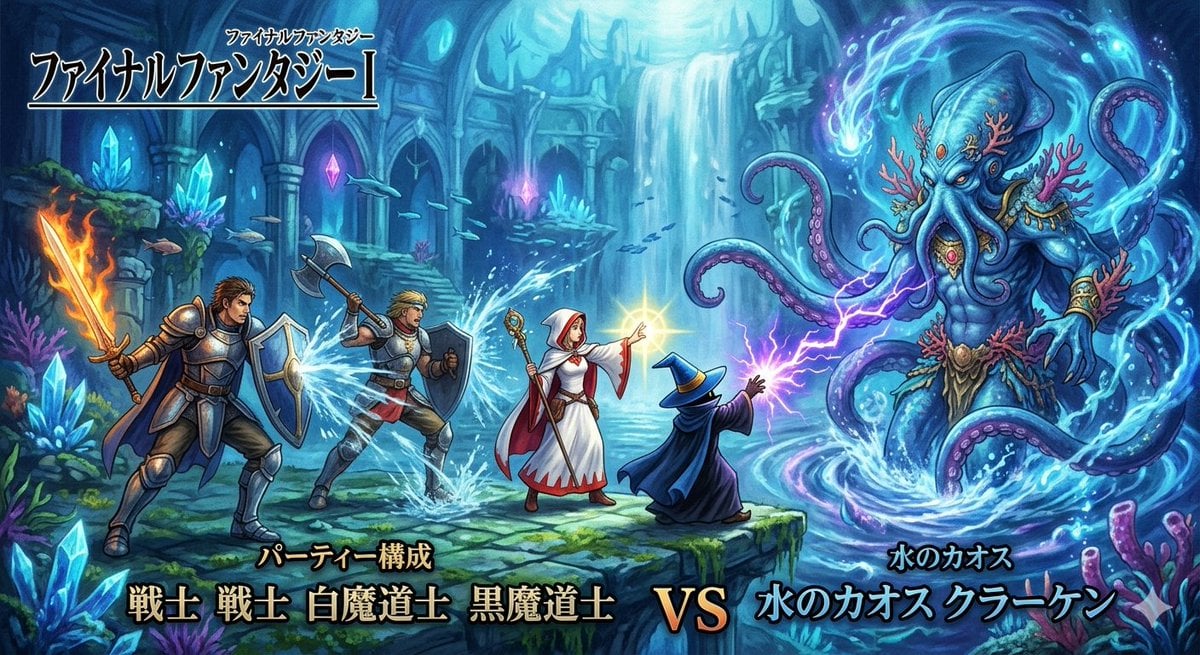
Final Fantasy Party vs. Kraken Image Generation
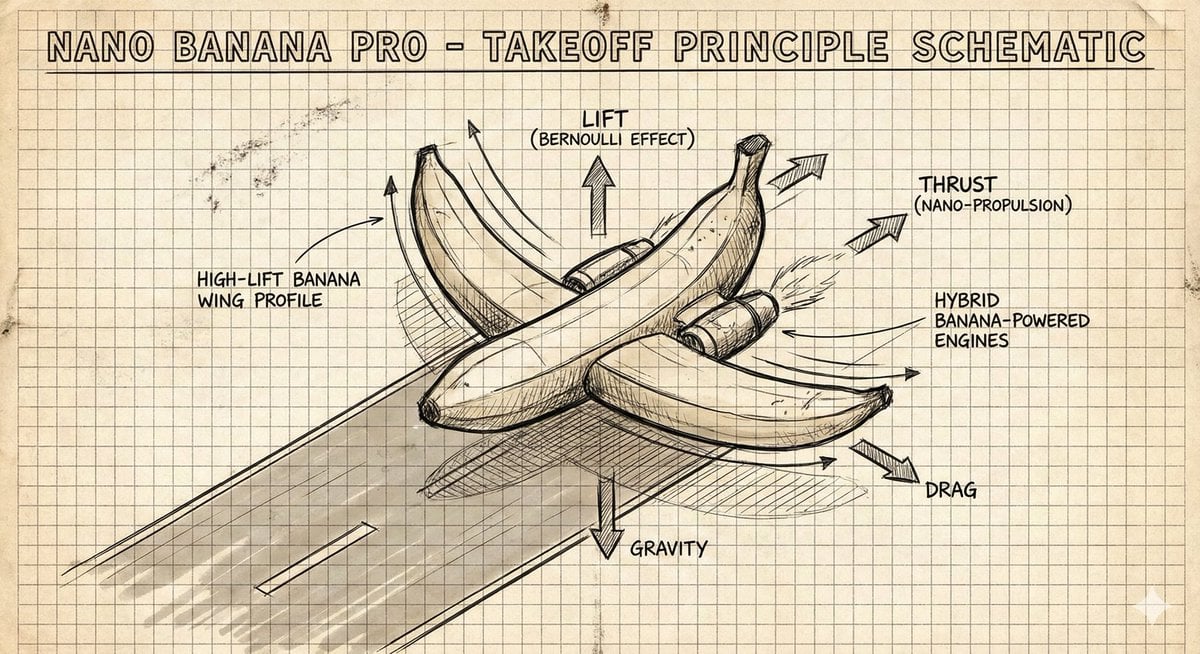
Hand-Drawn Isometric Schematic Diagram Prompt
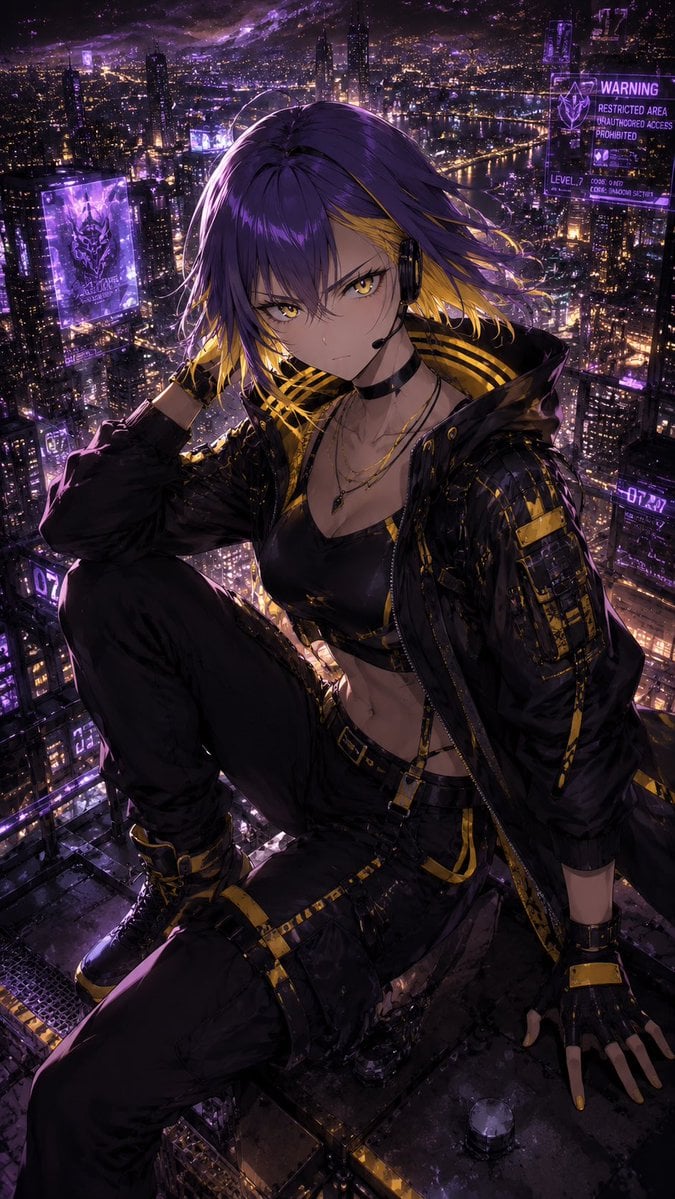
Consistent Character Illustration with Stylish Pose
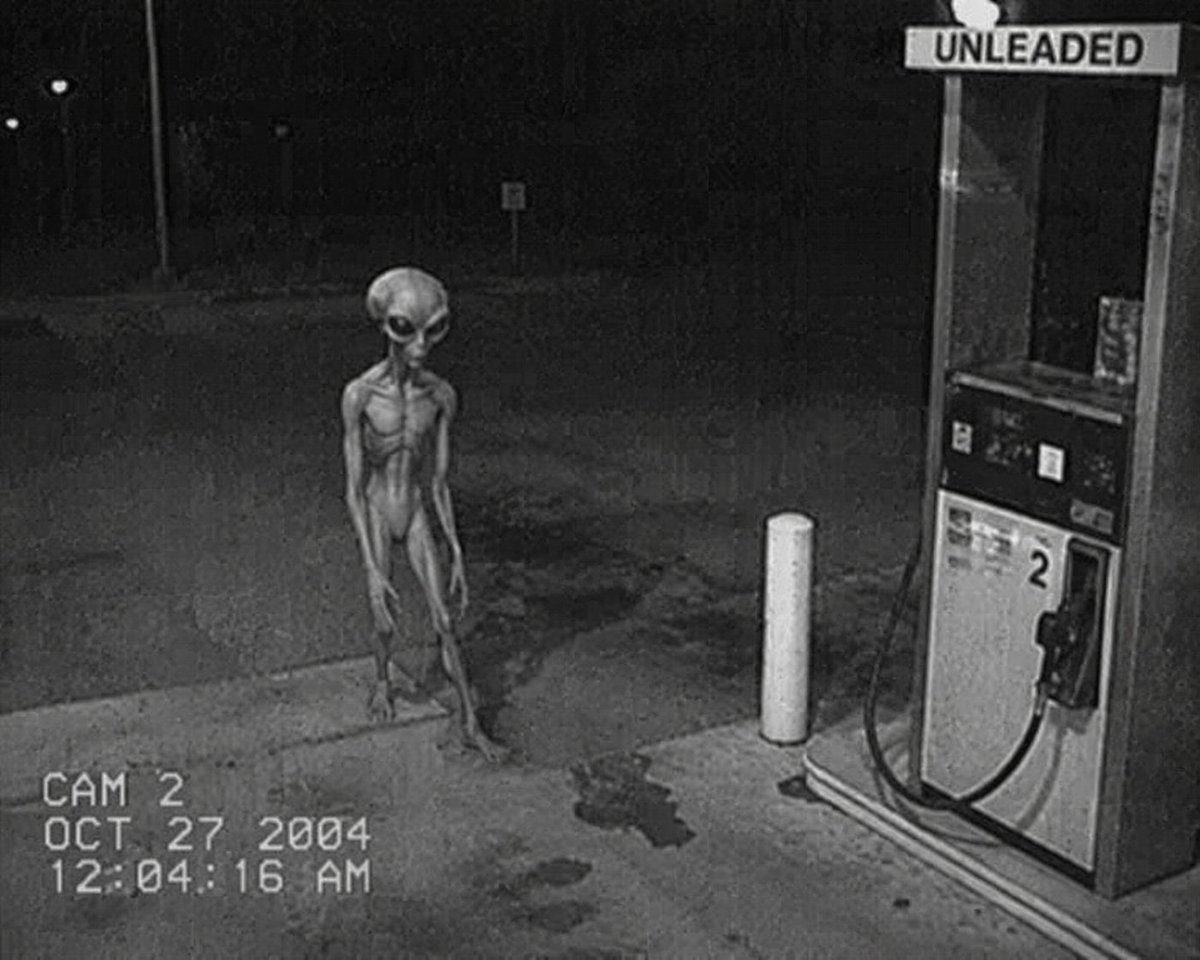
CCTV Security Camera Footage
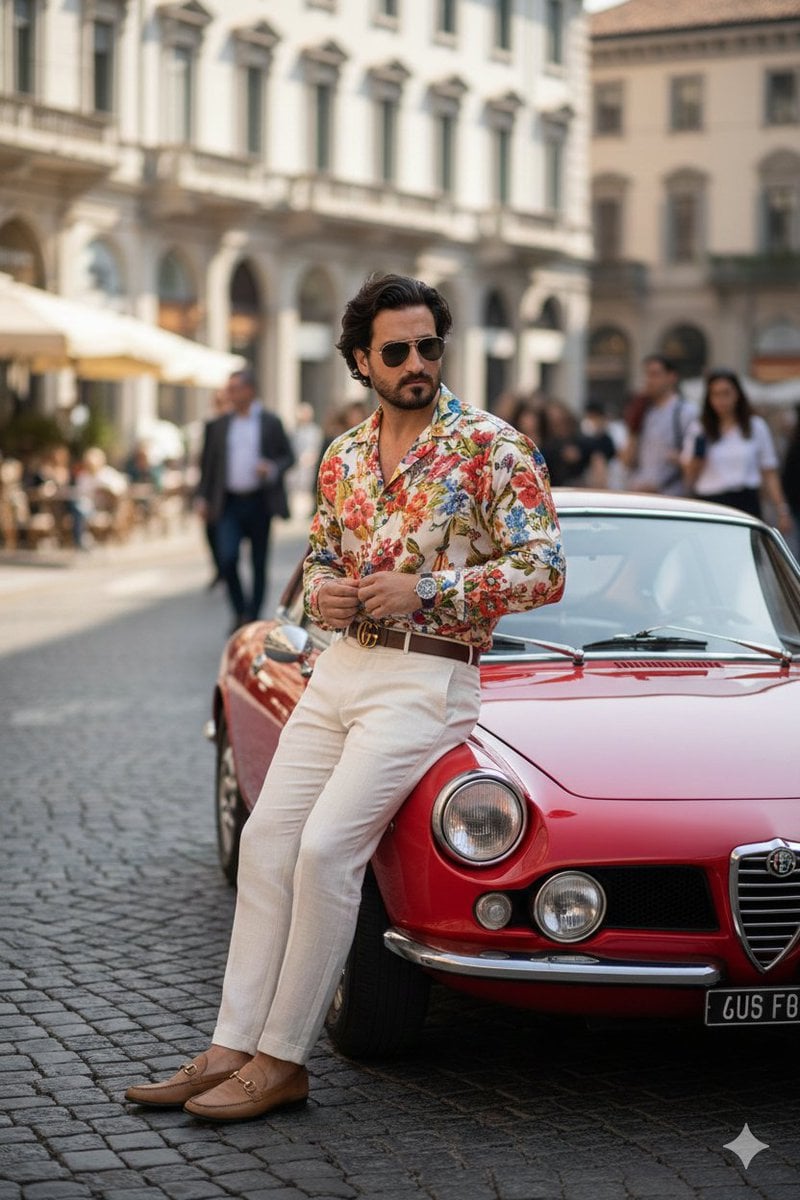
Photorealistic Gucci Editorial in Milan
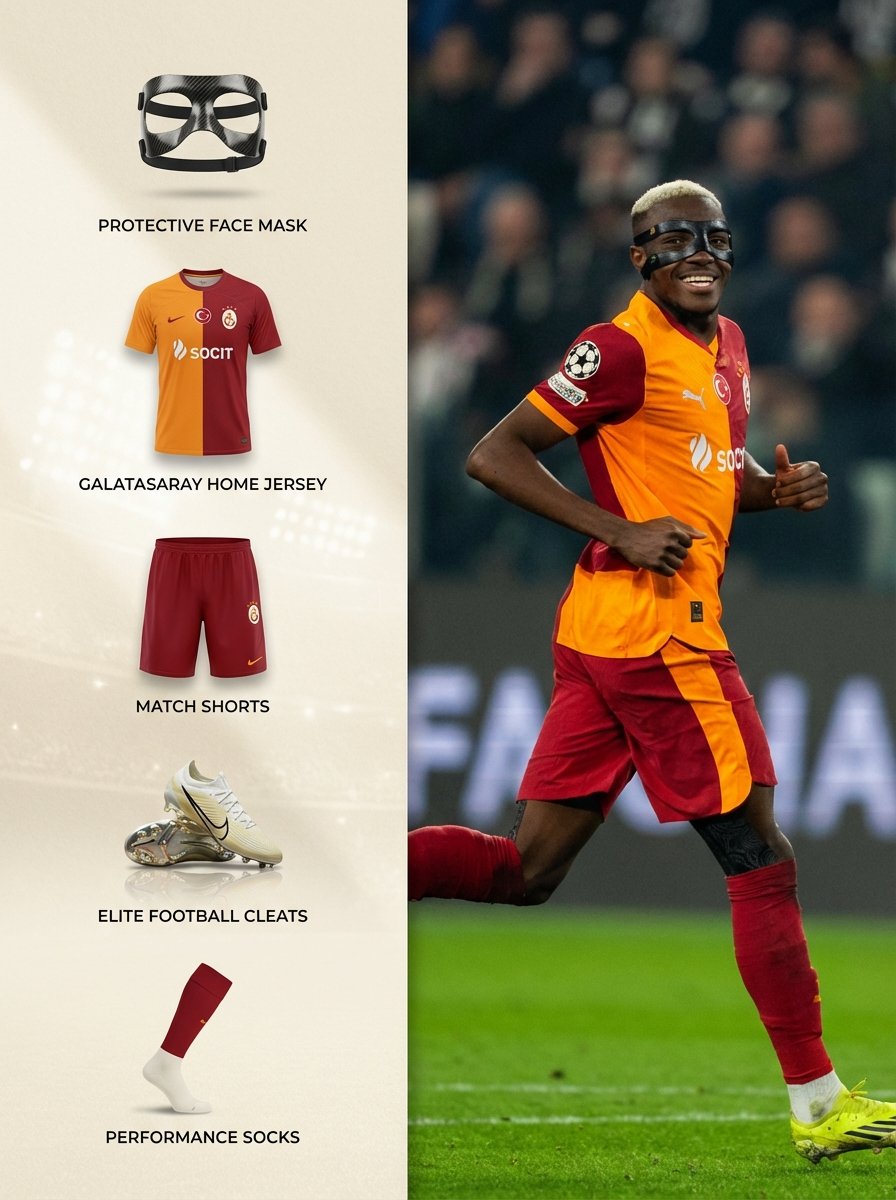
Sports Equipment Infographic Layout of Victor Osimhen
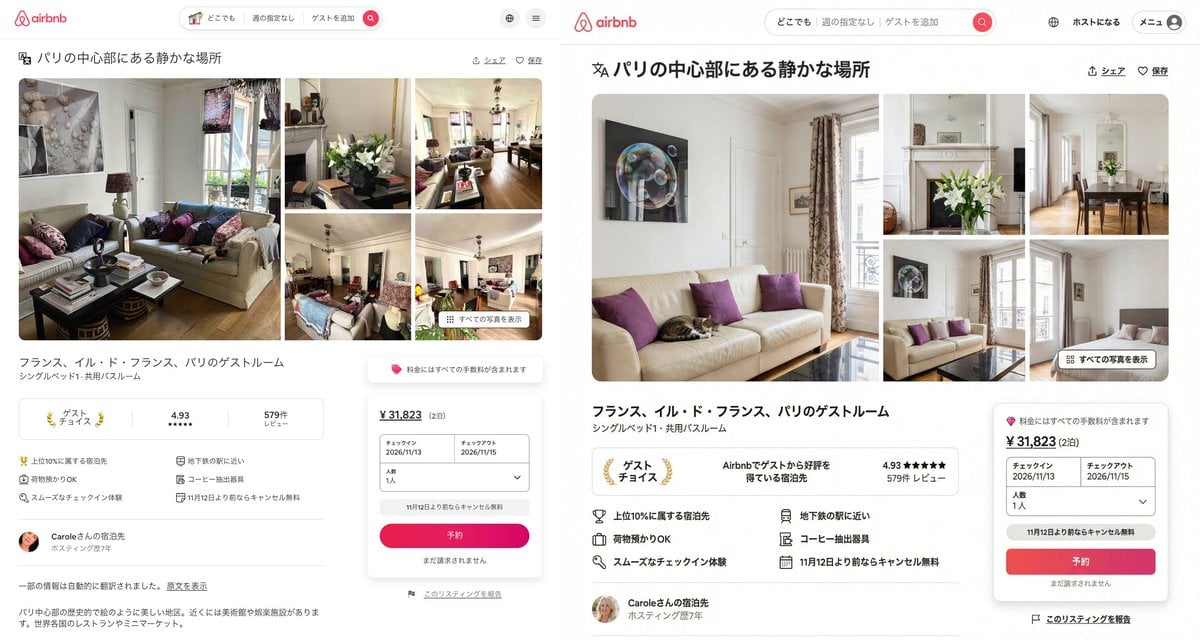
Recreating Airbnb UI with Image-to-Text and Nano Banana Pro
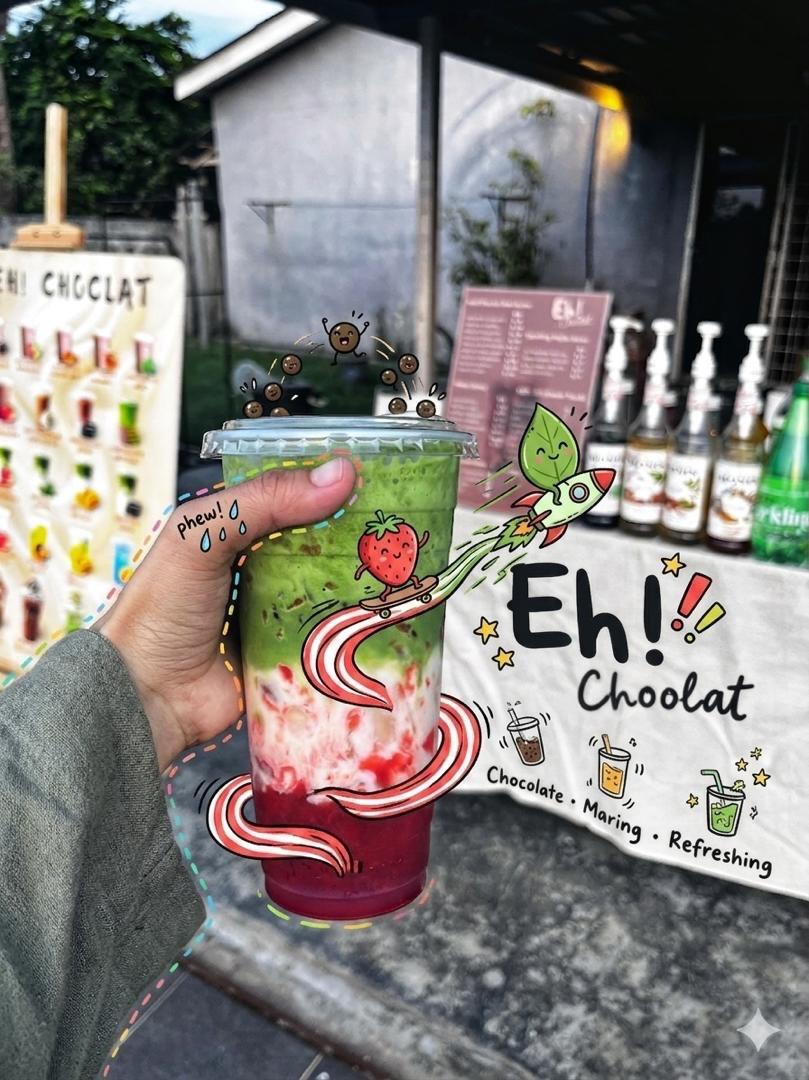
Doodled Strawberry Matcha Drink Photo
Mirror Selfie with Strict Identity Lock in Preppy School Outfit
Browse template categories
VTuber Streaming Screen Generation with Customizable Character and Theme questions
How do I use the VTuber Streaming Screen Generation with Customizable Character and Theme template?
Add your photo if the template asks for one, edit the prompt if you like — the template's model and format are already selected — and press Generate. Your version opens in PicX Studio.
Can I customize the VTuber Streaming Screen Generation with Customizable Character and Theme template?
Yes. You can change the subject, setting, lighting, mood, format, and available model controls before creating your image.
Is the VTuber Streaming Screen Generation with Customizable Character and Theme template free?
Opening and editing this template is free. Generating uses credits, shown on the Generate button when you are signed in.
Which AI model should I use?
Start with Nano Banana 2, which is the model associated with this template. You can compare another compatible model for a different finish.
Looking for something else? Browse all templates.

Your photo, any look
Thousands of ready templates for every top image and video model, from one credit balance.