
Sports Equipment Infographic Layout of Victor Osimhen
A complex JSON prompt for creating a 3:4 vertical sports equipment breakdown infographic layout featuring Victor Osimhen.
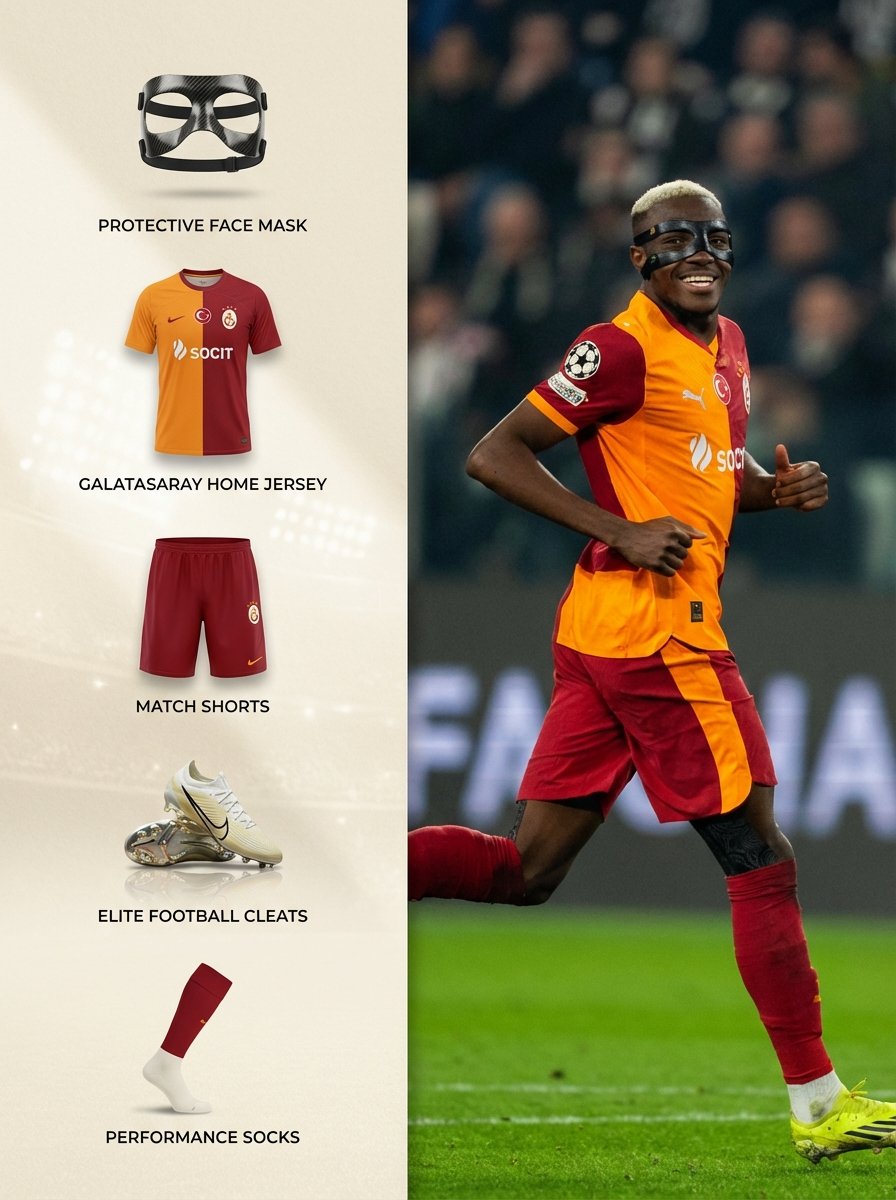
- Prompt included
- Model and format preset
- Free template
The prompt behind this image
Copy the exact prompt behind Sports Equipment Infographic Layout of Victor Osimhen, or open it in the studio and make it yours.
{ "Objective": "Create a 3:4 vertical sports equipment breakdown layout of Victor Osimhen with a more visually appealing and premium left panel design.", "AspectRatio": "3:4", "Layout": { "Type": "Vertical split infographic", "LeftPanel": { "Width": "38%", "Background": { "BaseColor": "Soft warm ivory", "Texture": "Subtle luxury paper texture", "Overlay": "Very light gradient from top left (brighter) to bottom right (slightly darker)", "AccentElements": [ "Faint abstract stadium-light glow in background", "Soft diagonal shadow for depth" ] }, "LightingStyle": "Soft studio lighting from upper left", "ShadowStyle": { "UnderItems": "Soft drop shadows beneath each product", "SideShadow": "Gentle panel shadow near split line for dimensional separation", "Realism": "Natural soft shadows, not harsh" }, "ItemsDisplayedAsImages": true, "ItemPresentation": { "Layout": "Vertical stack with breathing space", "CardStyle": "Each item slightly elevated with subtle shadow", "Spacing": "Balanced luxury spacing between elements" }, "Items": [ { "ItemName": "Protective Face Mask", "ImageStyle": "Isolated product image floating slightly with soft shadow", "TextPlacement": "Centered underneath in refined typography" }, { "ItemName": "Galatasaray Home Jersey", "ImageStyle": "Front-facing flat-lay with realistic fabric texture", "TextPlacement": "Centered underneath" }, { "ItemName": "Match Shorts", "ImageStyle": "Clean product cut-out with depth shadow", "TextPlacement": "Centered underneath" }, { "ItemName": "Elite Football Cleats", "ImageStyle": "Angled product shot with subtle reflective shadow", "TextPlacement": "Centered underneath" }, { "ItemName": "Performance Socks", "ImageStyle": "Minimal isolated display with soft grounding shadow", "TextPlacement": "Centered underneath" } ], "Typography": { "Font": "Modern elegant sans-serif", "Weight": "Medium", "Color": "Deep charcoal", "Spacing": "Generous letter spacing for premium feel" } }, "RightPanel": { "Width": "62%", "ImageStyle": "Smartphone photograph", "Scene": { "Subject": "Victor Osimhen celebrating a goal", "Action": "Running with a smile, slight fist pump", "Location": "Football pitch", "Lighting": "Natural stadium lighting", "Background": "Crowd naturally blurred", "Realism": "Authentic phone camera clarity" } } }, "VisualStyle": { "OverallLook": "Premium modern sports editorial", "Dept
How to use Sports Equipment Infographic Layout of Victor Osimhen in 3 steps
- 1
Open
The prompt is already in the box next to the preview, with the template's model and format selected.
- 2…a portrait of your subject in softgolden-hour light, 85mm…
Personalize
Edit the subject and creative details for your destination.
- 3Generate
Generate
Press Generate — your image is created in PicX Studio, so you can compare it with the original and refine one variable at a time.
More like this
Templates with the same subject, style or setup. Open one to see its prompt.

Japan Travel Brochure Poster
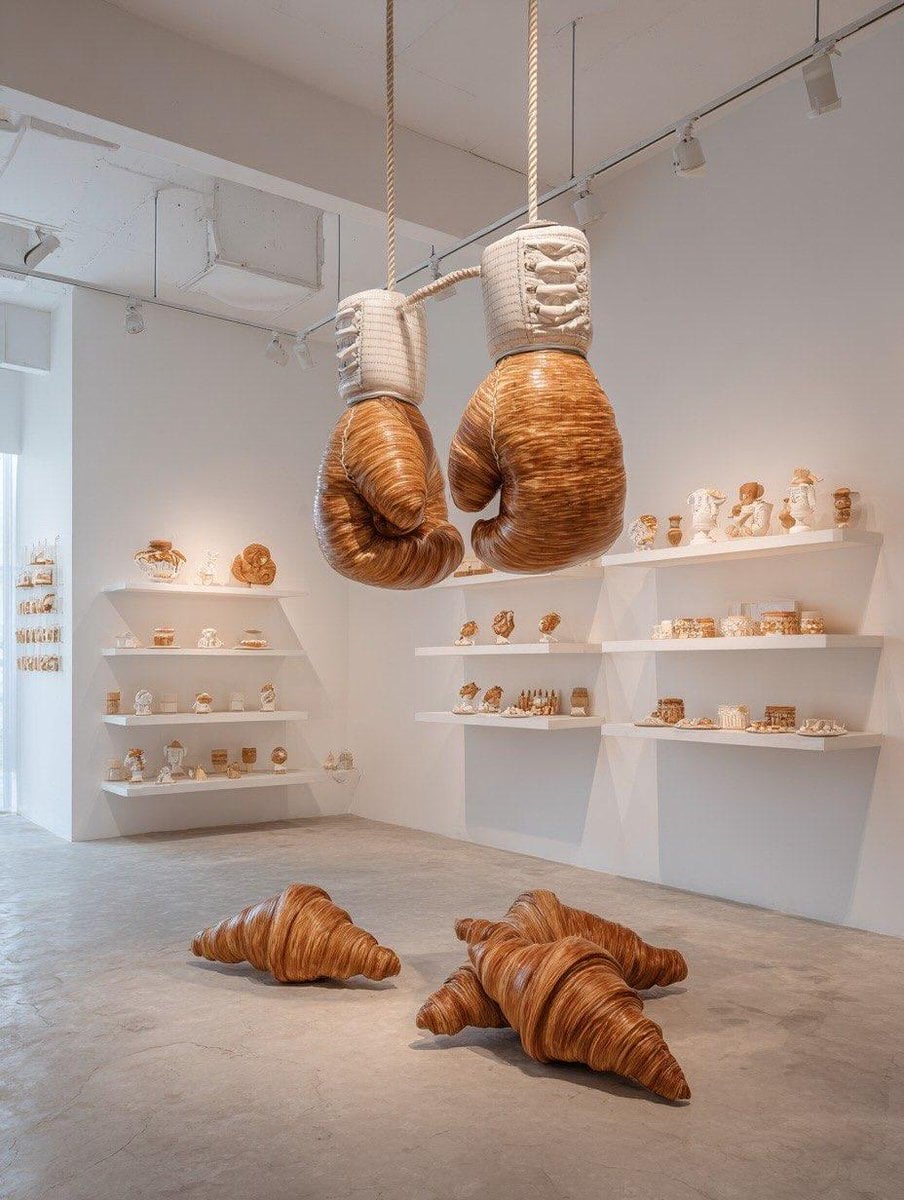
Oversized sports equipment sculpture made entirely from croissants

Open Magazine Luxury Fashion Editorial Layout

Premium Fashion Editorial Cover Layout System

Legendary Player Fragmented Editorial Poster

Goalmaster Youth Sports Poster

Clean Minimalist Player Editorial Poster

Captain Tsubasa Anime World Cup Poster

Isometric Process Educational Diorama

Isometric Vehicle Teardown Infographic Template
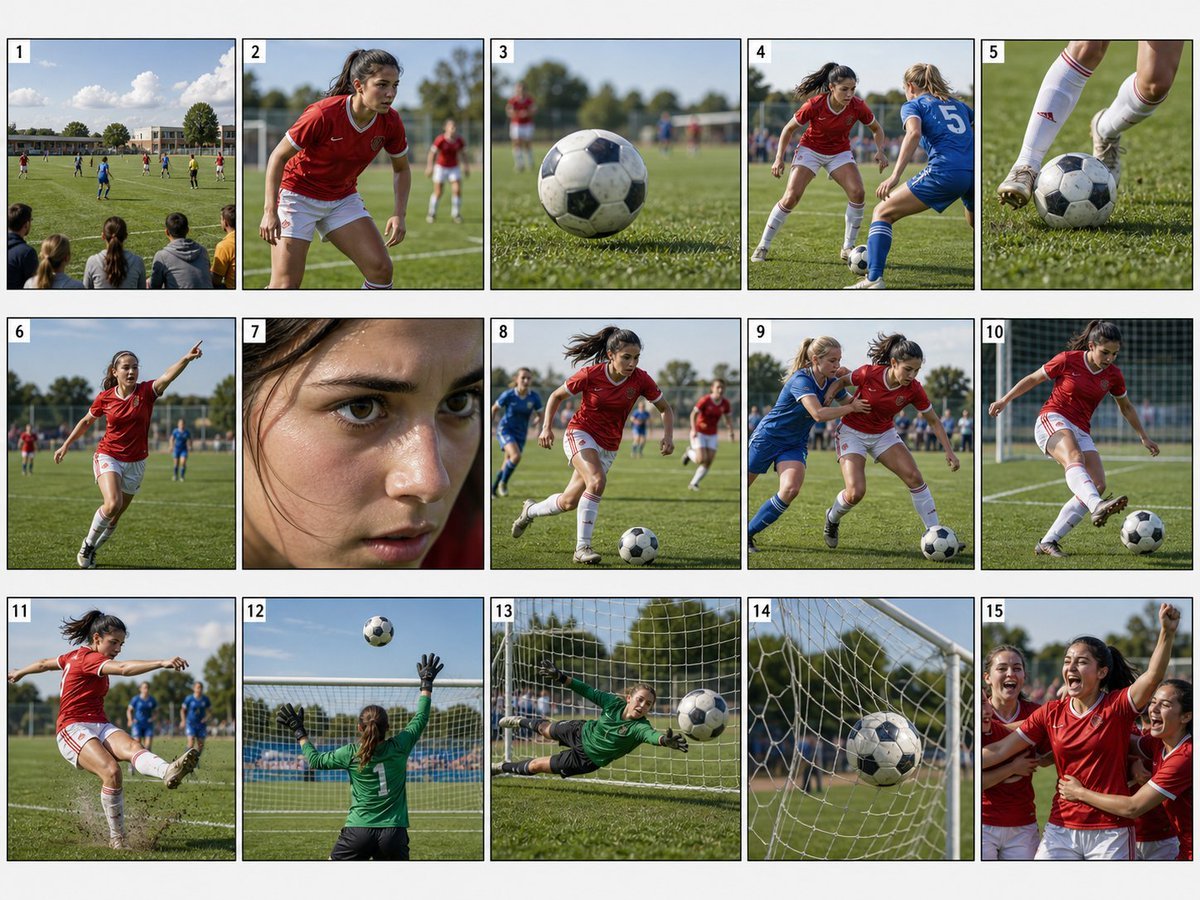
Realistic Sports Storyboard Layout
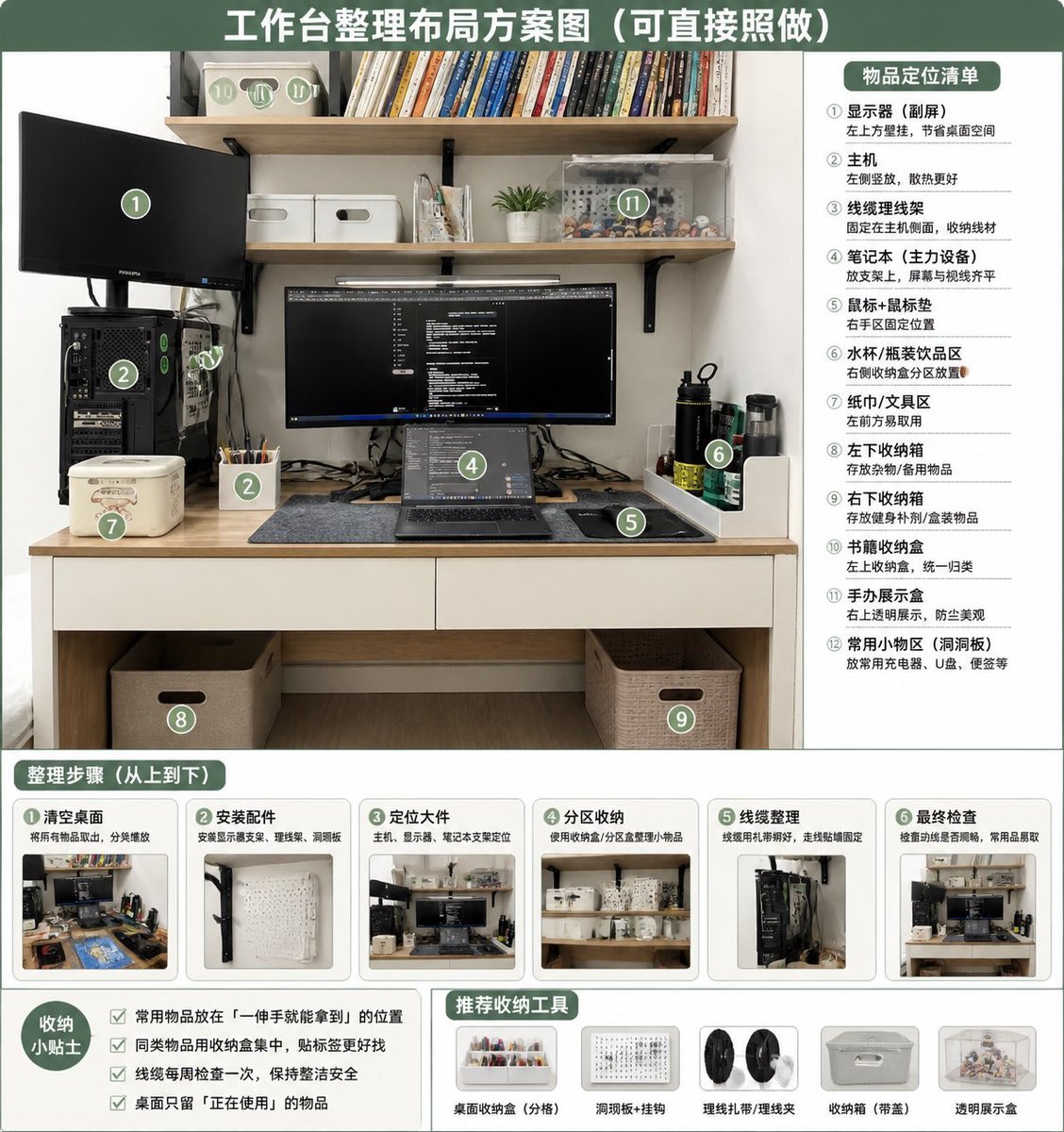
Desk Organization Layout Infographic
Make it yours
Sports Equipment Infographic Layout of Victor Osimhen works as-is. These are the safest ways to change it without losing the look.
Change one field
Copy a single group, rewrite it, and generate again so you can see what that field is doing.
Keep the frame, change the subject
Hold the composition and light of Sports Equipment Infographic Layout of Victor Osimhen, then swap wardrobe, props or the person for a new take.
| If the result… | Why | Fix |
|---|---|---|
| The result drifts from the preview | Too many fields changed at once. | Reuse Sports Equipment Infographic Layout of Victor Osimhen as-is first, then change one group — subject, light, or setting. |
| The model over-stylizes the scene | The prose prompt leaves finish and camera underspecified. | Add one camera or lighting sentence and stay on Nano Banana 2. |
More Nano Banana 2 templates
Other prompts made for Nano Banana 2.

Photorealistic Leaf Shaped Like a Dragon

K-Pop Idol Portrait Grid for Rapid Selection

Poetic Rain Forest Portrait During Golden Hour

Urban Street Portrait with Cartoon Inner Self Duo

Candid Nighttime Photo with Cat Prompt

High-Concept 3D Diorama Generation Prompt

Cinematic Futuristic Studio Portrait Template

Skincare Editorial Photography Collage Prompt

Hyper-Realistic Commercial Product Photography (Splash Effect)

Hyper-Realistic Nightclub Portrait Prompt
More image prompts
Fresh picks from across the catalog.
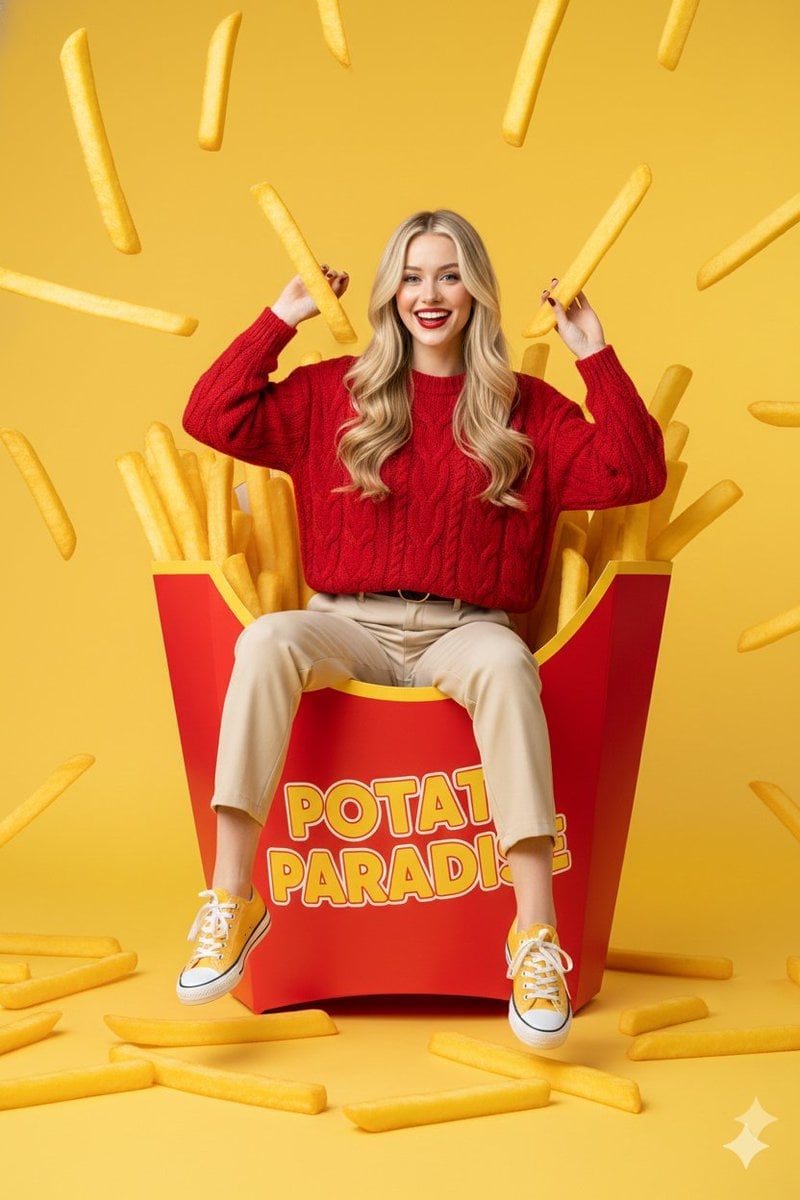
Surreal Commercial Photography: Woman in Giant French Fry Carton
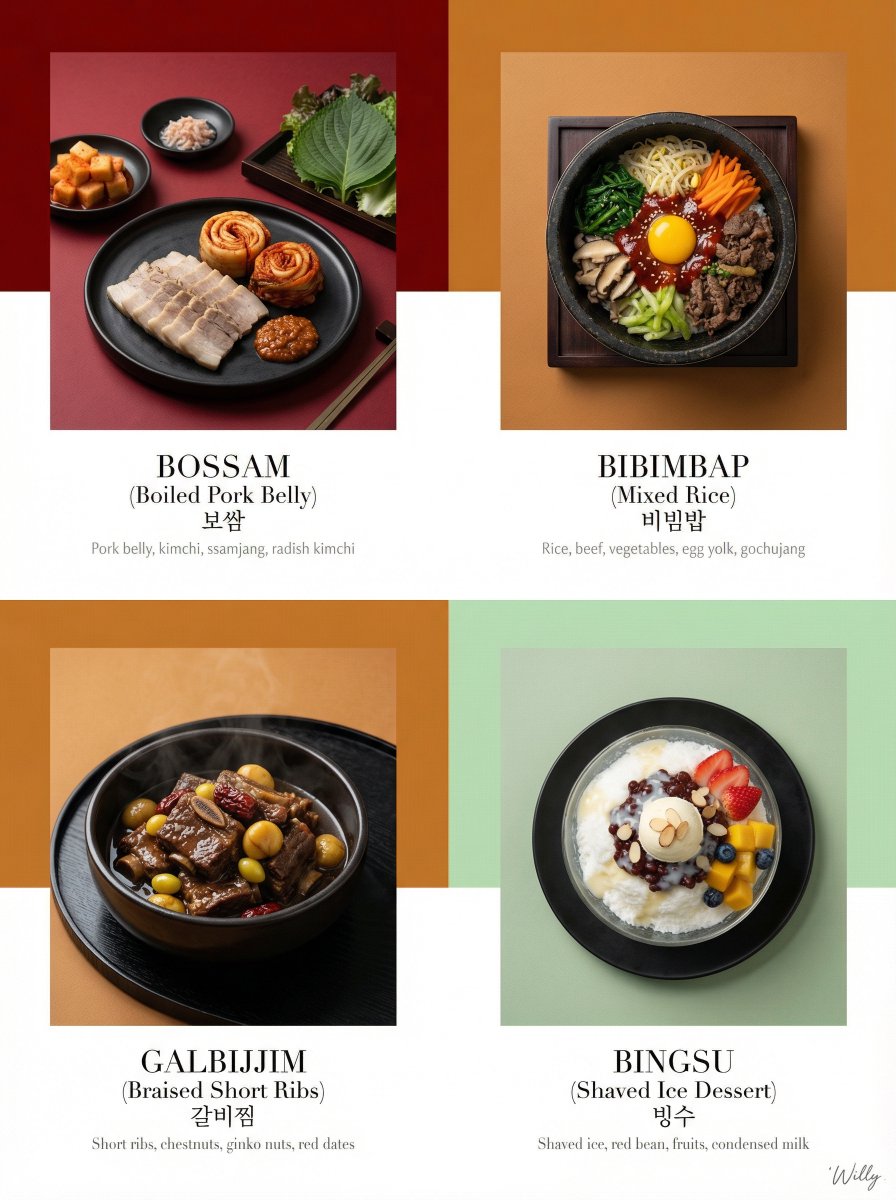
Luxury Korean Tasting Menu Editorial Layout Prompt
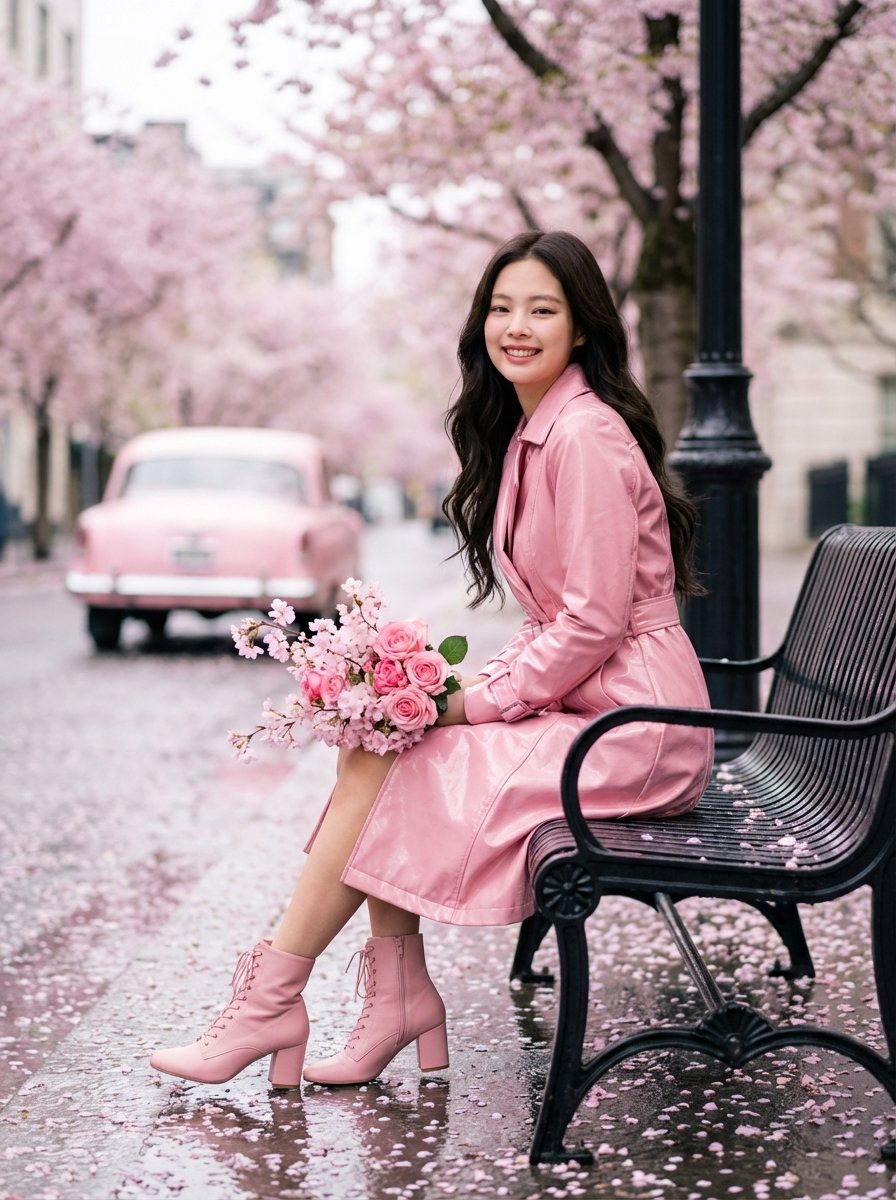
Jennie Kim Pink Spring Portrait
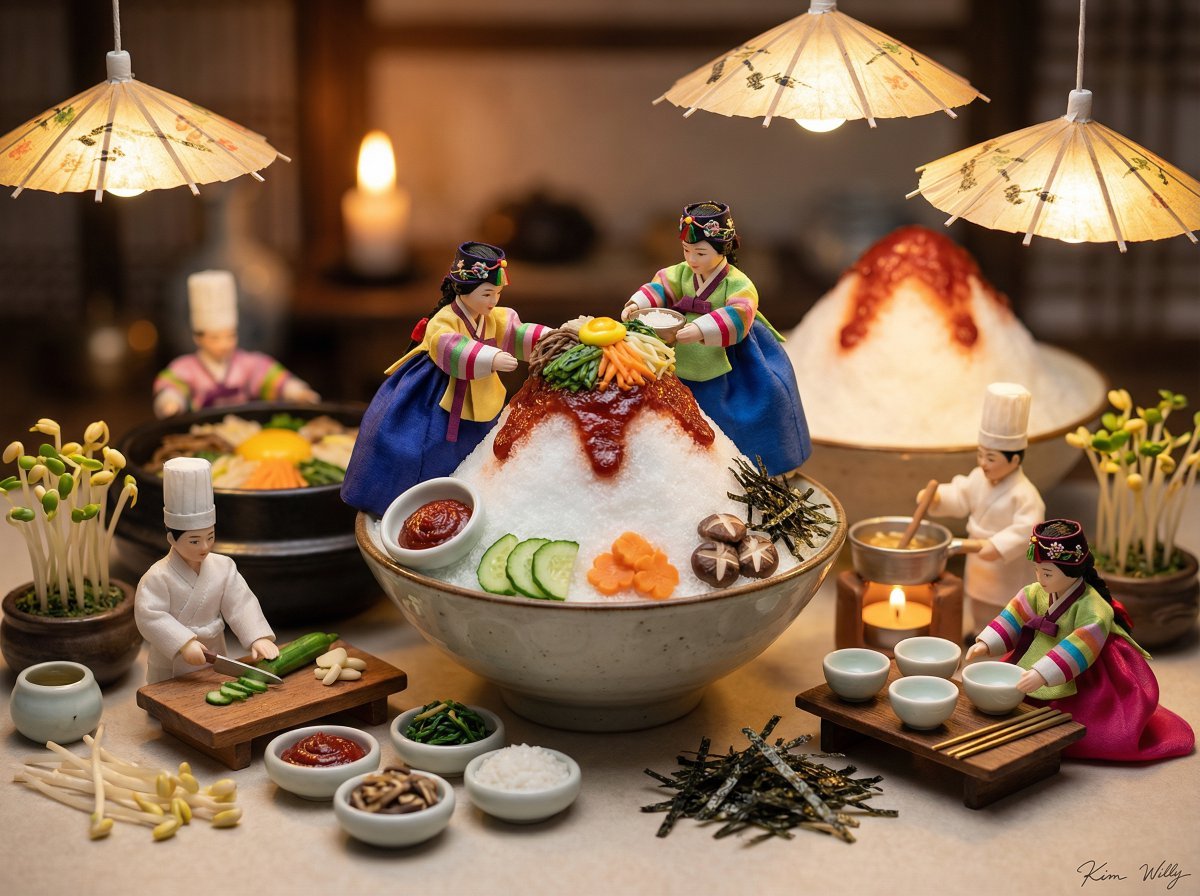
Micro Diorama of Joseon Dynasty Chefs Making Bibimbap
Image Style Transfer Prompt: Viking to Dragon Quest X 'Chamber of Vows'
Minimalist Cola Amulet 3D Render
Golden Hour Park Portrait
X Strength04 X Gpt Image 2 on Chatgpt
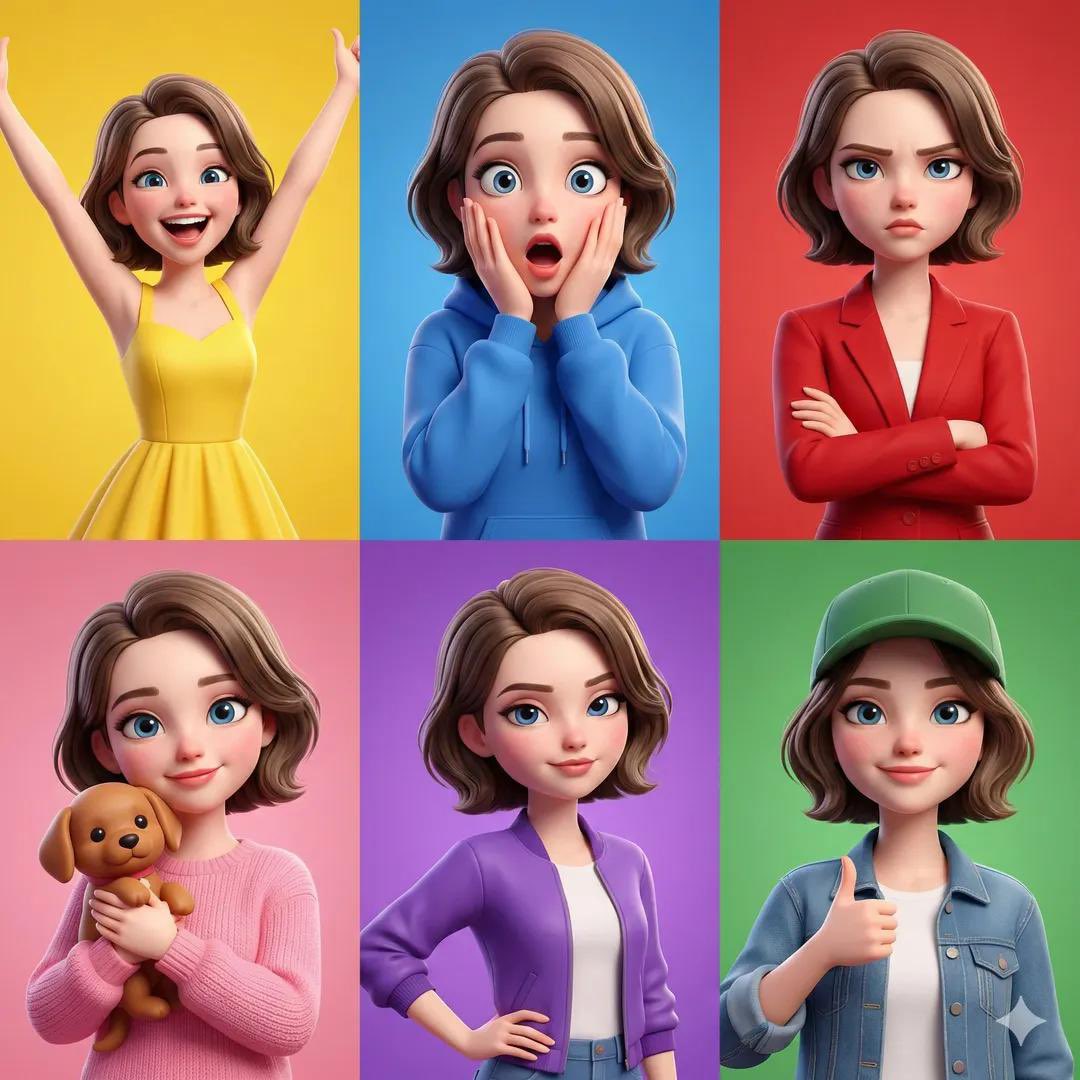
Pixar Style Character Expression Grid
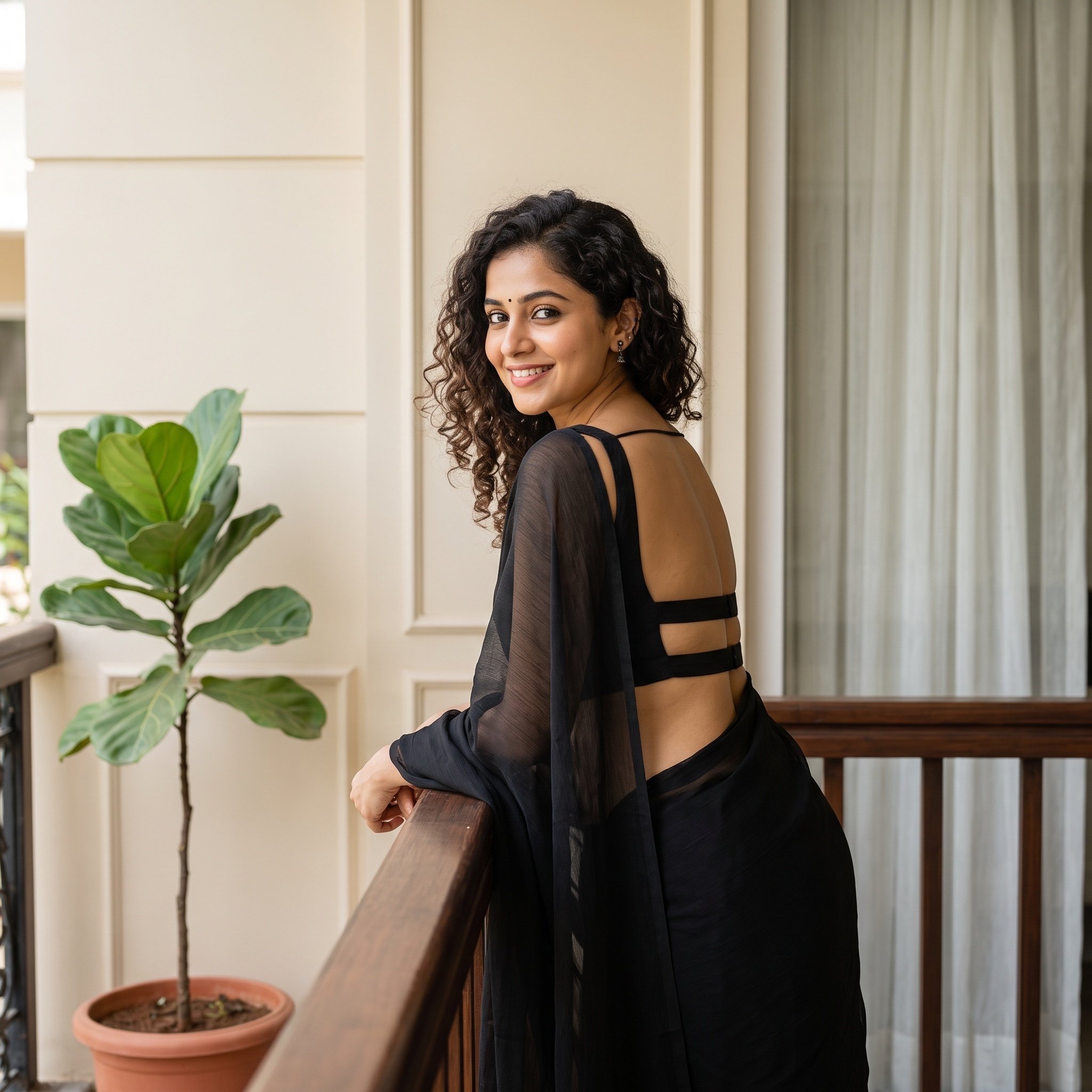
Woman in Backless Saree Leaning on Wooden Railing
Browse template categories
Sports Equipment Infographic Layout of Victor Osimhen questions
How do I use the Sports Equipment Infographic Layout of Victor Osimhen template?
Add your photo if the template asks for one, edit the prompt if you like — the template's model and format are already selected — and press Generate. Your version opens in PicX Studio.
Can I customize the Sports Equipment Infographic Layout of Victor Osimhen template?
Yes. You can change the subject, setting, lighting, mood, format, and available model controls before creating your image.
Is the Sports Equipment Infographic Layout of Victor Osimhen template free?
Opening and editing this template is free. Generating uses credits, shown on the Generate button when you are signed in.
Which AI model should I use?
Start with Nano Banana 2, which is the model associated with this template. You can compare another compatible model for a different finish.
Looking for something else? Browse all templates.

Your photo, any look
Thousands of ready templates for every top image and video model, from one credit balance.