
Anime VTuber Livestream Screenshot
Generates a cozy Japanese anime VTuber streaming scene with chat UI, live status overlays, and fantasy gamer character styling.
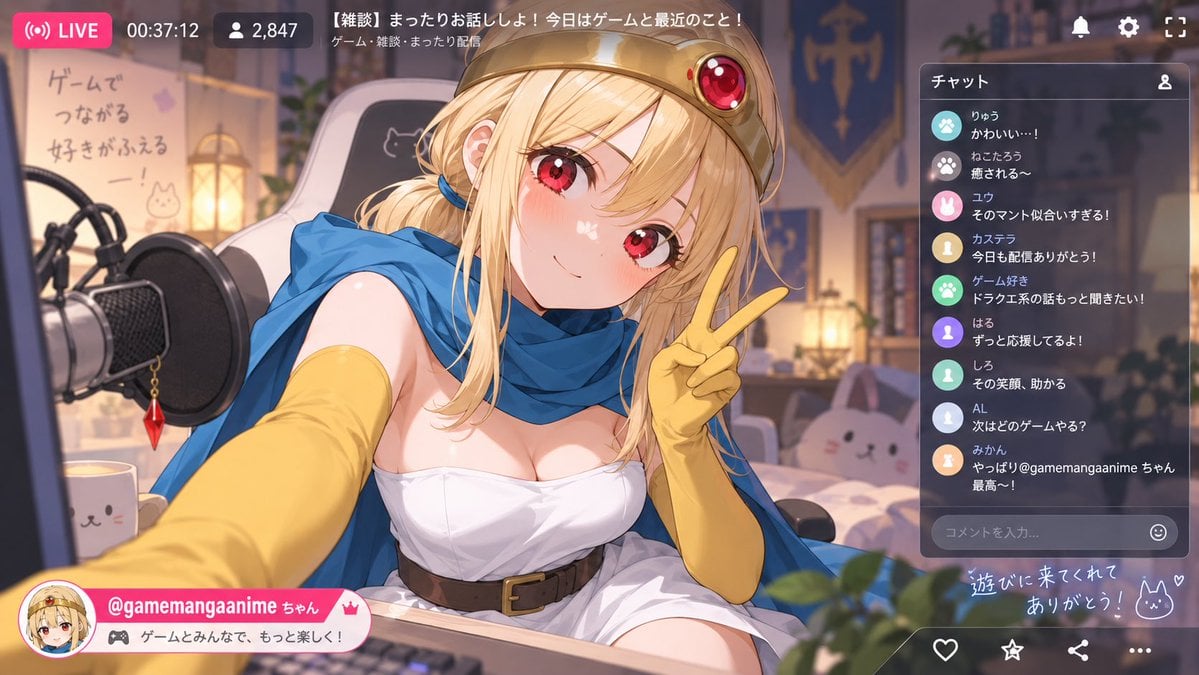
- Prompt included
- Model and format preset
- Free template
The prompt behind this image
Copy the exact prompt behind Anime VTuber Livestream Screenshot, or open it in the studio and make it yours.
Goal: Create a polished anime VTuber livestream screenshot featuring a cheerful fantasy-game-themed female streamer taking a selfie-style pose in a cozy bedroom studio, with a Japanese streaming-platform UI overlay. Canvas: 16:9 horizontal image, 1200×675 style composition, warm evening lighting, soft depth of field, high-detail anime illustration with glossy highlights and clean UI graphics. Main subject: Center-left close-up of {argument name="character name" default="@gamemangaanime ちゃん"}, a cute blonde anime girl with red eyes, rosy cheeks, long slightly messy hair tied loosely at one side with a blue hair tie, wearing a gold circlet/crown with a large red jewel, a bright blue cape/scarf, long yellow gloves, a white strapless fantasy dress, and a brown belt. She leans toward the viewer from a streaming desk and holds up a peace sign with her right hand, smiling softly and making direct eye contact. Her left arm reaches forward toward the camera, creating a dynamic wide-angle selfie feel. Environment: Cozy gamer bedroom streaming setup. On the left foreground, show a large black condenser microphone with pop filter and a dangling red crystal charm. Include a white cat-face mug on the desk. Behind the character, show a white gaming chair with a simple cat drawing, a softly glowing lantern, shelves and plants, a blue-and-gold fantasy banner, and a bed with a pink bunny plush. On the left wall, include a handwritten Japanese poster reading 「ゲームで つながる 好きがふえるー!」 with small cat doodles. Add warm bokeh lights and a friendly, relaxed atmosphere. Livestream UI overlay: Add exactly 4 top-left/status items: a pink rounded LIVE badge with broadcast icon and text “LIVE”, a timer reading “00:37:12”, a viewer counter with person icon reading “2,847”, and a title bar near the top center reading 「【雑談】まったりお話ししよ!今日はゲームと最近のこと!」 with smaller category text 「ゲーム・雑談・まったり配信」. Add exactly 3 top-right white icons: notification bell, gear/settings, and fullscreen corners. Right chat panel: Semi-transparent dark rounded rectangle titled 「チャット」 with a small user icon. Include exactly 9 visible chat messages, each with a colored circular avatar icon and Japanese text: 1. 「りゅう かわいい…!」 2. 「ねこたろう 癒される〜」 3. 「ユウ そのマント似合いすぎる!」 4. 「カステラ 今日も配信ありがとう!」 5. 「ゲーム好き ドラクエ系の話もっと聞きたい!」 6. 「はる ずっと応援してるよ!」 7. 「しろ その笑顔、助かる」 8. 「AL 次はどのゲームやる?」 9. 「みかん やっぱり@gamemangaanime ちゃん最高〜!」 At the bottom of the chat panel, include a rounded comment input field with placeholder 「コメントを入力...」 and a smiley icon. Bottom overlays: Add a pink-and-white streamer profile banner at bottom left with a circular avatar portrait, the handle {argument name="streamer handle" default="@gamemangaanime ちゃん"}, a small crown icon, and a gamepad tag reading 「ゲームとみんなで、もっと楽しく!」. At bottom right, add handwritten glowing text 「遊びに来てくれて ありがとう!」 with a bunny doodle and heart. Along the bottom edge include exactly 4 interaction icons: heart, star, share, and three-dot menu. Visual style: Bright but soft anime rendering, detailed hair and eyes, warm ambient light, clean modern livestream interface, semi-transparent glass panels, pink accent color, cozy fantasy gamer aesthetic. Keep all Japanese text legible and placed as part of the UI. Avoid watermarks, extra logos, distorted hands, or additional chat messages.
How to use Anime VTuber Livestream Screenshot in 3 steps
- 1Upload ImagePNG, JPG or paste
Add your photo
Upload the photo the template builds on. The prompt, model and format are already set.
- 2…a portrait of your subject in softgolden-hour light, 85mm…
Personalize
Edit the subject and creative details for your destination.
- 3Generate
Generate
Press Generate — your image is created in PicX Studio, so you can compare it with the original and refine one variable at a time.
More like this
Templates with the same subject, style or setup. Open one to see its prompt.








Make it yours
Anime VTuber Livestream Screenshot works as-is. These are the safest ways to change it without losing the look.
Change one field
Copy a single group, rewrite it, and generate again so you can see what that field is doing.
Keep the frame, change the subject
Hold the composition and light of Anime VTuber Livestream Screenshot, then swap wardrobe, props or the person for a new take.
| If the result… | Why | Fix |
|---|---|---|
| The result drifts from the preview | Too many fields changed at once. | Reuse Anime VTuber Livestream Screenshot as-is first, then change one group — subject, light, or setting. |
| The model over-stylizes the scene | The prose prompt leaves finish and camera underspecified. | Add one camera or lighting sentence and stay on GPT Image 2. |
More GPT Image 2 templates
Other prompts made for GPT Image 2.

Six VTuber Japanese Logo Sheet

Realistic Portrait of Woman and Deer

The Vista Modular Condo Poster

AI Model Routing Comparison Infographic

2.5D Anime Art Board

Isometric Productivity Desk Scene

New York Double Exposure Poster

Four-Panel AI Landscape Comparison

Japanese Tatami Lifestyle Magazine Cover

NESCAFÉ Coffee Map Poster
More image prompts
Fresh picks from across the catalog.
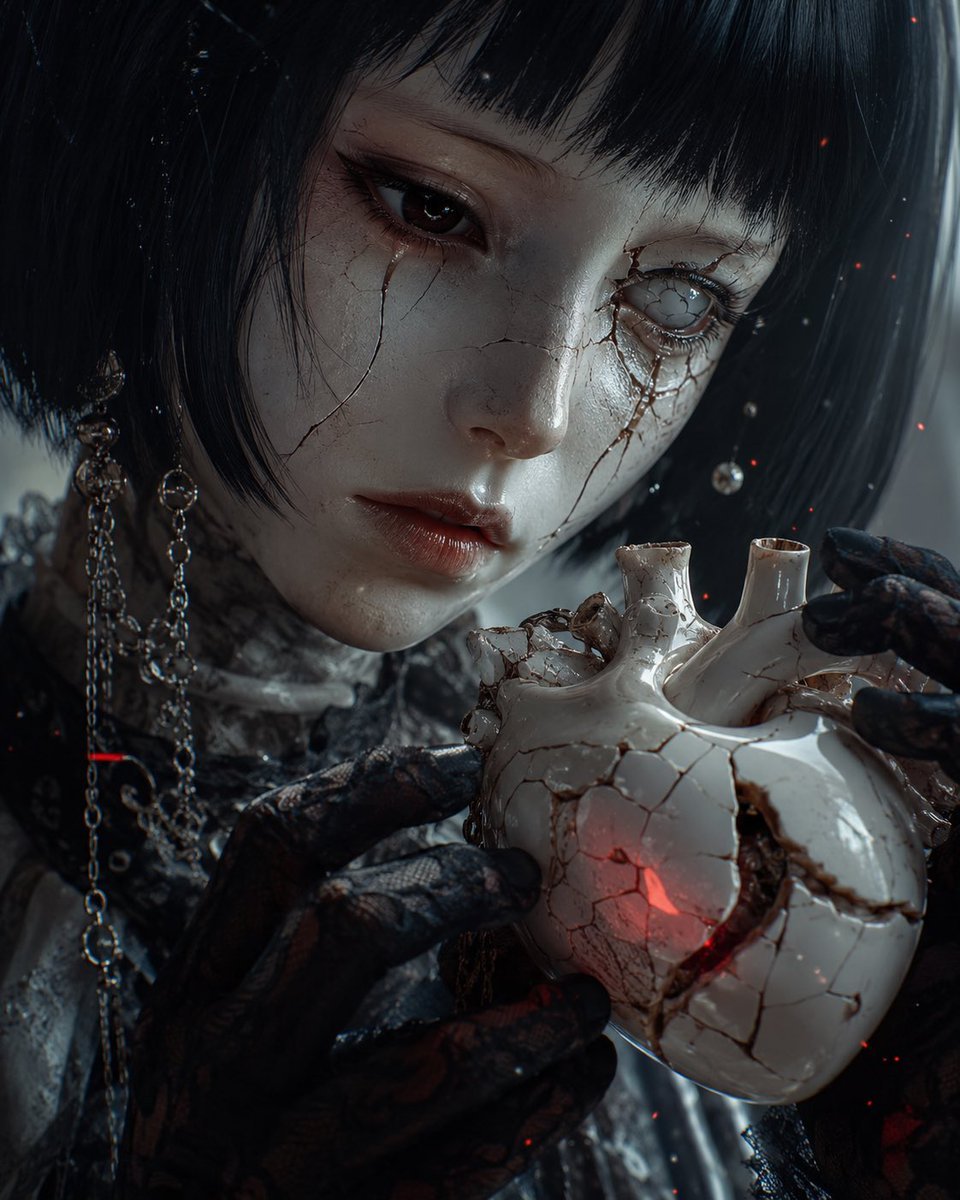
Cracked Porcelain Girl Holding Heart
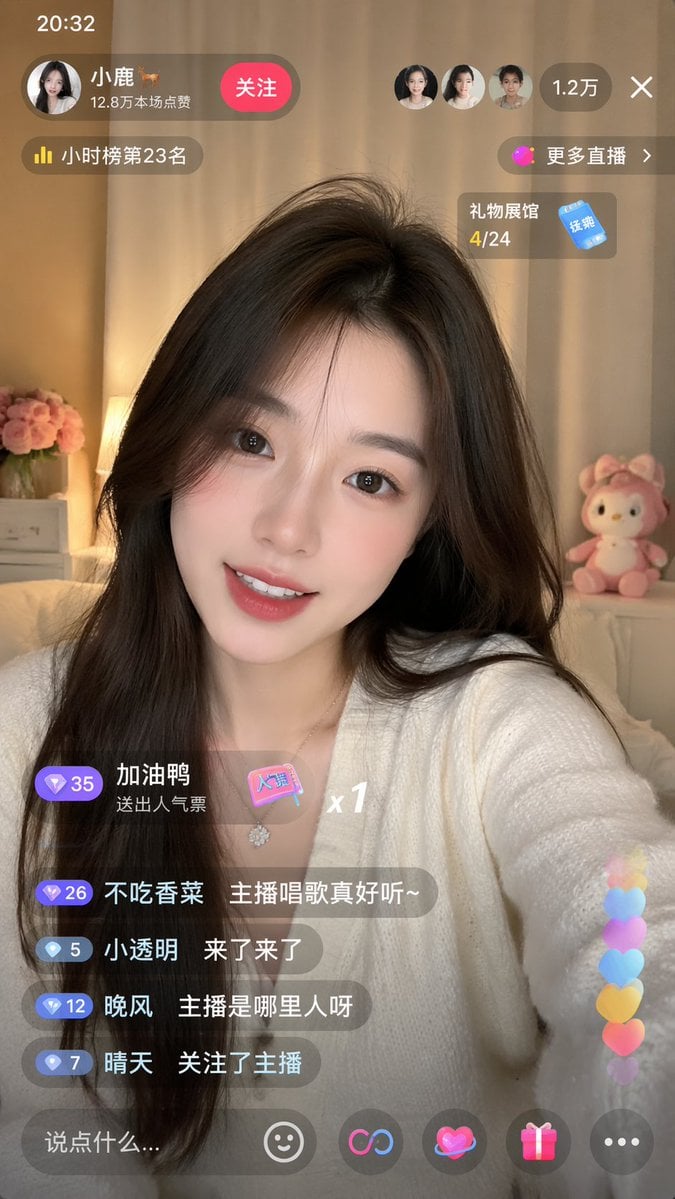
Live-Streaming App Interface Mockup
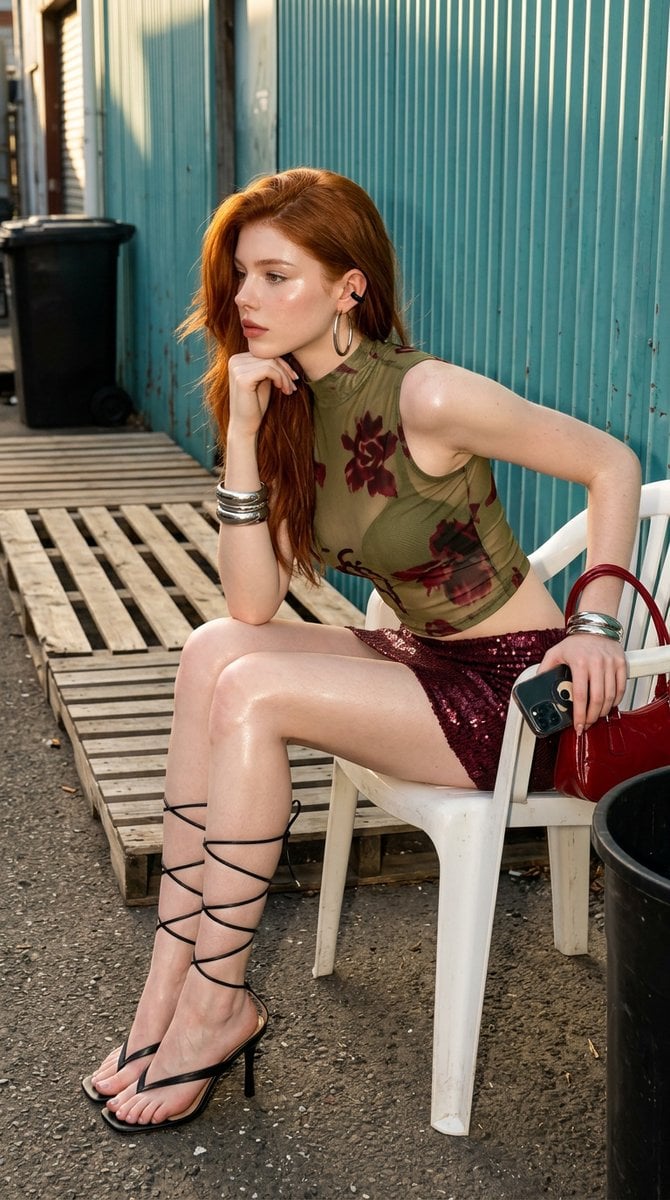
Urban Chic Fashion Editorial in an Alleyway
Pixar-Style American Passerby Prompt
Detailed Photorealistic Cosplay Portrait Prompt: Phoenix Theme
Exploded View Product Photography Prompt
Japanese Beach Model Portrait

Whimsical Flat Illustration Generator
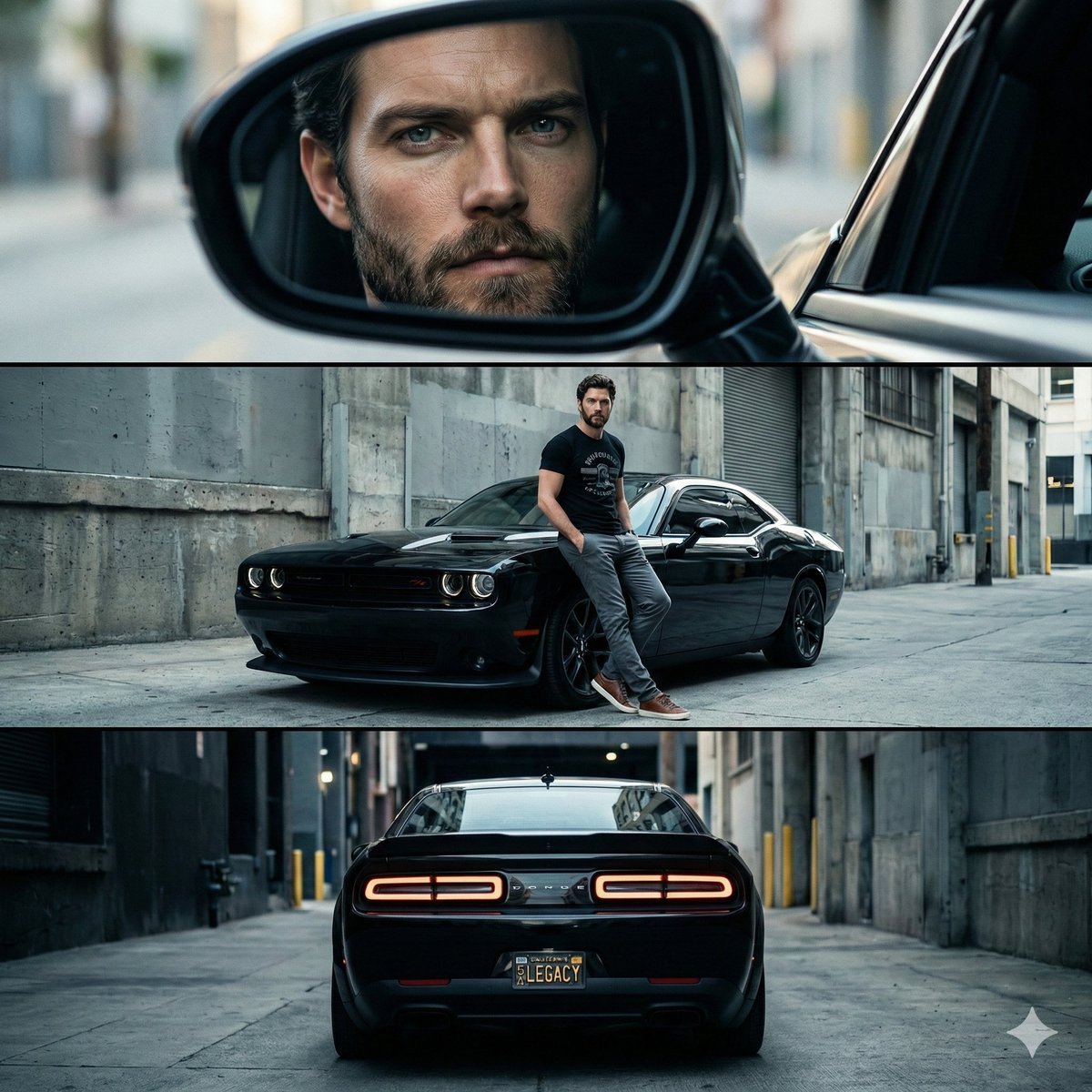
Cinematic Automotive Triptych Portrait Prompt
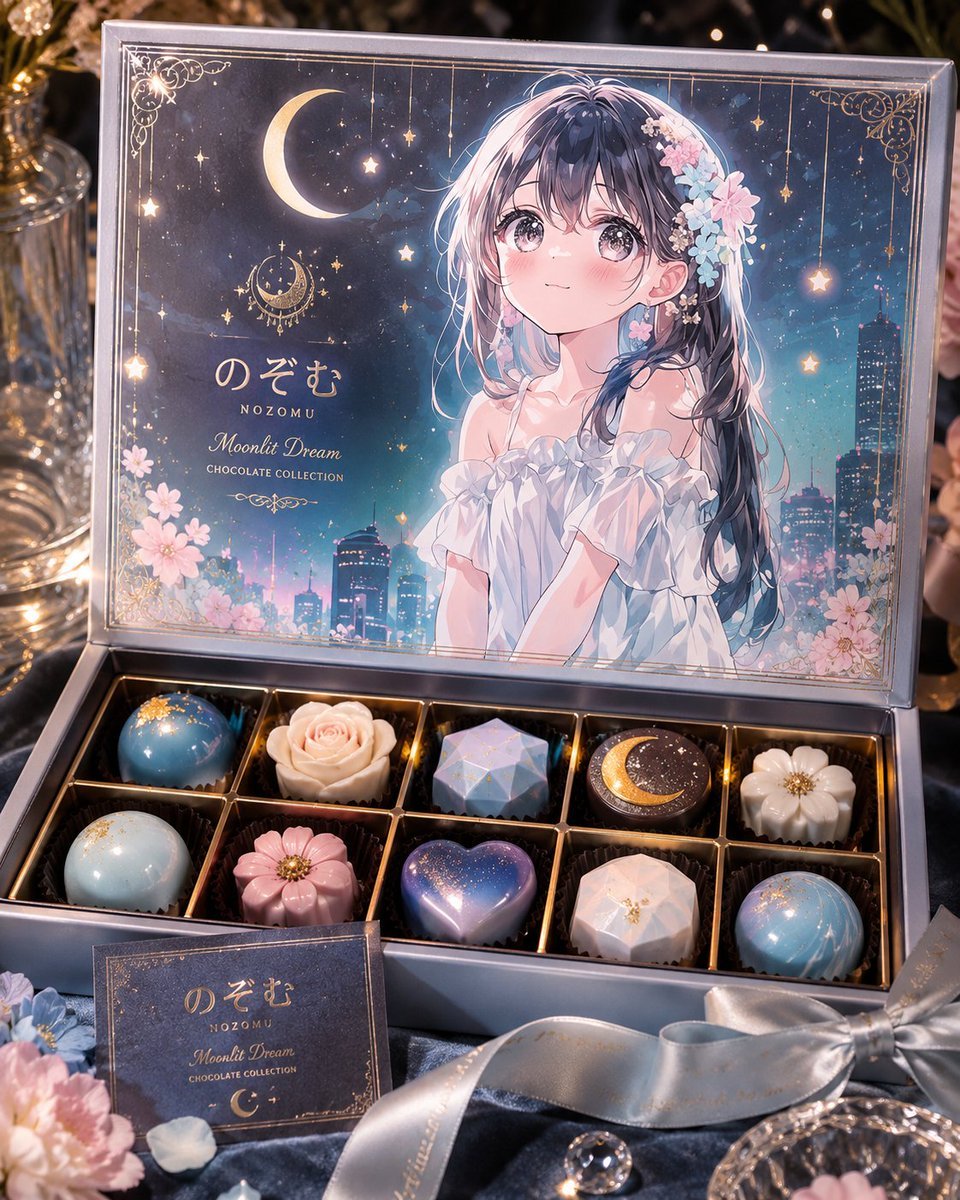
Moonlit Anime Chocolate Box
Browse template categories
Anime VTuber Livestream Screenshot questions
How do I use the Anime VTuber Livestream Screenshot template?
Add your photo if the template asks for one, edit the prompt if you like — the template's model and format are already selected — and press Generate. Your version opens in PicX Studio.
Can I customize the Anime VTuber Livestream Screenshot template?
Yes. You can change the subject, setting, lighting, mood, format, and available model controls before creating your image.
Is the Anime VTuber Livestream Screenshot template free?
Opening and editing this template is free. Generating uses credits, shown on the Generate button when you are signed in.
Which AI model should I use?
Start with GPT Image 2, which is the model associated with this template. You can compare another compatible model for a different finish.
Looking for something else? Browse all templates.

Your photo, any look
Thousands of ready templates for every top image and video model, from one credit balance.