
Detailed Photorealistic Cosplay Portrait Prompt: Phoenix Theme
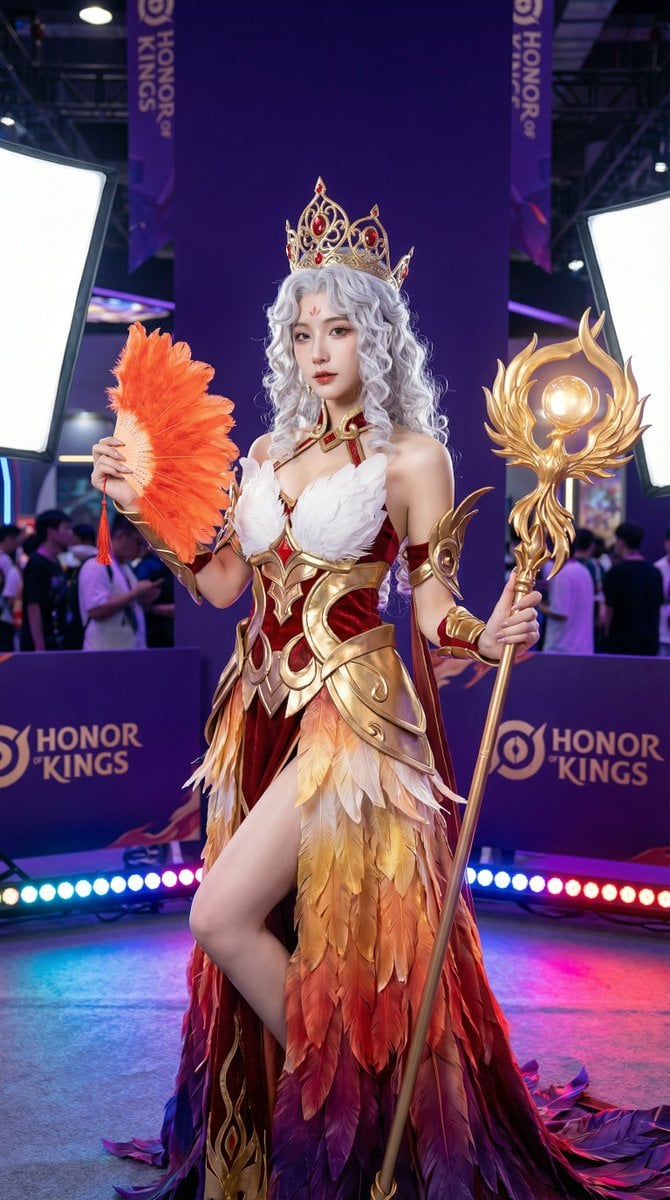
A highly detailed, photorealistic image generation prompt for creating a female character cosplay portrait based on the 'Phoenix' theme from the game 'Honor of Kings' (Wangzhe Rongyao).
- Prompt included
- Model and format preset
- Free template
The prompt behind this image
Copy the exact prompt behind Detailed Photorealistic Cosplay Portrait Prompt: Phoenix Theme, or open it in the studio and make it yours.
这张极其细腻的高清摄影人像捕捉了一位身着华丽《王者荣耀》凤凰主题服饰的女性角色扮演者。 **构图与姿势:** 采用垂直的中景全身构图,主角居中,身体微侧。她右手轻捏一把橘红色的羽毛扇,左手斜持一柄精致的金色凤凰权杖,权杖顶端镶嵌着发光的球体。动态的站姿结合略微俯拍的视角,增强了角色的优雅感与气场。 **光影设计:** 画面呈现出专业的摄影棚级光效。上方的大型柔光箱提供了均匀、细腻的前向照明,完美勾勒出人物的面部轮廓与皮肤质感。地面上排列着数个彩色LED舞台射灯,散发出蓝、紫、红的多色光芒,为背景和地面投射出动感且富有层次的色彩。 **艺术风格:** 现代写实摄影风格,具有极高的清晰度和色彩饱和度。画面融合了游戏艺术的幻想感与商业人像摄影的精致感,细节锐利,呈现出电影质感的角色写照。 **配色方案:** 核心配色由华丽的朱红、亮金和纯白组成。服饰裙摆呈现出从金黄到橘红再到深紫的渐变羽毛纹理。背景以深紫色和靛蓝色的展会海报为基调,与角色温暖的红金主色调形成鲜明的冷暖对比,使主体脱颖而出。 **视觉细节:** 主角拥有如瀑般的银白色长卷发,头戴镶嵌红宝石的金色镂空冠冕。服装细节极其考究,包括白色的羽毛胸饰、红色的天鹅绒质感面料,以及层叠的金色金属护甲。背景中若隐若现的展会人群和游戏标识增加了环境的真实感和叙事深度。
How to use Detailed Photorealistic Cosplay Portrait Prompt: Phoenix Theme in 3 steps
- 1
Open
The prompt is already in the box next to the preview, with the template's model and format selected.
- 2…a portrait of your subject in softgolden-hour light, 85mm…
Personalize
Edit the subject and creative details for your destination.
- 3Generate
Generate
Press Generate — your image is created in PicX Studio, so you can compare it with the original and refine one variable at a time.
More like this
Templates with the same subject, style or setup. Open one to see its prompt.
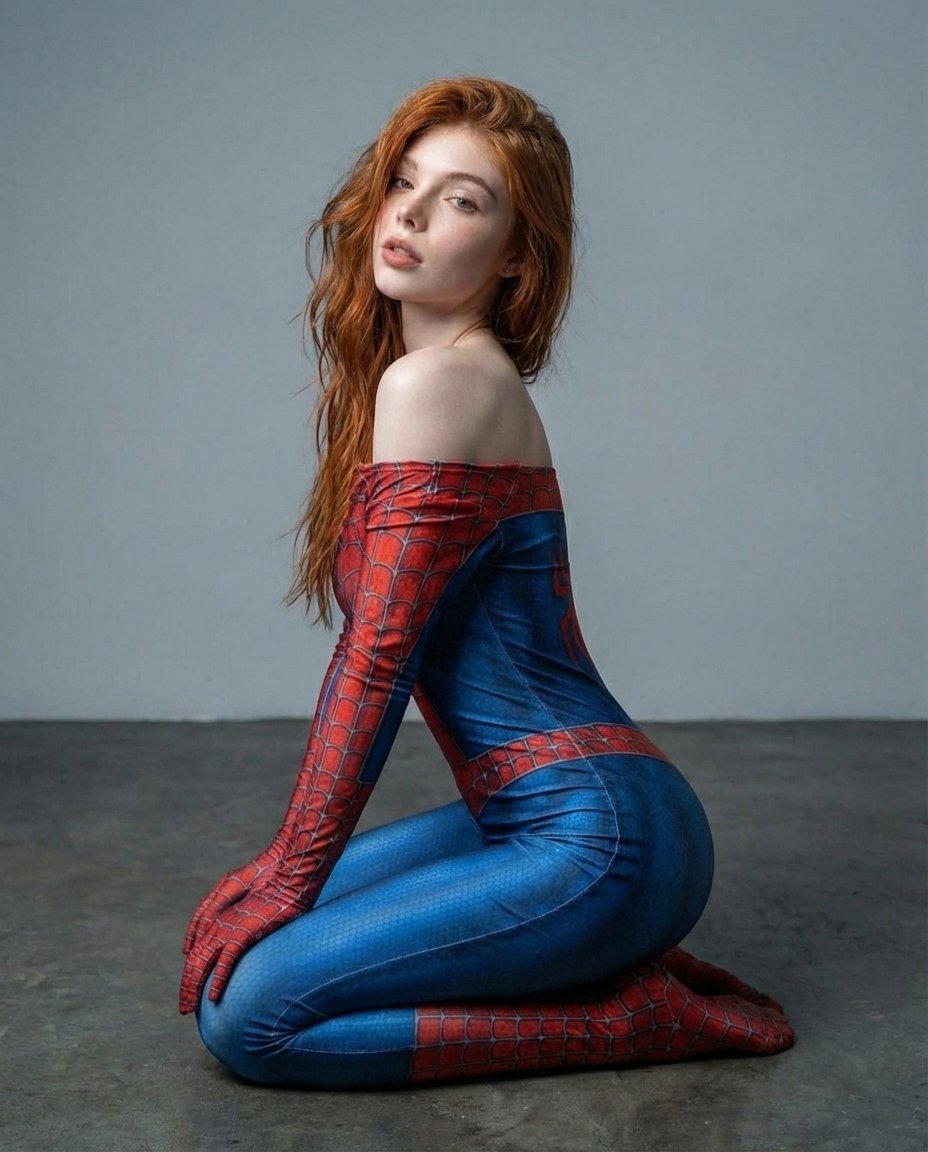
Photorealistic Spider-Themed Bodysuit Portrait

Found Photograph: Us, 1970

80s Couple Studio Portrait

80s Bollywood Star

80s Golden Hour Cinema

Me in 1985

1985 Studio Portrait
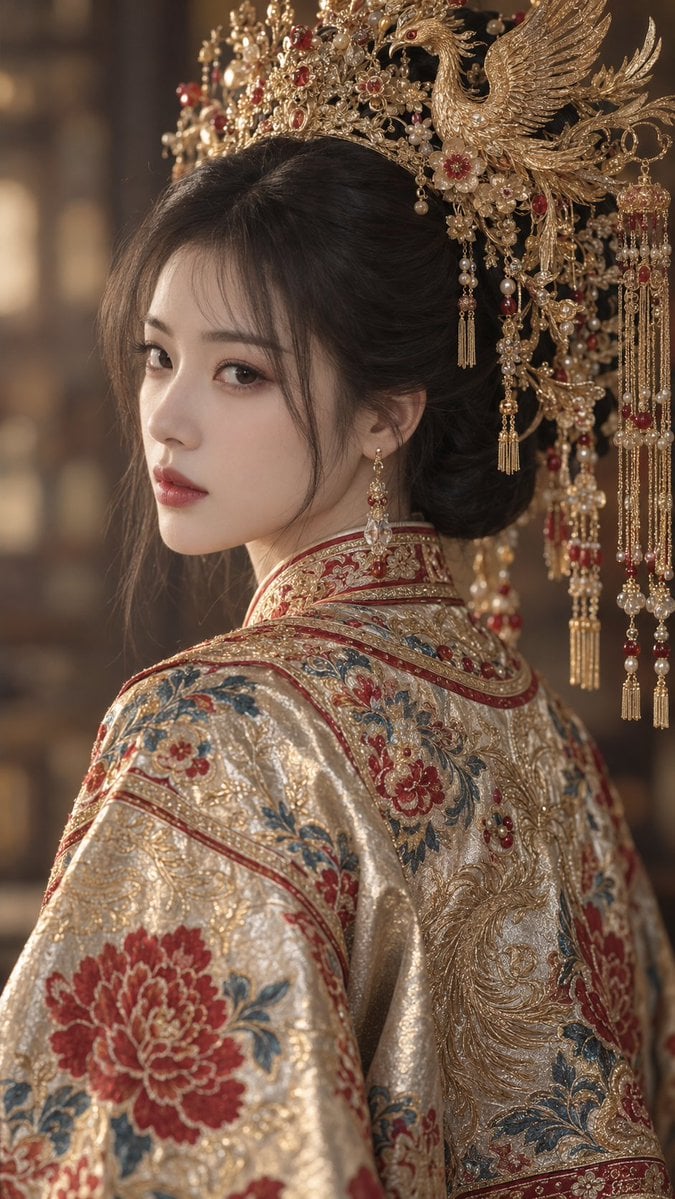
Golden Phoenix Crown Guofeng Portrait
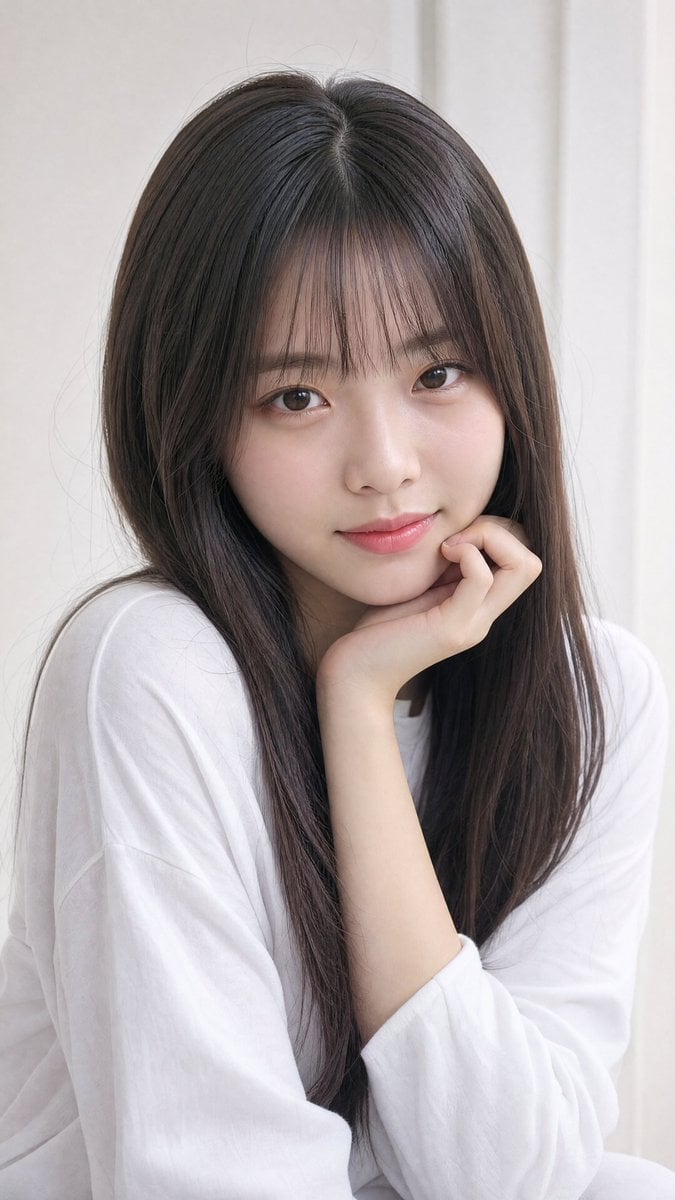
Photorealistic East Asian Portrait

Hyper-Realistic Minecraft POV Portrait

Rooftop Fisheye — Cat-Ear Balaclava at Golden Hour
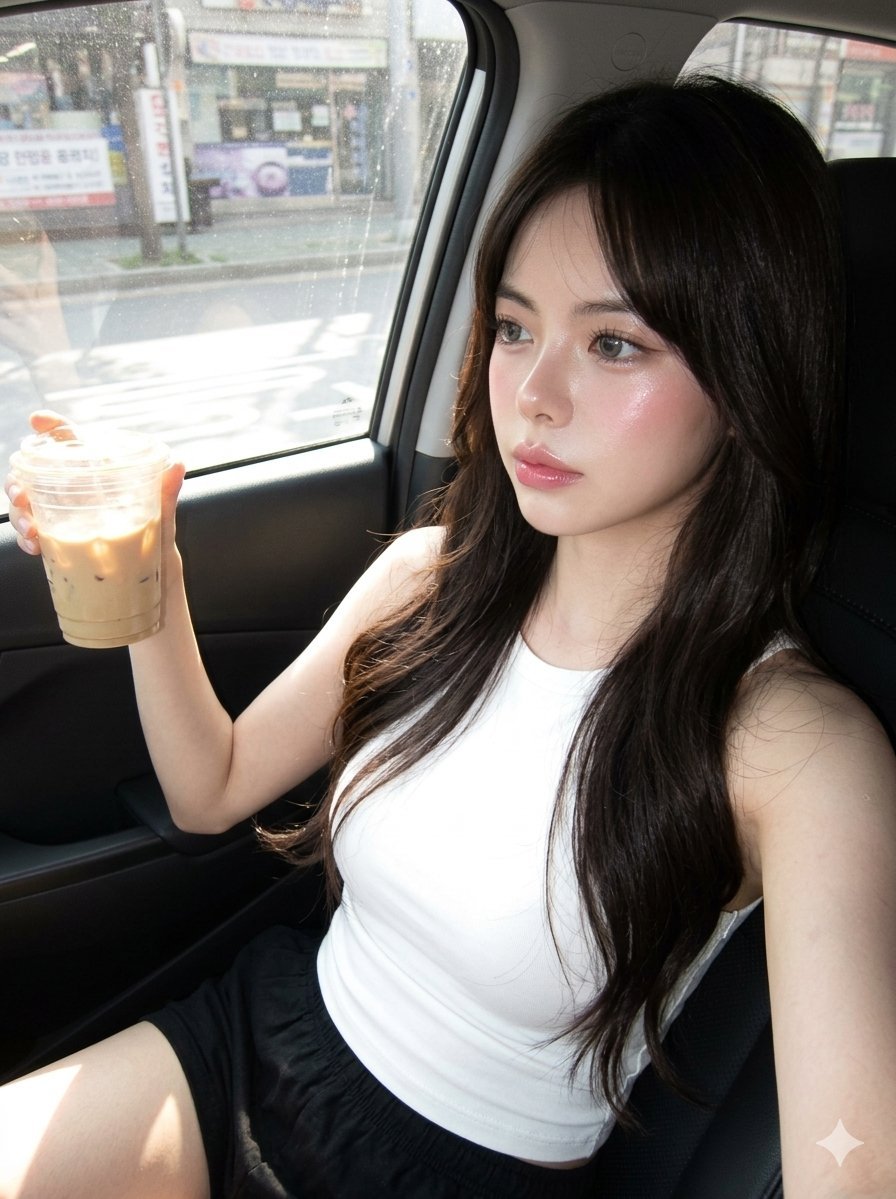
Hyper-Photorealistic Douyin Makeup Portrait
Make it yours
Detailed Photorealistic Cosplay Portrait Prompt: Phoenix Theme works as-is. These are the safest ways to change it without losing the look.
Change one field
Copy a single group, rewrite it, and generate again so you can see what that field is doing.
Keep the frame, change the subject
Hold the composition and light of Detailed Photorealistic Cosplay Portrait Prompt: Phoenix Theme, then swap wardrobe, props or the person for a new take.
| If the result… | Why | Fix |
|---|---|---|
| The result drifts from the preview | Too many fields changed at once. | Reuse Detailed Photorealistic Cosplay Portrait Prompt: Phoenix Theme as-is first, then change one group — subject, light, or setting. |
| The model over-stylizes the scene | The prose prompt leaves finish and camera underspecified. | Add one camera or lighting sentence and stay on Nano Banana 2. |
More Nano Banana 2 templates
Other prompts made for Nano Banana 2.

Photorealistic Leaf Shaped Like a Dragon

K-Pop Idol Portrait Grid for Rapid Selection

Poetic Rain Forest Portrait During Golden Hour

Urban Street Portrait with Cartoon Inner Self Duo

Candid Nighttime Photo with Cat Prompt

High-Concept 3D Diorama Generation Prompt

Cinematic Futuristic Studio Portrait Template

Skincare Editorial Photography Collage Prompt

Hyper-Realistic Commercial Product Photography (Splash Effect)

Hyper-Realistic Nightclub Portrait Prompt
More image prompts
Fresh picks from across the catalog.

Water Bottle Spilling in Desert
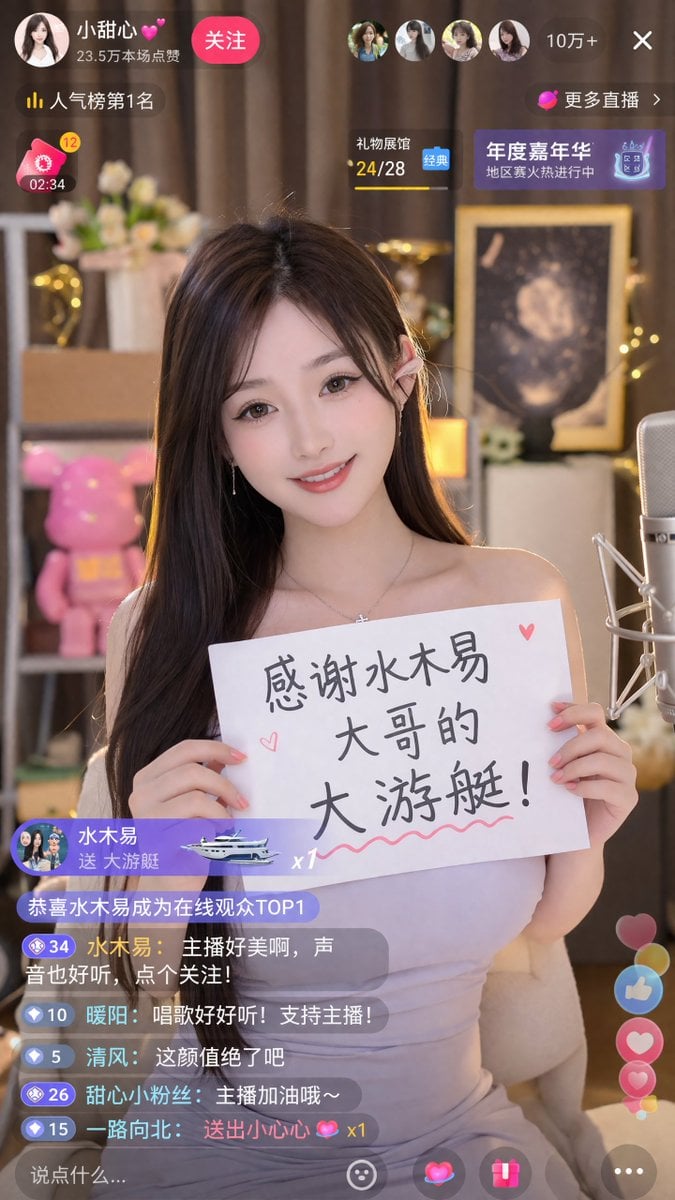
Livestream Screenshot Prompt
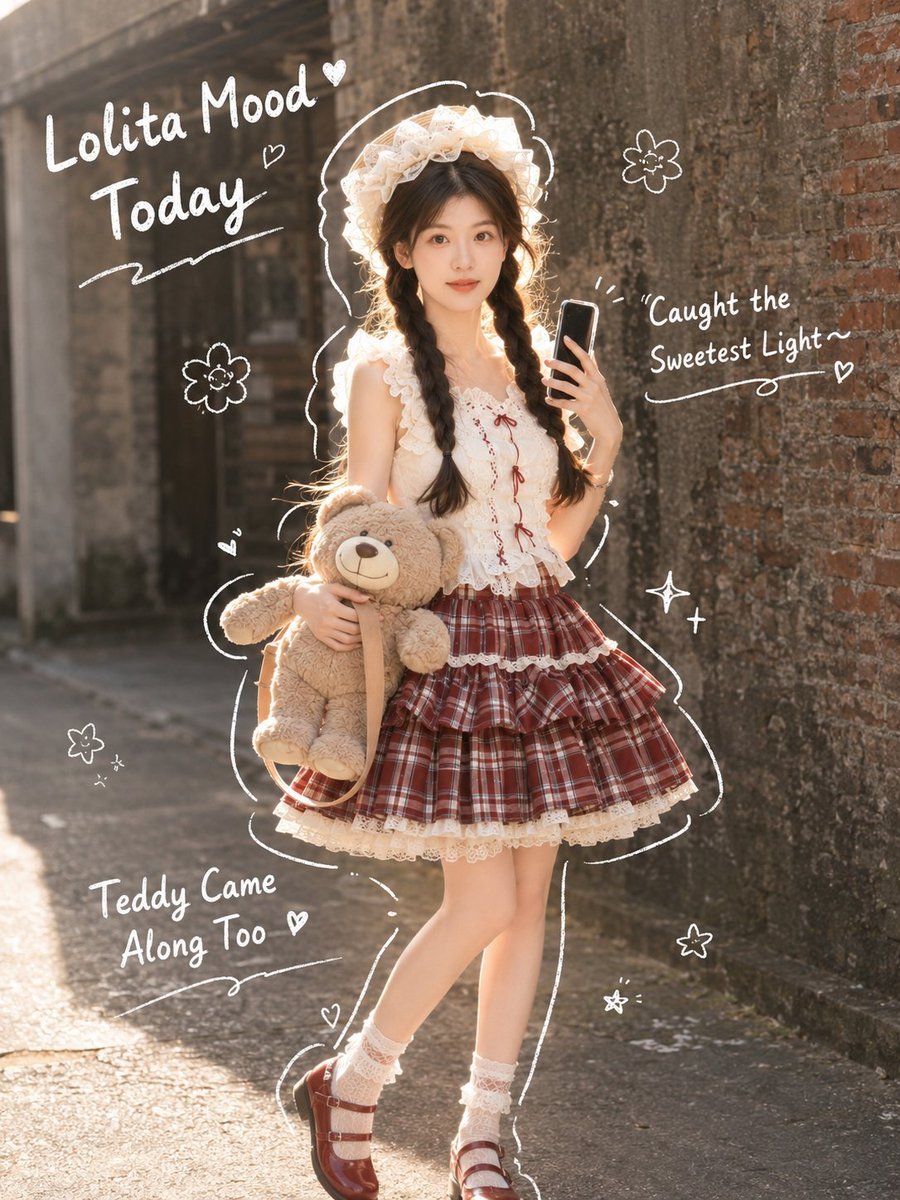
Japanese Lolita Street Style Selfie
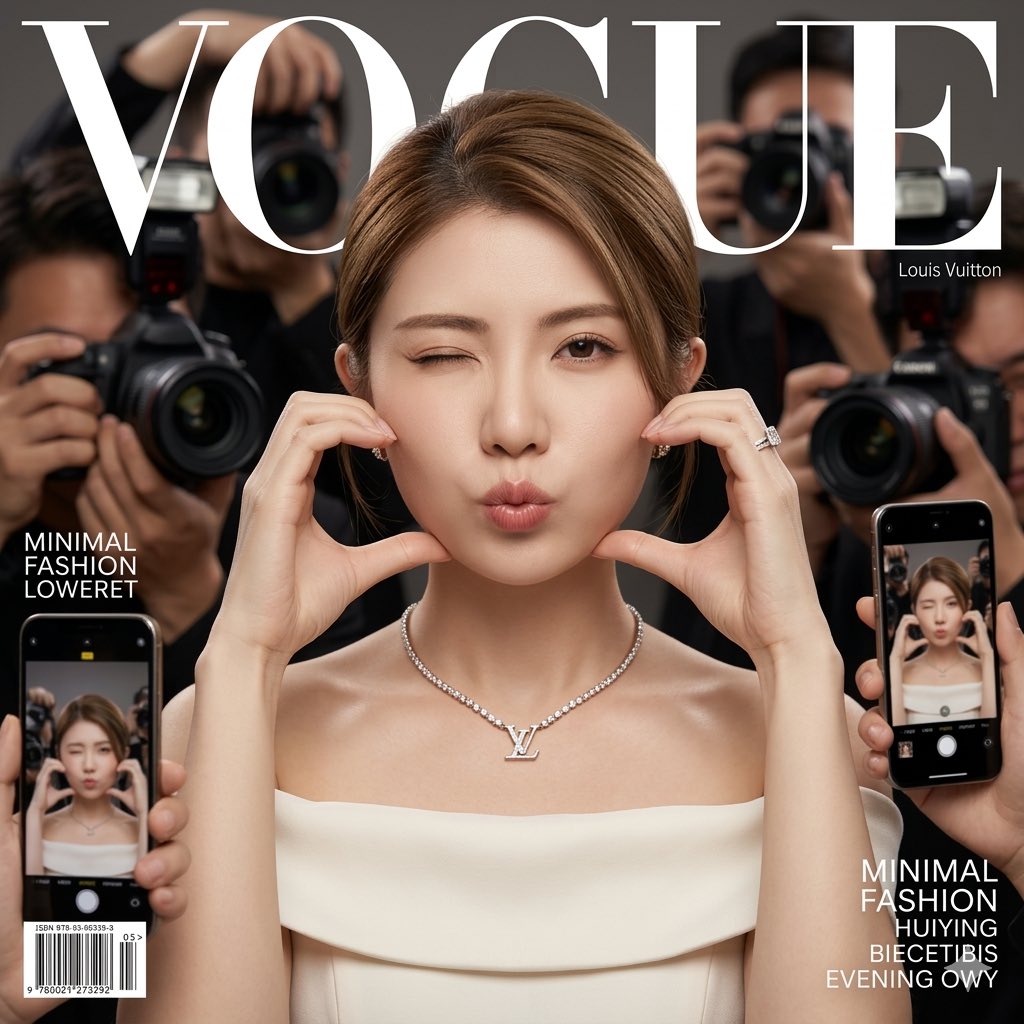
Vogue Cover Fashion Portrait with Face Reference
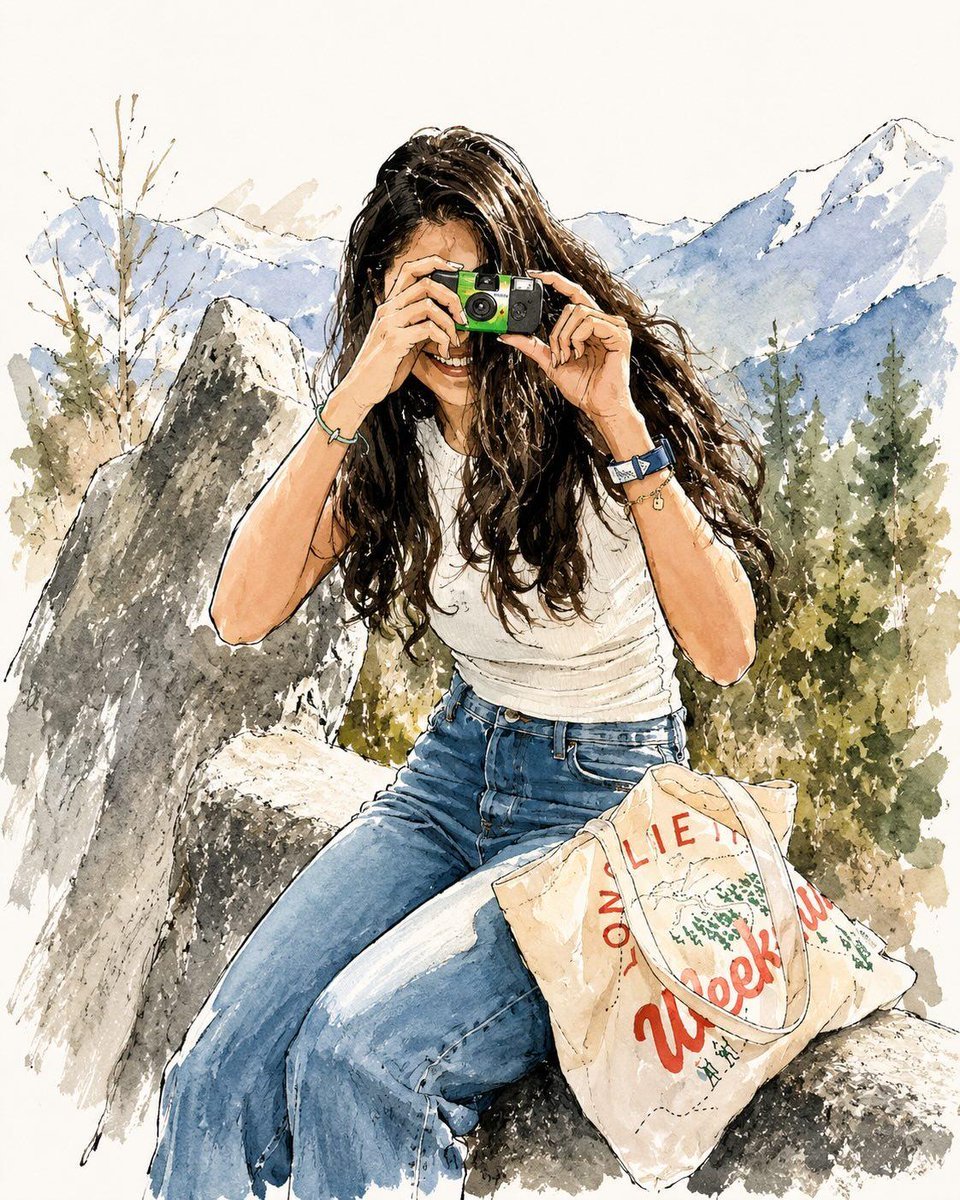
Watercolor Fashion Travel Illustration
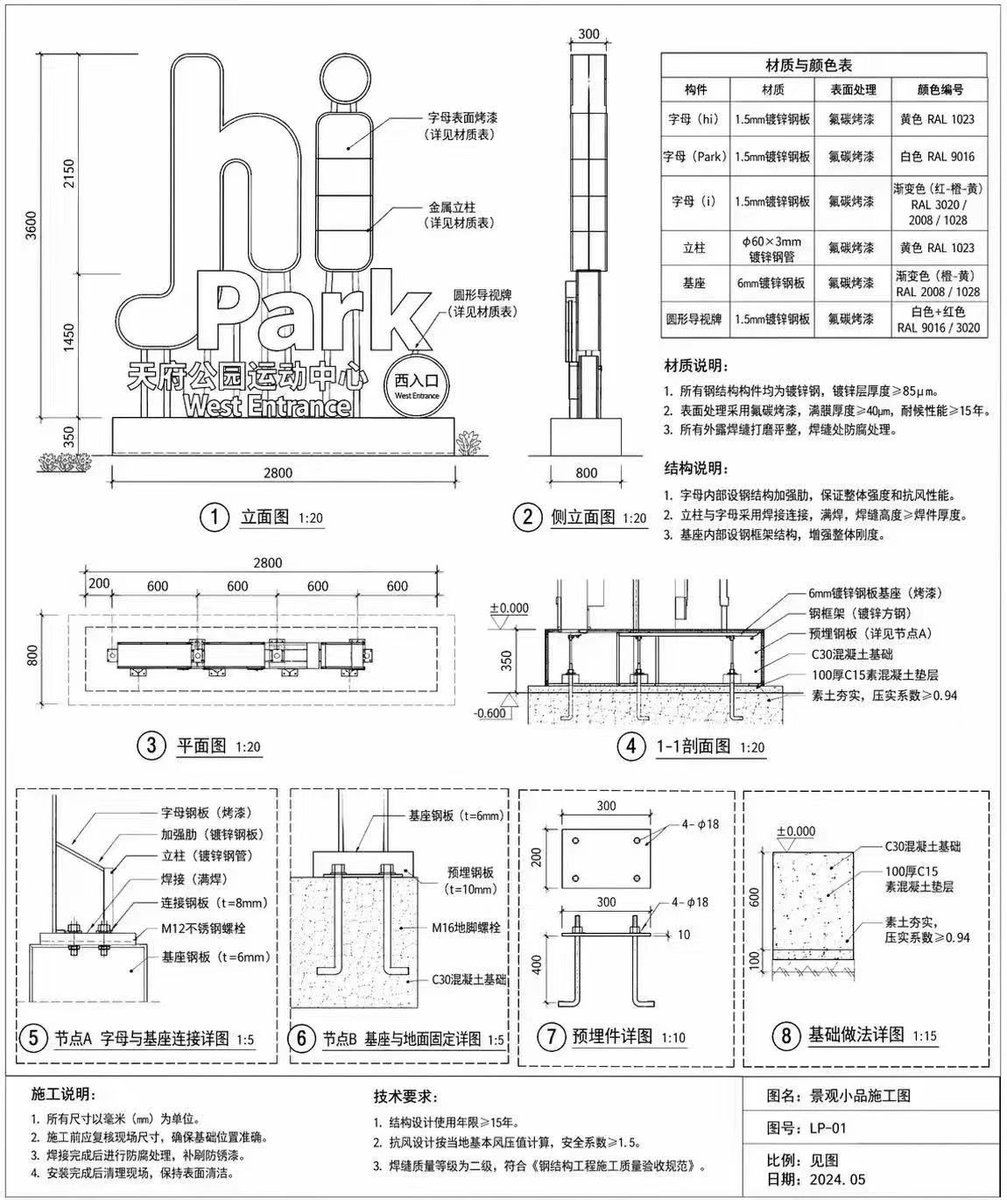
Architectural Signage Construction Drawing
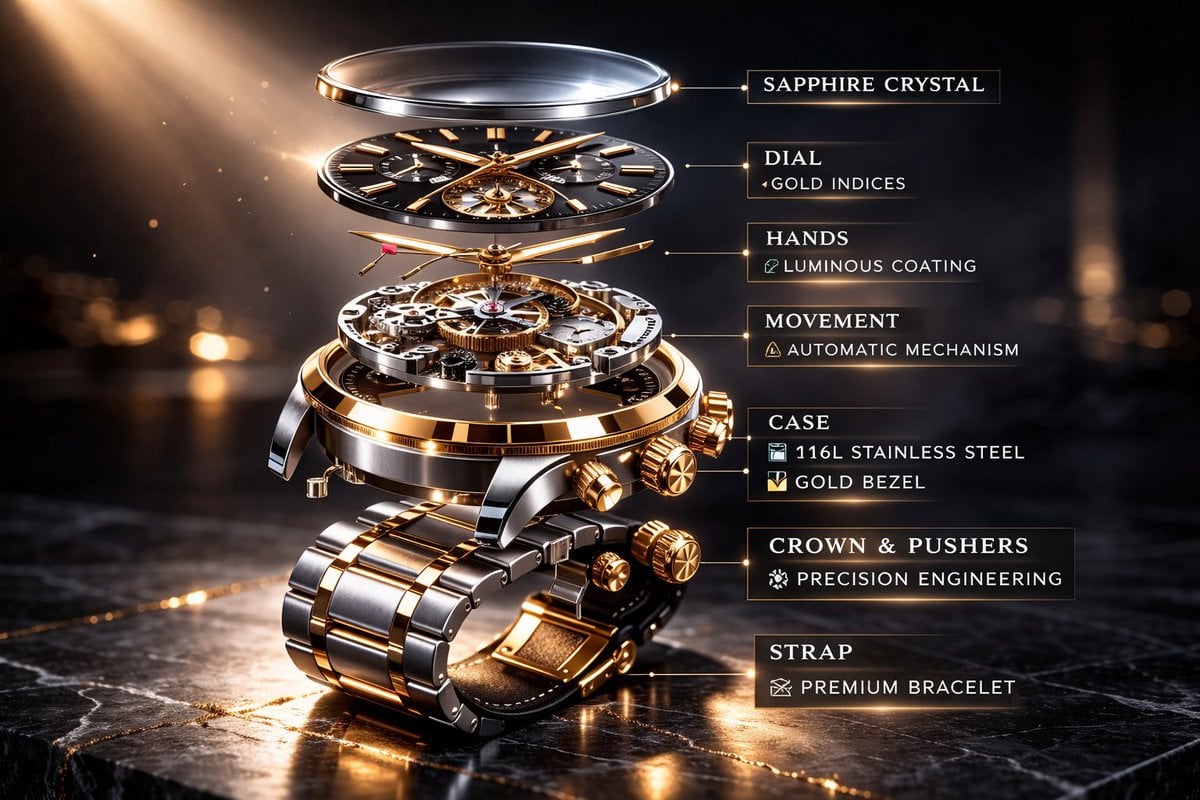
Luxury Mechanical Watch Commercial Photography Prompt
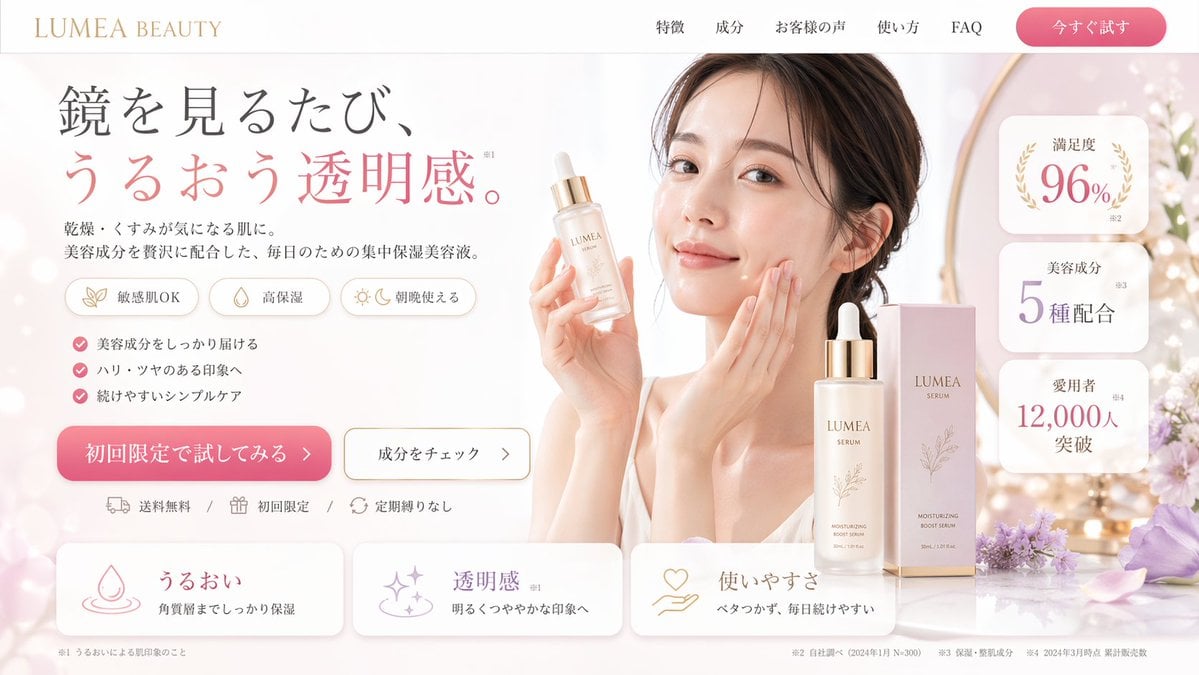
Beauty Landing Page Hero Section
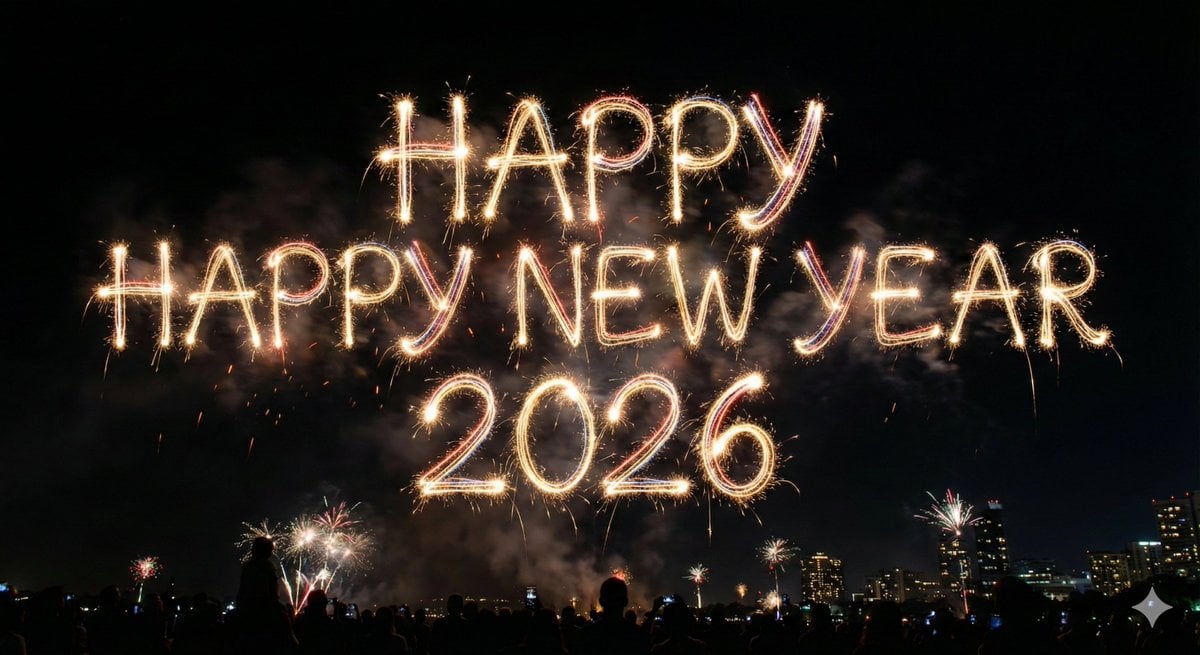
Glowing Text Fireworks
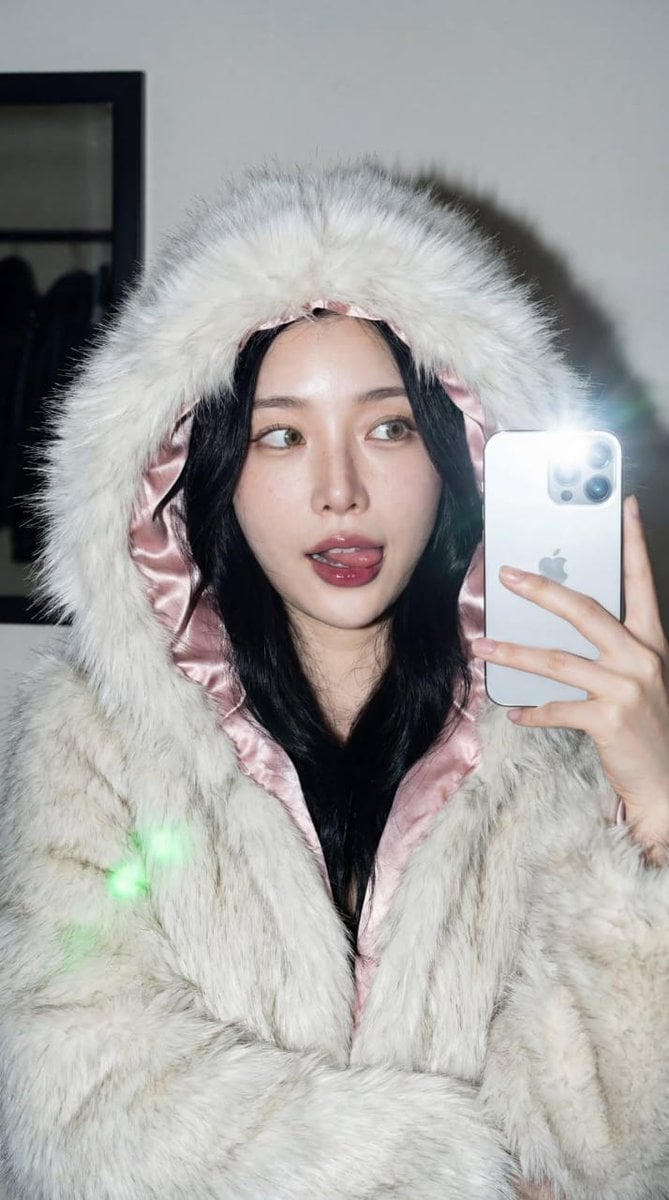
High-Contrast Portrait with Direct Flash and Faux Fur
Browse template categories
Detailed Photorealistic Cosplay Portrait Prompt: Phoenix Theme questions
How do I use the Detailed Photorealistic Cosplay Portrait Prompt: Phoenix Theme template?
Add your photo if the template asks for one, edit the prompt if you like — the template's model and format are already selected — and press Generate. Your version opens in PicX Studio.
Can I customize the Detailed Photorealistic Cosplay Portrait Prompt: Phoenix Theme template?
Yes. You can change the subject, setting, lighting, mood, format, and available model controls before creating your image.
Is the Detailed Photorealistic Cosplay Portrait Prompt: Phoenix Theme template free?
Opening and editing this template is free. Generating uses credits, shown on the Generate button when you are signed in.
Which AI model should I use?
Start with Nano Banana 2, which is the model associated with this template. You can compare another compatible model for a different finish.
Looking for something else? Browse all templates.

Your photo, any look
Thousands of ready templates for every top image and video model, from one credit balance.