
Beauty Landing Page Hero Section
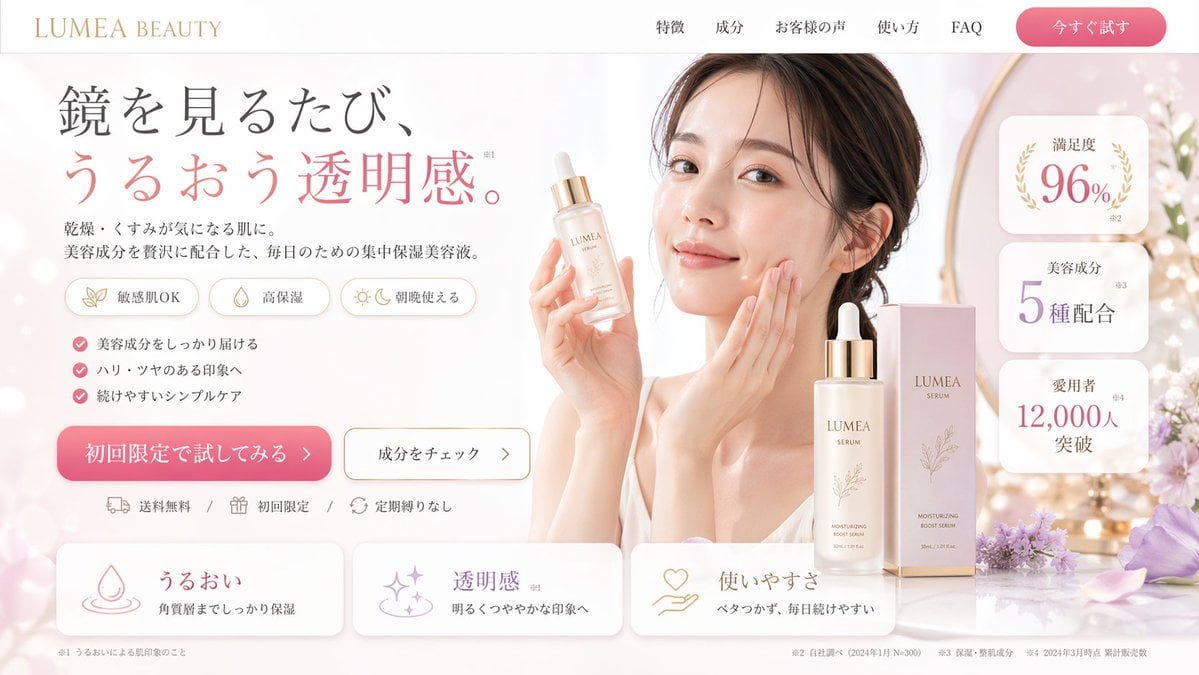
A JSON-structured prompt for generating a high-converting cosmetic landing page mockup, featuring a model, product shots, and detailed UI elements like badges and feature cards.
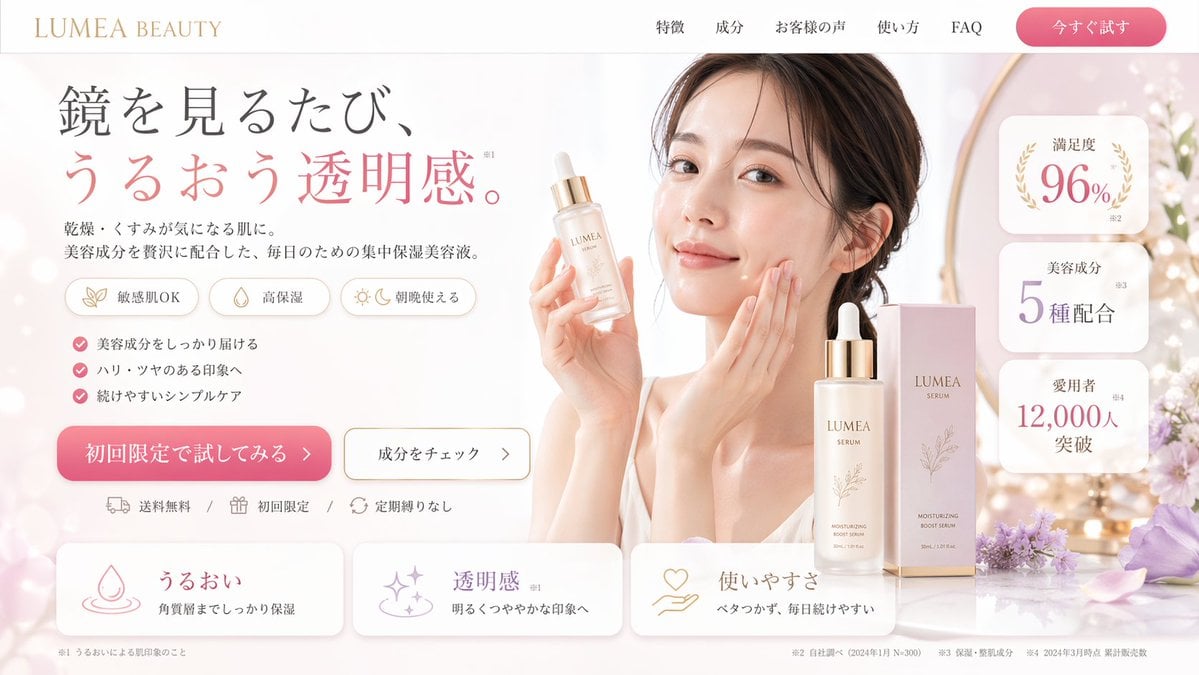
- Prompt included
- Model and format preset
- Free template
The prompt behind this image
Copy the exact prompt behind Beauty Landing Page Hero Section, or open it in the studio and make it yours.
- Type
- landing page hero section mockup
- Theme › Industry
- beauty and cosmetics
- Theme › Primary Color
- {argument name="primary color" default="soft pink"}
- Theme › Accent Color
- gold
- Layout › Header › Logo
- {argument name="brand name" default="LUMEA BEAUTY"}
- Layout › Header › Nav Links › Count
- 5
- Layout › Header › Nav Links › Labels
- 特徴, 成分, お客様の声, 使い方, FAQ
- Layout › Header › Cta Button
- 今すぐ試す
- Layout › Left Column › Headline
- {argument name="headline text" default="鏡を見るたび、うるおう透明感。"}
- Layout › Left Column › Subheadline
- 乾燥・くすみが気になる肌に。美容成分を贅沢に配合した、毎日のための集中保湿美容液。
- Layout › Left Column › Feature Tags › Count
- 3
- Layout › Left Column › Feature Tags › Labels
- 敏感肌OK, 高保湿, 朝晩使える
- Layout › Left Column › Bullet Points › Count
- 3
- Layout › Left Column › Bullet Points › Labels
- 美容成分をしっかり届ける, ハリ・ツヤのある印象へ, 続けやすいシンプルケア
- Layout › Left Column › Action Area › Primary Button
- {argument name="CTA text" default="初回限定で試してみる >"}
- Layout › Left Column › Action Area › Secondary Button
- 成分をチェック >
- Layout › Left Column › Action Area › Trust Markers › Count
- 3
- Layout › Left Column › Action Area › Trust Markers › Labels
- 送料無料, 初回限定, 定期縛りなし
- Layout › Right Column › Model
- young East Asian woman, smiling, touching cheek, holding serum bottle
- Layout › Right Column › Product Display › Product
- {argument name="product type" default="moisturizing boost serum"}
- Layout › Right Column › Product Display › Elements
- bottle in hand, bottle on table, packaging box, purple flowers
- Layout › Right Column › Stat Badges › Count
- 3
- Layout › Right Column › Stat Badges › Labels
- 満足度 96%, 美容成分 5種配合, 愛用者 12,000人突破
- Layout › Bottom Row › Feature Cards › Count
- 3
Raw JSON
{
  "type": "landing page hero section mockup",
  "theme": {
    "industry": "beauty and cosmetics",
    "primary_color": "{argument name=\"primary color\" default=\"soft pink\"}",
    "accent_color": "gold"
  },
  "layout": {
    "header": {
      "logo": "{argument name=\"brand name\" default=\"LUMEA BEAUTY\"}",
      "nav_links": {
        "count": 5,
        "labels": ["特徴", "成分", "お客様の声", "使い方", "FAQ"]
      },
      "cta_button": "今すぐ試す"
    },
    "left_column": {
      "headline": "{argument name=\"headline text\" default=\"鏡を見るたび、うるおう透明感。\"}",
      "subheadline": "乾燥・くすみが気になる肌に。美容成分を贅沢に配合した、毎日のための集中保湿美容液。",
      "feature_tags": {
        "count": 3,
        "labels": ["敏感肌OK", "高保湿", "朝晩使える"]
      },
      "bullet_points": {
        "count": 3,
        "labels": ["美容成分をしっかり届ける", "ハリ・ツヤのある印象へ", "続けやすいシンプルケア"]
      },
      "action_area": {
        "primary_button": "{argument name=\"CTA text\" default=\"初回限定で試してみる >\"}",
        "secondary_button": "成分をチェック >",
        "trust_markers": {
          "count": 3,
          "labels": ["送料無料", "初回限定", "定期縛りなし"]
        }
      }
    },
    "right_column": {
      "model": "young East Asian woman, smiling, touching cheek, holding serum bottle",
      "product_display": {
        "product": "{argument name=\"product type\" default=\"moisturizing boost serum\"}",
        "elements": ["bottle in hand", "bottle on table", "packaging box", "purple flowers"]
      },
      "stat_badges": {
        "count": 3,
        "labels": ["満足度 96%", "美容成分 5種配合", "愛用者 12,000人突破"]
      }
    },
    "bottom_row": {
      "feature_cards": {
        "count": 3,
        "labels": ["うるおい", "透明感", "使いやすさ"]
      }
    }
  }
}How to use Beauty Landing Page Hero Section in 3 steps
- 1Upload ImagePNG, JPG or paste
Add your photo
Upload the photo the template builds on. The prompt, model and format are already set.
- 2…a portrait of your subject in softgolden-hour light, 85mm…
Personalize
Edit the subject and creative details for your destination.
- 3Generate
Generate
Press Generate — your image is created in PicX Studio, so you can compare it with the original and refine one variable at a time.
More like this
Templates with the same subject, style or setup. Open one to see its prompt.
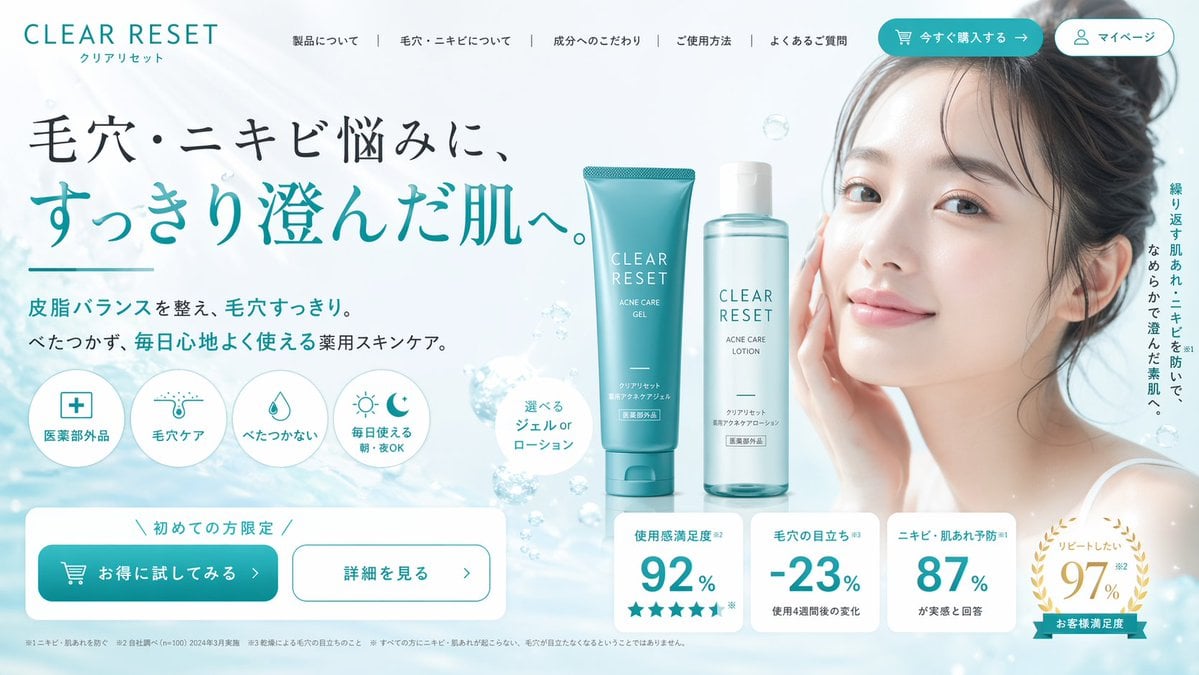
Skincare Landing Page Hero Section
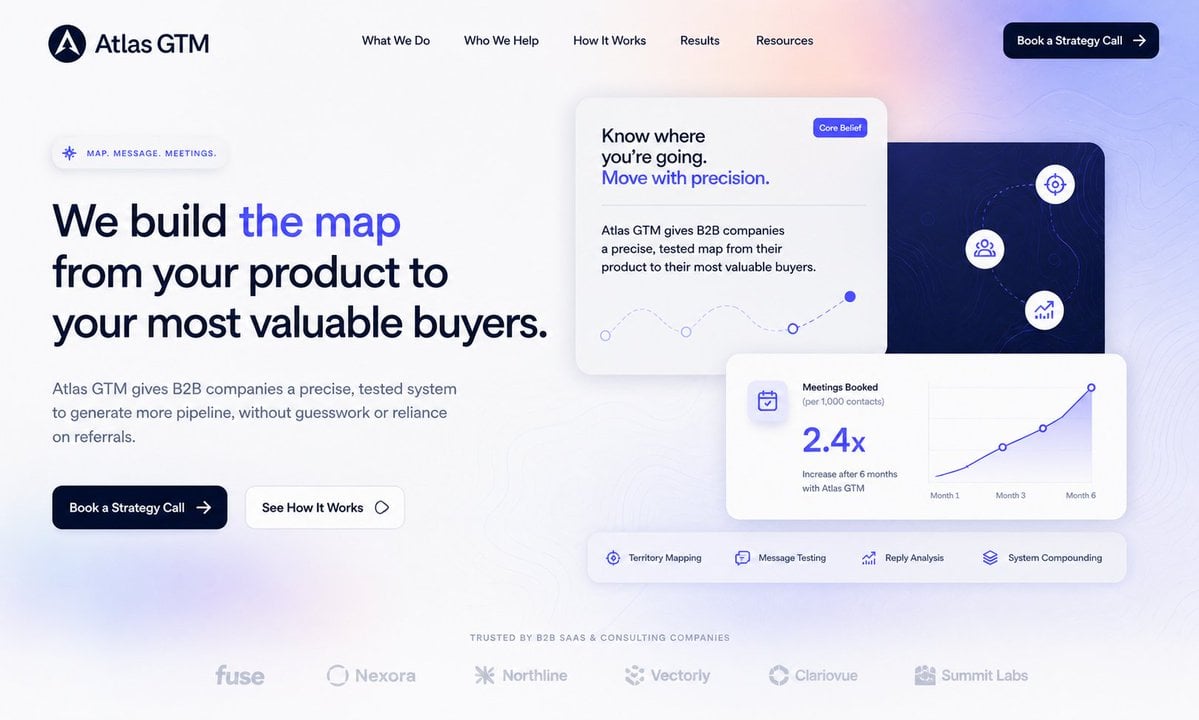
Atlas GTM SaaS Hero Landing Page
NOVALITH SaaS Landing Page Hero

Mintpage AI Landing Page Hero
Beauty Product Landing Page Mockup
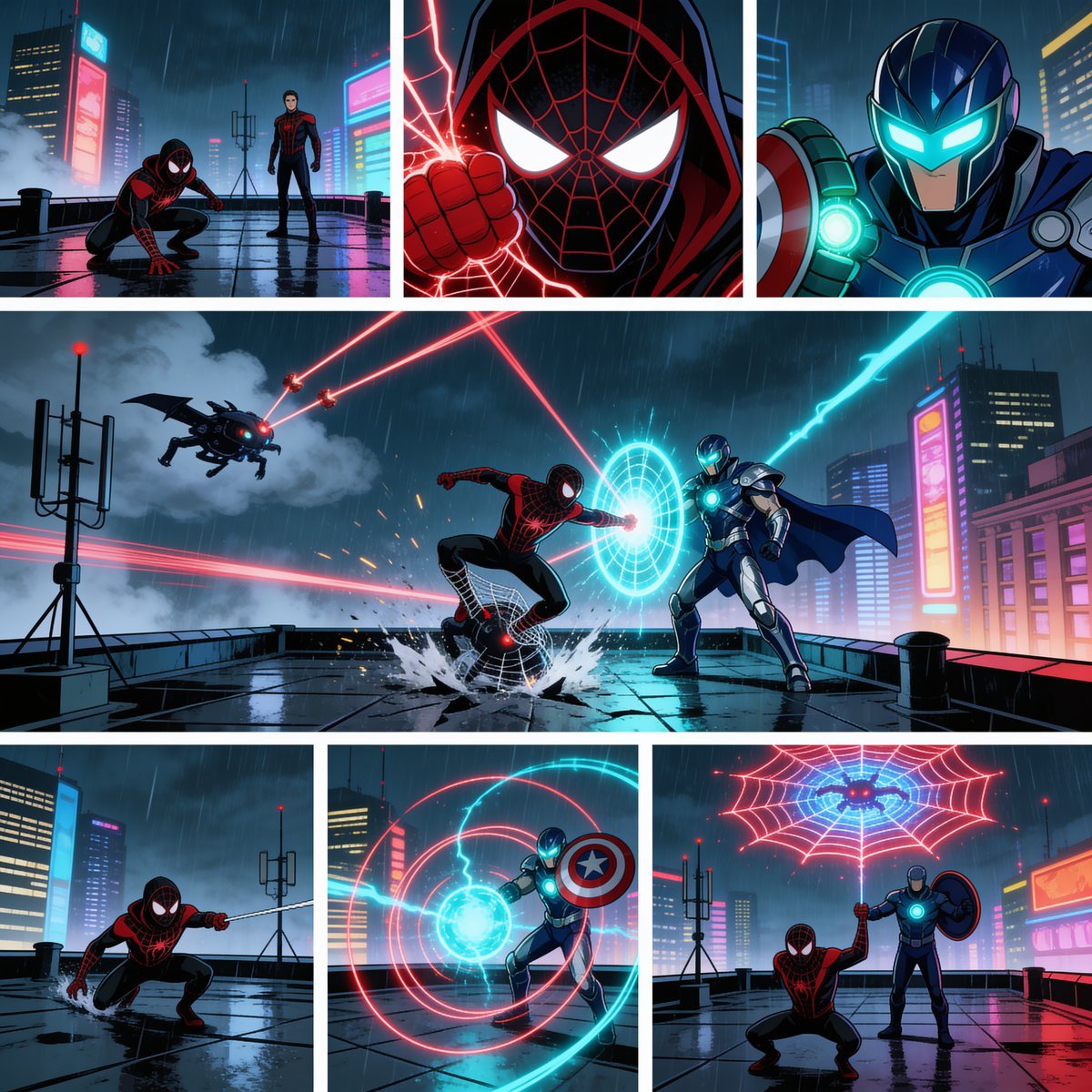
Rainy Cyberpunk Superhero Comic Page
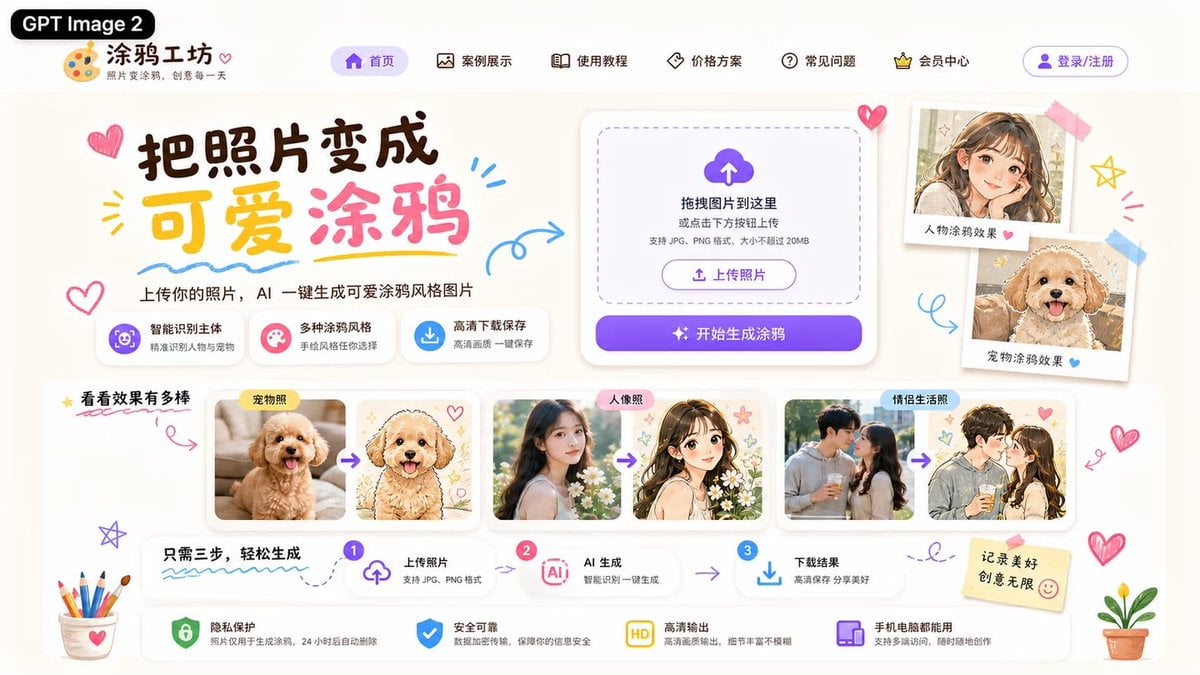
Cute AI Doodle Generator Landing Page
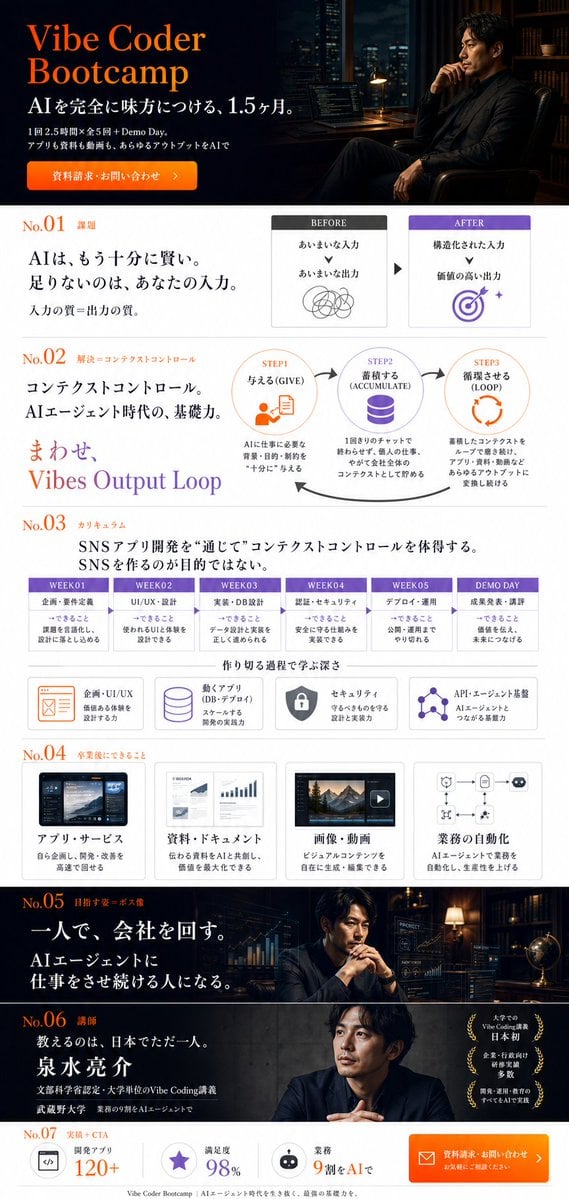
Vibe Coder Bootcamp Landing Page

Geometric Color-Block Beauty Editorial Portrait

High-Fashion Editorial Magazine Cover ICON
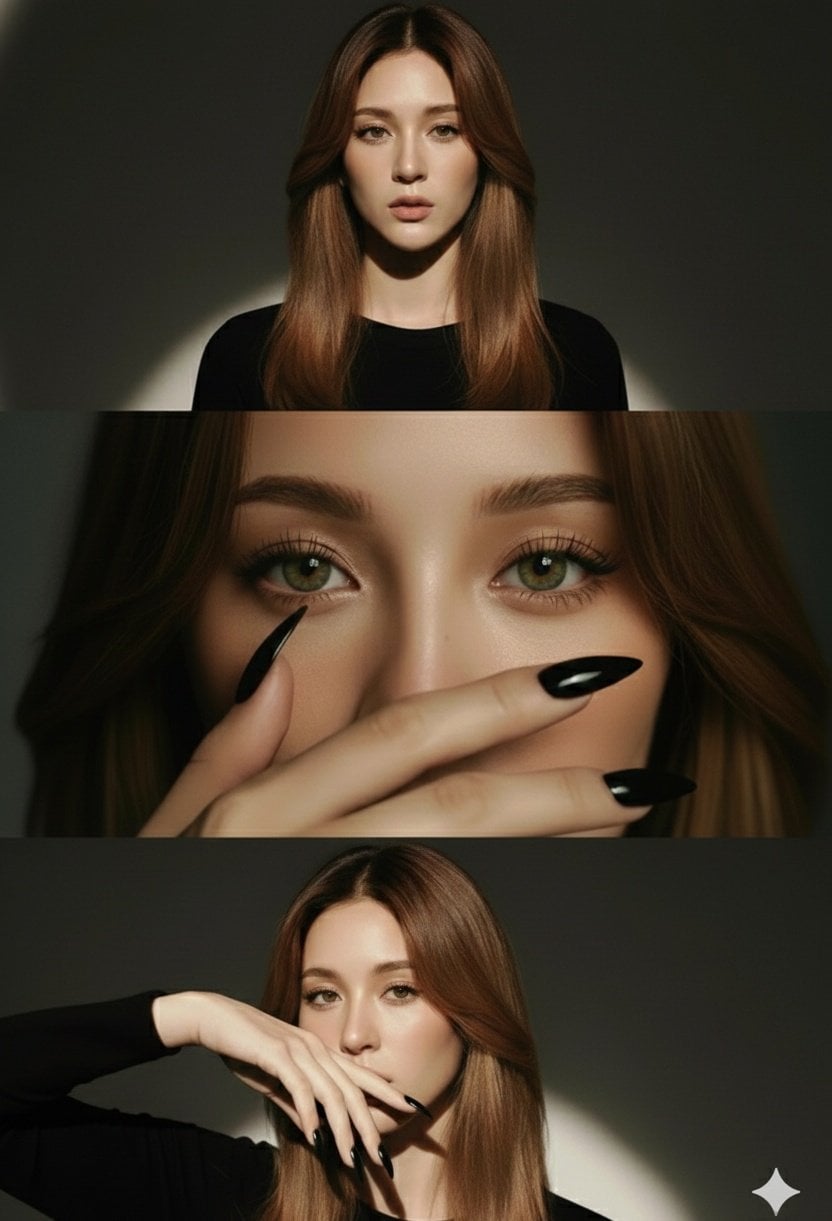
High-Fashion Editorial Studio Portrait Triptych
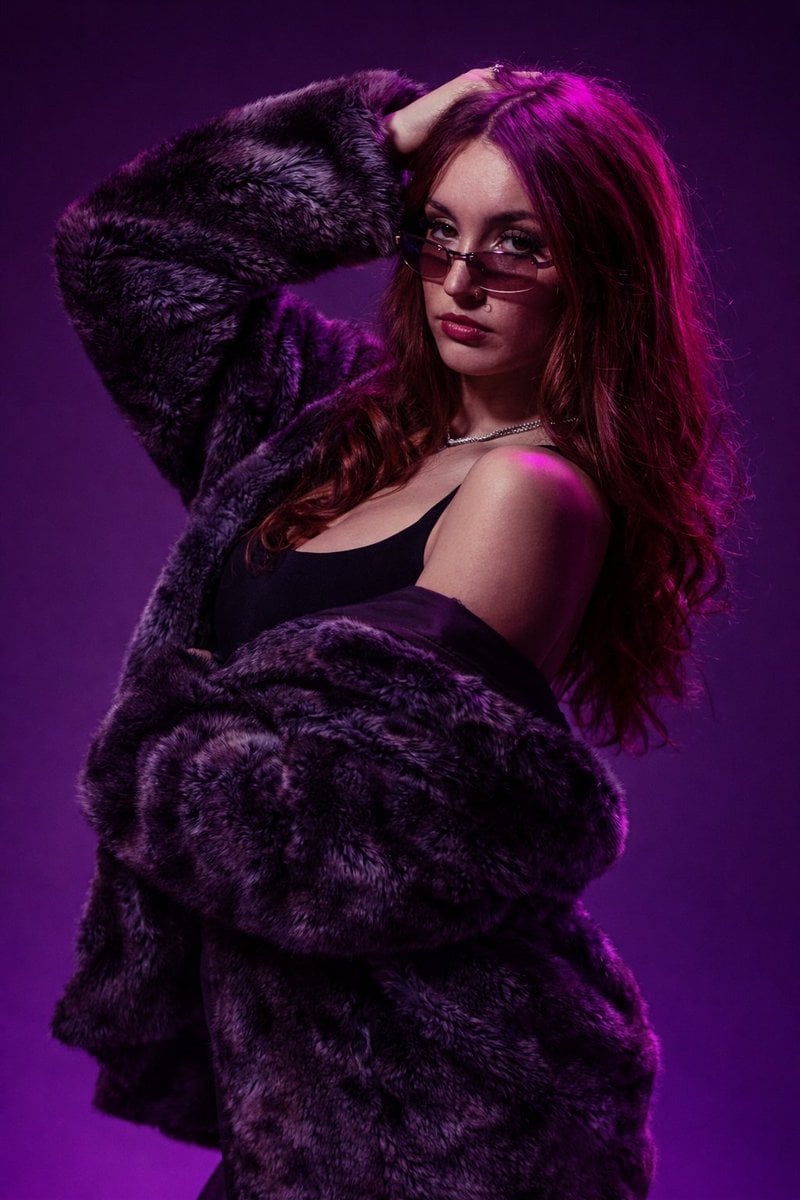
Studio Fashion Portrait Moody Purple Gradient
Make it yours
Beauty Landing Page Hero Section works as-is. These are the safest ways to change it without losing the look.
Change one field
Copy a single group, rewrite it, and generate again so you can see what that field is doing.
Keep the frame, change the subject
Hold the composition and light of Beauty Landing Page Hero Section, then swap wardrobe, props or the person for a new take.
| If the result… | Why | Fix |
|---|---|---|
| The result drifts from the preview | Too many fields changed at once. | Reuse Beauty Landing Page Hero Section as-is first, then change one group — subject, light, or setting. |
| GPT Image 2 ignores part of the JSON | Some models flatten or skip nested keys. | Keep the same values and paste them as a short paragraph instead. |
More GPT Image 2 templates
Other prompts made for GPT Image 2.

Six VTuber Japanese Logo Sheet

Realistic Portrait of Woman and Deer

The Vista Modular Condo Poster

AI Model Routing Comparison Infographic

2.5D Anime Art Board

Isometric Productivity Desk Scene

New York Double Exposure Poster

Four-Panel AI Landscape Comparison

Japanese Tatami Lifestyle Magazine Cover

NESCAFÉ Coffee Map Poster
More image prompts
Fresh picks from across the catalog.
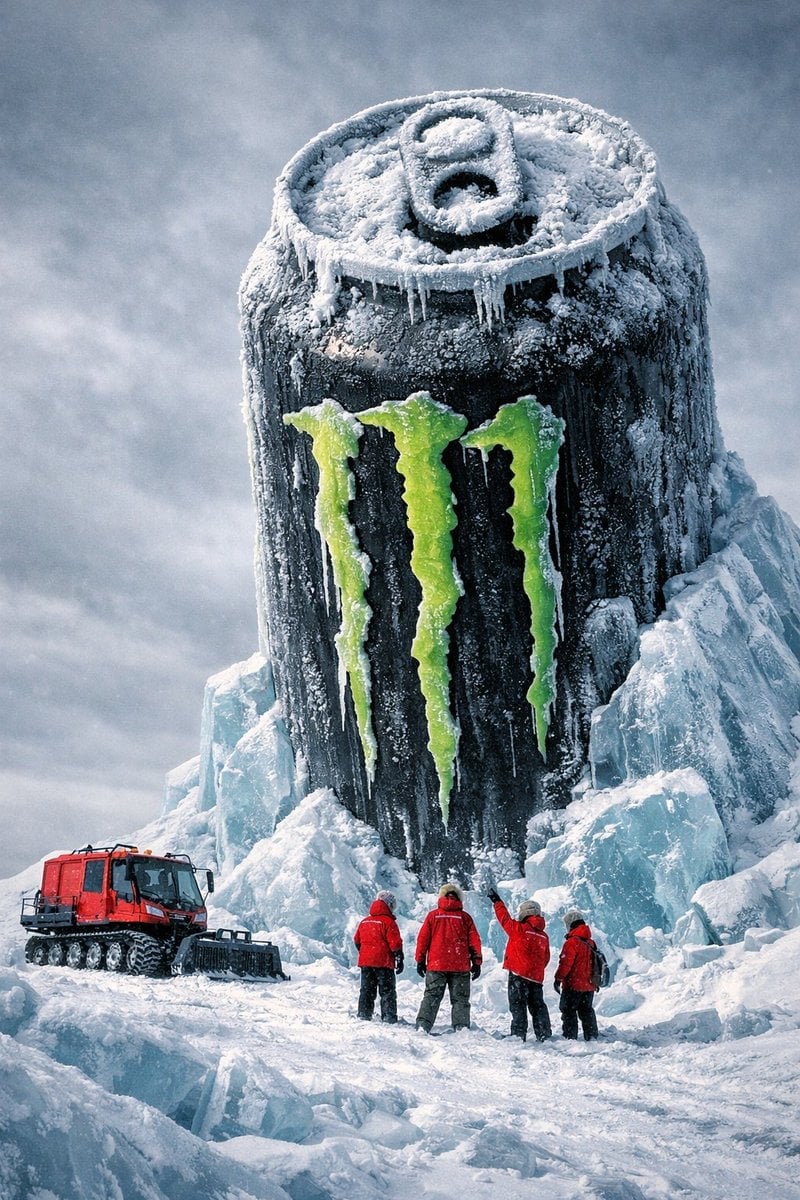
Monumental Monster Energy Can in the Arctic
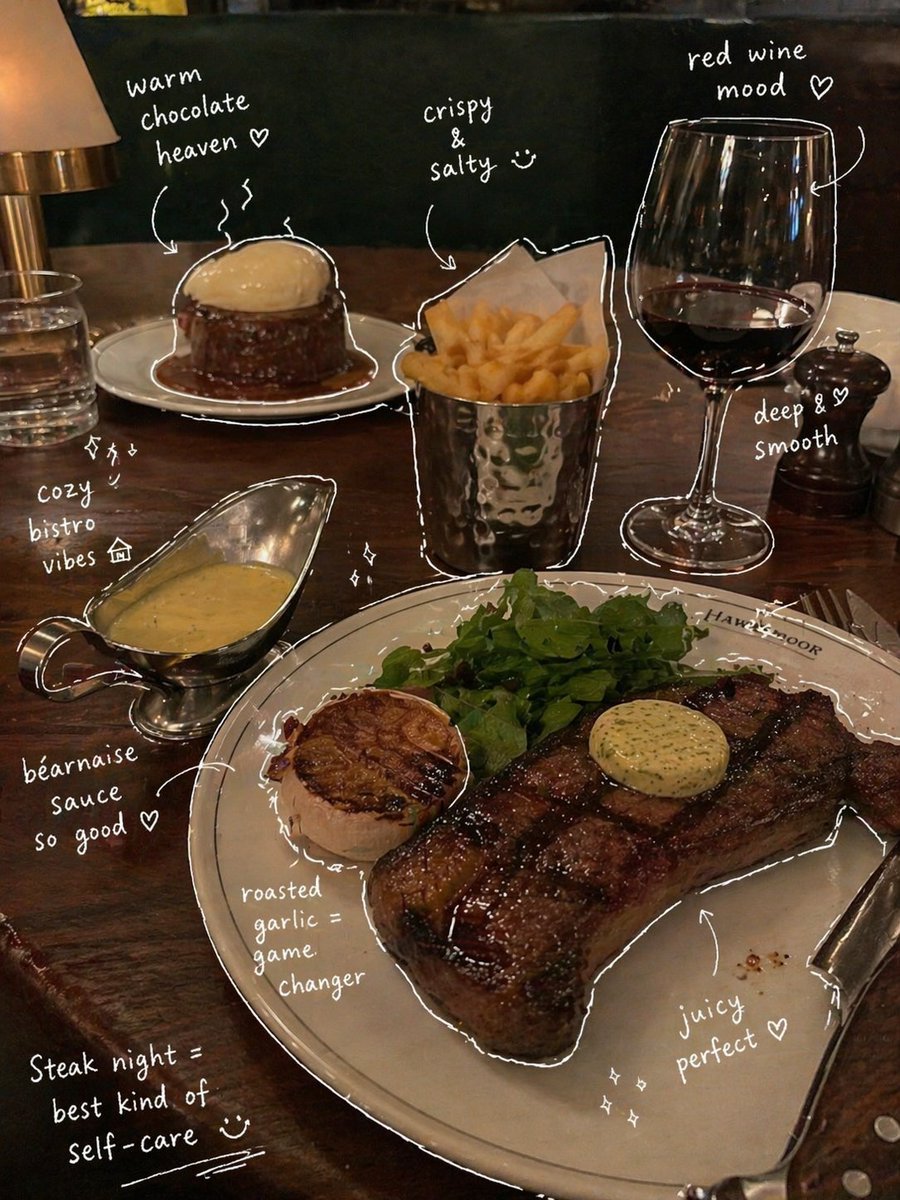
Hand-Drawn Annotated Food Diary Style
Modern Home Interior Architectural Blueprint Prompt
Figure-style product page design for a heartbreak girl figure
Luxury Vogue Fashion Editorial Poster
Mirror Selfie in Modern Bathroom Prompt
Ultra-Realistic Forest Essence Elixir Perfume Product Shot
Ultra-Photorealistic Cinematic Portrait in a Bathtub with Noise-Canceling Headphones
Minimalist Boutique Fashion Editorial
Lifestyle Fashion Candid Collage
Browse template categories
Beauty Landing Page Hero Section questions
How do I use the Beauty Landing Page Hero Section template?
Add your photo if the template asks for one, edit the prompt if you like — the template's model and format are already selected — and press Generate. Your version opens in PicX Studio.
Can I customize the Beauty Landing Page Hero Section template?
Yes. You can change the subject, setting, lighting, mood, format, and available model controls before creating your image.
Is the Beauty Landing Page Hero Section template free?
Opening and editing this template is free. Generating uses credits, shown on the Generate button when you are signed in.
Which AI model should I use?
Start with GPT Image 2, which is the model associated with this template. You can compare another compatible model for a different finish.
Looking for something else? Browse all templates.

Your photo, any look
Thousands of ready templates for every top image and video model, from one credit balance.