
Skincare Landing Page Hero Section
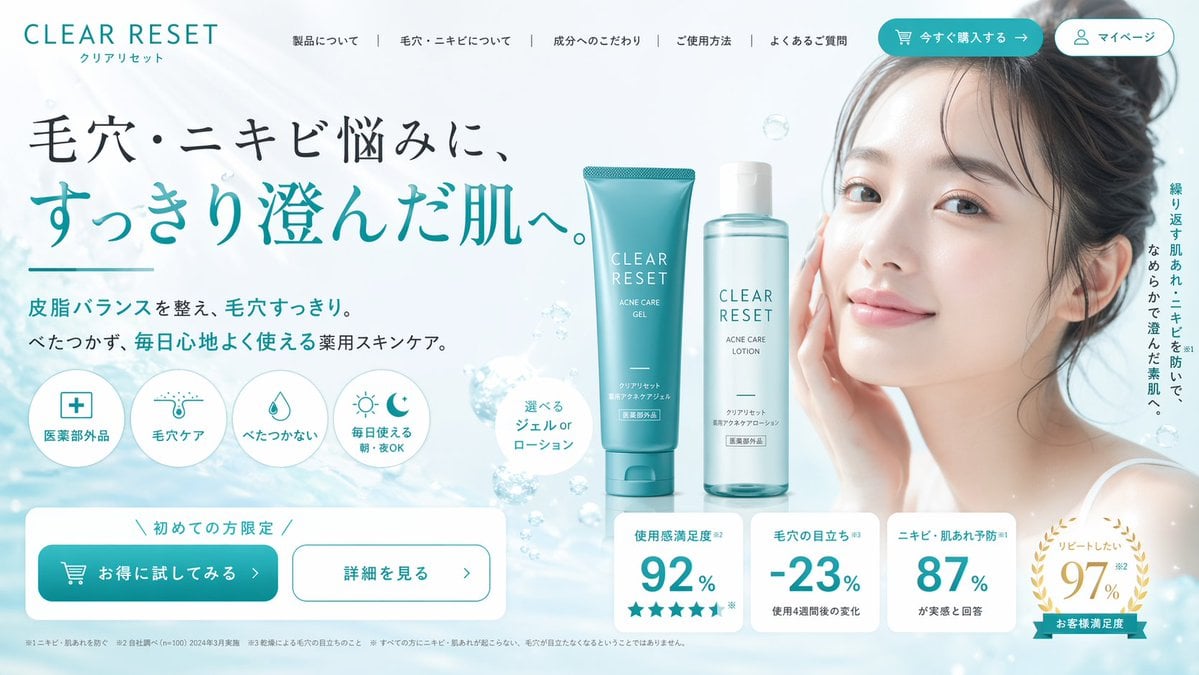
Generates a highly structured e-commerce landing page first view for a skincare brand, featuring a model, product shots, feature icons, and statistics.
- Prompt included
- Model and format preset
- Free template
The prompt behind this image
Copy the exact prompt behind Skincare Landing Page Hero Section, or open it in the studio and make it yours.
- Type
- landing page hero section
- Theme
- skincare and beauty
- Color Palette
- white, {argument name="primary color" default="teal"}, light blue
- Header › Logo
- {argument name="brand name" default="CLEAR RESET"}
- Header › Navigation Links
- 5
- Header › Buttons
- 2
- Hero Content › Headline
- {argument name="main headline" default="毛穴・ニキビ悩みに、すっきり澄んだ肌へ。"}
- Hero Content › Subheadline
- Balances sebum and clears pores. Non-sticky, medicated skincare for comfortable daily use.
- Hero Content › Feature Icons › Count
- 4
- Hero Content › Feature Icons › Labels
- 医薬部外品, 毛穴ケア, べたつかない, 毎日使える 朝・夜OK
- Centerpiece › Products › Count
- 2
- Centerpiece › Products › Description
- {argument name="product type" default="skincare gel and lotion"}
- Centerpiece › Products › Items
- teal tube, clear bottle
- Centerpiece › Background
- water surface with floating bubbles
- Model › Description
- {argument name="model description" default="young Asian woman with clear radiant skin, hair tied up, gentle smile"}
- Model › Position
- right side
- Bottom Section › Cta Buttons › Count
- 2
- Bottom Section › Cta Buttons › Labels
- お得に試してみる >, 詳細を見る >
- Bottom Section › Statistics Cards › Count
- 4
- Bottom Section › Statistics Cards › Labels
- 使用感満足度 92%, 毛穴の目立ち -23%, ニキビ・肌あれ予防 87%, リピートしたい 97%
Raw JSON
{
  "type": "landing page hero section",
  "theme": "skincare and beauty",
  "color_palette": ["white", "{argument name=\"primary color\" default=\"teal\"}", "light blue"],
  "header": {
    "logo": "{argument name=\"brand name\" default=\"CLEAR RESET\"}",
    "navigation_links": 5,
    "buttons": 2
  },
  "hero_content": {
    "headline": "{argument name=\"main headline\" default=\"毛穴・ニキビ悩みに、すっきり澄んだ肌へ。\"}",
    "subheadline": "Balances sebum and clears pores. Non-sticky, medicated skincare for comfortable daily use.",
    "feature_icons": {
      "count": 4,
      "labels": ["医薬部外品", "毛穴ケア", "べたつかない", "毎日使える 朝・夜OK"]
    }
  },
  "centerpiece": {
    "products": {
      "count": 2,
      "description": "{argument name=\"product type\" default=\"skincare gel and lotion\"}",
      "items": ["teal tube", "clear bottle"]
    },
    "background": "water surface with floating bubbles"
  },
  "model": {
    "description": "{argument name=\"model description\" default=\"young Asian woman with clear radiant skin, hair tied up, gentle smile\"}",
    "position": "right side"
  },
  "bottom_section": {
    "cta_buttons": {
      "count": 2,
      "labels": ["お得に試してみる >", "詳細を見る >"]
    },
    "statistics_cards": {
      "count": 4,
      "labels": ["使用感満足度 92%", "毛穴の目立ち -23%", "ニキビ・肌あれ予防 87%", "リピートしたい 97%"]
    }
  }
}How to use Skincare Landing Page Hero Section in 3 steps
- 1Upload ImagePNG, JPG or paste
Add your photo
Upload the photo the template builds on. The prompt, model and format are already set.
- 2…a portrait of your subject in softgolden-hour light, 85mm…
Personalize
Edit the subject and creative details for your destination.
- 3Generate
Generate
Press Generate — your image is created in PicX Studio, so you can compare it with the original and refine one variable at a time.
More like this
Templates with the same subject, style or setup. Open one to see its prompt.
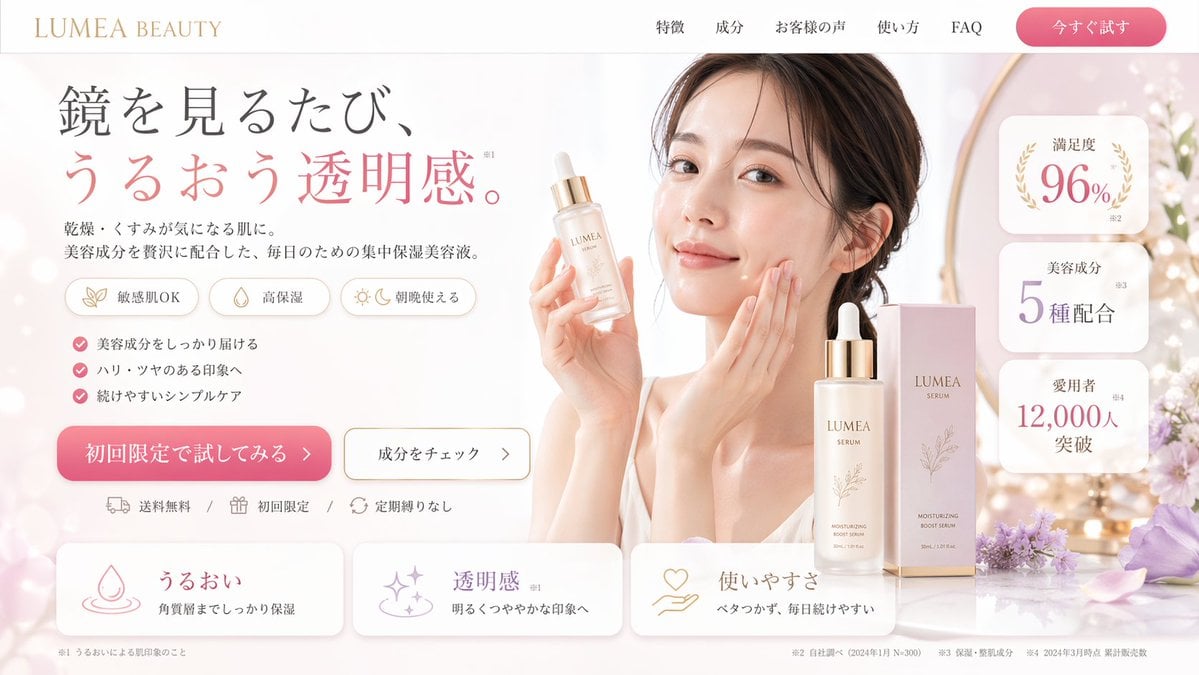
Beauty Landing Page Hero Section
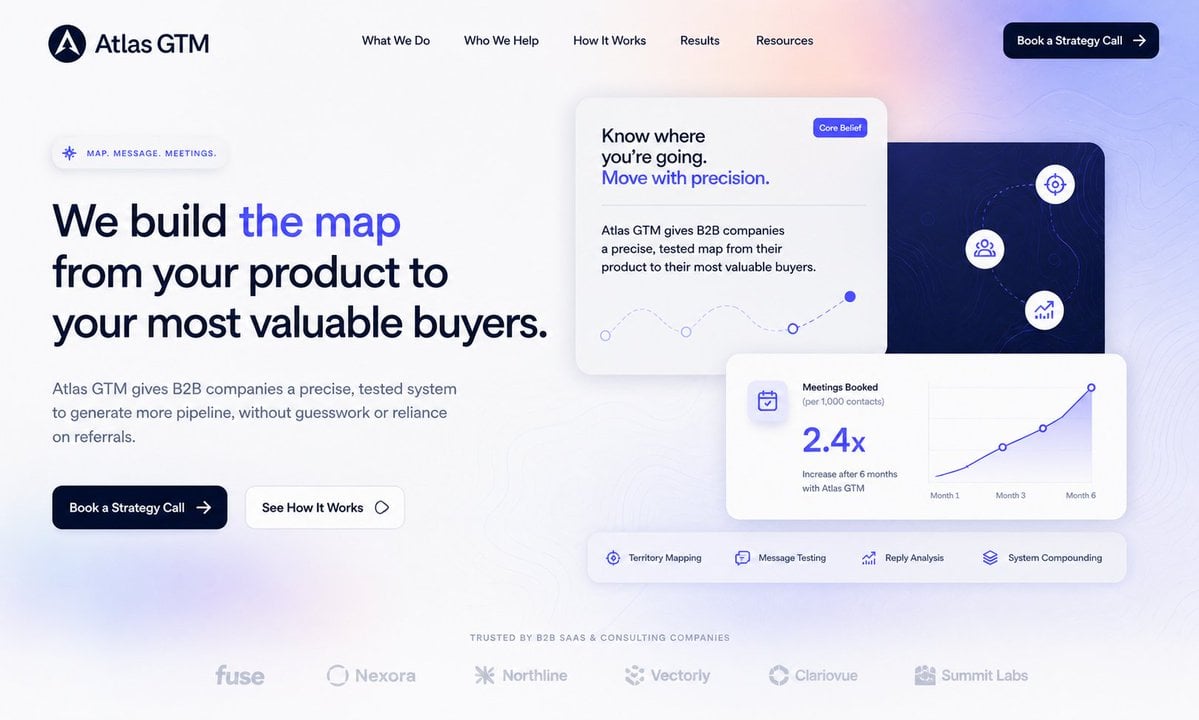
Atlas GTM SaaS Hero Landing Page
NOVALITH SaaS Landing Page Hero

Mintpage AI Landing Page Hero
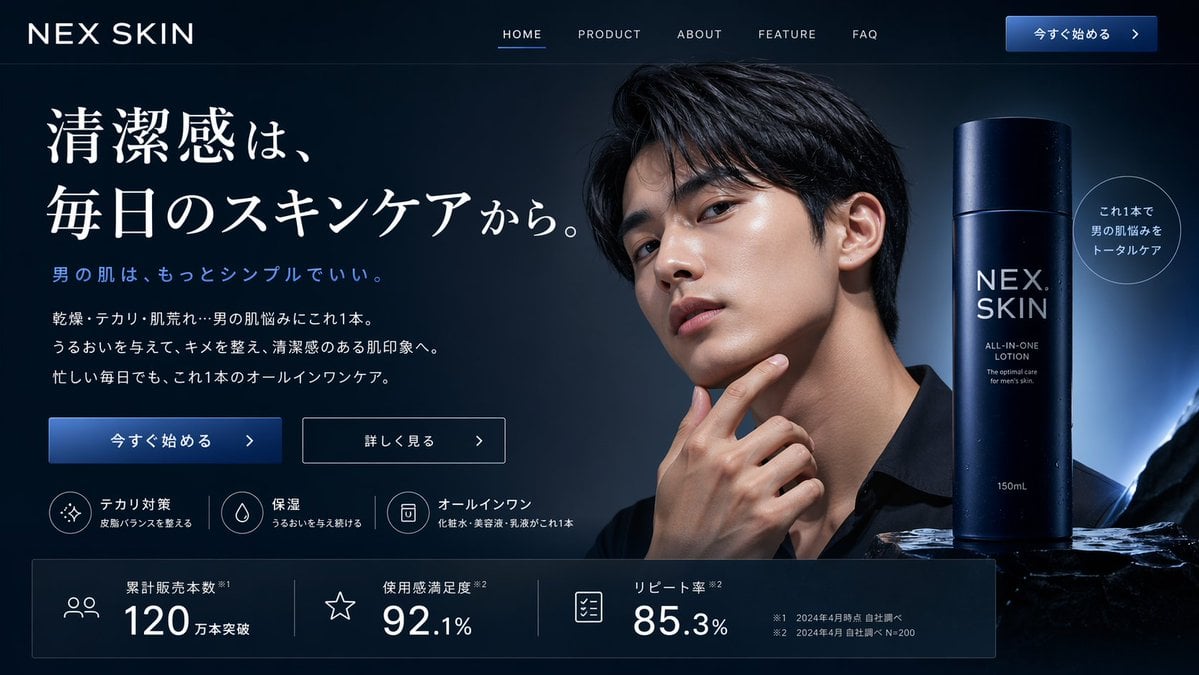
Men's Skincare Website Landing Page Mockup
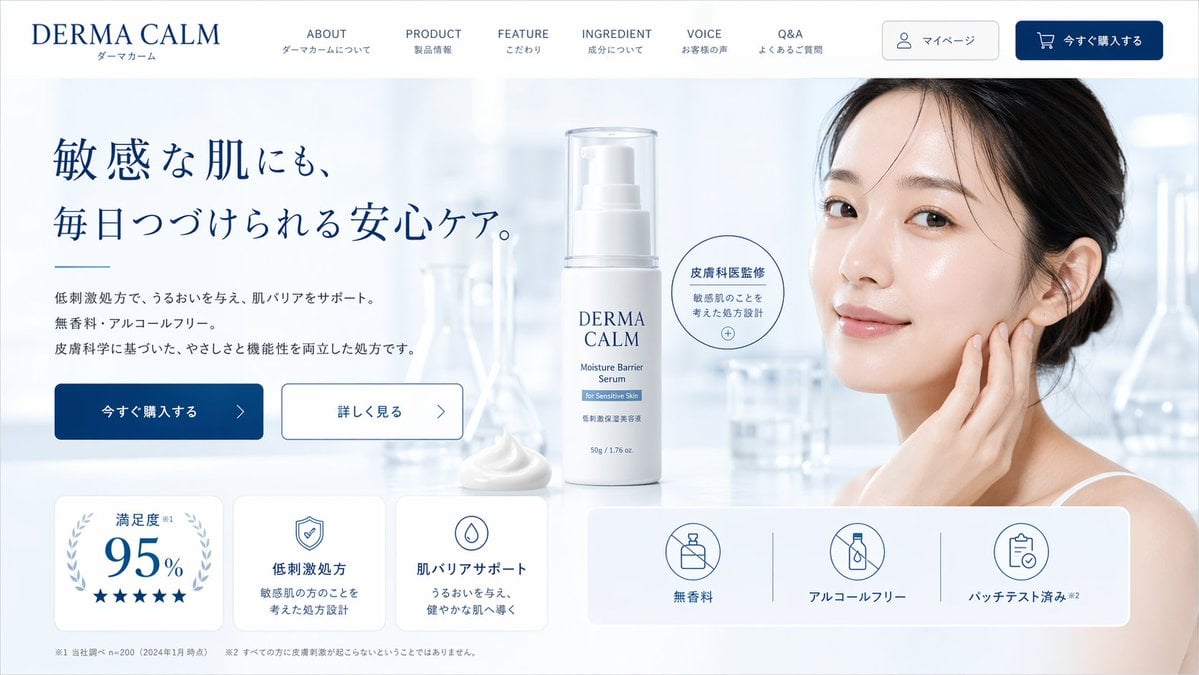
Skincare E-commerce Landing Page Mockup
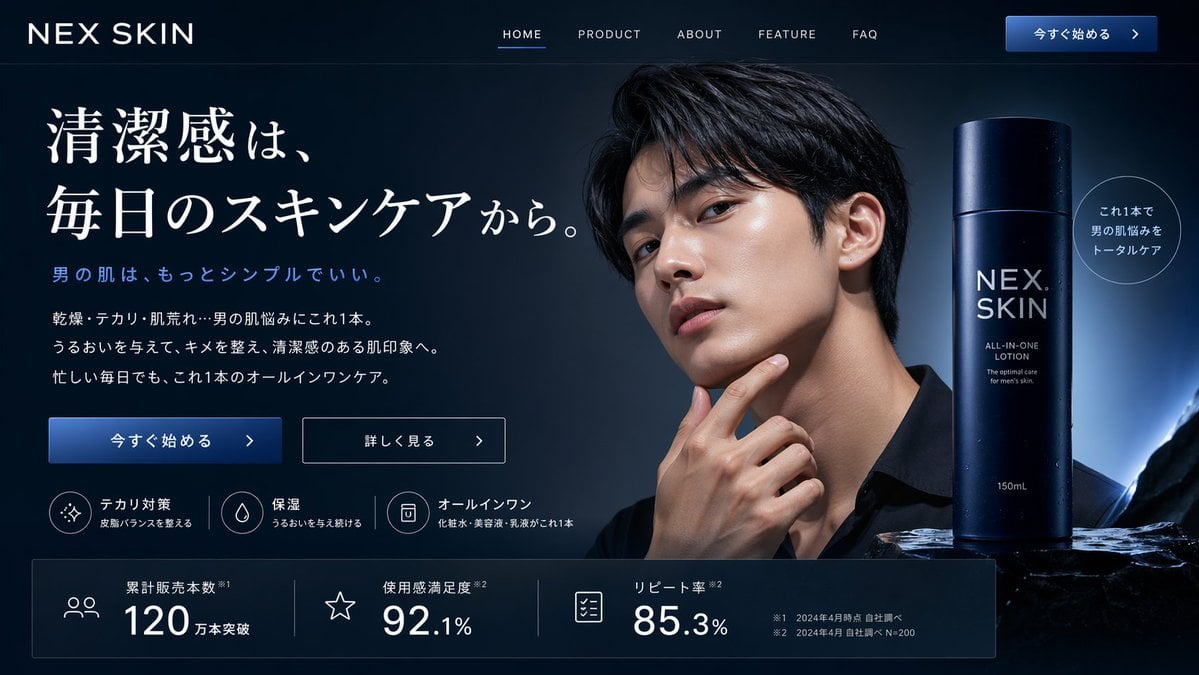
Men's Skincare Landing Page Mockup
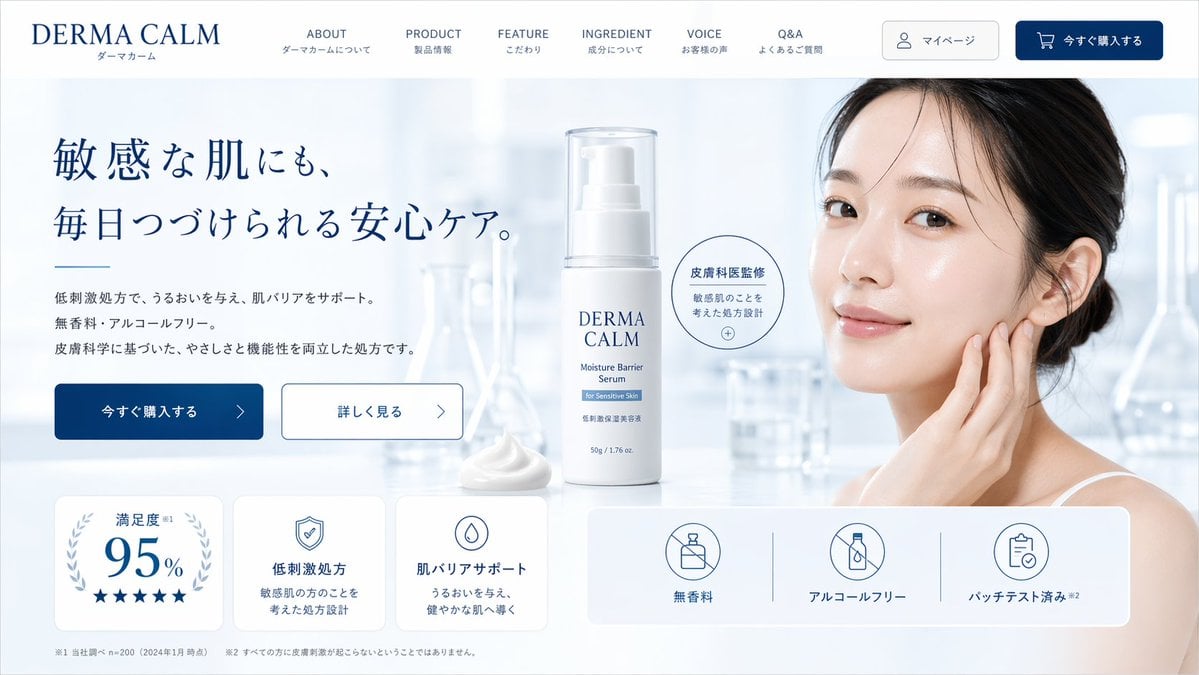
Skincare Landing Page Mockup
Rainy Cyberpunk Superhero Comic Page
Cute AI Doodle Generator Landing Page
Vibe Coder Bootcamp Landing Page

Minimalist Skincare Product Water Stone Still
Make it yours
Skincare Landing Page Hero Section works as-is. These are the safest ways to change it without losing the look.
Swap the setting
Keep the rest of the prompt and replace the location block. The current setting is “water surface with floating bubbles”.
Change one field
Copy a single group, rewrite it, and generate again so you can see what that field is doing.
Keep the frame, change the subject
Hold the composition and light of Skincare Landing Page Hero Section, then swap wardrobe, props or the person for a new take.
| If the result… | Why | Fix |
|---|---|---|
| The result drifts from the preview | Too many fields changed at once. | Reuse Skincare Landing Page Hero Section as-is first, then change one group — subject, light, or setting. |
| GPT Image 2 ignores part of the JSON | Some models flatten or skip nested keys. | Keep the same values and paste them as a short paragraph instead. |
More GPT Image 2 templates
Other prompts made for GPT Image 2.

Six VTuber Japanese Logo Sheet

Realistic Portrait of Woman and Deer

The Vista Modular Condo Poster

AI Model Routing Comparison Infographic

2.5D Anime Art Board

Isometric Productivity Desk Scene

New York Double Exposure Poster

Four-Panel AI Landscape Comparison

Japanese Tatami Lifestyle Magazine Cover

NESCAFÉ Coffee Map Poster
More image prompts
Fresh picks from across the catalog.
Character Generation Based on Reference Image in Snow
Fisheye Perspective of a Fish

Ivory Garment Goddess

K-Pop Idol Stage Portrait
Elderly Man and Marmot Portrait
Elegant Curvy Woman Looking Back Over Shoulder
High-Fashion Cigar Portrait

Ultra-Cinematic Arcane Sword Close-up
Cozy Christmas Gift Wrapping Flash Photo Prompt

Text Rendering Capability Test
Browse template categories
Skincare Landing Page Hero Section questions
How do I use the Skincare Landing Page Hero Section template?
Add your photo if the template asks for one, edit the prompt if you like — the template's model and format are already selected — and press Generate. Your version opens in PicX Studio.
Can I customize the Skincare Landing Page Hero Section template?
Yes. You can change the subject, setting, lighting, mood, format, and available model controls before creating your image.
Is the Skincare Landing Page Hero Section template free?
Opening and editing this template is free. Generating uses credits, shown on the Generate button when you are signed in.
Which AI model should I use?
Start with GPT Image 2, which is the model associated with this template. You can compare another compatible model for a different finish.
Looking for something else? Browse all templates.

Your photo, any look
Thousands of ready templates for every top image and video model, from one credit balance.