
Cozy Christmas Gift Wrapping Flash Photo Prompt
A detailed JSON prompt for generating a candid, cozy, and festive image of a young woman wrapping Christmas gifts indoors.
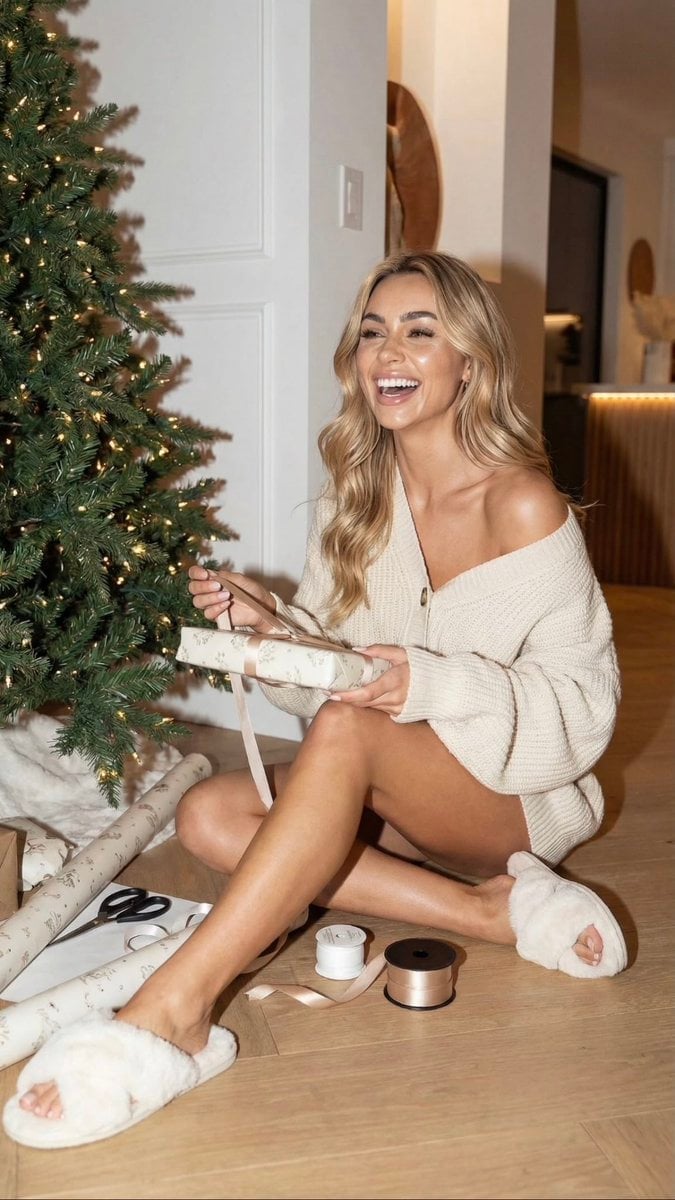
- Prompt included
- Model and format preset
- Free template
The prompt behind this image
Copy the exact prompt behind Cozy Christmas Gift Wrapping Flash Photo Prompt, or open it in the studio and make it yours.
- Image Analysis › Subject › Description
- Young woman with long, wavy blonde hair and tan skin.
- Image Analysis › Subject › Expression
- Laughing/smiling broadly, looking off-camera to the left.
- Image Analysis › Subject › Pose
- Sitting on a light wood floor with legs bent and extended.
- Image Analysis › Attire › Clothing
- Oversized, chunky-knit cream/beige cardigan worn off-the-shoulder on the left side.
- Image Analysis › Attire › Footwear
- White, fluffy, faux-fur cross-strap slippers.
- Image Analysis › Attire › Accessories
- Minimal; small hoop earrings visible.
- Image Analysis › Action › Primary
- Wrapping Christmas gifts.
- Image Analysis › Action › Specifics
- Holding a rectangular wrapped gift box with a ribbon in both hands.
- Image Analysis › Environment › Setting
- Indoor residential space, likely a hallway or living room.
- Image Analysis › Environment › Decor
- Large Christmas tree to the left, decorated with warm white string lights (no ornaments).
- Image Analysis › Environment › Flooring
- Light oak wood planks.
- Image Analysis › Environment › Background
- White walls, white door frame, and a glimpse into a dimly lit adjacent room.
- Image Analysis › Objects Props › On Floor
- Rolls of {argument name="wrapping paper color" default="cream-colored"} wrapping paper with a subtle pattern., Black-handled scissors., Clear tape dispenser., Spool of white ribbon., Spool of wide bronze/copper satin ribbon., White faux-fur rug or tree skirt under the tree.
- Image Analysis › Lighting And Style › Type
- Flash photography mixed with warm ambient light.
- Image Analysis › Lighting And Style › Mood
- Festive, cozy, joyful, candid.
- Image Analysis › Lighting And Style › Colors
- Warm neutrals, cream, beige, green (tree), metallic bronze.
Raw JSON
{
  "image_analysis": {
    "subject": {
      "description": "Young woman with long, wavy blonde hair and tan skin.",
      "expression": "Laughing/smiling broadly, looking off-camera to the left.",
      "pose": "Sitting on a light wood floor with legs bent and extended."
    },
    "attire": {
      "clothing": "Oversized, chunky-knit cream/beige cardigan worn off-the-shoulder on the left side.",
      "footwear": "White, fluffy, faux-fur cross-strap slippers.",
      "accessories": "Minimal; small hoop earrings visible."
    },
    "action": {
      "primary": "Wrapping Christmas gifts.",
      "specifics": "Holding a rectangular wrapped gift box with a ribbon in both hands."
    },
    "environment": {
      "setting": "Indoor residential space, likely a hallway or living room.",
      "decor": "Large Christmas tree to the left, decorated with warm white string lights (no ornaments).",
      "flooring": "Light oak wood planks.",
      "background": "White walls, white door frame, and a glimpse into a dimly lit adjacent room."
    },
    "objects_props": {
      "on_floor": [
        "Rolls of {argument name=\"wrapping paper color\" default=\"cream-colored\"} wrapping paper with a subtle pattern.",
        "Black-handled scissors.",
        "Clear tape dispenser.",
        "Spool of white ribbon.",
        "Spool of wide bronze/copper satin ribbon.",
        "White faux-fur rug or tree skirt under the tree."
      ]
    },
    "lighting_and_style": {
      "type": "Flash photography mixed with warm ambient light.",
      "mood": "Festive, cozy, joyful, candid.",
      "colors": "Warm neutrals, cream, beige, green (tree), metallic bronze."
    }
  }
}How to use Cozy Christmas Gift Wrapping Flash Photo Prompt in 3 steps
- 1
Open
The prompt is already in the box next to the preview, with the template's model and format selected.
- 2…a portrait of your subject in softgolden-hour light, 85mm…
Personalize
Edit the subject and creative details for your destination.
- 3Generate
Generate
Press Generate — your image is created in PicX Studio, so you can compare it with the original and refine one variable at a time.
More like this
Templates with the same subject, style or setup. Open one to see its prompt.
Nostalgic Digicam Café Afternoon Portrait

Christmas Ornament Portrait Glossy Glass Resin Finish with Hand Painted Details Holiday Lighting
Santa's most fragrant gift!

Pixar-Style Chibi Café Morning Scene
Japanese Café Sketch Duo Illustration
Delicate Japanese Café Lifestyle Illustration
Parisian Outdoor Café Silver-Hair Portrait
Pixar-Style Chibi Café Morning Scene
Japanese Café Sketch Duo Illustration
Delicate Japanese Café Lifestyle Illustration
Cozy Café Ice Cream Hands Close-Up
Watercolor Café Cheesecake Editorial Illustration
Make it yours
Cozy Christmas Gift Wrapping Flash Photo Prompt works as-is. These are the safest ways to change it without losing the look.
Swap the setting
Keep the rest of the prompt and replace the location block. The current setting is “Indoor residential space, likely a hallway or living room.”.
Swap the light
One lighting change is enough to compare takes. Current light: “Flash photography mixed with warm ambient light.”.
Change one field
Copy a single group, rewrite it, and generate again so you can see what that field is doing.
| If the result… | Why | Fix |
|---|---|---|
| The result drifts from the preview | Too many fields changed at once. | Reuse Cozy Christmas Gift Wrapping Flash Photo Prompt as-is first, then change one group — subject, light, or setting. |
| Nano Banana 2 ignores part of the JSON | Some models flatten or skip nested keys. | Keep the same values and paste them as a short paragraph instead. |
More Nano Banana 2 templates
Other prompts made for Nano Banana 2.

Photorealistic Leaf Shaped Like a Dragon

K-Pop Idol Portrait Grid for Rapid Selection

Poetic Rain Forest Portrait During Golden Hour

Urban Street Portrait with Cartoon Inner Self Duo

Candid Nighttime Photo with Cat Prompt

High-Concept 3D Diorama Generation Prompt

Cinematic Futuristic Studio Portrait Template

Skincare Editorial Photography Collage Prompt

Hyper-Realistic Commercial Product Photography (Splash Effect)

Hyper-Realistic Nightclub Portrait Prompt
More image prompts
Fresh picks from across the catalog.
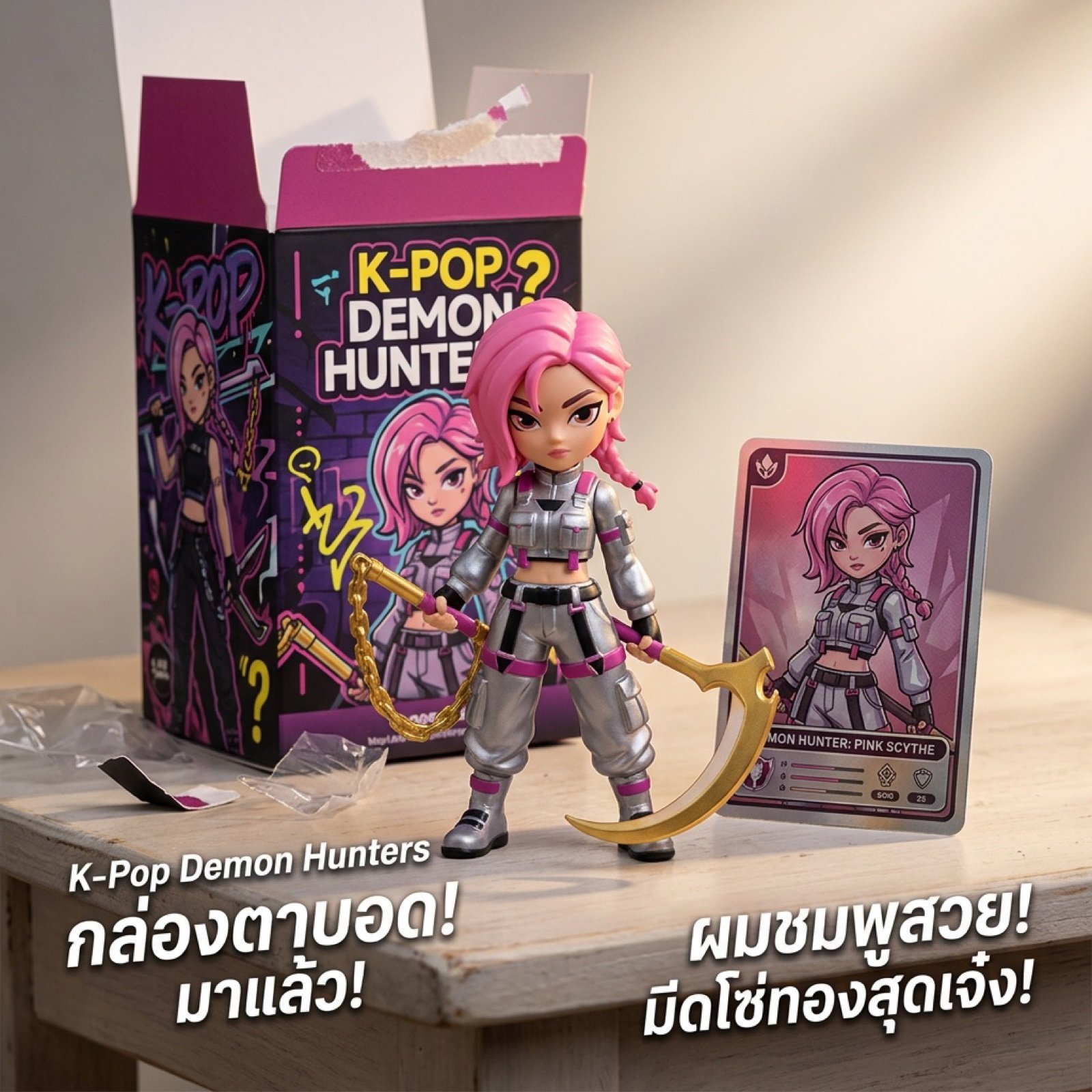
K-Pop Demon Hunters Video Script/Prompt
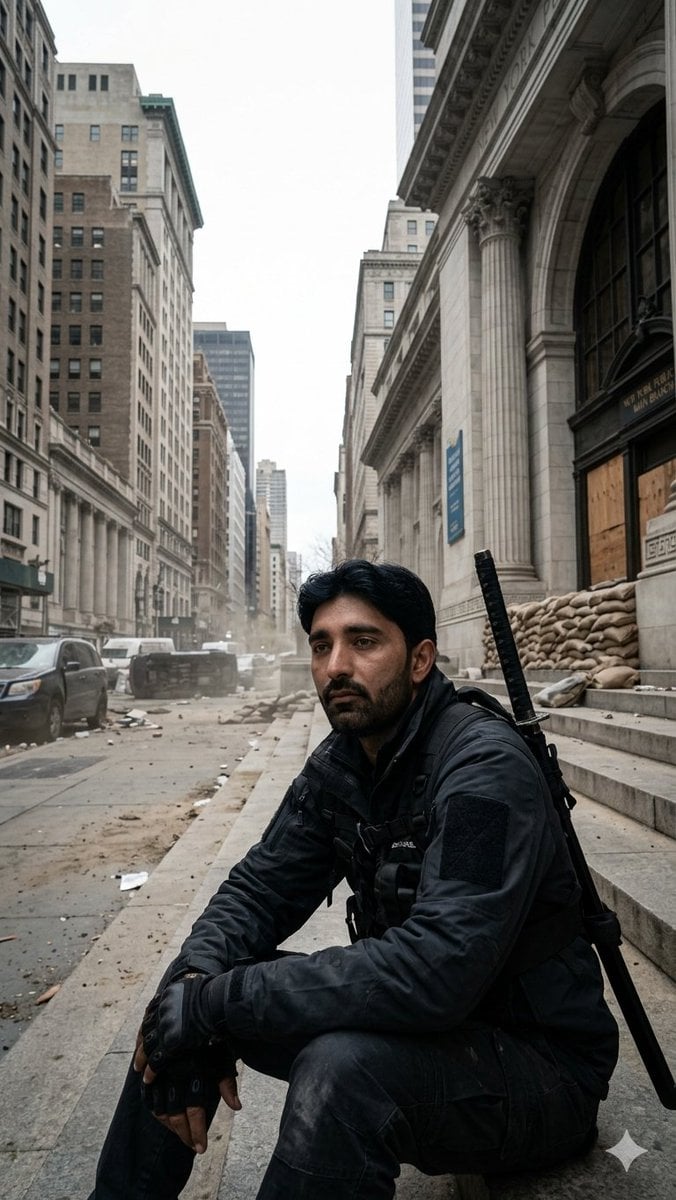
Fortified NYPL Survivor Scene
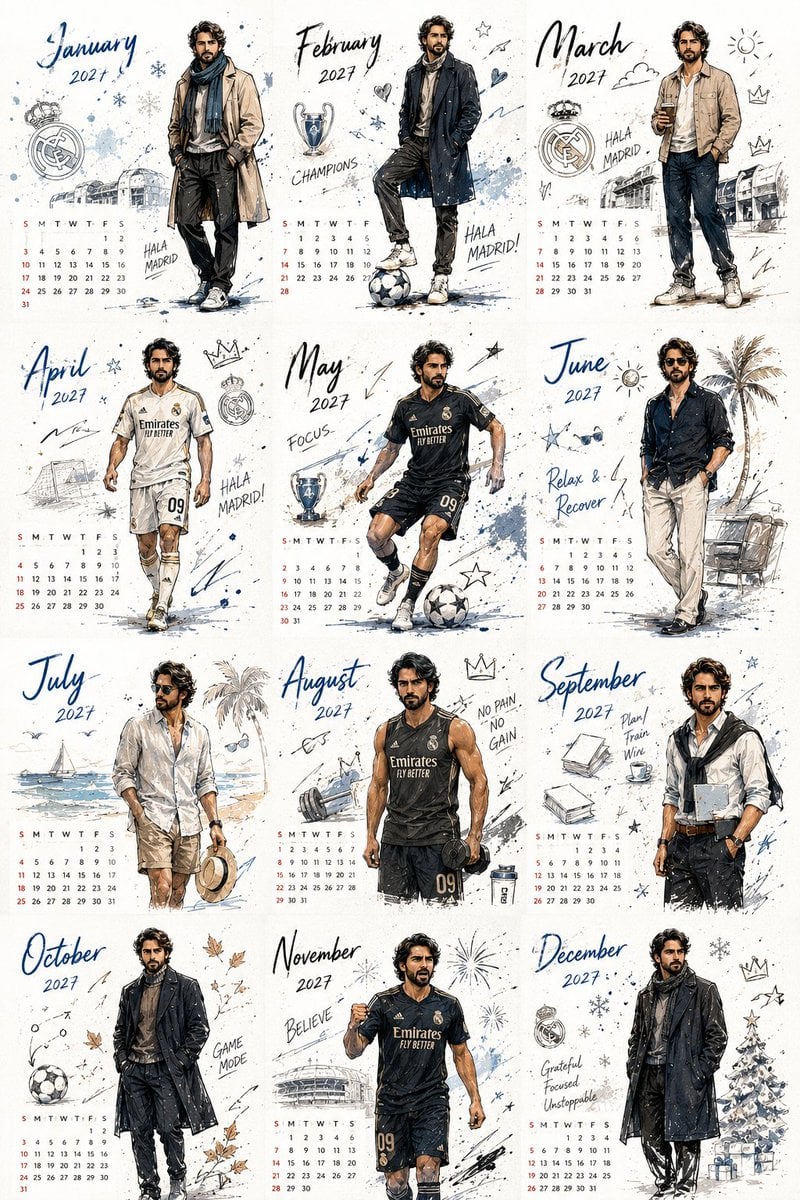
Korean Style Desktop Calendar 2027
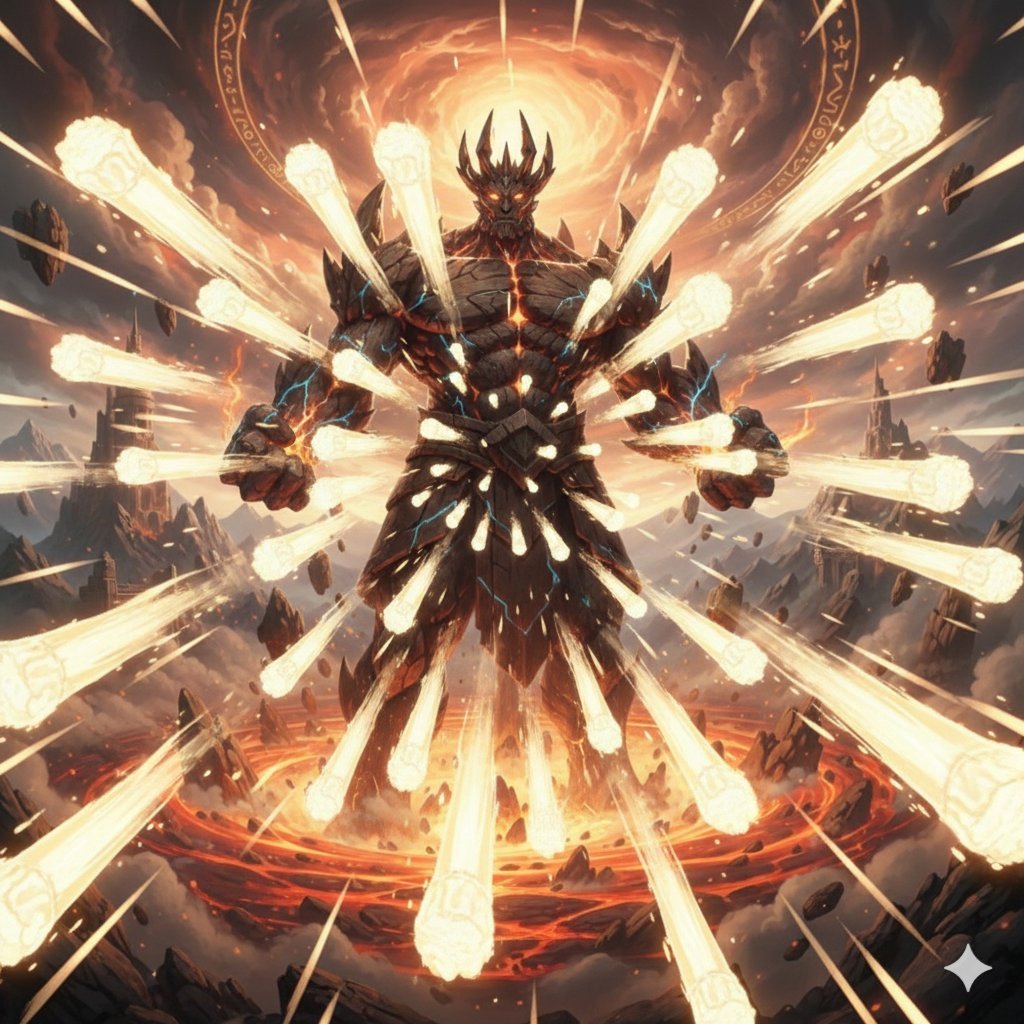
Titan with Hokuto Hyakuretsu Ken Generation
High-Speed Skateboard Tricks Video Prompt
Anime Pop-Up Business Card
Anime Character in Real Rooftop Scene
Futuristic 3D Graffiti Mural
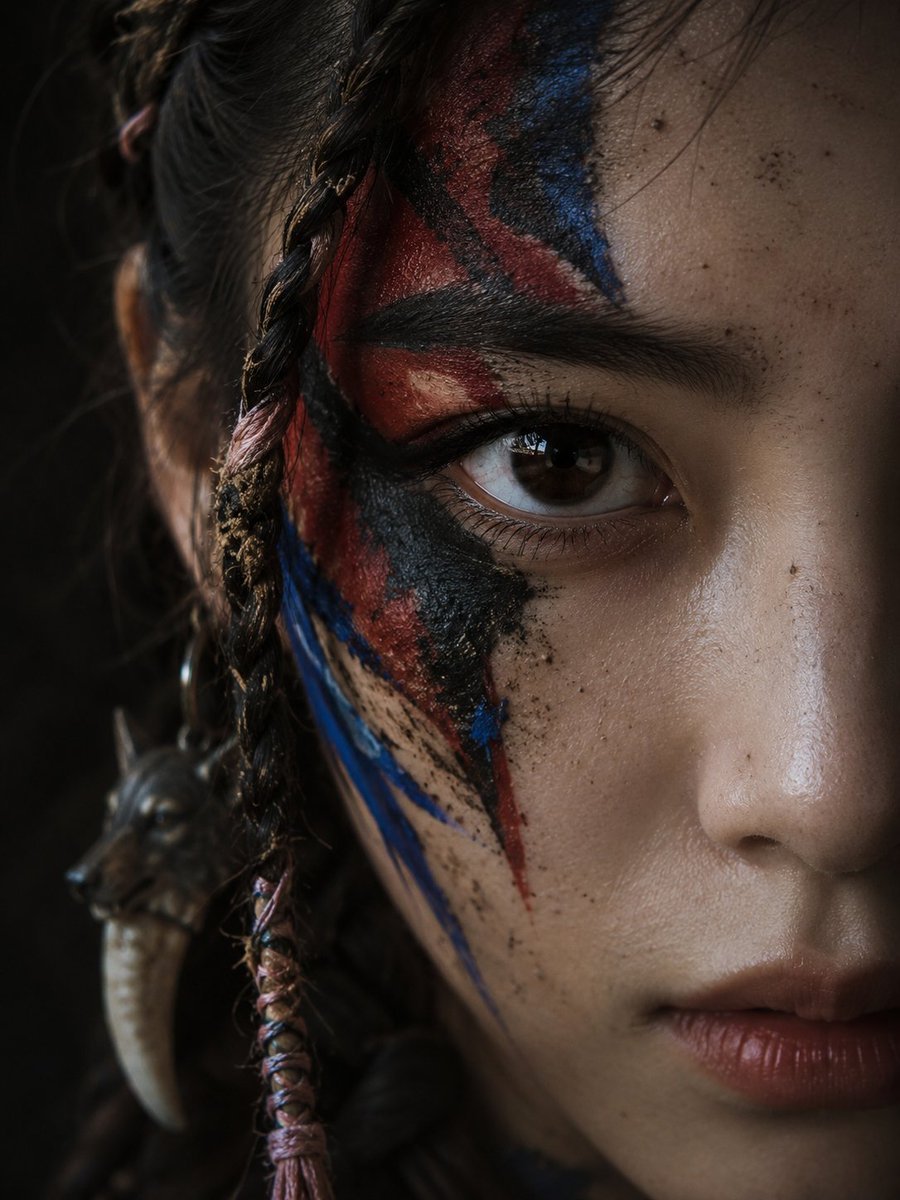
Cinematic Tribal Warrior Portrait
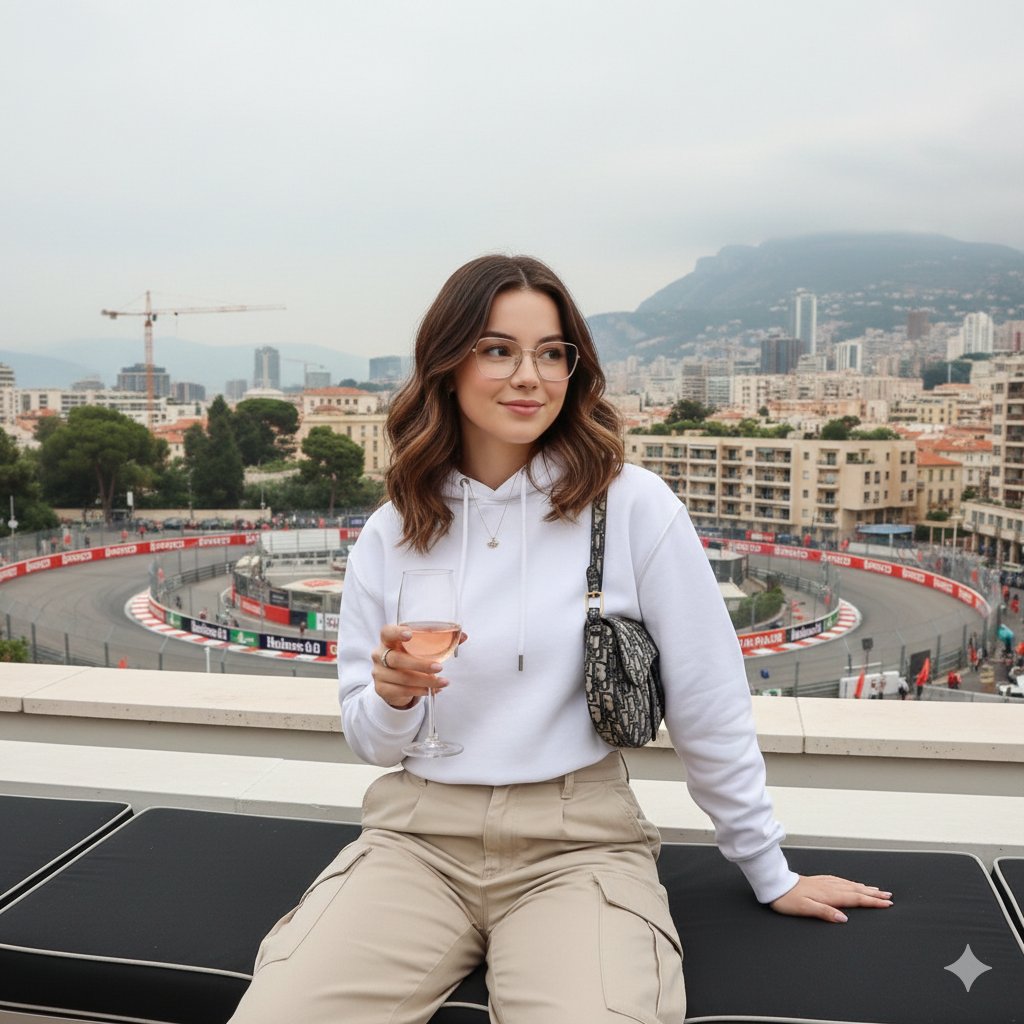
Monaco Grand Prix Rooftop Lifestyle Shot
Browse template categories
Cozy Christmas Gift Wrapping Flash Photo Prompt questions
How do I use the Cozy Christmas Gift Wrapping Flash Photo Prompt template?
Add your photo if the template asks for one, edit the prompt if you like — the template's model and format are already selected — and press Generate. Your version opens in PicX Studio.
Can I customize the Cozy Christmas Gift Wrapping Flash Photo Prompt template?
Yes. You can change the subject, setting, lighting, mood, format, and available model controls before creating your image.
Is the Cozy Christmas Gift Wrapping Flash Photo Prompt template free?
Opening and editing this template is free. Generating uses credits, shown on the Generate button when you are signed in.
Which AI model should I use?
Start with Nano Banana 2, which is the model associated with this template. You can compare another compatible model for a different finish.
Looking for something else? Browse all templates.

Your photo, any look
Thousands of ready templates for every top image and video model, from one credit balance.