
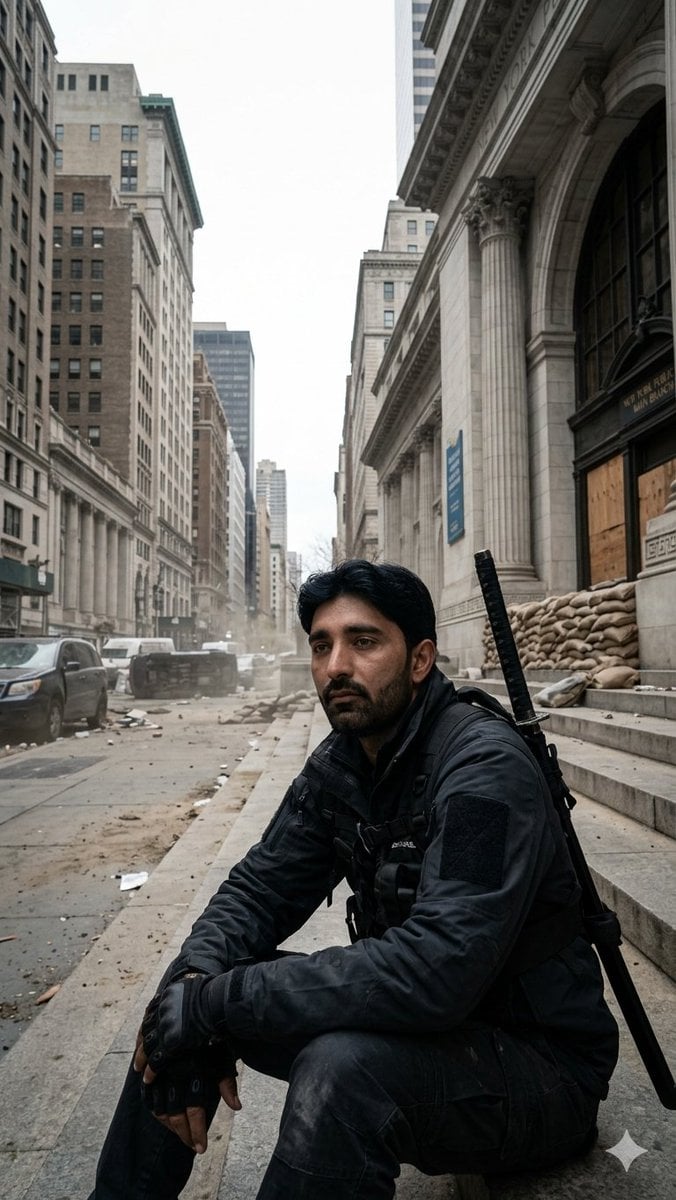
Fortified NYPL Survivor Scene
A cinematic photorealistic prompt for creating a lone tactical survivor sitting outside a barricaded New York Public Library in a deserted post-crisis Manhattan street.
- Prompt included
- Model and format preset
- Free template
The prompt behind this image
Copy the exact prompt behind Fortified NYPL Survivor Scene, or open it in the studio and make it yours.
Create a vertical 9:16 cinematic photorealistic street scene in Manhattan, shot from a low angle on the steps of the New York Public Library Main Branch on an overcast, blustery afternoon. In the foreground, place a lone tactical survivor, {argument name="character name" default="unnamed man"}, sitting exhausted on the stone steps, wearing all-black urban combat clothing: dark jacket, tactical vest, gloves, cargo pants, backpack straps, and a sheathed katana or long sword strapped vertically over his back. His face should be obscured by a flat dark rectangular censor block, while his black hair and ears remain partly visible. The library facade fills the right side: tall Beaux-Arts columns, arched entrance, carved stone details, steps, and a fortified barricade of tan sandbags stacked beside boarded-up wooden doors. The left side opens into a long avenue canyon of tall New York buildings, abandoned cars, scattered debris, dust in the air, and a damaged or overturned dark vehicle in the midground. Use muted gray daylight, cold desaturated colors, gritty realism, slight haze, dramatic depth, documentary-style composition, and a silent post-crisis atmosphere. Include exactly one seated survivor, one visible sword, one sandbag barricade, one boarded entrance, multiple abandoned vehicles in the background, and no readable added text or logos.
How to use Fortified NYPL Survivor Scene in 3 steps
- 1Upload ImagePNG, JPG or paste
Add your photo
Upload the photo the template builds on. The prompt, model and format are already set.
- 2…a portrait of your subject in softgolden-hour light, 85mm…
Personalize
Edit the subject and creative details for your destination.
- 3Generate
Generate
Press Generate — your image is created in PicX Studio, so you can compare it with the original and refine one variable at a time.
More like this
Templates with the same subject, style or setup. Open one to see its prompt.
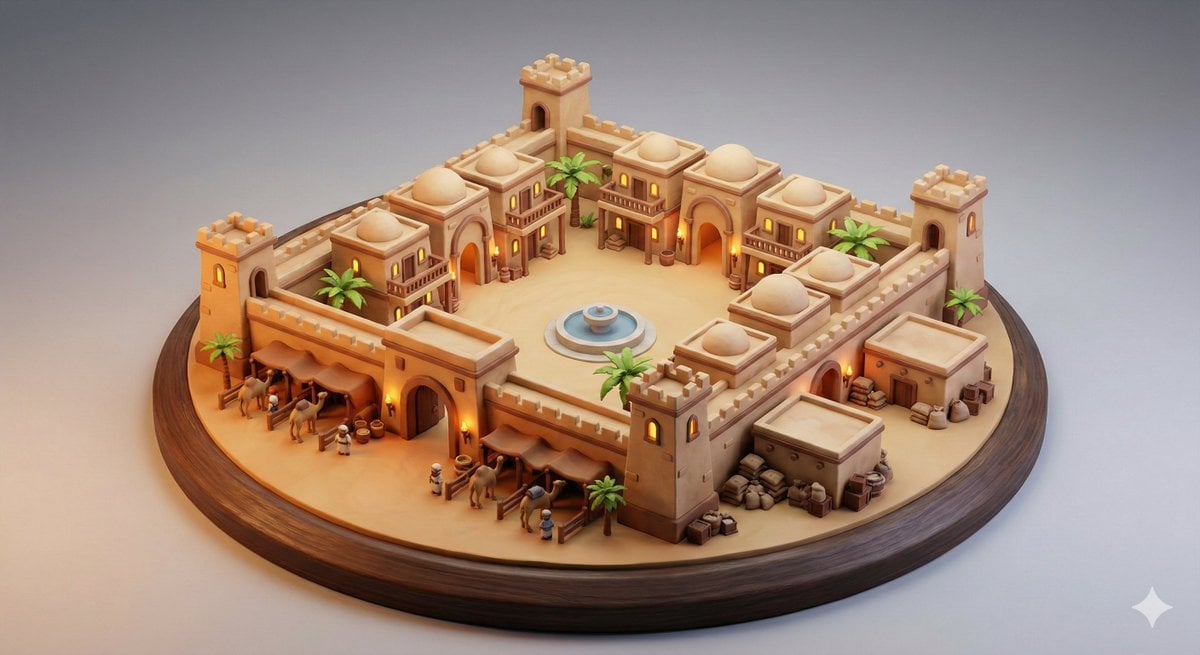
Whimsical Diorama of a Fortified Desert Caravanserai
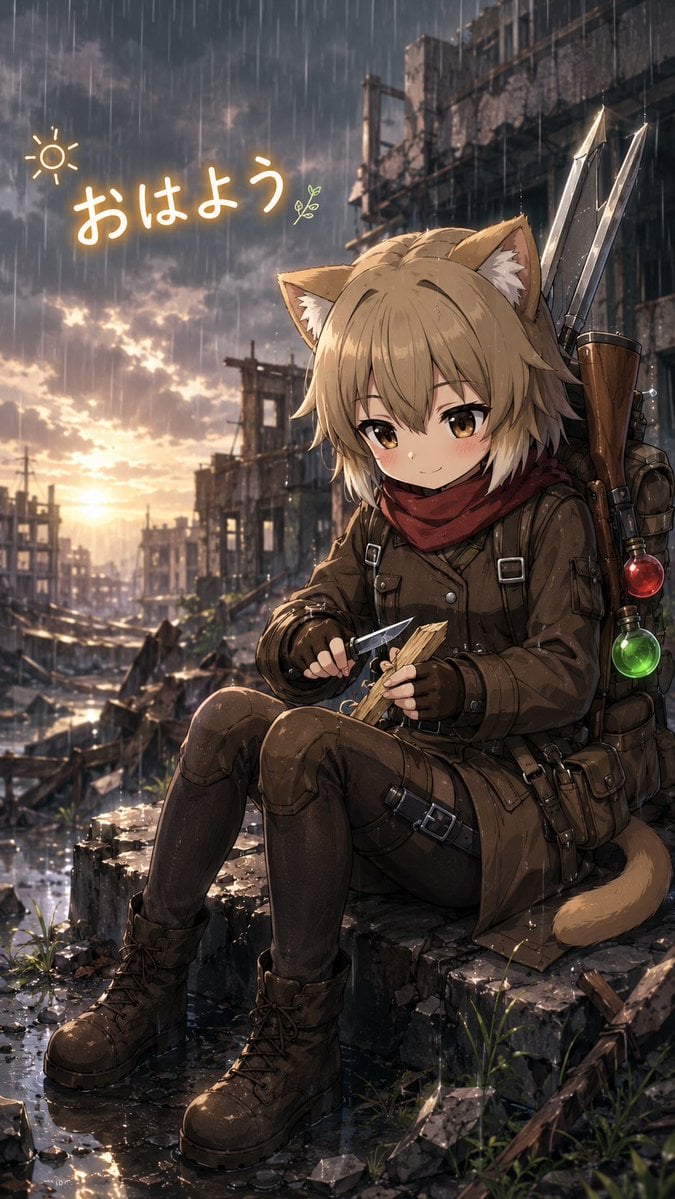
Rainy Cat-Eared Survivor Morning
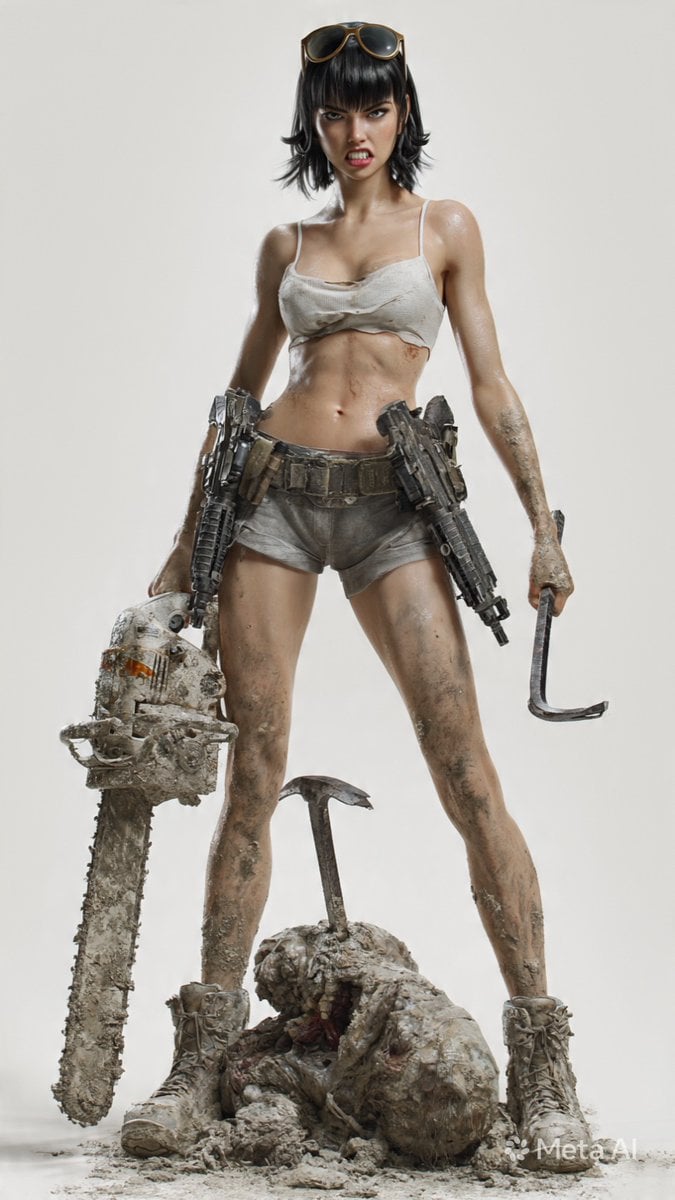
Post-Apocalyptic 3D Zombie Survivor
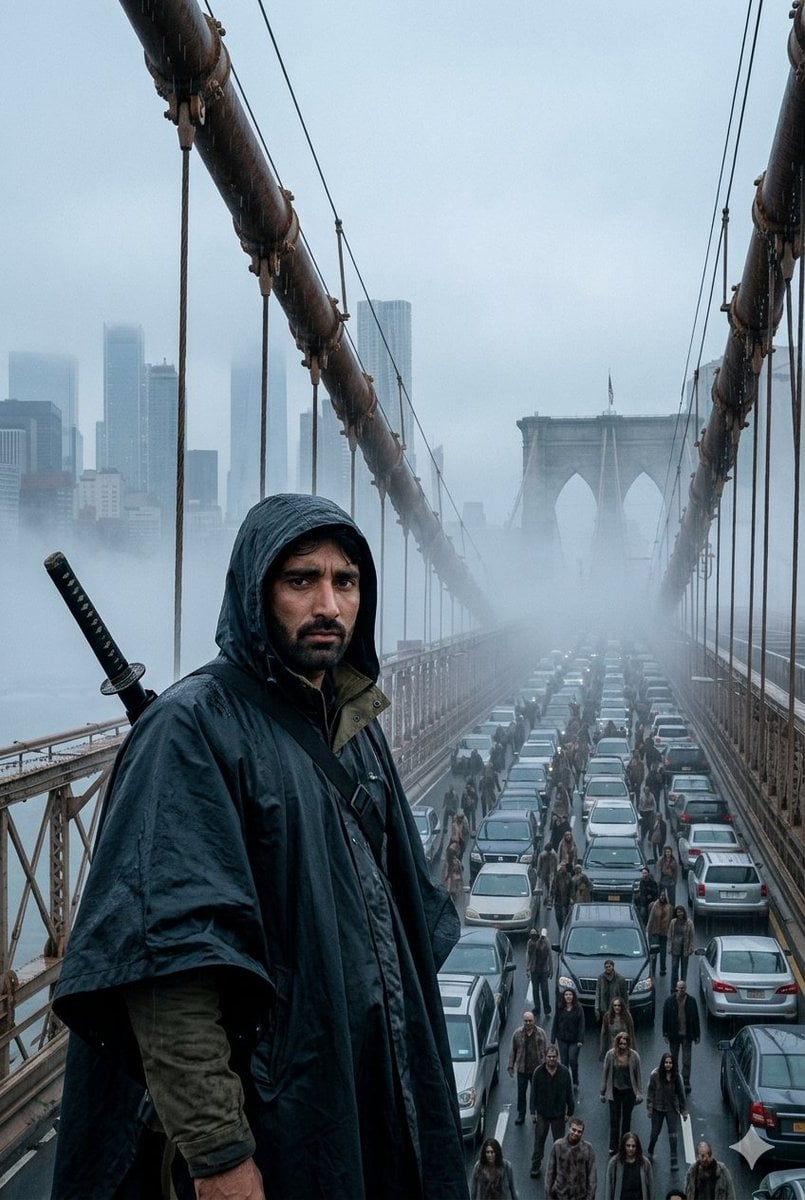
Foggy Brooklyn Bridge Survivor
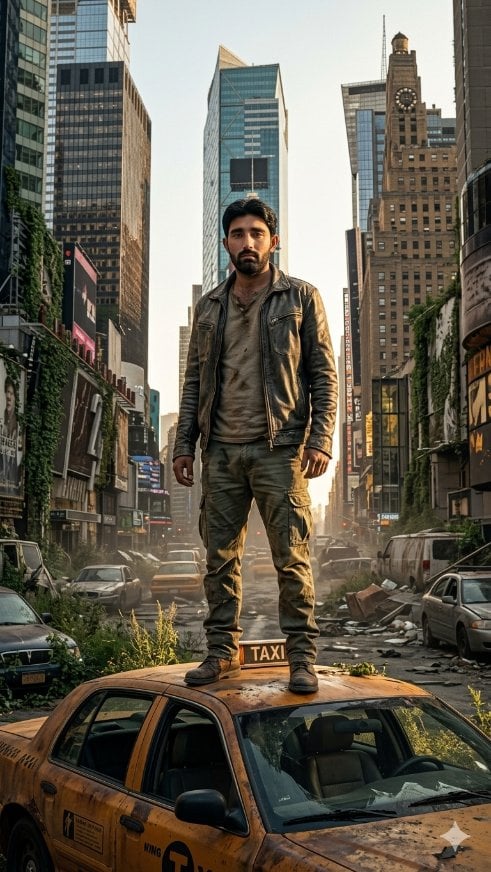
Post-Apocalyptic Taxi Survivor
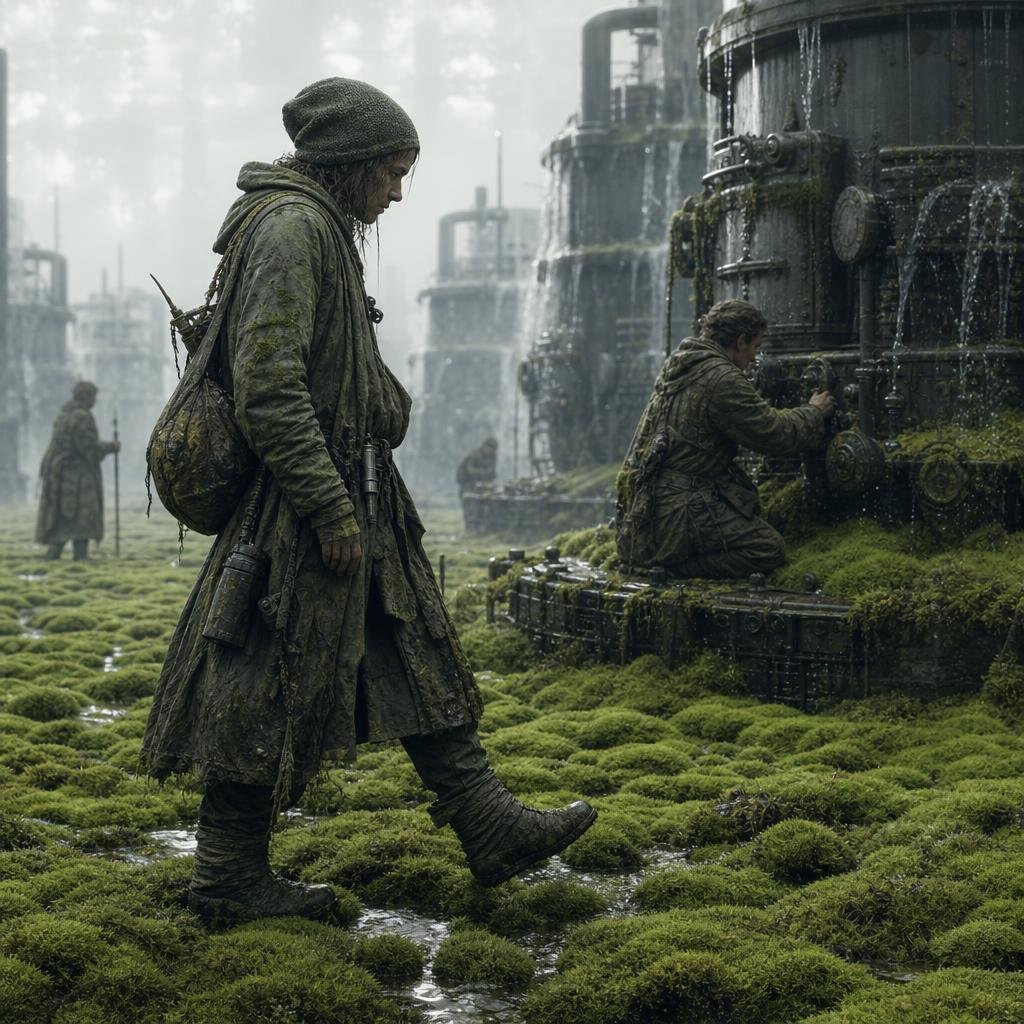
Moss-Covered Industrial Survivors
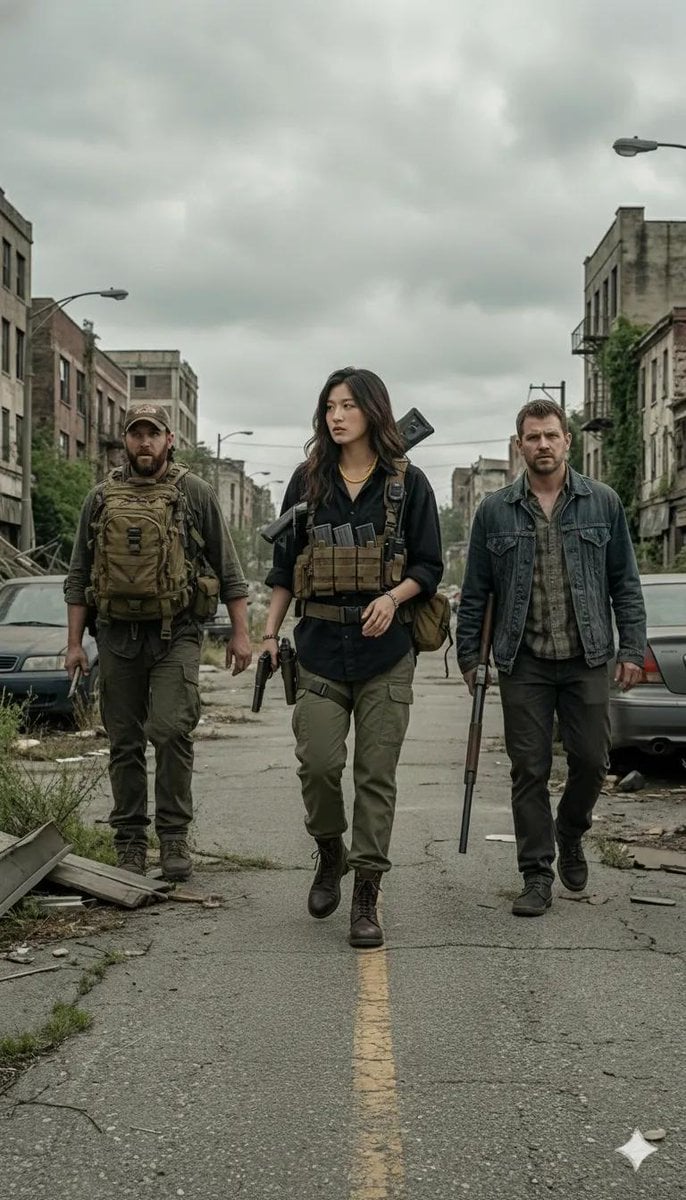
Gritty Post-Apocalyptic Survivor Scene
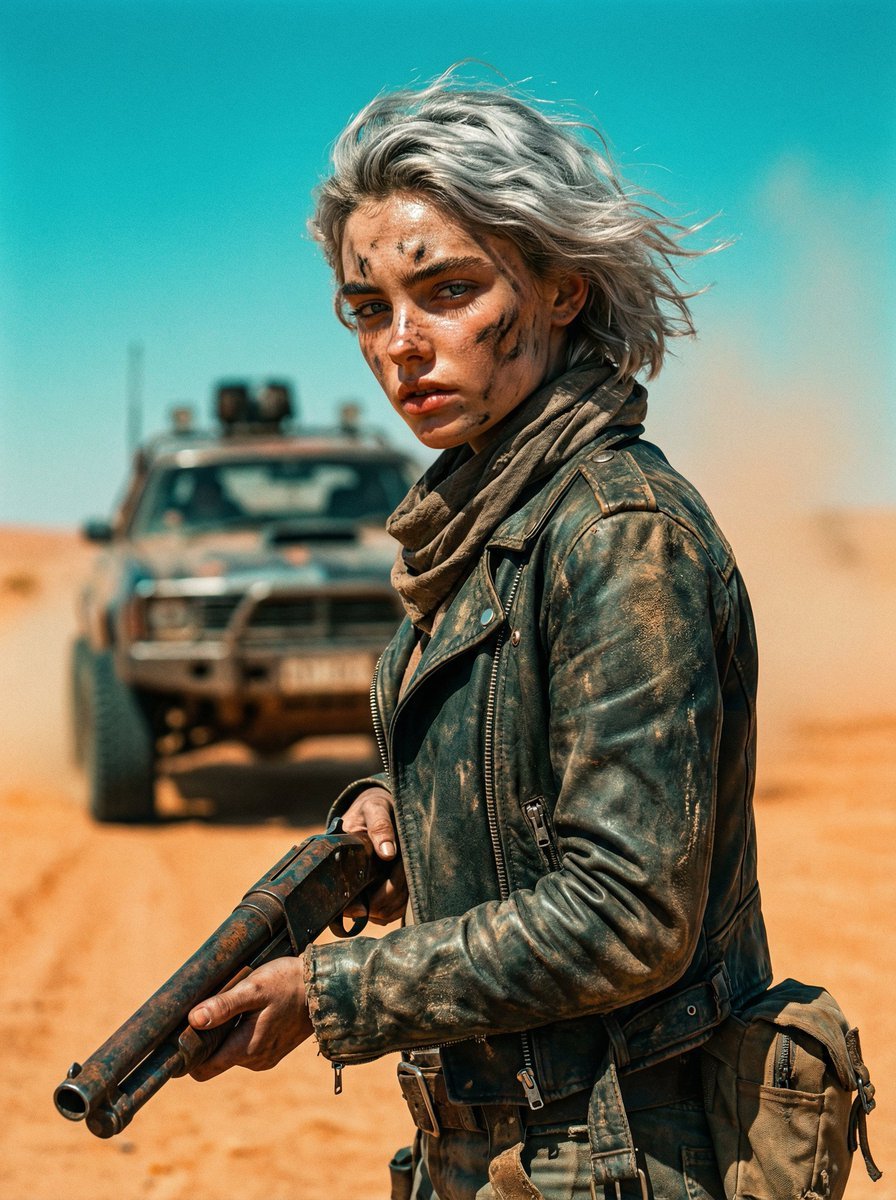
Cinematic Wasteland Survivor Portrait (Mad Max Style)
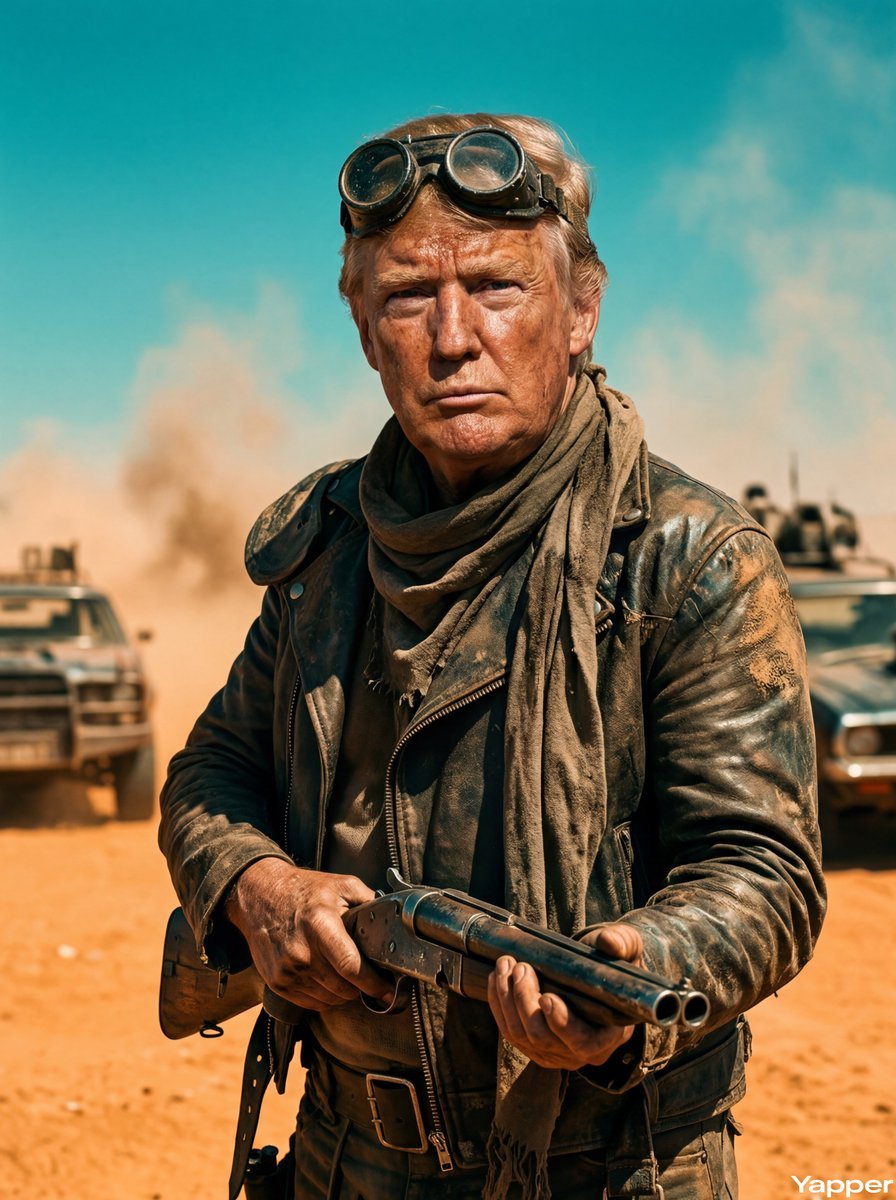
Mad Max Wasteland Survivor Film Still
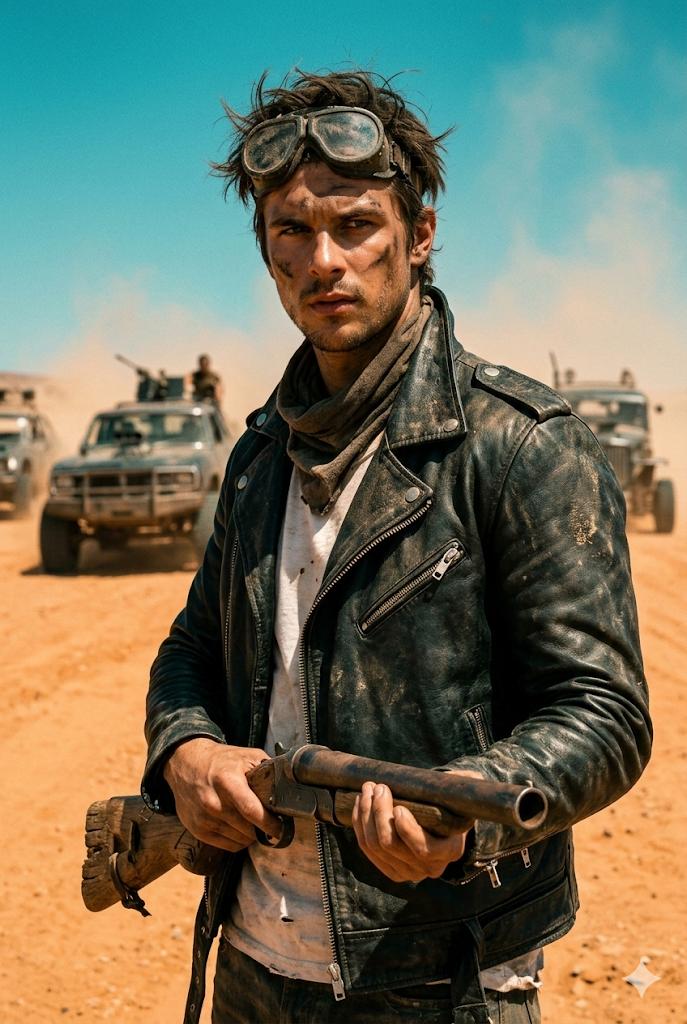
Wasteland Survivor Cinematic Film Still (Mad Max Style)
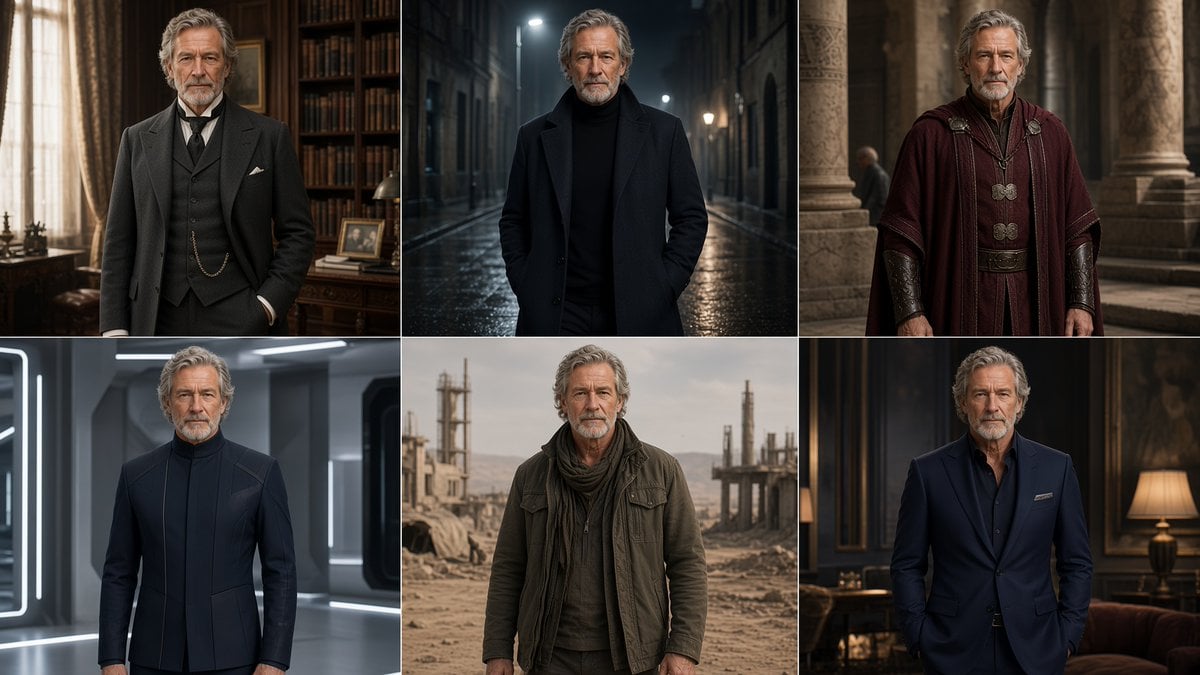
Six-Panel Cinematic Character Variations
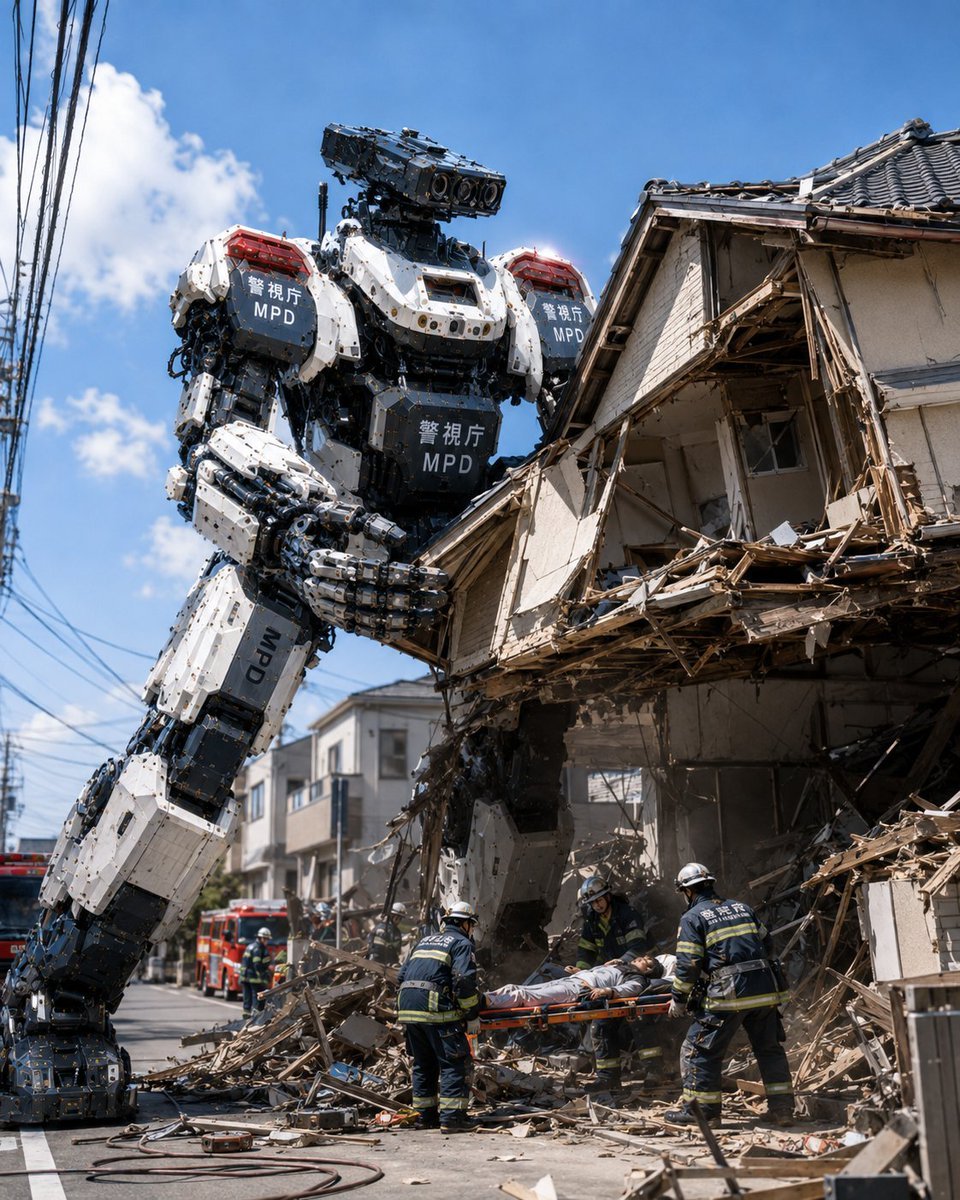
MPD Robot Collapsed House Rescue
Make it yours
Fortified NYPL Survivor Scene works as-is. These are the safest ways to change it without losing the look.
Change one field
Copy a single group, rewrite it, and generate again so you can see what that field is doing.
Keep the frame, change the subject
Hold the composition and light of Fortified NYPL Survivor Scene, then swap wardrobe, props or the person for a new take.
| If the result… | Why | Fix |
|---|---|---|
| The result drifts from the preview | Too many fields changed at once. | Reuse Fortified NYPL Survivor Scene as-is first, then change one group — subject, light, or setting. |
| The model over-stylizes the scene | The prose prompt leaves finish and camera underspecified. | Add one camera or lighting sentence and stay on GPT Image 2. |
More GPT Image 2 templates
Other prompts made for GPT Image 2.

Six VTuber Japanese Logo Sheet

Realistic Portrait of Woman and Deer

The Vista Modular Condo Poster

AI Model Routing Comparison Infographic

2.5D Anime Art Board

Isometric Productivity Desk Scene

New York Double Exposure Poster

Four-Panel AI Landscape Comparison

Japanese Tatami Lifestyle Magazine Cover

NESCAFÉ Coffee Map Poster
More image prompts
Fresh picks from across the catalog.
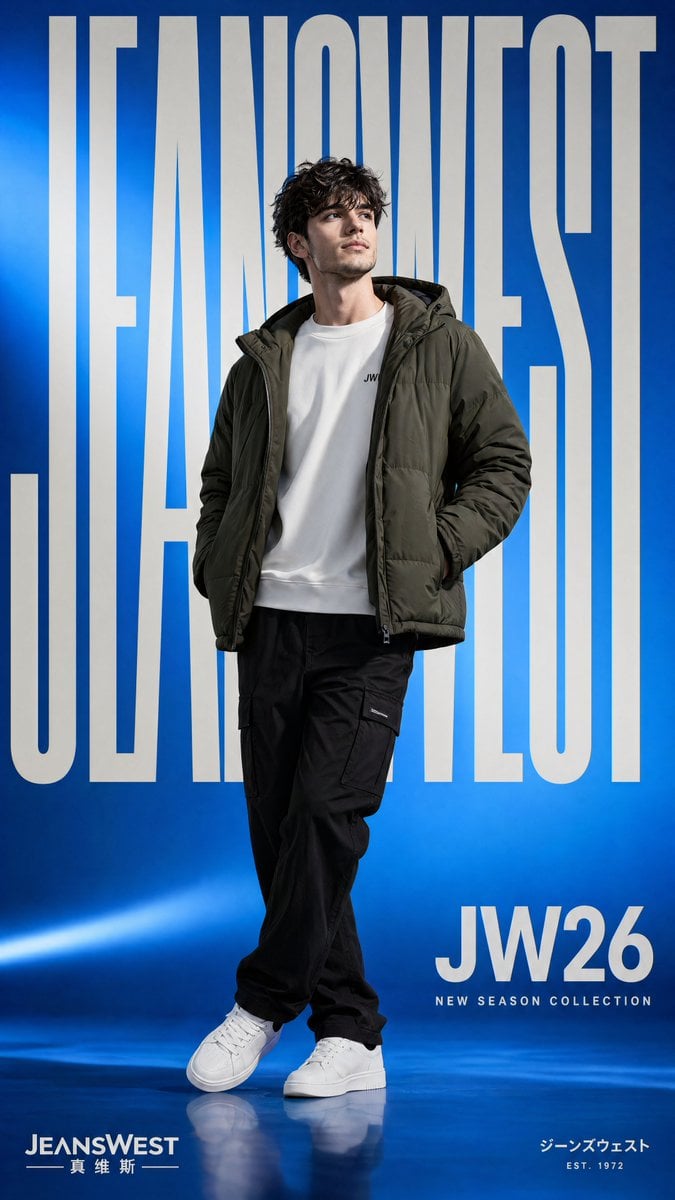
Streetwear Fashion Poster
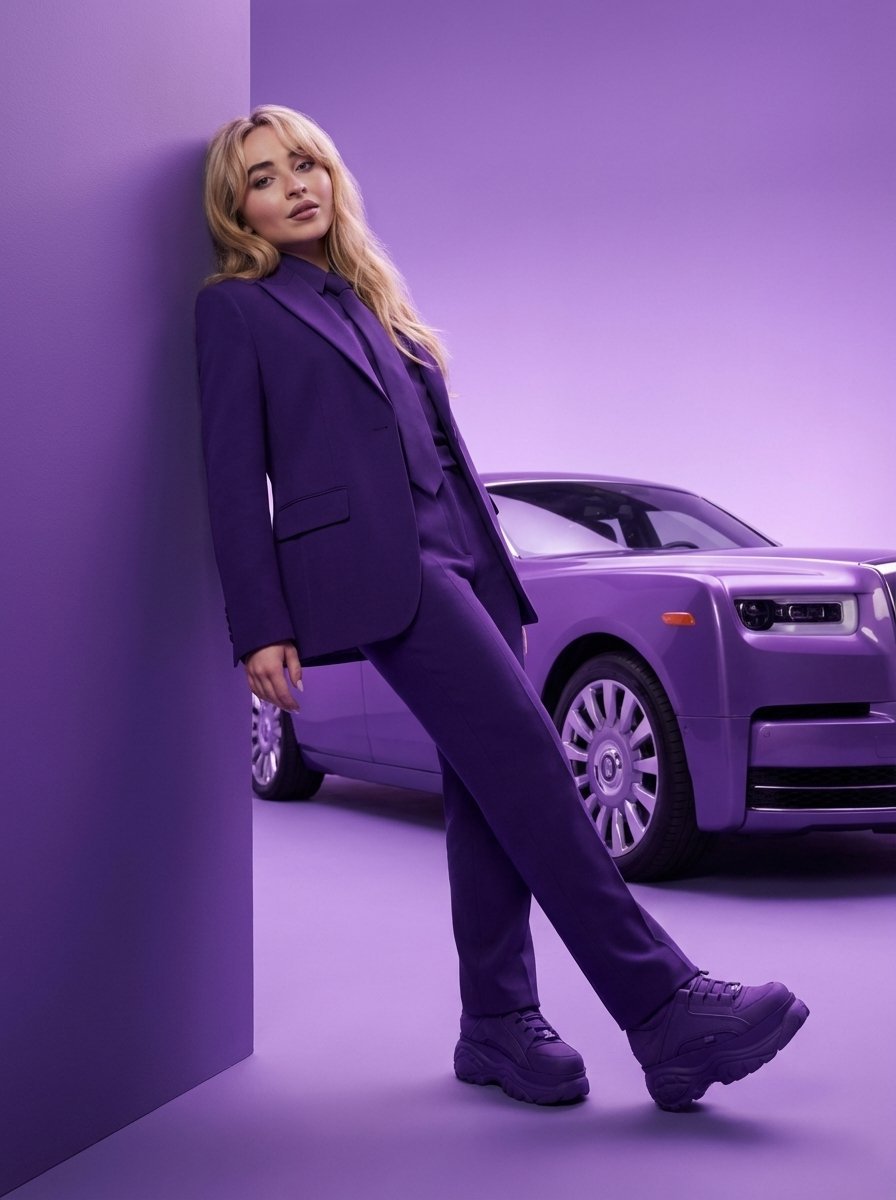
High-Fashion Editorial Portrait with Monochrome Purple Aesthetic
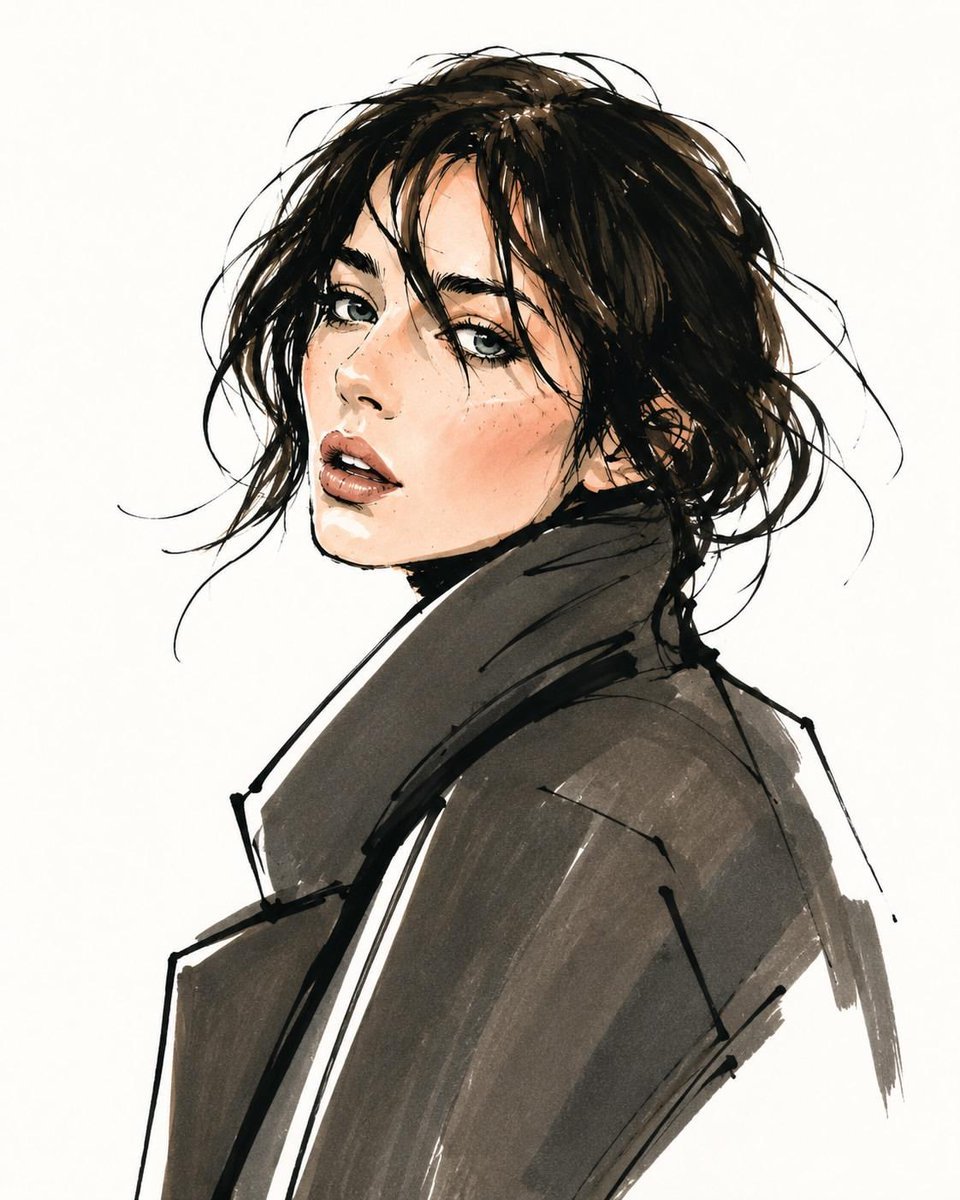
Vogue Style Fashion Sketch
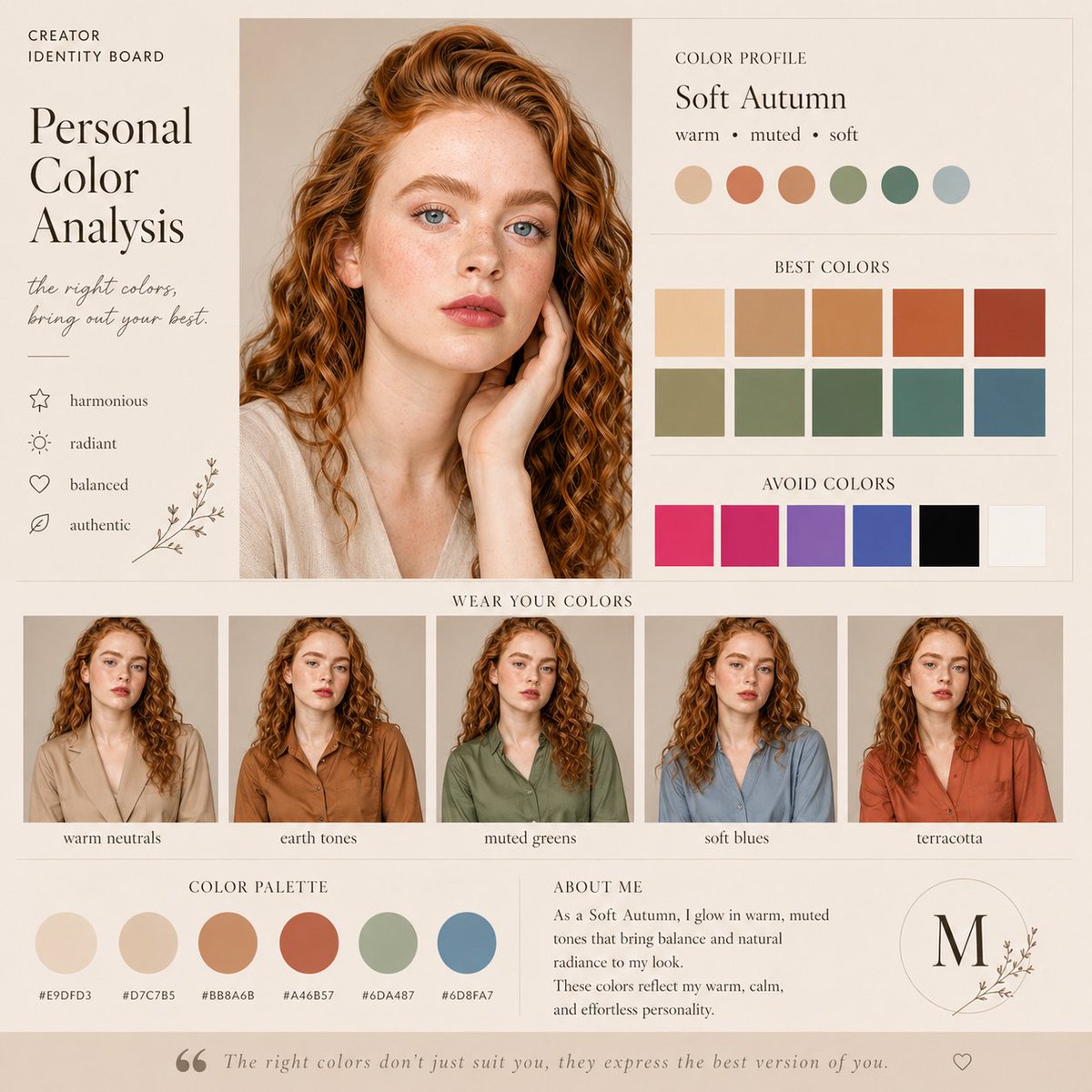
Soft Autumn Personal Color Board
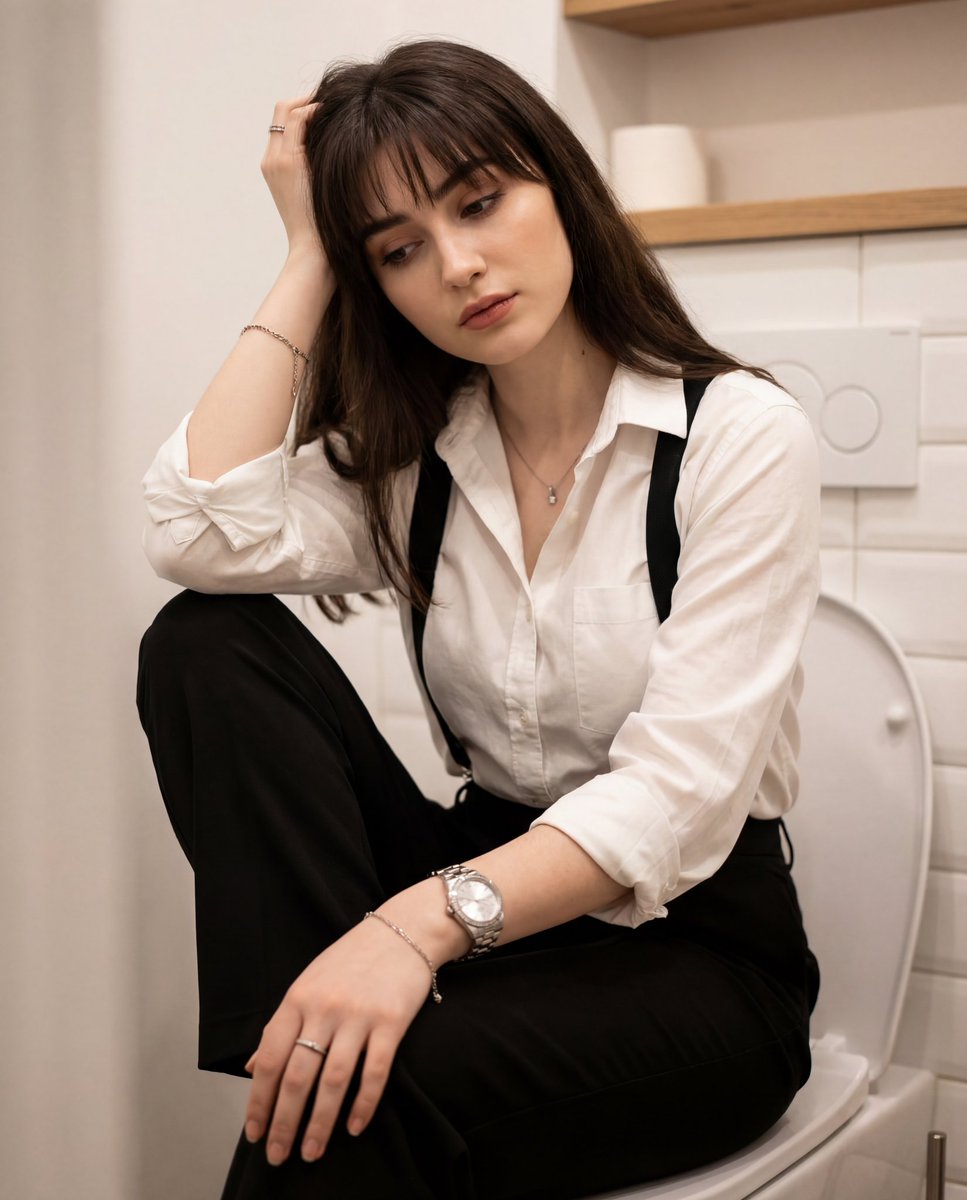
Introspective Portrait in a Bathroom with Identity Lock
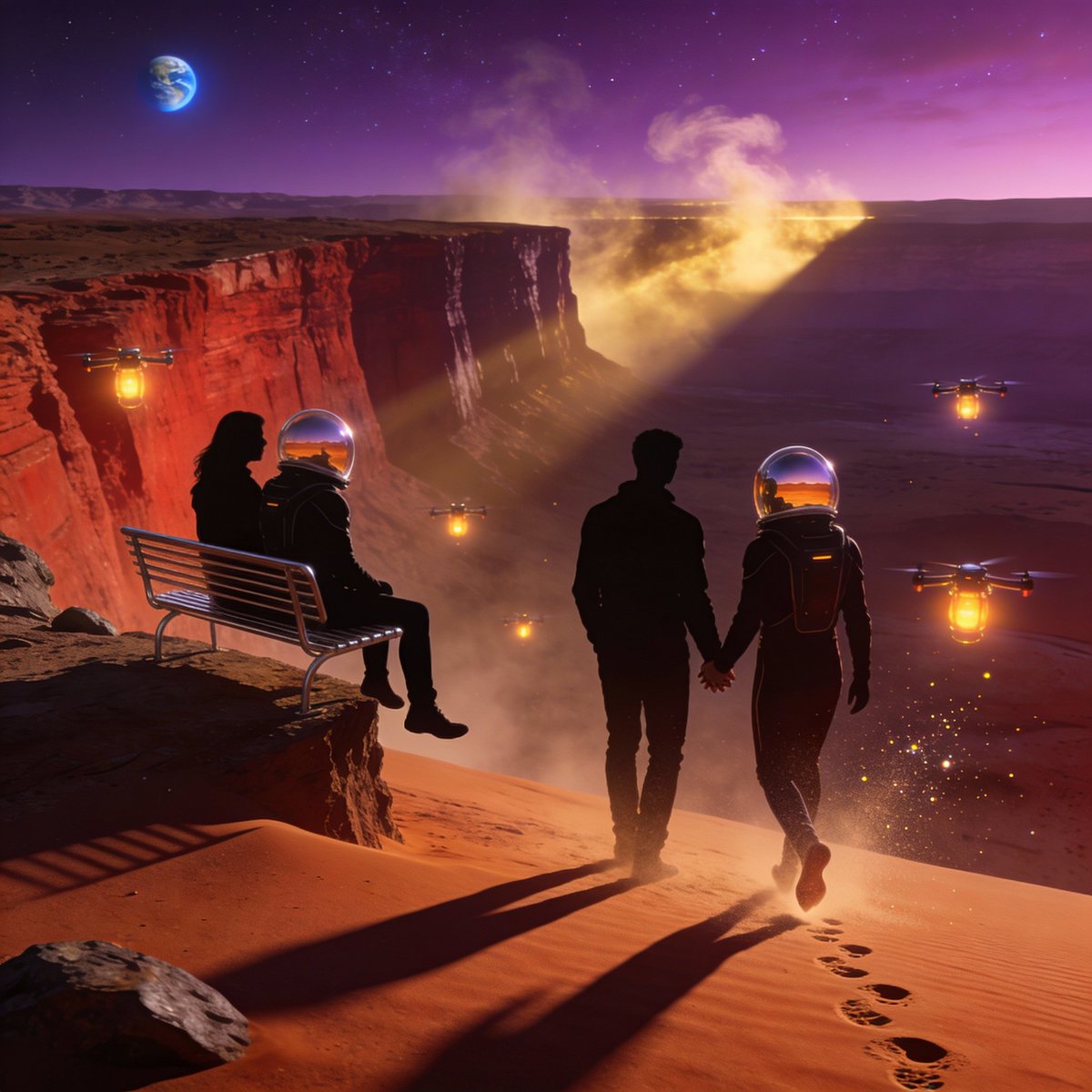
Ultra-Real 16K Cinematic Scene of Romantic Date on Mars
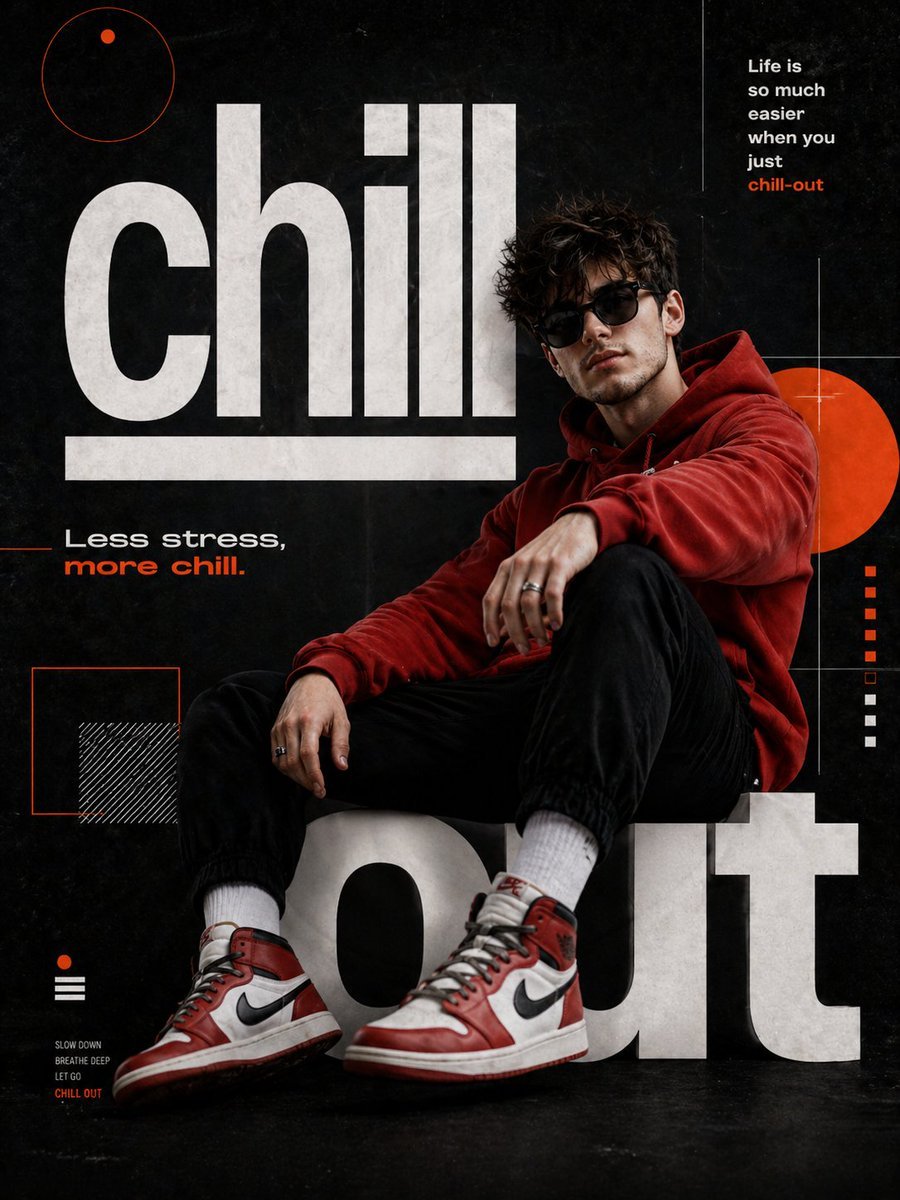
Chill-out Cinematic Poster
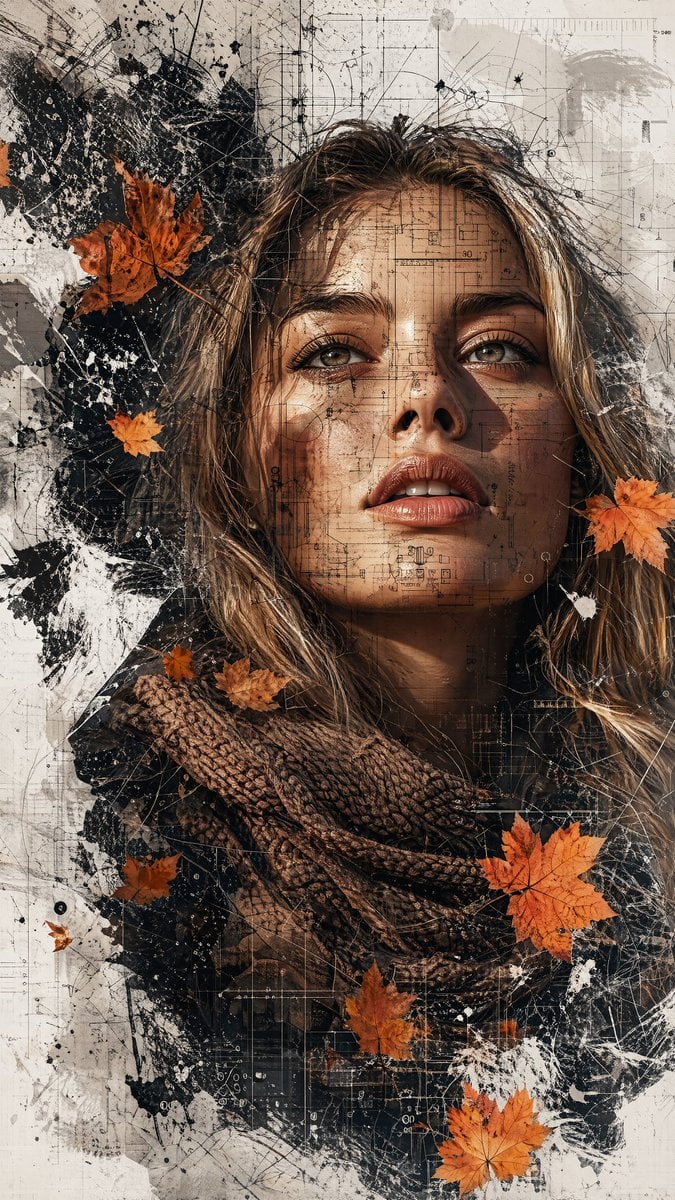
Multimedia Collage Fashion Portrait

Tokaido Anime Travel Poster
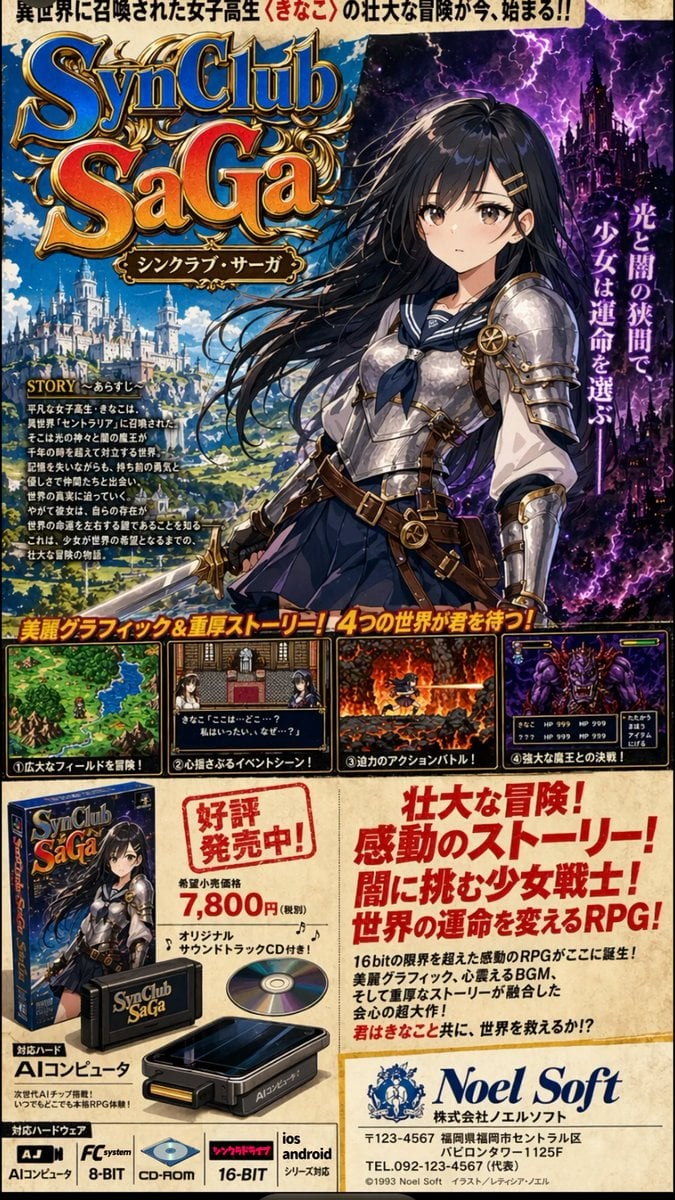
Retro JRPG Magazine Ad
Browse template categories
Fortified NYPL Survivor Scene questions
How do I use the Fortified NYPL Survivor Scene template?
Add your photo if the template asks for one, edit the prompt if you like — the template's model and format are already selected — and press Generate. Your version opens in PicX Studio.
Can I customize the Fortified NYPL Survivor Scene template?
Yes. You can change the subject, setting, lighting, mood, format, and available model controls before creating your image.
Is the Fortified NYPL Survivor Scene template free?
Opening and editing this template is free. Generating uses credits, shown on the Generate button when you are signed in.
Which AI model should I use?
Start with GPT Image 2, which is the model associated with this template. You can compare another compatible model for a different finish.
Looking for something else? Browse all templates.

Your photo, any look
Thousands of ready templates for every top image and video model, from one credit balance.