
Moss-Covered Industrial Survivors
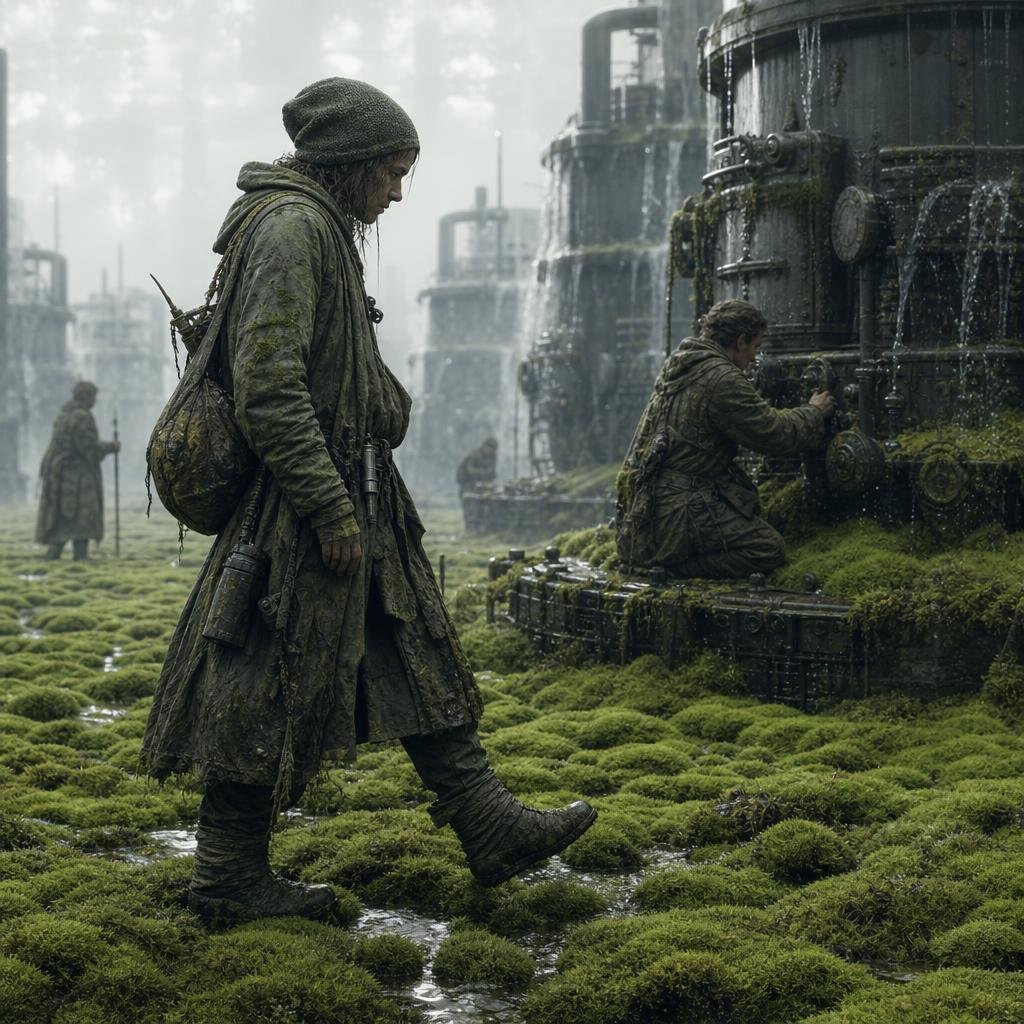
A cinematic photorealistic scene of four hooded survivors moving through a foggy moss-reclaimed industrial ruin with leaking cylindrical machinery.
- Prompt included
- Model and format preset
- Free template
The prompt behind this image
Copy the exact prompt behind Moss-Covered Industrial Survivors, or open it in the studio and make it yours.
Create a cinematic post-apocalyptic science-fiction scene in a misty industrial wetland. The canvas is a square 1:1 image with muted gray-green color grading, soft overcast daylight, shallow atmospheric haze, and highly detailed photorealistic textures. Show exactly 4 human figures: 1 tall foreground traveler on the left walking through the moss, wearing a hooded, layered, mud-stained long coat, wrapped boots, gloves, a large sagging backpack, straps, dangling canisters, and a slung rifle or long tool; 1 kneeling technician on the right working with both hands on the valves of a huge cylindrical machine; 1 distant standing figure in the far left background; and 1 small crouched figure near the center background. Make all faces indistinct, shadowed, or softly blurred, with no clear facial features. The ground is a dense carpet of bright green moss mounds broken by shallow puddles and narrow reflective streams. On the right, place a massive dark metal cylindrical tank covered in moss, grime, rivets, gauges, circular hatches, pipes, and leaking water; in the background include exactly 5 visible major industrial towers or tanks, softened by fog and depth of field. Water should drip and cascade from machinery surfaces, with wet metal highlights and moss growing over platforms and pipes. The mood should be quiet, eerie, and exploratory, like survivors maintaining ancient machinery in a reclaimed industrial ruin. Use {argument name="environment type" default="moss-covered industrial wetland"}, {argument name="main figure outfit" default="hooded layered mud-stained long coat with backpack and canisters"}, {argument name="machinery type" default="huge cylindrical tanks with valves, pipes, gauges, and leaks"}, {argument name="color palette" default="desaturated gray-green with damp black metal"}, and {argument name="atmosphere" default="foggy overcast cinematic post-apocalyptic realism"}. Avoid readable text, logos, clean modern clothing, bright sunlight, fantasy armor, or extra people.
How to use Moss-Covered Industrial Survivors in 3 steps
- 1Upload ImagePNG, JPG or paste
Add your photo
Upload the photo the template builds on. The prompt, model and format are already set.
- 2…a portrait of your subject in softgolden-hour light, 85mm…
Personalize
Edit the subject and creative details for your destination.
- 3Generate
Generate
Press Generate — your image is created in PicX Studio, so you can compare it with the original and refine one variable at a time.
More like this
Templates with the same subject, style or setup. Open one to see its prompt.

Botanical Skincare Minimal Product Advertising

Moss Logo Minimalist Brand Flat Lay

Caution Tape Fashion — Industrial Editorial

Dreamy Plush Sparrow in Mossy Sunlight
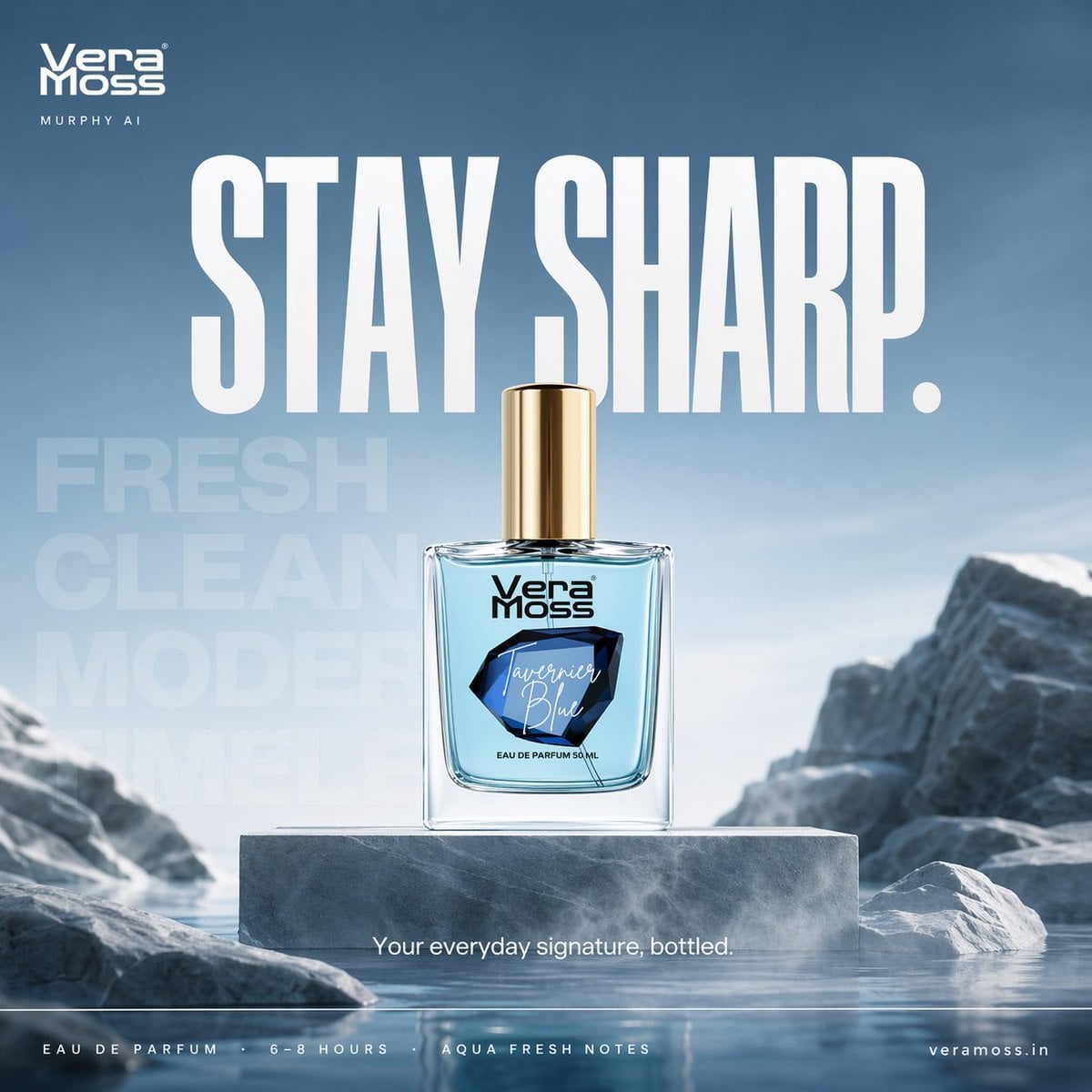
Hyper-realistic cinematic perfume billboard poster for Vera Moss
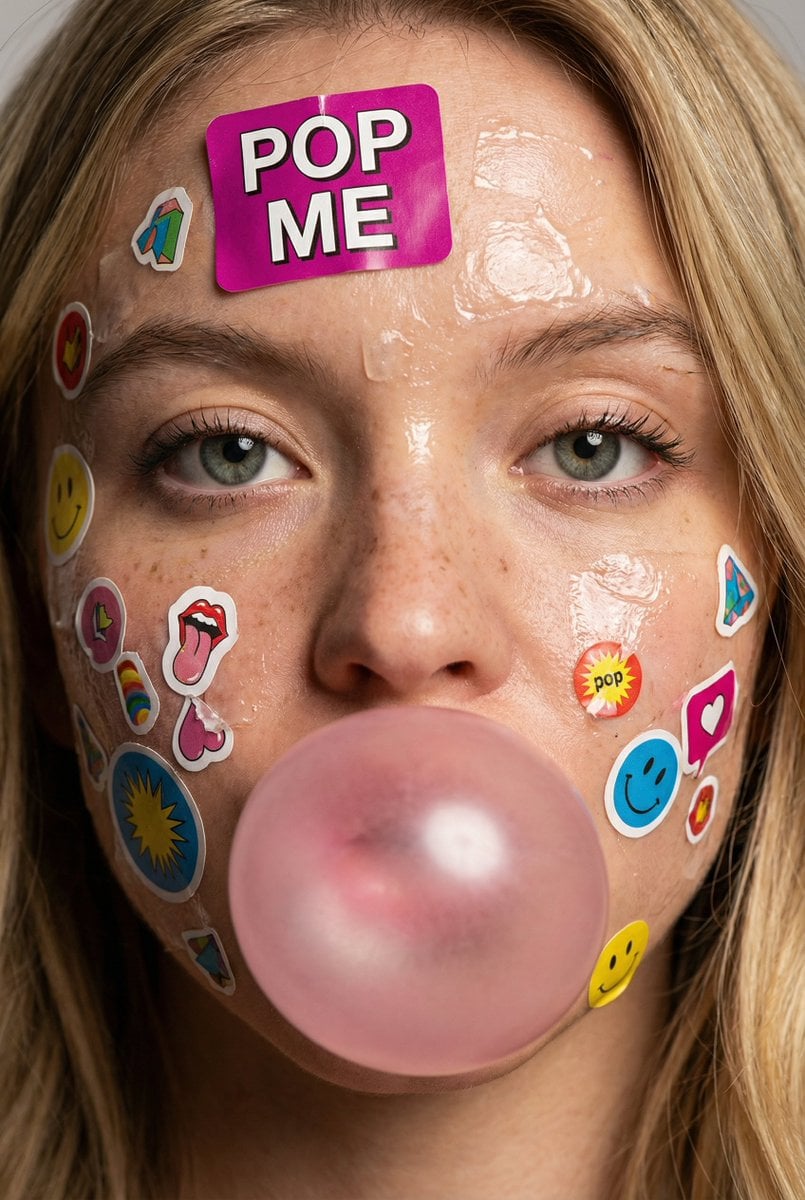
Close-up portrait of a young person s face covered with colorful paper
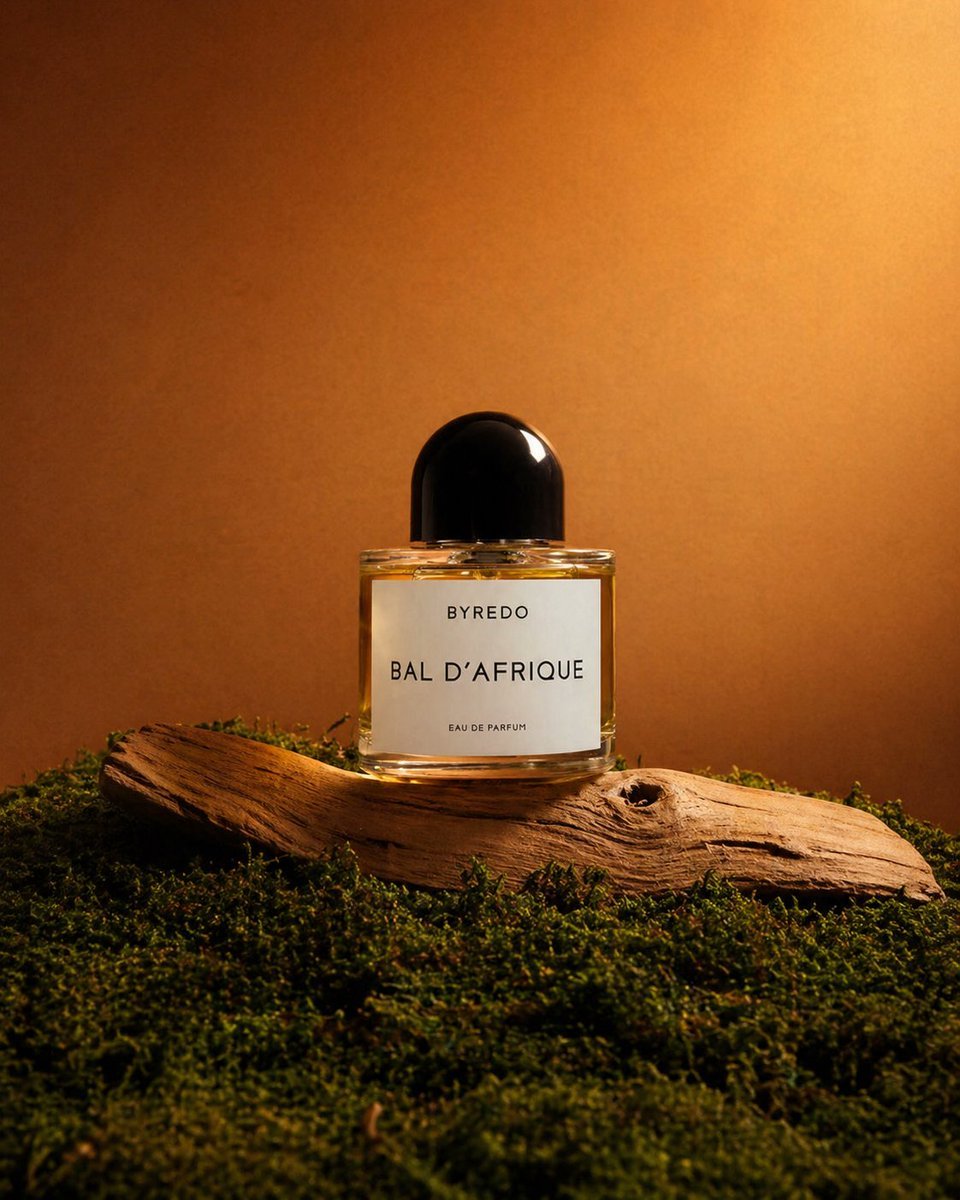
Editorial Perfume Shot on Moss
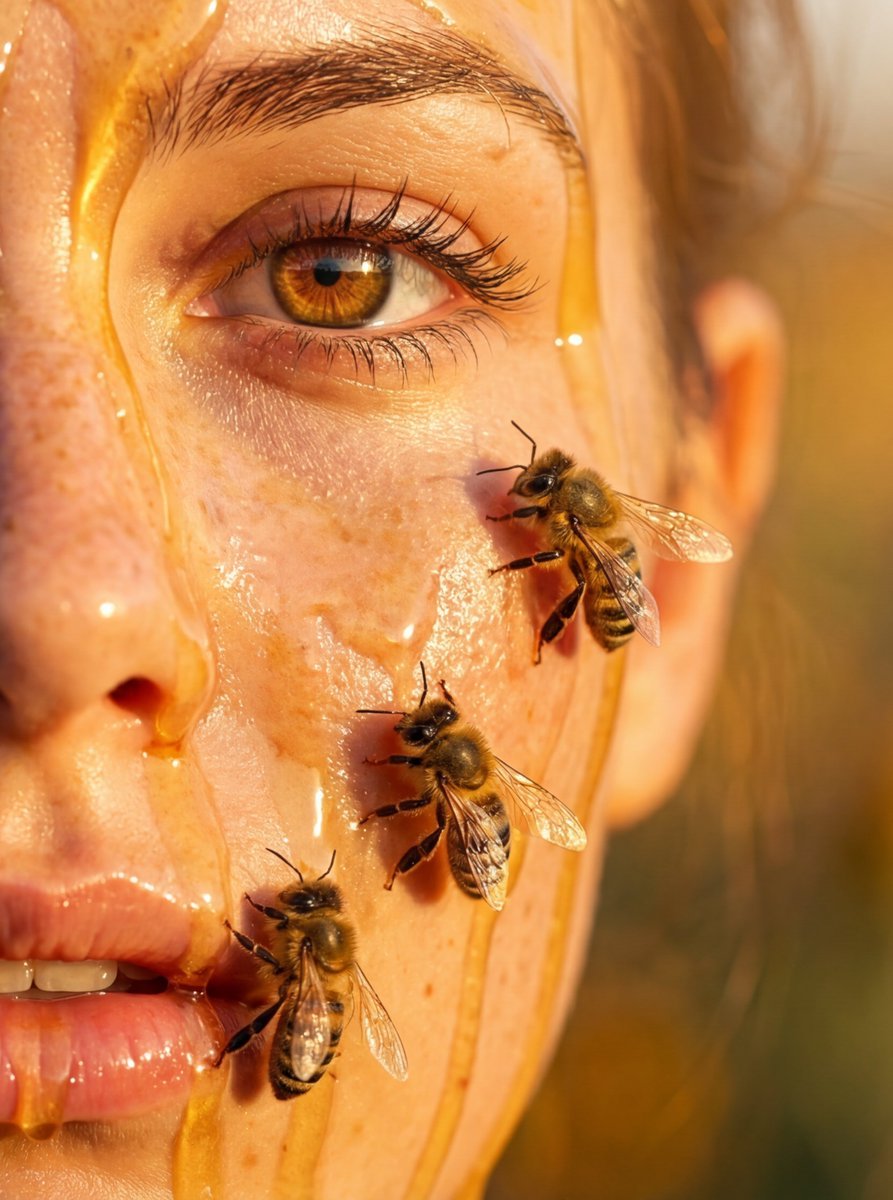
Hyper-real honey-covered woman with bees close-up
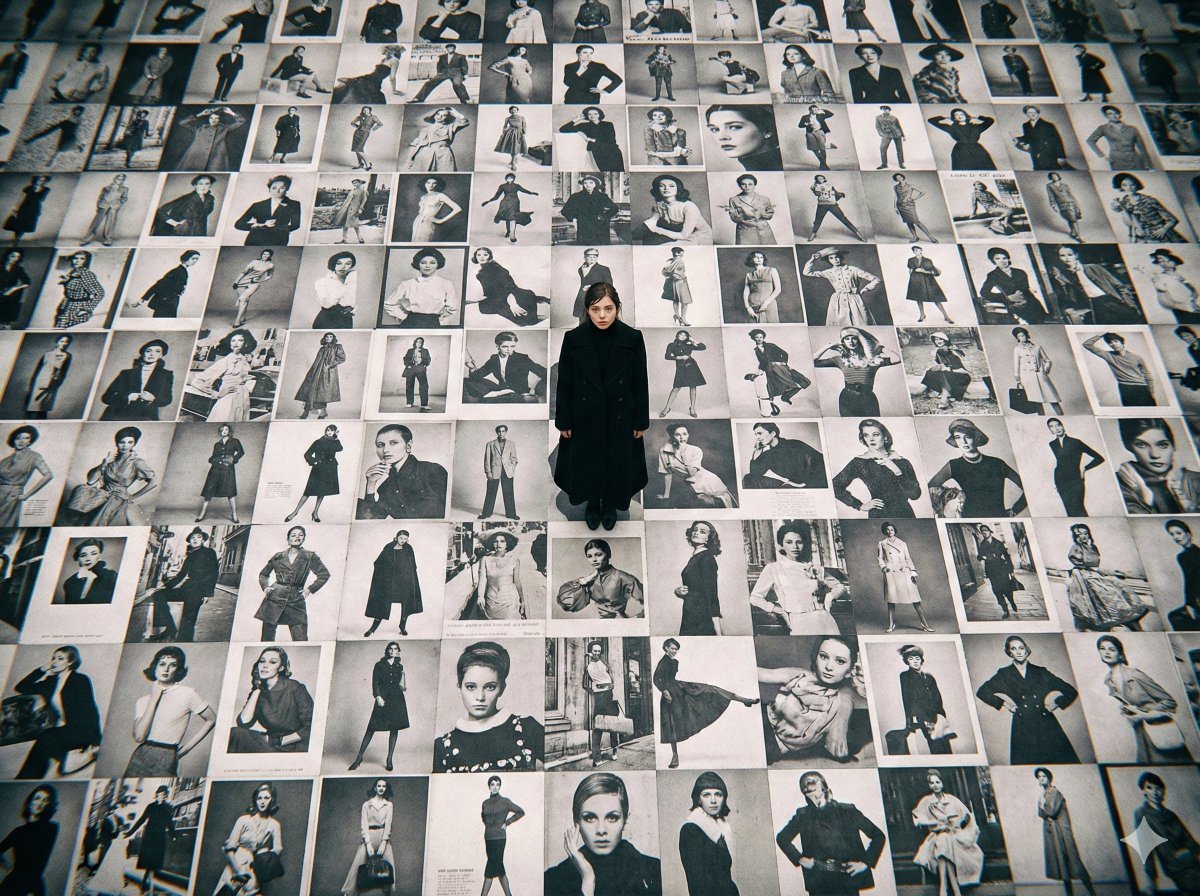
Bird's-Eye View of Actress on Billboard-Covered Ground
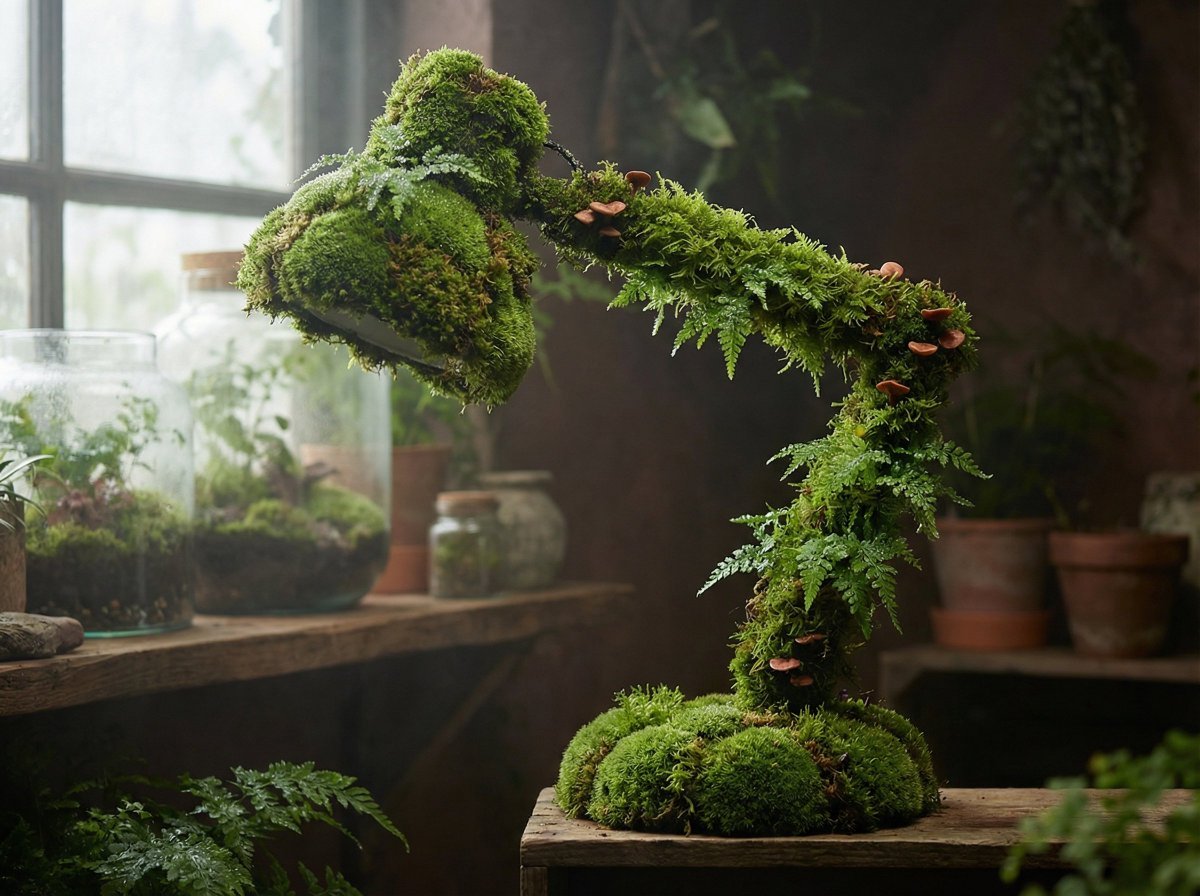
Moss Living Product Rendering Prompt
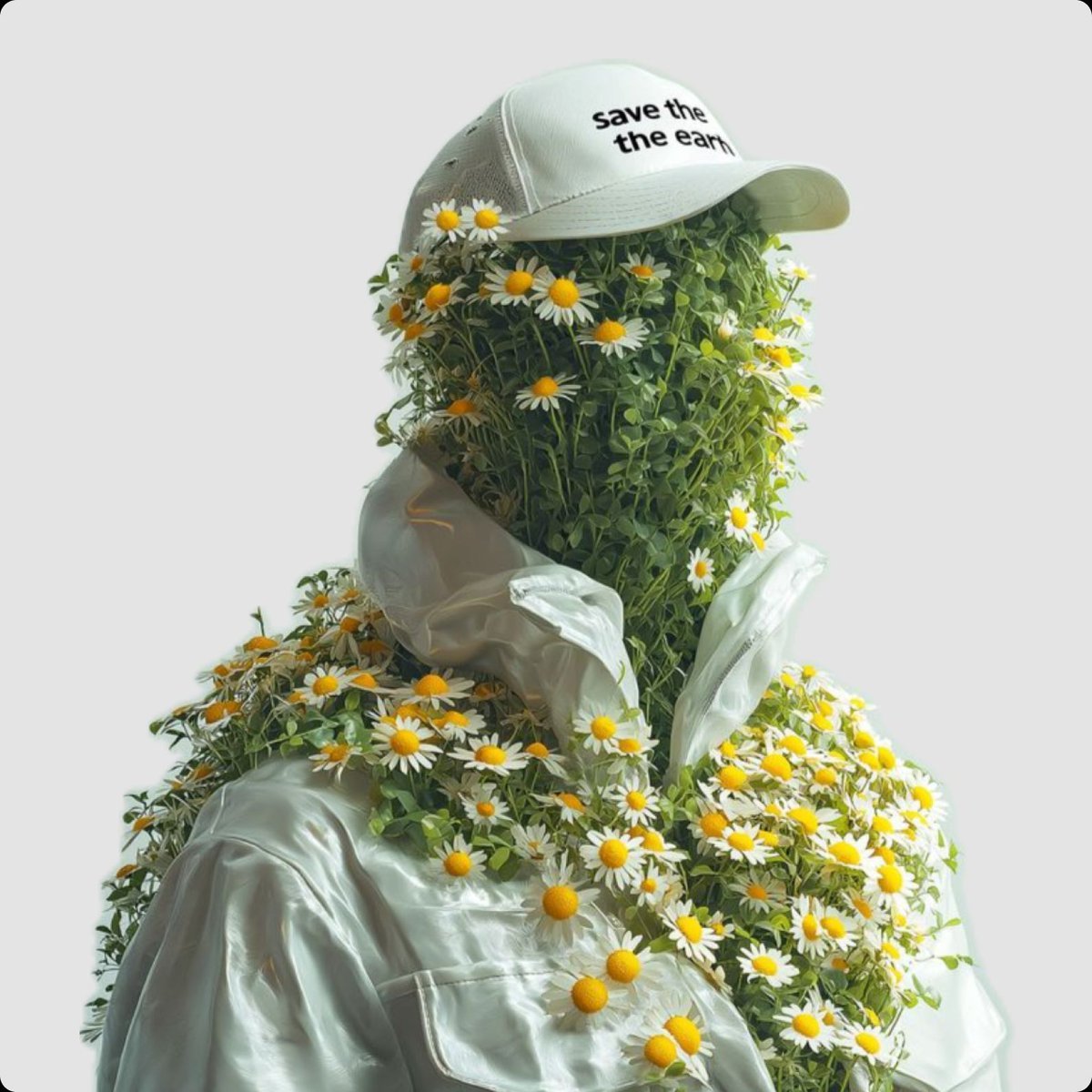
Surreal Portrait of Humanoid Covered in Grass and Daisies
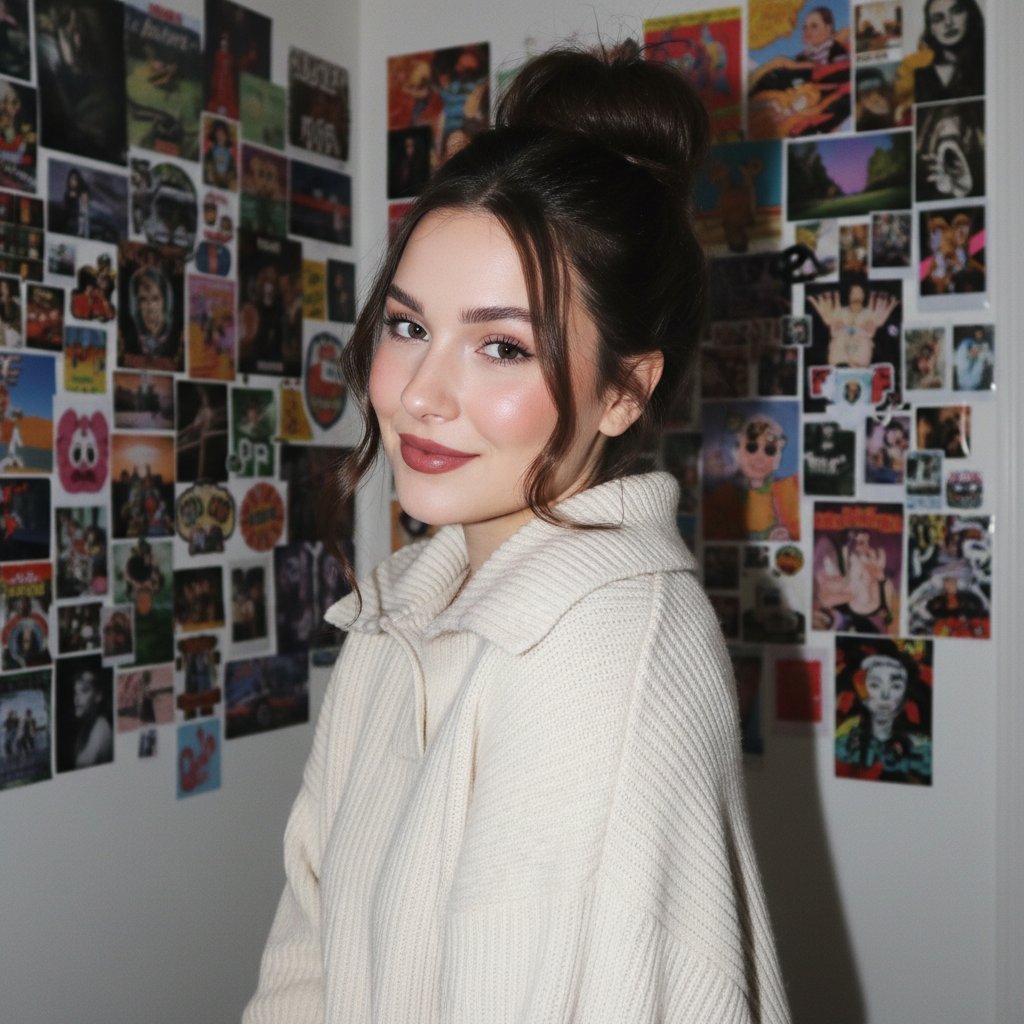
Gen Z/Y2K Flash Portrait in Poster-Covered Bedroom
Make it yours
Moss-Covered Industrial Survivors works as-is. These are the safest ways to change it without losing the look.
Change one field
Copy a single group, rewrite it, and generate again so you can see what that field is doing.
Keep the frame, change the subject
Hold the composition and light of Moss-Covered Industrial Survivors, then swap wardrobe, props or the person for a new take.
| If the result… | Why | Fix |
|---|---|---|
| The result drifts from the preview | Too many fields changed at once. | Reuse Moss-Covered Industrial Survivors as-is first, then change one group — subject, light, or setting. |
| The model over-stylizes the scene | The prose prompt leaves finish and camera underspecified. | Add one camera or lighting sentence and stay on GPT Image 2. |
More GPT Image 2 templates
Other prompts made for GPT Image 2.

Six VTuber Japanese Logo Sheet

Realistic Portrait of Woman and Deer

The Vista Modular Condo Poster

AI Model Routing Comparison Infographic

2.5D Anime Art Board

Isometric Productivity Desk Scene

New York Double Exposure Poster

Four-Panel AI Landscape Comparison

Japanese Tatami Lifestyle Magazine Cover

NESCAFÉ Coffee Map Poster
More image prompts
Fresh picks from across the catalog.
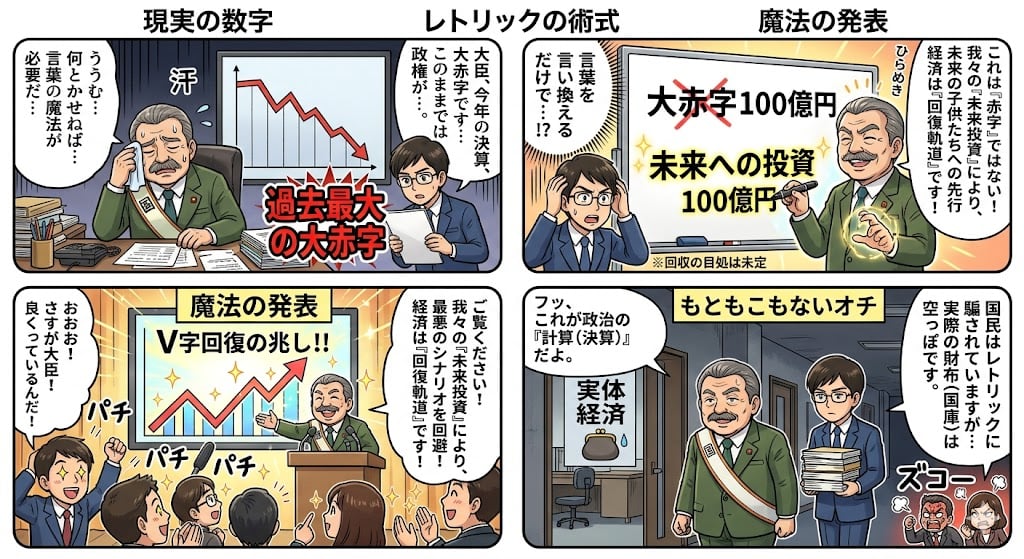
Four-Panel Manga: The Magic of Numbers

Matrix Digital Void Product Shot
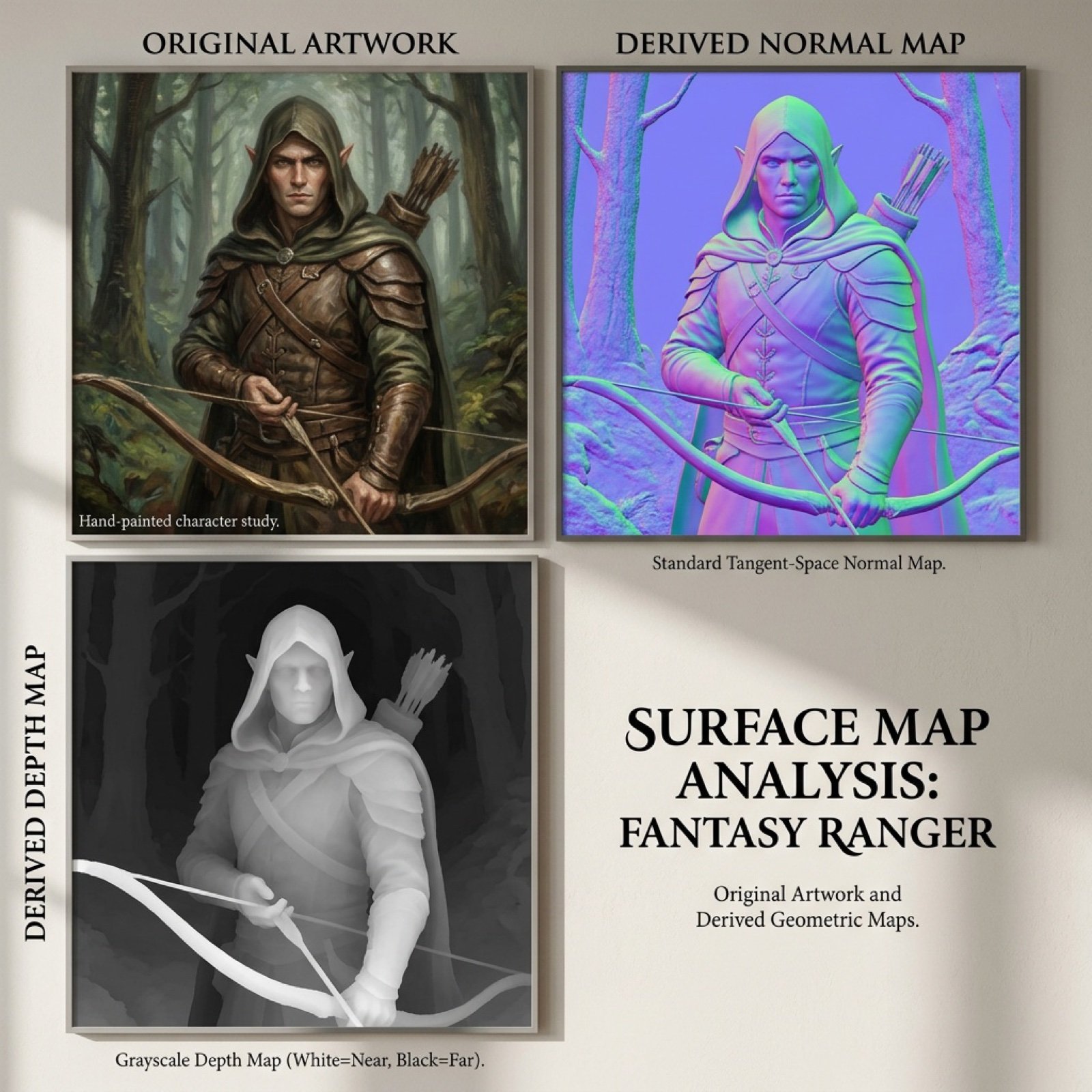
Normal and depth map generation prompts for Nano Banana Pro
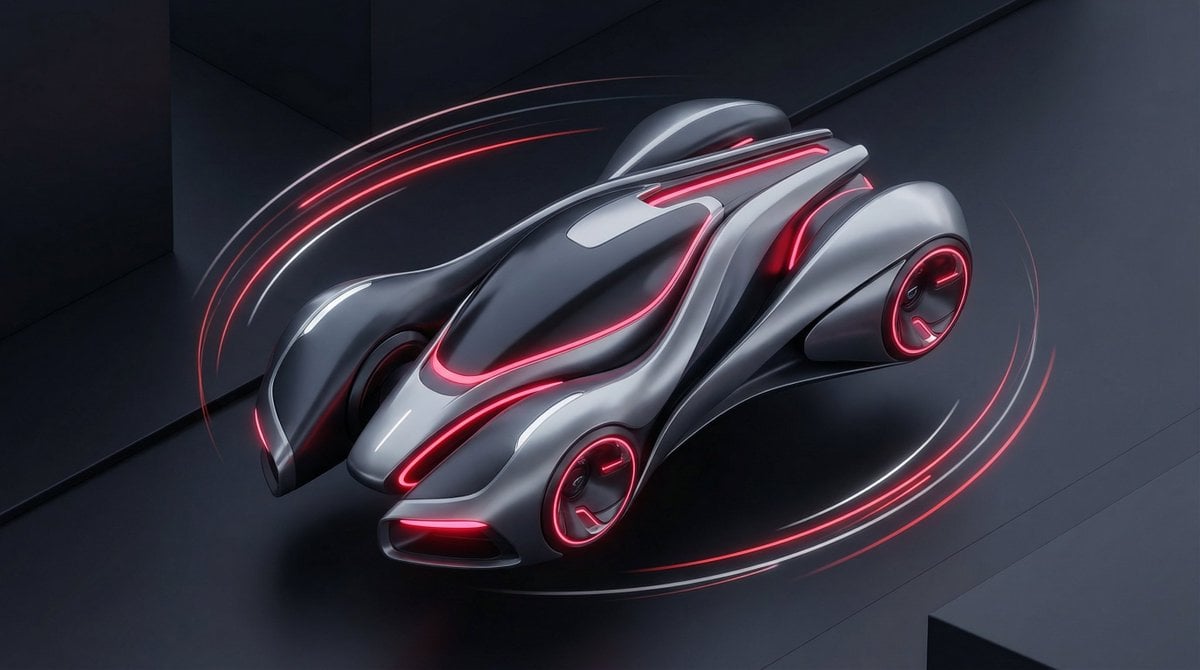
Stylized Tech Illustration Template
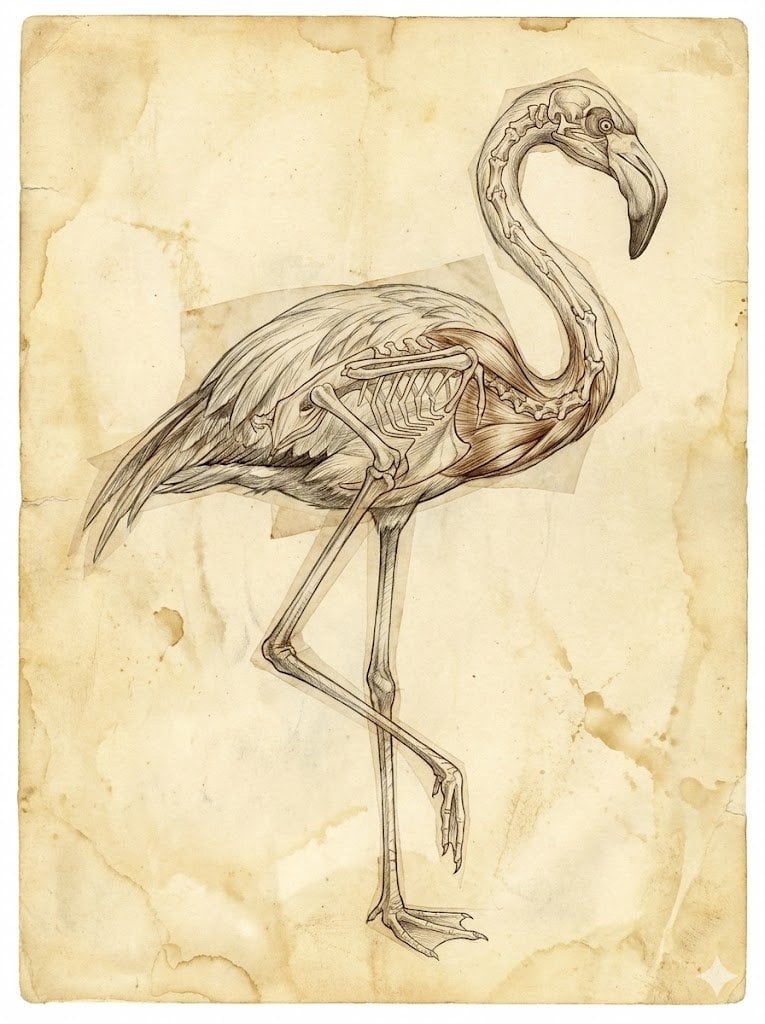
Renaissance Anatomical Study of a Flamingo
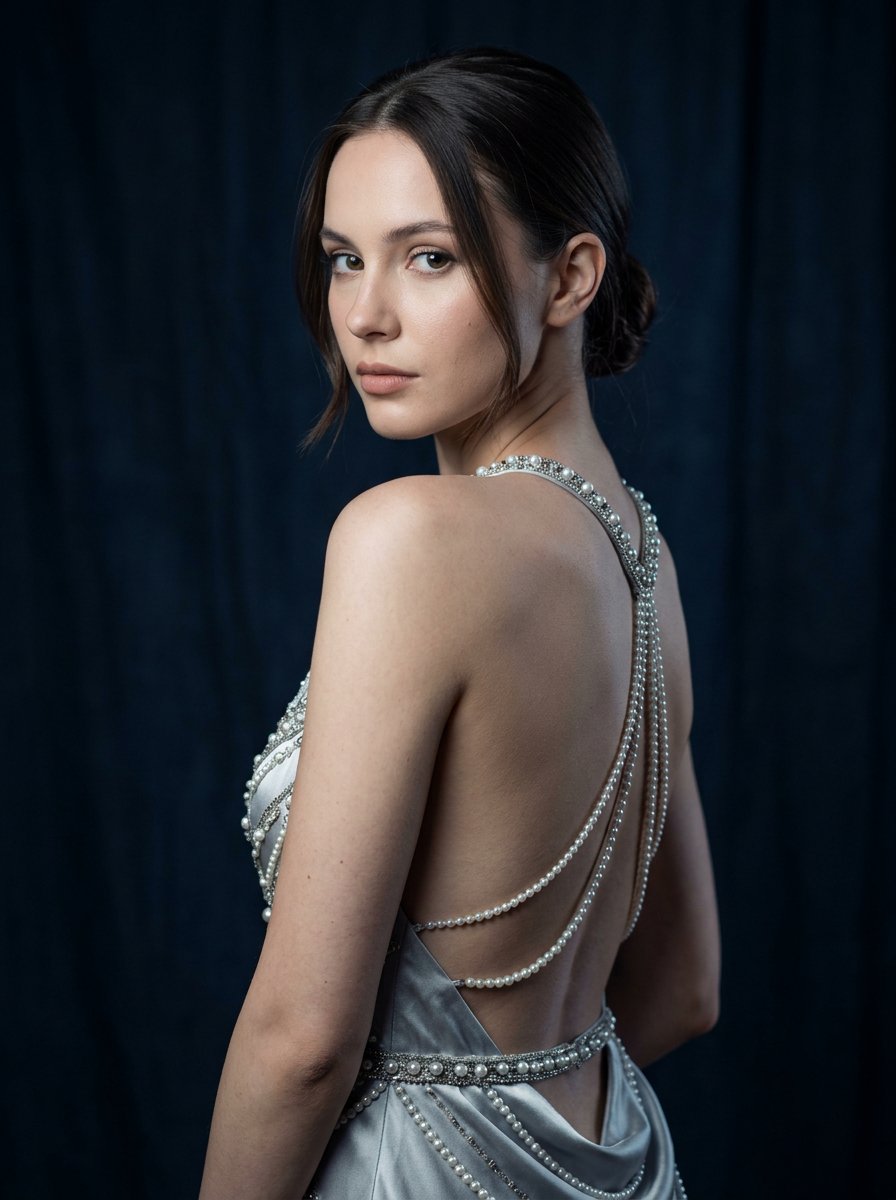
Silver Pearl Couture Portrait
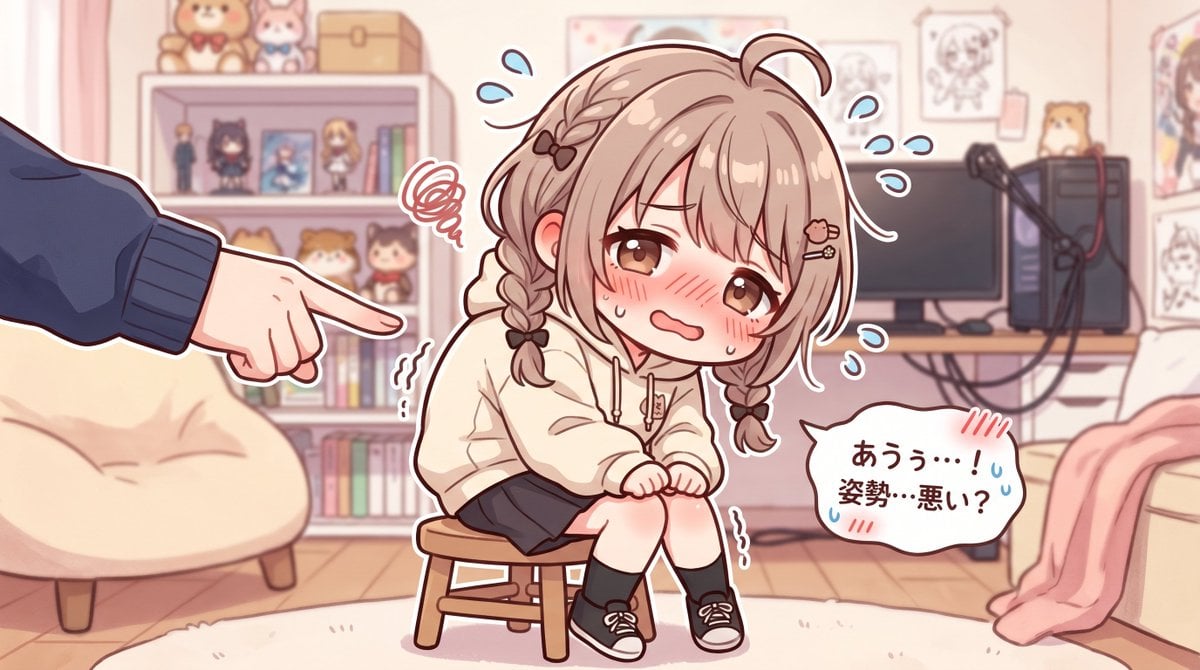
Embarrassed Anime Girl on Tiny Stool
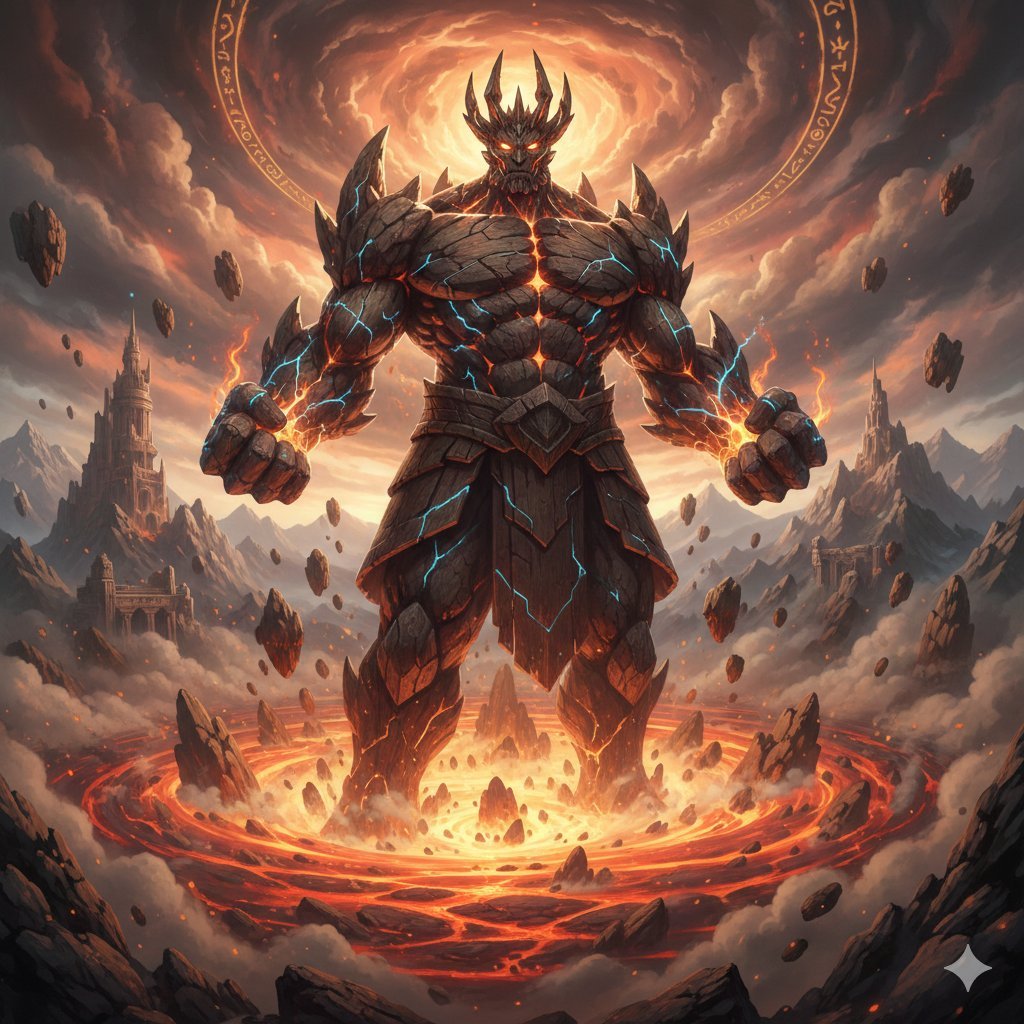
Final Fantasy Titan Summon Generation
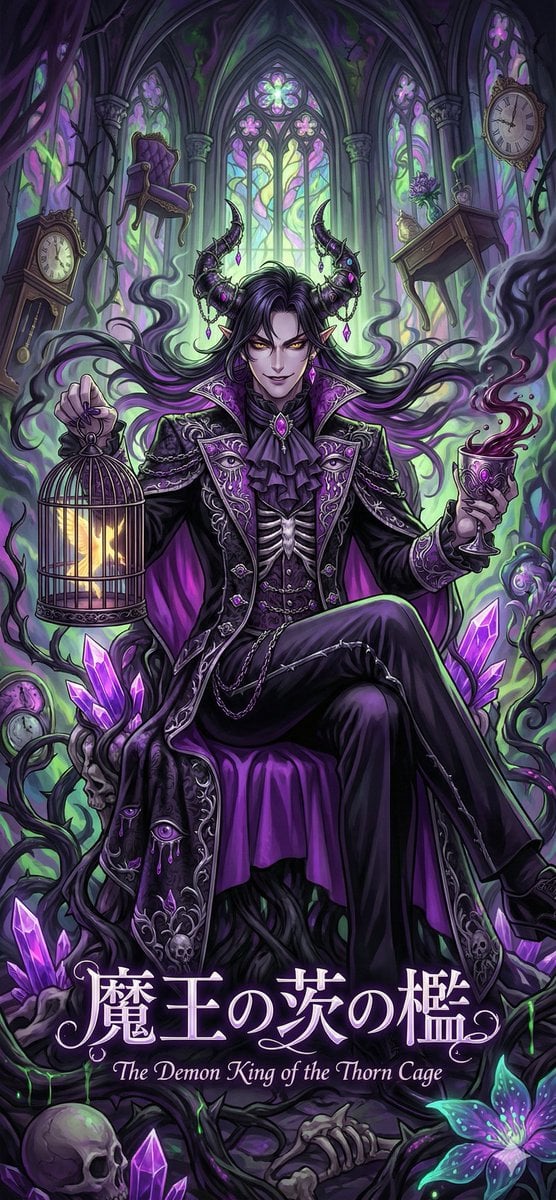
Dark Fairy Tale, Surrealism, Gothic Psychedelic Character Generation
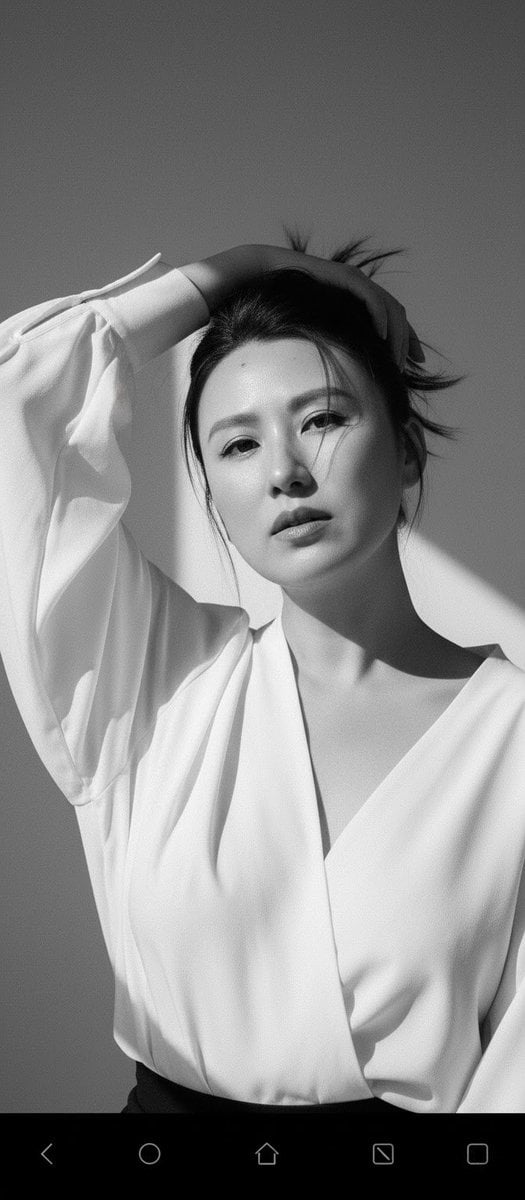
High Fashion Black and White Portrait Prompt for Nano Banana Pro
Browse template categories
Moss-Covered Industrial Survivors questions
How do I use the Moss-Covered Industrial Survivors template?
Add your photo if the template asks for one, edit the prompt if you like — the template's model and format are already selected — and press Generate. Your version opens in PicX Studio.
Can I customize the Moss-Covered Industrial Survivors template?
Yes. You can change the subject, setting, lighting, mood, format, and available model controls before creating your image.
Is the Moss-Covered Industrial Survivors template free?
Opening and editing this template is free. Generating uses credits, shown on the Generate button when you are signed in.
Which AI model should I use?
Start with GPT Image 2, which is the model associated with this template. You can compare another compatible model for a different finish.
Looking for something else? Browse all templates.

Your photo, any look
Thousands of ready templates for every top image and video model, from one credit balance.