
Dreamy Plush Sparrow in Mossy Sunlight
A vertical whimsical nature portrait of a cute round sparrow relaxing peacefully in glowing forest morning light.
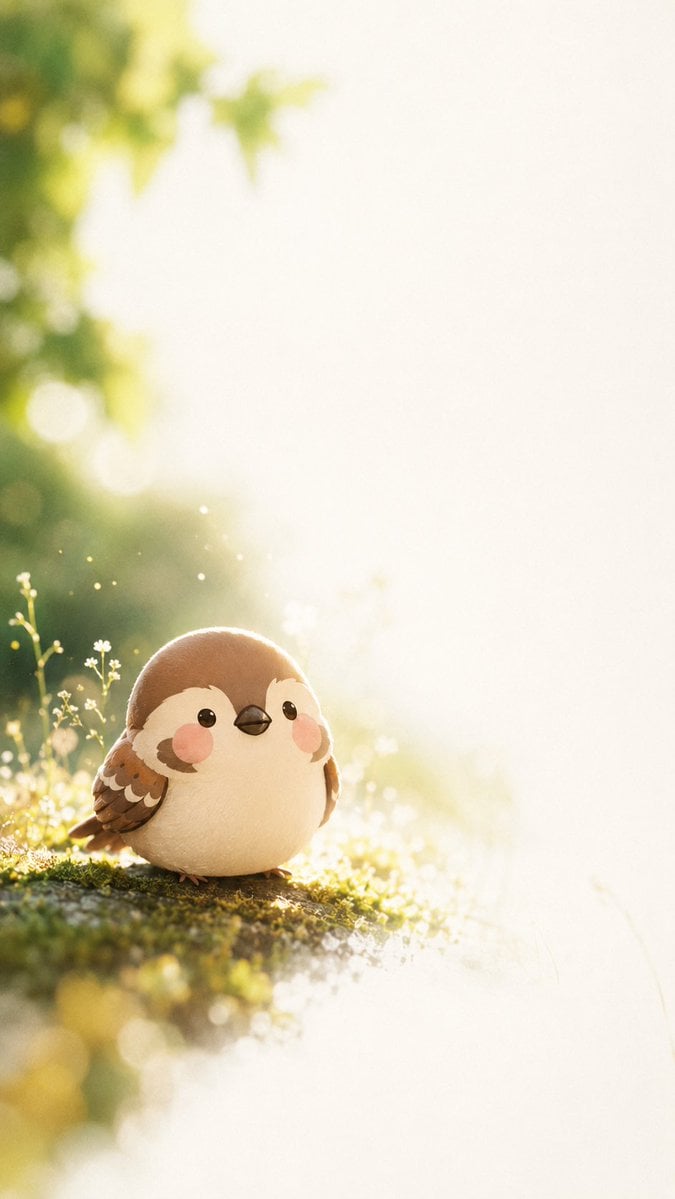
- Prompt included
- Model and format preset
- Free template
The prompt behind this image
Copy the exact prompt behind Dreamy Plush Sparrow in Mossy Sunlight, or open it in the studio and make it yours.
Create a vertical 9:16 dreamy nature portrait of {argument name="character name" default="Kedama Suzume"}, a tiny round plush-like sparrow resting quietly on a mossy forest floor. The bird should be the single main subject, positioned in the lower-left third with a large expanse of soft glowing negative space on the right and upper area. Give the sparrow an extra-cute chubby spherical body, warm {argument name="feather color" default="brown and cream"} plumage, small layered wings with scalloped feather markings, glossy black bead eyes, a tiny dark beak, peach-pink blush cheeks, and tiny feet just visible under the body. Surround it with exactly three delicate wildflower stems near the left side of the bird, small white blossoms, dew, moss, and sparkling dust motes. Use golden backlight from the upper left, strong morning haze, creamy bokeh foliage in the background, shallow depth of field, soft rim light around the bird, and an overexposed white-gold glow fading across the right half of the frame. Mood: peaceful, away from noise, gentle quiet time. Style: high-quality whimsical 3D illustration mixed with macro nature photography, plush texture, cinematic soft focus, warm pastel greens and yellows, no text, no watermark, no extra animals.
How to use Dreamy Plush Sparrow in Mossy Sunlight in 3 steps
- 1Upload ImagePNG, JPG or paste
Add your photo
Upload the photo the template builds on. The prompt, model and format are already set.
- 2…a portrait of your subject in softgolden-hour light, 85mm…
Personalize
Edit the subject and creative details for your destination.
- 3Generate
Generate
Press Generate — your image is created in PicX Studio, so you can compare it with the original and refine one variable at a time.
More like this
Templates with the same subject, style or setup. Open one to see its prompt.
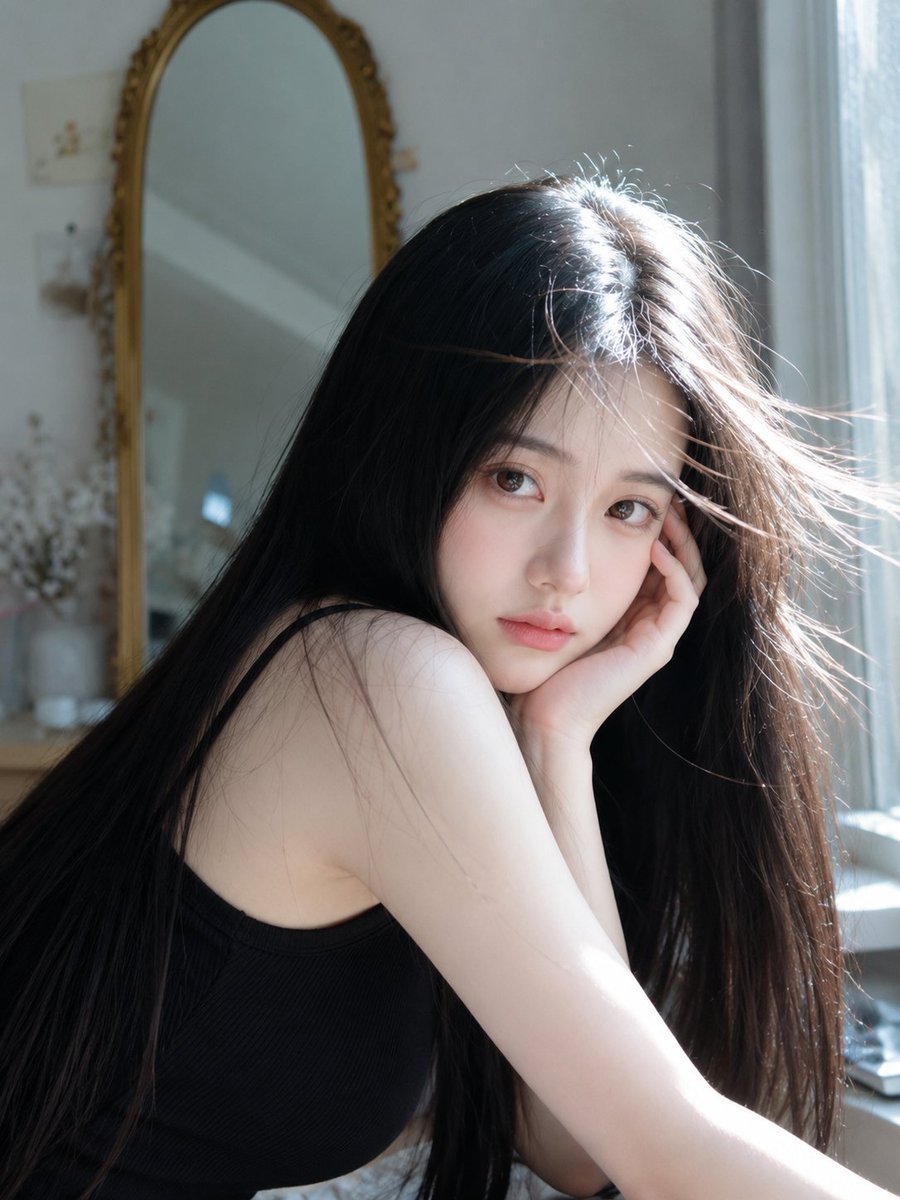
Dreamy Sunlight Mirror Portrait

Felt & Knit 3D Character — Photo-Exact Face, Pixar-Quality Plush Figurine
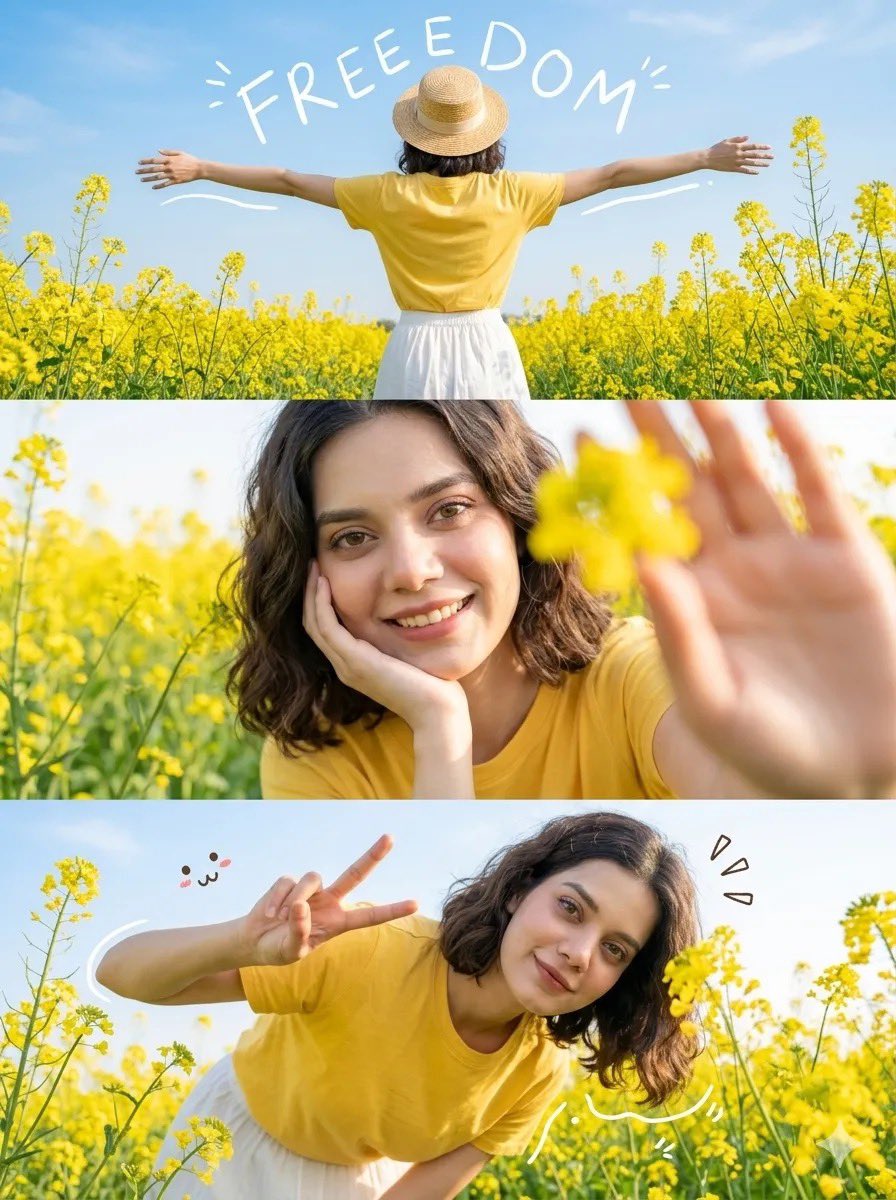
Mustard Flower Field Summer
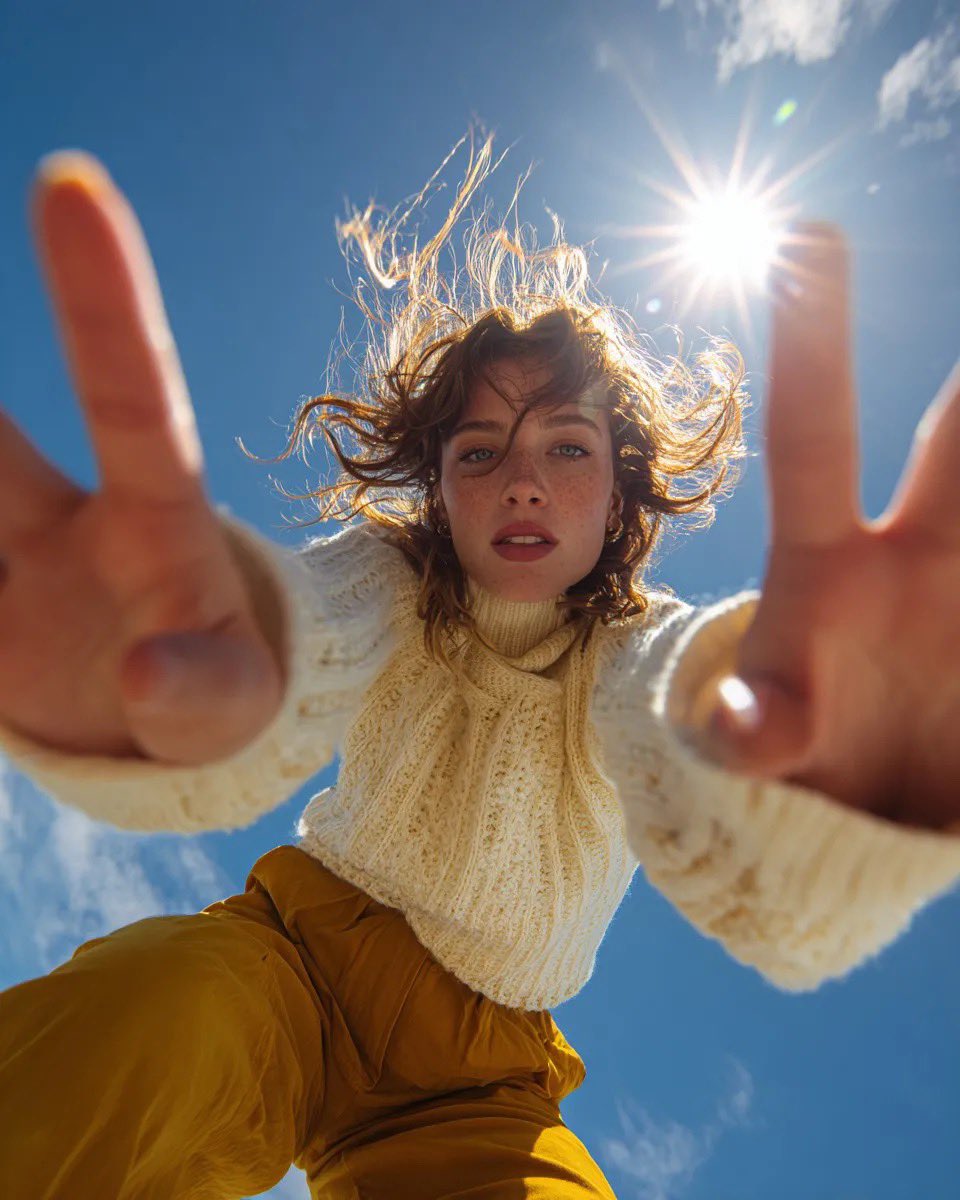
Ultra Wide Low-Angle Portrait — Sairah (Nano Banana)

Golden Hour Grass Portrait — Wong Kar-wai Inspired Nano Banana

Glass Skin Beauty Portrait — Soft Pastel Nano Banana

Ancient Temple Portrait — White Dress Nano Banana
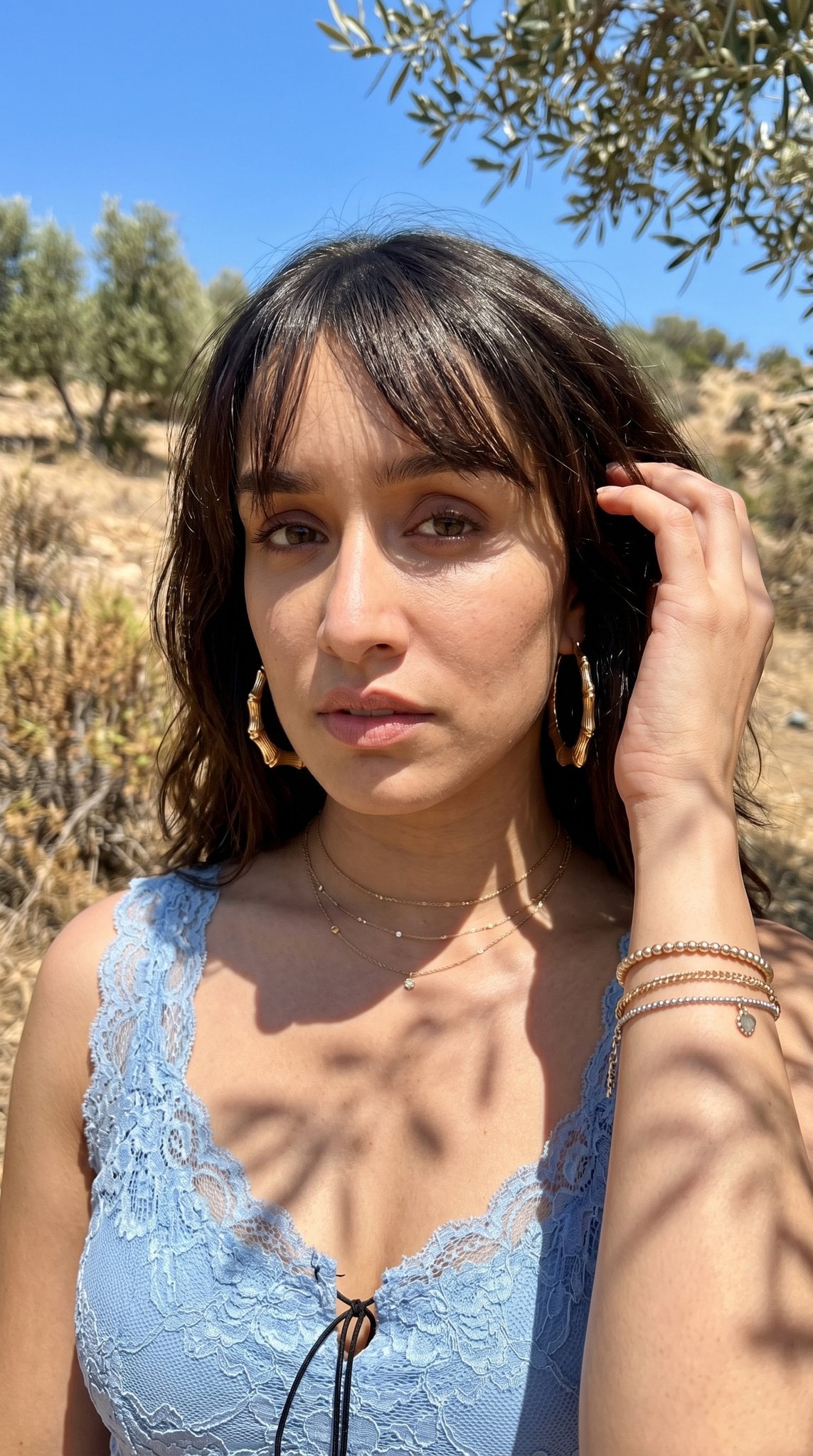
Hyper-Realistic Outdoor Portrait — 35mm Natural Light
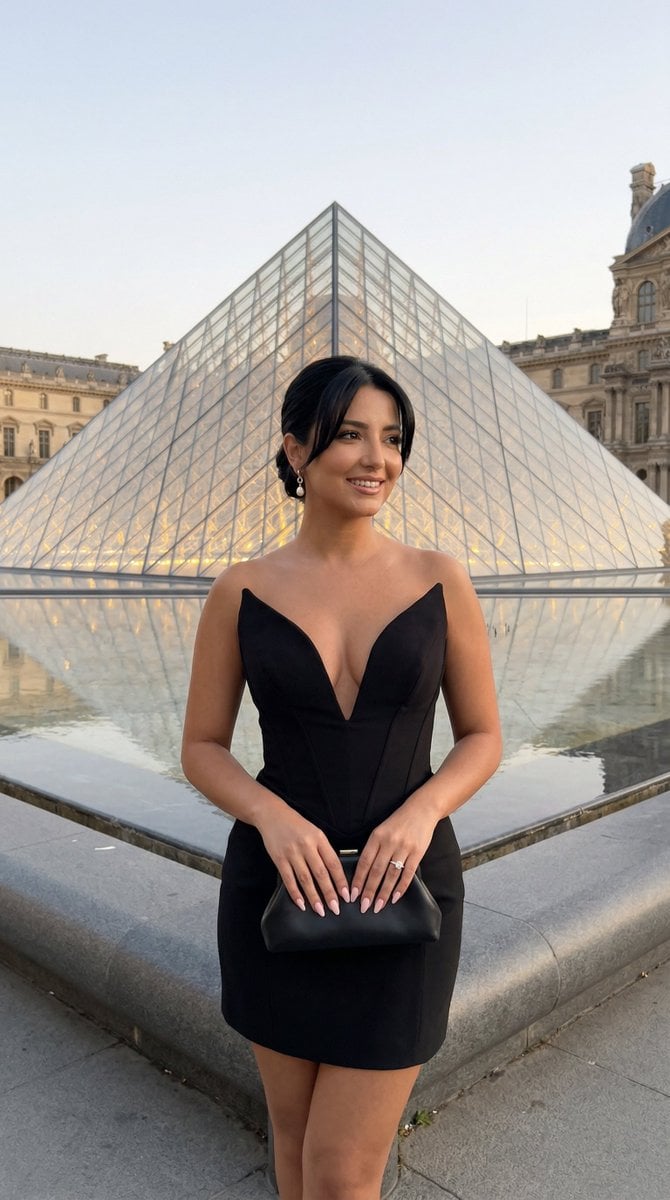
Nano Banana - Paris Street with Flowers
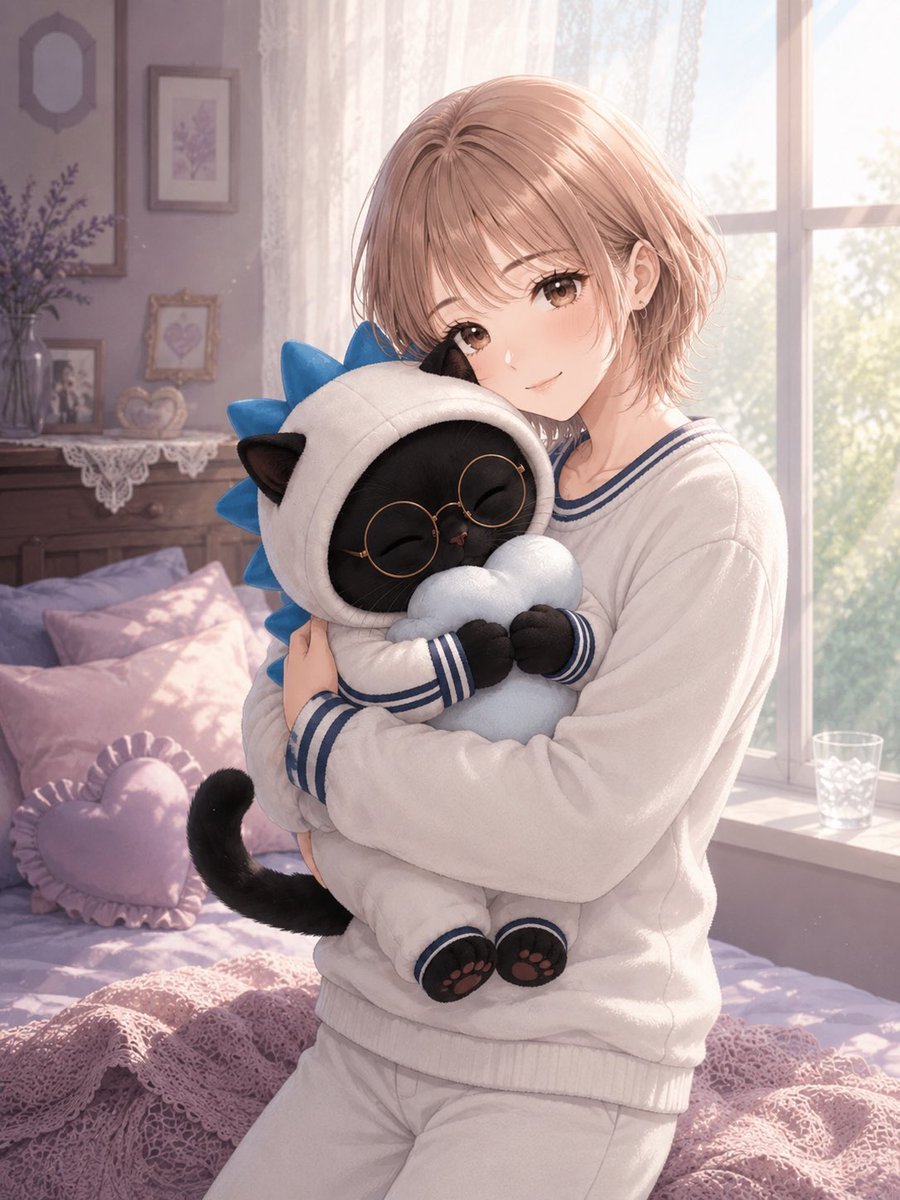
Anime Girl Hugging Black Cat Plush
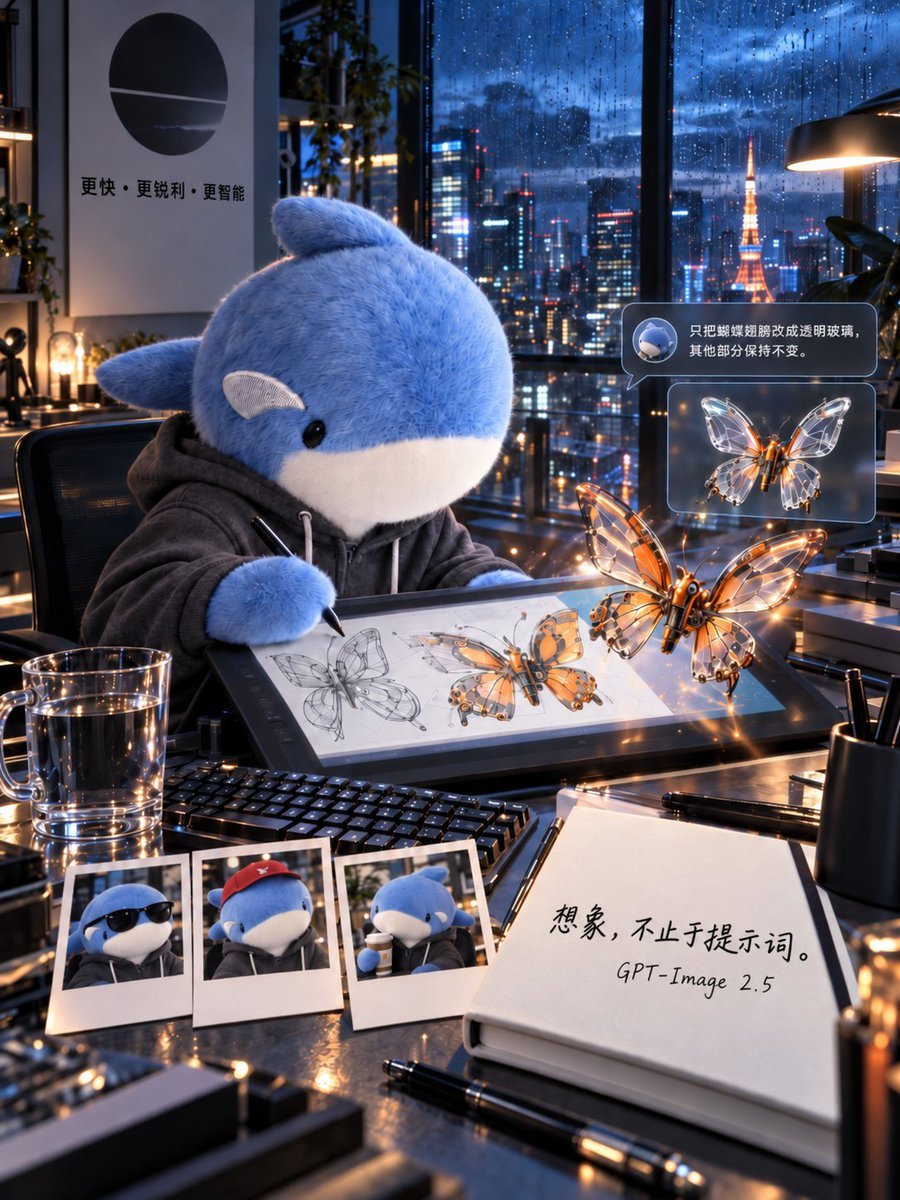
Plush Whale Tokyo Design Studio
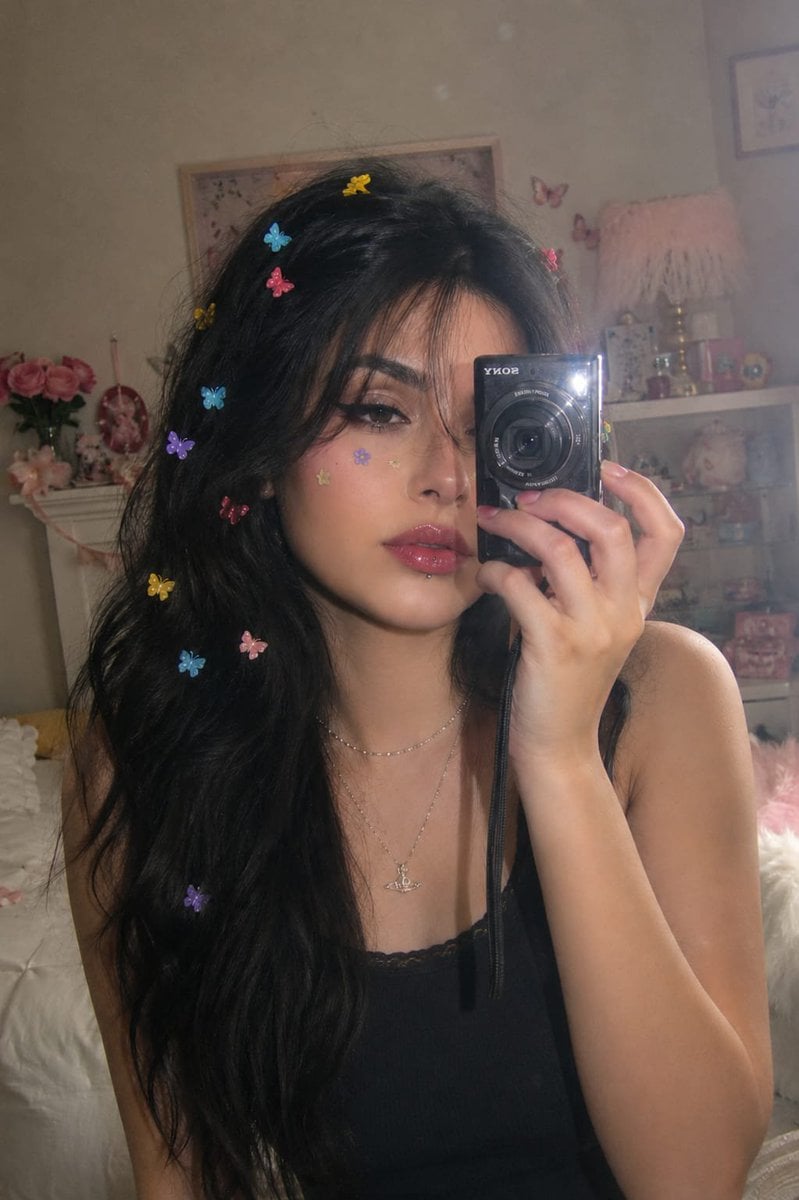
Dreamy Y2K Digital Camera Mirror Selfie
Make it yours
Dreamy Plush Sparrow in Mossy Sunlight works as-is. These are the safest ways to change it without losing the look.
Change one field
Copy a single group, rewrite it, and generate again so you can see what that field is doing.
Keep the frame, change the subject
Hold the composition and light of Dreamy Plush Sparrow in Mossy Sunlight, then swap wardrobe, props or the person for a new take.
| If the result… | Why | Fix |
|---|---|---|
| The result drifts from the preview | Too many fields changed at once. | Reuse Dreamy Plush Sparrow in Mossy Sunlight as-is first, then change one group — subject, light, or setting. |
| The model over-stylizes the scene | The prose prompt leaves finish and camera underspecified. | Add one camera or lighting sentence and stay on GPT Image 2. |
More GPT Image 2 templates
Other prompts made for GPT Image 2.

Six VTuber Japanese Logo Sheet

Realistic Portrait of Woman and Deer

The Vista Modular Condo Poster

AI Model Routing Comparison Infographic

2.5D Anime Art Board

Isometric Productivity Desk Scene

New York Double Exposure Poster

Four-Panel AI Landscape Comparison

Japanese Tatami Lifestyle Magazine Cover

NESCAFÉ Coffee Map Poster
More image prompts
Fresh picks from across the catalog.
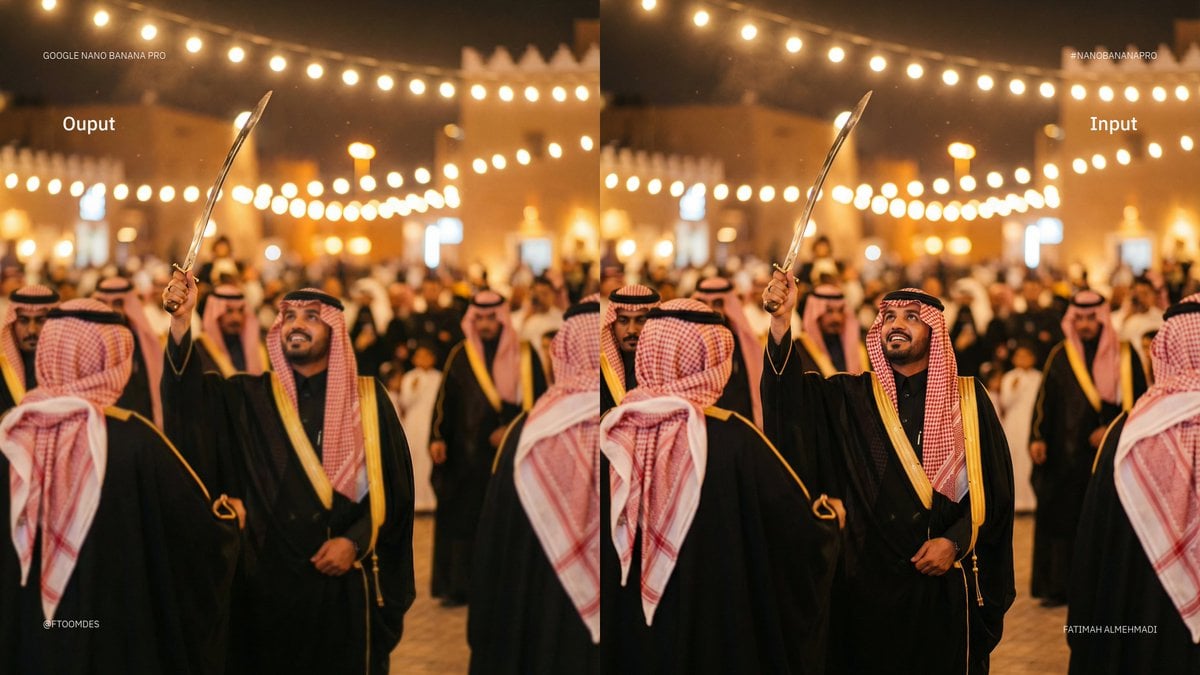
Depth of field shift to focus on man’s face
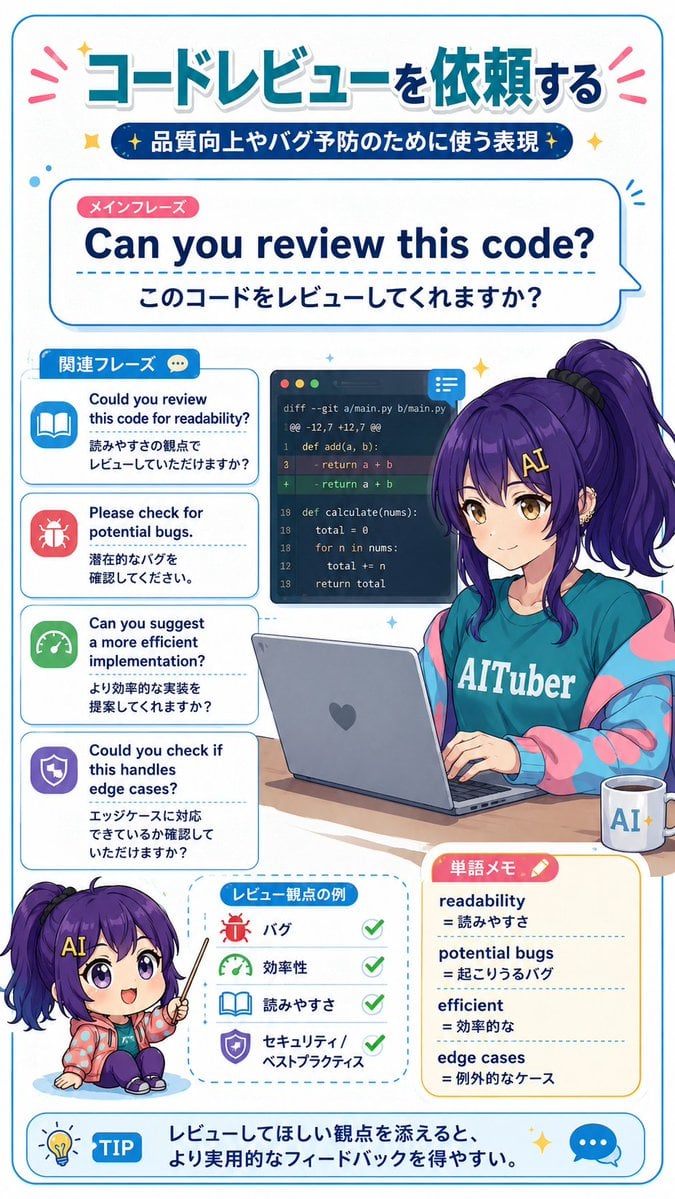
Code Review English Infographic
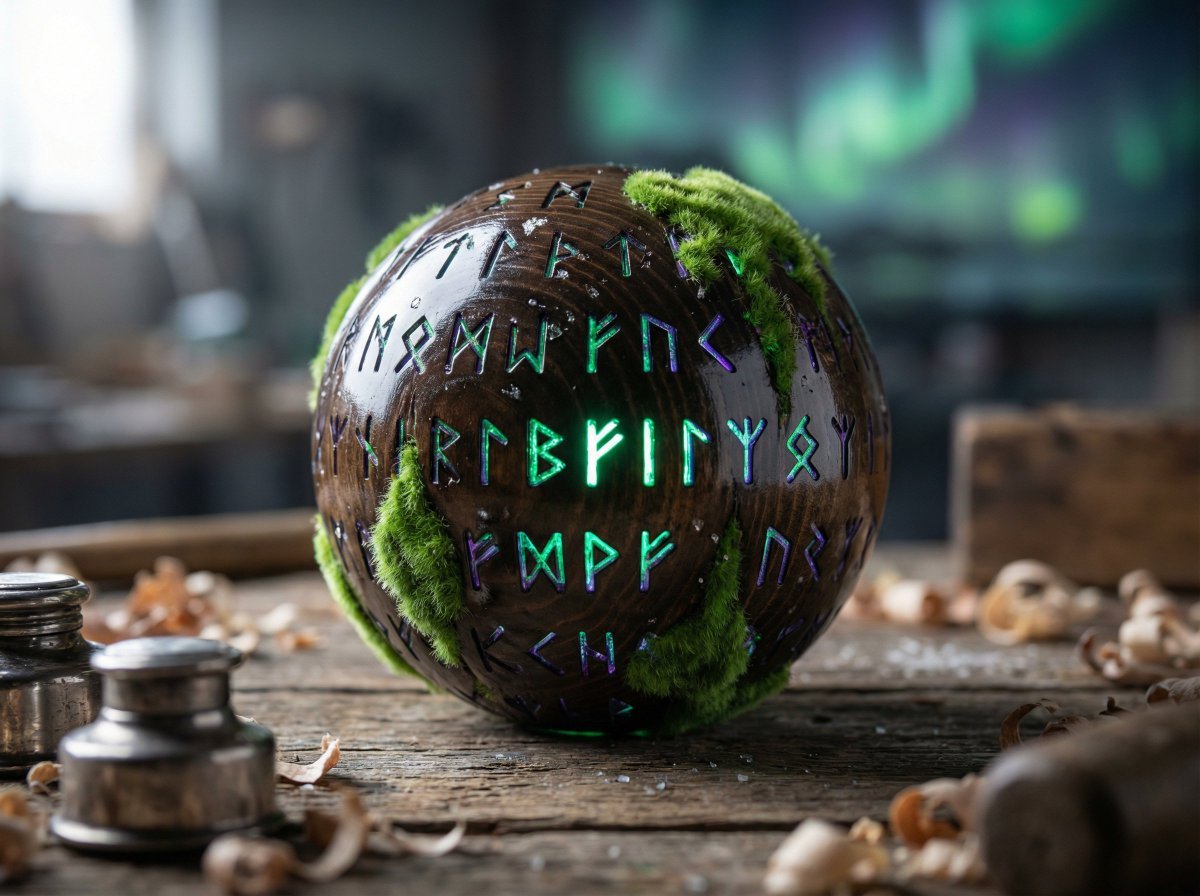
Artisan Toy Product Photography Prompt
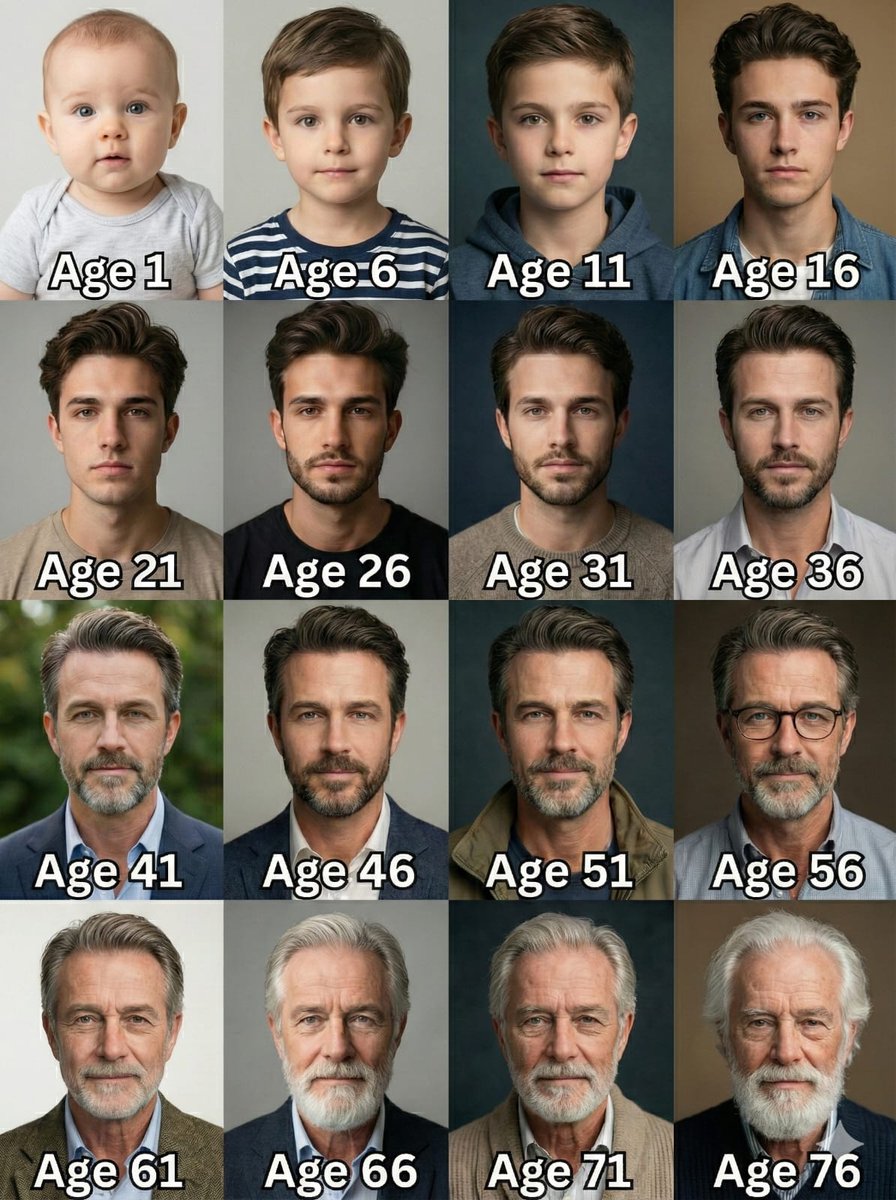
Age Progression Grid Prompt
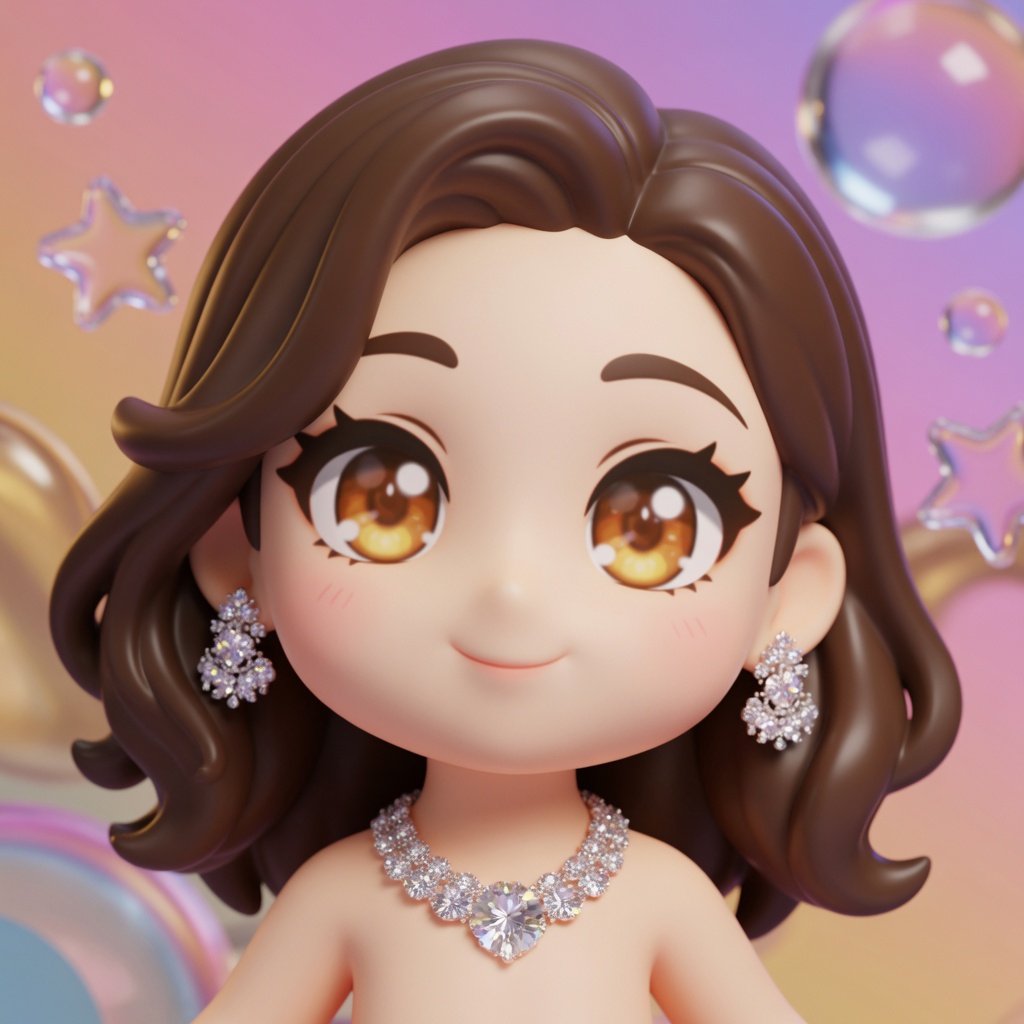
3D Chibi Character Transformation Prompt for Nano Banana 2
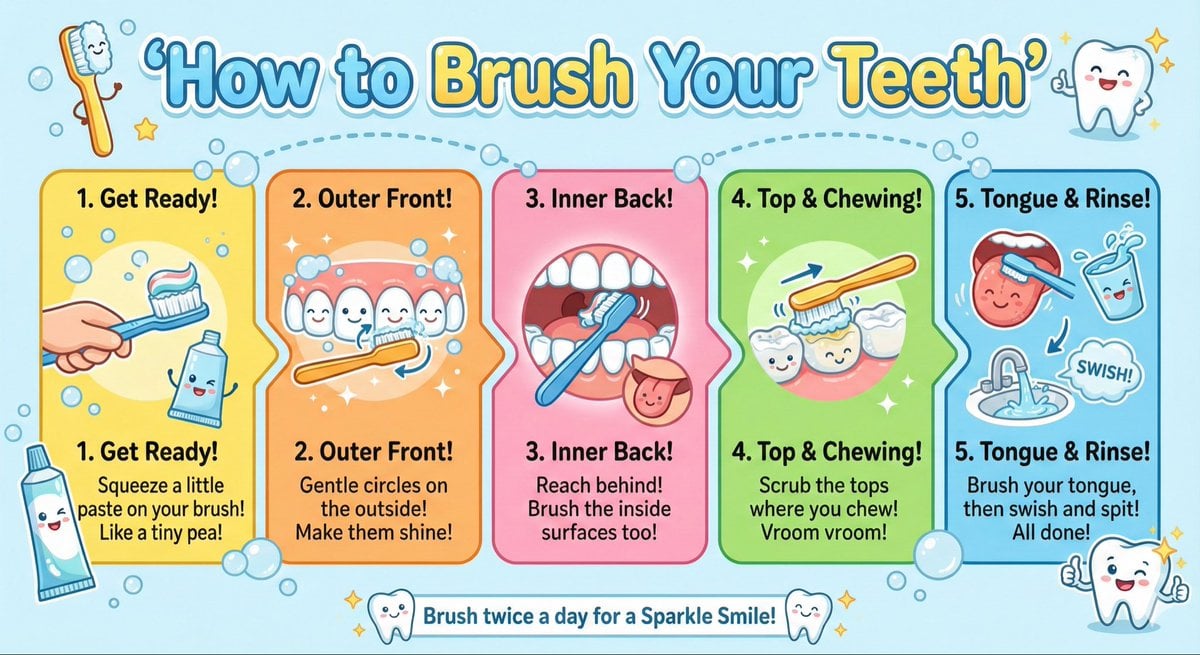
Kid-Friendly Routine Poster Prompt
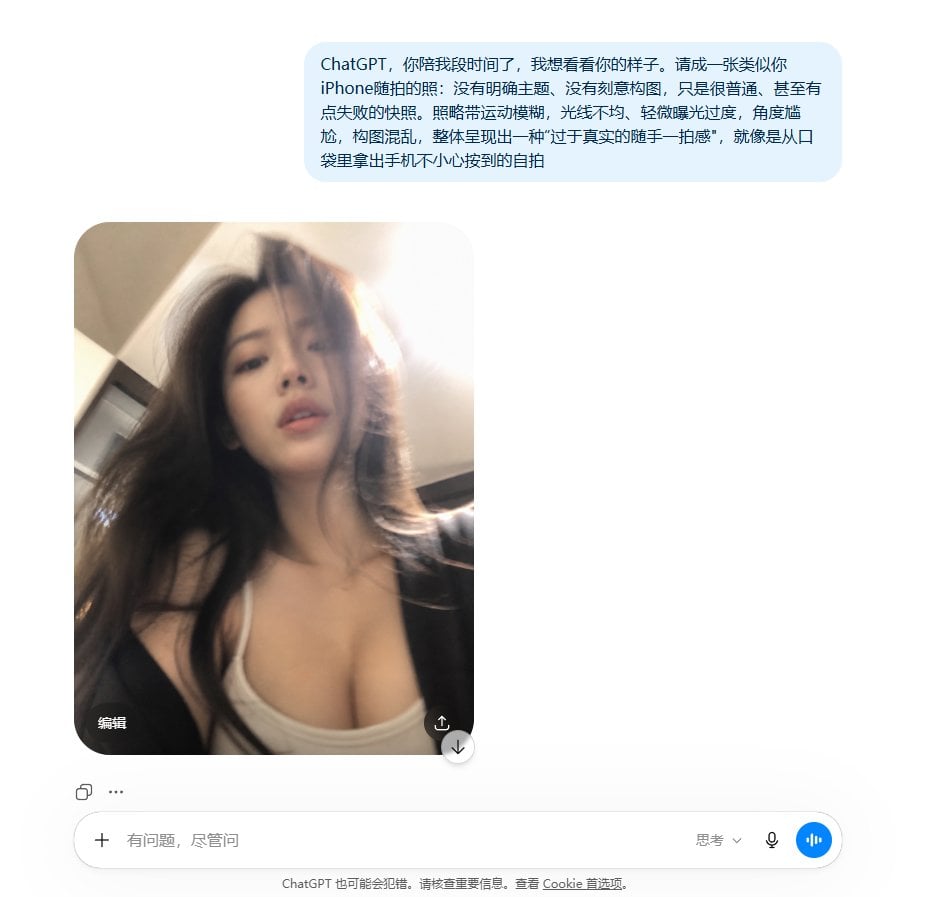
Realistic Accidental Selfie Persona
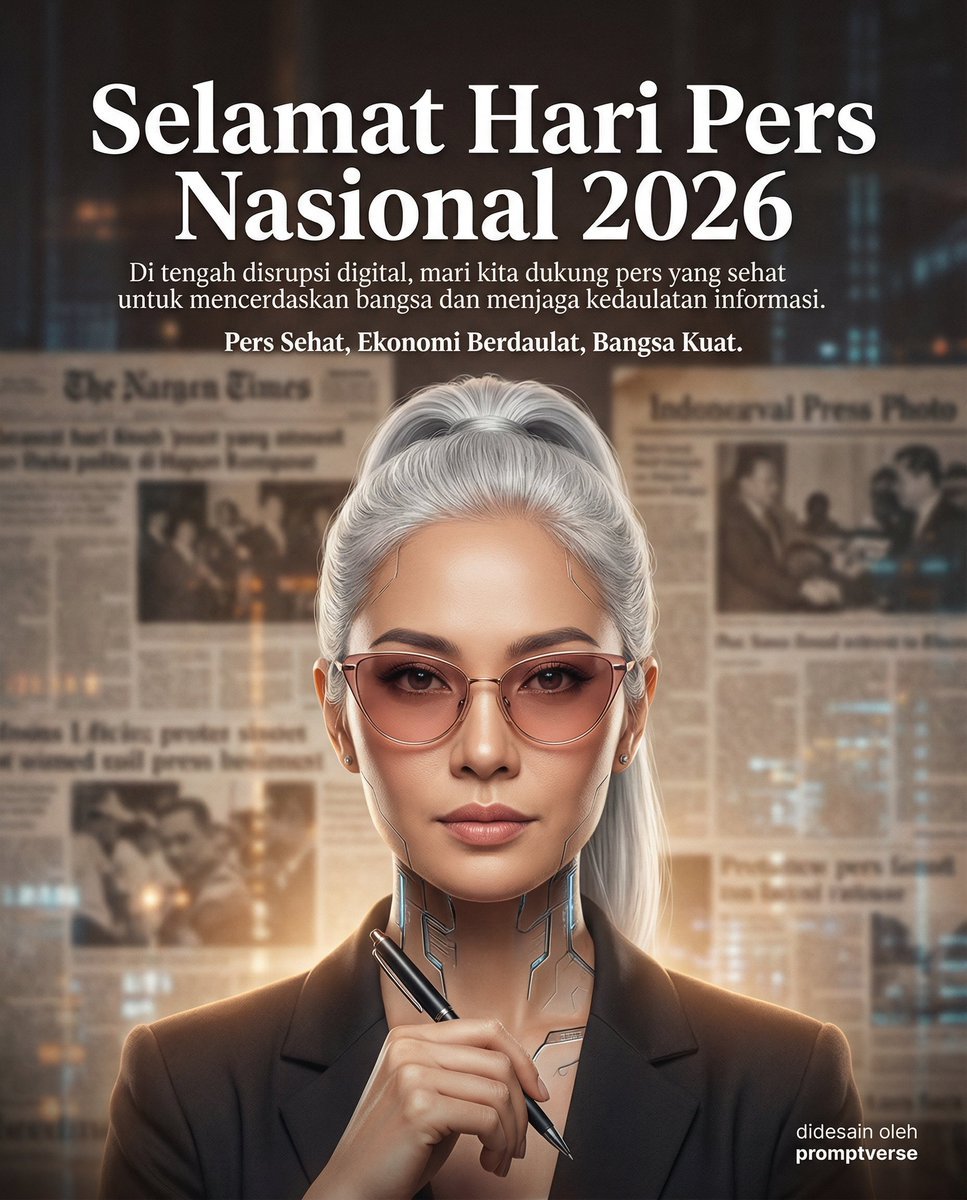
Editorial Poster for Hari Pers Nasional 2026
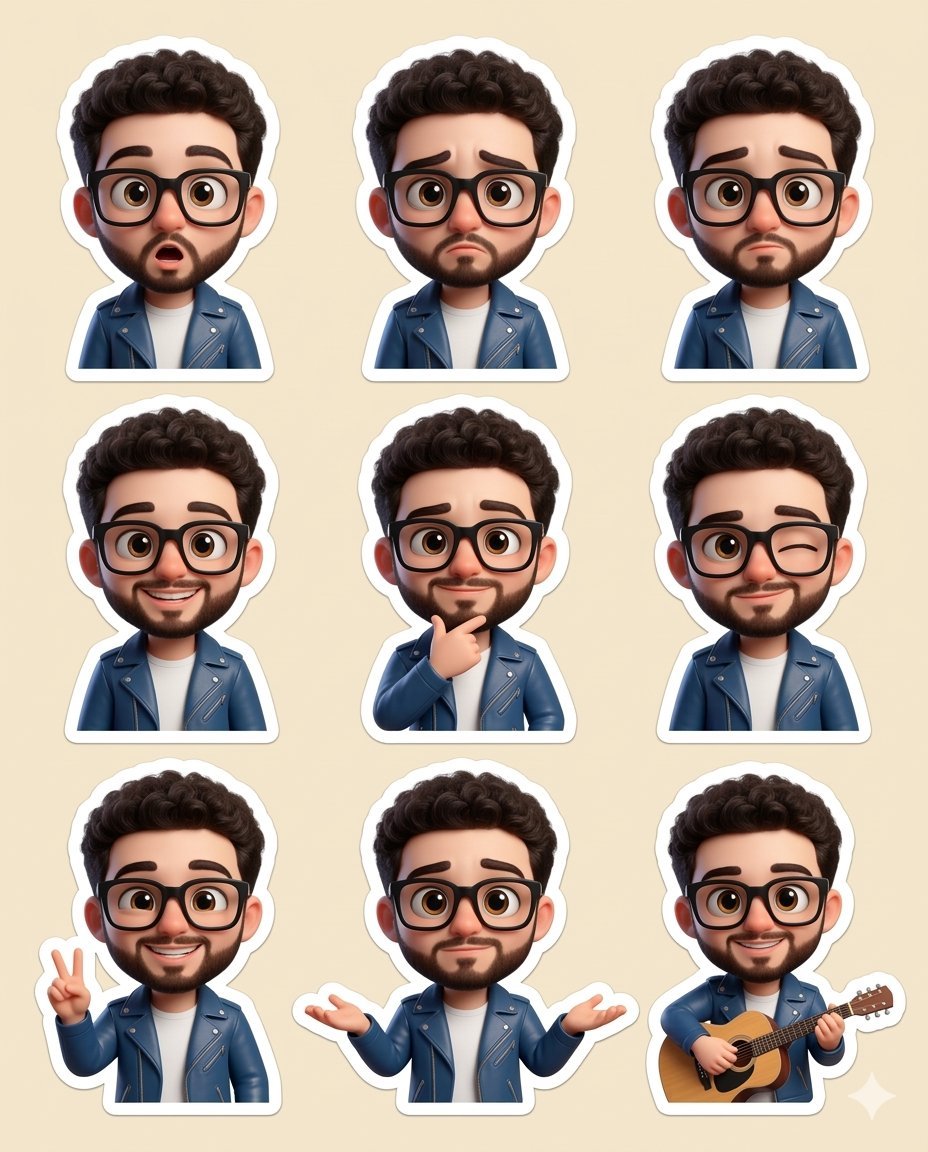
Chibi sticker set prompt for Nano Banana Pro
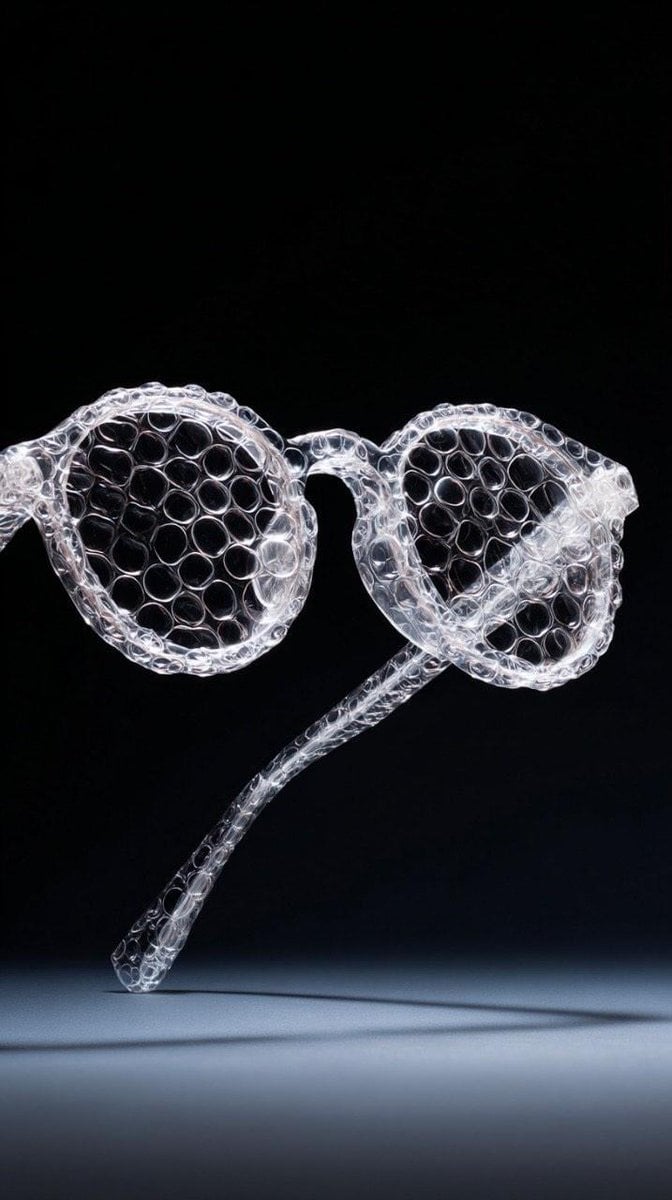
Minimalist studio shot of transparent bubble wrap fashion item
Browse template categories
Dreamy Plush Sparrow in Mossy Sunlight questions
How do I use the Dreamy Plush Sparrow in Mossy Sunlight template?
Add your photo if the template asks for one, edit the prompt if you like — the template's model and format are already selected — and press Generate. Your version opens in PicX Studio.
Can I customize the Dreamy Plush Sparrow in Mossy Sunlight template?
Yes. You can change the subject, setting, lighting, mood, format, and available model controls before creating your image.
Is the Dreamy Plush Sparrow in Mossy Sunlight template free?
Opening and editing this template is free. Generating uses credits, shown on the Generate button when you are signed in.
Which AI model should I use?
Start with GPT Image 2, which is the model associated with this template. You can compare another compatible model for a different finish.
Looking for something else? Browse all templates.

Your photo, any look
Thousands of ready templates for every top image and video model, from one credit balance.