
Plush Whale Tokyo Design Studio
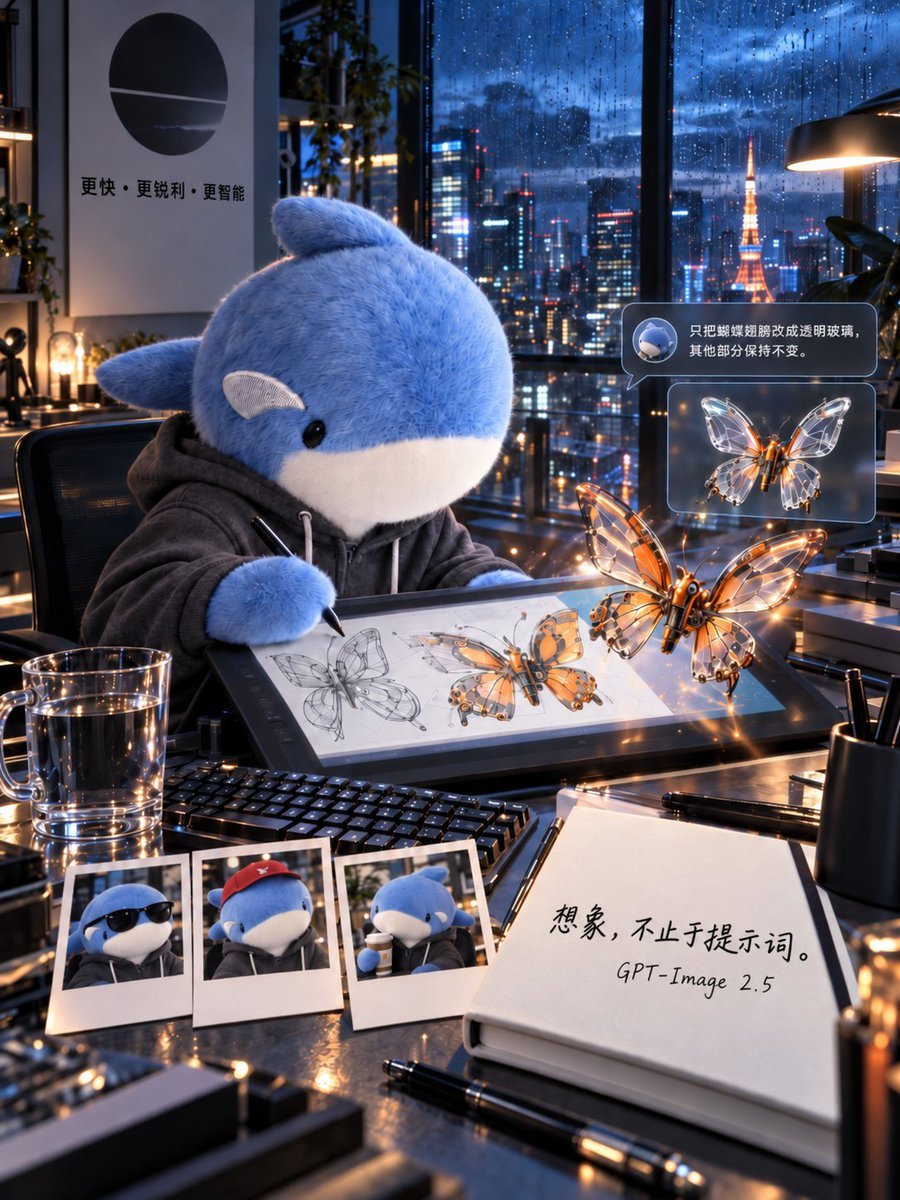
A cinematic vertical poster prompt showing a plush whale in a rainy Tokyo high-rise studio designing glowing glass-wing mechanical butterflies.
- Prompt included
- Model and format preset
- Free template
The prompt behind this image
Copy the exact prompt behind Plush Whale Tokyo Design Studio, or open it in the studio and make it yours.
Goal: Create a 3:4 vertical cinematic visual poster of a futuristic design studio on the top floor of a Tokyo high-rise during blue hour after heavy rain, featuring a plush whale character designing a mechanical butterfly. Canvas: Vertical 3:4 composition, ultra-detailed cinematic realism, shallow depth of field, glossy reflections, warm desk lights contrasted with cool rainy blue city light. The camera looks slightly downward across a cluttered designer’s desk toward floor-to-ceiling windows. Main subject: A large cute plush {argument name="character name" default="blue whale"} mascot sits in a black office chair at the desk, wearing a dark gray hoodie with white drawstrings. It has soft fuzzy blue fur, a white belly and muzzle, small black glossy eyes, side fins, and a small rounded fin on top. The character holds a stylus and draws on a large pen-display tablet. Scene and environment: Behind the character, huge rain-covered windows show a vivid Tokyo night skyline with wet glass, bokeh neon reflections, skyscrapers, and Tokyo Tower glowing orange in the distance. Realistic raindrops streak down the glass. Add indoor plants, shelves, desk lamps, and metallic studio equipment. On the left wall, place a minimalist poster with a black circular logo and Chinese text reading 「更快・更锐利・更智能」. Desk contents: Include exactly 9 distinct desk items: 1 large pen-display tablet showing butterfly concept sketches, 1 black keyboard, 1 transparent glass mug of water, 3 Polaroid photos of the whale character, 1 open notebook, 1 black pen lying in front of the notebook, and 1 black cylindrical pen cup. The three Polaroids should show: the whale wearing sunglasses, the whale wearing a red cap, and the whale drinking from a cup. Butterfly design: Show exactly 2 prominent mechanical butterflies: one larger glowing orange-and-glass butterfly floating in front of the tablet, and one smaller transparent glass-wing butterfly shown in a floating UI card. The larger butterfly should have a metallic orange body, delicate transparent wings with mechanical vein structures, warm LED highlights, and sparkling reflections. The tablet screen should also show multiple drawn stages of the butterfly design, including pencil line sketches and colored mechanical renderings. Interface overlay: Add exactly 2 floating translucent UI bubbles on the right side. The top bubble contains a small round icon of the whale and Chinese text: 「只把蝴蝶翅膀改成透明玻璃,其他部分保持不变。」 The lower bubble contains the smaller glass-wing butterfly preview. Use rounded rectangles, subtle blue-gray glassmorphism, and soft glow. Notebook text: On the open notebook in the lower right foreground, write large handwritten Chinese text: 「想象,不止于提示词。」 and below it write “GPT-Image 2.5”. Visual style: Hyperrealistic 3D cinematic advertising poster, immaculate material rendering, wet glass, polished black tabletop, metal edges, water droplets, soft plush fur, transparent glass wings, orange neon glints, blue ambient city light, volumetric lamp glow, high contrast but clean, almost no noise. Constraints: Preserve the exact counted items and text placements, keep all text legible, do not add extra characters, avoid cartoon flatness, avoid watermark or logo overlays beyond the described wall poster and notebook text.
How to use Plush Whale Tokyo Design Studio in 3 steps
- 1Upload ImagePNG, JPG or paste
Add your photo
Upload the photo the template builds on. The prompt, model and format are already set.
- 2…a portrait of your subject in softgolden-hour light, 85mm…
Personalize
Edit the subject and creative details for your destination.
- 3Generate
Generate
Press Generate — your image is created in PicX Studio, so you can compare it with the original and refine one variable at a time.
More like this
Templates with the same subject, style or setup. Open one to see its prompt.

80s Couple Studio Portrait

1985 Studio Portrait

Felt & Knit 3D Character — Photo-Exact Face, Pixar-Quality Plush Figurine

Cinematic Low-Angle Fashion Portrait Smoke Editorial

Japanese Architectural Concrete Studio Fashion Campaign

Japanese Minimalist Concrete Studio Fashion Editorial
Cinematic Low-Angle Fashion Portrait Smoke Editorial
High-Fashion Bauhaus Geometric Cutout Editorial
High-Fashion Bauhaus Geometric Cutout Editorial

Luxury Black-and-White Fashion Contact Sheet

Ultra-Realistic Vogue-Style Editorial Fashion Grid

Stylized Fashion Portrait Bold Color Contrast Editorial
Make it yours
Plush Whale Tokyo Design Studio works as-is. These are the safest ways to change it without losing the look.
Change one field
Copy a single group, rewrite it, and generate again so you can see what that field is doing.
Keep the frame, change the subject
Hold the composition and light of Plush Whale Tokyo Design Studio, then swap wardrobe, props or the person for a new take.
| If the result… | Why | Fix |
|---|---|---|
| The result drifts from the preview | Too many fields changed at once. | Reuse Plush Whale Tokyo Design Studio as-is first, then change one group — subject, light, or setting. |
| The model over-stylizes the scene | The prose prompt leaves finish and camera underspecified. | Add one camera or lighting sentence and stay on GPT Image 2. |
More GPT Image 2 templates
Other prompts made for GPT Image 2.

Six VTuber Japanese Logo Sheet

Realistic Portrait of Woman and Deer

The Vista Modular Condo Poster

AI Model Routing Comparison Infographic

2.5D Anime Art Board

Isometric Productivity Desk Scene

New York Double Exposure Poster

Four-Panel AI Landscape Comparison

Japanese Tatami Lifestyle Magazine Cover

NESCAFÉ Coffee Map Poster
More image prompts
Fresh picks from across the catalog.
Candid Paparazzi-Style Street Photograph
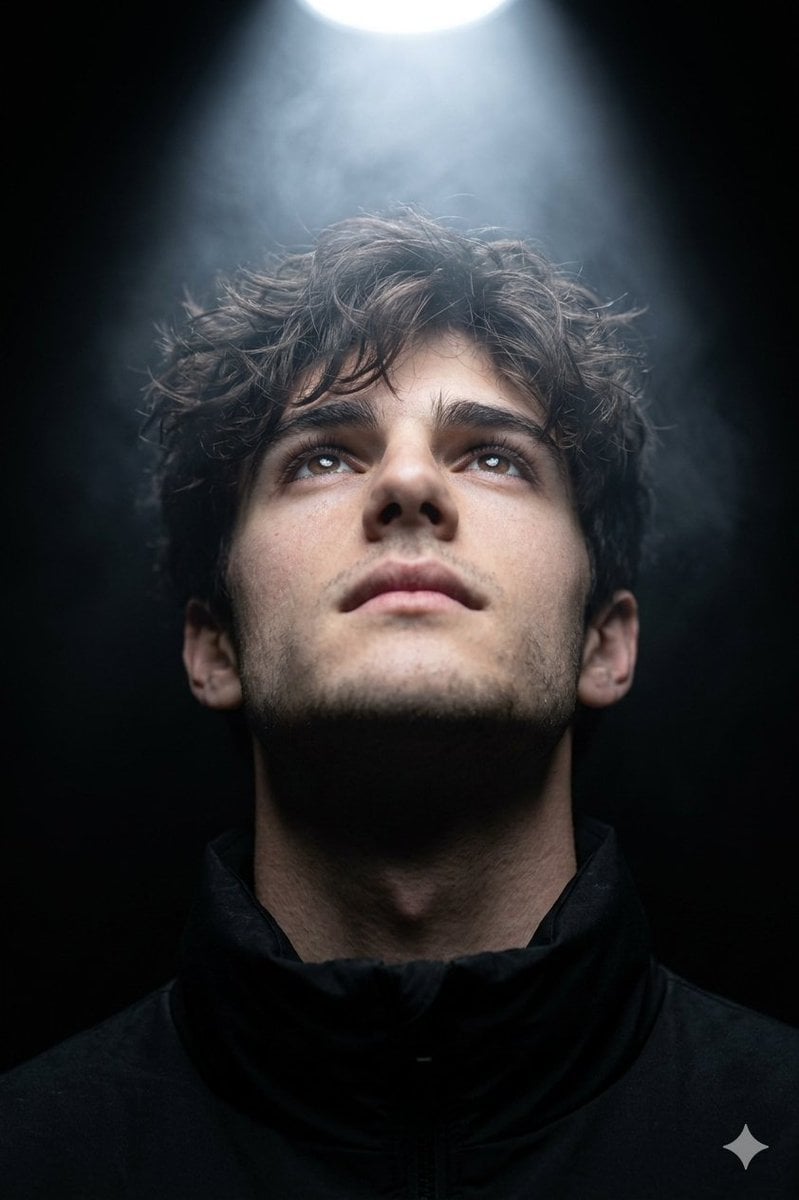
Hyper-realistic cinematic close-up portrait with dramatic lighting
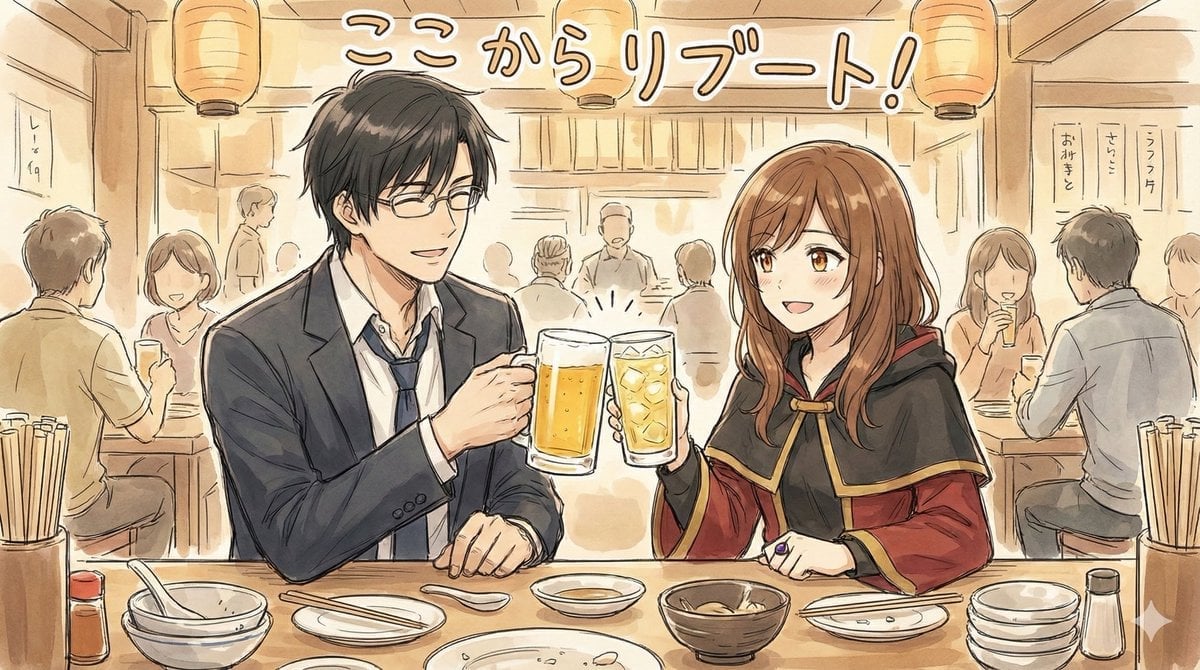
Manga-style Sketch Prompt for Nano Banana Pro
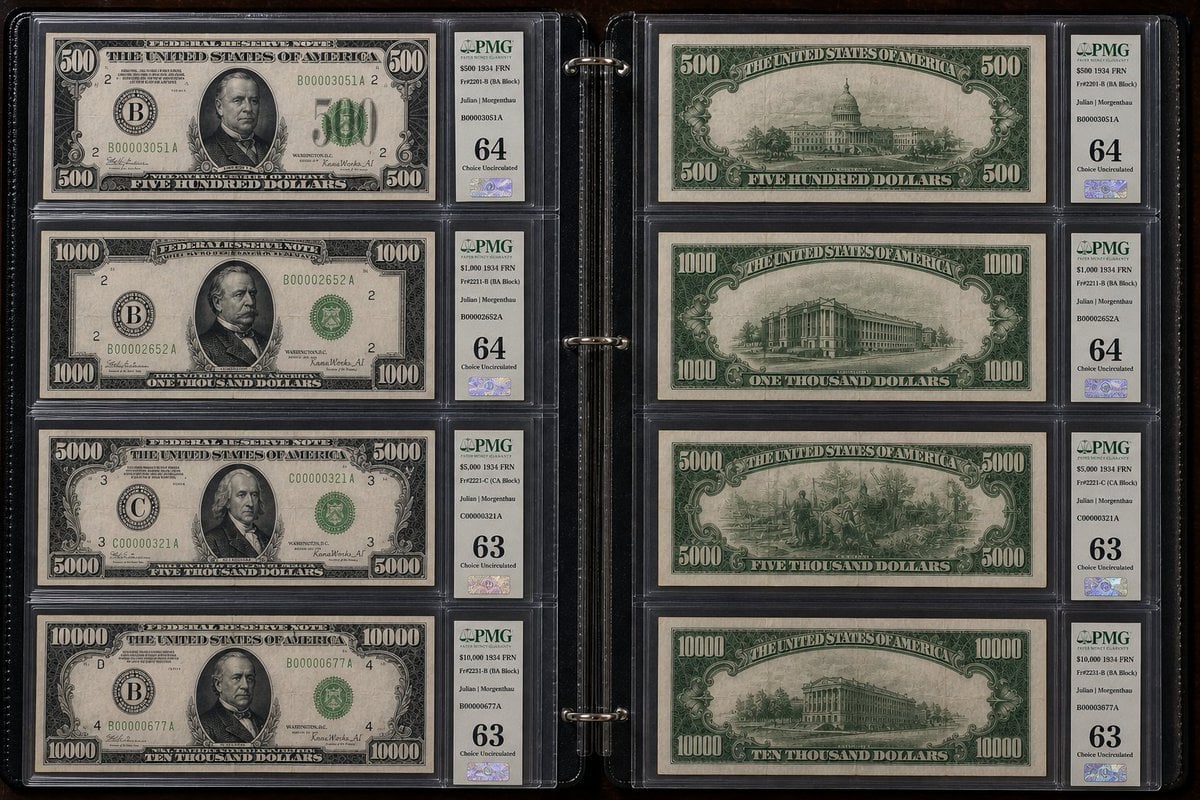
Historical US Banknote Collection Macro
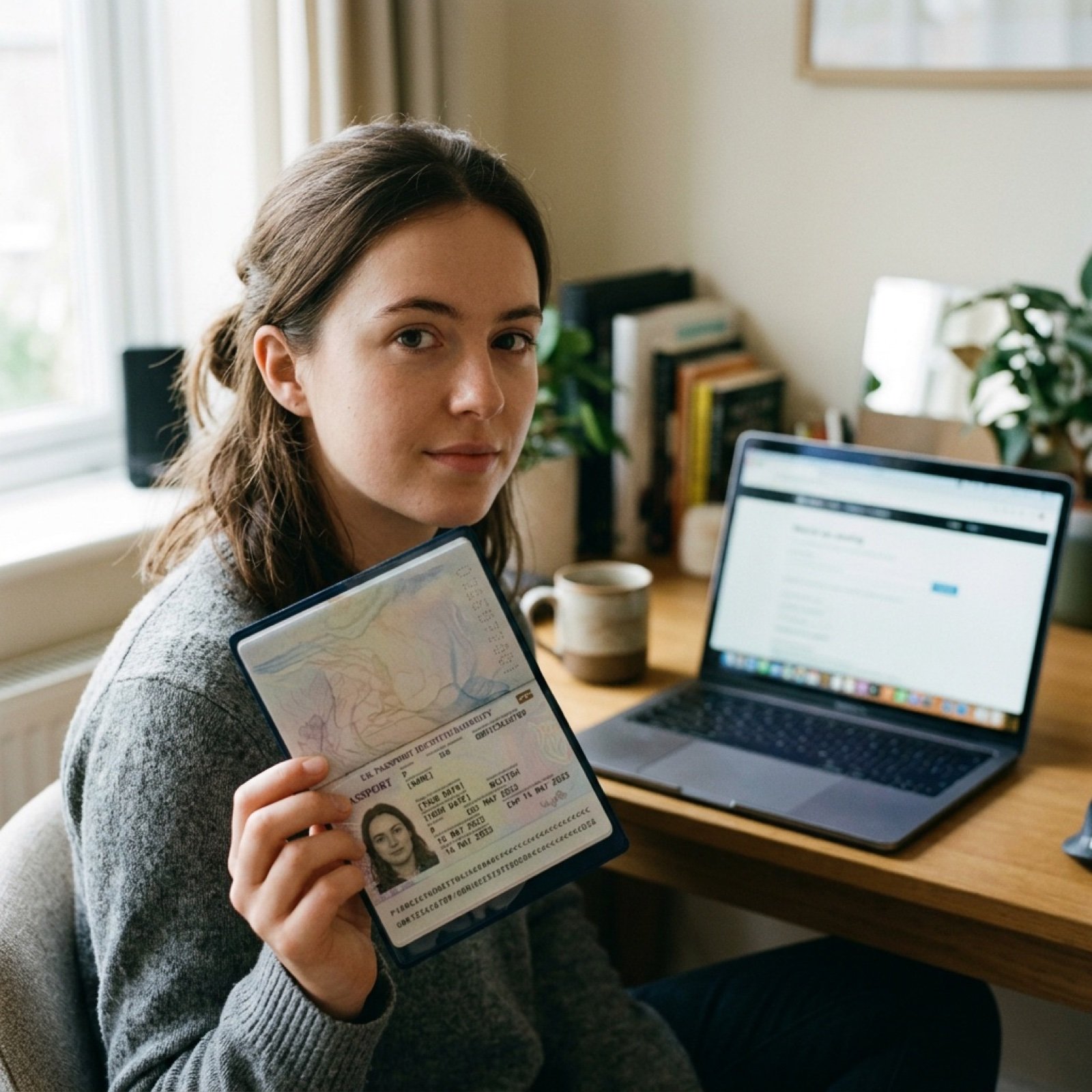
ID verification character with visible passport
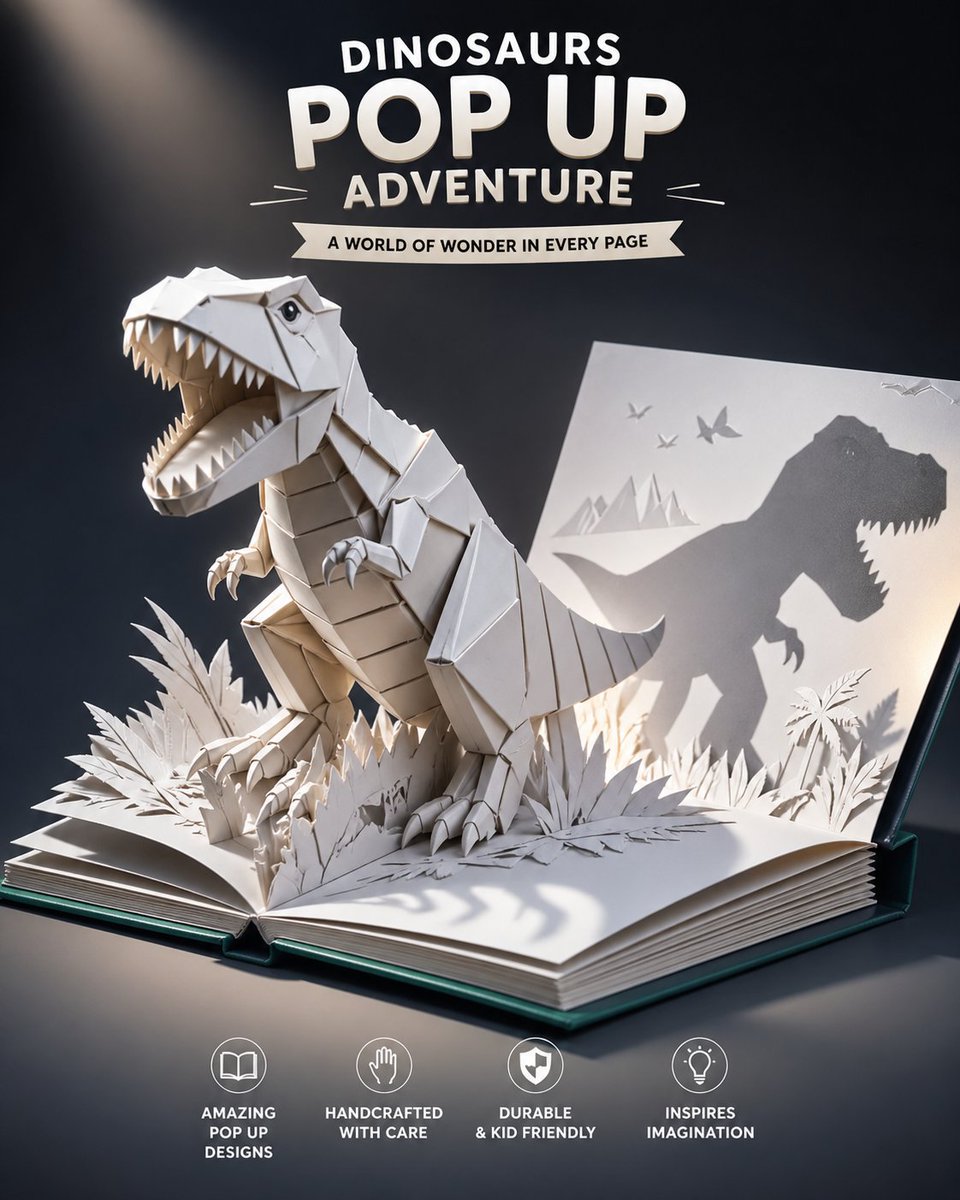
Origami Dinosaur Pop-Up Book Ad
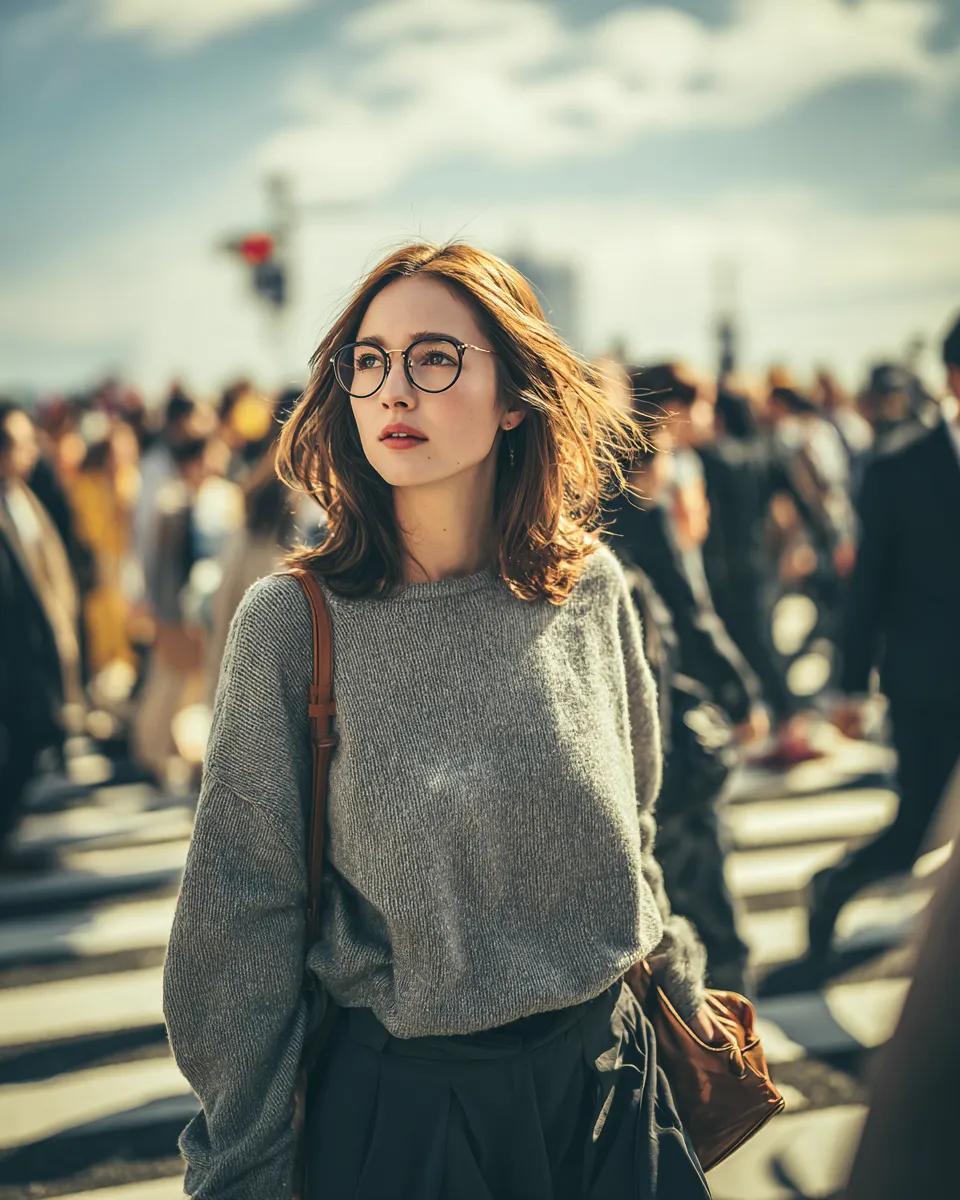
Cinematic Golden Hour Portrait in a City Crosswalk

Golden Hour Organic Outdoor Selfie
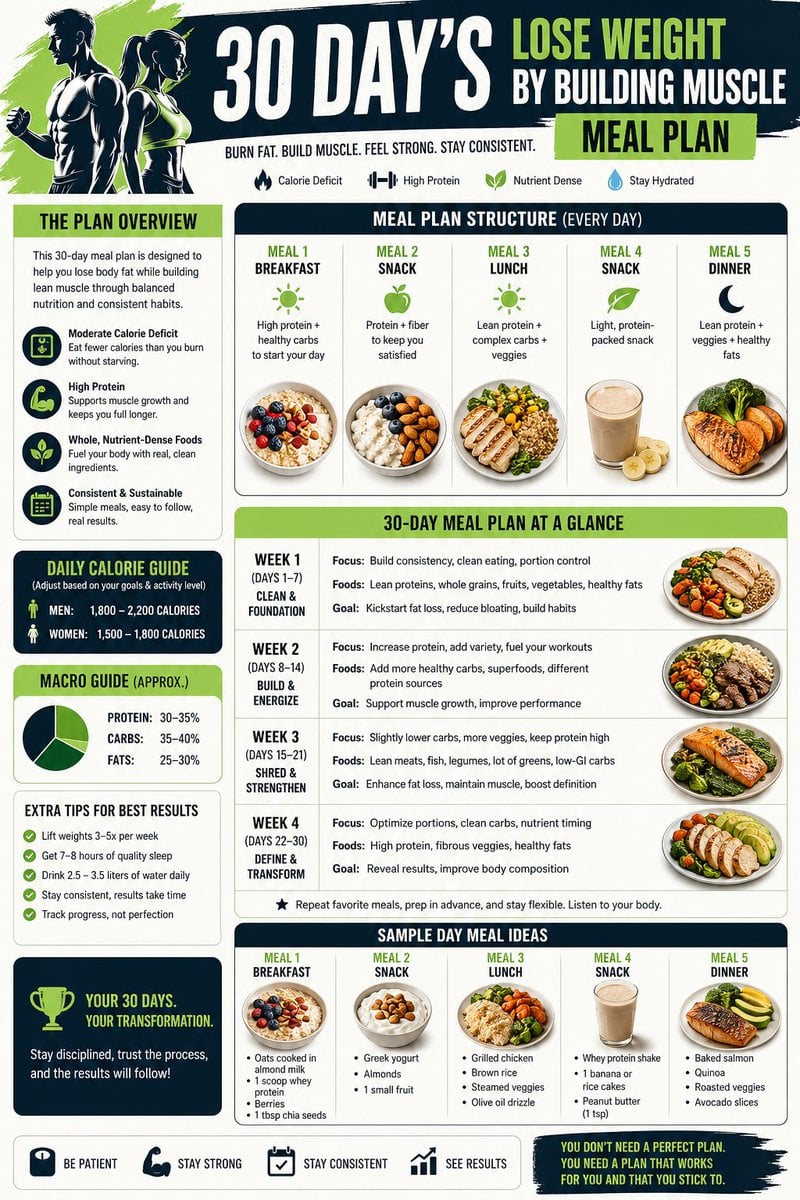
Health and Fitness Infographic Prompt
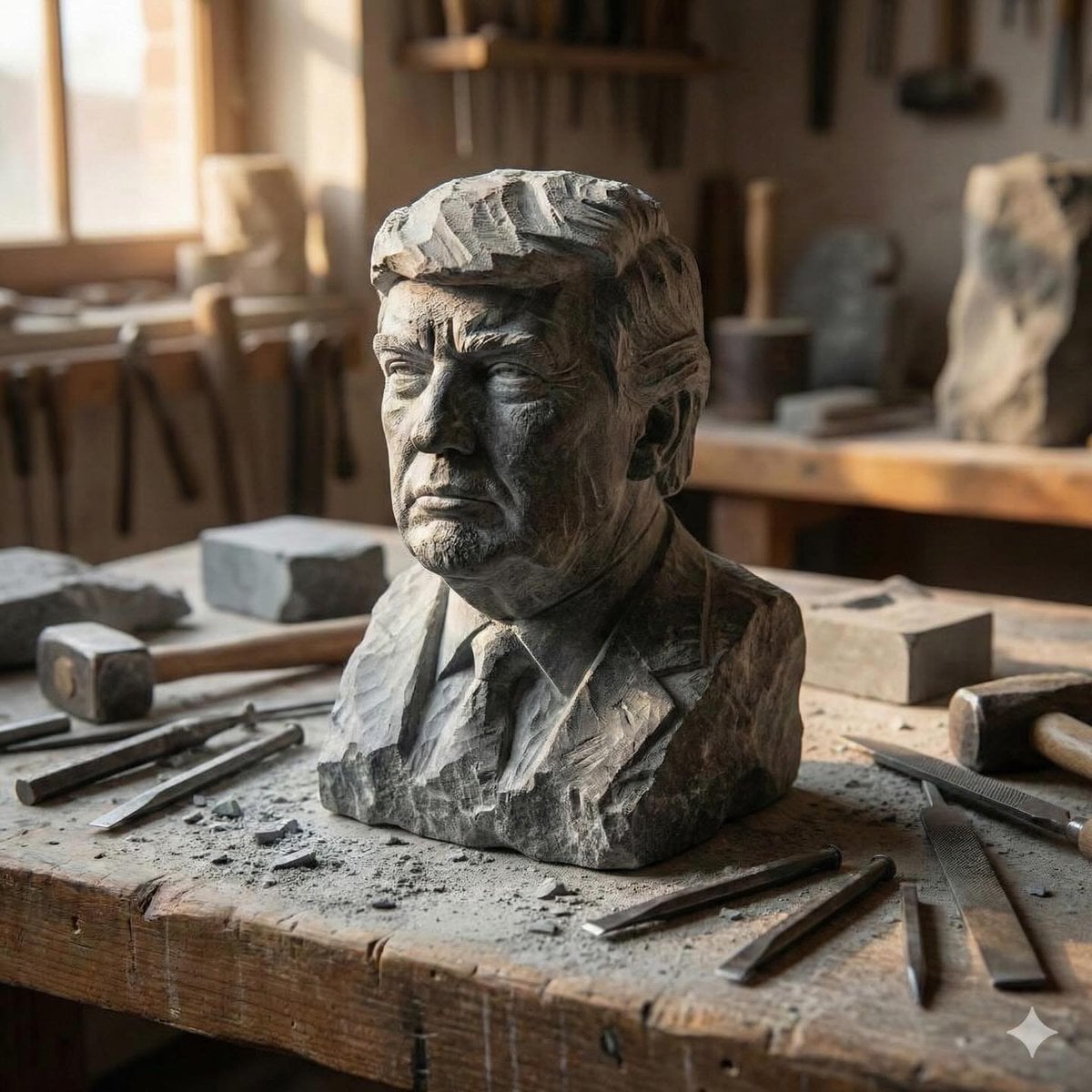
Stone-carved statue on a sculptor's workbench prompt
Browse template categories
Plush Whale Tokyo Design Studio questions
How do I use the Plush Whale Tokyo Design Studio template?
Add your photo if the template asks for one, edit the prompt if you like — the template's model and format are already selected — and press Generate. Your version opens in PicX Studio.
Can I customize the Plush Whale Tokyo Design Studio template?
Yes. You can change the subject, setting, lighting, mood, format, and available model controls before creating your image.
Is the Plush Whale Tokyo Design Studio template free?
Opening and editing this template is free. Generating uses credits, shown on the Generate button when you are signed in.
Which AI model should I use?
Start with GPT Image 2, which is the model associated with this template. You can compare another compatible model for a different finish.
Looking for something else? Browse all templates.

Your photo, any look
Thousands of ready templates for every top image and video model, from one credit balance.