
High-Fashion Bauhaus Geometric Cutout Editorial
High-Fashion Bauhaus Geometric Cutout Editorial
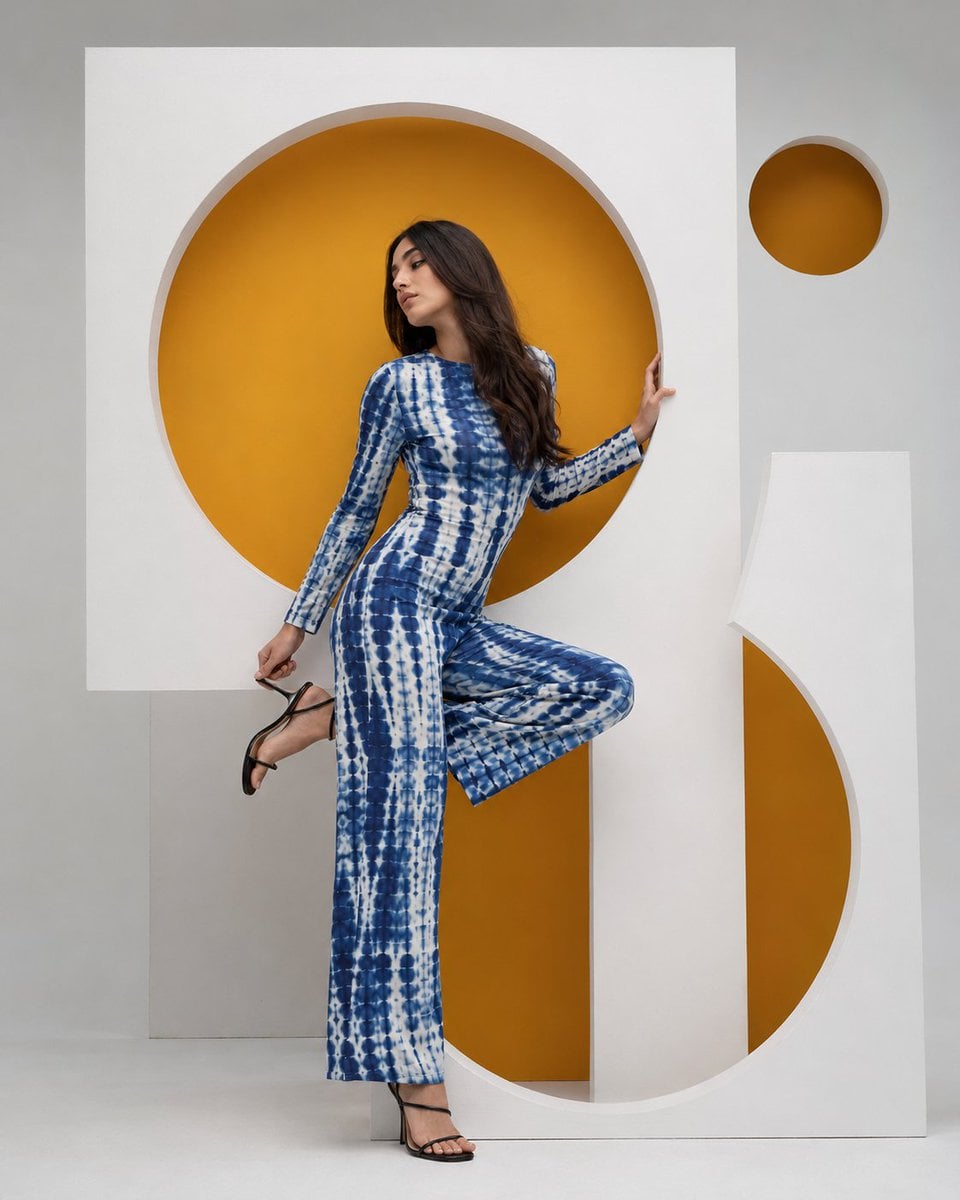
- Prompt included
- Model and format preset
- Free template
The prompt behind this image
Copy the exact prompt behind High-Fashion Bauhaus Geometric Cutout Editorial, or open it in the studio and make it yours.
High-fashion editorial photography, young woman with long dark brown hair, dynamic pose with one leg raised and knee bent holding a black strappy heeled sandal, wearing a blue and white tie-dye shibori print fitted jumpsuit with long sleeves and wide-leg trousers, posed between and within large architectural geometric cutout panels in matte white, panels featuring circular cutout openings revealing vivid amber-yellow backing behind, one large full circle cutout at head level, one large semicircle cutout at floor level creating an S-curve negative space framing the figure, one small amber circle floating in upper right corner, soft neutral light gray studio background, clean shadow-free diffused lighting, Bauhaus constructivist geometric set design, vertical 4:5 composition, fashion editorial photography --ar 4:5 --v 6
How to use High-Fashion Bauhaus Geometric Cutout Editorial in 3 steps
- 1
Open
The prompt is already in the box next to the preview, with the template's model and format selected.
- 2…a portrait of your subject in softgolden-hour light, 85mm…
Personalize
Edit the subject and creative details for your destination.
- 3Generate
Generate
Press Generate — your image is created in PicX Studio, so you can compare it with the original and refine one variable at a time.
More like this
Templates with the same subject, style or setup. Open one to see its prompt.
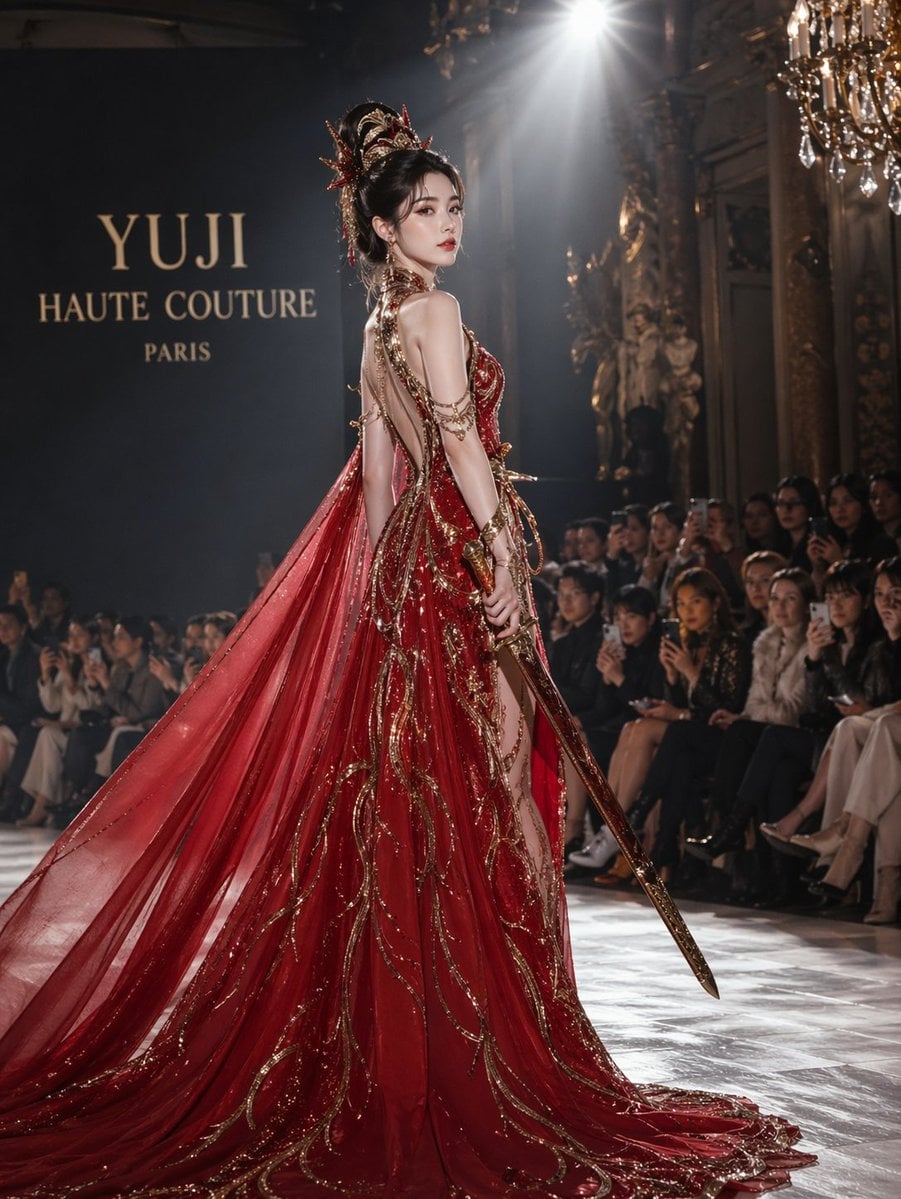
High-Fashion Bauhaus Geometric Cutout Editorial

Luxury Black-and-White Fashion Contact Sheet

Gpt Image 2 Fashion Portrait

Geometric Color-Block Beauty Editorial Portrait

untitled

Google Gemini Nano Banana Pro

Conceptual Fashion Portrait in Spider We

01 Skincare Split Portrait — Nano Banana 2

24 The Getty Center — California Series

21 Glass Floor Skyscraper — California Series

19 Luxury Helicopter Travel — California Series

08 Rodeo Drive Luxury Exit — California Series
Make it yours
High-Fashion Bauhaus Geometric Cutout Editorial works as-is. These are the safest ways to change it without losing the look.
Change one field
Copy a single group, rewrite it, and generate again so you can see what that field is doing.
Keep the frame, change the subject
Hold the composition and light of High-Fashion Bauhaus Geometric Cutout Editorial, then swap wardrobe, props or the person for a new take.
| If the result… | Why | Fix |
|---|---|---|
| The result drifts from the preview | Too many fields changed at once. | Reuse High-Fashion Bauhaus Geometric Cutout Editorial as-is first, then change one group — subject, light, or setting. |
| The model over-stylizes the scene | The prose prompt leaves finish and camera underspecified. | Add one camera or lighting sentence and stay on PicX Studio. |
More image prompts
Fresh picks from across the catalog.

Japanese 36K Followers Celebration Poster

Hyper-Realistic Candid Night Race Photo with iPhone Flash Aesthetic
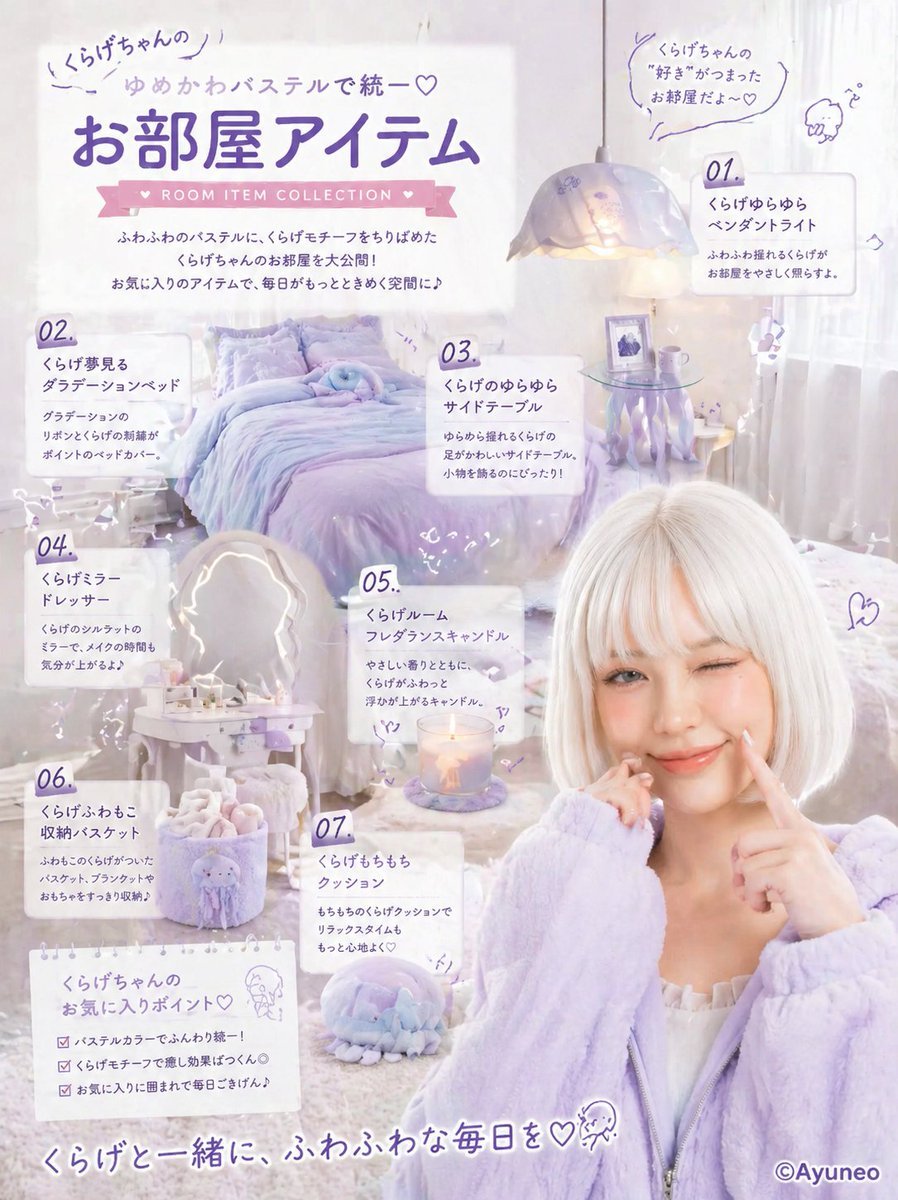
Pastel Jellyfish Room Item Poster
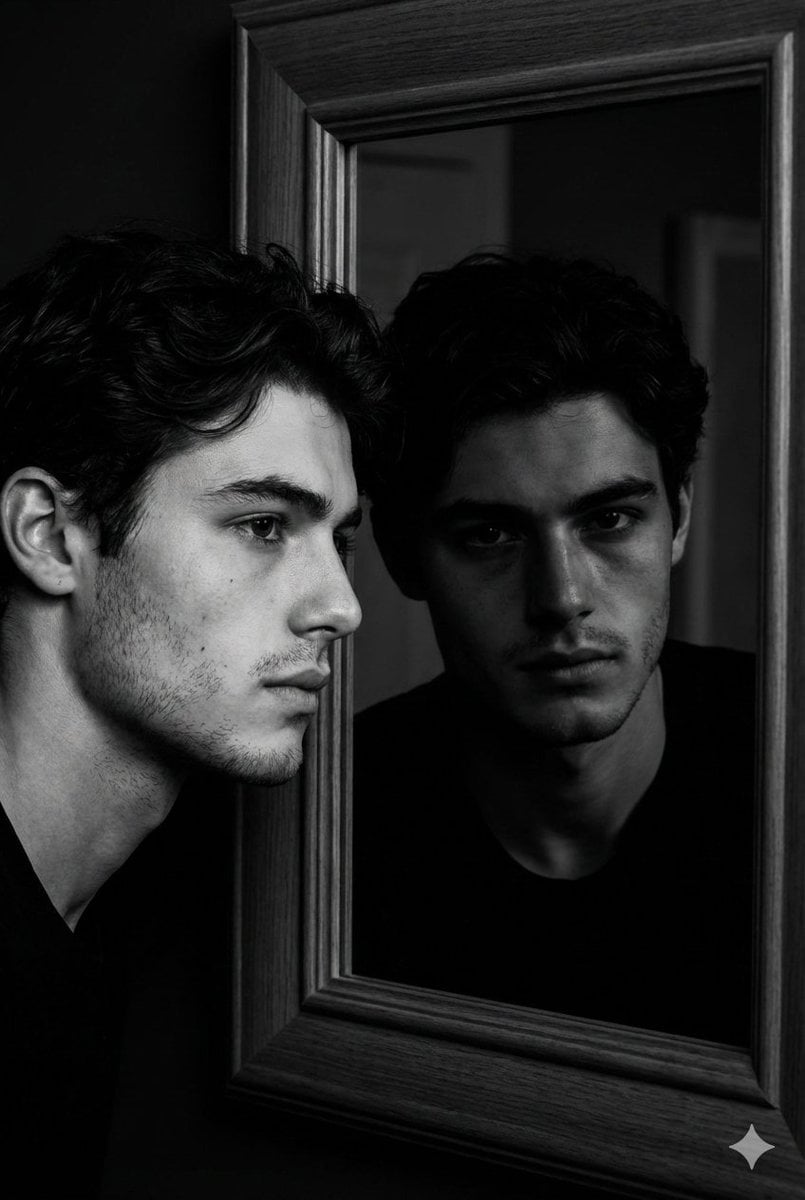
Noir Mirror Reflection Portrait
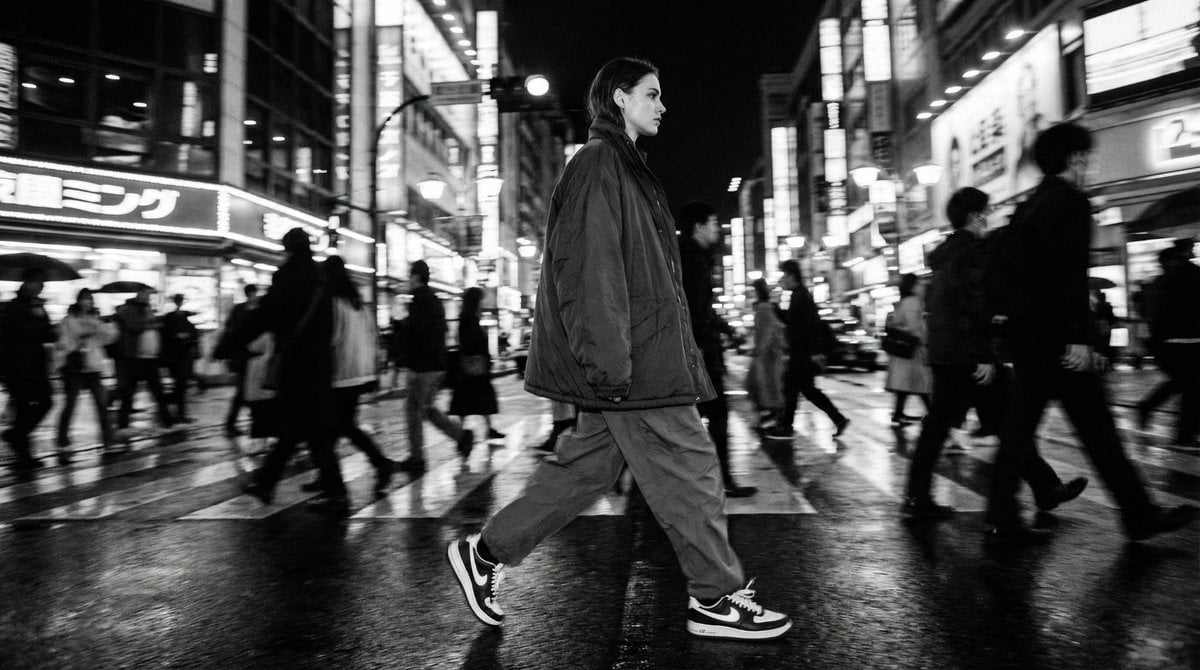
Template for Cinematic B&W Street Fashion Editorial

Anime Park Date Illustration
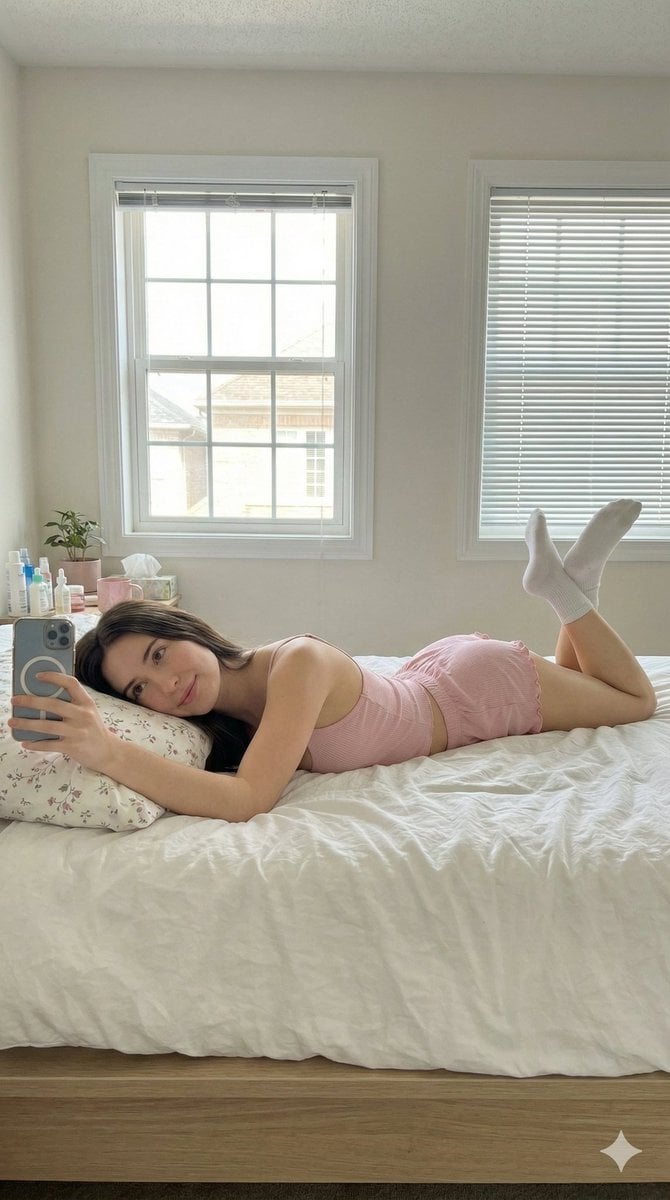
Lazy Sunday Morning Bedroom Selfie Prompt
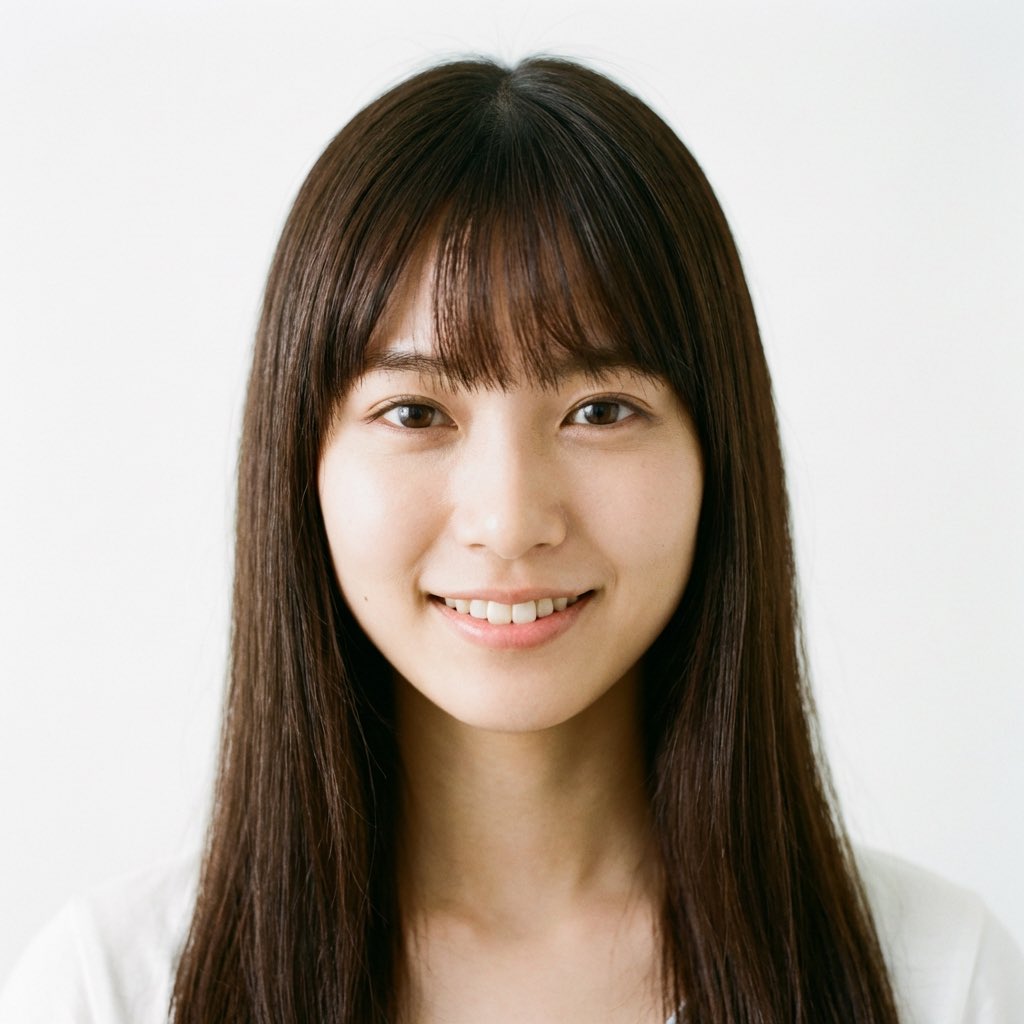
Nano Banana Pro Prompt for a Young Japanese Woman Portrait
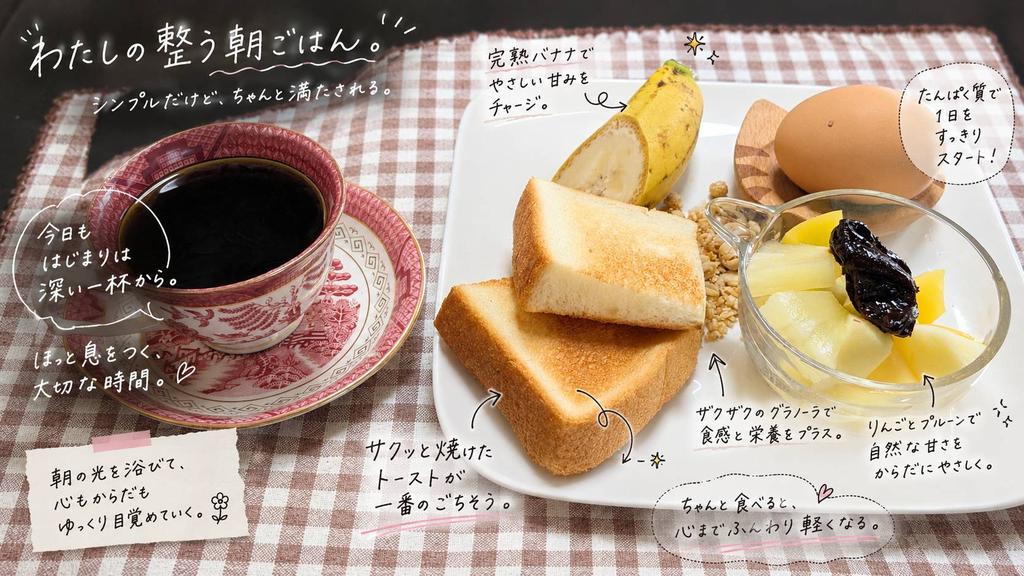
Annotated Japanese Breakfast Flat Lay
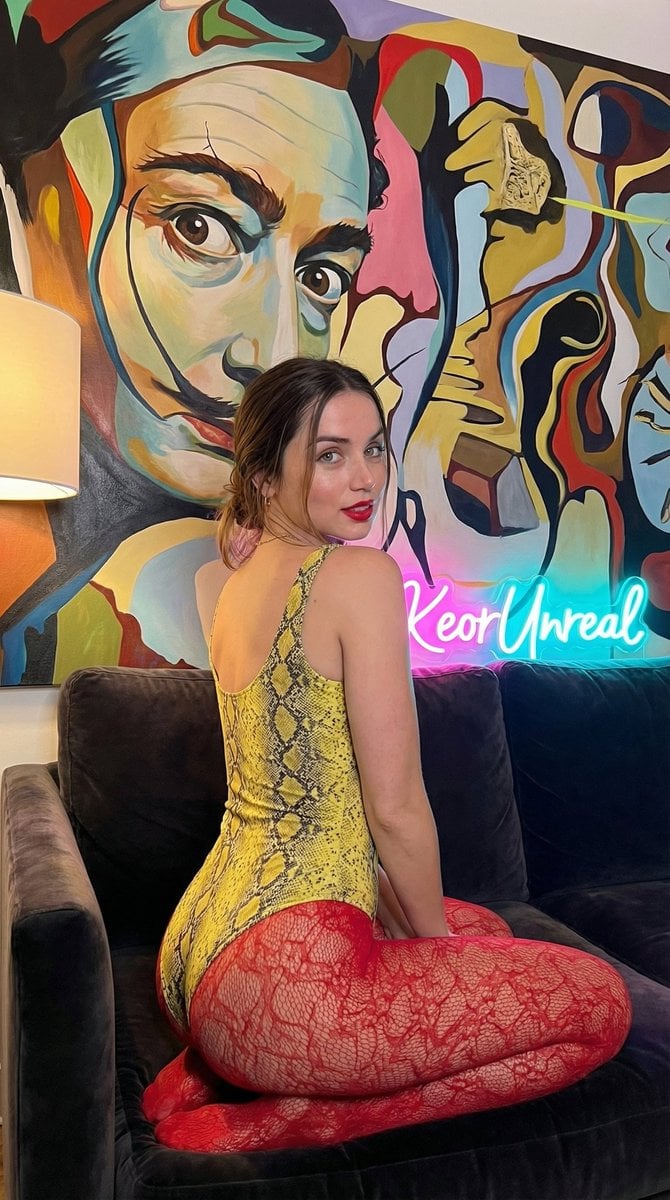
Glamorous Vertical Portrait with Salvador Dali Art and Neon
Browse template categories
High-Fashion Bauhaus Geometric Cutout Editorial questions
How do I use the High-Fashion Bauhaus Geometric Cutout Editorial template?
Add your photo if the template asks for one, edit the prompt if you like — the template's model and format are already selected — and press Generate. Your version opens in PicX Studio.
Can I customize the High-Fashion Bauhaus Geometric Cutout Editorial template?
Yes. You can change the subject, setting, lighting, mood, format, and available model controls before creating your image.
Is the High-Fashion Bauhaus Geometric Cutout Editorial template free?
Opening and editing this template is free. Generating uses credits, shown on the Generate button when you are signed in.
Which AI model should I use?
Choose a compatible model in PicX Studio based on the style, speed, and output controls your project needs.
Looking for something else? Browse all templates.

Your photo, any look
Thousands of ready templates for every top image and video model, from one credit balance.