
Anime Park Date Illustration
This prompt generates a serene anime-style illustration of two iconic characters walking together in a lush sunlit park, suitable for romantic slice-of-life fanart or character pairing artwork.
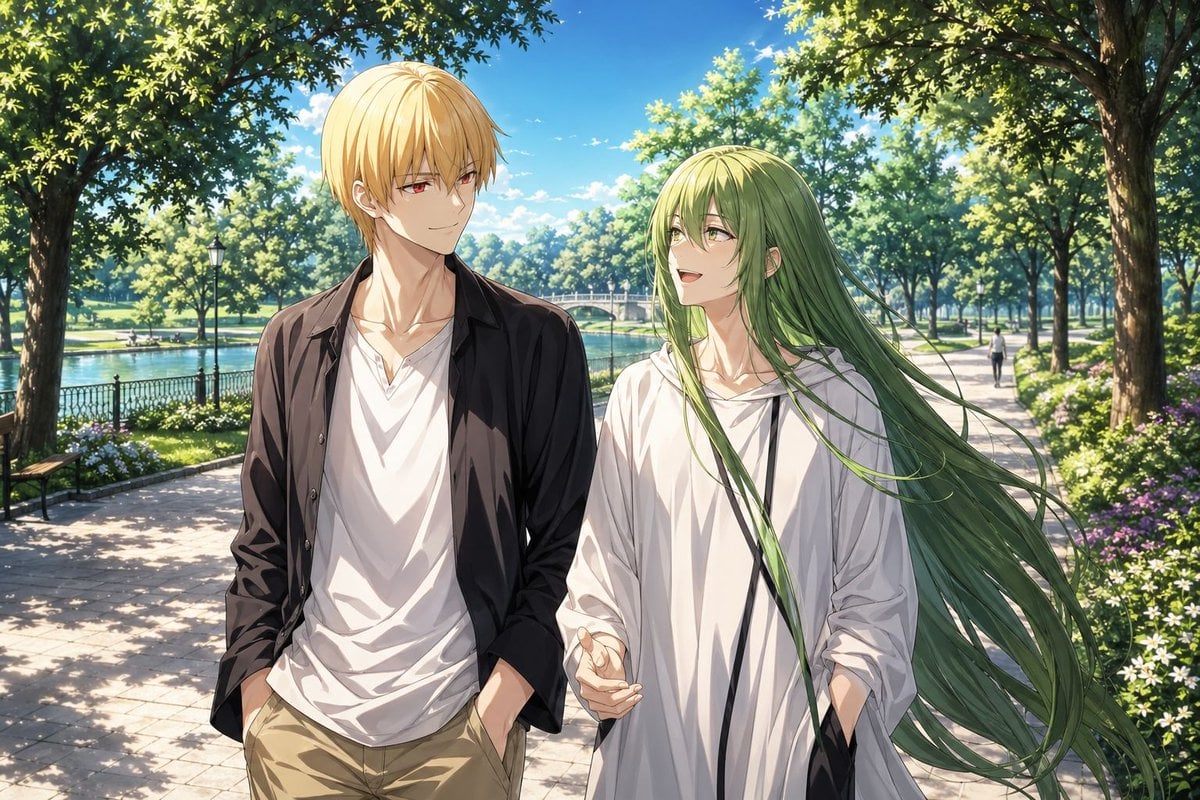
- Prompt included
- Model and format preset
- Free template
The prompt behind this image
Copy the exact prompt behind Anime Park Date Illustration, or open it in the studio and make it yours.
A polished anime-style illustration of {argument name="character duo" default="Gilgamesh and Enkidu"} on a quiet park date, shown from the thighs up while walking side by side along a sunlit stone path beside a lake. The left character is a tall, slender young man with short straight {argument name="left character hair color" default="golden blond"} hair, wearing a black open overshirt, a loose white V-neck T-shirt, and beige khaki pants with both hands in his pockets. The right character is a slim and ethereal young person with very long flowing {argument name="right character hair color" default="soft green"} hair streaming to the right in the breeze, wearing an oversized white hoodie with black drawstrings and one hand gesturing naturally while walking. Their mood is gentle, intimate, and slightly romantic, like an ambiguous casual date. Place them centered in the foreground with the blond character on the left and the green-haired character on the right, both looking toward each other or slightly ahead. The background is a beautiful public park in bright late-morning or early-afternoon summer light: tall leafy trees arch overhead, creating dappled shadows on the path; a calm lake runs along the left side behind a black metal fence; a small arched bridge appears in the mid-distance; flowerbeds with white and purple blossoms line the walkway; 2 park benches are visible on the left side; 1 lamppost stands near the water; and 1 tiny distant pedestrian walks on the right side of the path. Use a vivid blue sky with small white clouds, lush greenery, high-detail foliage, soft cinematic sunlight, clean linework, and refined painterly shading. SFW, elegant, serene, visually rich anime key art, with a romantic slice-of-life atmosphere and a vertical composition.
How to use Anime Park Date Illustration in 3 steps
- 1Upload ImagePNG, JPG or paste
Add your photo
Upload the photo the template builds on. The prompt, model and format are already set.
- 2…a portrait of your subject in softgolden-hour light, 85mm…
Personalize
Edit the subject and creative details for your destination.
- 3Generate
Generate
Press Generate — your image is created in PicX Studio, so you can compare it with the original and refine one variable at a time.
More like this
Templates with the same subject, style or setup. Open one to see its prompt.

Captain Tsubasa Anime World Cup Poster

Anime Character Charm Analysis Sheet
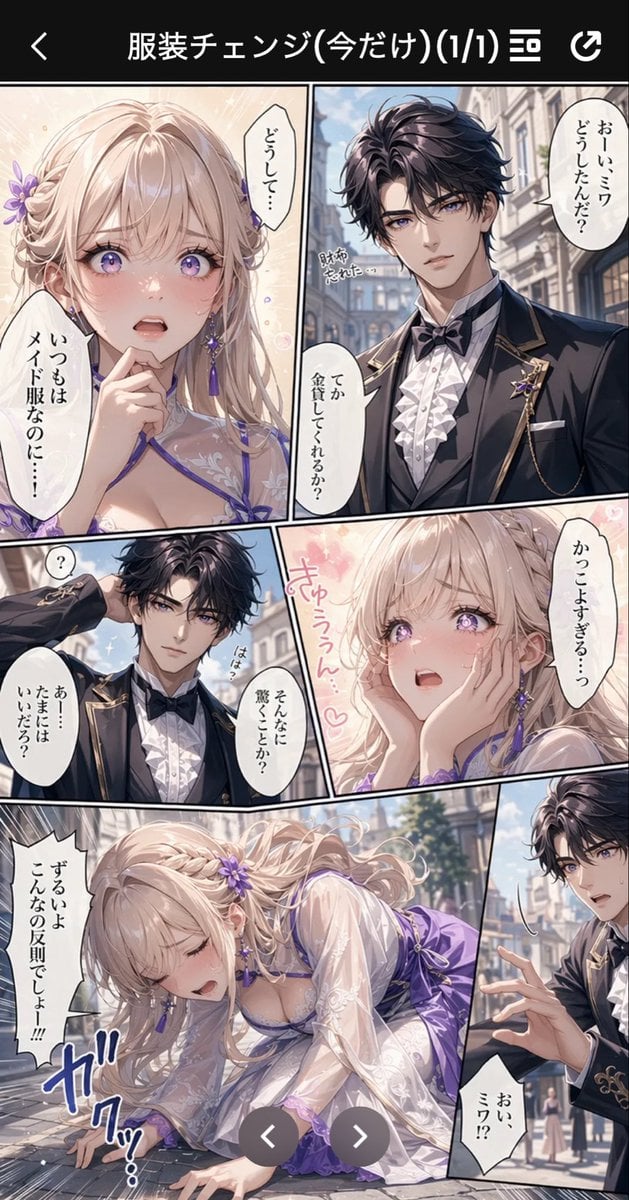
Anime Butler Date Manga Screenshot
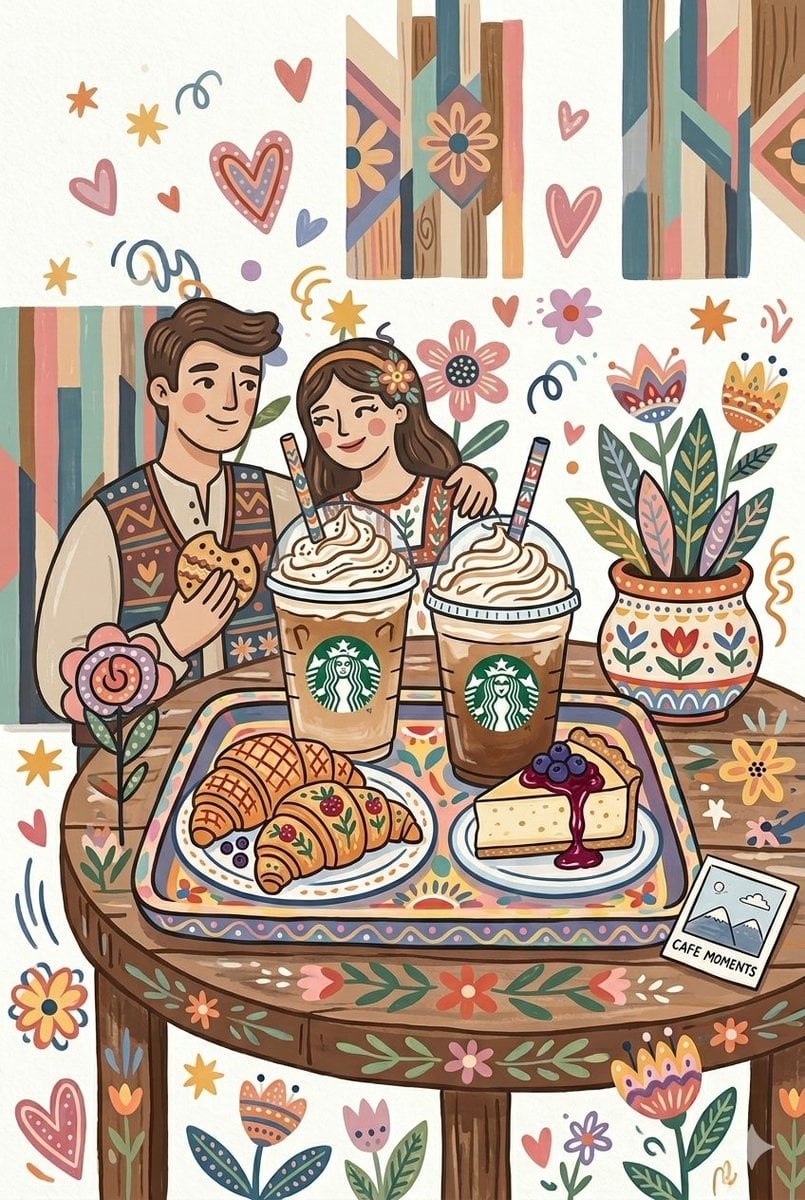
Folk Art Cafe Date Illustration

Cel 2D Finale Fireworks

Cel 2D Garden Maze

Cel 2D Rooftop Concert

Cel 2D Bicycle Coast

Cel 2D Castle Gate

Cel 2D Kitchen Chaos

Cel 2D Carnival Ride

Cel 2D Rainy Bus Stop
Make it yours
Anime Park Date Illustration works as-is. These are the safest ways to change it without losing the look.
Change one field
Copy a single group, rewrite it, and generate again so you can see what that field is doing.
Keep the frame, change the subject
Hold the composition and light of Anime Park Date Illustration, then swap wardrobe, props or the person for a new take.
| If the result… | Why | Fix |
|---|---|---|
| The result drifts from the preview | Too many fields changed at once. | Reuse Anime Park Date Illustration as-is first, then change one group — subject, light, or setting. |
| The model over-stylizes the scene | The prose prompt leaves finish and camera underspecified. | Add one camera or lighting sentence and stay on GPT Image 2. |
More GPT Image 2 templates
Other prompts made for GPT Image 2.

Six VTuber Japanese Logo Sheet

Realistic Portrait of Woman and Deer

The Vista Modular Condo Poster

AI Model Routing Comparison Infographic

2.5D Anime Art Board

Isometric Productivity Desk Scene

New York Double Exposure Poster

Four-Panel AI Landscape Comparison

Japanese Tatami Lifestyle Magazine Cover

NESCAFÉ Coffee Map Poster
More image prompts
Fresh picks from across the catalog.
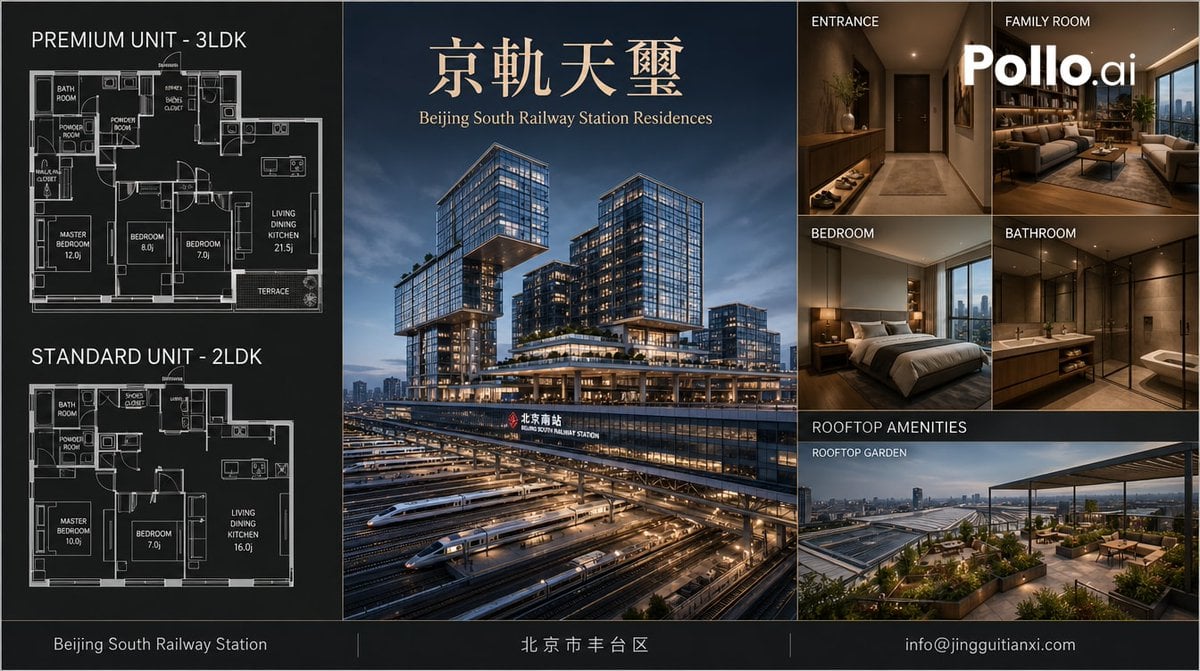
Luxury Beijing Apartment Brochure
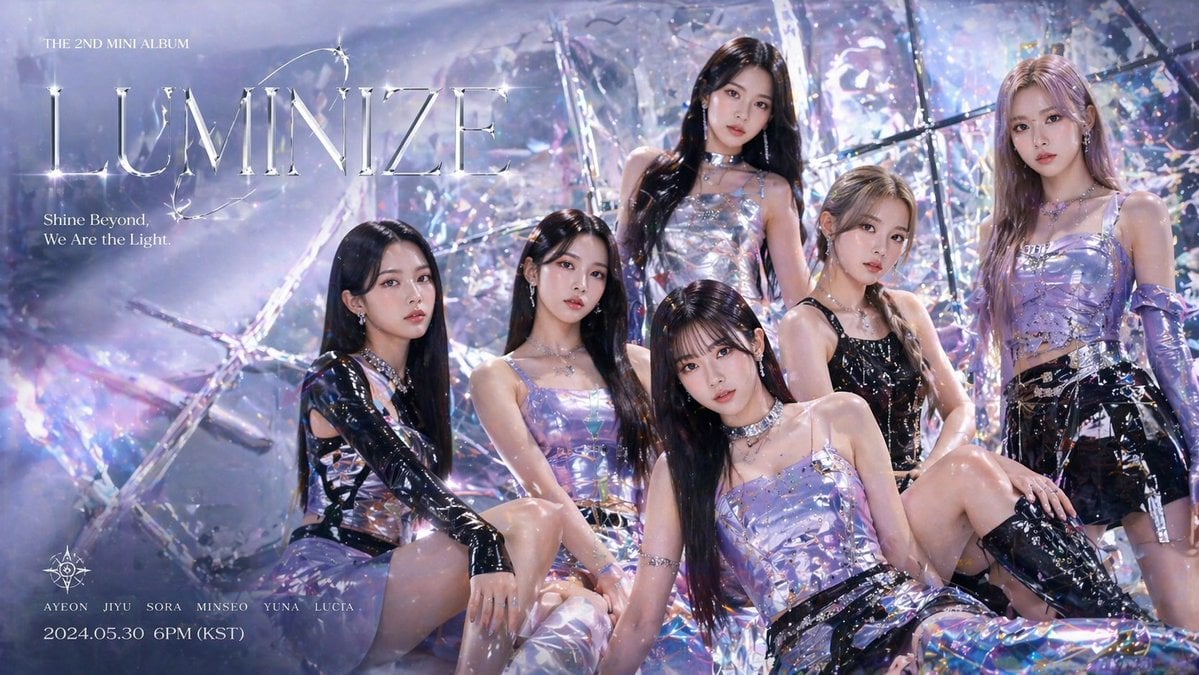
GPT-Image-2 Creative Prompt List
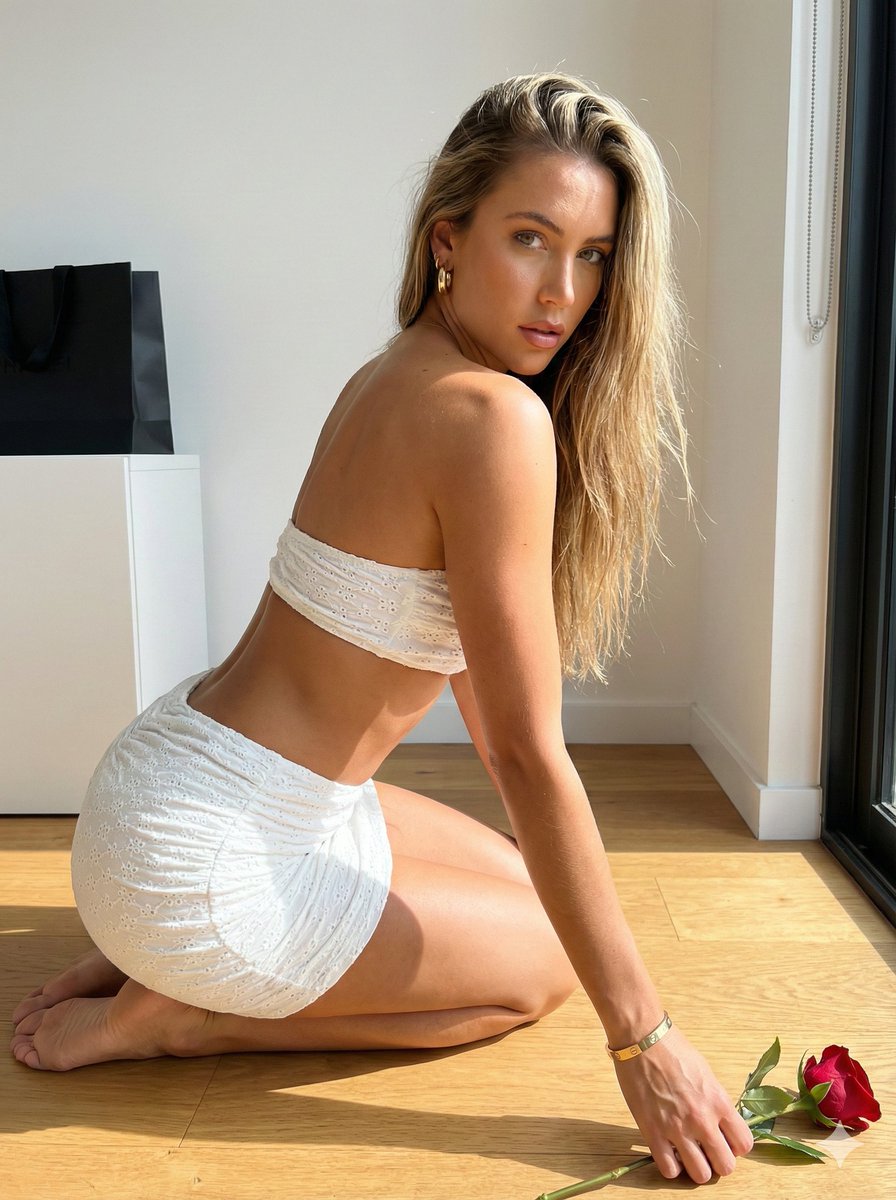
Sunlit Minimalist Portrait with Broderie Anglaise
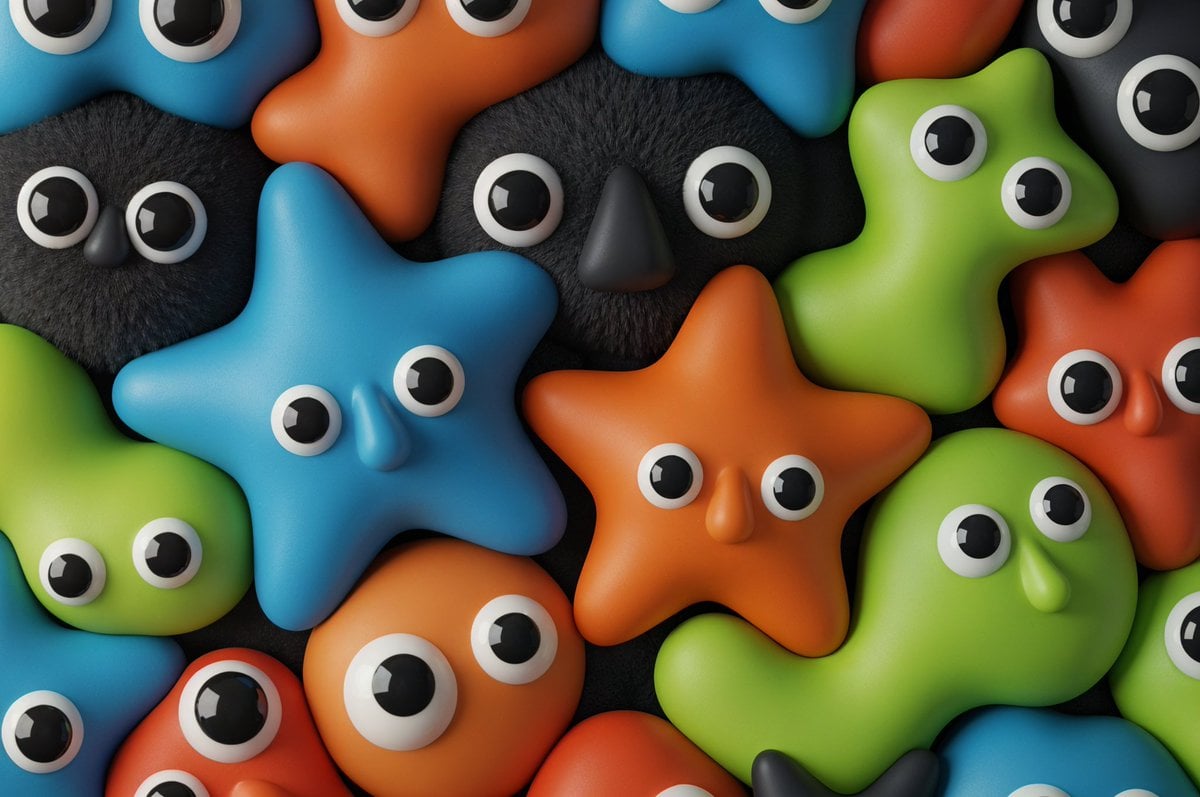
Neo-Skeuomorphism Crowd Scene Prompt
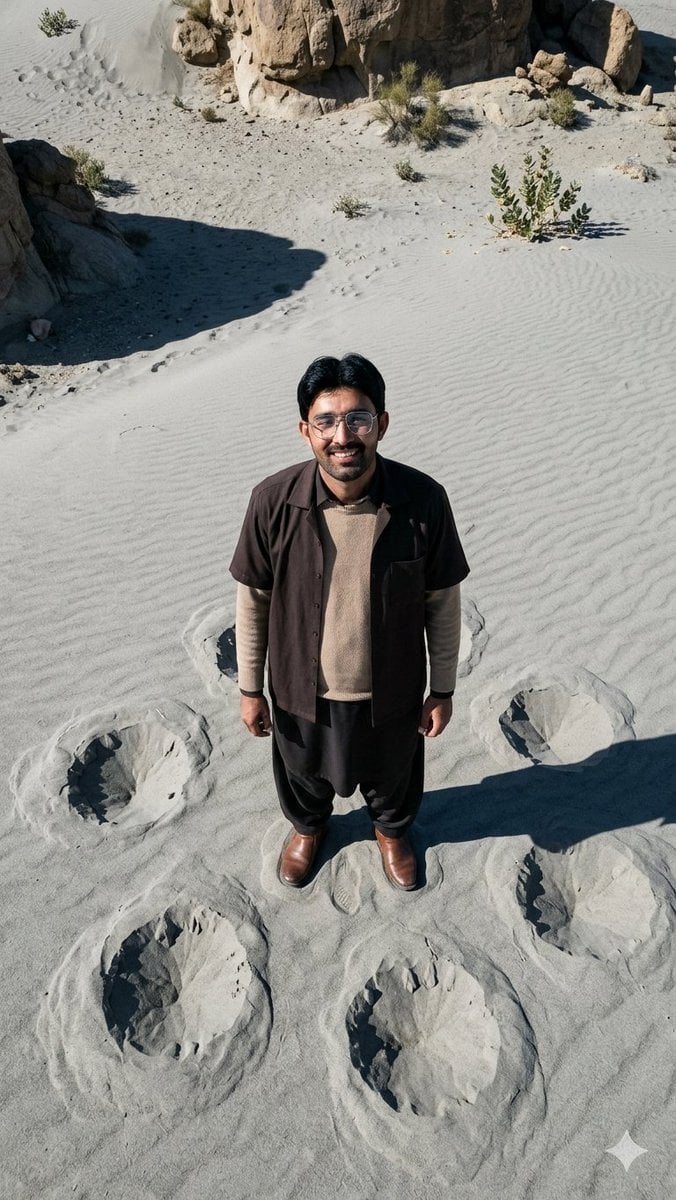
Top-Down Desert Footprint Portrait

Cinematic Netflix Movie Poster Prompt

Seamless 2x2 Christmas Box Challenge Photo Collage

AI-Generated Face Cinematic Portrait Prompt (Dual-Tone Lighting)
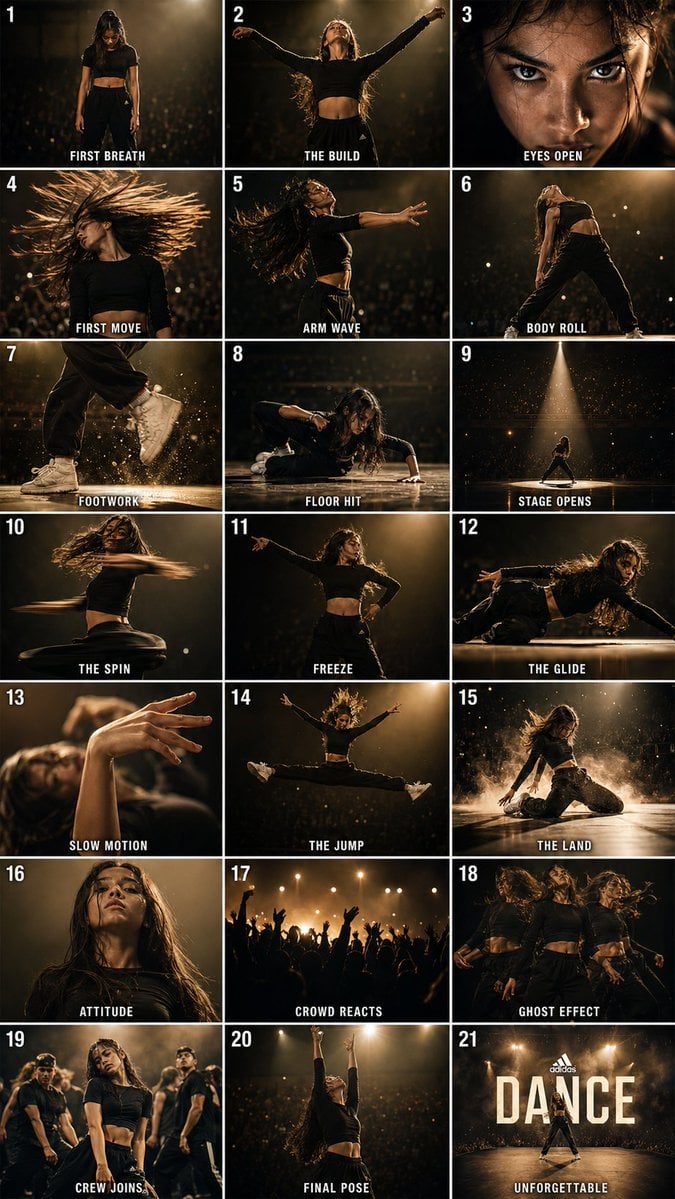
Cinematic Dance Routine Storyboard
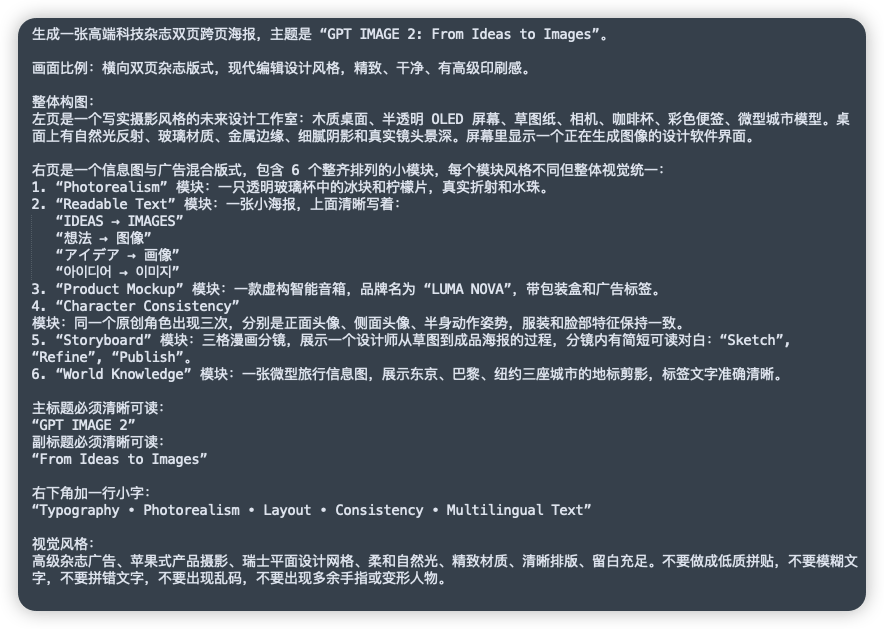
Chinese Prompt Sheet for GPT IMAGE 2
Browse template categories
Anime Park Date Illustration questions
How do I use the Anime Park Date Illustration template?
Add your photo if the template asks for one, edit the prompt if you like — the template's model and format are already selected — and press Generate. Your version opens in PicX Studio.
Can I customize the Anime Park Date Illustration template?
Yes. You can change the subject, setting, lighting, mood, format, and available model controls before creating your image.
Is the Anime Park Date Illustration template free?
Opening and editing this template is free. Generating uses credits, shown on the Generate button when you are signed in.
Which AI model should I use?
Start with GPT Image 2, which is the model associated with this template. You can compare another compatible model for a different finish.
Looking for something else? Browse all templates.

Your photo, any look
Thousands of ready templates for every top image and video model, from one credit balance.