
Cinematic Dance Routine Storyboard
A comprehensive 21-panel storyboard prompt for a teenage dancer's performance, styled after high-end sports campaign aesthetics.
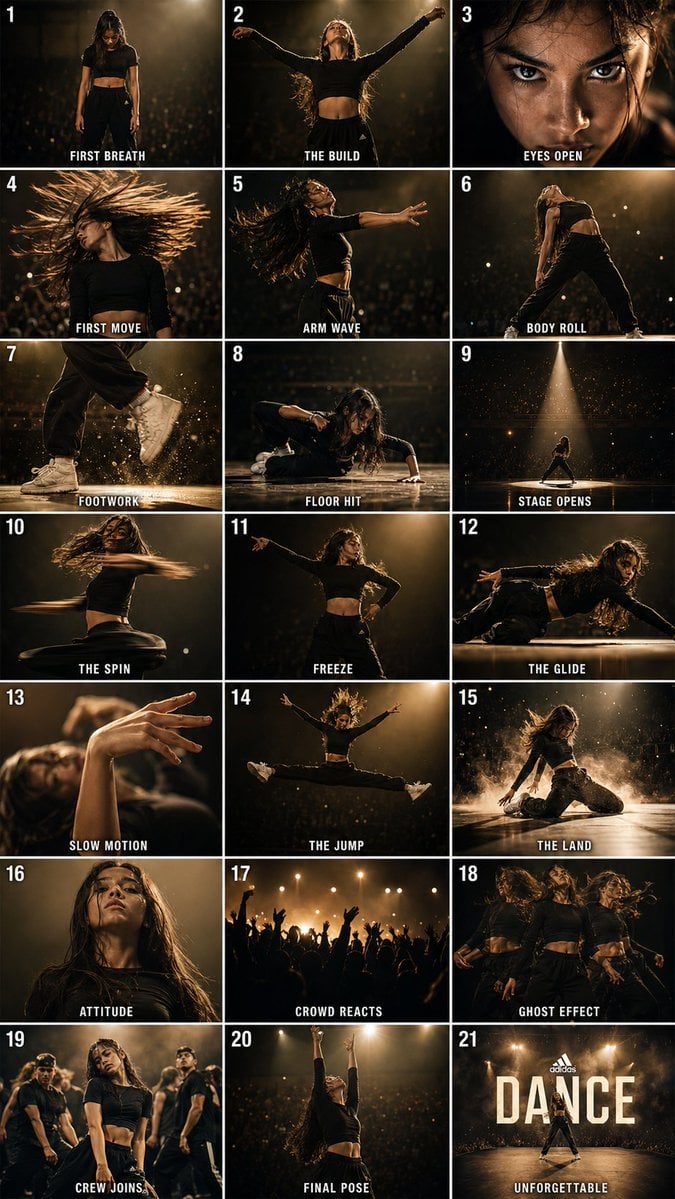
- Prompt included
- Model and format preset
- Free template
The prompt behind this image
Copy the exact prompt behind Cinematic Dance Routine Storyboard, or open it in the studio and make it yours.
Create a cinematic {argument name="grid size" default="21-panel storyboard grid"} (3 columns × 7 rows) in a single image, styled like a professional sports photography sequence. Each panel is numbered 1–21 in the top-left corner with a bold white caption at the bottom in uppercase sans-serif text. The subject is a {argument name="subject" default="teenage female dancer"} (approximately 16–17 years old) performing a powerful {argument name="dance style" default="contemporary/hip-hop fusion"} routine on a dramatic stage with dark atmospheric lighting, spotlight beams, and bokeh crowd in the background. Cinematic color grade: deep blacks, warm amber highlights, motion blur on fast movements. Each frame feels like a high-budget editorial sports photography shot. Panel sequence: FIRST BREATH — She stands center stage, eyes closed, head down, hands relaxed at sides THE BUILD — Slow chest rise, arms beginning to lift outward, tension in the body EYES OPEN — Extreme close-up of her eyes snapping open, fierce and focused FIRST MOVE — Sharp head isolation snap to the right, hair whipping mid-air ARMS BREAK — Explosive arm wave rippling from shoulder to fingertip, motion blur BODY ROLL — Full torso body roll in side profile, spine arching beautifully FOOTWORK — Ground-level shot of fast footwork, sneakers kicking up dust/light particles FLOOR HIT — She drops to the floor in a controlled krump-style chest drop STAGE OPENS — Wide shot showing her isolated on vast dark stage, spotlight above THE SPIN — Mid-spin, skirt or outfit fabric wrapping around her body in motion FREEZE — Sudden sharp freeze pose, one arm extended, other cocked at 90° GLIDE — Side view of a smooth slide/glide across the floor, low to ground SLOW MOTION — Extreme close-up hands in slow graceful motion through the air THE JUMP — Full airborne leap, legs split, arms wide, peak of the jump THE LAND — Powerful landing, one knee down, dust particle explosion around her ATTITUDE — Low angle looking up at her standing dominant, chin down, staring into camera THE BREAKDOWN — Crowd in background reacts, silhouettes with raised hands FINAL SEQUENCE — Multi-exposure ghost effect showing 3 overlapping positions LAST EIGHT — Teammates/other dancers blur into frame behind her, energy building THE FINALE — Full extension final pose, arms stretched to ceiling, head thrown back UNFORGETTABLE — Wide cinematic shot, spotlight beam, smoke/haze, text overlay reads DANCE Style references: Cinematic sports editorial, Adidas/Nike campaign aesthetic, dramatic chiaroscuro lighting, 85mm lens feel, 4K ultra-sharp. Consistent character across all frames.
How to use Cinematic Dance Routine Storyboard in 3 steps
- 1Upload ImagePNG, JPG or paste
Add your photo
Upload the photo the template builds on. The prompt, model and format are already set.
- 2…a portrait of your subject in softgolden-hour light, 85mm…
Personalize
Edit the subject and creative details for your destination.
- 3Generate
Generate
Press Generate — your image is created in PicX Studio, so you can compare it with the original and refine one variable at a time.
More like this
Templates with the same subject, style or setup. Open one to see its prompt.
Seedance - Storyboard to Movie
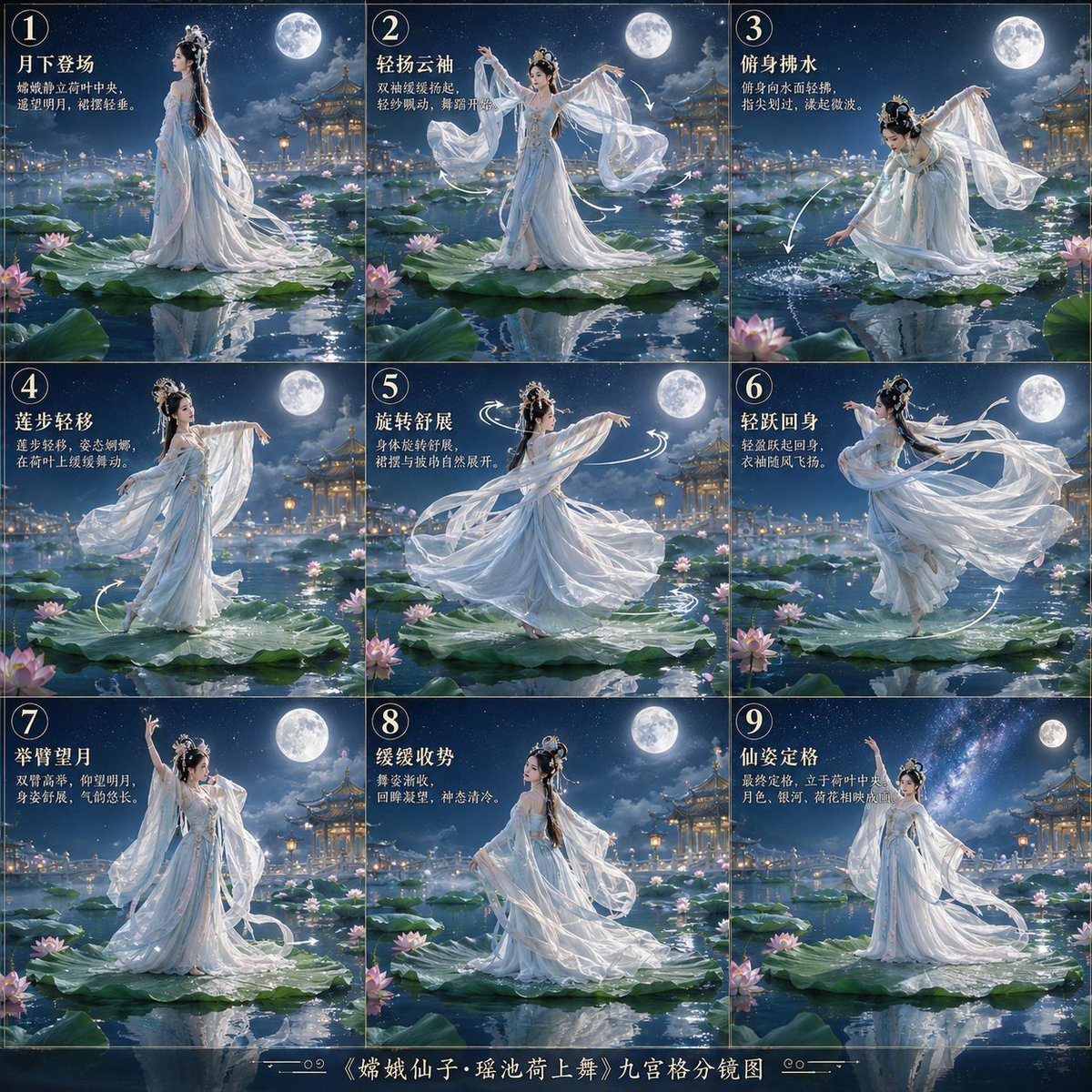
Chang'e Lotus Dance Storyboard
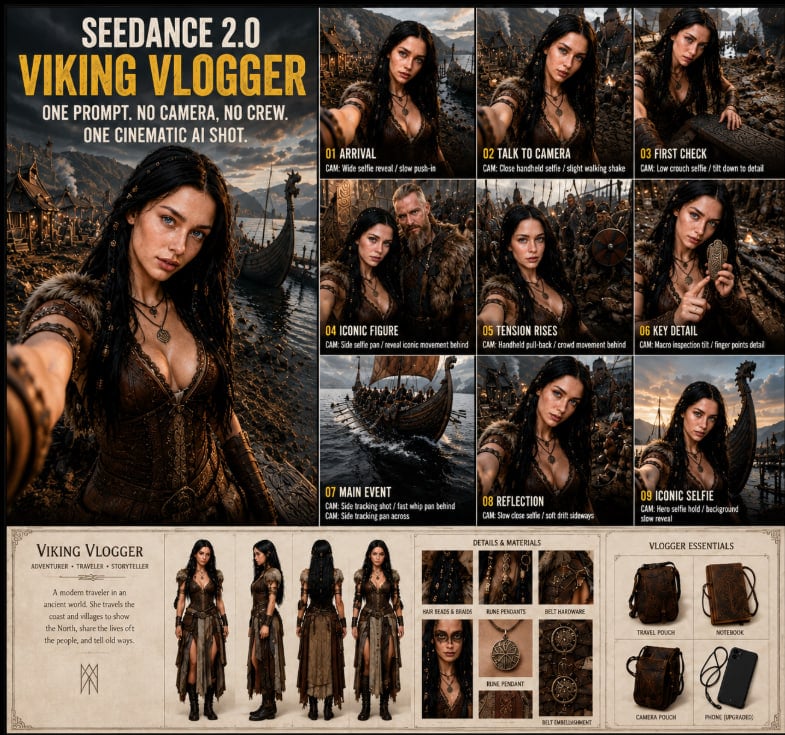
Seedance Viking Vlogger Storyboard Poster

Headphones Lifestyle Nine Panel Grid
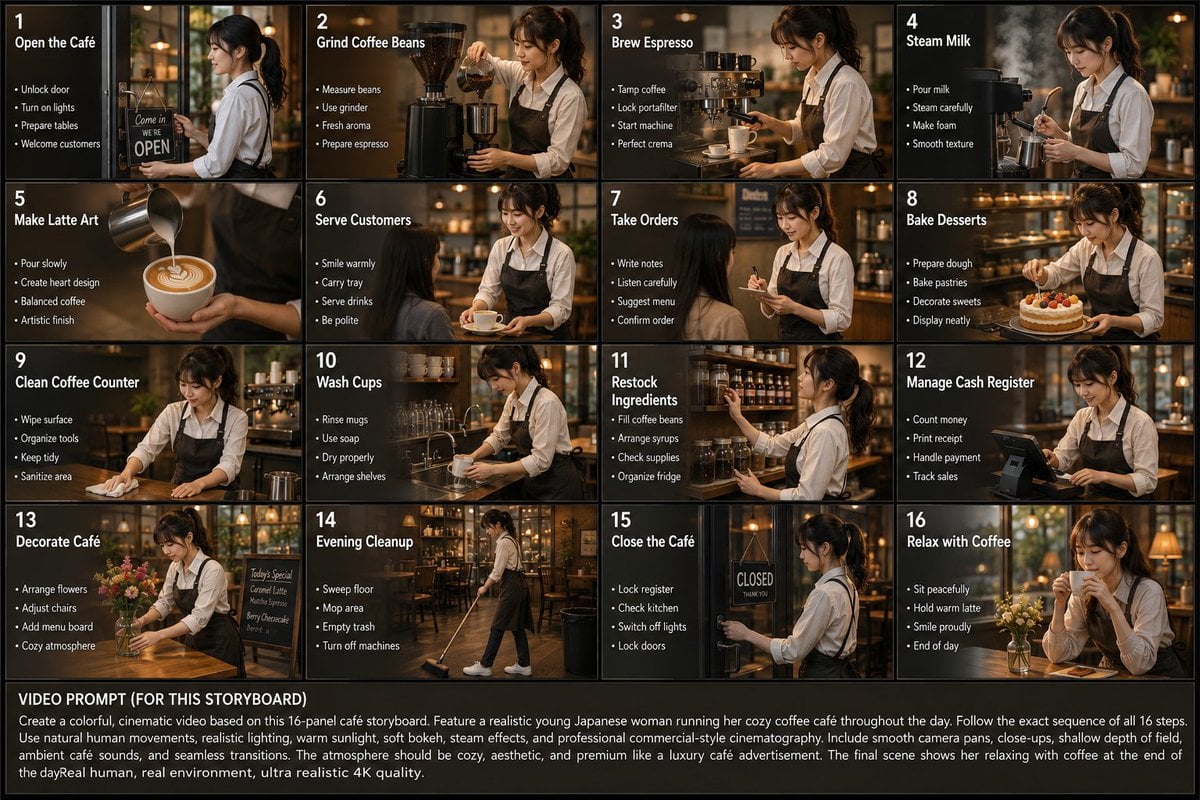
Japanese Cafe Daily Routine Storyboard

Movement Sheet - Dance Reference (Seedance 2.0)

One Dance Before Midnight
80s Disco Dancefloor
Ultra-clean modern editorial infographic on the topic of routine
Y2K Rooftop Dance Tutorial Sheet

Pencil Sketch Coffee Storyboard
Cinematic Motorcycle Storyboard
Make it yours
Cinematic Dance Routine Storyboard works as-is. These are the safest ways to change it without losing the look.
Change one field
Copy a single group, rewrite it, and generate again so you can see what that field is doing.
Keep the frame, change the subject
Hold the composition and light of Cinematic Dance Routine Storyboard, then swap wardrobe, props or the person for a new take.
| If the result… | Why | Fix |
|---|---|---|
| The result drifts from the preview | Too many fields changed at once. | Reuse Cinematic Dance Routine Storyboard as-is first, then change one group — subject, light, or setting. |
| The model over-stylizes the scene | The prose prompt leaves finish and camera underspecified. | Add one camera or lighting sentence and stay on GPT Image 2. |
More GPT Image 2 templates
Other prompts made for GPT Image 2.

Six VTuber Japanese Logo Sheet

Realistic Portrait of Woman and Deer

The Vista Modular Condo Poster

AI Model Routing Comparison Infographic

2.5D Anime Art Board

Isometric Productivity Desk Scene

New York Double Exposure Poster

Four-Panel AI Landscape Comparison

Japanese Tatami Lifestyle Magazine Cover

NESCAFÉ Coffee Map Poster
More image prompts
Fresh picks from across the catalog.
Leaf-Cutout Art Prompt Template and Examples
Luxury Fashion Campaign Prompts (2 Prompts)
Schizophrenic Conspiracy Scribbles Overlay
3x3 Cinematic Profile Grid with Identity Lock
Monochrome Man Holding Cat Portrait
Life-Size Holding Miniature Self Prompt
Handcrafted Felt Miniature Scene with Tech Character
Fashion Editorial Green Cap Portraits
Surreal Orange White Liquid Explosion

Premium Recipe Poster Template
Browse template categories
Cinematic Dance Routine Storyboard questions
How do I use the Cinematic Dance Routine Storyboard template?
Add your photo if the template asks for one, edit the prompt if you like — the template's model and format are already selected — and press Generate. Your version opens in PicX Studio.
Can I customize the Cinematic Dance Routine Storyboard template?
Yes. You can change the subject, setting, lighting, mood, format, and available model controls before creating your image.
Is the Cinematic Dance Routine Storyboard template free?
Opening and editing this template is free. Generating uses credits, shown on the Generate button when you are signed in.
Which AI model should I use?
Start with GPT Image 2, which is the model associated with this template. You can compare another compatible model for a different finish.
Looking for something else? Browse all templates.

Your photo, any look
Thousands of ready templates for every top image and video model, from one credit balance.