
Surreal Orange White Liquid Explosion
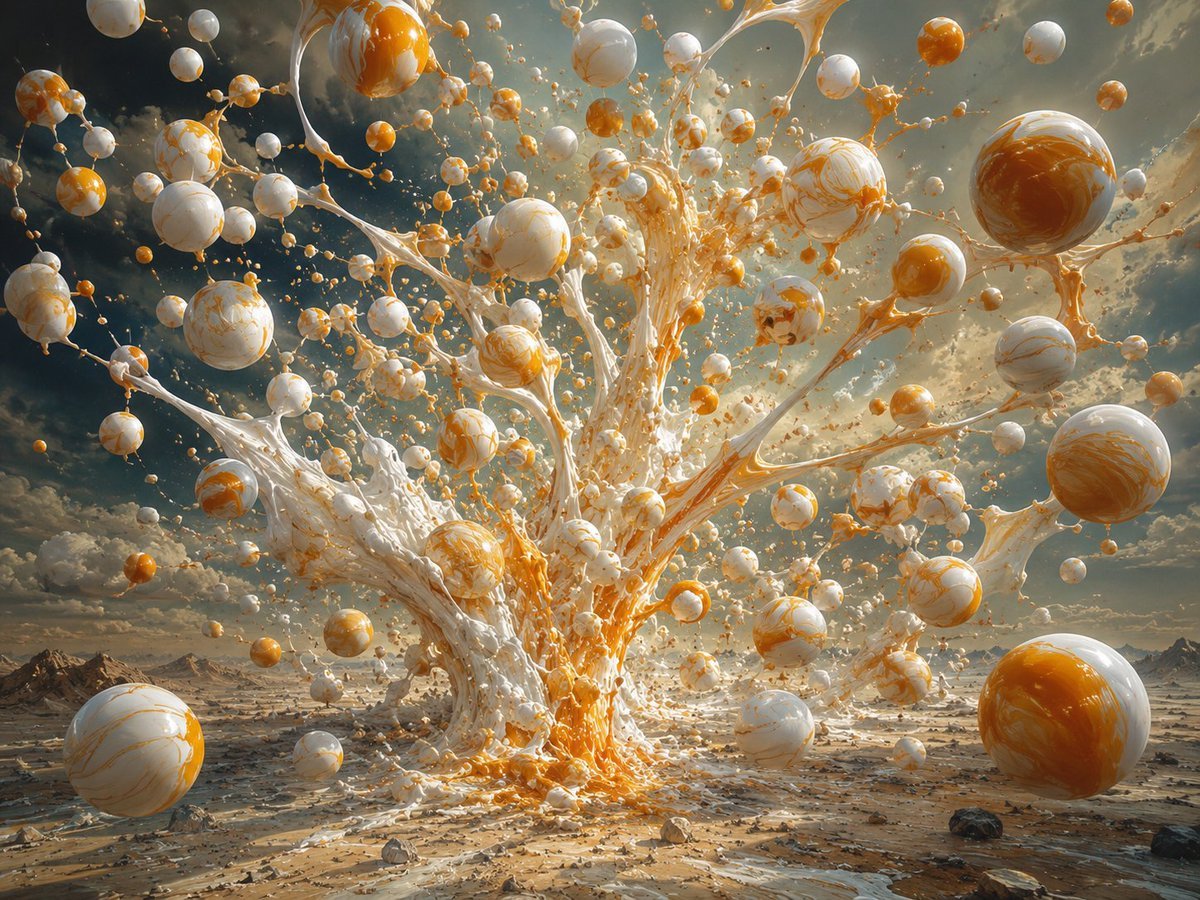
A cinematic prompt for generating an epic surreal desert scene with marbled liquid spheres and a frozen paint-like eruption.
- Prompt included
- Model and format preset
- Free template
The prompt behind this image
Copy the exact prompt behind Surreal Orange White Liquid Explosion, or open it in the studio and make it yours.
Create a surreal cinematic landscape showing an enormous explosive fountain of glossy liquid paint or molten cream erupting from the center of a barren desert plain. The eruption is made of thick white fluid streaked and marbled with vivid orange, forming branching splash tendrils that shoot upward and outward like a frozen tree of liquid. Surround it with dozens of floating glossy spheres in different sizes, all suspended in midair; the spheres are white ceramic or pearl-like with orange marbling, plus some smaller solid orange droplets, connected here and there by thin strands and splashes of liquid. Include exactly three dominant foreground spheres: one large marbled white-and-orange sphere at the lower left edge, one large marbled white-and-orange sphere hovering at the upper right, and one large orange-and-white sphere resting near the lower right edge. The background is a vast rocky desert with distant low mountains, scattered stones, wet reflective streaks on the ground, and a dramatic cloudy sky lit by warm golden sunlight. Use a wide-angle perspective, ultra-detailed photorealistic 3D rendering, high dynamic range lighting, sharp focus, turbulent motion frozen in time, glossy reflections, volumetric atmosphere, epic scale, no people, no text, no watermark.
How to use Surreal Orange White Liquid Explosion in 3 steps
- 1Upload ImagePNG, JPG or paste
Add your photo
Upload the photo the template builds on. The prompt, model and format are already set.
- 2…a portrait of your subject in softgolden-hour light, 85mm…
Personalize
Edit the subject and creative details for your destination.
- 3Generate
Generate
Press Generate — your image is created in PicX Studio, so you can compare it with the original and refine one variable at a time.
More like this
Templates with the same subject, style or setup. Open one to see its prompt.
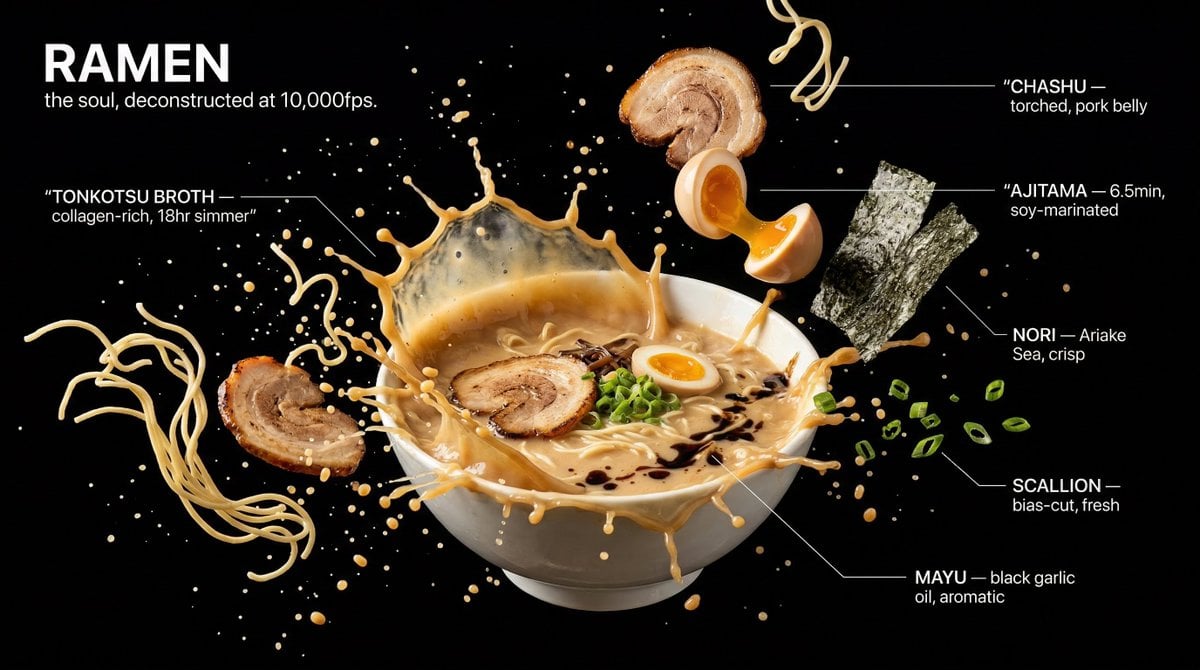
Captured at the exact millisecond of a dramatic liquid explosion
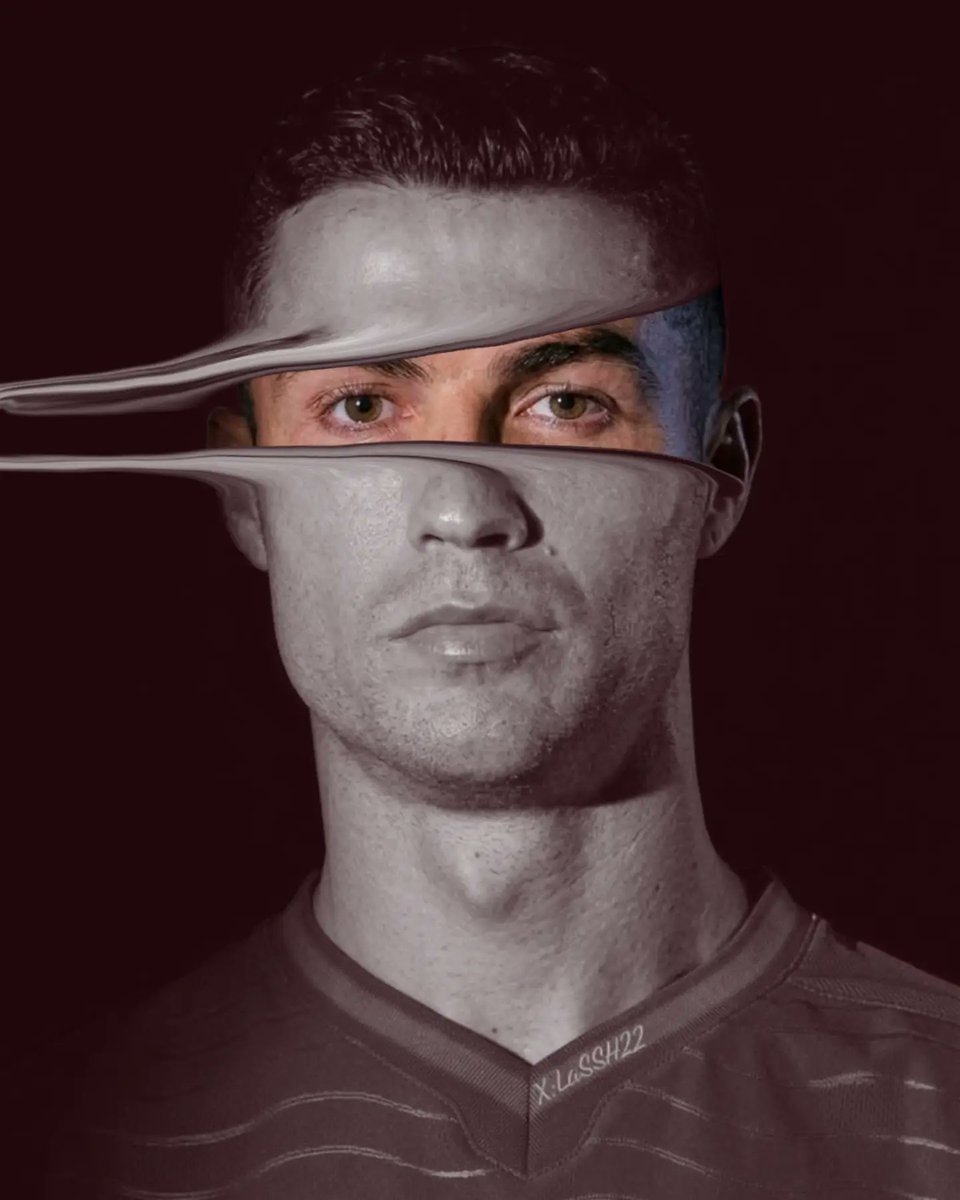
Surreal Liquid Metal Football Portrait

Surreal Cat Astronaut — Humanoid Face Freefall
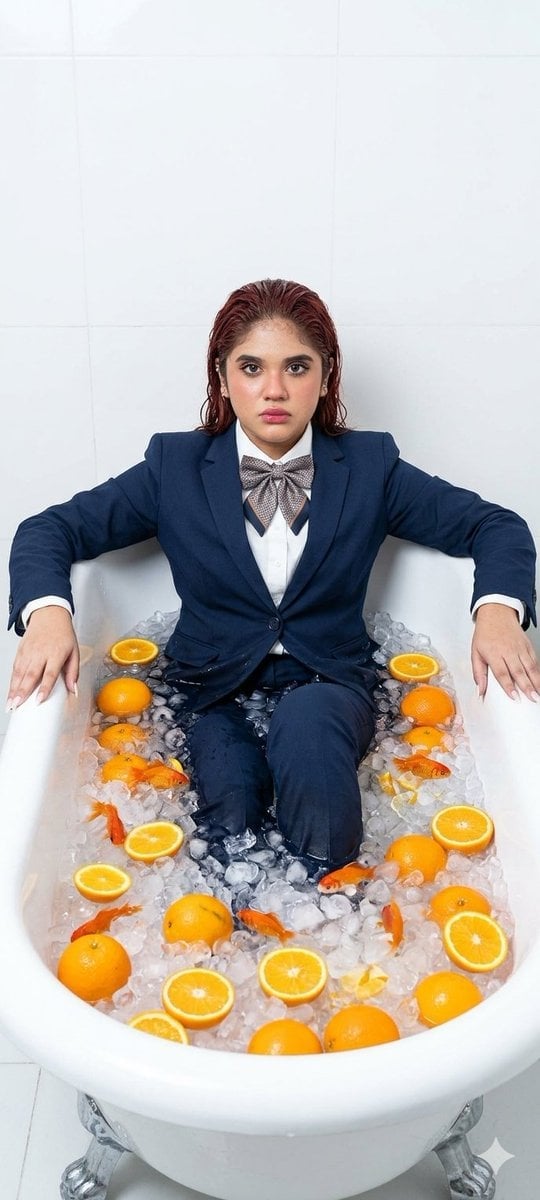
Surreal Bathtub Oranges Portrait

Bold Red Contrast Fashion Editorial Newspaper Room

Stylized Fashion Portrait Bold Color Contrast Editorial

Black Liquid Cyberpunk Portrait Poster

Pop Art Superhero Explosion Poster
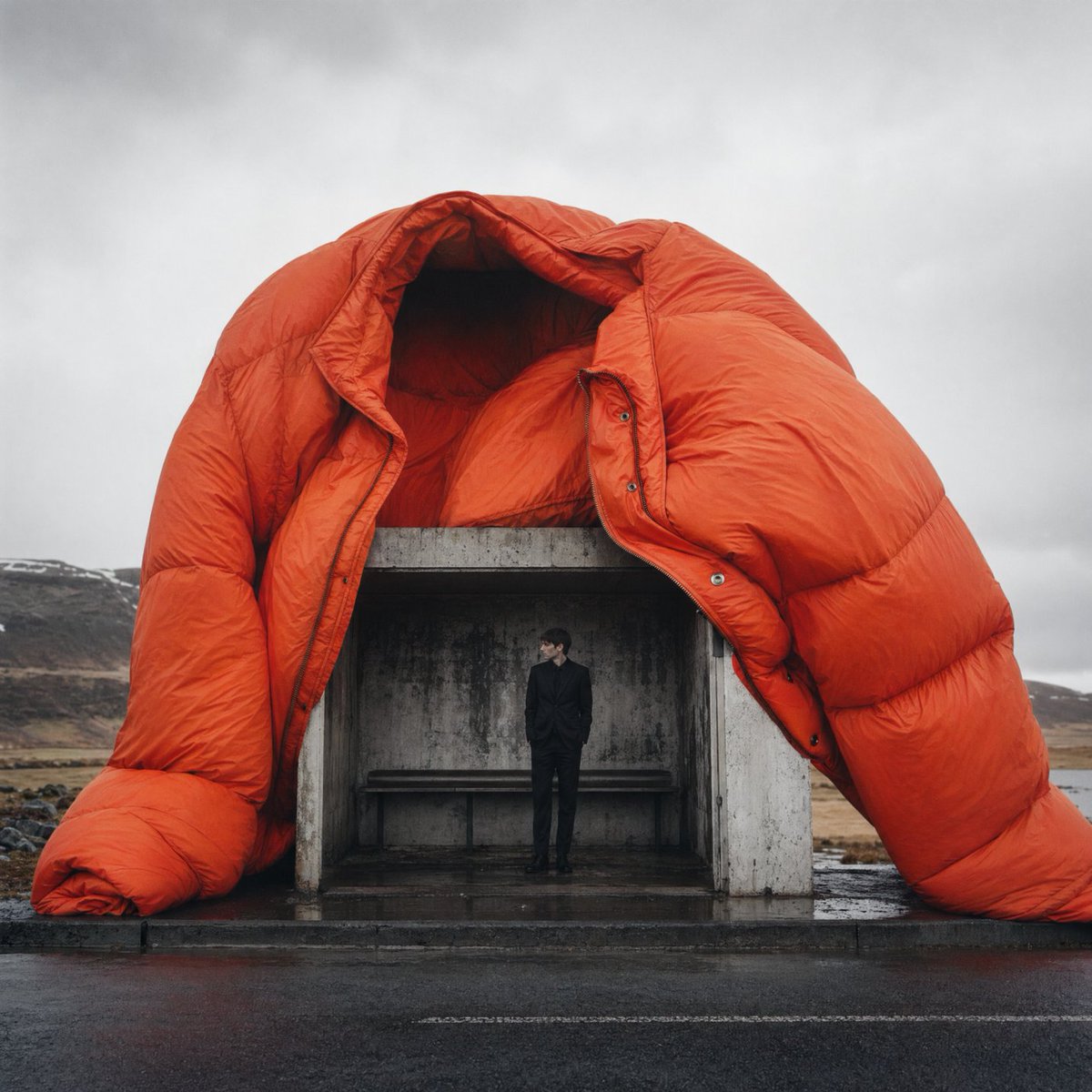
Surreal Orange Puffer Bus Stop Editorial
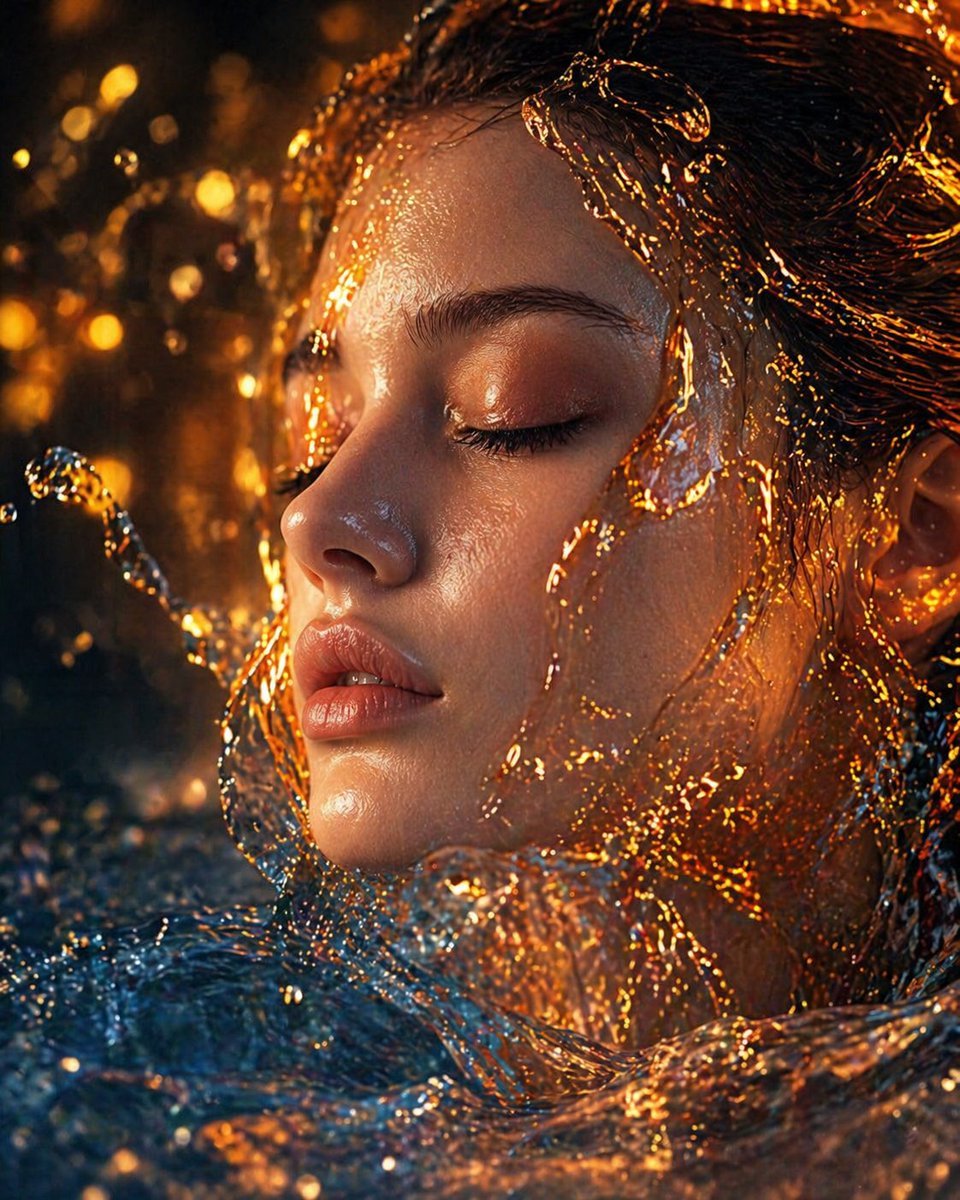
Surreal Molten Gold Liquid Portrait

Woman in Mall with Chanel Bag - Heart Gesture
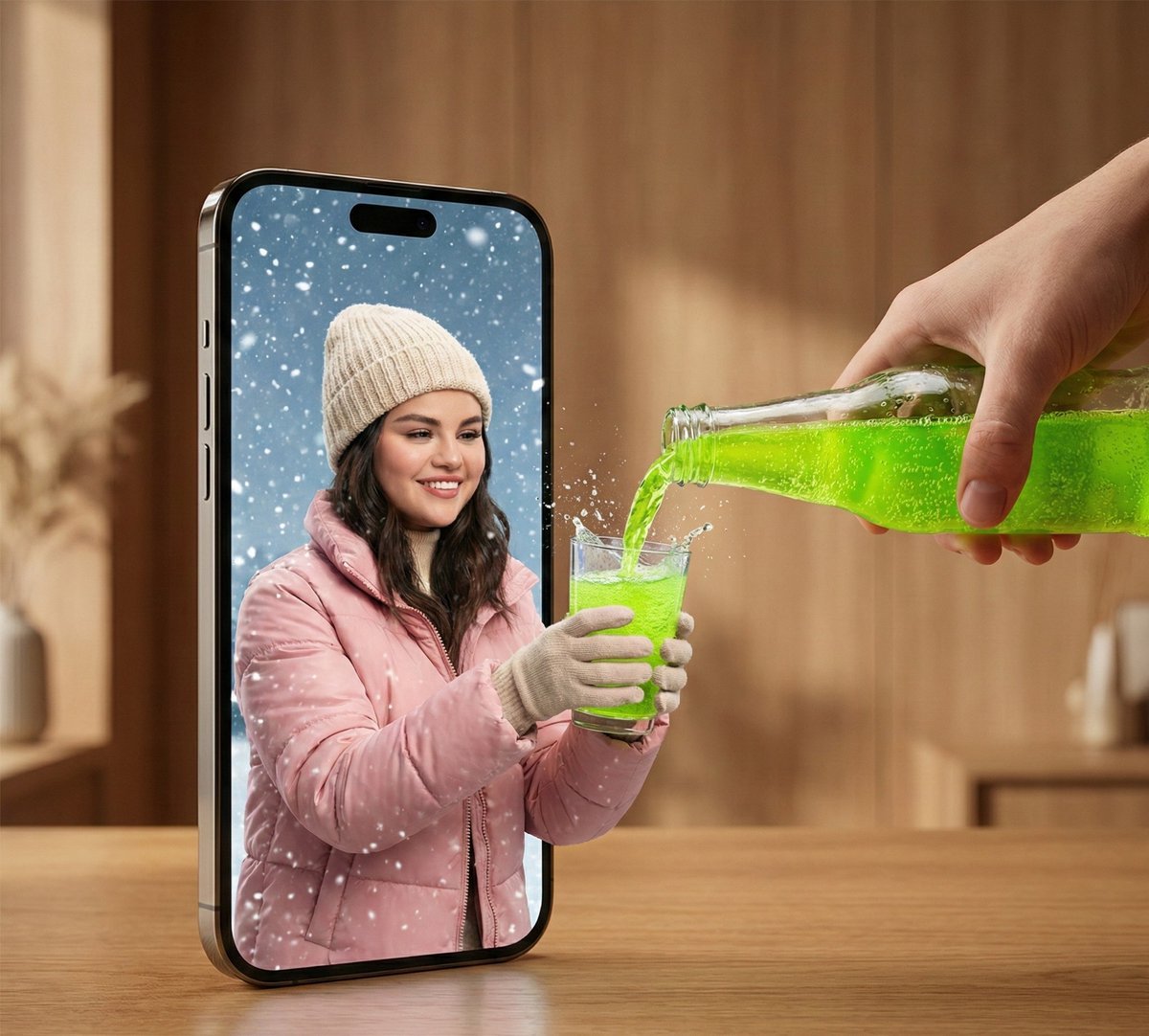
Surreal Smartphone Portal with Frozen Liquid Splash
Make it yours
Surreal Orange White Liquid Explosion works as-is. These are the safest ways to change it without losing the look.
Change one field
Copy a single group, rewrite it, and generate again so you can see what that field is doing.
Keep the frame, change the subject
Hold the composition and light of Surreal Orange White Liquid Explosion, then swap wardrobe, props or the person for a new take.
| If the result… | Why | Fix |
|---|---|---|
| The result drifts from the preview | Too many fields changed at once. | Reuse Surreal Orange White Liquid Explosion as-is first, then change one group — subject, light, or setting. |
| The model over-stylizes the scene | The prose prompt leaves finish and camera underspecified. | Add one camera or lighting sentence and stay on GPT Image 2. |
More GPT Image 2 templates
Other prompts made for GPT Image 2.

Six VTuber Japanese Logo Sheet

Realistic Portrait of Woman and Deer

The Vista Modular Condo Poster

AI Model Routing Comparison Infographic

2.5D Anime Art Board

Isometric Productivity Desk Scene

New York Double Exposure Poster

Four-Panel AI Landscape Comparison

Japanese Tatami Lifestyle Magazine Cover

NESCAFÉ Coffee Map Poster
More image prompts
Fresh picks from across the catalog.
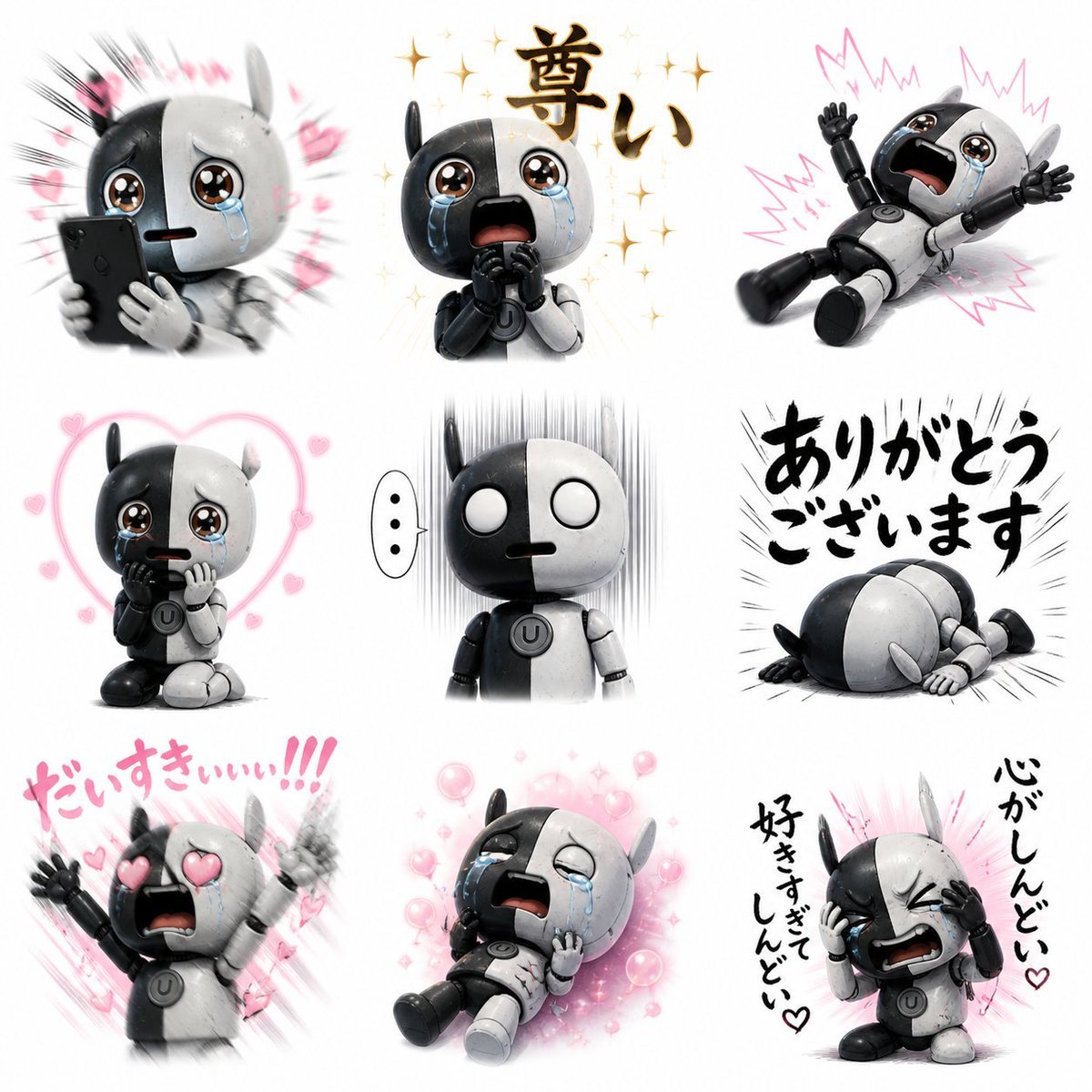
Fan Reaction Sticker Set
Frozen Empire Crystal Throne
Stylish Japanese Summer Fan Illustration
Custom Architectural Chessboard Diorama Prompt Template
Neon Accent Lighting Portrait Prompt (Image Reference)
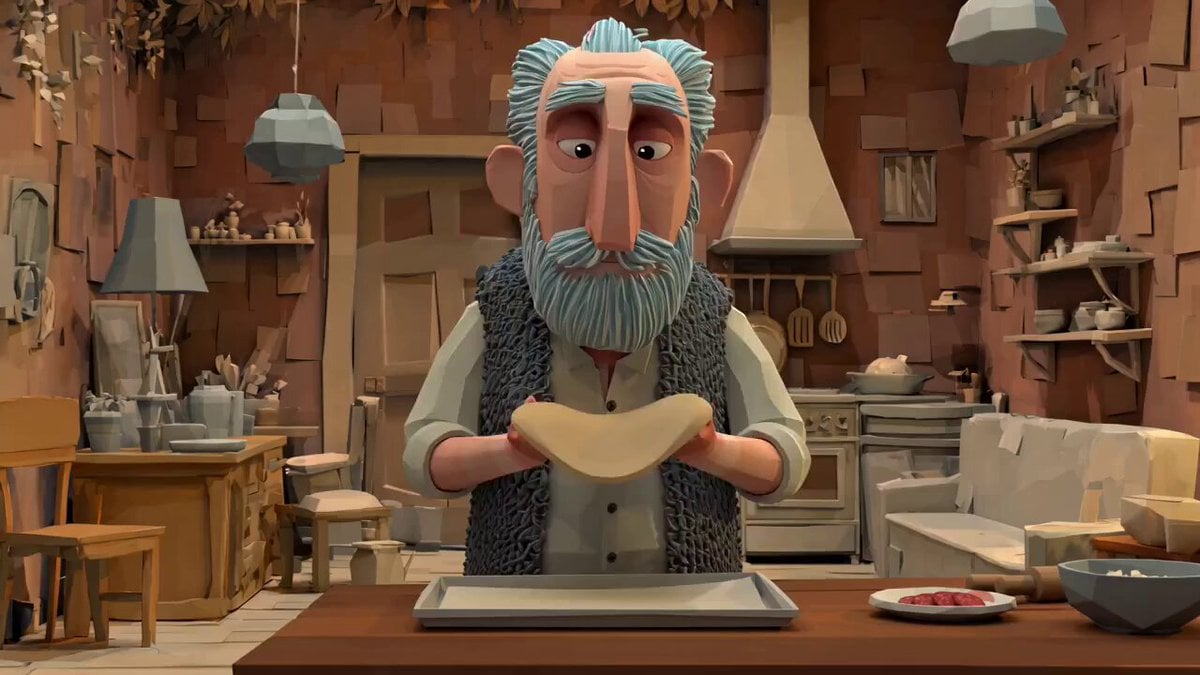
Animation Style - Framer Motion
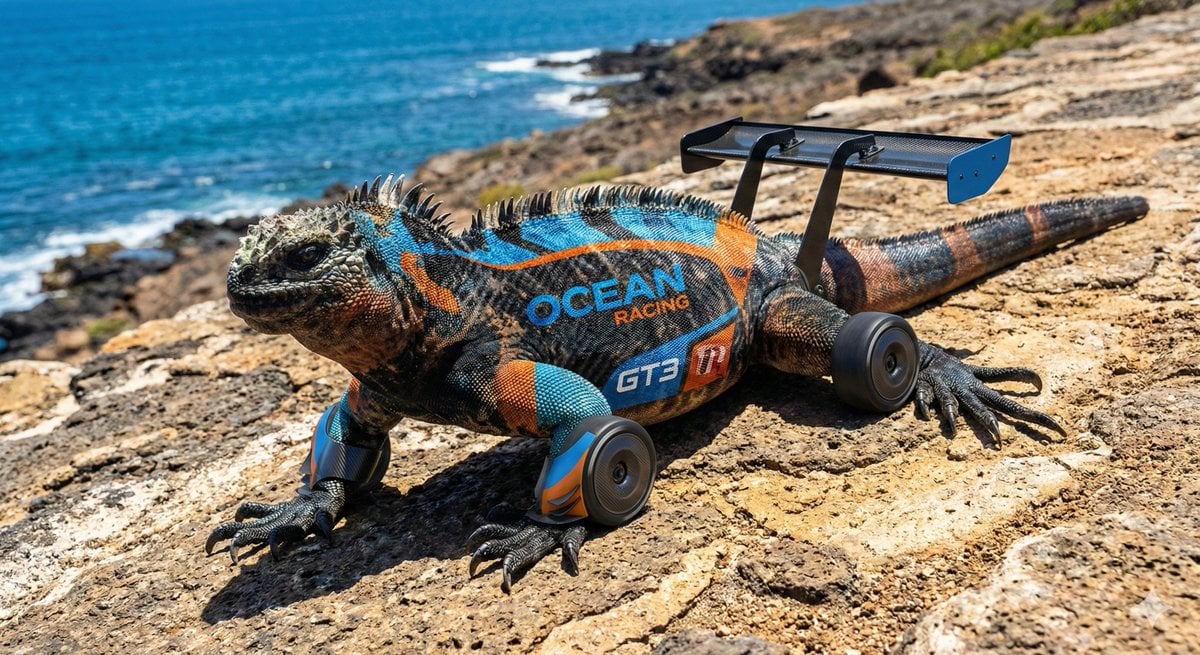
LMGT3-Class Car Inspired Sea Iguana
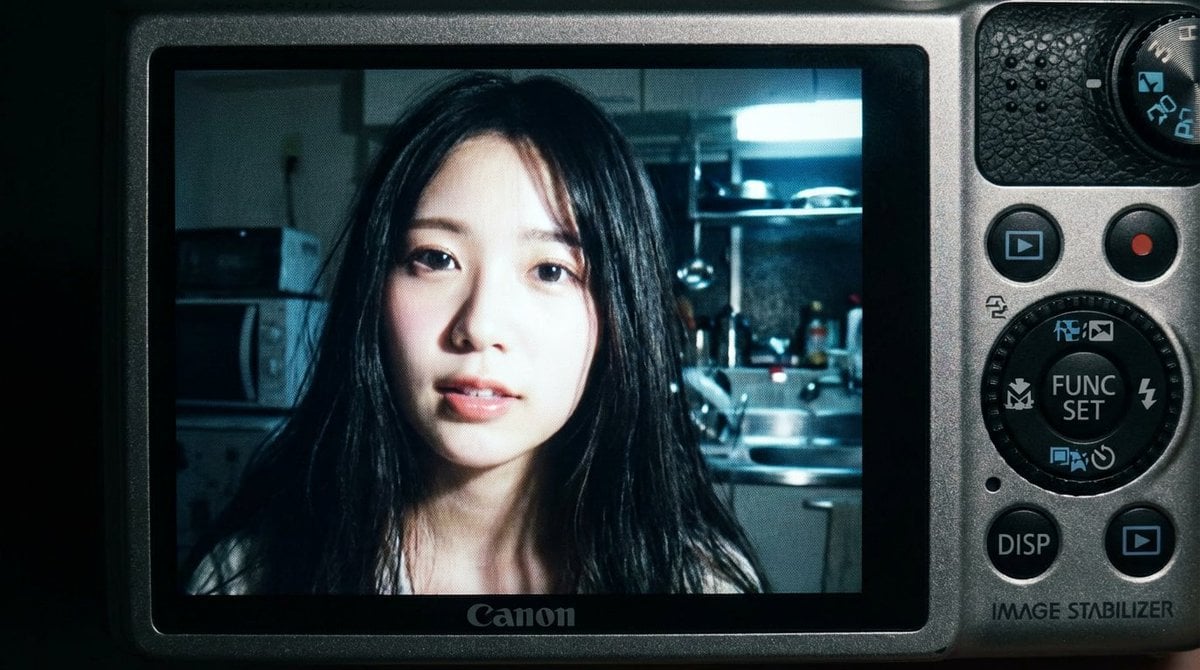
2000s Digital Camera Snapshot Prompt
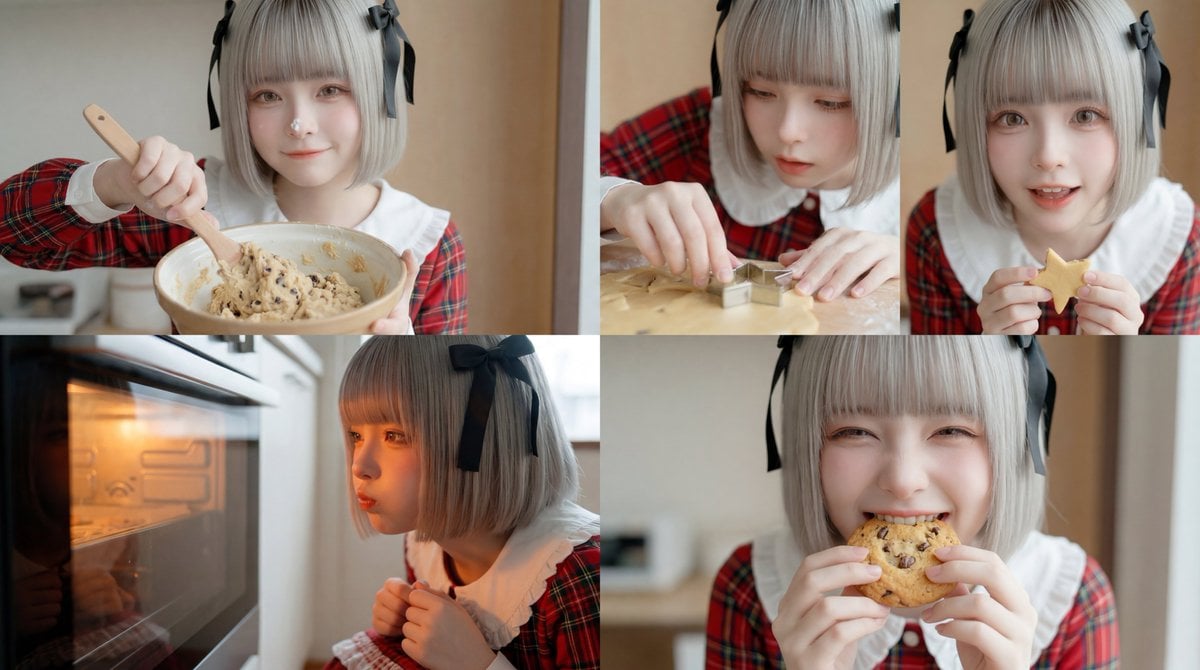
Cookie Baking Scene for Image and Video Generation
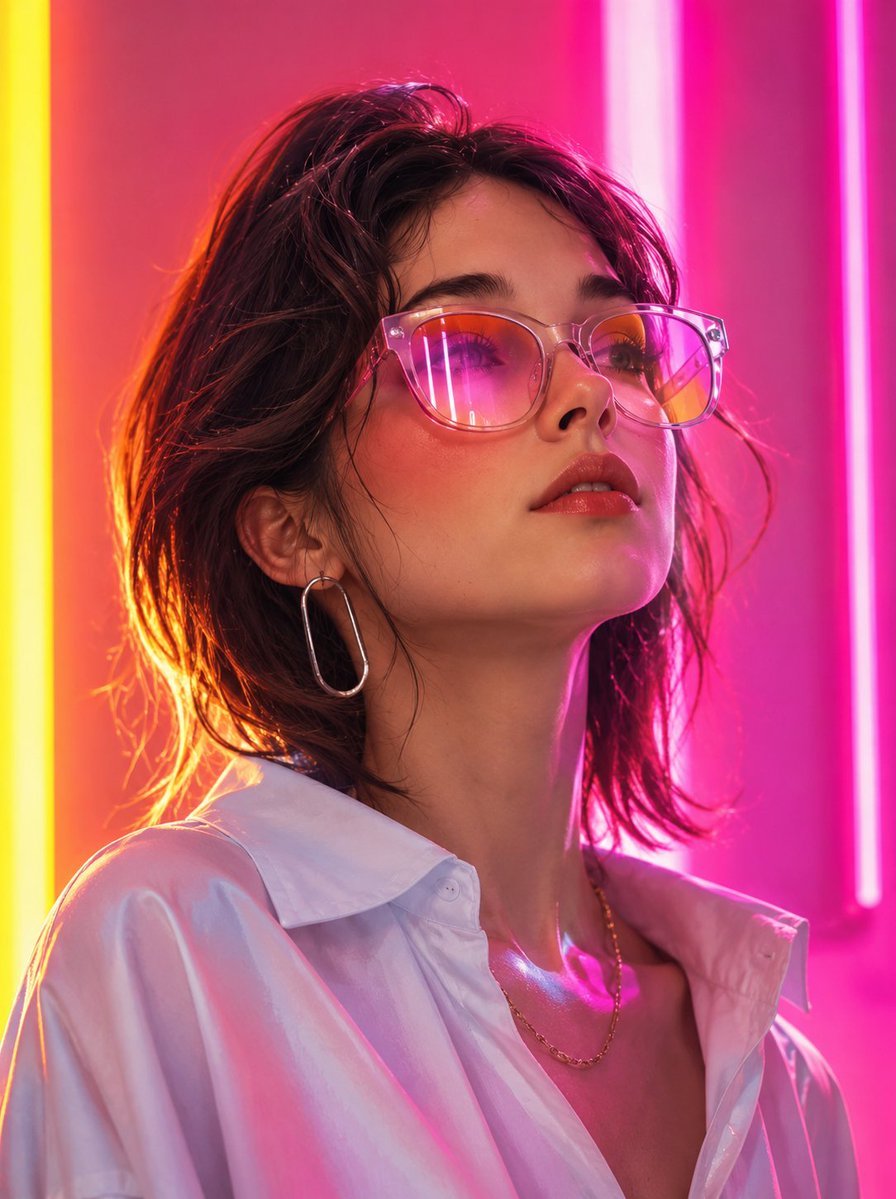
Futuristic Fashion Editorial Portrait
Browse template categories
Surreal Orange White Liquid Explosion questions
How do I use the Surreal Orange White Liquid Explosion template?
Add your photo if the template asks for one, edit the prompt if you like — the template's model and format are already selected — and press Generate. Your version opens in PicX Studio.
Can I customize the Surreal Orange White Liquid Explosion template?
Yes. You can change the subject, setting, lighting, mood, format, and available model controls before creating your image.
Is the Surreal Orange White Liquid Explosion template free?
Opening and editing this template is free. Generating uses credits, shown on the Generate button when you are signed in.
Which AI model should I use?
Start with GPT Image 2, which is the model associated with this template. You can compare another compatible model for a different finish.
Looking for something else? Browse all templates.

Your photo, any look
Thousands of ready templates for every top image and video model, from one credit balance.