
Cinematic Motorcycle Storyboard
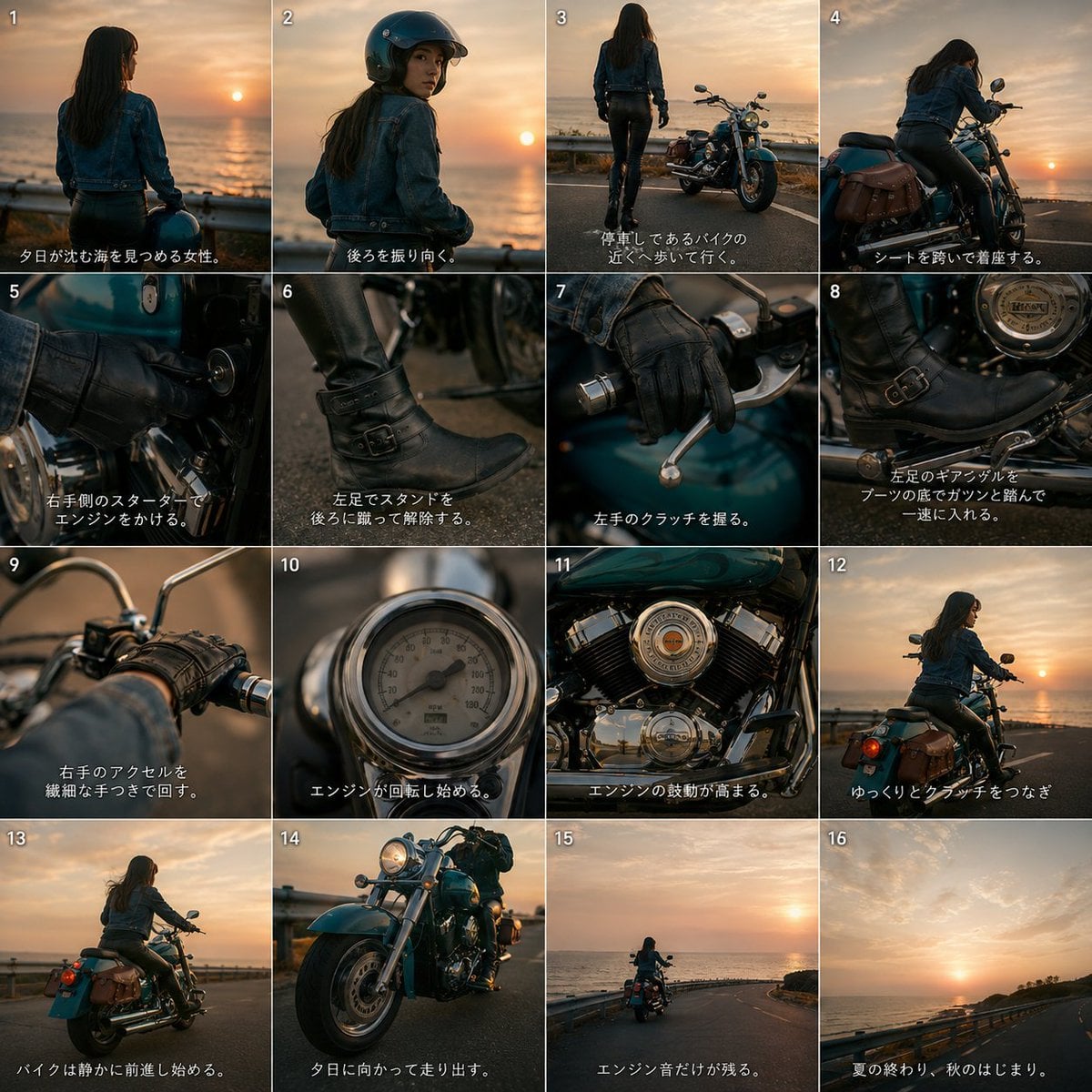
Creates a 16-panel sunset coastal motorcycle storyboard from a reference bike, useful for planning AI video shots.
- Prompt included
- Model and format preset
- Premium template
The prompt behind this image
Copy the exact prompt behind Cinematic Motorcycle Storyboard, or open it in the studio and make it yours.
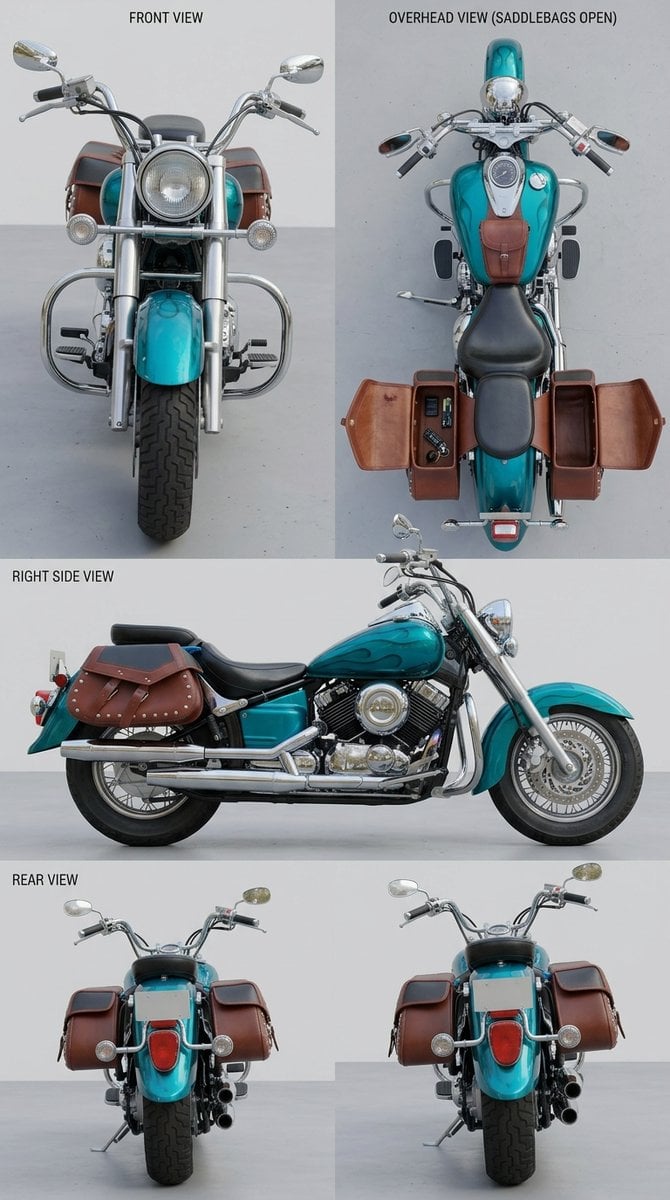
Using REFERENCE_0 as the motorcycle design reference, create a cinematic 4x4 storyboard contact sheet for a short motorcycle video. Preserve the bike’s distinctive turquoise body color, chrome cruiser parts, brown leather saddlebags, black seat, and overall proportions, but place it in a seaside sunset riding scene with a female rider. Goal: Make a 16-panel visual storyboard showing the rider approaching, starting, operating, and riding the motorcycle, with quick-cut close-ups inspired by a stylish action-film assembly sequence. Canvas and layout: Square image divided into exactly 16 equal panels in a 4 columns x 4 rows grid. Add small white panel numbers 1–16 in the top-left corner of each panel. Add short Japanese subtitle text along the bottom of each panel in white, with a subtle dark shadow for readability. Scene and character: Add {argument name="rider description" default="a woman with long dark hair wearing a denim jacket, black leather pants, black boots, and black gloves"}. Set the location to {argument name="setting" default="a coastal road beside the ocean at sunset"}, with warm orange evening light, sea horizon, guardrails, and cinematic shallow depth of field. Panel sequence: Use exactly these 16 shots: 1. Rear view of the woman looking at the sinking sun over the ocean. 2. She turns back over her shoulder, now wearing a black helmet. 3. Wide shot of her walking toward the parked motorcycle near the guardrail. 4. She mounts the motorcycle and settles onto the seat. 5. Close-up of her gloved right hand turning the starter key on the bike. 6. Close-up of her left boot kicking up the side stand. 7. Close-up of her left gloved hand squeezing the clutch lever. 8. Close-up of her left boot pressing the gear pedal down into first gear. 9. Close-up of her right hand twisting the throttle grip. 10. Close-up of the speedometer or gauge coming alive as the engine starts. 11. Close-up of the chrome V-twin engine vibrating and rumbling. 12. Rear three-quarter shot of the motorcycle beginning to move as she eases out the clutch. 13. The bike rolls forward smoothly along the coastal road. 14. Low dramatic front three-quarter shot of the turquoise motorcycle riding toward the sunset. 15. Distant rear shot of the rider heading down the road by the sea. 16. Final scenic shot of the empty sunset coastal road, implying the ride continues. Subtitle style: Use Japanese captions matching the storyboard action. The overall mood should be {argument name="mood" default="nostalgic, cool, cinematic, and slightly dramatic"}. Keep the motorcycle consistent with the reference in every panel where it appears. Avoid adding car pedals or unrelated vehicle controls. No logos, no watermark.
Reference images included
Cinematic Motorcycle Storyboard needs input media to work. They load alongside the prompt when you open it in the studio.
How to use Cinematic Motorcycle Storyboard in 3 steps
- 1Upload ImagePNG, JPG or paste
Add your photo
Upload the photo the template builds on. The prompt, model and format are already set.
- 2…a portrait of your subject in softgolden-hour light, 85mm…
Personalize
Edit the subject and creative details for your destination.
- 3Generate
Generate
Press Generate — your image is created in PicX Studio, so you can compare it with the original and refine one variable at a time.
More like this
Templates with the same subject, style or setup. Open one to see its prompt.
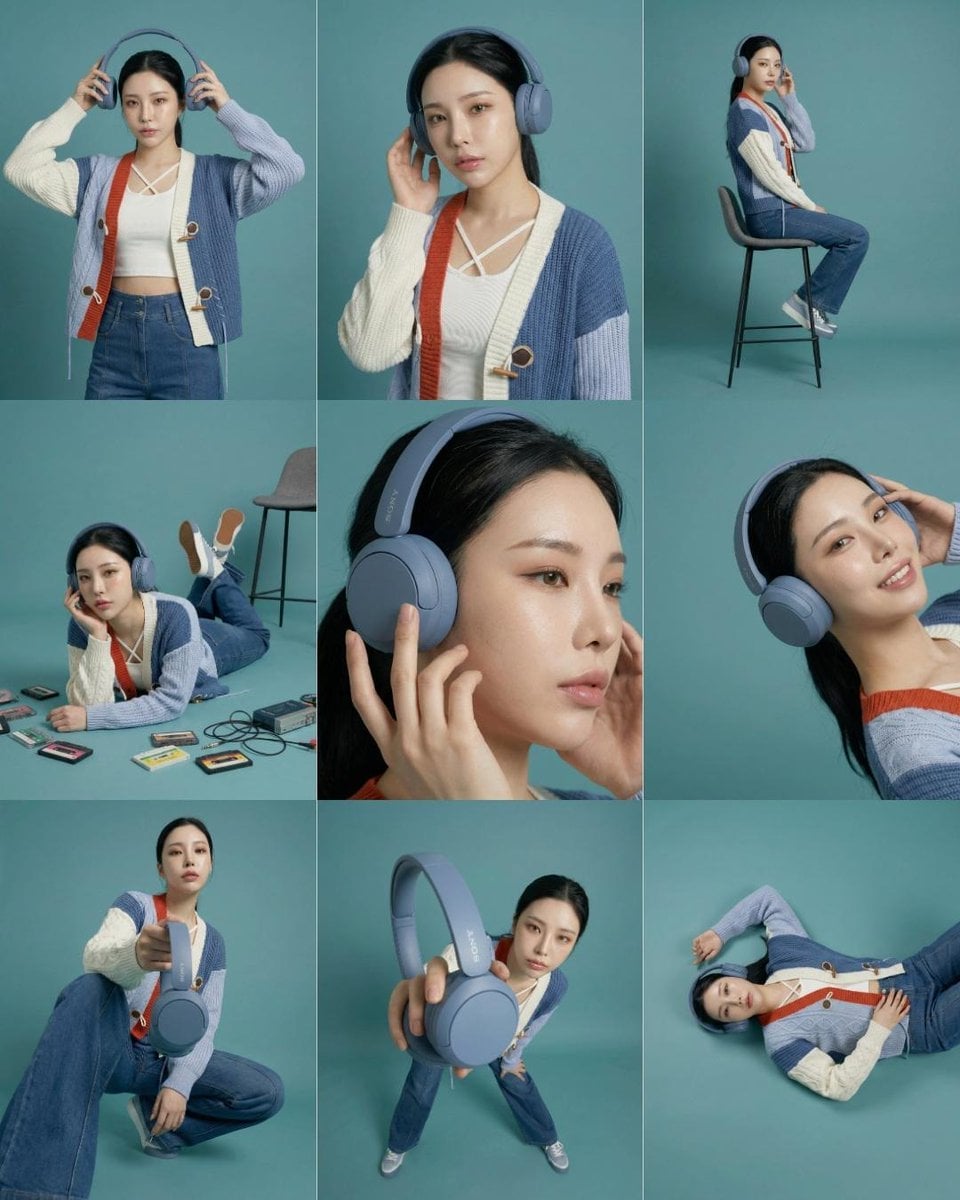
Headphones Lifestyle Nine Panel Grid
Seedance - Storyboard to Movie
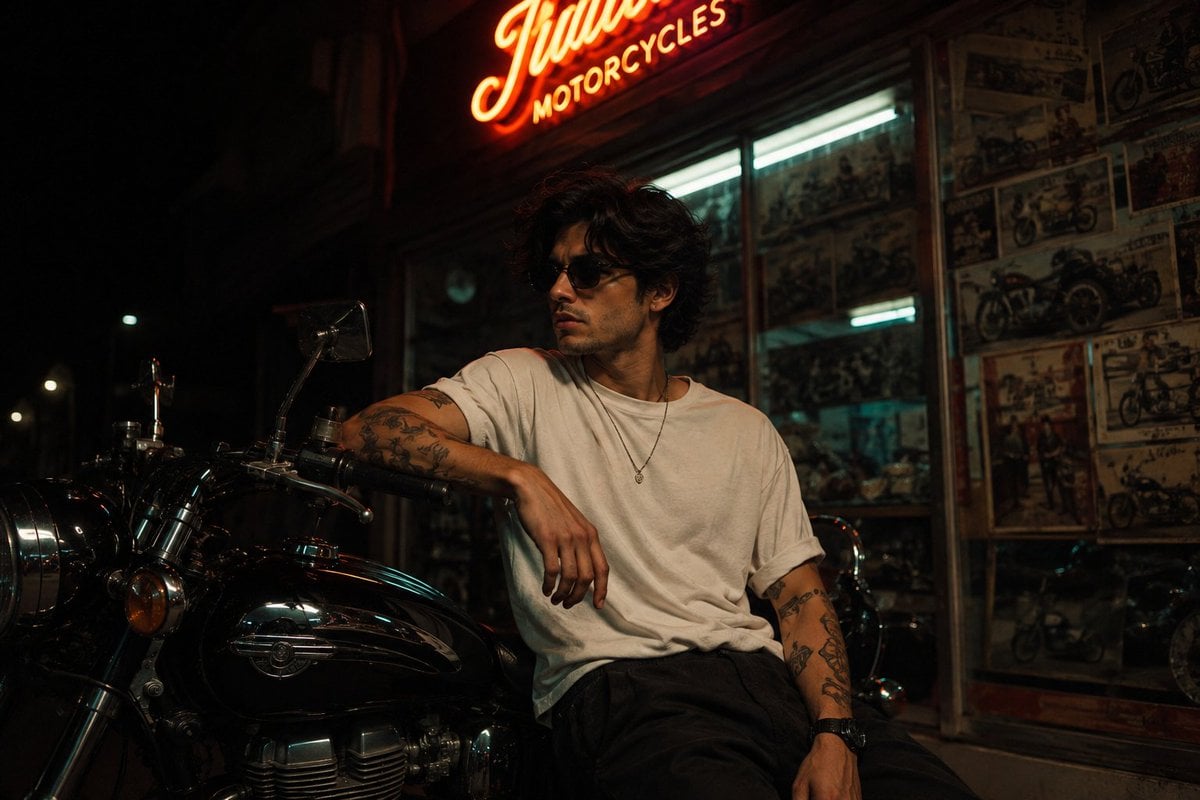
Vintage Motorcycle Urban Portrait
Vegetable Spirit Horse Motorcycle
Archive Glitch Motorcycle Fashion Poster
Chibi Penguin on a Motorcycle
Urban Motorcycle Fashion Portrait
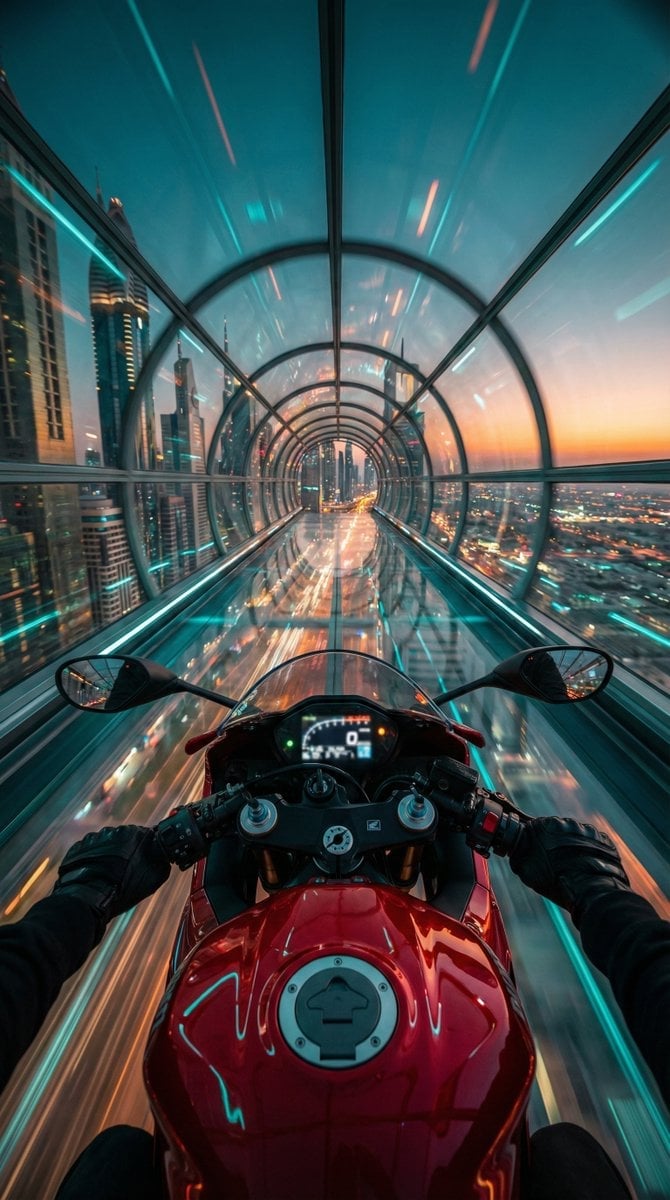
Red Futuristic Sport Motorcycle POV
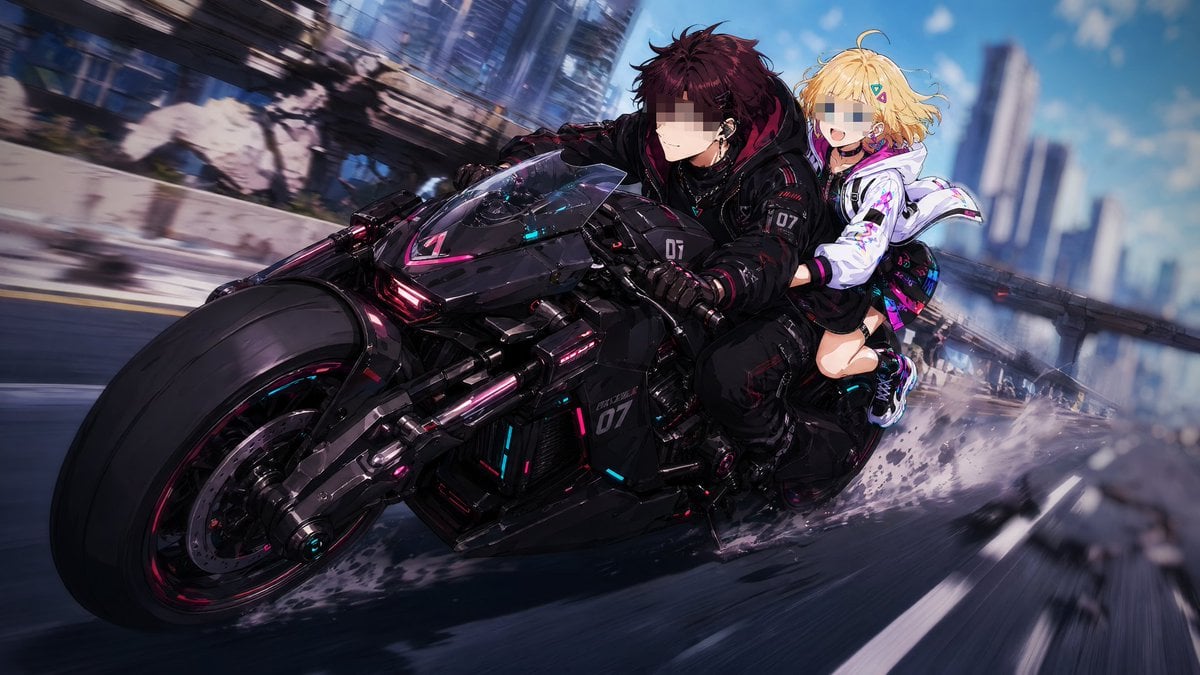
Cyberpunk Tandem Motorcycle Chase
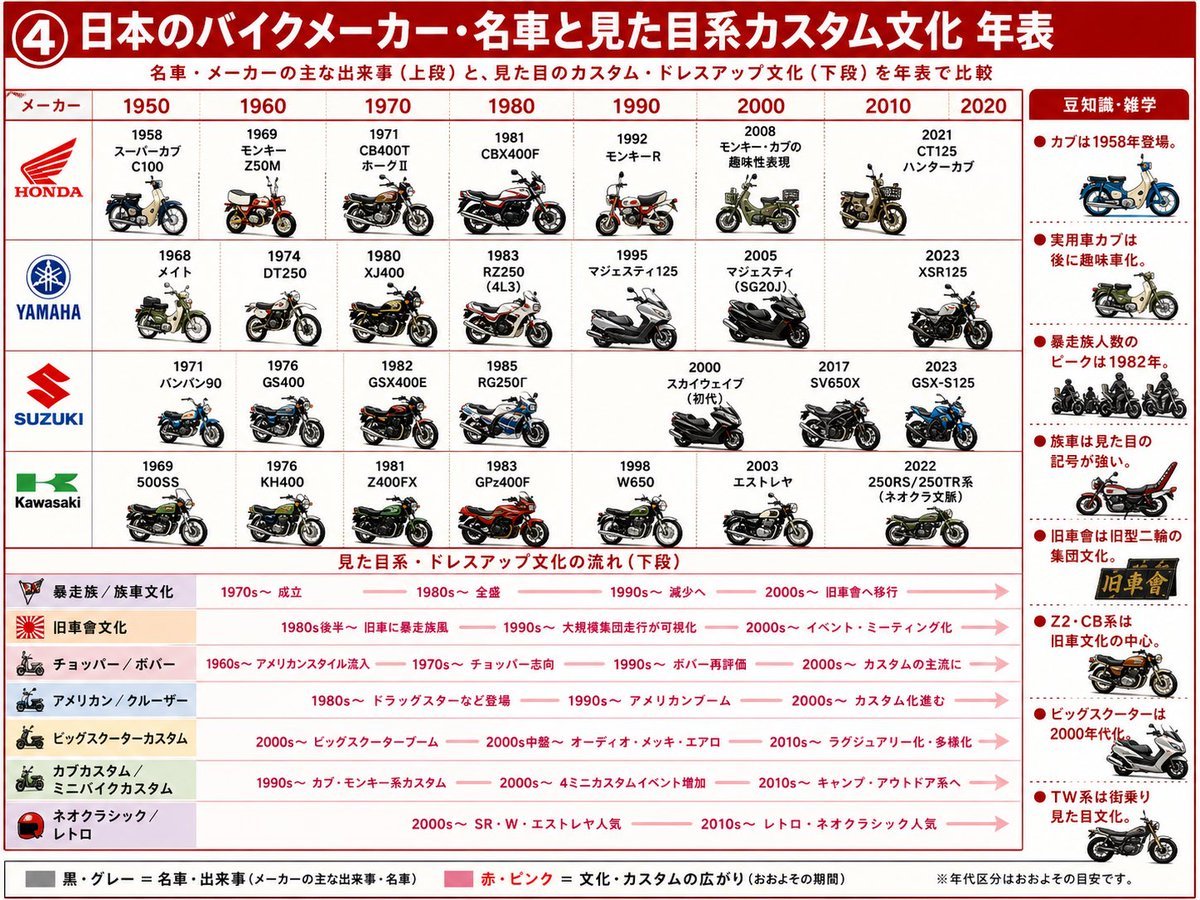
Japanese Motorcycle Culture Timeline
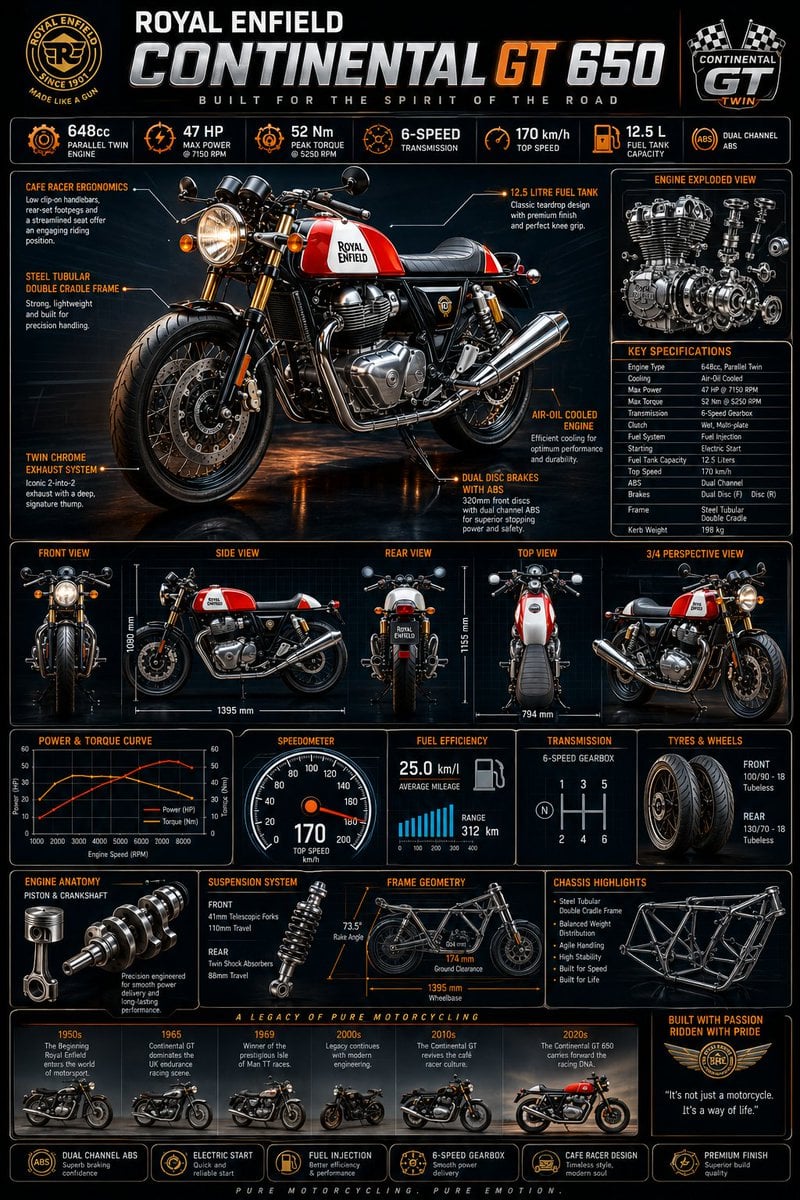
Motorcycle Engineering Infographic Poster
Tokyo Blue Hour Motorcycle Editorial
Make it yours
Cinematic Motorcycle Storyboard works as-is. These are the safest ways to change it without losing the look.
Change one field
Copy a single group, rewrite it, and generate again so you can see what that field is doing.
Keep the frame, change the subject
Hold the composition and light of Cinematic Motorcycle Storyboard, then swap wardrobe, props or the person for a new take.
| If the result… | Why | Fix |
|---|---|---|
| The result drifts from the preview | Too many fields changed at once. | Reuse Cinematic Motorcycle Storyboard as-is first, then change one group — subject, light, or setting. |
| The model over-stylizes the scene | The prose prompt leaves finish and camera underspecified. | Add one camera or lighting sentence and stay on GPT Image 2. |
More GPT Image 2 templates
Other prompts made for GPT Image 2.

Six VTuber Japanese Logo Sheet

Realistic Portrait of Woman and Deer

The Vista Modular Condo Poster

AI Model Routing Comparison Infographic

2.5D Anime Art Board

Isometric Productivity Desk Scene

New York Double Exposure Poster

Four-Panel AI Landscape Comparison

Japanese Tatami Lifestyle Magazine Cover

NESCAFÉ Coffee Map Poster
More image prompts
Fresh picks from across the catalog.
Chibi Style Mixed-Media Portrait
Cinematic Close-Up Portrait Prompt with Red-Tinted Glasses
High-Contrast Candid Instagram Shot in Mediterranean Town
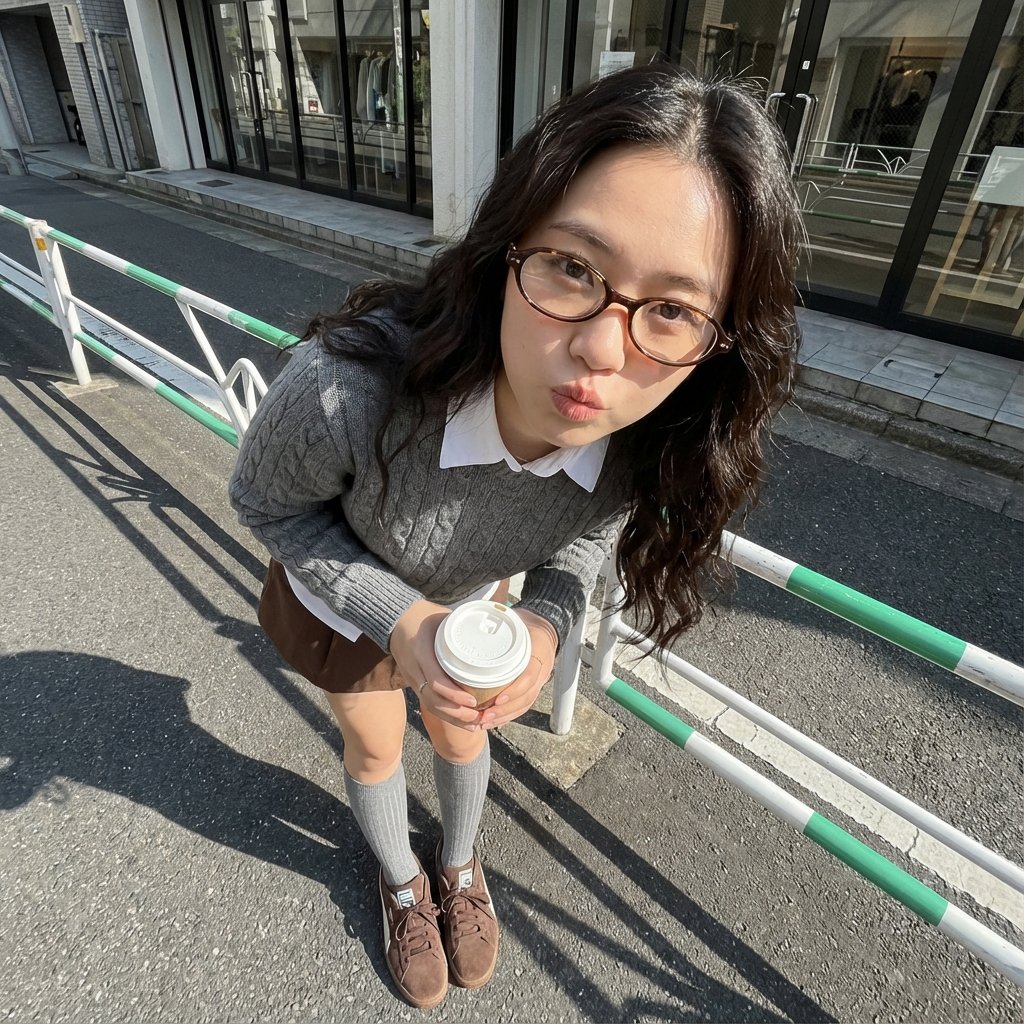
Photorealistic Cute Academic Street Photography Portrait
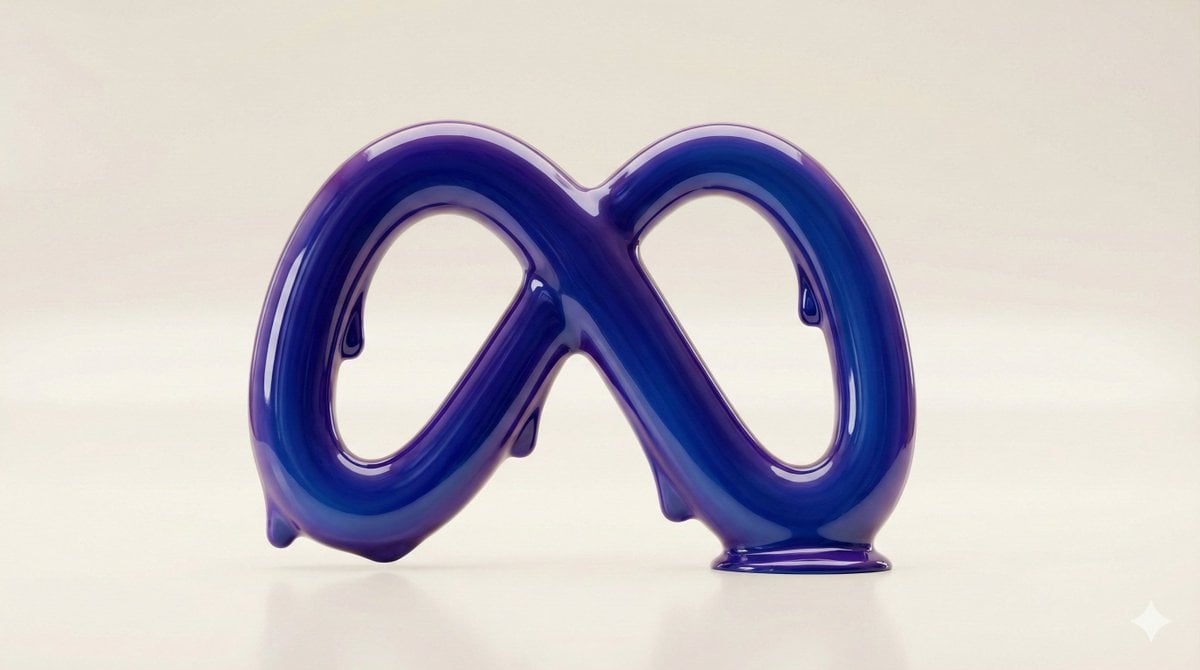
Liquid Gloss Logo Generation
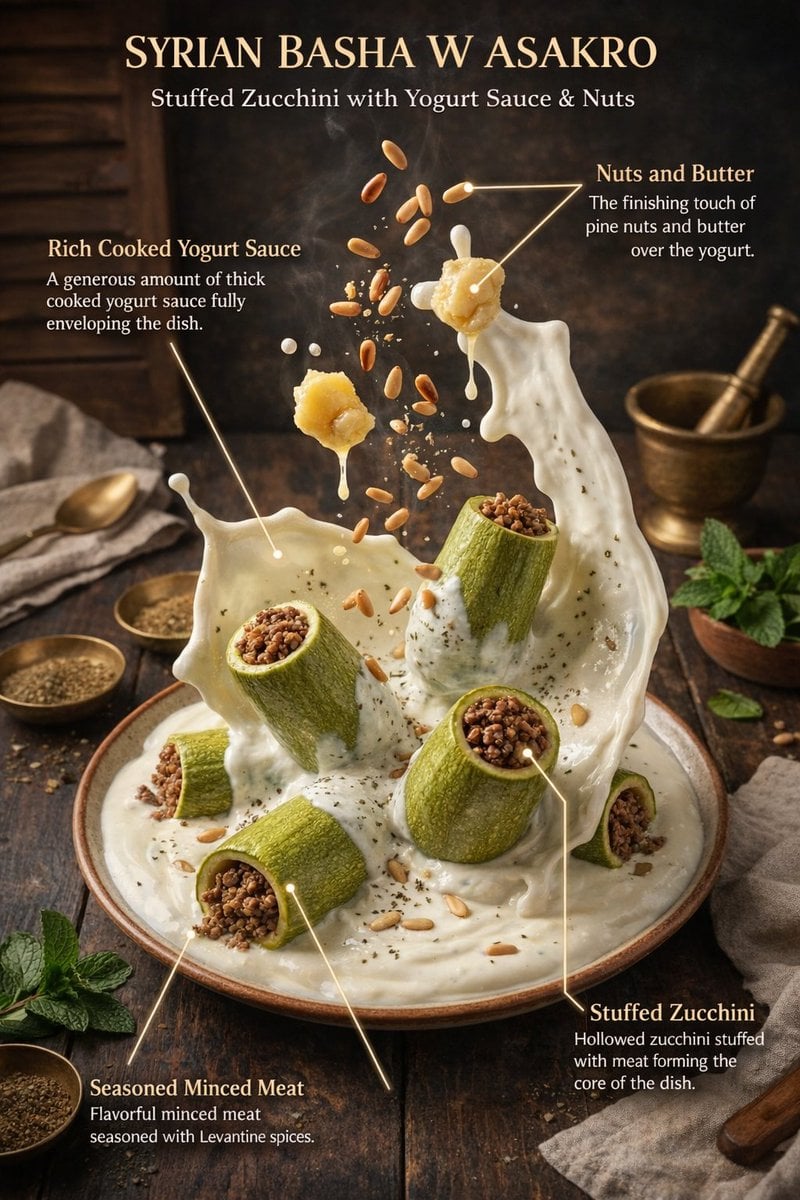
Hyper-Realistic Exploded Food Infographic Prompt
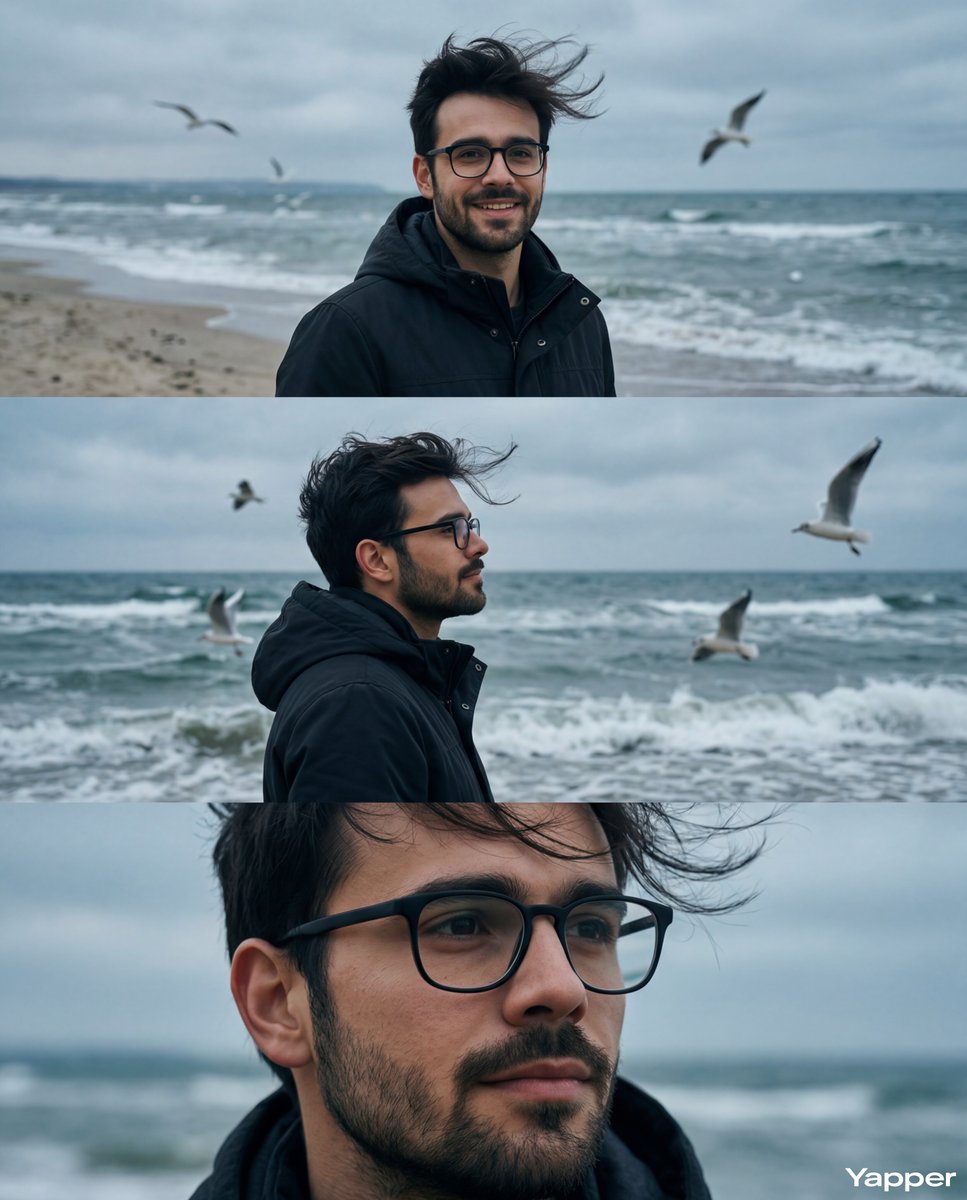
Cinematic Seaside Triptych Portrait Prompt
Ethereal Fairy Queen Product Shot
Image Transformation Prompt for Nano Banana Pro (Content Creator Studio)
3D Technical Reference Sheet
Browse template categories
Cinematic Motorcycle Storyboard questions
How do I use the Cinematic Motorcycle Storyboard template?
Add your photo if the template asks for one, edit the prompt if you like — the template's model and format are already selected — and press Generate. Your version opens in PicX Studio.
Can I customize the Cinematic Motorcycle Storyboard template?
Yes. You can change the subject, setting, lighting, mood, format, and available model controls before creating your image.
Is the Cinematic Motorcycle Storyboard template free?
Opening and editing this template is free. Generating uses credits, shown on the Generate button when you are signed in.
Which AI model should I use?
Start with GPT Image 2, which is the model associated with this template. You can compare another compatible model for a different finish.
Looking for something else? Browse all templates.

Your photo, any look
Thousands of ready templates for every top image and video model, from one credit balance.